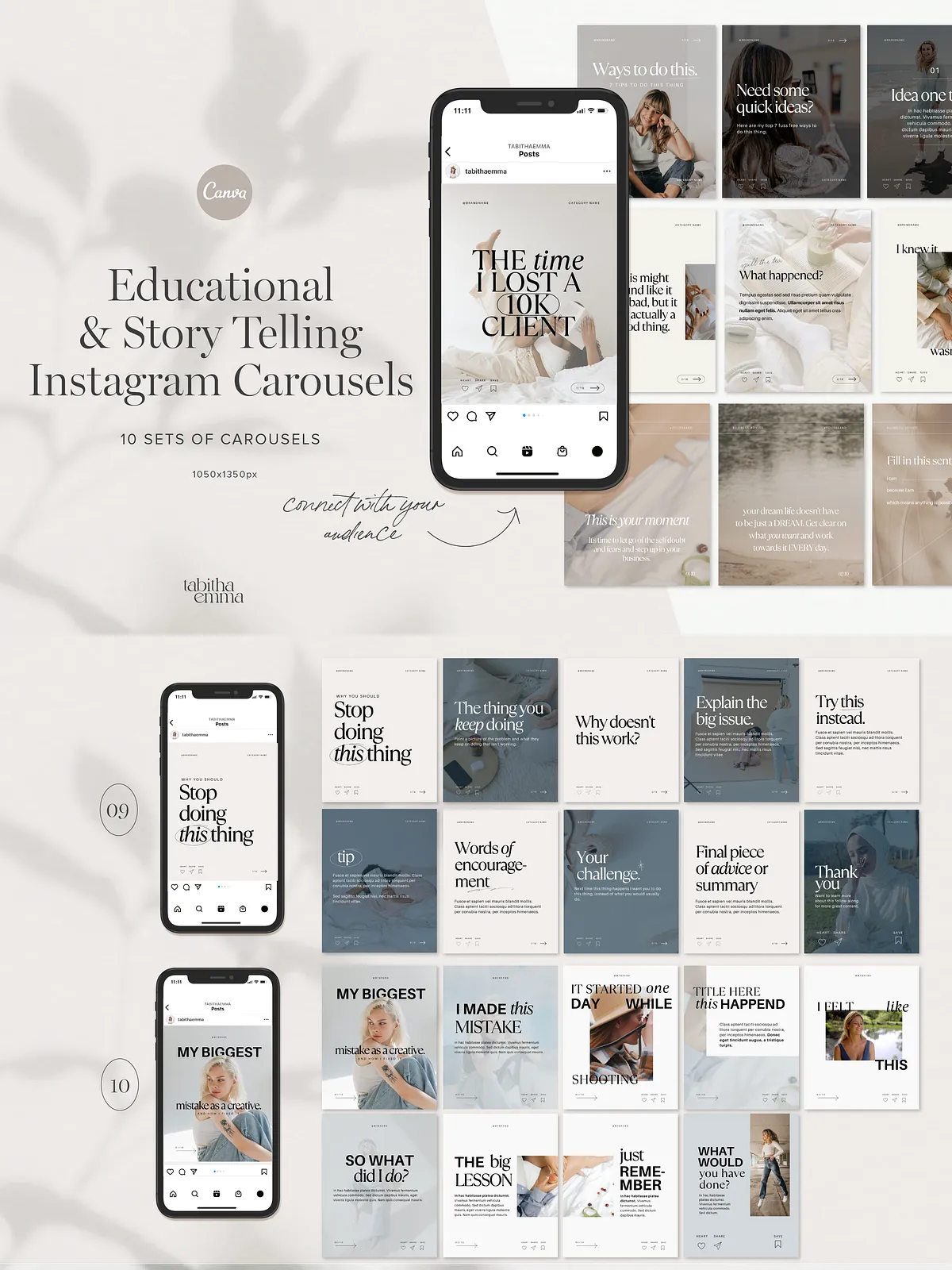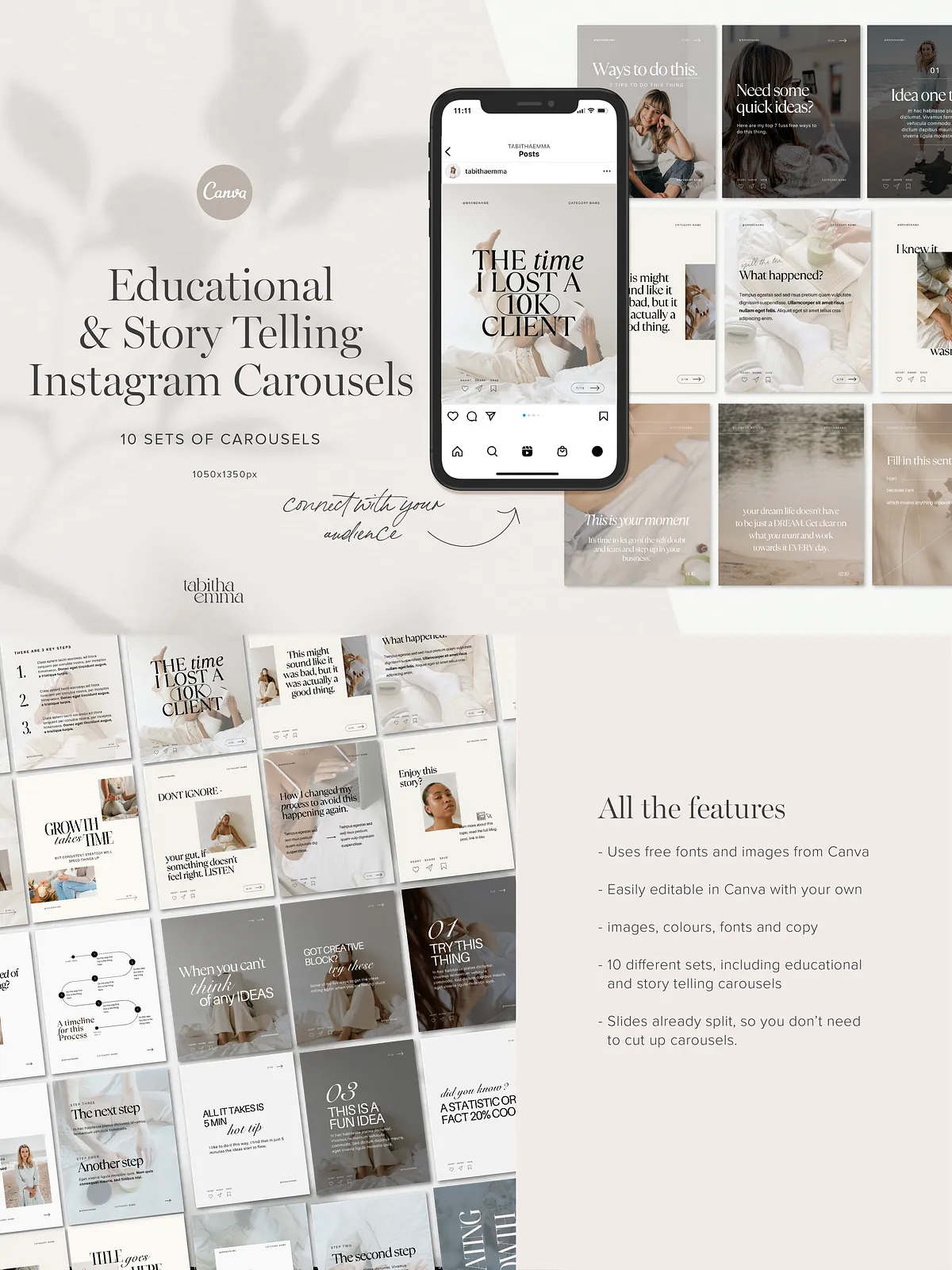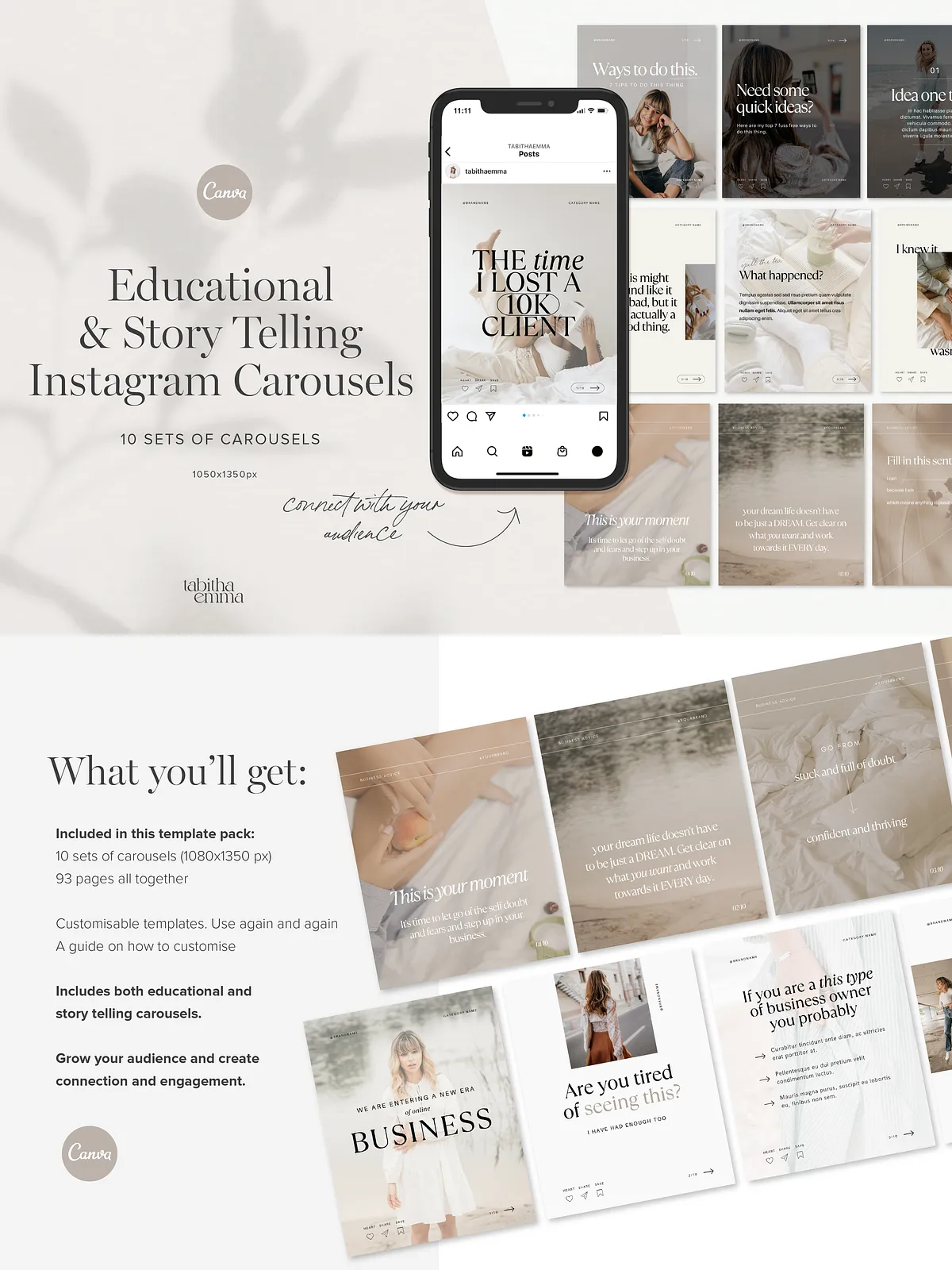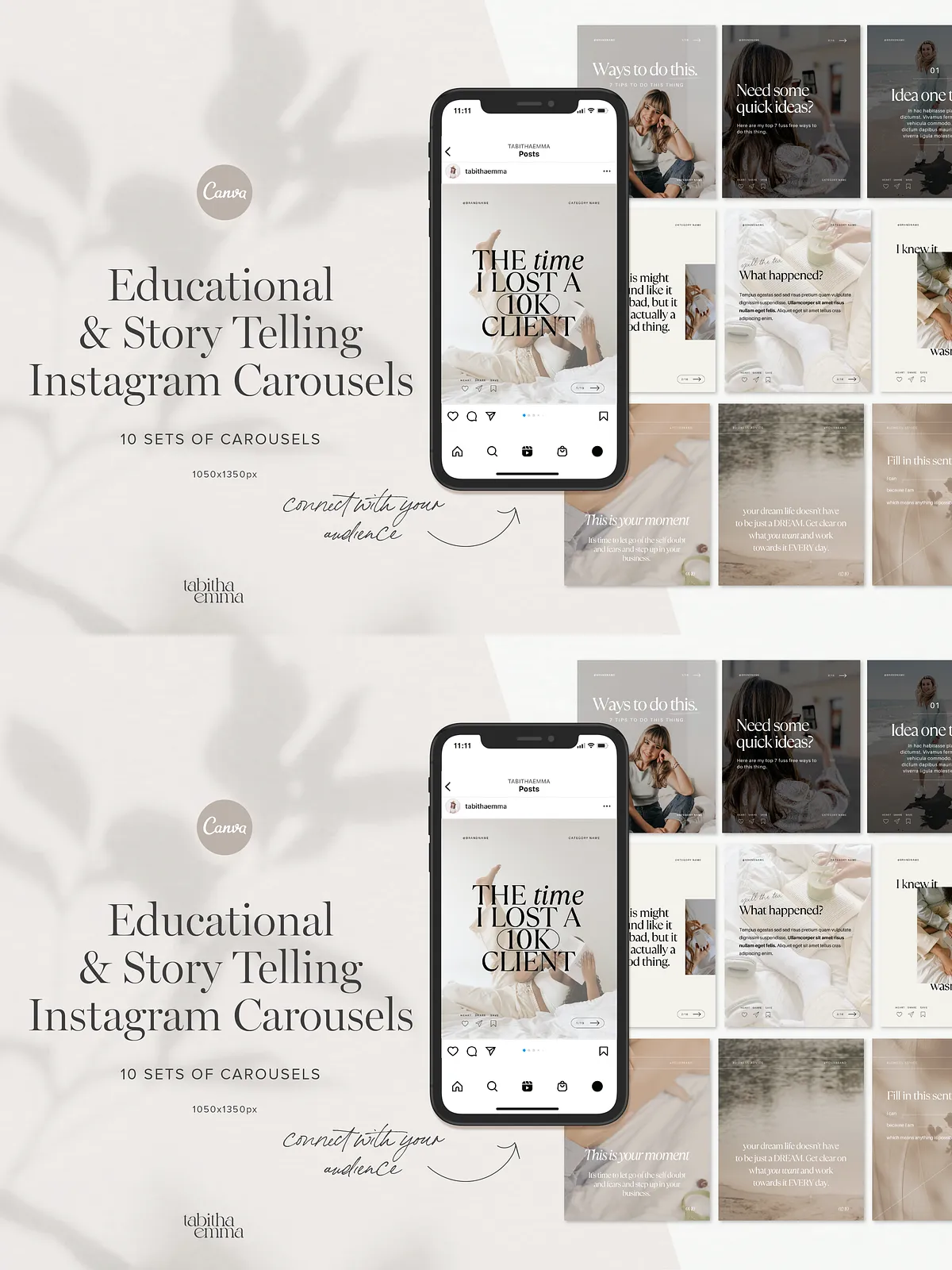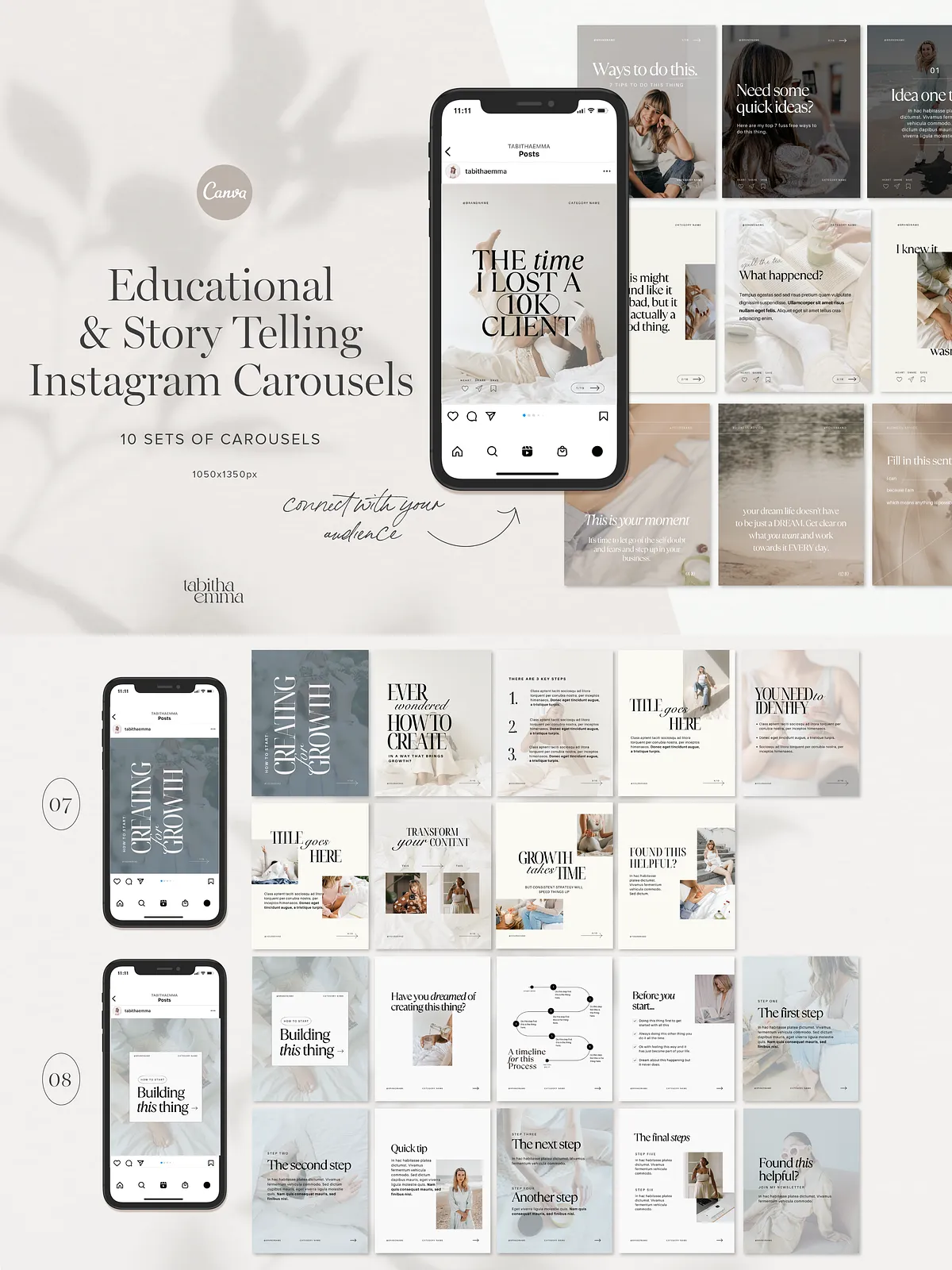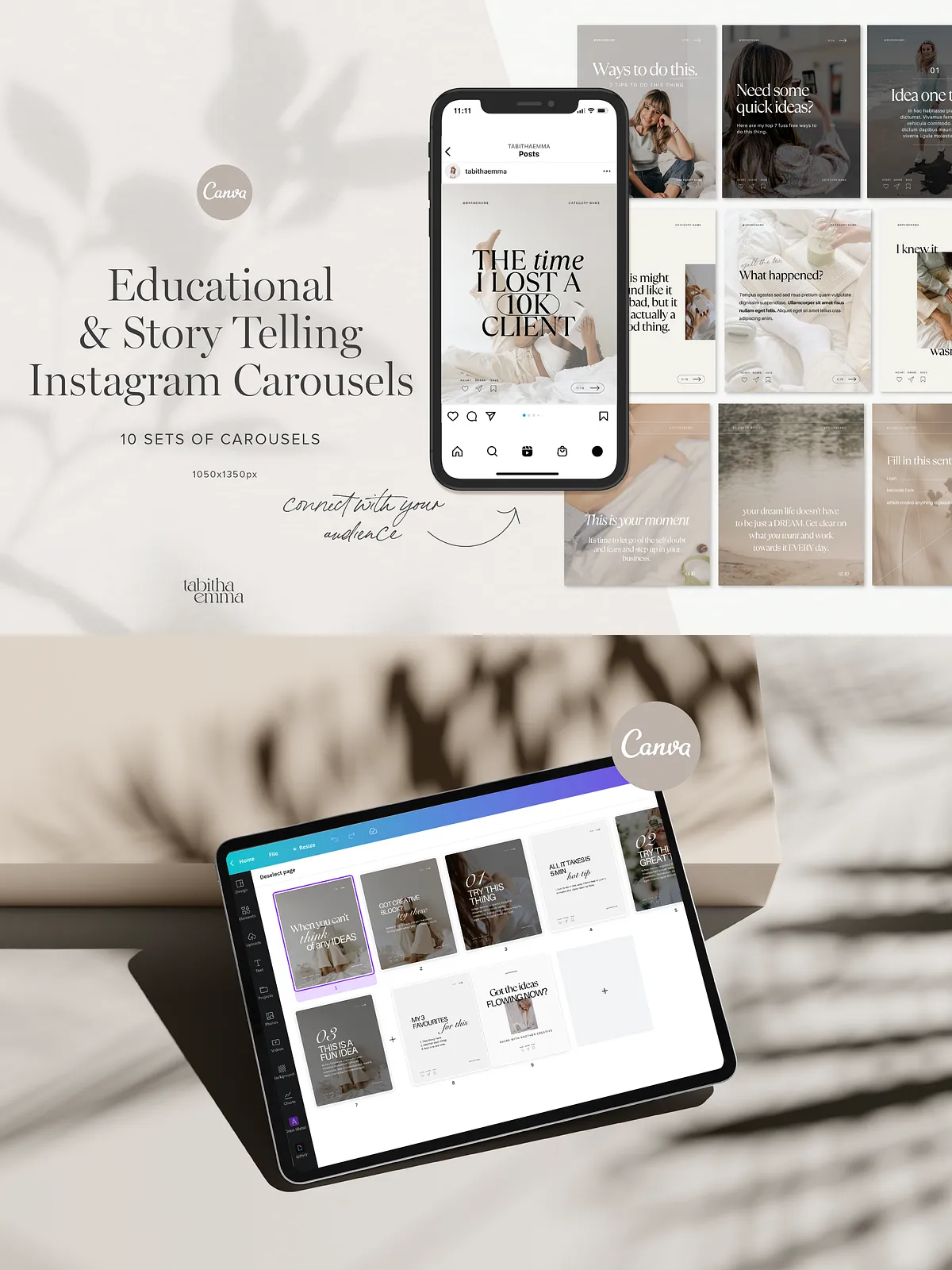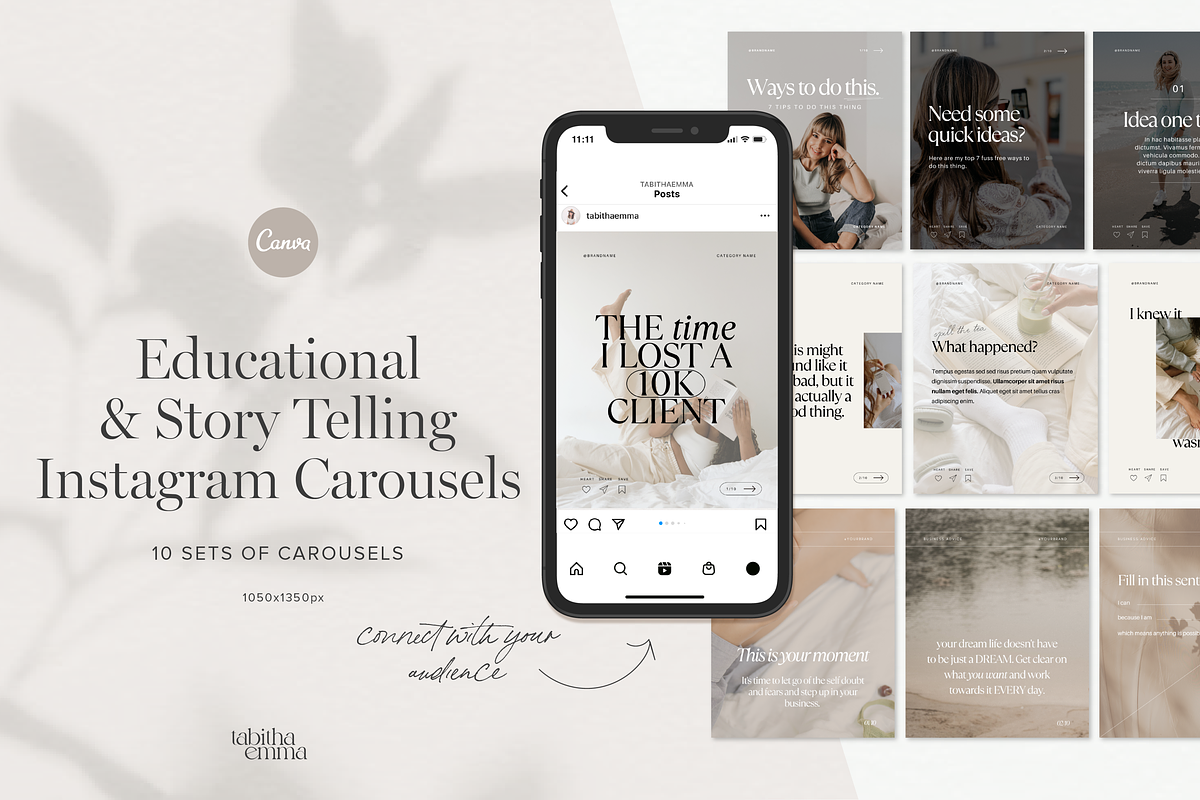
Activate your brand presence and amplify your message with a strategic pack of Instagram carousel templates crafted for creatives, coaches, and service providers. These designs focus on education and storytelling, enabling you to deliver value, build trust, and spark meaningful engagement. Each template set drives clarity and encourages interaction so you can publish consistently and attract your ideal audience.
What This Pack Delivers
Core Deliverables
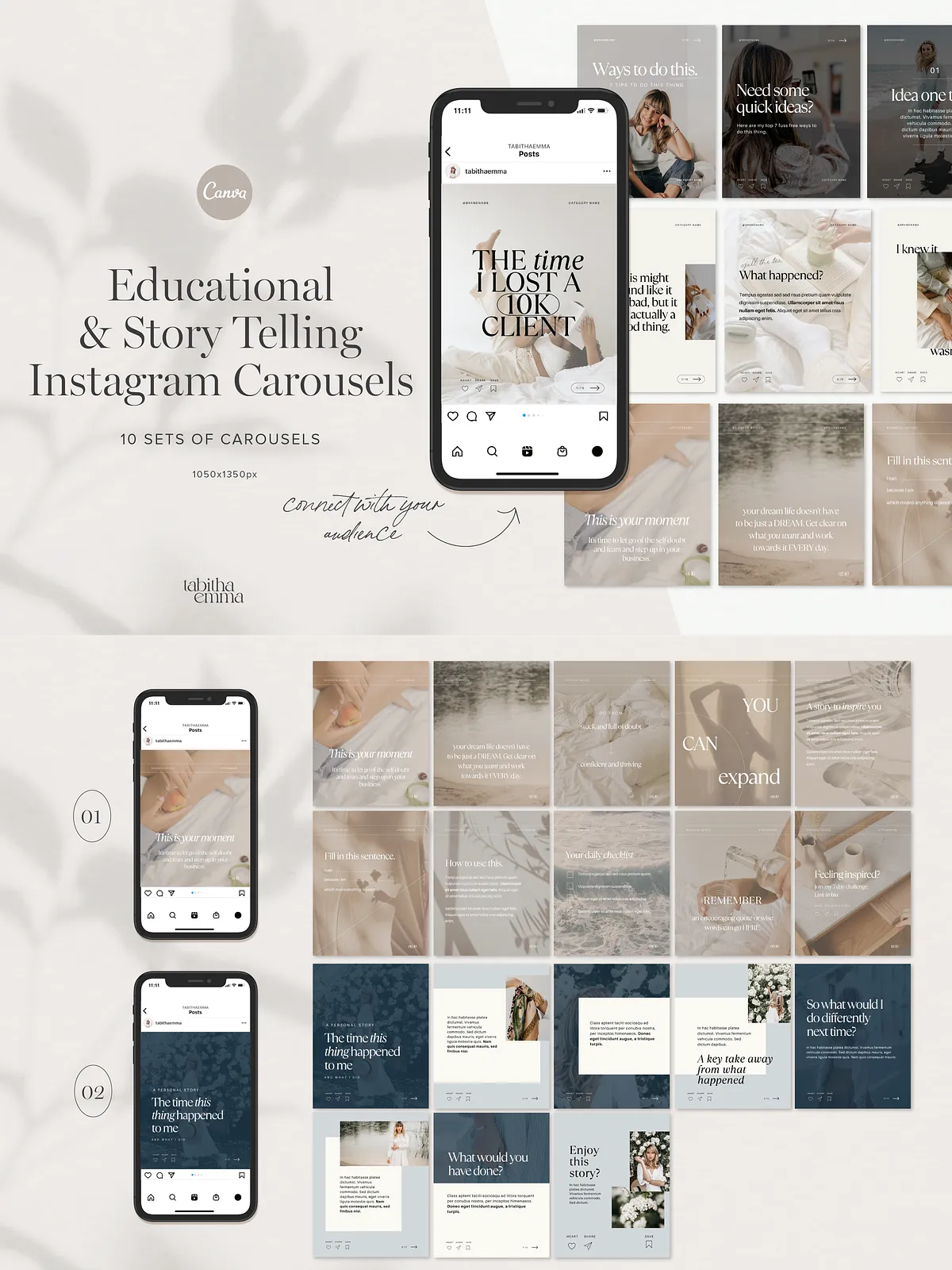
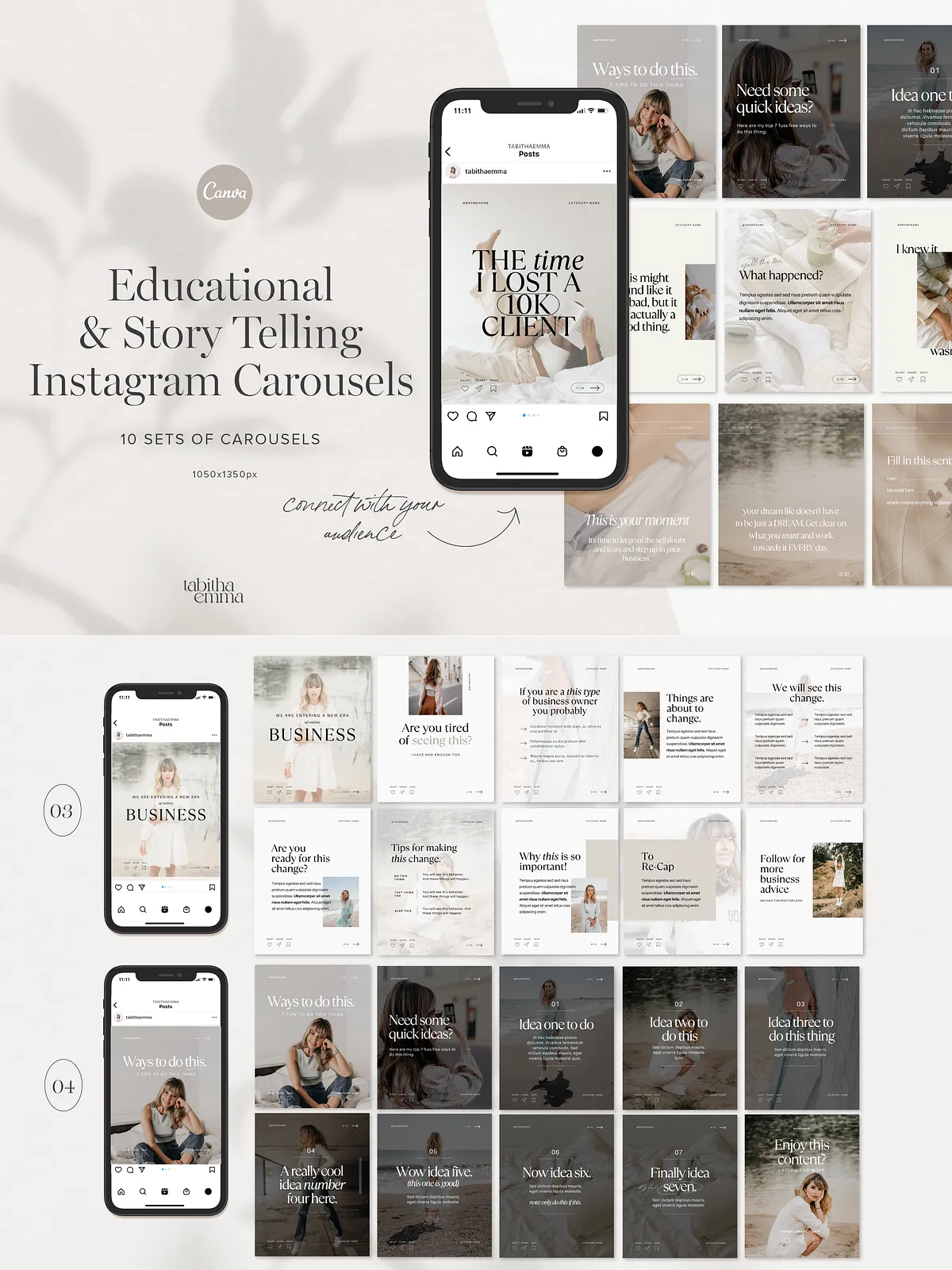
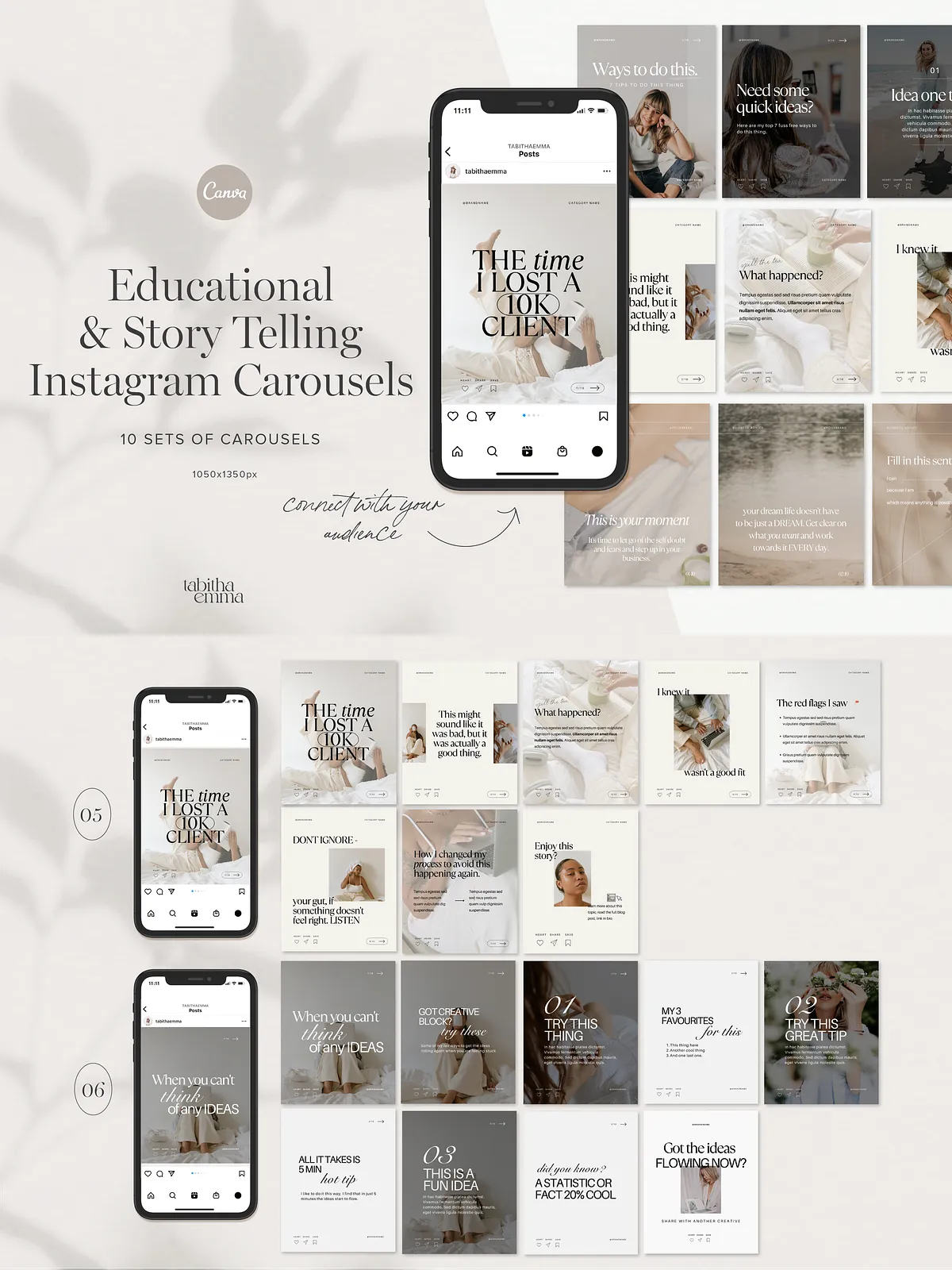
- 10 carousel template sets designed for storytelling and educational content.
- Total of 93 fully editable slides that scale across multiple posts and topics.
- Large post dimensions (1080 x 1350 px) to occupy more feed real estate and improve visibility.
- Canva files that use free fonts and image frames for fast customization.
- A step-by-step customization guide to get you publishing immediately.
Template Breakdown
Carousel Types & Counts
- 4 Storytelling carousel sets — crafted to guide followers through narratives, case studies, or personal journeys.
- 6 Educational carousel sets — built to explain concepts, share step-by-step processes, and deliver actionable tips.
- Each carousel ranges from 8 to 10 slides. See preview images to review slide-by-slide designs.
Technical Specifications
- Resolution: 1080 x 1350 px (portrait) to maximize attention in the Instagram feed.
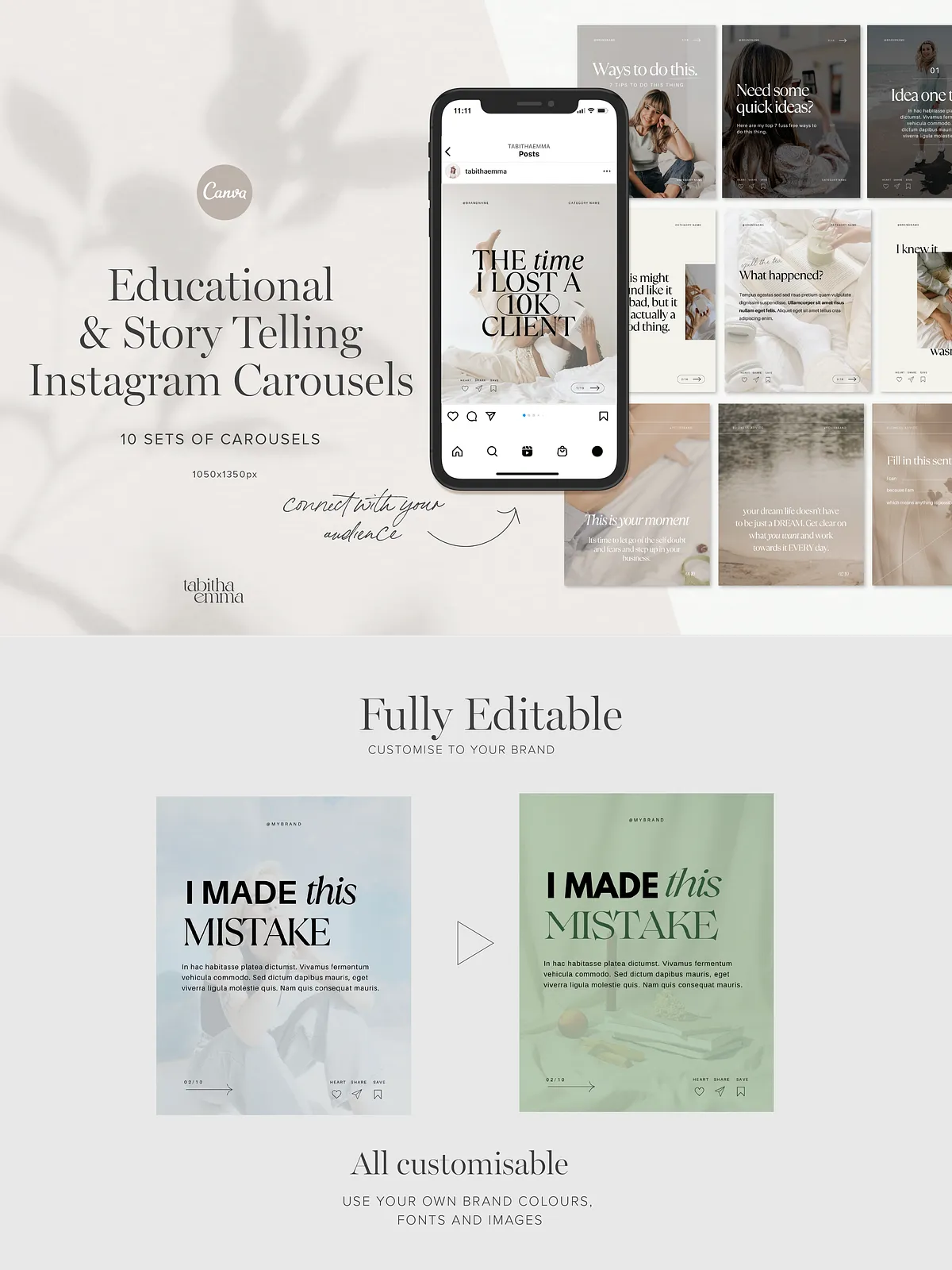
- Files: Editable in Canva; image frames included for easy asset swapping.
- Fonts: Uses Canva’s free fonts — you can replace with brand fonts via Canva’s brand kit.
How to Customize Quickly
Open the Canva template link, duplicate the sets you plan to modify, and replace placeholder text with your copy. Drag and drop images into provided frames, swap colors using the palette, and adjust text hierarchy to emphasize key points. Follow the included guide to preserve spacing across split carousel slides so your message reads smoothly when users swipe.
Step-by-step Customization Tips
- Duplicate templates before editing to keep originals intact.
- Apply your brand kit (colors, fonts, logo) to all slides for visual consistency.
- Use the image frames to drop in visuals that reinforce each slide’s message.
- Preview the carousel in full-screen mode and export as sequential images to ensure flow.
Exporting & Posting Recommendations
Export slides as high-quality PNGs or JPGs to preserve clarity. To post, upload slides in order to Instagram’s carousel uploader so each slide flows naturally. Because the templates use 1080×1350 px, they appear larger in the feed and command attention — test one carousel to refine copy length and visual pacing before scheduling a series.
Use Cases & Content Ideas
Deploy these carousels to educate your audience, showcase client results, announce launches, or teach a mini-lesson. Examples:
- Step-by-step tutorials that break complex topics into digestible slides.
- Client success stories that narrate transformation across slides.
- Mini-courses or checklist carousels that encourage saves and shares.
- Weekly thread-style posts that drive comments and discussions.
Accessibility & Best Practices
Write concise headlines, use clear contrast between text and background, and include descriptive alt text when posting to improve accessibility. Keep paragraphs short and use call-to-action slides to invite saves, comments, or link clicks.
Support & Licensing
The pack includes a customization guide and basic support instructions for opening and editing files in Canva. Templates use free Canva assets; you may substitute premium elements at your own license. The purchase grants a standard commercial license for publishing finished content — verify extended licensing if you plan to resell editable templates.