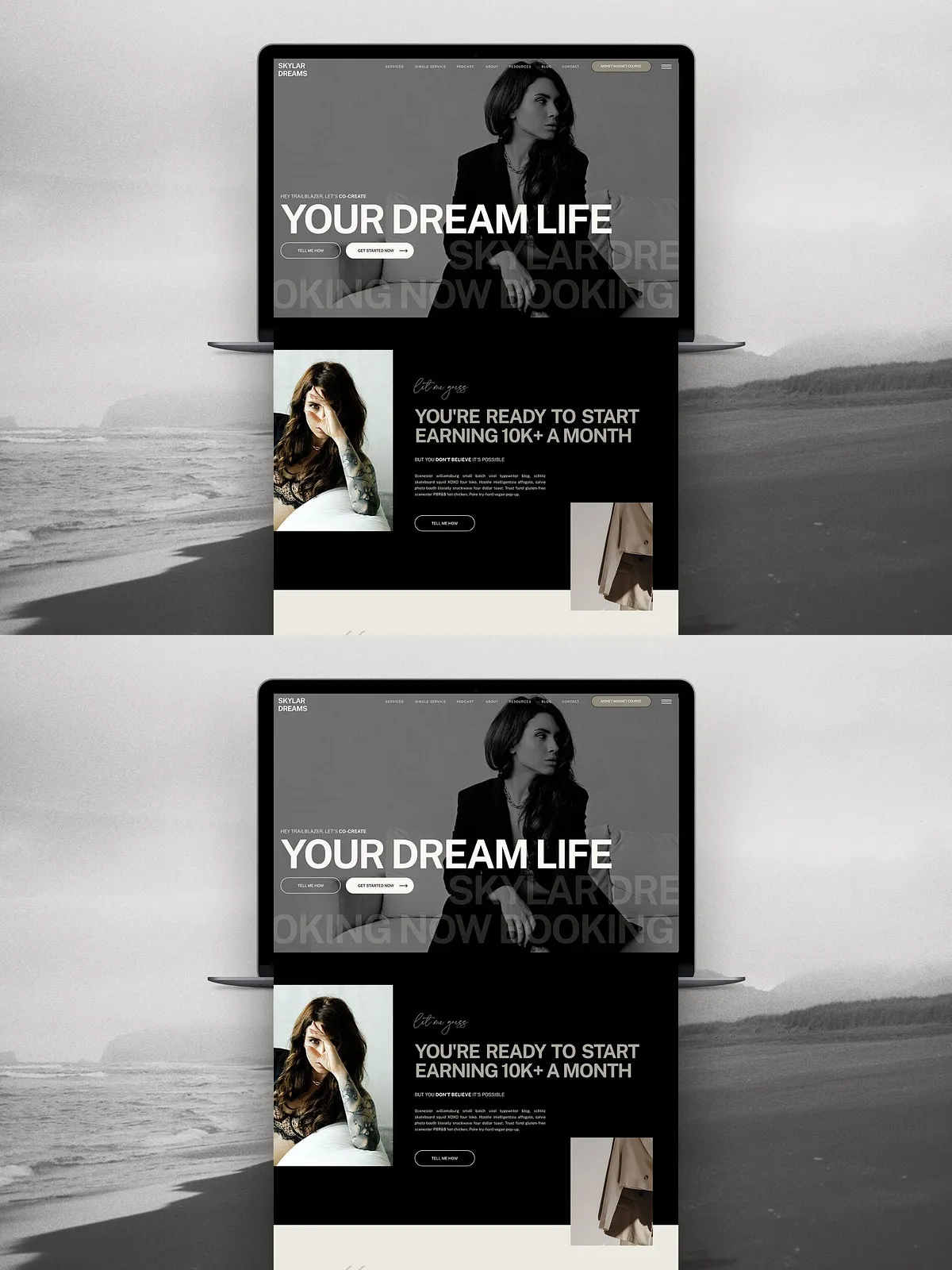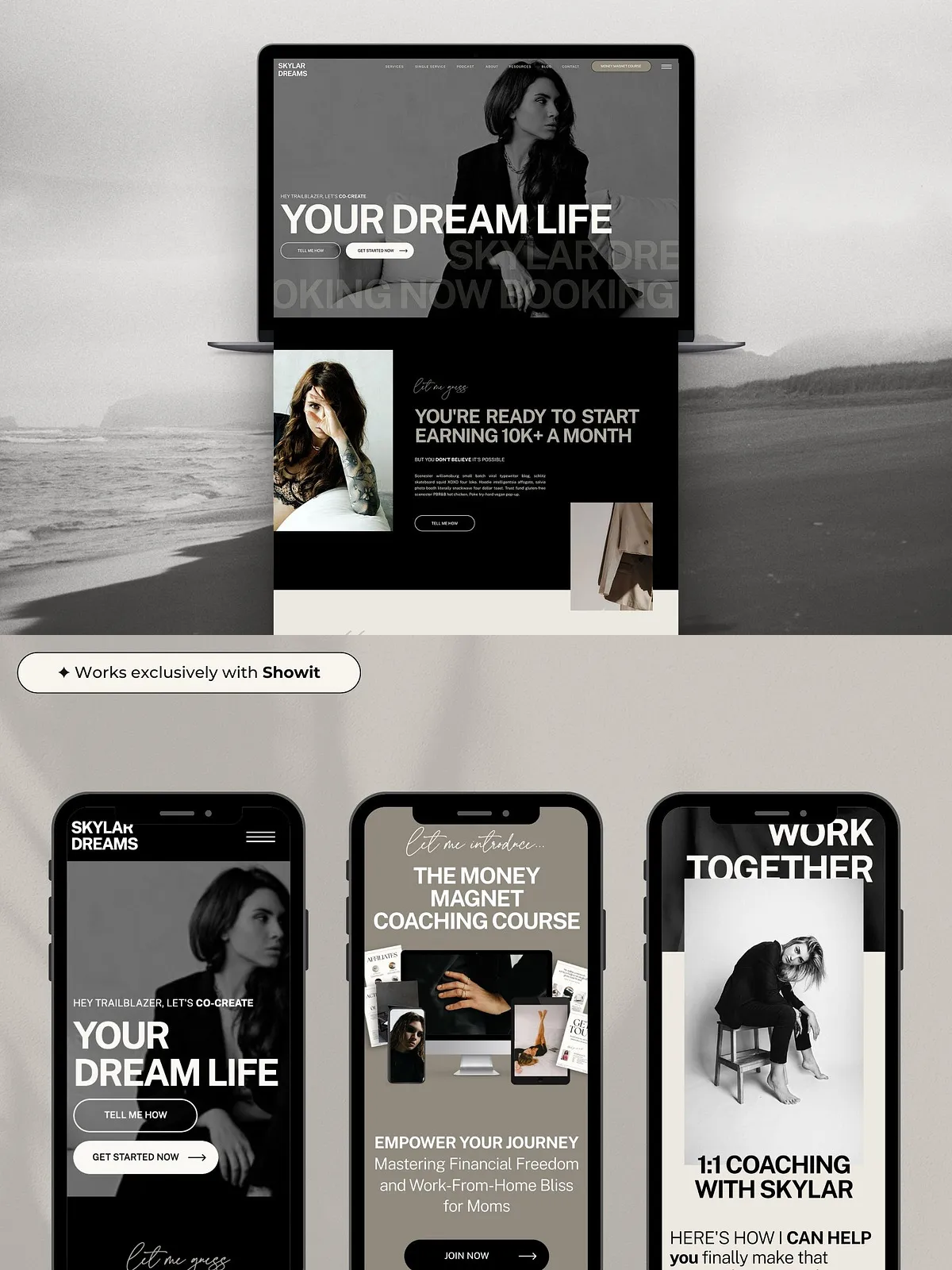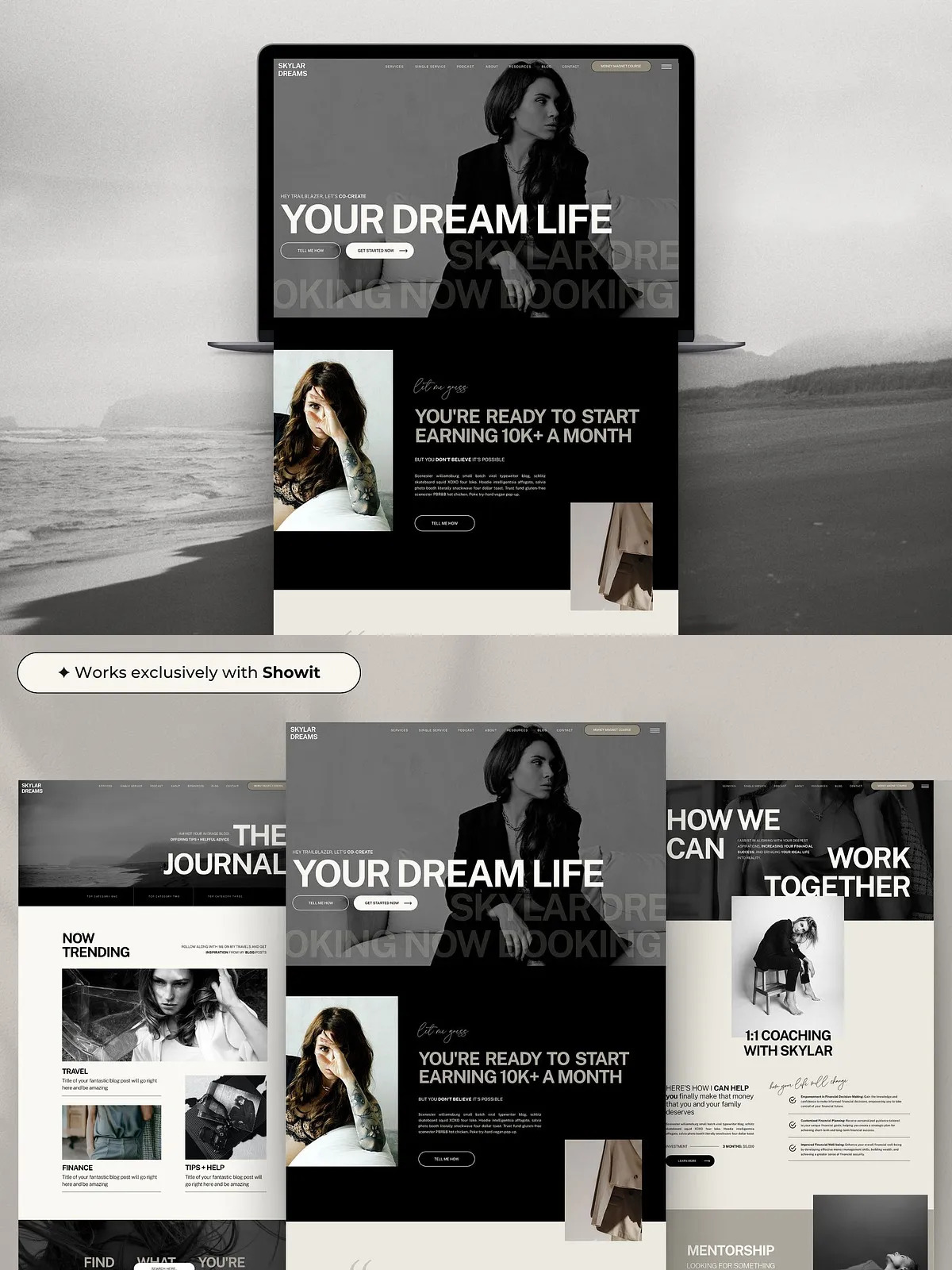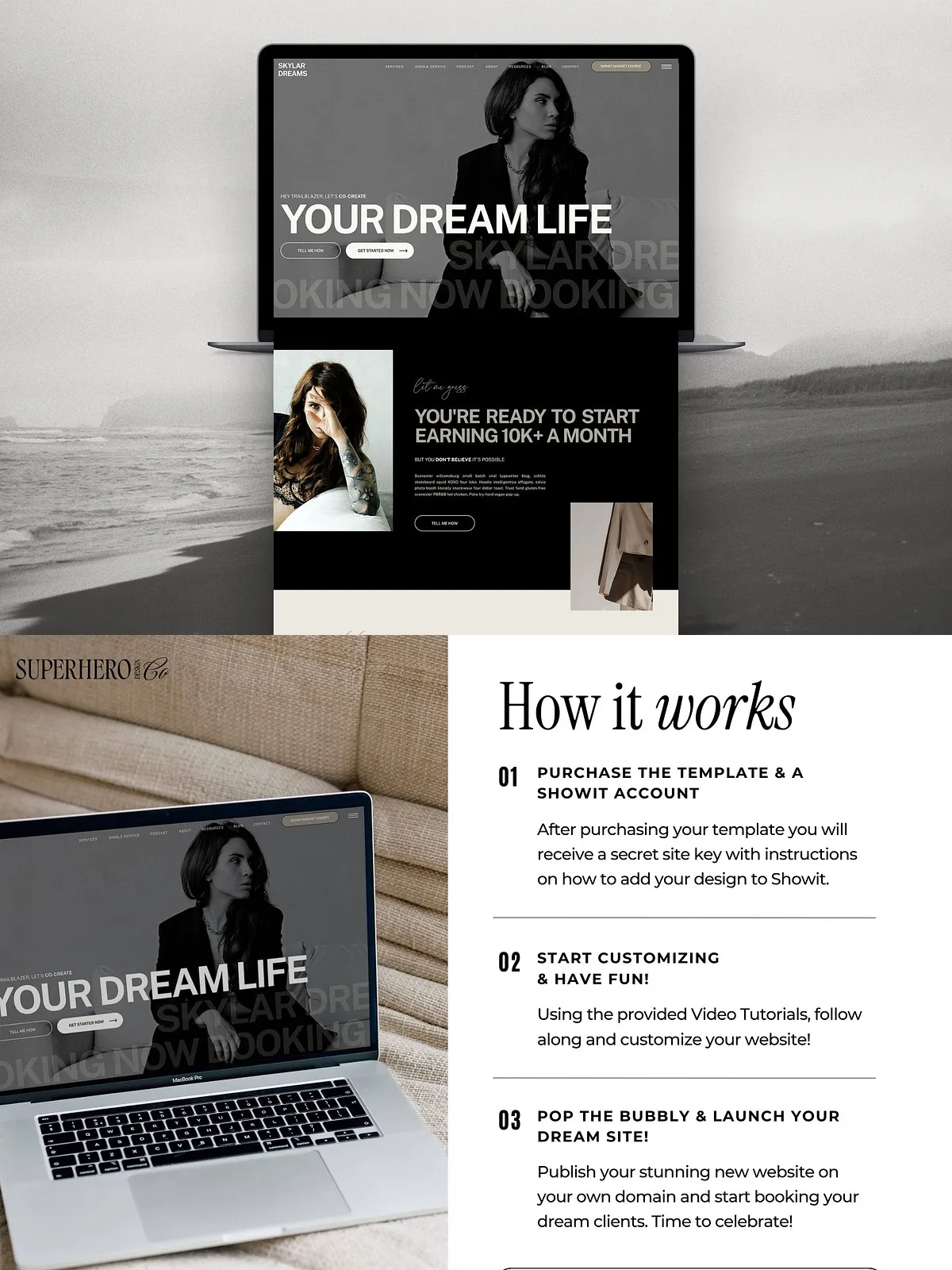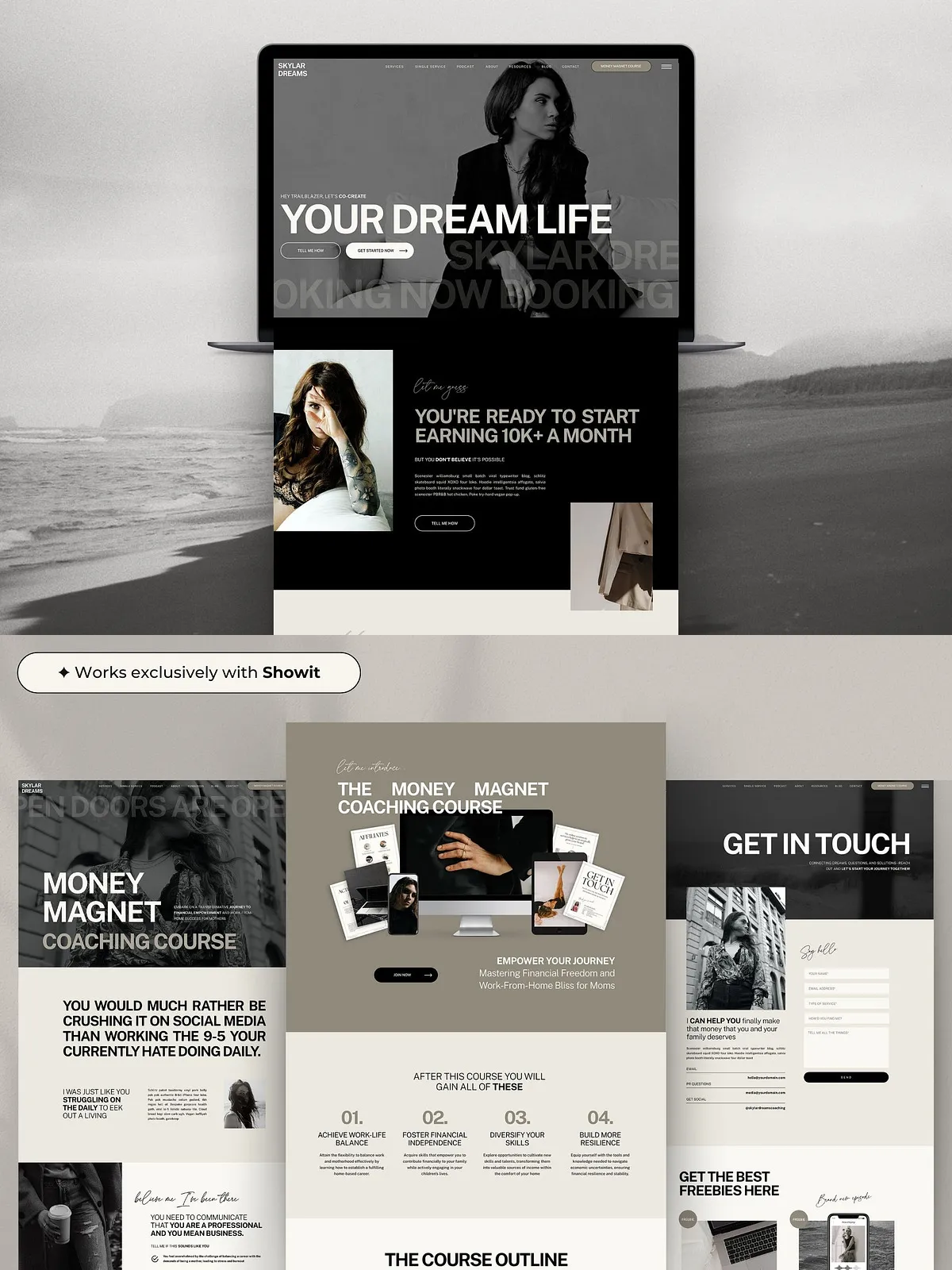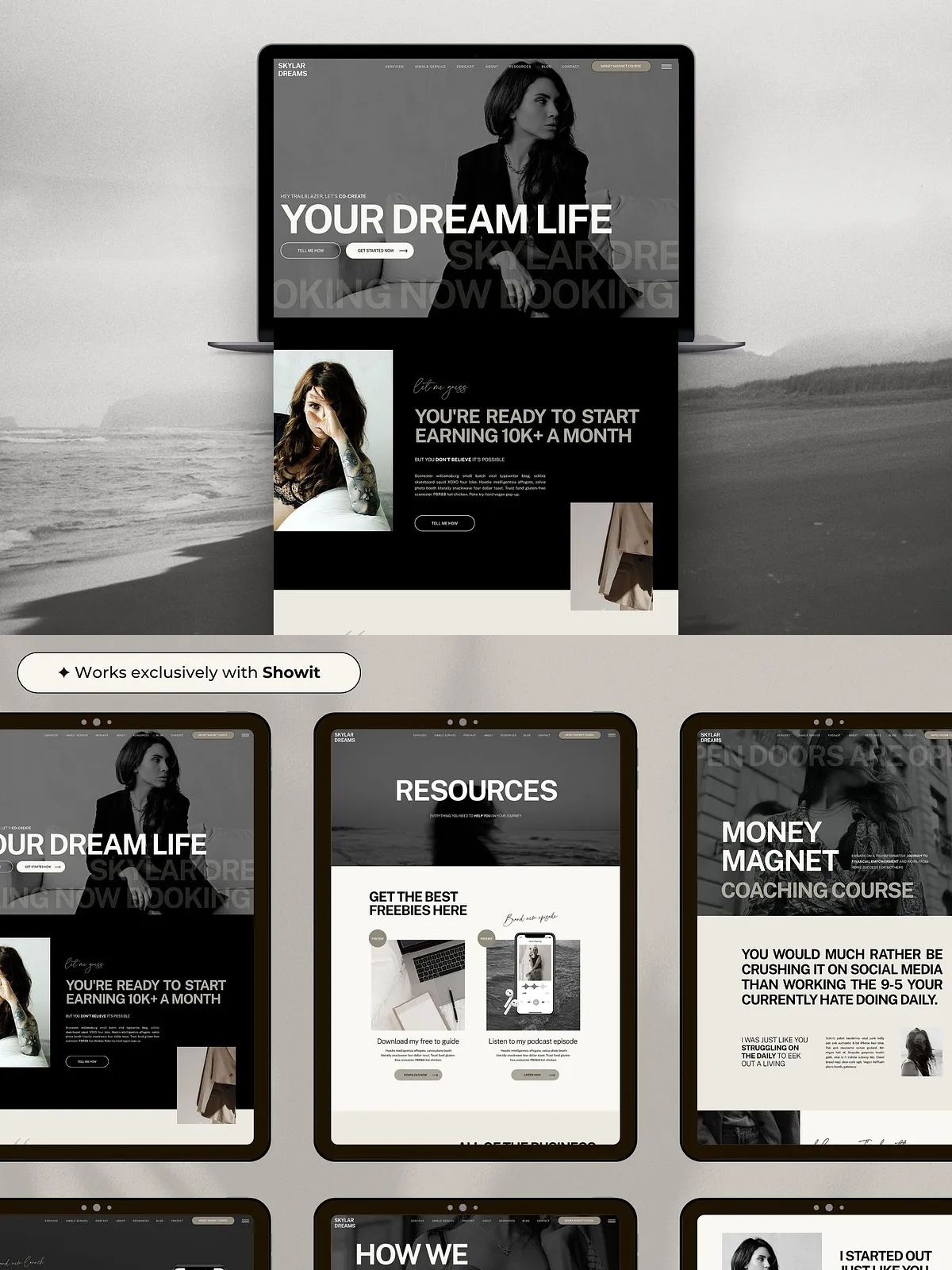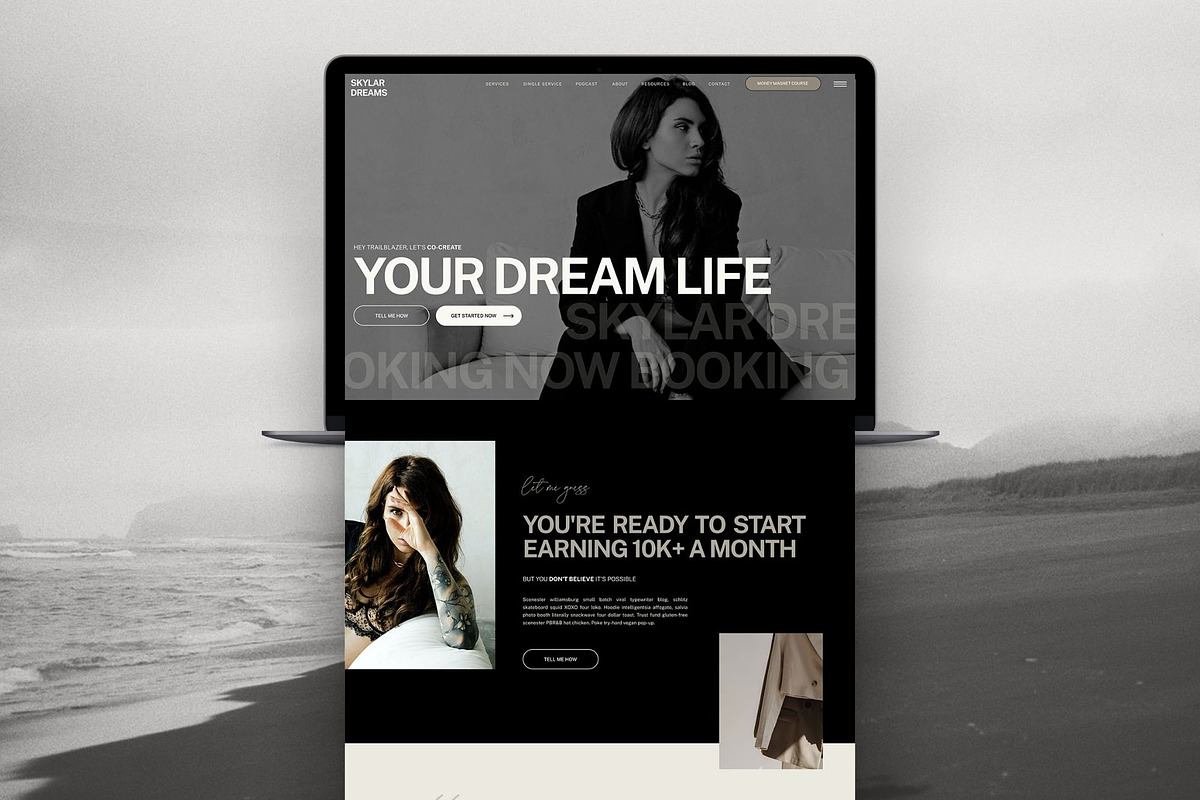
This Showit website template gives coaches, consultants, and online course creators a polished, high-end website they can customize and launch quickly. The template delivers the look and feel of a custom build while remaining budget-friendly and fully DIY. It includes licensed fonts, conversion-first layout patterns, and both desktop and mobile designs so you can present your offers professionally and convert visitors into clients and students.
Key Features
- Licensed fonts included inside the template—no separate font purchases required.
- Conversion-focused components such as clear CTAs, a prominent Book Now button, and optimized hero sections.
- Built-in contact form and pop-up support to capture leads immediately.
- Social media follow links and Instagram link page to centralize your channels.
- Full desktop and mobile layouts to ensure consistent brand experience across devices.
- Seamless integration with a WordPress blog for content marketing and SEO.
- Editable visual elements and image placeholders so you can swap photos and brand colors fast.
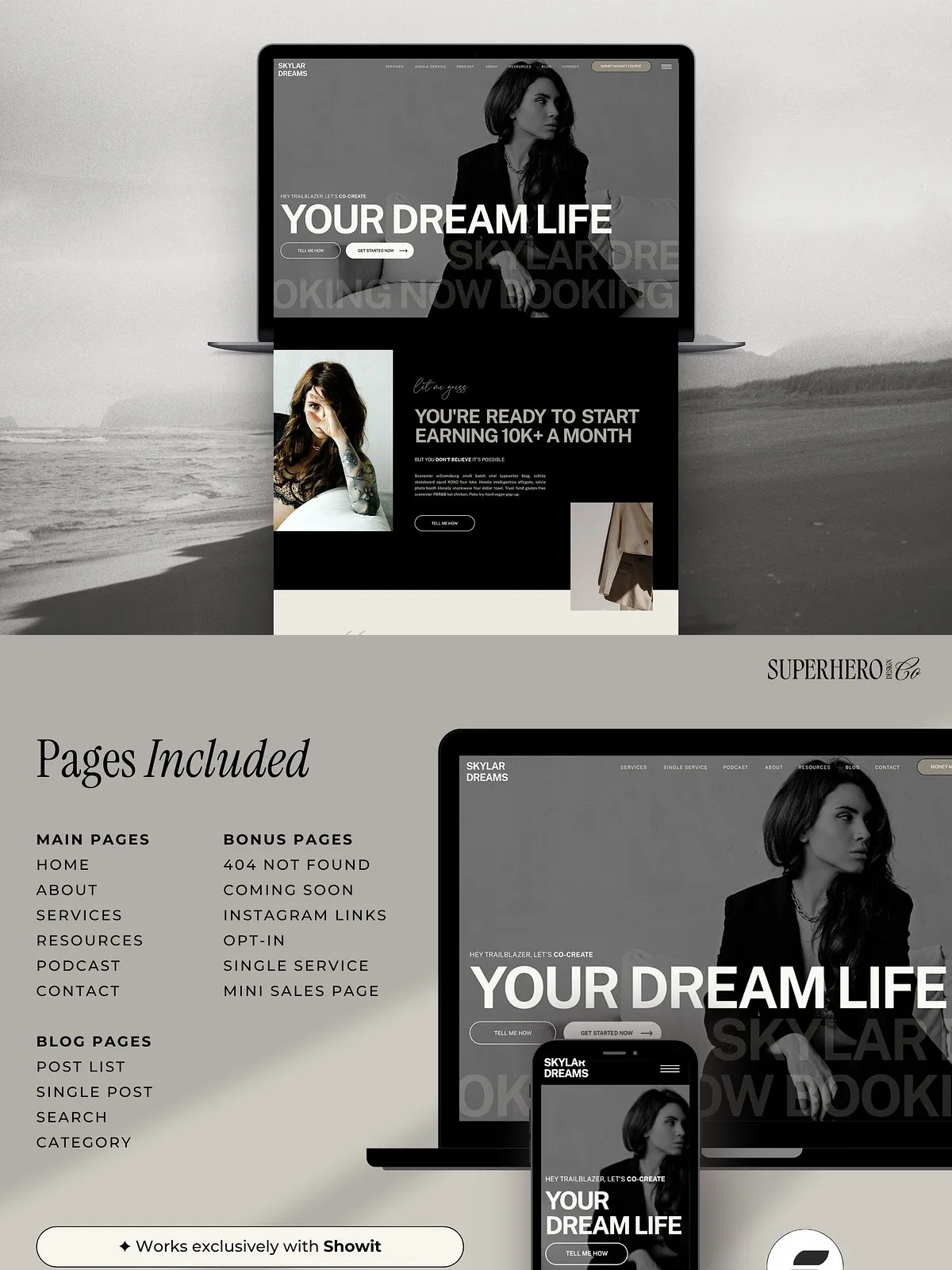
Pages Included
The template includes a comprehensive page set designed for service-based businesses and course creators. Populate these pages to launch a full site quickly:
- Home
- About
- Services
- Single Service
- Podcast
- The Course
- Resources
- Opt-in
- Thank You
- 404
- Instagram Links
- Contact
- Blog
- Single Post
- Blog Category
- Blog Search
Highlights and Conversion Tools
This template drives action with features that encourage bookings and email signups. Use the Book Now button and contact form to collect new client leads, enable the pop-up to promote your lead magnet, and add social follow links to grow your audience. The site structure places the most persuasive content above the fold and creates a clear path from discovery to booking or enrollment.
How It Works
Step 1: Purchase a Showit Subscription
To use this template, you must install it into an active Showit account. Get started with Showit by choosing a subscription plan that fits your needs—many creators use the “Showit + Basic Blog” plan for integrated blogging and hosting. Visit Showit to review plans and sign up: https://showit.com.
Step 2: Add the Design to Your Showit Library
Open your Showit account, click your name in the bottom-left corner, and select “Add Design to Library.” Enter the Shared Design Key supplied with your purchase. Showit will copy the template into your site library so you can preview and edit the design immediately.
Step 3: Customize and Prepare for Launch
Personalize the template by replacing placeholder text, updating brand colors, swapping in your photos, and editing calls to action. Use the Showit video tutorial library for step-by-step guidance on editing pages, connecting a blog, and publishing your site. Confirm mobile breakpoints and test forms and booking links before you launch.
WordPress Blog Integration
If you publish long-form content, connect the template to a WordPress blog to keep SEO and content marketing centralized. The template includes blog layouts—Blog, Single Post, Blog Category, and Blog Search—so readers experience a cohesive design when moving between your site and posts. Showit’s WordPress integration handles the content while Showit hosts the visual templates for a fast, professional result. For more about Showit, see: https://showit.com.
Customization Tips for Faster Launch
- Start by replacing the home hero image, headline, and primary CTA—these changes transform the site mood immediately.
- Upload your logo and set base brand colors in the site settings to propagate changes across every page.
- Update the Services and The Course pages with clear outcomes, pricing or enrollment details, and straightforward next steps for visitors.
- Create a dedicated opt-in with a lead magnet on the Opt-in page and wire the Thank You page to deliver the download or next steps.
- Test the contact form and Book Now button to ensure submission emails and booking integrations route correctly.
Who This Template Is For
Designers, coaches, online course creators, podcasters, and small agencies benefit from this template. It suits creators who want a premium site without custom development, those who prefer a DIY approach, and teams that need a repeatable template to deploy for multiple clients.