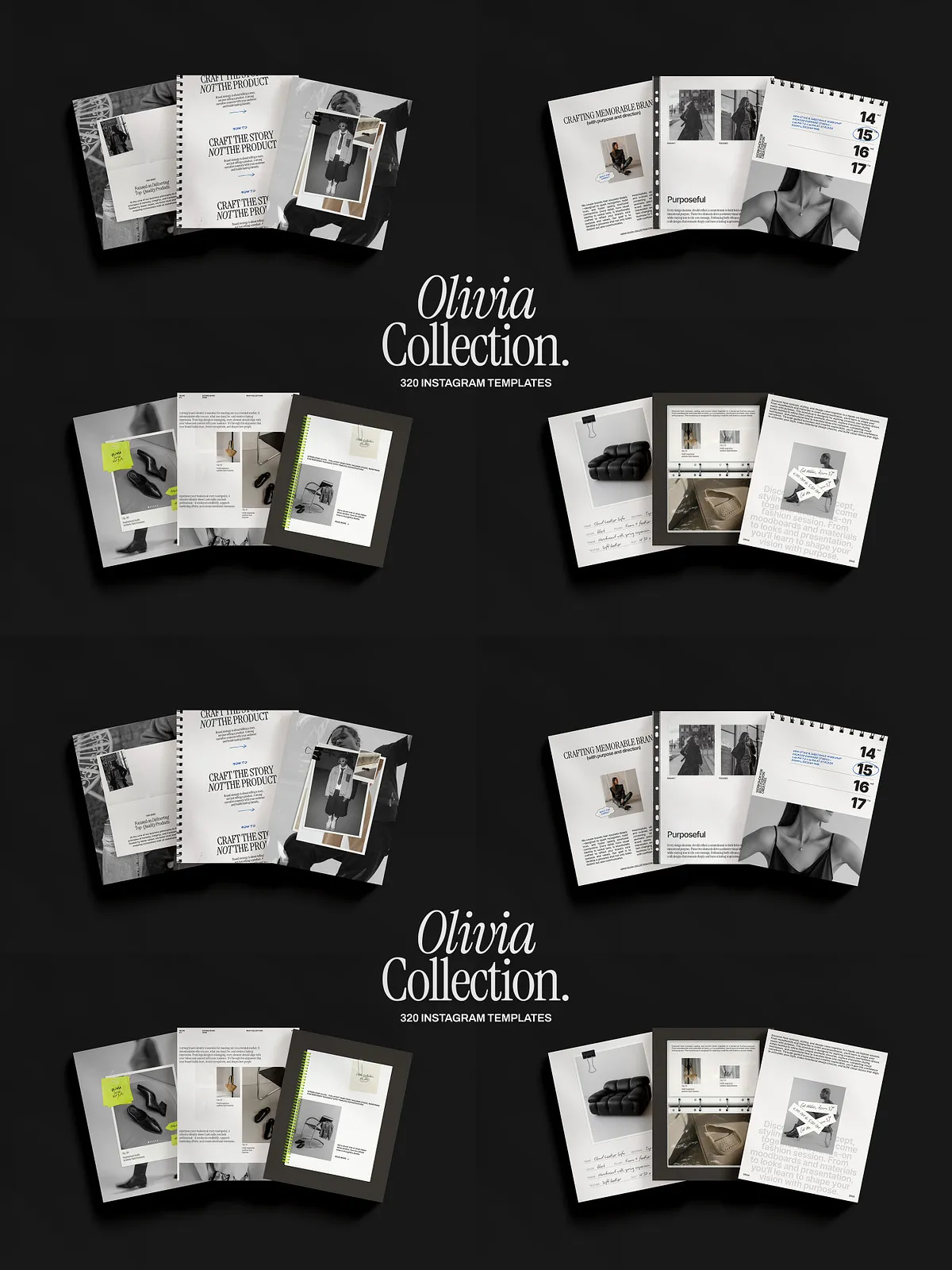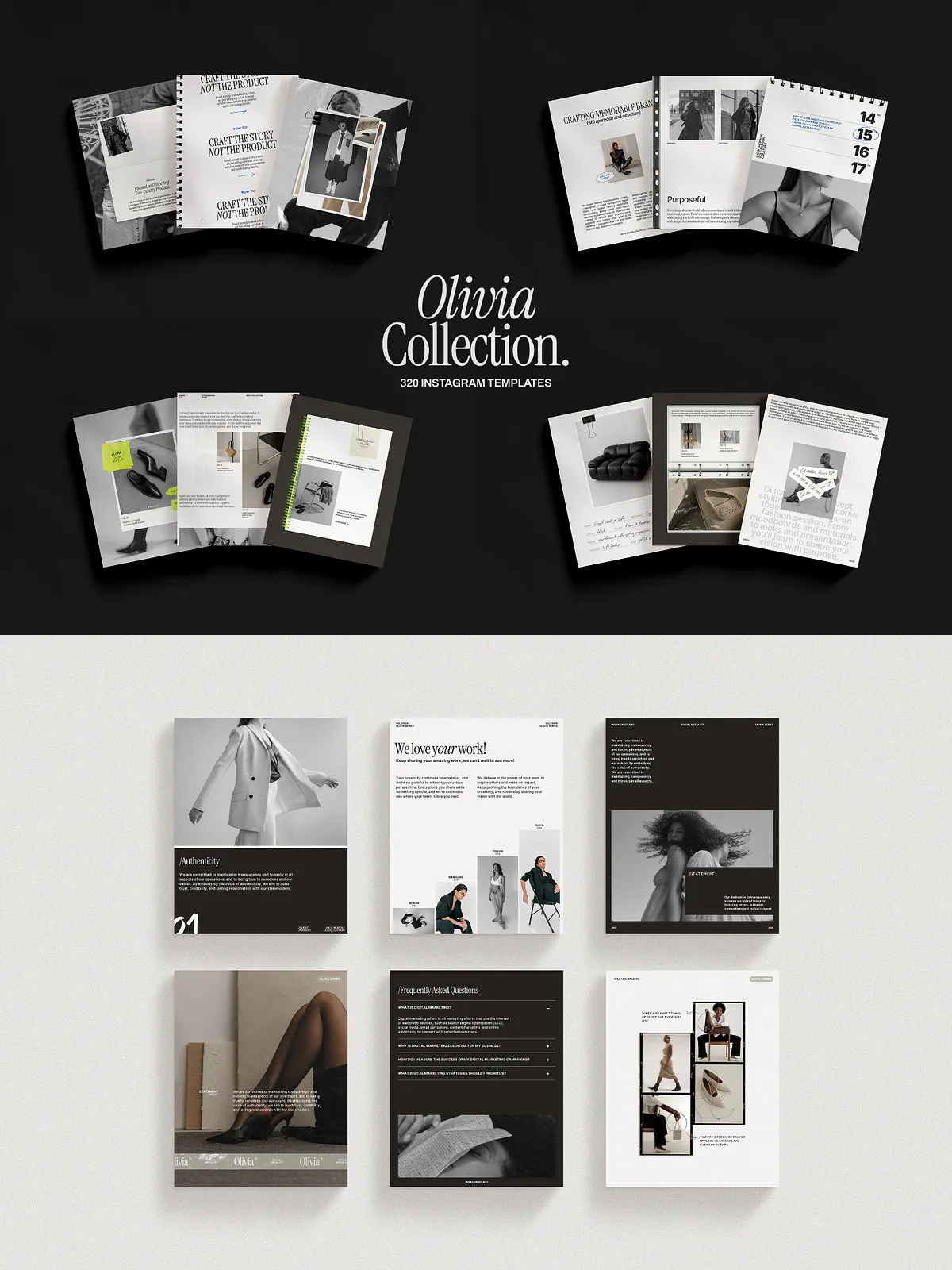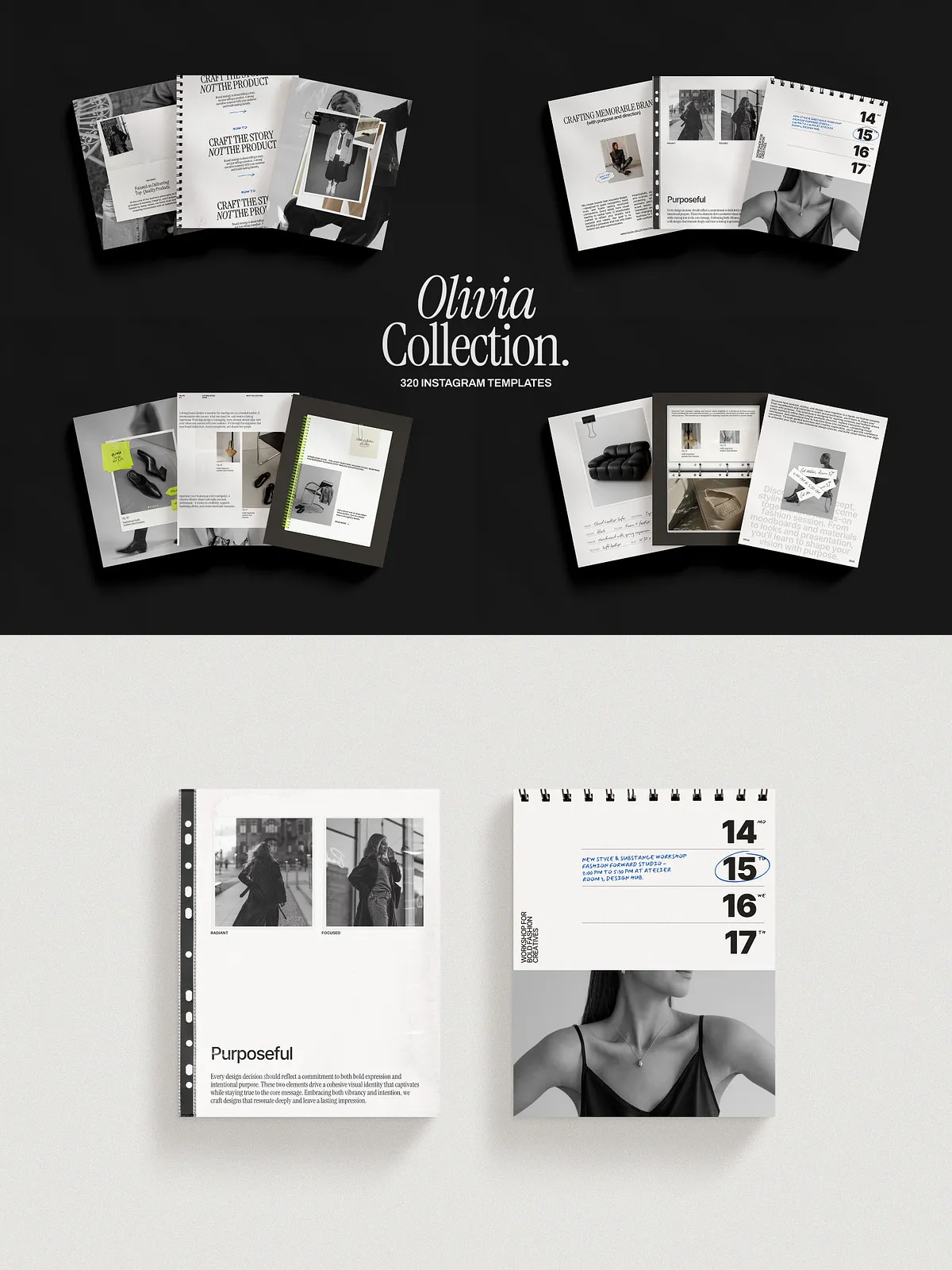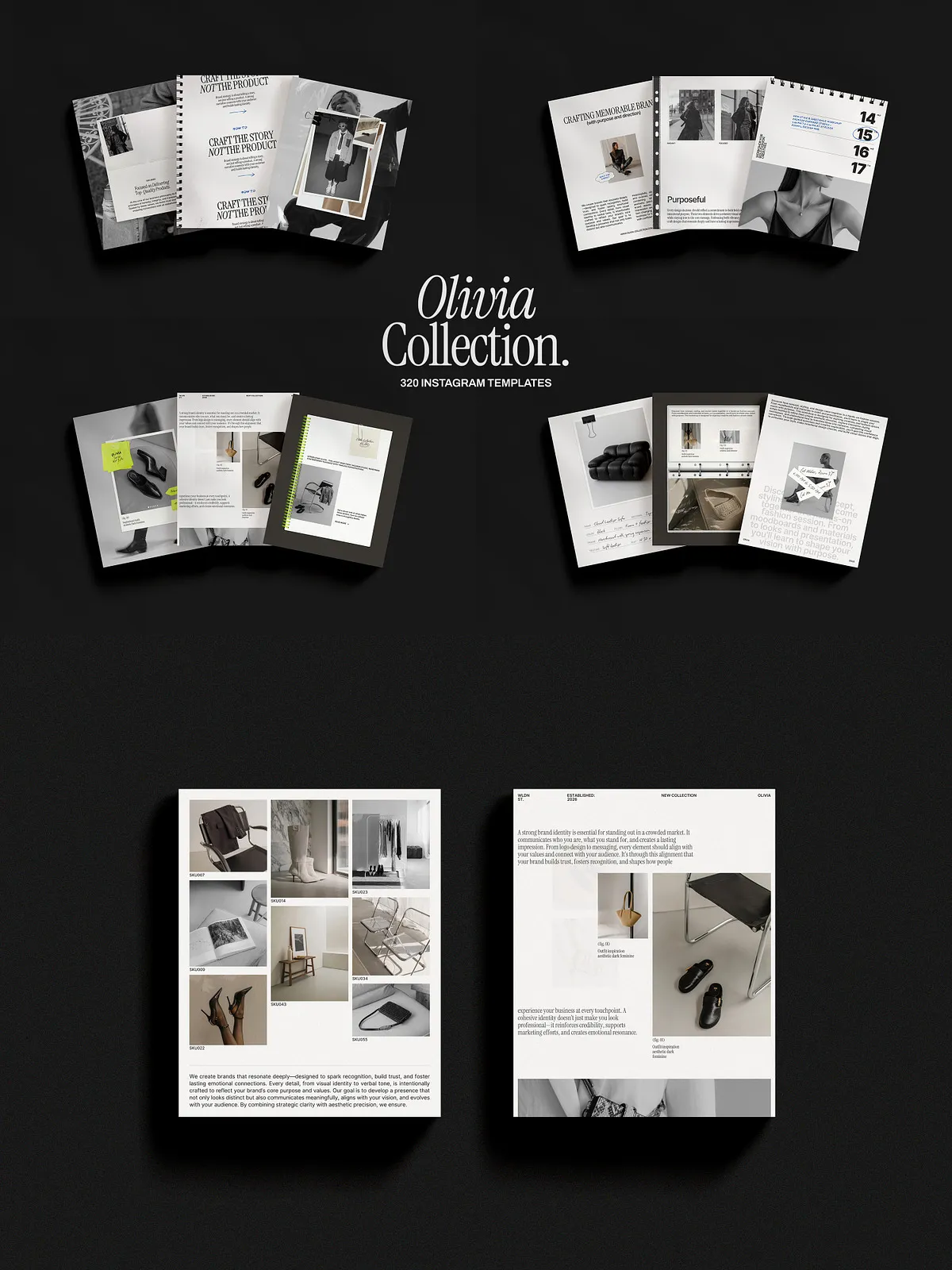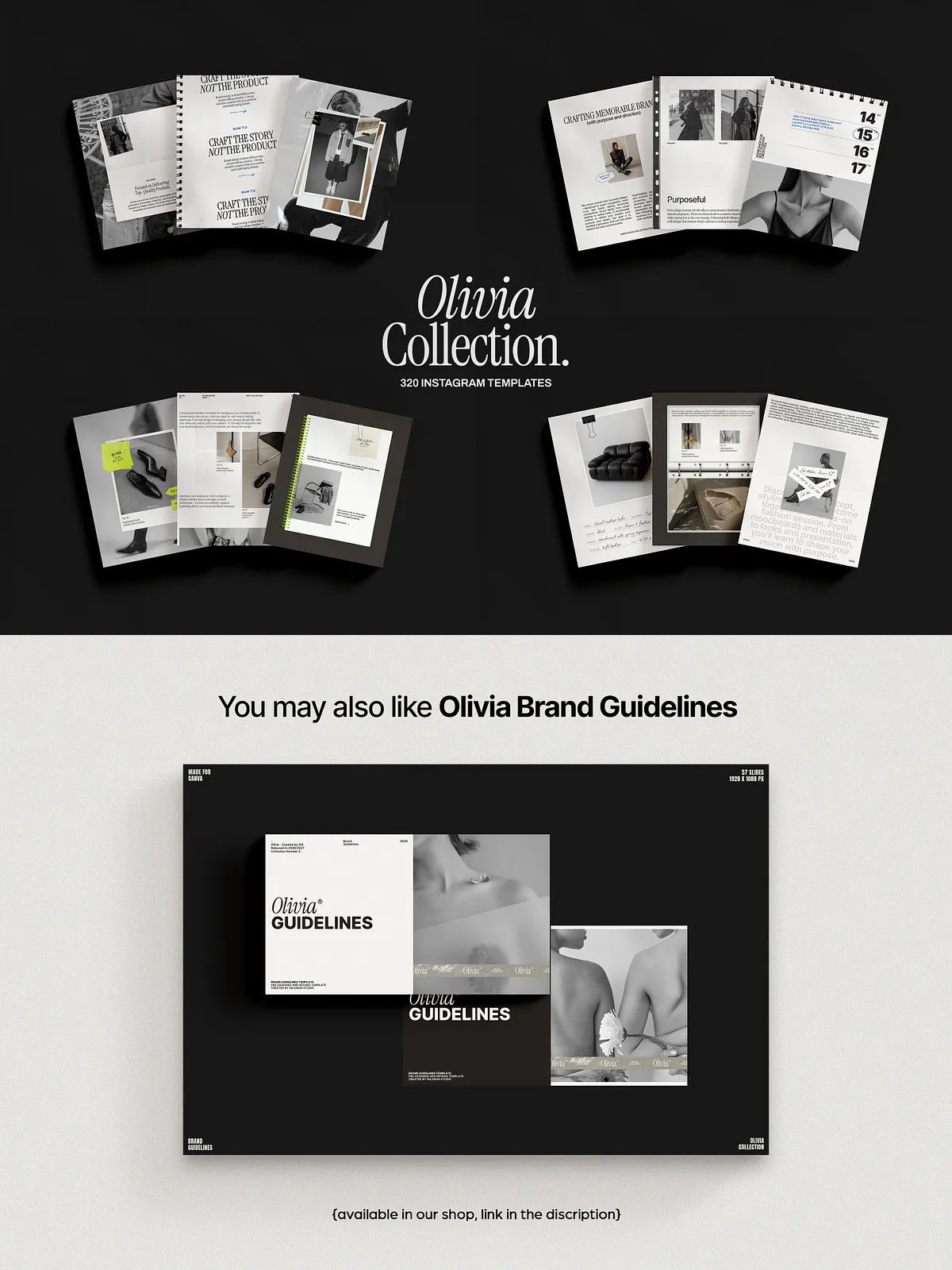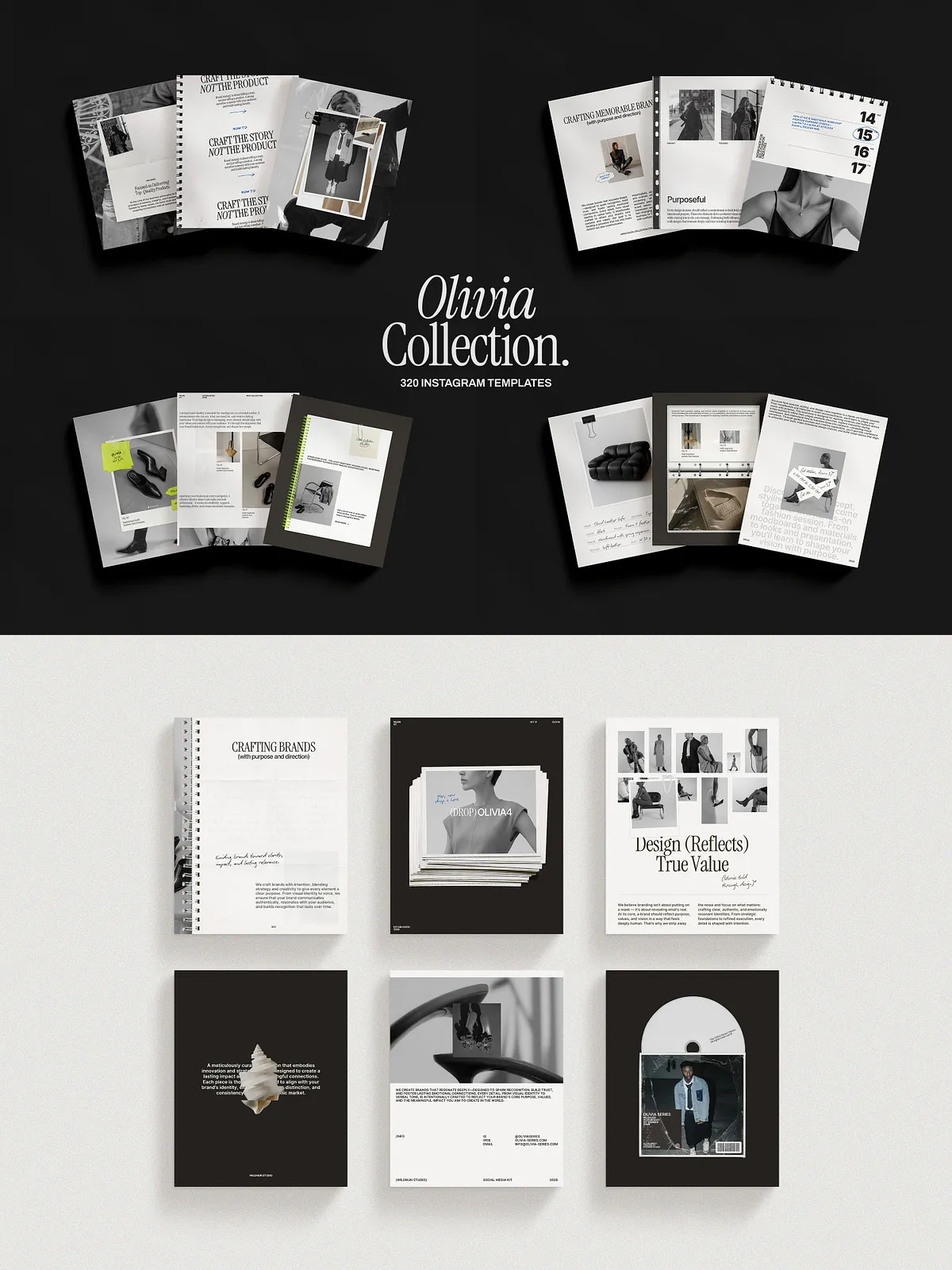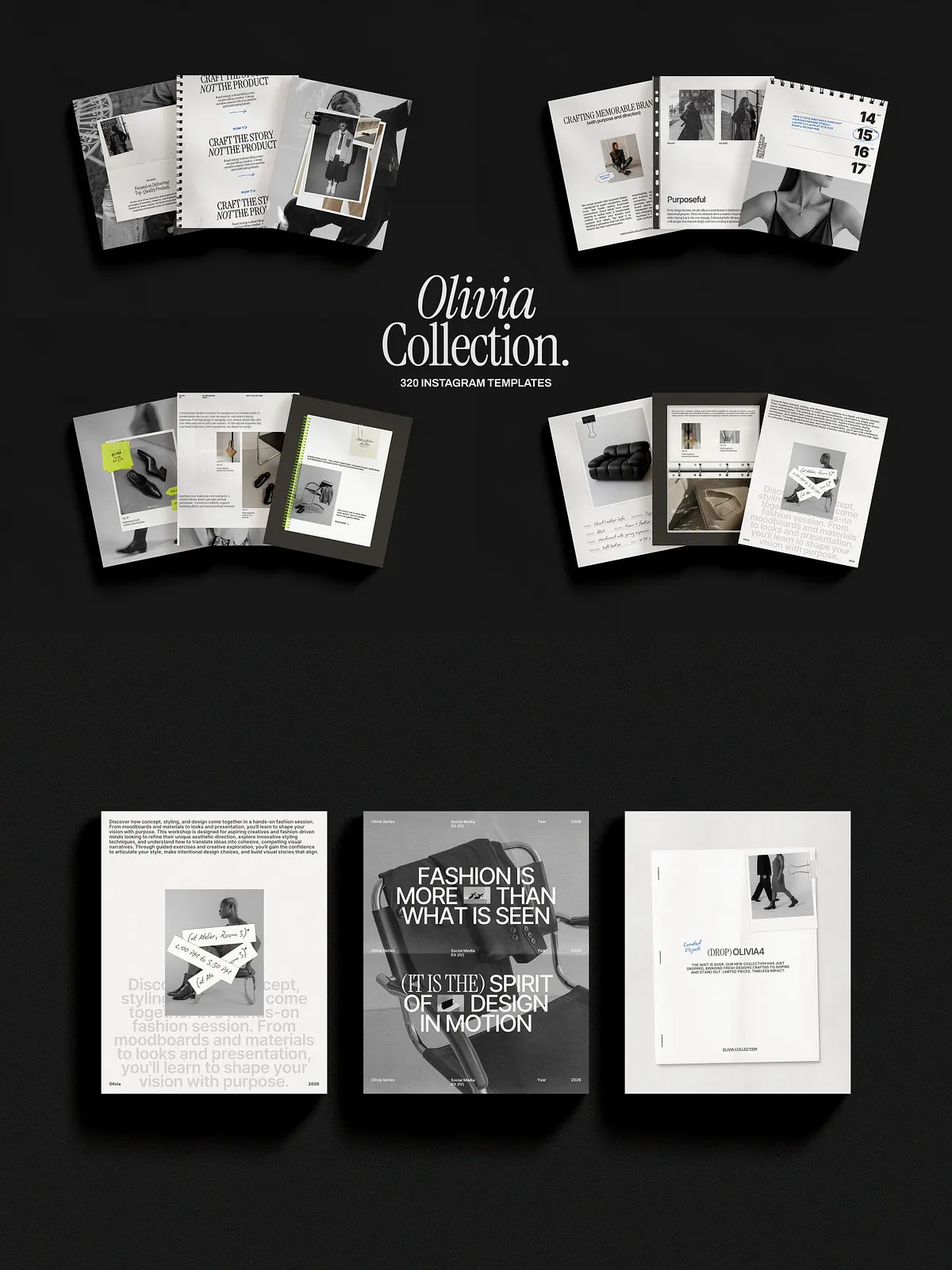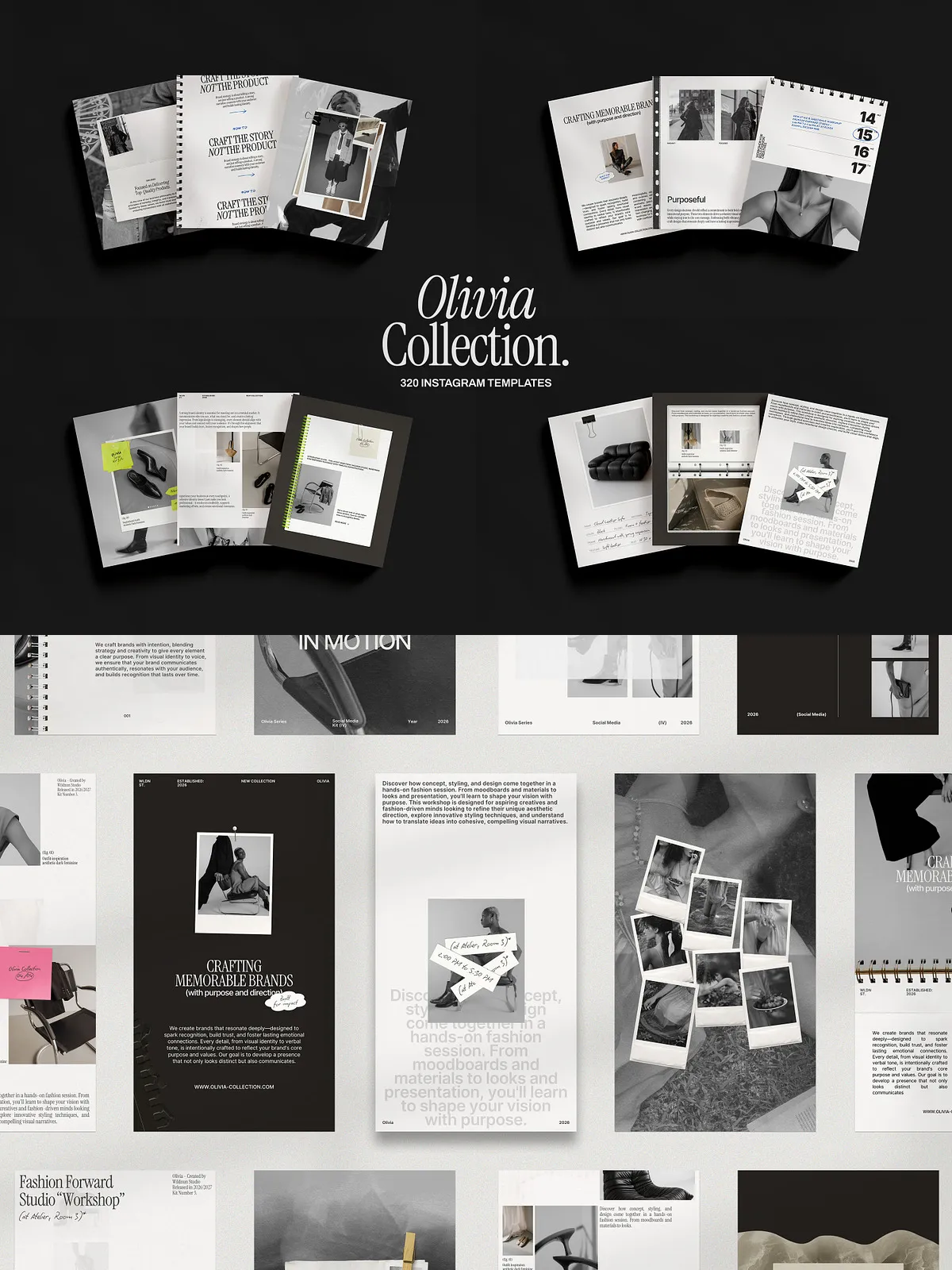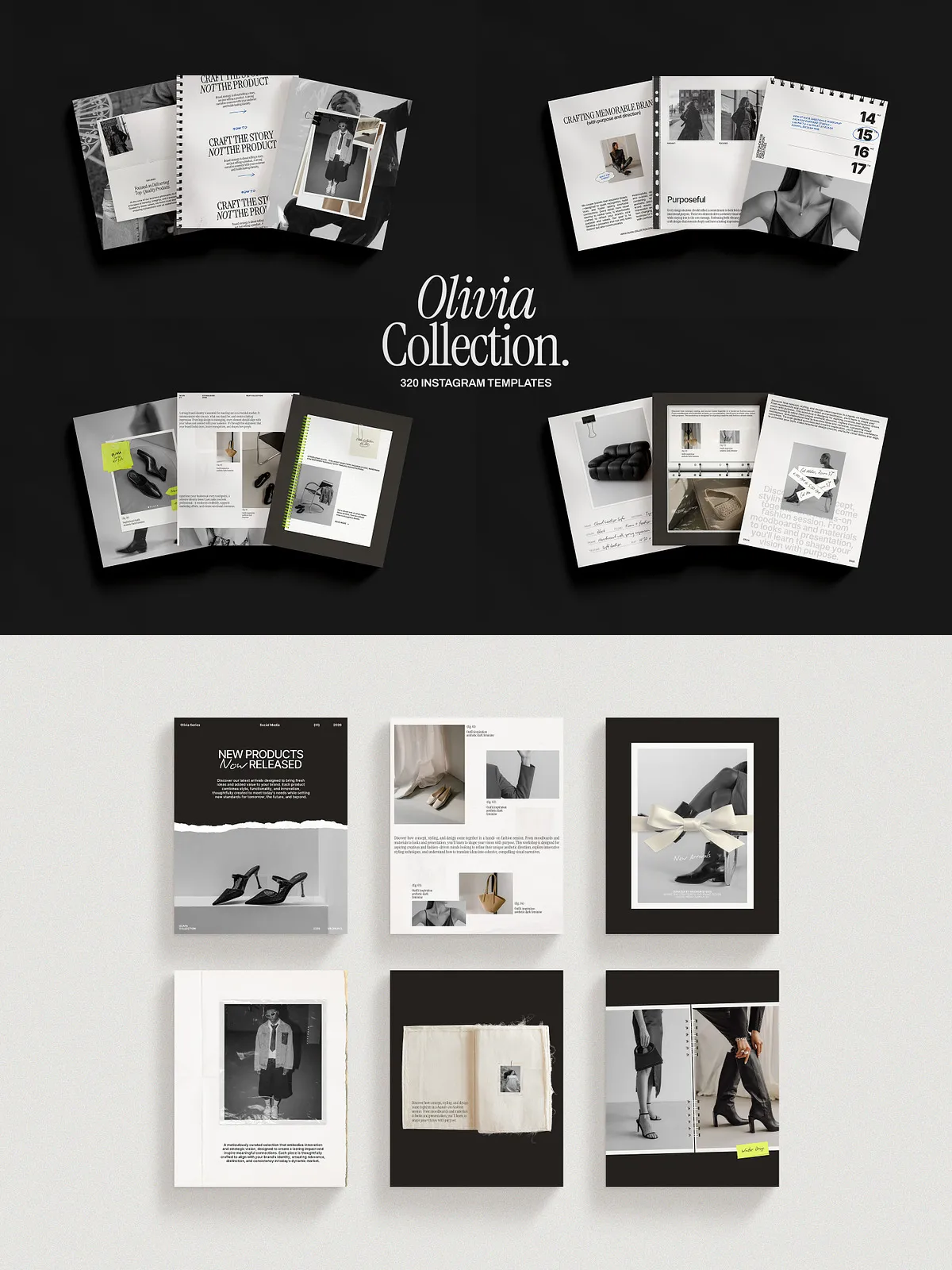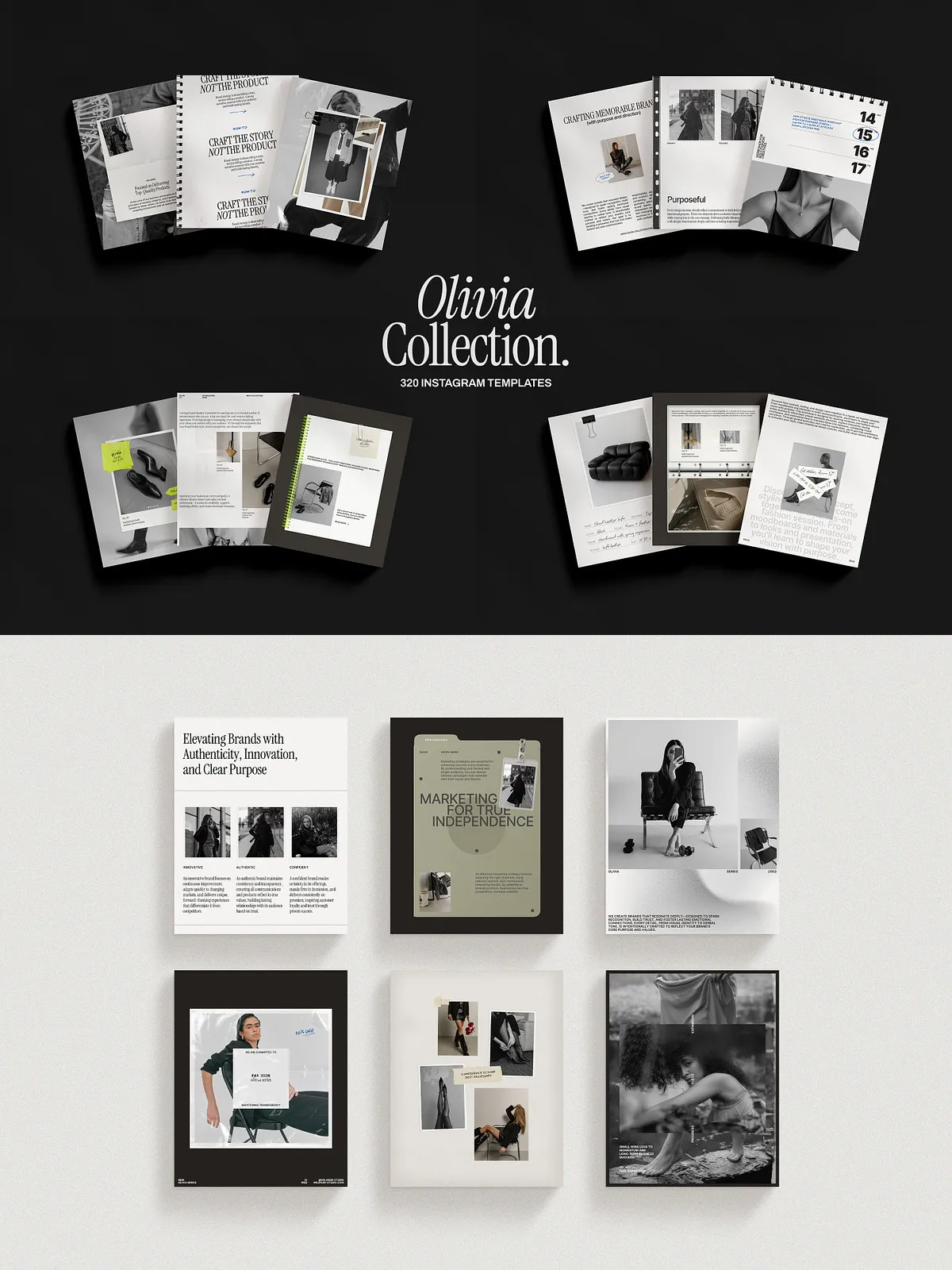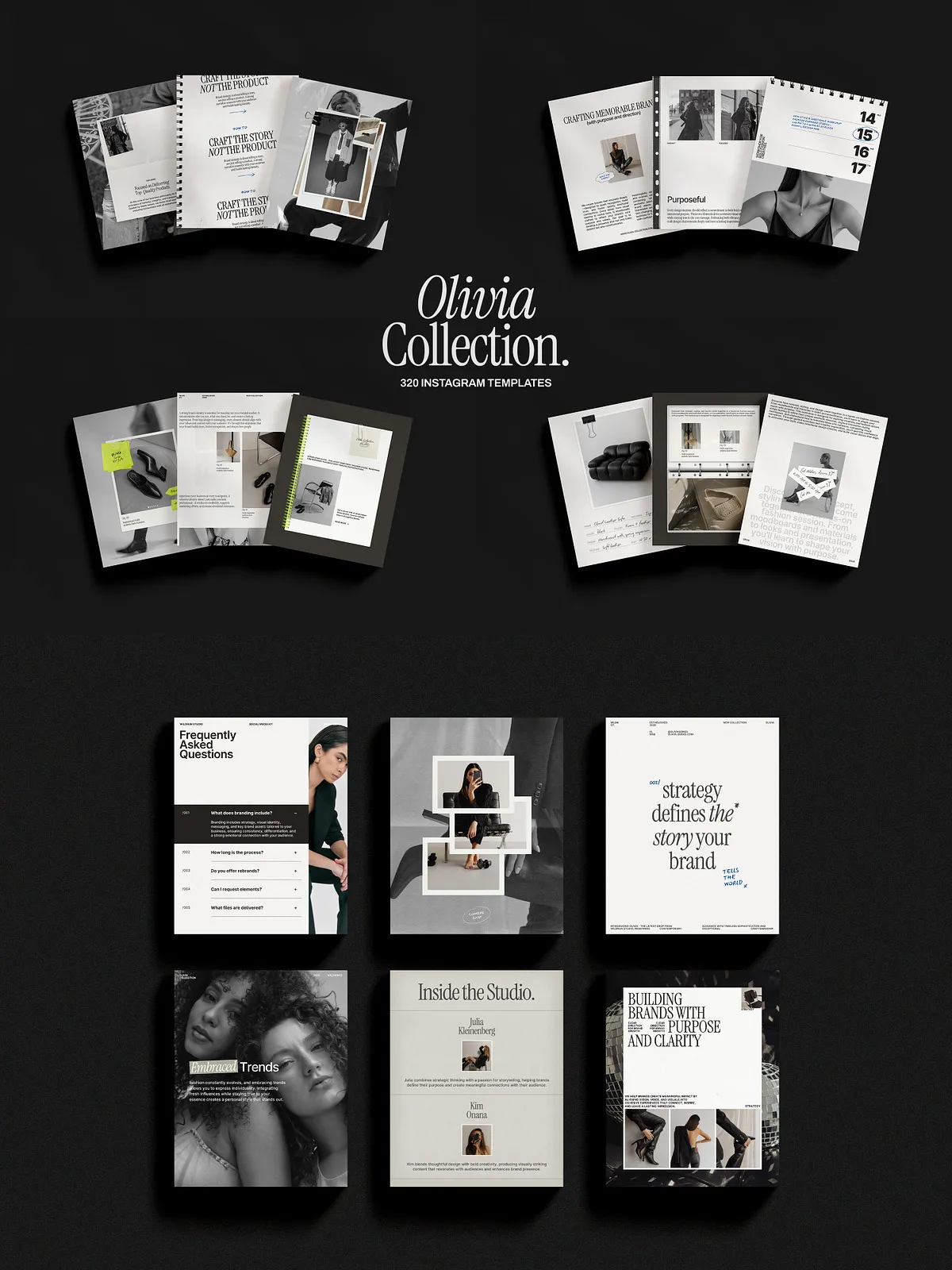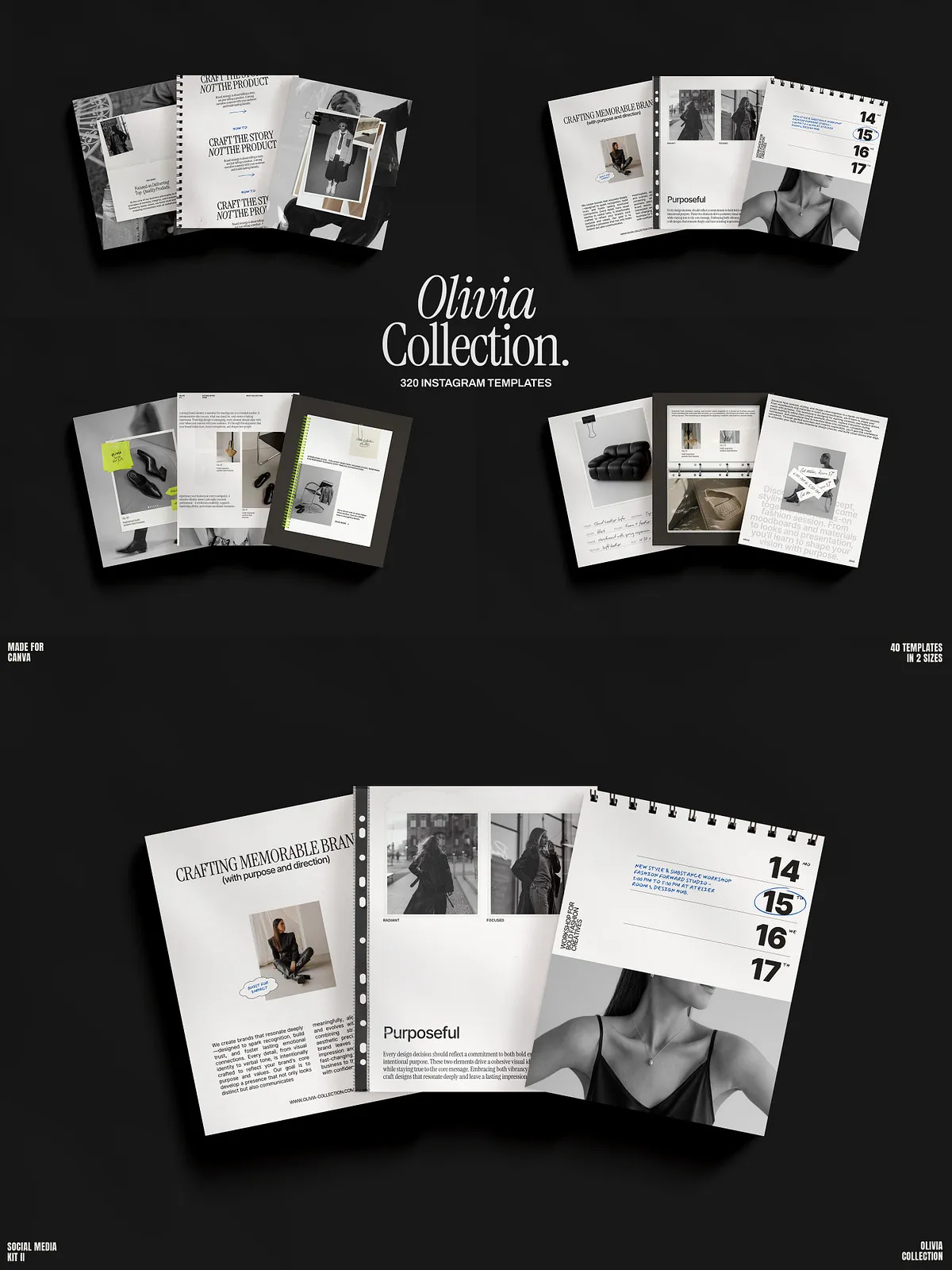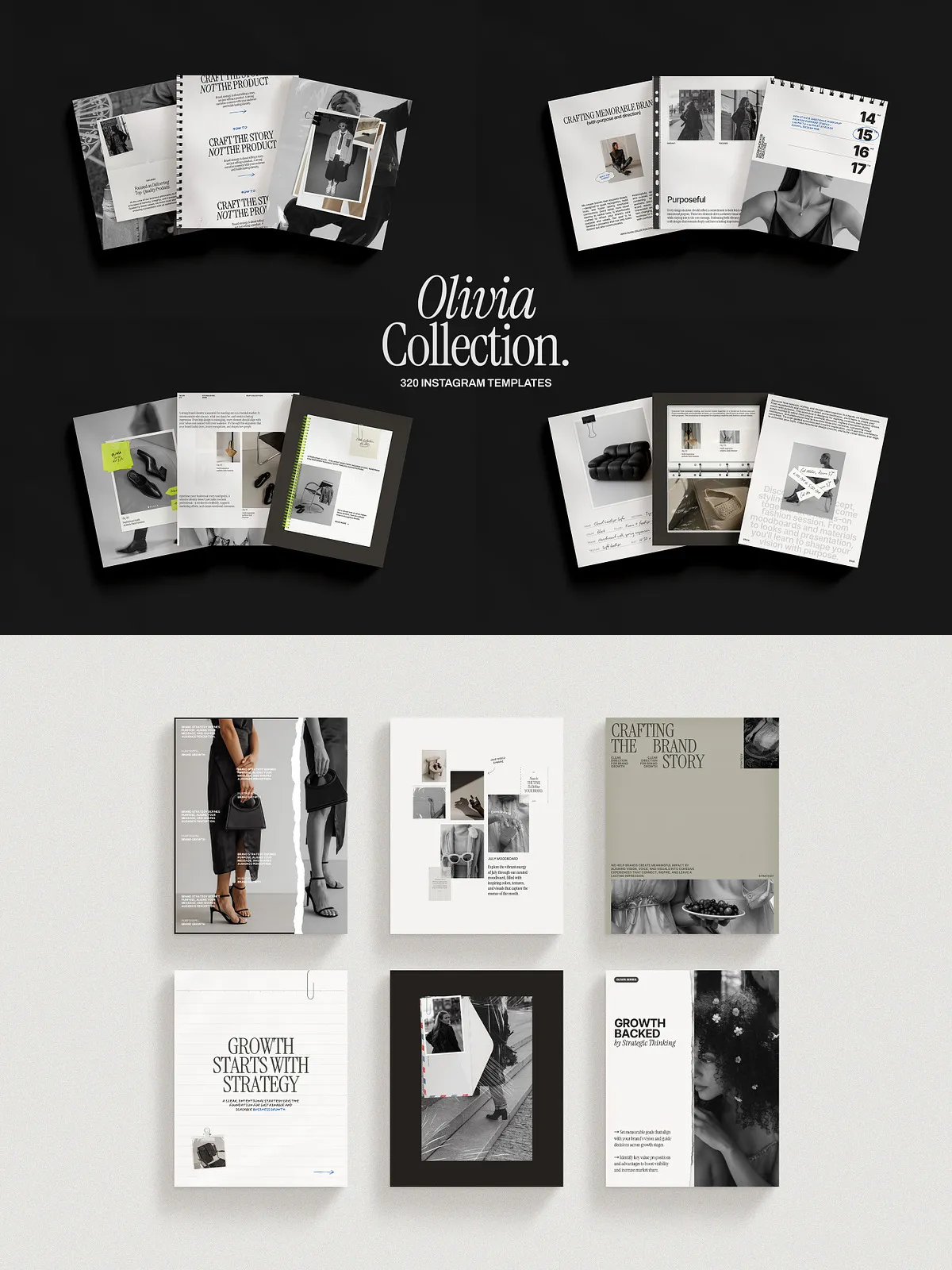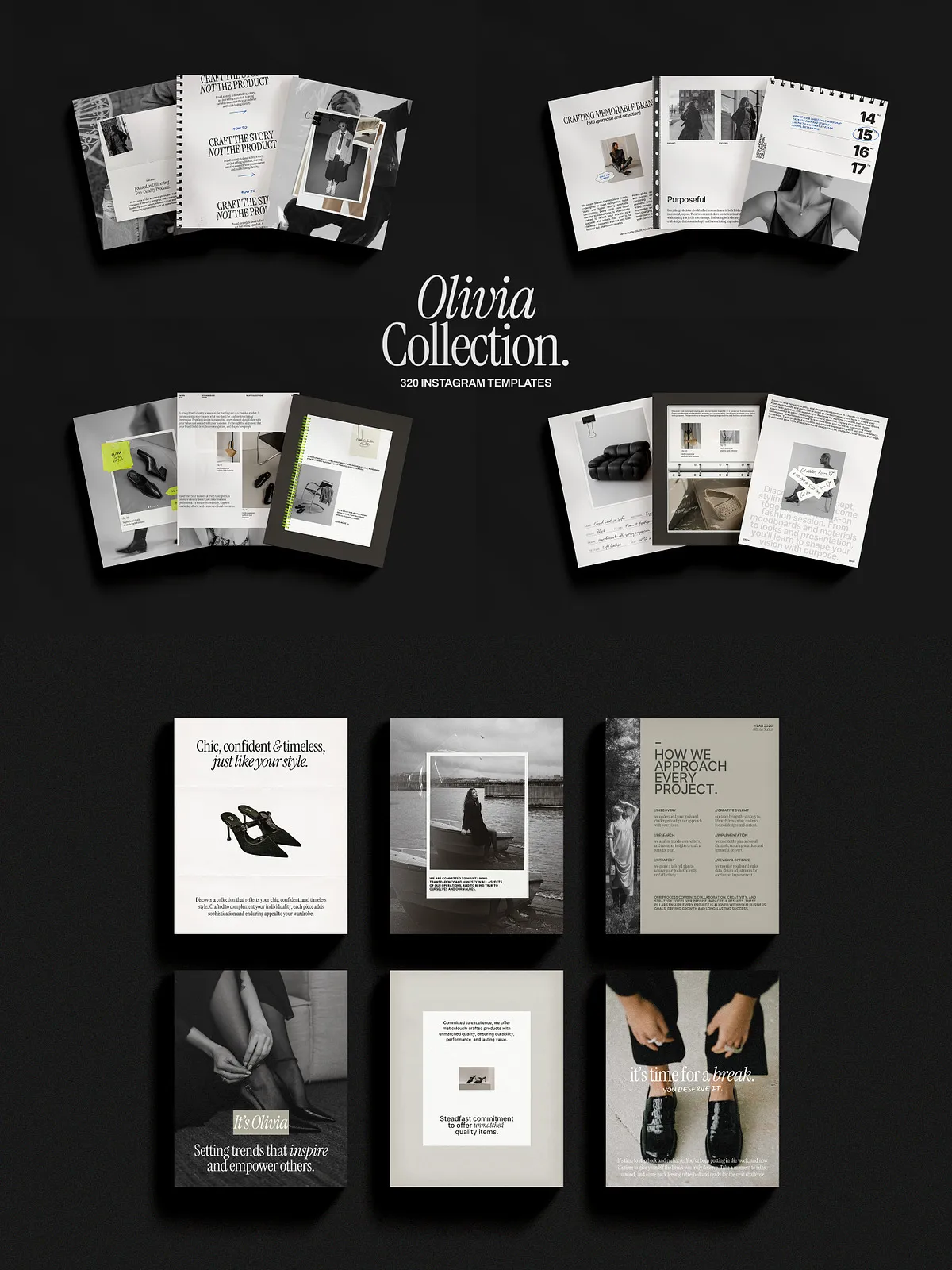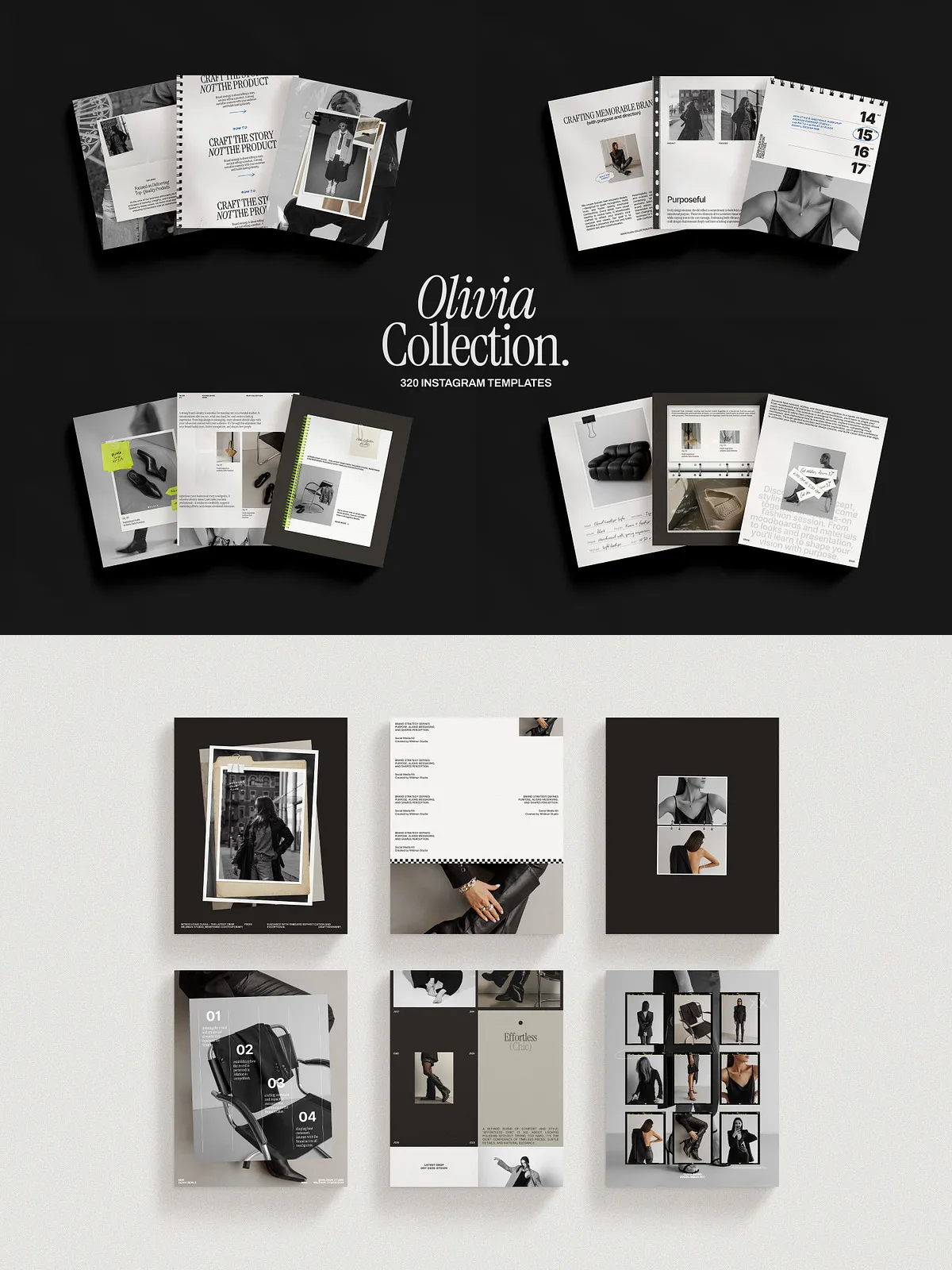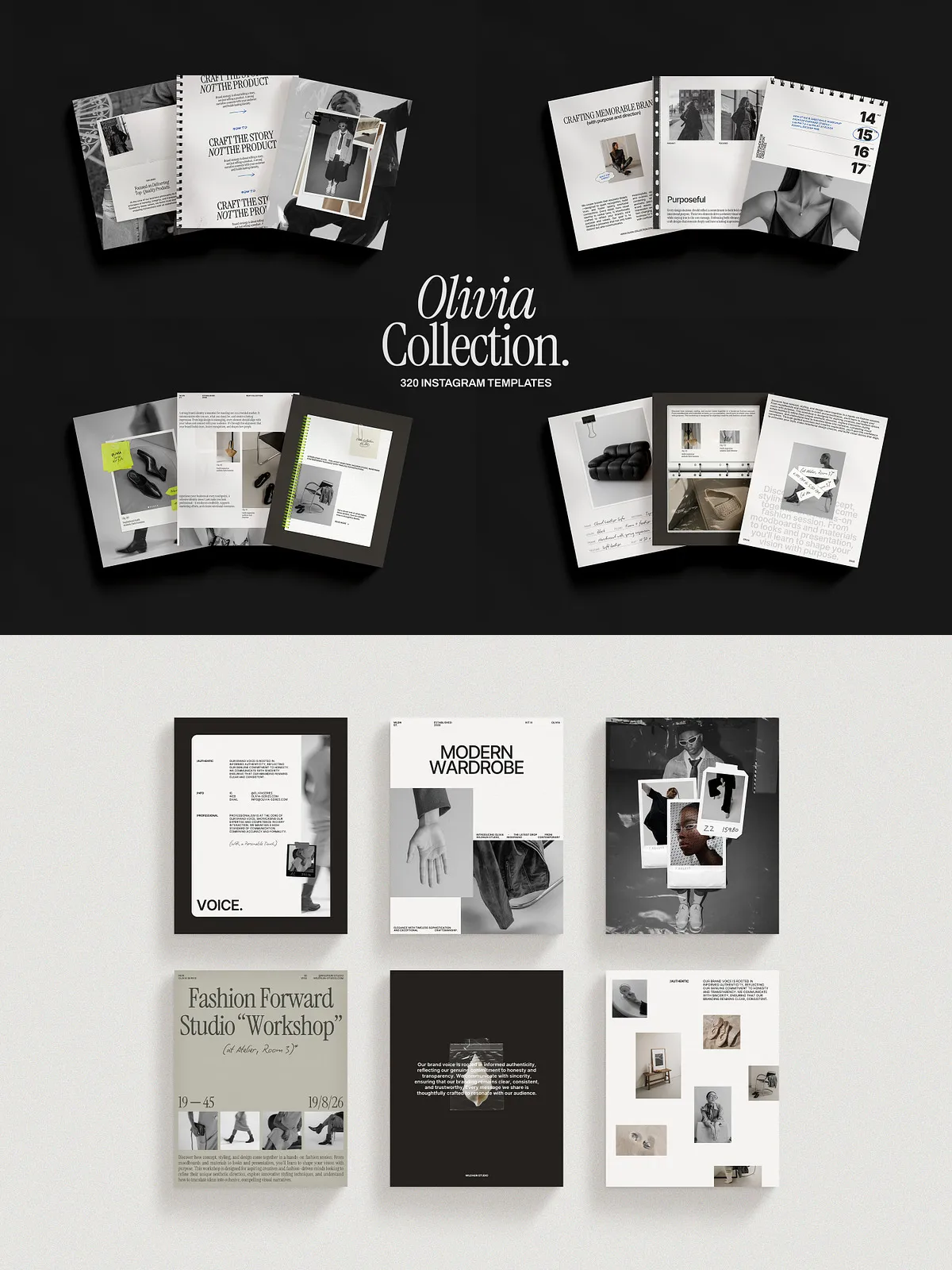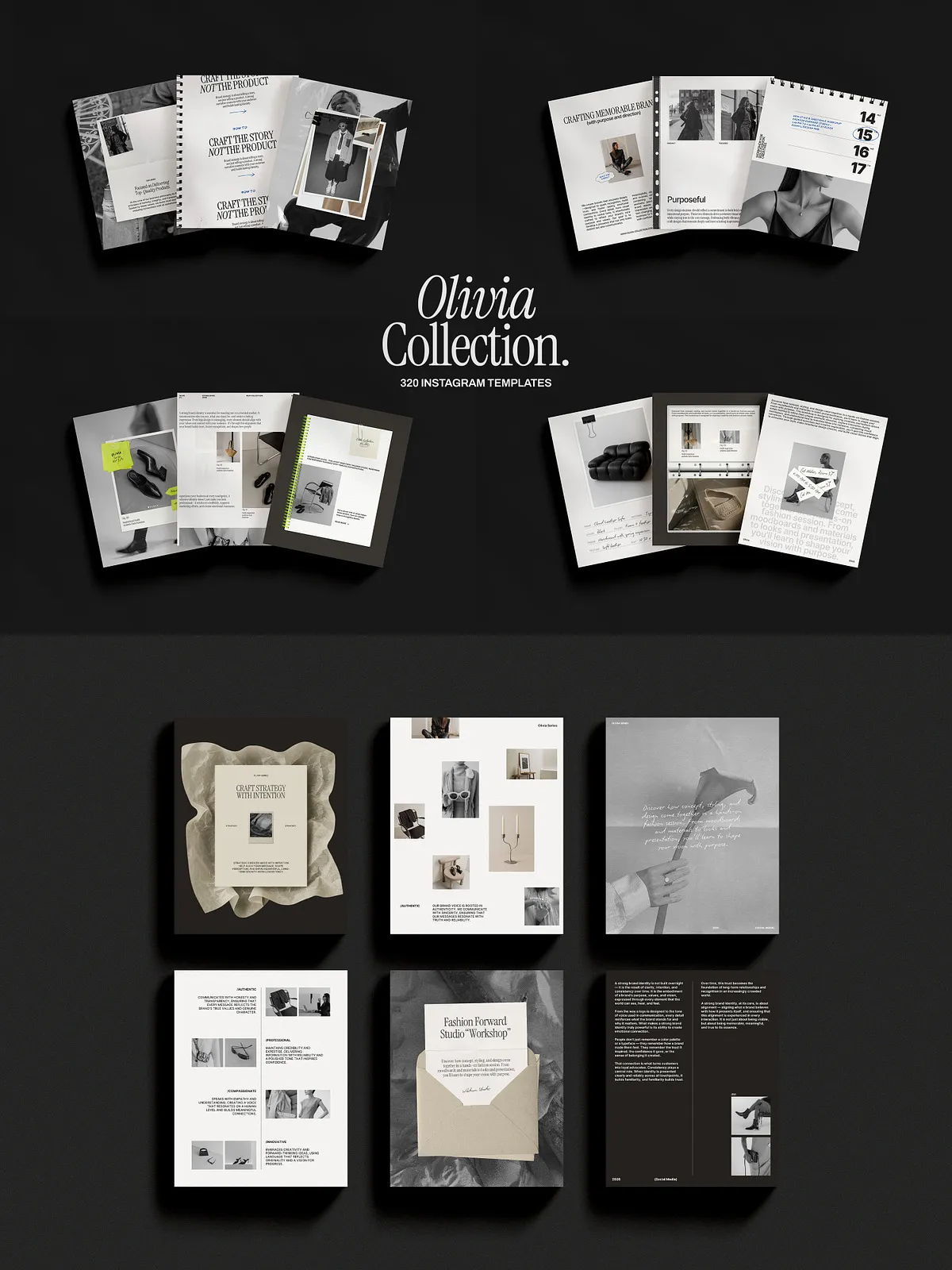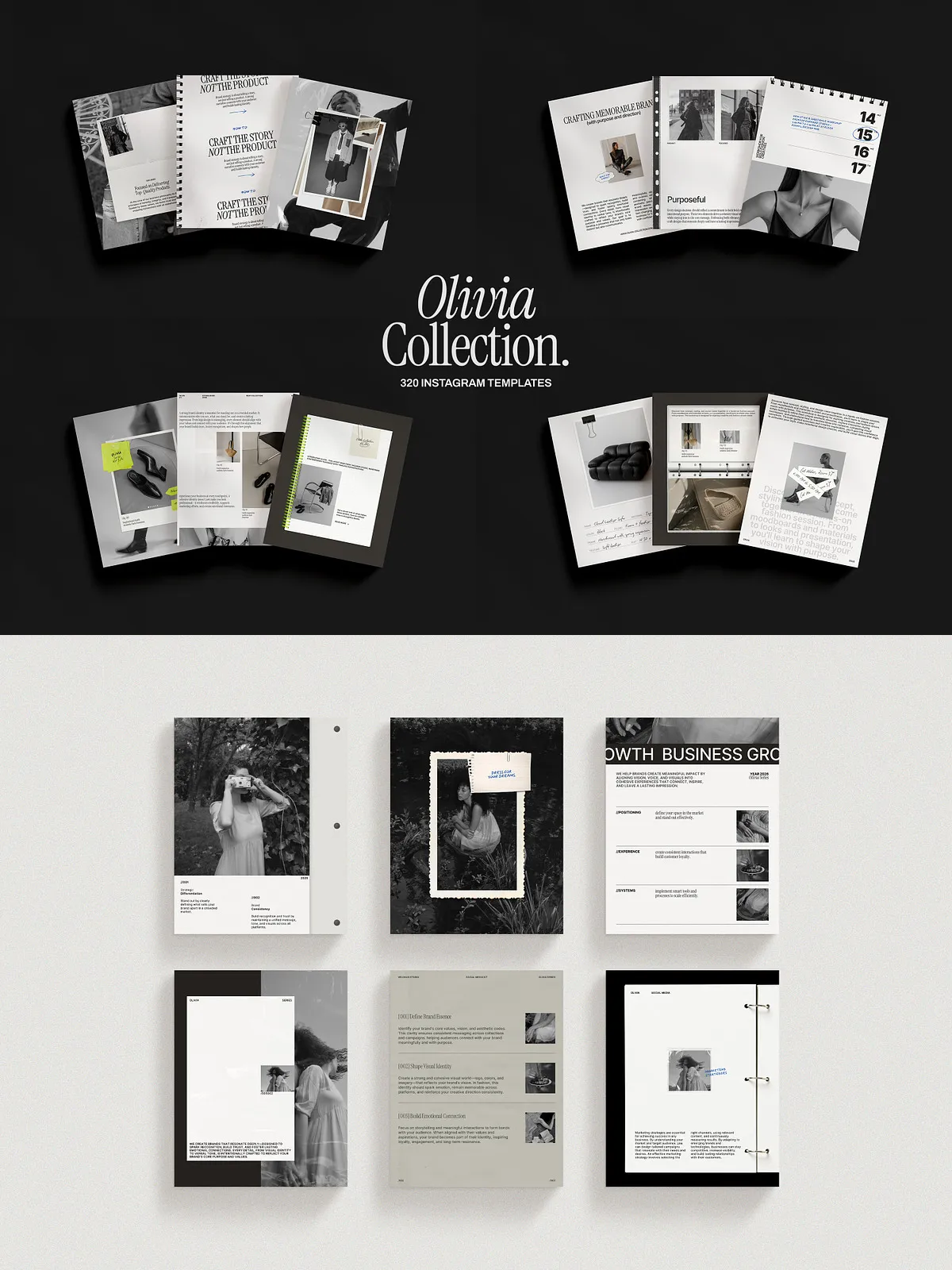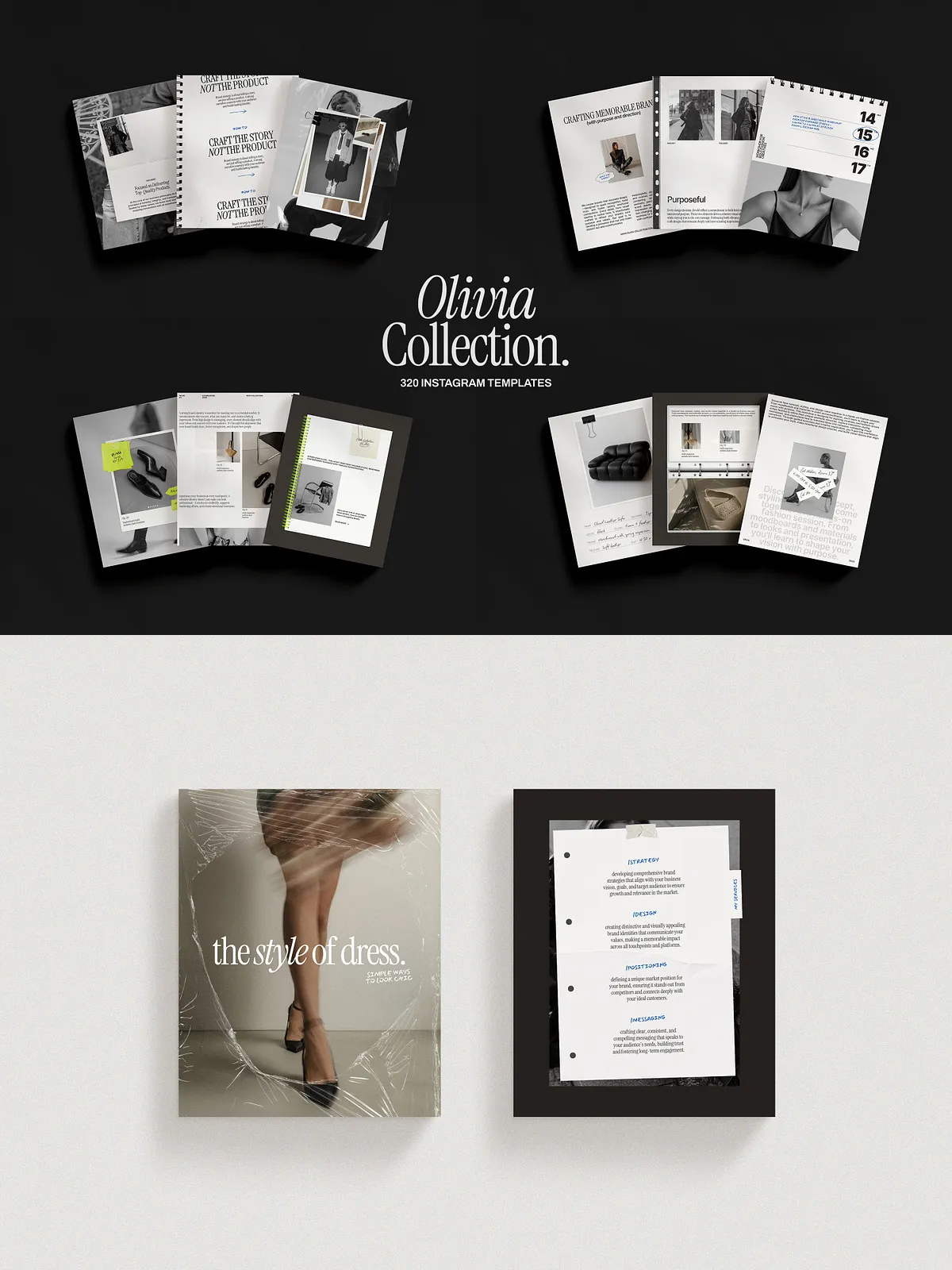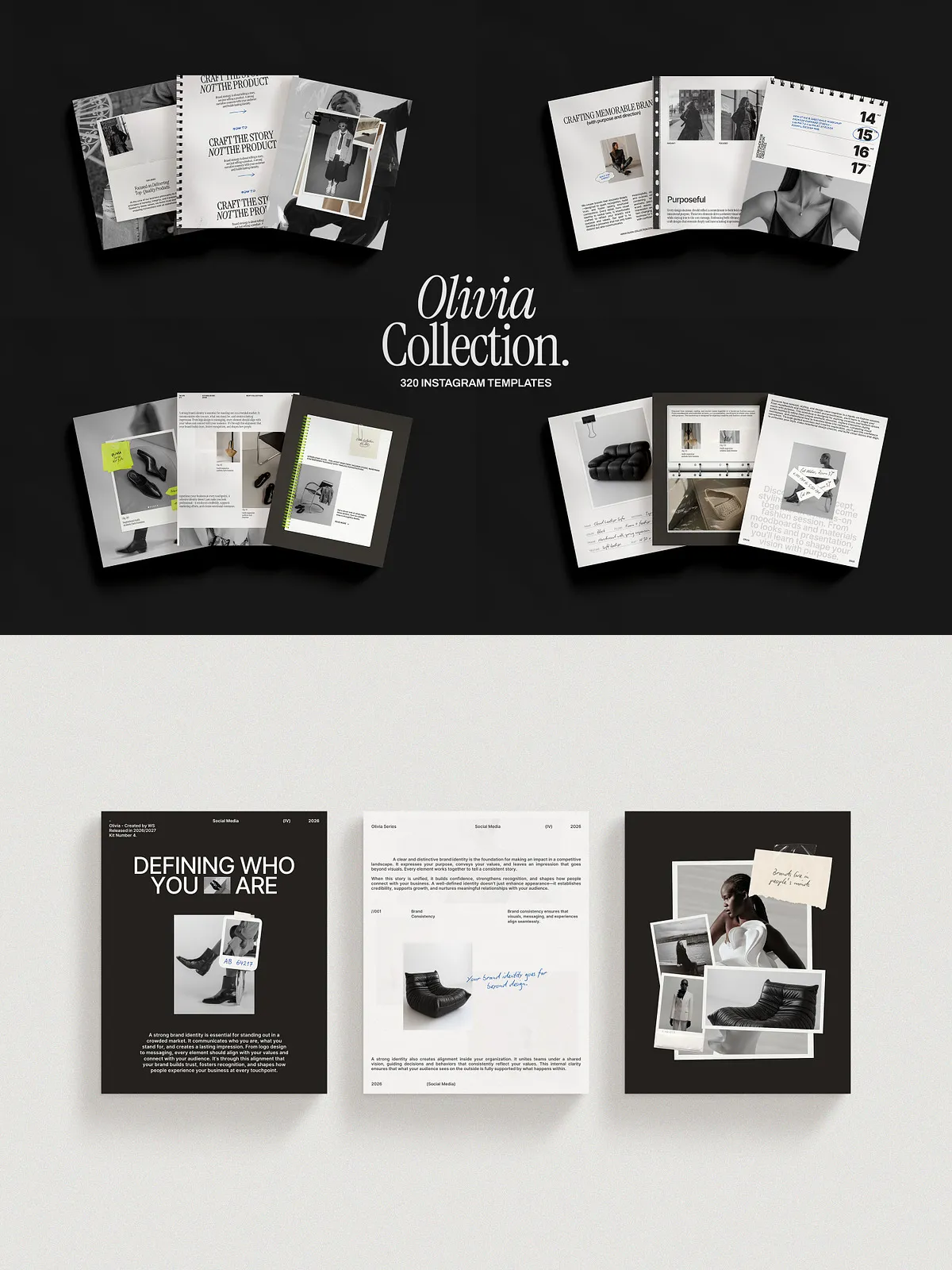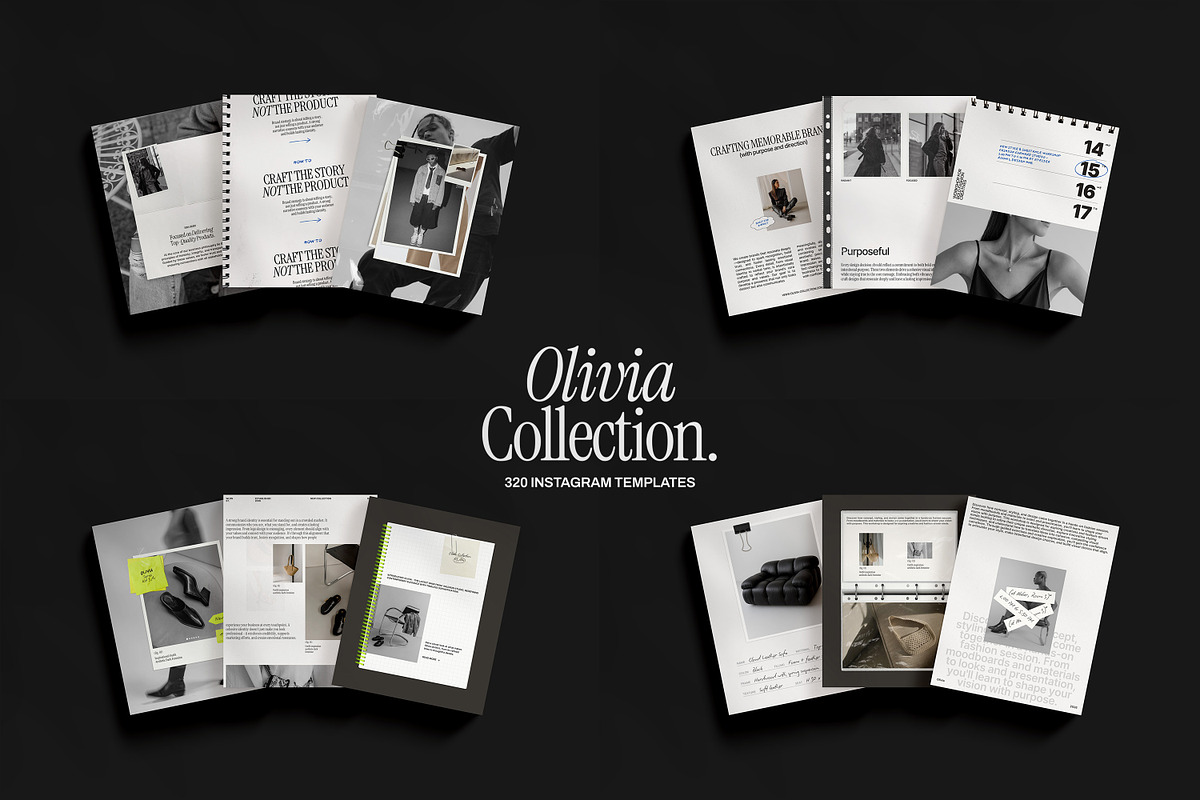
The Olivia Instagram Collection gives creators, small businesses, and social media managers a full, cohesive toolkit to publish attractive posts and stories rapidly. This bundle includes 320 Canva templates—160 portrait feed posts (1080 x 1350px) and 160 story templates (1080 x 1920px). Designed for efficiency and consistency, the collection helps you maintain a polished brand presence across platforms without starting each design from scratch.
What You Get
- 320 Canva templates in two sizes: 160 portrait posts and 160 story layouts.
- Free stock photos curated to match the design aesthetic and speed up content creation.
- Textures and effects that enhance visual depth and brand personality.
- Free fonts included or linked, with instructions to install and apply them inside Canva.
- Drag-and-drop editing so you can replace images, adjust copy, and swap colors in minutes.
- Detailed start guide that walks through template access, customizing, and exporting for social platforms.
- Customer support available to help with setup questions and troubleshooting.
Key Benefits
This collection helps you produce a consistent, high-quality feed that attracts your ideal audience and drives engagement. You will:
- Accelerate your content production by reusing proven layouts.
- Preserve brand cohesion by applying the same visual system across posts and stories.
- Save design time and budget compared with hiring a designer for every asset.
- Control and update messaging instantly using Canva’s browser or app interface.
Technical Details
Template Sizes and Formats
All portrait post templates are sized at 1080 x 1350 pixels. All story templates are sized at 1080 x 1920 pixels. The files live in Canva and remain fully editable; no external software is required.
Included Assets
The collection bundles free fonts and a library of stock photos, textures, and layered effects. We include clear license notes for fonts and stock images to ensure you can use assets confidently in commercial projects.
How to Use
Access and Setup
After purchase you receive direct links to the Canva template sets and a step-by-step PDF. Open the links in your Canva account, click “Use Template,” and duplicate the files into your personal Canva library.
Customize Quickly
Swap out placeholder images, edit headlines and captions, and update brand colors with the style panel. Use the drag-and-drop photo placeholders to maintain composition and alignment. Create a content batch by editing a set of matching templates, then export images as PNG or JPG for scheduled posting.
Export and Publish
Export optimized images for Instagram using Canva’s download options, or publish directly to social scheduling tools. Each template includes suggested caption lengths and hashtag placement guidelines to help you publish with confidence.
Who This Is For
The Olivia Instagram Collection suits coaches, creatives, e-commerce shops, influencers, and agencies that need a reliable, reusable design system. Whether you manage one account or multiple client accounts, you can deploy this kit to ensure each profile looks professional and on-brand.
Support and Licensing
We provide a quick-start guide and responsive customer support to resolve setup or editing questions. The included free fonts and stock photos come with licensing guidance; if a paid license is required for certain assets, the guide will list available options and steps to purchase.
Special Offer
Save 50% when you buy the entire Olivia Collection. Purchasing the full kit gives you instant access to every post and story template so you can plan months of content in a single creative session. The discount applies at checkout and empowers you to scale content production while maintaining a premium aesthetic.
Why Choose This Kit
The Olivia Instagram Collection focuses on practical design, fast customization, and consistent branding. You will move from idea to published post faster, reduce design bottlenecks, and present a unified visual identity that supports audience growth and conversions.