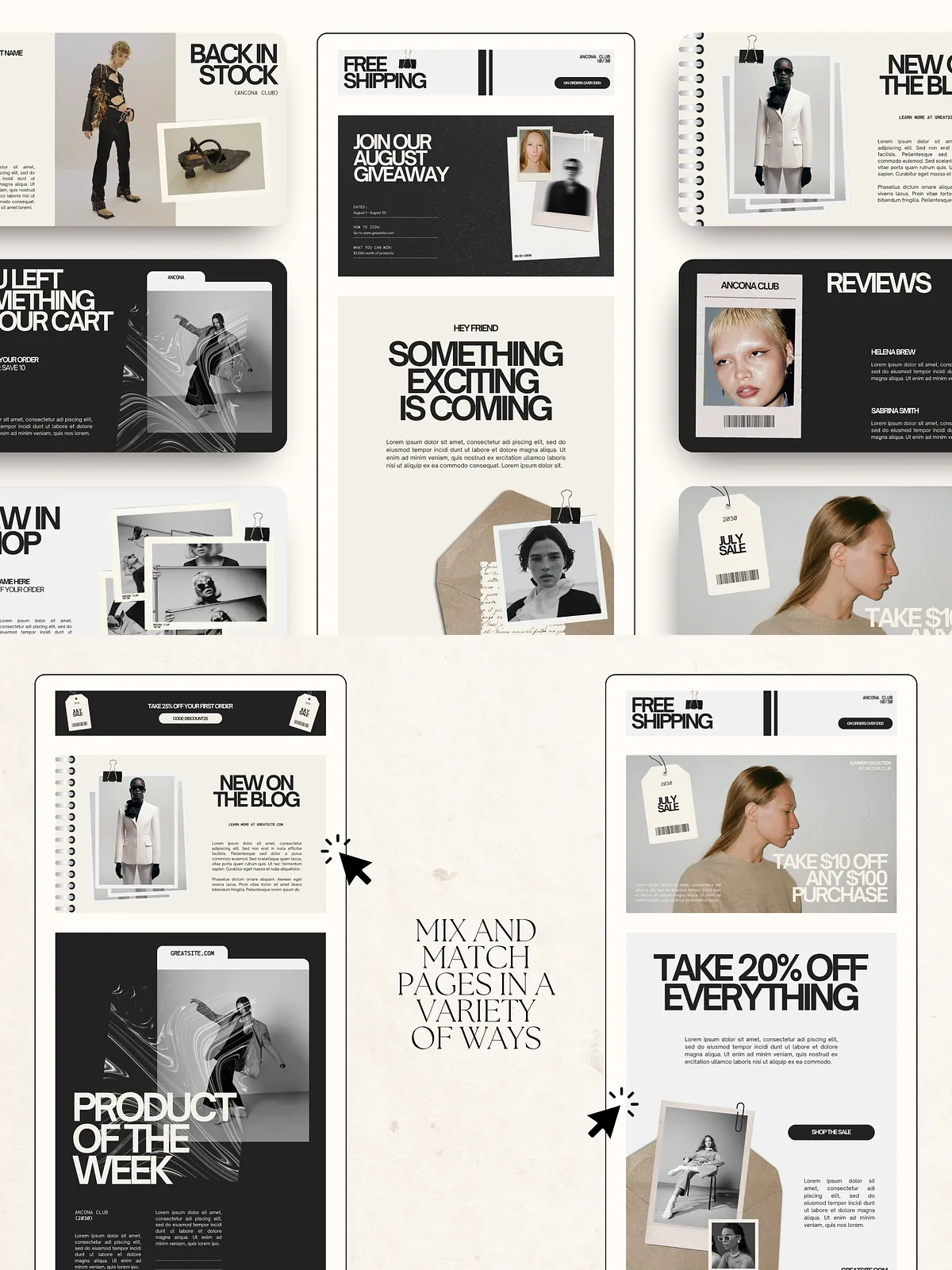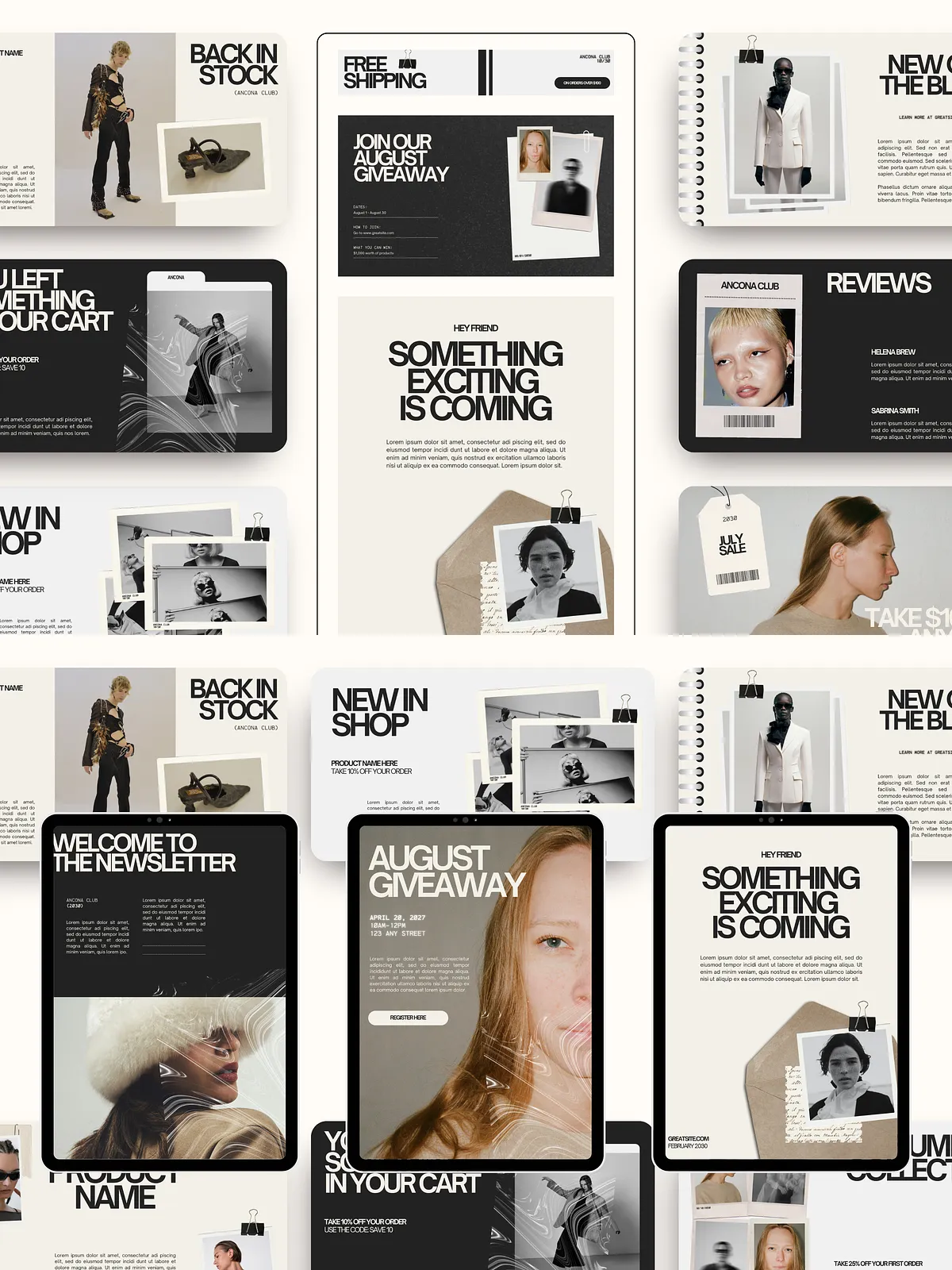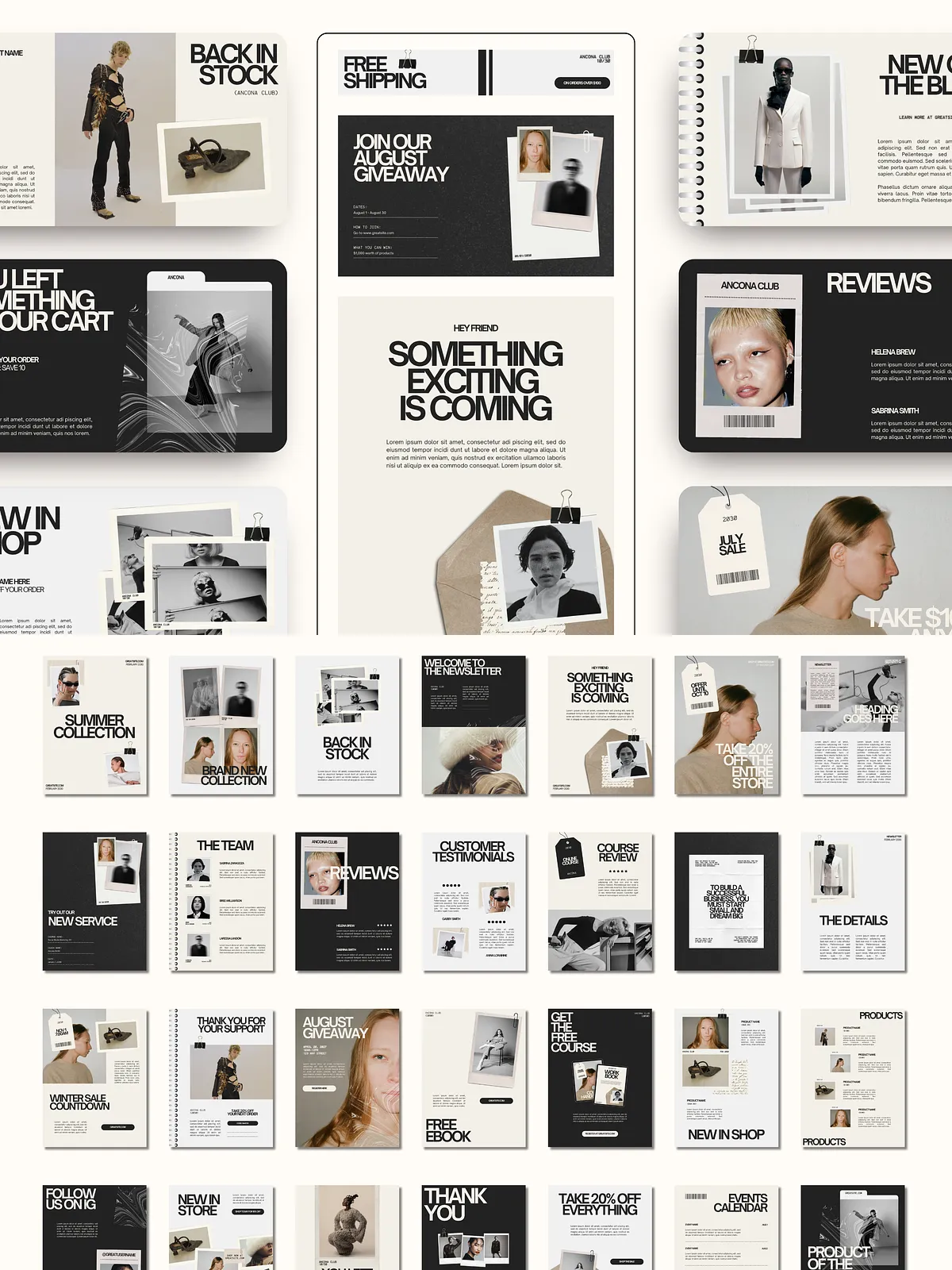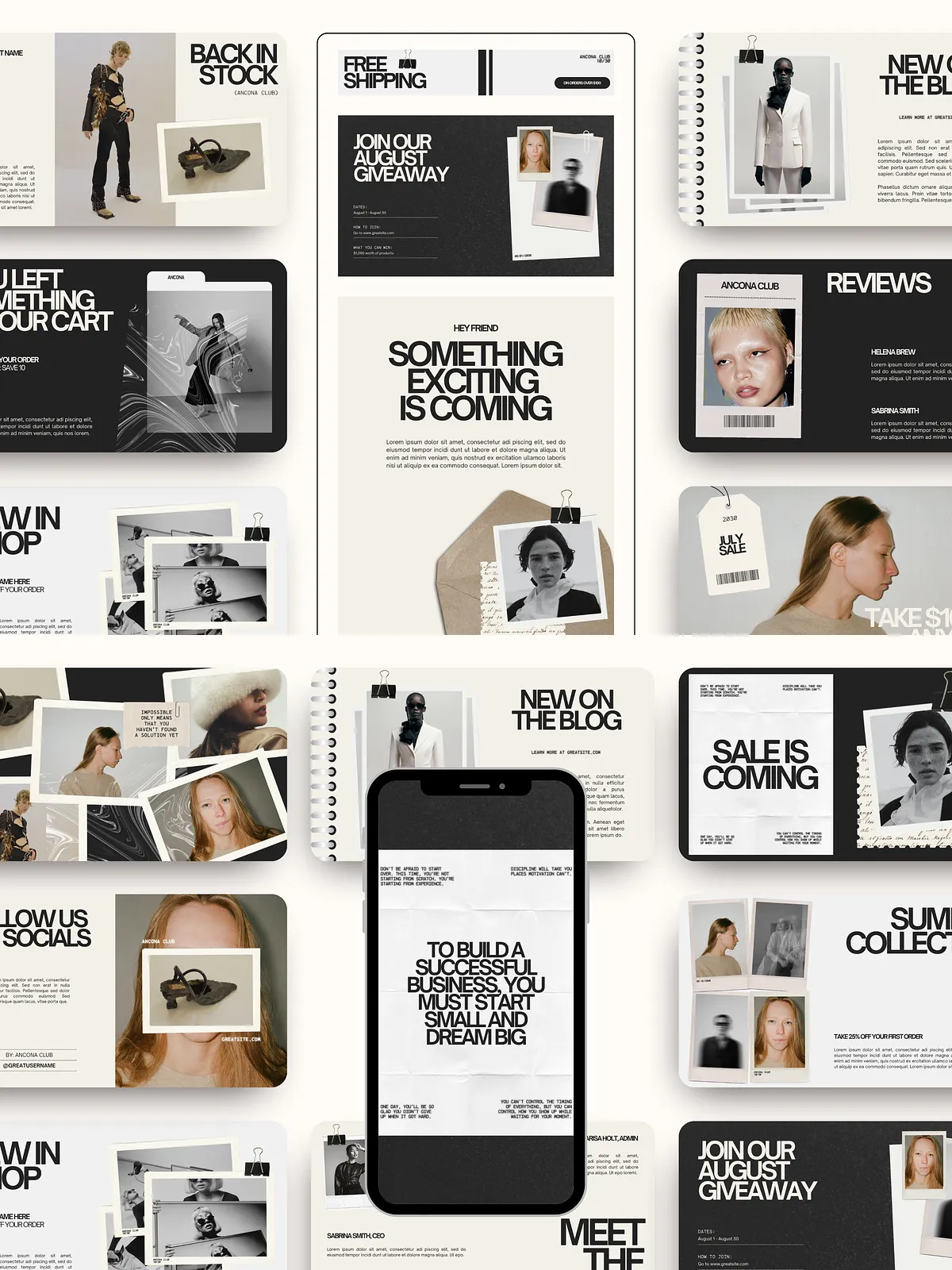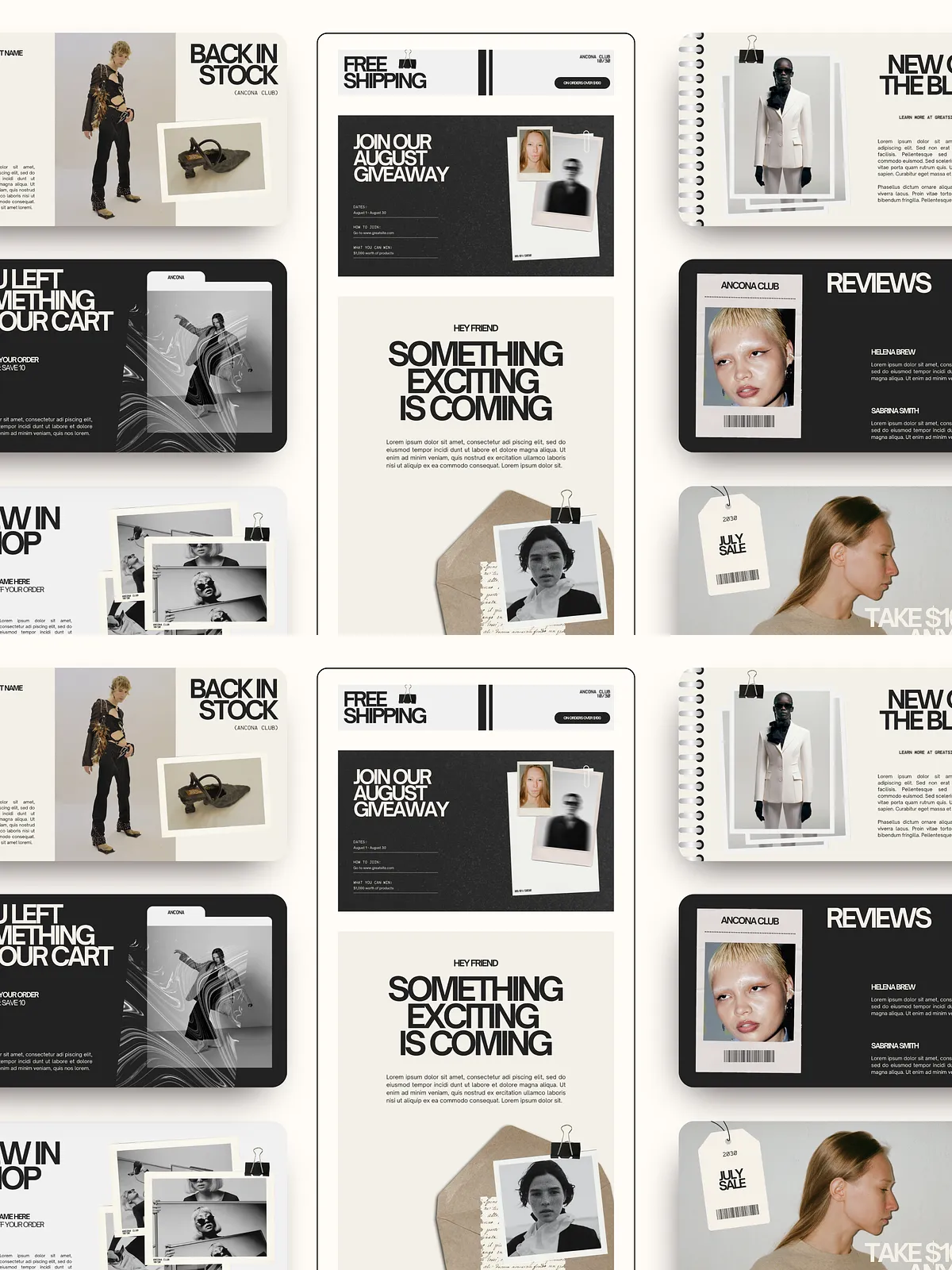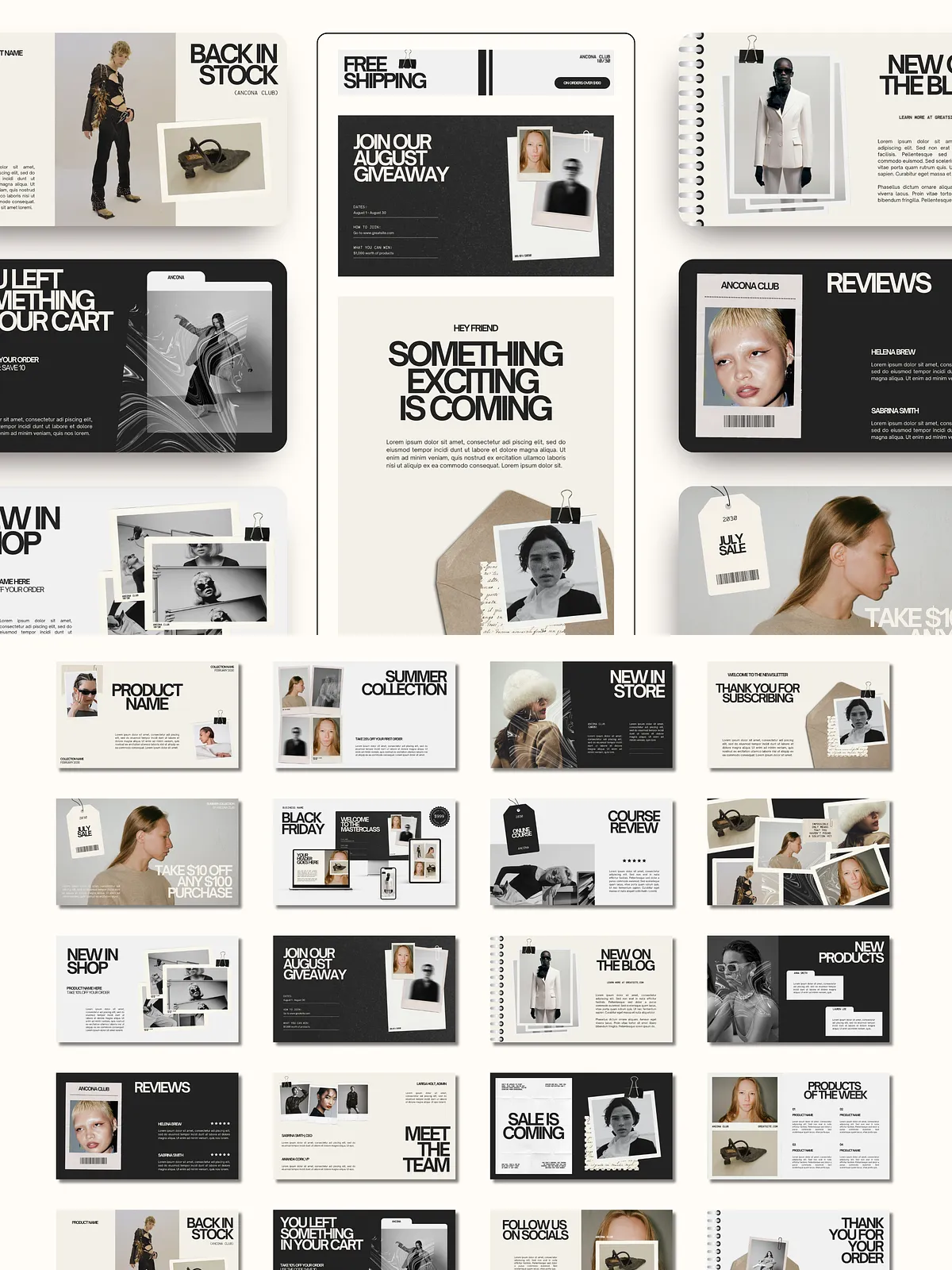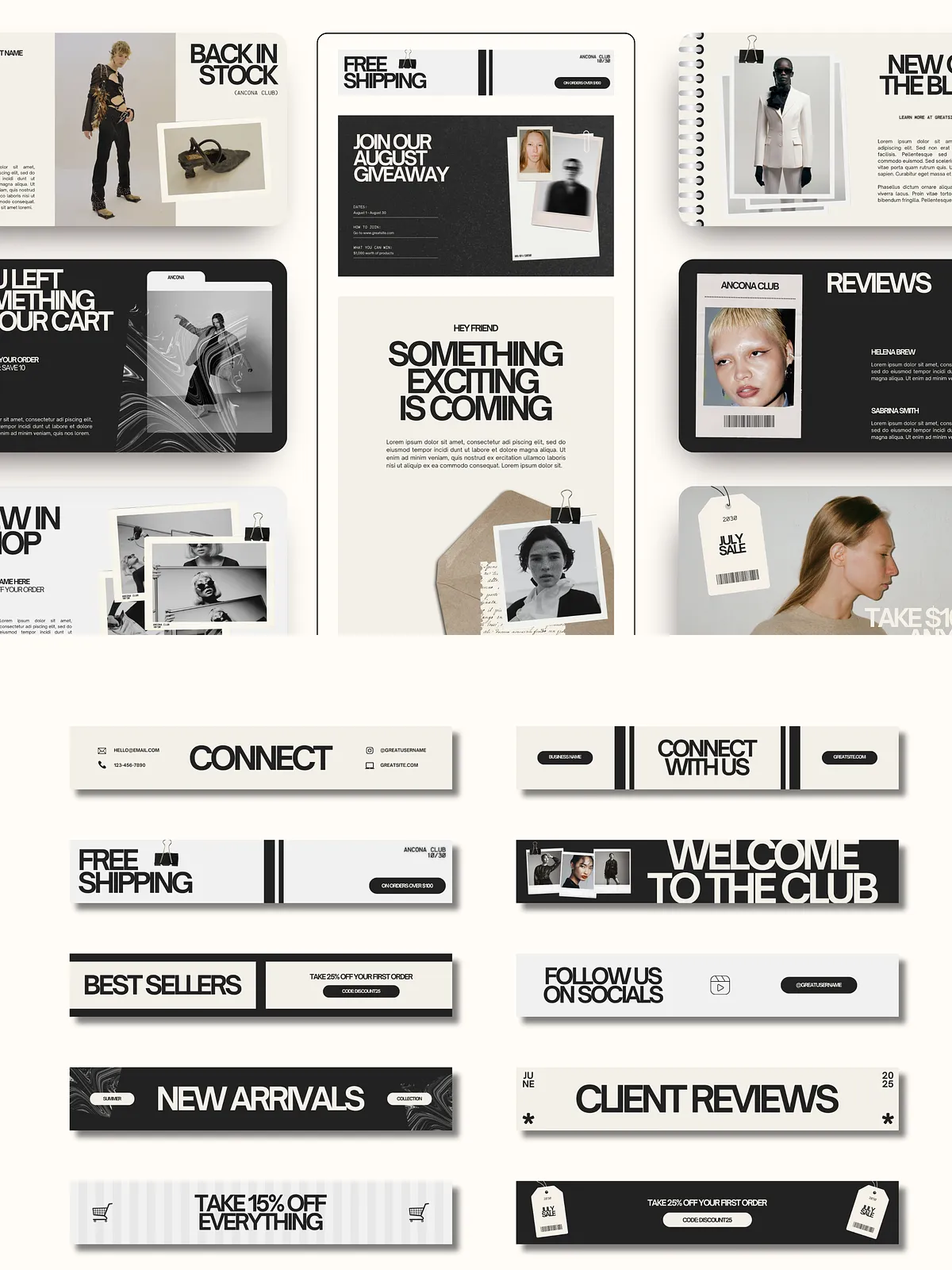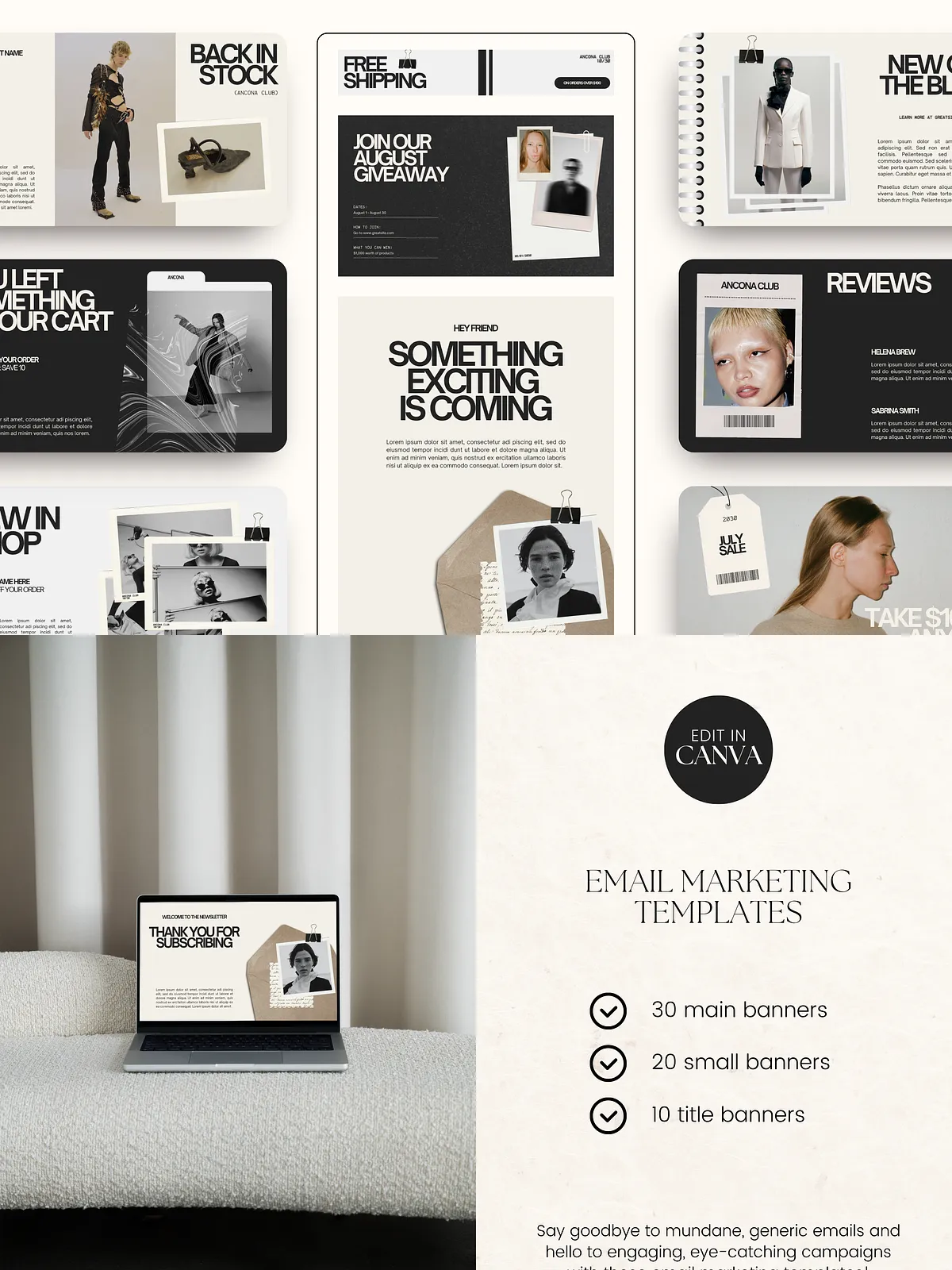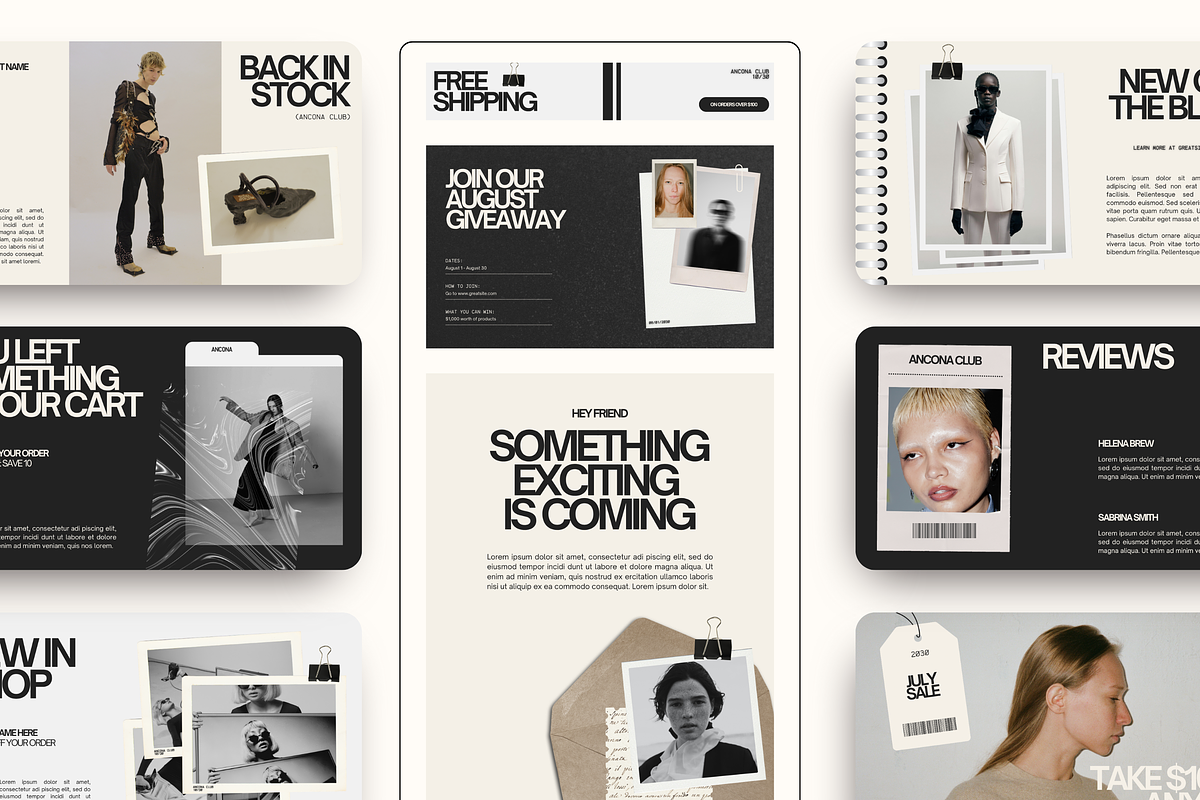
Upgrade your email campaigns with a flexible set of marketing banners and templates designed to capture attention and drive action. This package equips you with banner graphics in three useful sizes so you can construct product launches, announcements, newsletters, and promotional sequences that look polished and consistent. Each template emphasizes clear messaging and visual hierarchy so your readers scan and respond faster.
What’s Included
- 30 main banners — 800 x 1067 px (ideal for header images and feature sections)
- 20 small banners — 800 x 467 px (perfect for inline promotions and side-by-side layouts)
- 10 title banners — 800 x 133 px (clean, compact headers for section breaks and subject lines)
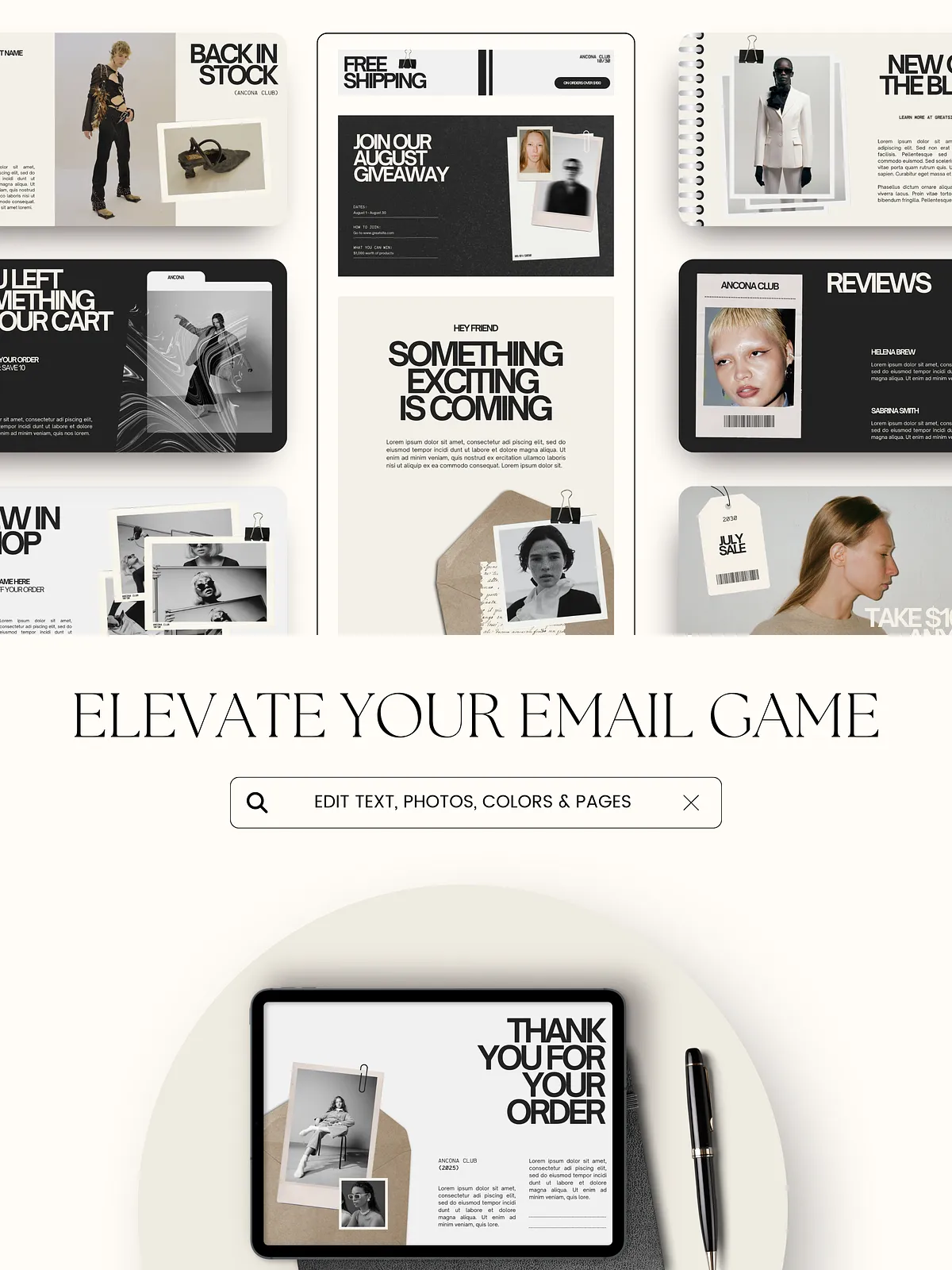
- Editable source files (provided as Canva templates) so you can update copy, colors, and imagery instantly
- Clear usage instructions that walk you through accessing, editing, and exporting each asset for your email system
- Note: Stock photos used in the preview are not included in the download package.
Key Benefits
These templates remove creative friction and let you produce consistent, high-impact emails faster. Use this kit to:
- Maintain a unified visual identity across campaigns so subscribers recognize your brand immediately.
- Speed up campaign production by reusing proven layouts for recurring email types.
- Increase engagement with banners designed to highlight offers, CTAs, and important announcements.
- Give your team (or yourself) the ability to iterate messaging quickly without design bottlenecks.
Editable Elements
Text and Typography
Edit headings, body copy, and calls-to-action. Change font sizes, weights, and colors to match your brand voice and readability needs.
Graphics and Clip Art
Move, recolor, or scale clip art and decorative elements to emphasize product features or offers. Maintain consistent spacing and alignment using the built-in guides.
Backgrounds and Photos
Swap background colors, gradients, or patterns. Replace placeholder images with your own photos or licensed stock to maintain brand relevance. Remember that preview photos are not included.
How to Use
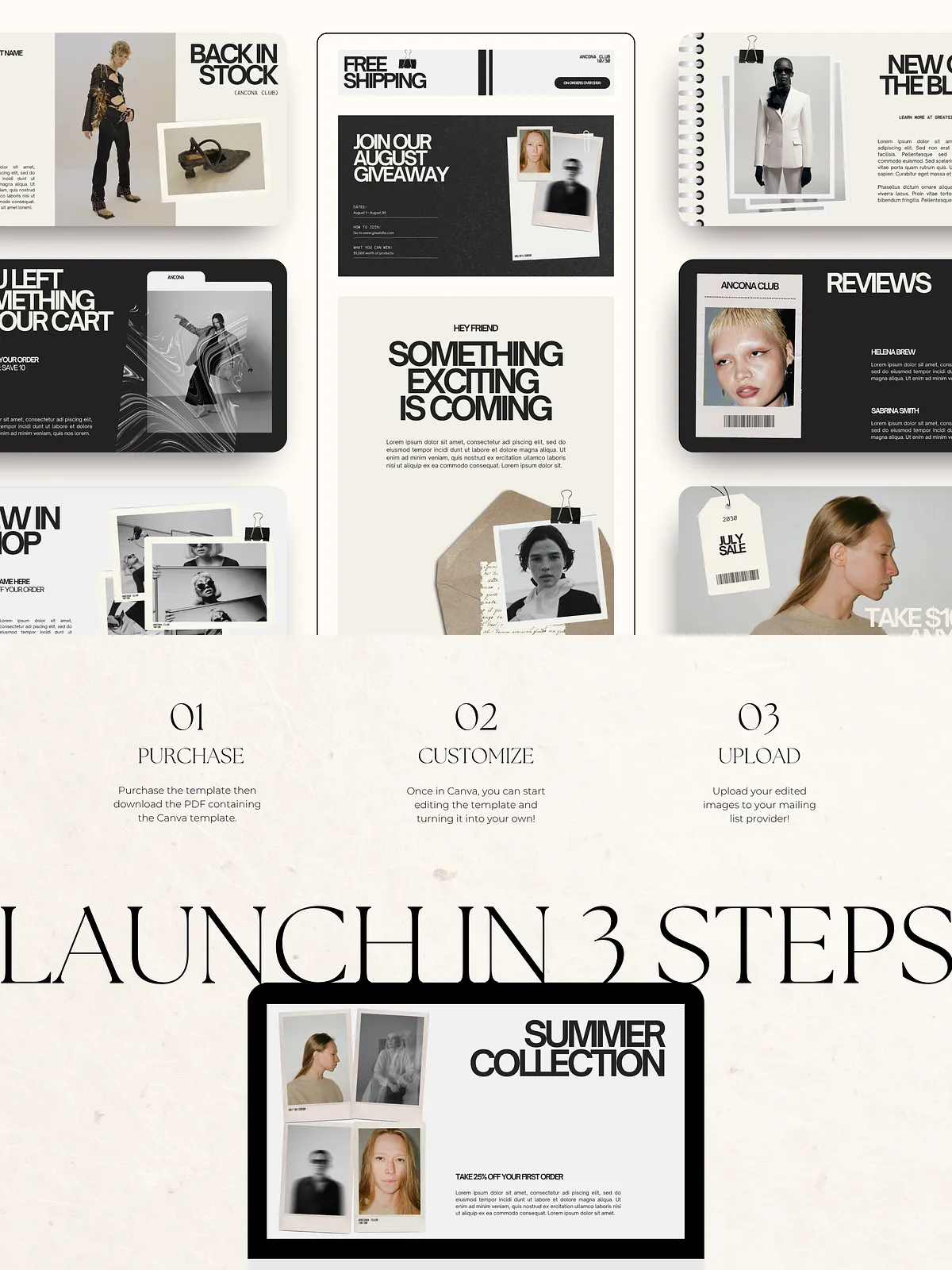
Step 1: Purchase and Access
- Complete purchase and download the provided PDF or link file.
- Open the PDF and follow the template links to the editing platform (Canva).
Step 2: Customize in Canva
- Click “Use Template” to duplicate the design into your personal Canva account.
- Replace placeholder text, update headlines, and adjust CTAs to reflect your campaign objective.
- Swap images by uploading your photos or selecting appropriately licensed stock assets.
- Apply your brand colors and fonts to ensure visual consistency across campaigns.
Step 3: Export and Integrate
- Export images as optimized PNG or JPG files from Canva.
- Upload banners to your email service provider (Mailchimp, Klaviyo, ConvertKit, etc.) and place them in your campaign layout.
- Test across desktop and mobile clients to confirm responsive appearance and link behavior before sending.
Technical Details and Compatibility
All templates are sized for common email usage and delivered through Canva for cross-platform editing. You do not need advanced design software; a free or pro Canva account provides full editing capability. Exported images work with any modern email platform that accepts image uploads.
Who Should Use This Kit
This template pack serves small business owners, e-commerce managers, course creators, and marketing teams who need consistent, attractive campaign visuals without hiring a designer for every send. If you handle announcements, weekly newsletters, or promotional sequences, this kit reduces production time and elevates perceived value.