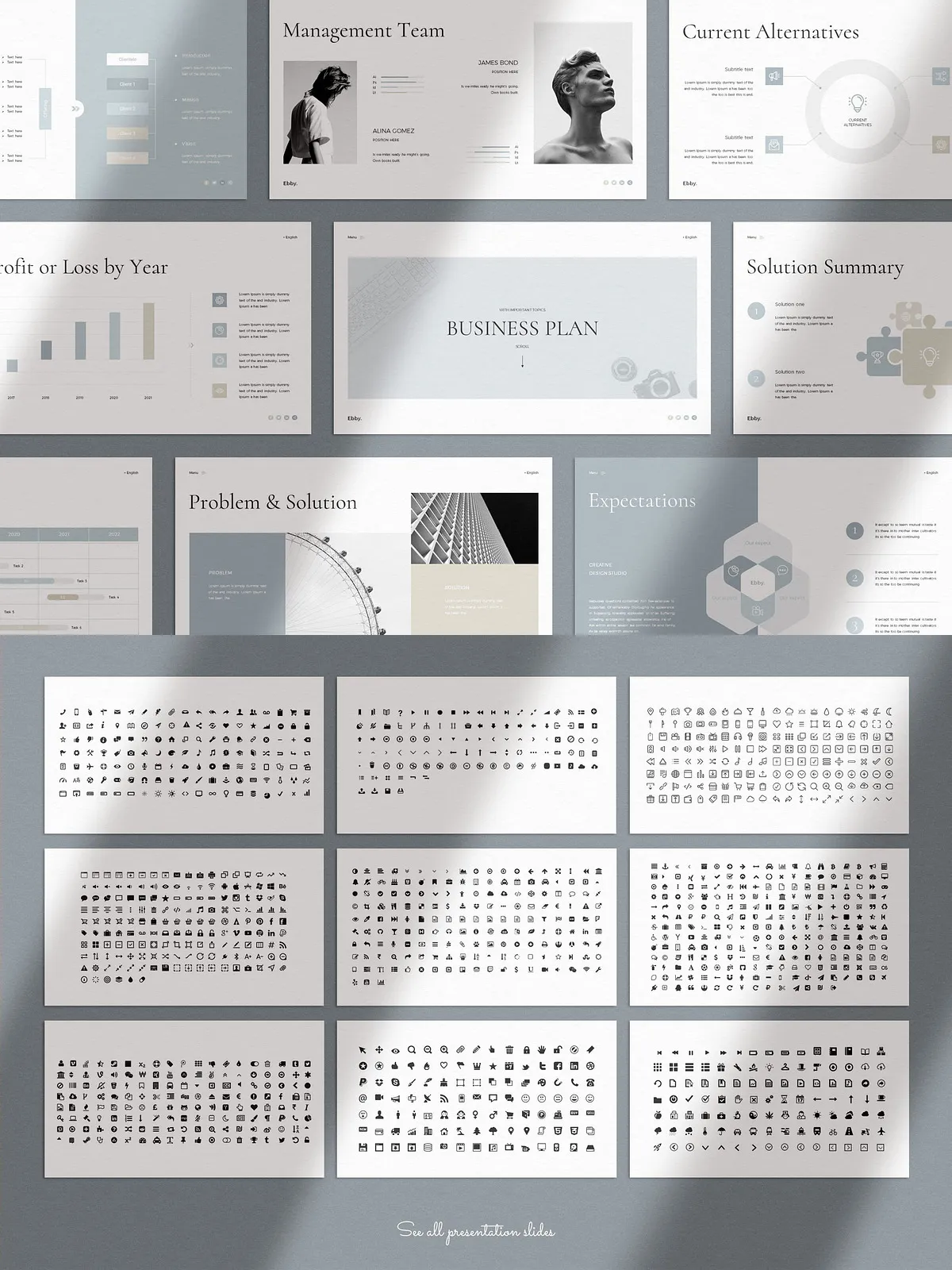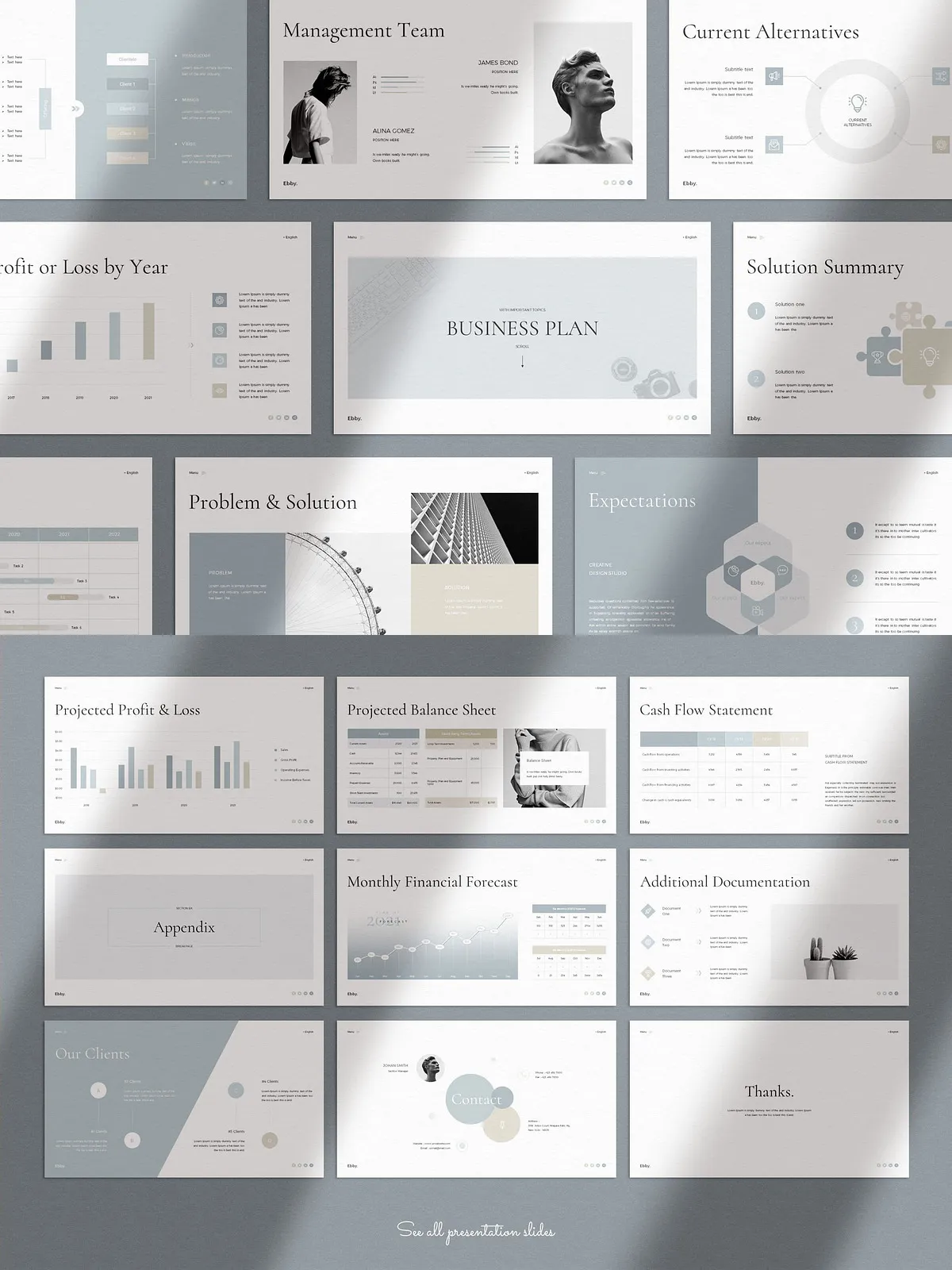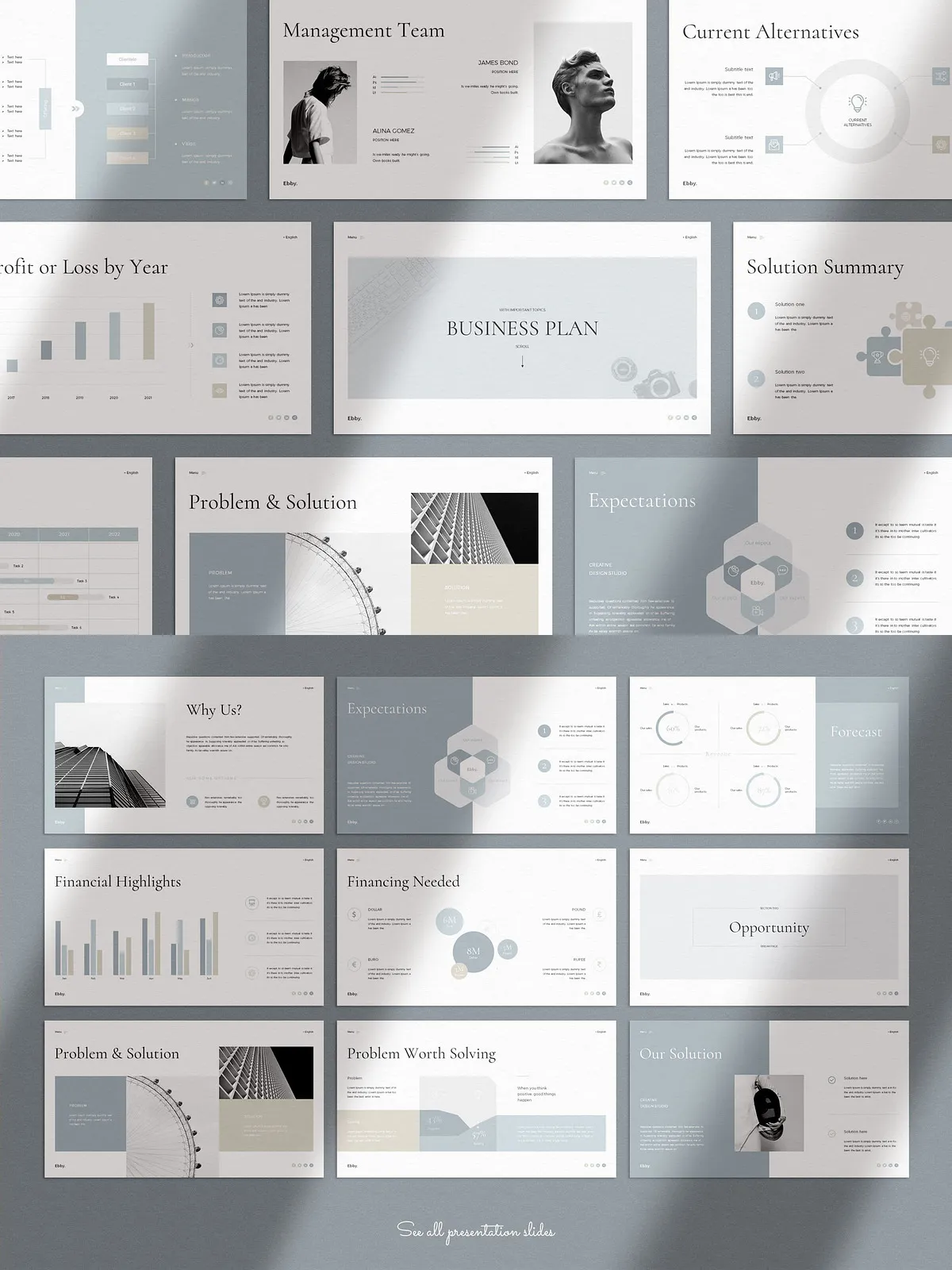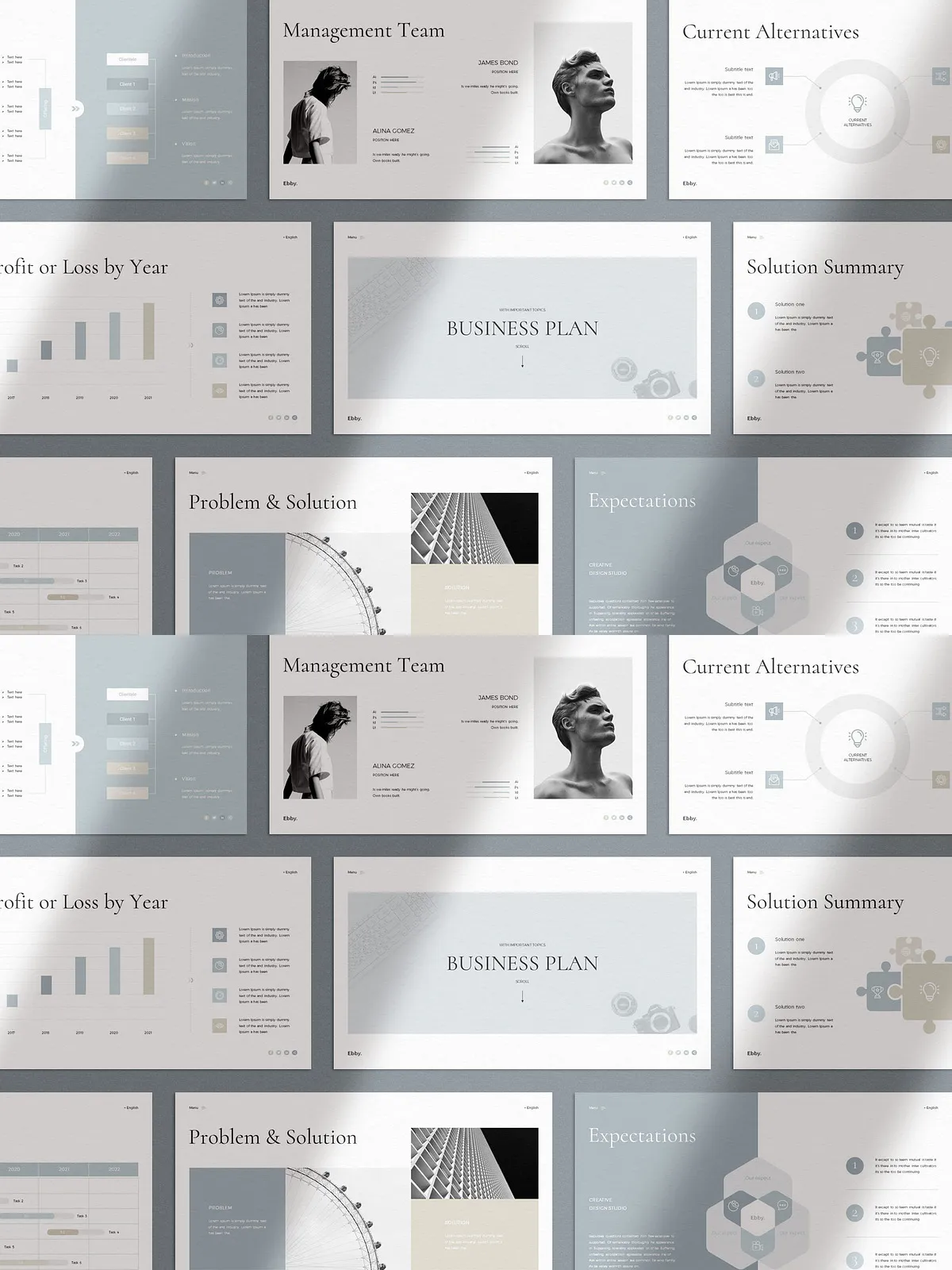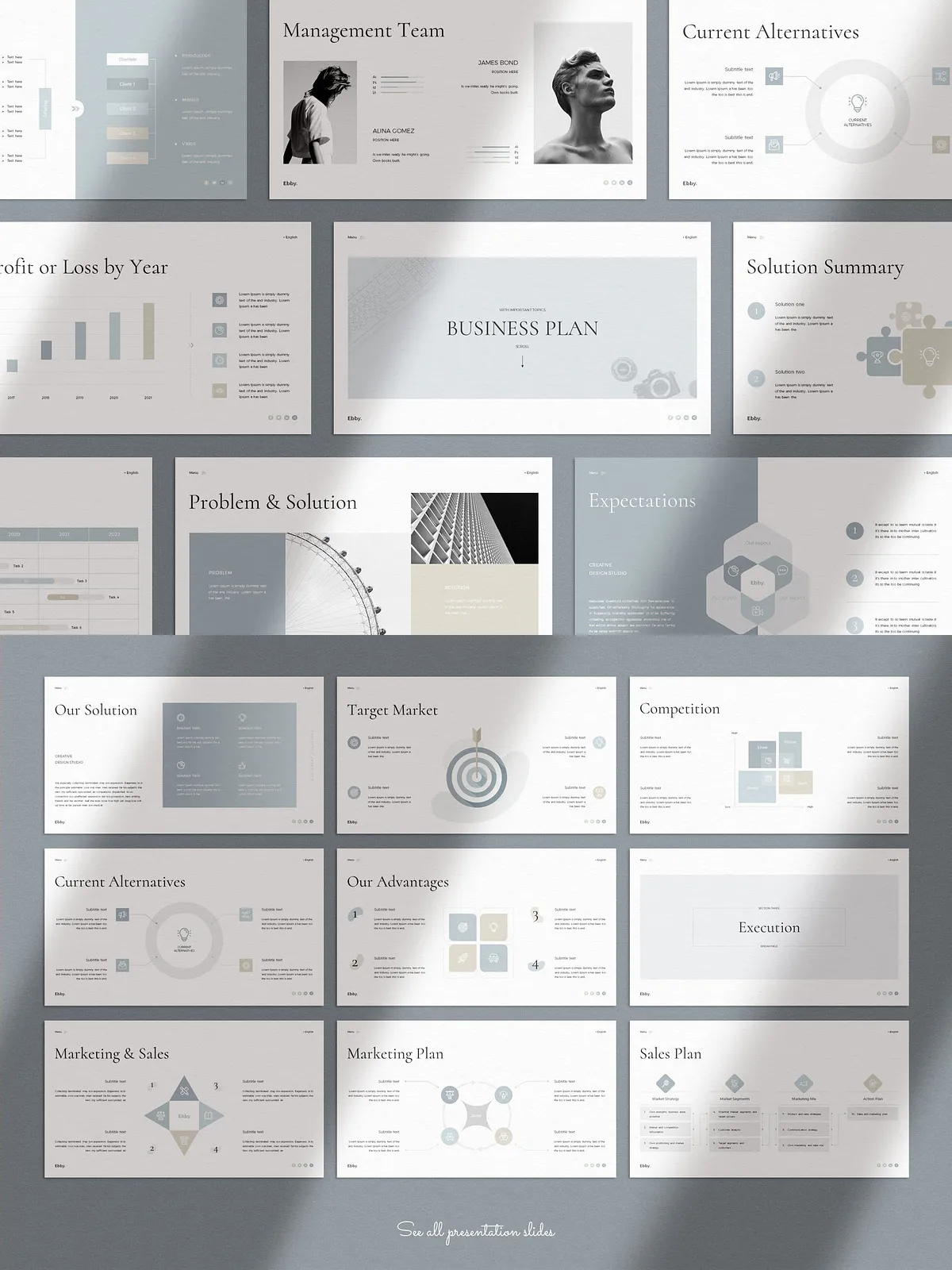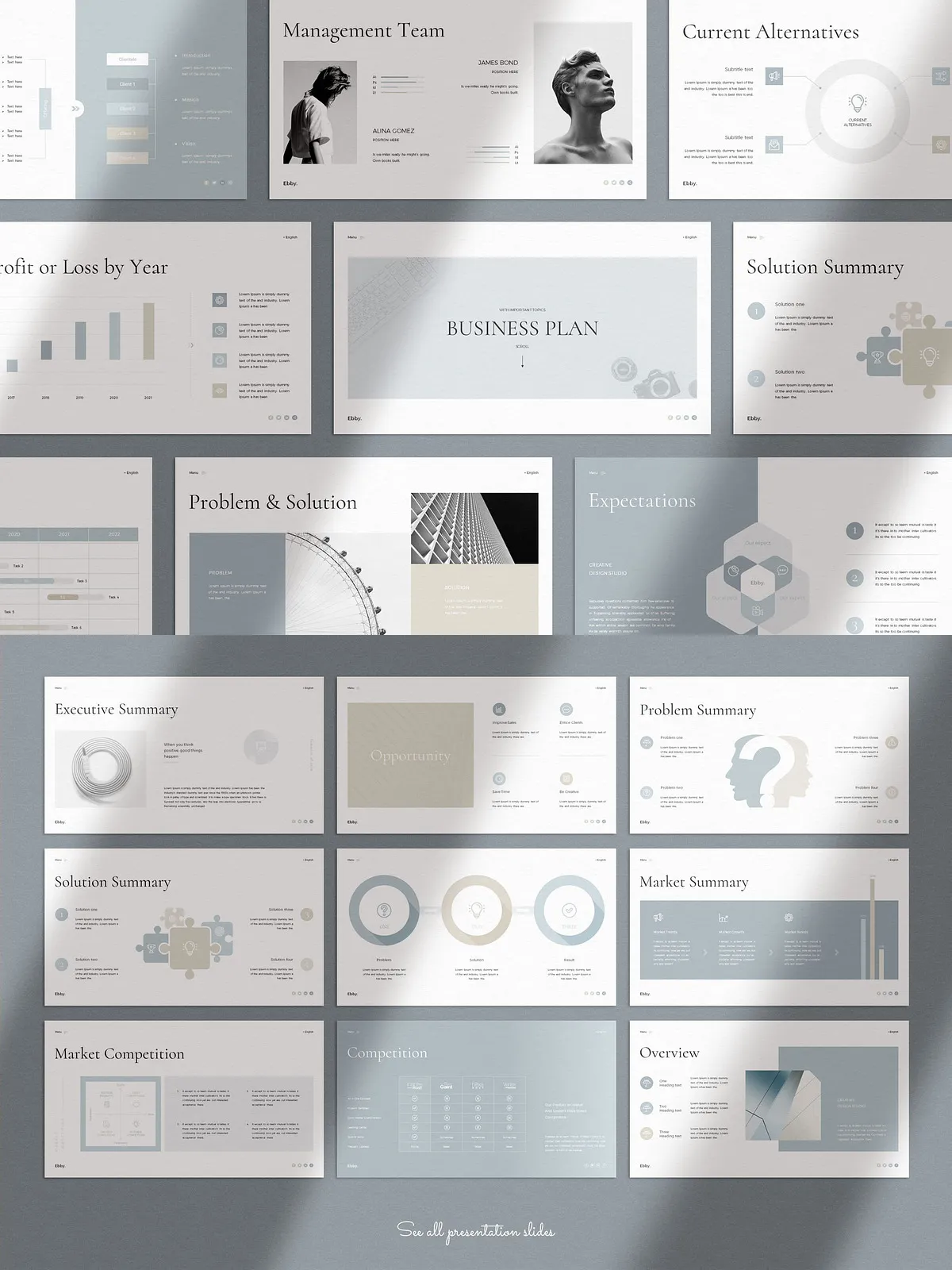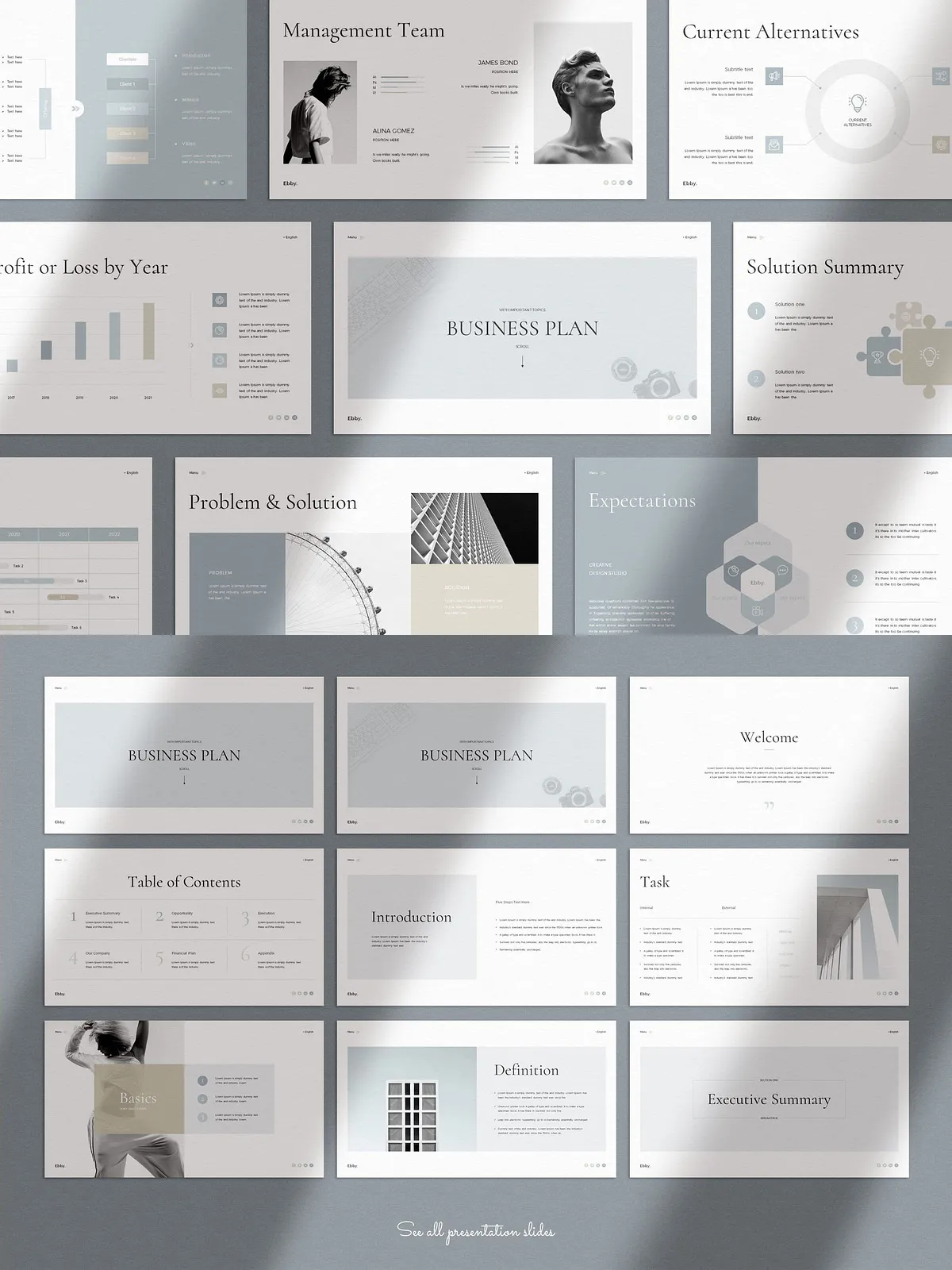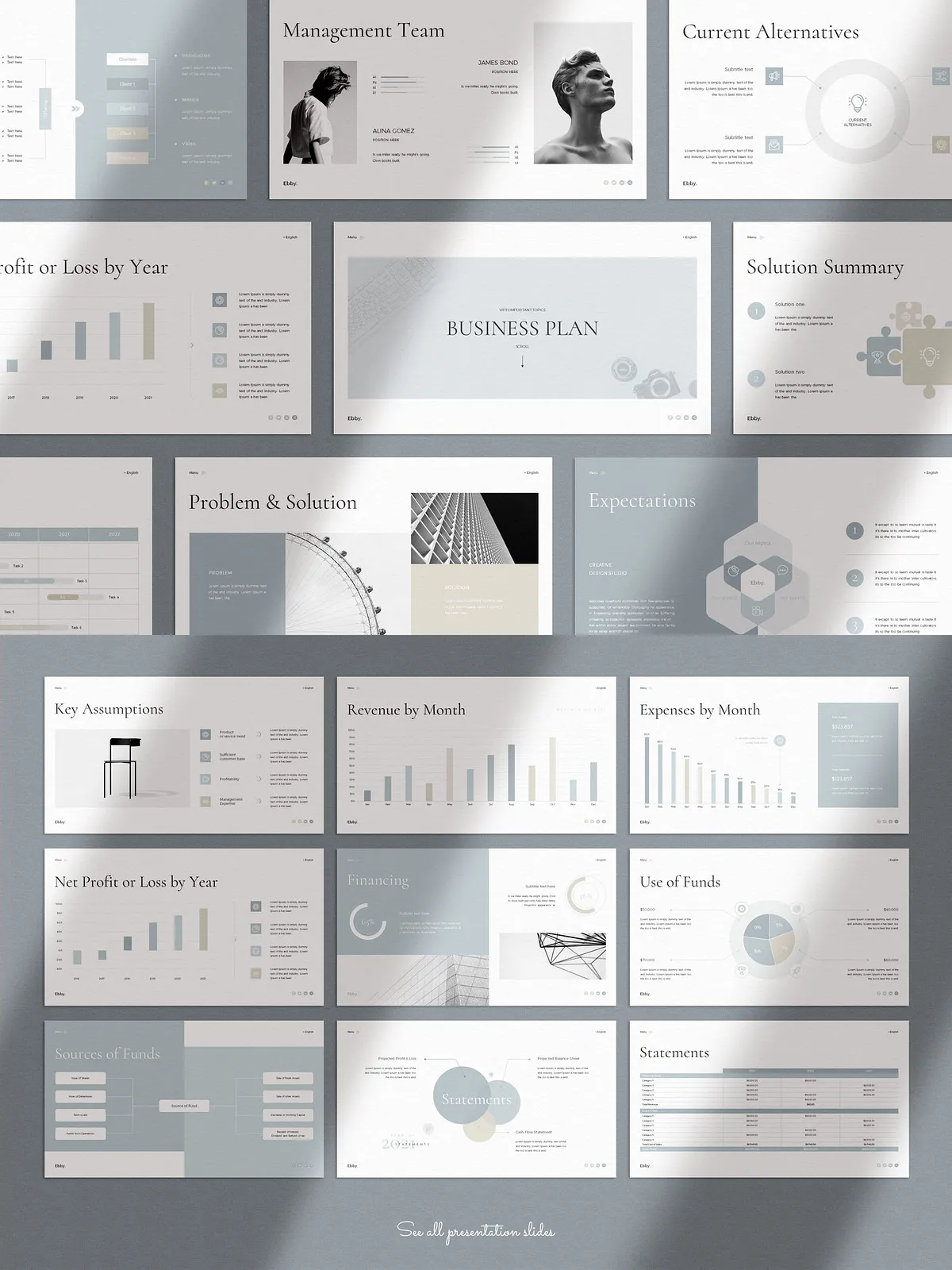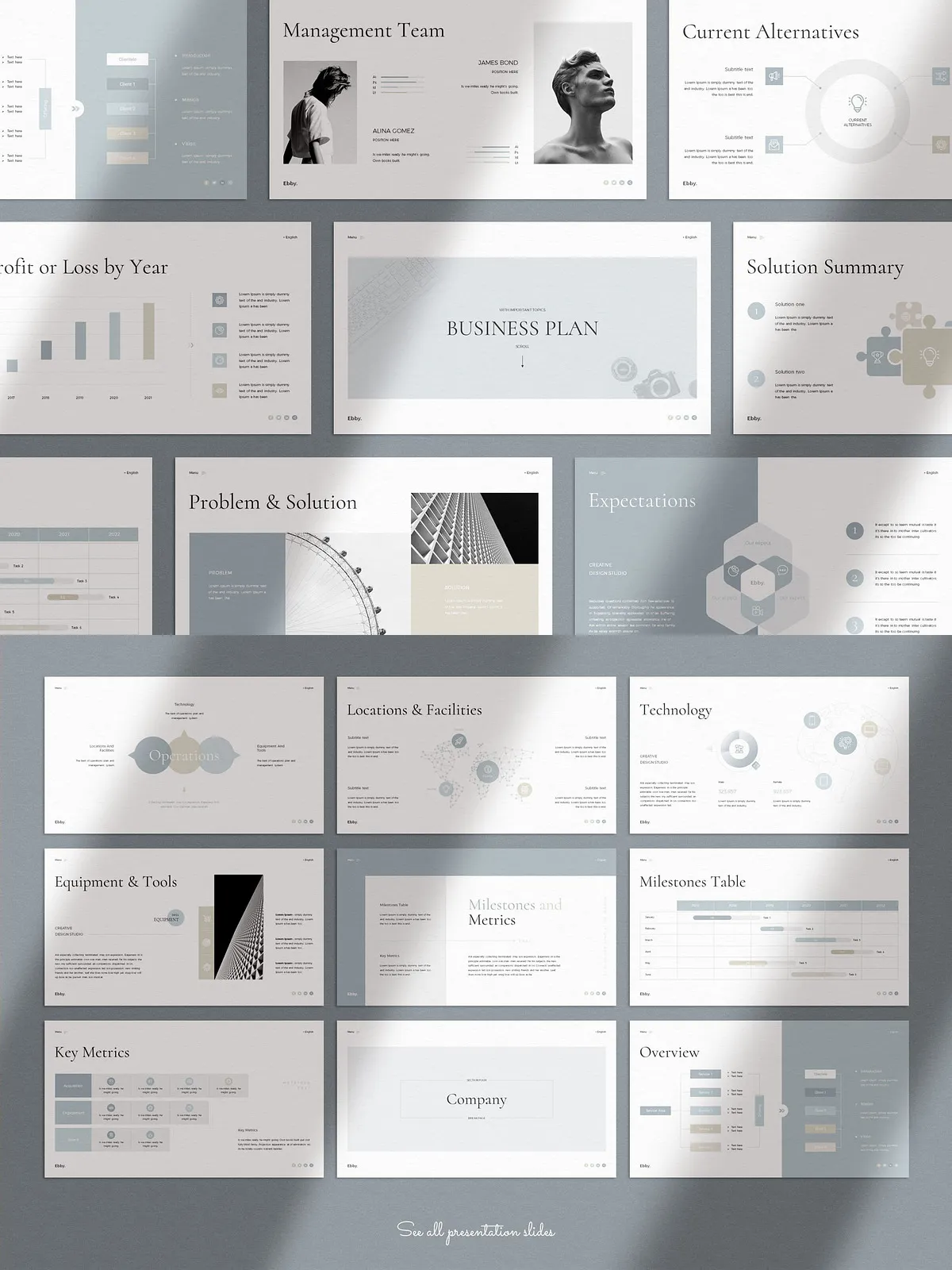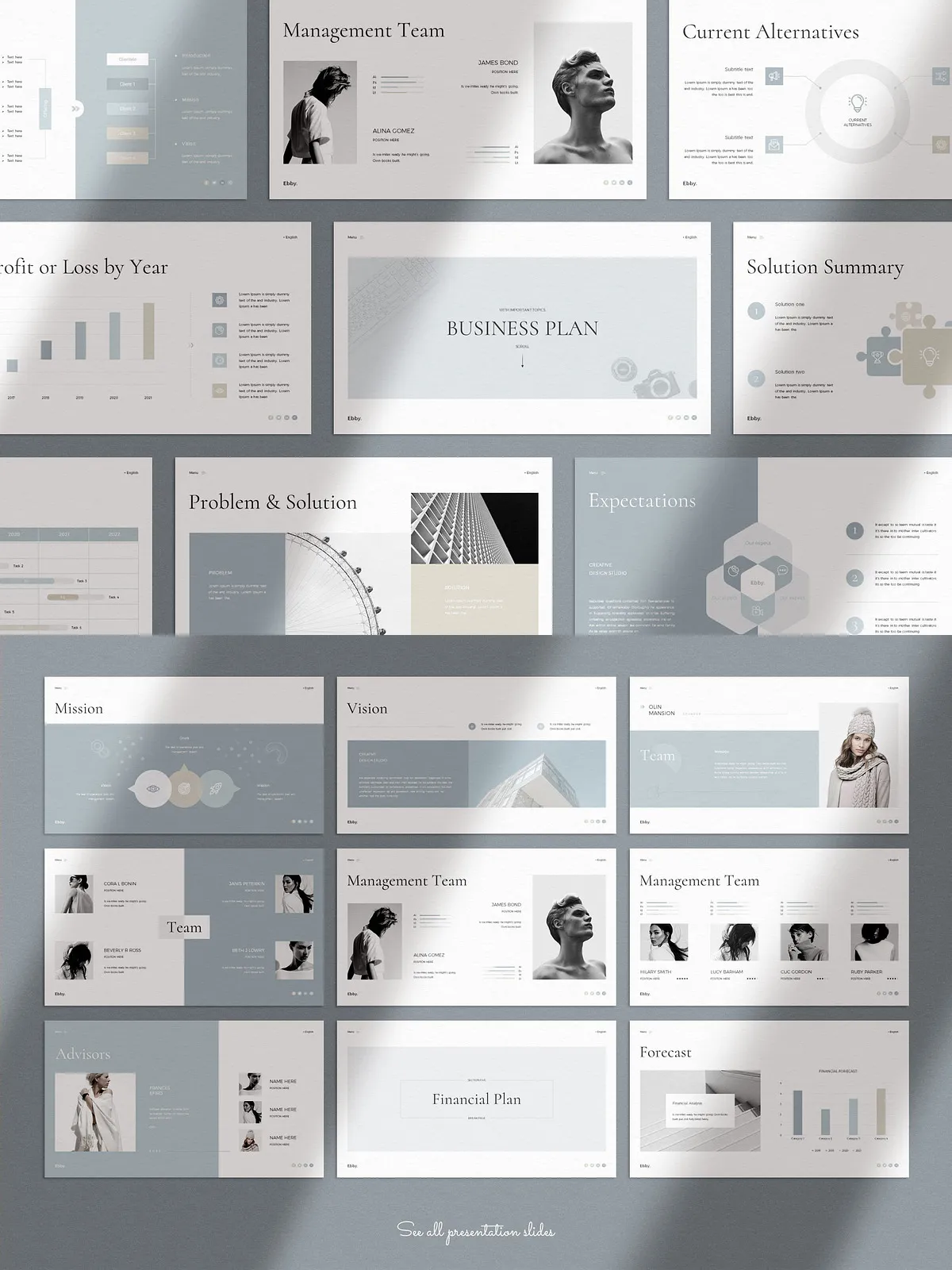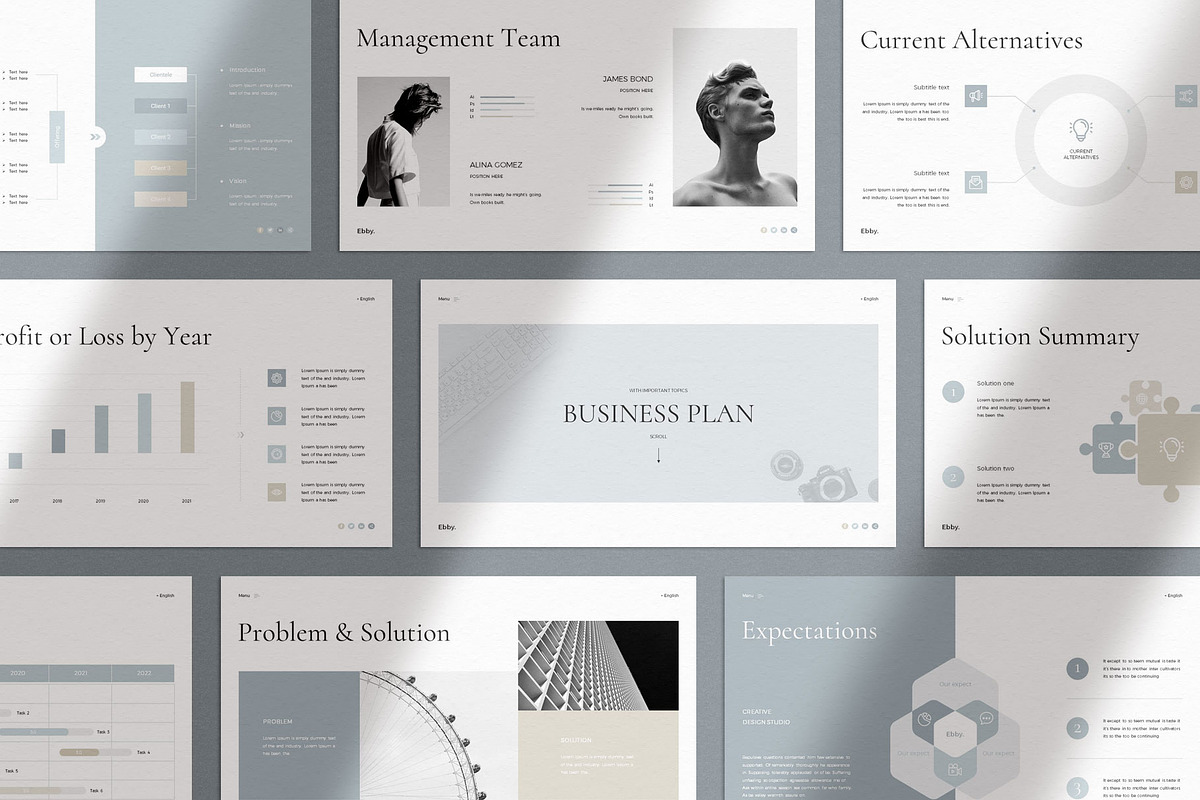
Present your work with confidence using the Business Plan Presentation Template. Designed for clarity and visual impact, this template empowers founders, consultants, and teams to communicate strategy, financials, and milestones with polished slides that emphasize your message. The clean layout and contemporary graphics allow you to focus on content while the template handles presentation design.
Why Choose This Template
- Deliver professional investor-ready presentations without hiring a designer.
- Accelerate preparation time by using pre-built slides that cover every business plan section.
- Customize quickly with master slides, theme colors, and drag-and-drop image placeholders.
- Use on both Apple and Windows platforms for consistent results across devices.
Exclusive Features
- Compatibility: Works on both Apple and Windows systems.
- Slide Count: 72 unique, creative slides designed for business planning and pitching.
- File Format: PPTX files in 16:9 Full HD ratio for modern widescreen displays.
- Theme Options: Easily change global theme colors to match your brand.
- Bonus: 2,500+ vector icons included as editable shapes for fast custom visuals.
- Master Slides: Built on master slides to guarantee consistent formatting and fast edits.
- Editable Graphics: All graphics are resizable, movable, and editable directly in PowerPoint.
- Drag and Drop: Replace pictures quickly with the easy drag-and-drop functionality.
- Fonts: Uses free fonts; links and names are provided in the included PDF.
- Support: Detailed PDF guide and customer support included to help you get started.
What’s Included
The template includes a comprehensive set of slide types that cover every section of a full business plan and investor pitch. Use these ready-made layouts to build a concise narrative that flows from problem to solution to financials.
Core Slides and Sections
- Cover and Executive Summary
- Opportunity, Problem Summary, and Solution Summary
- Market Summary, Target Market, and Competition
- Why Us?, Our Advantages, and Current Alternatives
- Marketing & Sales: Plan, Sales Plan, and Execution strategy
- Operations: Locations, Facilities, Technology, and Equipment
- Milestones, Metrics, and Milestones Table
- Company Overview, Team, Management, and Advisors
- Financial Plan: Forecast, Key Assumptions, Monthly and Yearly Charts
- Financing: Financing Needed, Use and Sources of Funds
- Statements: Projected Profit & Loss, Balance Sheet, Cash Flow
- Appendix: Monthly Forecasts, Additional Documentation, Clients, Contact
Editable Elements
Text and Typography
Update headings, body text, and captions. Change type sizes, weights, and colors to align with your brand voice and readability needs.
Images and Photo Layouts
Replace placeholders with your own photos using drag-and-drop. Resize images and adjust cropping without disturbing layout integrity. Note: images used in demos are not included.
Infographics, Charts, and Icons
Modify built-in infographics and charts to reflect your data. Use the included 2,500+ vector icons as shapes to enhance slides and illustrate key points.
How to Use
- Download the provided PPTX files after purchase.
- Open the file in PowerPoint on Windows or Keynote/PowerPoint on Mac (PPTX compatible).
- Set your brand colors via the Theme Color option for a single-click global update.
- Replace images using the drag-and-drop placeholders and update text on master slides where necessary.
- Adjust charts and tables with your financial data; resize graphics and export slides to PDF for sharing or printing.
Technical Details and Support
The template ships as editable PPTX files sized for 16:9 Full HD displays. All graphic elements remain fully editable as PowerPoint shapes. A detailed PDF support document explains font installation, color customization, and recommended export settings. If you encounter issues or need guidance, customer support is available to assist.