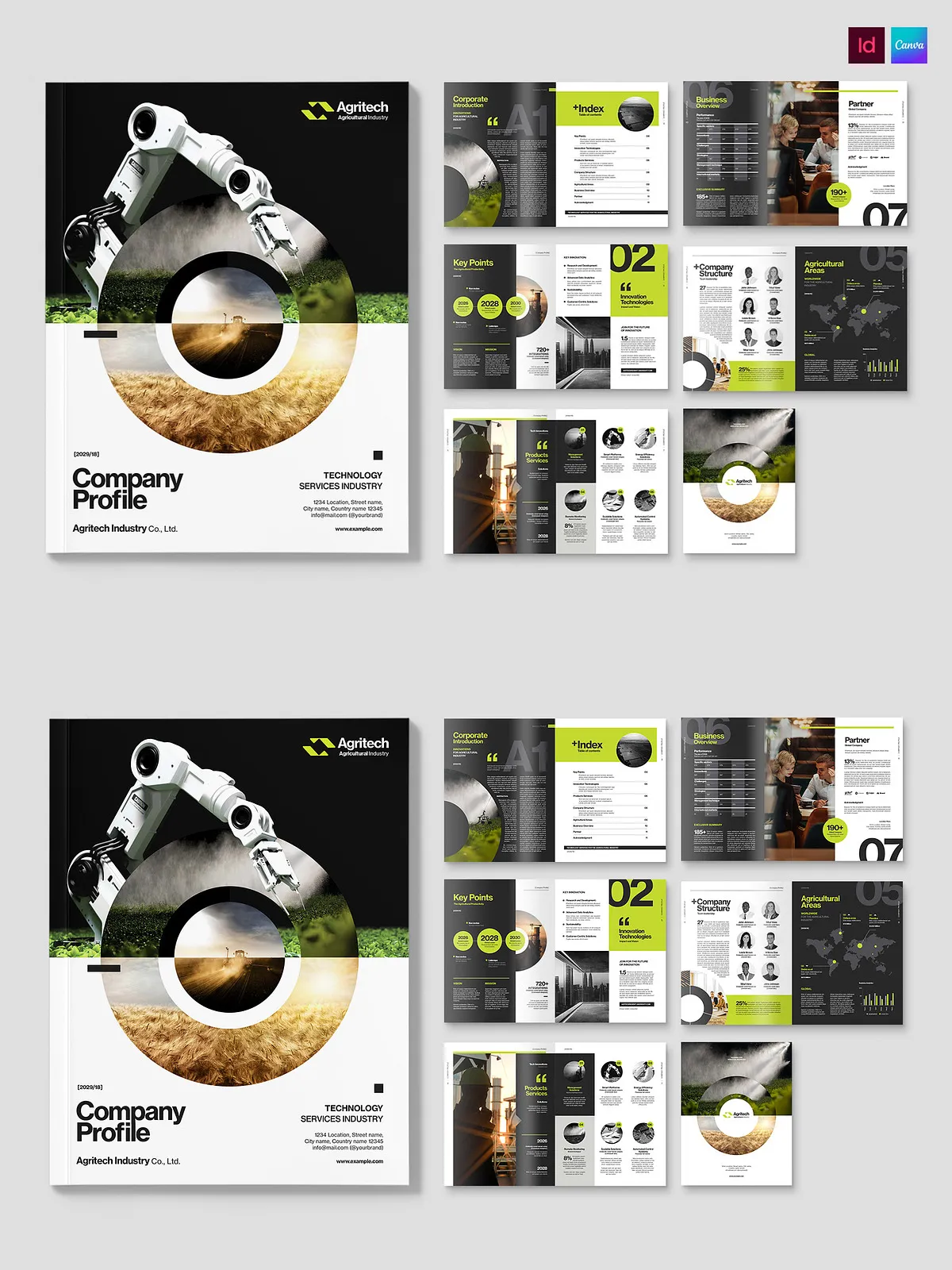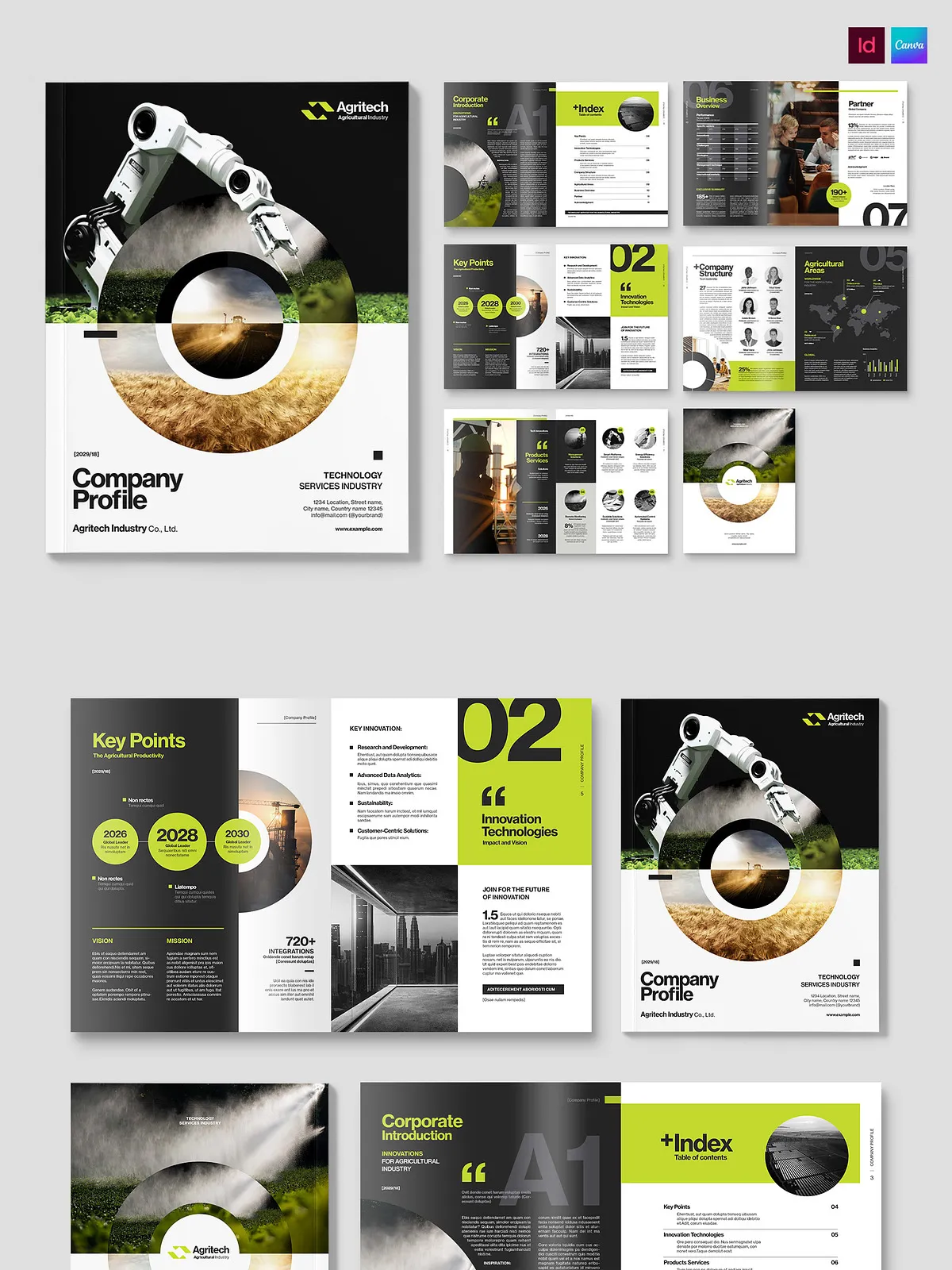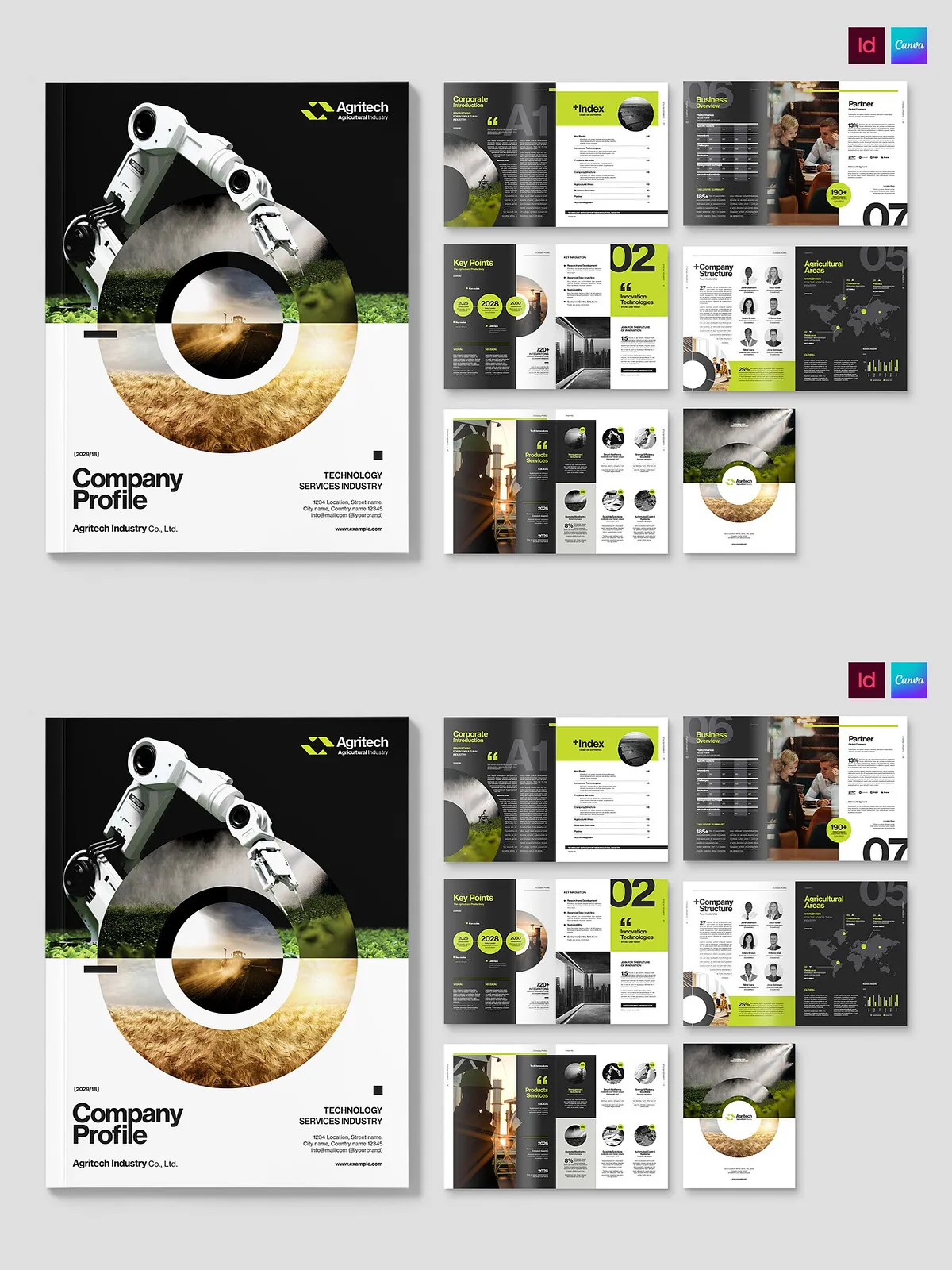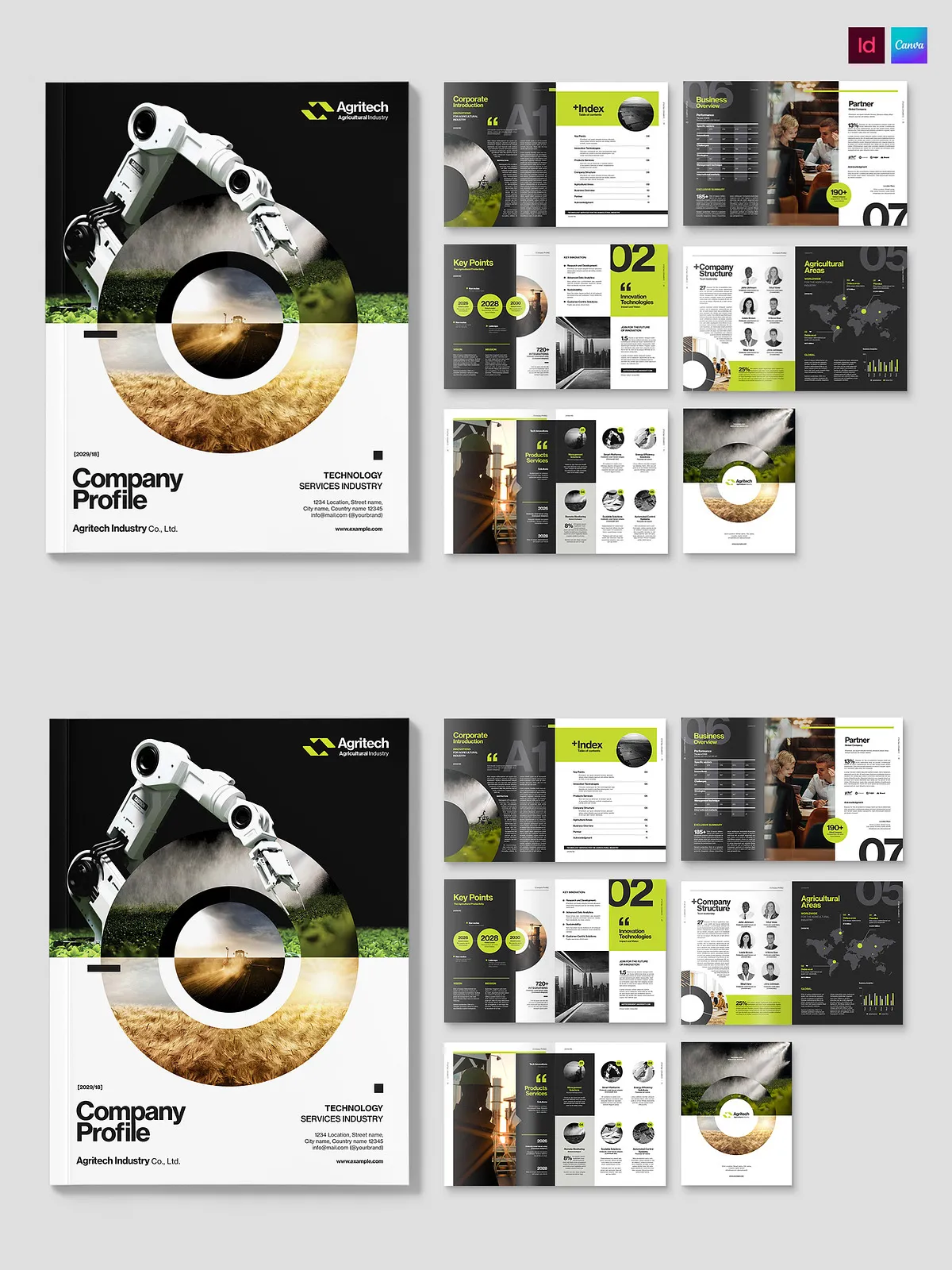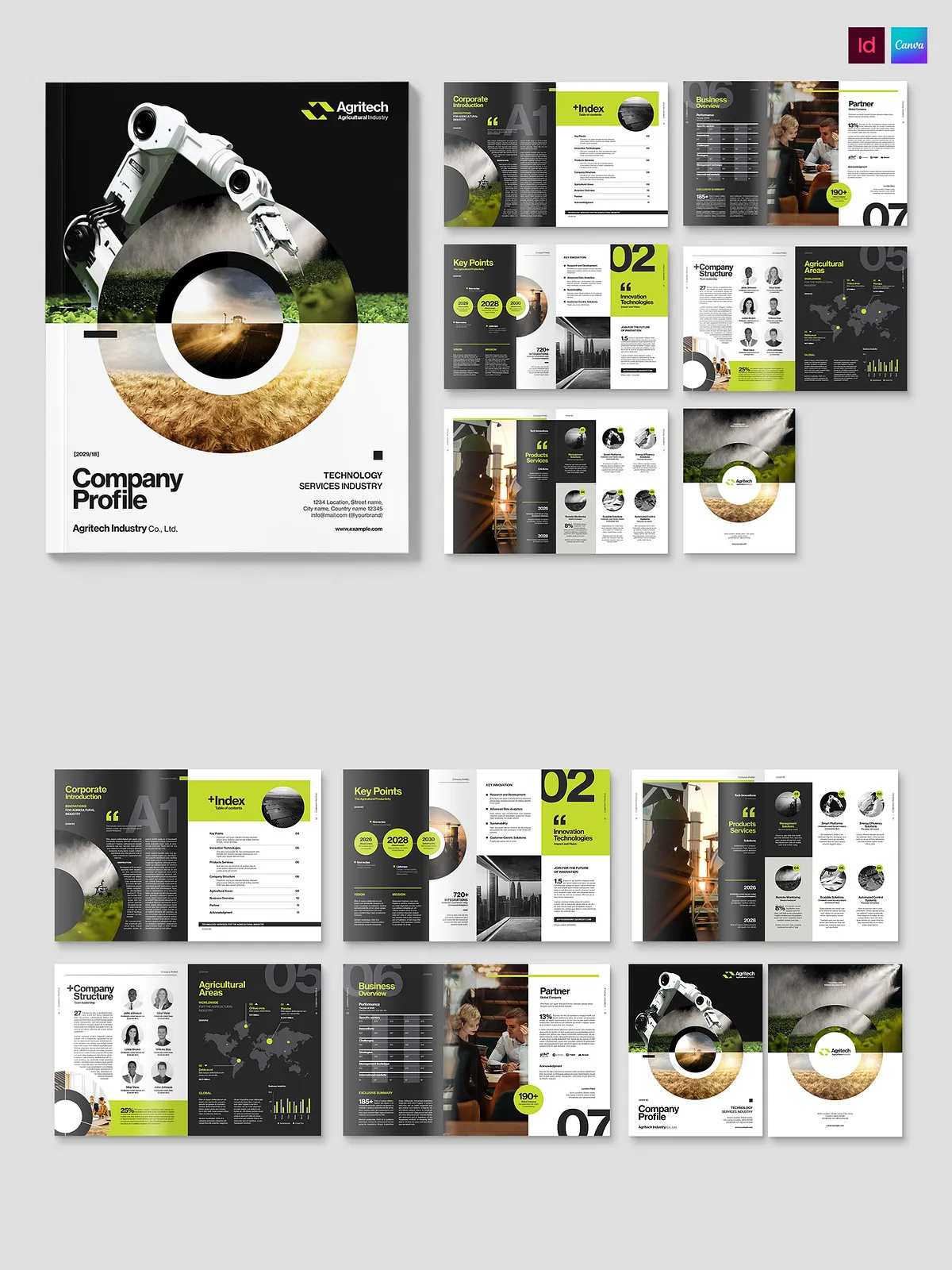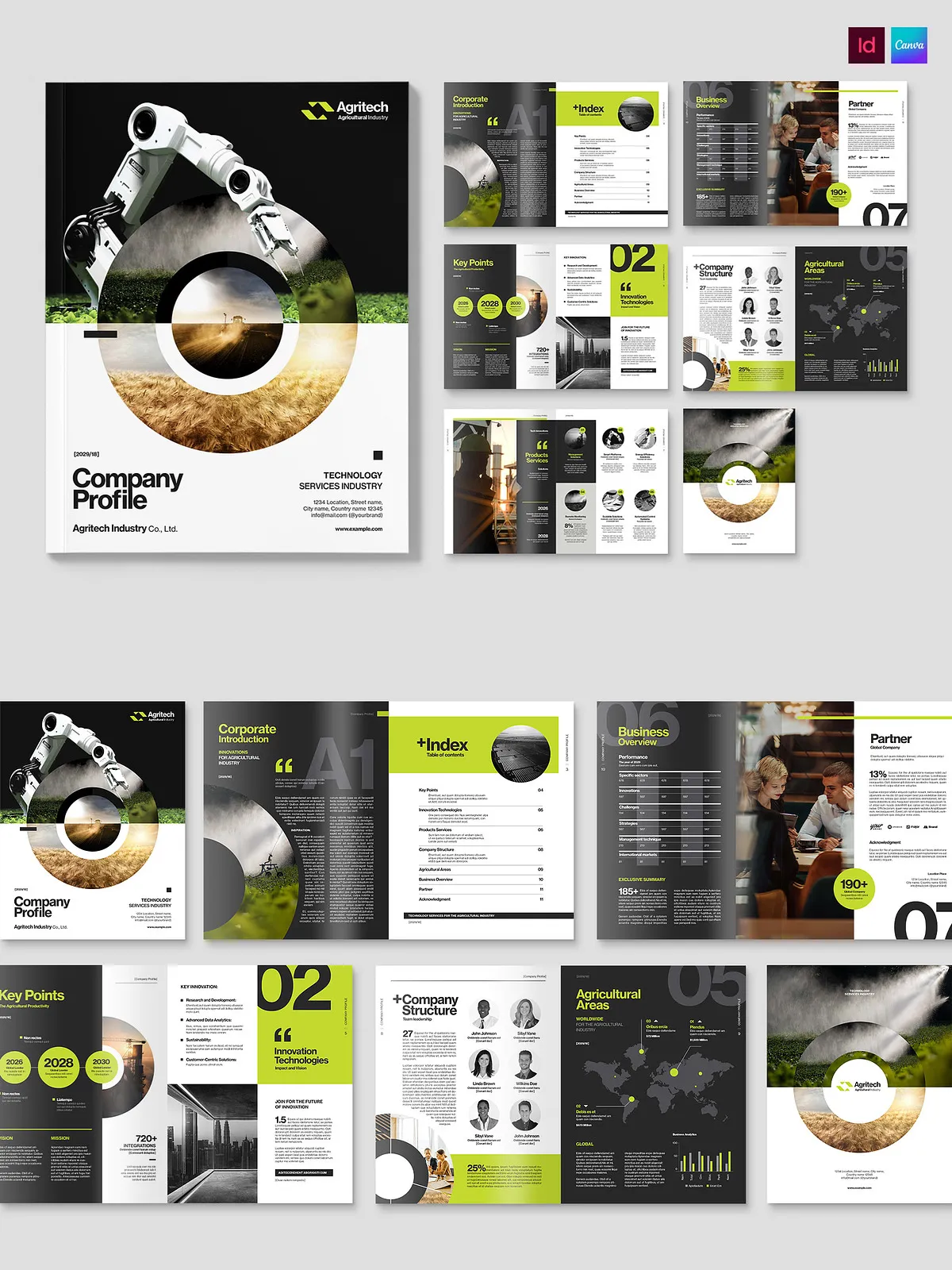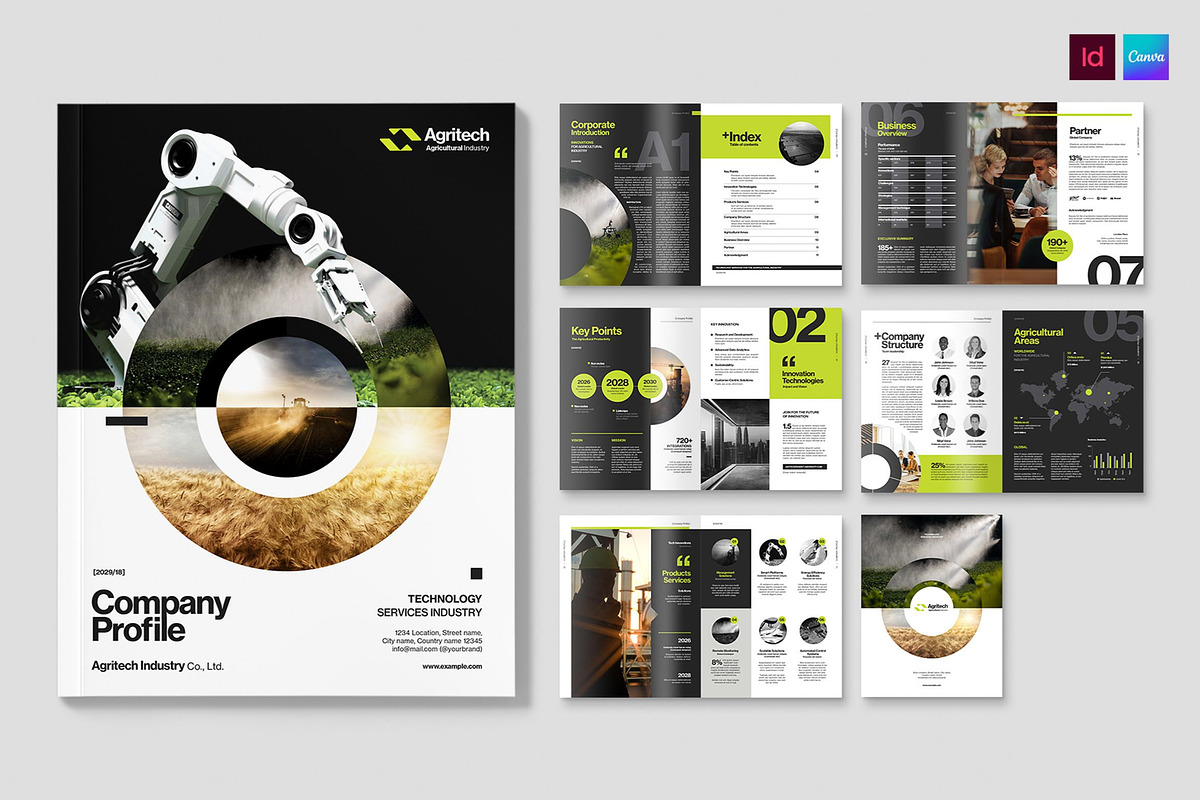
This Company Profile Brochure Template delivers a polished, corporate-ready bifold layout designed to showcase your organization’s story, services, and performance. Built for efficiency and clarity, the template brings together professional typography, structured content blocks, and adaptable photo layouts so teams can produce high-impact printed materials and digital PDFs with minimal effort. The template ships in Canva and Adobe InDesign formats (INDD & IDML) and is optimized for US Letter final print size in CMYK color space.
Key Benefits
- Present confidently: Use carefully designed spreads to highlight your company history, mission, leadership, services, and case studies in a cohesive, readable format.
- Edit quickly: Replace images, update copy, and adjust colors without reworking layout — the structure preserves visual balance while you customize content.
- Print-ready: The template is set to US Letter size and CMYK color space, reducing the need for additional print adjustments and ensuring reliable color output.
- Flexible file formats: Includes Canva for web-based, collaborative editing and Adobe InDesign (INDD & IDML) for advanced layout control and prepress workflows.
Included Files & Specifications
Formats
The package includes editable files for both online and desktop workflows:
- Canva template link for fast, browser-based editing (ideal for teams and non-designers).
- Adobe InDesign INDD file for native InDesign editing and full layout control.
- Adobe InDesign IDML file for compatibility with different InDesign versions and cross-platform workflow.
Print Specifications
- Final printed size: US Letter (8.5 x 11 inches), bifold layout.
- Color space: CMYK, preconfigured for print vendors.
- Bleed and safe margins included where required for professional printing.
Template Structure and Content Blocks
The template organizes information logically so readers can absorb your message quickly. Sections include:
- Cover and title area optimized for your logo and headline messaging.
- Company overview and mission statement with visual callouts.
- Services or product highlights with icon-driven lists and short descriptions.
- Portfolio or case study spread with photo placeholders and outcome-focused captions.
- Leadership and team profiles with headshots and brief bios.
- Contact details, social links, and a clear call to action for sales or partnerships.
Editable Elements
- Text content: update headings, paragraphs, and captions with your voice and tone.
- Images: swap placeholders with your photography using drag-and-drop in Canva or frame tools in InDesign.
- Colors: apply brand color swatches to achieve consistent visual identity.
- Typography: change fonts in Canva or link to corporate fonts in InDesign for brand accuracy.
How to Use
- Open the Canva template via the provided link and edit directly in your browser, or open the supplied INDD/IDML files in Adobe InDesign for advanced control.
- Replace sample text with your company profile, refine headlines to target stakeholders, and add key metrics or results to support claims.
- Insert your images into photo placeholders, ensuring correct crop and resolution for print.
- Confirm color settings and export high-resolution PDF with bleed for print, or optimized PDF for digital distribution.
Editing Tips and Best Practices
Content
Lead with your strongest value proposition and use concise language. Use subheads and bullets to make scanning easier for busy readers.
Visuals
Choose images that support claims — client photos, product shots, and team portraits. Maintain consistent image treatment and alignment to preserve a professional look.
Printing
When preparing files for print, verify bleed, trim, and color profiles with your print vendor. Export as a high-quality PDF/X-1a or PDF/X-4 when possible to ensure consistent output.
Where to Edit and Resources
Edit collaboratively using the Canva web platform; browse similar templates and start quickly with browser-based tools. See Canva’s bifold brochure options here: [Free, printable, editable bi-fold brochure templates](https://www.canva.com/bi-fold-brochures/templates/). For additional brochure layouts and printable-ready designs, visit [Free, printable professional brochure templates](https://www.canva.com/brochures/templates/).
Licensing and Assets
All core layout files are included with the template package. Stock images used in the demo presentations are not included; replace demo images with your licensed photography or purchase required stock licenses where necessary. Fonts used in sample designs are typically free or linked — check the included documentation for exact font names and download links.