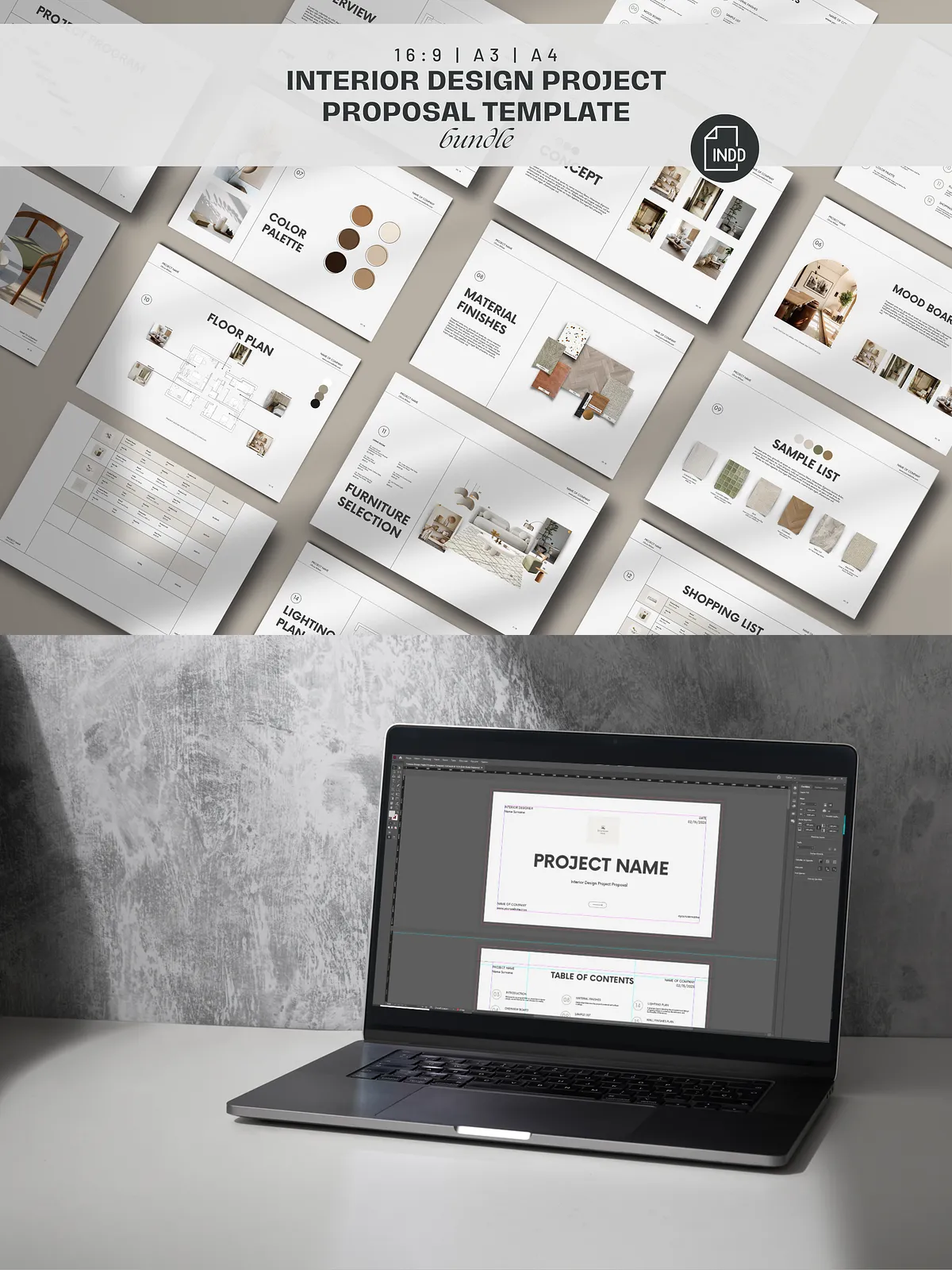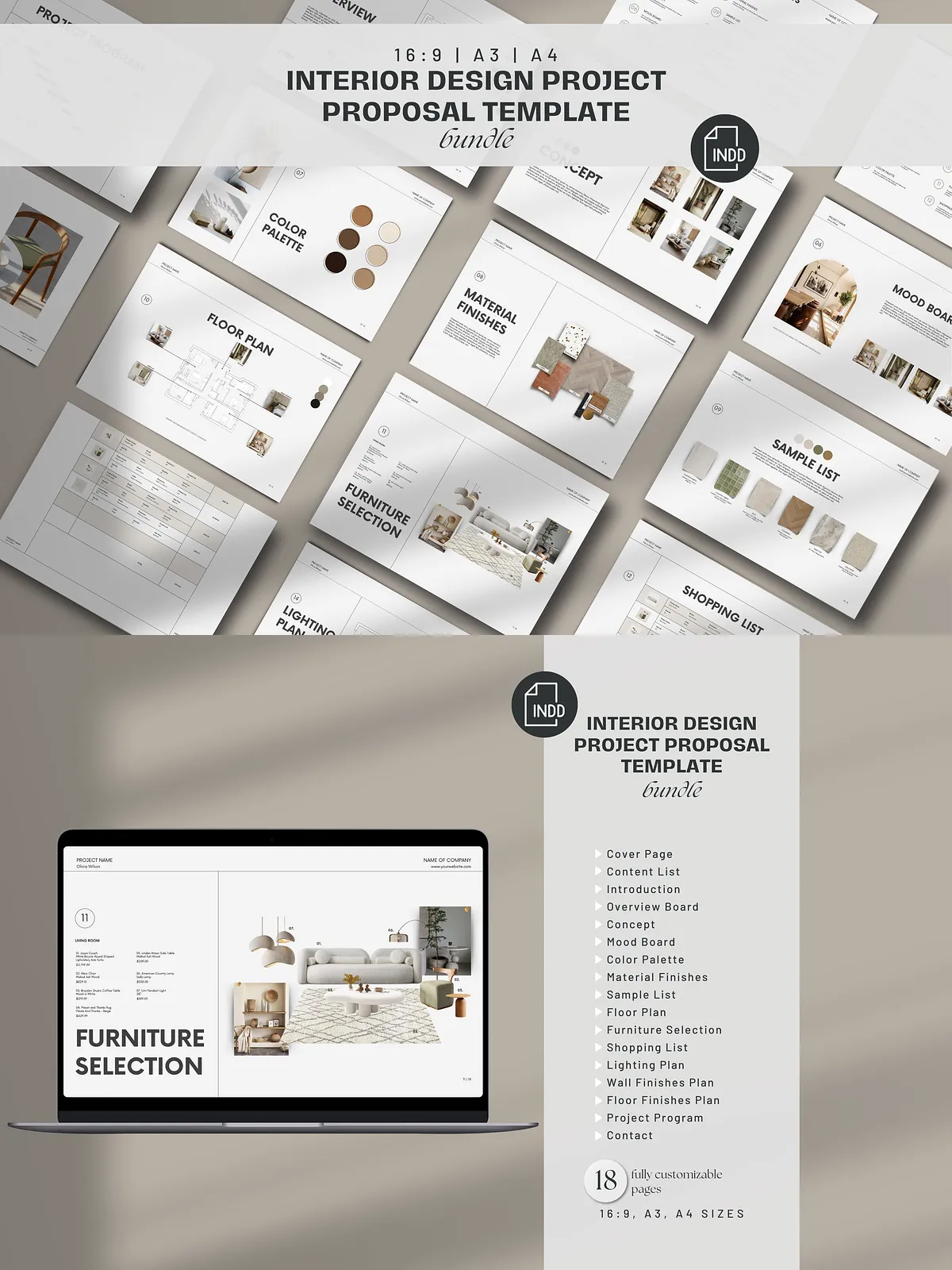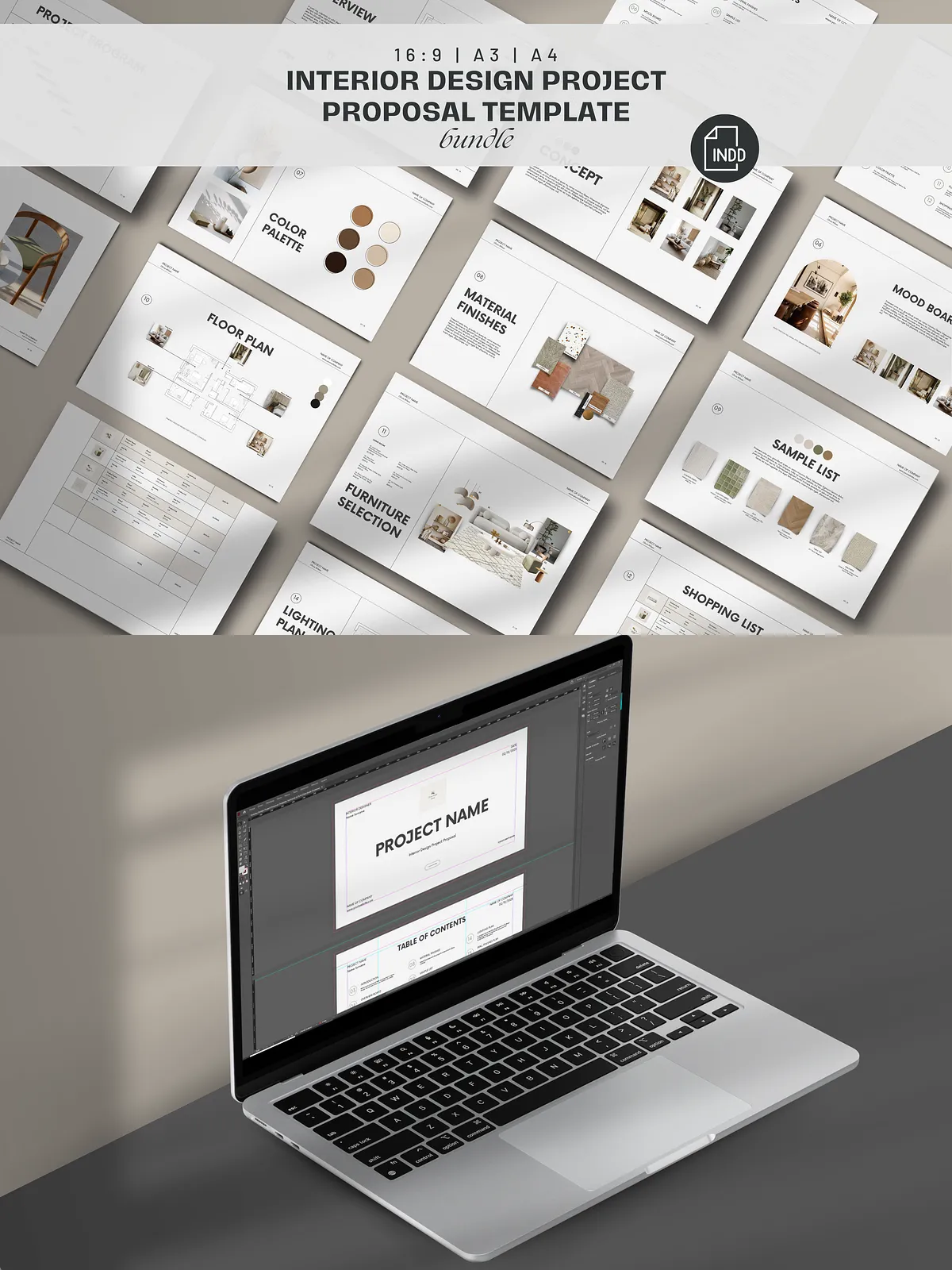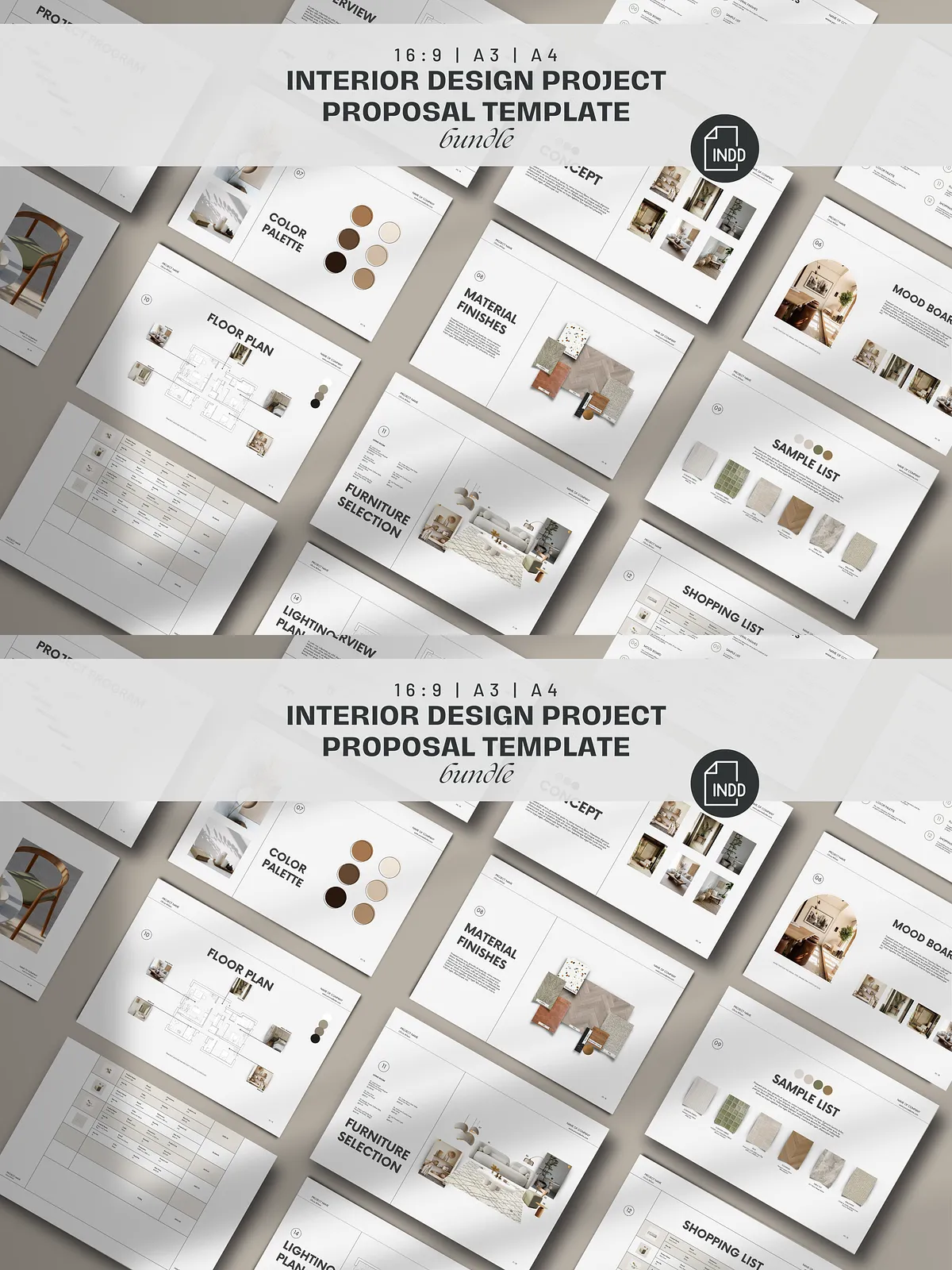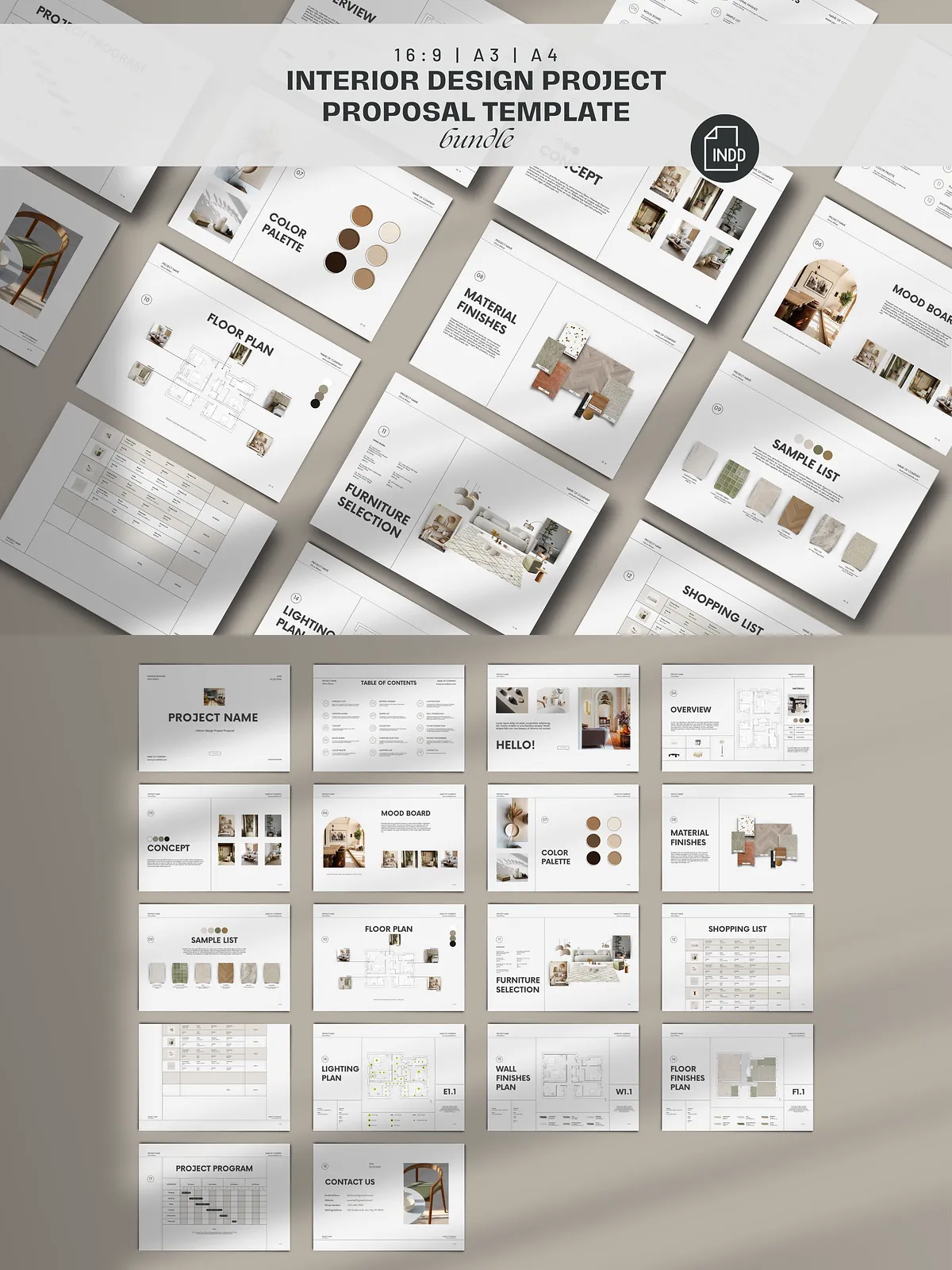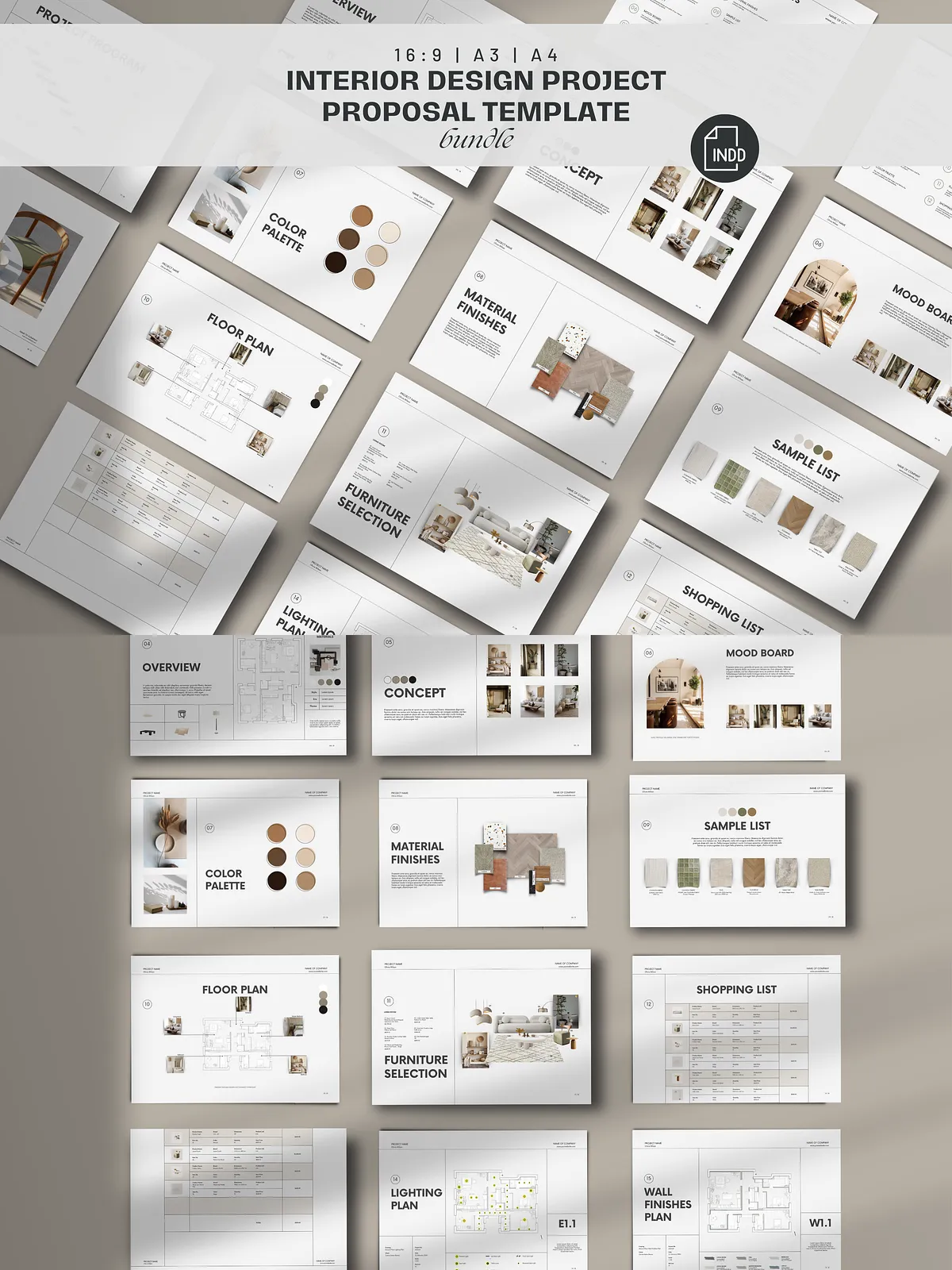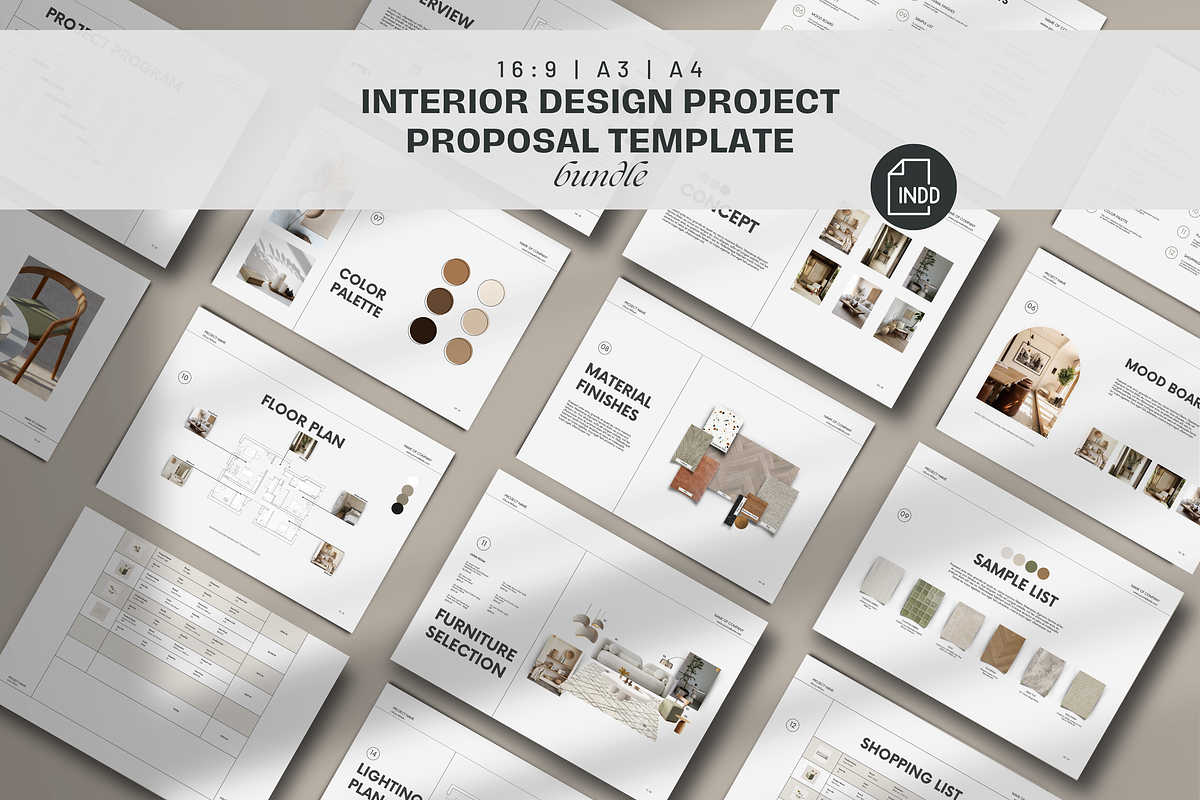
Activate your client engagements and streamline your design proposals with this Indesign Interior Design Mood Board & Project Proposal Template. Designed for interior designers at every level, the template combines a refined minimal aesthetic with practical, editable layouts so you can quickly produce polished proposals, mood boards, and onboarding documents. The pack empowers you to present concepts confidently, structure project scopes clearly, and guide clients smoothly from discovery to delivery.
Key Benefits and What You Can Do
Accelerate Client Onboarding and Proposals
Use the template to onboard new clients faster by sharing a professional introduction, clear project program, and defined next steps. Replace placeholder text and images with your content to produce a cohesive proposal in minutes.
Showcase Design Concepts Visually
Highlight mood boards, color palettes, material finishes, and furniture selections with purpose-built slides that emphasize visuals. The template places imagery and supporting copy where clients will notice them first, so you sell ideas through strong visual storytelling.
Customize for Every Project
Adapt layouts for residential and commercial projects, scale presentations for small consults or full-service proposals, and tailor pages to match your brand by swapping fonts, colors, and images. The included font files and a step-by-step guide make customization straightforward.
Included Files, Formats, and Specifications
What’s Inside the Package
- 18 presentation slides — Adobe InDesign template (A4 horizontal)
- 18 presentation slides — Adobe InDesign template (A3 horizontal)
- 18 presentation slides — 1920×1080 / 16:9 layout (horizontal)
- Font files used in the presentation
- How to Load Font Files (PDF guide)
- Continuous customer support for template setup and questions
File Access and Delivery
After completing your purchase, you will receive links to download the digital files from your account. This product is a digital download only; no physical items will be shipped. Demo images used in the preview are not included — replace them with your licensed photography or stock assets.
Template Structure — Slide Titles and Workflow
The template organizes content logically so you and your clients can move through the design narrative efficiently. The slide titles included are:
- Cover Page
- Content List
- Introduction
- Overview Board
- Concept
- Mood Board
- Color Palette
- Material Finishes
- Sample List
- Floor Plan
- Furniture Selection
- Shopping List
- Lighting Plan
- Wall Finishes Plan
- Floor Finishes Plan
- Project Program
- Contact
How to Use — Quick Setup and Best Practices
Open and Edit
Open the INDD files in Adobe InDesign for full control, or use the IDML variants for compatibility with other versions. Replace sample text with your project narrative, swap images in the placeholders, and apply your brand colors using the swatches panel.
Load Fonts and Maintain Consistency
Install the included font files following the PDF guide to ensure typographic accuracy. Maintain consistent margins, image crops, and typographic hierarchy to keep every slide professional and readable.
Export and Deliver
Export print-ready PDFs with bleed when producing hard copies, or create optimized 16:9 PDFs for screen presentations. Confirm image resolution and color settings to ensure reliable output across digital and print channels.
Licensing, Support, and Refund Policy
The template package includes layout files and fonts (where licensing permits). Demo images are excluded; you should provide licensed or owned imagery. This is a digital product; downloads are nonrefundable. If you need help installing fonts, editing the template, or exporting final files, our support team will assist you through the included customer support channel.