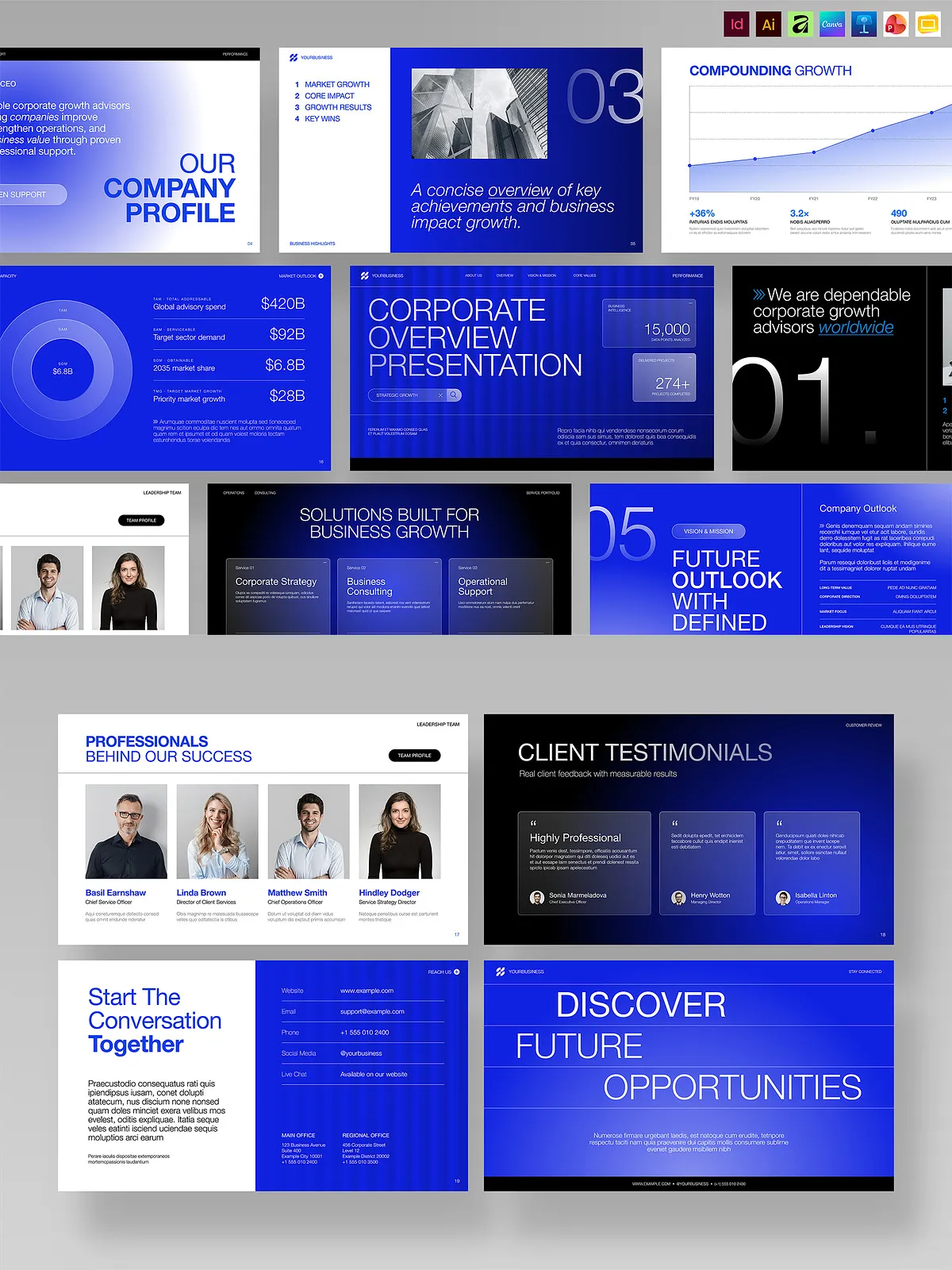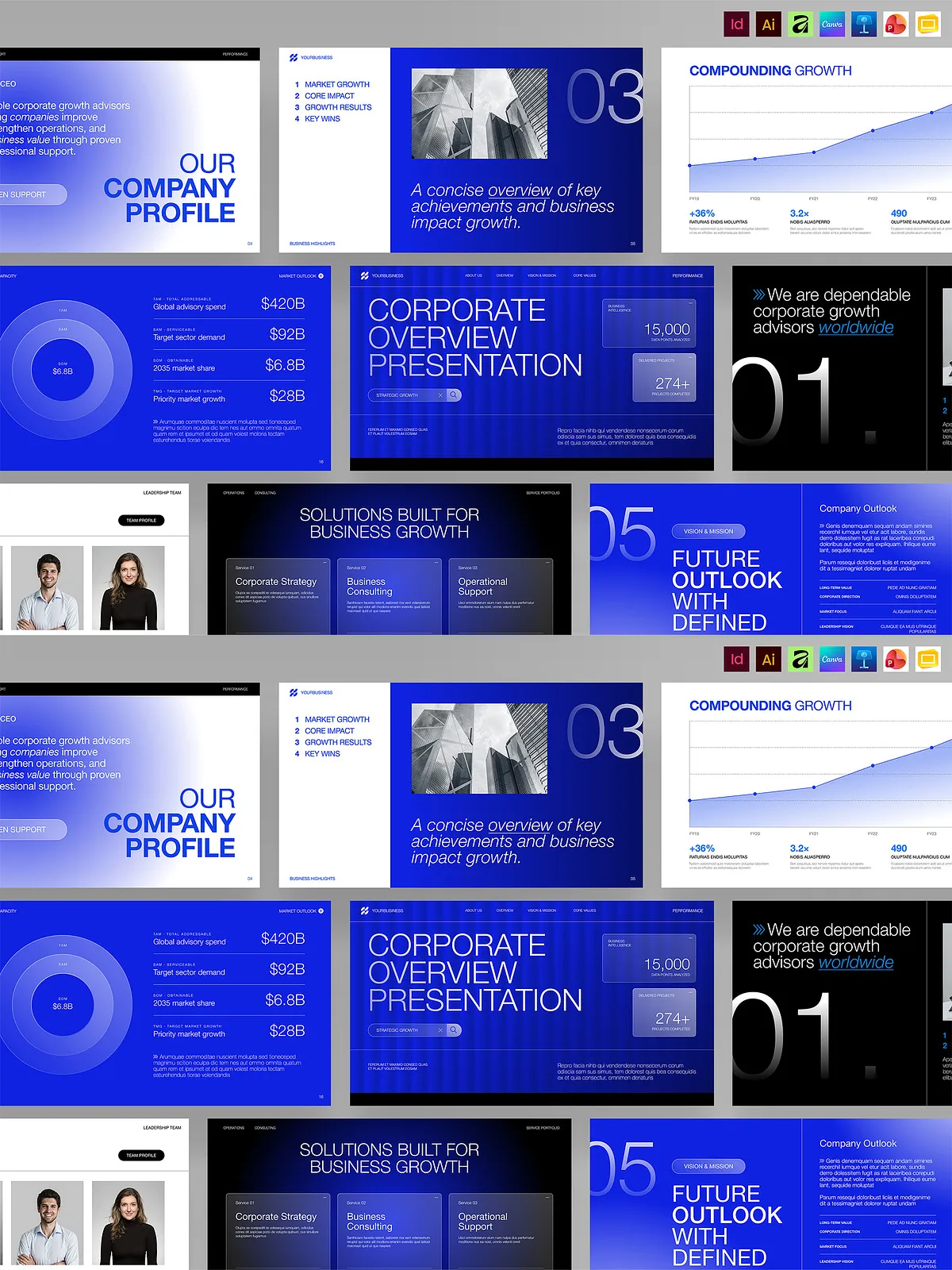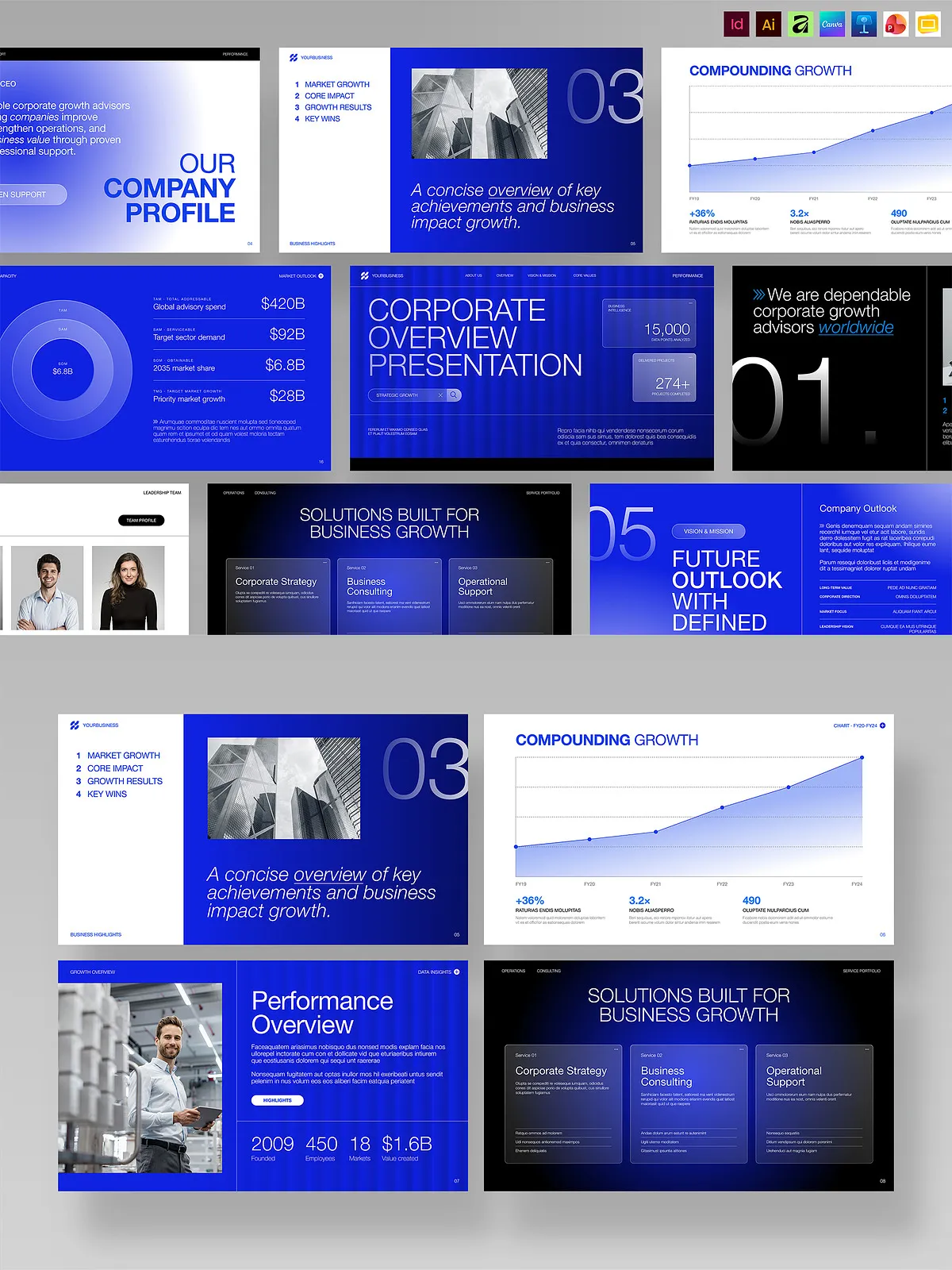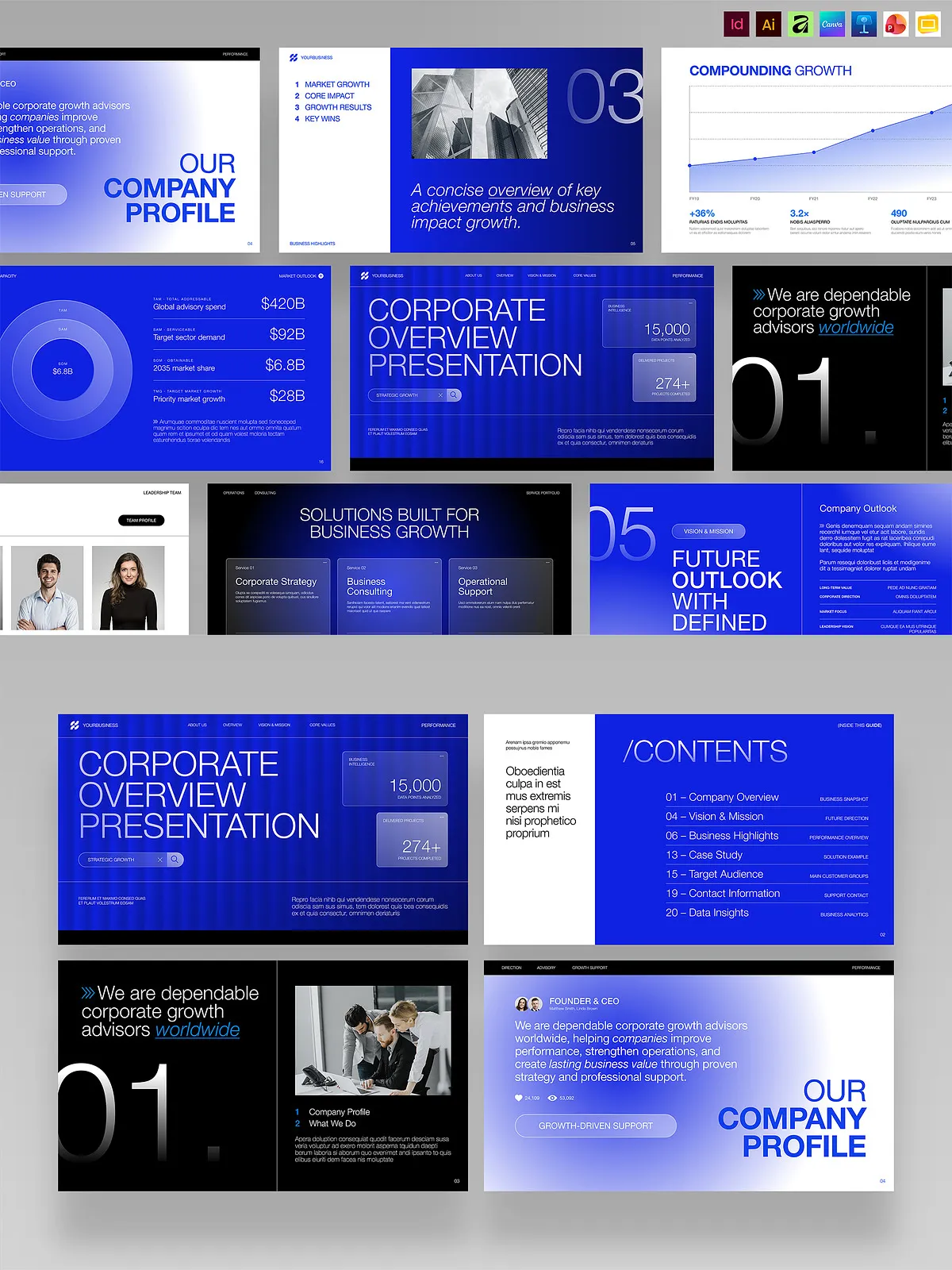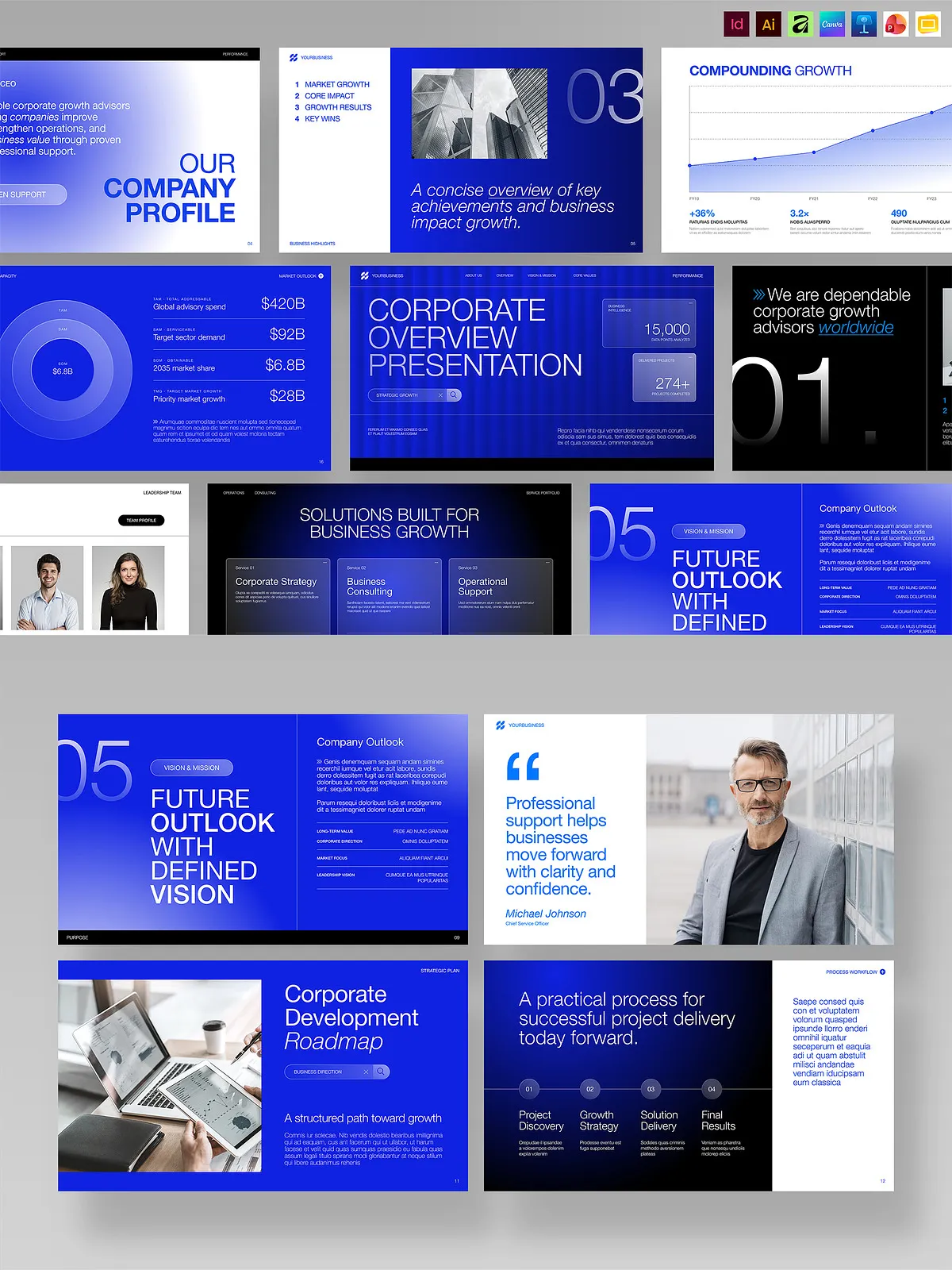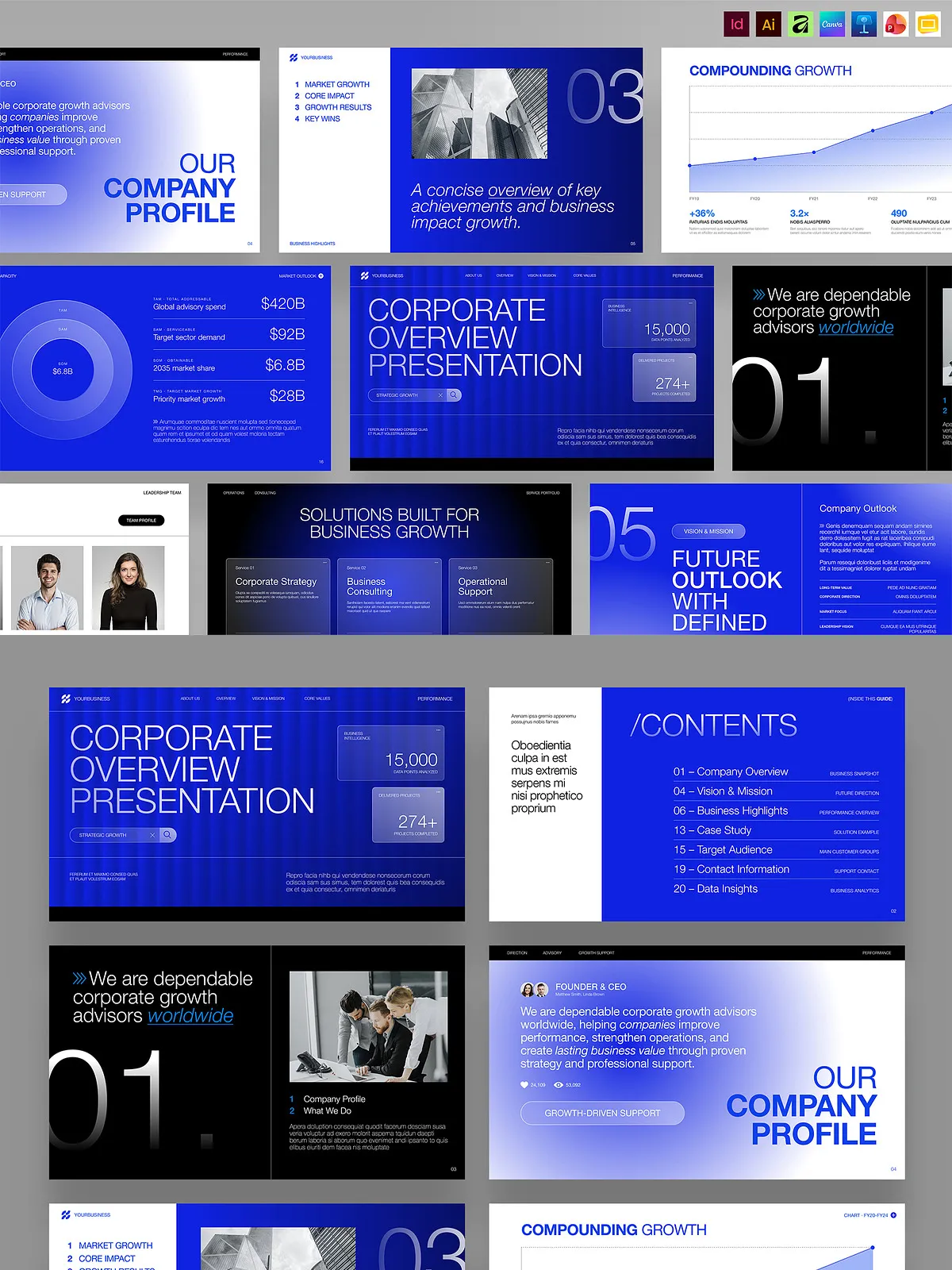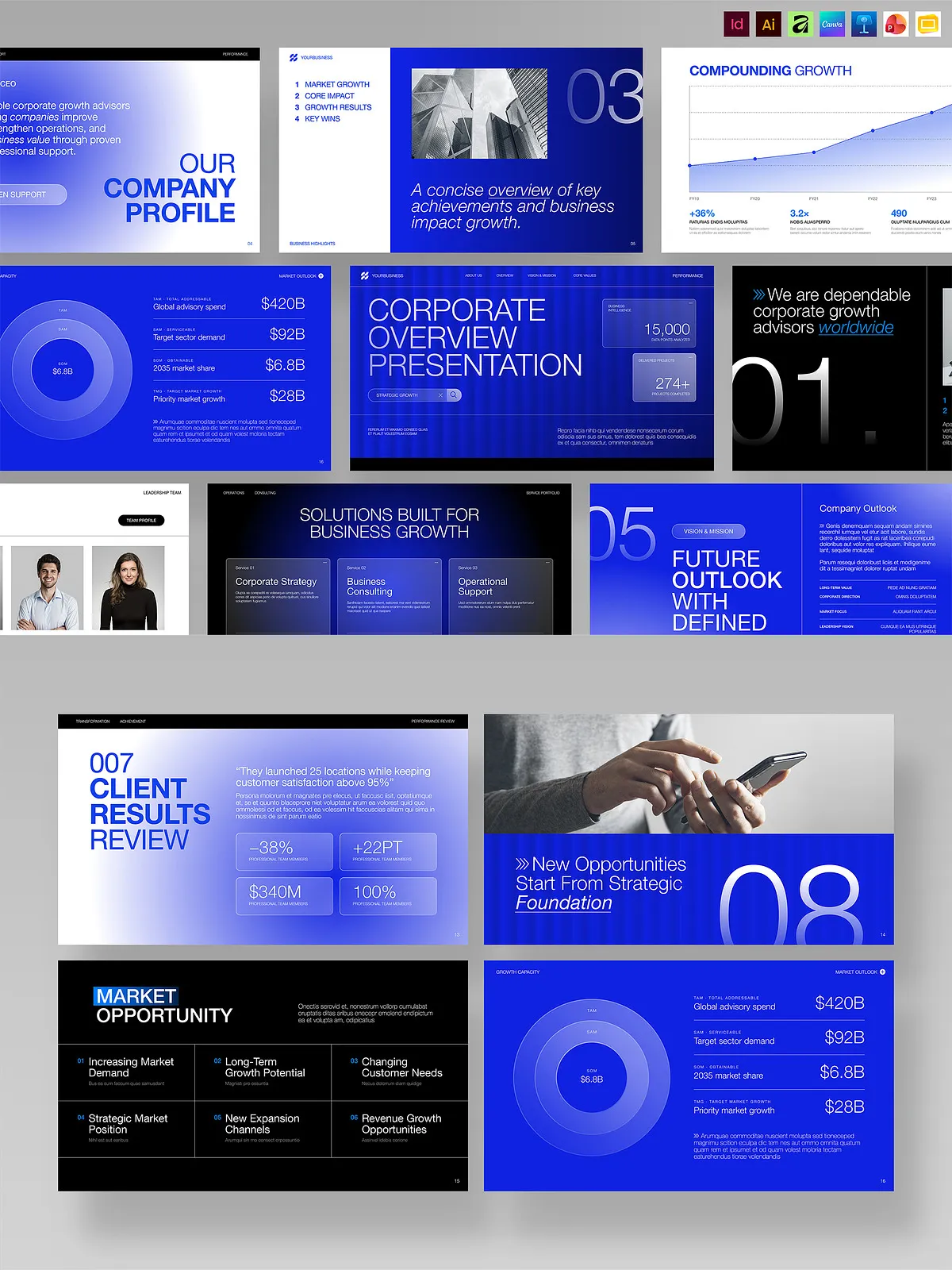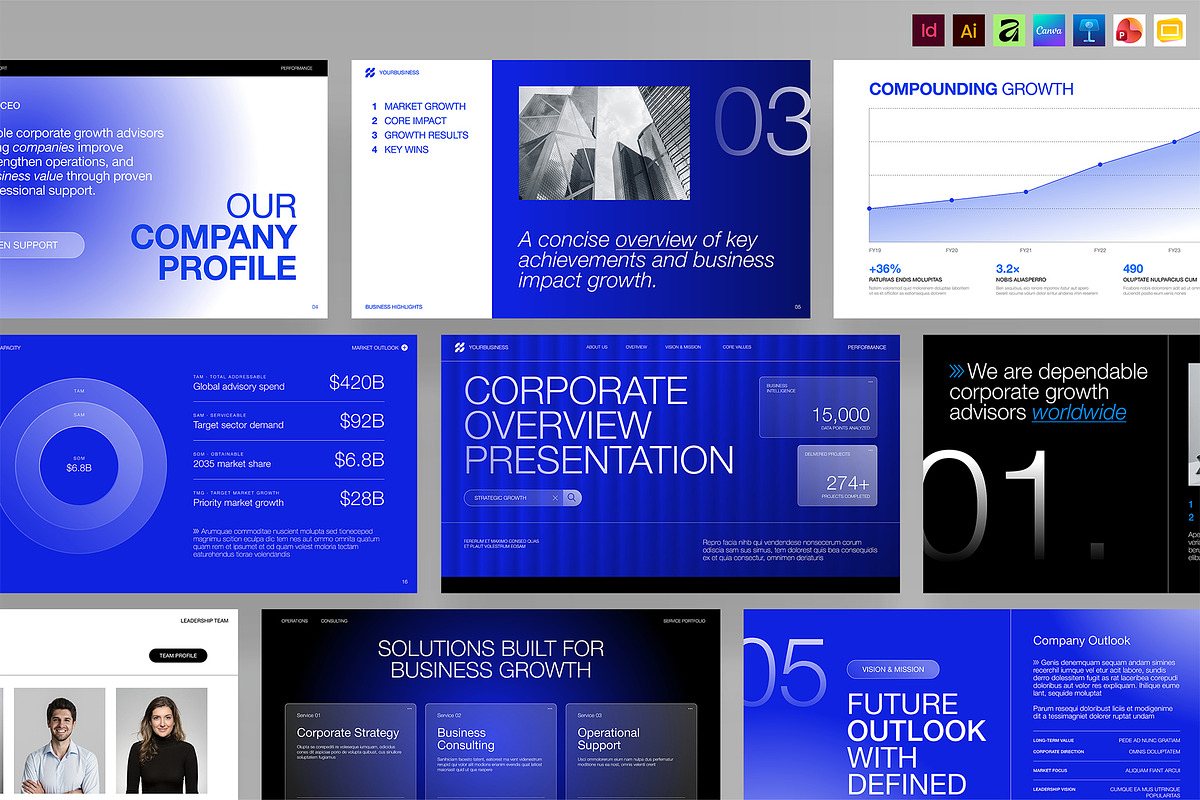
This Modern Business Presentation Template delivers a clean, minimalist slide system built for clear storytelling, confident pitching, and consistent corporate reporting. Designed with blue hues, strong typography, and modular grids, the template helps startups, agencies, and corporate teams craft persuasive investor pitches, client proposals, and strategic updates. Each slide prioritizes visual hierarchy and readability so presenters can communicate goals, metrics, and roadmaps with clarity and impact.
Key Features
Extensive format support
The template comes fully editable in industry-standard and cloud-friendly tools to match your workflow. Formats included: Affinity (.AF), Canva (online), Google Slides, Illustrator (.AI), InDesign (.IDML and .INDD), Keynote (.KEY), and PowerPoint (.PPTX). This wide format support enables teams to collaborate across platforms and adapt slides quickly for different presentation situations.
Design and technical specs
- Final slide size standard: 1920 × 1080 px (16:9) for crisp on-screen projection and recording.
- Color space: RGB optimized for screens and webinars.
- Strong typographic system and consistent grid layouts for rapid content insertion.
- Dummy text placeholders to speed up content population and to show layout intent.
Slide Types and Layout Options
Core slide categories
The template includes flexible layouts tailored to common corporate and investor narratives: cover pages, executive summaries, problem/solution frames, product and market slides, team and timeline sections, financials and KPIs, roadmap and milestones, case studies, and closing/CTA slides. Each layout focuses on clarity and easy customization so you can replace copy, swap visuals, and update data without reconstructing slides from scratch.
Visual elements and assets
The design supplies curated color palettes in blue tones, prebuilt charts and infographics, icon placeholders, and well-spaced image frames. Use these elements to strengthen evidence, highlight metrics, and keep audience focus where it matters. Because images shown in previews are for demonstration only, replace them with your branded photography or licensed stock prior to distribution.
How to Customize Quickly
Practical editing steps
Edit brand colors, update typography, and replace placeholder copy to match your identity. In design tools like InDesign or Illustrator, adjust master pages and character styles for consistent changes across all slides. In Canva and Google Slides, swap images, edit text blocks, and reposition modules for faster turnarounds. The template’s modular approach allows you to reorder or duplicate sections to suit short pitches or extended reports.
Best practices for effective presentations
- Lead with a concise value proposition on the title slide.
- Use data visualizations to support claims — avoid dense text blocks.
- Keep a single key takeaway on each slide to maintain audience focus.
- Test slide visibility on the target display resolution (1920×1080) before presenting.
Use Cases and Benefits
Who benefits most
Startups gain a structured pitch deck that highlights product-market fit and traction. Agencies can tailor client proposals and retain a polished, professional aesthetic. Internal corporate teams can prepare quarterly updates, KPI reports, and strategic briefings with consistent branding and clear storytelling. The template accelerates production while maintaining design integrity across presentations.
Business impact
By adopting this template, teams reduce the time spent on slide design and increase time focused on content strategy and rehearsal. The consistent layout language improves comprehension for stakeholders and investors, and the editable formats allow immediate, collaborative edits across remote teams.
Important Notes
Licensing and assets
Stock photography used in the demo is not included in the download package. Verify licensing for any imagery you insert. The delivered files provide structure and design assets, but you must populate them with your proprietary content, charts, and legal disclosures relevant to your presentation’s context.
Compatibility reminders
Although the template supports multiple formats, feature parity varies between tools: advanced Illustrator or InDesign effects may not translate perfectly into Canva or Google Slides. Choose the format that matches the level of typographic control and export quality your final presentation requires.