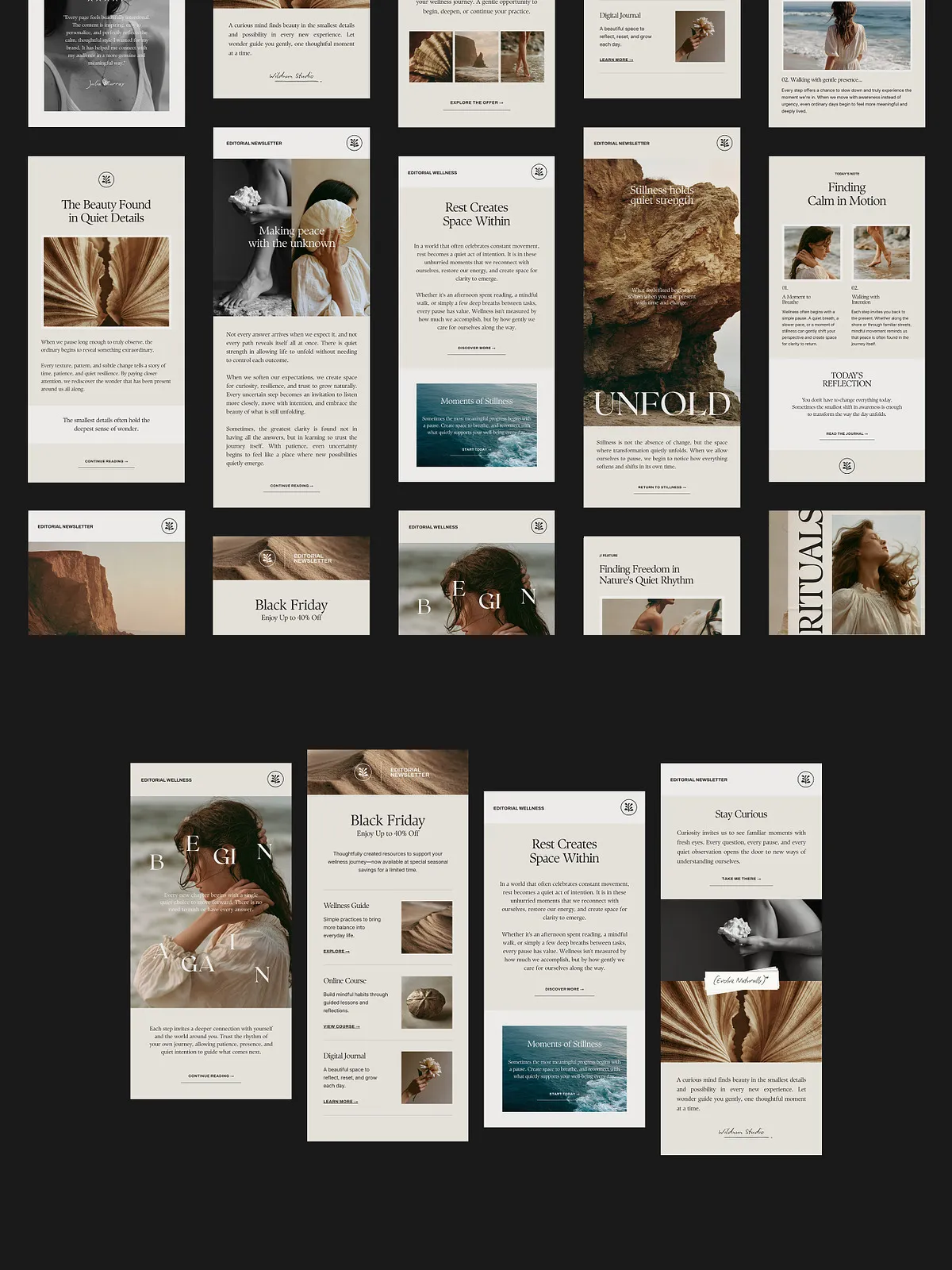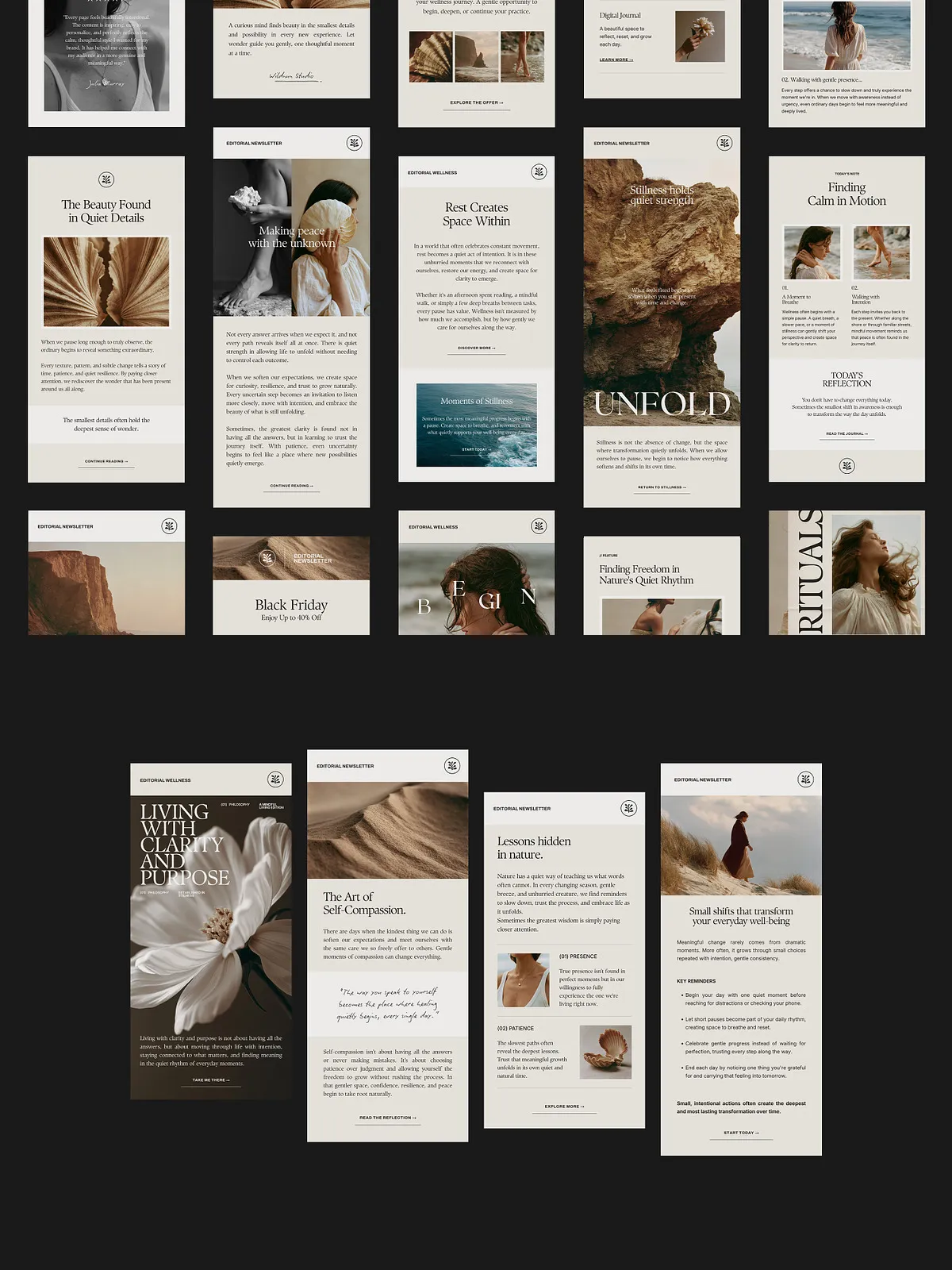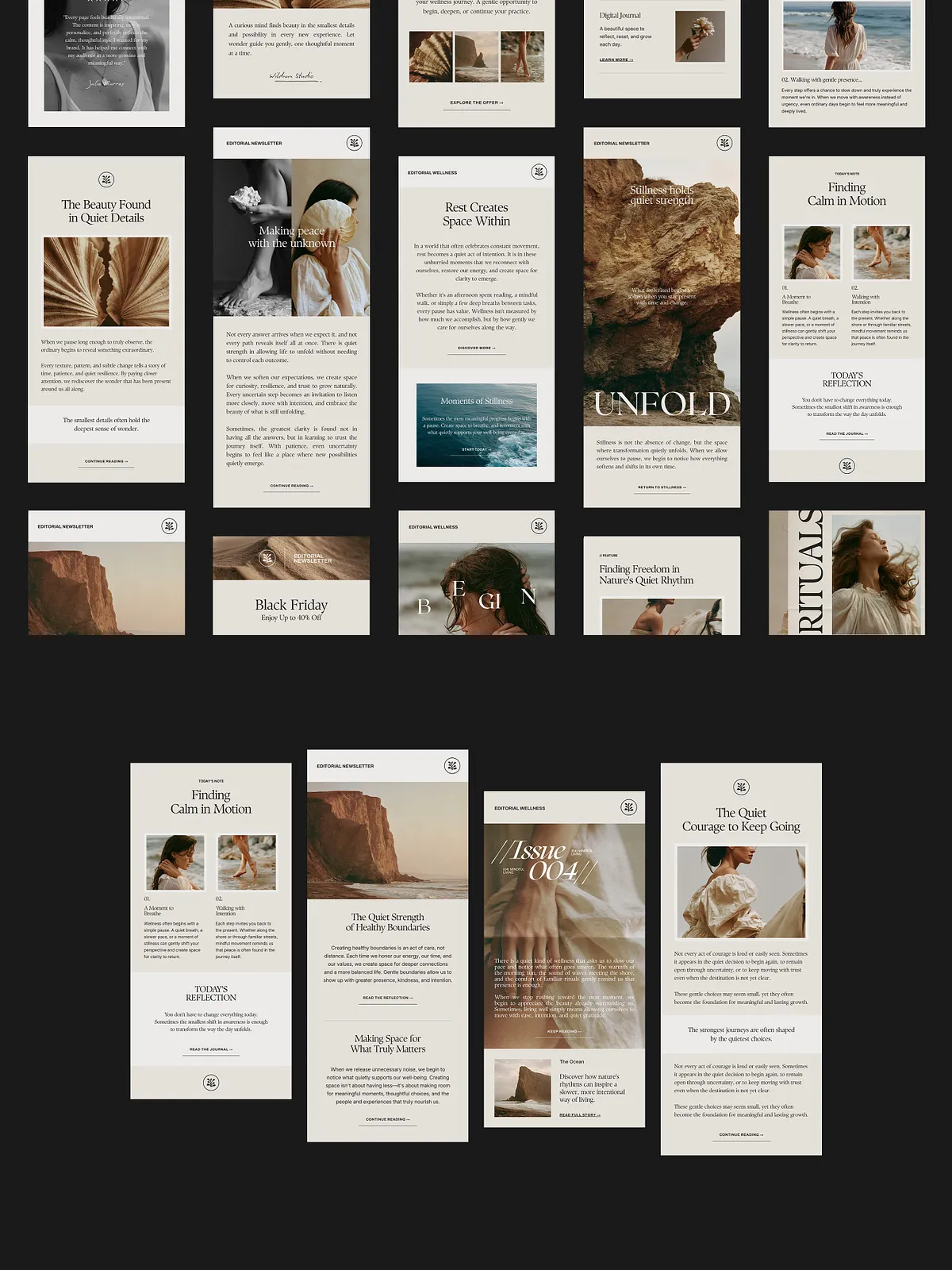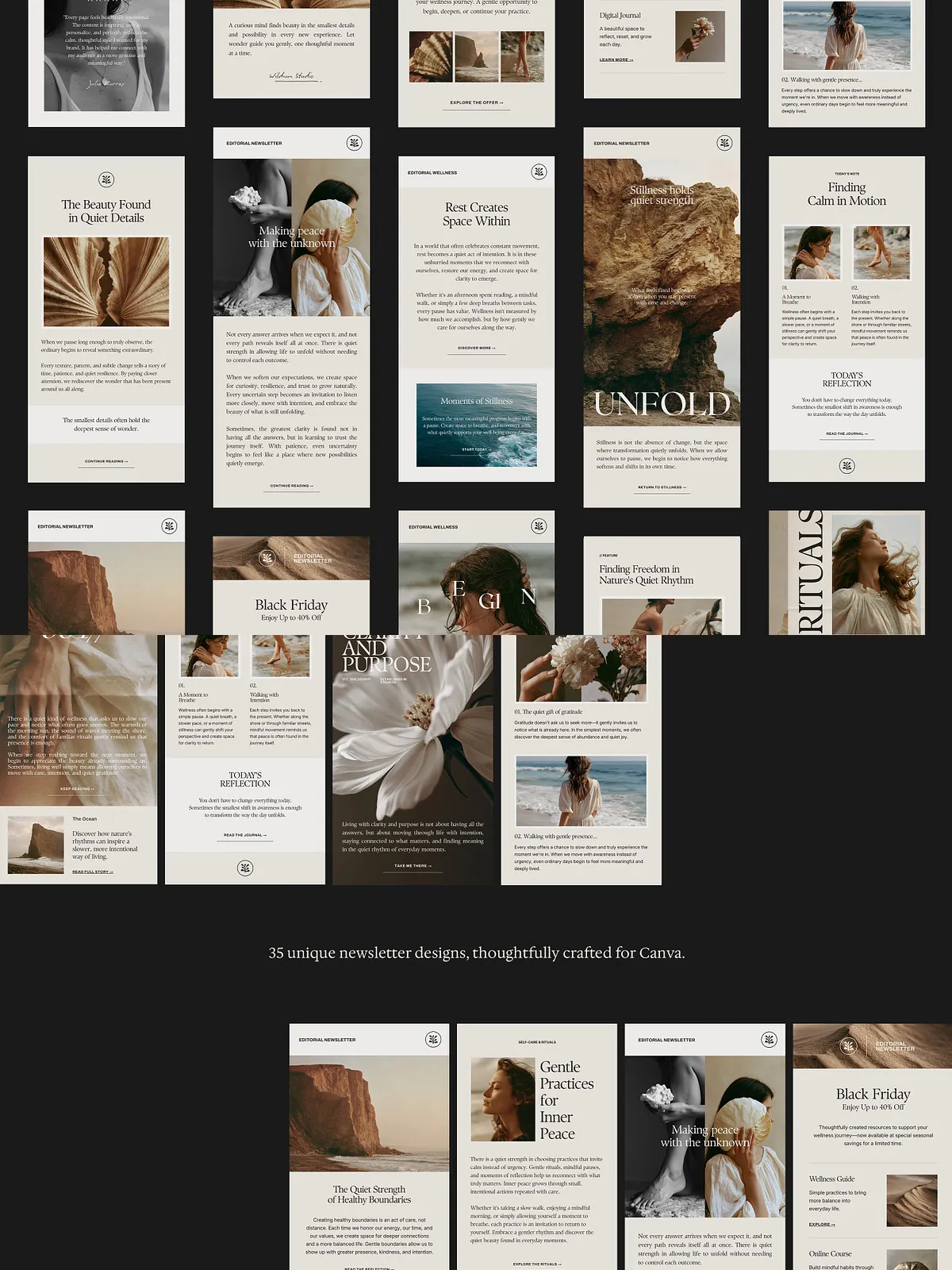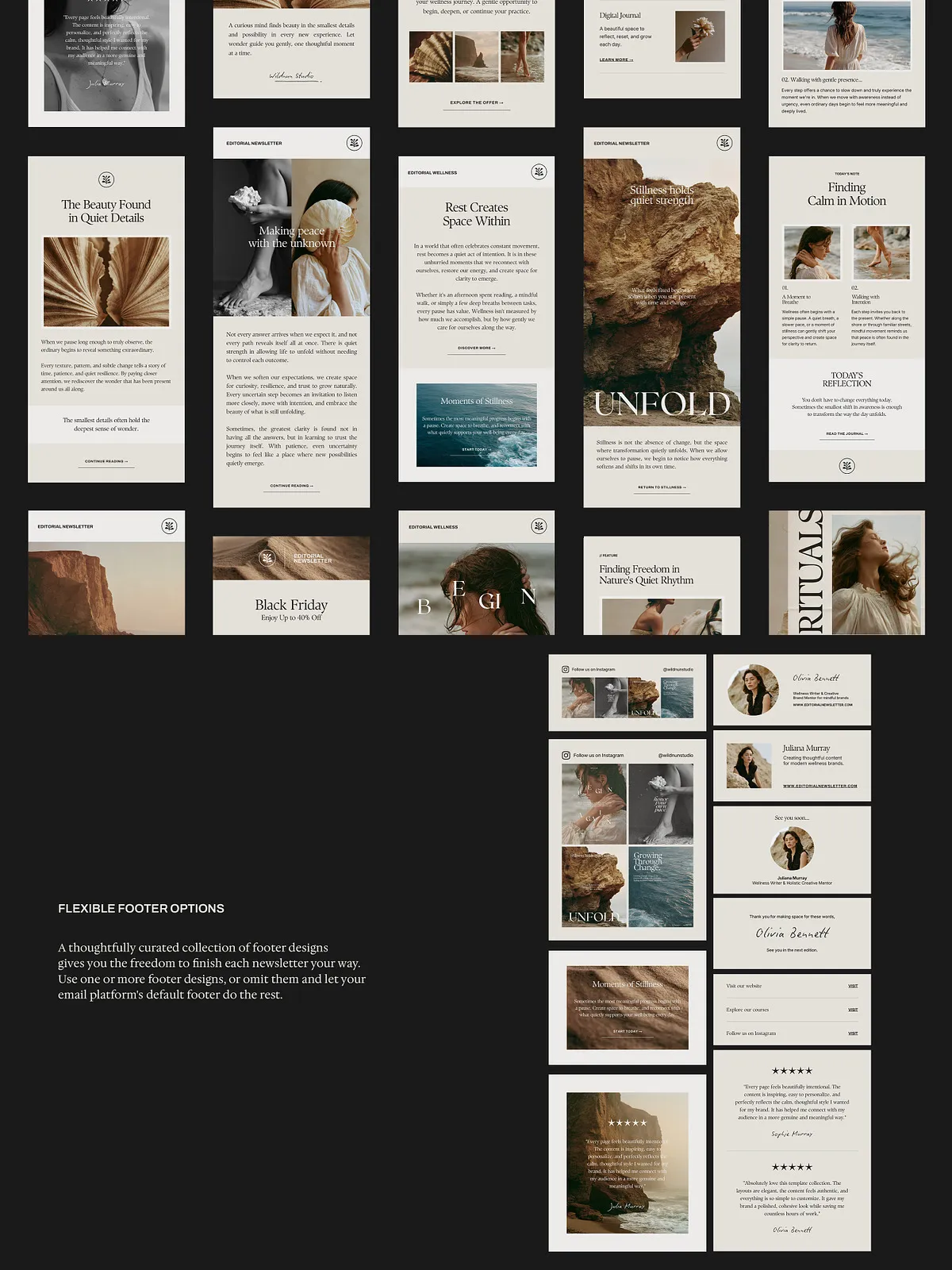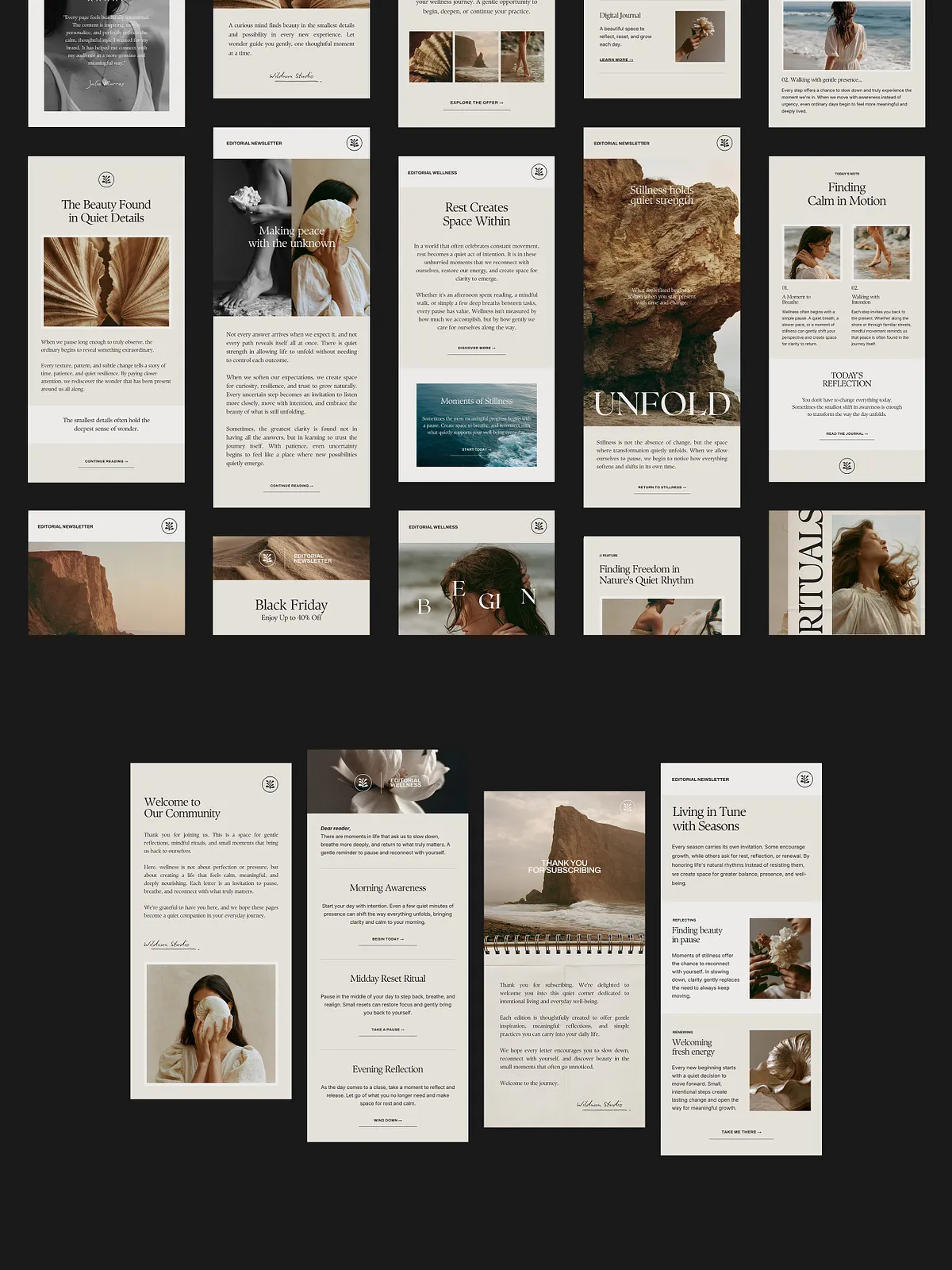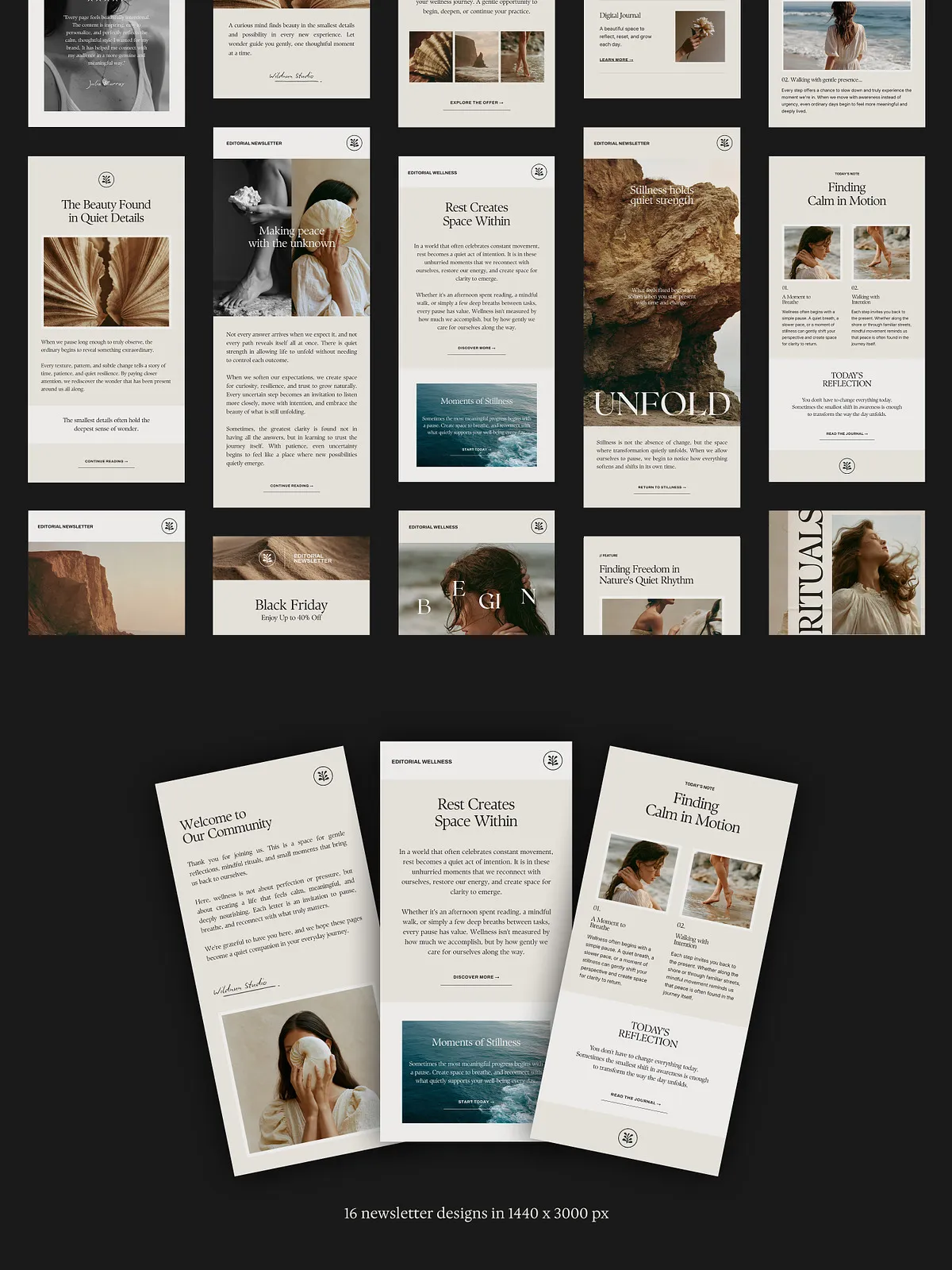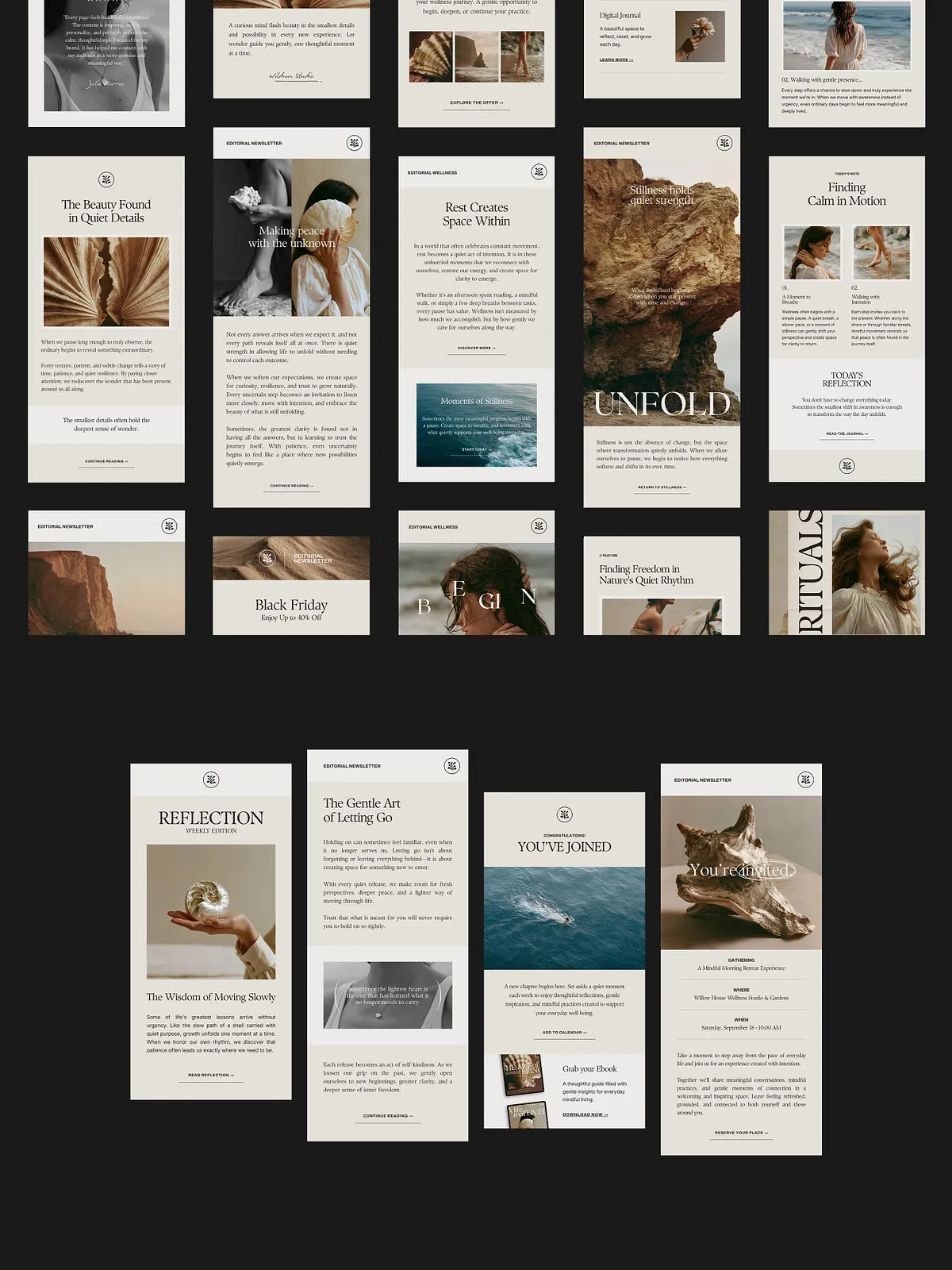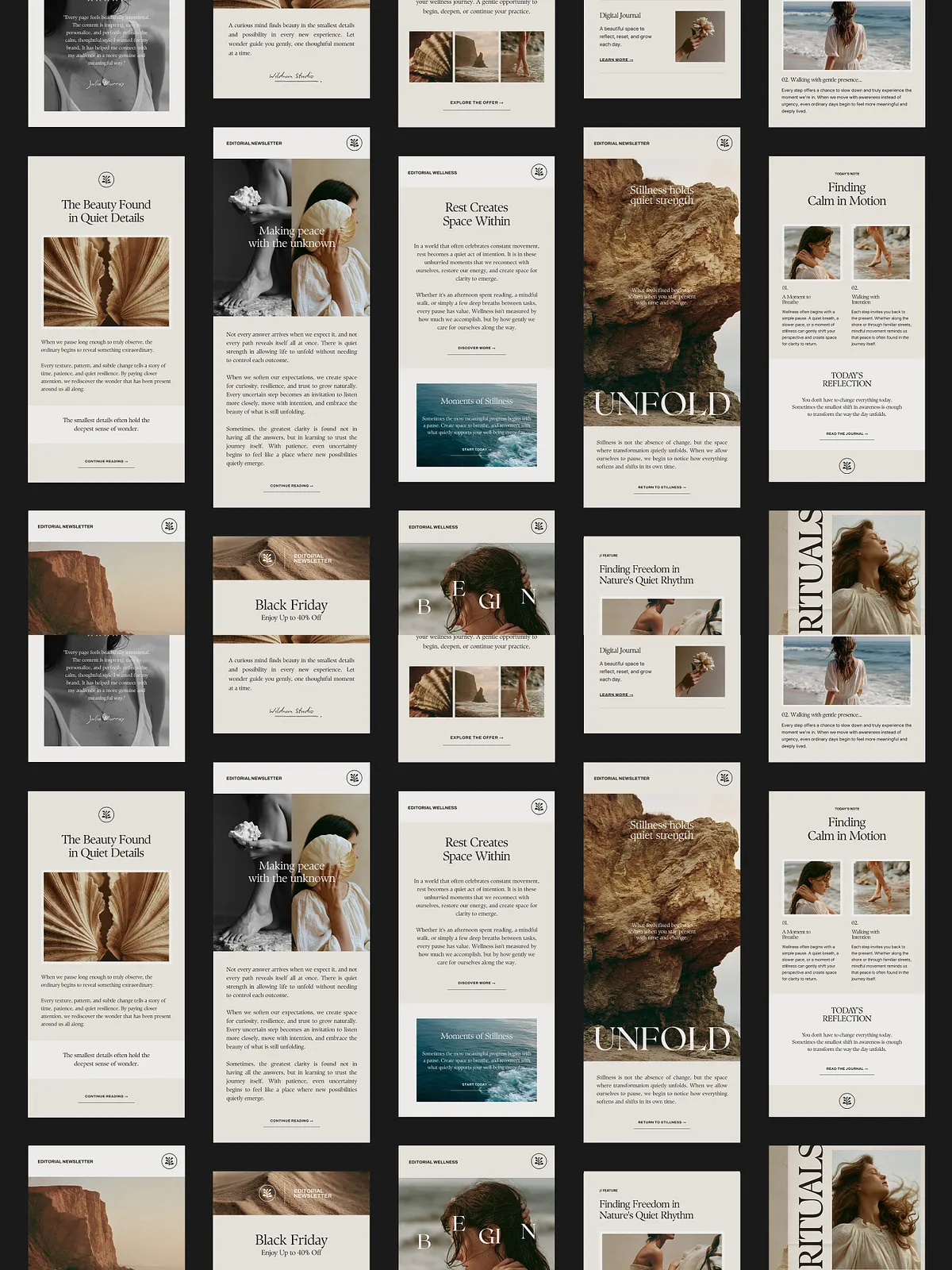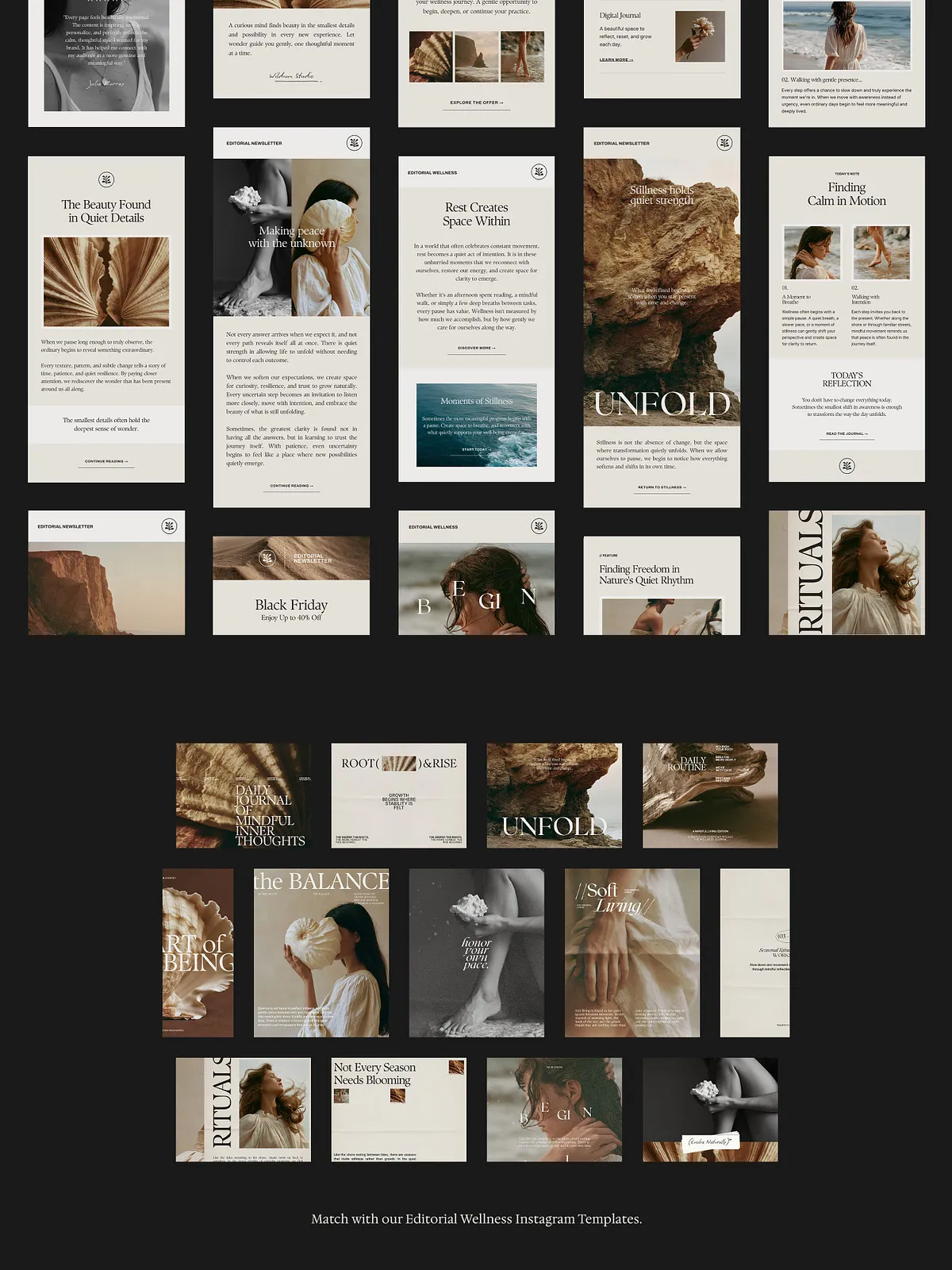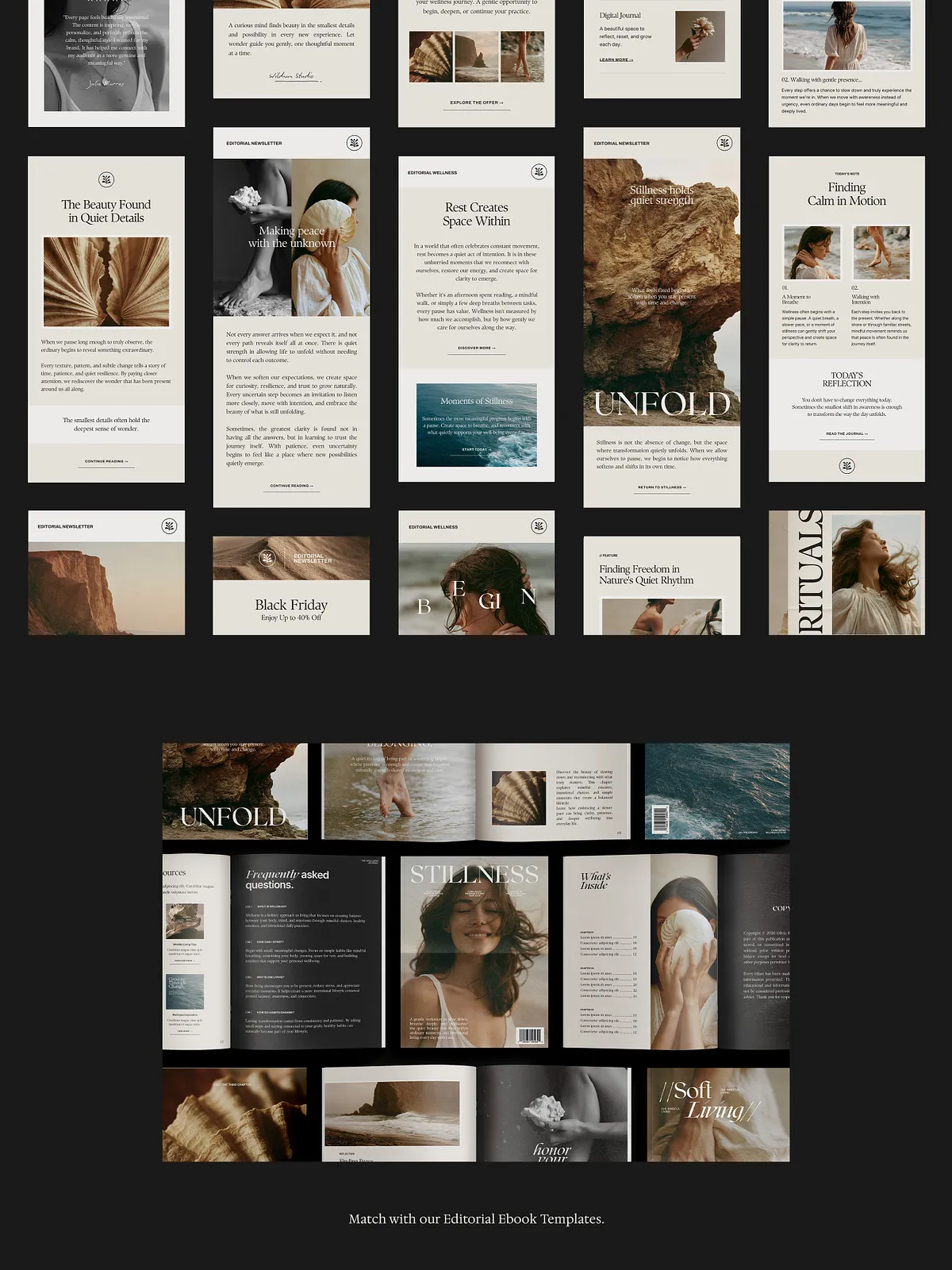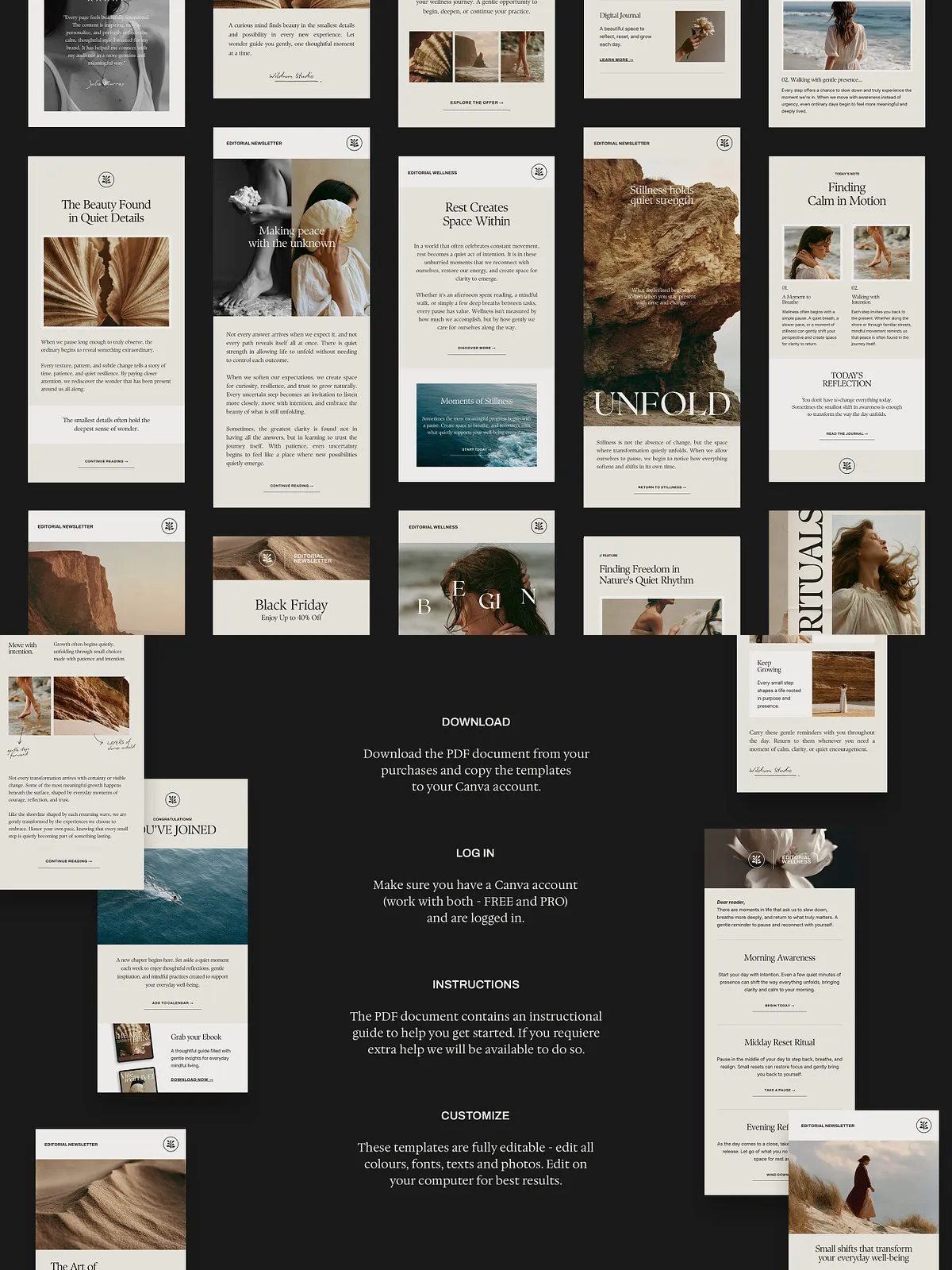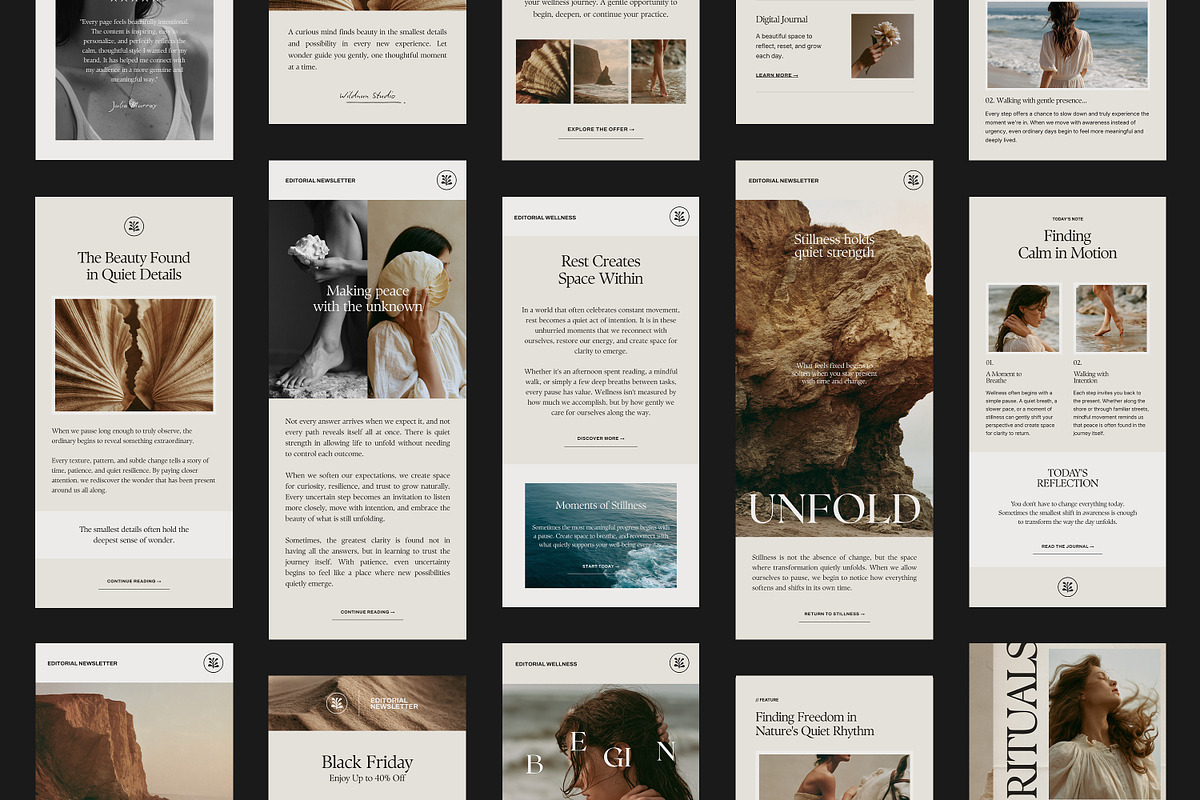
Craft intentional, editorial-style newsletters that reflect your brand voice and convert readers into engaged subscribers. This collection of editable Canva newsletter templates gives you polished, image-based layouts you can customize instantly—no HTML knowledge required. Each template uses a drag-and-drop approach so you can swap images, edit copy, and polish brand elements quickly. The result: faster production cycles, consistent aesthetics, and more frequent, impactful communications.
What’s included
Template counts and sizes
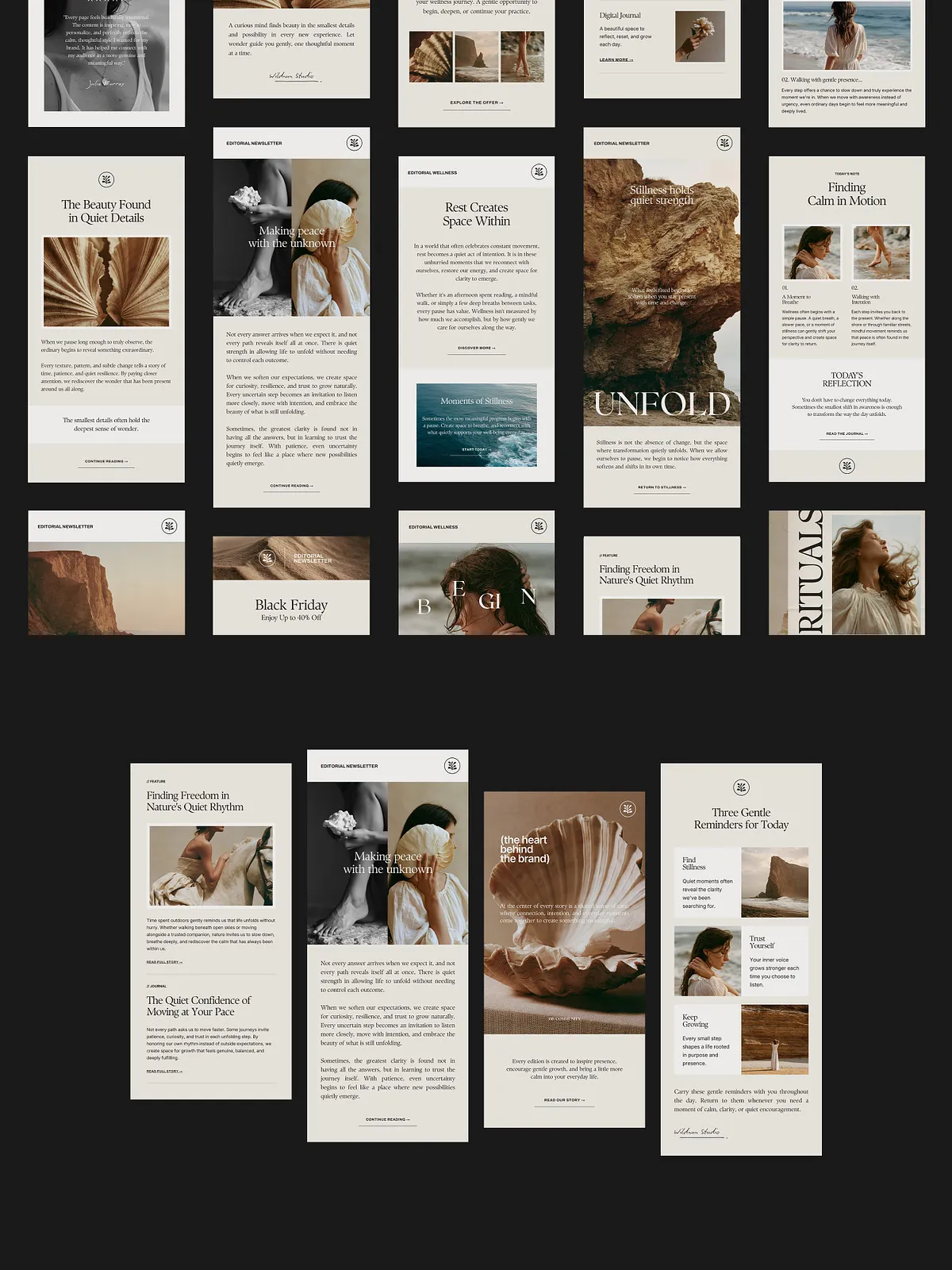
- 16 newsletter templates at 1440 x 3000 px
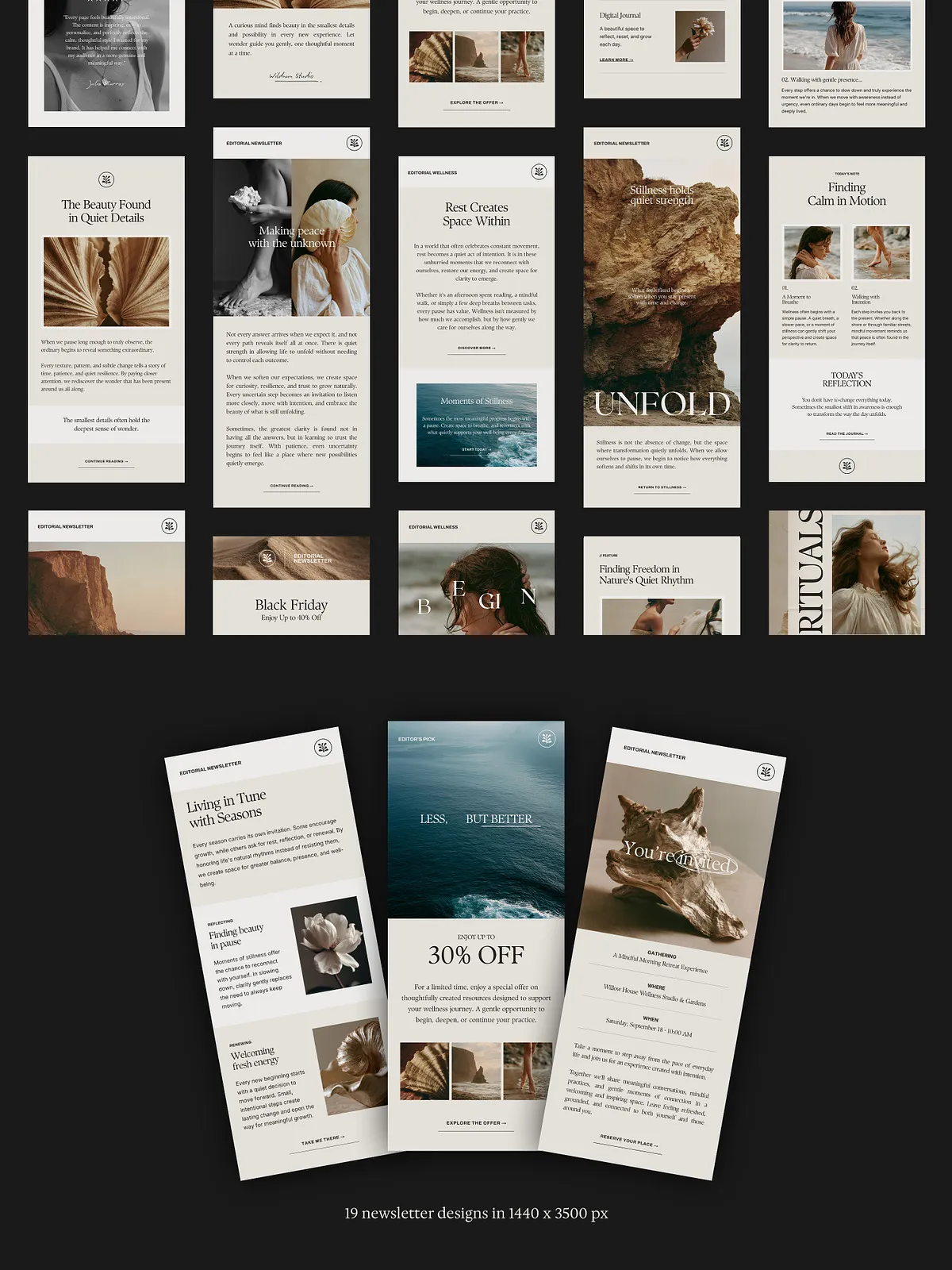
- 19 newsletter templates at 1440 x 3500 px
- 35 unique newsletter designs in total, ready to mix and match
Assets and support
- Free fonts and free stock photos included for immediate use
- Real content copywriting examples to jumpstart your messaging
- Image-based designs (not HTML), enabling effortless visual editing
- Step-by-step instructions to get started plus customer support
Perfect for
Ideal users and businesses
These templates specifically serve wellness-forward and lifestyle creators who prioritize clarity, calm aesthetics, and consistent branding. Use them if you are a holistic health coach, wellness entrepreneur, yoga teacher or studio, mindfulness creator, self-care brand, nutritionist, lifestyle business, or content creator seeking a repeatable newsletter system that saves time and maintains brand quality.
Why choose these templates
No code, high impact
Because these templates are image-based, you skip HTML entirely. Load images, swap copy, and adjust layouts in Canva’s intuitive editor. This reduces technical friction and lets you focus on strategy and storytelling rather than rendering issues or email-client quirks.
Flexible and fast
Mix and match template sections to create countless layout combinations. The modular structure lets you build tailored newsletters for promotions, long-form essays, weekly updates, or visual roundups—without rebuilding a layout from scratch. You’ll produce polished newsletters faster and with greater consistency.
Cross-platform compatibility
Export and use images with the majority of email platforms. These templates work well when integrated into popular services such as Mailchimp and others; for direct Canva-to-Mailchimp publishing and sync options see Canva’s Mailchimp integration: Canva + Mailchimp integration, and Mailchimp’s guide to Canva: Mailchimp Canva integration. While image-based newsletters are simple to deploy, follow your email provider’s best practices for image sizing and links to maximize deliverability.
How these templates speed your workflow
Streamline production
Eliminate repetitive design tasks by using pre-built structures and real copy examples. Duplicate a template, insert the latest content and images, and schedule your campaign. The streamlined process reduces time-to-send and helps you publish more consistently.
Avoid font and rendering issues
Because you control typography and imagery within Canva, you minimize cross-client font rendering problems. Export images or embed visuals as needed and maintain a consistent visual experience across devices and clients.
Delivery, licensing, and support
What to expect after purchase
- Instant digital delivery with direct access links
- Compatible with free and paid Canva accounts
- Instructions included for quick setup and customization
- Ongoing customer support for setup questions
Licensing
Review the product license for reuse and redistribution rules. The templates include free fonts and stock photos where noted; verify license terms if you plan to redistribute or resell derivative works. Because this is a digital product, check the store policy for return or refund terms.
Get started
Install, customize, and send
Open the template link in your Canva account, customize brand colors, type, and imagery, then export visuals or publish directly to supported email platforms. Start by customizing one template for your next newsletter and iterate: refine headlines, test images, and measure engagement to improve subsequent campaigns.
These editable Canva newsletter templates put high-quality design in your hands. Use them to maintain a professional editorial look, deliver consistent messaging, and speed up your newsletter production so you can focus on content that serves your audience.