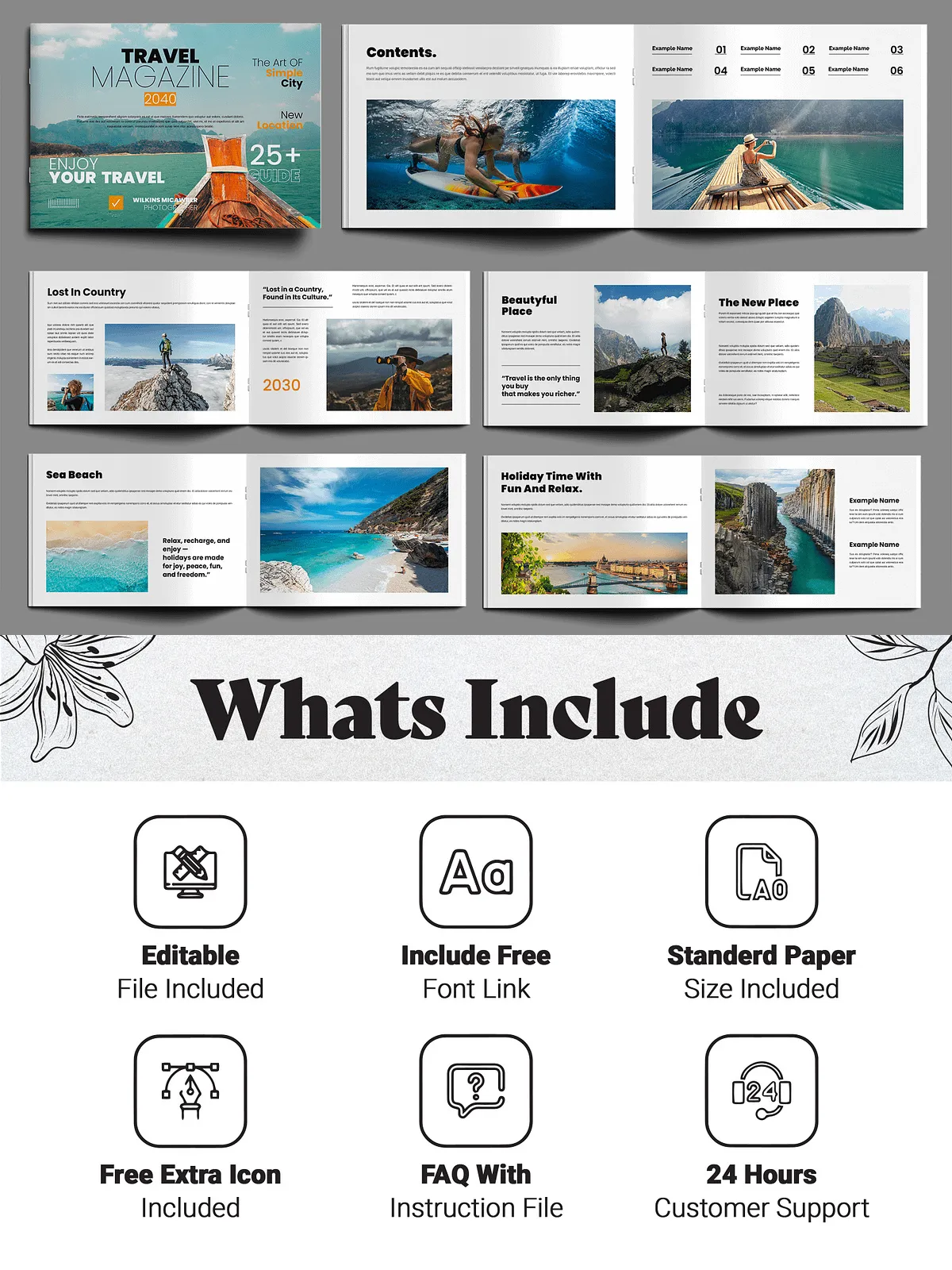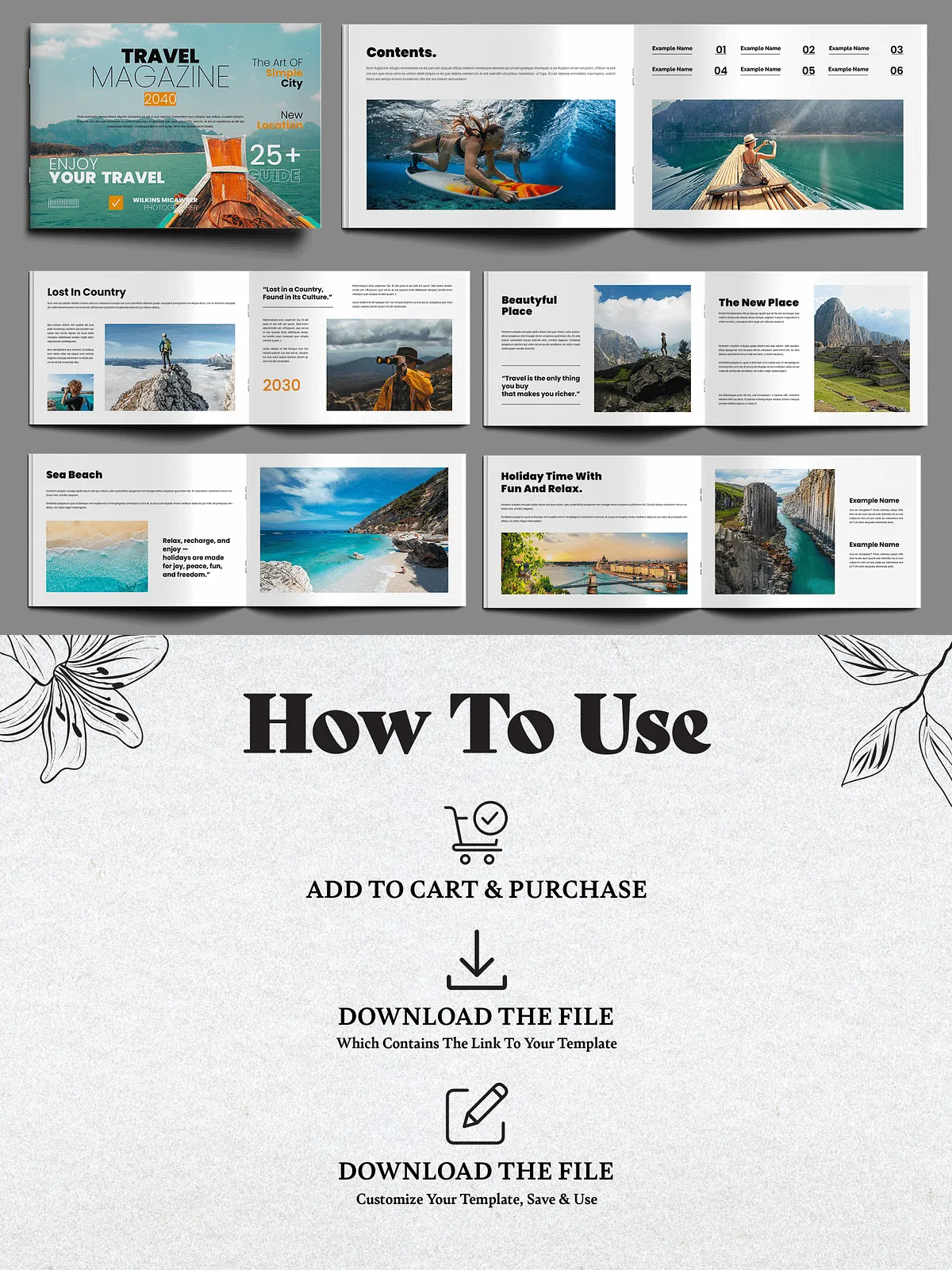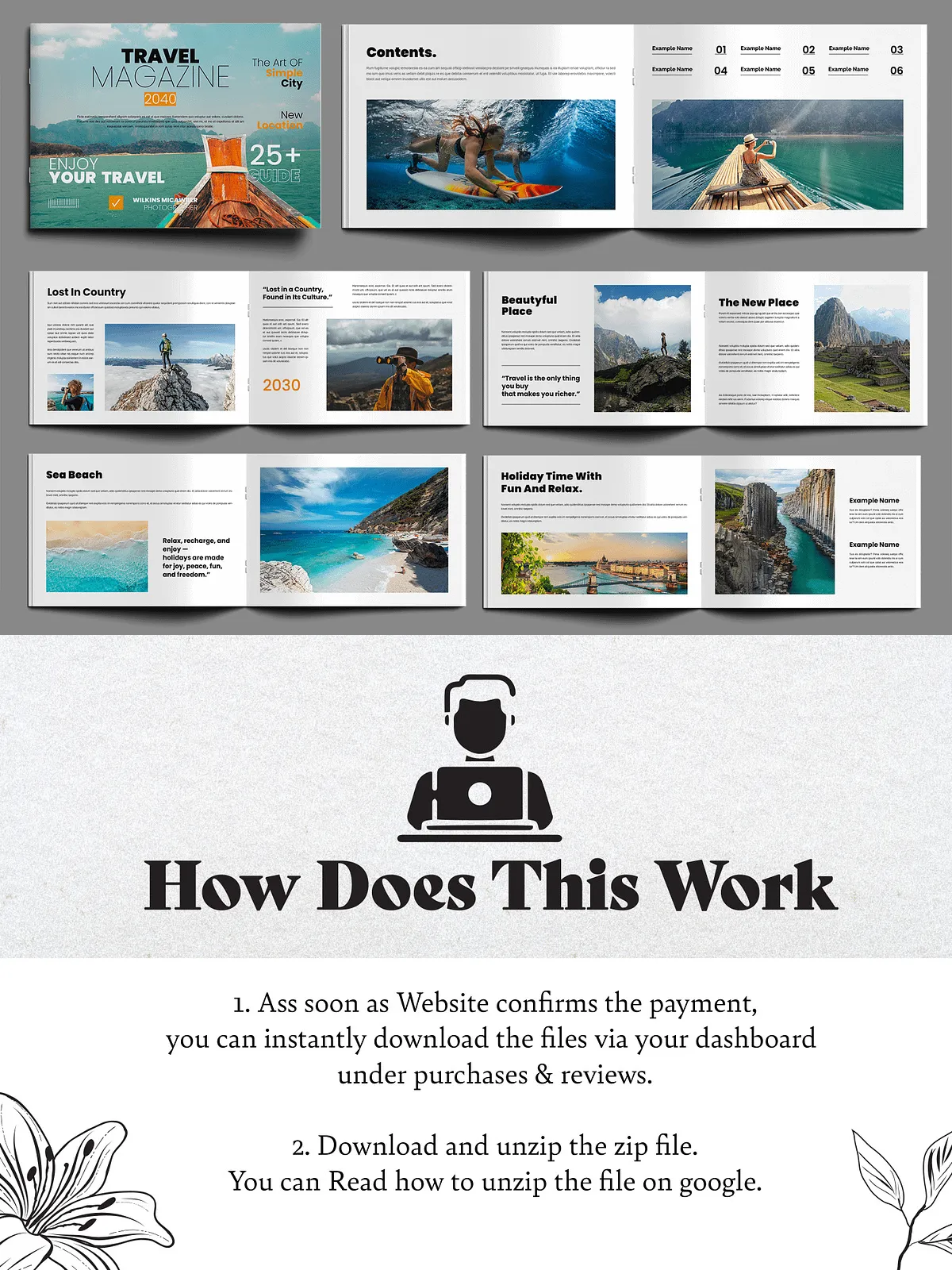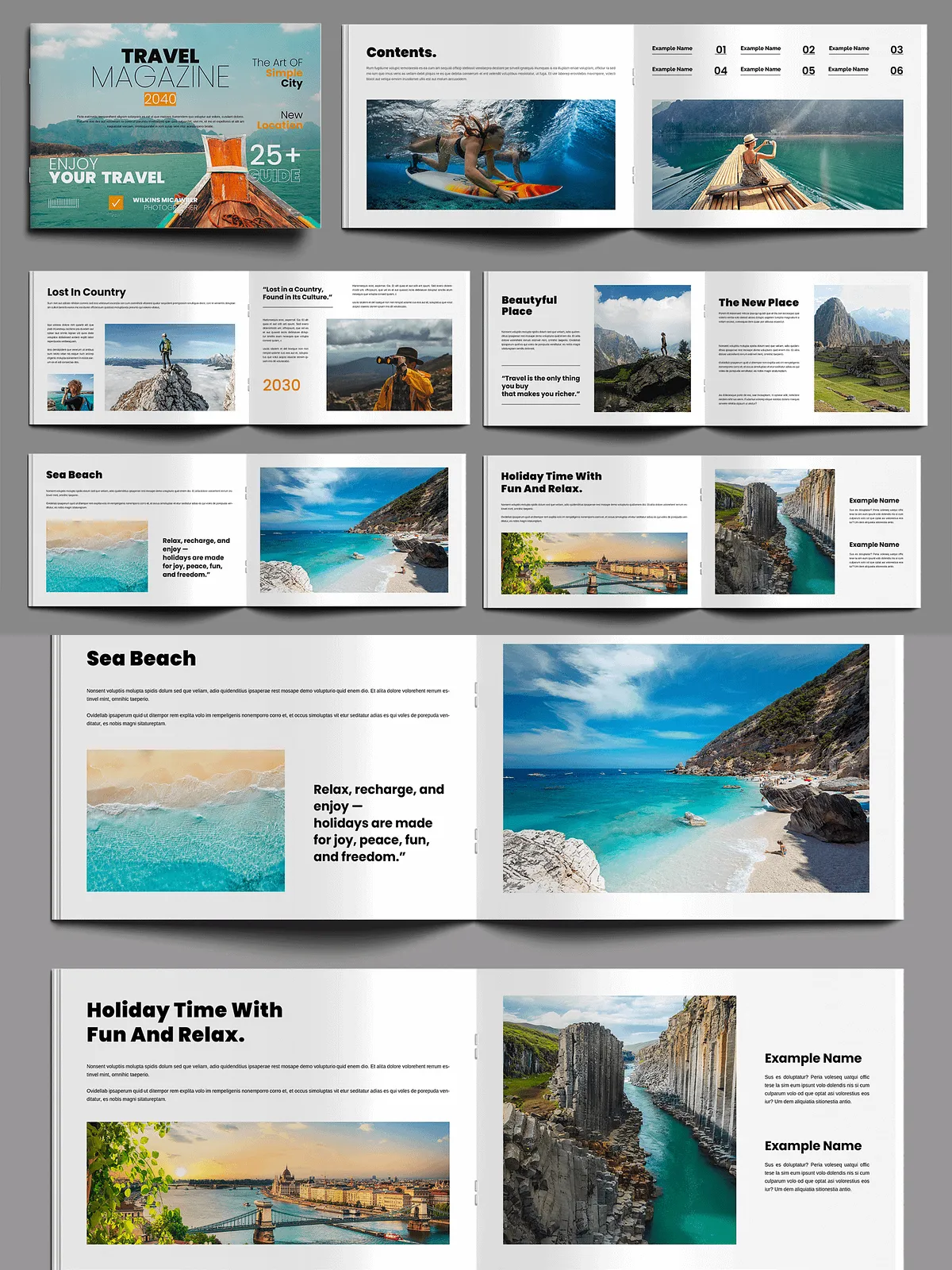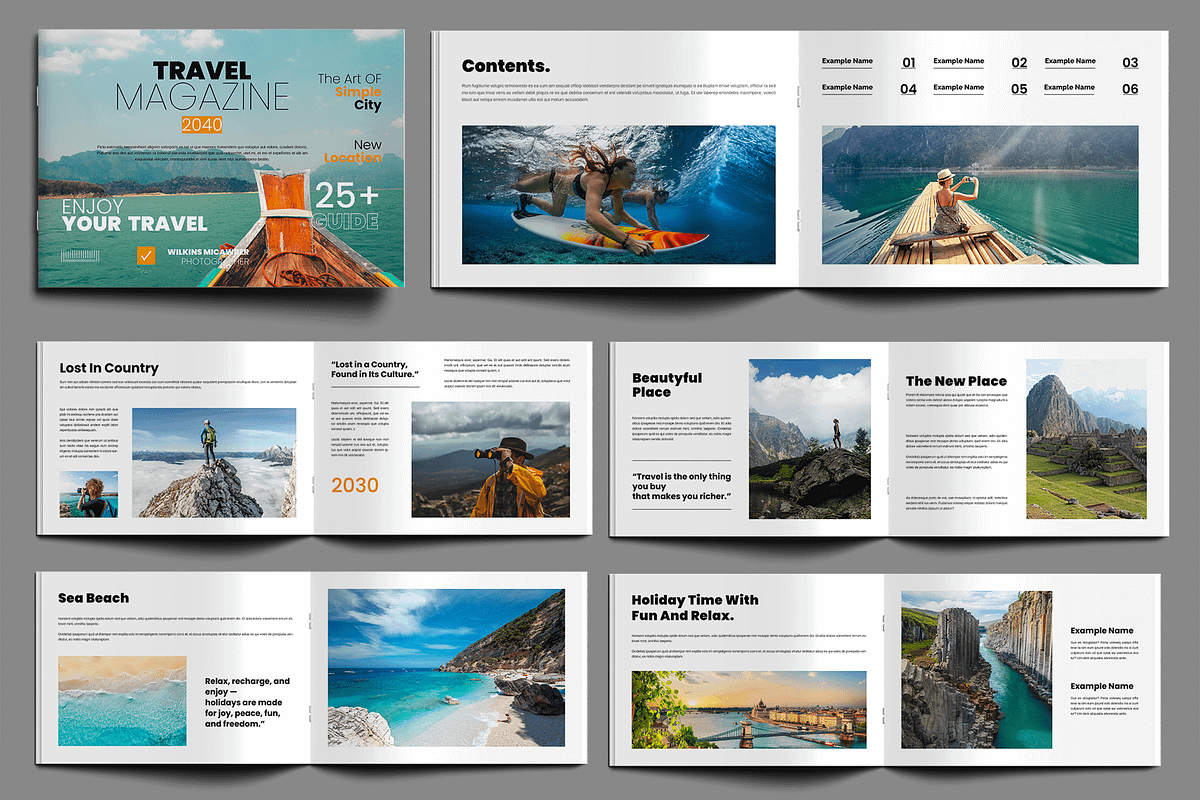
The Travel Magazine Layout delivers a polished, ready-to-use editorial system that helps you present travel stories, destination guides, itineraries, and photo essays with impact. This 16-page template emphasizes readable typography, balanced white space, and carefully considered grids so your photography and copy stand out. The package works across popular design tools and includes print-ready settings so you can export high-quality PDFs for commercial printing or optimized files for digital distribution.
Key Features
Design and production specifications
- 16 professionally arranged pages with modular spread options designed for travel editorial flow.
- Print-ready setup: CMYK color mode, high-resolution assets, 300 DPI, and proper bleed settings for clean trimming.
- Standard paper sizes included and configured for quick export to print and digital formats.
- Well-organized layers and named paragraph/character styles for consistent typography and fast global updates.
- 100% editable elements: colors, fonts, images, and layout blocks are fully customizable to match your brand voice.
- Uses free fonts—links included—so you can edit immediately without extra purchases.
- Instant download: files become available the moment you complete your purchase.
Compatibility & File Types
Open and edit in the tool you prefer
- INDD (Adobe InDesign) — fully layered and ready for layout changes.
- Canva link — edit quickly in Canva Free or Pro for non-designers and social-friendly exports.
- PSD or alternate raster files for cover mockups and photographic adjustments (if included).
- Help file documentation that lists required fonts and recommended export settings to streamline production.
What’s Inside
Files and resources you receive
- Editable InDesign file (INDD) as the primary layout source.
- Canva template link for immediate online editing and collaboration.
- Help file with step-by-step setup instructions, font links, and common export presets.
- Customer support access for quick assistance if you need formatting or export help.
Who Should Use This Template
Ideal audiences and use cases
This template serves travel editors, tourism agencies, lifestyle bloggers, photographers, and brand teams who want to publish crisp, visually driven magazines or brochures. Use it to assemble destination features, photo spreads, travel guides, itineraries, and local cultural pieces. Freelancers and agencies will find it efficient for client presentations and deliverables, while bloggers and small publishers can produce print-ready products without starting from scratch.
How to Customize
Practical steps to adapt the layout
- Open the InDesign file to edit master pages and update paragraph/character styles—this changes typography across the entire document instantly.
- Replace placeholder images with your high-resolution photography and use the built-in image frames to maintain consistent crops.
- Adjust color swatches to match your brand palette and save a new color group for reuse across spreads.
- Use the Canva version for rapid content swaps, social-sized exports, and collaborative review with non-design stakeholders.
- Export proof PDFs to verify color and bleeds before sending files to your print vendor.
Delivery, Licensing & Support
What to expect after purchase
After purchase you receive an archive containing all template files, a clear help guide, and links to the free fonts used. The license file explains permitted usage for personal, commercial, or client projects. If you need quick troubleshooting—export advice, font replacement tips, or layout guidance—our customer support responds promptly to help you get print-ready assets on schedule.