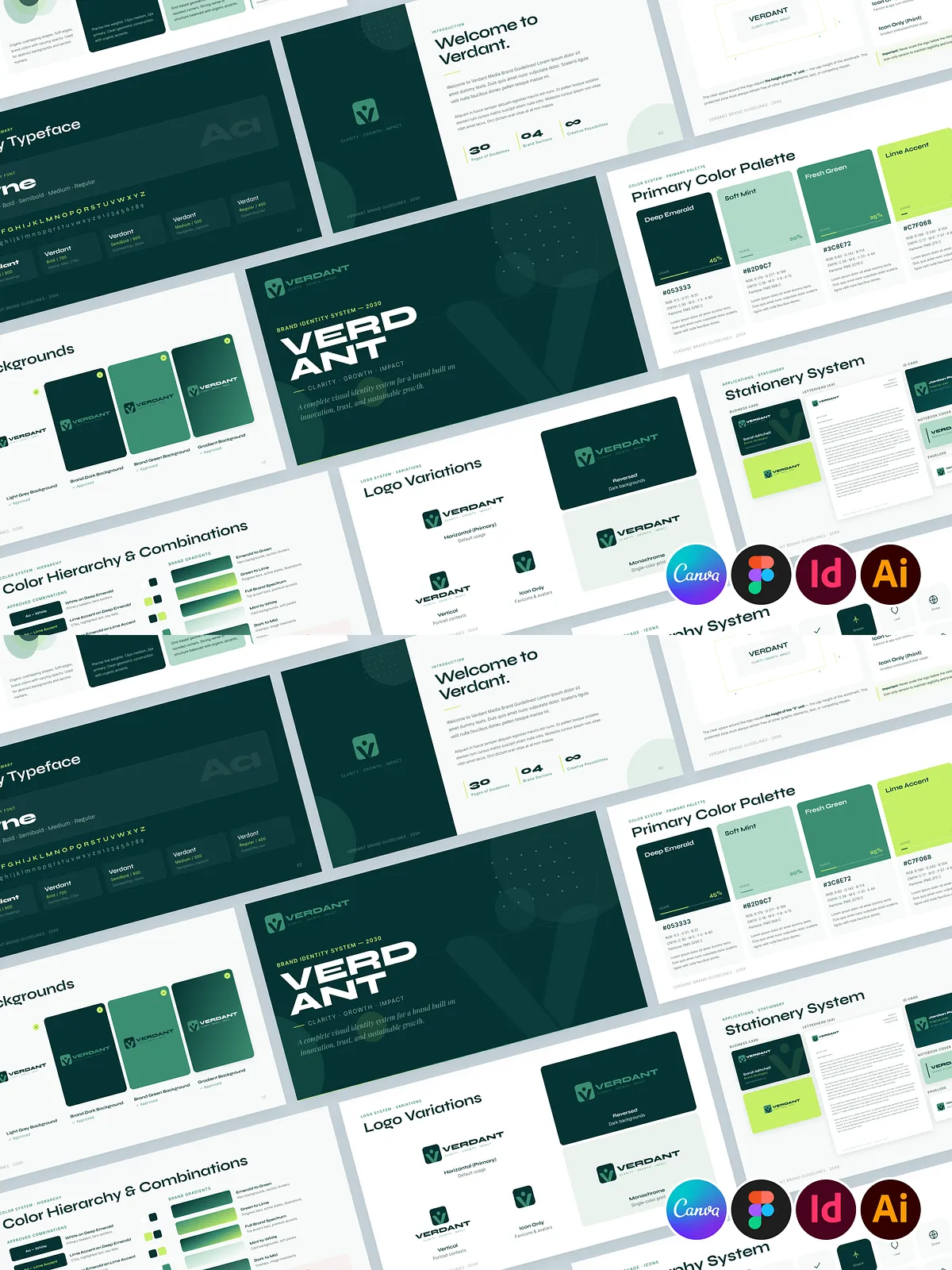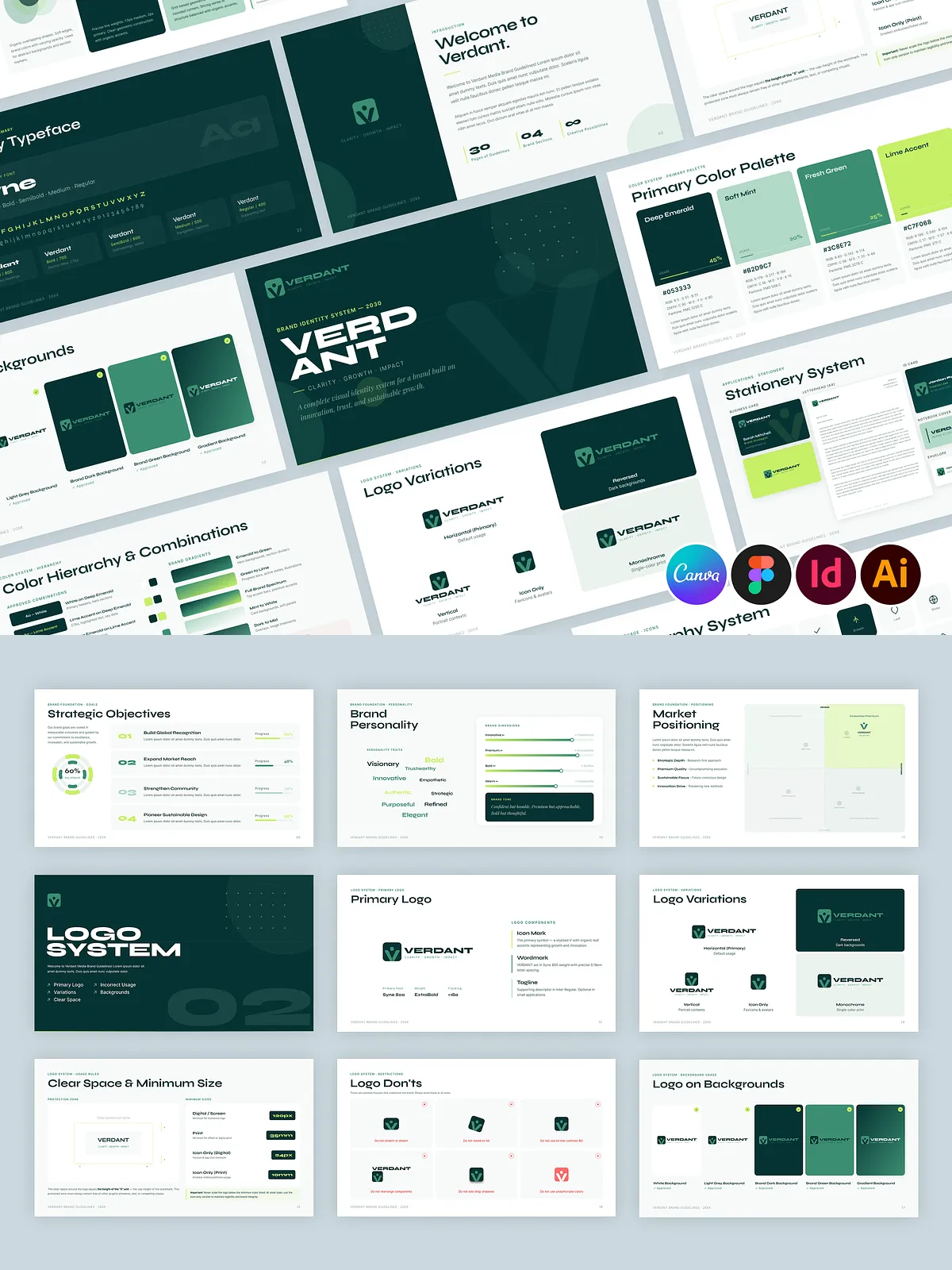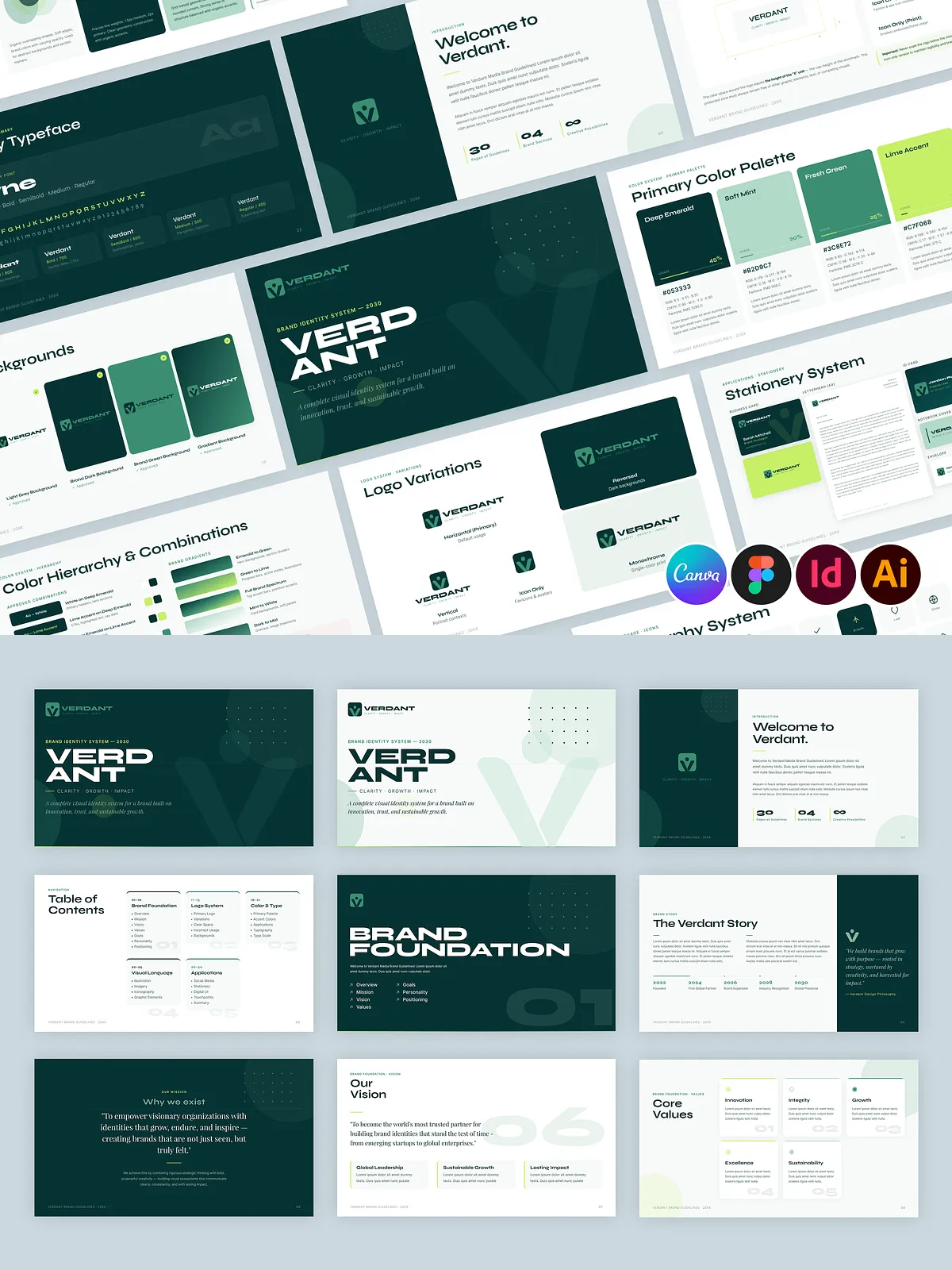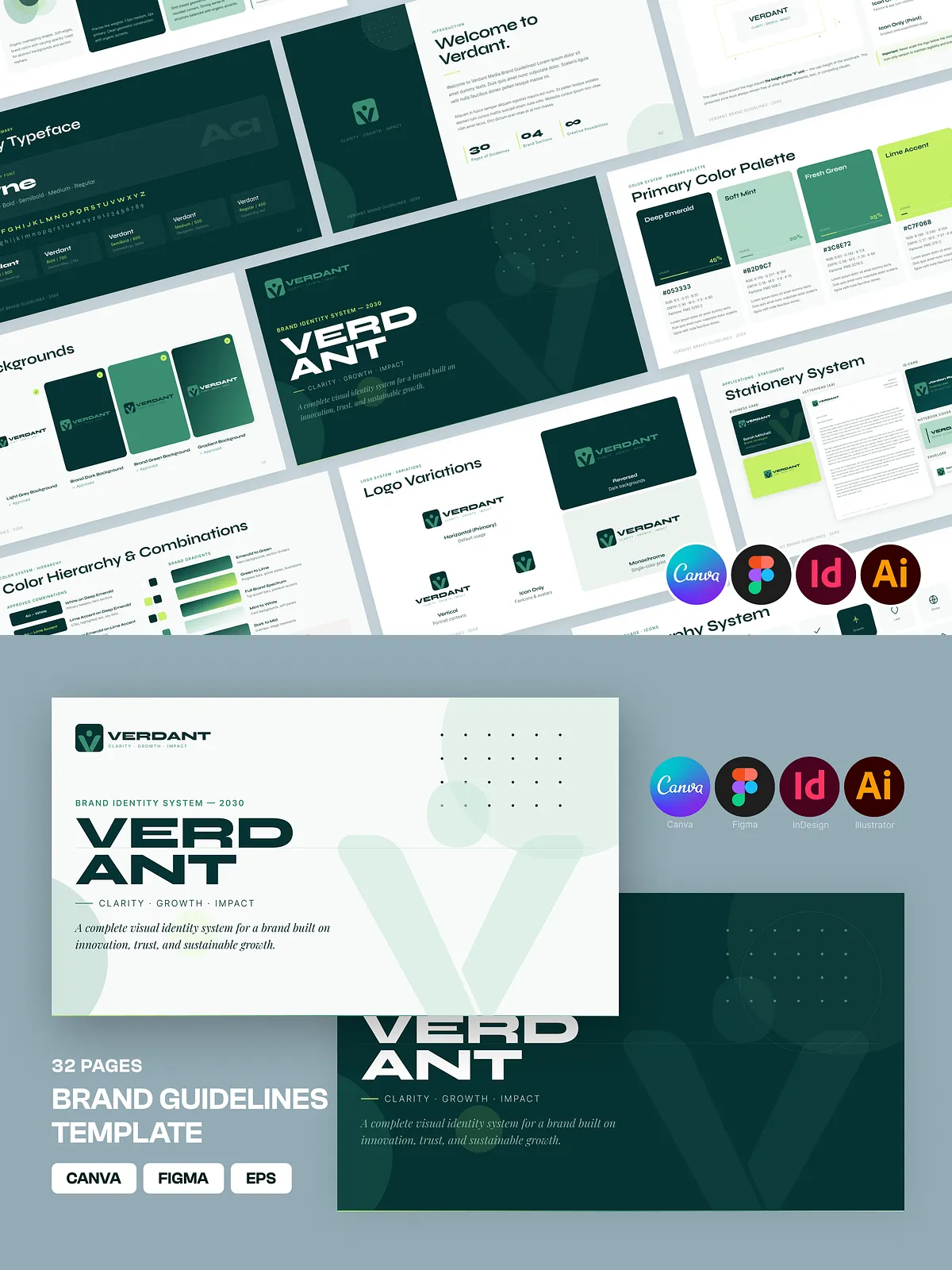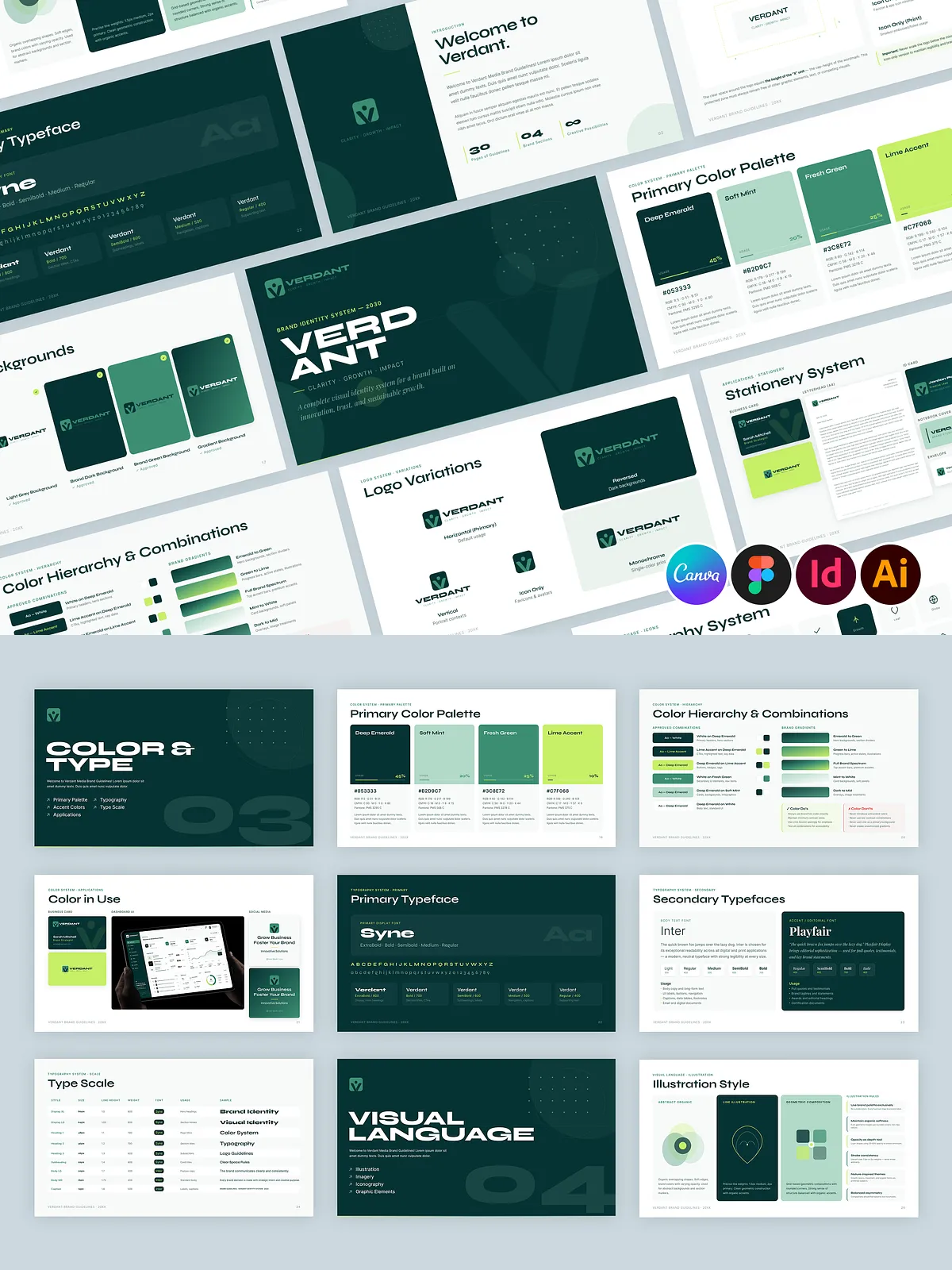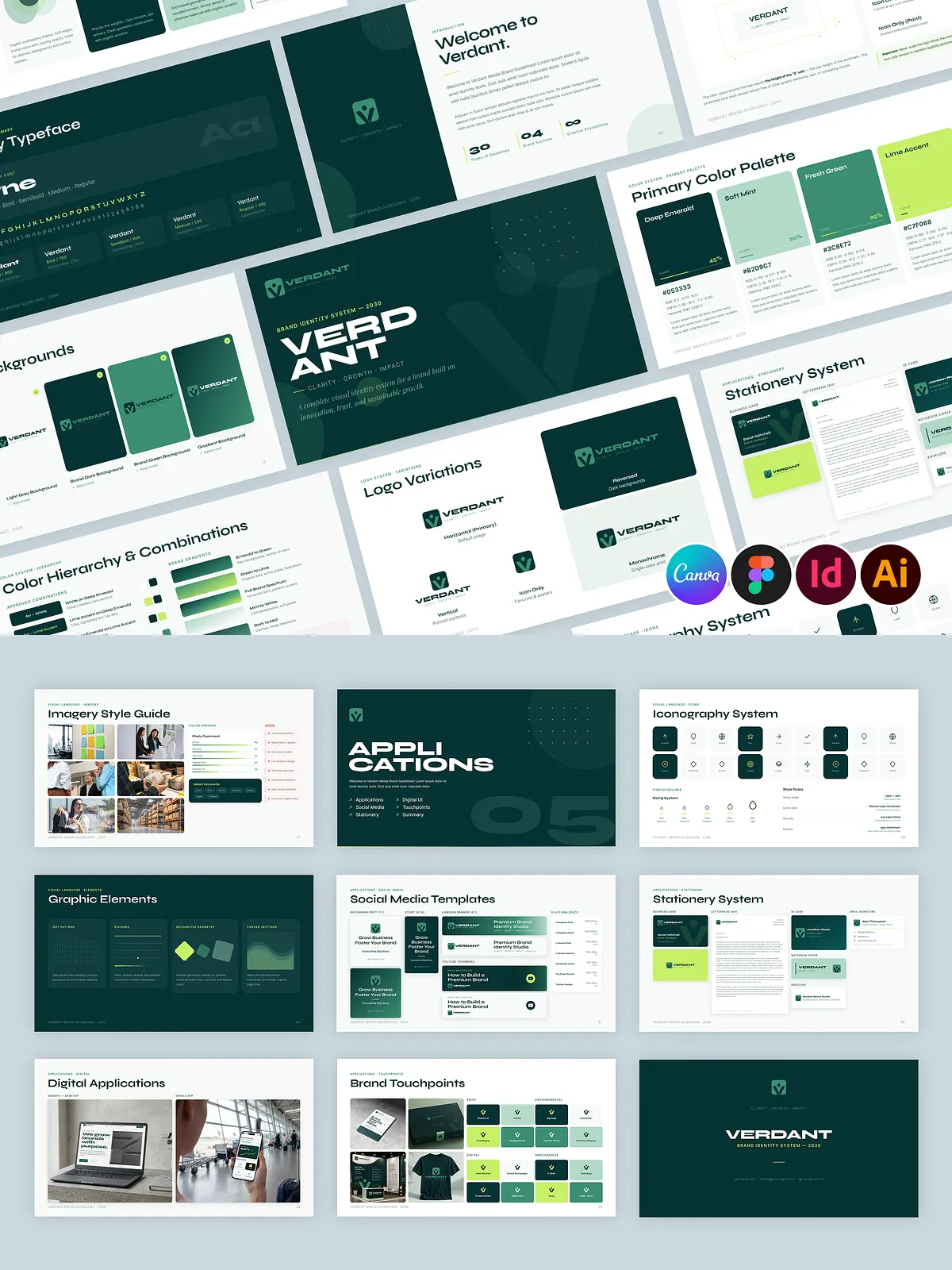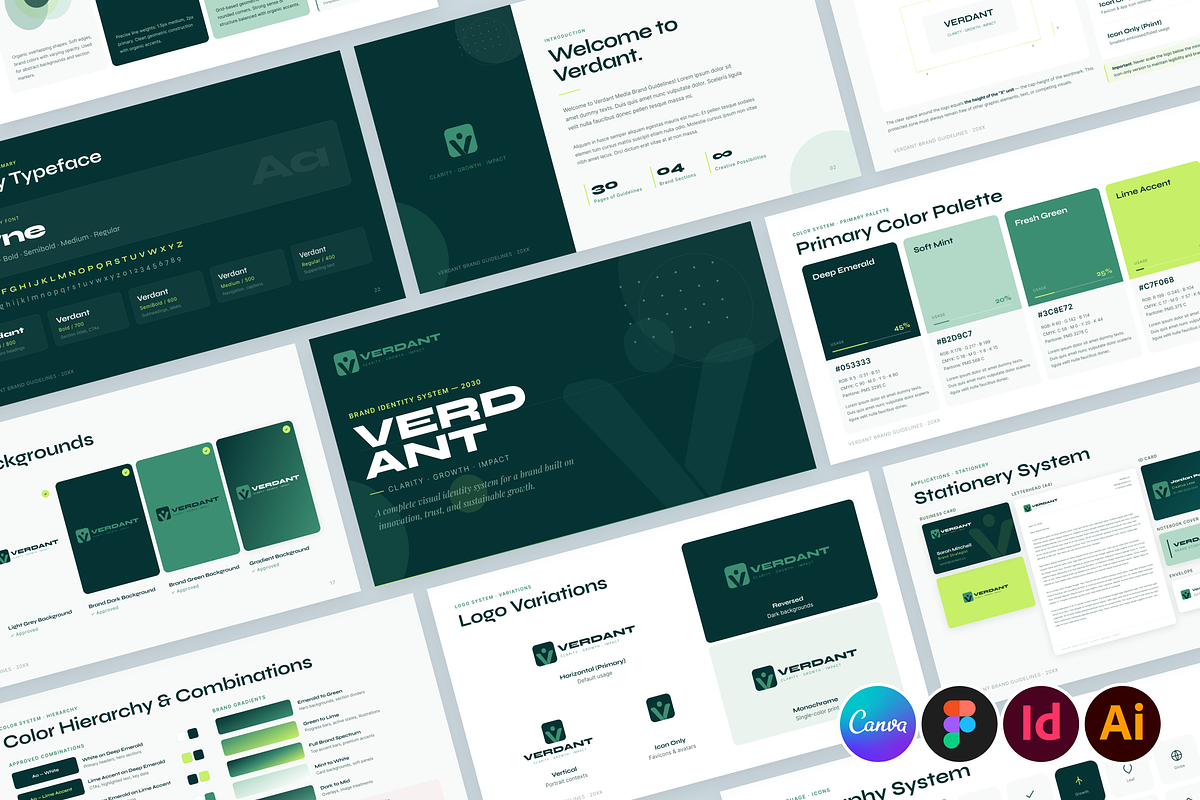
Verdant delivers a 35-page, landscape-oriented brand guidelines template designed to help you define, document, and activate your brand quickly. The template arrives as an instant download and opens in Canva, Figma, Adobe InDesign (CC 2021+), and Adobe Illustrator (CS5+). Each file preserves the same design logic so you can move between platforms without rebuilding layouts. Verdant focuses on clarity, consistency, and practical application so teams and clients can follow and implement your brand with confidence.
What’s Included
Complete file set and documentation
- Canva Template — editable in browser (Free & Pro compatible)
- Figma File — full layer and component support for collaborative design
- INDD Files — Adobe InDesign CC 2021 and higher with linked assets and paragraph styles
- EPS Files — Adobe Illustrator CS5+ vector files for logo and icon exports
- Documentation File — a clear “Read Me” guide that explains customization steps and export settings
Template Structure
Five focused sections to build a consistent brand
Verdant organizes content into five core sections so you can communicate rules and decisions clearly:
- Brand Foundation: Mission, vision, values, tone of voice, and positioning statements that establish context and strategy.
- Logo System: Primary and secondary logo variations, clearspace rules, minimum sizes, unacceptable uses, and export guidelines.
- Color & Typography: Primary and secondary color palettes with HEX/CMYK/RGB values, and recommended font pairings with hierarchy examples.
- Visual Language: Photography style, iconography, patterns, and layout approaches that maintain visual consistency across channels.
- Applications: Mockups and real-world examples, including business cards, social posts, packaging, and presentation slides that demonstrate correct usage.
Key Features
Practical features built for speed and control
- 35 landscape pages sized at 1920 × 1080 px for presentation-ready artboards
- Resizable vector graphics and editable layouts for pixel-perfect exports
- Preconfigured paragraph and character styles in InDesign and Figma components for fast global updates
- Included photo placeholders and inspiration assets so you can visualize the final brand quickly
- Clear “how-to” guidance in the documentation file for changing colors, swapping fonts, and exporting assets
Who This Template Is For
Designed for brand teams, freelancers, and creative agencies
Use Verdant if you lead brand strategy, produce creative deliverables, or manage client work. Freelancers will speed up delivery by adapting the template for each client; agencies will use it to standardize brand rollouts; startups and in-house design teams will document decisions so stakeholders stay aligned. Students and educators can also use Verdant to learn professional brand documentation practices.
How to Customize
Step-by-step instructions for quick edits
- Choose the file format that matches your workflow (Canva for quick edits, Figma for collaborative design, InDesign for print-ready documents, Illustrator for vector exports).
- Open the master pages or components and replace the placeholder logo with your vector logo file.
- Update the color swatches and typography styles; apply changes globally using paragraph/character styles or Figma components.
- Replace sample photography using the provided placeholders and adjust cropping to maintain the recommended visual language.
- Export final files: generate print-ready PDFs from InDesign or vector exports from Illustrator; publish shareable links or PNGs from Canva and Figma.
Licensing, Support & Recommendations
What you get and what to expect
Verdant is a digital product delivered via instant download. The package includes template files and documentation only; preview images, fonts, and any third-party mockups shown in product previews are not included but we provide links to recommended free web fonts where applicable. The template is licensed for both personal and commercial projects by the purchaser, but redistribution of source files or resale is prohibited.
If you encounter technical issues, follow the Read Me guide included in the download. For file conversions, small layout changes, or export questions, contact the support channel provided with your purchase and we will guide you through the adjustments.
Notes & Best Practices
Tips to maintain brand consistency
Proof colors on final media and request test prints for physical collateral. Lock down core assets like logos and primary color tokens in a shared asset library to prevent accidental edits. When collaborating, use Figma to keep a single source of truth and publish components to a team library. For Canva, grant appropriate editor permissions to control who can alter master templates. These simple steps reduce rework and ensure consistent brand application across platforms.