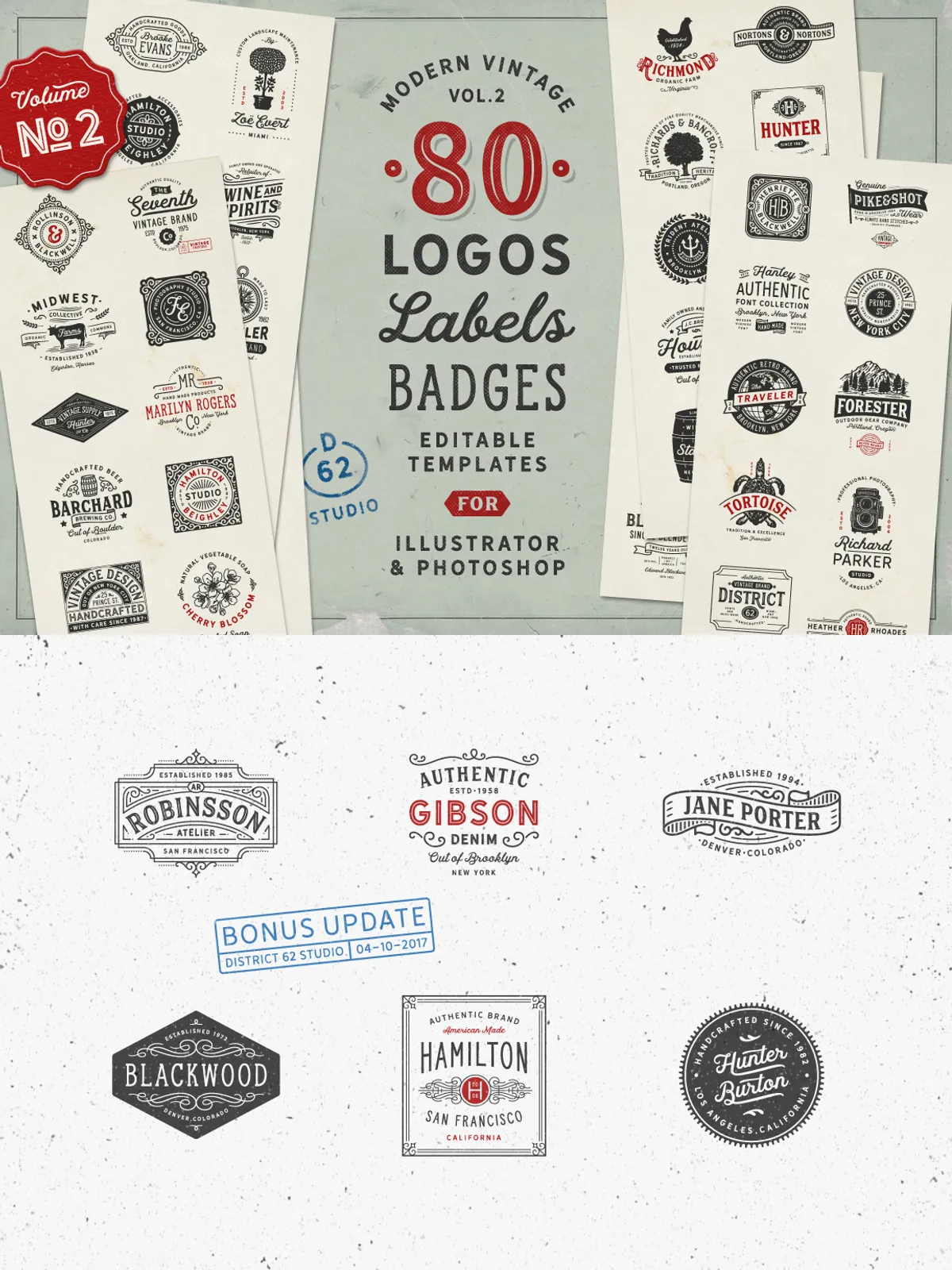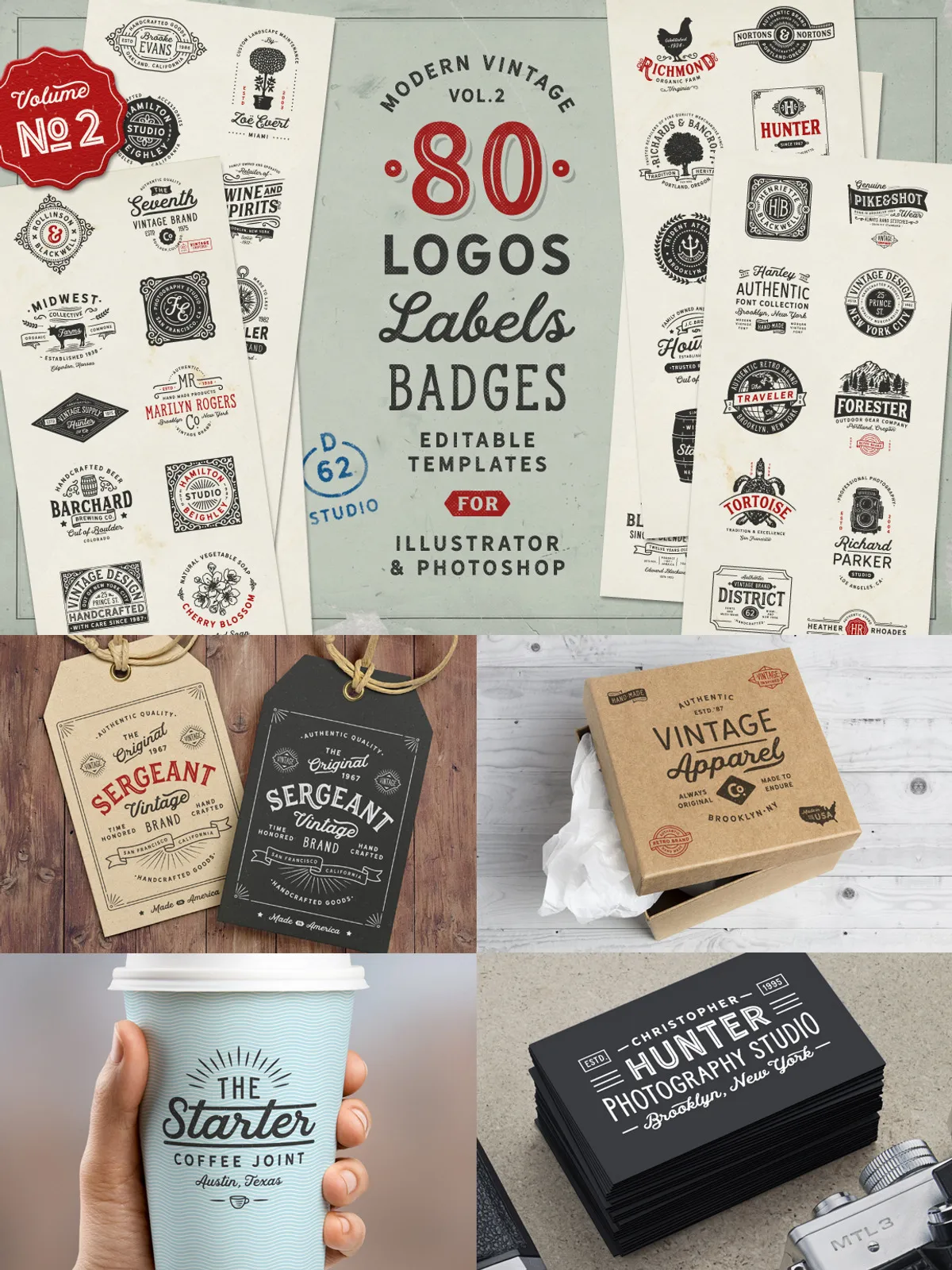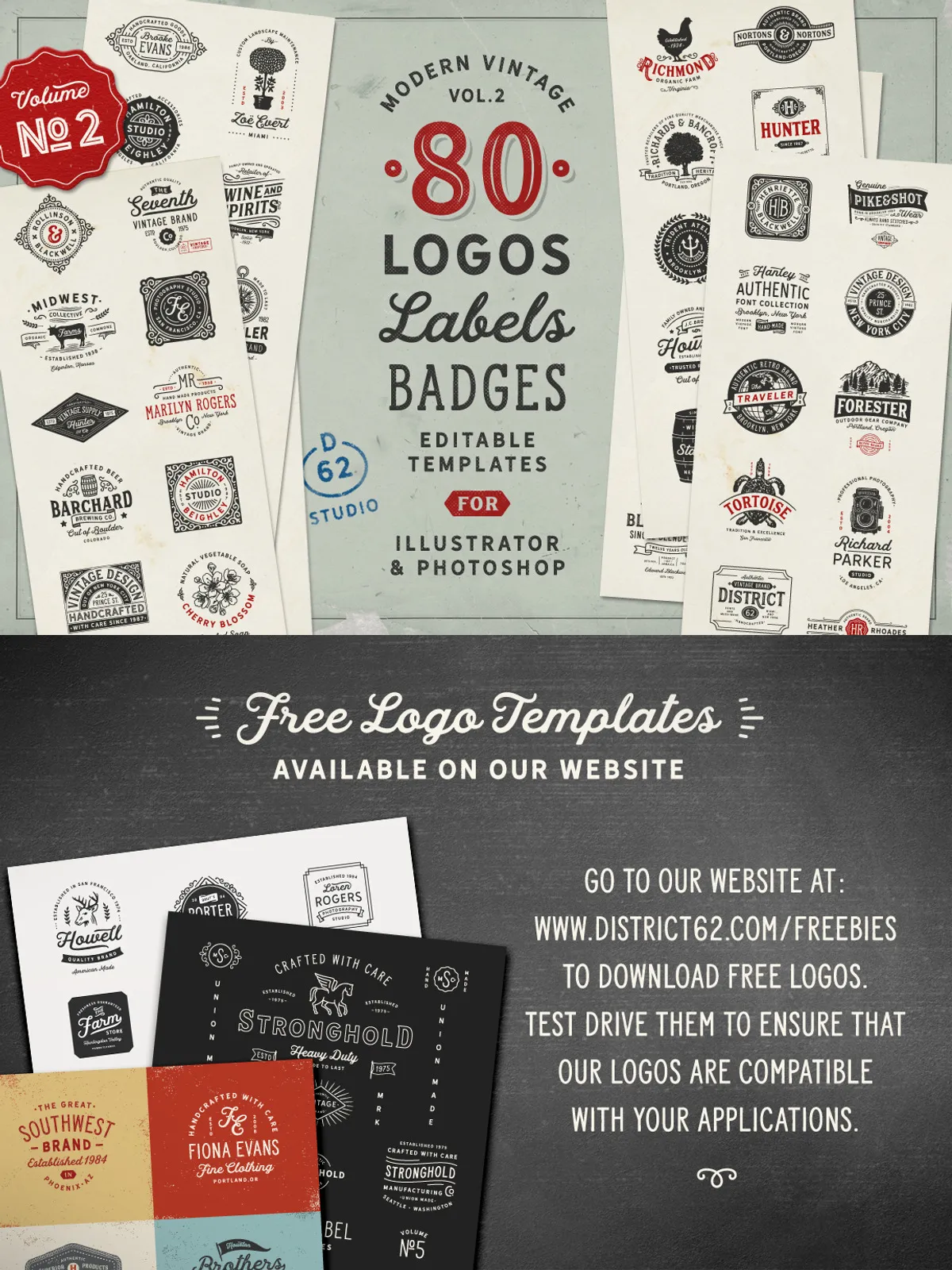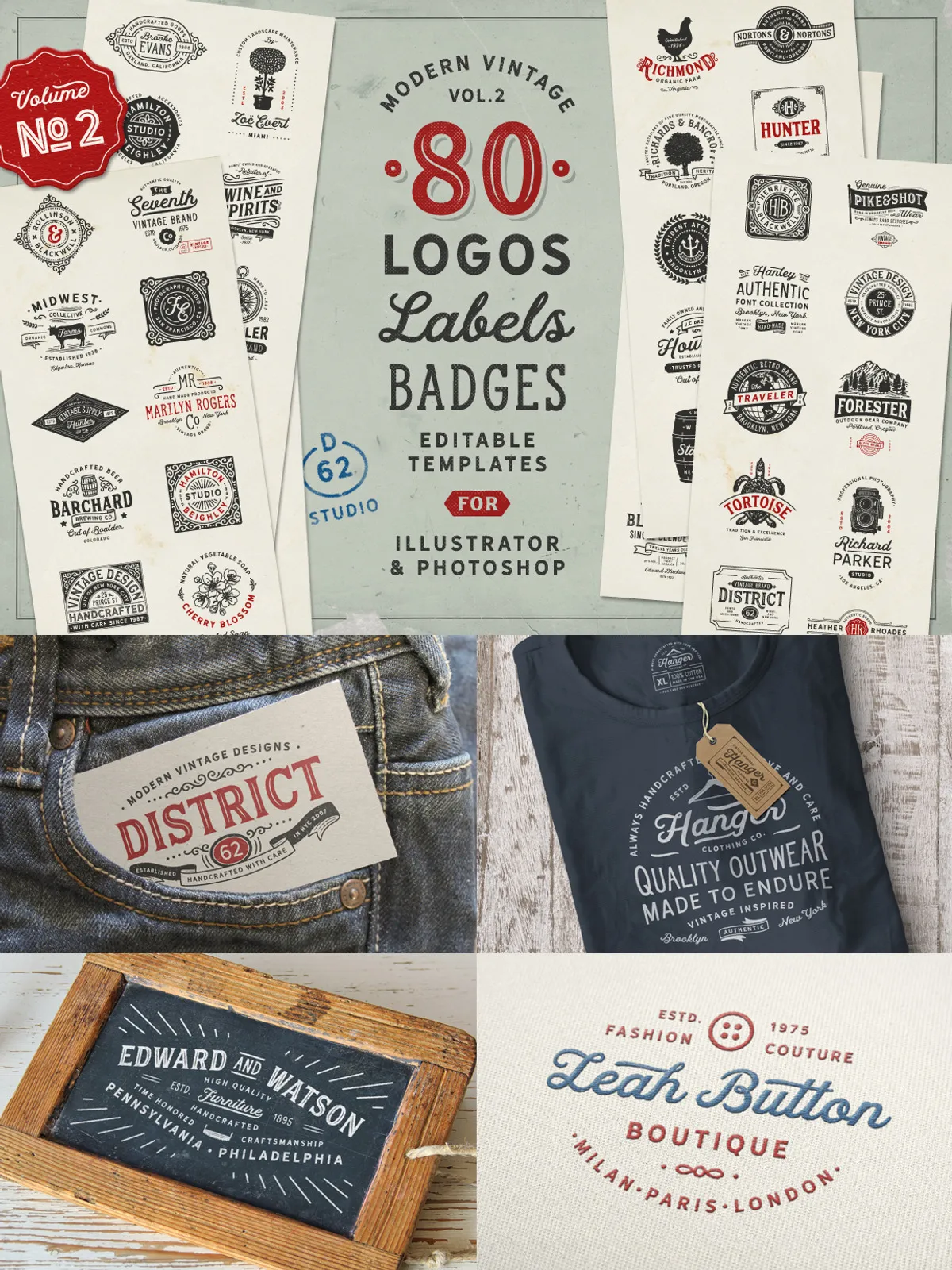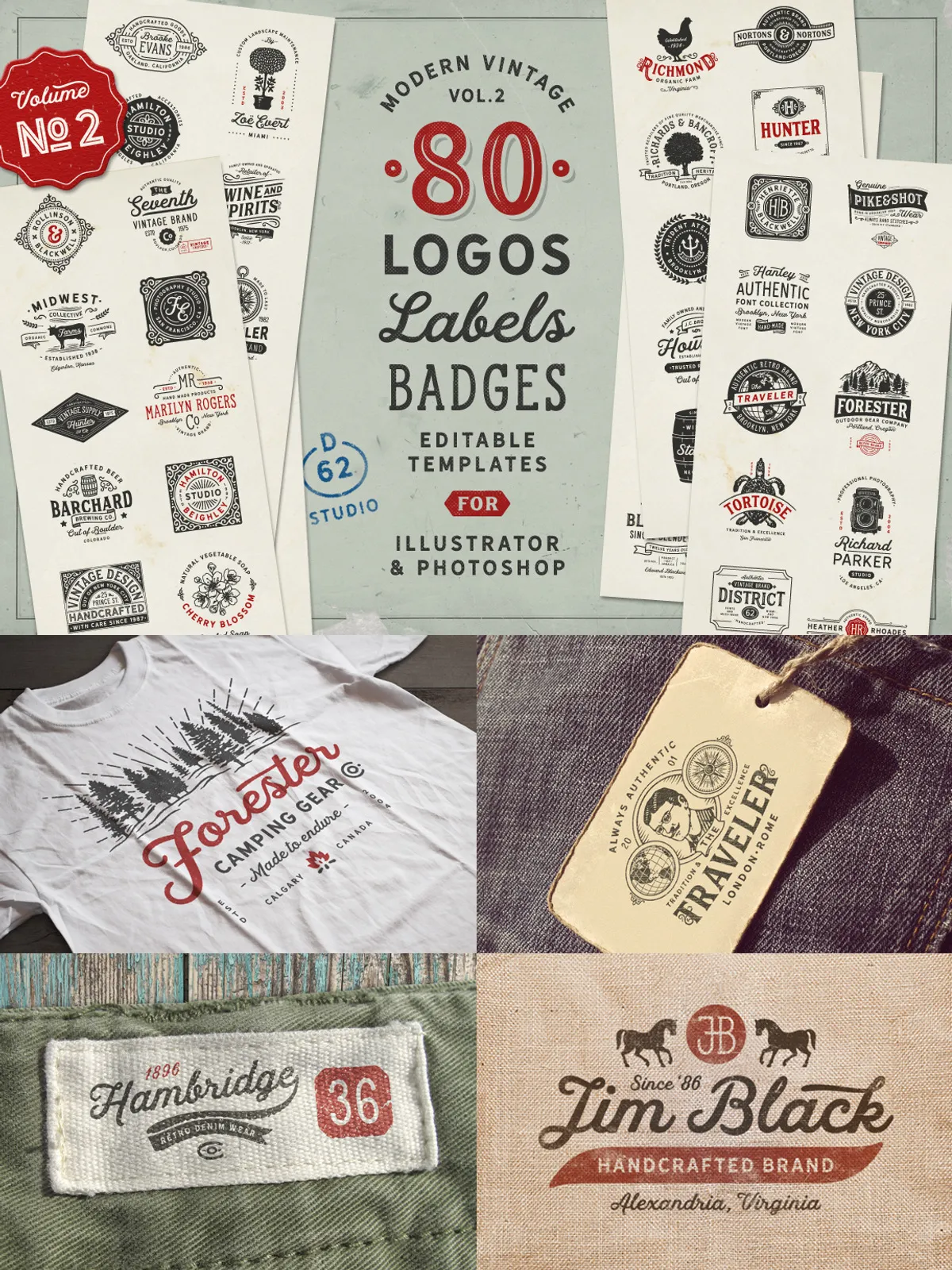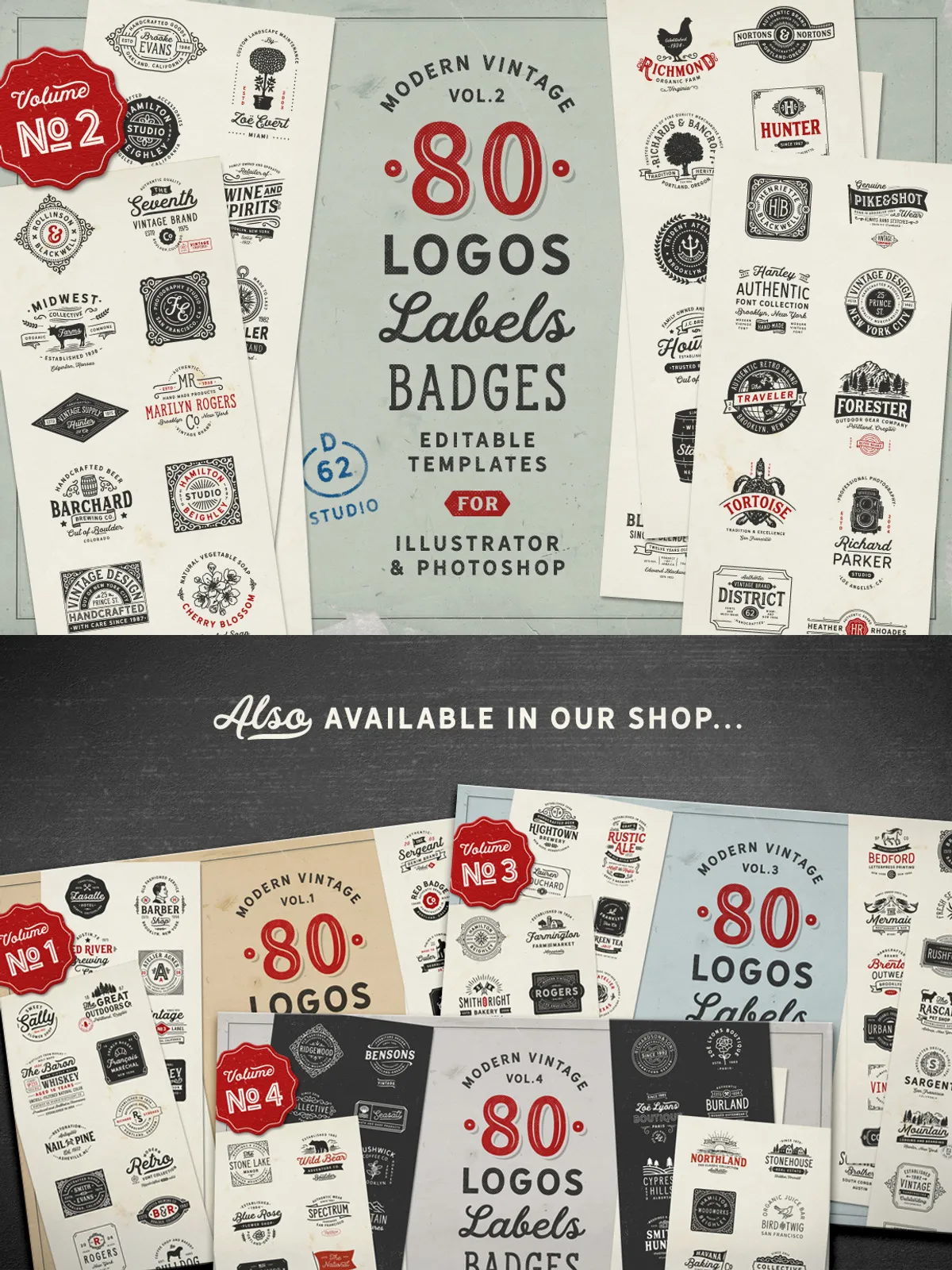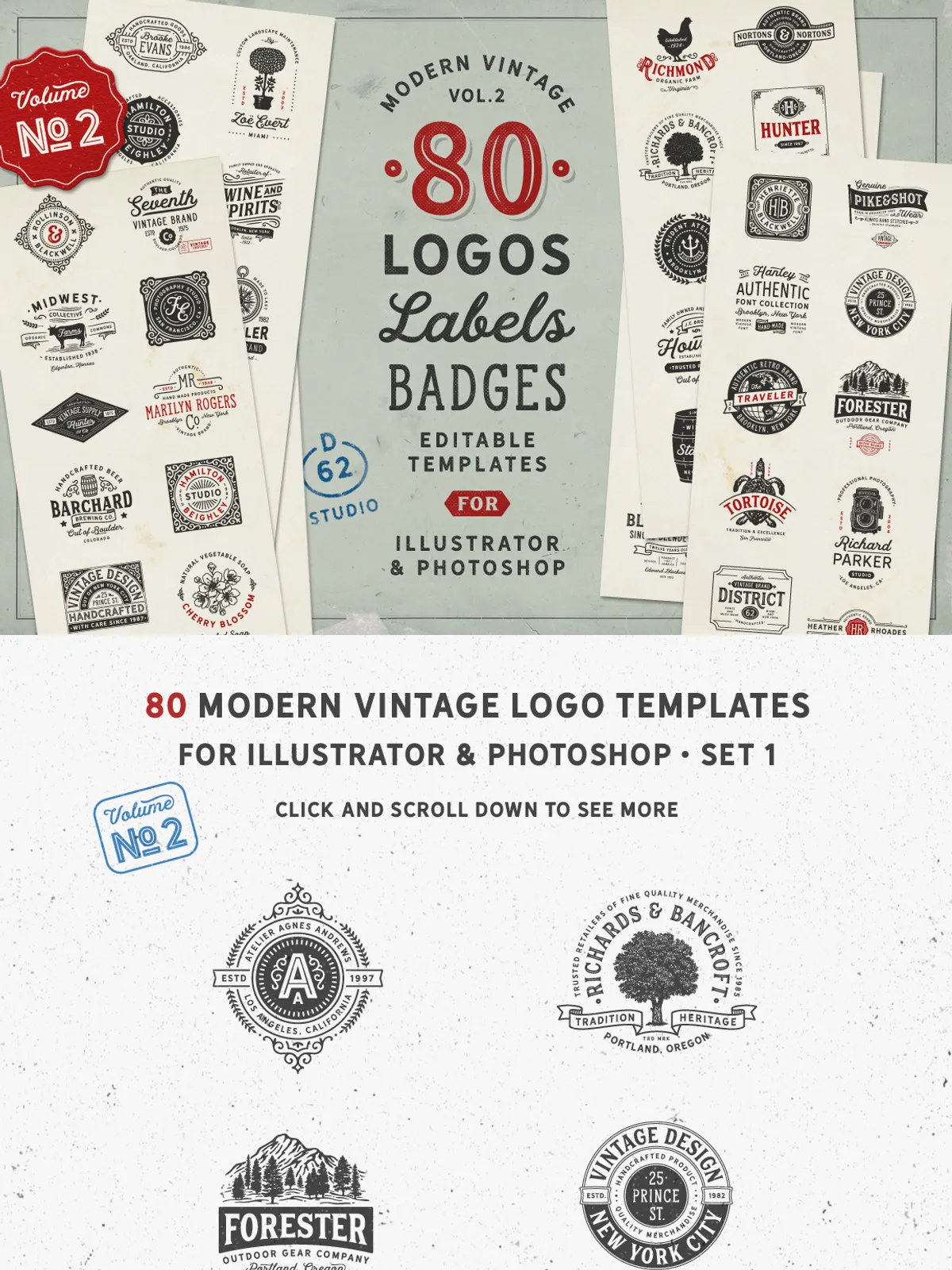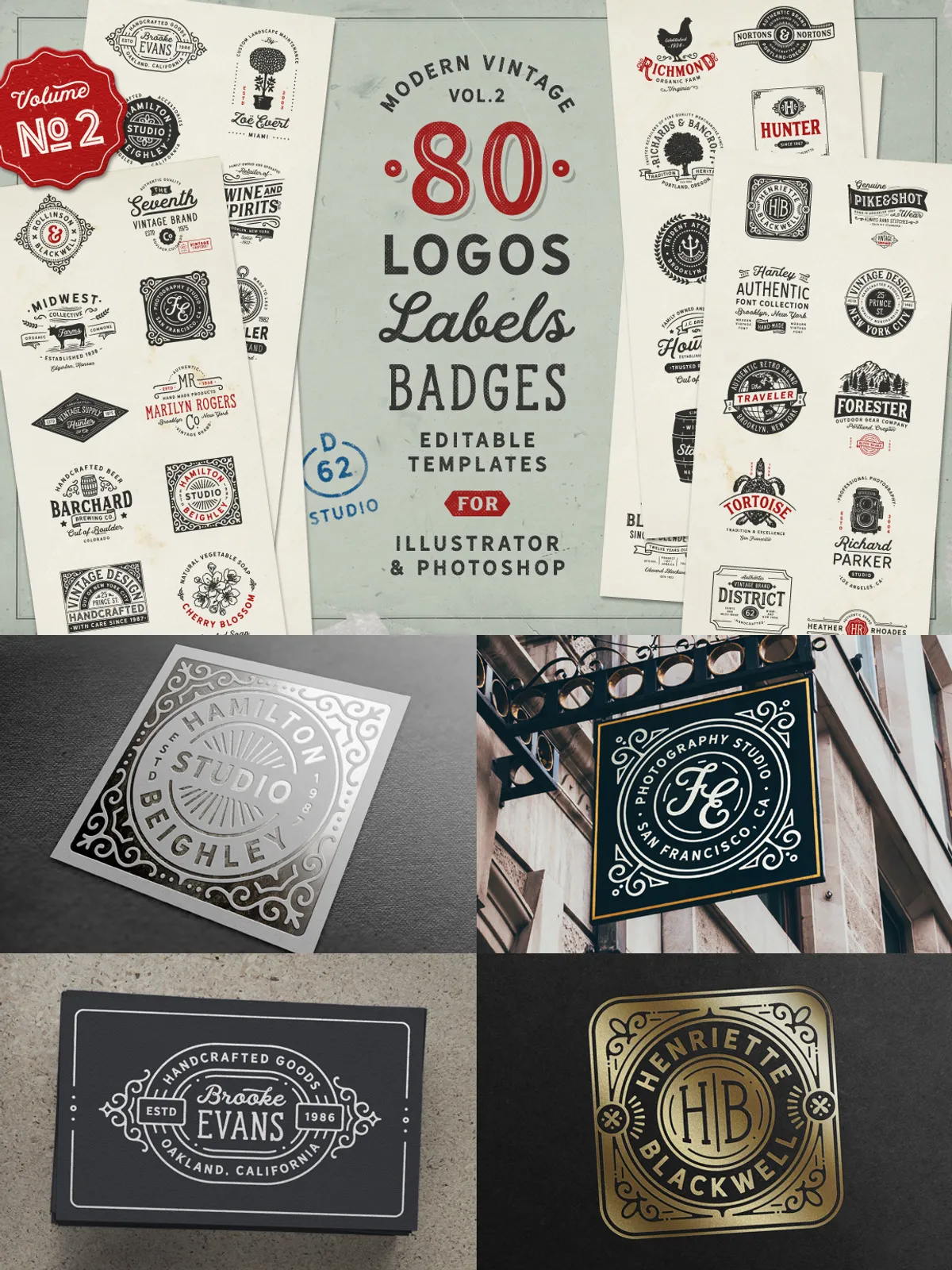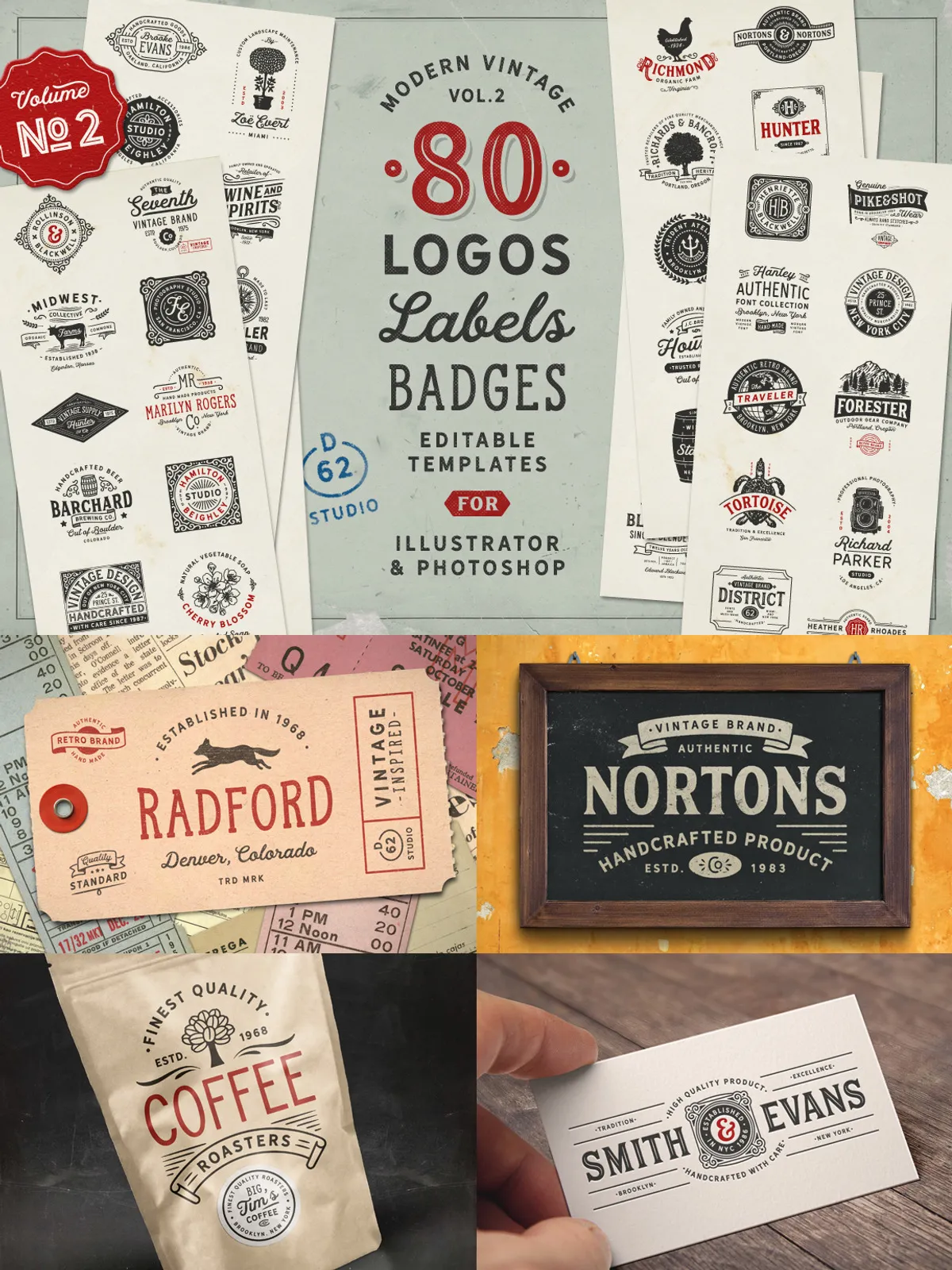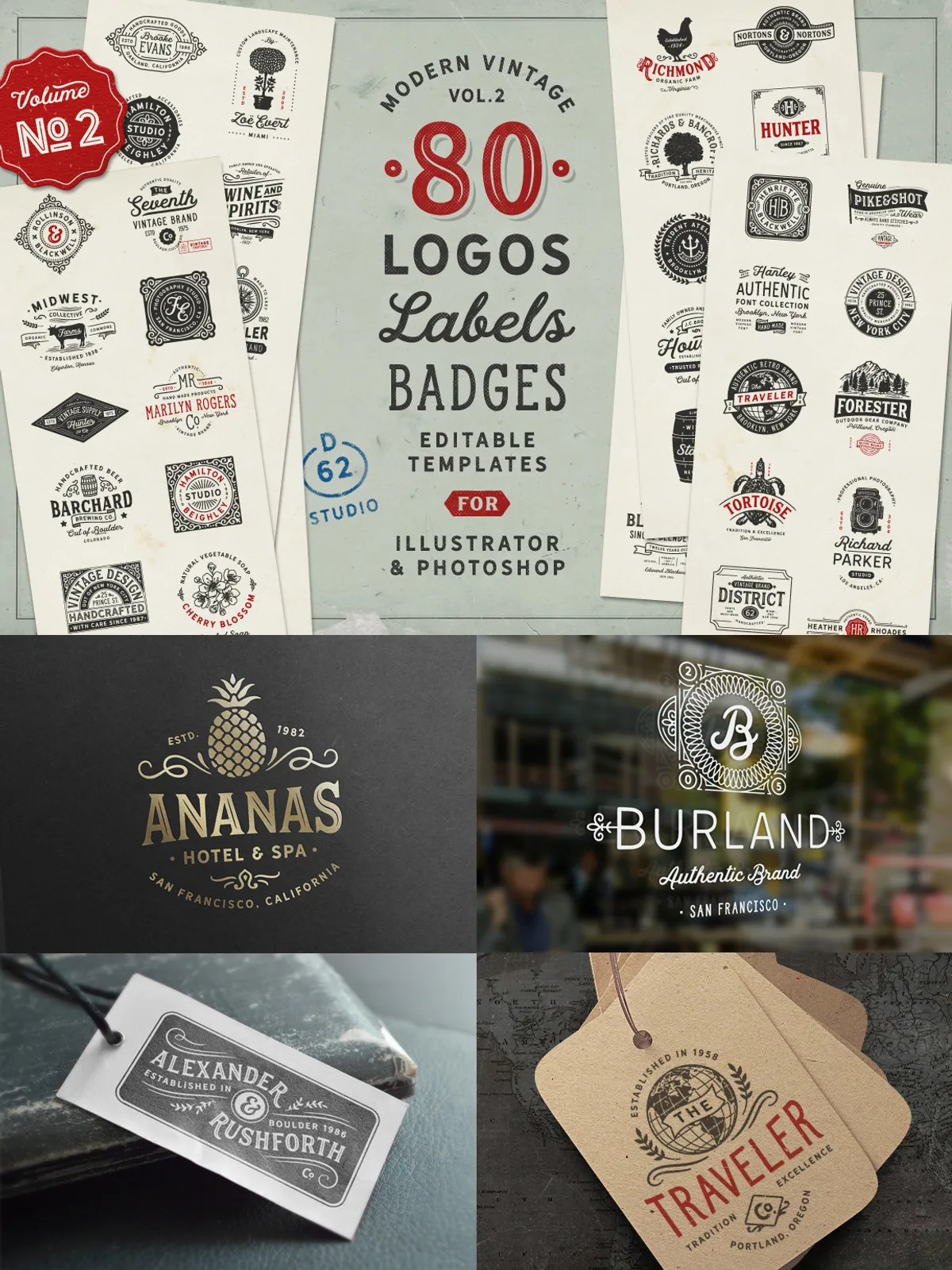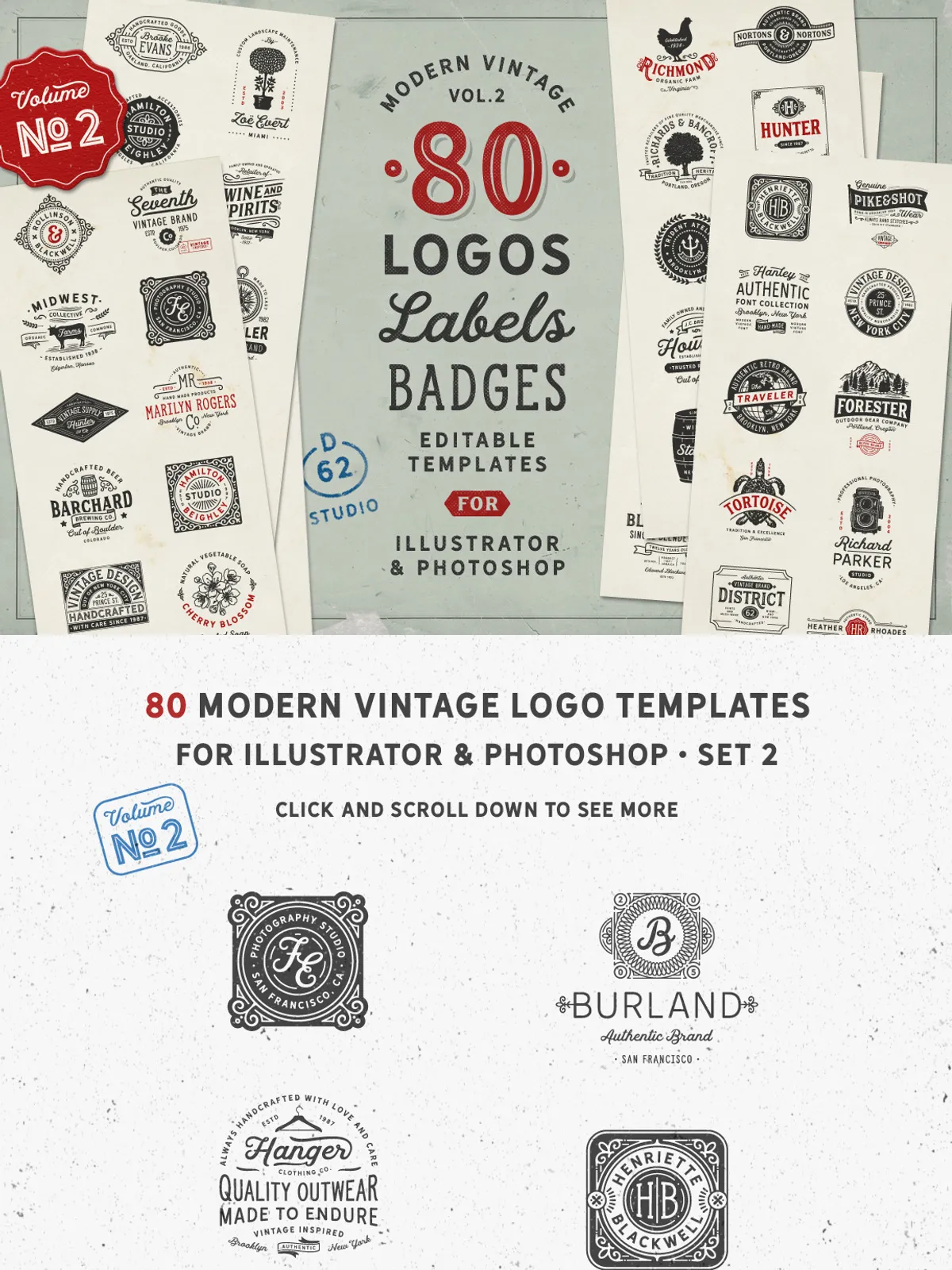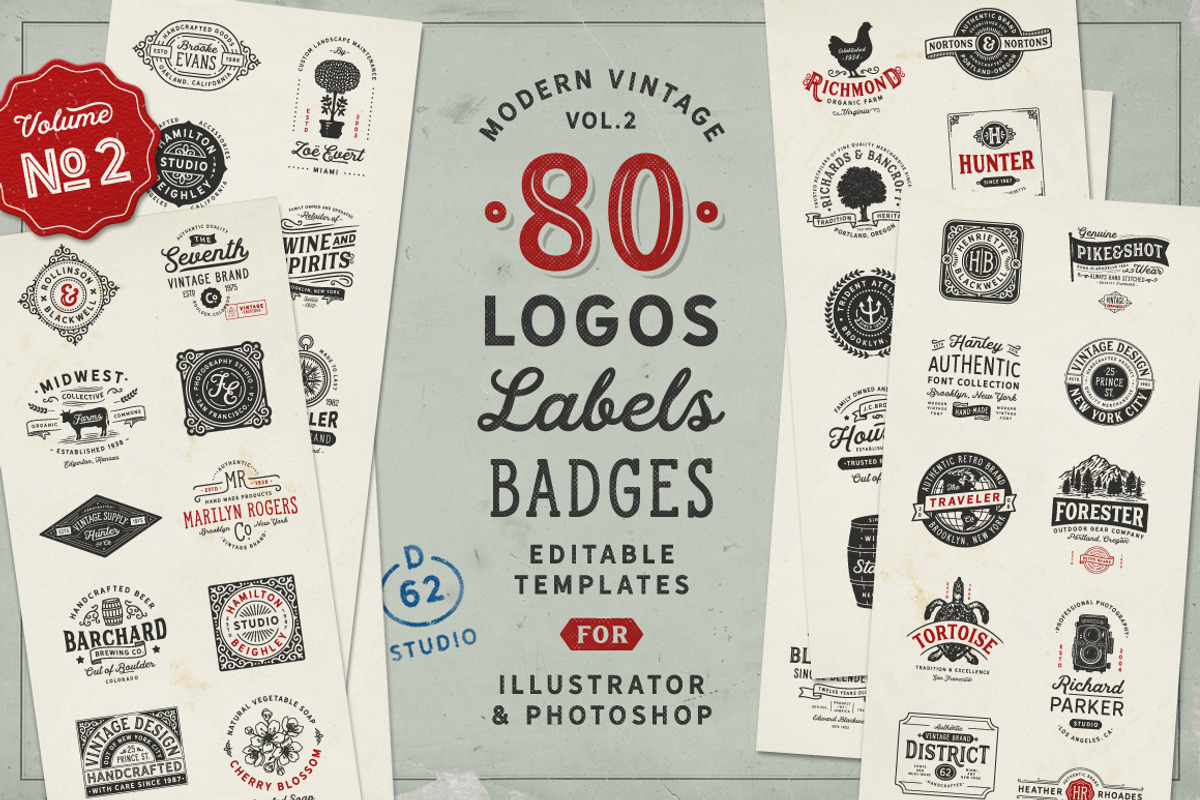
Step into the future of branding with 80 meticulously crafted modern vintage logo templates—specifically engineered for Adobe Illustrator and Photoshop. Whether you’re a freelance designer, startup founder, or creative agency, these templates give you instant access to premium-quality, professional branding assets that stand out in a competitive digital landscape. Every design combines nostalgic charm with contemporary precision, delivering logos that feel both classic and cutting-edge.
Customize with Confidence Using Industry-Standard Tools
Leverage the full power of vector-based editing with AI, EPS, and high-resolution PSD files (compatible with CS3 and higher). These files are built on scalable vector shapes and live text paths, ensuring your logos remain crystal-clear at any size—from a business card to a 50-foot billboard. No more distortion, pixelation, or manual rework. Edit colors, typography, spacing, and frames in seconds—no design experience required.
What You Receive in Your Premium Template Pack
80 Premium Modern Vintage Logo Templates – Crafted for Impact
All 80 templates are delivered in two organized files for maximum flexibility and efficiency:
- 80 AI Files (Illustrator): Vector-based, editable, scalable, and ready for professional print and digital use.
- 80 High-Resolution PSD Files (3000 x 3000 px): Fully layered, optimized for Photoshop, and ideal for detailed edits and graphic overlays.
- 12 Bonus Templates (6 in AI + 6 in PSD): Exclusive designs featuring enhanced frames, ornamental borders, and unique layout styles not found in the main pack—offering extra creative freedom.
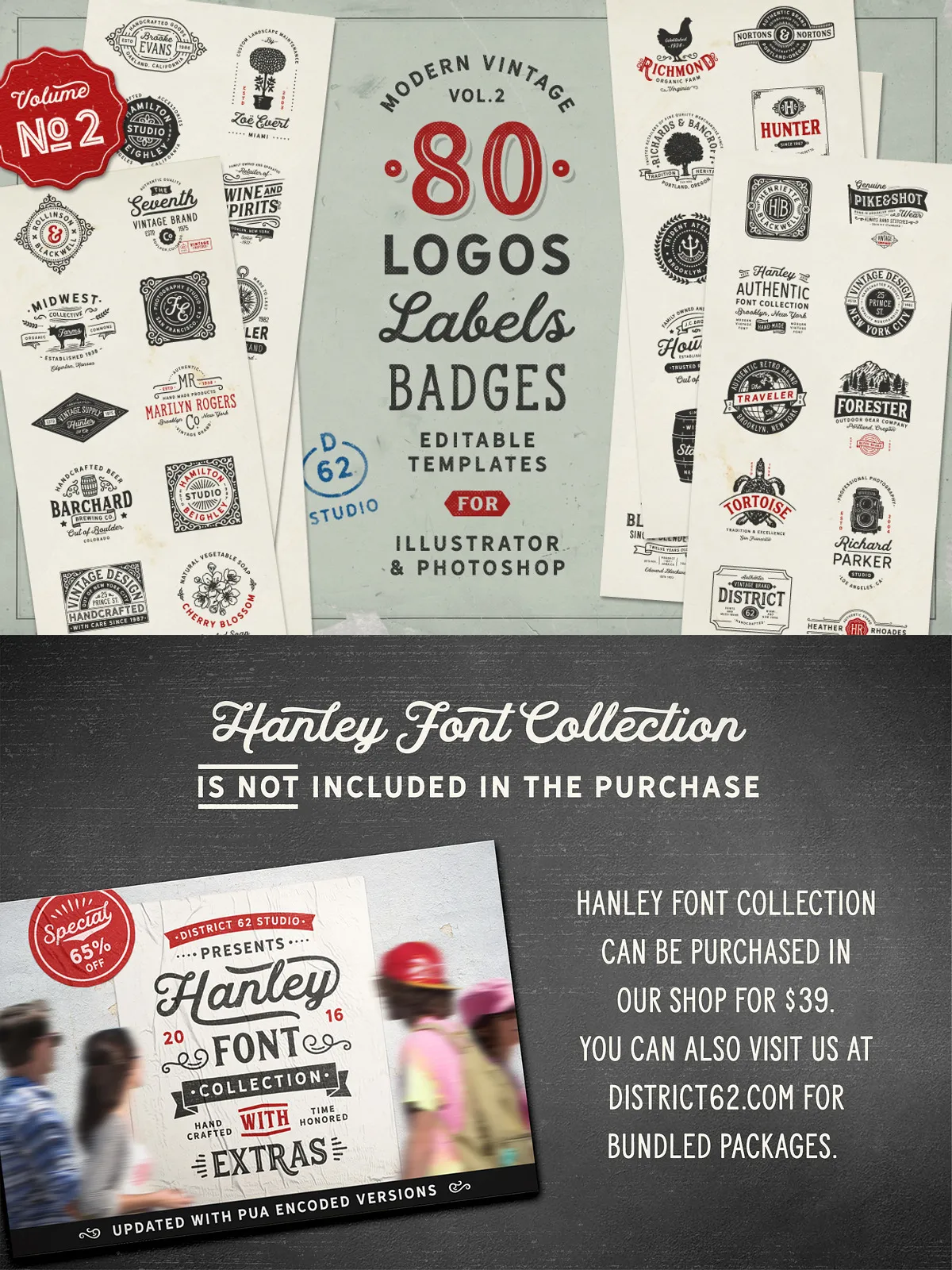
Designed with the Hanley Font Collection – The Heart of Every Design
Each logo is meticulously paired with the exclusive Hanley font collection—crafted for readability, elegance, and vintage authenticity. These fonts were engineered to work seamlessly with the template layouts, offering the perfect balance of character and professionalism. The text paths are fully editable, allowing you to customize names, taglines, and slogans instantly while preserving typographic integrity.
Advanced Features for Seamless Workflow Integration
Templates are built using pure vector paths and non-destructive layers to ensure maximum compatibility and ease of use. Each design includes:
- Pre-defined color palettes (CMYK + RGB ready)
- Smart guides and alignment tools
- Precise bleed and safe area markers
- Layer organization for quick navigation
- Non-destructive effects and blending options
These features accelerate your workflow, reduce errors, and maintain a consistent level of polish across your entire brand portfolio.
Why This Template Pack Is a Game-Changer for Brand Designers
Create Instantly, Launch Faster
Stop starting from zero. Use these templates as your foundation and customize them in under 10 minutes. Perfect for fast-turnaround projects, client presentations, or launching your own brand. The vintage aesthetic appeals to audiences who value authenticity, craftsmanship, and emotional resonance—making your logo not just a symbol, but a story.
Build a Cohesive Brand Identity Across All Touchpoints
Use the same templates across business cards, letterheads, websites, social media, and packaging. Maintain consistency in typography, spacing, and visual language to build strong recognition. Repurpose layouts for different industries—retail, hospitality, artisan goods, creative studios, or lifestyle brands—without reinventing the wheel.
Stand Out with Unique Frame & Element Designs
Each template features exclusive frames, decorative strokes, and graphic flourishes only available in this pack. These elements add depth, texture, and visual interest that elevate your logo beyond generic designs. They’re ideal for conveying heritage, luxury, or artistic identity—without oversaturating the composition.
Your Quick-Start Roadmap: Launch Your Brand Today
Step 1: Download & Organize Your Files
Extract the ZIP folder and organize your templates—AI and PSD files are separated for easy access.
Step 2: Open in Illustrator or Photoshop
Launch your preferred application and open the AI or PSD file. Use the layer panel to adjust colors, text, and design elements instantly.
Step 3: Customize Your Logo
Replace placeholder text with your brand name. Tweak fonts, adjust spacing, change colors using the included palettes. Add your own icon or image—everything is editable.
Step 4: Export & Share
Export your logo in multiple formats: PNG, JPG, SVG, PDF, and EPS—perfect for digital, print, and web use. Deliver a pro-quality brand asset in minutes.
Pro Tips for Maximum Creative Freedom
Combine Templates for Hybrid Designs
Mix and match frames from different templates to create a custom logo that reflects your unique brand voice. Use bonus templates to experiment with bold layouts or subtle elegance.
Use the Bonus Files for Special Campaigns
Save the 6 exclusive bonus templates for premium client projects, limited-edition product launches, or holiday branding—give your brand a standout moment.