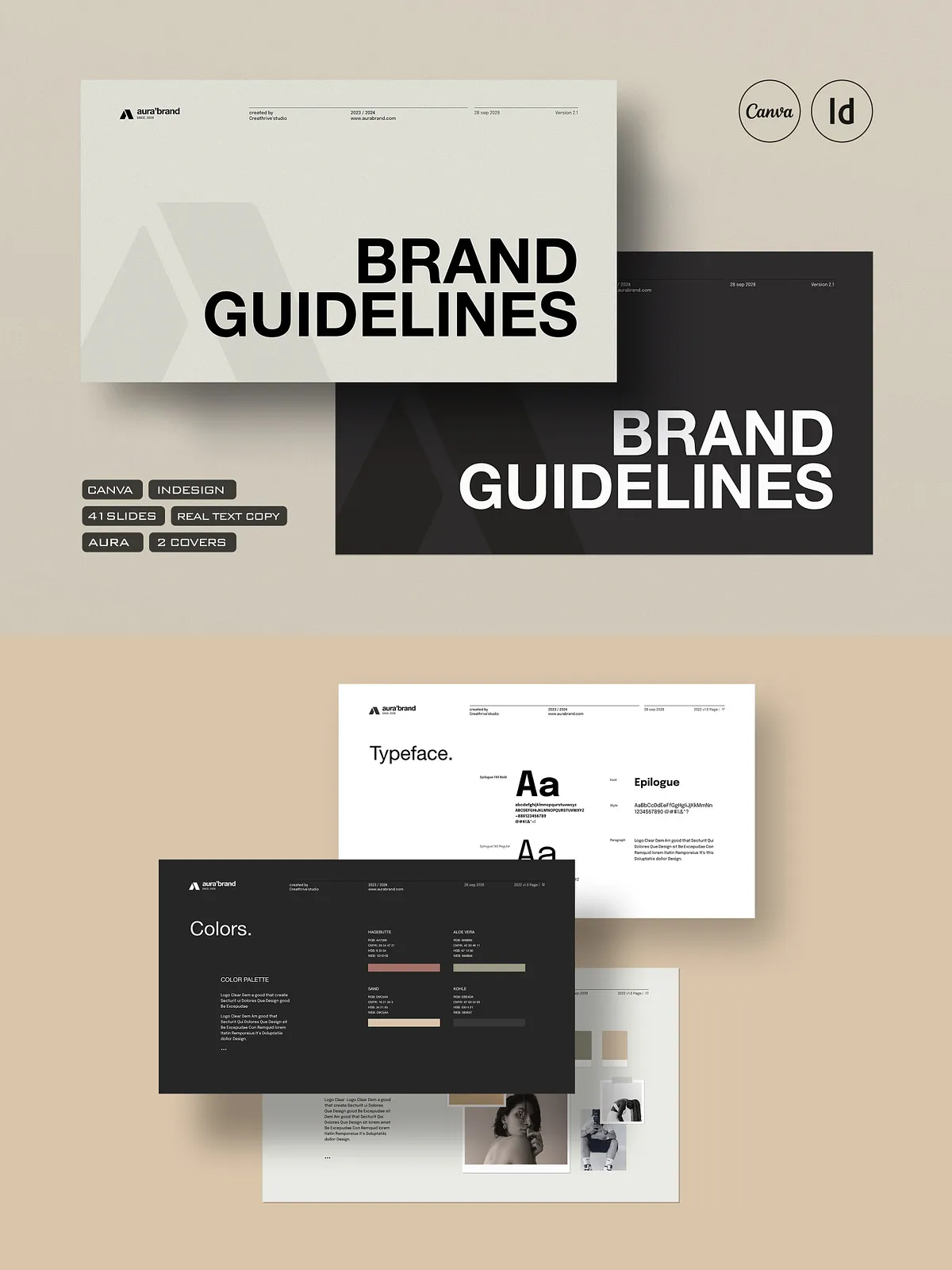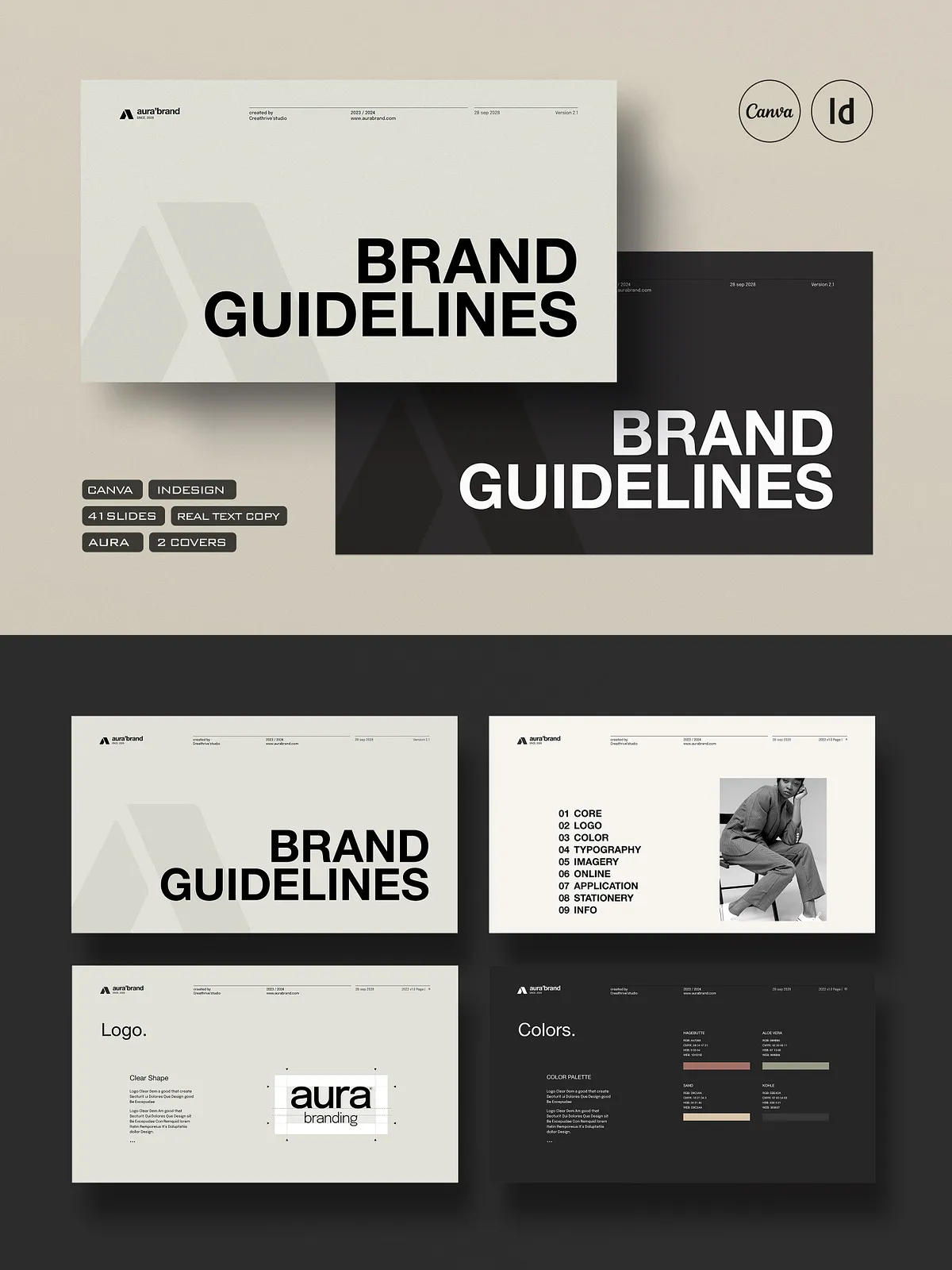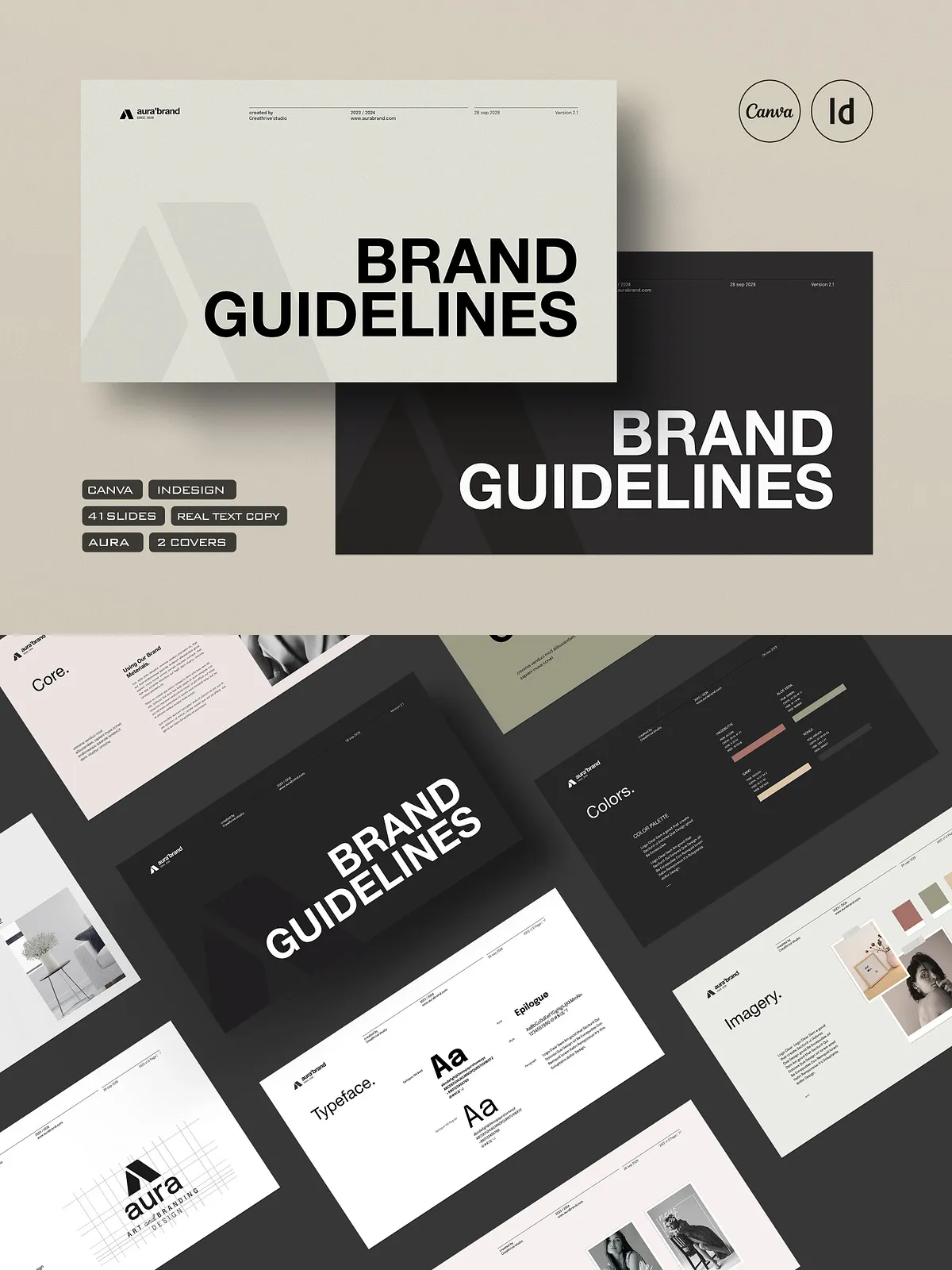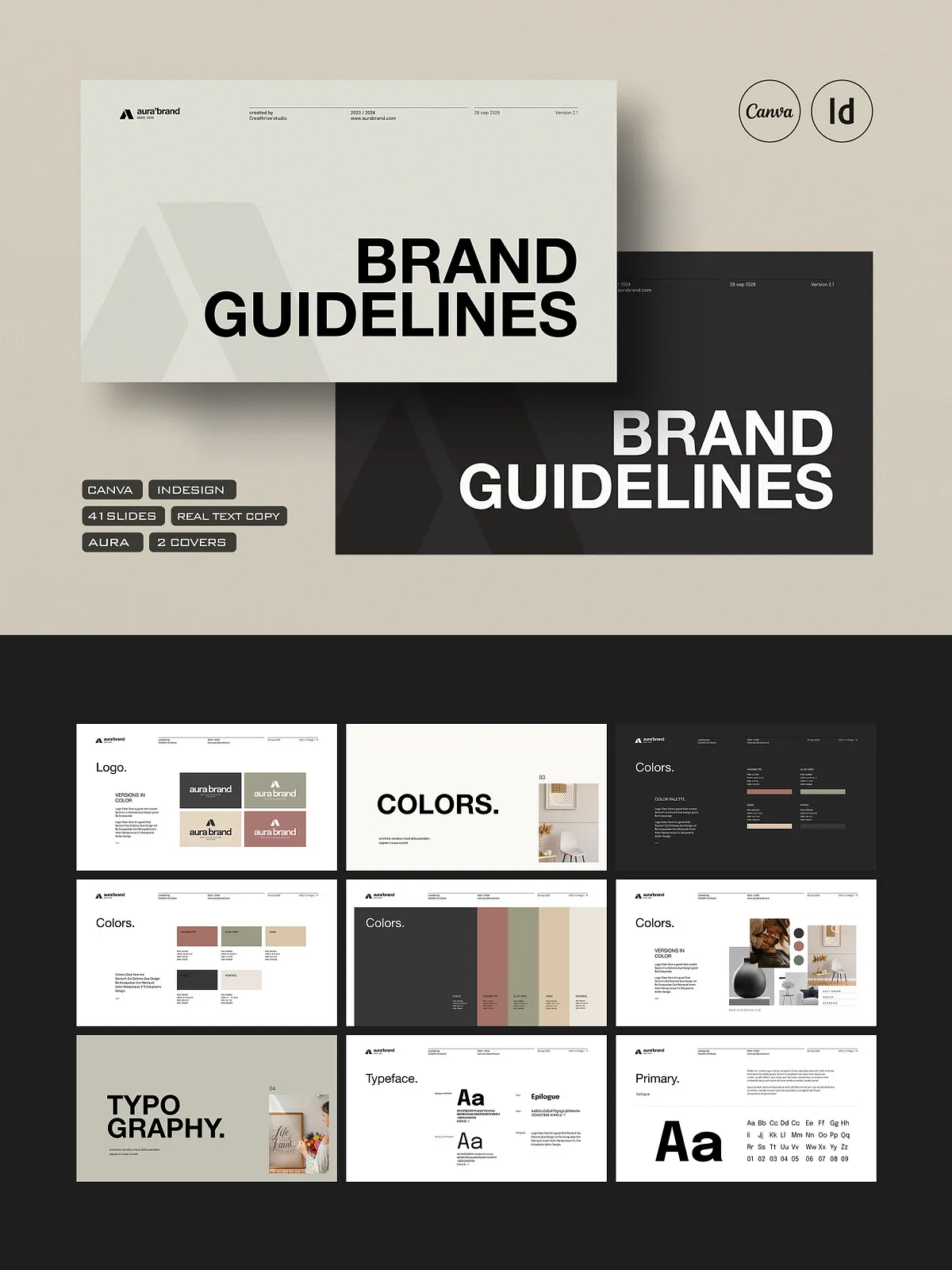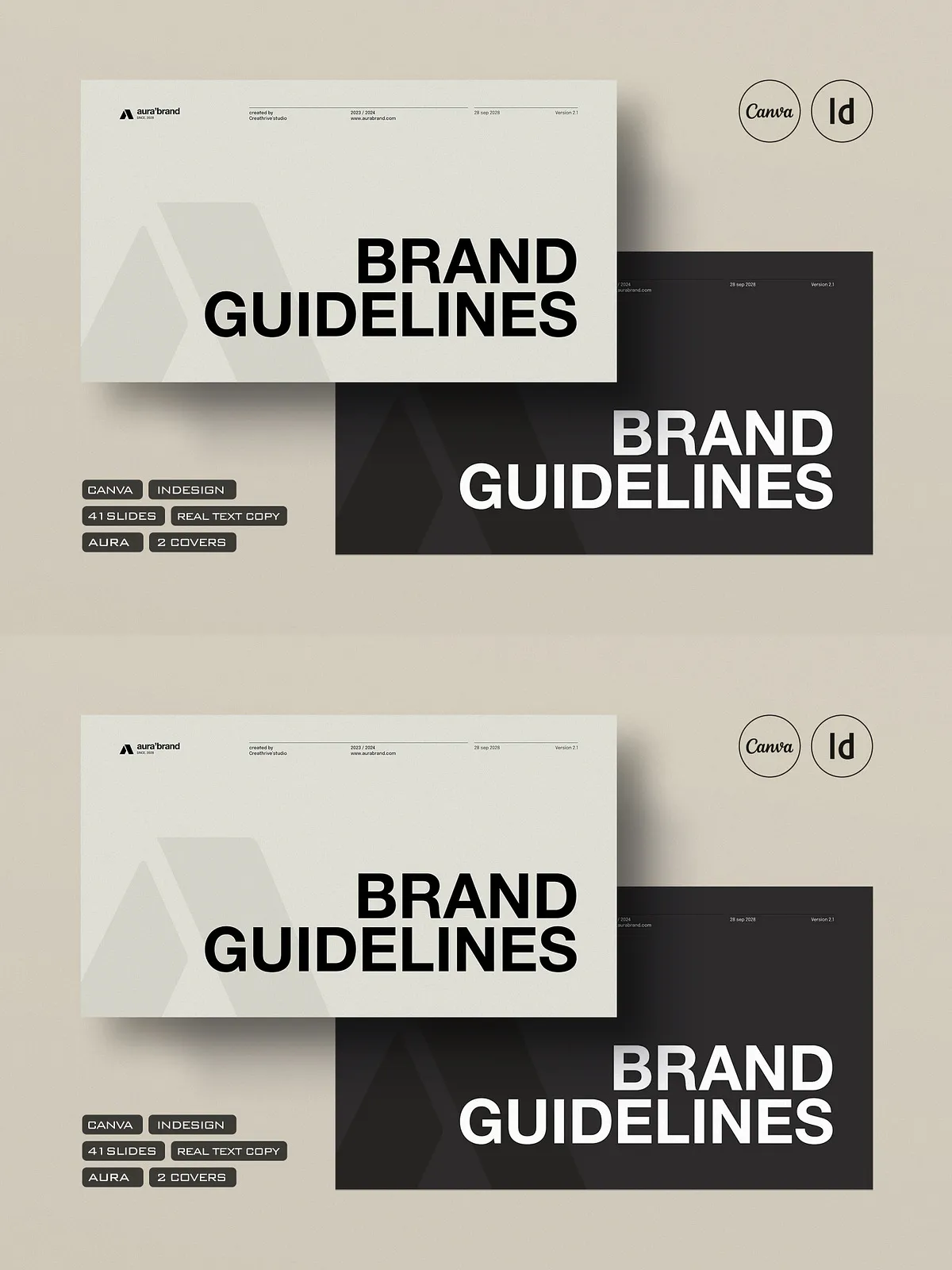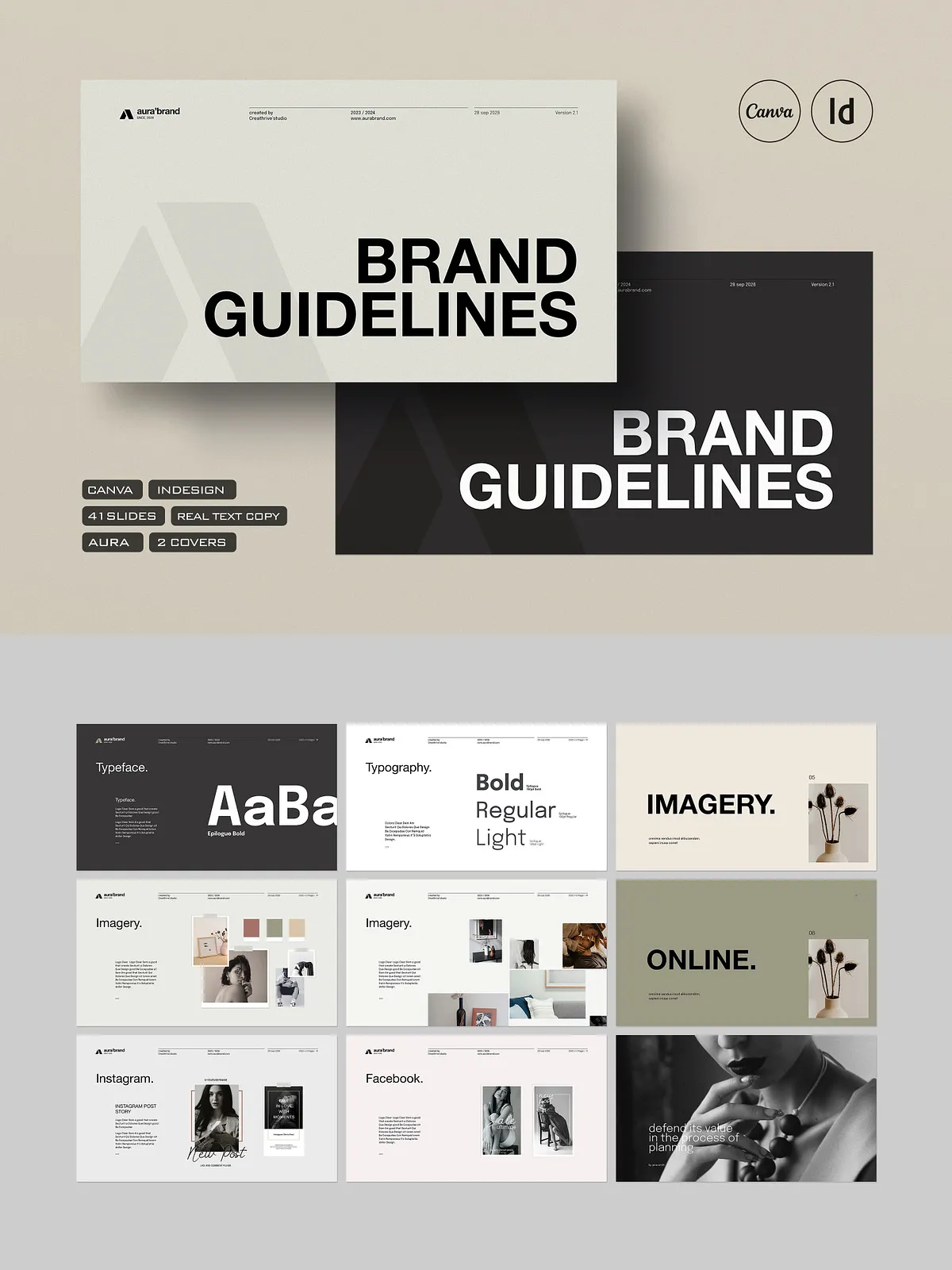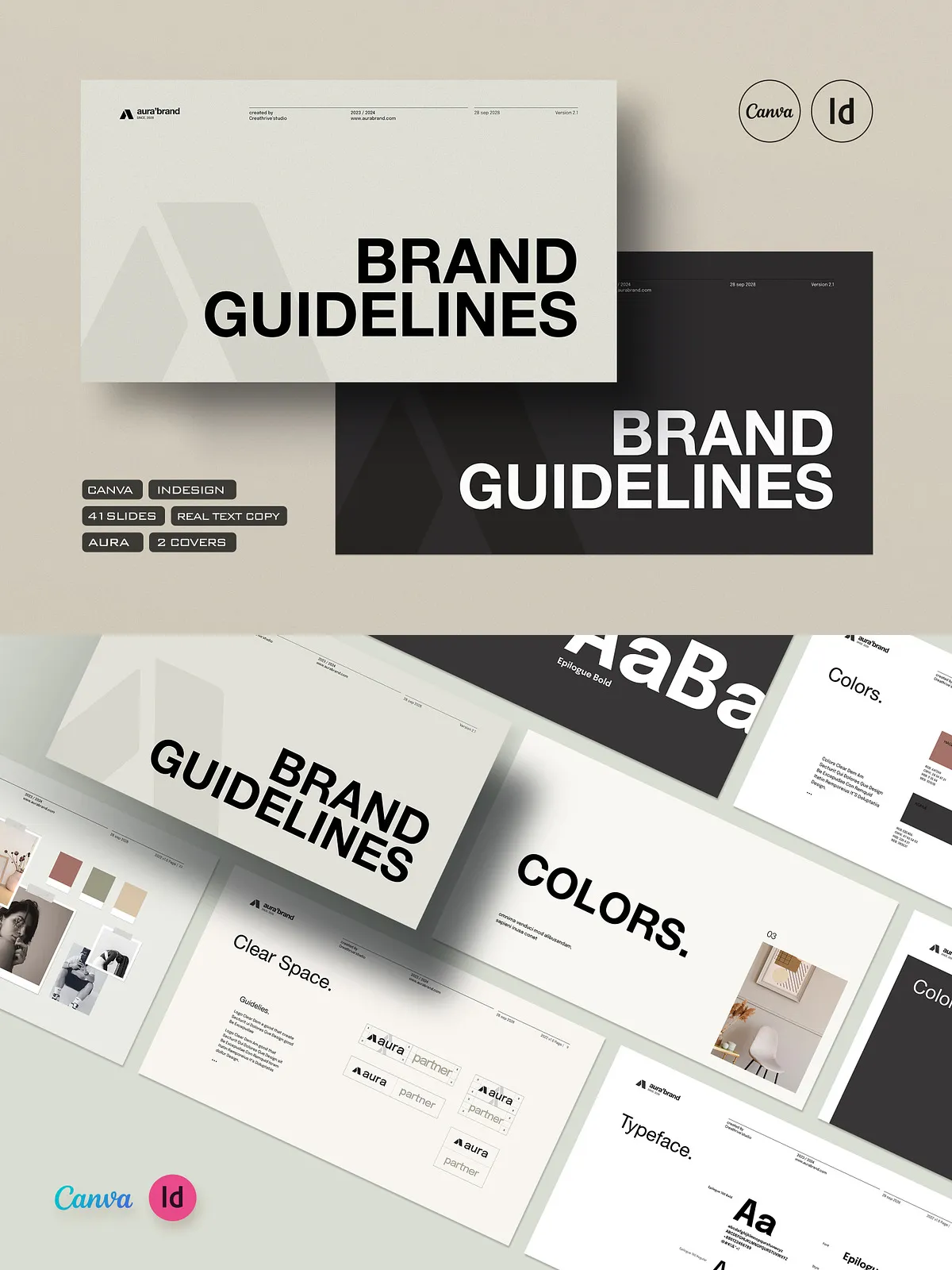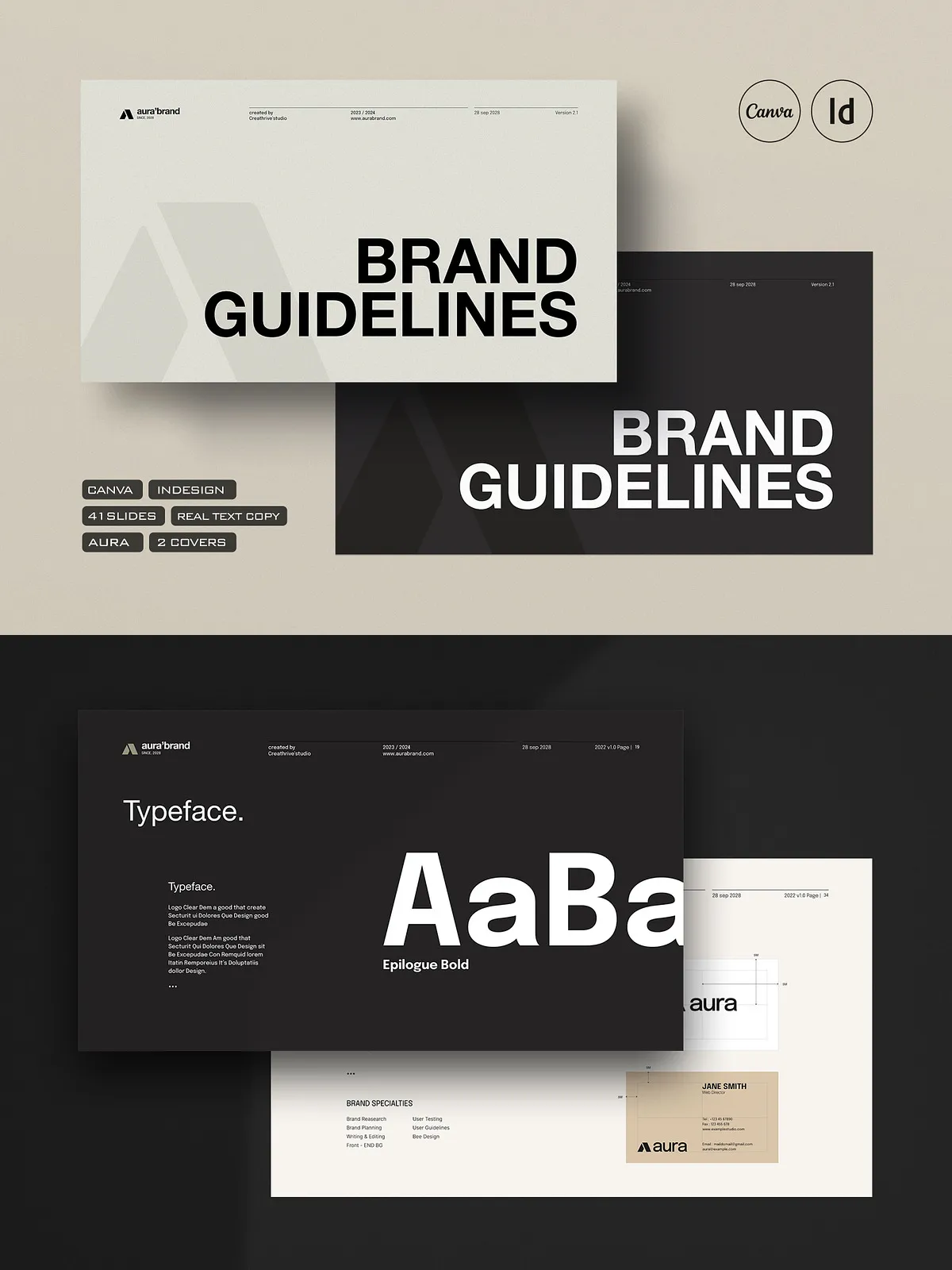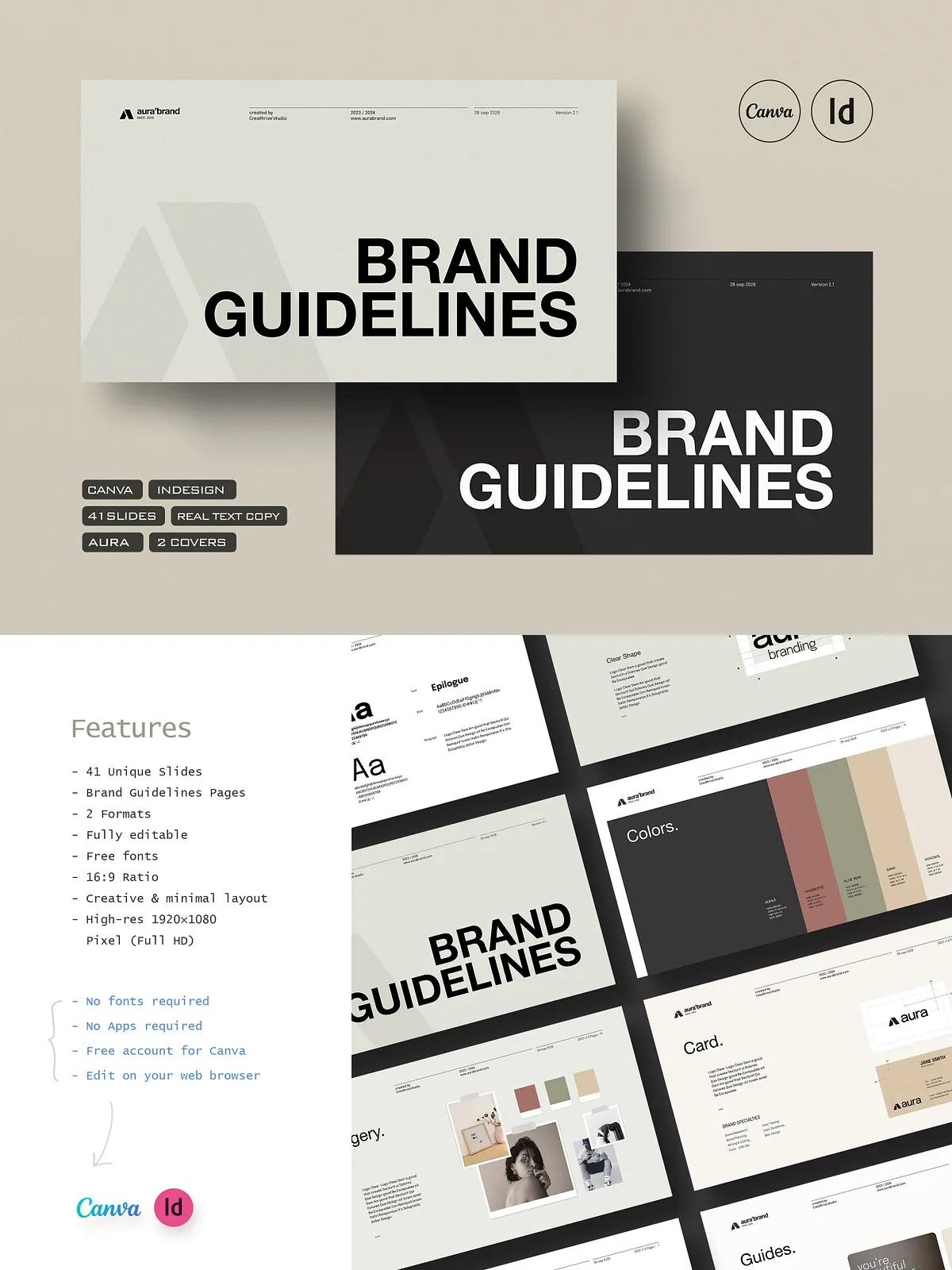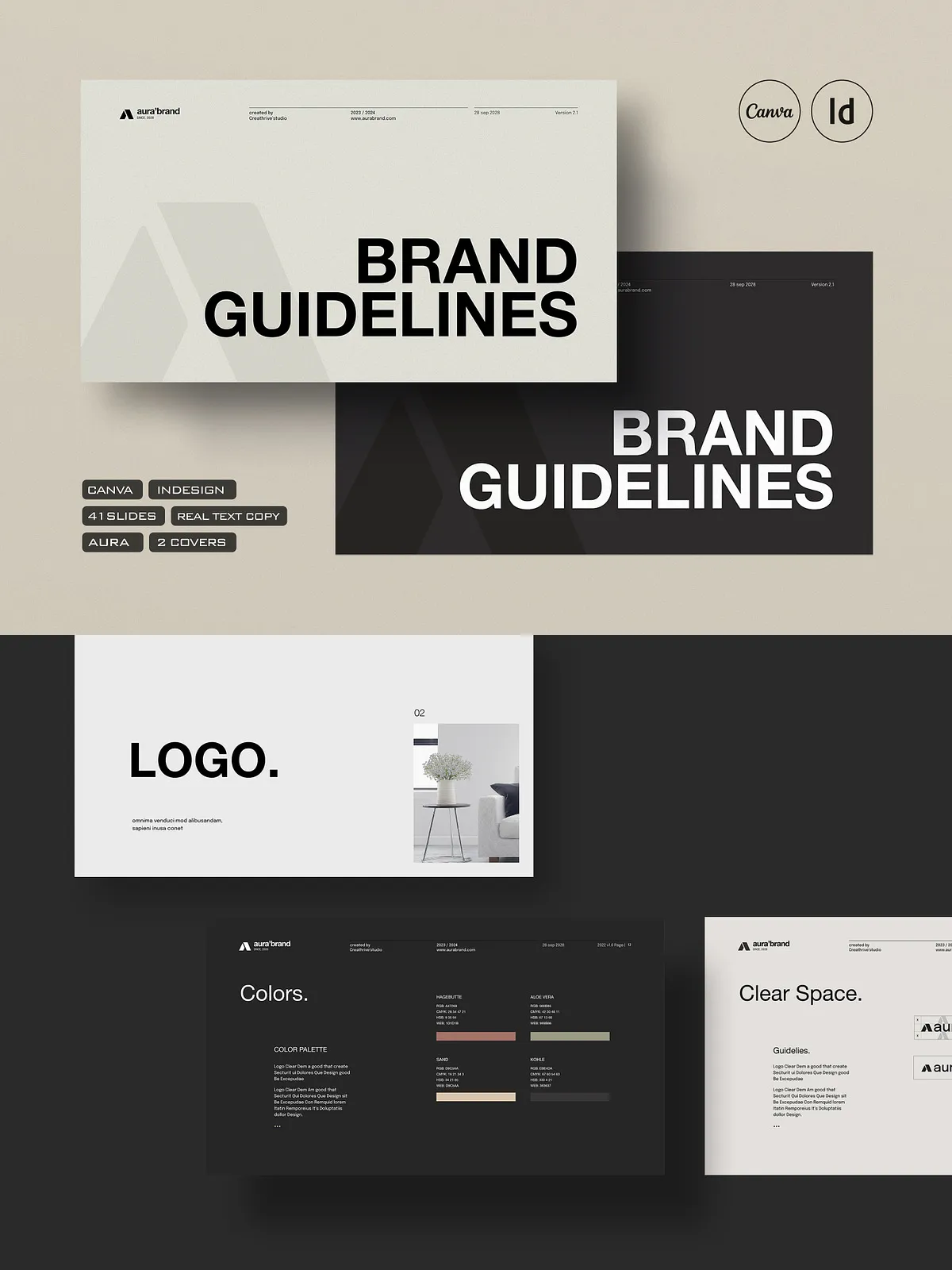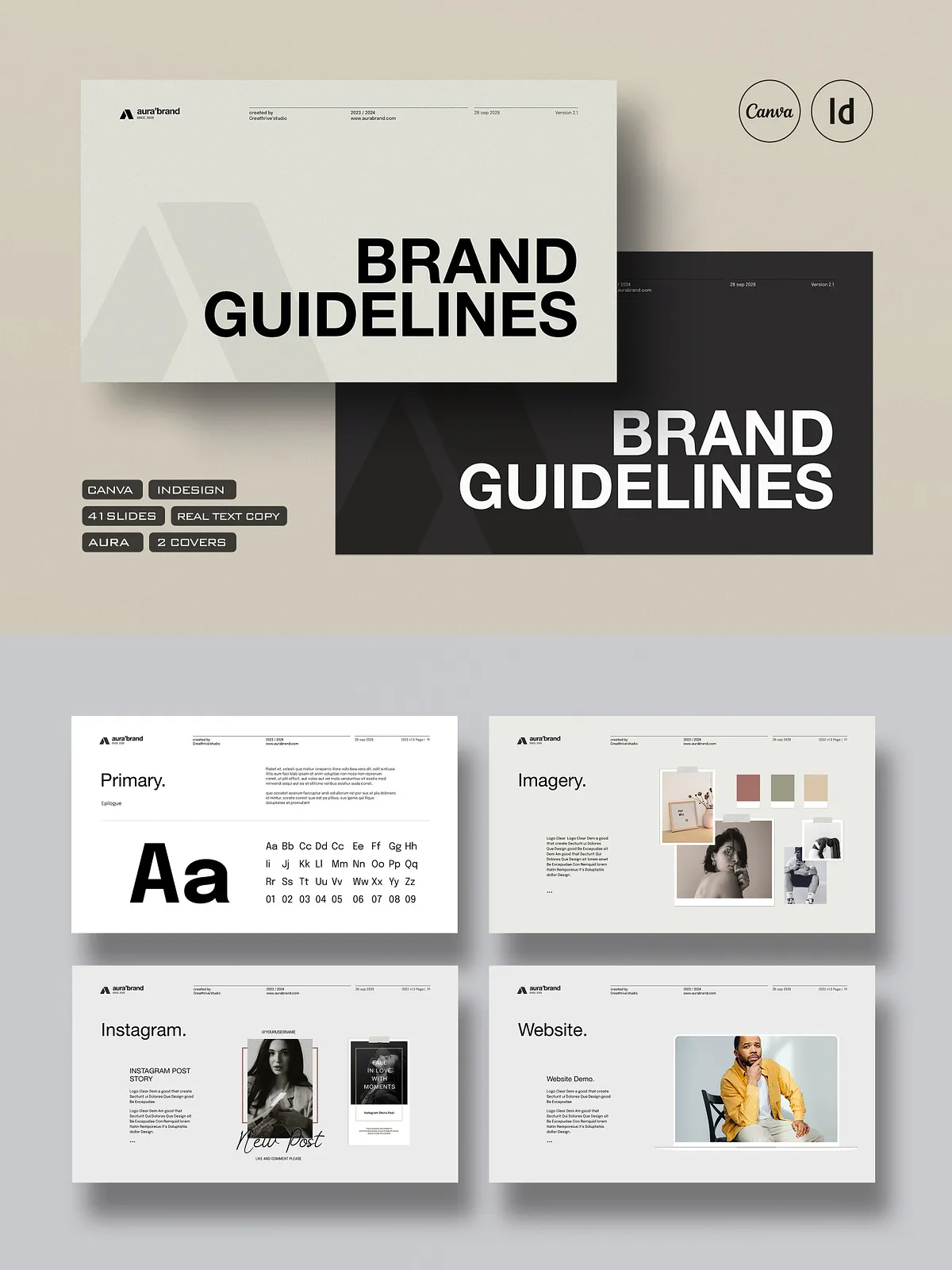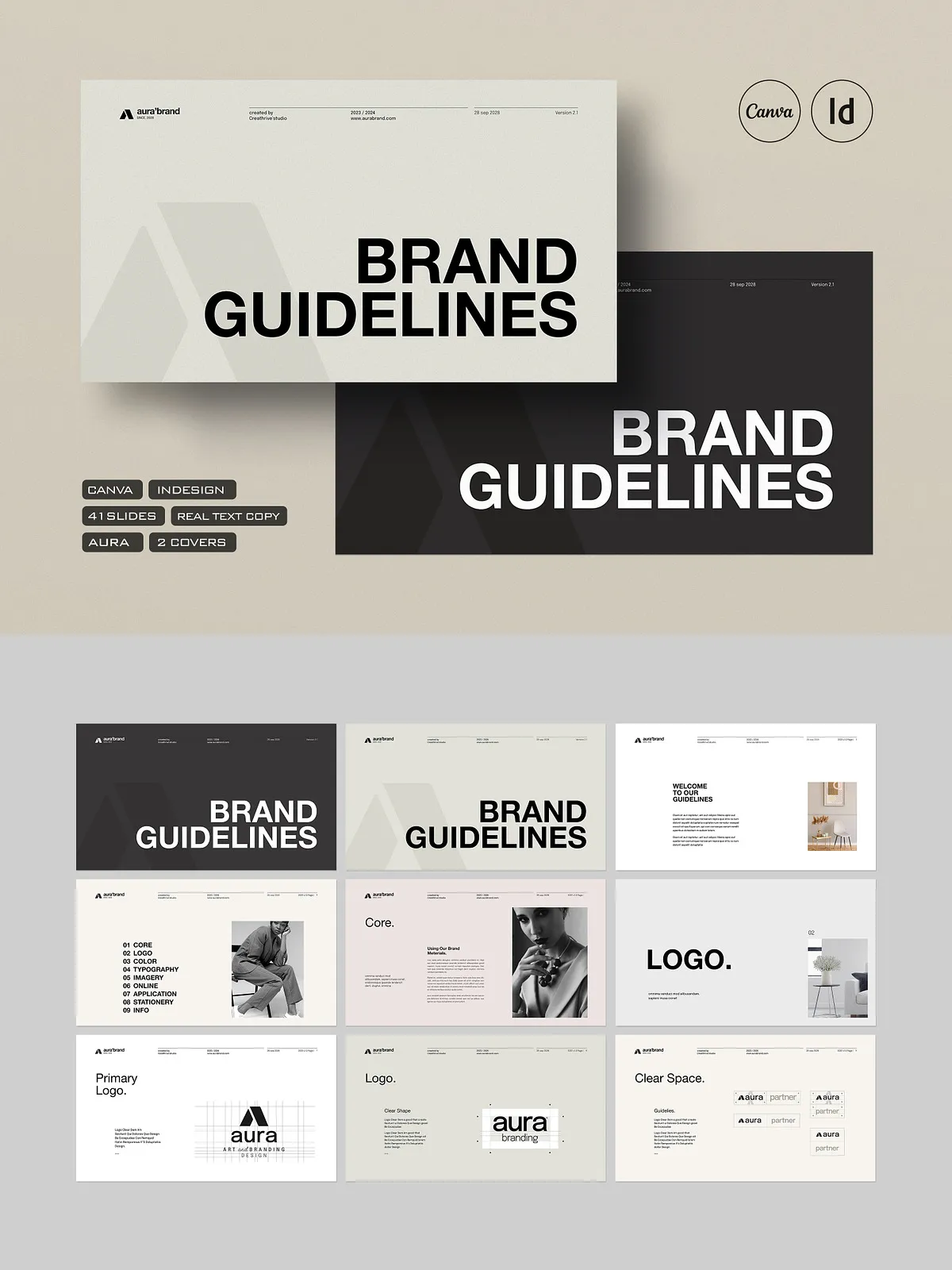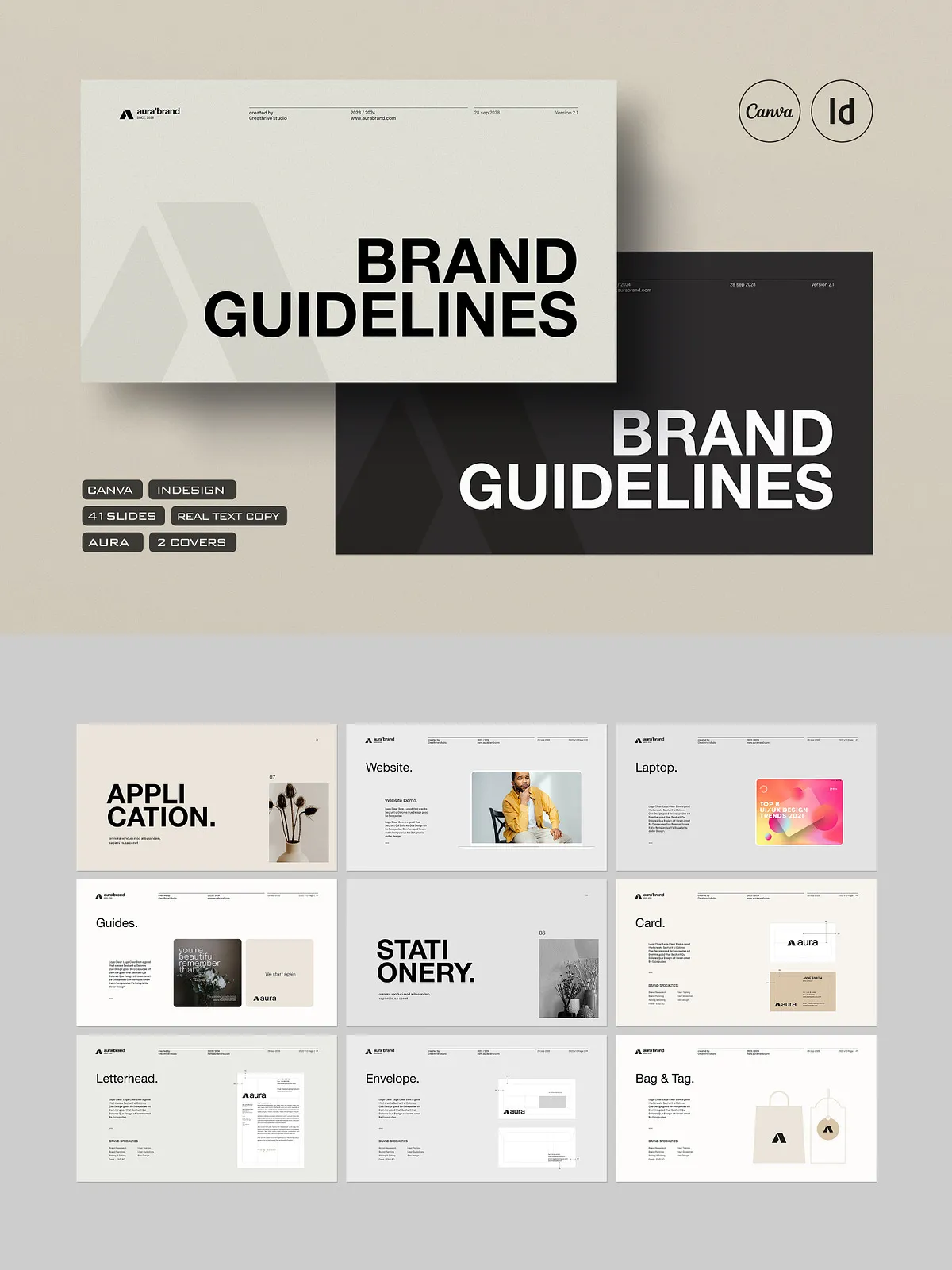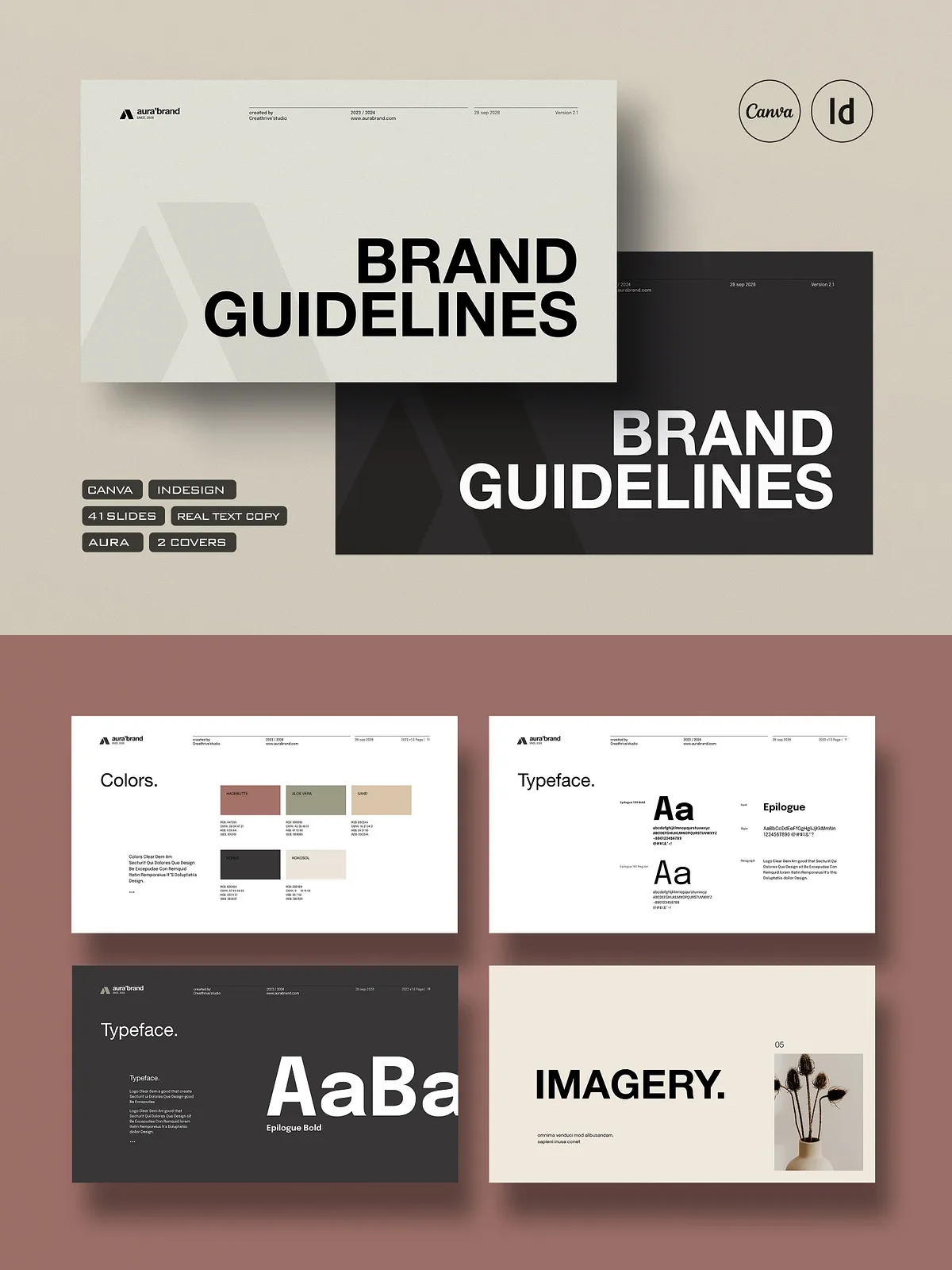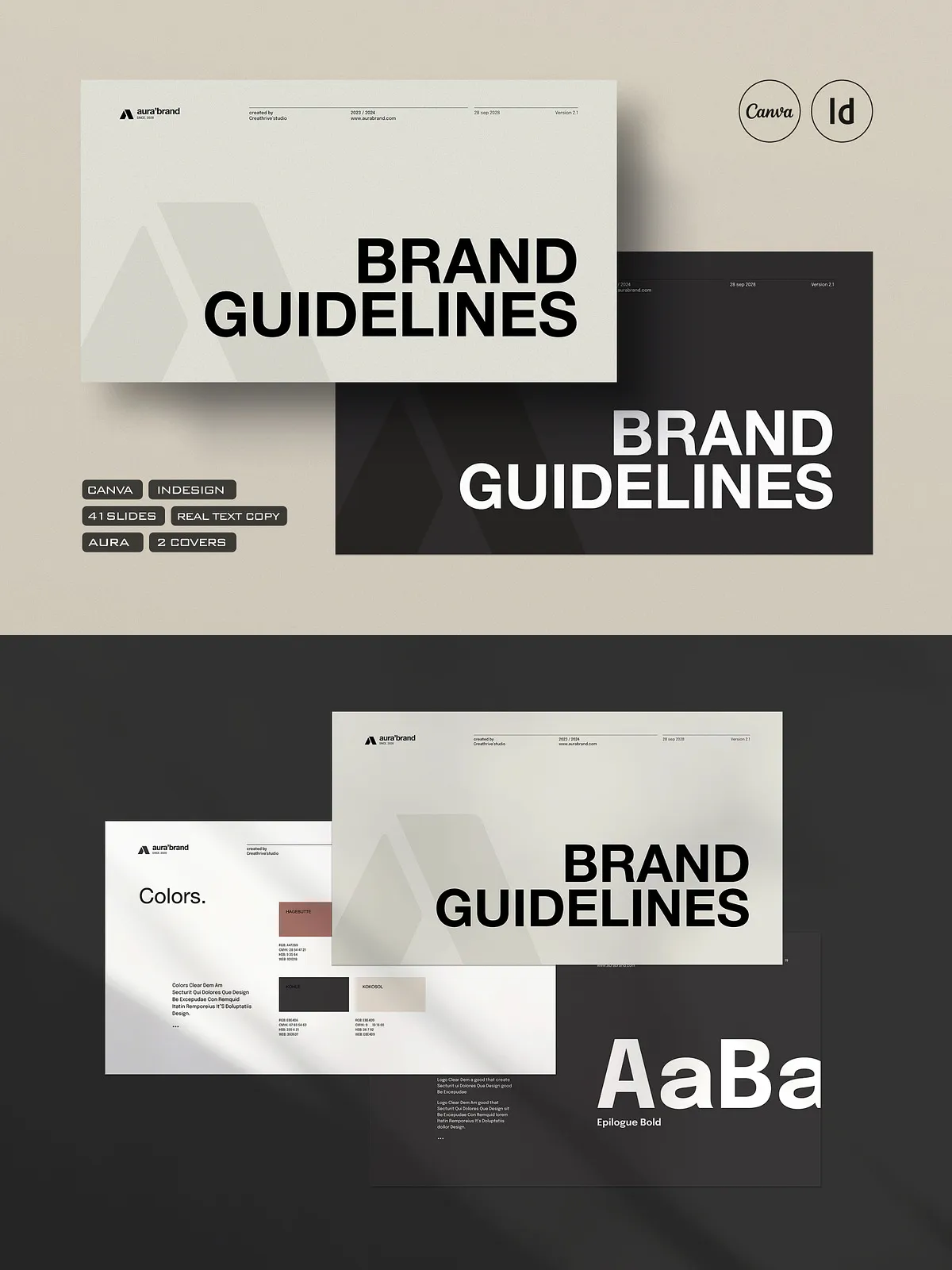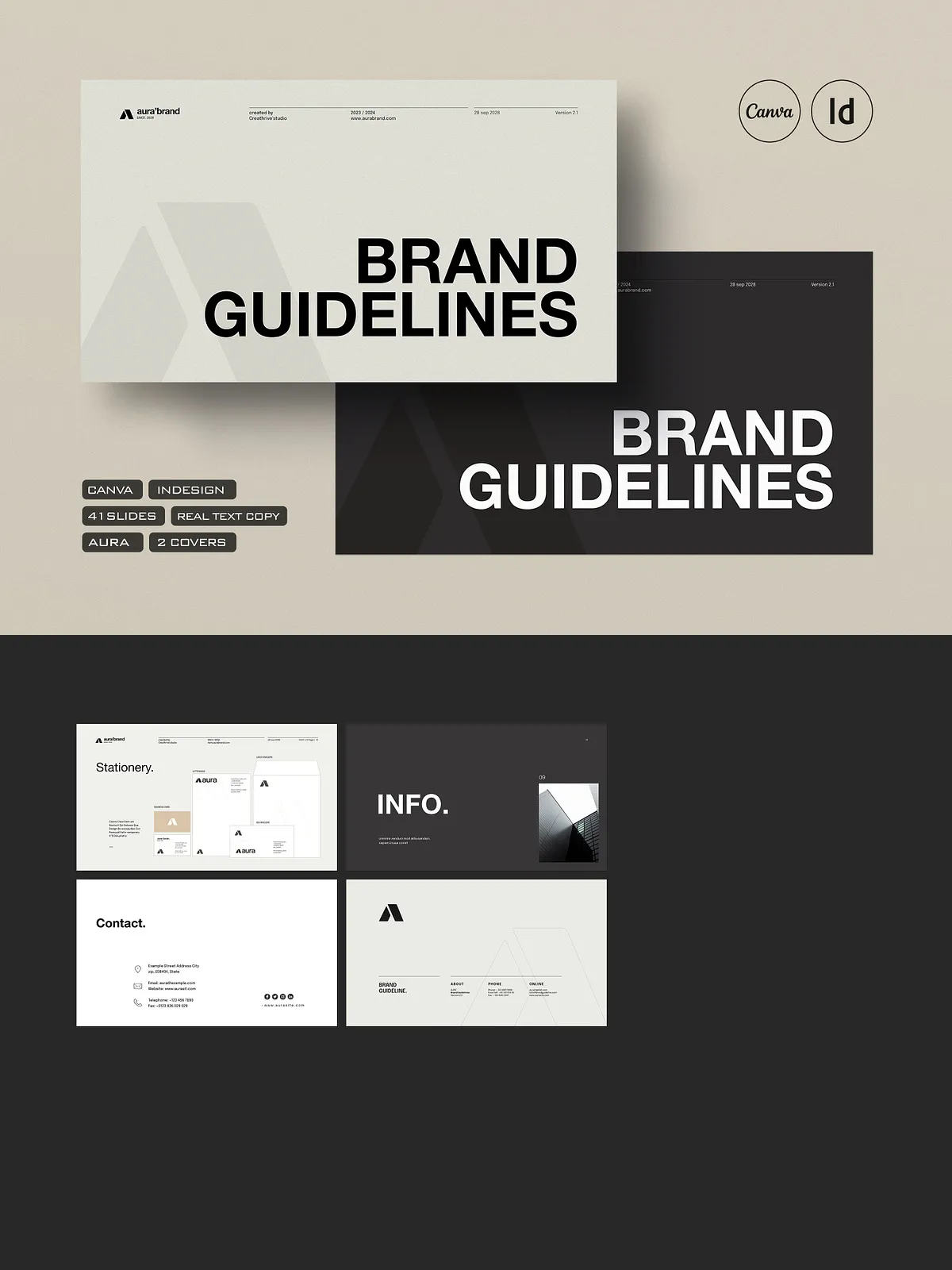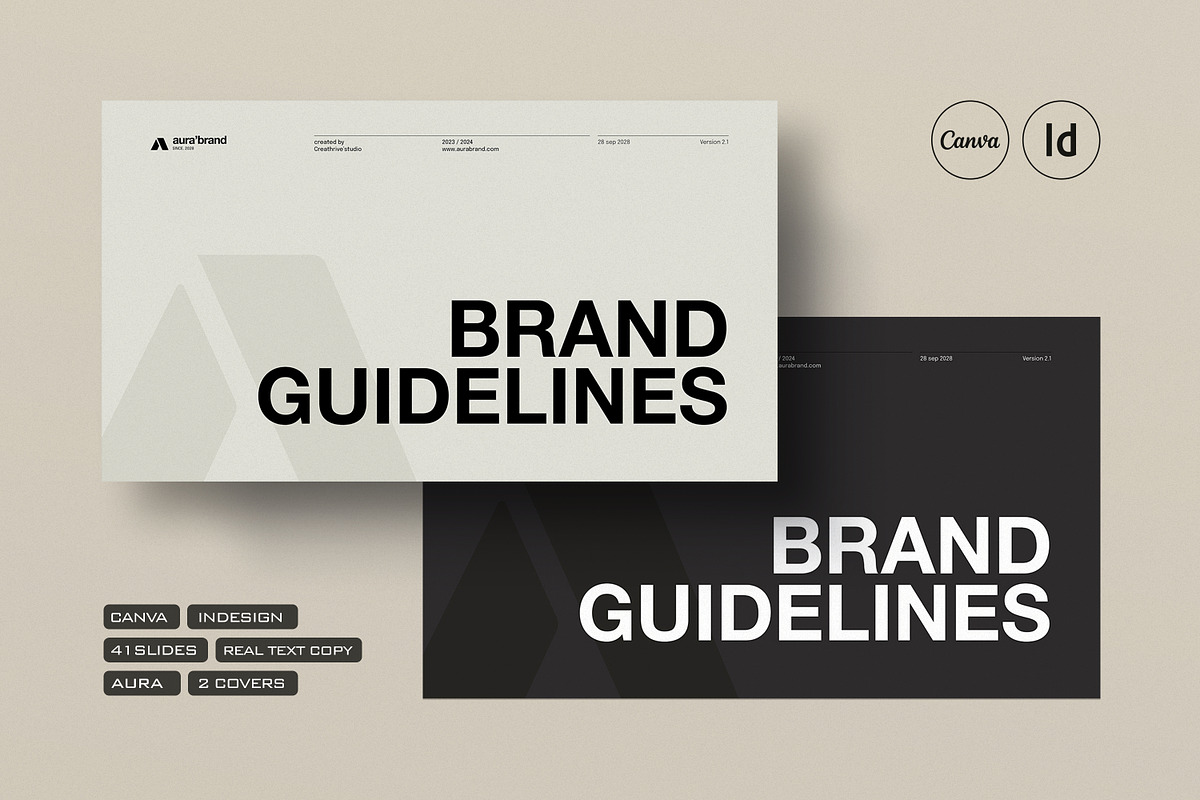
Stop reinventing the wheel. The AURA Brand Guidelines Template delivers a powerful, ready-to-use foundation for creating polished, professional brand documentation—perfect for creative directors, design agencies, startup founders, and brand strategists. Crafted for speed, scalability, and visual consistency, this comprehensive 41-page template set is engineered for seamless editing in both Canva and Adobe InDesign (CS4 through CC), empowering you to build cohesive brand identities in minutes, not days.
Elevate Your Brand with Industry-Standard Organization and Design
Every page is thoughtfully structured within a 12-column grid system, ensuring perfect alignment, professional hierarchy, and responsive layouts across digital and print formats. With 2 master pages and a full suite of paragraph and character styles, you maintain consistent typography, spacing, and formatting throughout—eliminating inconsistencies and boosting efficiency at every stage of the design process. Change fonts, tweak colors, and update content in seconds with zero formatting drift.
What’s Inside the AURA Brand Guidelines Template Pack
41 Professionally Designed Pages – Cover to Cover Excellence
From the first impression to the final details, this template includes comprehensive sections covering every core component of modern brand identity:
- Cover Page – Make a bold statement from the outset.
- Logo Usage – Guidelines for placement, sizing, clear space, and variations.
- Color Palette – Defined CMYK, RGB, HEX, and Pantone values for brand consistency.
- Typography – Fonts, hierarchy, spacing, and usage rules for headings and body text.
- Digital Design – Web interface, app design, and responsive layout standards.
- Imagery & Photography – Style, tone, composition, and editing guidelines.
- Stationery – Business cards, letterheads, envelopes, and email templates.
- Media & Collateral – Presentations, reports, brochures, and packaging guides.
- Online & Social Media – Platform-specific visual standards for Instagram, Facebook, LinkedIn, and more.
- Info & Contact – Brand mission, values, and contact references.
3000 x 2000 px High-Resolution Mockups – Show Your Brand in Context
Bring your brand to life with realistic, professional mockups for iPhone, iPad, and stationery. These vector-ready mockups allow you to showcase your brand in use, instantly visualizing how your identity translates across devices and print materials—ideal for presentations, client pitches, and external communications.
Seamless Cross-Platform Compatibility – Canva + Adobe InDesign
This template is delivered in multiple formats to maximize accessibility and workflow flexibility:
- .INDD File – Full editing control in Adobe InDesign (CS4–CC).
- IDML File – Ensures backward compatibility and easy file sharing.
- Canva Template – Fully editable in-browser with intuitive drag-and-drop tools.
- Portable PDF – Shareable version for client review without access to design software.
Whether you’re working solo or in a team, you can choose the platform that fits your workflow—no learning curve required.
Why Designers and Agencies Choose the AURA Brand Guidelines Template
Accelerate Your Workflow with Pre-Structured Templates
Never waste time setting up margins, styles, or grids. Start with a fully pre-designed and pre-styled layout—just plug in your brand content and customize. This time-saving structure allows you to focus on creativity, strategic thinking, and client outcomes—not technical setup.
Ensure Brand Consistency Across Every Touchpoint
From business cards to social media posts, from websites to packaging, maintain a unified visual language. The AURA template ensures your brand speaks in one voice across all platforms, strengthening recognition, trust, and professionalism. Every design decision aligns with your brand’s mission and values.
Enhance Client Presentations with Visual Proof
Use the embedded mockups and structured layouts to demonstrate the real-world application of your brand. Clients don’t just read guidelines—they see the vision. This elevates your professionalism and increases client satisfaction, trust, and conversion.
Your Fast-Track to a Polished, Professional Brand Documentation
Step 1: Download and Unzip the Package
Extract the ZIP file and open the desired version—either the Canva template for quick edits or the InDesign files for advanced control.
Step 2: Select Your Platform and Open the File
For Canva, simply click “Use this Template” and start customizing. For InDesign, open the .INDD or IDML file and begin editing with full access to styles, layers, and grids.
Step 3: Customize Your Brand Elements
Replace placeholder text with your brand name, tagline, and values. Assign your primary and secondary colors, select your fonts, and input your logo variations. Use the included character and paragraph styles to maintain formatting consistency.
Step 4: Generate and Deliver Your Final Brand Guide
Export your guide as an interactive PDF for web sharing, or print-ready layouts for physical delivery. Use the mockups to showcase your brand in action and deliver a complete, high-impact package.
Pro Tips for Maximum Impact
Use the 12-Column Grid for Complex Layouts
Take full advantage of the grid for designing layouts that balance elegance and functionality—perfect for reports, presentations, and multi-page collateral.
Save Custom Versions for Different Clients
Once you’ve customized the template for a brand, save a copy with a unique filename to preserve original settings and streamline future projects.
Pair with Free Fonts for Budget-Friendly Design
Tech-included free font links provide professional-grade typography without licensing costs—ideal for startups, freelancers, and small businesses.