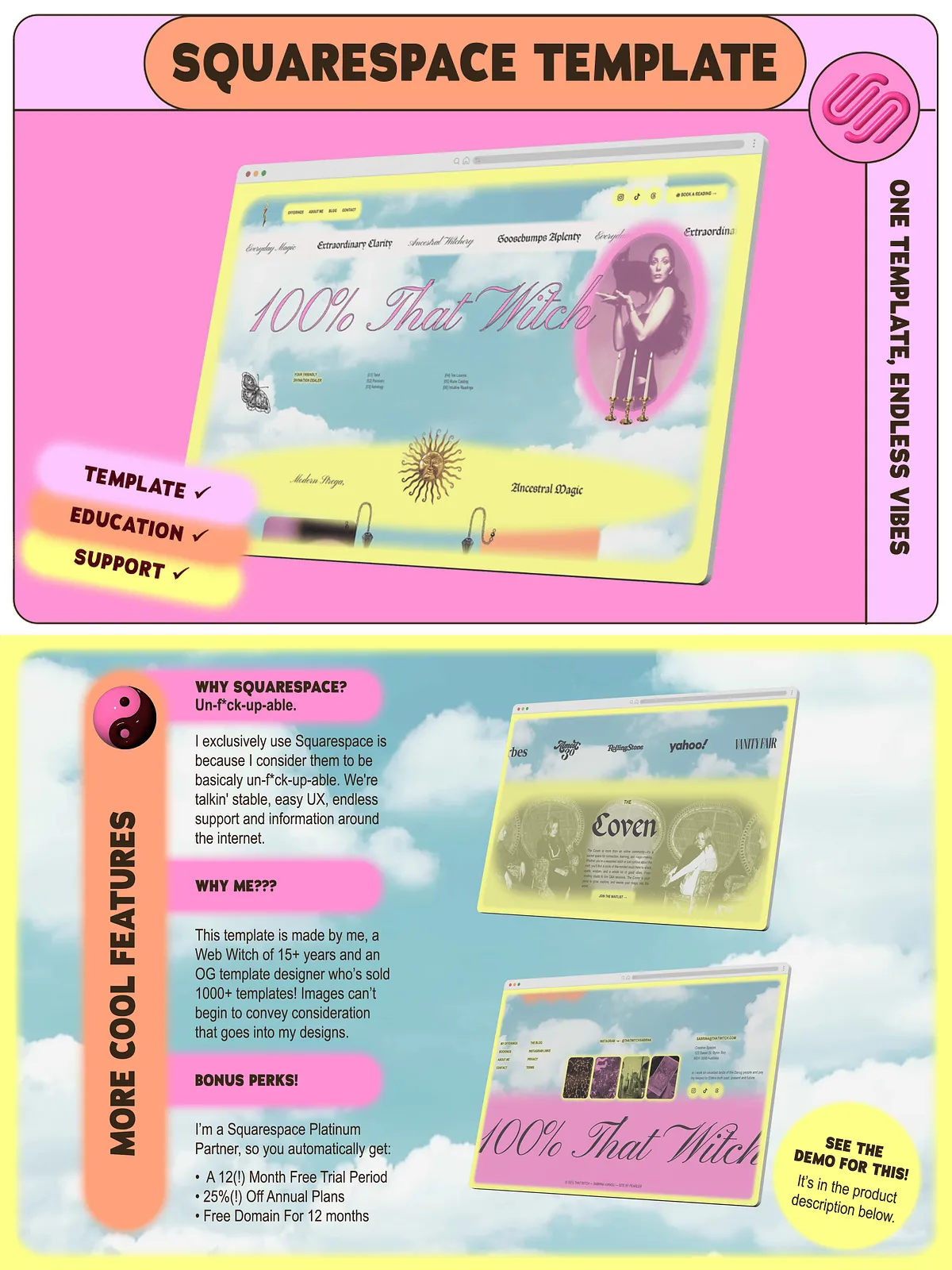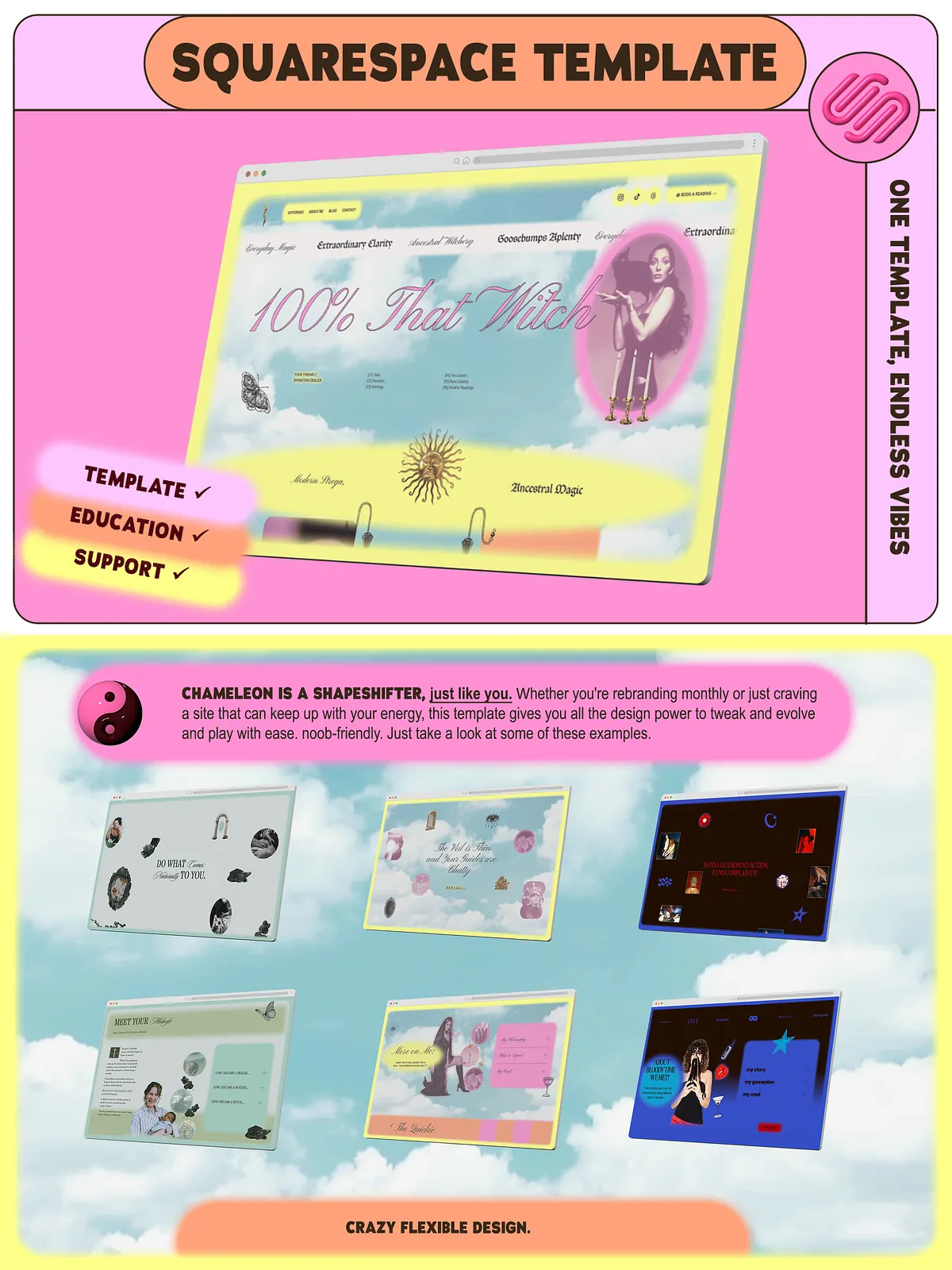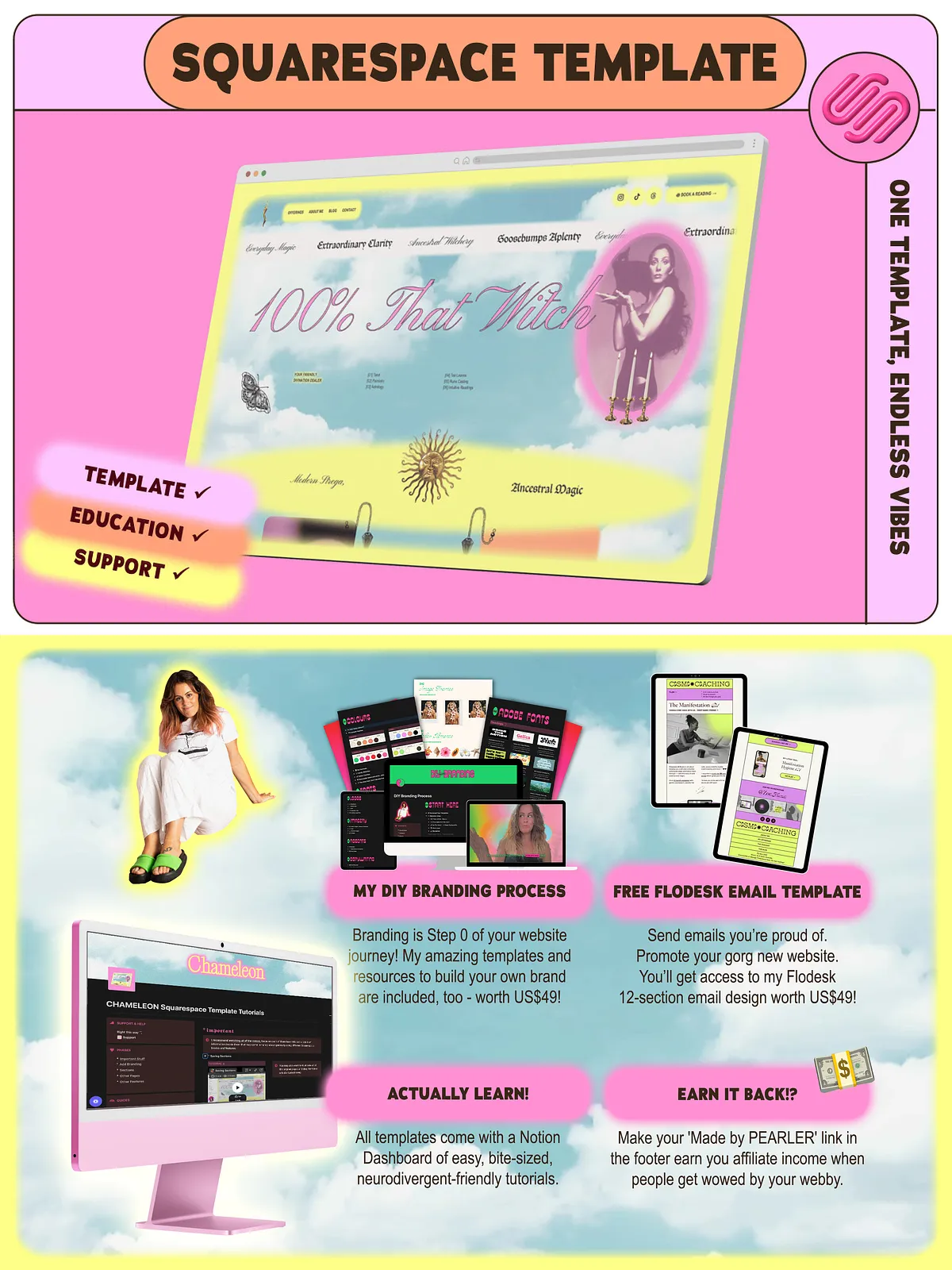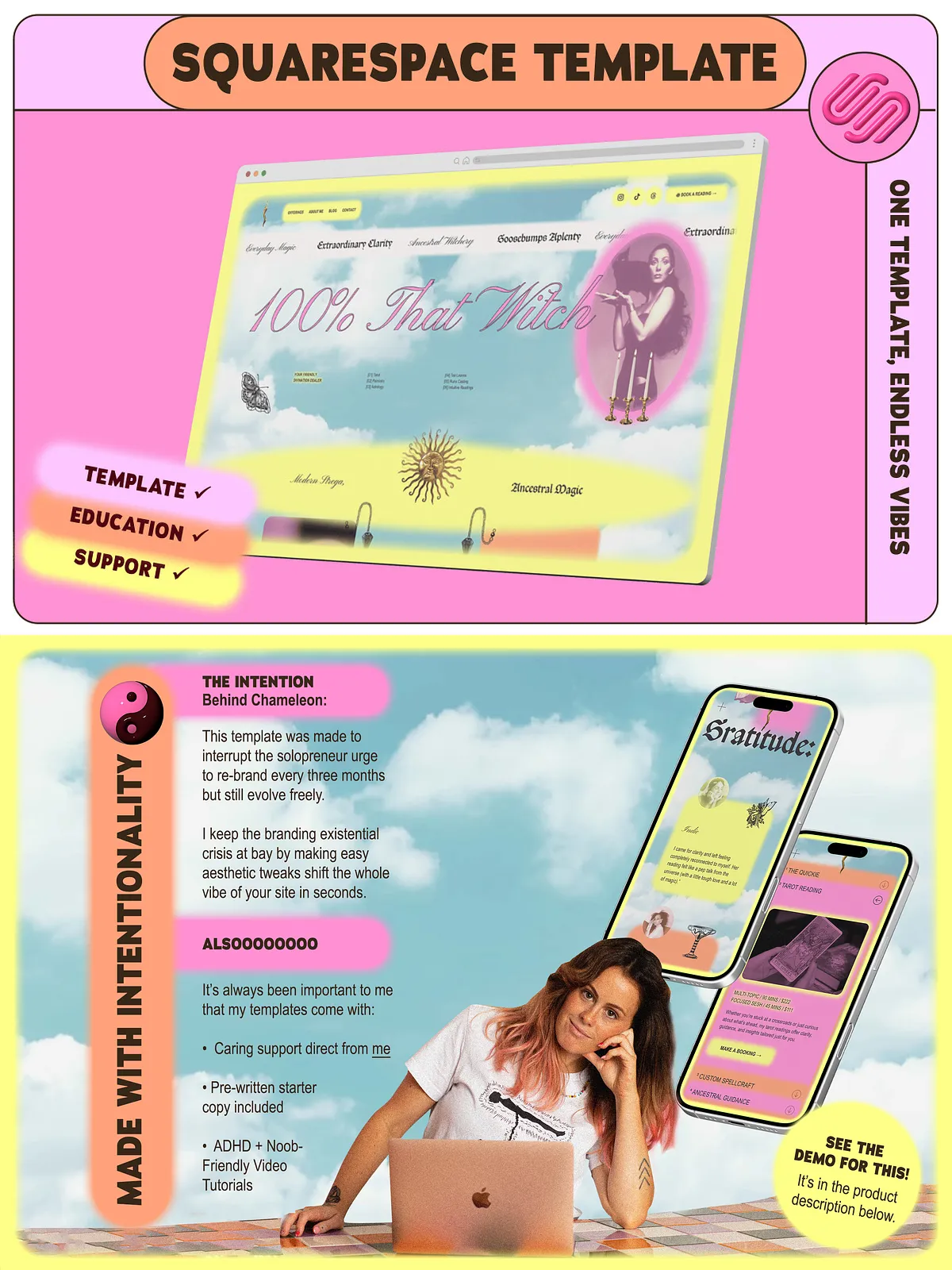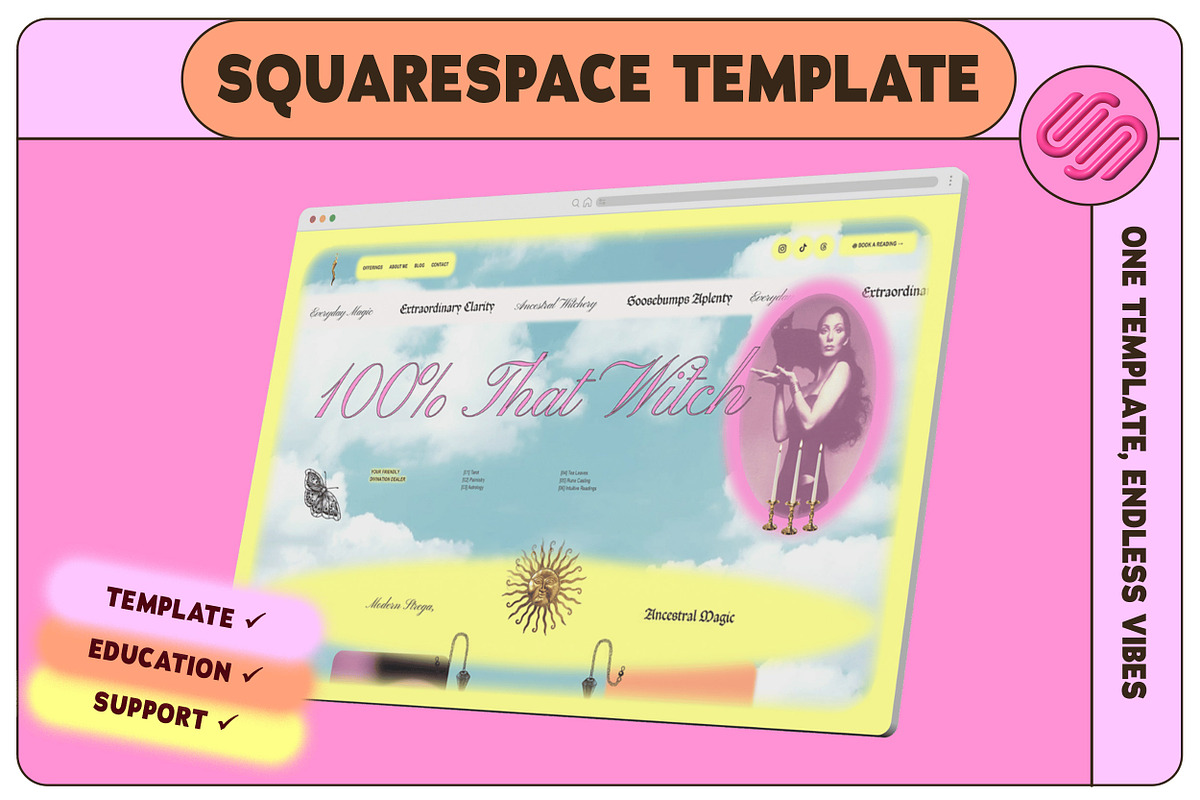
CHAMELEON gives you a high-design, no-code Squarespace site that adapts as your business changes. Built for service providers, soul-led founders, and creators who pivot often, this template packs more than 17 ready-to-use section designs into a single, streamlined page. You’ll launch faster, present more confidently, and update your site without hiring a developer. The template prioritizes clarity, conversion, and creative freedom so you can iterate your online identity as your offer and audience evolve.
Core features
17+ section designs that convert
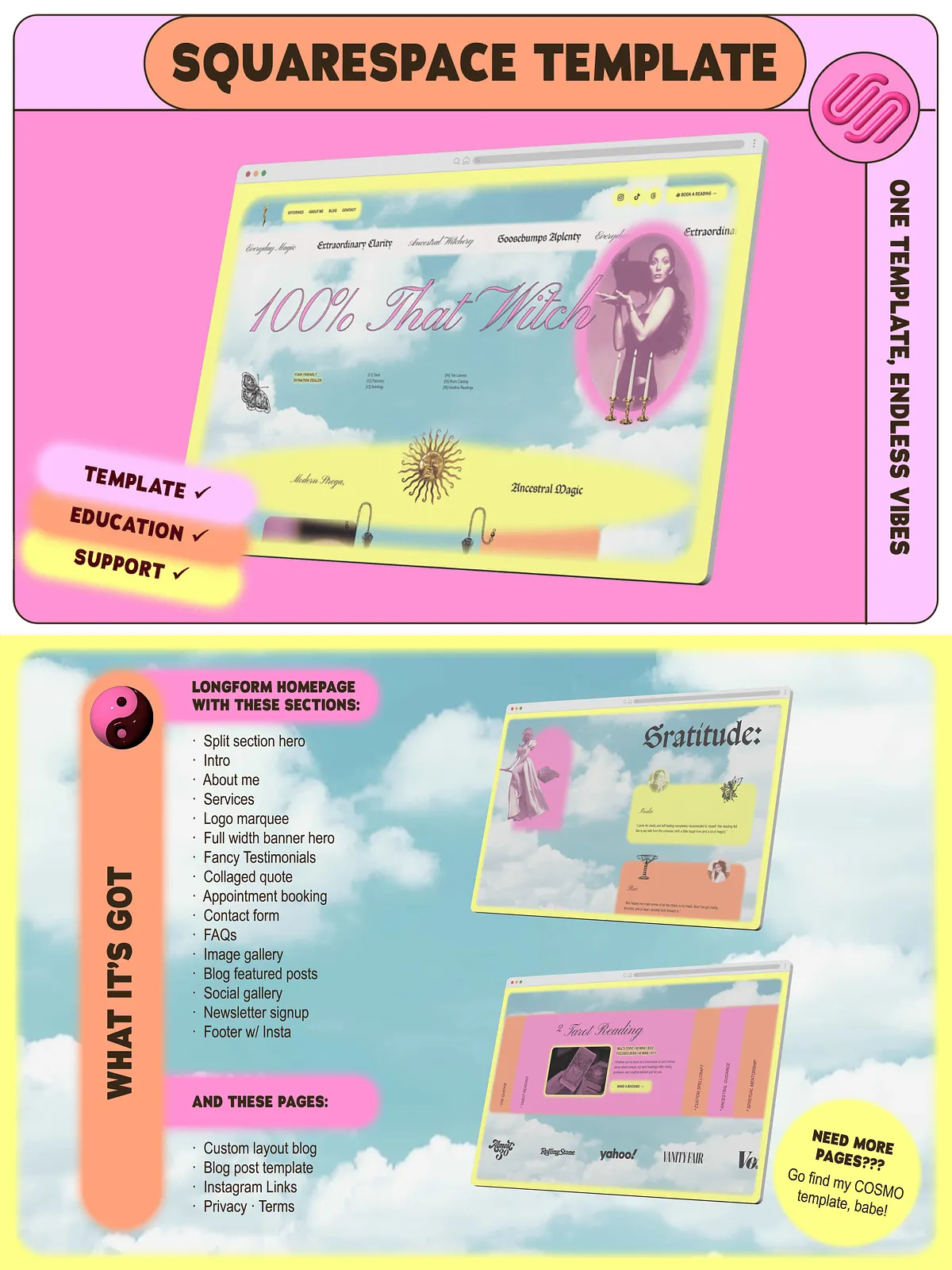
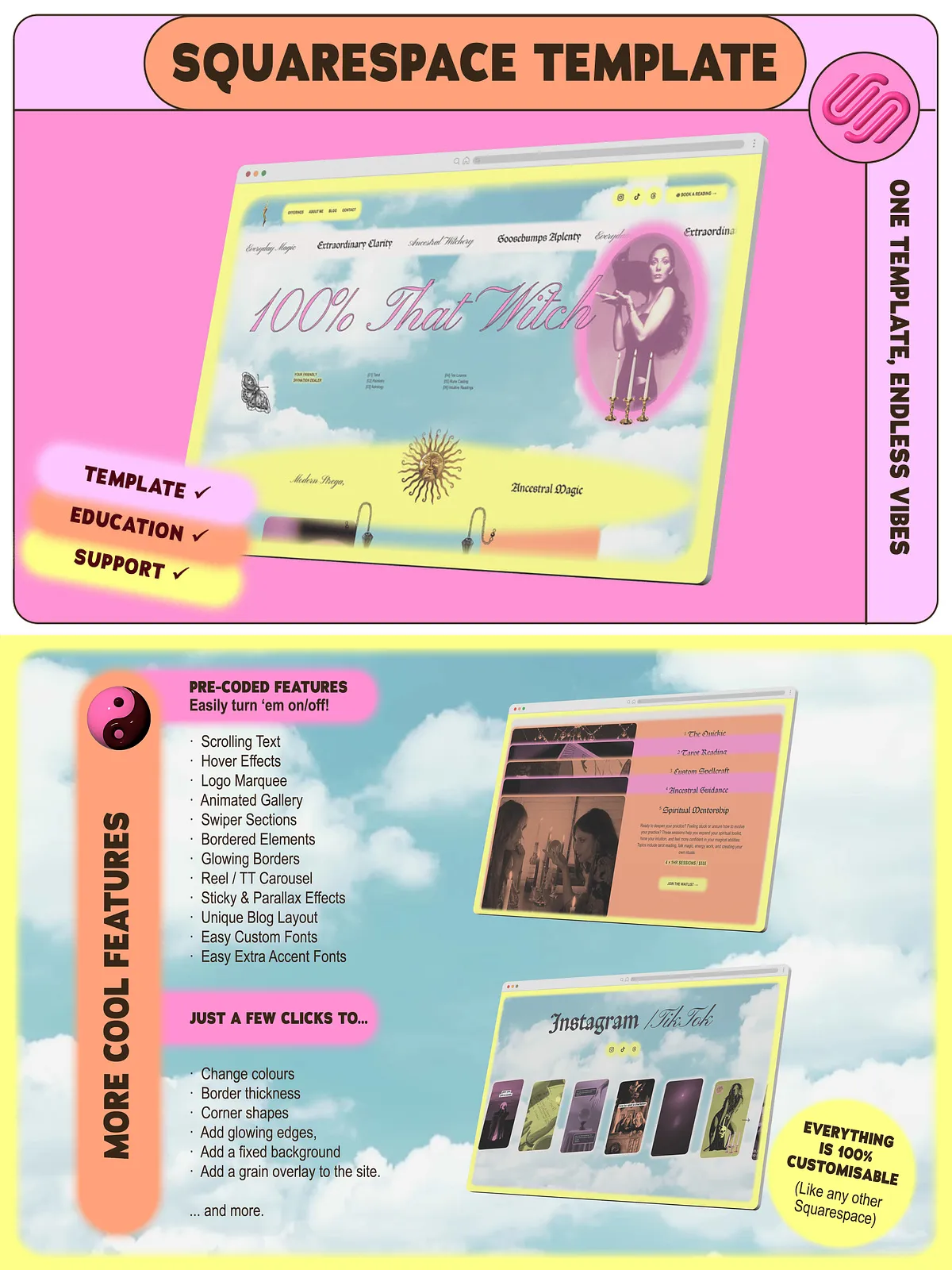
CHAMELEON includes multiple hero styles and purpose-built sections so you can compose a site that fits your voice. Use three hero variations, an about intro, service listings, a press logo marquee, testimonials, a sticky collage, calendar booking integration, FAQs, a contact form, blog feed, and an animated gallery. These sections let you tell your story, showcase credibility, and guide visitors to action with clear calls to book, read, or subscribe.
Additional pages and extras
The package also supplies a blog post template, a Linktree-style landing page for Instagram, and ready-to-publish privacy and terms pages. You’ll receive a matching Flodesk email template so your email campaigns look cohesive with the site. The kit includes a Notion dashboard filled with short, neurodivergent-friendly tutorials that walk you through quick edits and essential branding exercises.
Why this template works
Designed for adaptors and creators
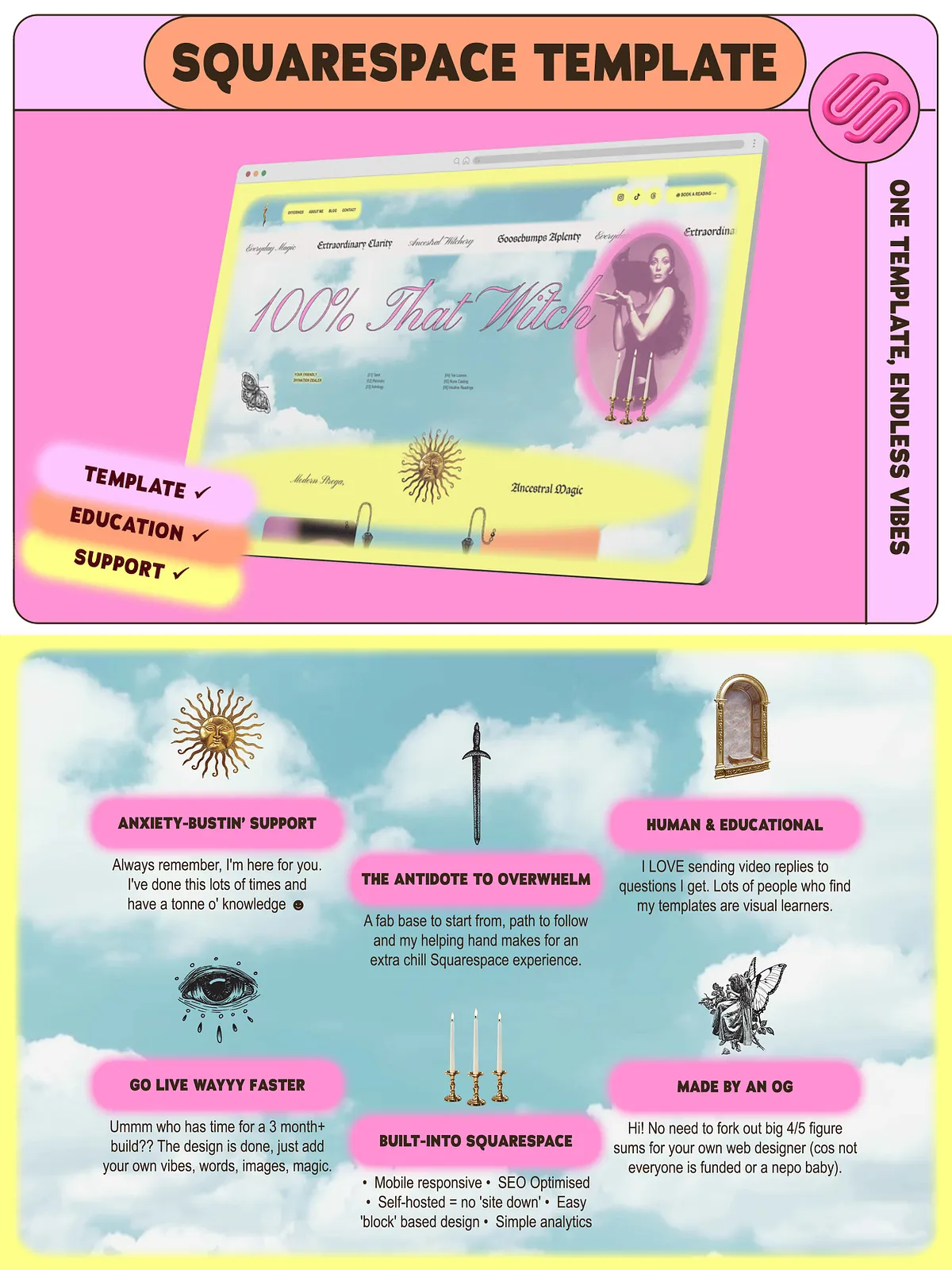
CHAMELEON targets entrepreneurs who change offers, messaging, or visuals frequently. Rather than locking you into a single layout, the template gives modular sections that you reorder, swap, or remove in minutes. You’ll get site architecture that supports experimentation and a visual system that remains polished after dozens of edits. This design-first approach ensures your site always looks intentional, even as you test new directions.
Value adds
Prewritten copy prompts & learning resources
Skip the blank-page paralysis: this template arrives with prewritten copy prompts so you can populate your site with persuasive, client-facing language immediately. A bite-sized DIY branding course helps you lock in tone, visuals, and offer structure, while the Notion tutorials deliver step-by-step instructions you can follow at your own pace. Together, these resources help you move from setup to launch without getting stuck on writing or layout decisions.
Real human support
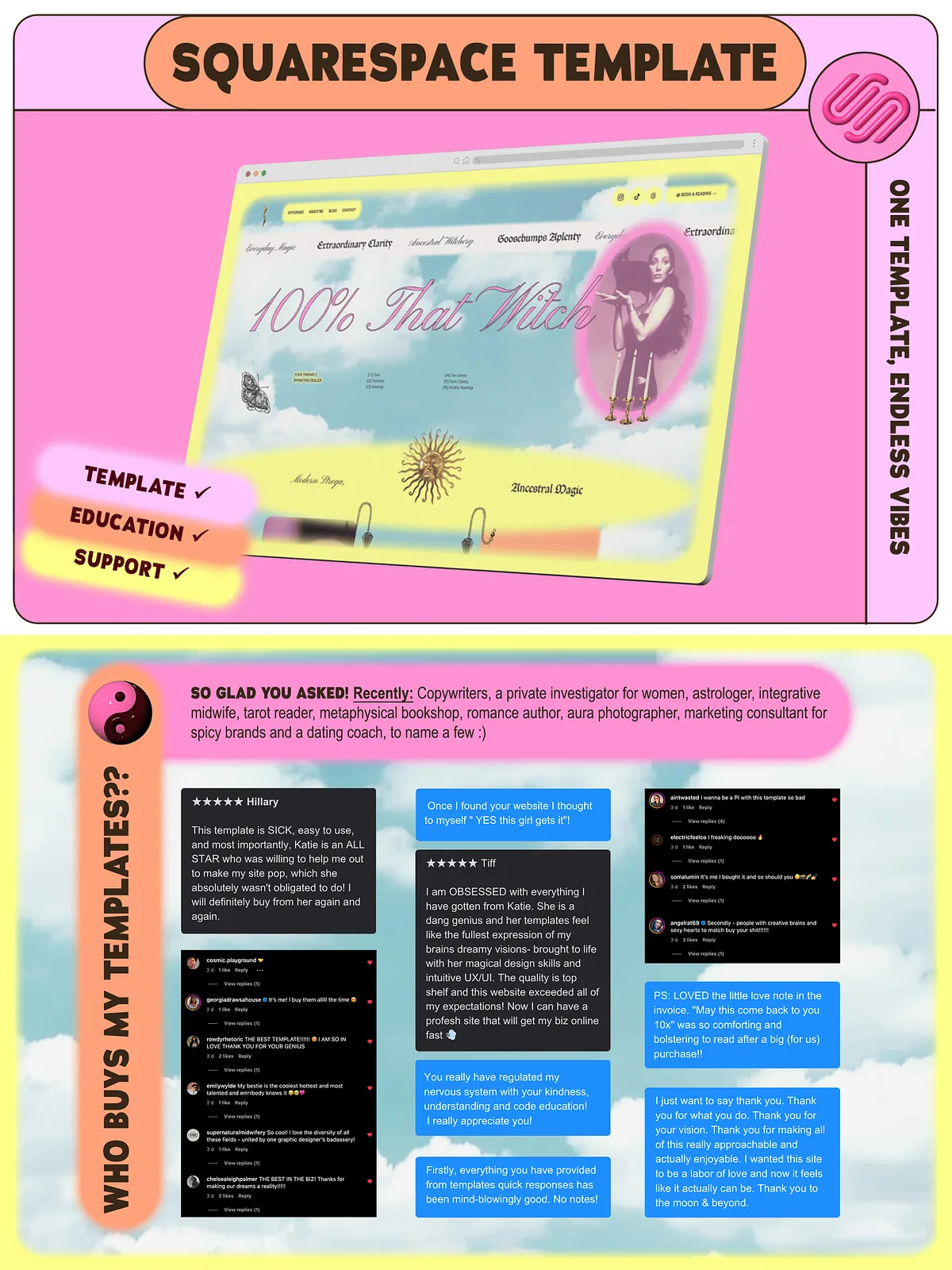
You’ll get direct creator support via email and voice note, so if something feels confusing or you want design feedback, you’ll reach a real person who knows the template inside out. The creator is a Squarespace Platinum Partner with extensive template sales and years of experience, so you receive guidance from an expert who builds templates for businesses like yours.
Perfect for
Who benefits most
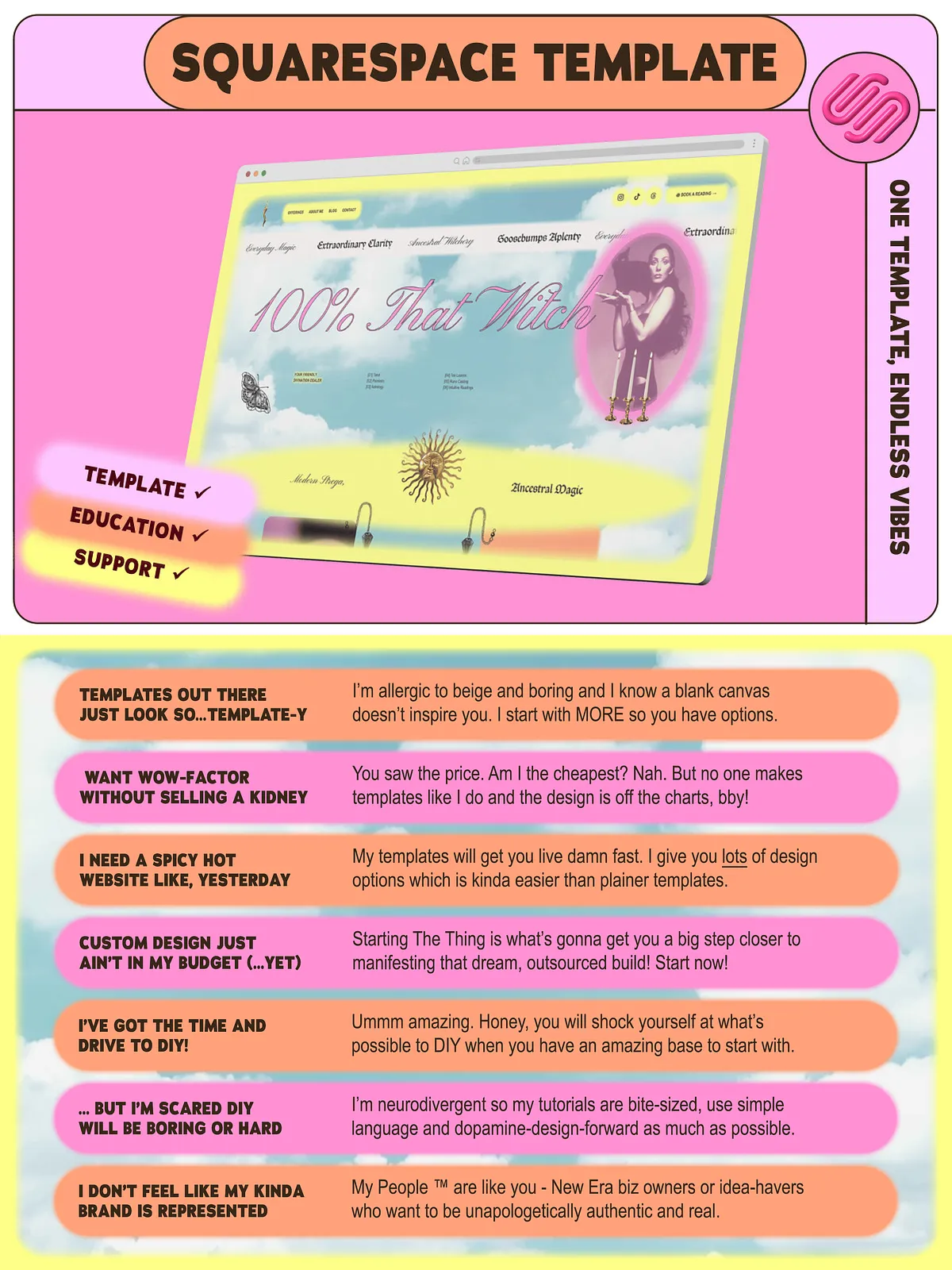
CHAMELEON fits soul-led service providers, bold new-era business owners, and solopreneurs who identify as a little unusual, woo-friendly, or nonconforming. If you want a high-level design that you can manage yourself — and you don’t want to constantly rehire specialists — this template gives you agency to iterate, test, and refine your site independently.
Offers, compatibility & delivery
Trial and discounts
The template includes a recommended Squarespace trial and promotional discount guidance to help you start without immediate hosting costs.
What you receive
After purchase, you receive the template files, a Flodesk email template, the Notion tutorial workspace, prewritten copy prompts, and access to creator support. The download contains clear installation steps and notes on customization so you can install and publish quickly.
How to get started
Step-by-step launch plan
1) Install the template into your Squarespace account. 2) Replace the demo copy with your prewritten prompts and refine tone using the included branding course. 3) Swap imagery, upload your logo, and choose one of the three hero styles. 4) Connect your calendar booking and Flodesk account for bookings and email capture. 5) Publish and test calls-to-action across devices. Follow the Notion tutorials for quick wins and ask the creator for feedback by email or voice note when you want fast, friendly troubleshooting.