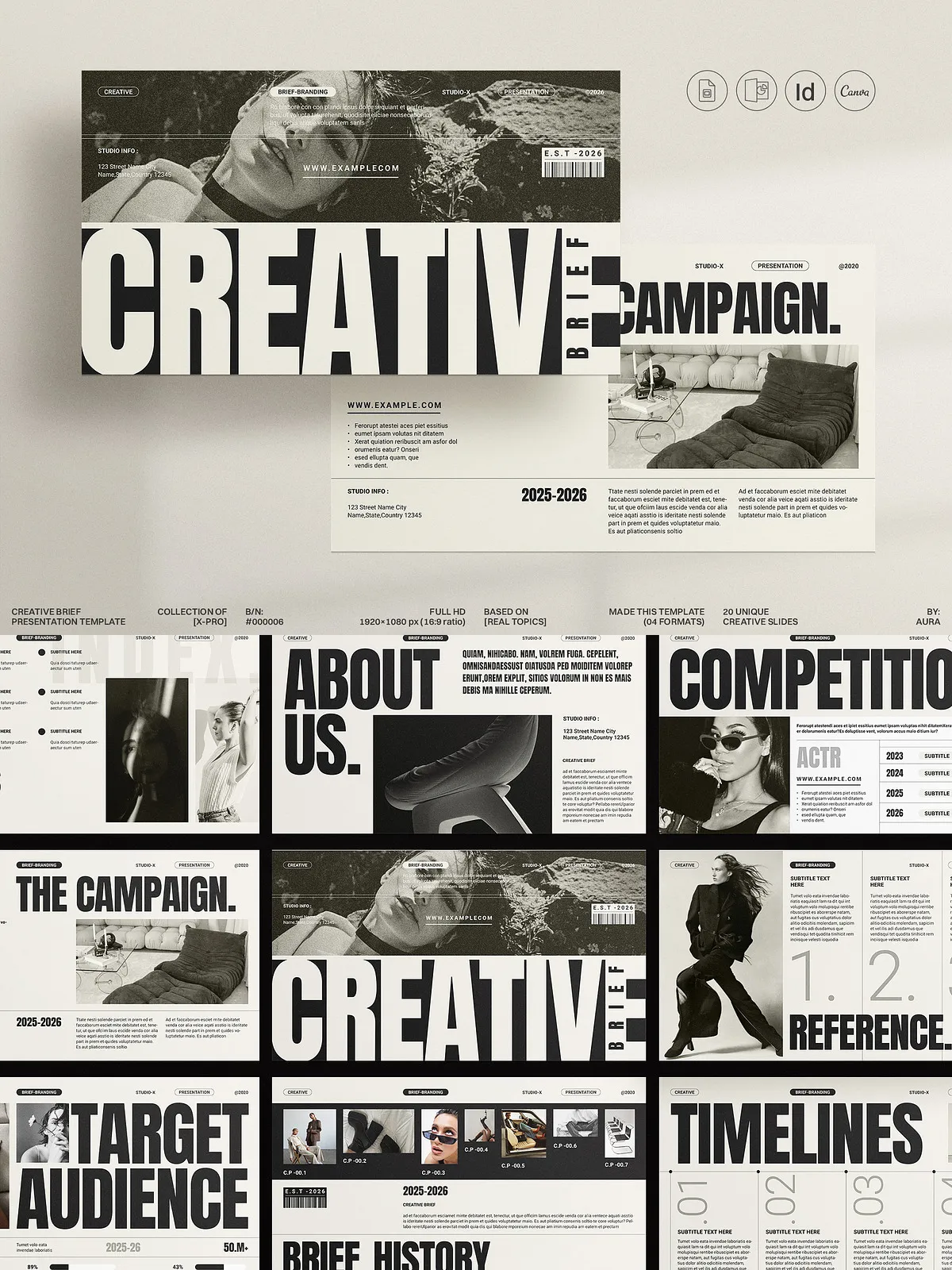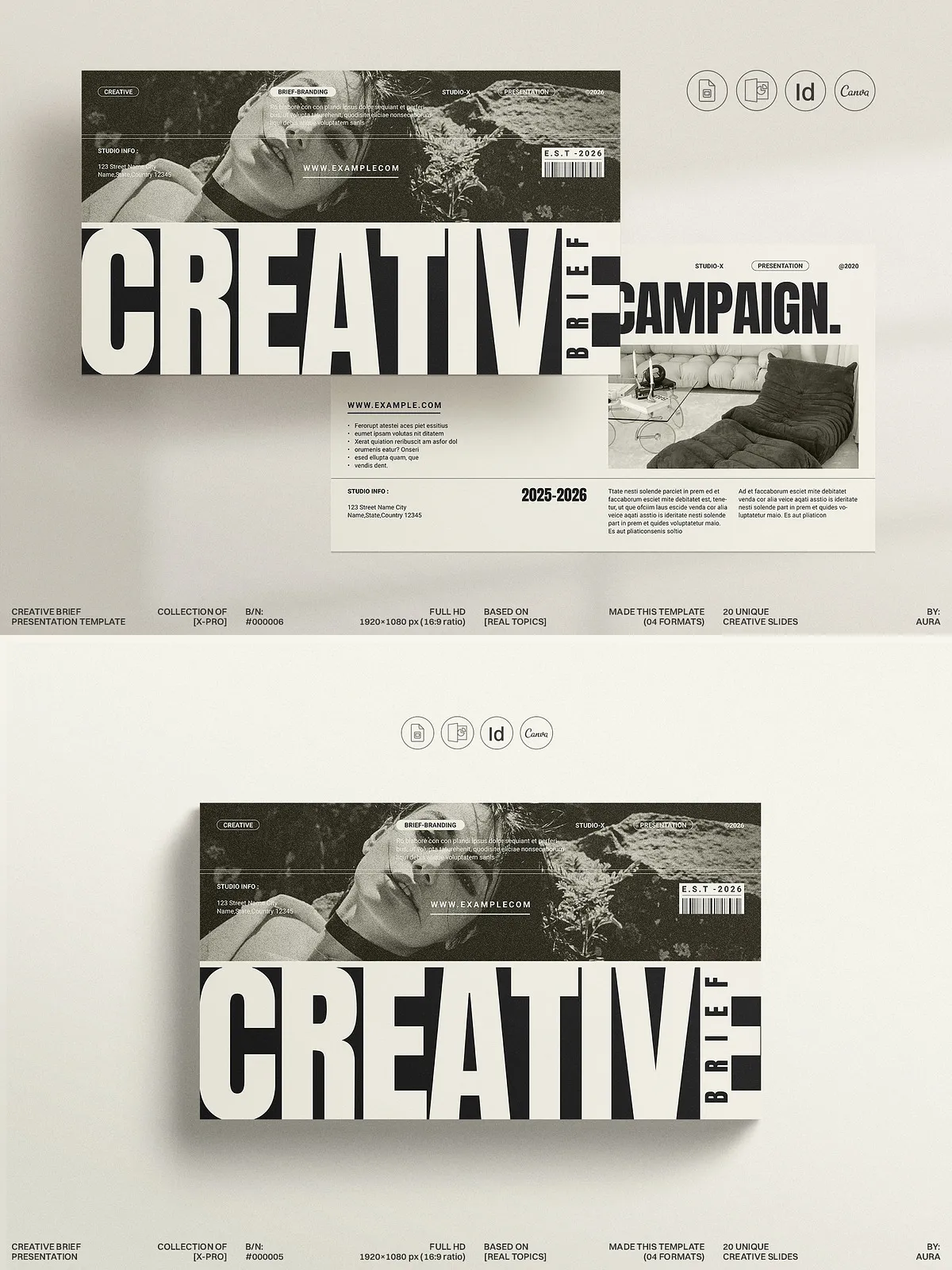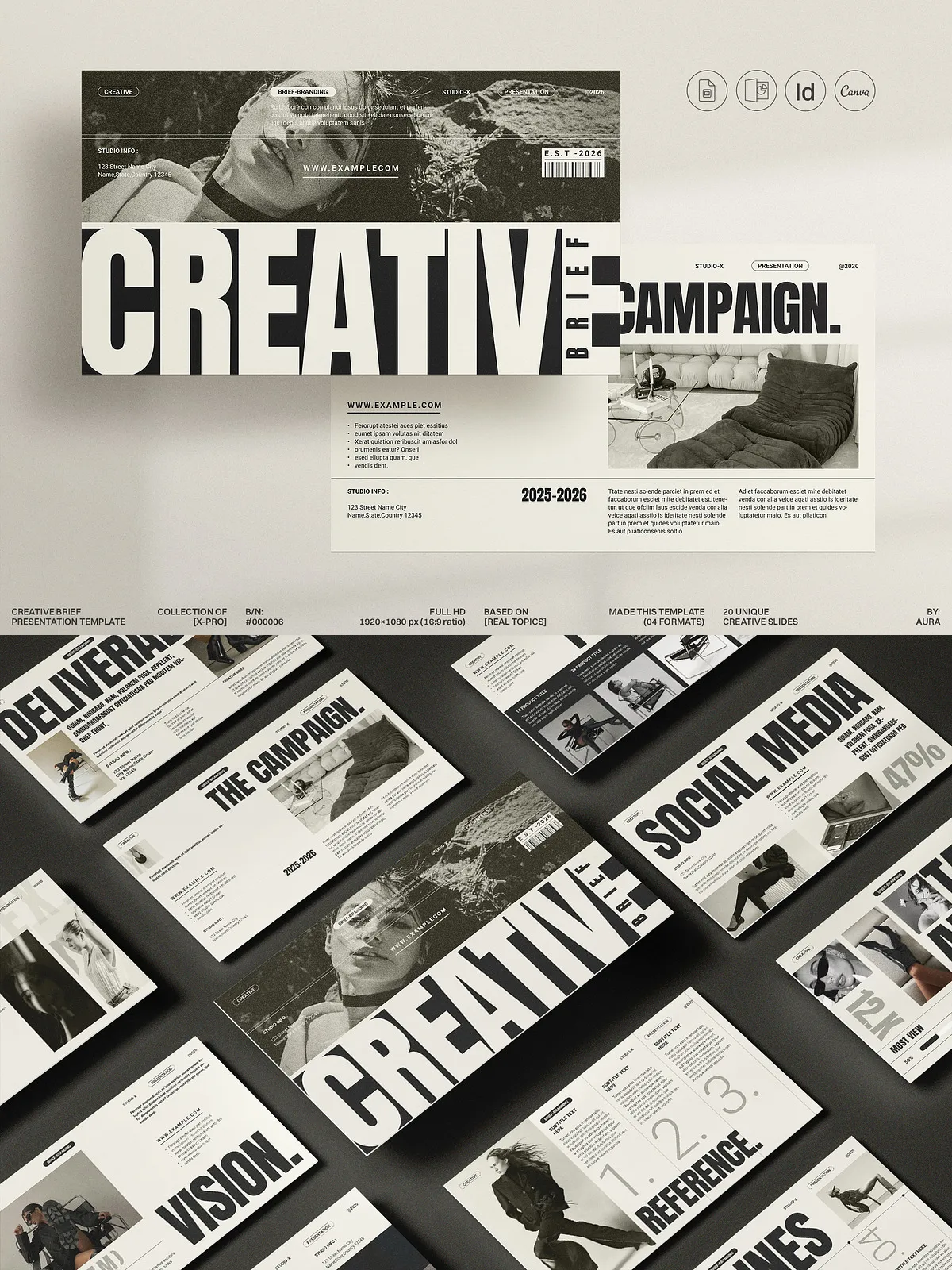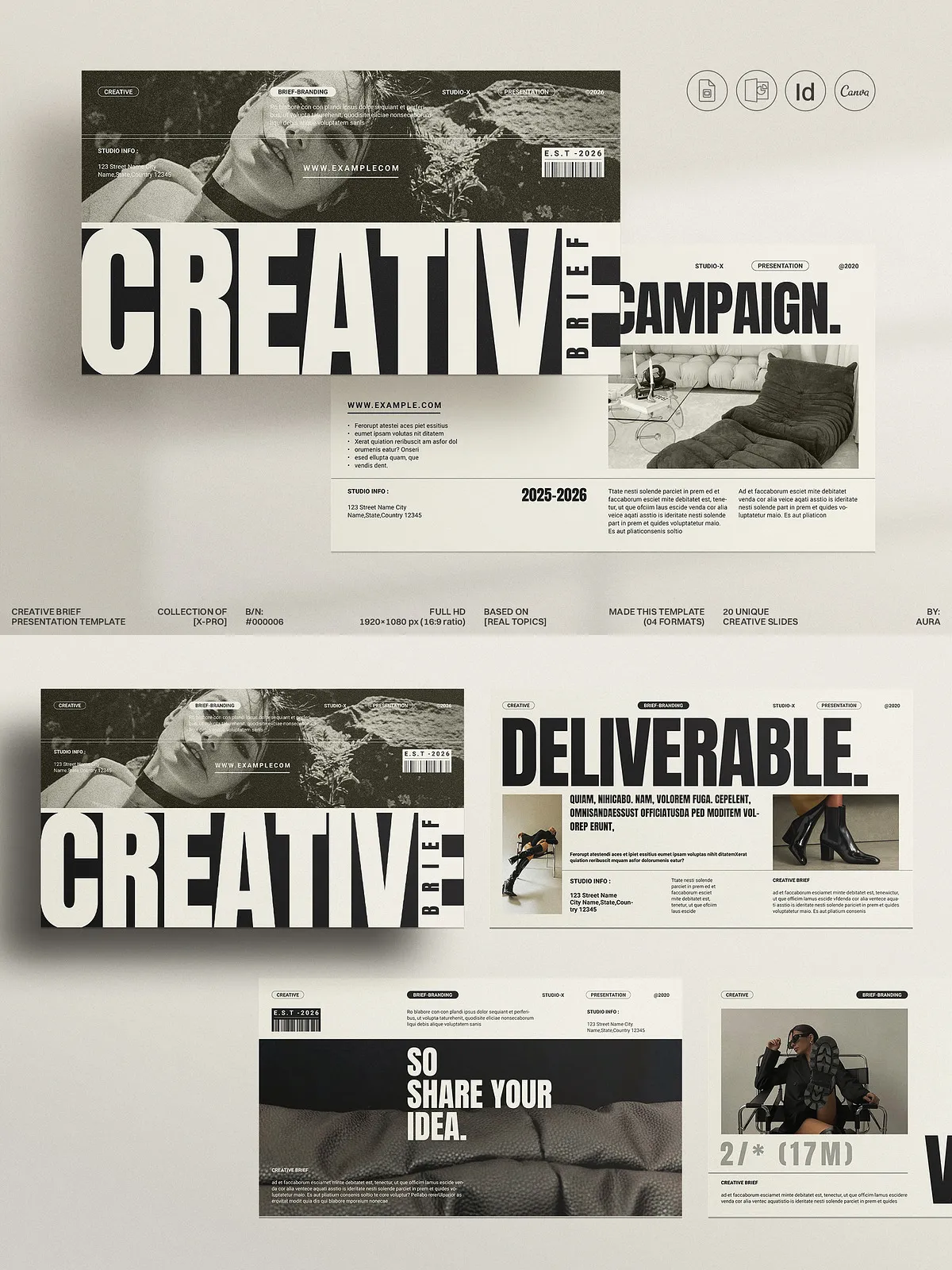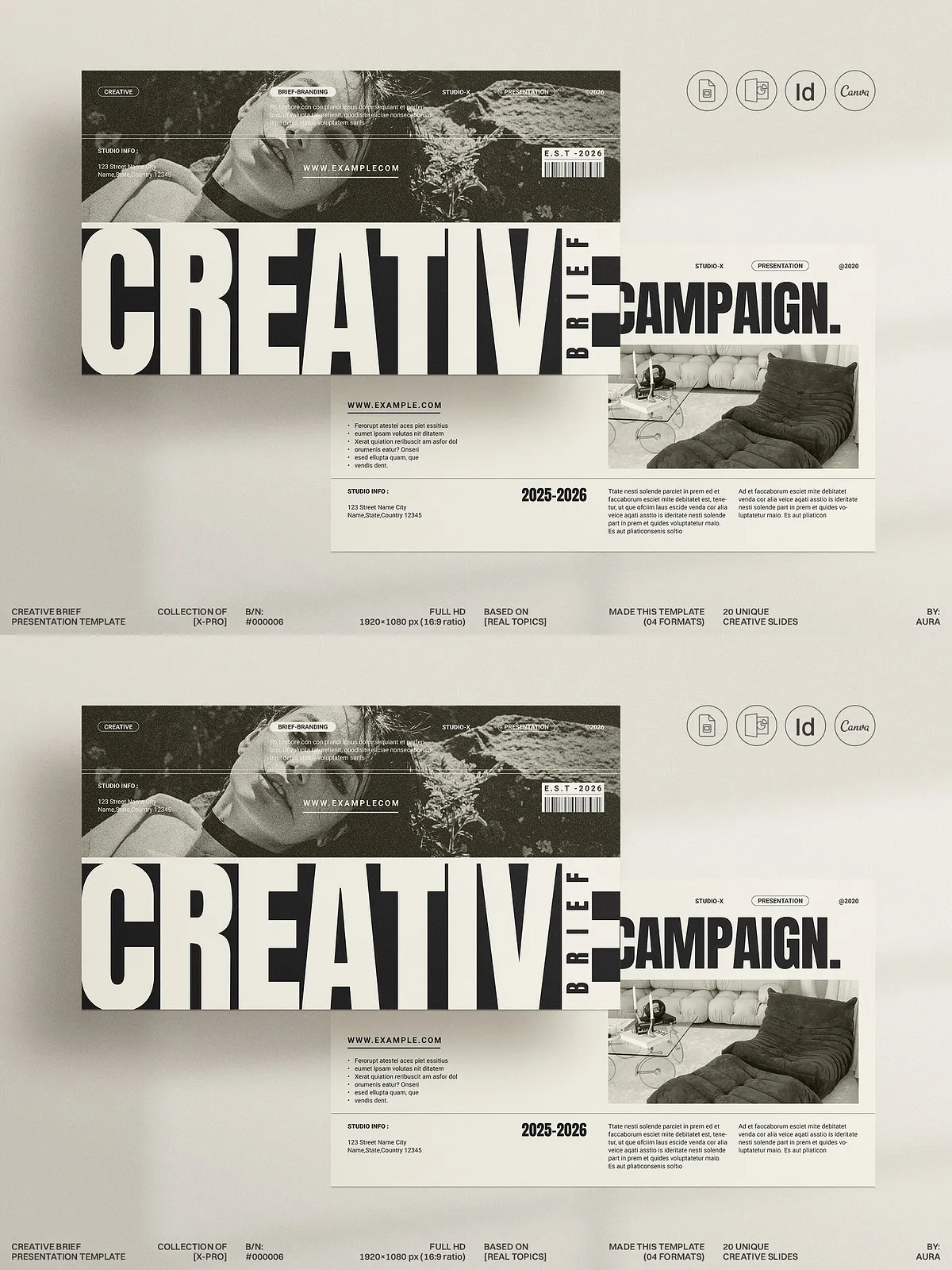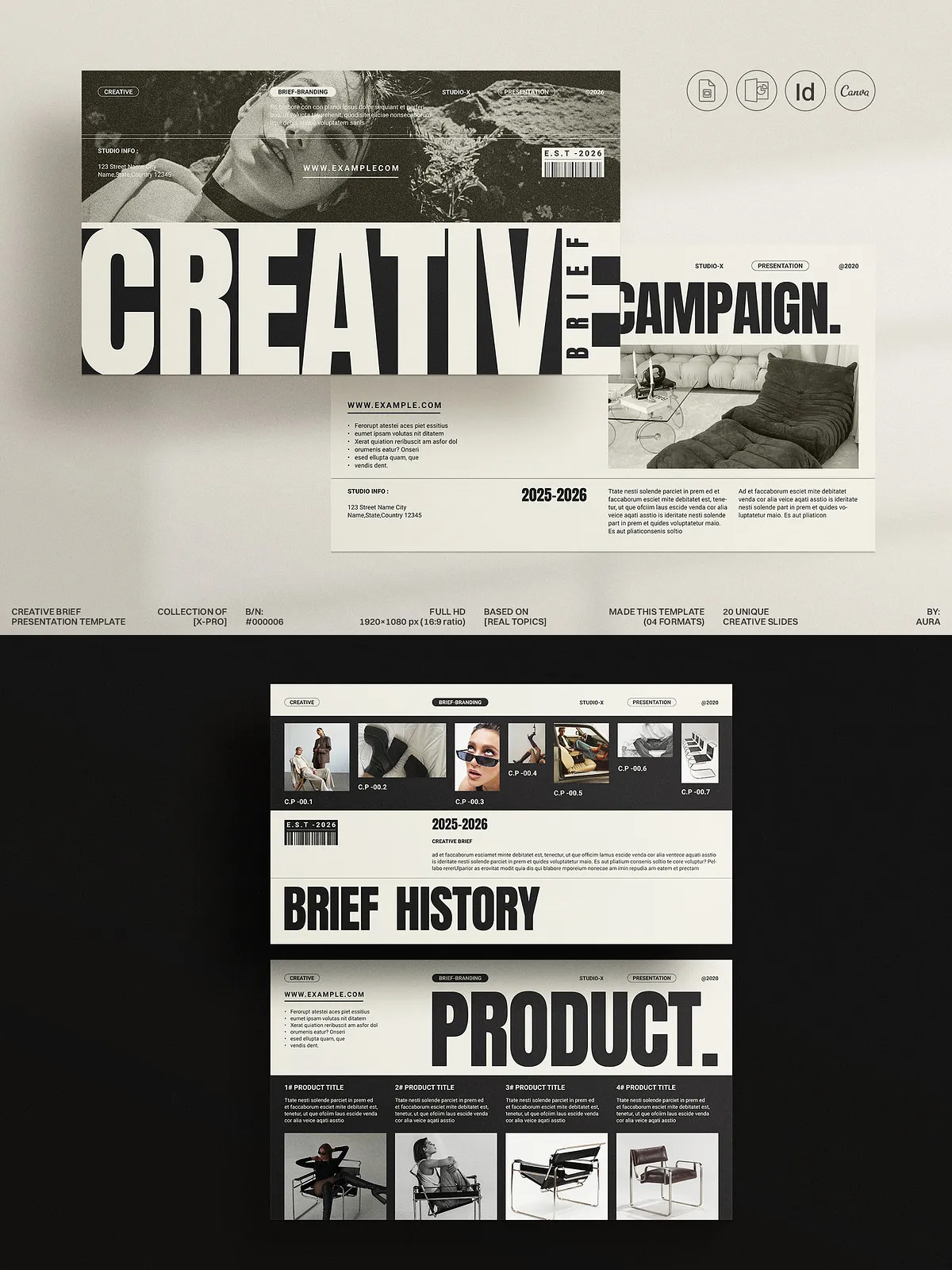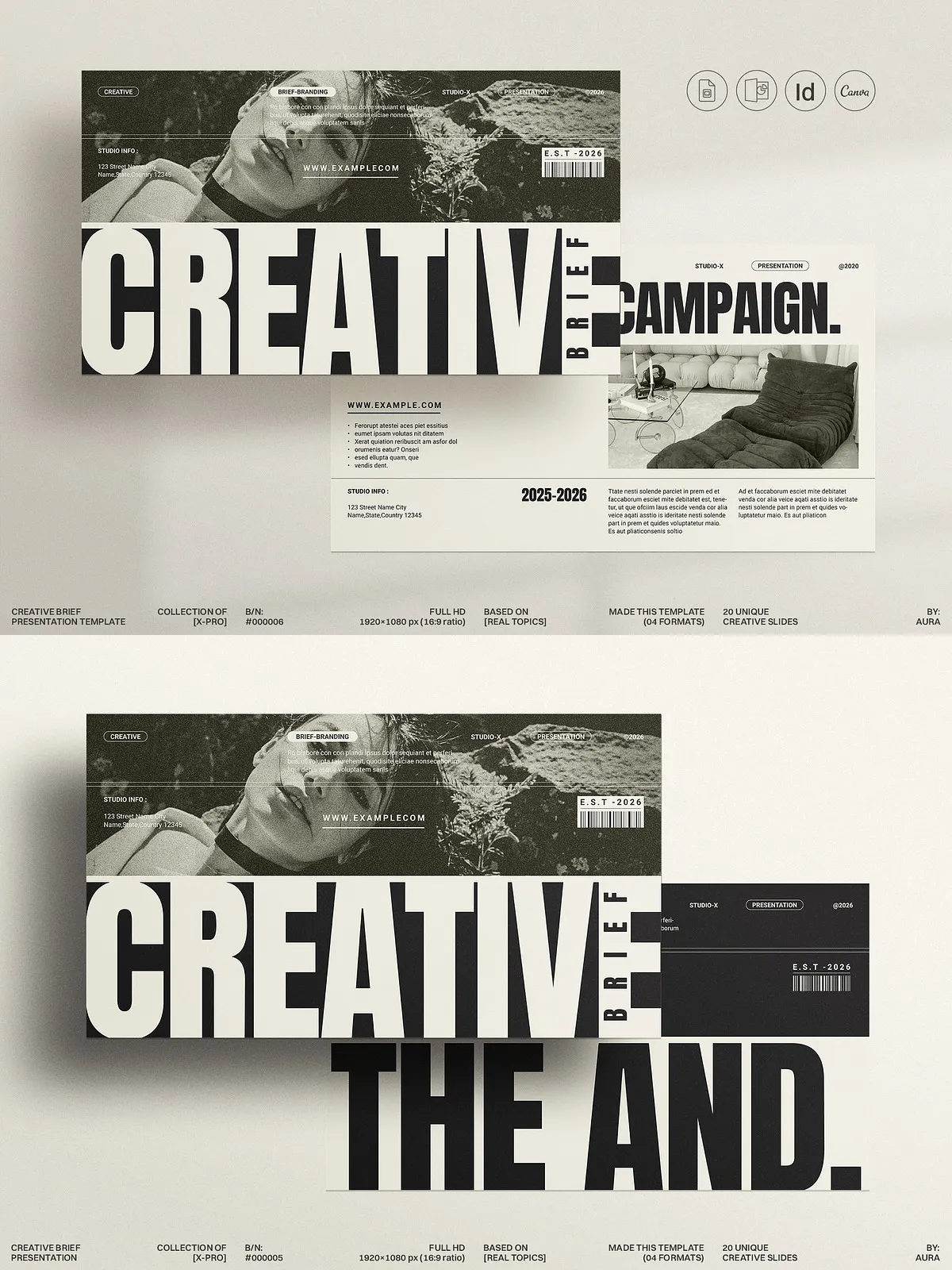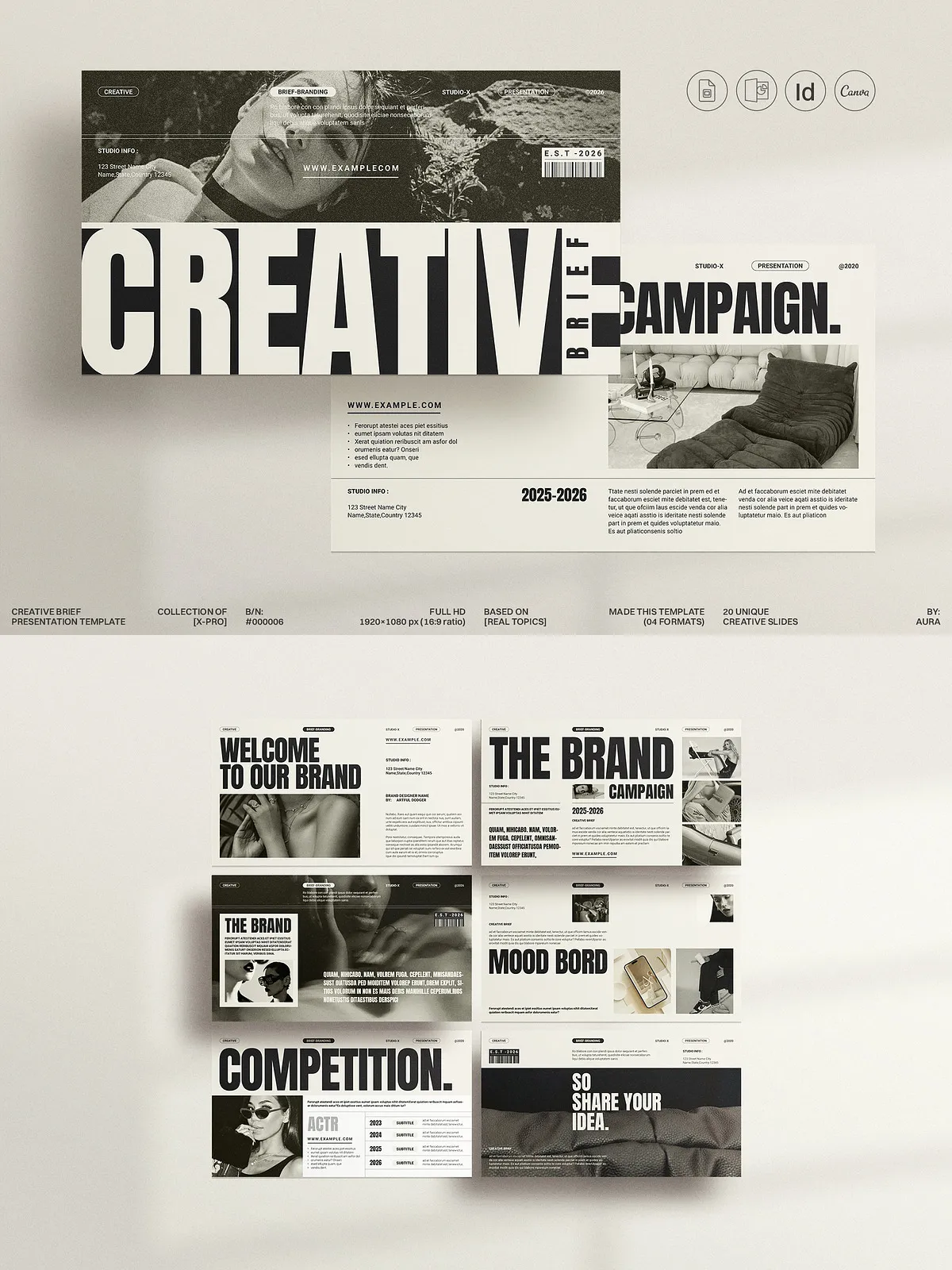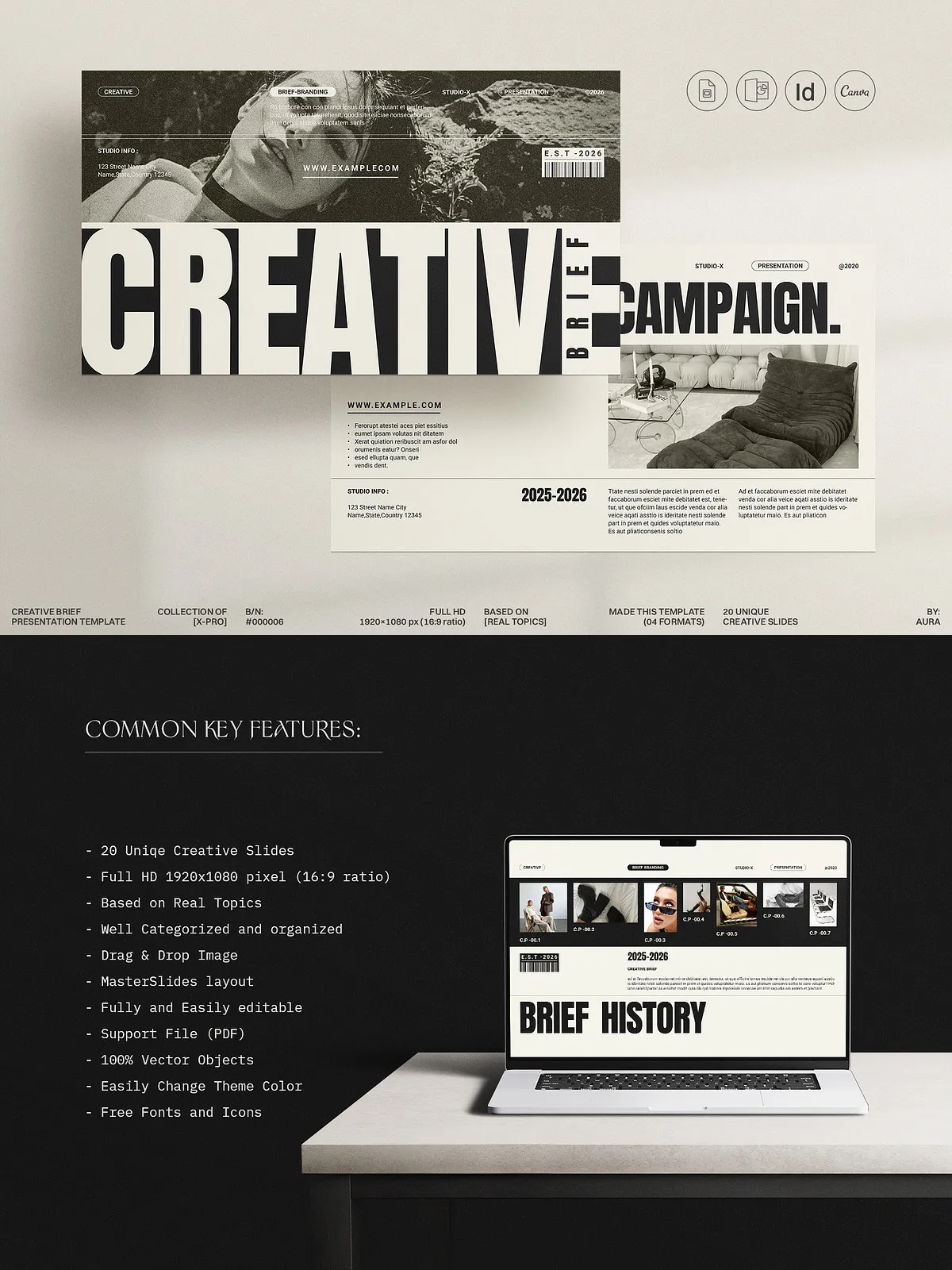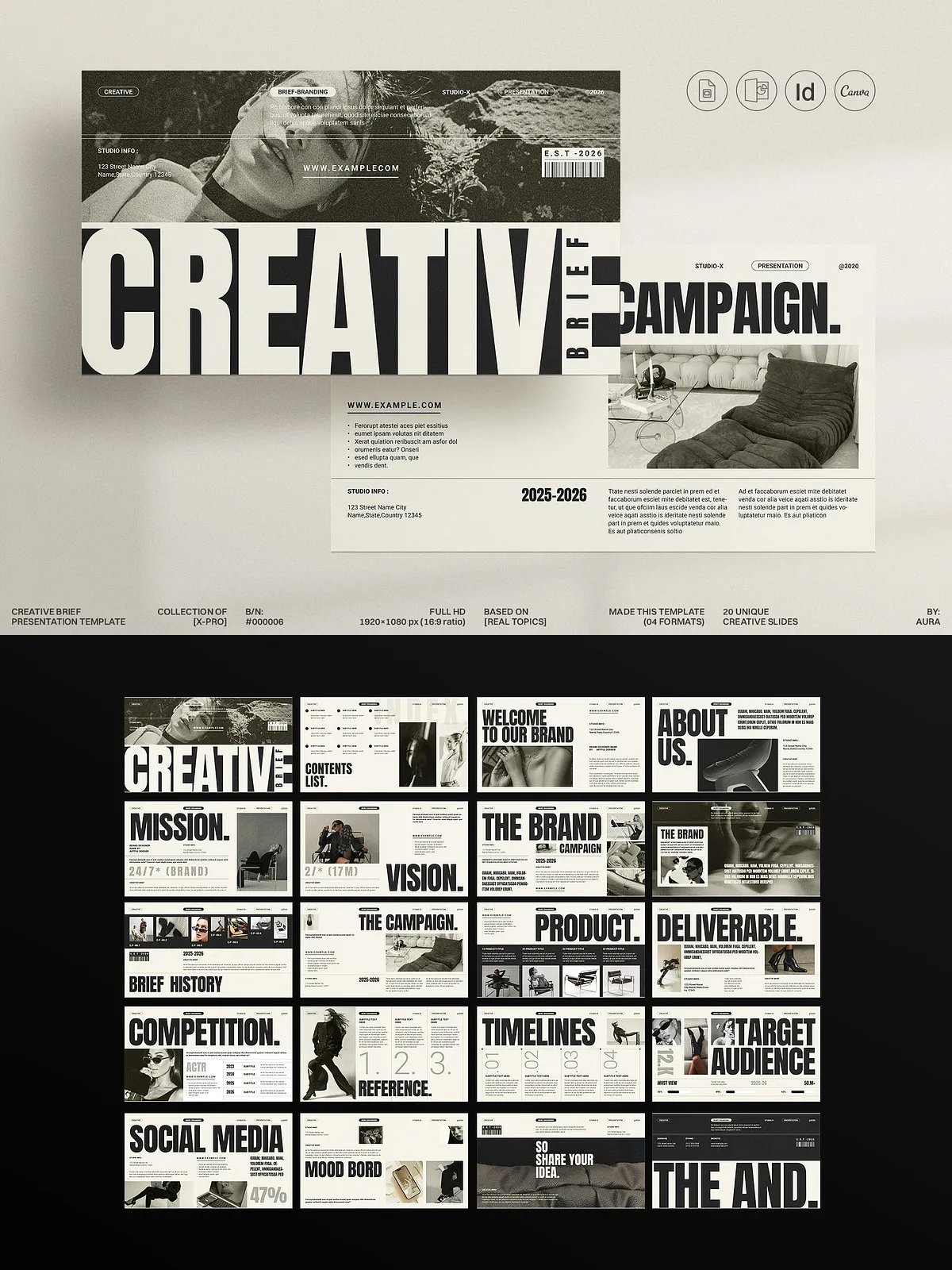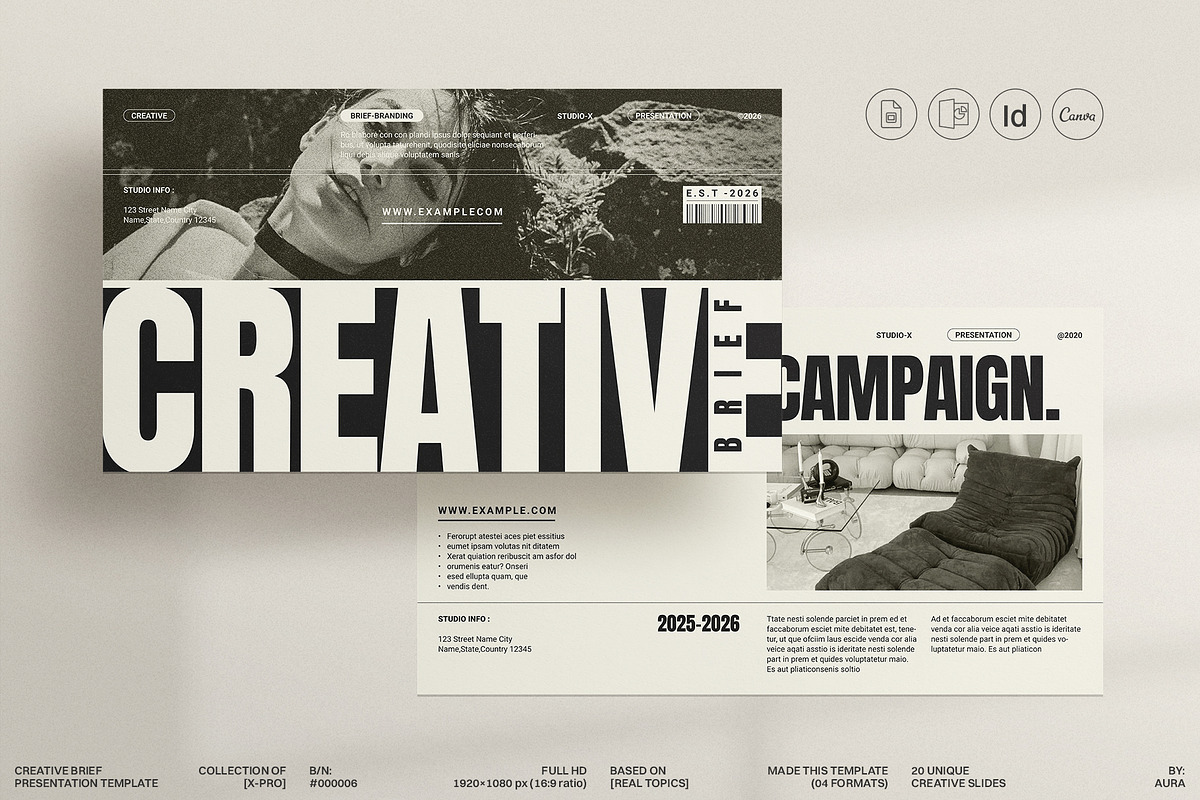
This Creative Brief Campaign Presentation Template empowers designers, stylists, and photographers to plan, present, and execute campaigns with clarity and confidence. The kit delivers twenty fully editable slides that structure campaign goals, audience insights, timelines, deliverables, and creative direction. You can adapt the template quickly in Canva, Adobe InDesign, PowerPoint, or Google Slides and present professional, client-ready documents without starting from scratch.
Why use a creative brief
Purpose and advantages
A creative brief turns scattered ideas into an actionable plan. It communicates your strategy, reduces miscommunication, and accelerates project kickoff. Specifically, this brief helps you: set measurable objectives, align stakeholders around a single vision, and call out timelines and responsibilities so the team executes efficiently. When you lead with a clear brief, clients understand the scope, and your team focuses on producing results.
Key features
Comprehensive, editable slide set
The template contains 20 unique slides designed to cover every project phase — from campaign overview and target audience to moodboards, deliverable schedules, asset lists, and approval checkpoints. Each slide uses editable layouts, paragraph and character styles (InDesign), and master slide structure so you maintain consistency while customizing content.
Cross-platform compatibility
Use the kit in your preferred app: Canva for quick cloud edits, Adobe InDesign for precision print and layout, PowerPoint for offline presentations, and Google Slides for collaborative edits. We include INDD, INDT, IDML, PPTX, and Google Slide files to ensure smooth integration into your workflow.
Design-ready assets
The package separates images, text, and backgrounds into layers and uses resizable, editable graphics so you can swap imagery and update layouts instantly. The slides use free web fonts (font links included) so you can reproduce the visual style without additional purchases.
How this template improves your process
Clarify scope and reduce revisions
By presenting a defined strategy and a clear asset list, the brief reduces guesswork and prevents scope creep. You will receive faster approvals because stakeholders review and approve a single structured document rather than a series of ad hoc notes.
Position services and demonstrate value
Use the brief to highlight services clients may overlook. The slide set prompts you to outline ancillary offerings and timelines, helping you create upsell opportunities and differentiate your service from competitors.
Product details and technical specifications
What’s included
- 20 unique creative slides (1920×1080px, 16:9 ratio)
- Character and paragraph styles for InDesign
- Layered files with separate image, text, and background elements
- Master slide–based layout for fast edits
- Theme color options and resizable vector graphics
- Free font links and a help file
- Photographs and mockups are not included
Platform support
The template works on both Apple and Windows systems. You can edit it in Canva (browser), Adobe InDesign (CC and IDML for older versions), Microsoft PowerPoint (PPTX), and Google Slides (online). Each format maintains the original layout and allows you to export high-quality PDFs for client delivery.
How to use in Canva
Quick start instructions
Create a free Canva account, open the provided PDF file labeled Canva_Link, and click the embedded link to add the template to your Canva workspace. Replace placeholder copy and images, customize colors, and export the final presentation as a PDF or share it directly with clients for review. Canva keeps the template saved so you can reuse and replicate briefs for future projects.
Support and delivery
Real human support
We provide direct designer support for installation, customization questions, and troubleshooting. Contact our team if you need help adapting slides, exporting files, or matching brand assets — we respond with practical, step-by-step guidance.