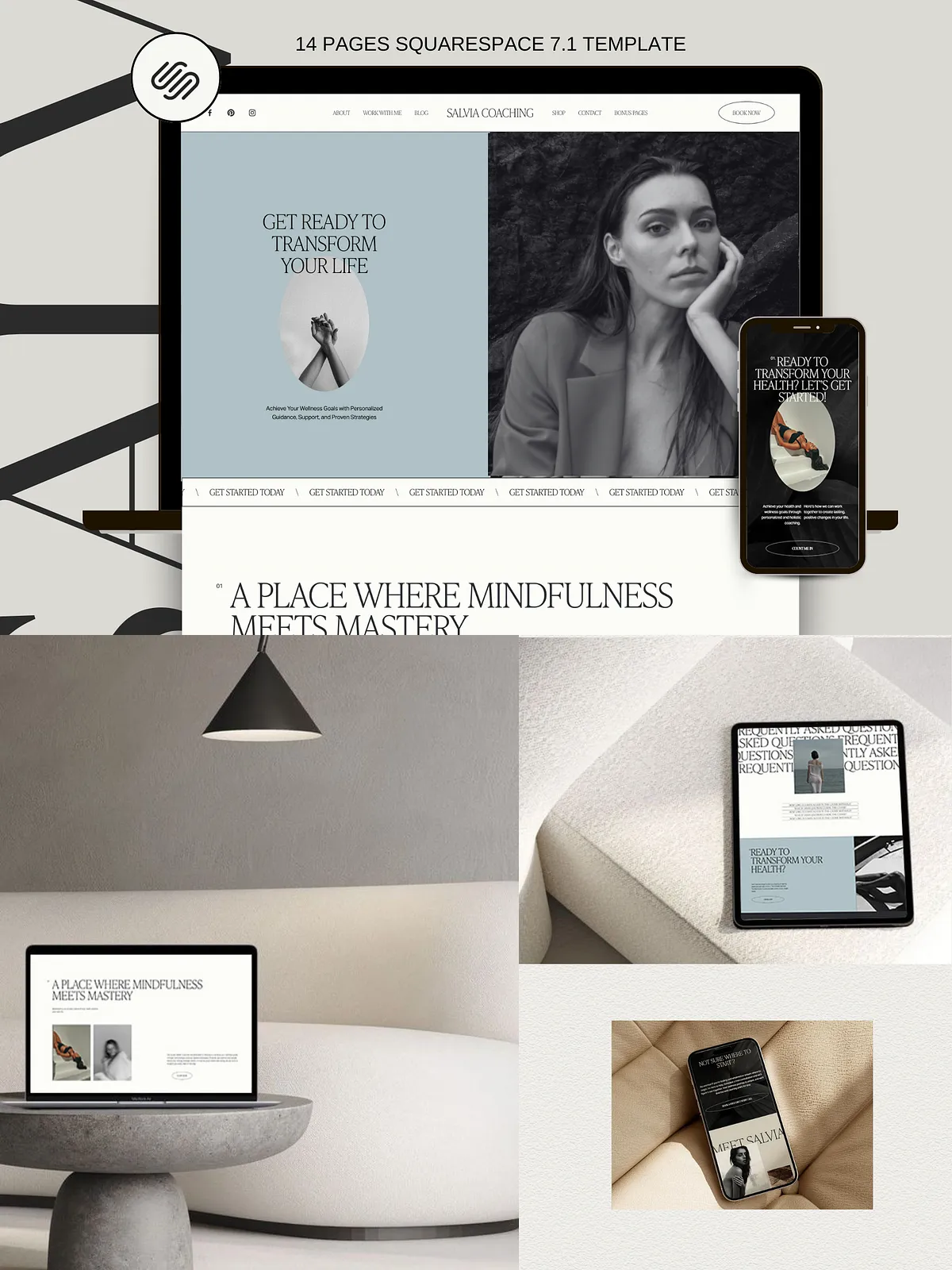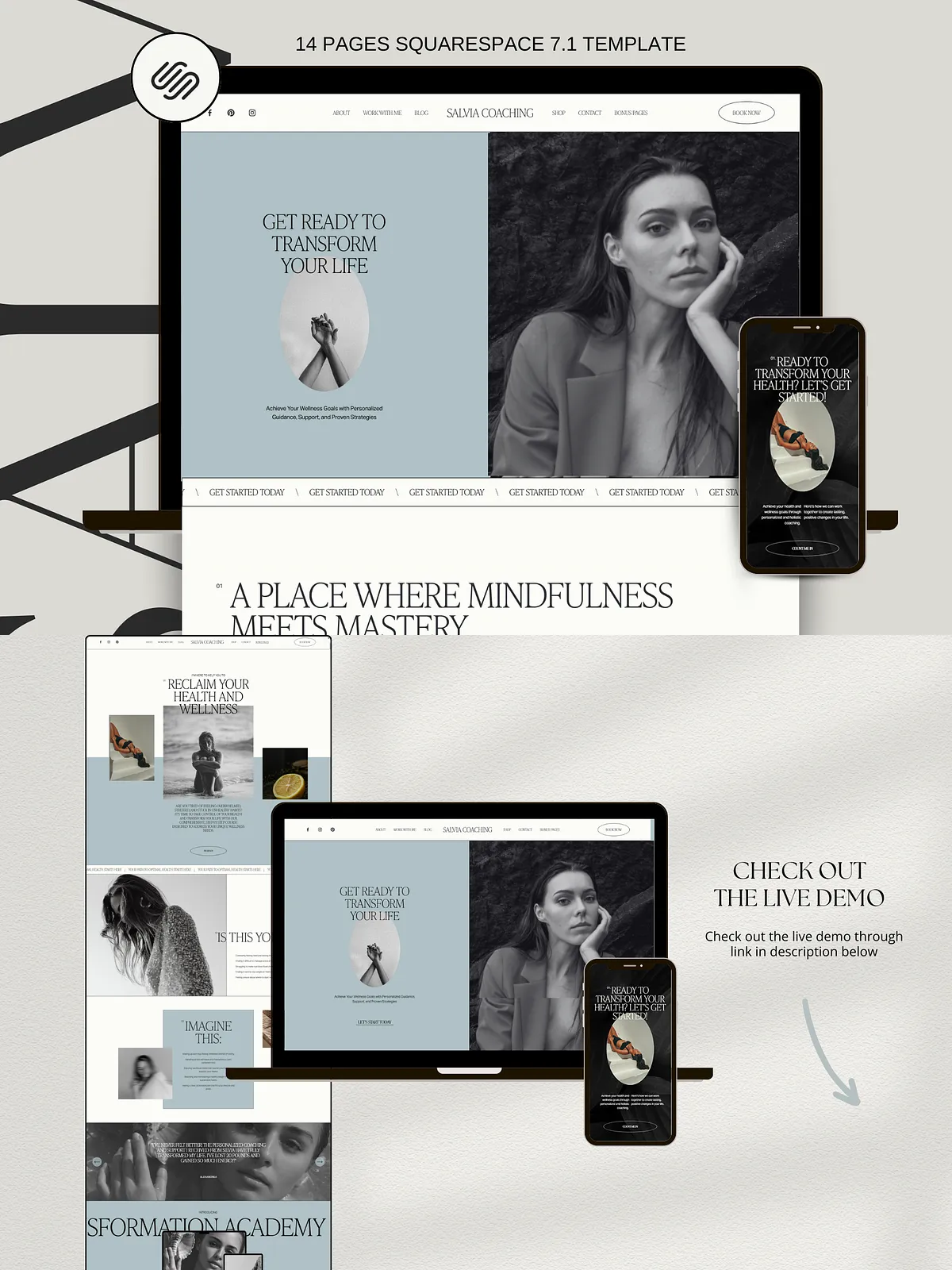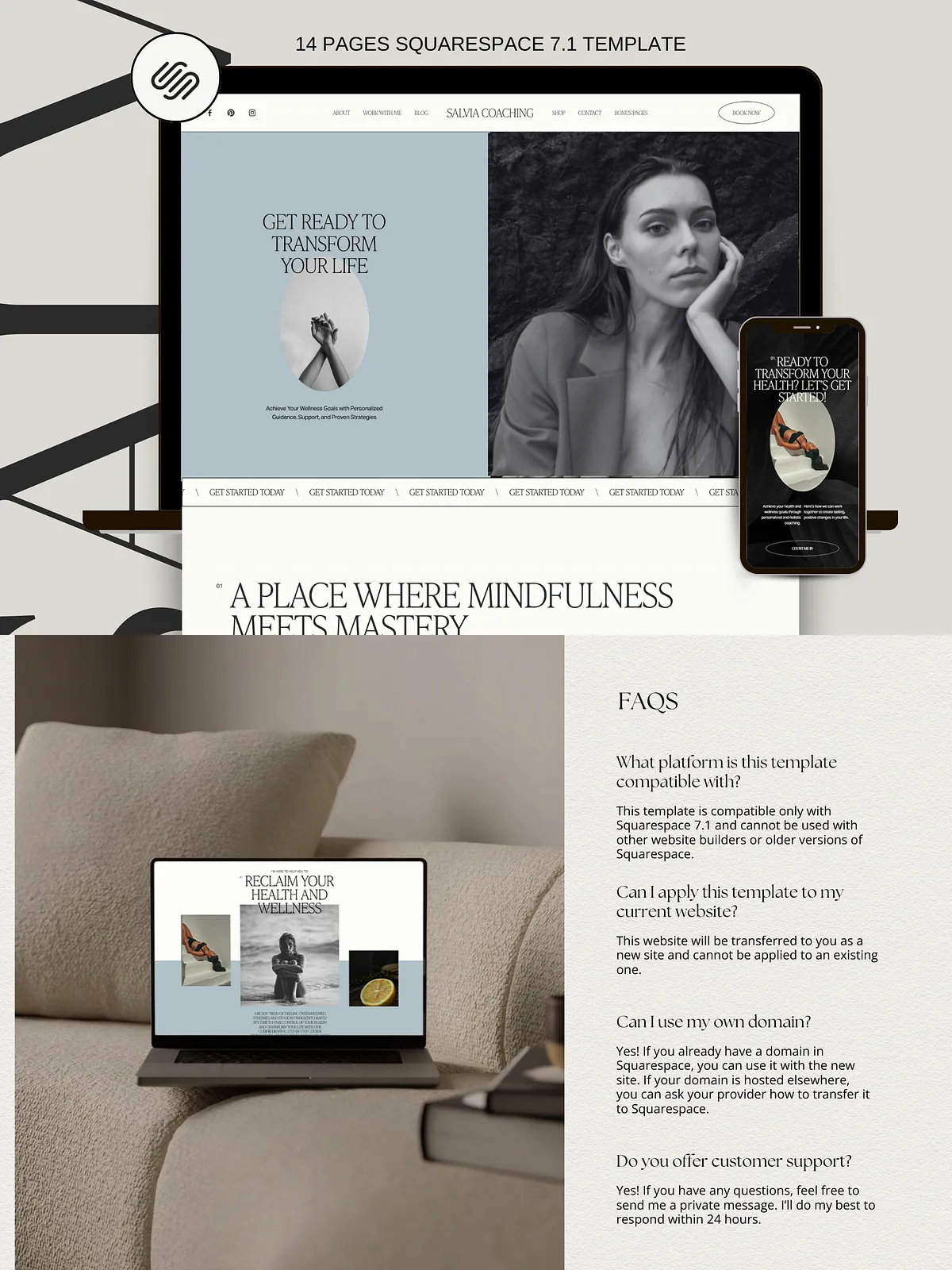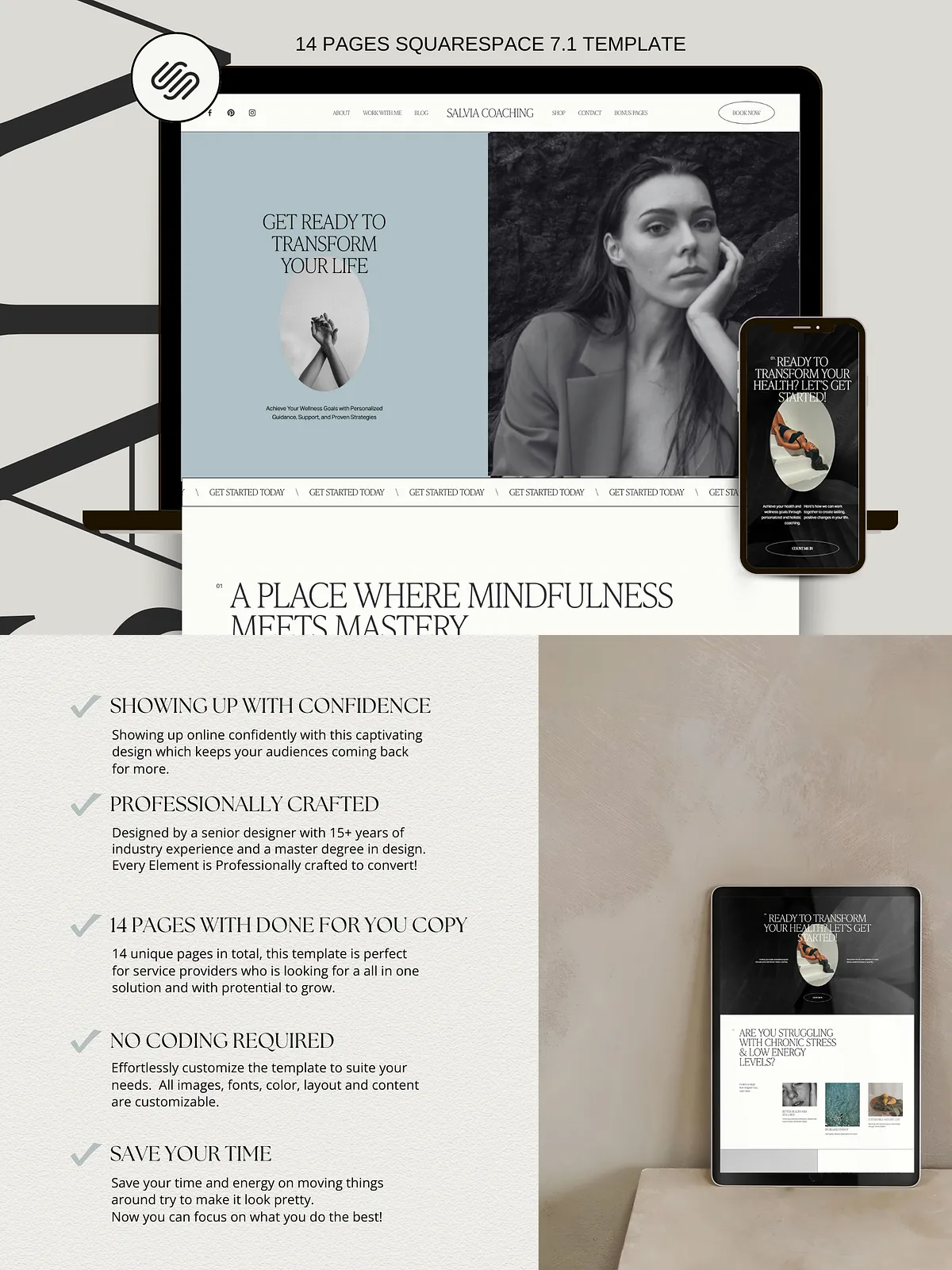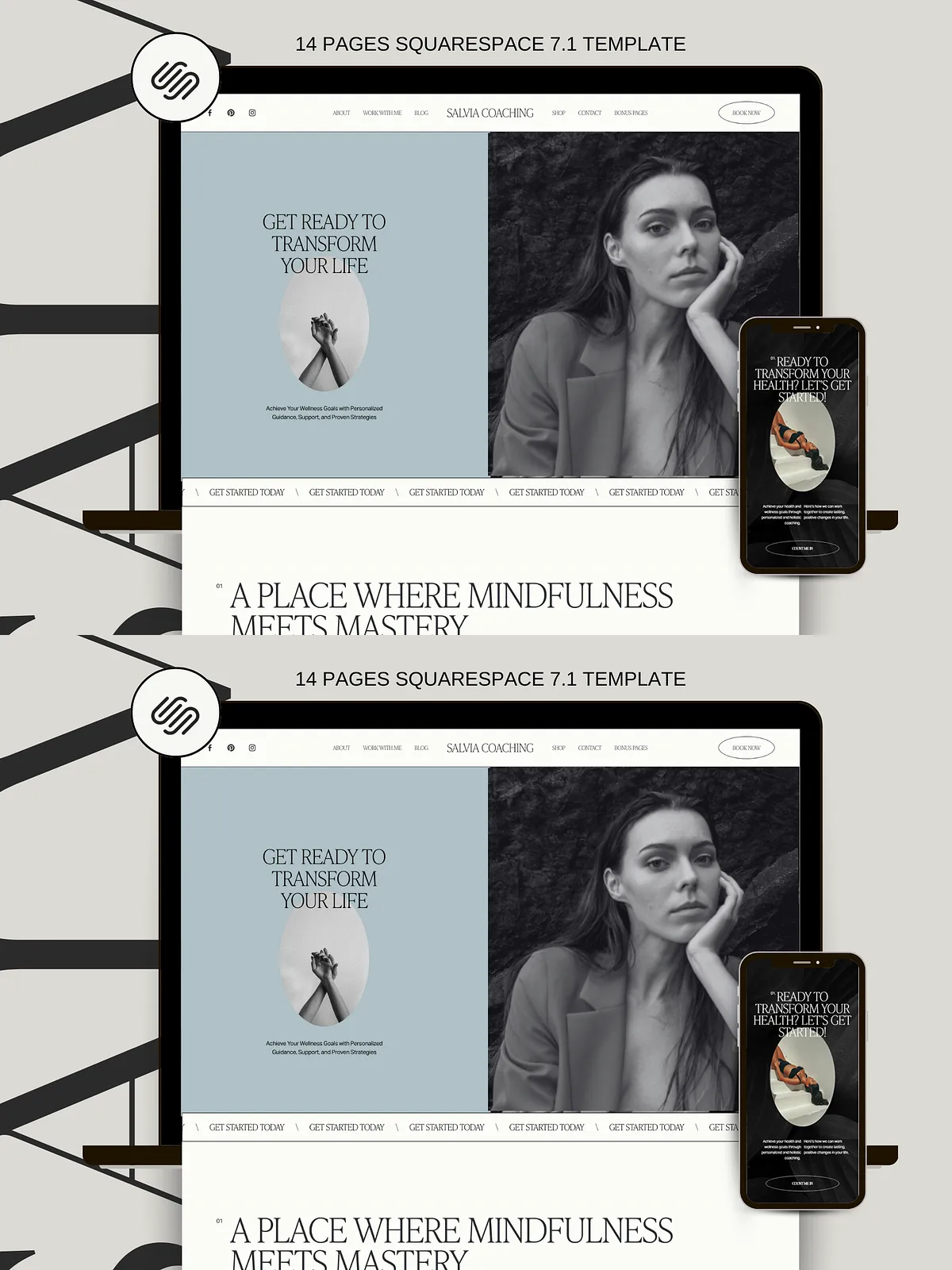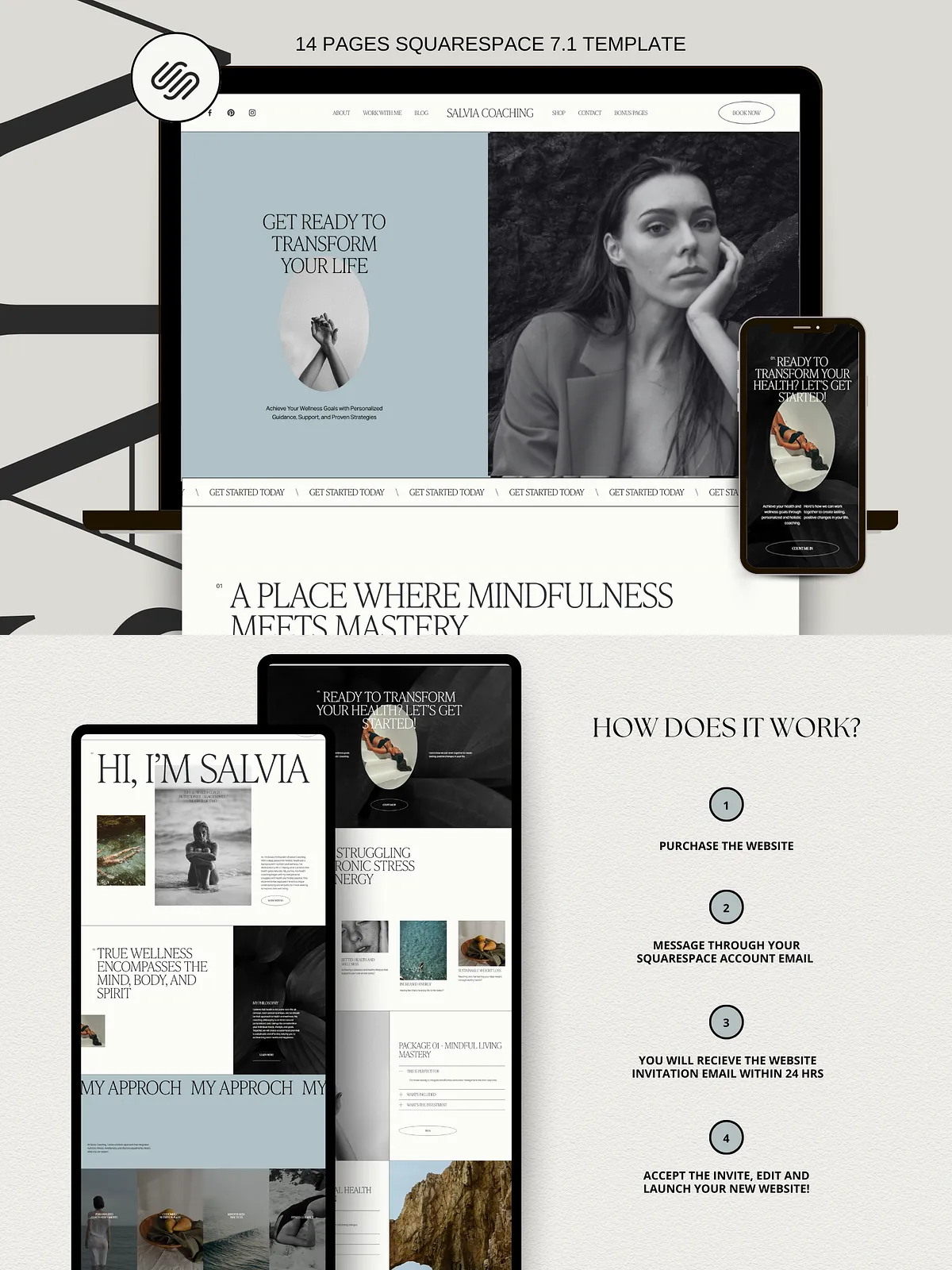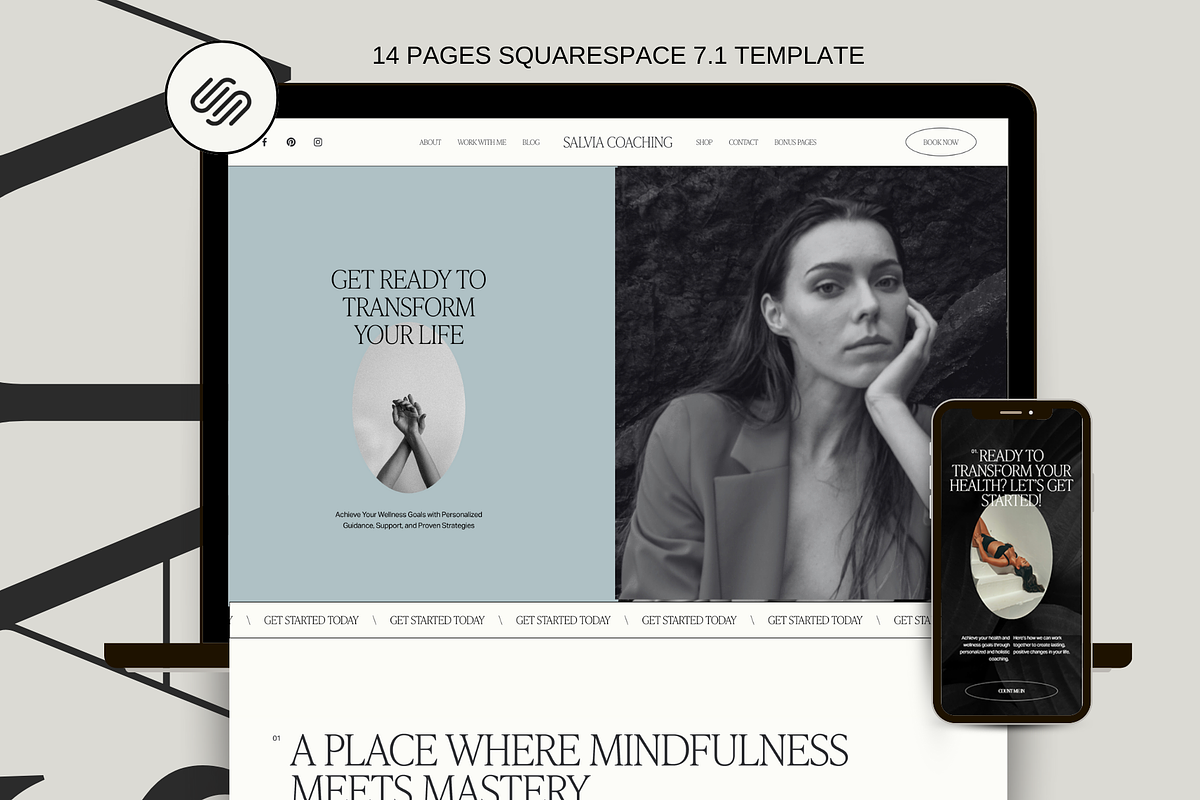
Salvia is a modern, aesthetic, and fully editable Squarespace 7.1 template built to help health coaches, life coaches, mindset coaches, photographers, service providers, small business owners, and course creators launch a high-converting, on-brand website quickly. The template combines clear visual hierarchy, conversion-focused layouts, and responsive design so you can present services, sell products, publish content, and accept bookings with confidence. Salvia removes technical friction and lets you focus on your message, your offers, and your clients.
Who this template fits best
Ideal users
Salvia suits soul-led service providers and emerging business owners who want a bold, flexible site that reflects personality and authority. Use it if you want to: attract premium clients, convert visitors into bookings or sales, present courses and digital products, or maintain a stylish online presence without hiring a developer. The template supports evolving businesses that update offers frequently and need a site that adapts fast.
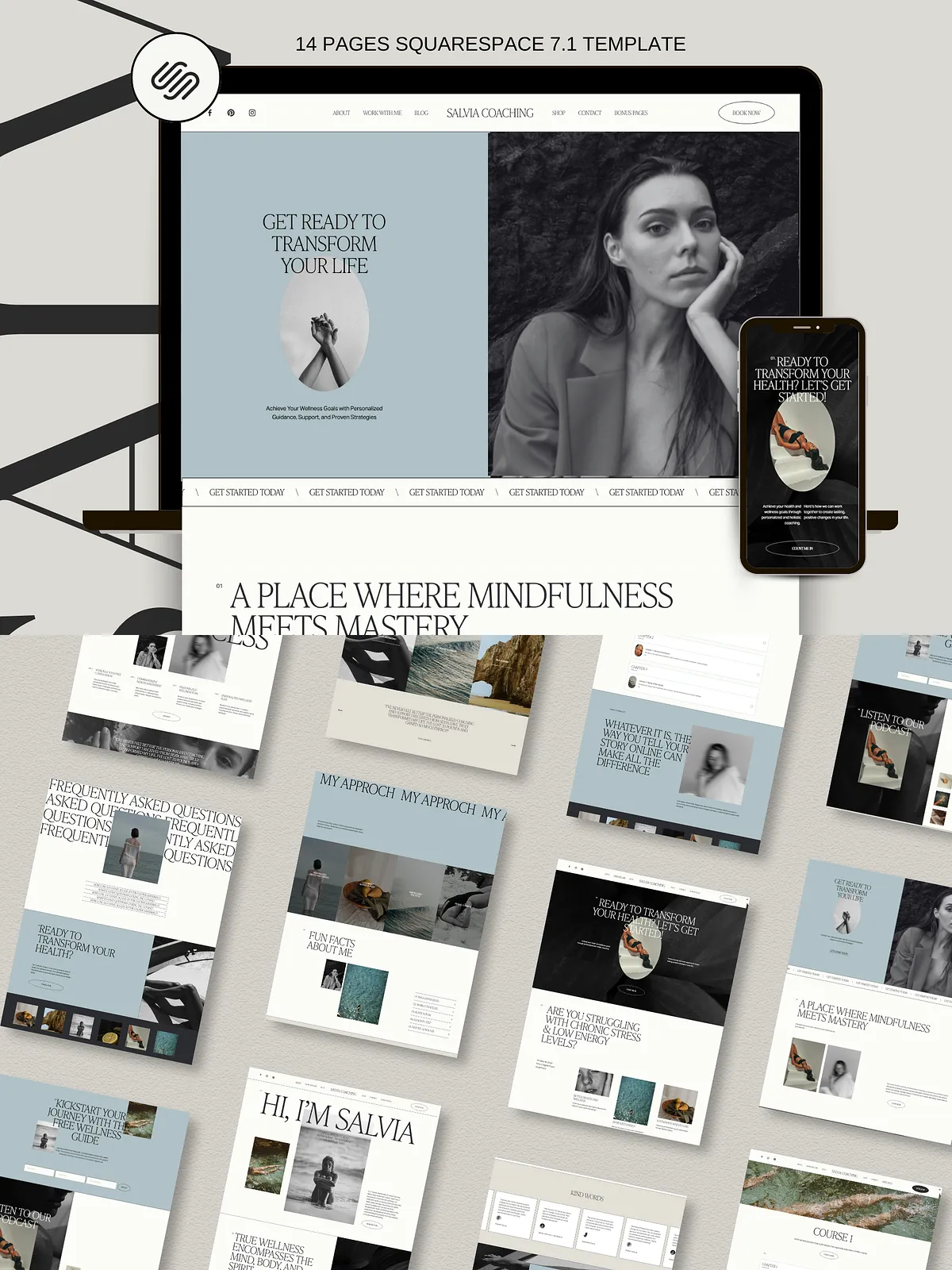
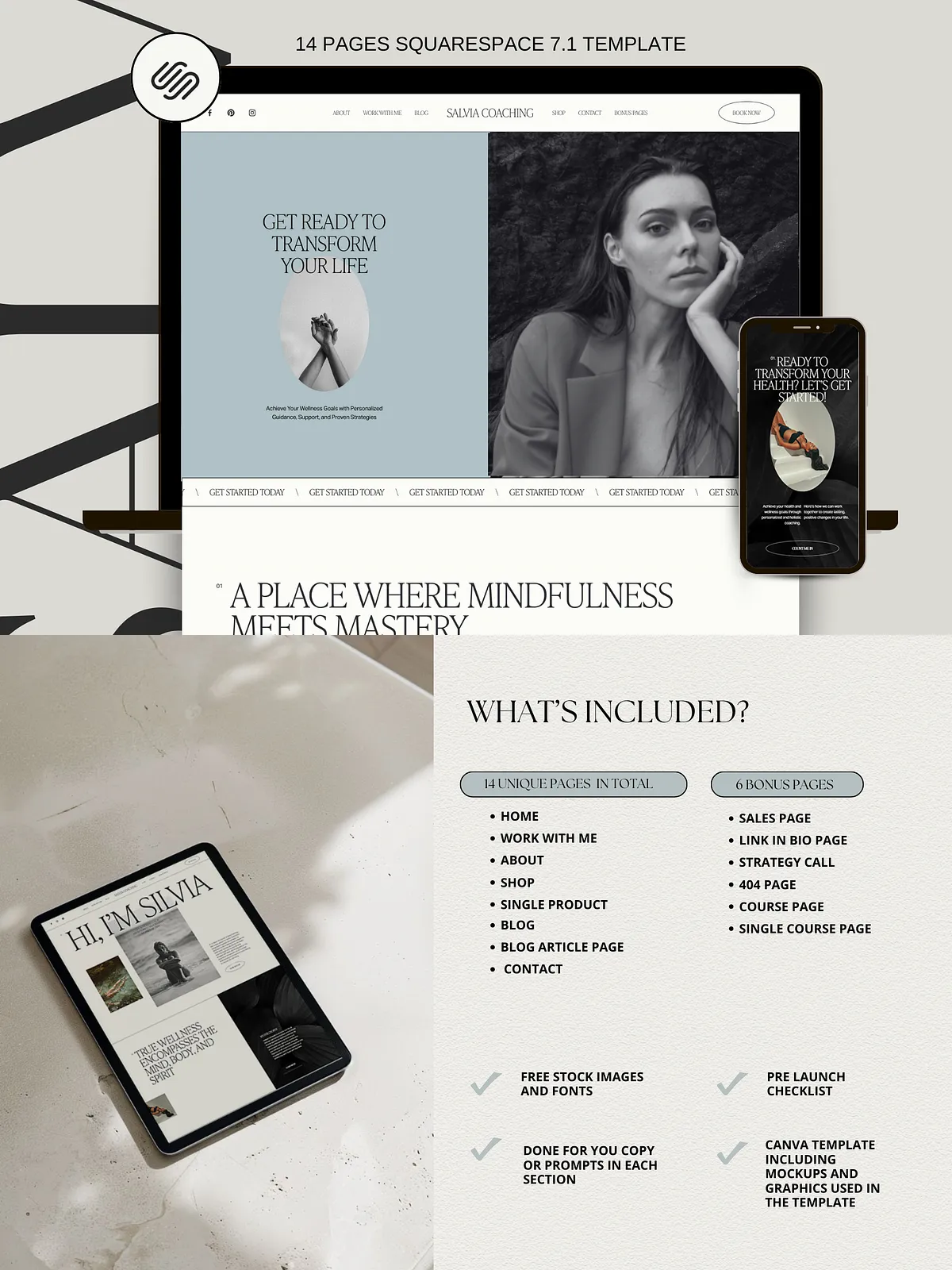
Pages included
Core pages
- Home Page — hero, services, testimonials, and clear calls to action
- About Page — brand story, values, and credibility elements
- Work With Me Page — service outlines, packages, and pricing cues
- Shop Page — product grid and category navigation
- Single Product Page — product details and purchase flow
- Blog Page — article archive and category filters
- Single Blog Post Page — content-focused templates and related posts
- Contact Page — contact form, map, and social links
Bonus pages
- Sales Page — conversion-focused long-form layout
- Link in Bio Page — Linktree-style landing for social profiles
- 404 Page — branded error page
- Booking Page — calendar integration and service booking
- Course Page — course overview and curriculum layout
- Single Course Page — lesson breakdown and enrollment CTA
Key features
Design and conversion
Salvia uses proven layout patterns that prioritize clarity and action. Each page includes strategic calls to action, testimonial sections, and conversion-optimized product and service blocks. The design emphasizes readable typography, consistent spacing, and modular sections so you can reorder content to match your funnel.
Customization and ease
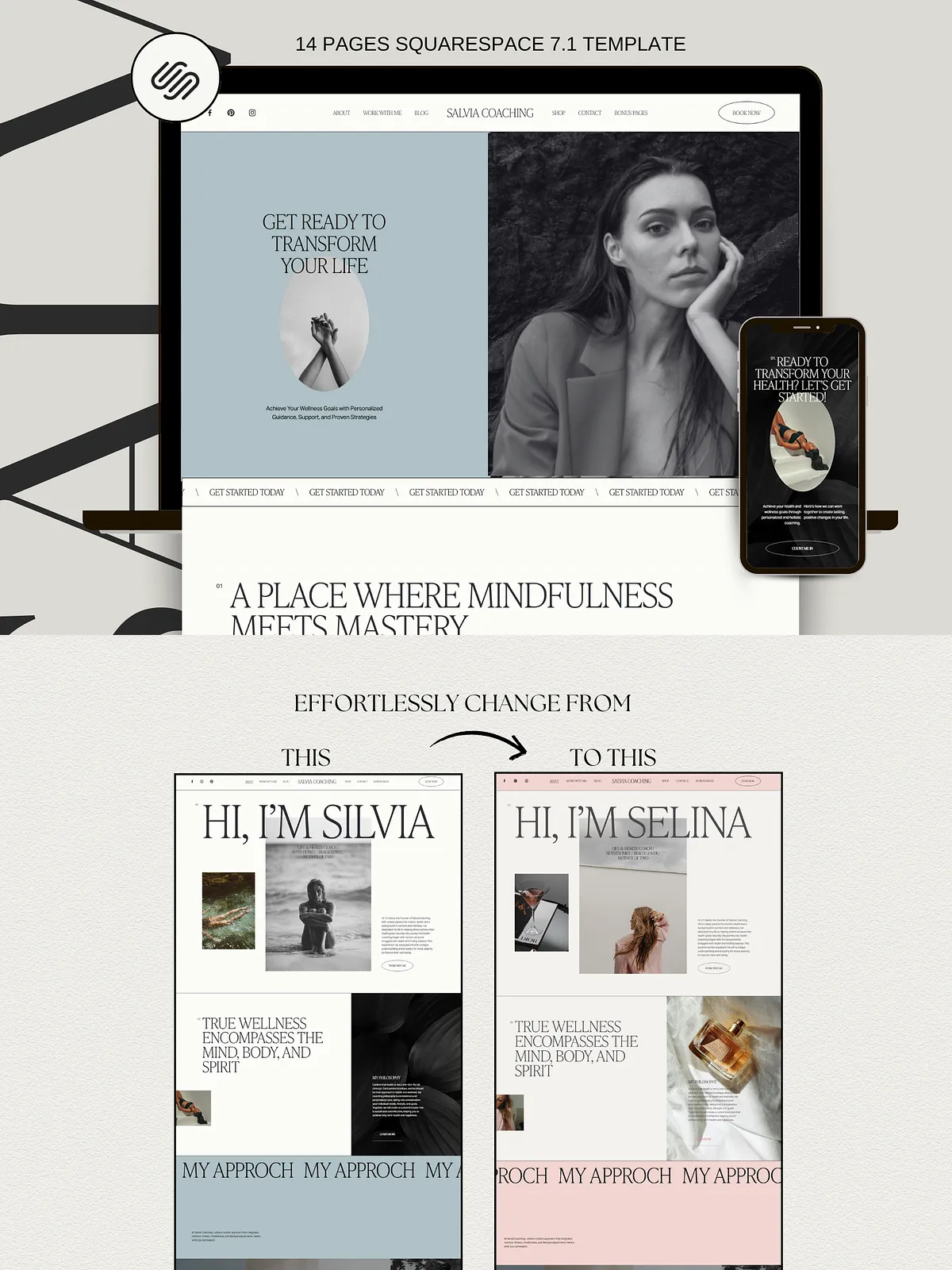
Customize colors, fonts, and layouts without code. Drag-and-drop blocks and style settings in Squarespace 7.1 let you update branding, swap images, and tweak layouts in minutes. The template includes free fonts and editable image placeholders so you can replicate the demo look quickly.
Responsive and SEO-ready
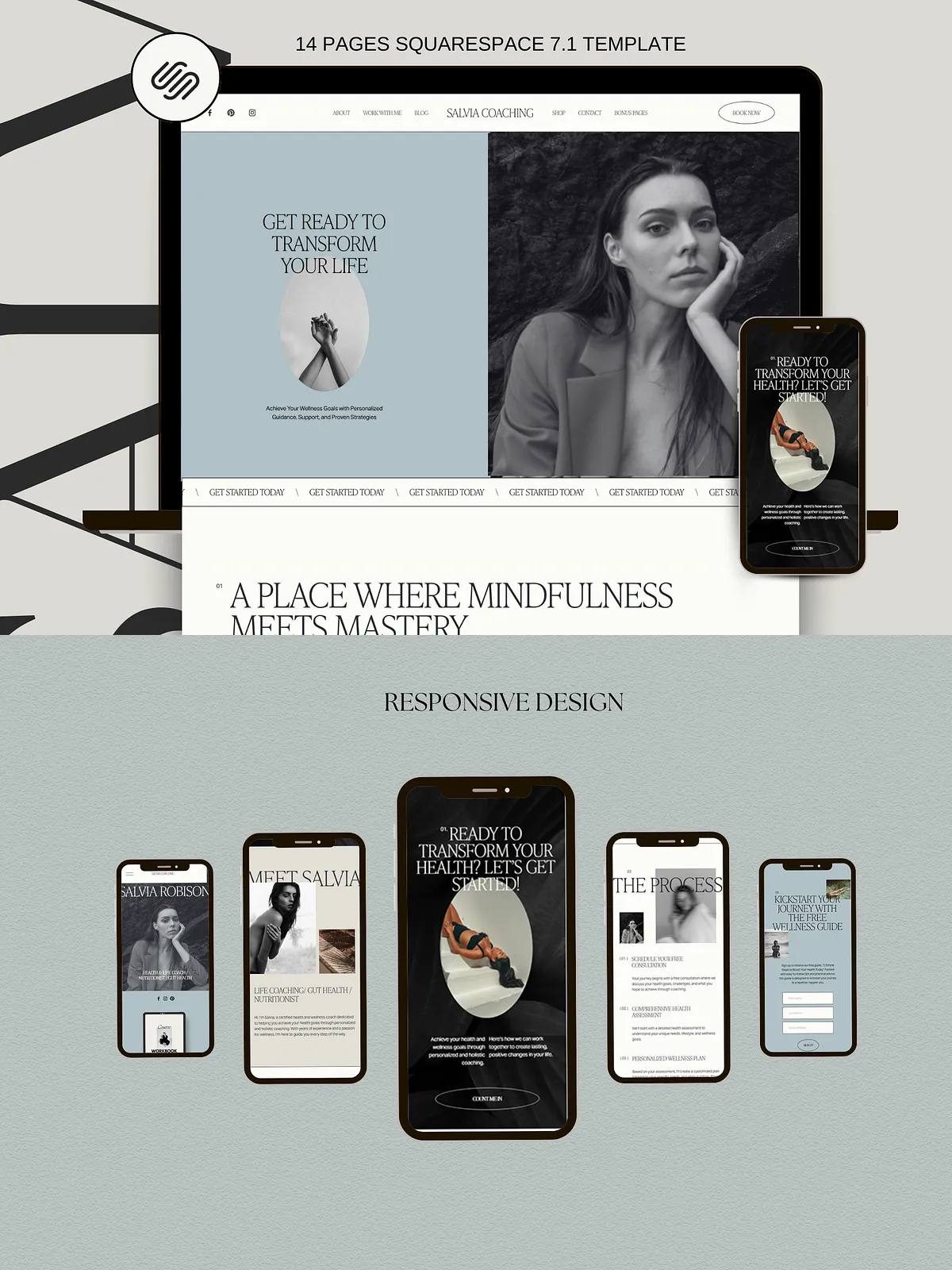
Salvia renders beautifully across desktop, tablet, and mobile. The template includes semantic structure for better SEO, fast-loading design patterns, and built-in support for meta tags and social previews so search engines and social networks can index and display your pages accurately.
Product extras and support
Included extras
- Canva template with mockups and graphics for social and promo assets
- Free pre-launch checklist to guide a successful site launch
- All images and fonts used in the demo are included and free to use
- 12-month Squarespace trial plus 25% off the first annual subscription (offer details depend on Squarespace terms)
Support
Receive 1:1 customer support via private messaging for installation and setup questions. We provide step-by-step assistance to help you import the template, configure pages, and connect booking or payment integrations so you can launch with confidence.
Technical details & compatibility
Platform requirements
Salvia works exclusively with Squarespace 7.1. You can edit the template on both Mac and Windows using the Squarespace editor. No coding knowledge is required — the site uses native Squarespace blocks and style controls.
What to expect
The template offers 100% customization of layouts, colors, and fonts. It supports SEO metadata, social sharing settings, and responsive image handling. Mockups shown in the preview are not included with the download.
Why choose Salvia
Benefits you can act on
Choose Salvia to stand out from competitors, showcase your offers clearly, and convert visitors into paying clients and students. The template empowers you to control your brand, scale your online presence, and focus on what you do best — serving clients and creating impact.