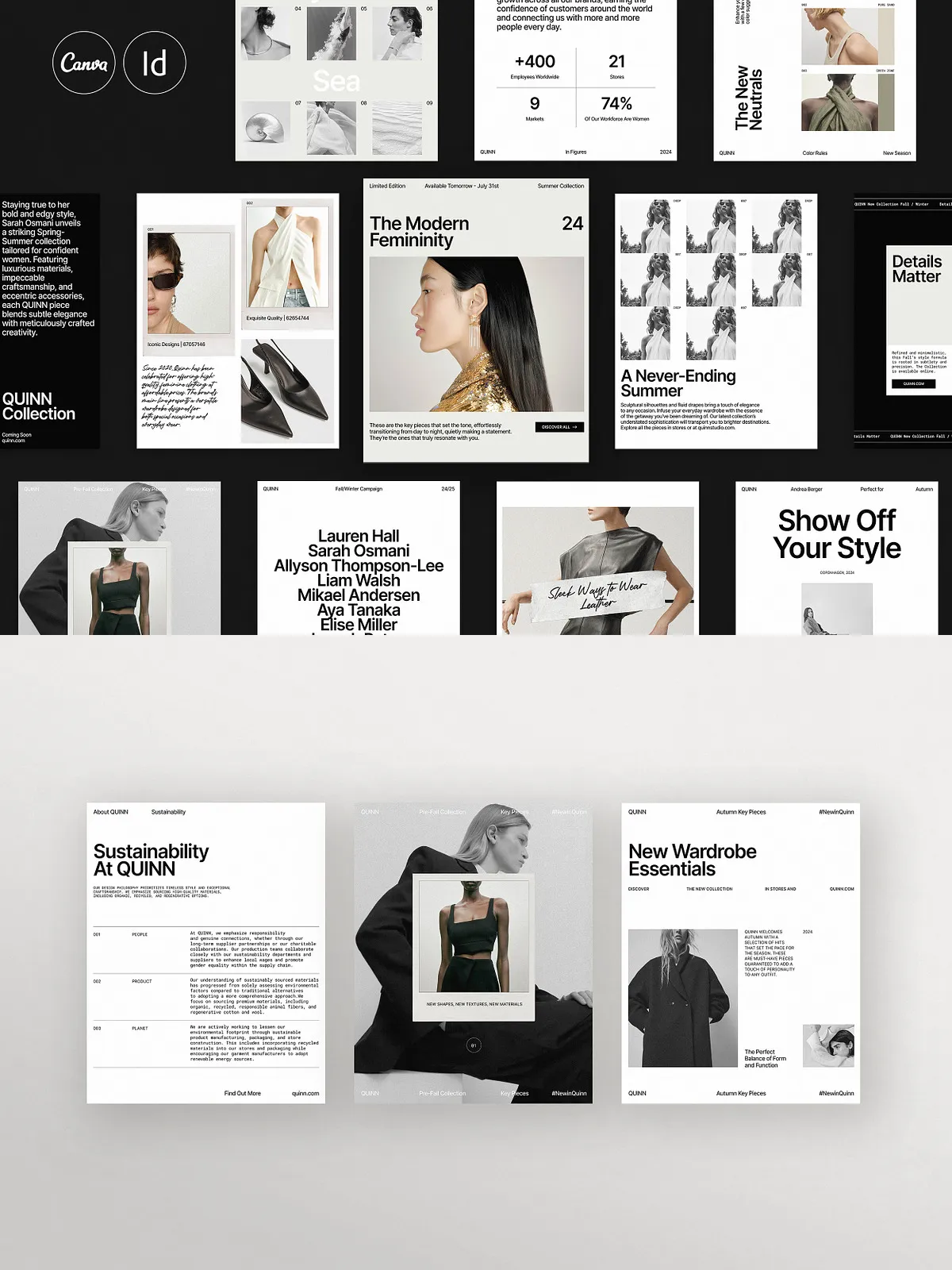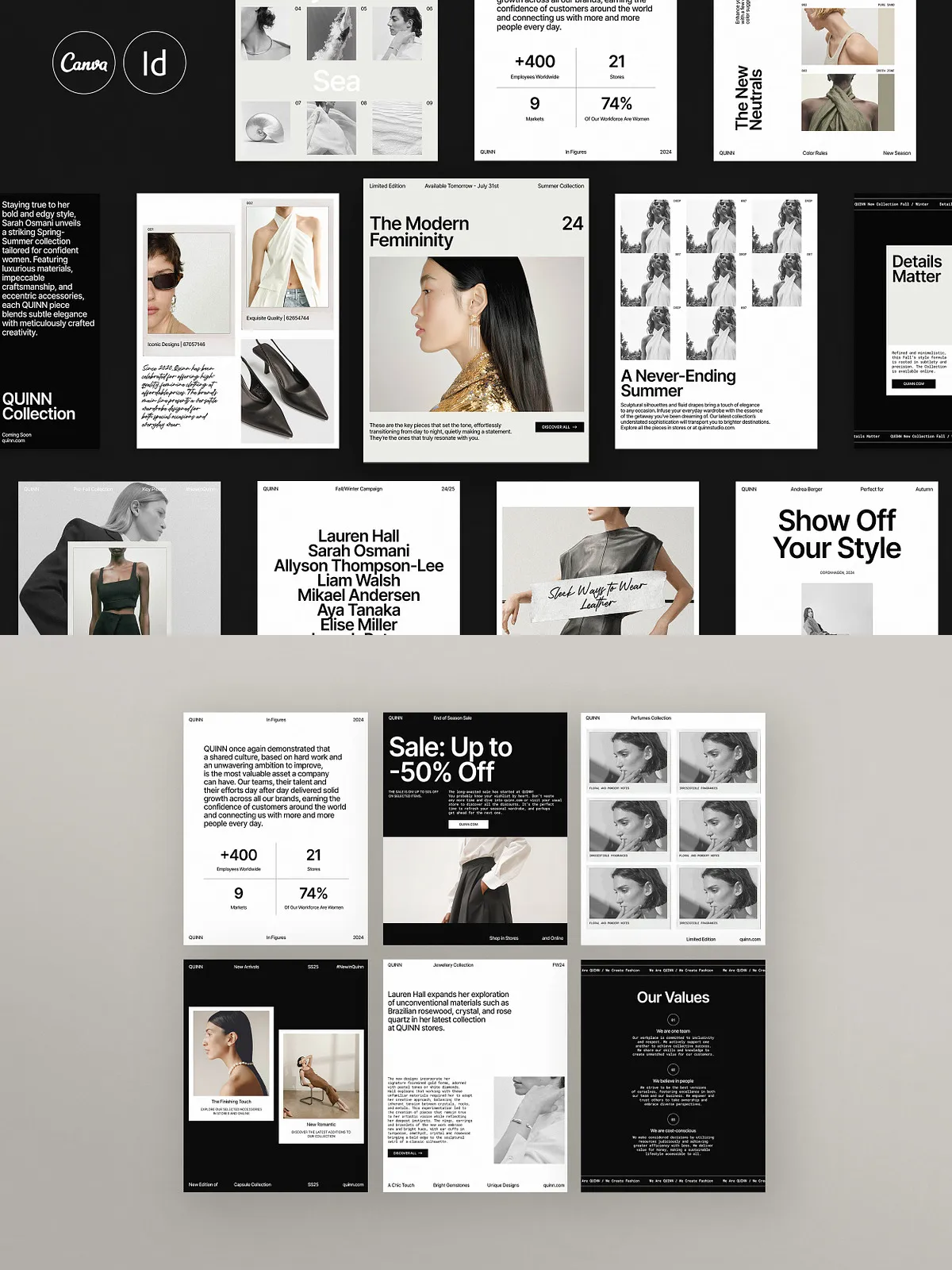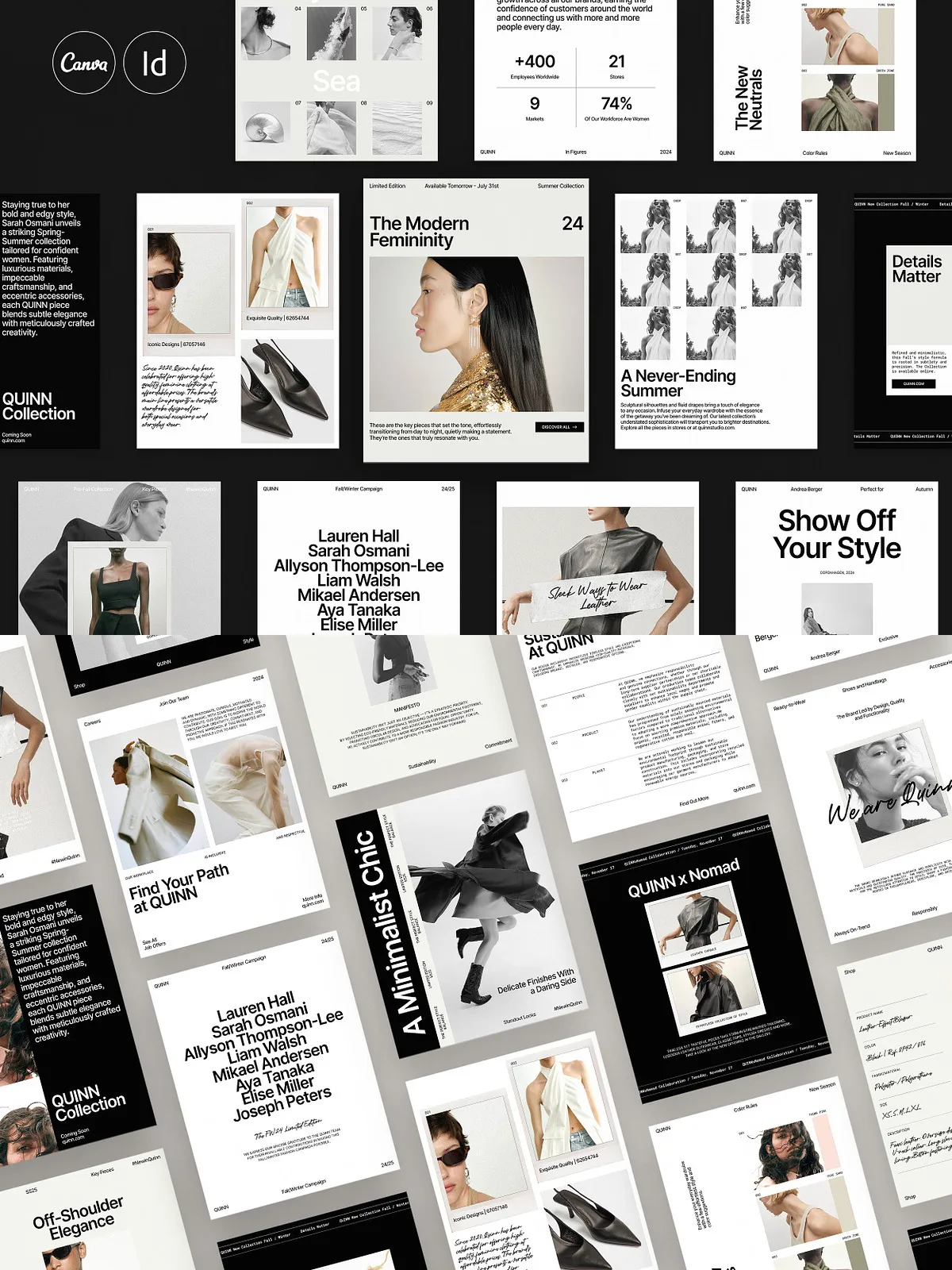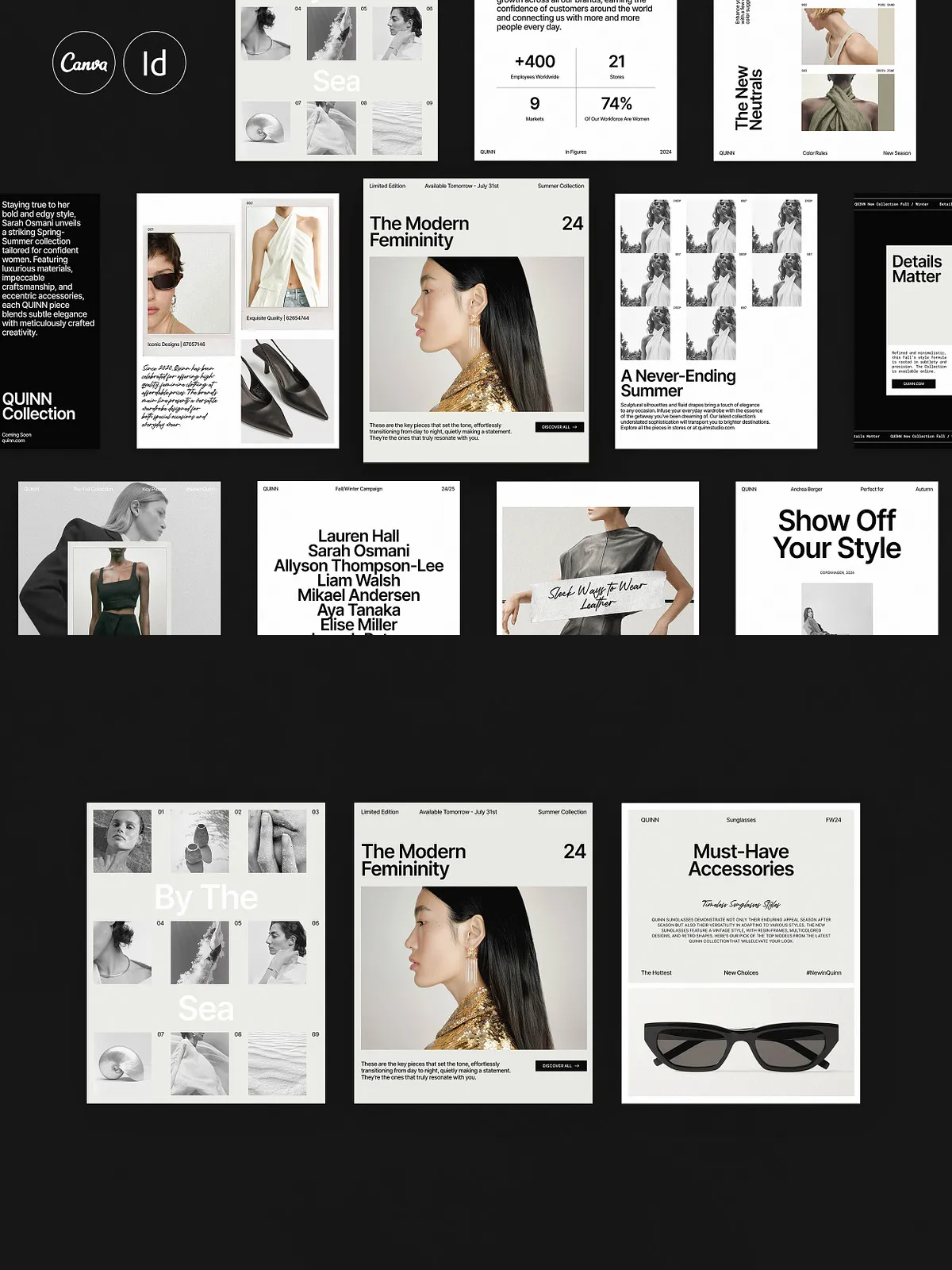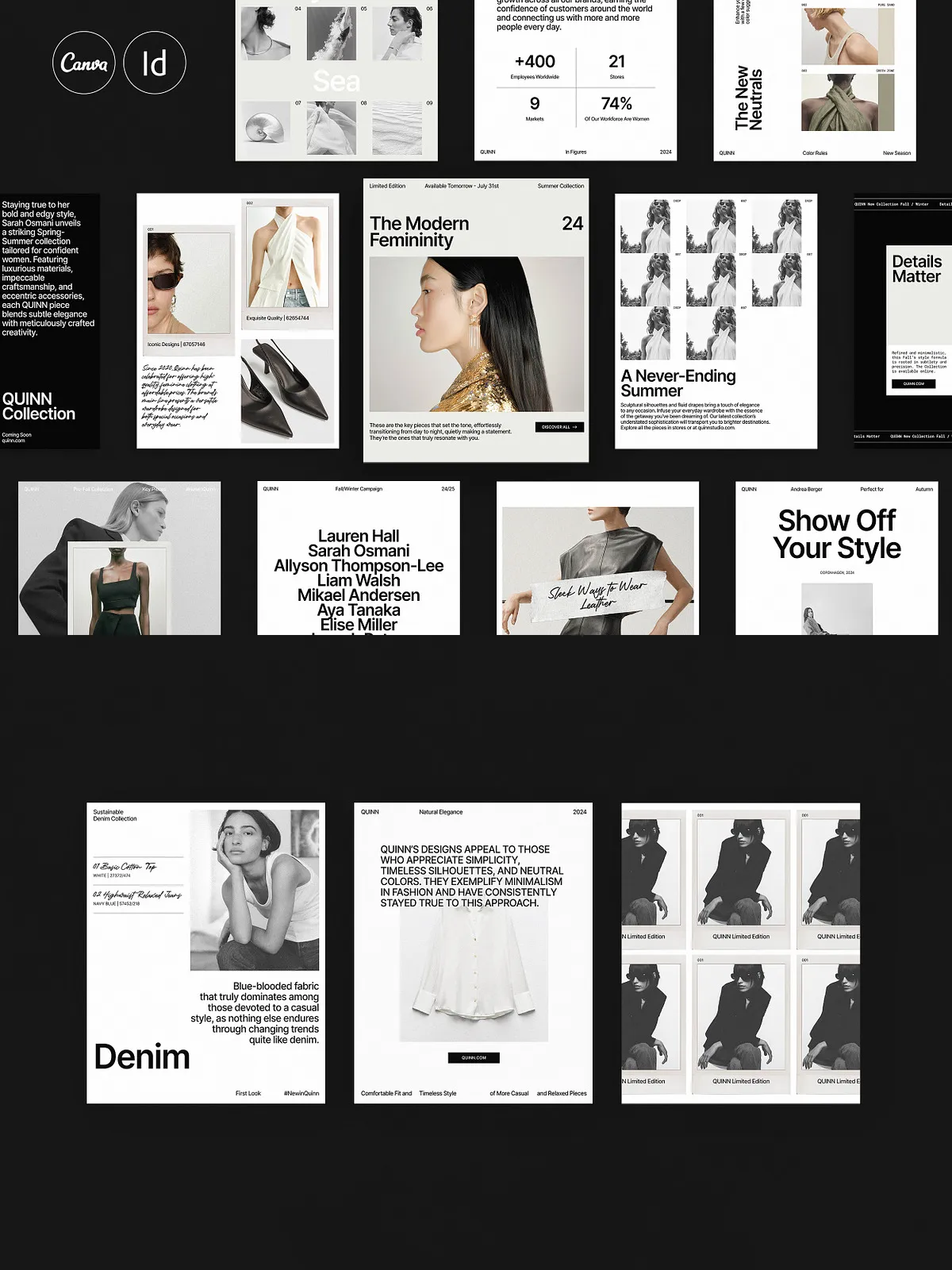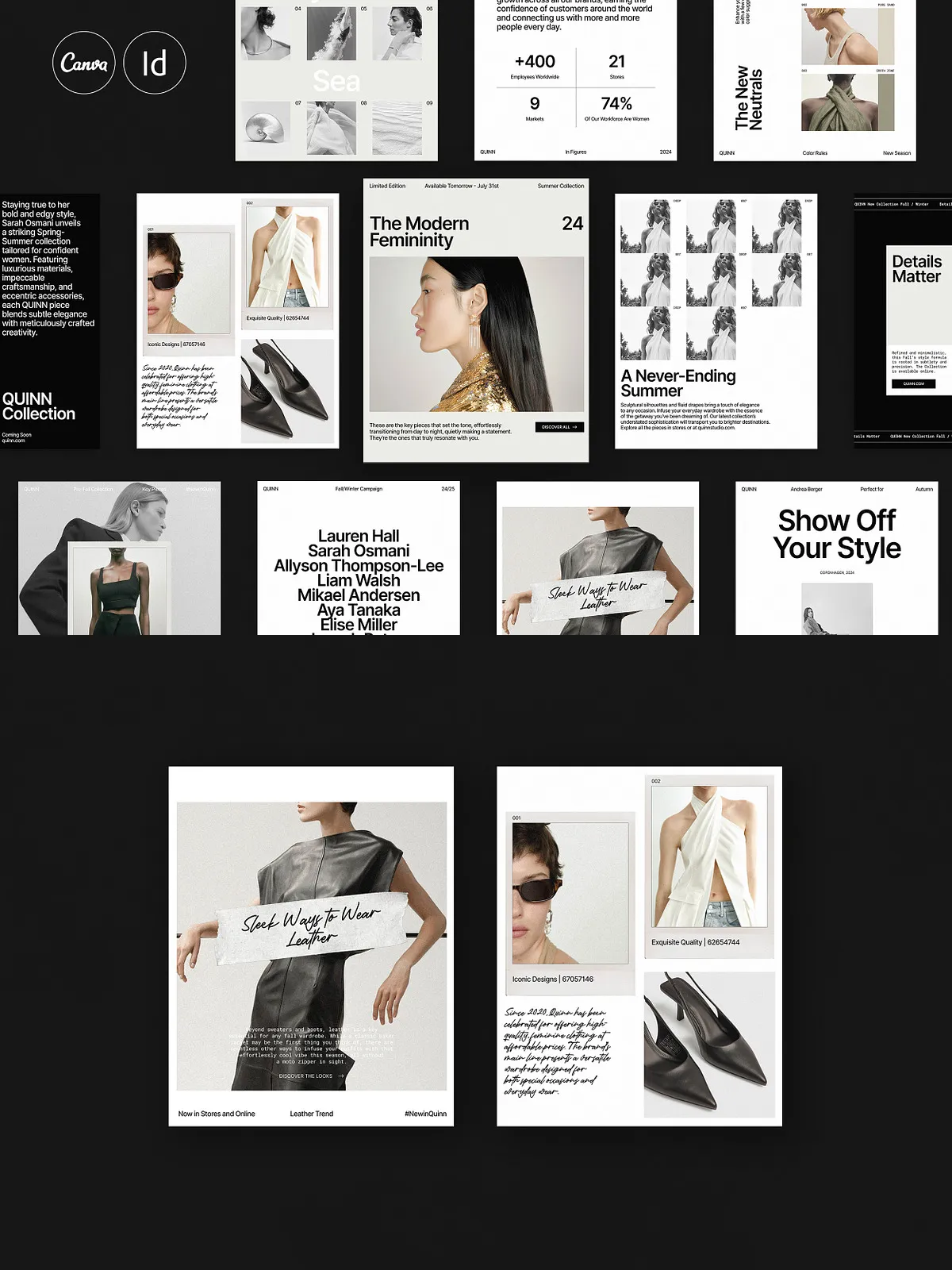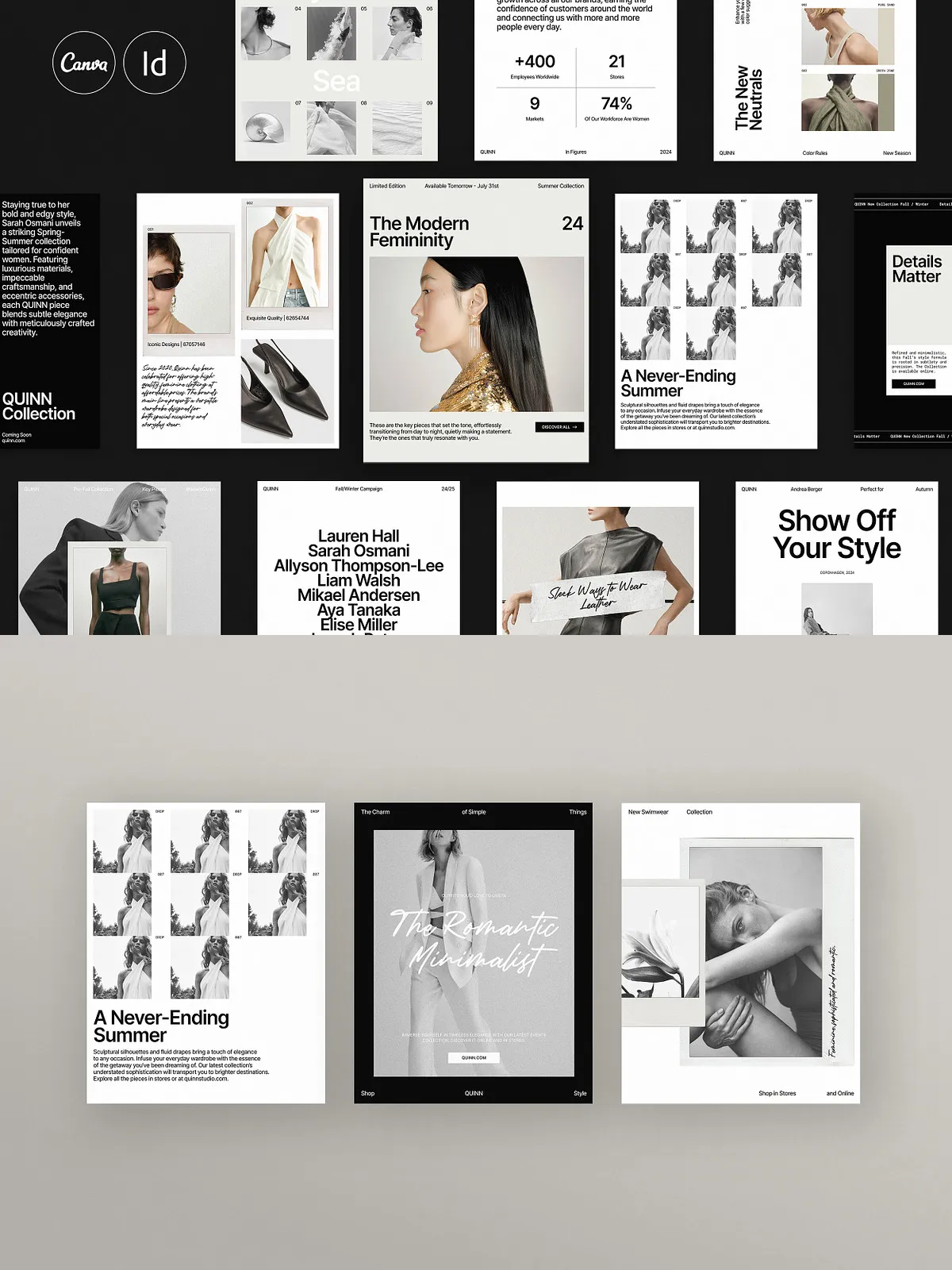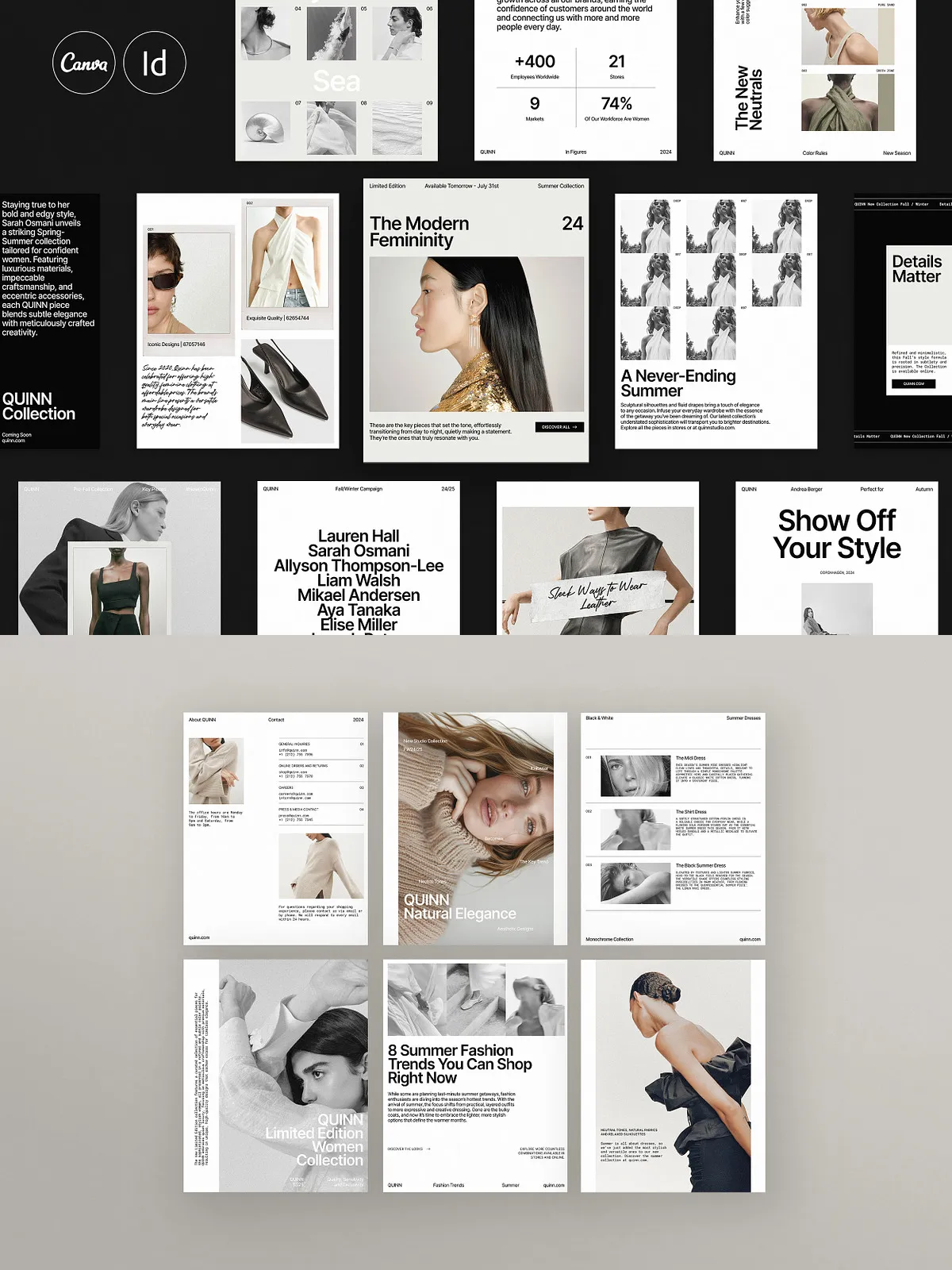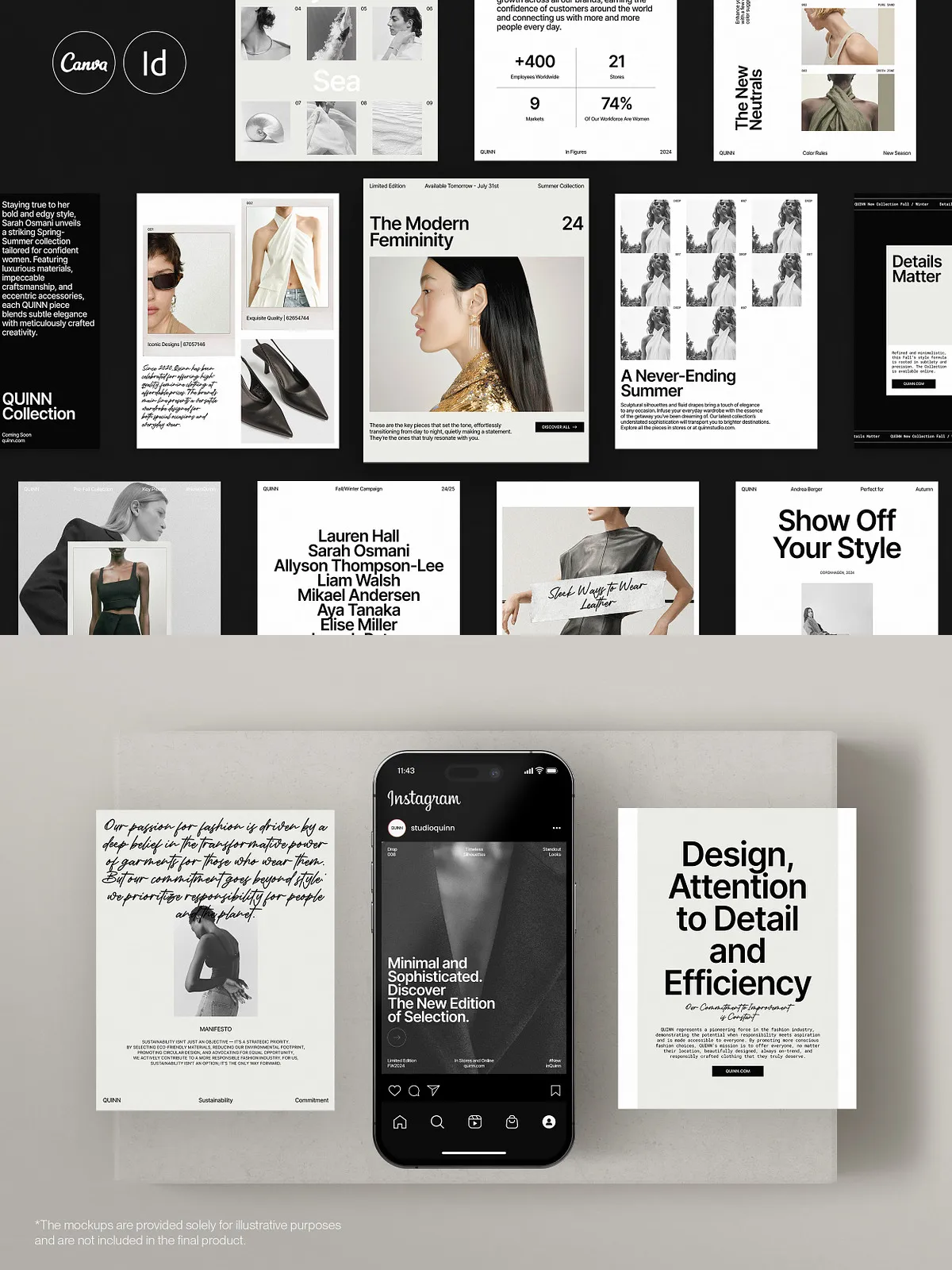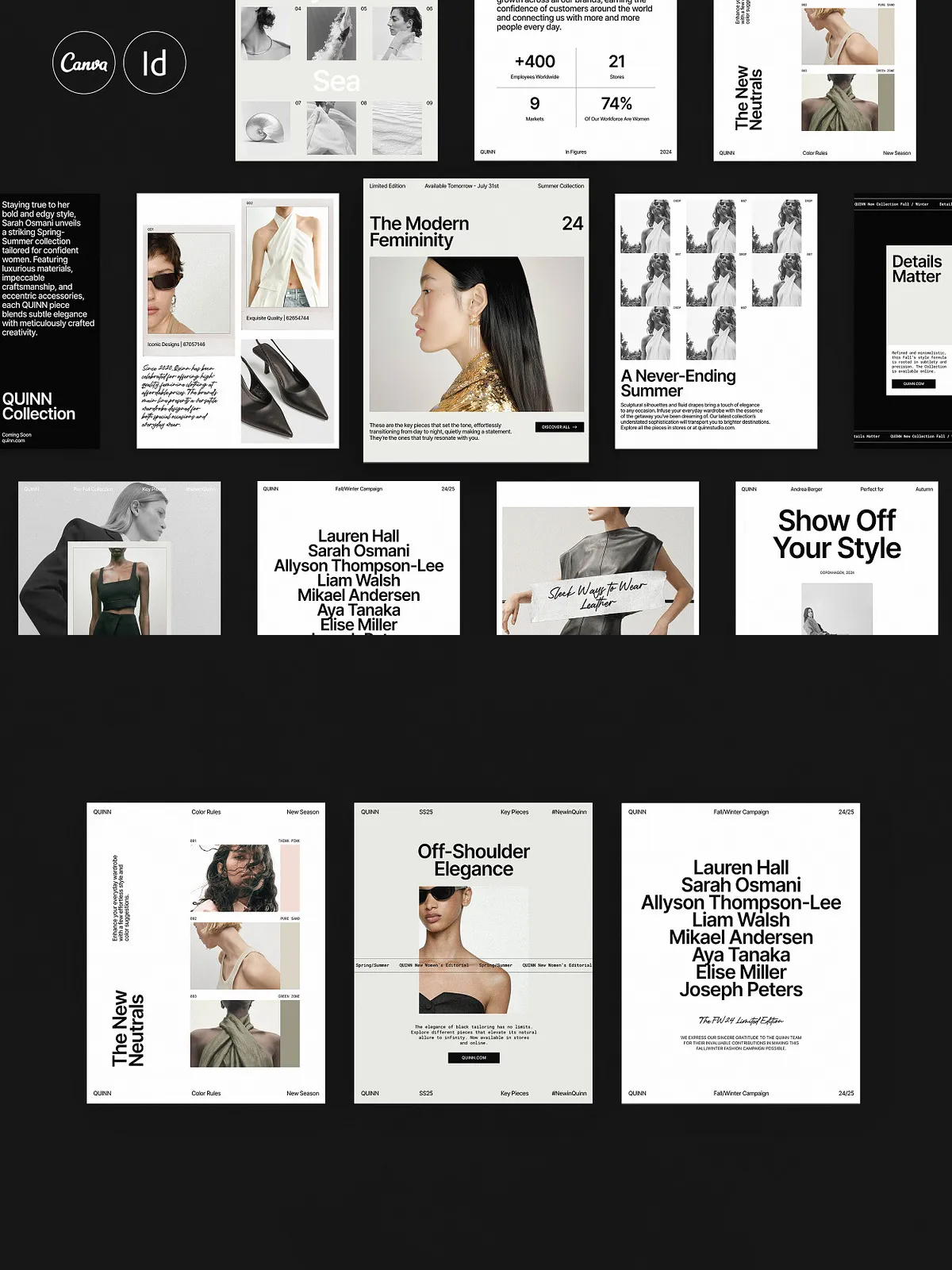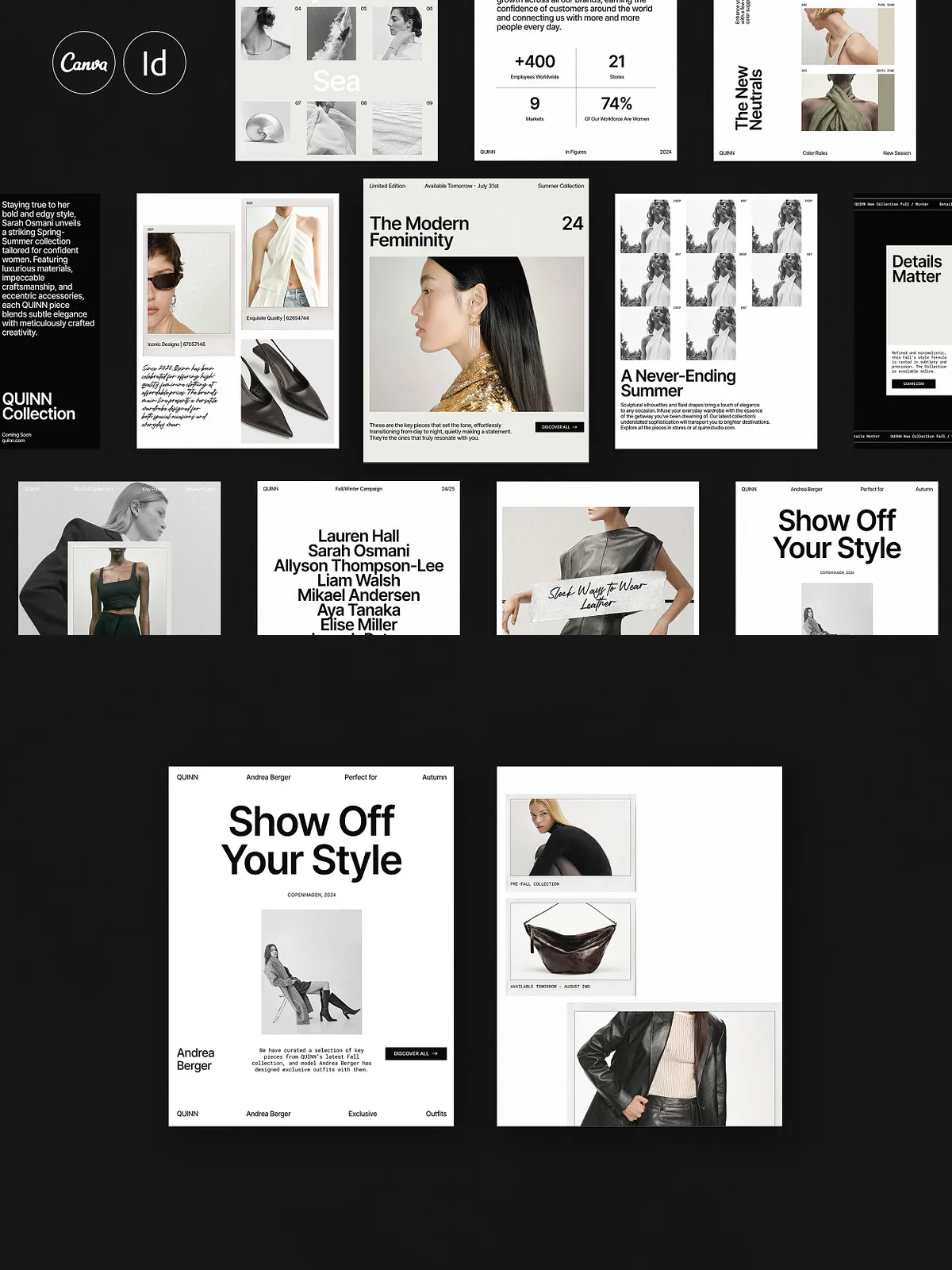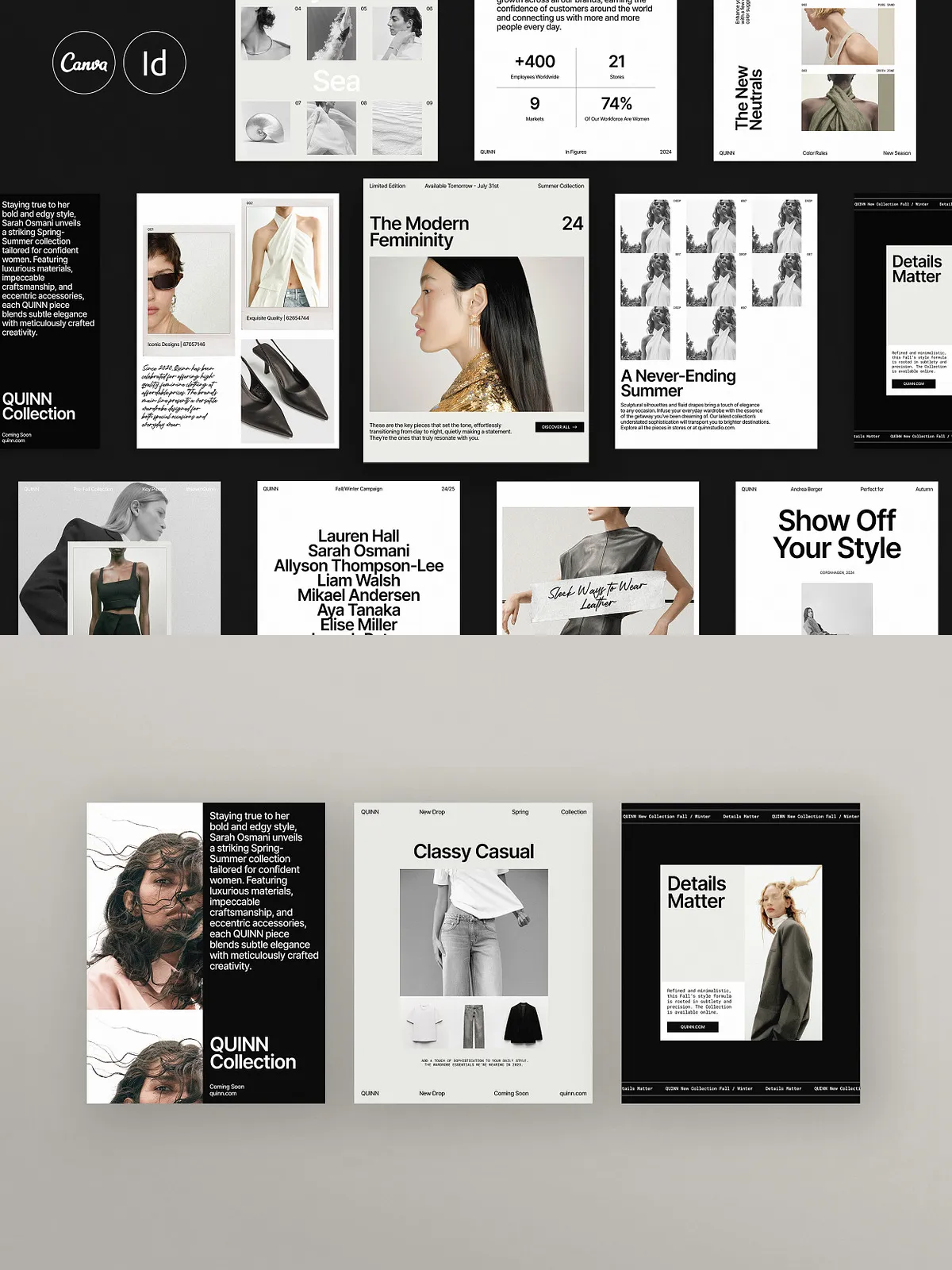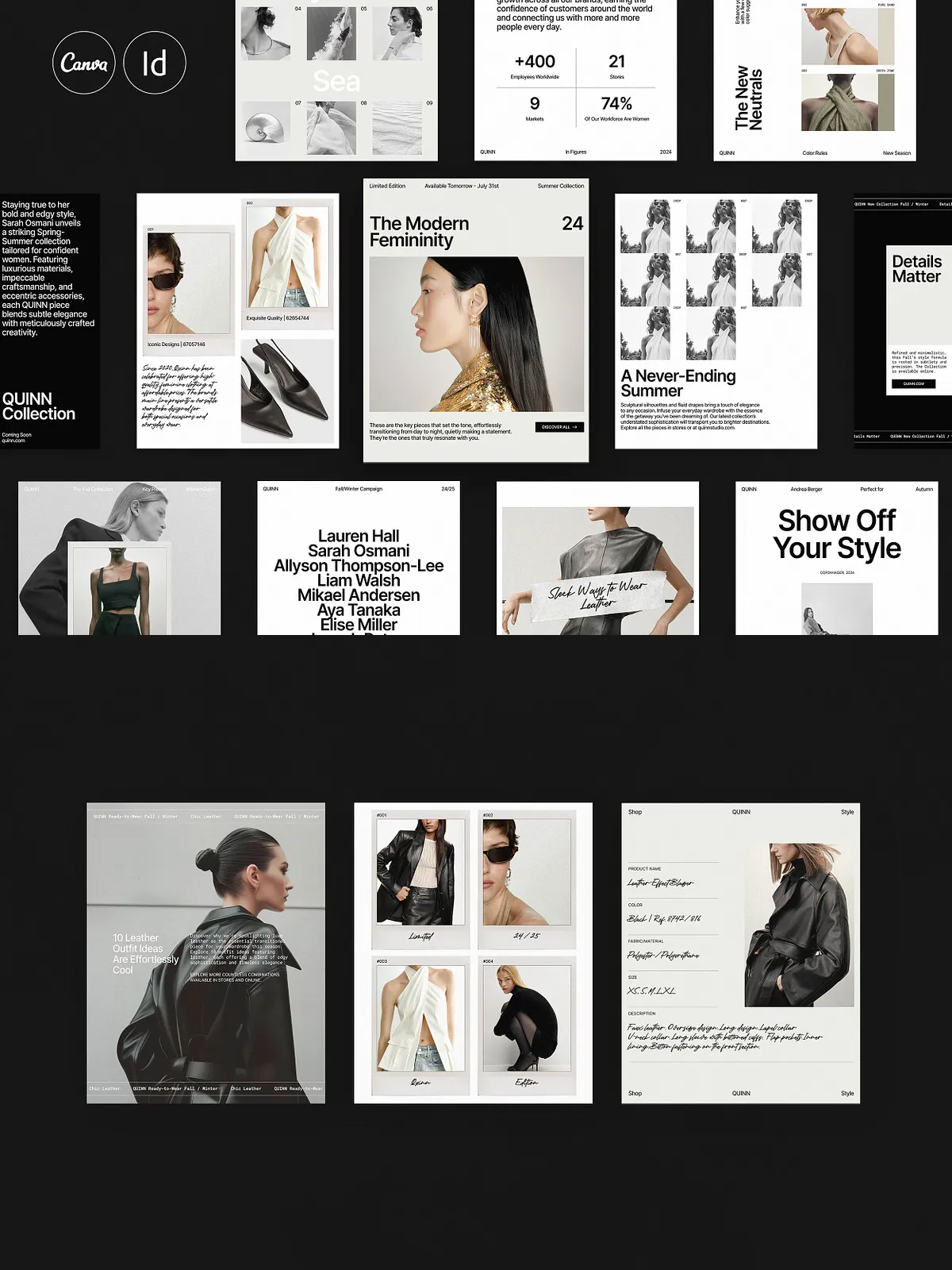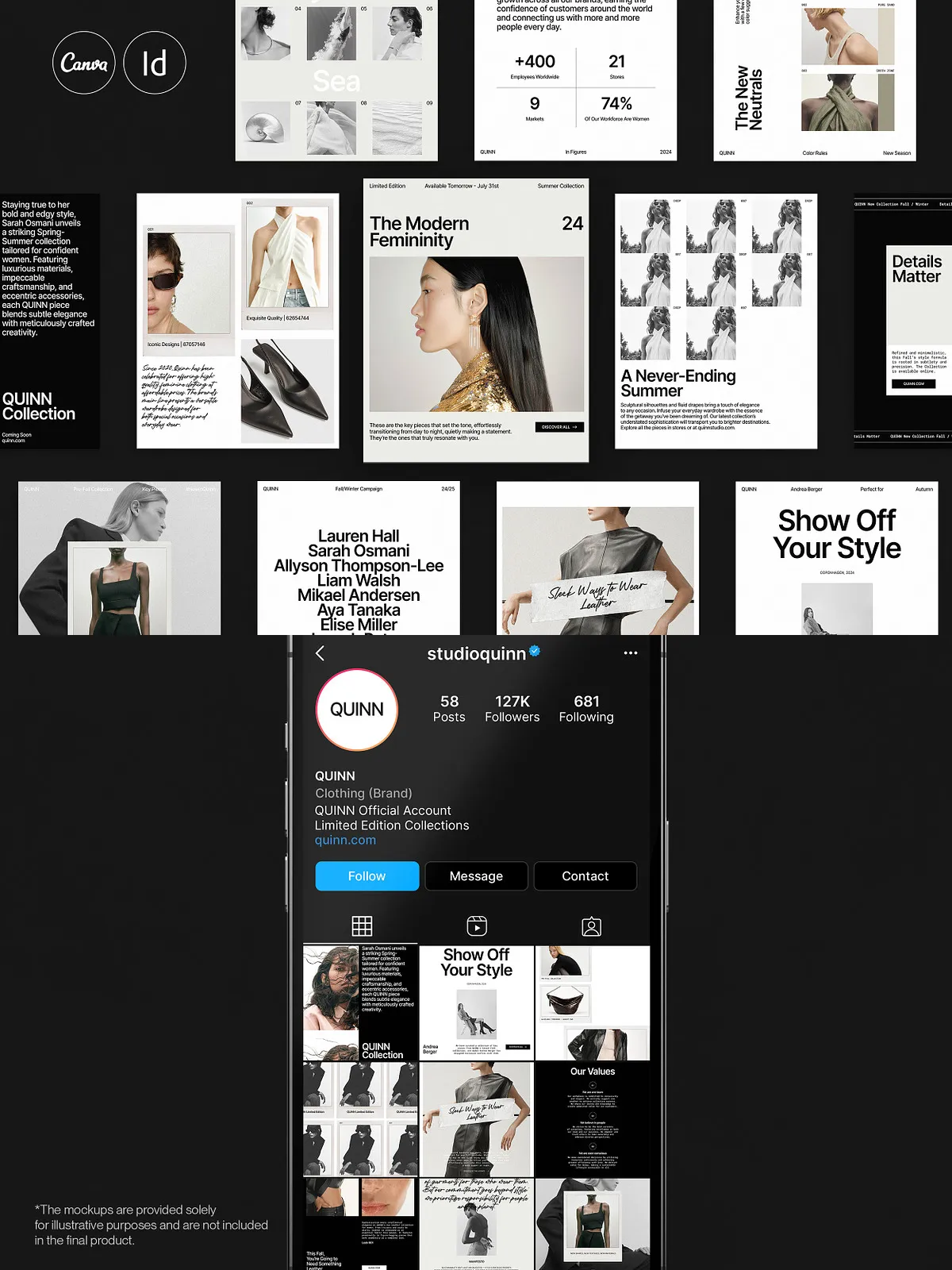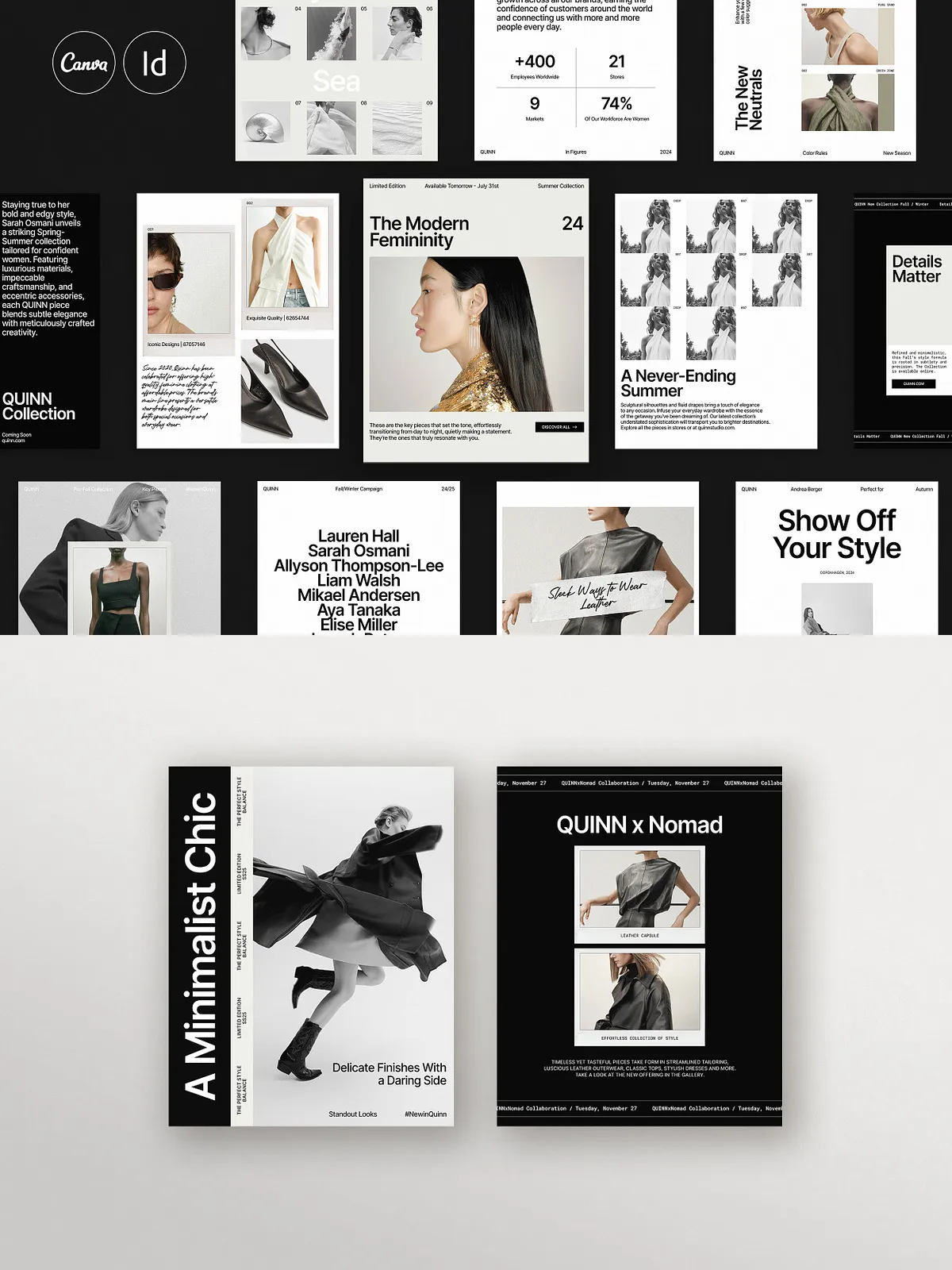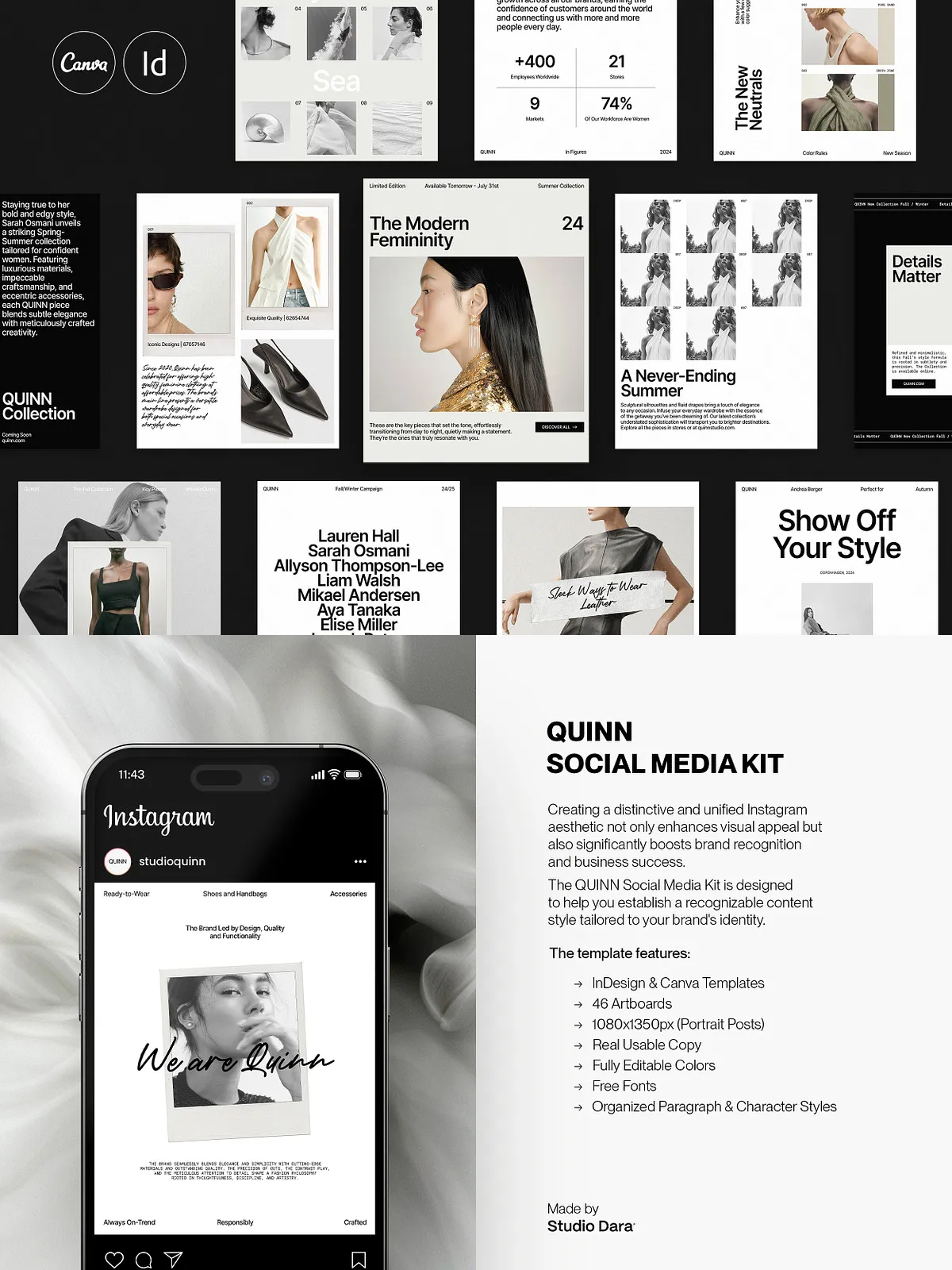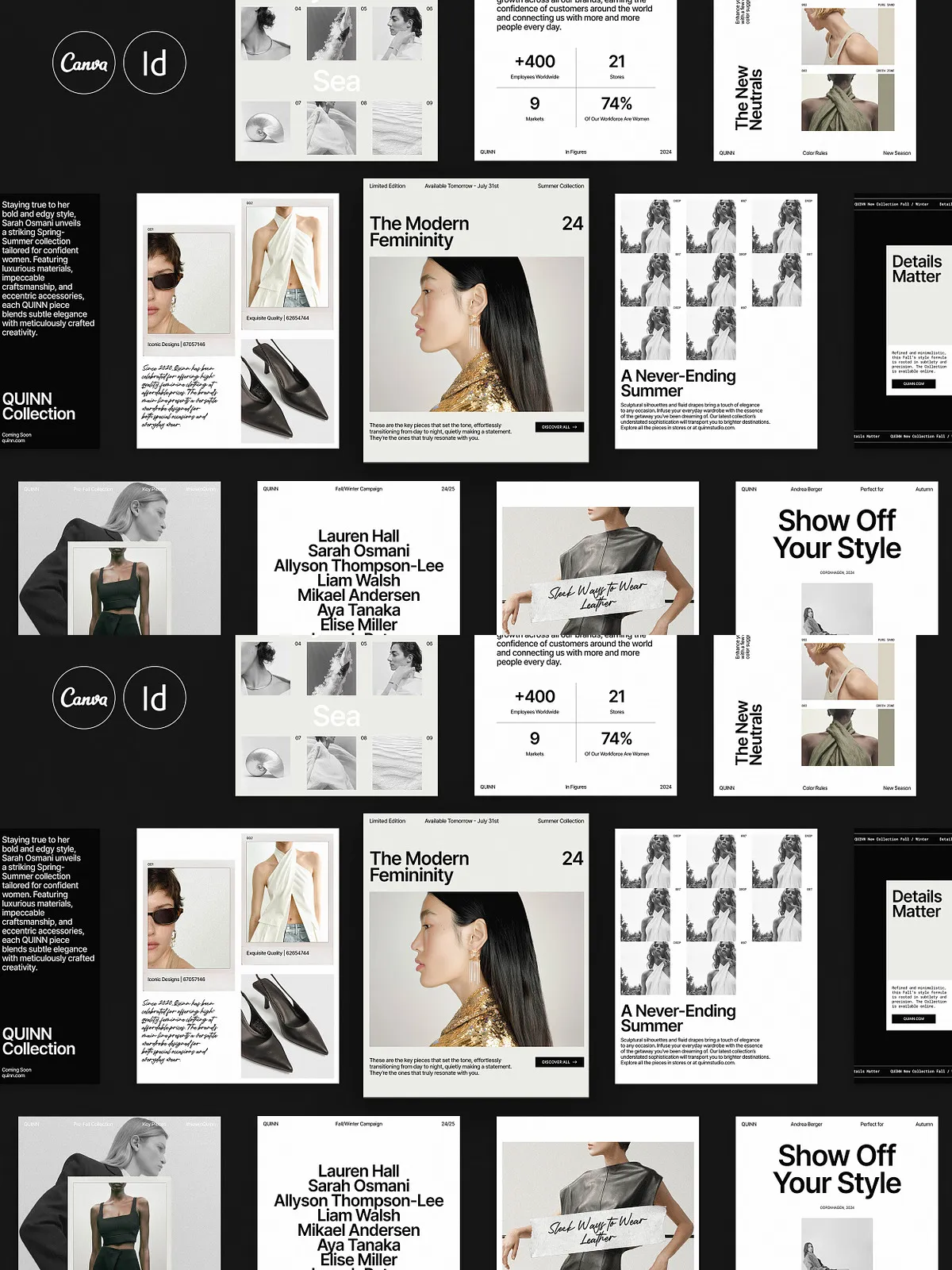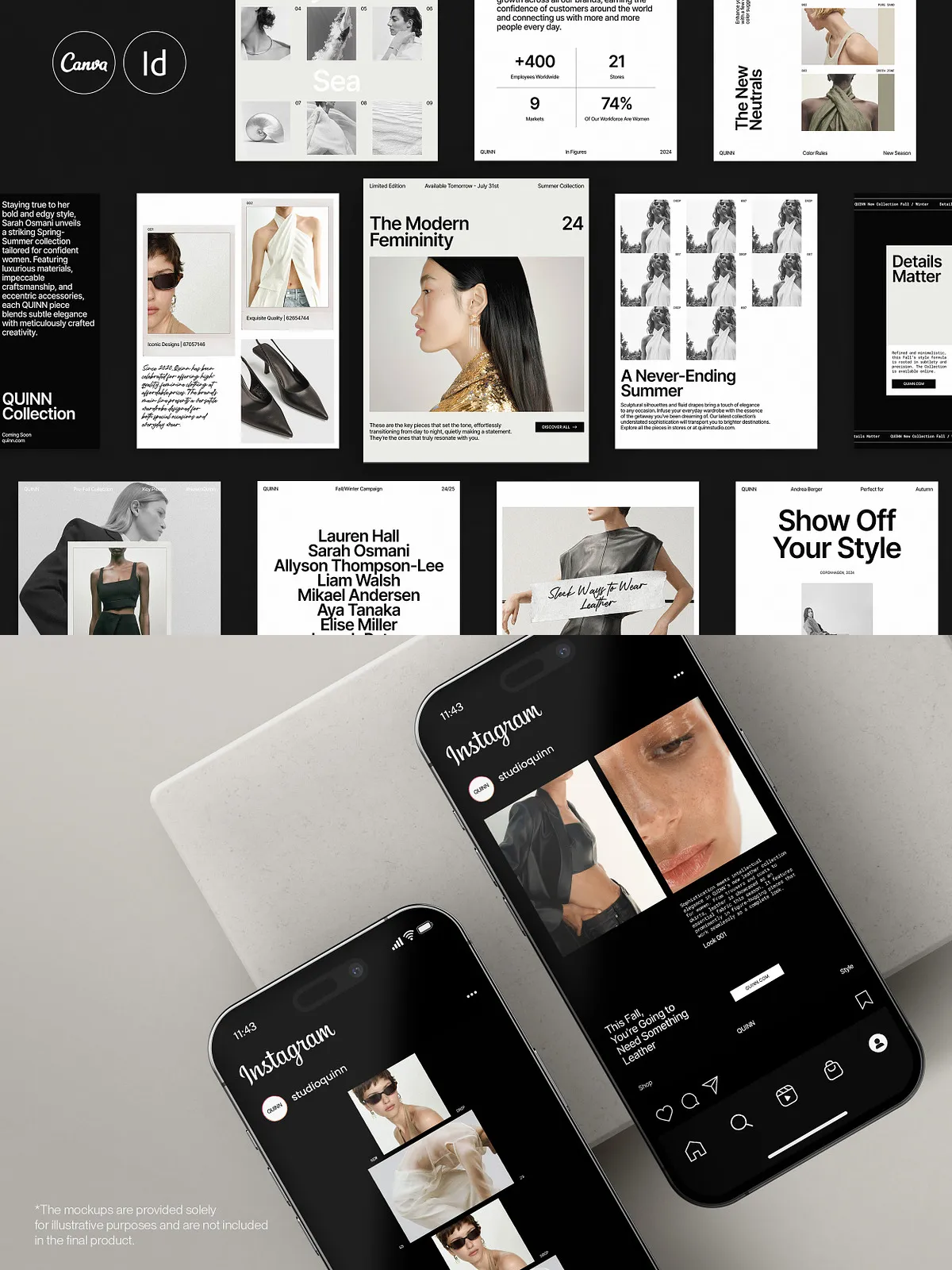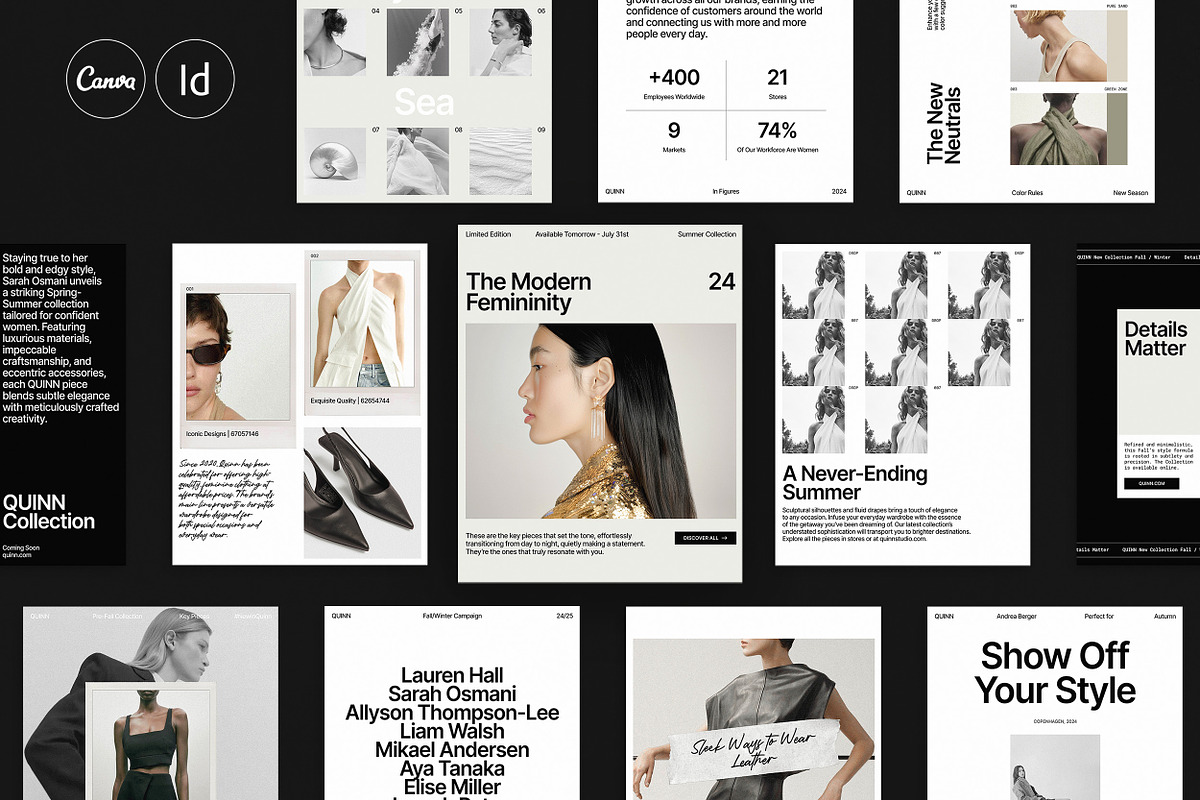
QUINN Social Media Kit delivers a cohesive, minimalist design system tailored to elevate brand presence across social channels. Created by Studio Dara, this kit includes 46 portrait templates at 1080 x 1350 px that are ready to use in both Canva and Adobe InDesign. Each template emphasizes clean lines, purposeful white space, and bold typographic hierarchy to help fashion brands, design agencies, influencers, and brand studios capture attention and drive engagement.
Who Should Use QUINN
Ideal Users and Use Cases
Designers and content creators who want to publish consistently polished posts will find QUINN especially useful. Use it if you aim to:
- Increase visibility on Instagram with optimized portrait posts.
- Maintain a professional, minimalist visual identity across campaigns.
- Save time by using ready-made layouts that support real, usable copy.
- Coordinate assets between Canva and InDesign workflows.
Key Benefits
Visibility and Engagement
The 1080 x 1350 px format prioritizes portrait orientation that performs well on Instagram feeds. QUINN’s layouts emphasize strong focal points and readable typography, increasing the chance viewers pause, read, and interact. By using consistent visual language across posts, your brand builds recognition and trust.
Speed and Efficiency
QUINN accelerates content production. The templates include guided structure so teams can populate copy and images quickly without designing each post from scratch. Whether you publish daily stories, weekly promotional posts, or curated brand grids, these templates reduce production time and lower creative overhead.
Customizability and Professional Structure
Both the Canva and InDesign versions let you adapt colors, type, and layout to match your brand. The InDesign files are aligned to a 12-column grid and baseline grid, include organized paragraph and character styles, and use master pages so designers can scale and maintain consistency across multiple artboards. Canva users receive flexible, editable templates that integrate seamlessly with existing Canva projects.
Product Details
Included Files and Technical Specs
- 46 artboards / portrait templates sized 1080 x 1350 px
- Compatible with Adobe InDesign CS4, CS5, CS5.5, CS6, and CC
- IDML file included for backward compatibility
- Aligned to a 12-column grid and baseline grid for pixel-accurate layout
- Organized paragraph and character styles for rapid formatting
- Master pages included to apply consistent headers, footers, or overlays
- Real, editable copy in the files to illustrate intent and reduce setup time
- Fully editable colors through the Swatches panel in InDesign
- PDF preview file and a Help file with basic setup instructions
- Free fonts referenced and linked for easy download
How to Use
Quick Start Steps
Download the kit, open the IDML file in Adobe InDesign or import templates into Canva, then replace placeholder images and text with your brand assets. Adjust colors via swatches, update character and paragraph styles to your brand fonts, and export optimized JPEGs or PNGs for Instagram. The included PDF preview helps you map templates to your content calendar, and the Help file walks through common edits.
Support and Customization
Guidance and Files
Studio Dara provides a Help file to assist with initial setup and common file usage. The organized structure in the InDesign files makes it straightforward for designers to create variations, apply brand themes, or export ready-to-post assets. Canva users can duplicate and customize templates directly in their accounts for collaborative editing and rapid publishing.
Important Notice
What Is Not Included
Images, photos, and mockups shown in preview images are not included with this kit. You must supply your own imagery or purchase stock assets to produce final posts. Free font references are provided and must be downloaded separately where required.