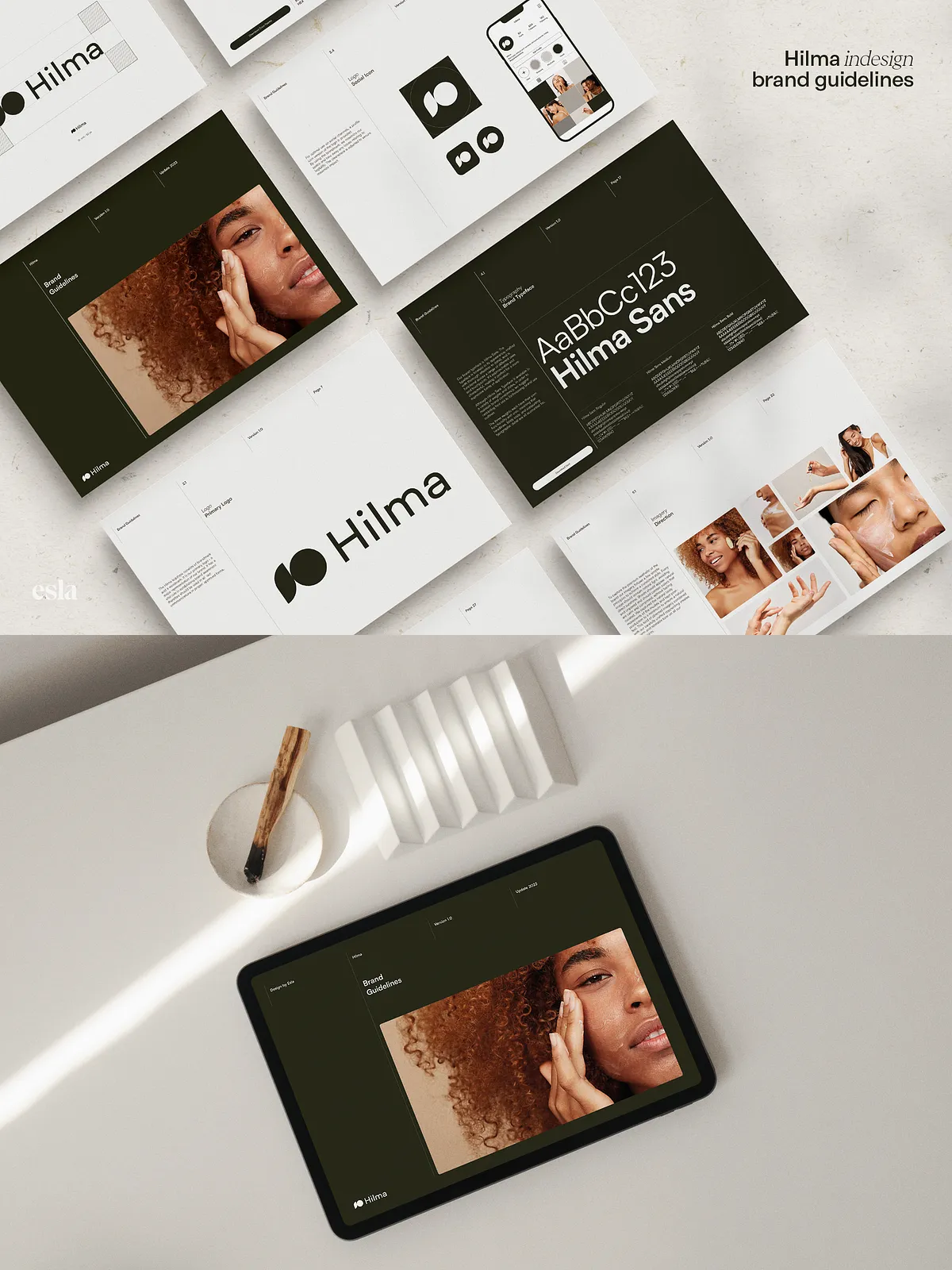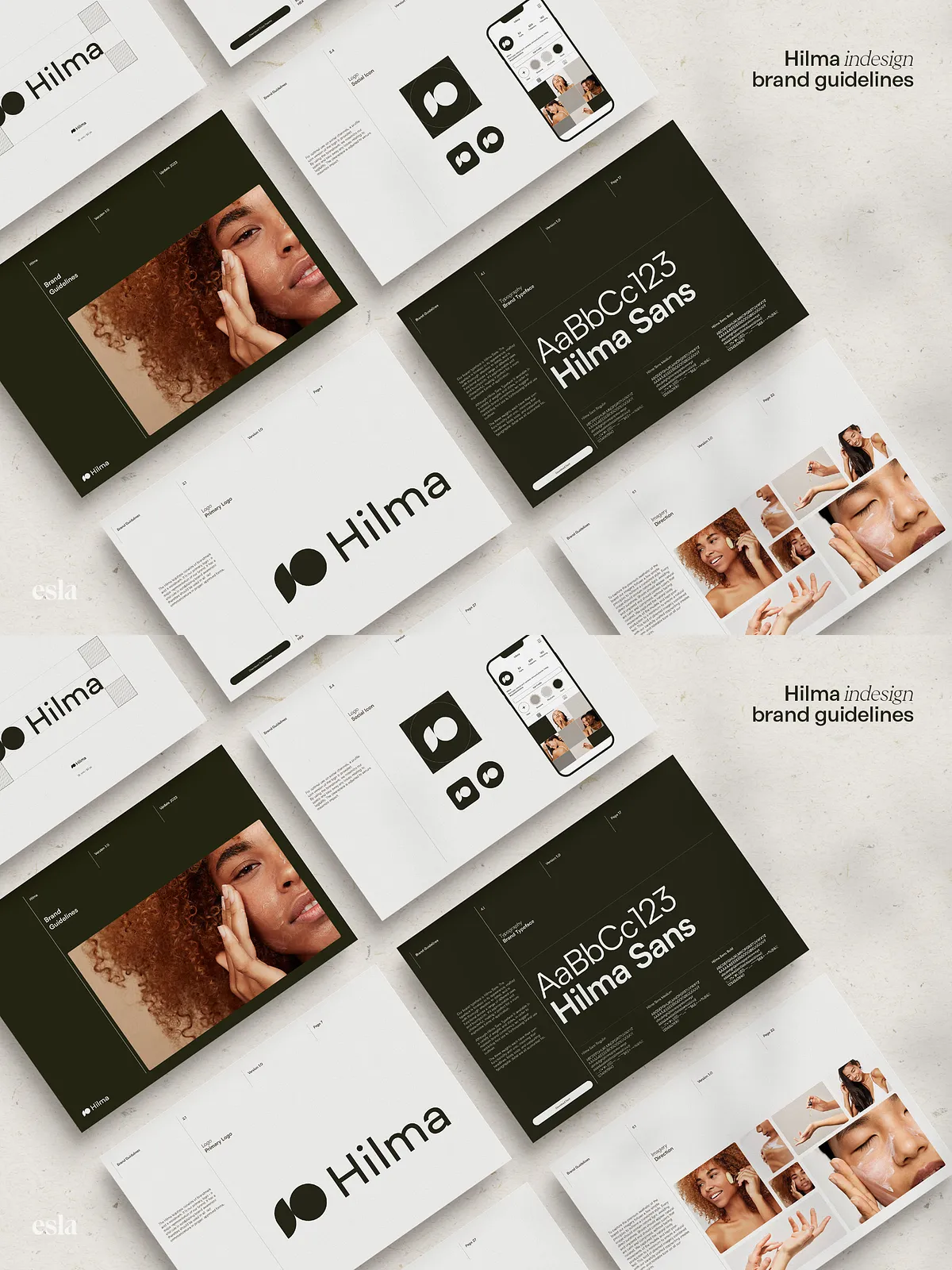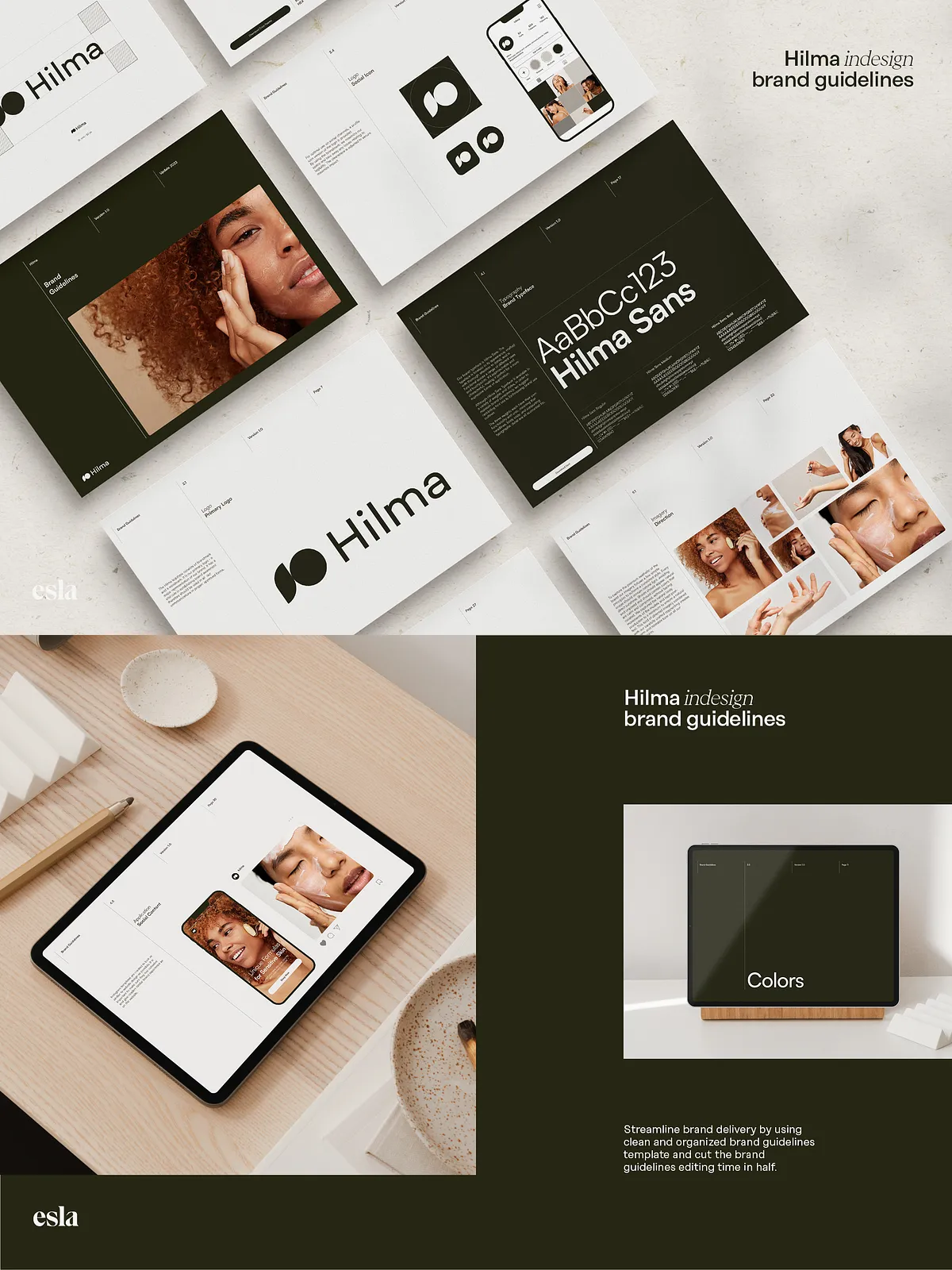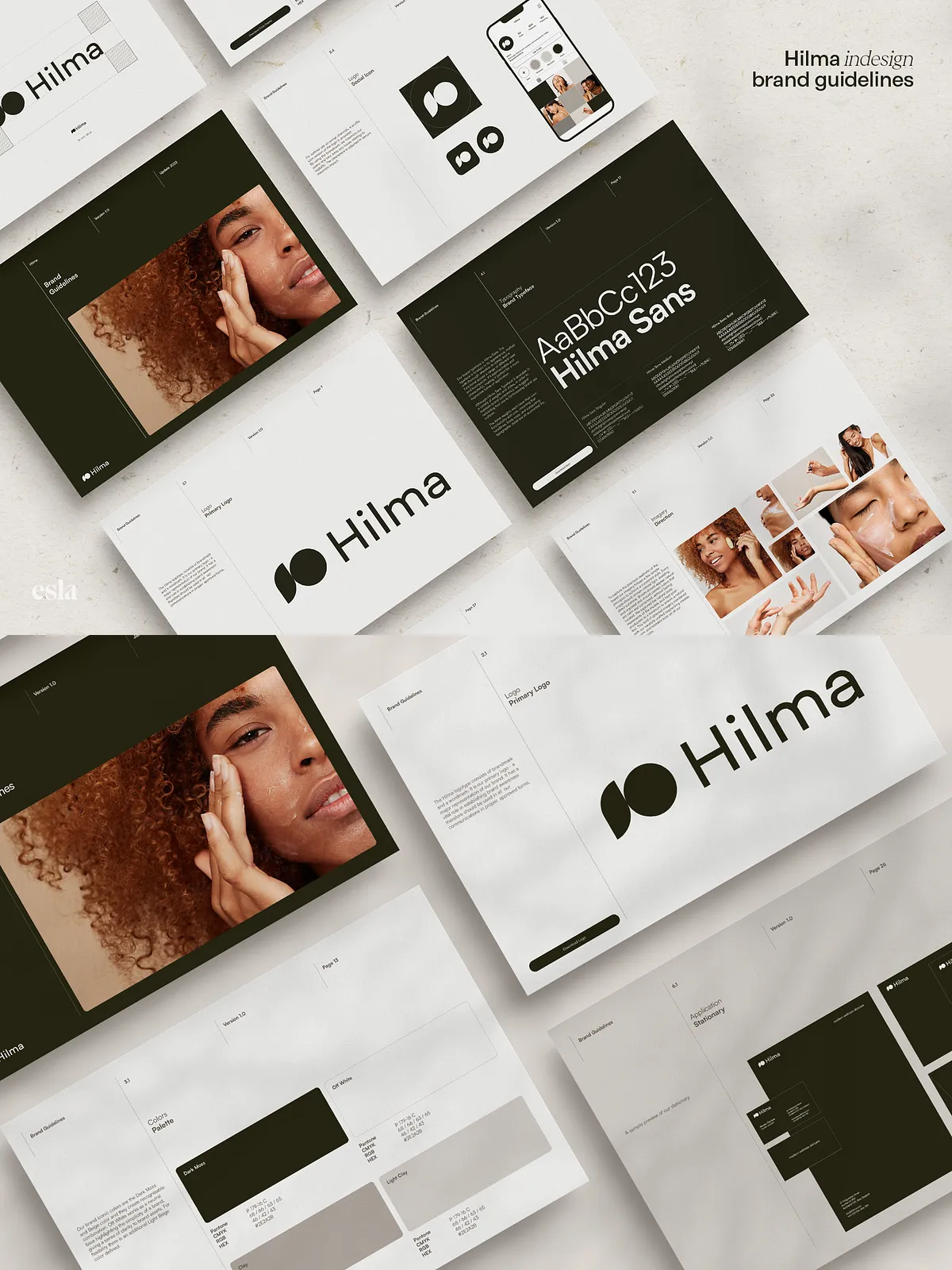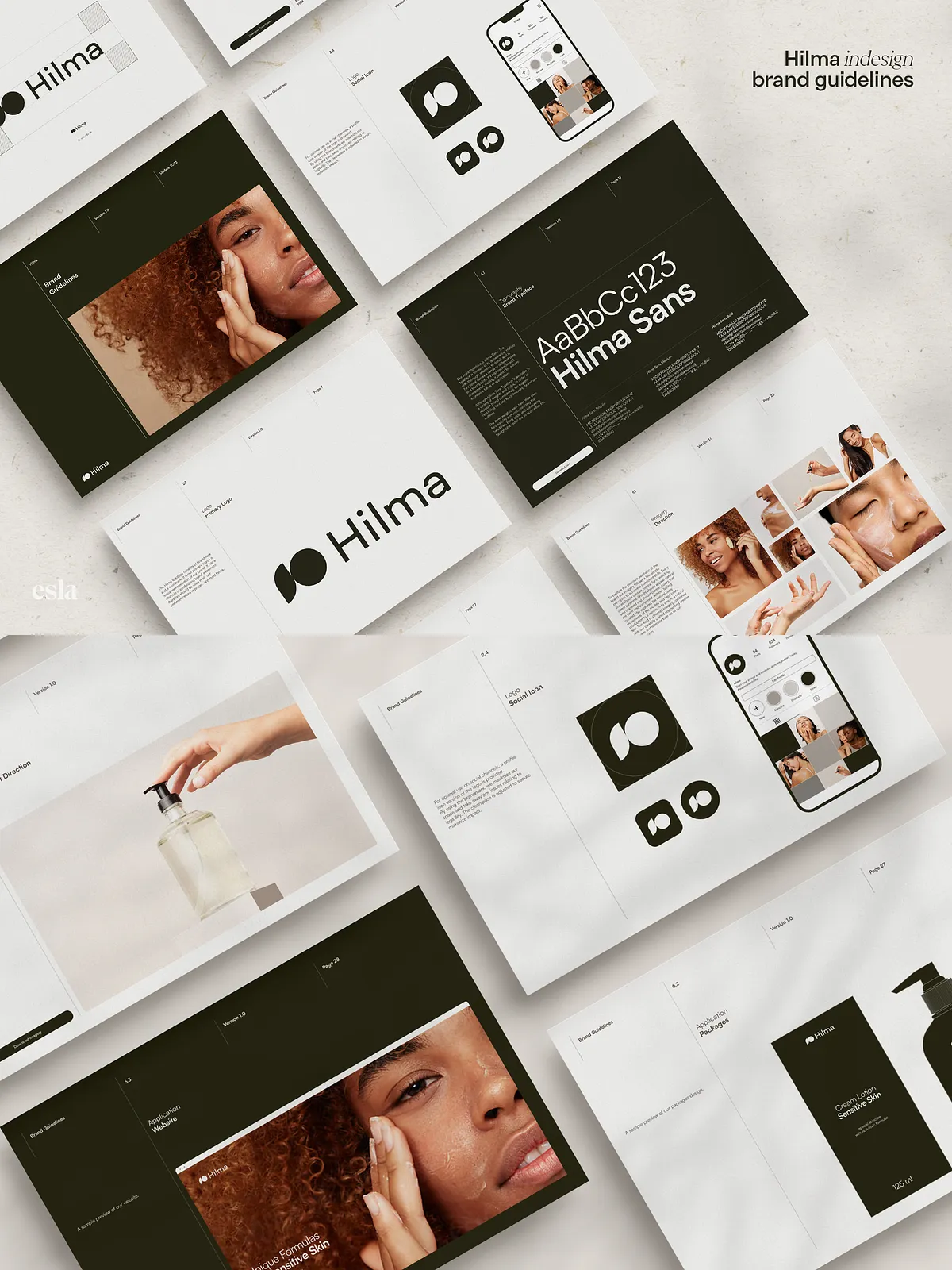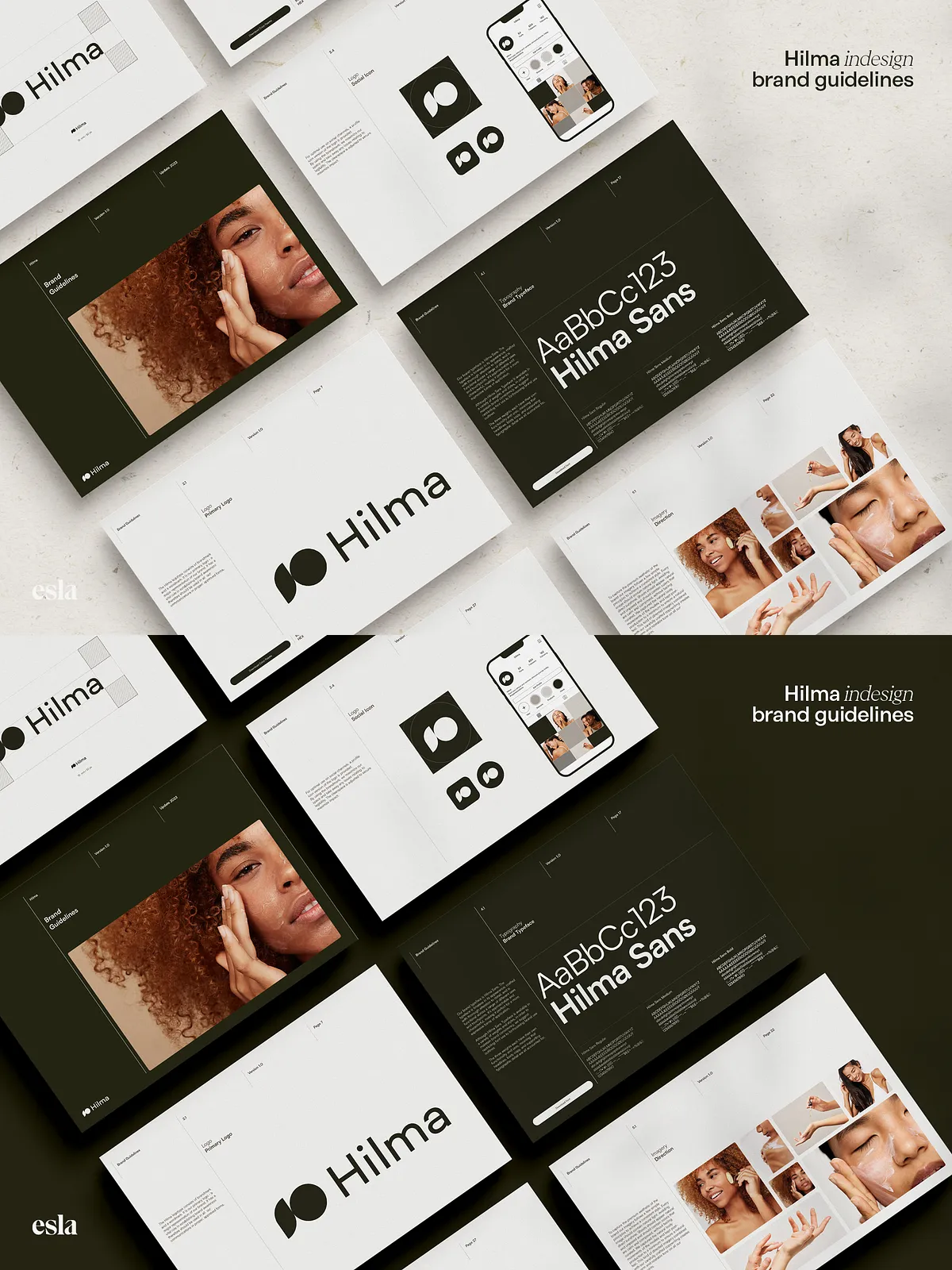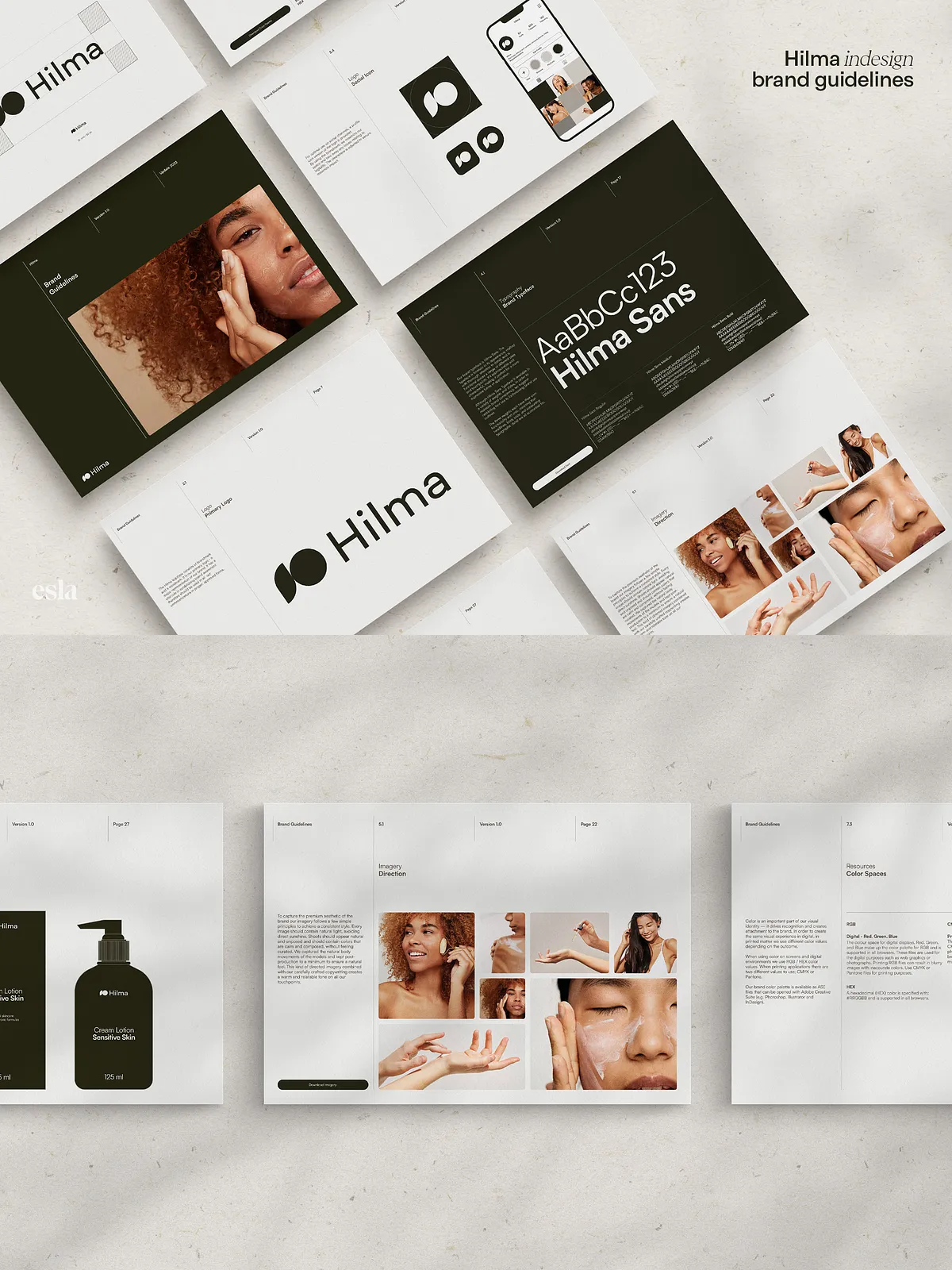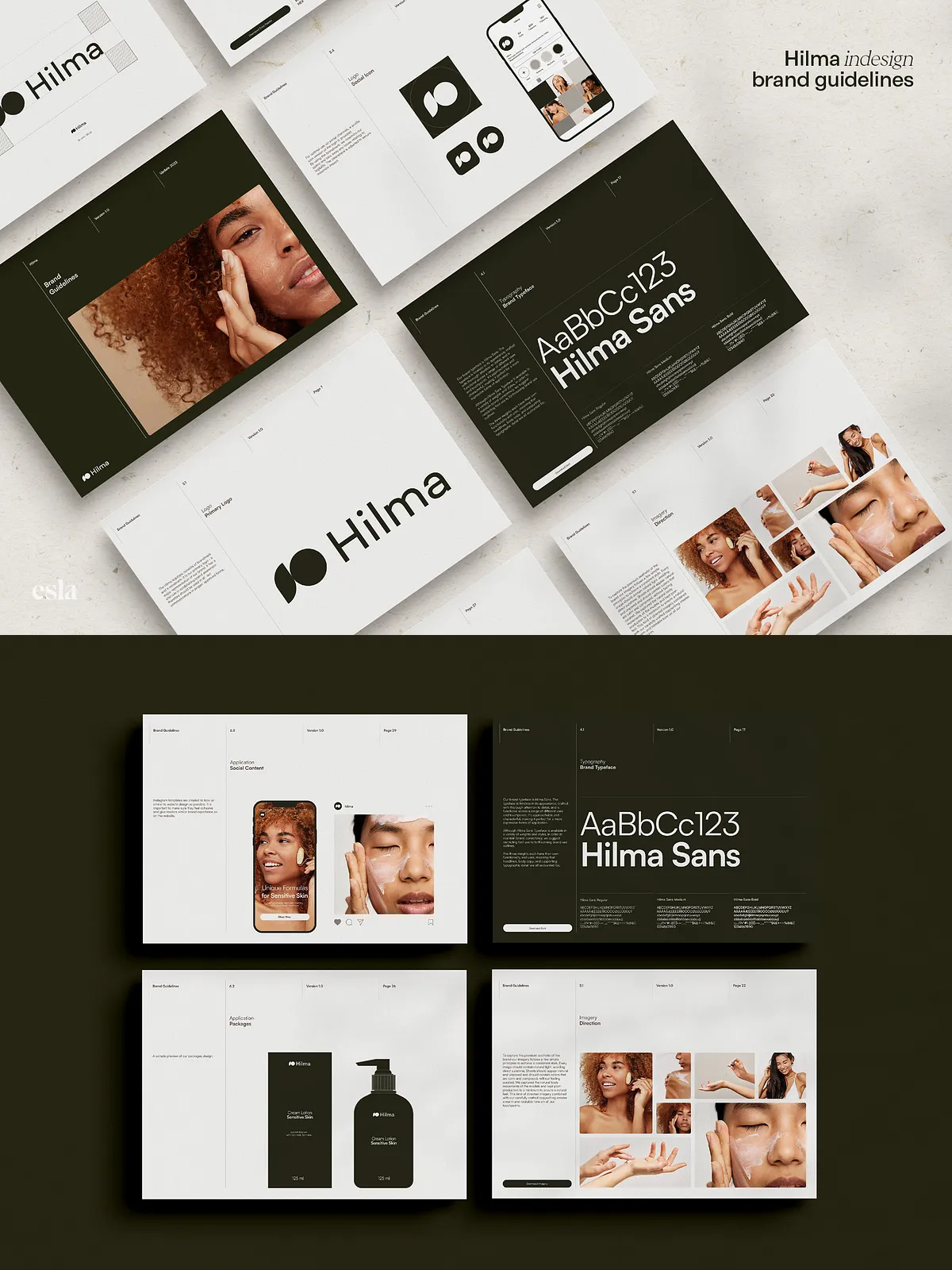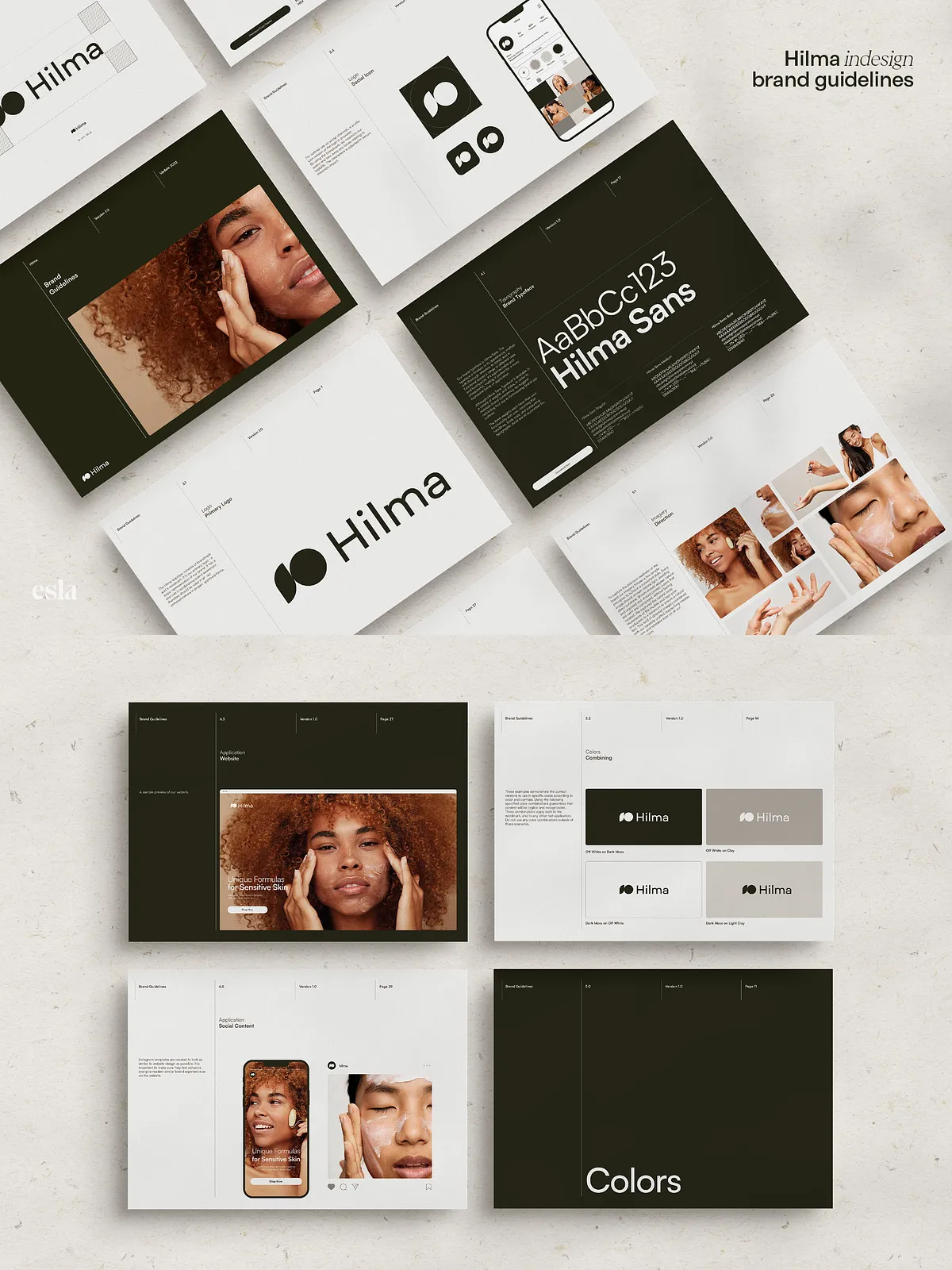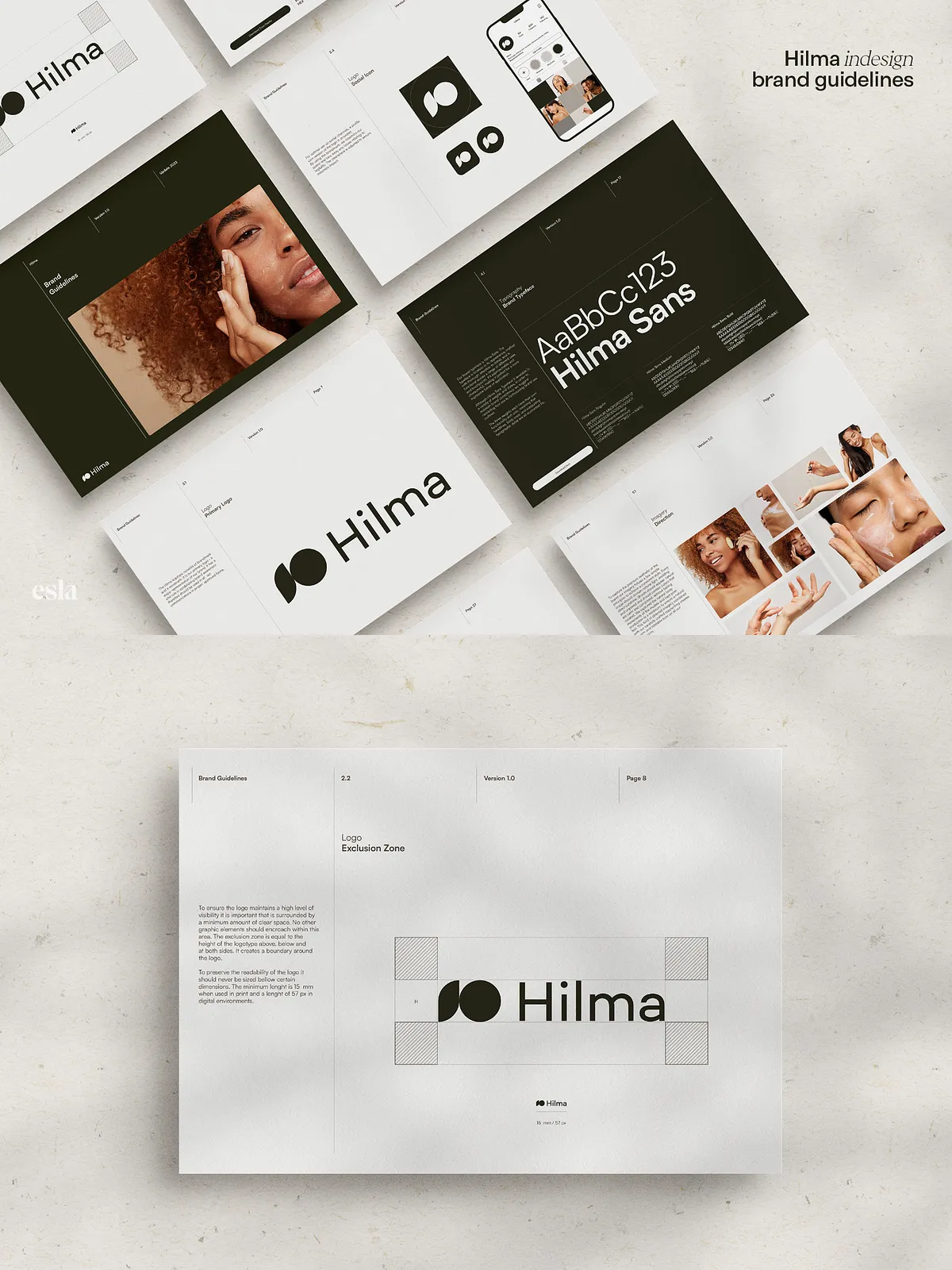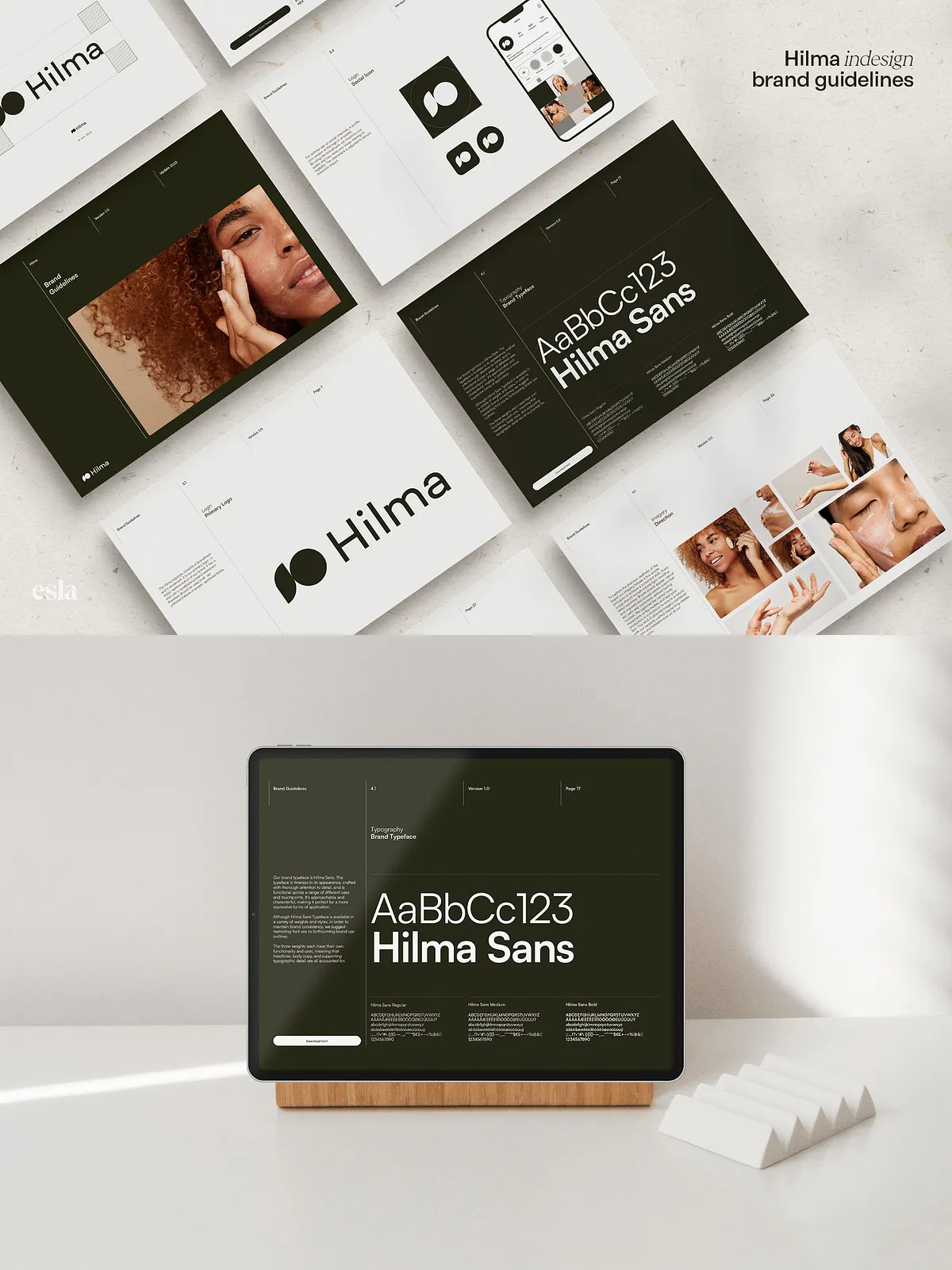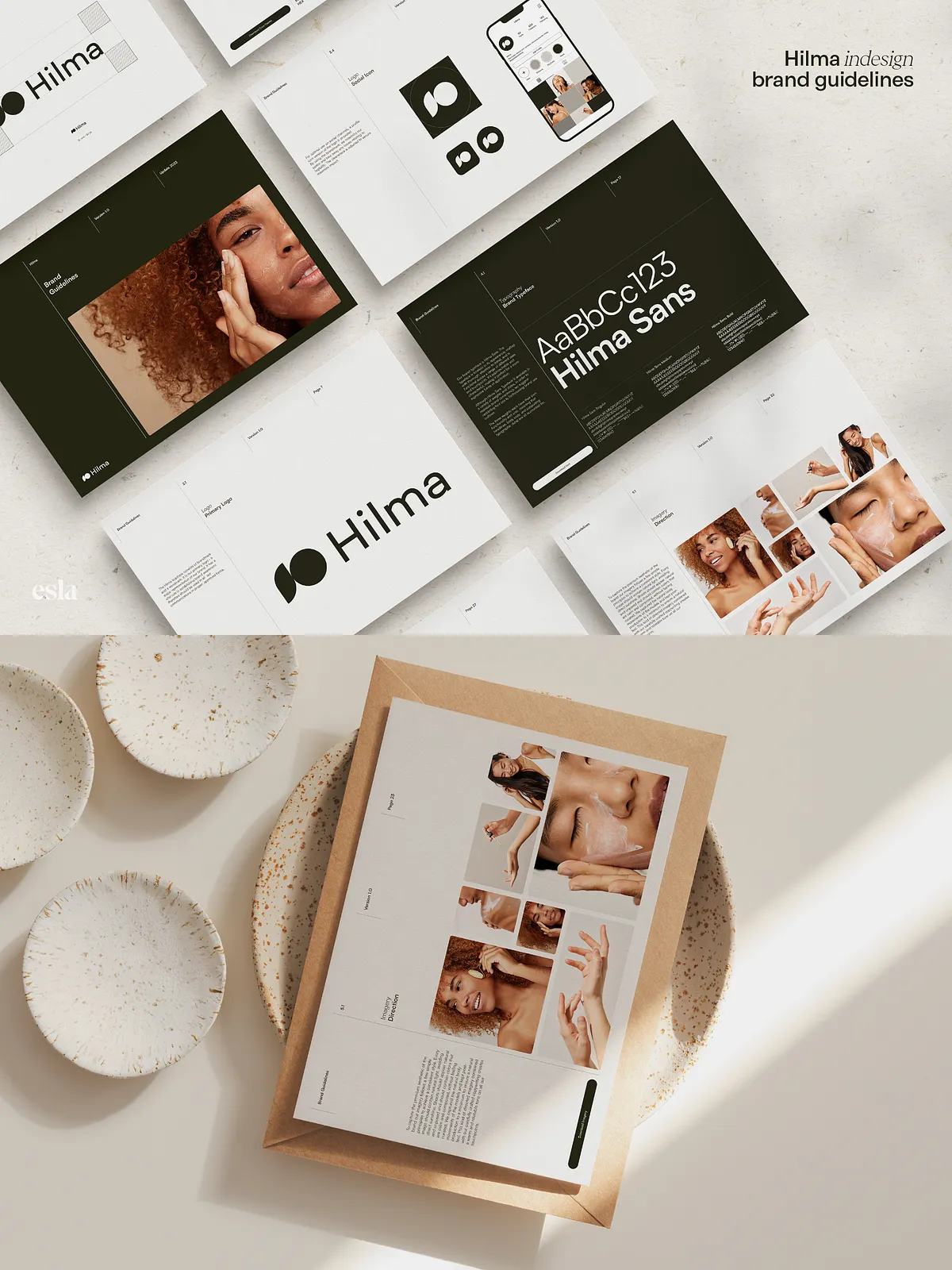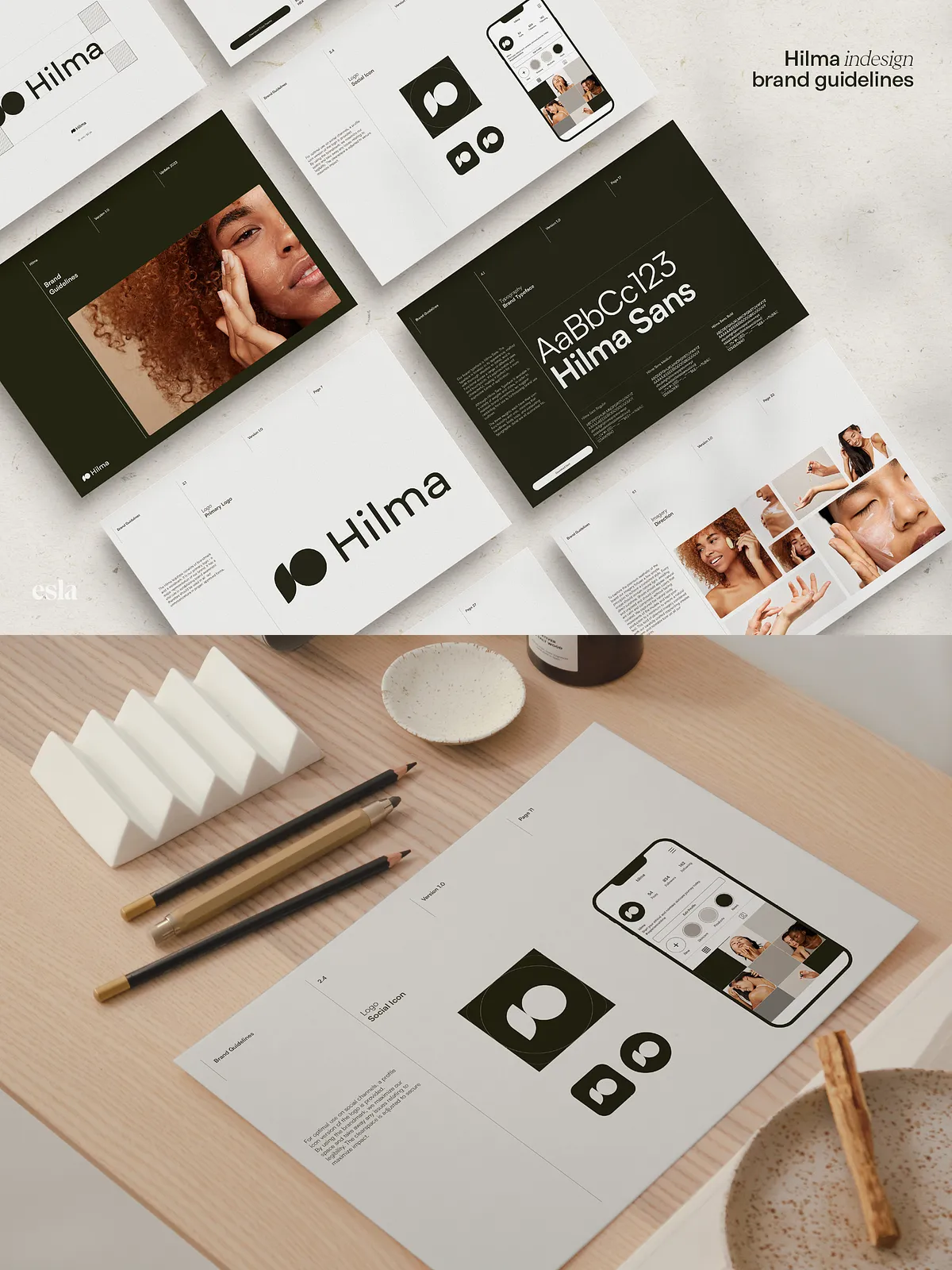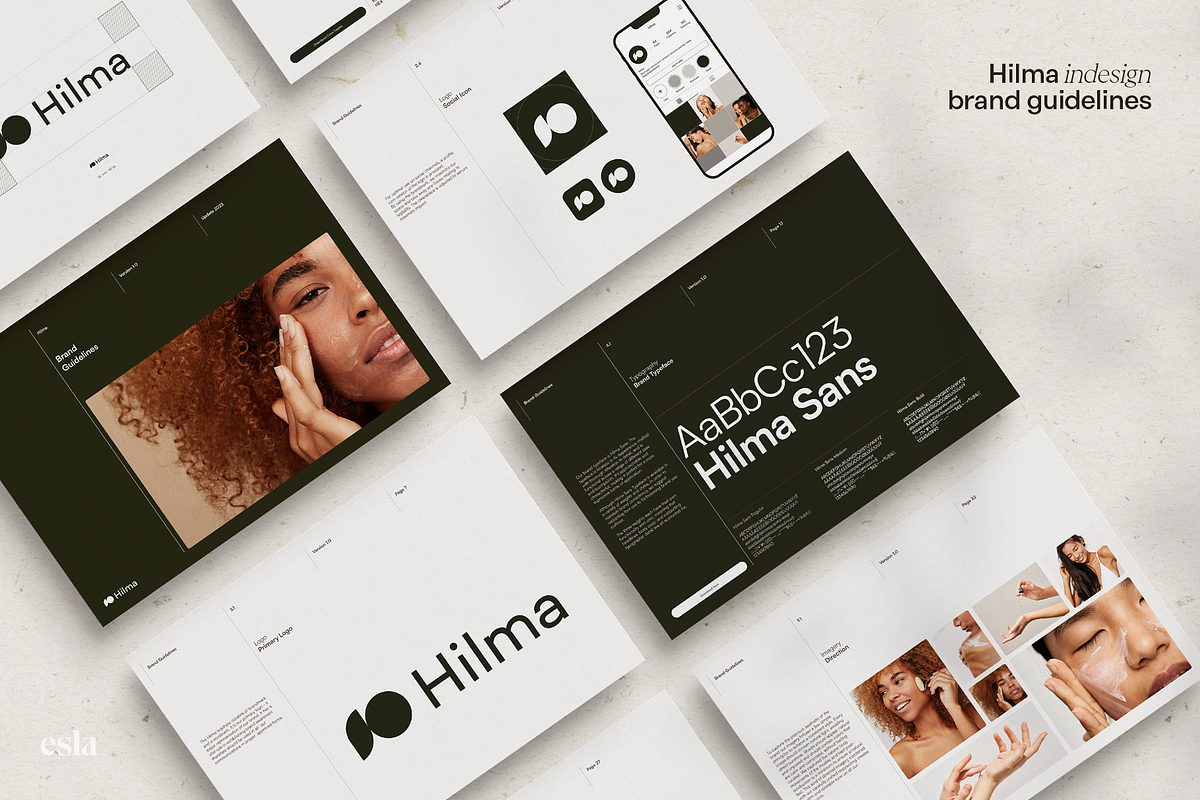
Hilma Brand Guidelines is a thoughtfully constructed Adobe InDesign template designed to accelerate the creation and delivery of professional brand guidelines. The template uses a clean, minimal layout that highlights content and brand assets without distraction. It includes the essential sections you need for a complete identity handover: brand overview, logo treatments, color palettes, typography systems, imagery guidelines, in-situ examples, and an assets inventory. The template ships with real, editable copy and vector mockups so you can assemble a finished guideline quickly and confidently.
Available on Creative Market: [Hilma · Brand Guidelines – Esla Studio](https://creativemarket.com/esla.studio/7094345-Hilma-%C2%B7-Brand-Guidelines)
Who This Template Is For
Ideal Users
Designers, brand strategists, and creative studios who need to produce clear, client-ready brand guidelines will benefit the most. Hilma is equally suited to freelancers delivering identity packages and internal teams preparing polished handovers. If you want to reduce repetitive layout work and maintain a high standard of visual presentation, Hilma puts the structure and tools in place so you can focus on strategic decisions and creative direction.
Key Benefits
Speed and Efficiency
Hilma dramatically reduces production time. The template arrives aligned to a 12-column grid, with organized paragraph and character styles, master pages, and vector mockups. Those built-in systems let you apply global edits quickly, swap colors and fonts in seconds, and export ready-to-share files without reworking layouts on every page.
Clarity and Professionalism
The tidy, landscape-oriented layout prioritizes legibility and hierarchy. Each section communicates brand rules and applications clearly, helping clients understand how to use assets correctly. Because the template includes real, usable copy and structured examples, you can demonstrate rules in context rather than leaving clients to interpret guidelines from abstract notes.
Customization and Control
Hilma gives you control without complexity. Change fonts and color palettes with straightforward style changes, drop in your imagery, and use the included iPhone, iPad, Instagram, and stationery vector mockups to present real-world usage. The template supports A4 and US Letter sizes so you can deliver print- or screen-ready files depending on client needs.
Product Features
Technical and File Details
- Format: Adobe InDesign template (IDML compatible for broader InDesign versions)
- Grid: Aligned to a 12-column layout for precise, modular design
- Text: Organized paragraph and character styles for consistent typography
- Interactive Features: Built-in elements that support screen presentation and navigation
- Orientation: Landscape layout optimized for on-screen viewing
- Sizes: Includes A4 and US Letter versions for flexible delivery
- Mockups: Vector mockups for iPhone, iPad, Instagram, and stationery presentations
- Content: Actual editable copy included to speed setup and clarify layouts
- Organization: Clearly structured file and layer organization to simplify edits
- Customization: Easy-to-change fonts and color palette using style panels
- Fonts: References free fonts suitable for personal and commercial use
- Documentation: Helpful instructions to guide first-time edits
How to Use
Quick Workflow
Open the template in Adobe InDesign (use the included IDML if you require backward compatibility). Replace the placeholder copy with your brand messaging, import high-resolution imagery, and update color swatches and character styles to match your brand system. Use master pages to apply consistent headers, footers, or asset labels across the document. Export to PDF or present directly from InDesign for on-screen client reviews. Because the template already demonstrates practical examples, you can populate and deliver a finished guideline in a fraction of the time it would take to design from scratch.
Design Philosophy
Balanced Simplicity, Distinctive Identity
Hilma was created to balance two goals: make each guideline reflect the uniqueness of the brand it documents, and keep the production process efficient. The template strips away unnecessary ornamentation so the identity itself stands forward, while giving you robust structure and flexible elements to adapt layouts to any brand voice. This approach lets you produce bespoke-feeling guidelines with minimal repetitive layout work.
Important Notice
Assets and Licensing
Photographs and preview imagery shown in the template previews are for illustration only and are not included with the file. You must supply your own imagery or license stock photography as needed. Free font references are provided and must be downloaded separately when required. Review font licenses to confirm commercial usage rights where applicable.