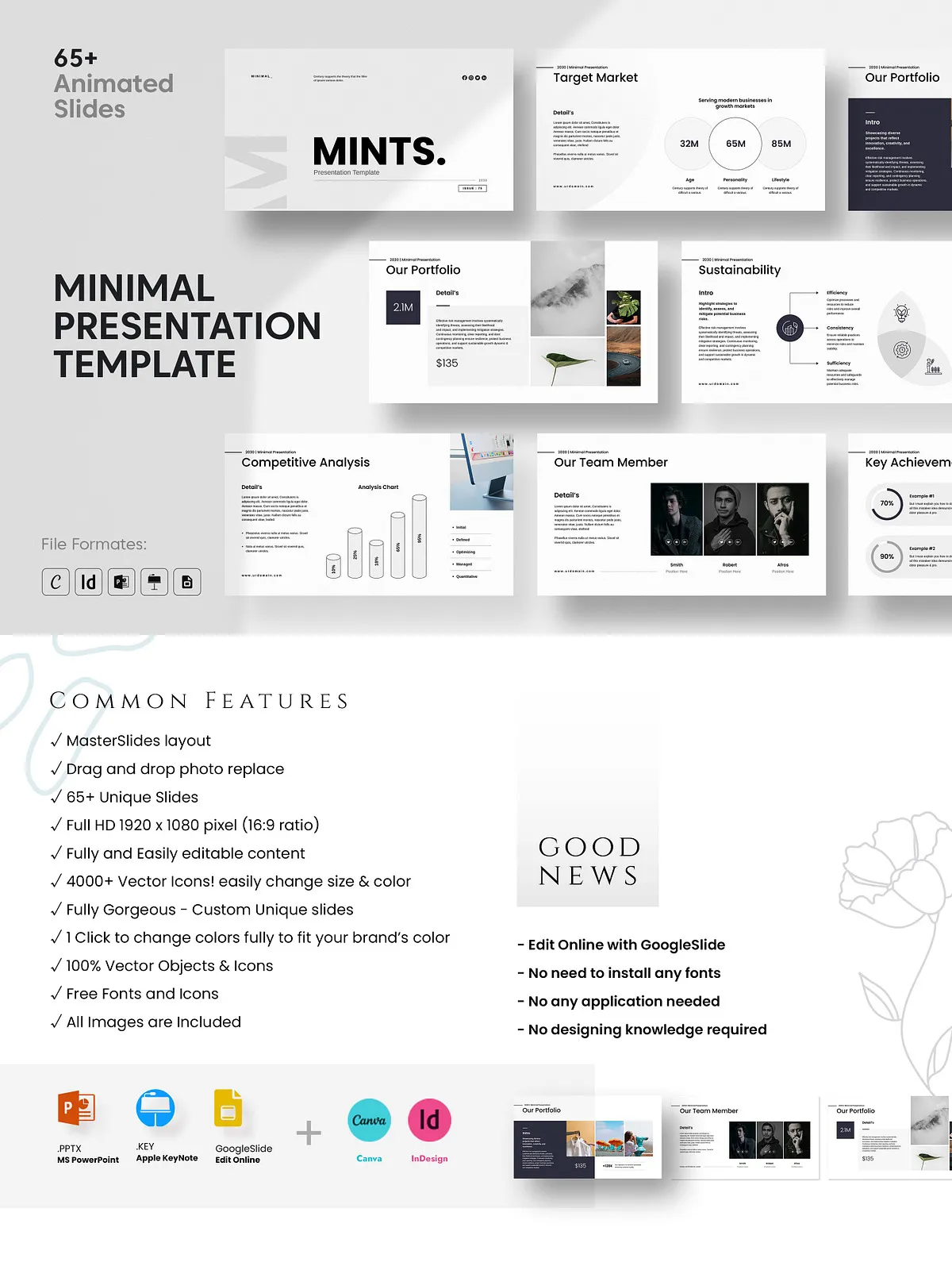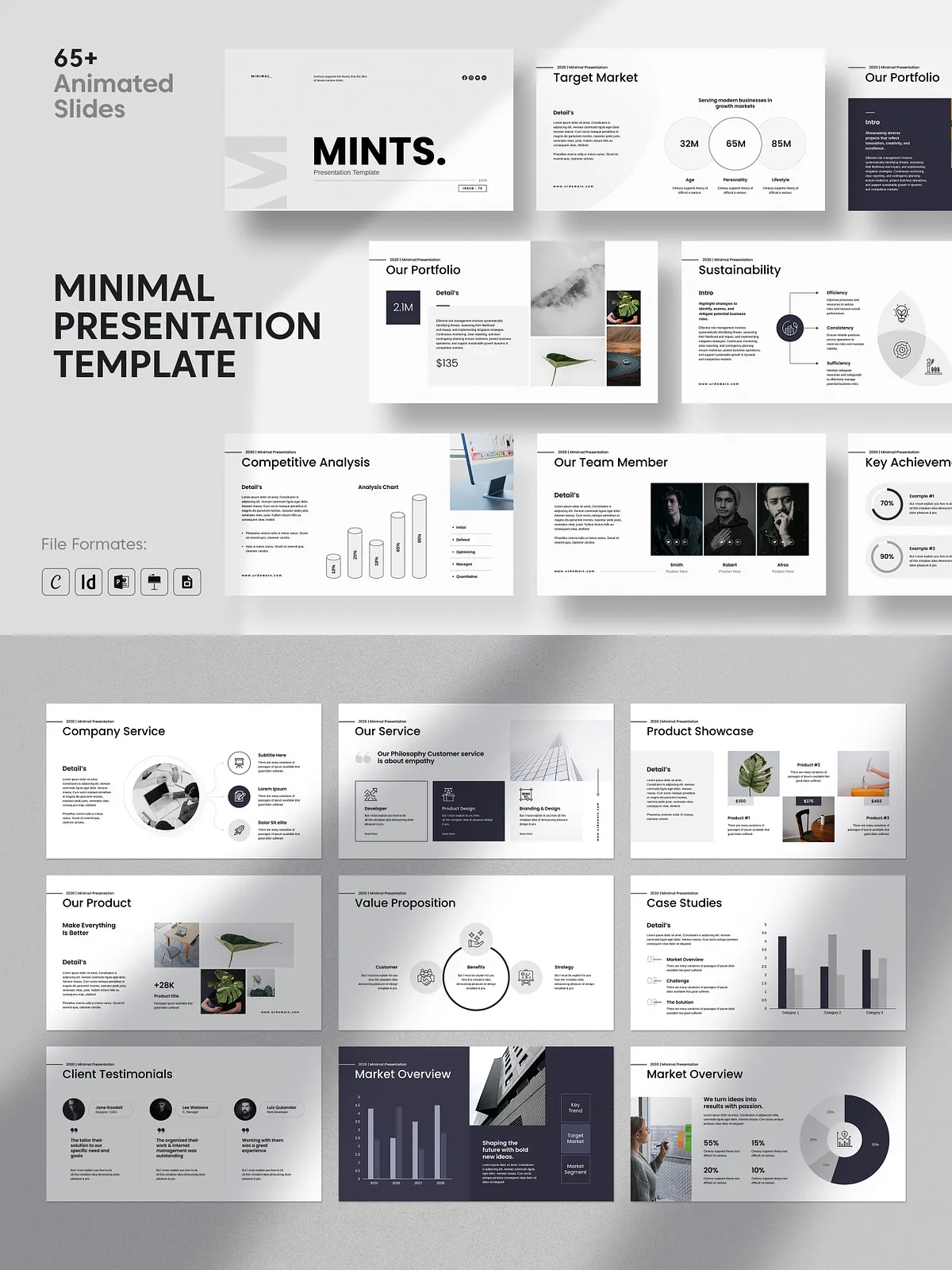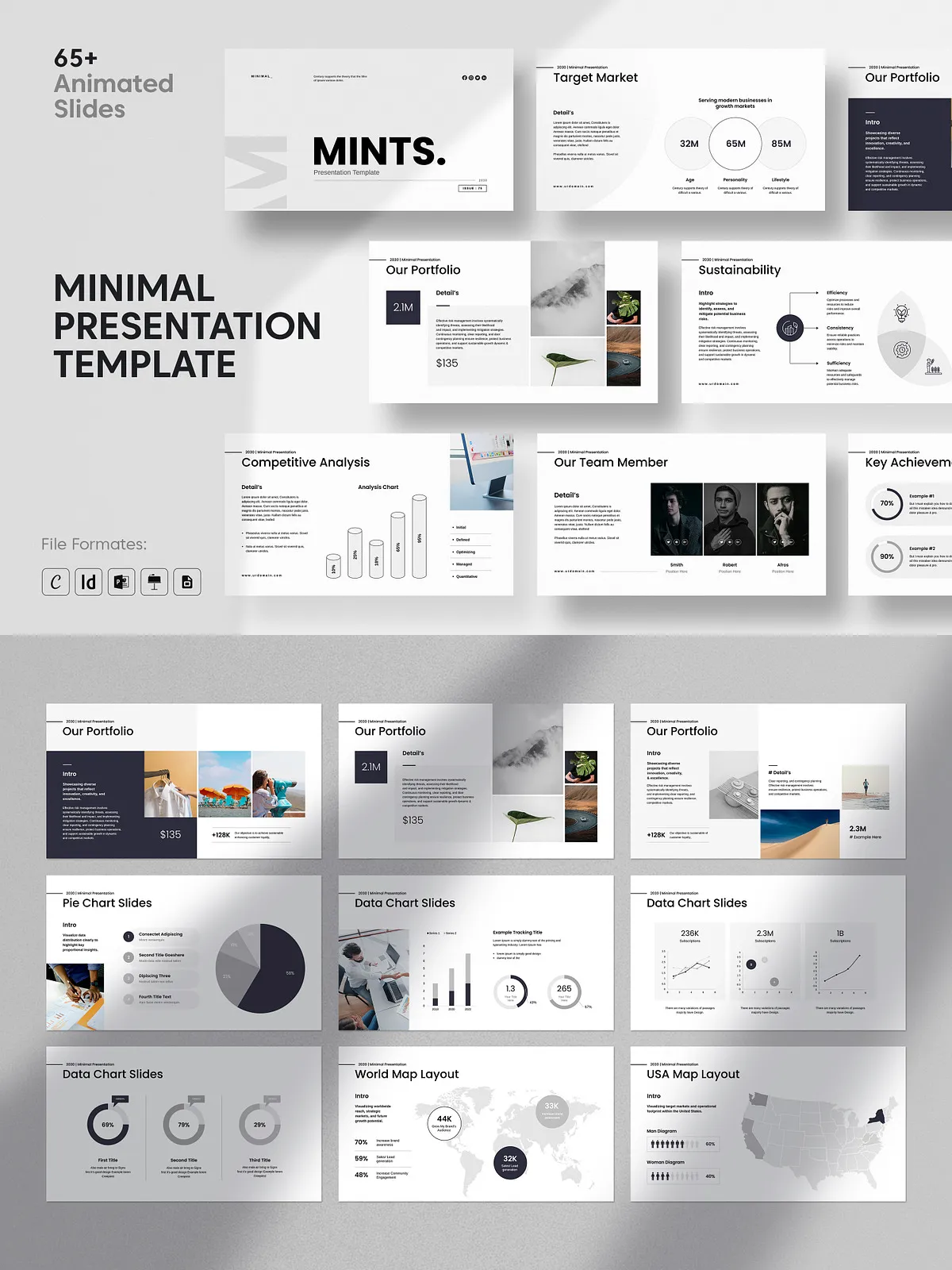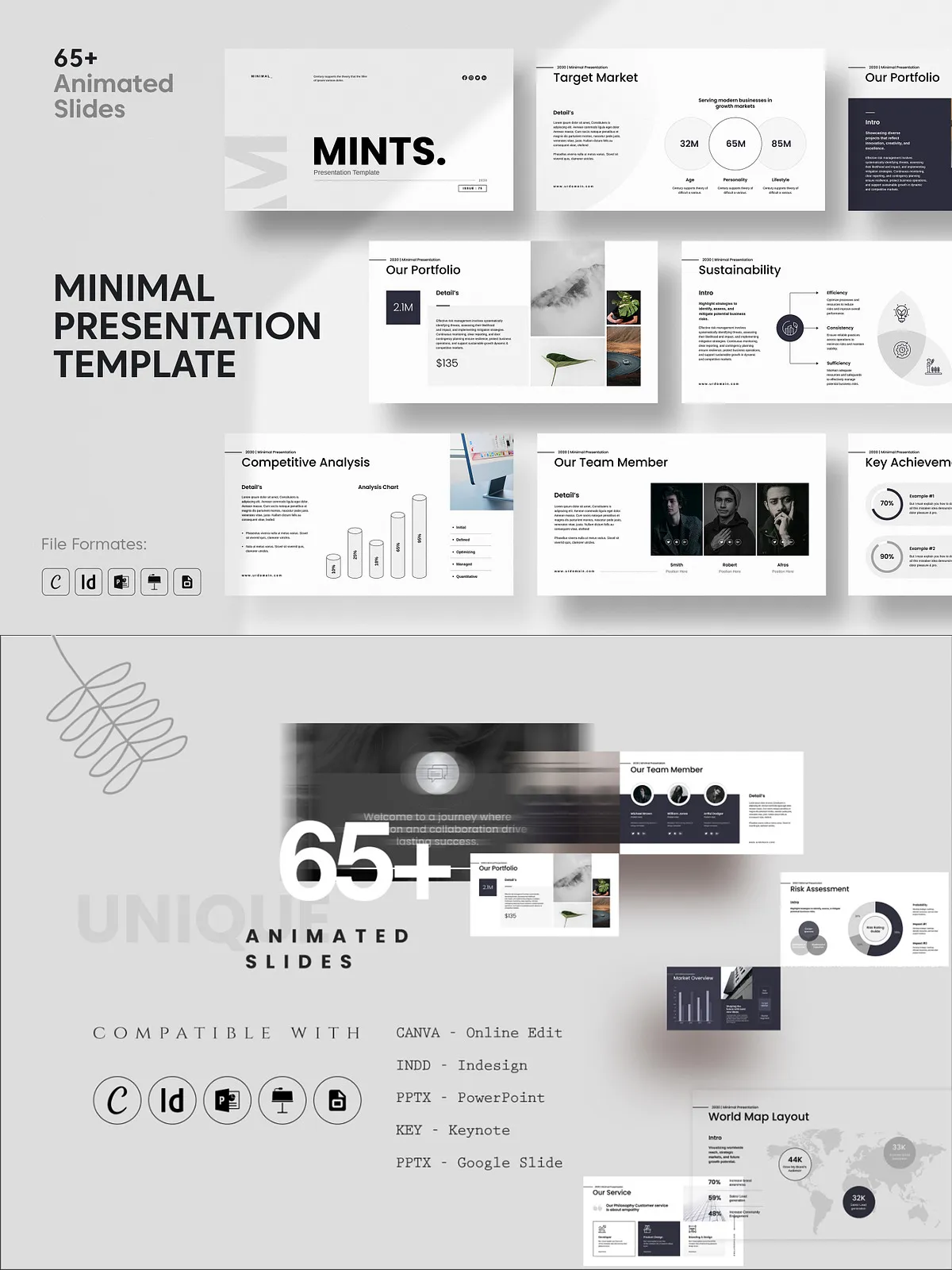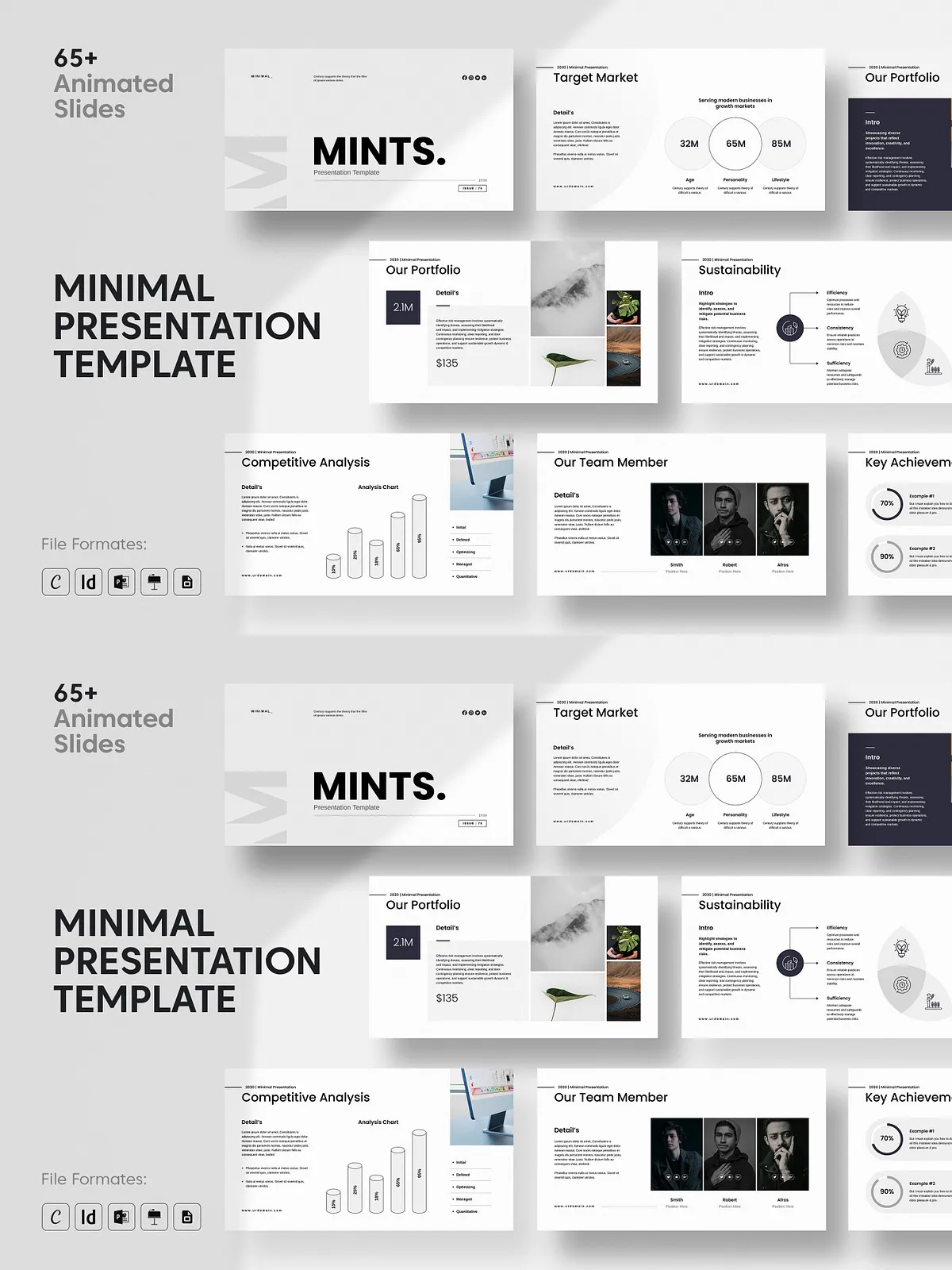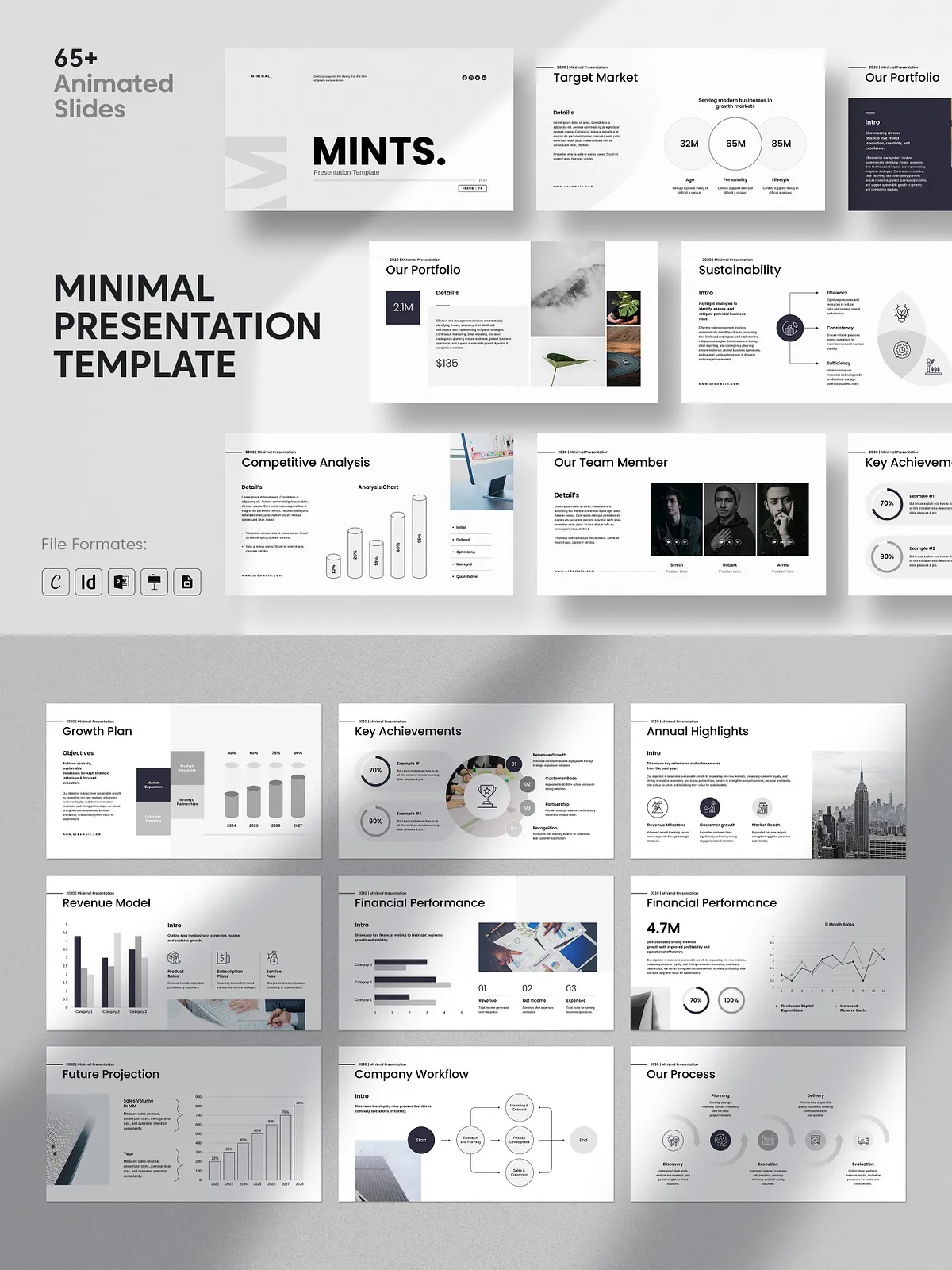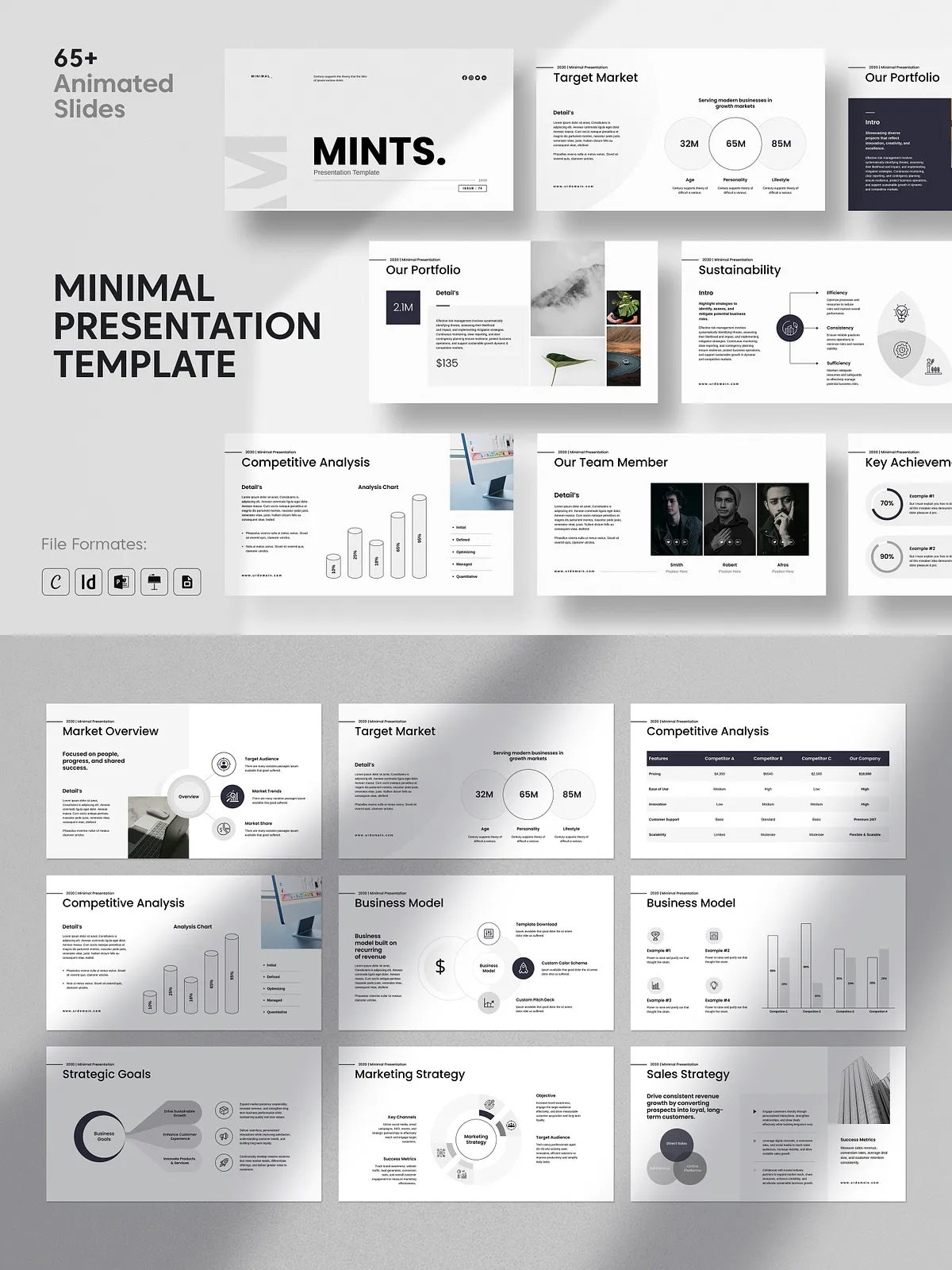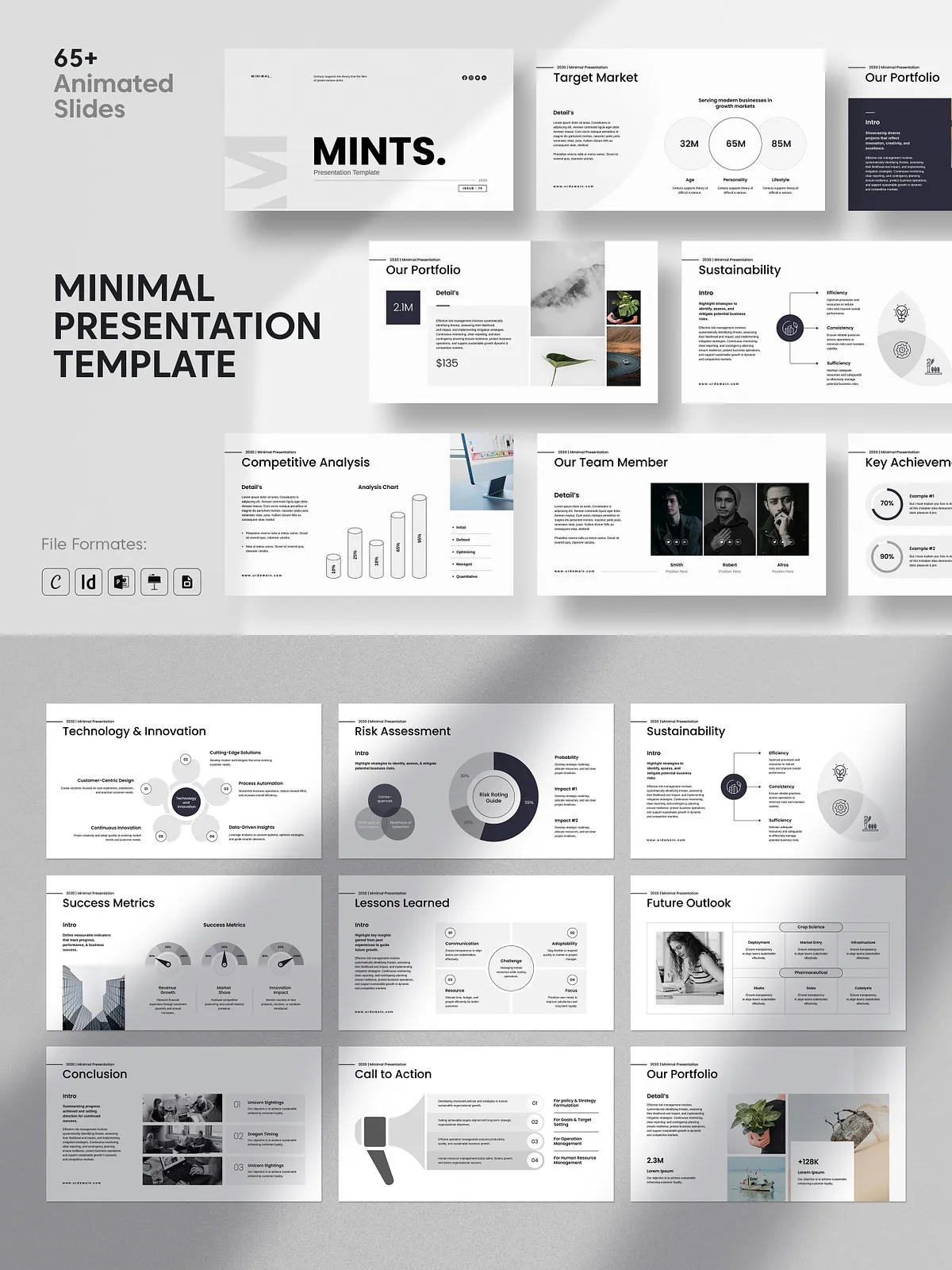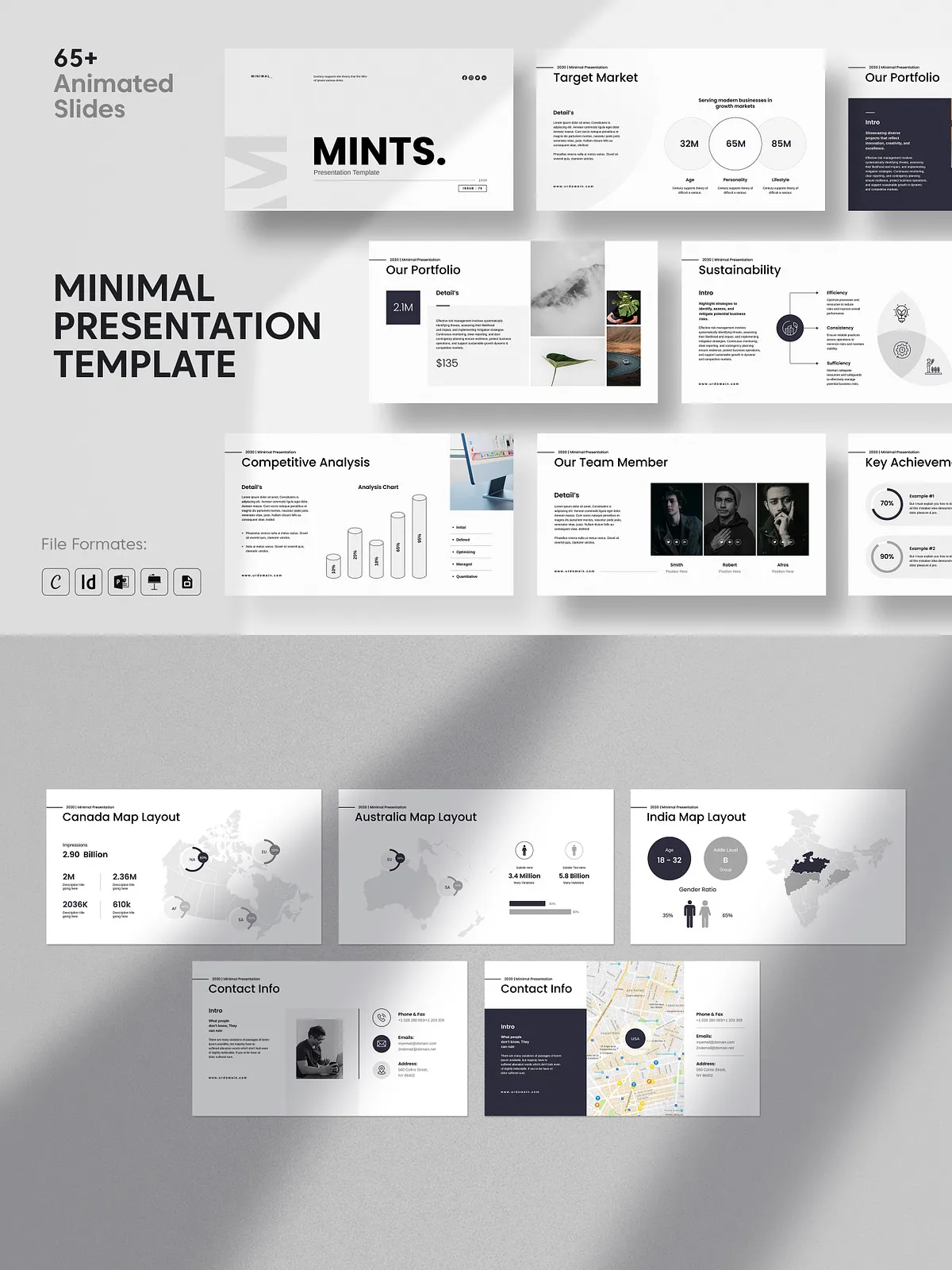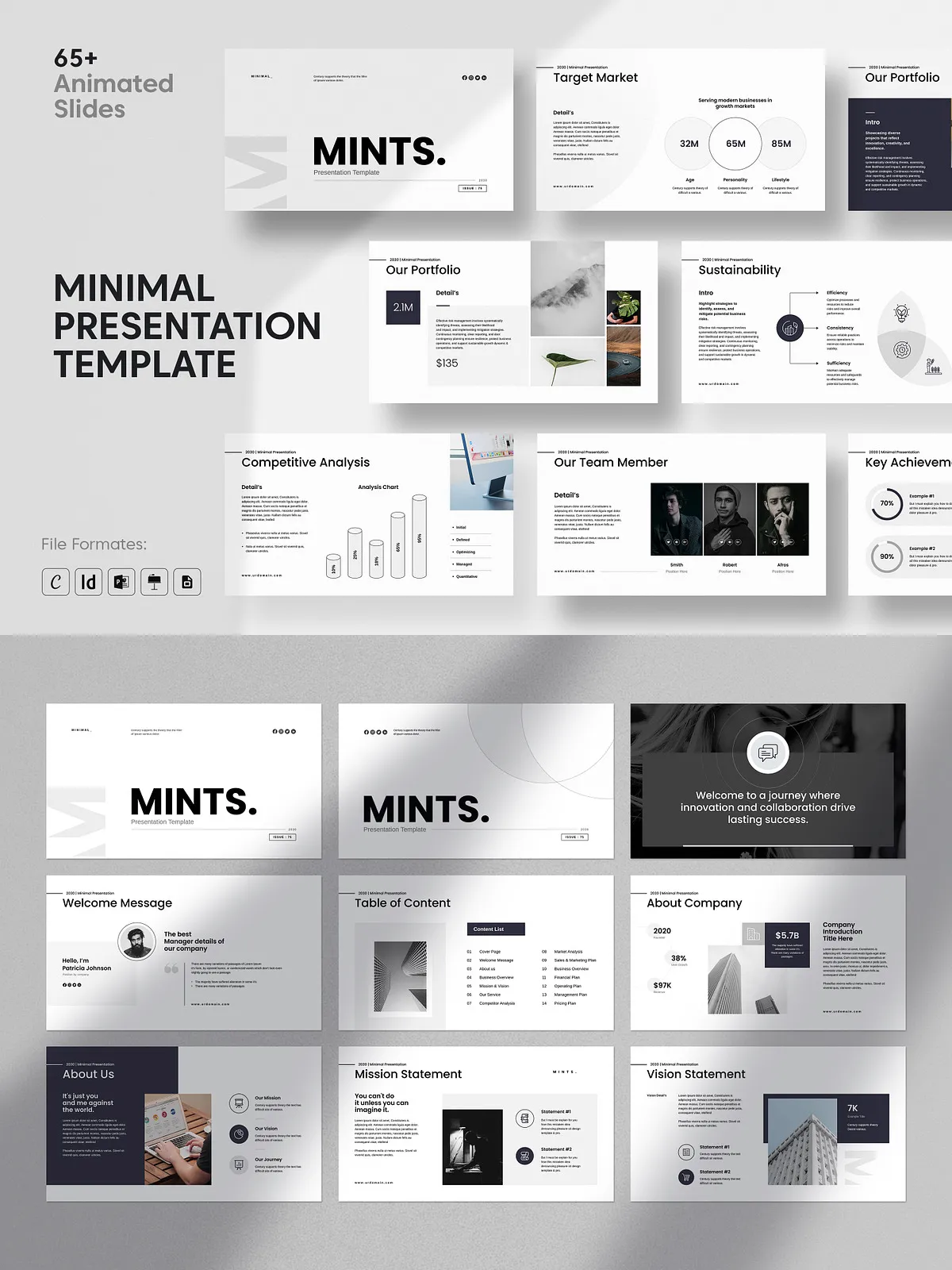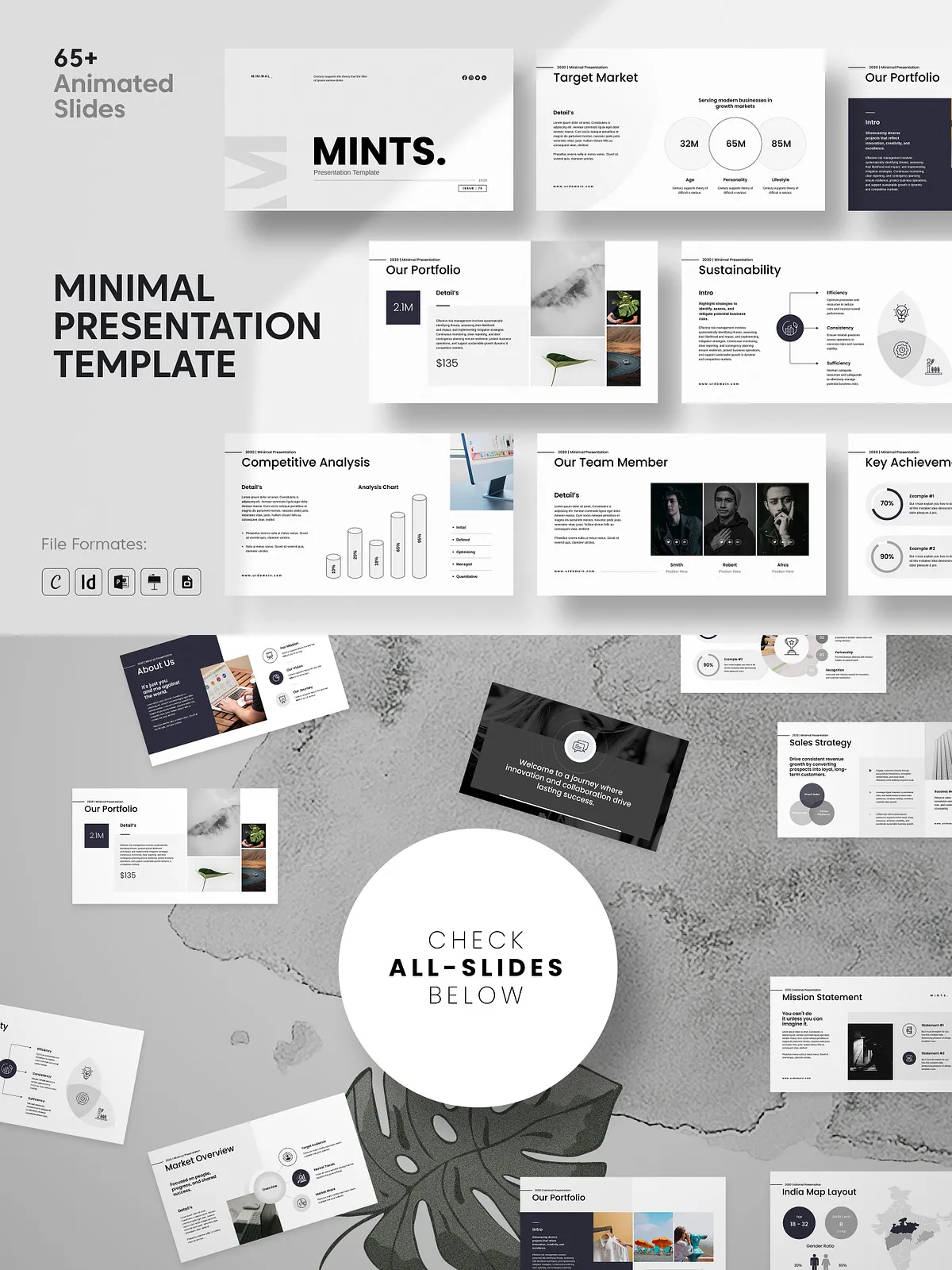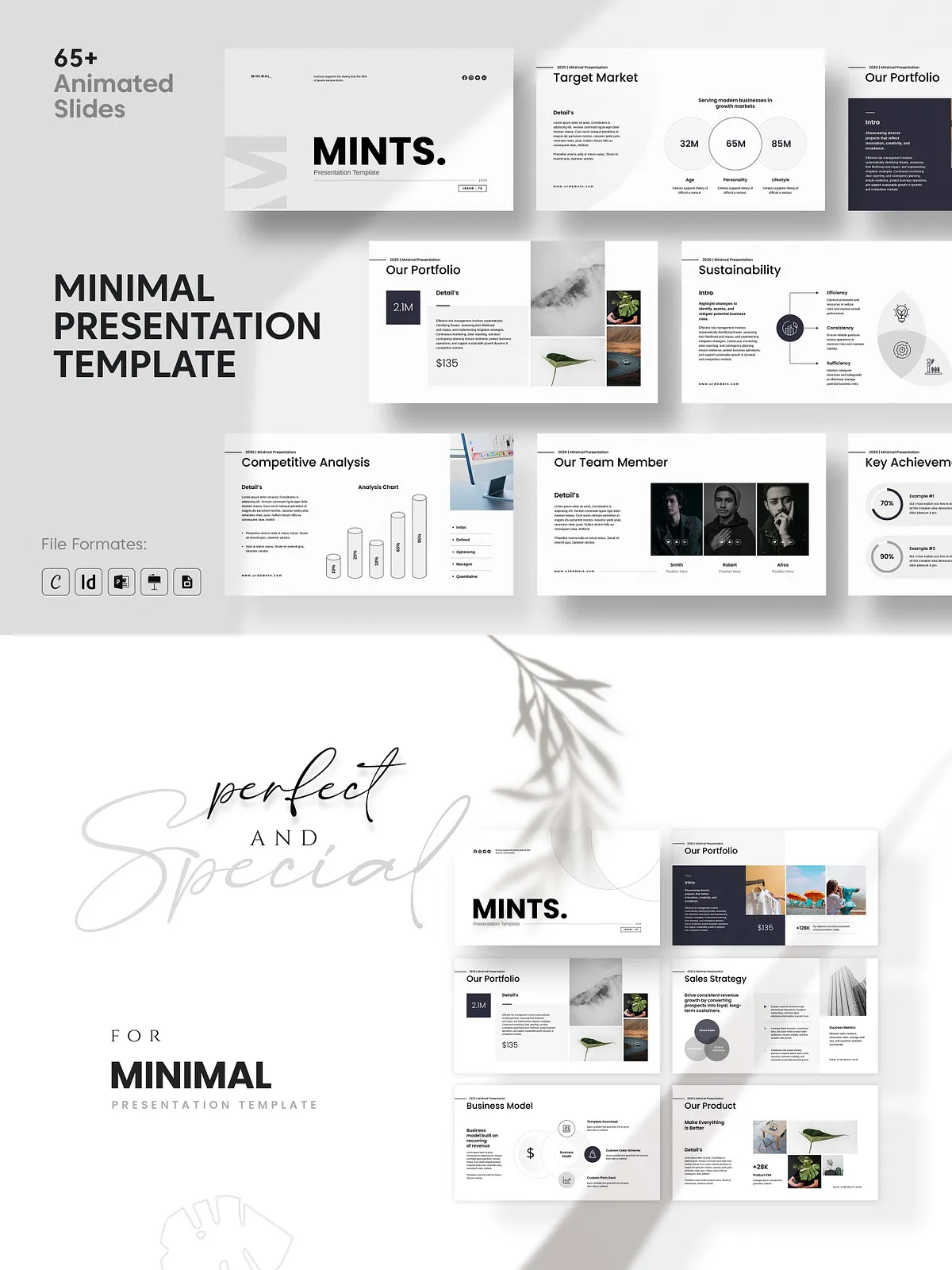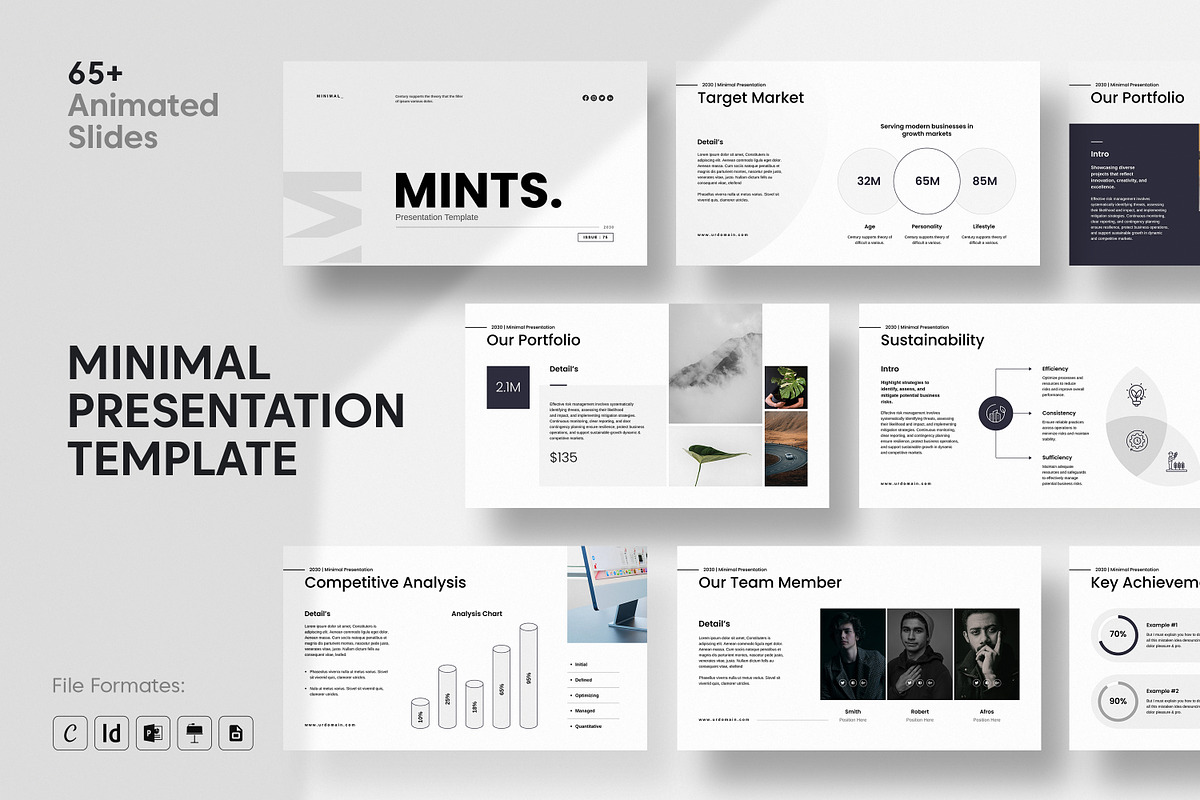
The Minimal Presentation Template delivers a streamlined, professional slide system that helps presenters communicate ideas with clarity and confidence. Designed for professionals who prioritize direct messaging and elegant visuals, this template reduces visual clutter and emphasizes content through generous white space, balanced typography, and subtle color accents. Each slide intentionally focuses attention on the message so presenters can guide audiences through proposals, reports, workshops, and executive briefings without distraction.
Why Choose This Template
Designed to Emphasize Your Message
This template actively highlights core ideas by using consistent layouts, clear hierarchy, and purposeful spacing. Headings, subheadings, and body text use modern type scales that steer the viewer’s eye in the intended order. The design supports storytelling: introduce the problem, show evidence, propose solutions, and close with a compelling call to action.
Built for Busy Professionals
We crafted the slides to be easy to edit so you can prepare presentations faster. Replace images with one simple drag-and-drop, update charts inline, and adapt color themes to match your brand in minutes. The result: polished, professional presentations without extensive design work or external help.
What’s Included
- Master slide layouts and consistent section formatting for fast, global edits.
- 65+ animated, unique slides optimized for storytelling and information hierarchy.
- Title slides, executive summaries, timelines, team profiles, data charts, infographics, and contact slides.
- Editable charts, Excel-linked smart arts for PowerPoint, and high-resolution mockups.
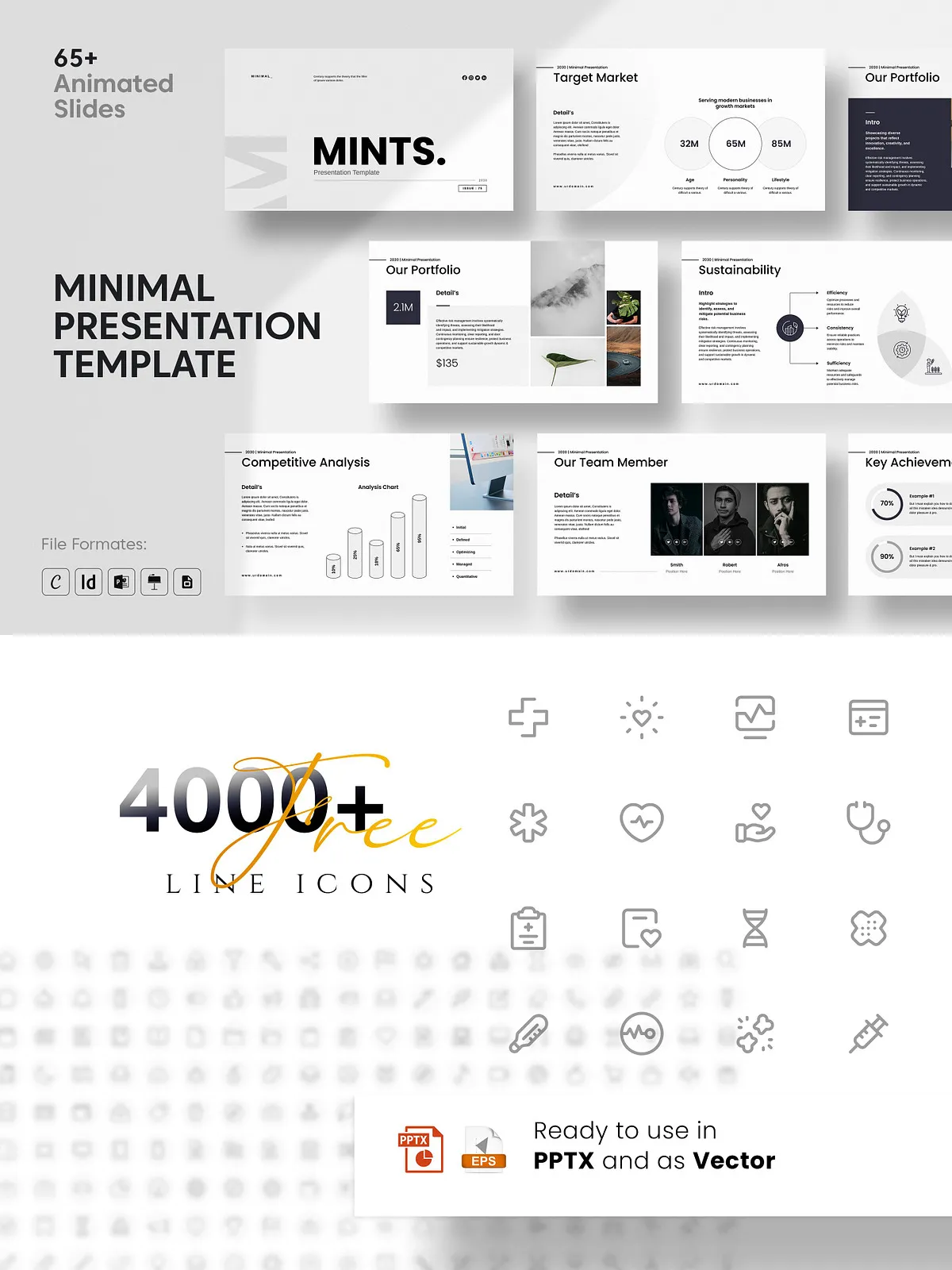
- 4000+ vector icons (PPTX, SVG, EPS) and resizable vector elements for crisp visuals at any scale.
Formats & Compatibility
Multi-Platform Support
- Canva — edit online in your browser without installing fonts.
- PowerPoint (PPTX) — fully editable with animations and Excel links.
- Keynote (KEY) — native animations and layout control for Apple users.
- Google Slides — collaborate online and edit without extra installs.
- InDesign (INDD) — for print-ready or highly customized design workflows.
Template Features
- Master Slide Layouts that accelerate global changes and maintain consistency.
- Drag-and-drop photo replace to update visuals quickly and precisely.
- Super-custom animated effects that enhance flow without overpowering content.
- Theme color palette and font styles that you can adapt to brand guidelines.
- All elements as resizable vectors to preserve quality across screen sizes and print.
- Free fonts for PPT and Keynote; Canva and Google Slides require no font installation.
How to Customize
Quick Customization Steps
- Choose your preferred format (Canva, PPTX, KEY, Google Slides, INDD).
- Open the master slides to set your brand colors and primary fonts.
- Replace placeholder images with your visuals using drag-and-drop features.
- Update charts with your data—link Excel to PowerPoint slides for live updates.
- Review animations and adjust timing to match your speaking rhythm.
Best Practices for Effective Presentations
- Lead with outcomes: start slides by stating the result your audience cares about.
- Keep each slide focused on a single idea to avoid cognitive overload.
- Use charts to reveal insights, not clutter—highlight the key data point visually.
- Leverage whitespace: allow content to breathe and give emphasis to important elements.
- Rehearse with the animations active so transitions support rather than distract from your delivery.
Technical Details & Requirements
- Full HD 16:9 ratio optimized for modern screens and projectors.
- Animated slides supported in PowerPoint, Keynote, and compatible in Canva/Google Slides.
- Excel-linked smart arts available in the PPTX version for dynamic data updates.
- Fonts: free fonts included for PowerPoint and Keynote; Canva and Google Slides do not require font installs.
Licensing & Usage
The template includes a standard commercial license that permits use for client and internal presentations. You may publish finished presentations and use the assets in business settings. If you intend to redistribute or resell the editable template, please review the extended licensing options for additional rights.