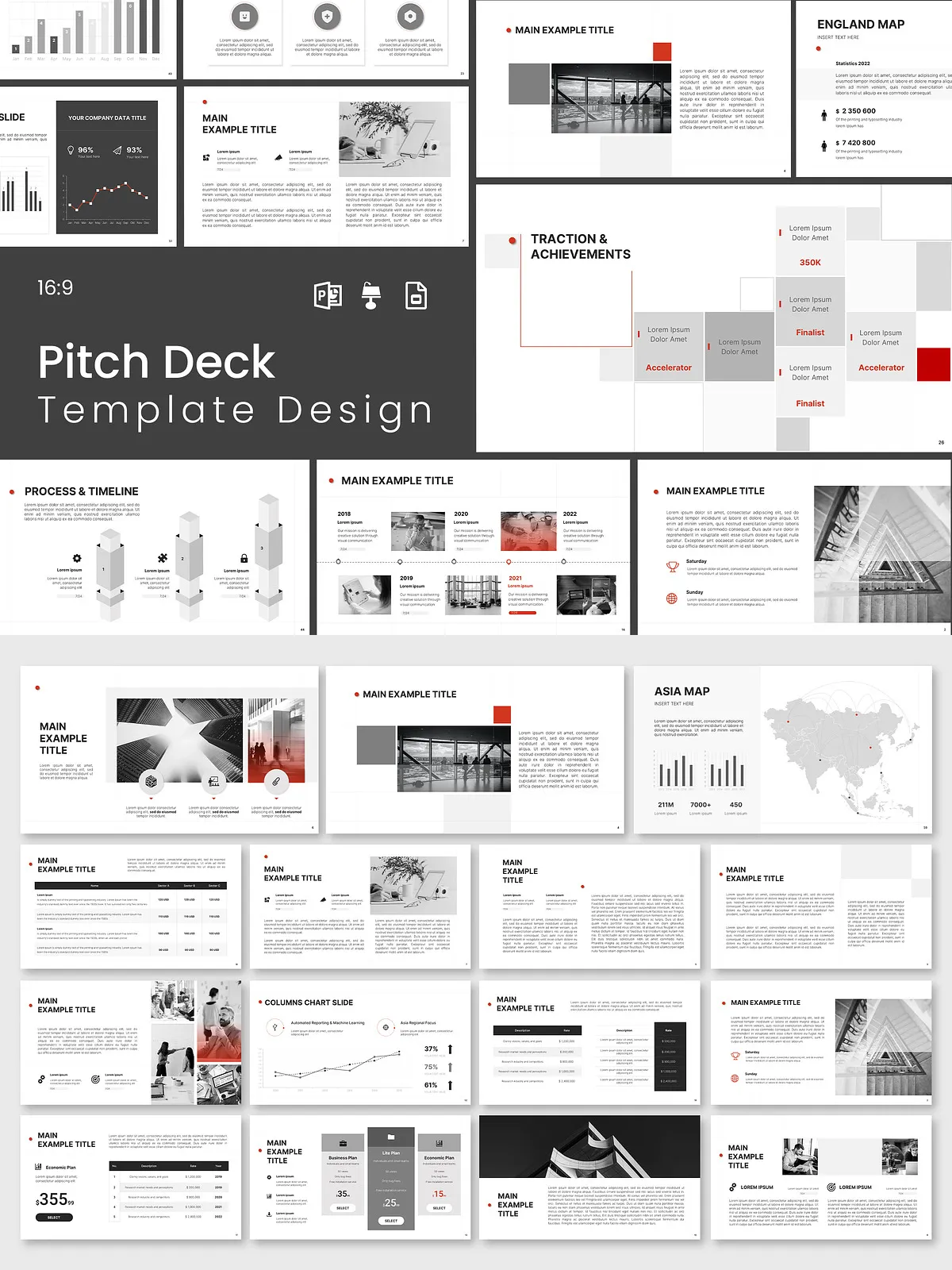
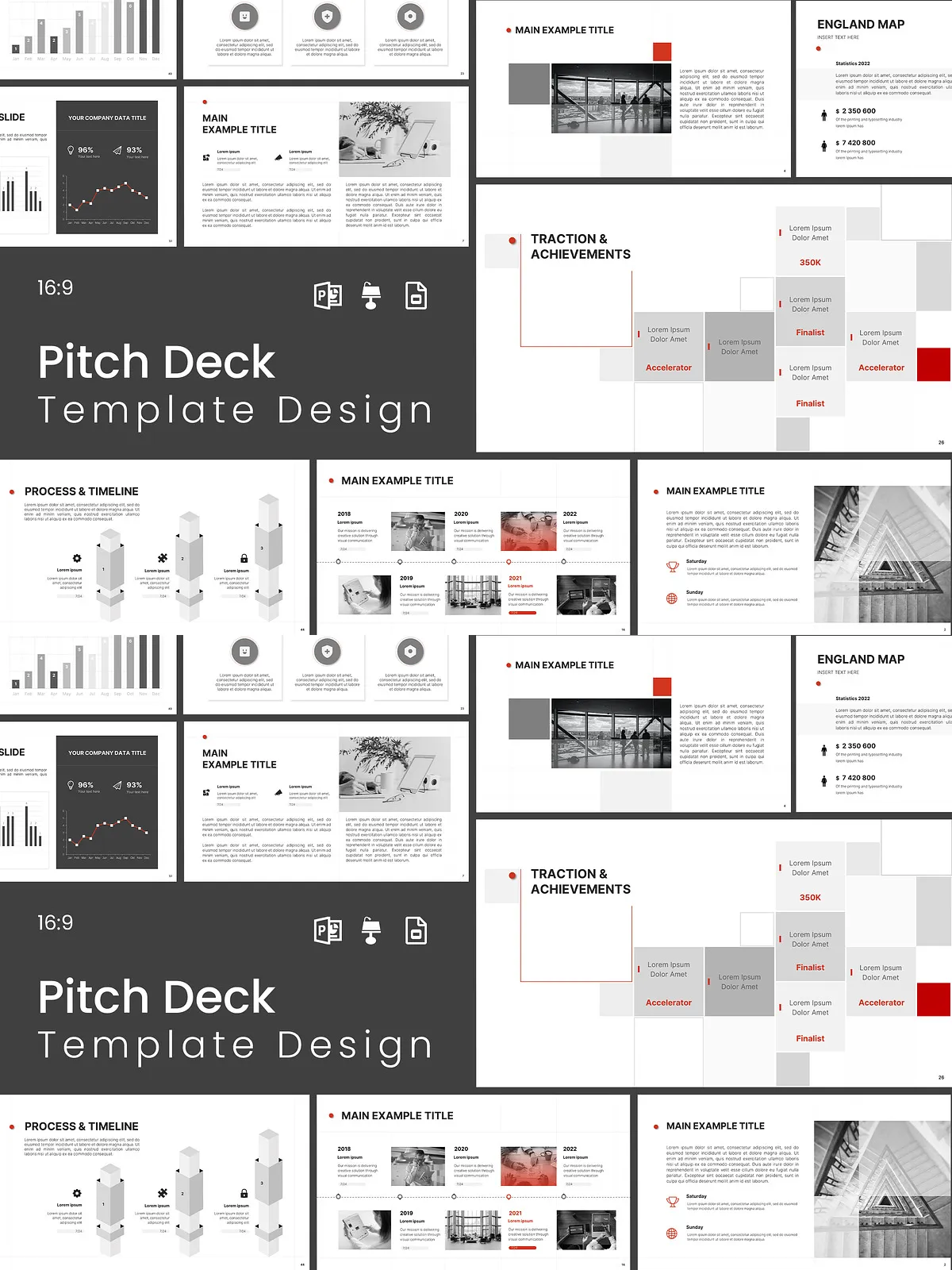
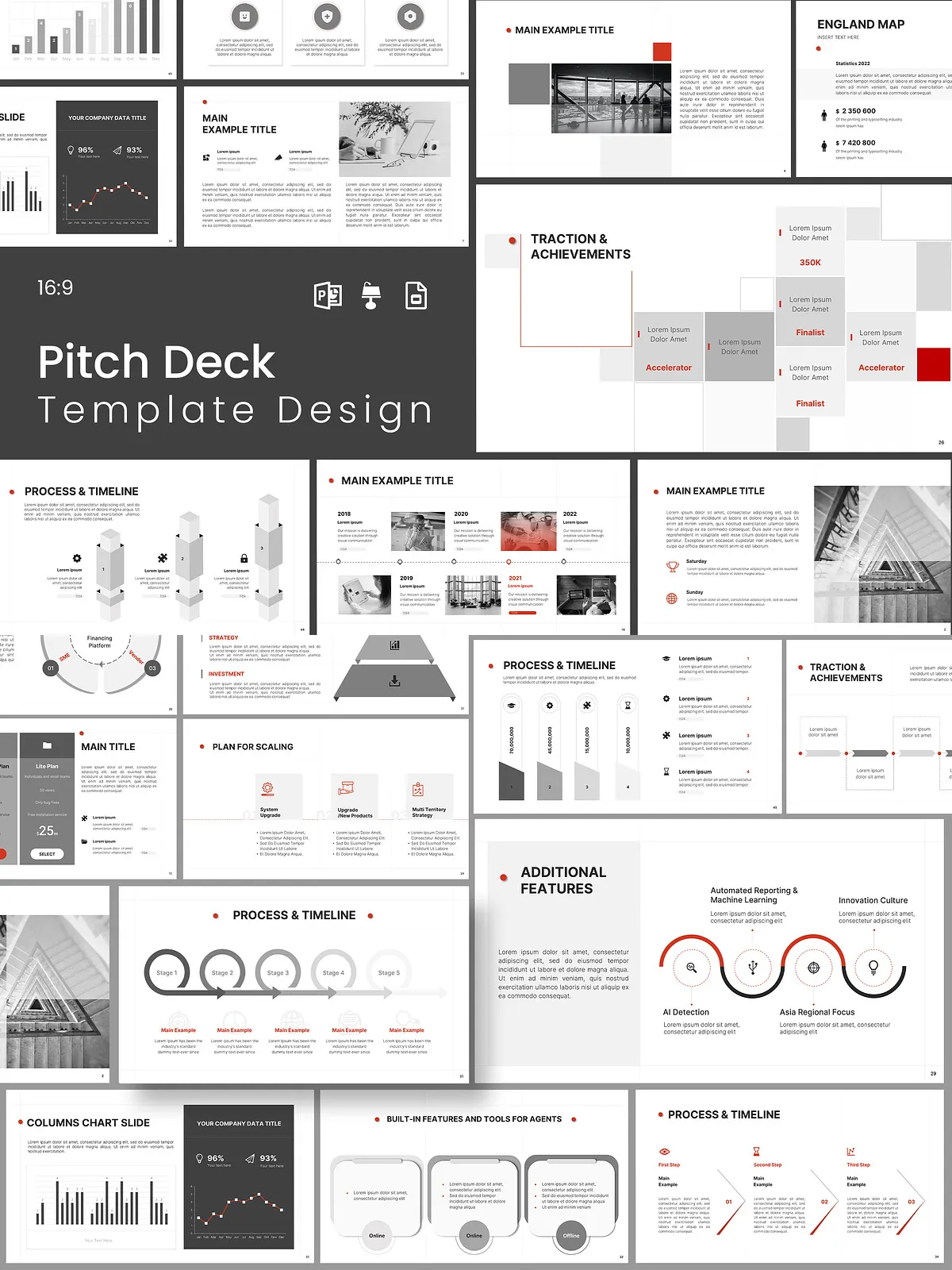
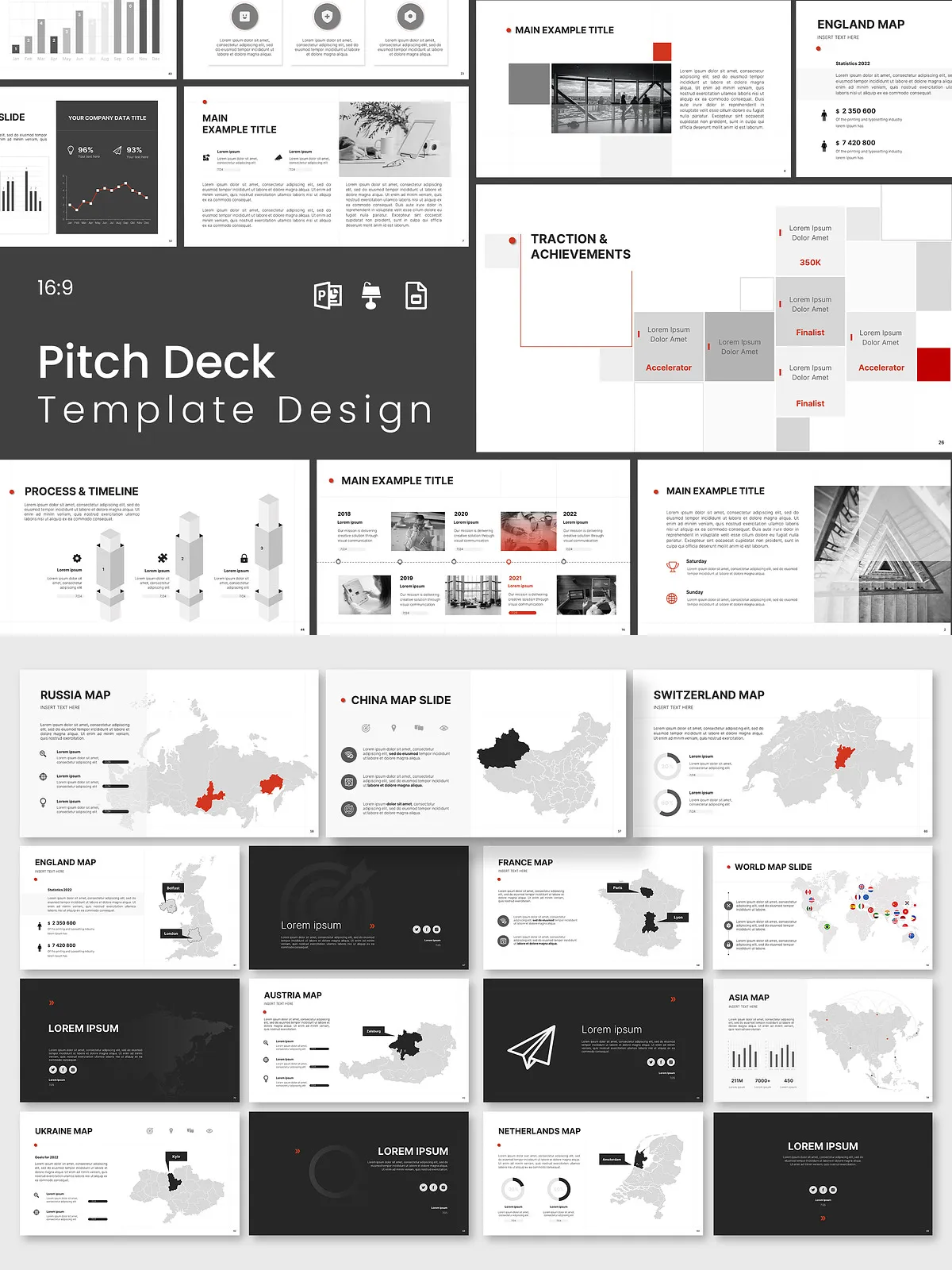
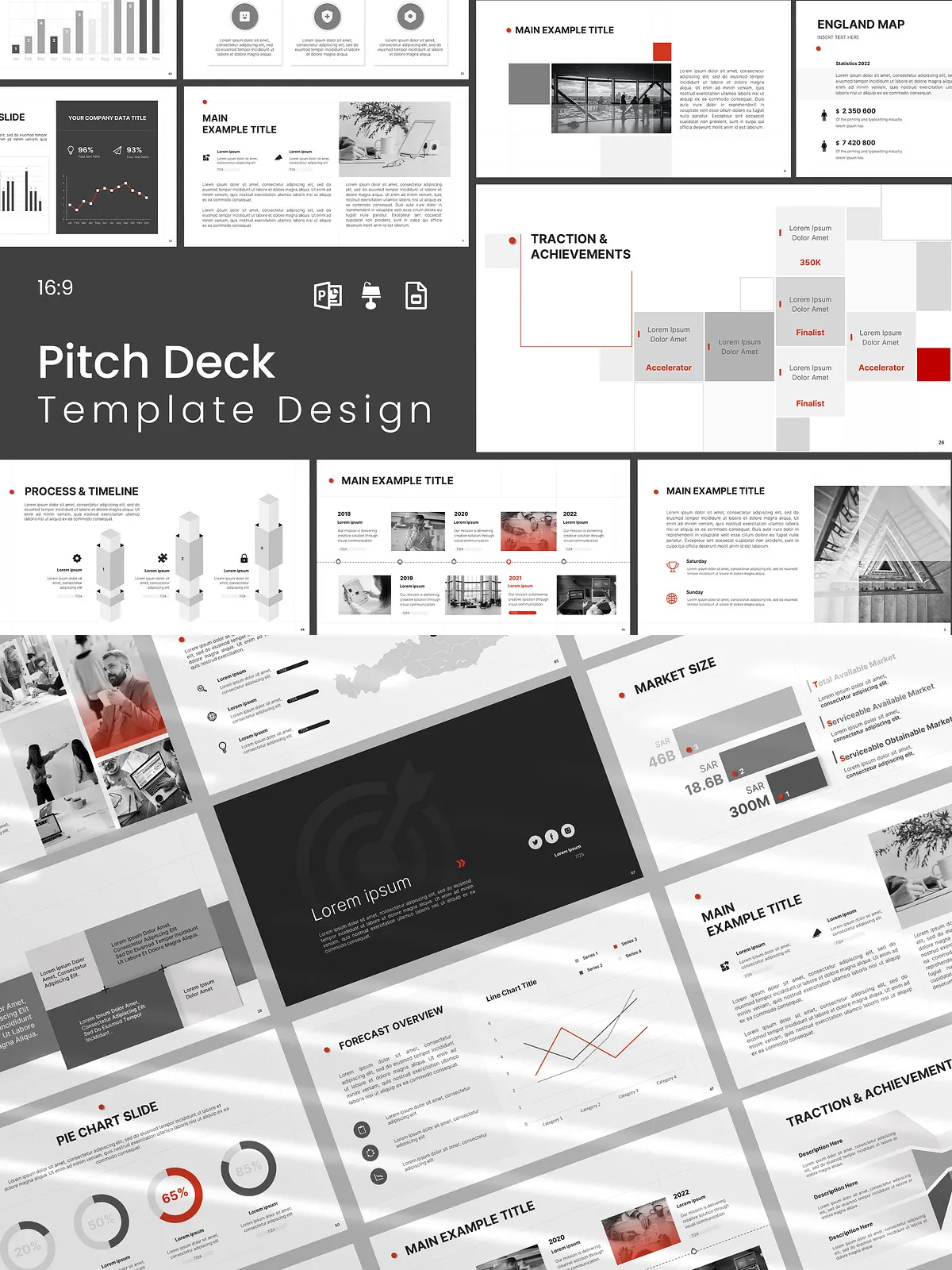
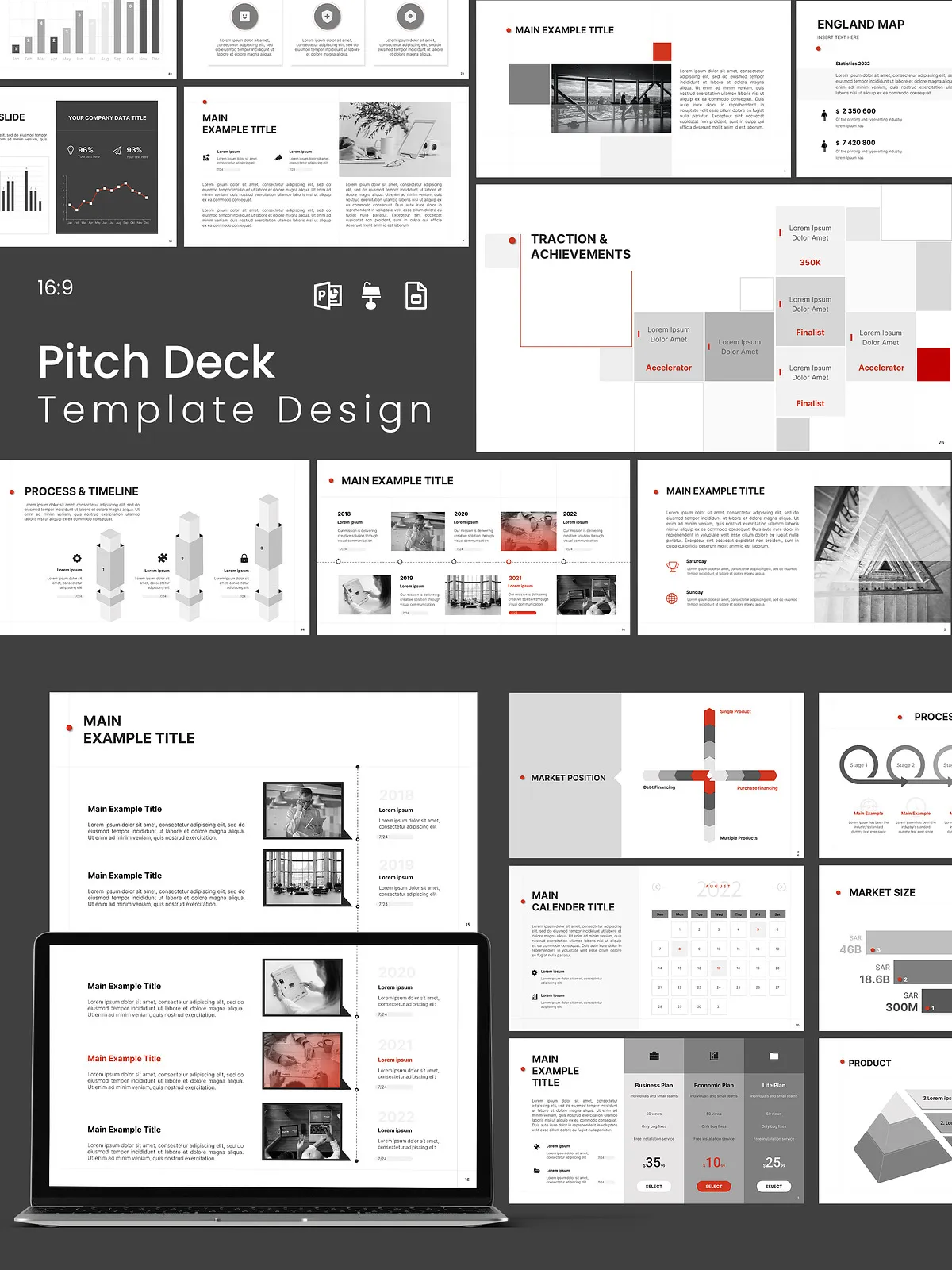
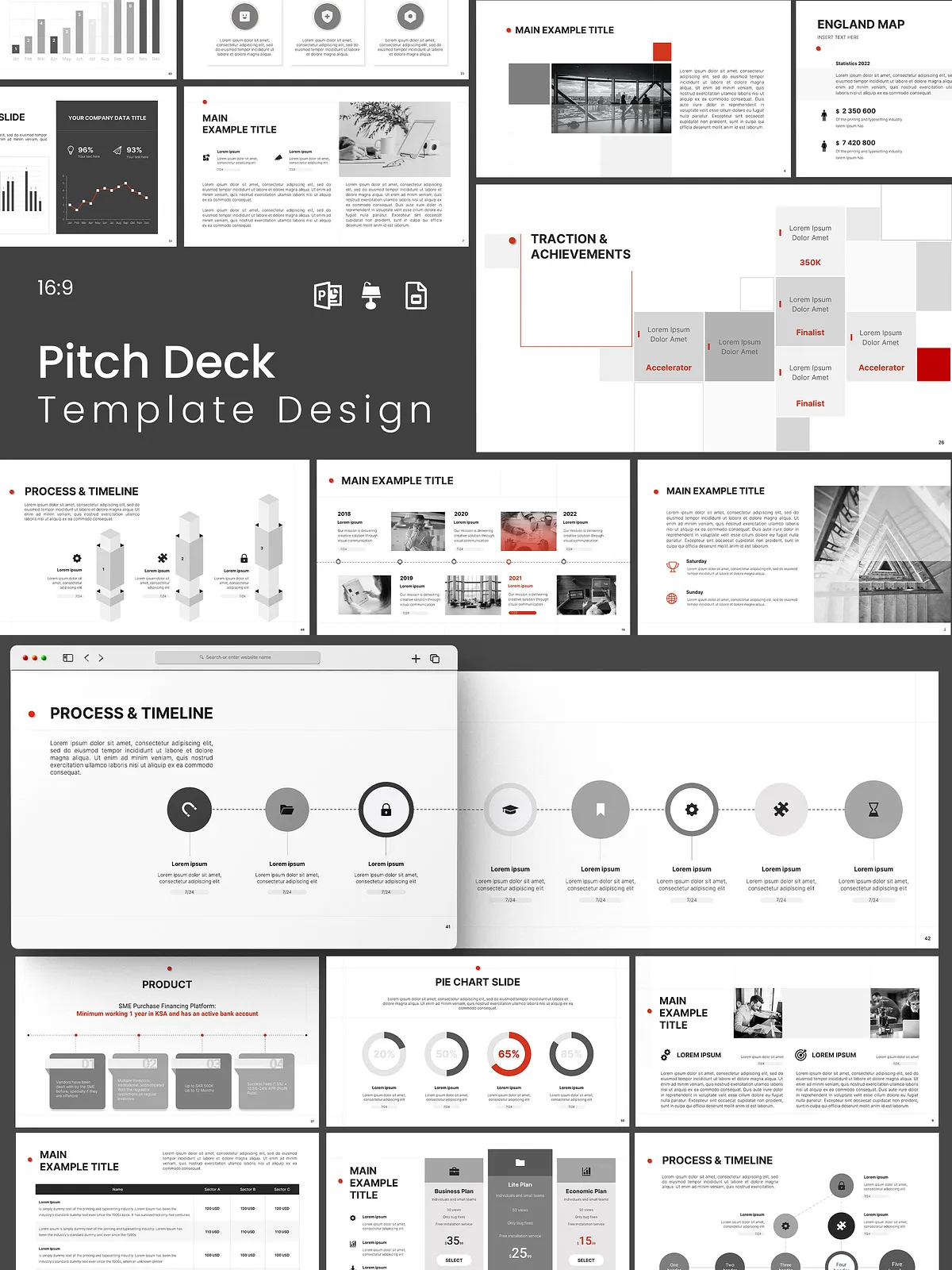
This Brand Introduction Presentation Pack empowers you to introduce your brand, pitch services, and present results with clarity and impact. Designed for marketers, founders, consultants, and creative teams, this pack combines clean layouts, versatile infographics, and ready-made sections to shorten your preparation time and amplify your message. Use the set to tell your story, explain your business model, visualize data, and close with a compelling call to action.
Why Choose This Pack
Present with Confidence
Every slide focuses attention on the message you want to deliver. We crafted the layouts to highlight key points, emphasize metrics, and guide your audience logically through your narrative. Swap placeholders with your content and present a cohesive, professional pitch without wrestling with design details.
Work Faster, Look Sharper
This pack reduces design friction. With master slides, layered elements, and resizable vectors, you can edit globally, update charts quickly, and maintain consistent visual hierarchy across your deck. The result: polished presentations produced in a fraction of the usual time.
What’s Included
- 70 uniquely designed slides optimized for brand storytelling and data presentation.
- 55 infographics, including business model diagrams, comparison charts, flow diagrams, and KPI visualizations.
- 10 drag-and-drop object placeholders for rapid image and mockup updates.
- 5 break slides to structure long presentations and refocus audience attention.
- Master slides for global formatting and fast customizations.
- Editable charts and Excel-linked SmartArt for dynamic data updates.
- All elements supplied as resizable vectors for crisp output on any screen.
- Free fonts and assets that keep your workflow simple and legal.
- Free fast support to help you install or adapt the templates.
Formats & Compatibility
Choose Your Preferred Platform
- Microsoft PowerPoint (.PPTX) — full editing, animations, and Excel links supported.
- Google Slides — collaborate online and edit without installing fonts.
- Keynote (.KEY) — native support for Apple workflows and polished animations.
Each format retains the original design integrity while allowing platform-specific adjustments where needed.
Template Features
- 16:9 Ratio (1920x1080px), optimized for modern screens and projectors.
- Neatly layered slides with clear section structure for faster editing.
- Professional, minimal, and creative visual language that suits corporate and creative contexts.
- Smooth, easily readable layouts that put emphasis on data and narrative.
- Editable vector elements so you can scale graphics without quality loss.
How to Customize
Quick Customization Steps
- Open the template in your chosen format (PowerPoint, Google Slides, or Keynote).
- Use the master slides to set brand colors, fonts, and default layouts across the deck.
- Replace image placeholders using the drag-and-drop object placeholders for instant visual updates.
- Update charts with your data; link Excel to PowerPoint slides if you need live data updates.
- Adjust infographics to match your metrics—rearrange elements and change icons to fit your narrative.
- Review slide breaks and transitions so the flow supports your spoken presentation.
Best Practices for Presenting Your Brand
- Lead with your value proposition—state the outcome your audience cares about early.
- Use infographics to simplify complex ideas rather than overwhelm with raw numbers.
- Keep slides focused: limit each slide to one core idea to maintain attention and clarity.
- Highlight the single data point that matters on each chart to guide audience interpretation.
- Rehearse with animations and transitions so visual pacing supports your delivery.
Technical Requirements & Notes
- Recommended display: Full HD 1920×1080 (16:9).
- PowerPoint: animations and Excel-linked SmartArts work best in the desktop version.
- Google Slides: perfect for collaboration; some advanced animations may be simplified.
- Keynote: ideal for Mac users who want native performance and refined transitions.
License & Support
The pack includes a standard commercial license allowing usage for client work and internal projects. You may publish finished presentations and use assets commercially. For redistribution or resale of editable templates, review extended licensing options. We include free, fast support to help with setup and basic customization questions.
How to Access
After purchase, you will receive a downloadable ZIP file containing each format (.PPTX, .KEY, Google Slides link), a PDF guide with installation instructions, and links to free fonts and assets. Follow the PDF guide to import templates into your platform and begin customizing immediately.