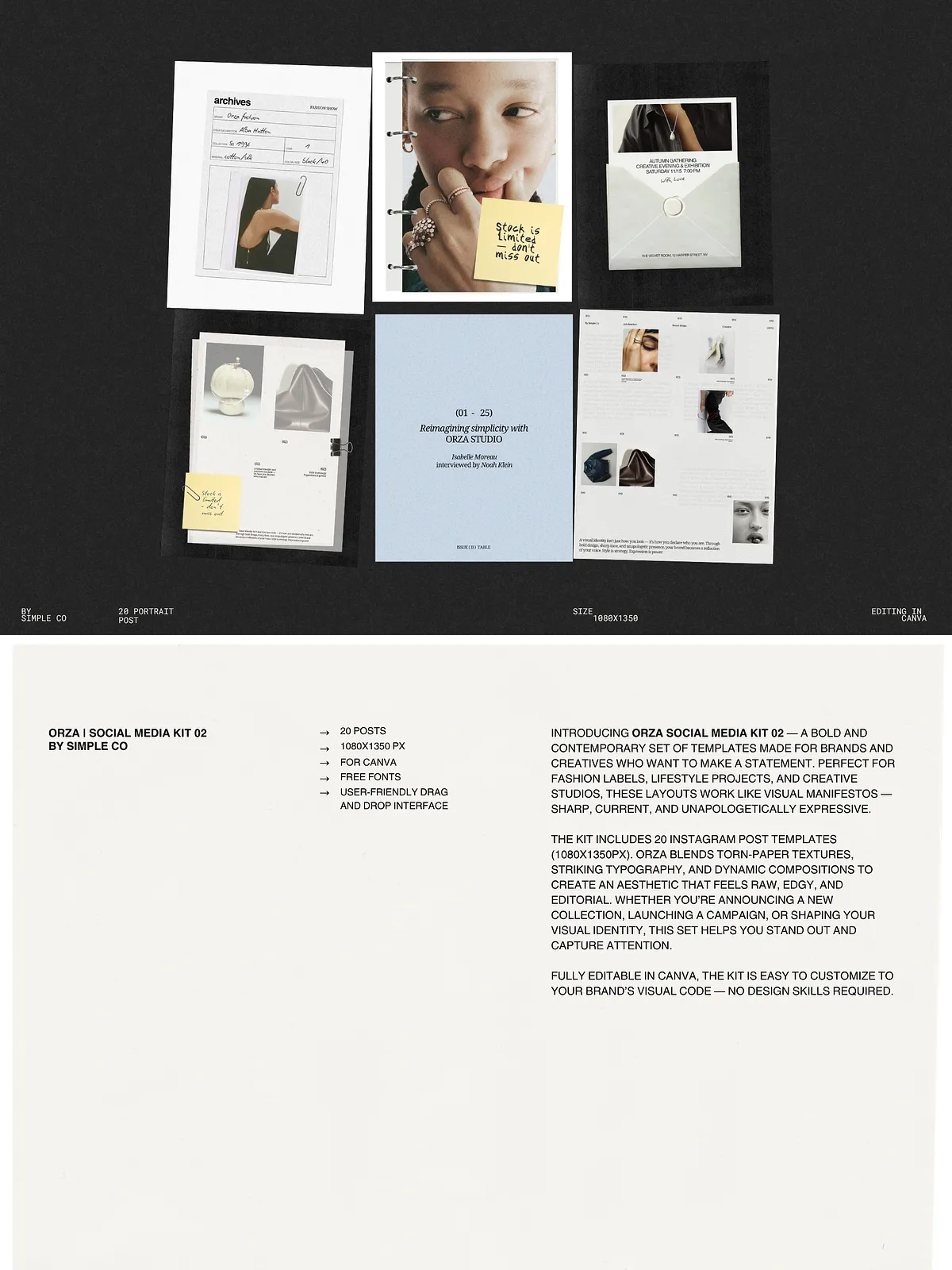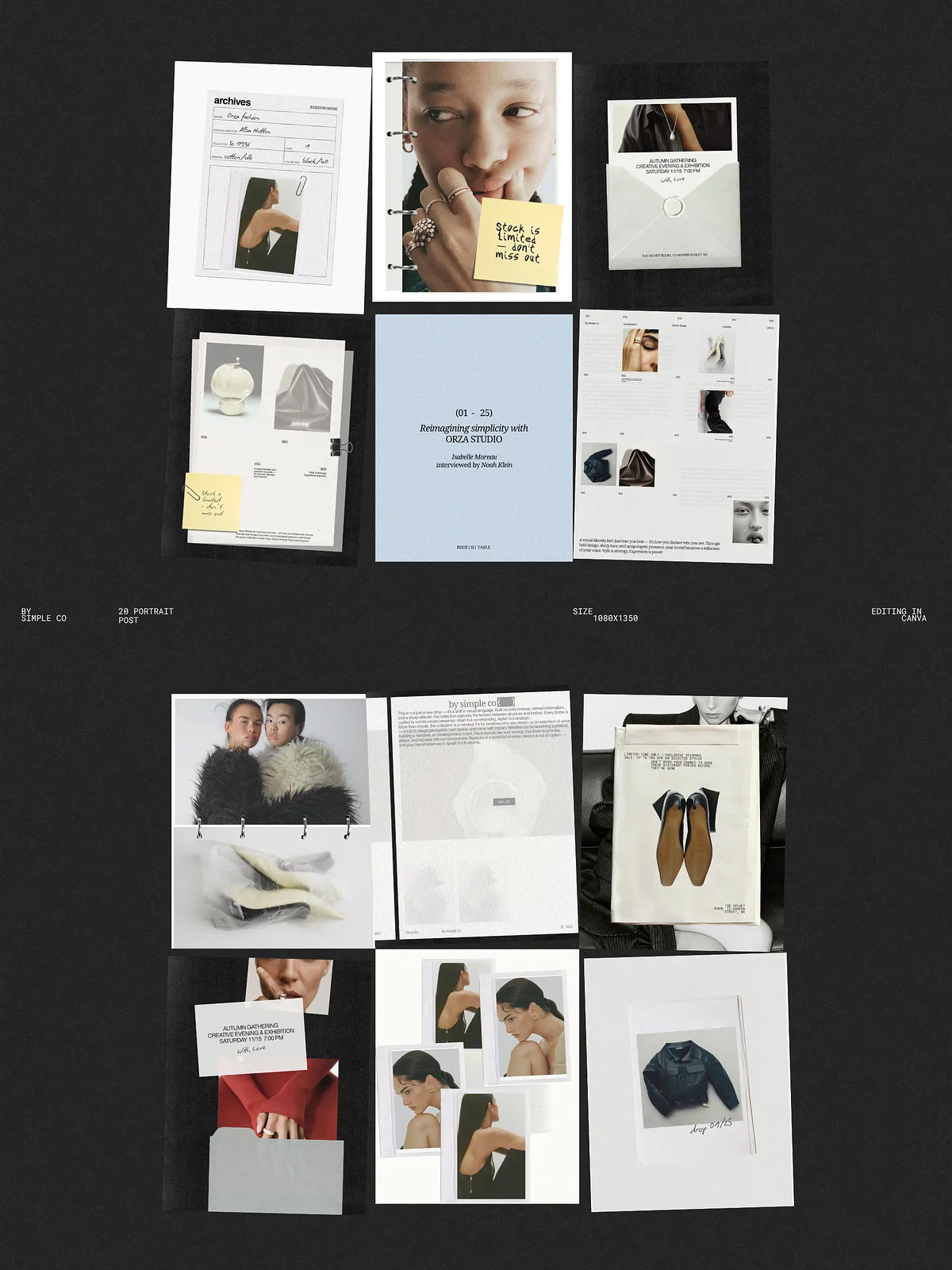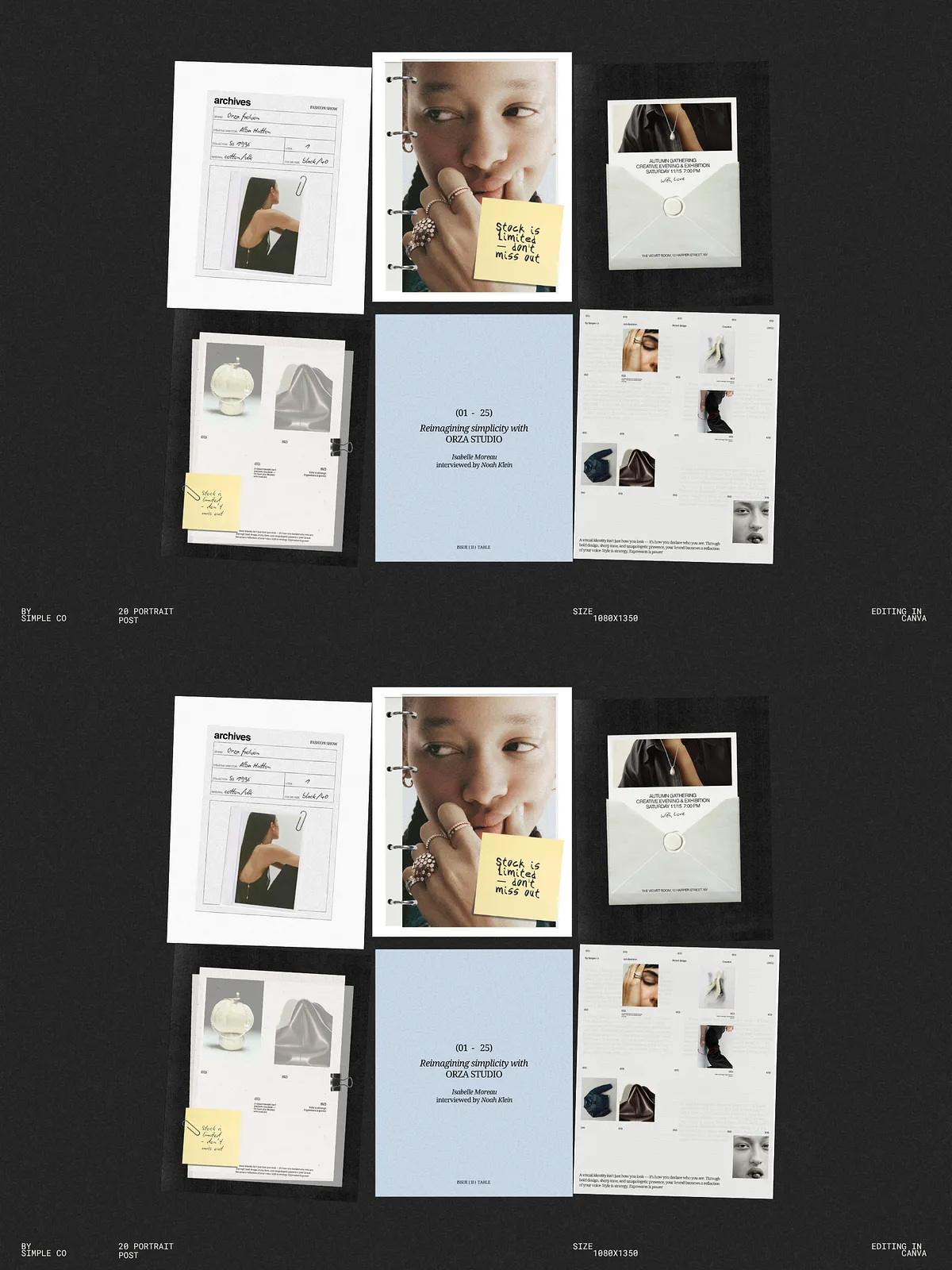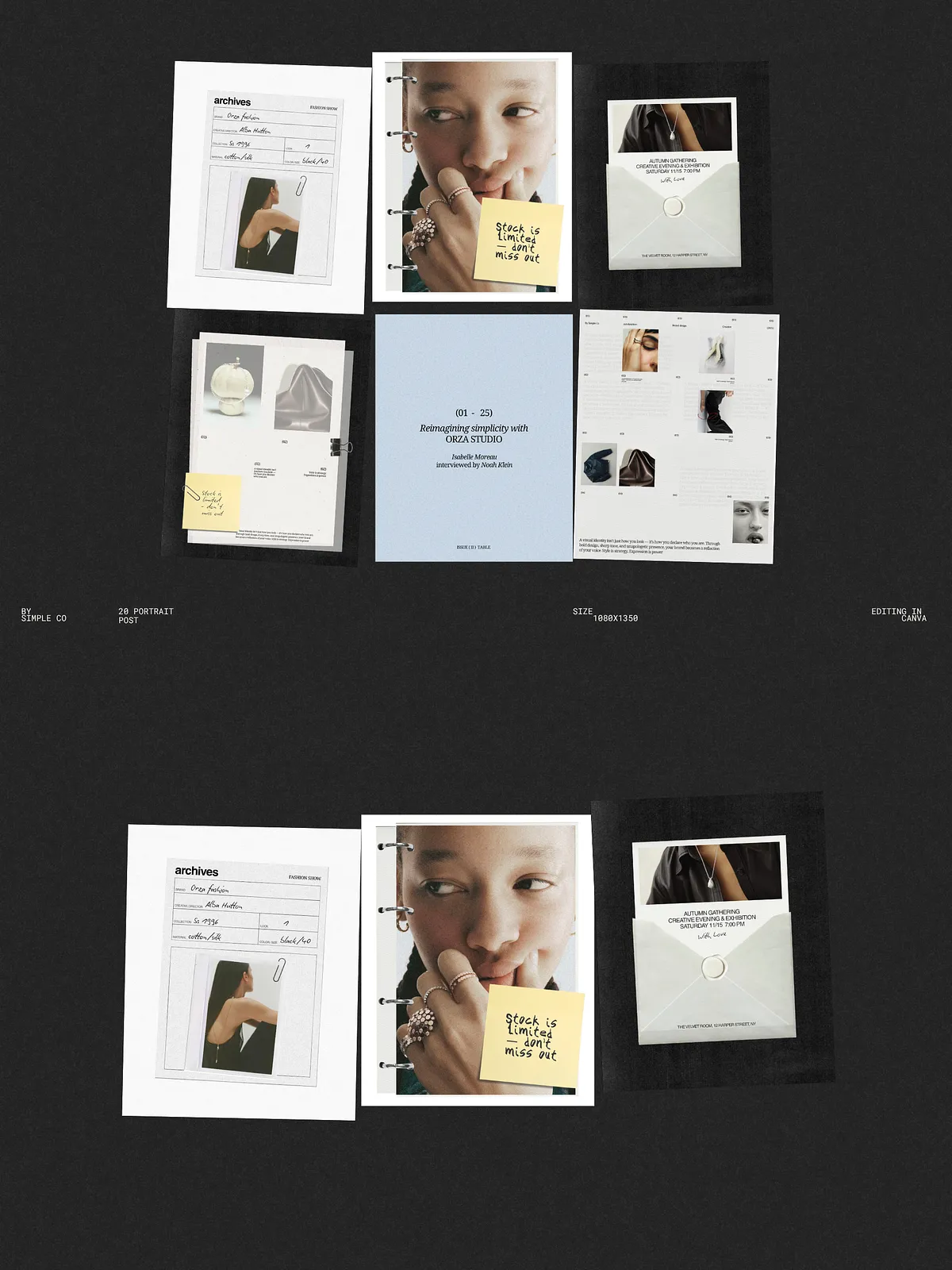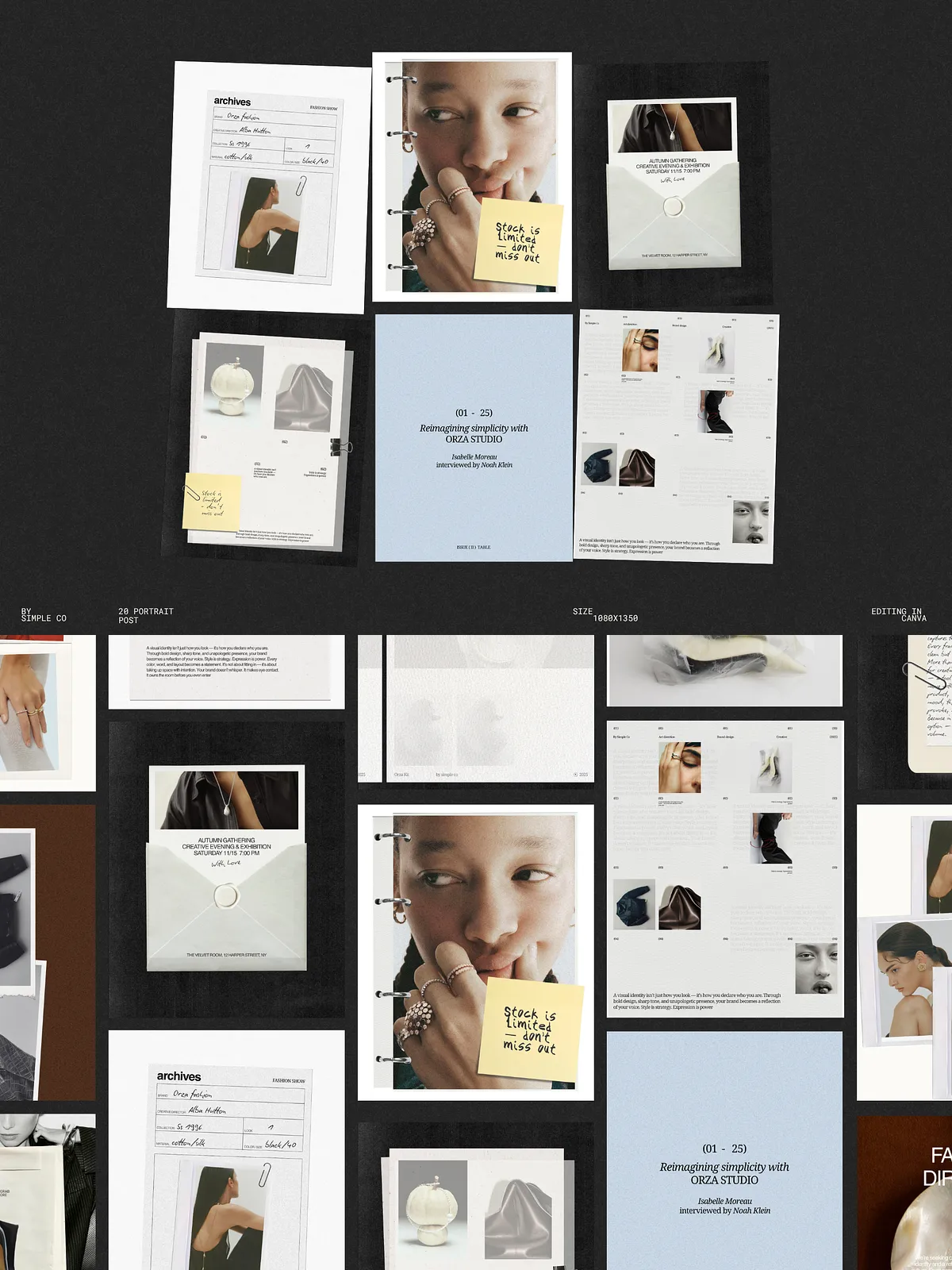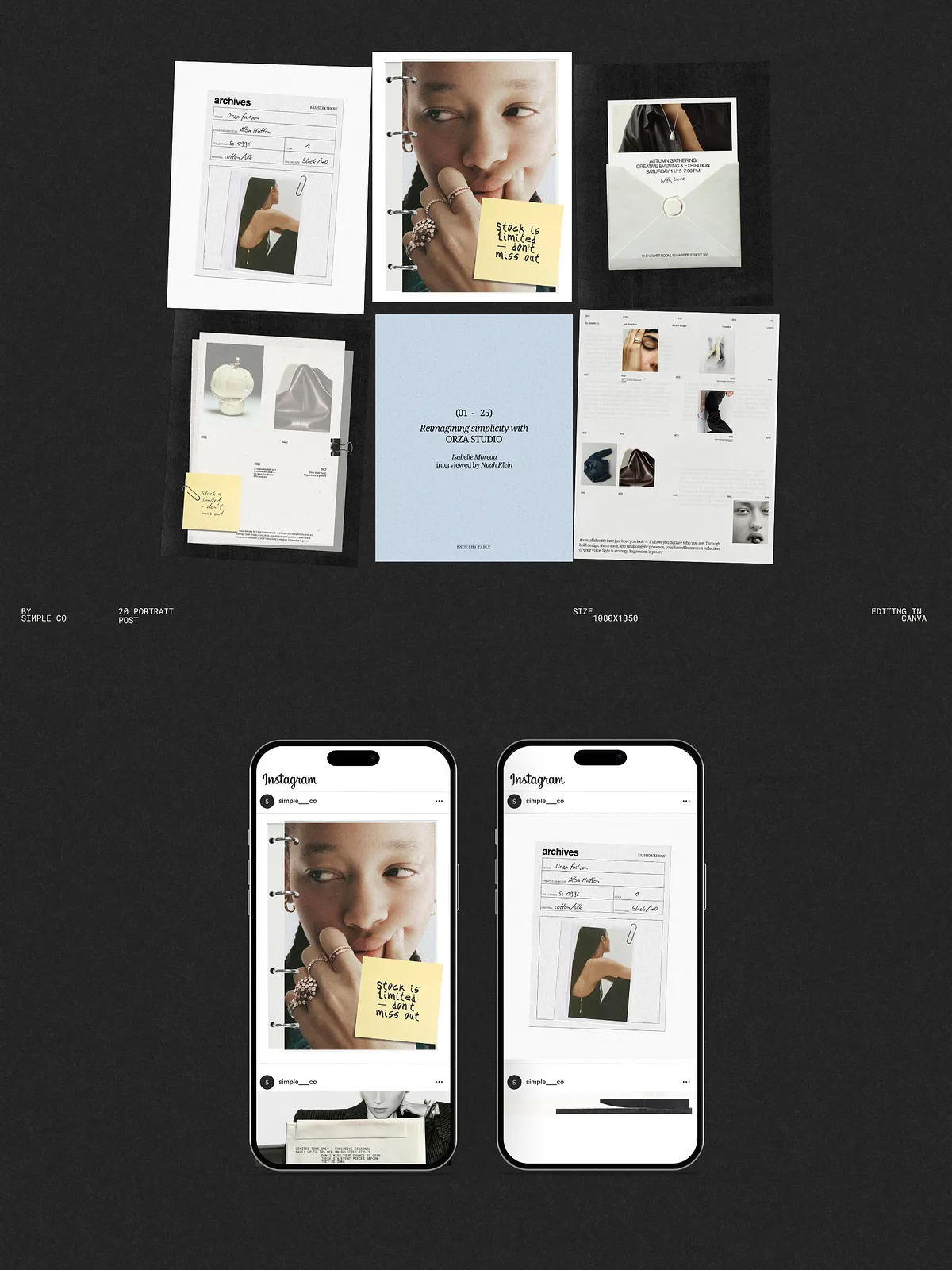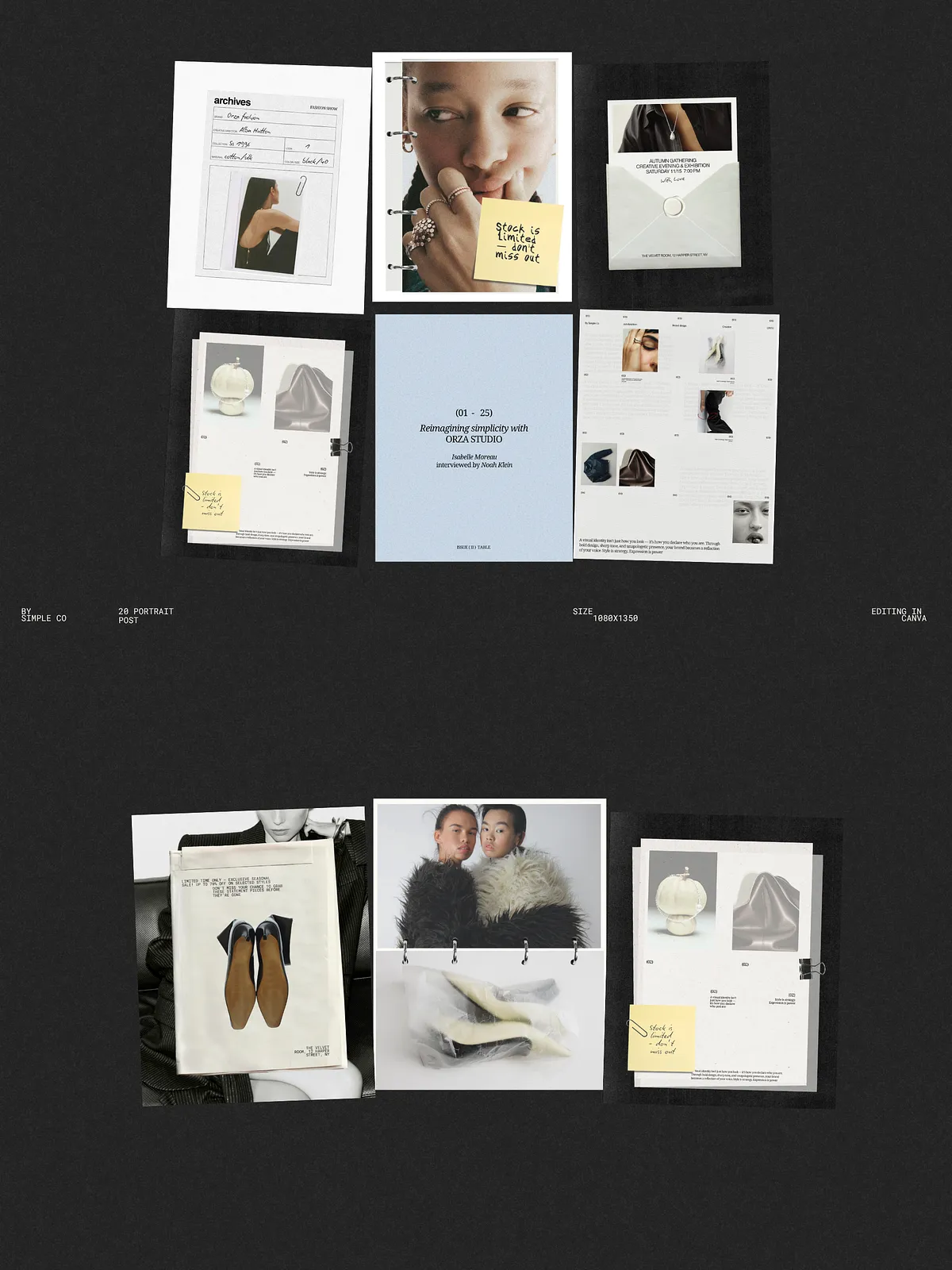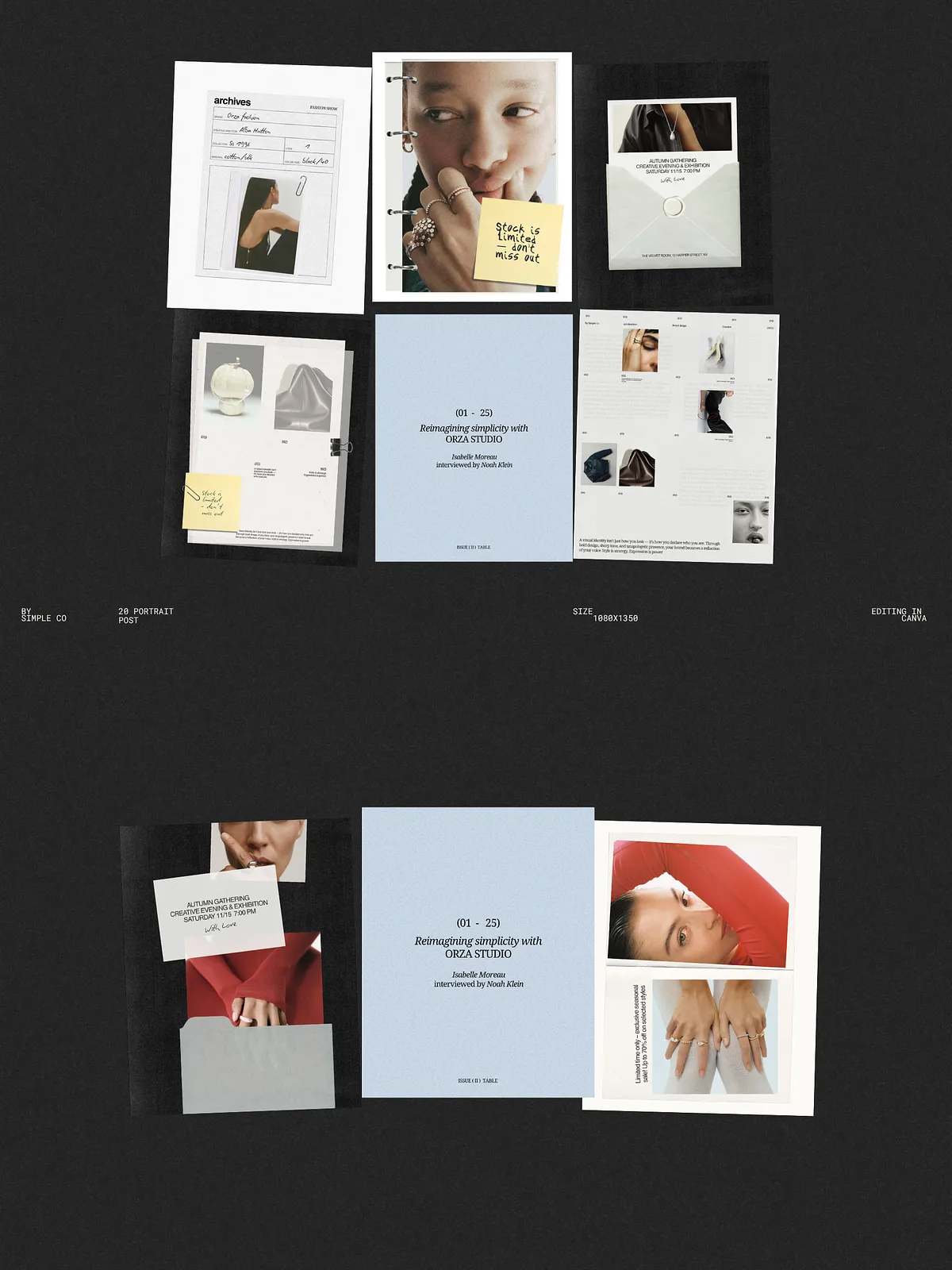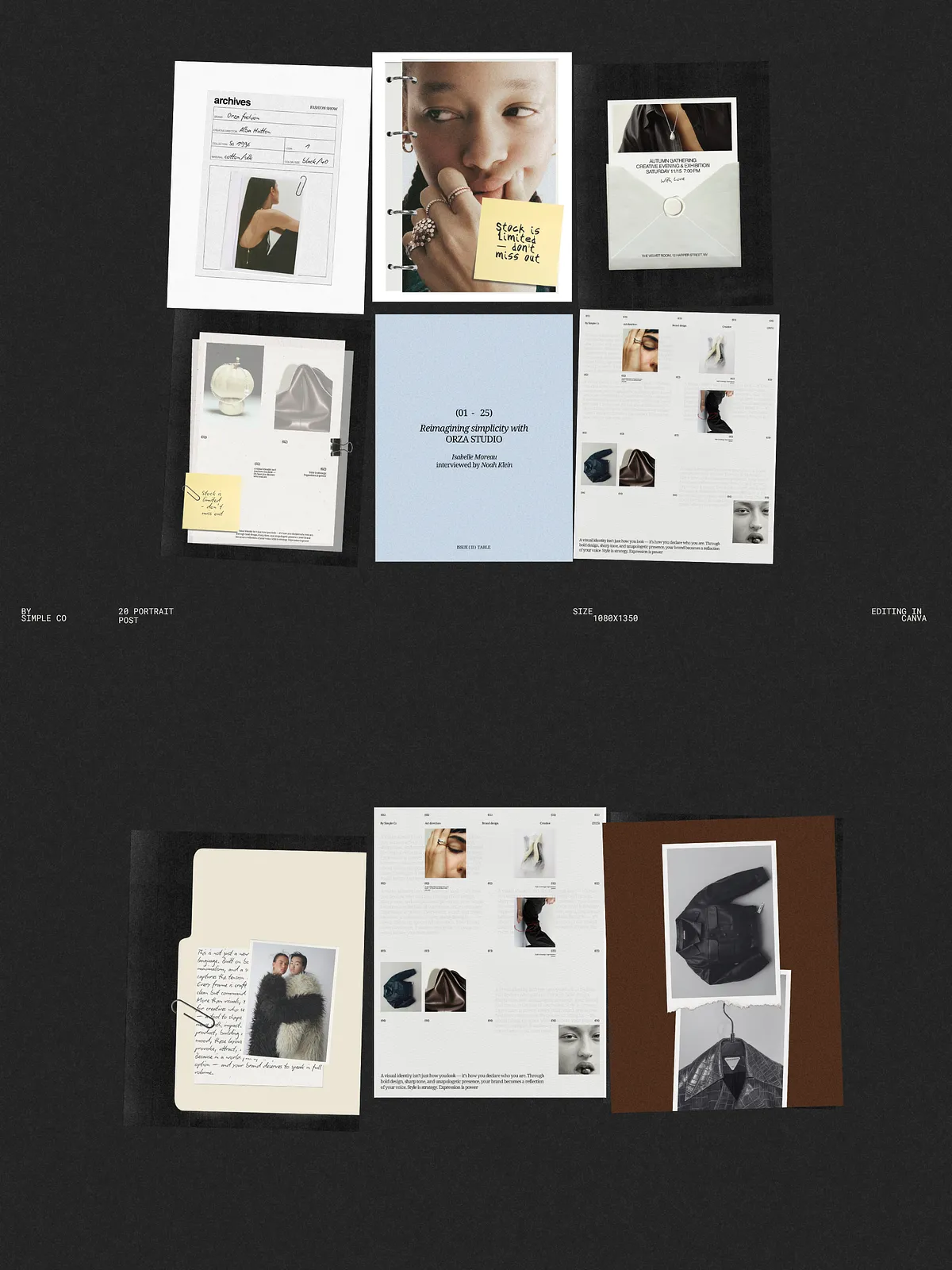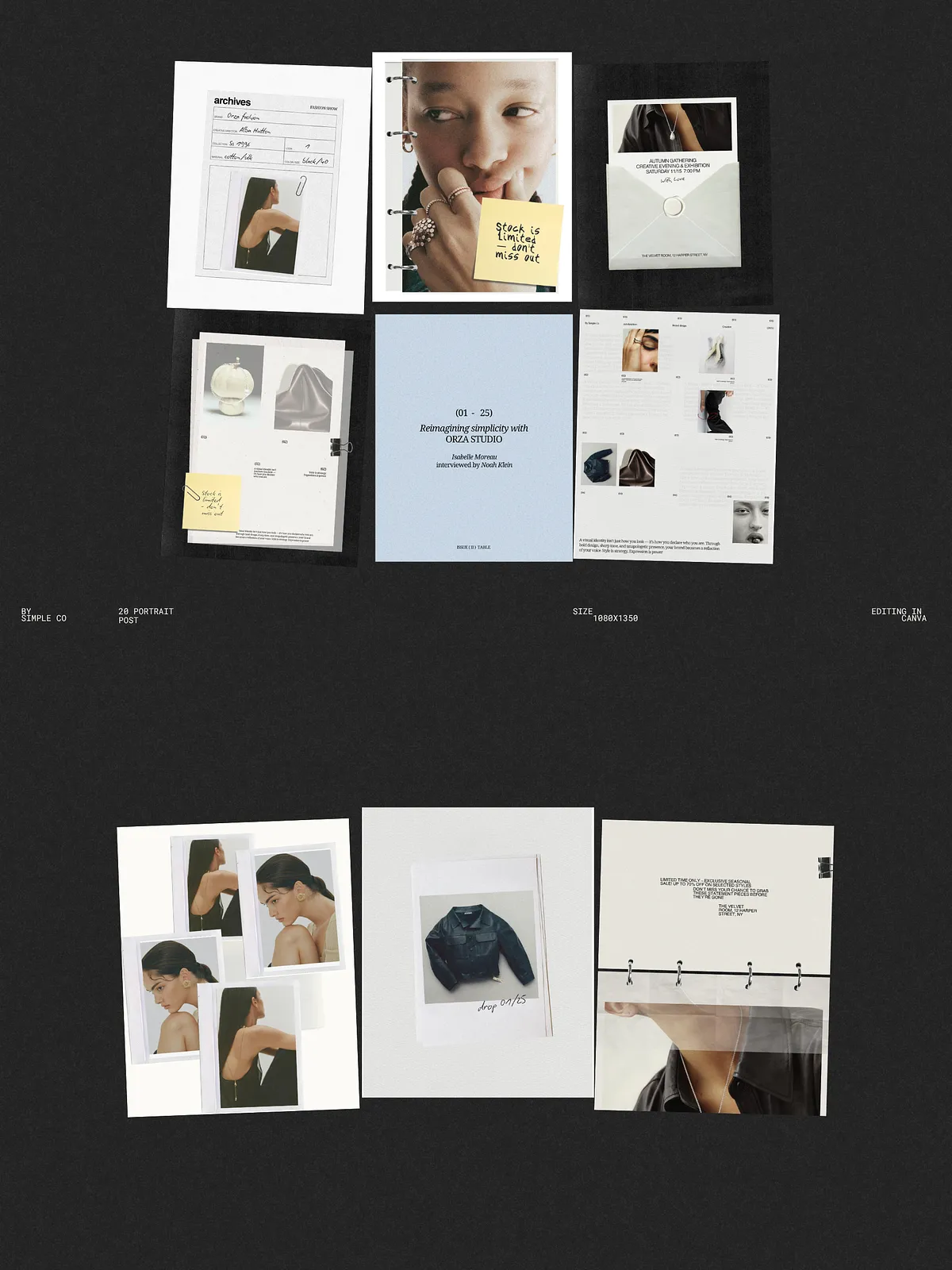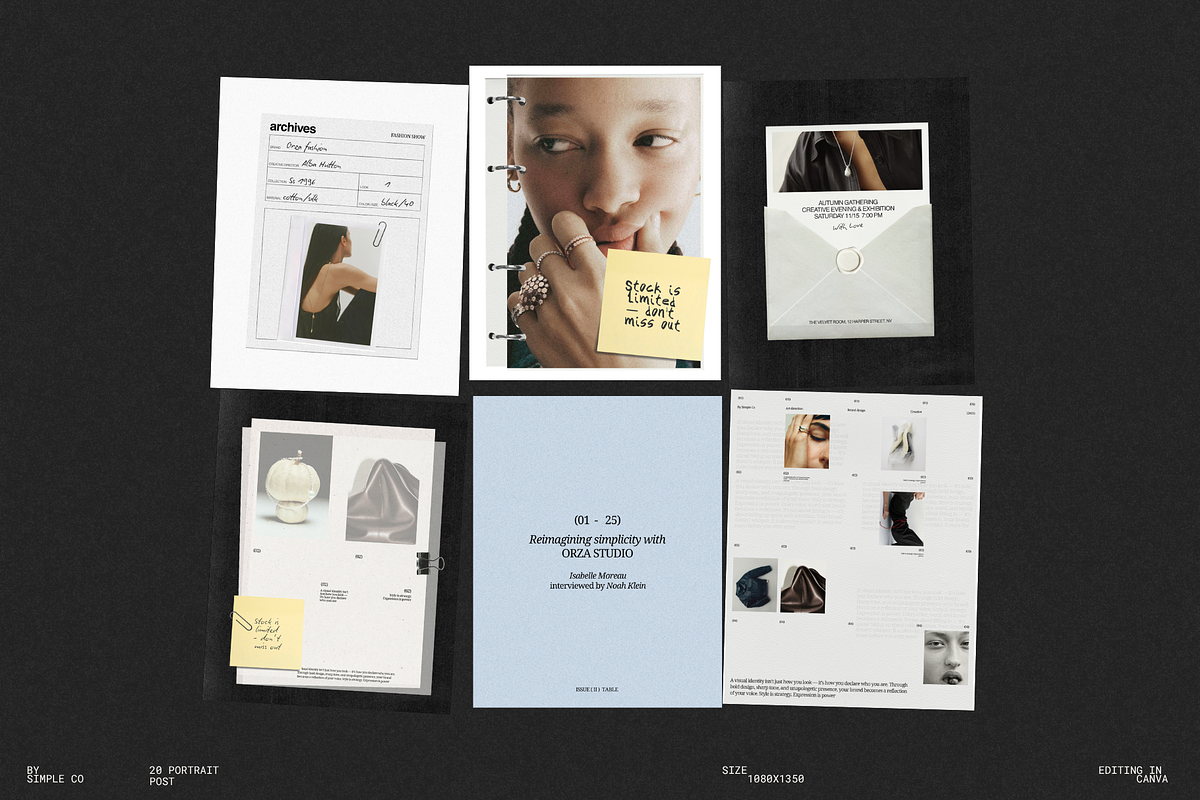
ORZA Social Media Kit 02 delivers a bold, contemporary collection of Instagram templates crafted to help fashion labels, lifestyle projects, and creative studios publish striking, attention-grabbing content quickly. This kit emphasizes sharp typography, torn-paper textures, and dynamic compositions to create an editorial aesthetic that reads as confident and unapologetically expressive. Designed for simplicity and speed, each template works within Canva so teams and solo creators can edit, brand, and post without advanced design skills.
What the Kit Includes
Template Files
- 20 Instagram post templates in square and portrait orientations (1080×1350 px)
- Fully compatible with Canva — open, edit, and export directly from the platform
- Templates built with free fonts available in Canva for quick customization
Design Elements
- Editorial torn-paper textures and layered compositional options
- Striking headline and body text styles optimized for social impact
- Flexible image placeholders and grid arrangements for lookbooks and campaign imagery
Key Features
- Ready-to-use Instagram sizes (1080×1350 px) that preserve visual integrity across feeds
- Drag-and-drop editing in Canva — no design software required
- Editable text and layout components so you can adapt voice, tone, and messaging instantly
- Free fonts included within Canva templates to ensure consistent typography out of the box
- Lightweight file structure that speeds up loading and editing in collaborative environments
How to Customize in Canva
Step-by-step Customization
- Open the template in Canva and duplicate any page you plan to edit to preserve the original layout.
- Replace placeholder images with your product or editorial photos using the drag-and-drop image frames.
- Update headlines, subheads, and body copy to match your campaign messaging; adjust font sizes to prioritize hierarchy.
- Swap color swatches to reflect your brand palette; test contrast to ensure readability on mobile screens.
- Export selected posts as high-quality PNG or JPG, or schedule directly through your social publishing tool.
Best Practices and Use Cases
Use Cases
- Product launches and collection drops — present hero images, details, and calls to action in a cohesive visual sequence
- Campaign storytelling — use sequential posts to build momentum and reveal product features
- Editorial lookbooks — assemble mood-driven layouts and collages that reflect brand direction
- Studio announcements and event promotions — combine countdown-style typography with compelling imagery
Practical Tips
- Maintain consistent visual rhythm: reuse key textures and typographic treatments across posts to strengthen recognition.
- Prioritize legibility on mobile: increase contrast and test copy lengths to avoid truncation in feeds.
- Leverage Canva’s brand kit features to store your colors, fonts, and logo assets for rapid application across templates.
Technical Details and Limitations
Templates are supplied exclusively via Canva links and rely on Canva’s free fonts and features. Photos used in preview images are not included in the download; you will need to substitute your own photography. The pack focuses on Instagram post formats (square and portrait) and does not include story or reel-specific templates, though layouts can be adapted for other formats within Canva.
Support, Licensing, and Questions
If you encounter any issues opening or editing templates in Canva, reach out directly through the product support channel. The templates come with a standard commercial use license for social media promotion; confirm any extended licensing needs if you plan to redistribute templates or assets. For customizations, layout requests, or additional companion templates, contact the author and request bespoke adjustments.