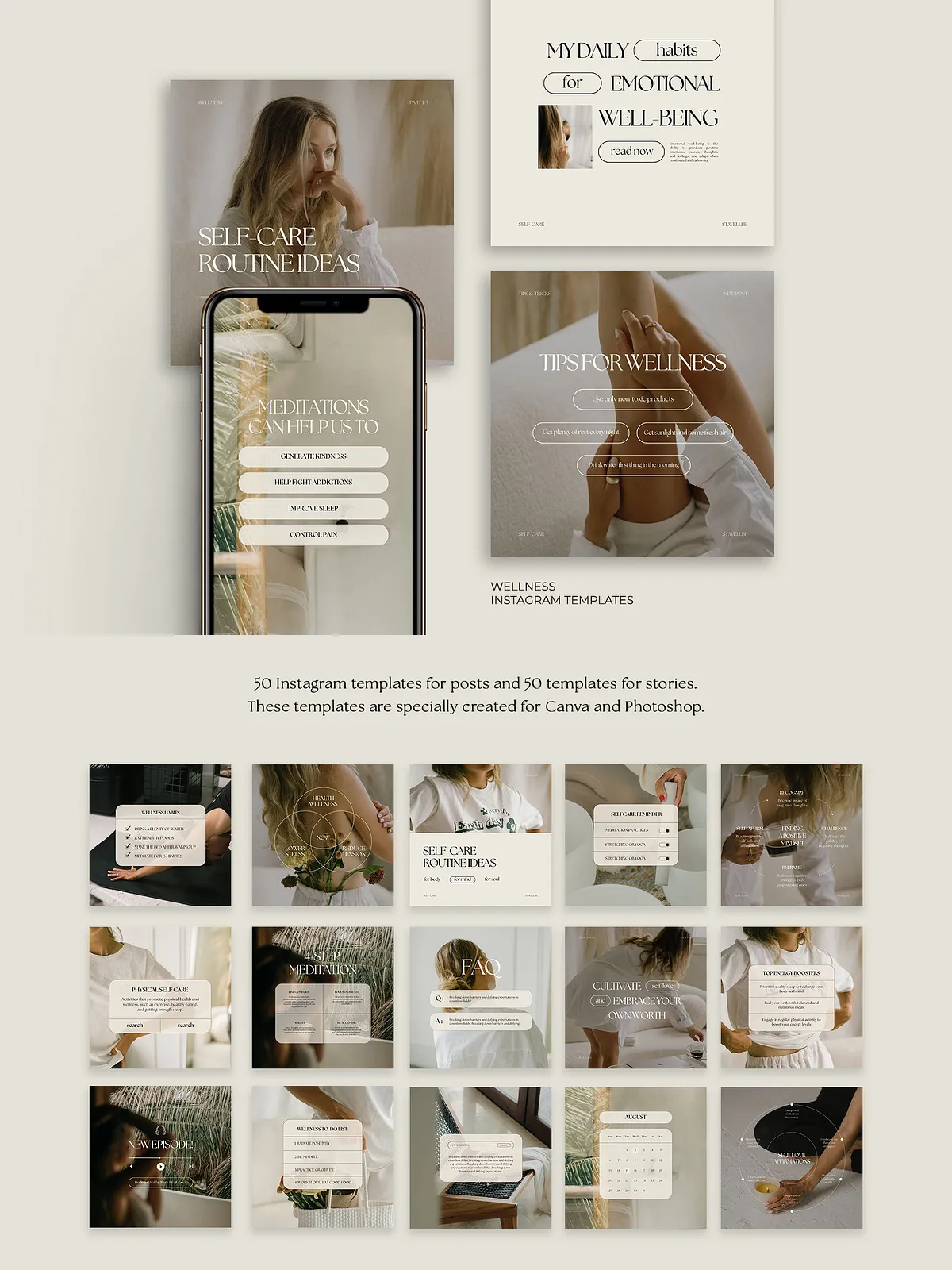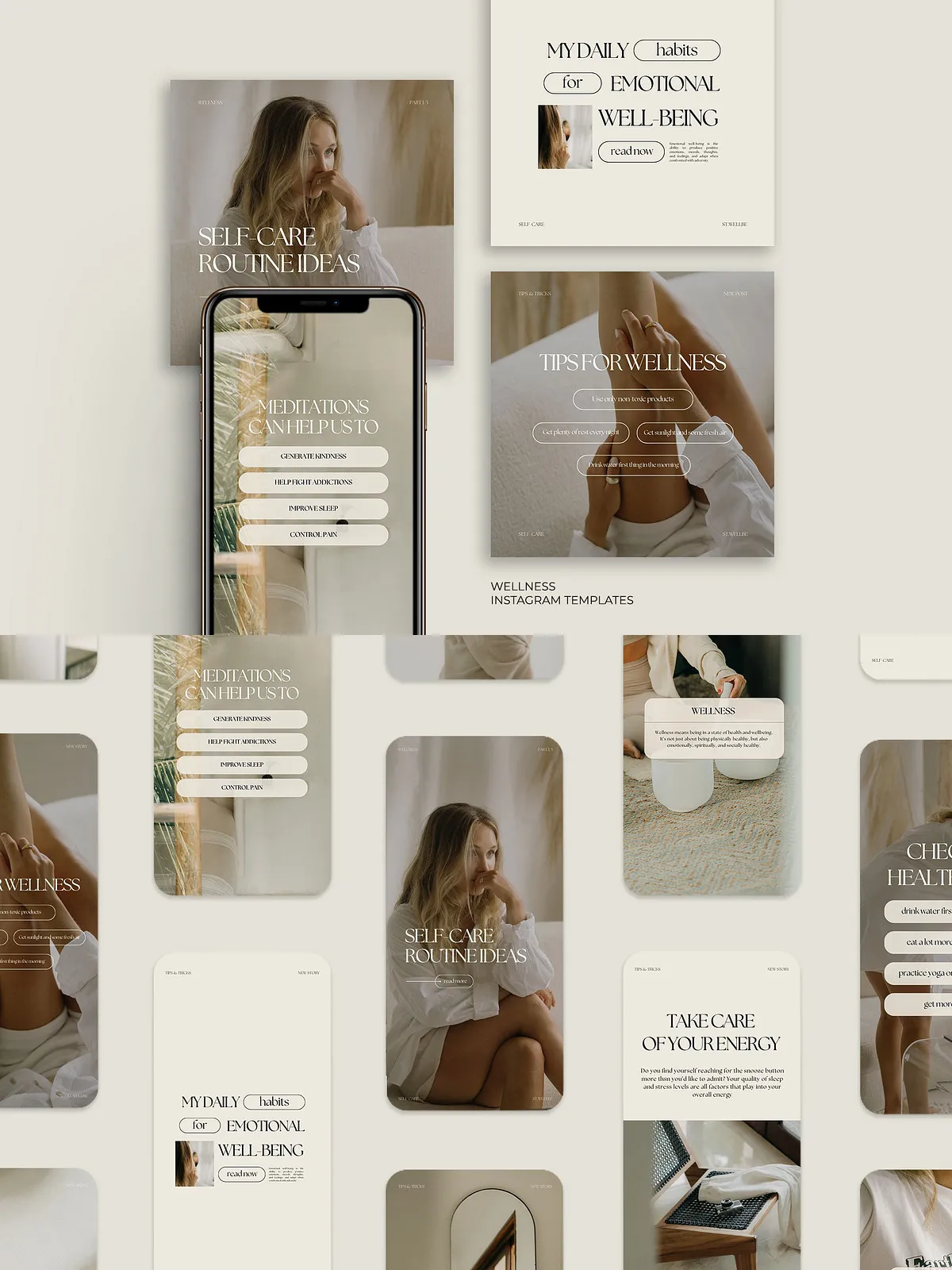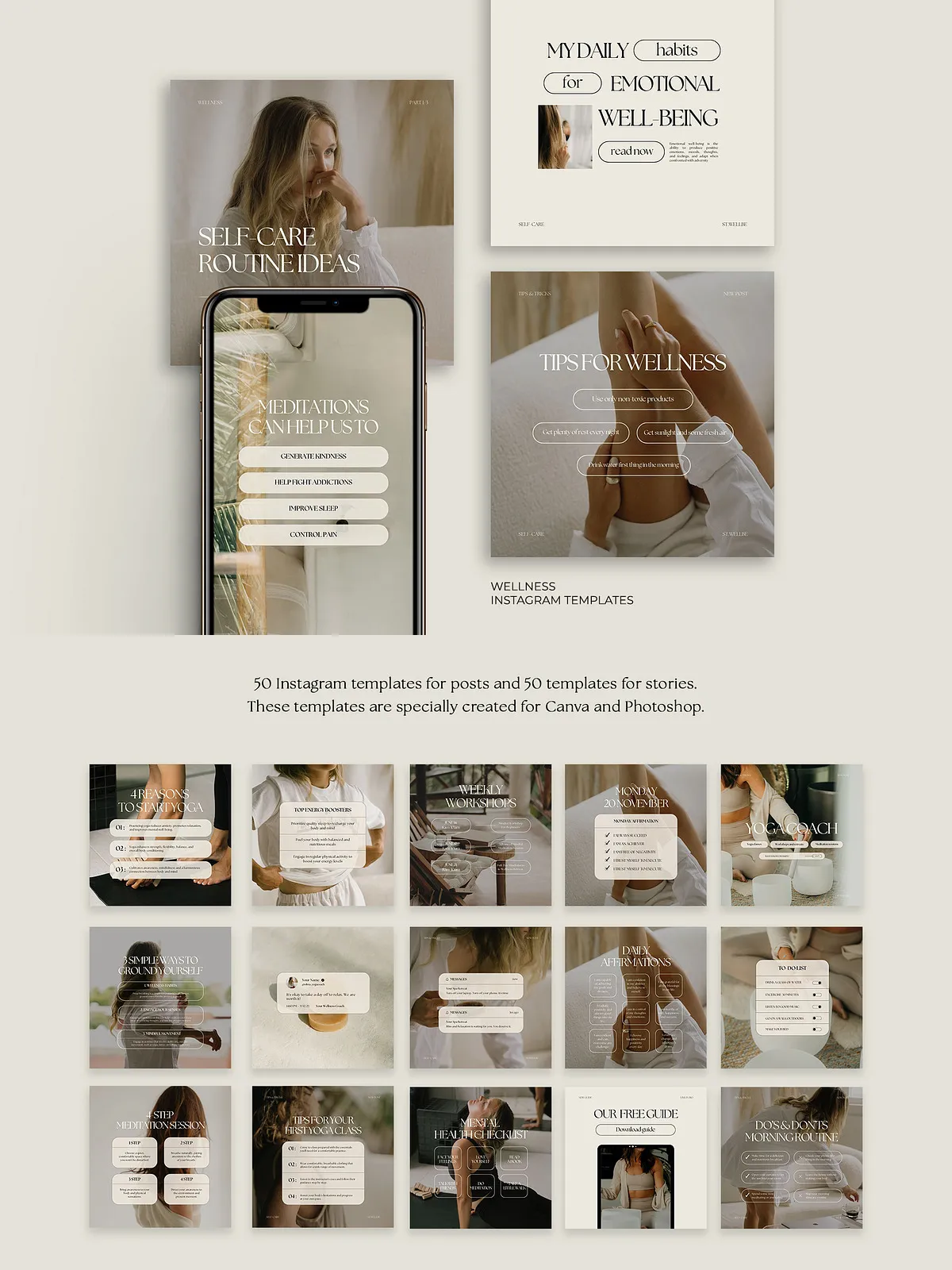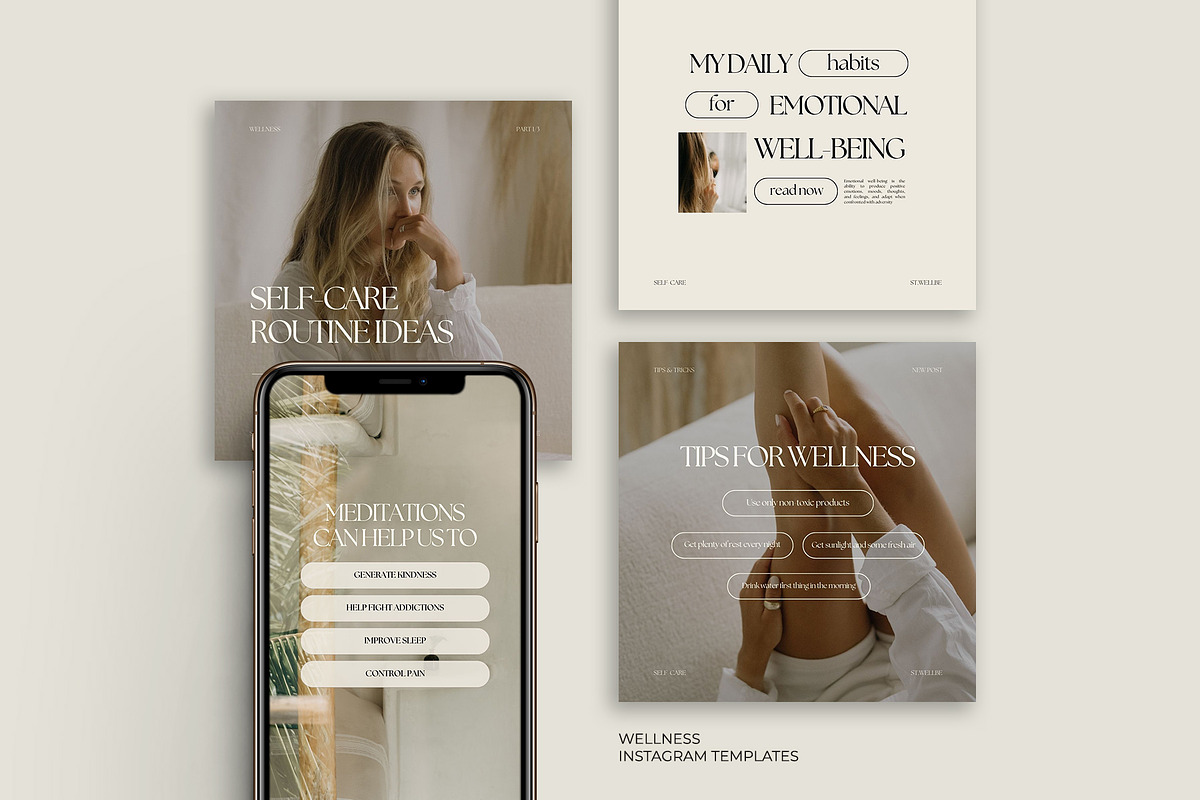
These 100 Wellness Instagram Templates provide a complete, professional toolkit designed to help health and wellness coaches, bloggers, and content creators build a consistent, high-converting Instagram presence quickly. The pack includes 50 customizable feed post templates and 50 story templates formatted for Canva and Adobe Photoshop. Each layout emphasizes clean composition, modern typography, and compelling visual hierarchy so you can promote services, share tips, and attract new followers with confidence.
What’s Included
Complete Template Set
- 50 Instagram Post Templates — fully editable in Canva and Photoshop.
- 50 Instagram Story Templates — editable formats suitable for vertical story content.
- Canva guideline document — step-by-step instructions to import, edit, and export.
- All preview photos sourced from free stock libraries and shown for display purposes only.
Files & Compatibility
Templates include ready-to-edit Canva files (.canva templates or links) and layered Photoshop files (.psd). Photoshop templates use organized layers and named groups to speed up editing. Canva files use editable text boxes and grouped elements so you can replace imagery, adjust colors, and swap fonts without reconstructing the layout.
Who This Pack Is For
Wellness Coaches and Practitioners
Use the templates to highlight services, share client testimonials, announce classes or workshops, and promote special packages. The layouts prioritize legibility and call-to-action placement to increase bookings and inquiries.
Content Creators and Bloggers
Publish consistent educational posts, step-by-step tutorials, recipe posts, and motivational quotes that reflect a cohesive brand identity. The story templates help you announce new posts, run short polls, and drive engagement.
Small Businesses and Studios
Apply the templates to promote events, seasonal offers, or product launches while maintaining a polished and unified Instagram aesthetic.
How to Use the Templates
Quick Start — Canva
- Open the provided Canva link or upload the .canva file to your Canva account.
- Duplicate the master template to create working copies and preserve originals.
- Swap images, replace placeholder text with your brand messaging, and apply your color palette using Canva’s color picker.
- Download assets in PNG or JPG for feed, or MP4/GIF if you add animations inside Canva.
Quick Start — Photoshop
- Open the .psd file in Adobe Photoshop (compatible with recent CC versions).
- Work on duplicated files and keep the original file untouched.
- Edit text layers, replace smart-object images to maintain aspect ratio, and update color swatches via layer styles.
- Export final images as sRGB JPEG or PNG for Instagram; use PNG for transparent elements.
Customization Tips & Best Practices
- Apply consistent brand fonts and colors across all templates to strengthen recognition.
- Use smart objects in Photoshop for fast image swaps without reformatting.
- Keep text readable by maintaining adequate contrast between copy and background graphics.
- Save master color swatches in Canva or Photoshop to propagate palette changes across all templates.
- Preview posts in a grid view before publishing to ensure harmony and flow in your feed.
Export Recommendations
For feed posts, export at 1080 x 1080 px (square) or 1080 x 1350 px (portrait) with sRGB color profile for optimal web display. For stories, export at 1080 x 1920 px. Compress images lightly to preserve quality while keeping load times fast.
Licensing & Photos
All preview photos are used for display purposes and come from free stock sources. Templates include no restricted third-party content unless explicitly listed. Review the included license file to confirm permitted commercial uses and redistribution terms. If you require exclusive imagery, replace preview photos with your licensed assets.
Support & Delivery
After purchase, access your download link to retrieve the Canva templates, Photoshop .psd files, and the Canva guideline document. If you encounter issues opening files or need assistance customizing a template, contact the seller for prompt support. The guideline provides troubleshooting steps and font recommendations to help you launch quickly.