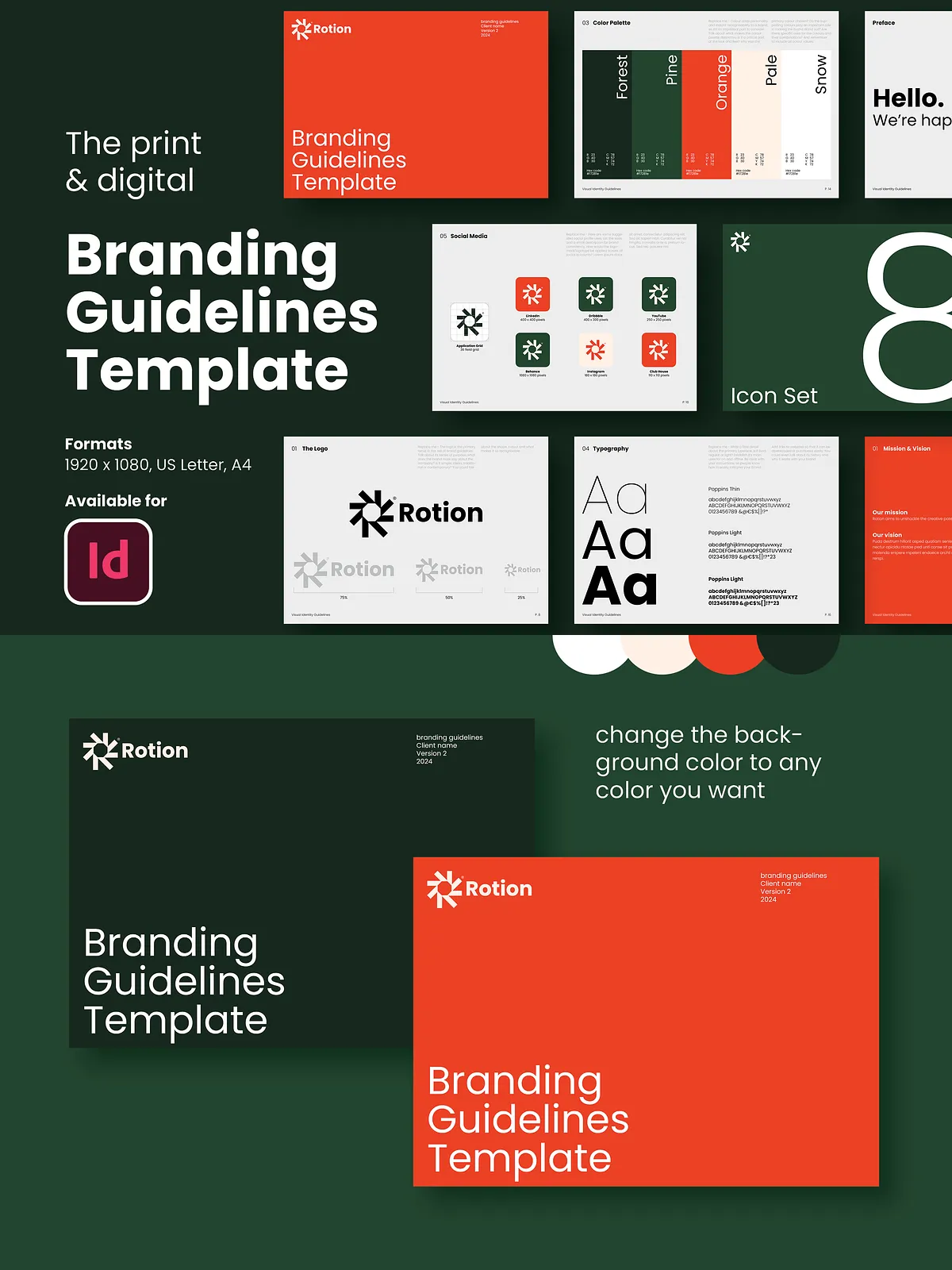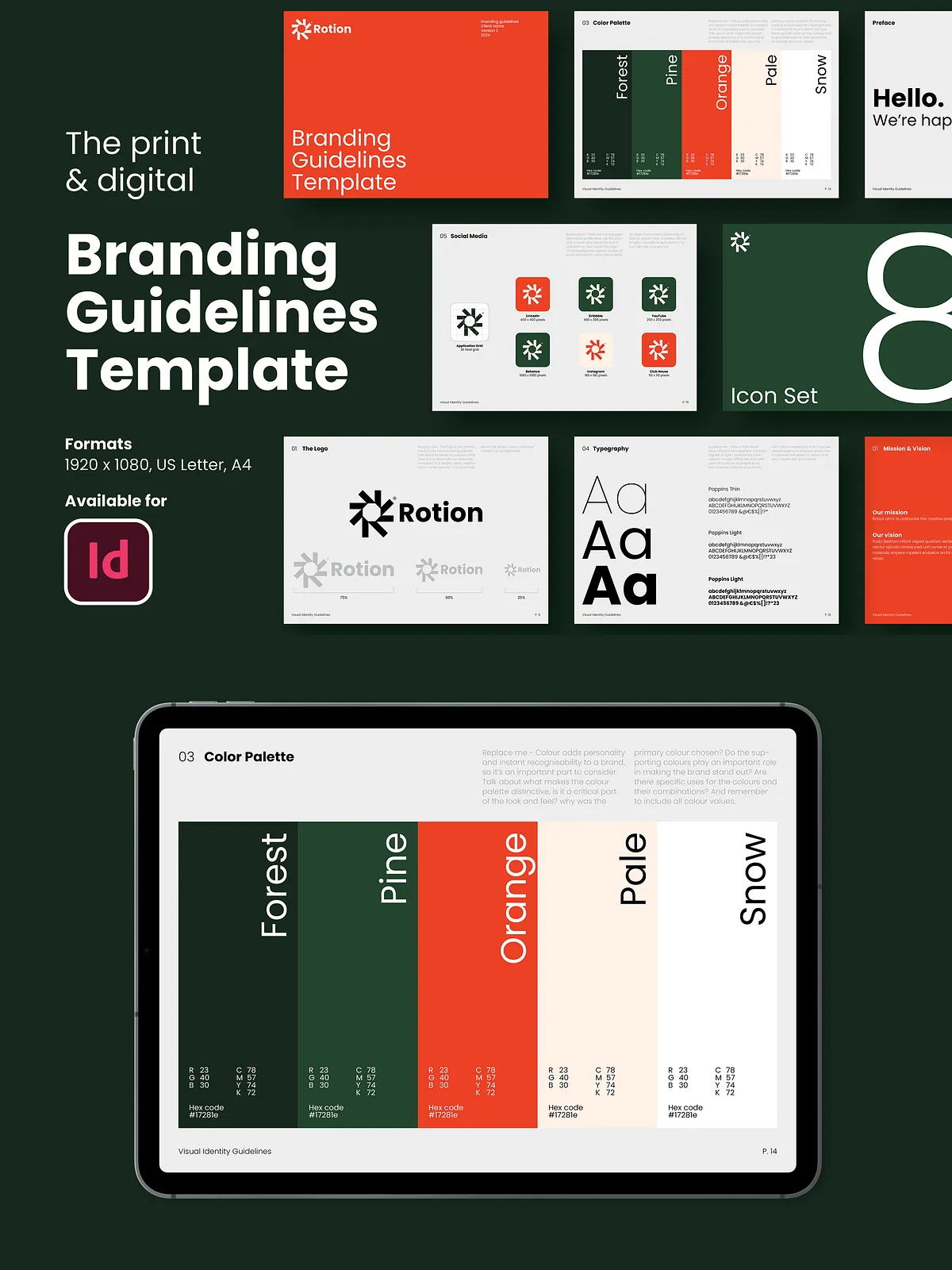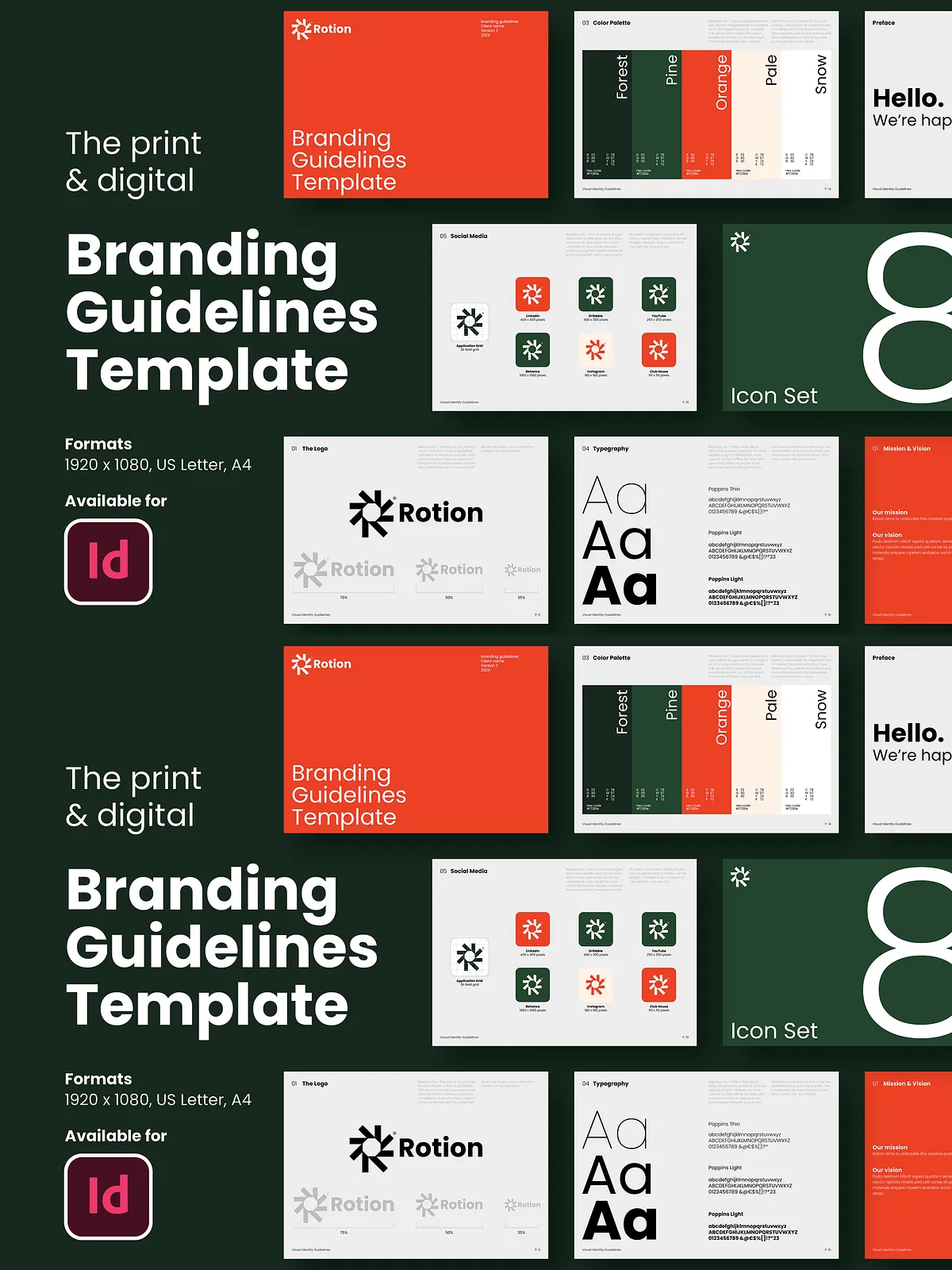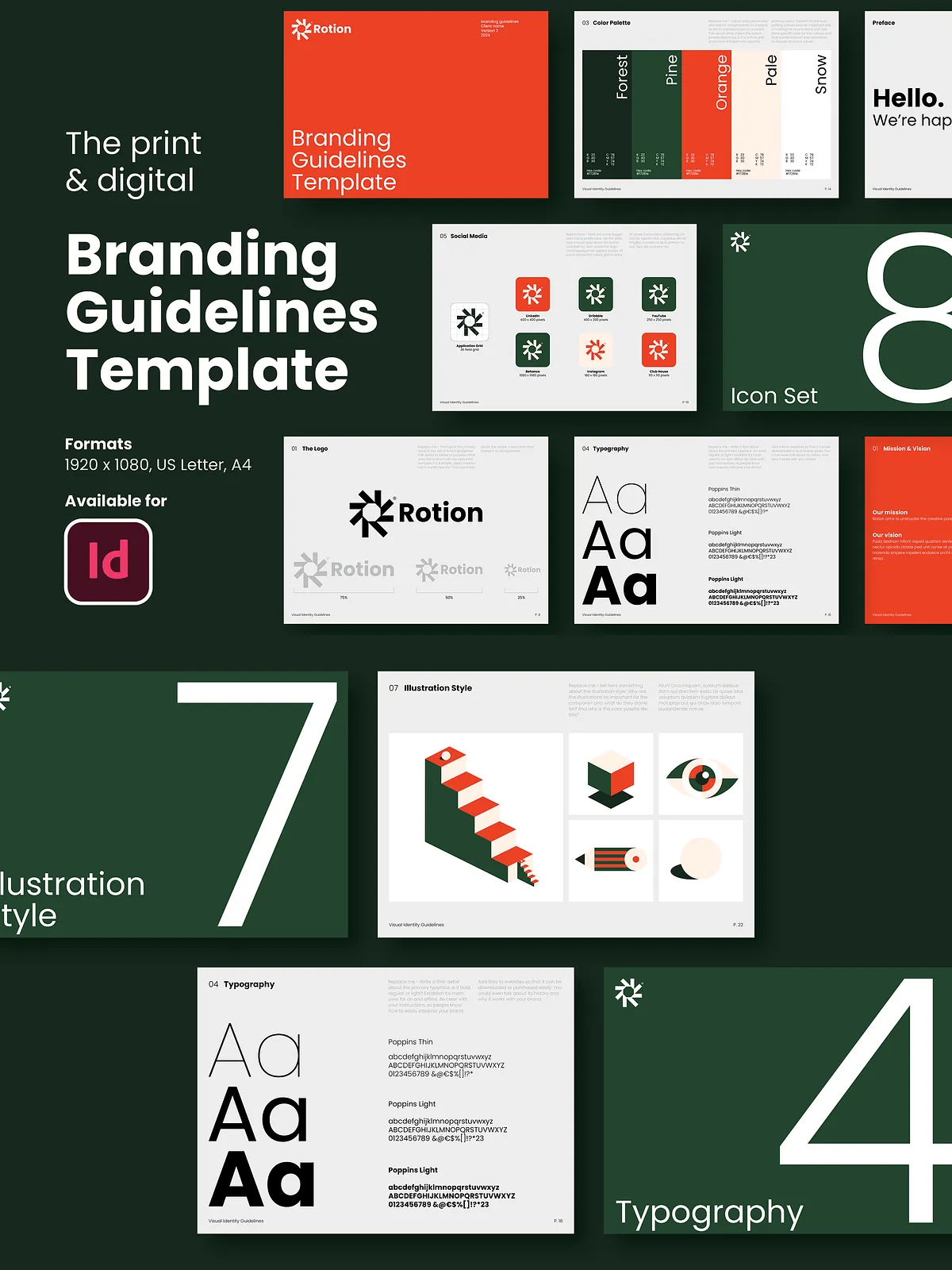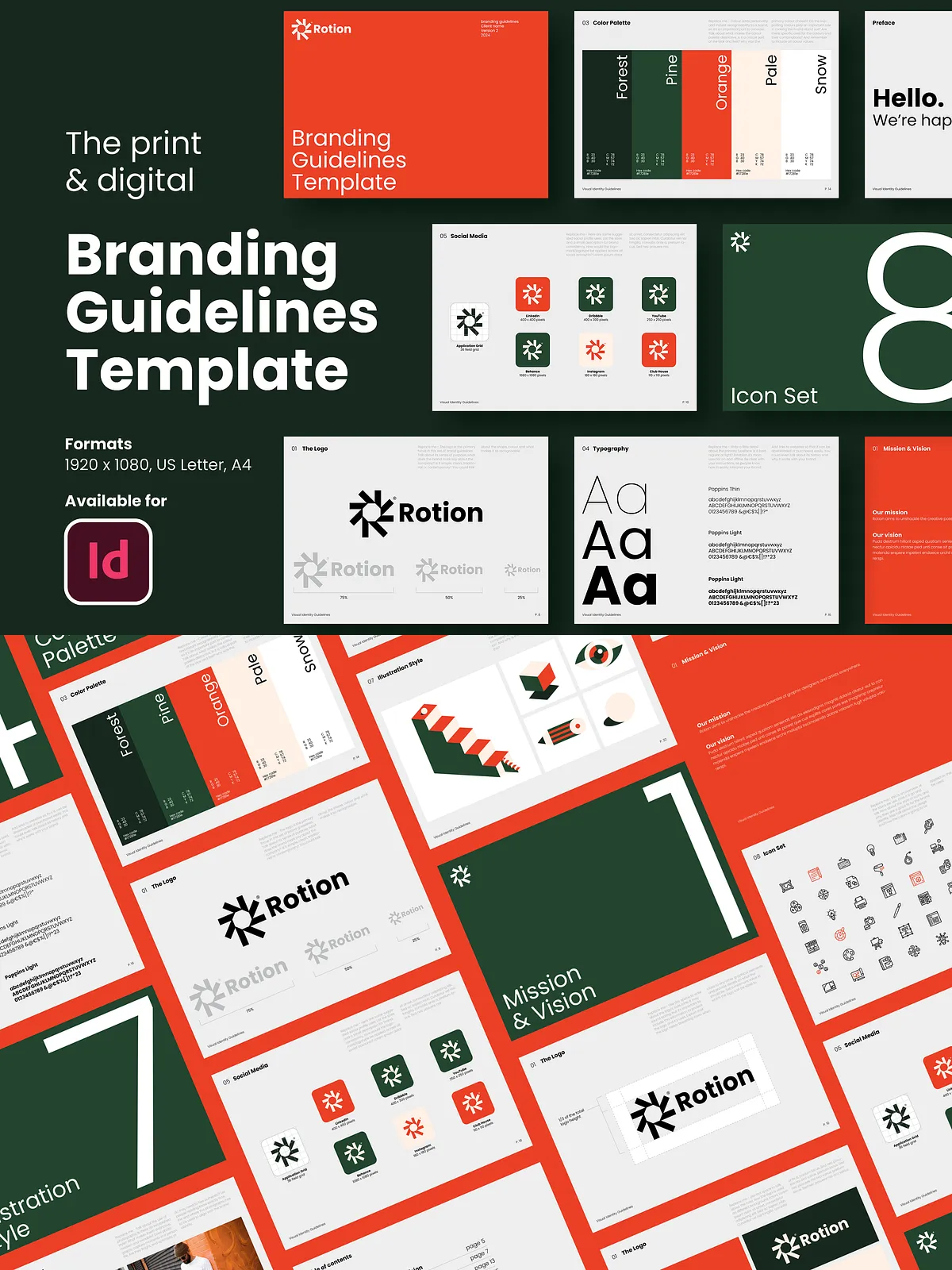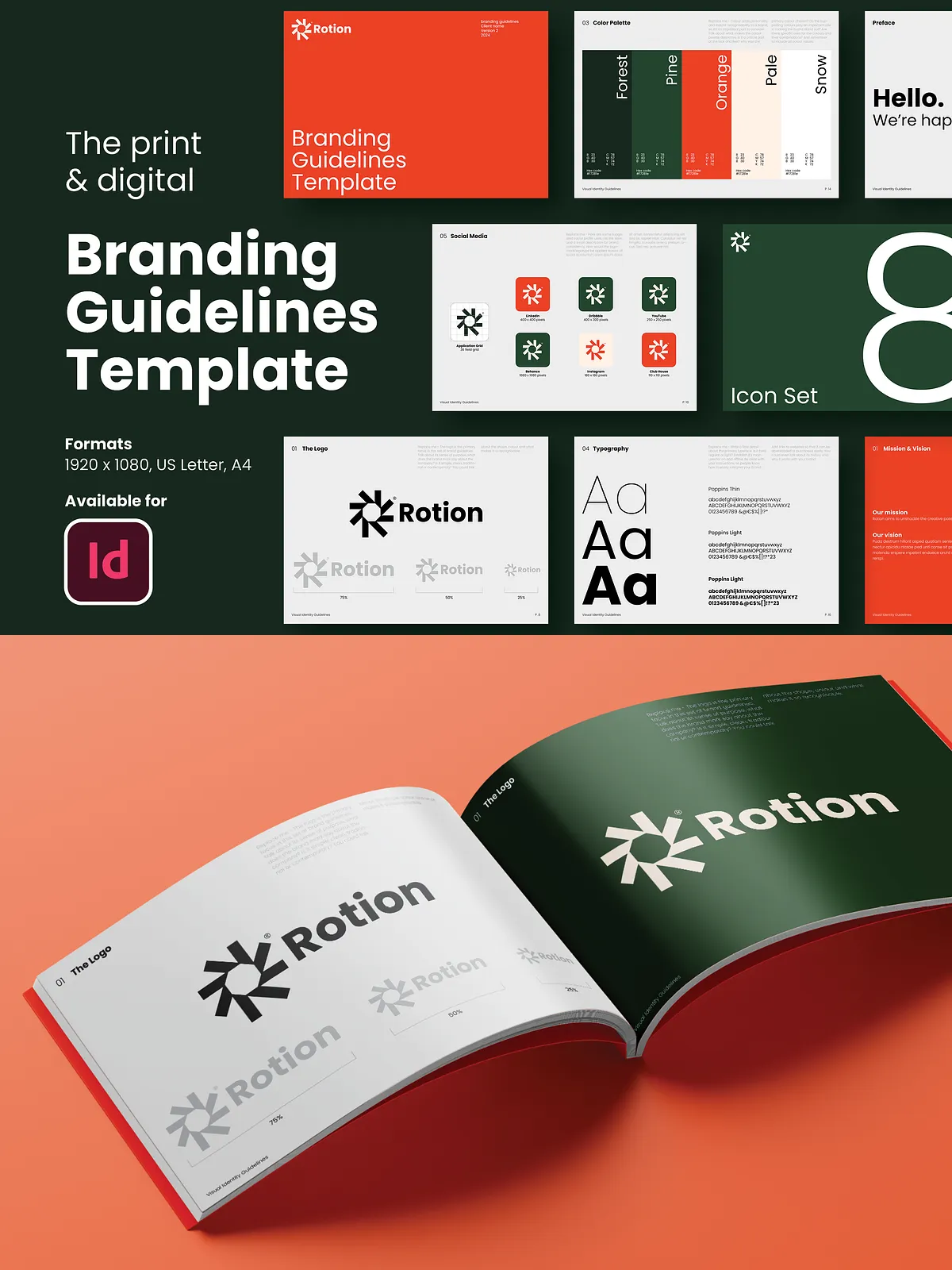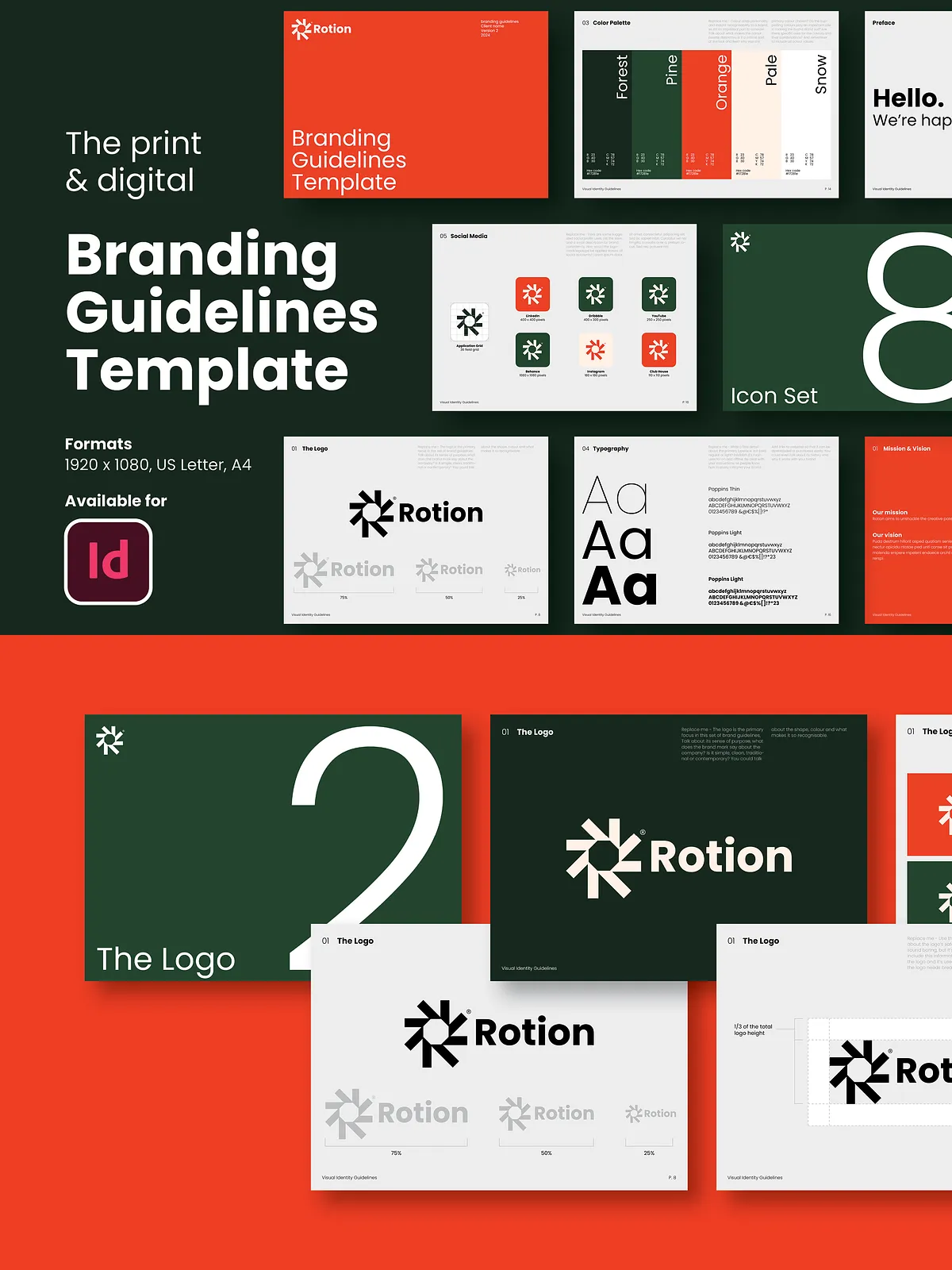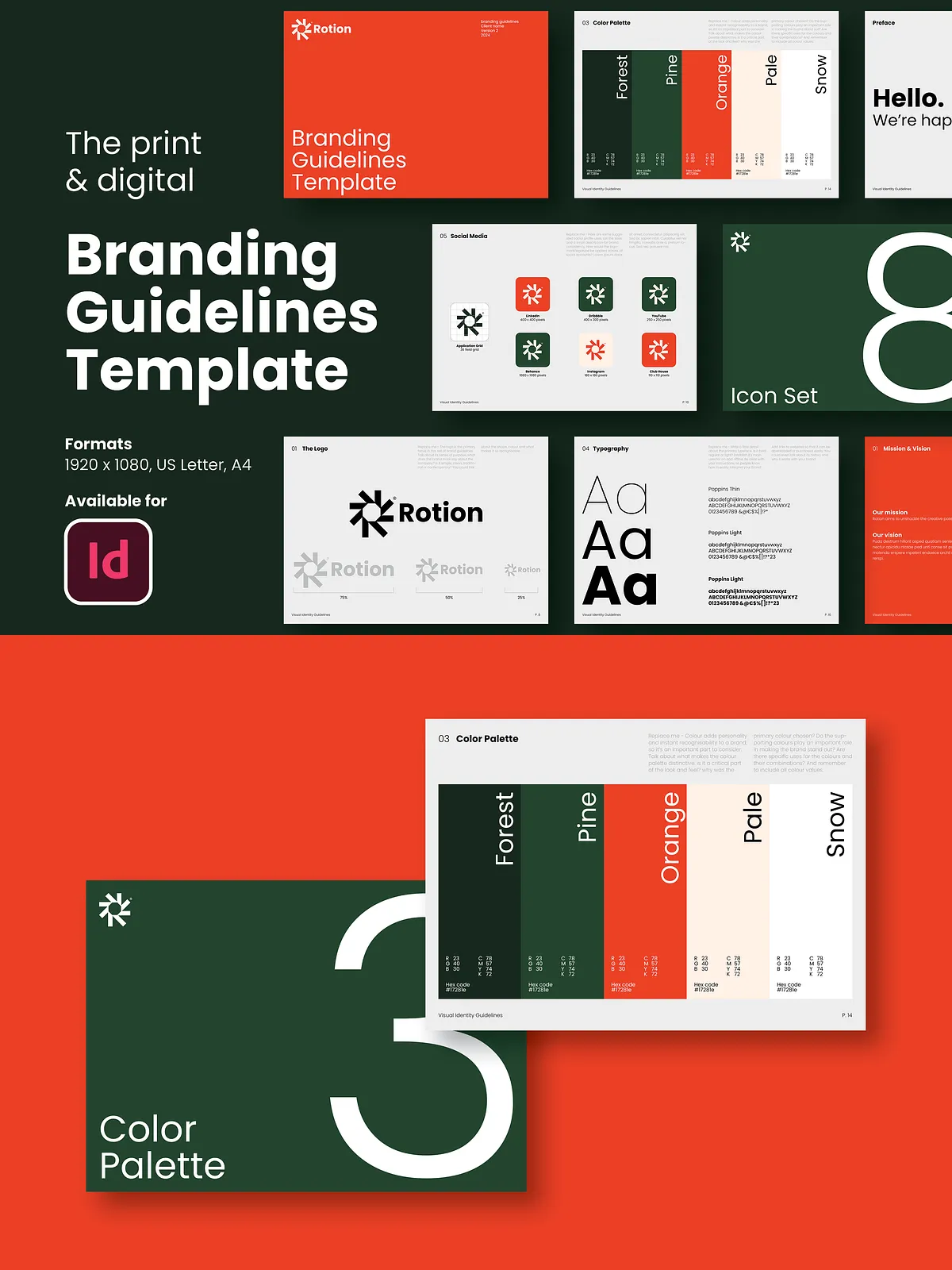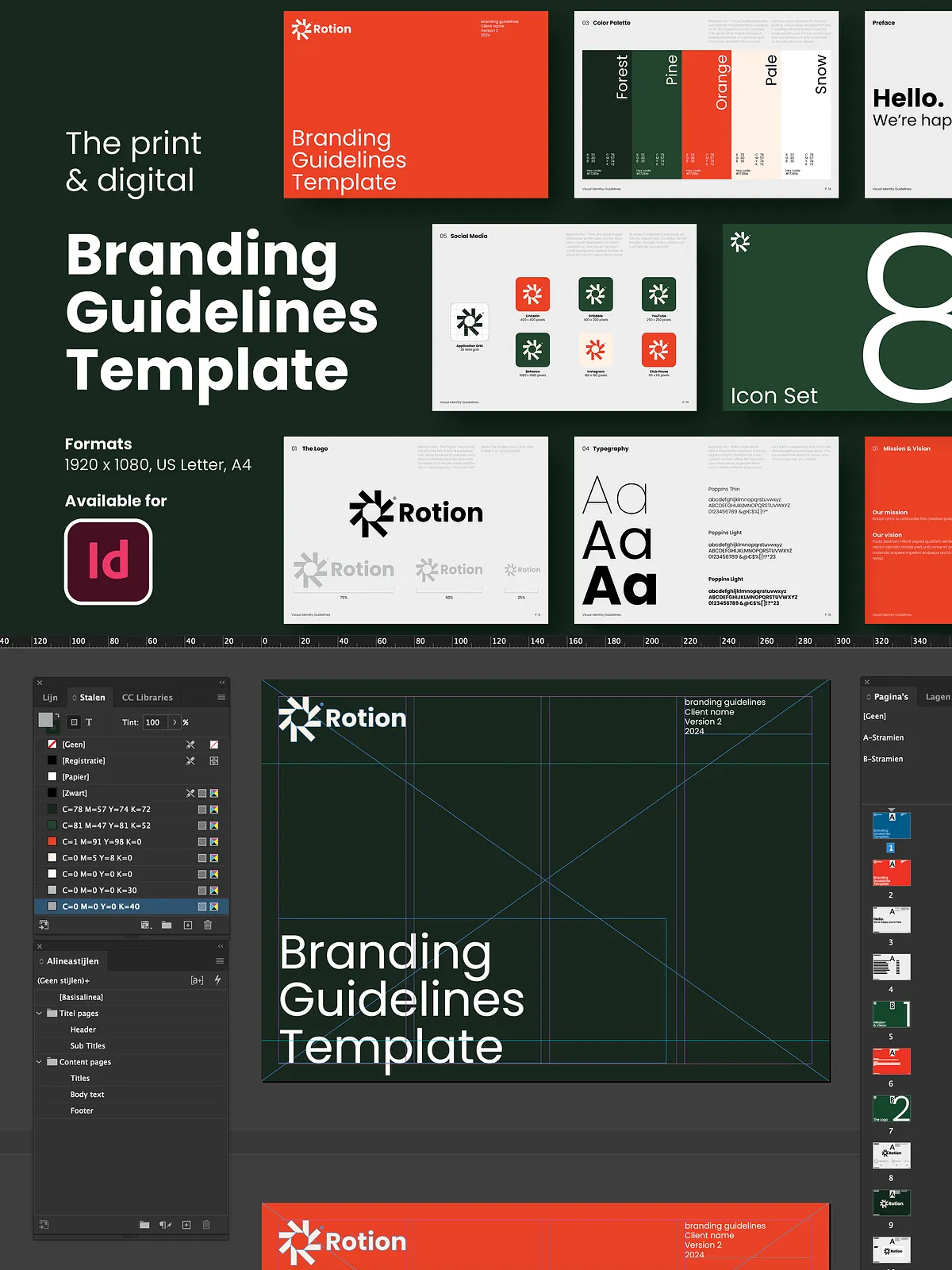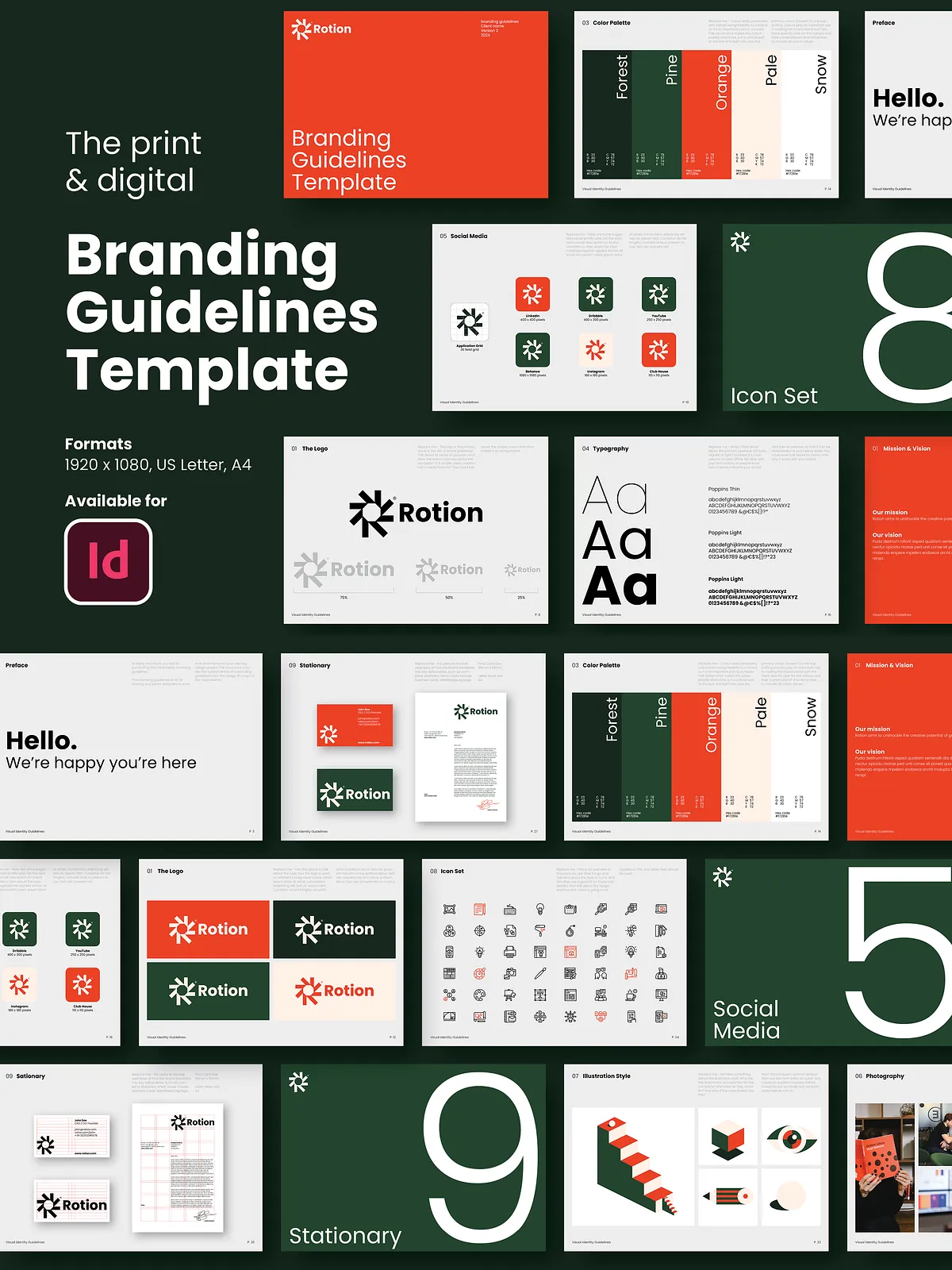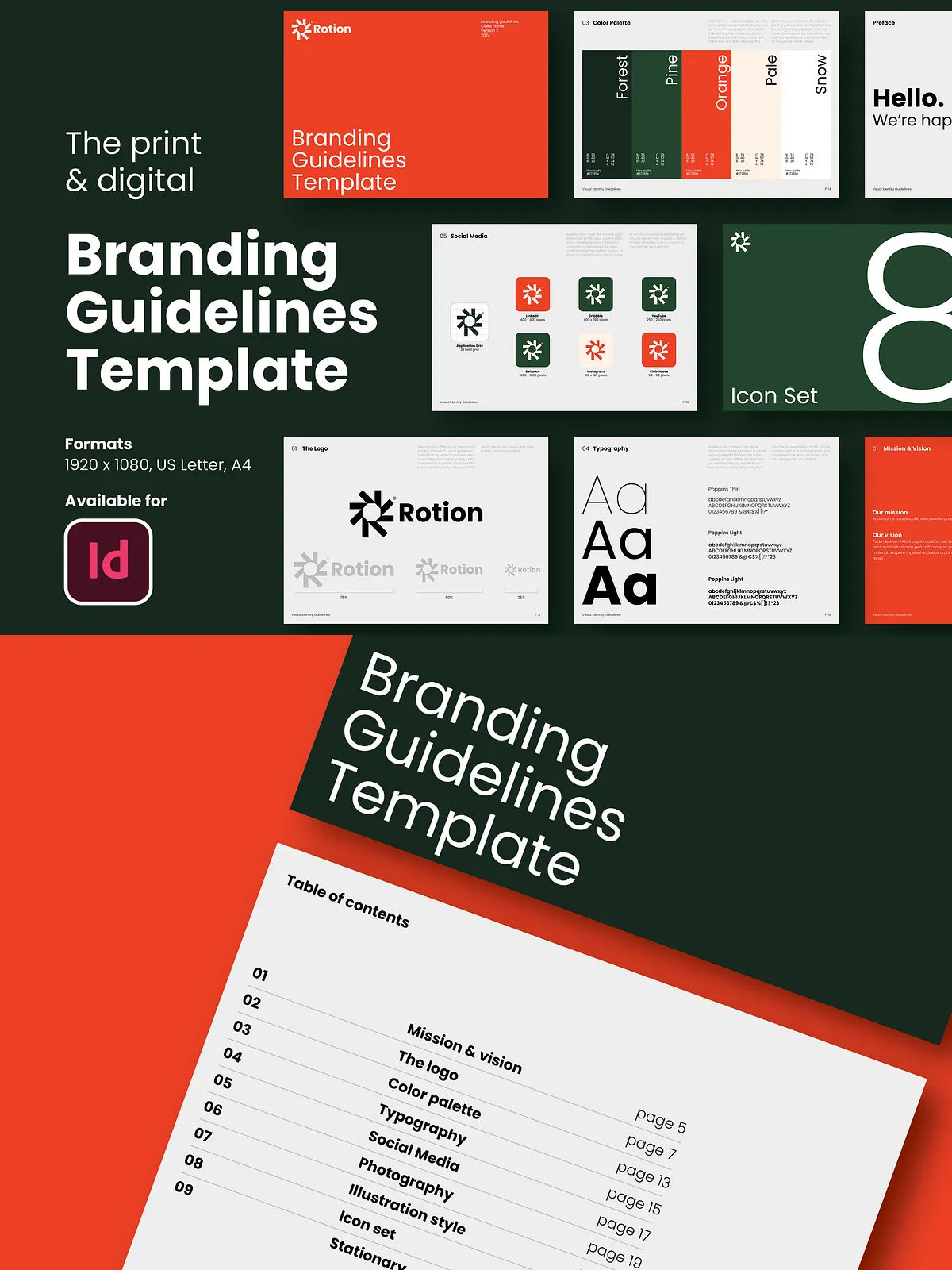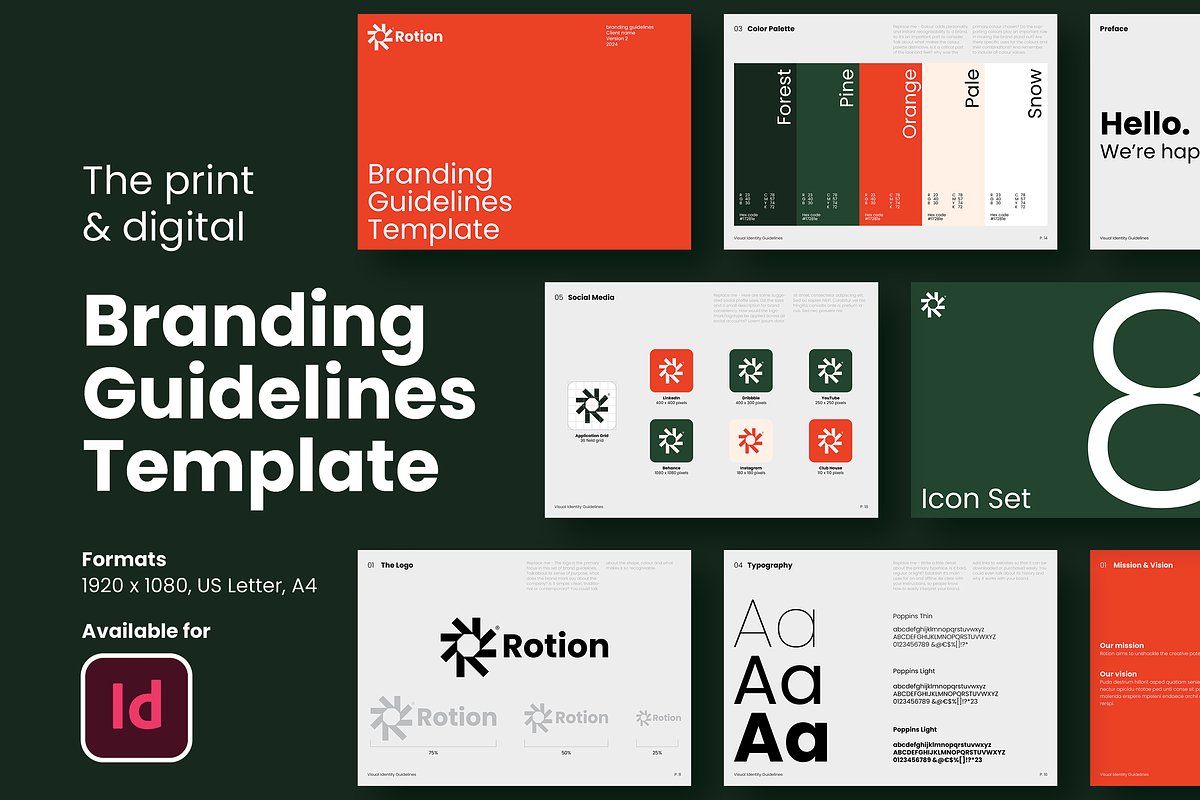
This Branding Guidelines Template streamlines the process of delivering a polished, professional brand manual to clients. Designed for designers and agencies who want to work faster and present clearer guidance, the pack includes 27 fully editable layouts built in Adobe InDesign (compatible with CS4, CS5, CS5.5, CS6 and CC). Templates cover both digital presentation (1920×1080) and print formats (A4 and US letter), enabling you to produce PDFs, print-ready files, and on-screen brand books that communicate identity rules clearly and attractively.
What’s Included
Template Set
- 27 unique layout templates for brand guidelines, including logo usage, color systems, typography, iconography, photography, and stationery.
- File formats optimized for both print and digital: A4 and US letter for print, 1920×1080 for digital presentations.
- Editable master pages, paragraph and character styles, and linked assets to speed up customization.
Assets and Extras
- High-quality free-stock photographs sourced from Unsplash and included in the download for preview and layout purposes.
- Stationery mock-up grid systems and page templates tailored for business cards, letterheads, envelopes, and social templates.
- Predefined color swatches and paragraph/character styles to keep layouts consistent and professional.
Compatibility & File Details
Adobe InDesign Compatibility
Templates work with Adobe InDesign CS4, CS5, CS5.5, CS6 and Creative Cloud. Files use standard InDesign features to maximize backward compatibility while maintaining editable designs. All linked images are provided so you can open and edit the templates immediately.
Export & Print Settings
Templates include export presets for print-ready PDF (CMYK, 300 DPI) and web/digital PDF (RGB, 72–150 DPI). Designers can export a full client PDF or print single pages for proofing. Bleed and trim guides are preconfigured for professional printing.
Typography, Colors & Imagery
Fonts
The pack uses the Poppins font family, a free Google font, included in the documentation. Paragraph and heading styles are preset to ensure typographic consistency. You can replace Poppins easily with your client’s brand fonts while preserving layout proportions.
Photography
All photographs used in previews come from Unsplash and are included for display. Replace them with licensed photos as needed for client deliverables. The templates include suggested crop and focal point indicators for consistent image treatment.
How to Use
Quick Customization Steps
- Open the chosen InDesign file and create a working copy; keep the originals untouched.
- Update document colors using the provided swatch groups to reflect the client palette.
- Replace the placeholder logo with your client’s vector logo (AI/EPS or SVG preferred) and update logo usage examples.
- Swap preview photos, adjust typography styles if needed, and review all master pages for consistency.
- Export the final document as a PDF for client review or as print-ready files for the printer.
Printing & Delivery Recommendations
For print deliverables, export as PDF/X-1a or PDF/X-4 at 300 DPI with crop marks and 3mm bleed. For digital presentations, export at 1920×1080 RGB and optimize images for fast loading. Provide both a flattened PDF for client viewing and an editable InDesign package (with fonts and links) for future edits.
Licensing & Usage
Templates include stock preview images from Unsplash under their license; verify any additional licensing requirements if you replace images with non-free assets. The templates themselves are sold with a standard commercial license allowing usage for client projects; consult the included license file for redistribution or reselling restrictions.