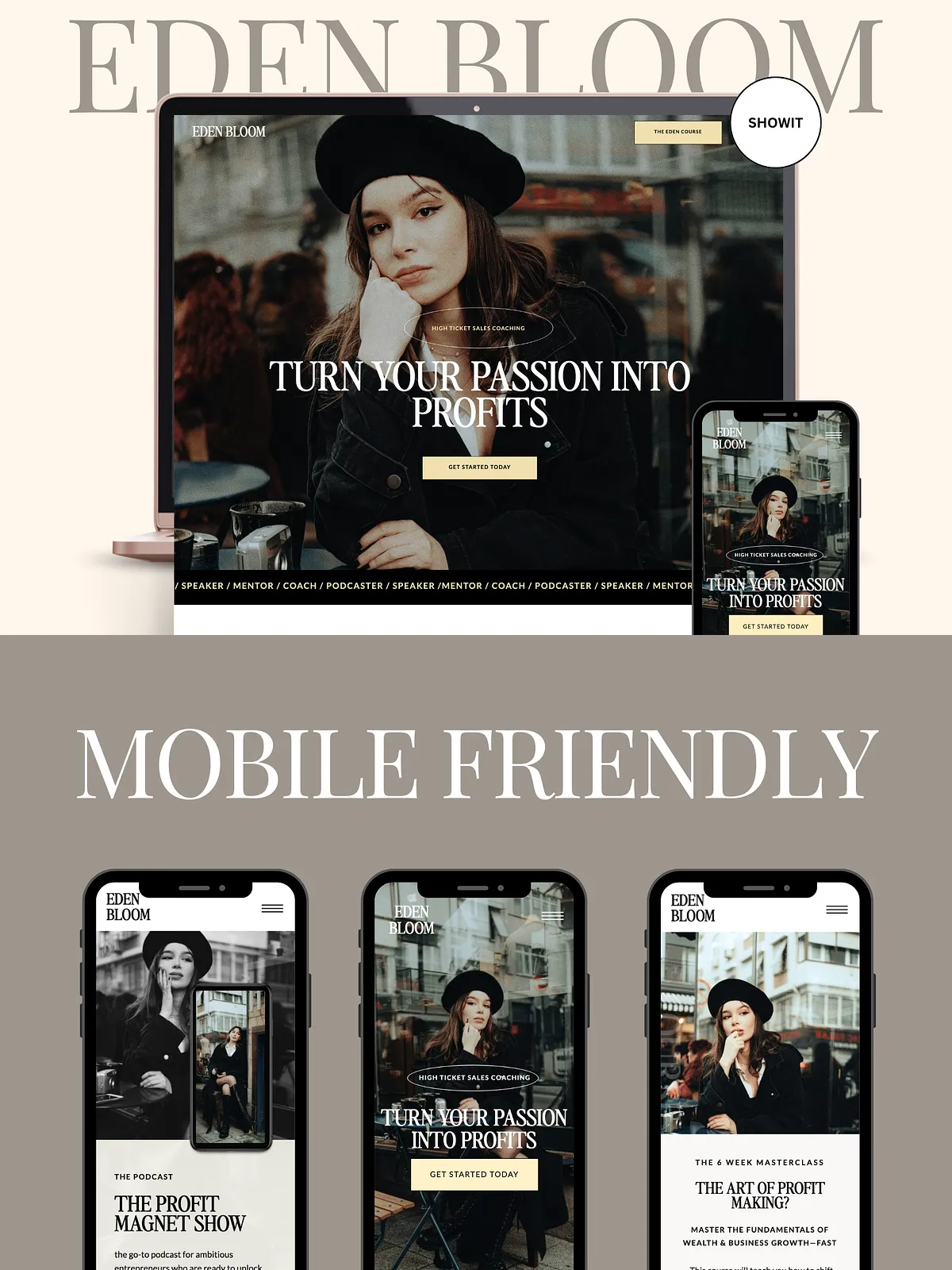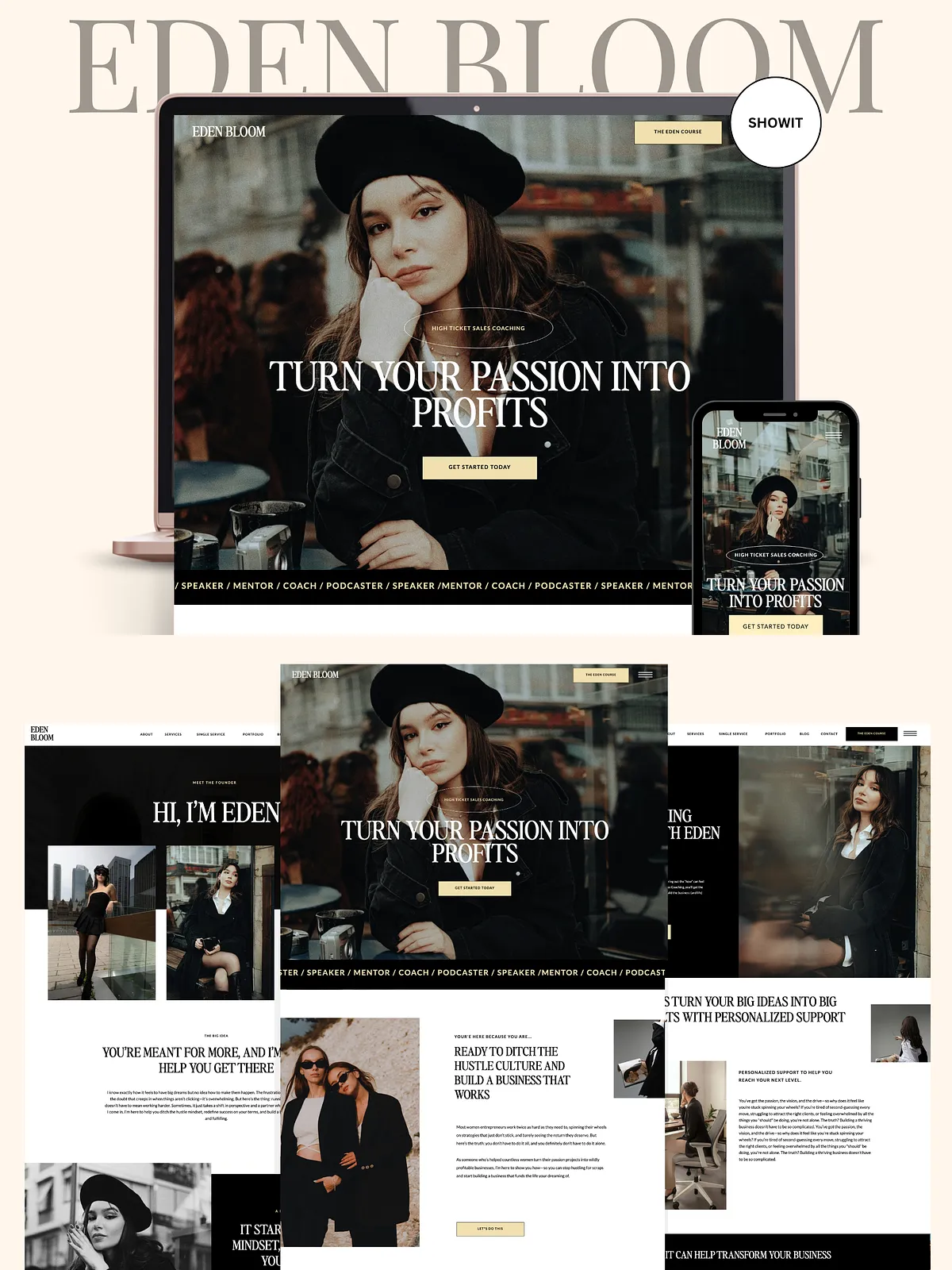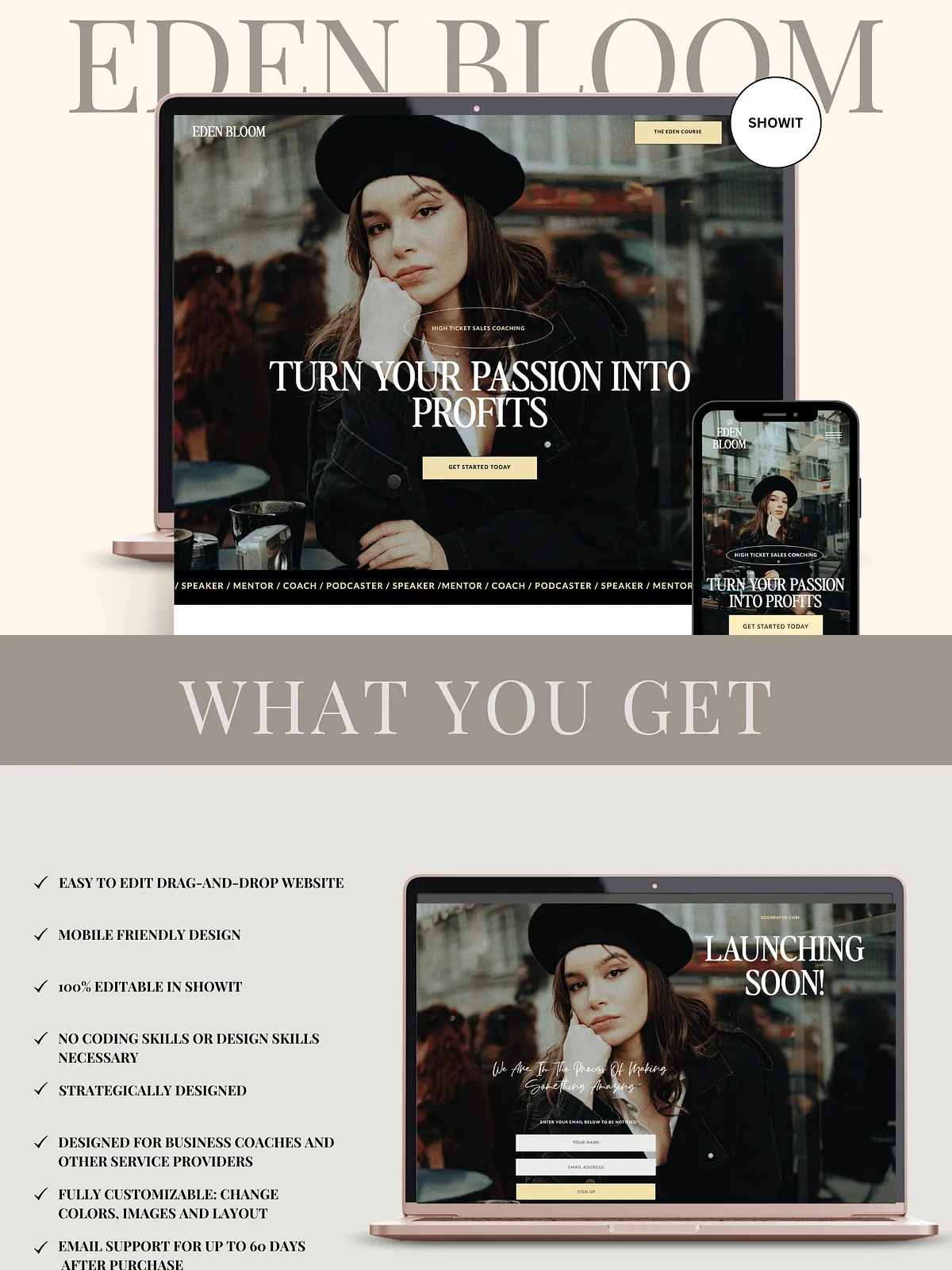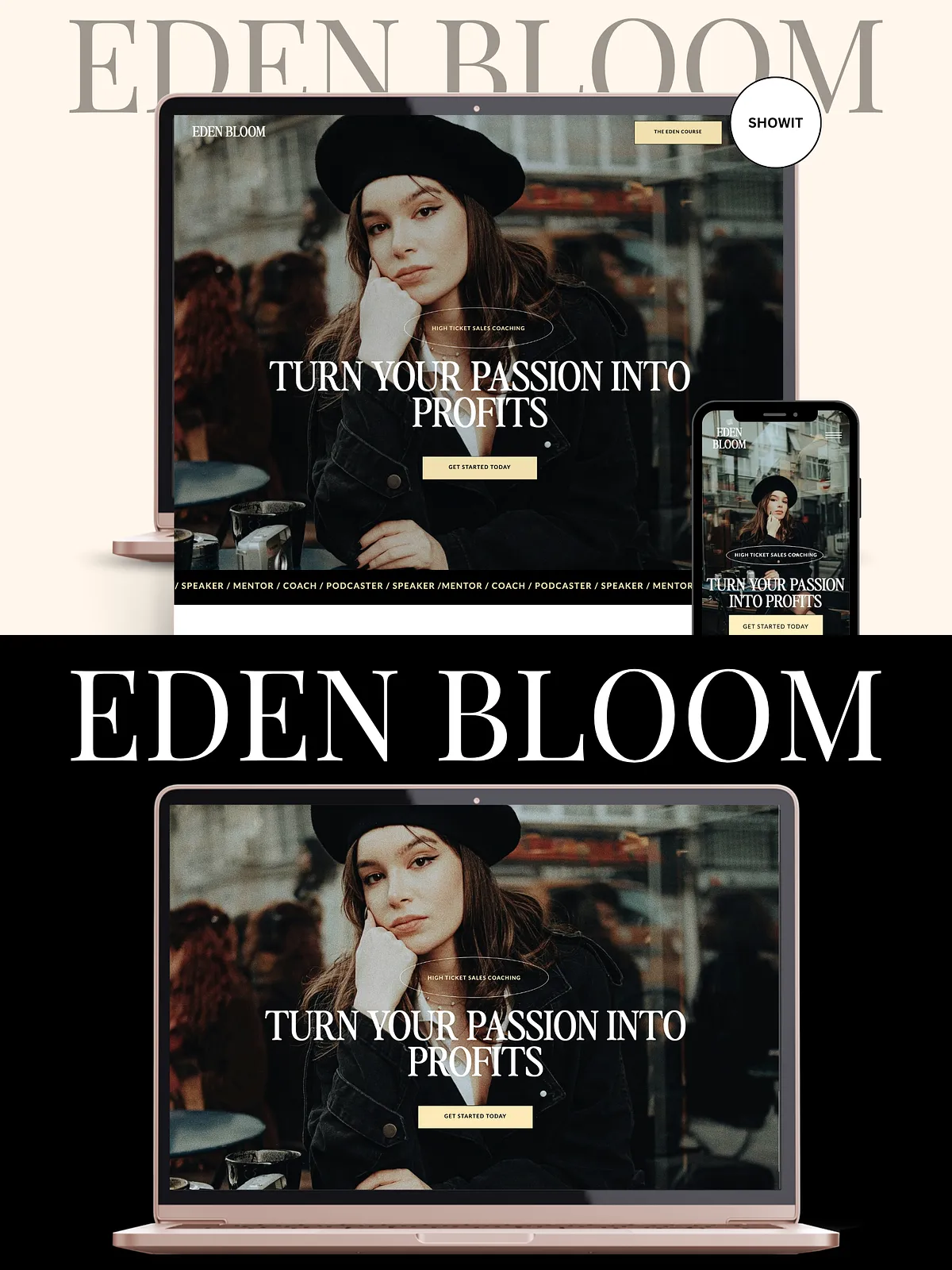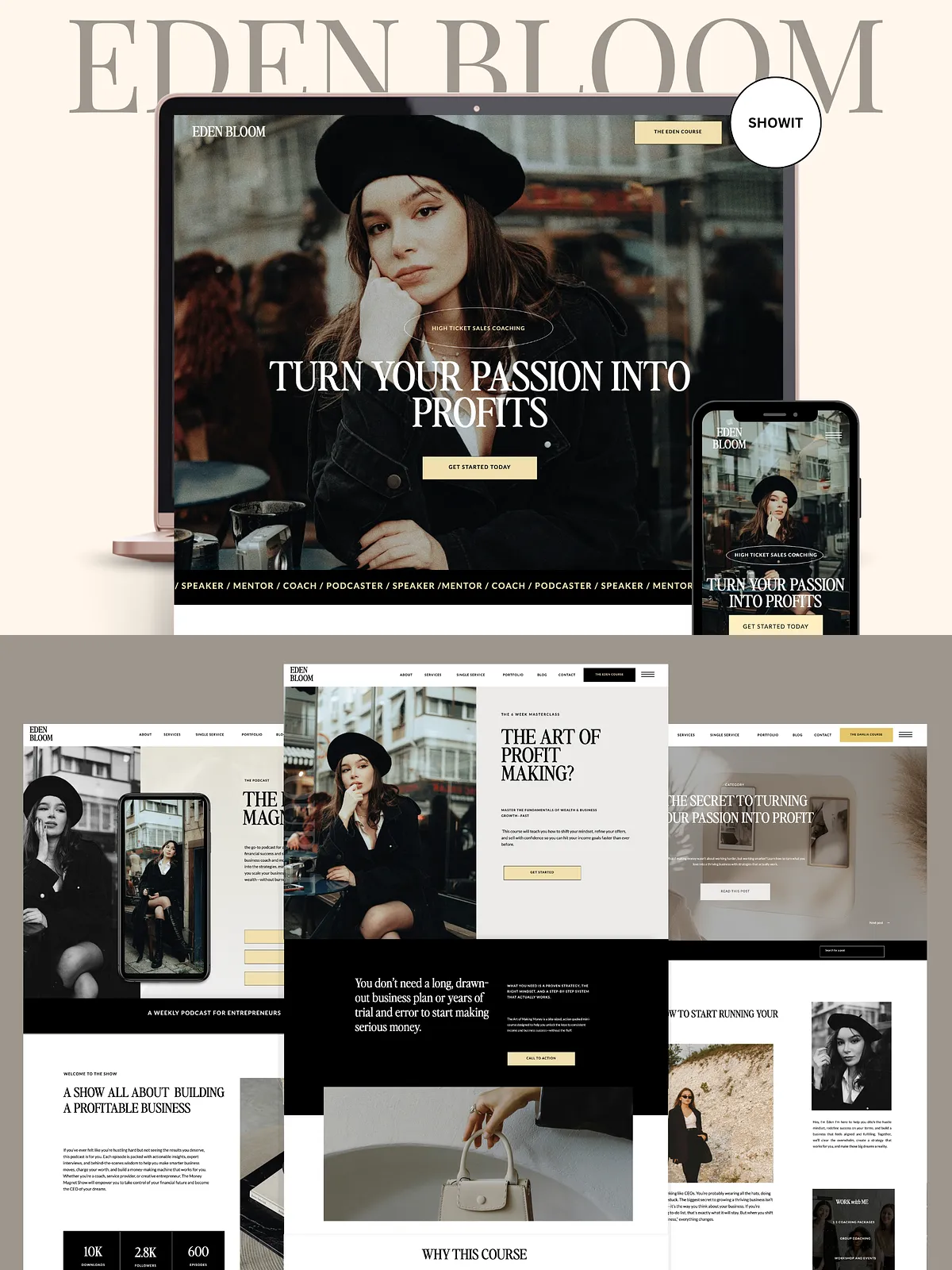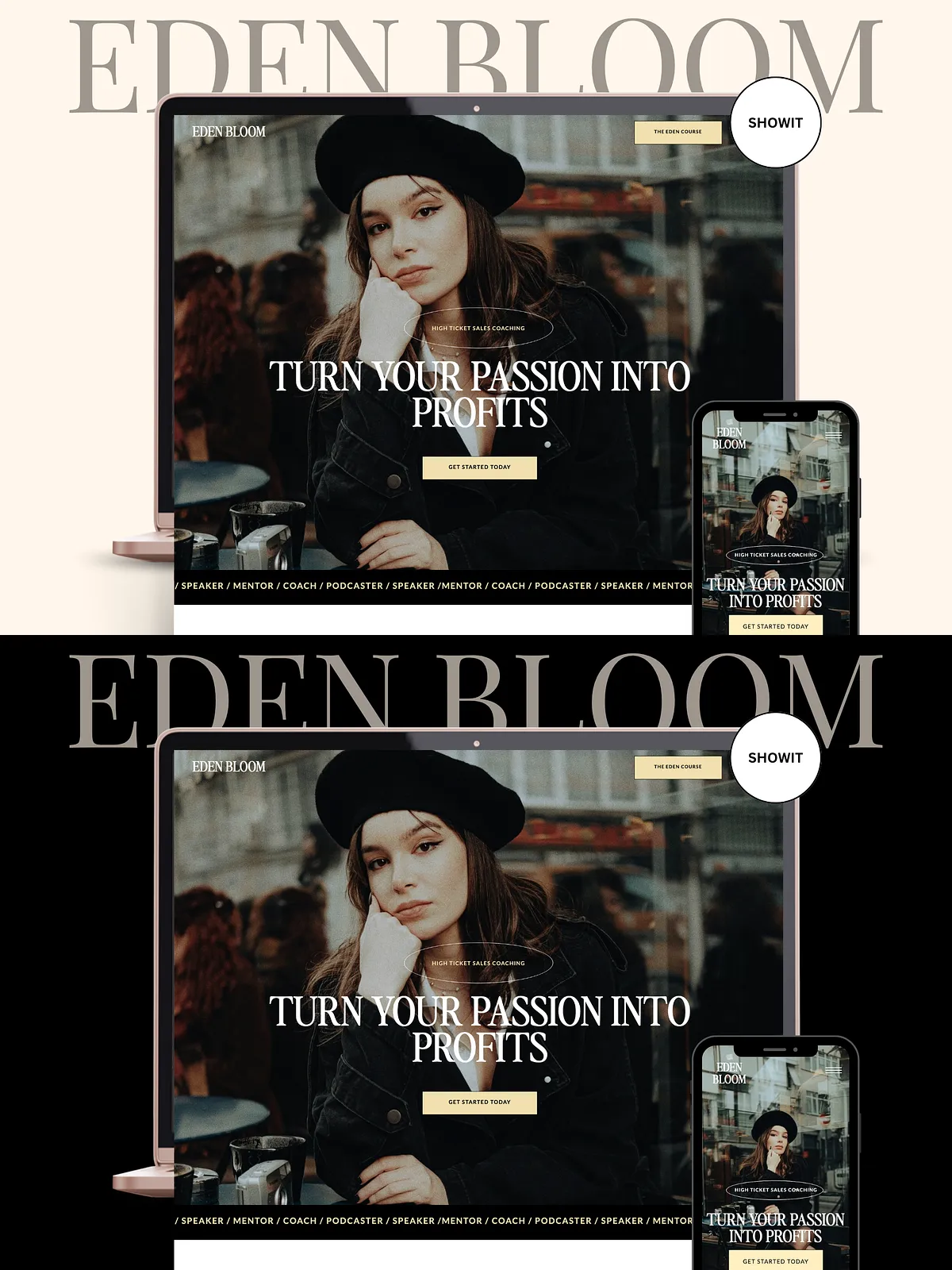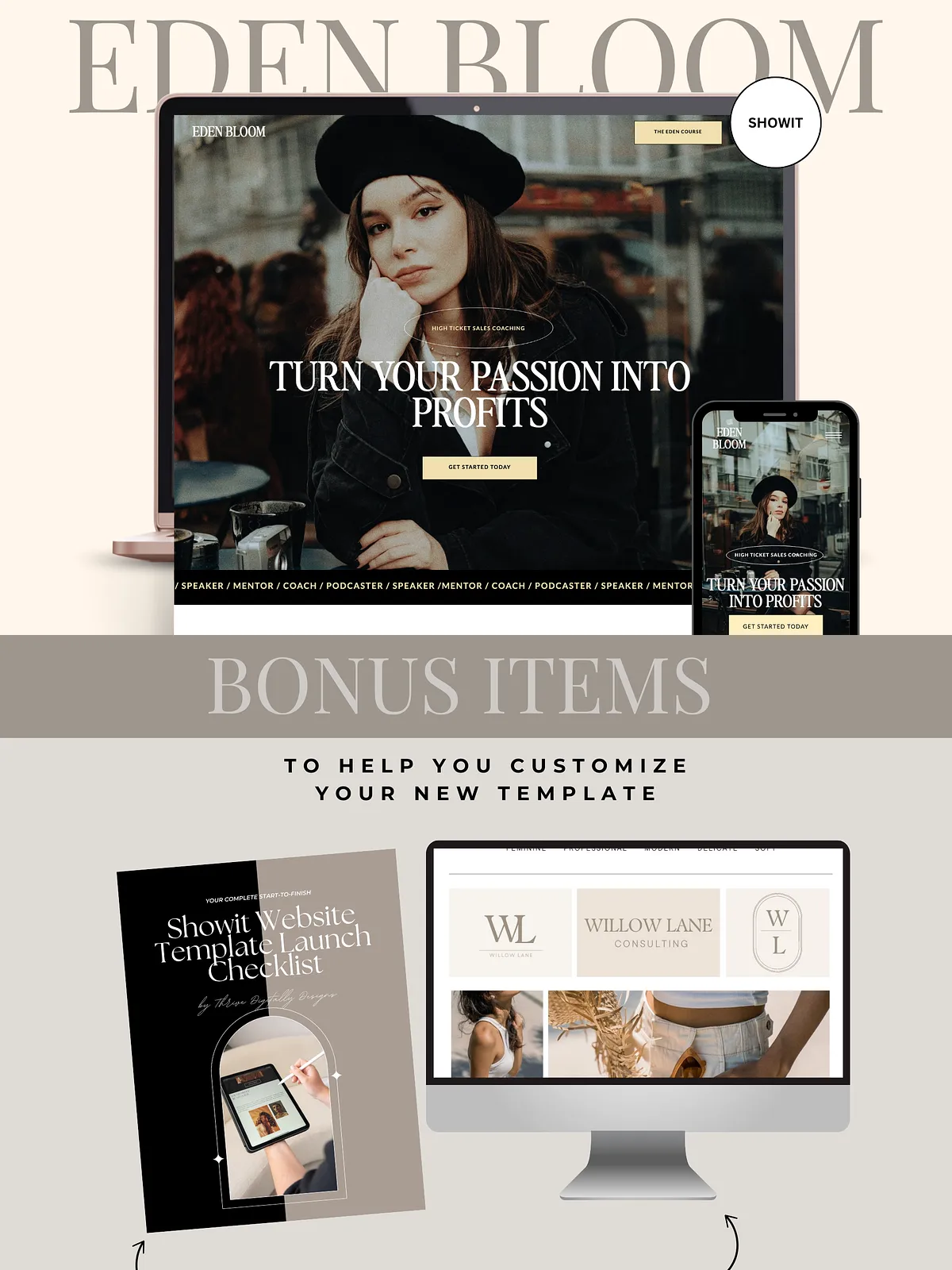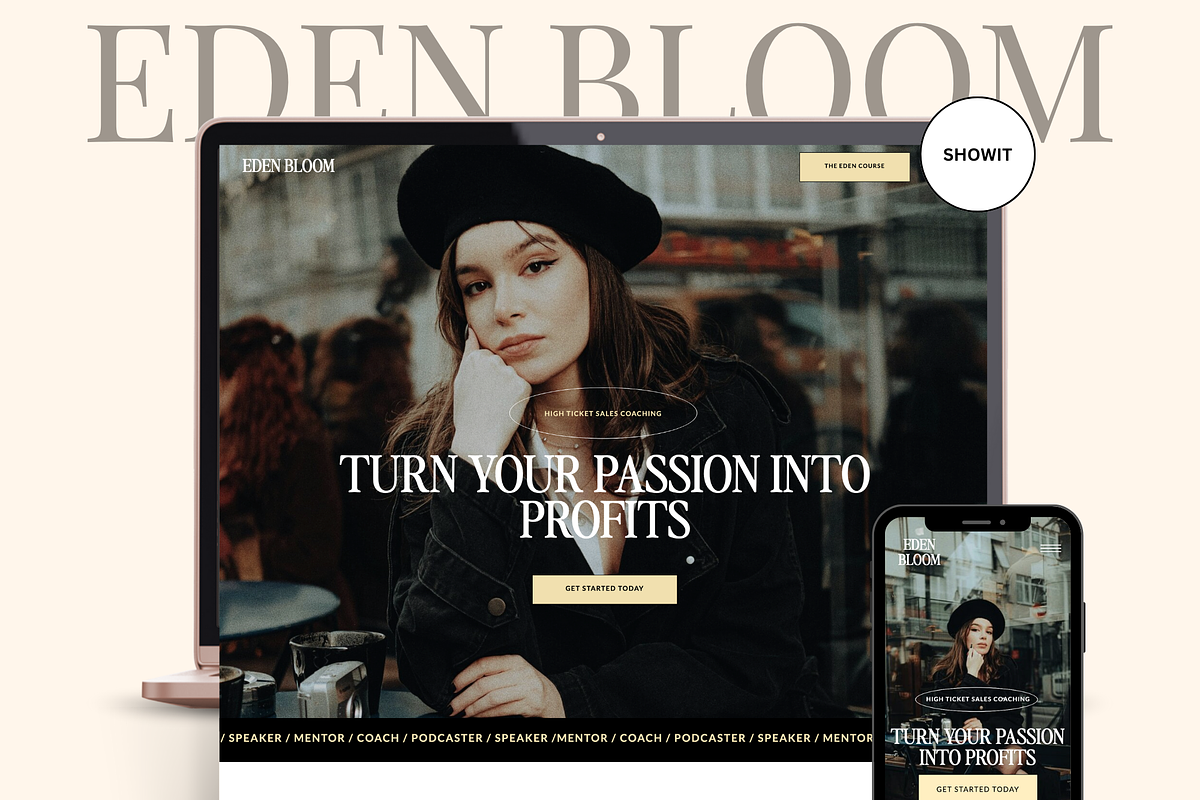
Eden Bloom is a bold, elegant, and modern Showit website template crafted to convert visitors into clients. Designed specifically for business coaches, brand coaches, podcasters, bloggers, and creatives, this template pairs vibrant yellow accents and neutral tones with strong black backgrounds to create a confident, high-end brand presence. The layout prioritizes clarity, conversion, and user experience, so you can launch a professional site quickly without coding. Built with Showit’s drag-and-drop builder, Eden Bloom responds fully to mobile and desktop devices and empowers you to edit visuals, text, and layout on the fly.
Pages Included
Core Site Pages
- Home
- About
- Services
- Single Service
- Portfolio
- Portfolio Single Project
- Shop
- Shop Product
- Contact
Blog & Error Pages
- Blog
- Single Post
- Blog Category
- 404 Page
Bonus & Conversion Pages
- Podcast
- Mini Course
- Resources
- Coming Soon
- Opt-in
- Thank You
- Privacy Page
- Terms & Conditions
Key Features
Eden Bloom combines elegant styling with conversion-focused elements. The template includes:
- Slide-out menu for intuitive navigation
- Contact form ready to capture leads
- Social media follow links and integrations
- Portfolio galleries to showcase work and case studies
- Seamless WordPress blog integration (Showit + WordPress)
- Optimized desktop and mobile designs focused on conversion
What’s Included with Purchase
When you purchase Eden Bloom you receive a complete kit that speeds setup and ensures a successful launch:
- Template installation instructions and a unique Shared Design Key
- Access to a step-by-step template video course to guide customization
- A free Brand Mood Board template to align visuals quickly
- A free Website Launch Checklist to organize pre-launch tasks
- Template support via email for up to 30 days after purchase
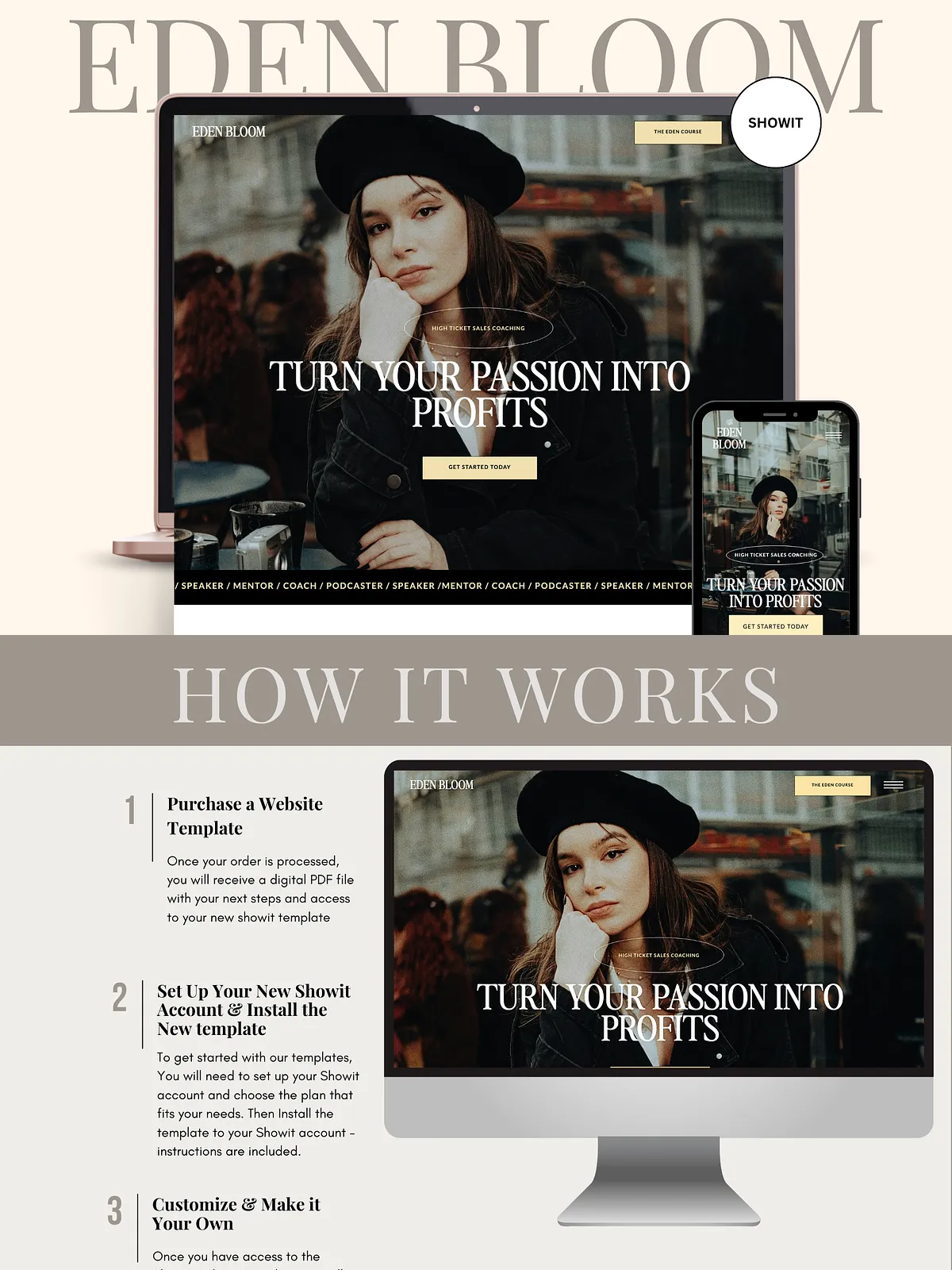
How It Works
Step 1 — Purchase
Complete your purchase and confirm payment. After checkout you will receive a digital download containing your unique Shared Design Key, installation instructions, and links to the training materials and freebies.
Step 2 — Create a Showit Account
Create a Showit account and choose the subscription that fits your needs. Showit provides the drag-and-drop design environment that the template uses; learn more about the platform at [Showit](https://showit.com).
Step 3 — Install the Template
To add Eden Bloom to your Showit account, sign in at the app and use the Add Design to Library option. Enter your Unique Share Key (provided in your download) to import the template directly into your Showit library. If you prefer, follow the install steps included in the digital PDF that comes with your purchase.
Step 4 — Access Training & Freebies
Open the included video course to learn editing basics and advanced customizations. Download the Brand Mood Board and Launch Checklist to expedite the visual and content preparation process.
Step 5 — Customize & Launch
Use Showit’s visual editor to swap text, change colors and fonts, replace photos, and reorganize sections. Test pages on desktop and mobile, connect your WordPress blog if desired, and then publish when ready. The template supports active customization so you can adapt layout modules and messaging to achieve your conversion goals.
Easy Customization
- Change colors, fonts, and imagery instantly
- Add or remove sections and reorder content blocks
- Insert your logo, brand assets, and custom copy
- Create new pages or duplicate existing ones for rapid expansion
Requirements & Recommendations
To use Eden Bloom as intended, you will need:
- A Showit account and an active Showit subscription to publish the site
- Photos and brand copy prepared for each page
- Your own logo and brand assets for accurate branding
We recommend preparing high-quality images and concise, benefit-driven copy before you begin so you can customize efficiently and launch faster.