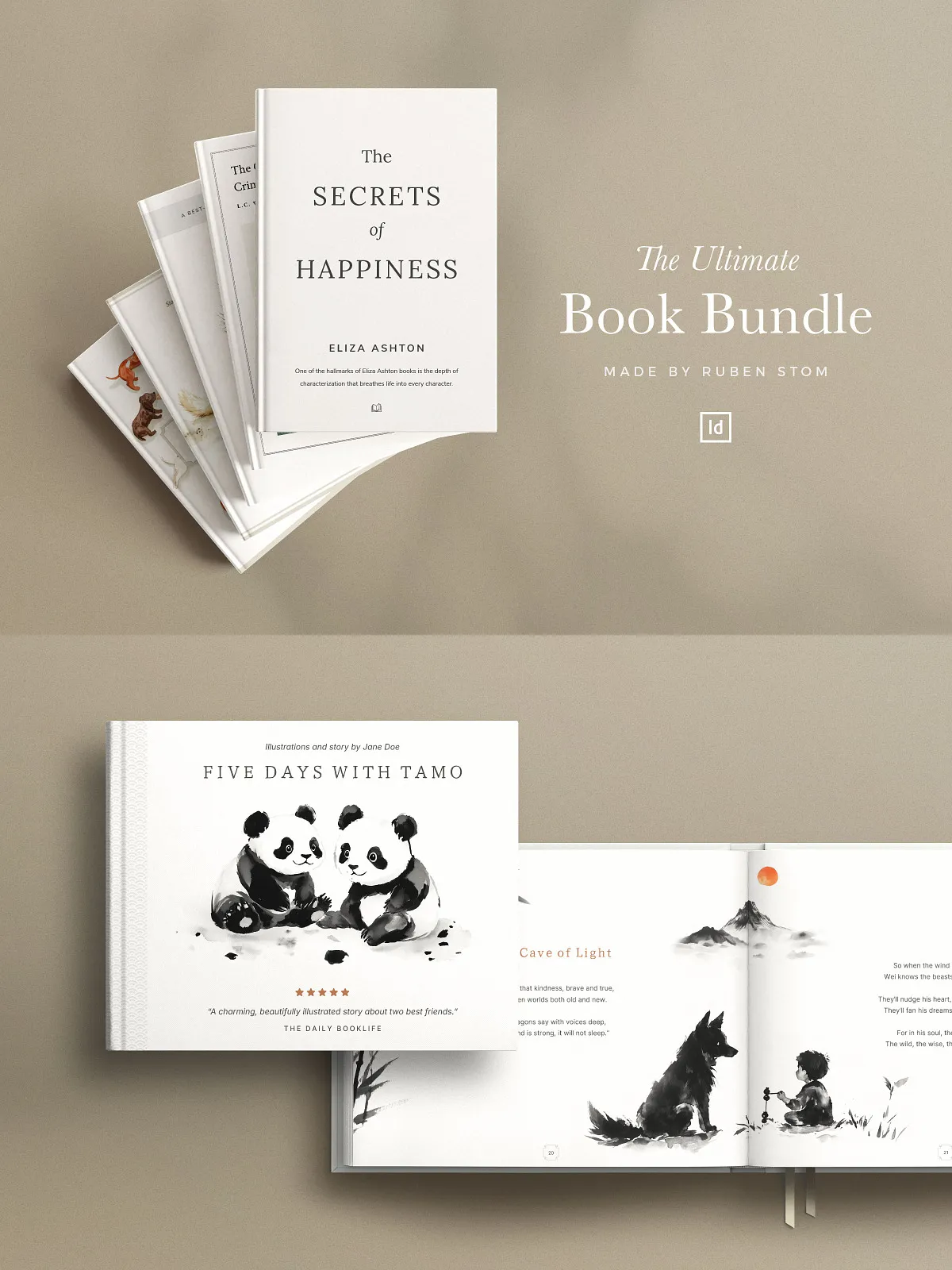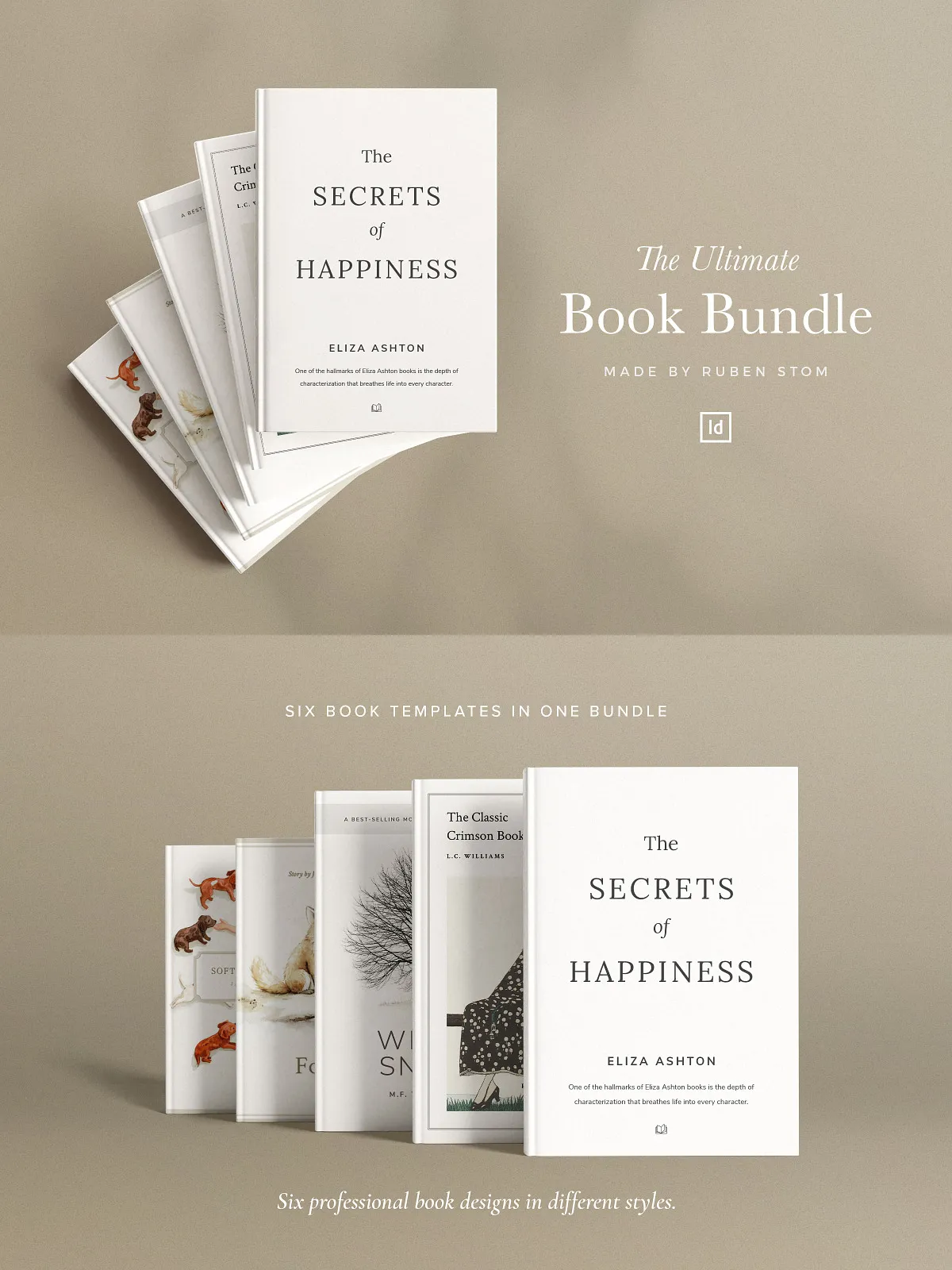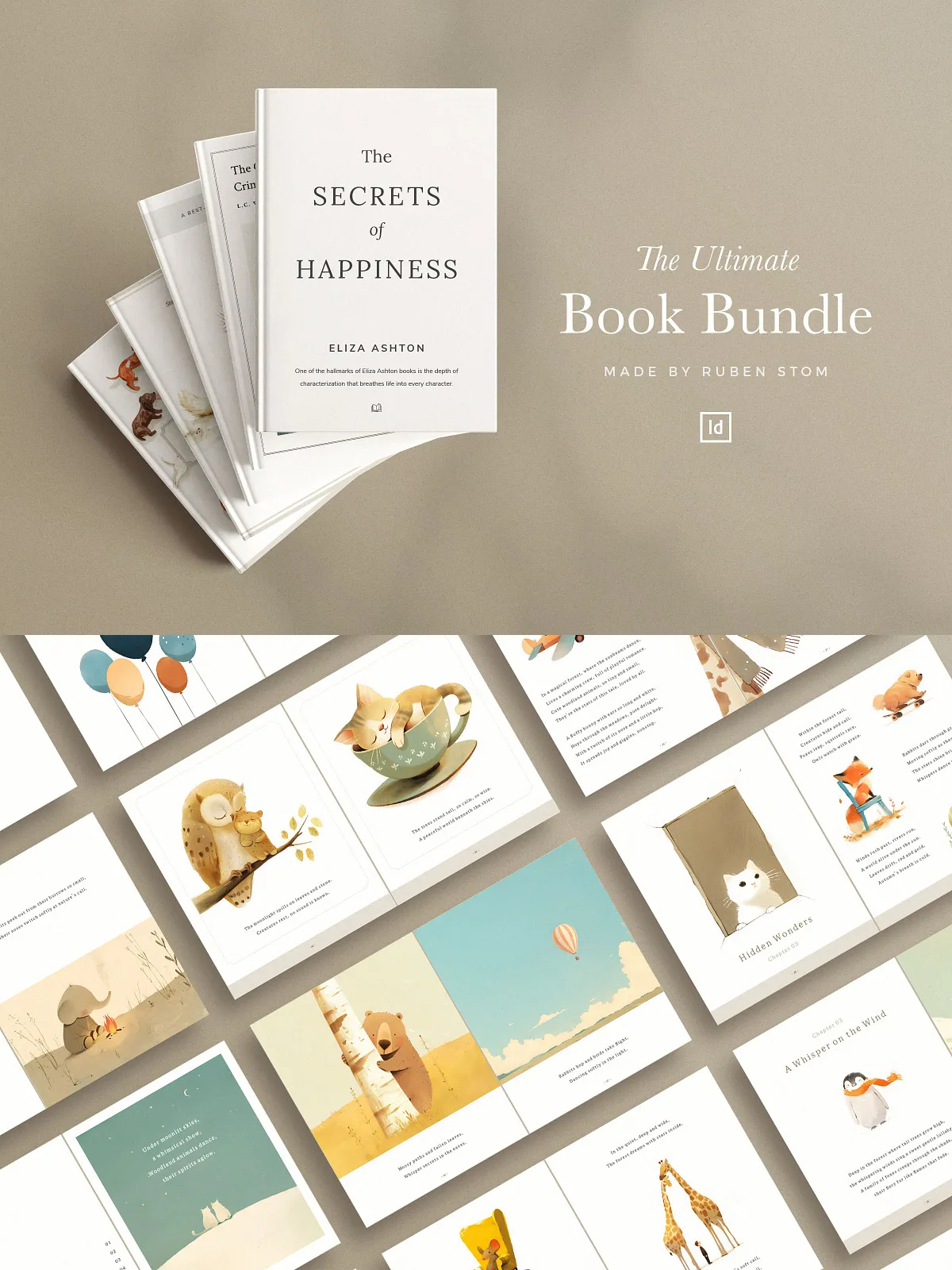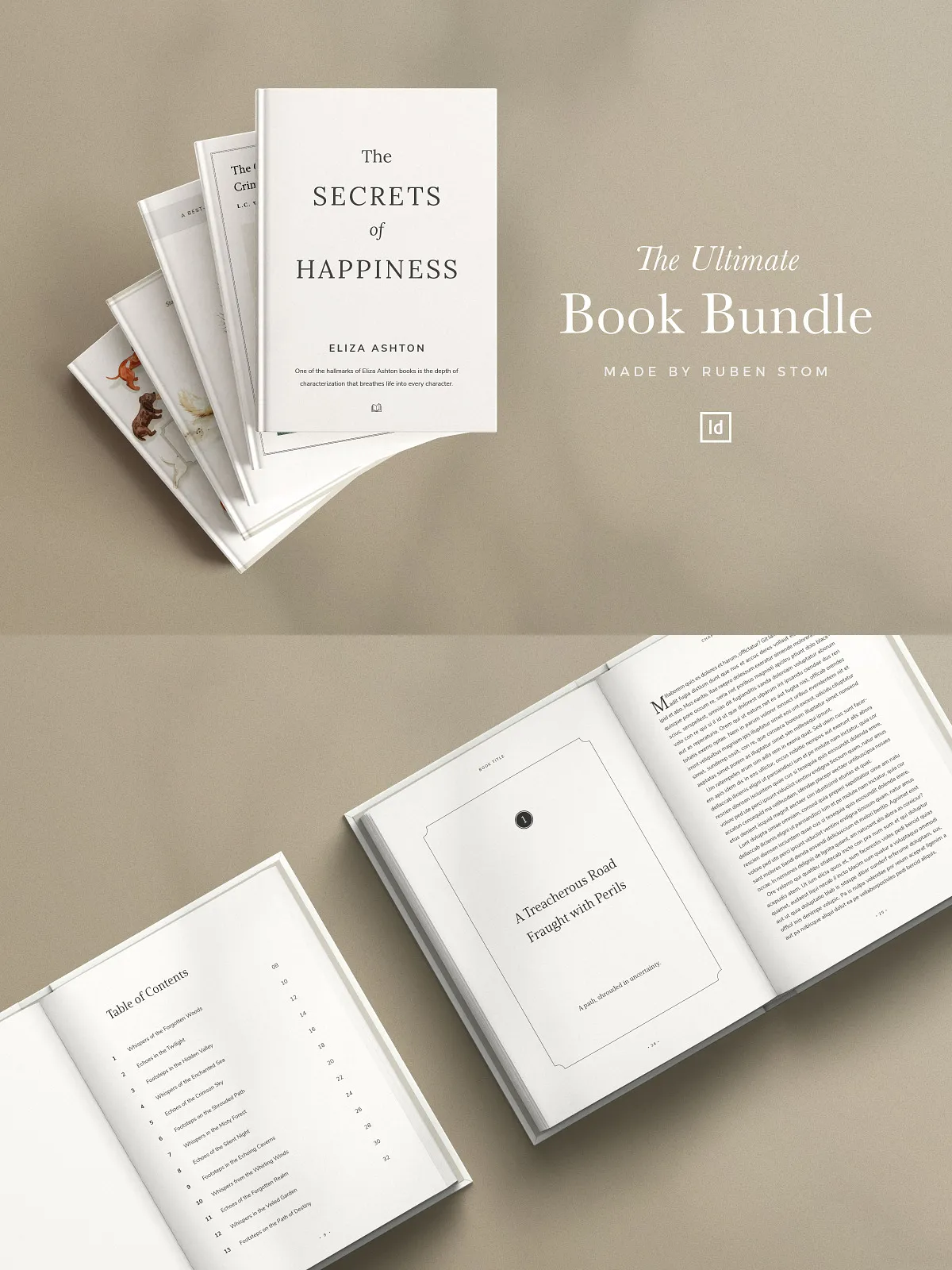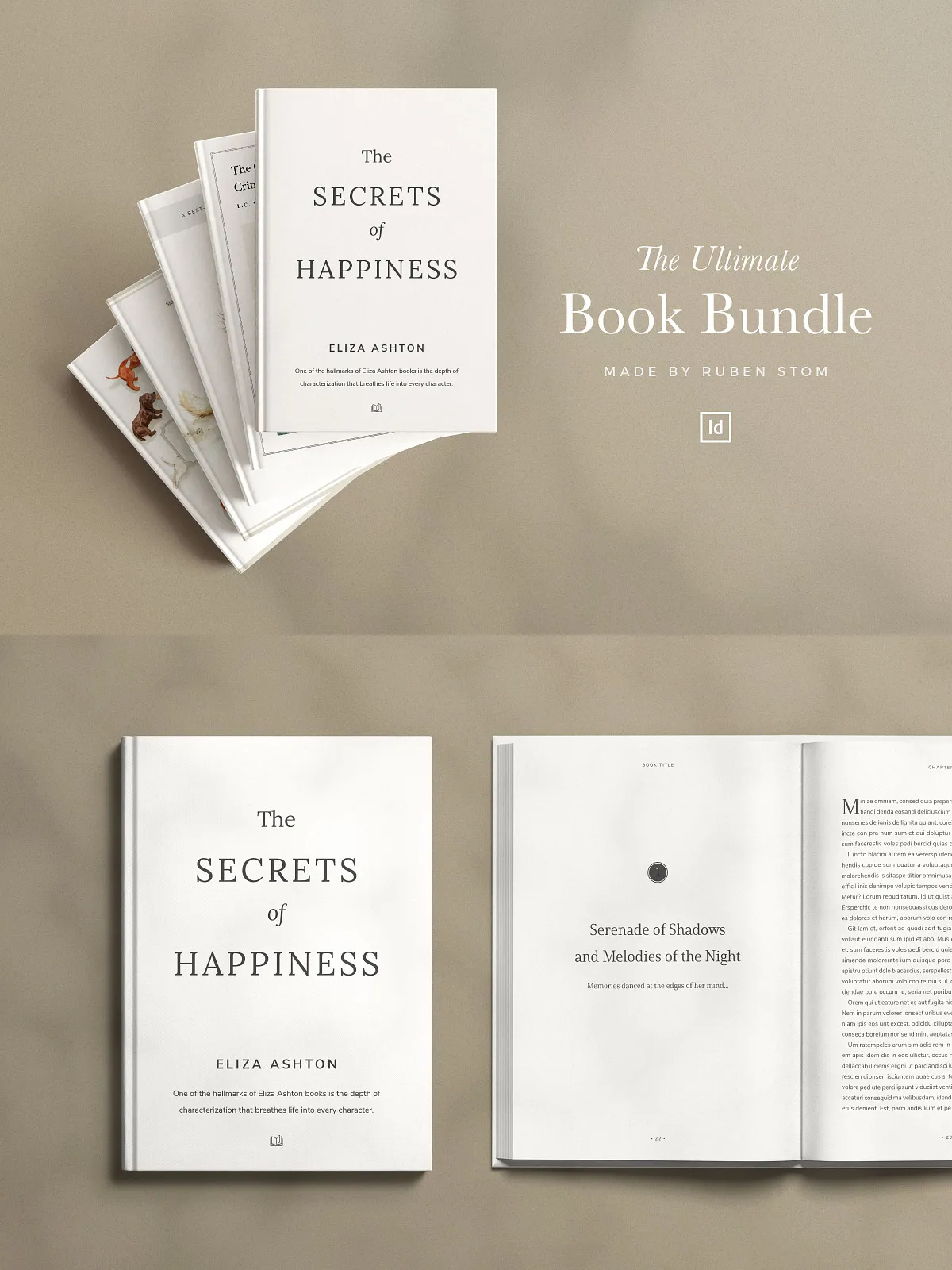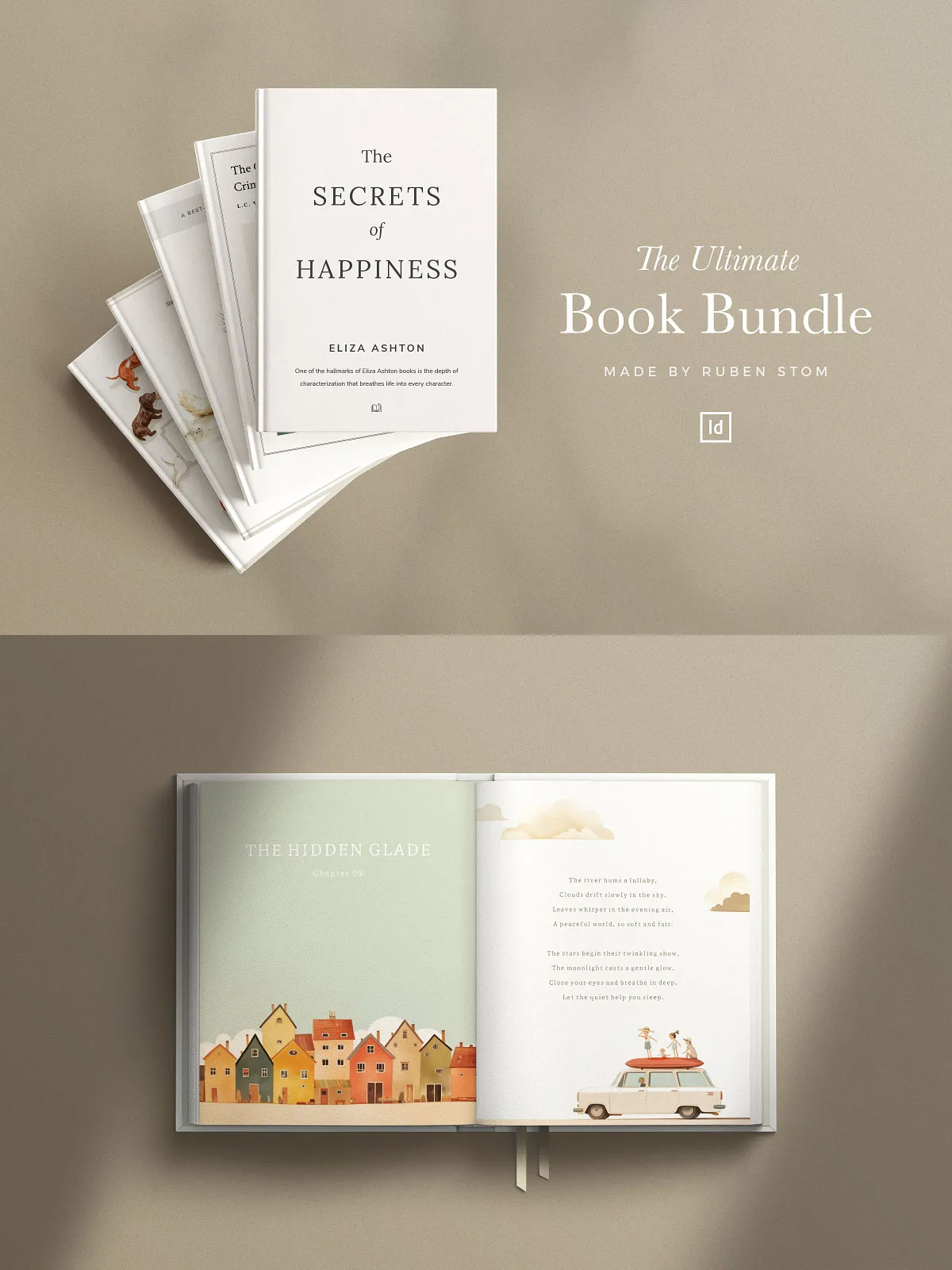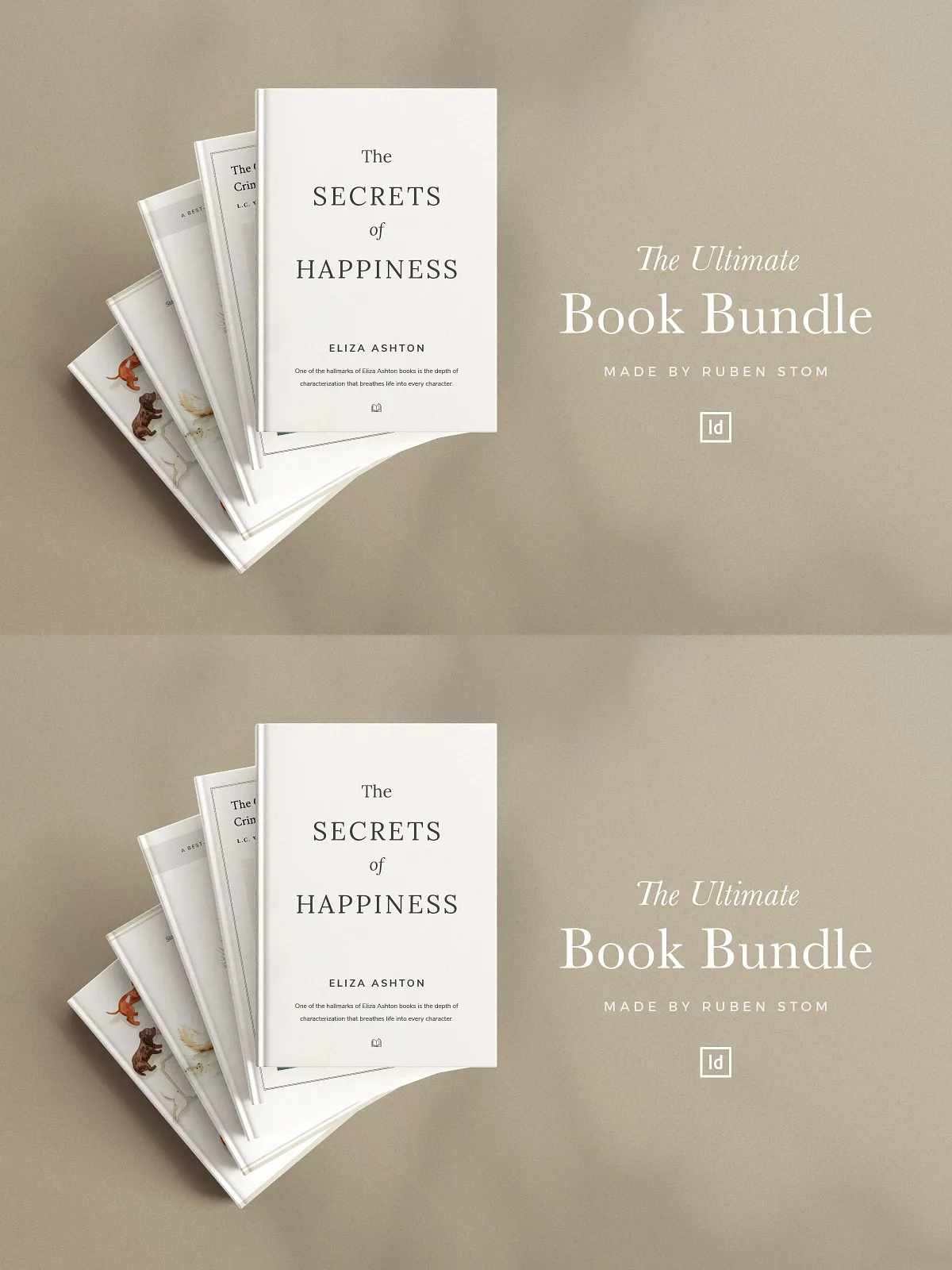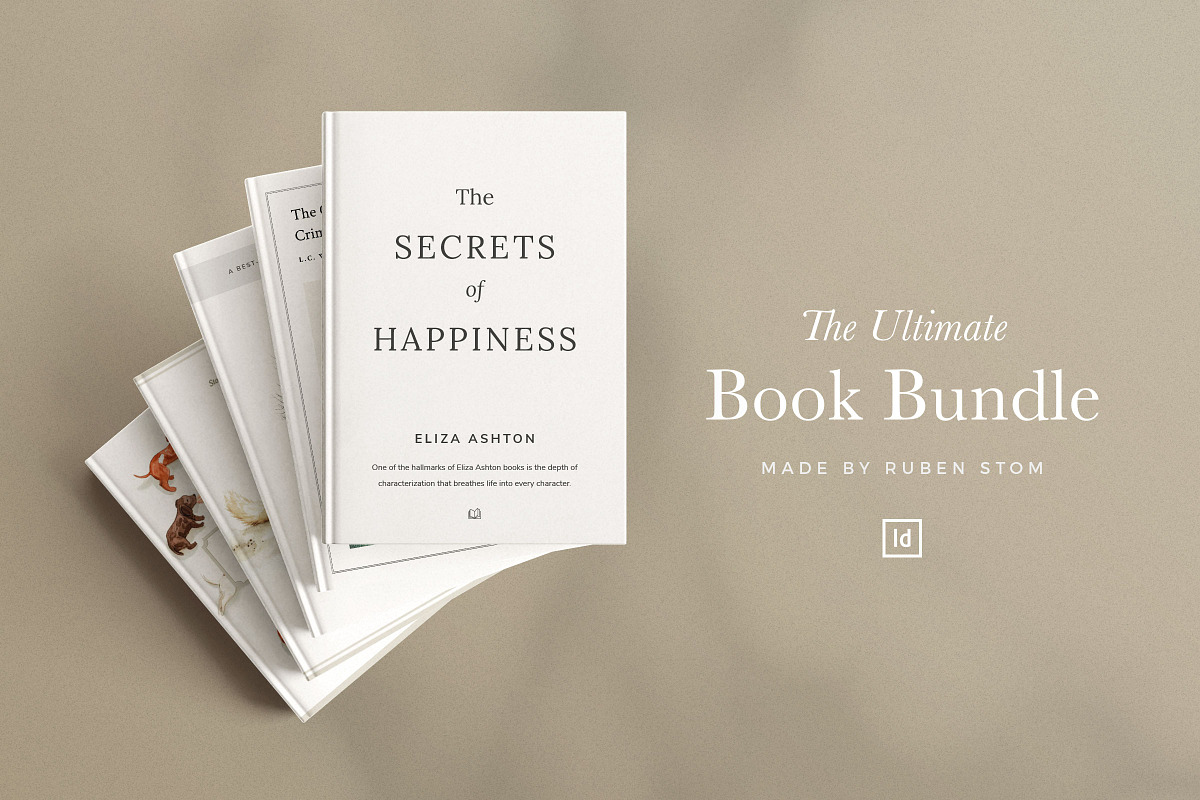
Accelerate your publishing process with this all-in-one InDesign Book Template Bundle. Designed for authors, self-publishers, designers, and small presses, this bundle supplies six polished templates you can customize quickly to create print-ready books and digital ebooks. Use clean grids, structured paragraph styles, and layered files to produce consistent, professional layouts that publish, sell, and impress. Whether you are producing a children’s picture book, a memoir, a novel, or a poetry collection, these templates let you focus on content while the layout work is already solved.
What’s Included
The bundle contains six distinct InDesign templates tailored to a wide range of book projects. Each template includes the core files you need to edit, export, and print or distribute digitally.
Modern Sans Book Template
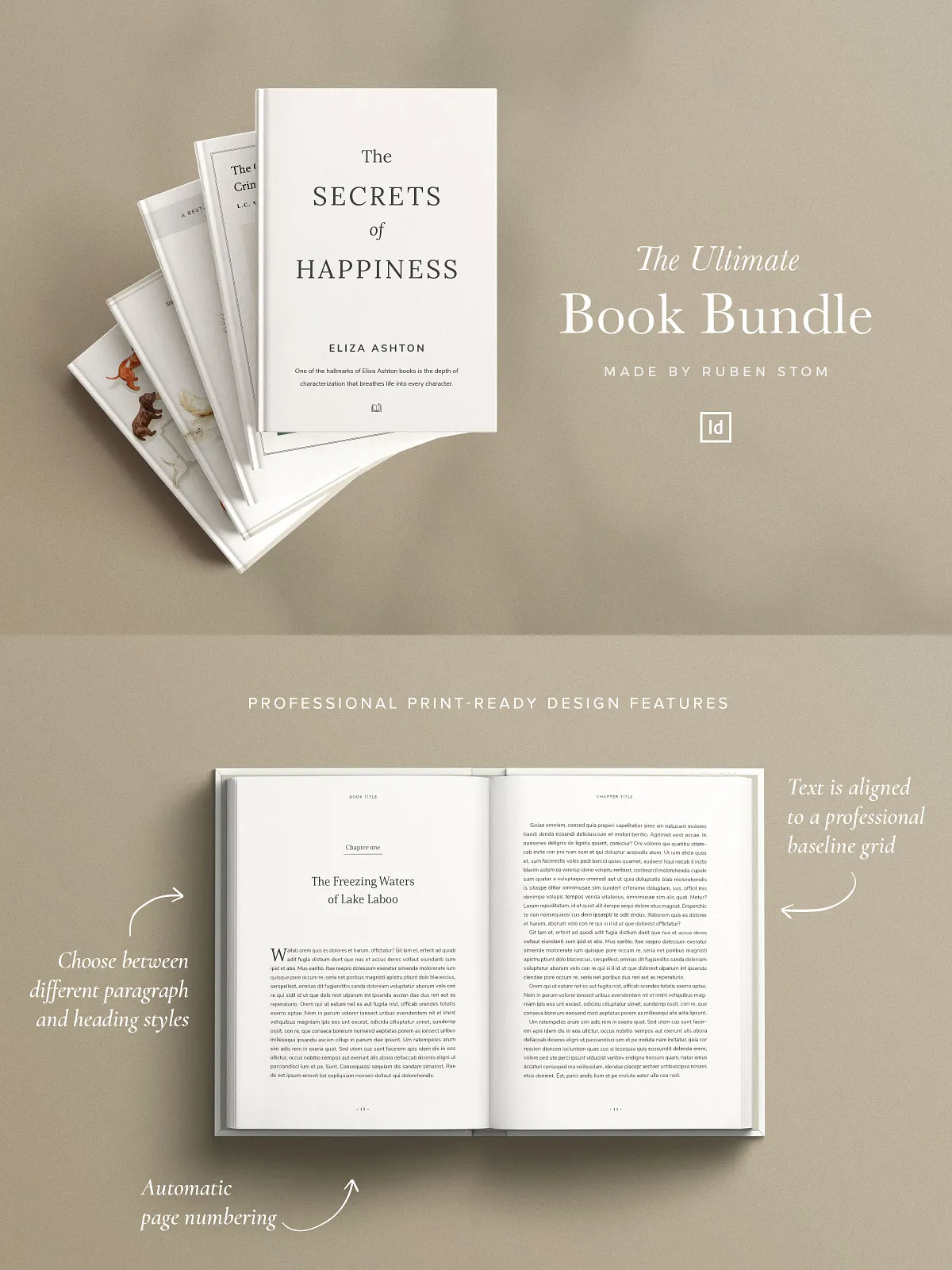
Create contemporary nonfiction, workbooks, and modern fiction with the Modern Sans Book Template. This clean, multipurpose layout comes in seven popular book sizes and includes ten cover variations. The package contains a 28-page InDesign file with an aligned baseline grid, prebuilt paragraph styles, a table of contents structure, and customizable layers so you can swap type, images, and layout sections fast.
Minimal Children’s Book Template
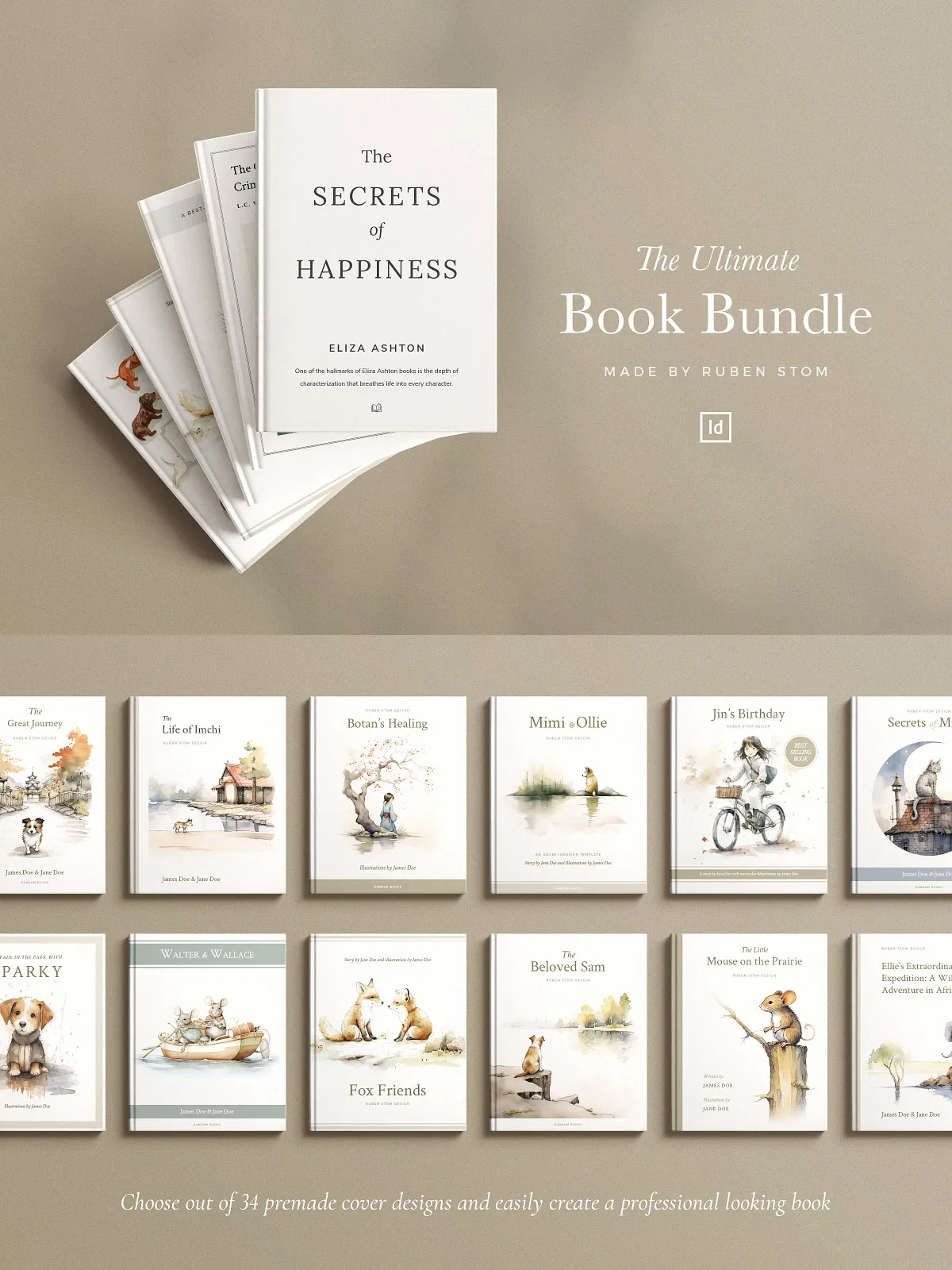
Design charming, modern picture books with the Minimal Children’s Book Template. This 50-page template offers both square and vertical formats, includes twelve alternate covers and all placeholder images, and works for both print and digital exports. The simple, minimal aesthetic keeps focus on illustrations and storytelling while remaining easy to customize.
Ashton Book Template
Choose the Ashton Book Template for refined novels and nonfiction. The 40-page layout ships in three versatile sizes, includes a cover template and structured paragraph styles, and supplies editable vector elements so you can refine details without rebuilding pages from scratch.
Classic Crimson Book Template
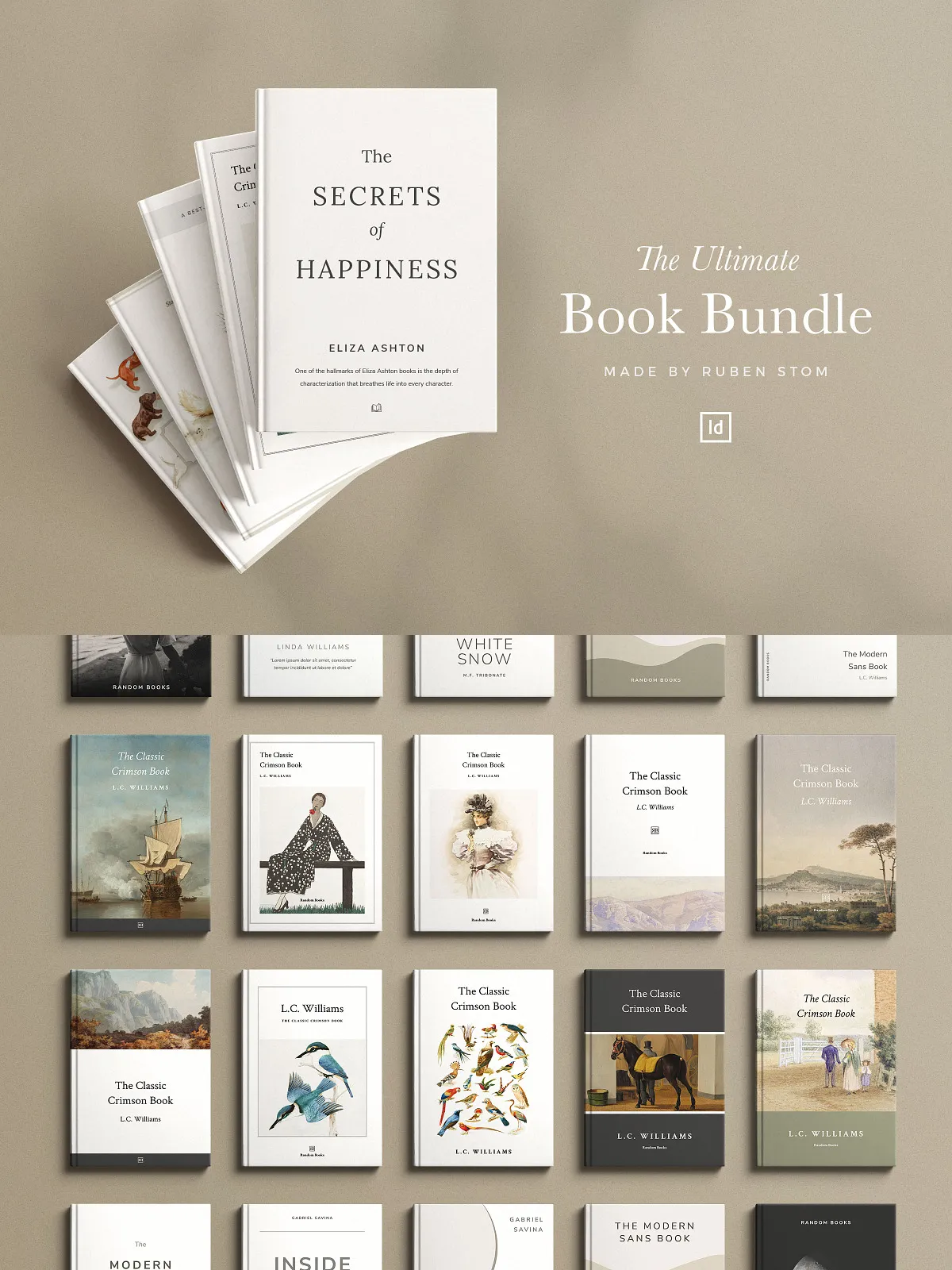
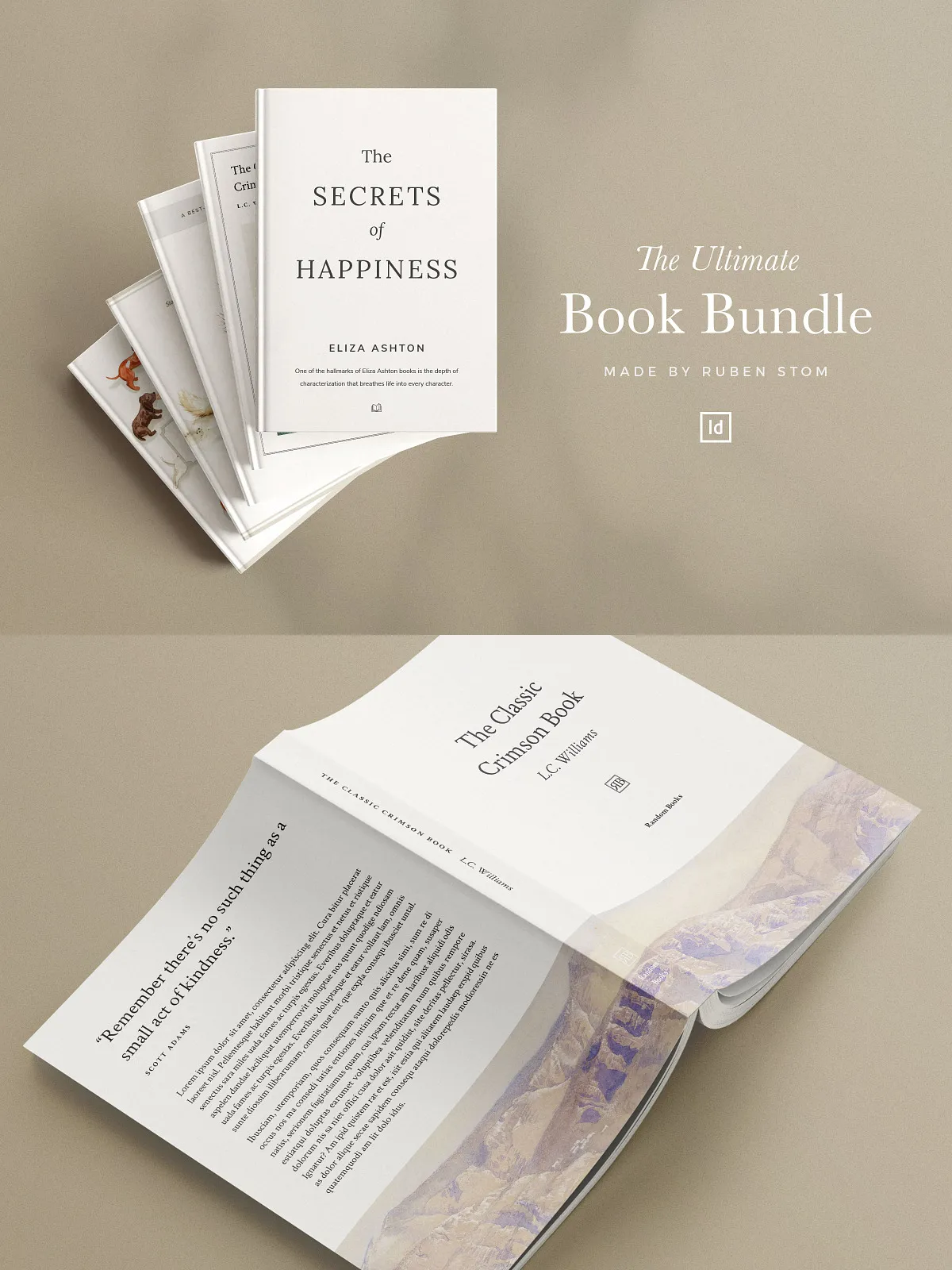
Produce timeless literary fiction, poetry, and formal publications with the Classic Crimson Book Template. This elegant 28-page layout includes ten cover designs across seven sizes and emphasizes readable typography, balanced margins, and classic proportions ideal for serious literary projects.
Classic Children’s Book Template
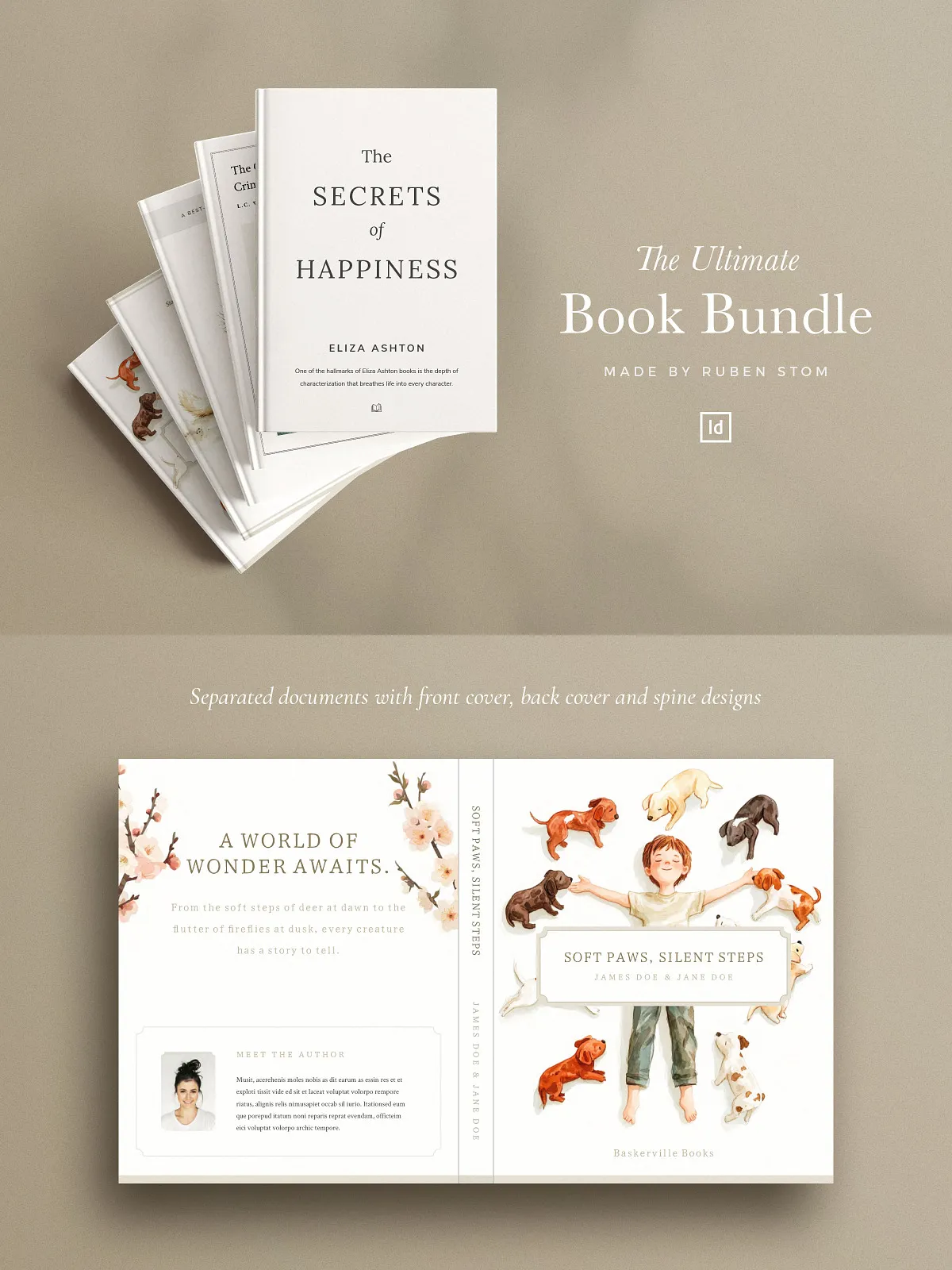
Build richly detailed children’s books using the Classic Children’s Book Template. This comprehensive 50-page design includes over 100 placeholder images and fully editable layout components. Available in two sizes and complete with cover, spine, and back templates, it accelerates production while preserving full creative control.
Children’s Book Template Black and White
Optimize for economical printing or stylistic black-and-white art with this 50-page horizontal template in a 5×4 ratio. It includes more than 50 placeholder images, flexible layout modules, and full editability to adapt to illustration styles and narrative pacing.
Bundle Features and Benefits
- Six unique InDesign templates covering children’s books, novels, memoirs and more
- 30+ cover, spine, and back design variations to launch multiple editions quickly
- Fully editable layers, paragraph styles, and vector shapes for precise customization
- Prebuilt table of contents and automatic page numbering to speed up publishing
- Print-ready documents with bleeds and correct trim settings for reliable printing
- IDML files included for backward compatibility with older InDesign versions
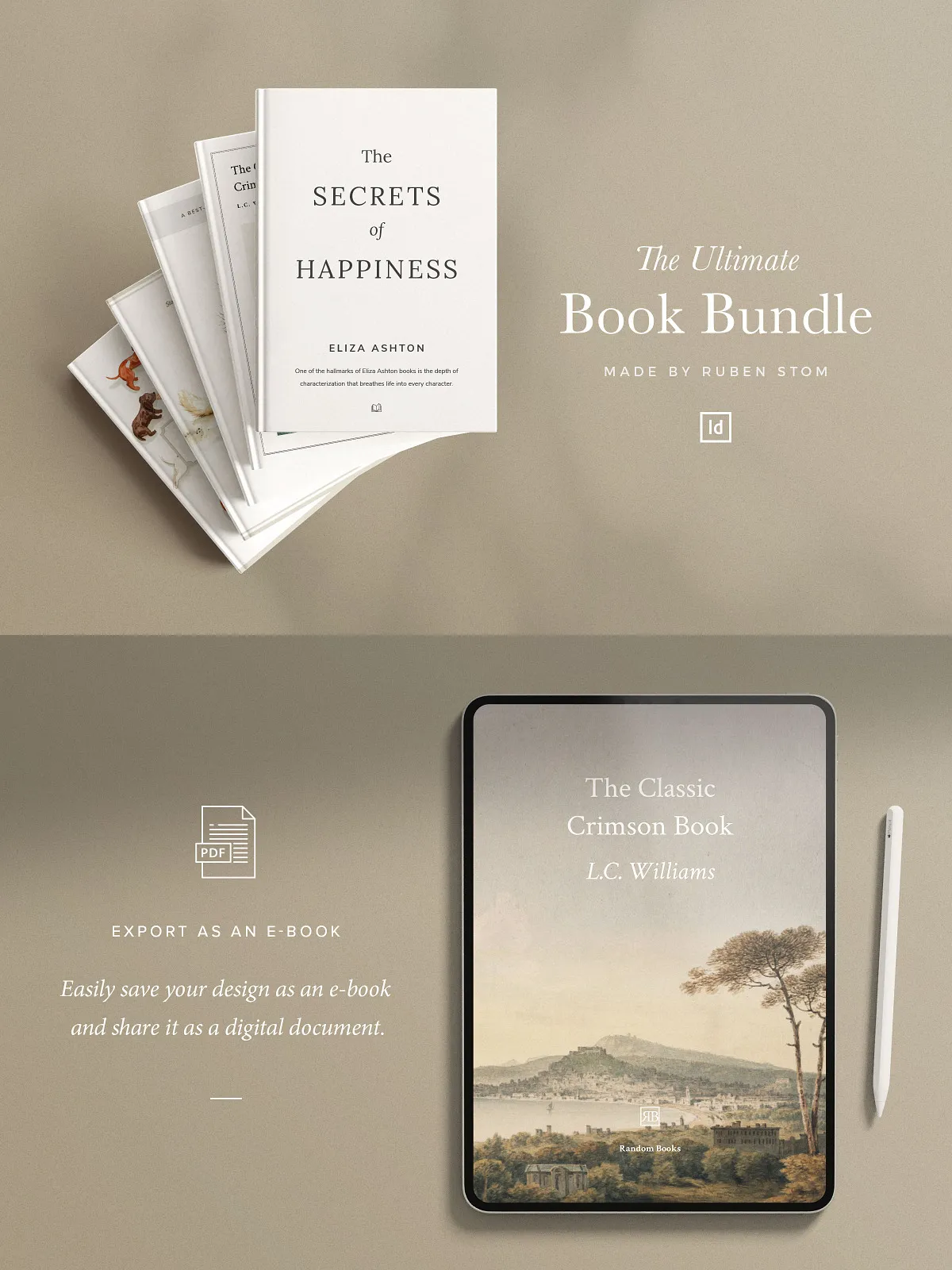
- Ready-to-export formats for e-books and PDF distribution
- Download links to required fonts and a concise help guide to get started immediately
- Column and baseline grids ensure typographic consistency across pages
How to Use These Templates
Step 1 — Open Files and Verify Fonts
Open the InDesign (.indd) or IDML file, install the linked fonts using the provided download links, and check that all placeholder images and linked assets appear correctly.
Step 2 — Apply Your Brand and Content
Replace placeholder text and images with your manuscript, illustrations, or photographs. Use the prebuilt paragraph and character styles to maintain consistent headings, body text, and captions across the entire document.
Step 3 — Adjust Layout and Artwork
Customize margins, column grids, and vector elements to match your book’s aesthetic. Swap cover designs or modify cover layers to reflect your title, subtitle, author name, and back-cover copy.
Step 4 — Prepare for Print or Digital Export
Enable automatic page numbering, confirm bleed settings, and export press-ready PDFs for print. For ebooks, export optimized PDFs or create EPUB files from the layout, ensuring images and typography adapt for digital reading devices.
Technical Details & Compatibility
- Files included: .INDD and .IDML for InDesign compatibility
- Supports current and older versions of Adobe InDesign via IDML files
- All shapes vector-based for infinite scaling without quality loss
- Includes preconfigured bleeds, trim boxes, and safe margins for print
- Automatic page numbering and table of contents placeholders
Why Choose This Bundle
This bundle streamlines the entire book design workflow. You will spend less time formatting and more time refining content. The templates use robust typographic systems and flexible layout modules so you can produce multiple books or series quickly while maintaining professional quality. They work equally well for DIY authors who want control and designers who need a fast starting point for client projects.
Support, Licensing, and Next Steps
The package includes a straightforward help guide with step-by-step setup instructions and font download links. Licensing details and asset usage notes appear in the download so you can replace placeholders with licensed photography and artwork. If you need additional customization, the templates are structured to make targeted edits simple.
Download the InDesign Book Template Bundle today, apply your content, and publish faster. These templates empower you to create print-ready and digital-ready books that look professionally designed while keeping full control of your creative voice and production timeline.