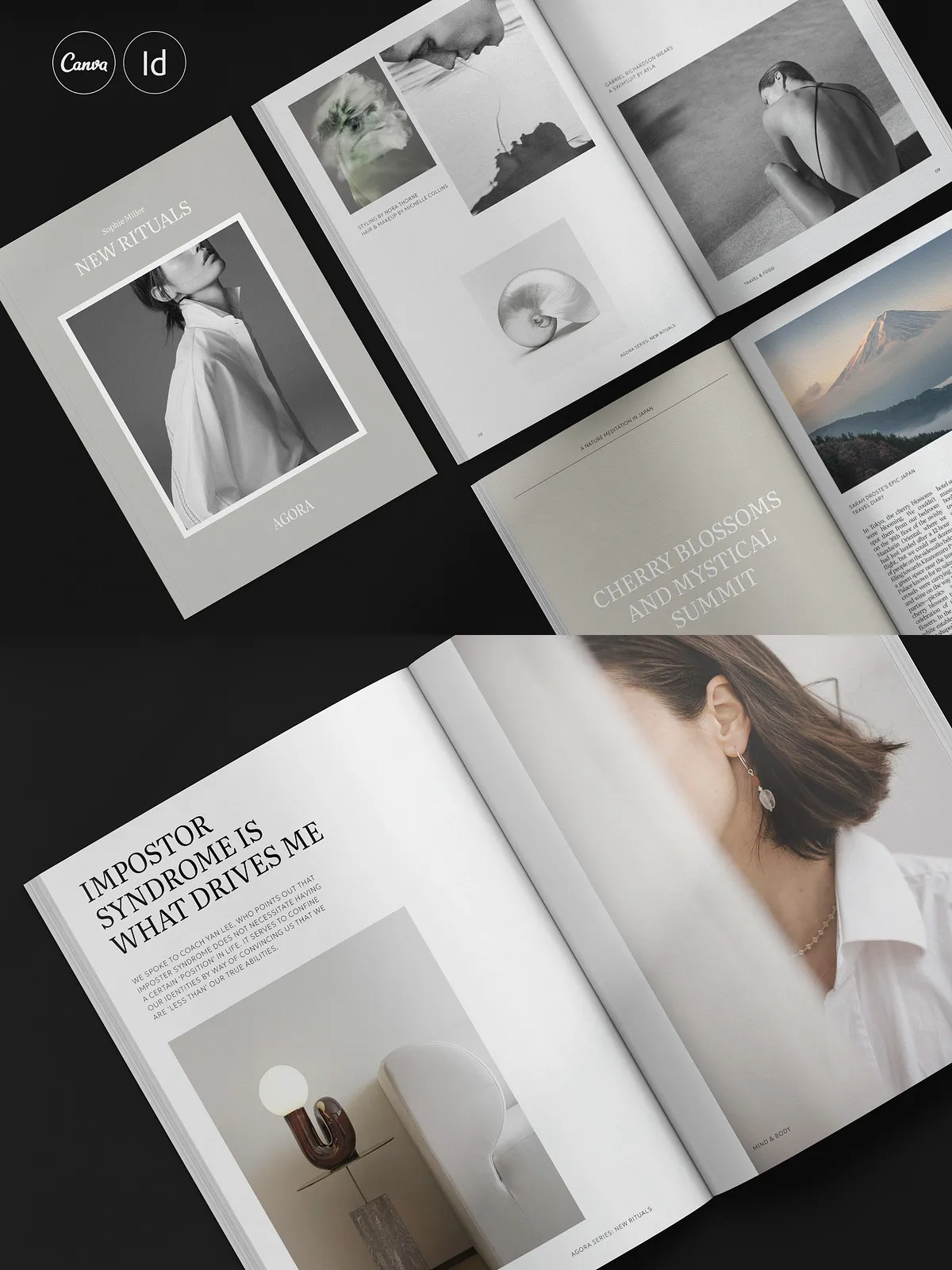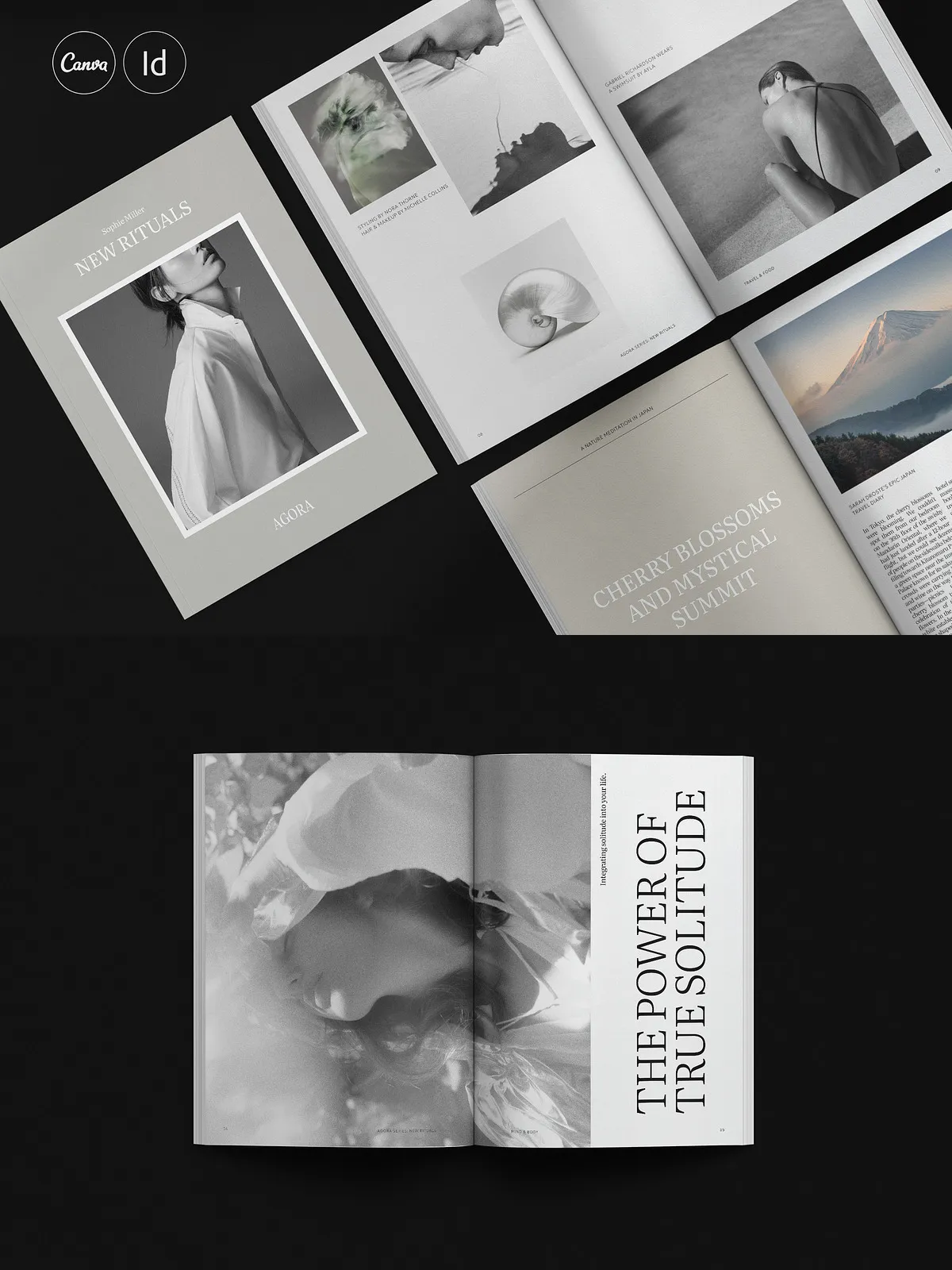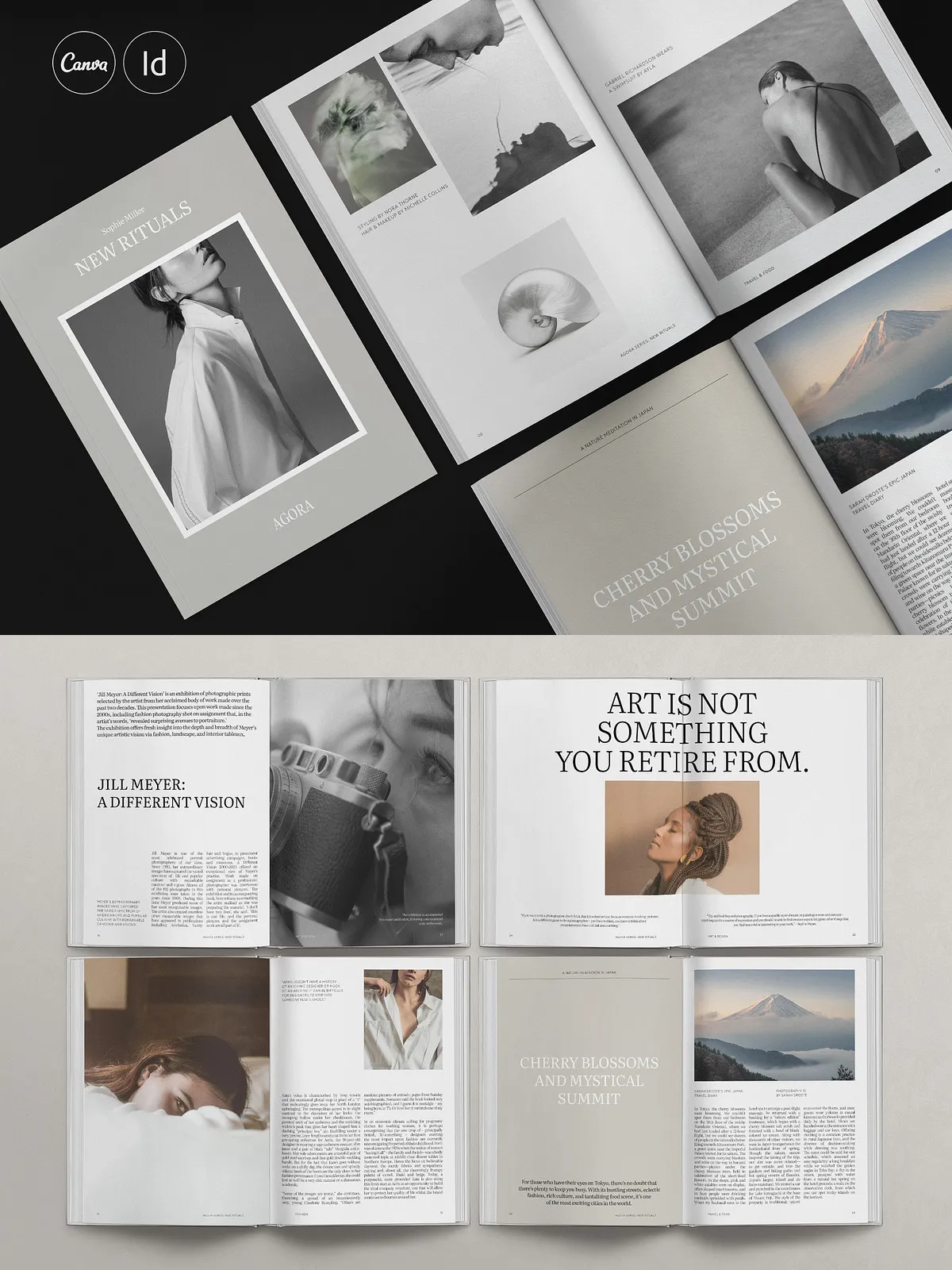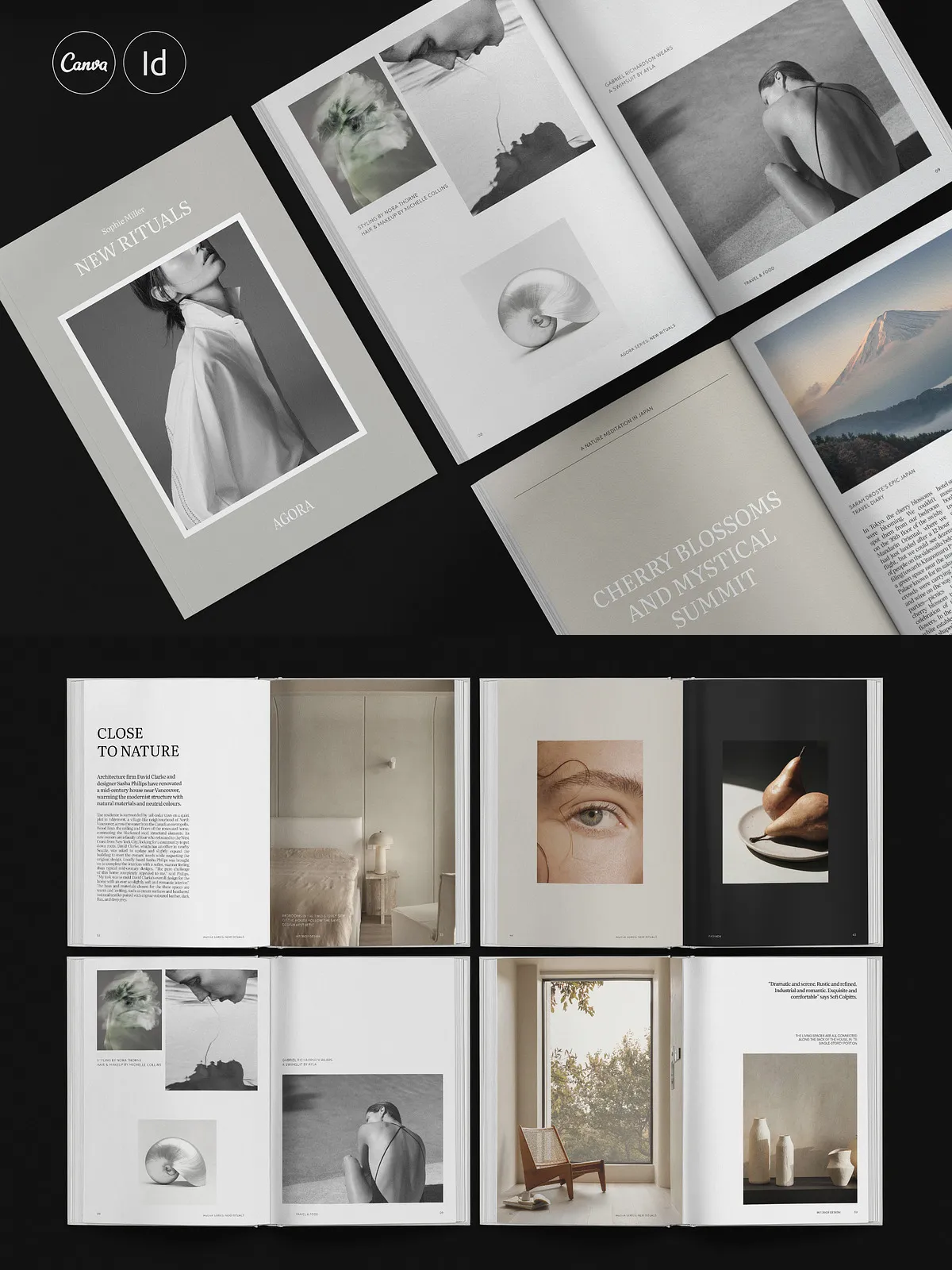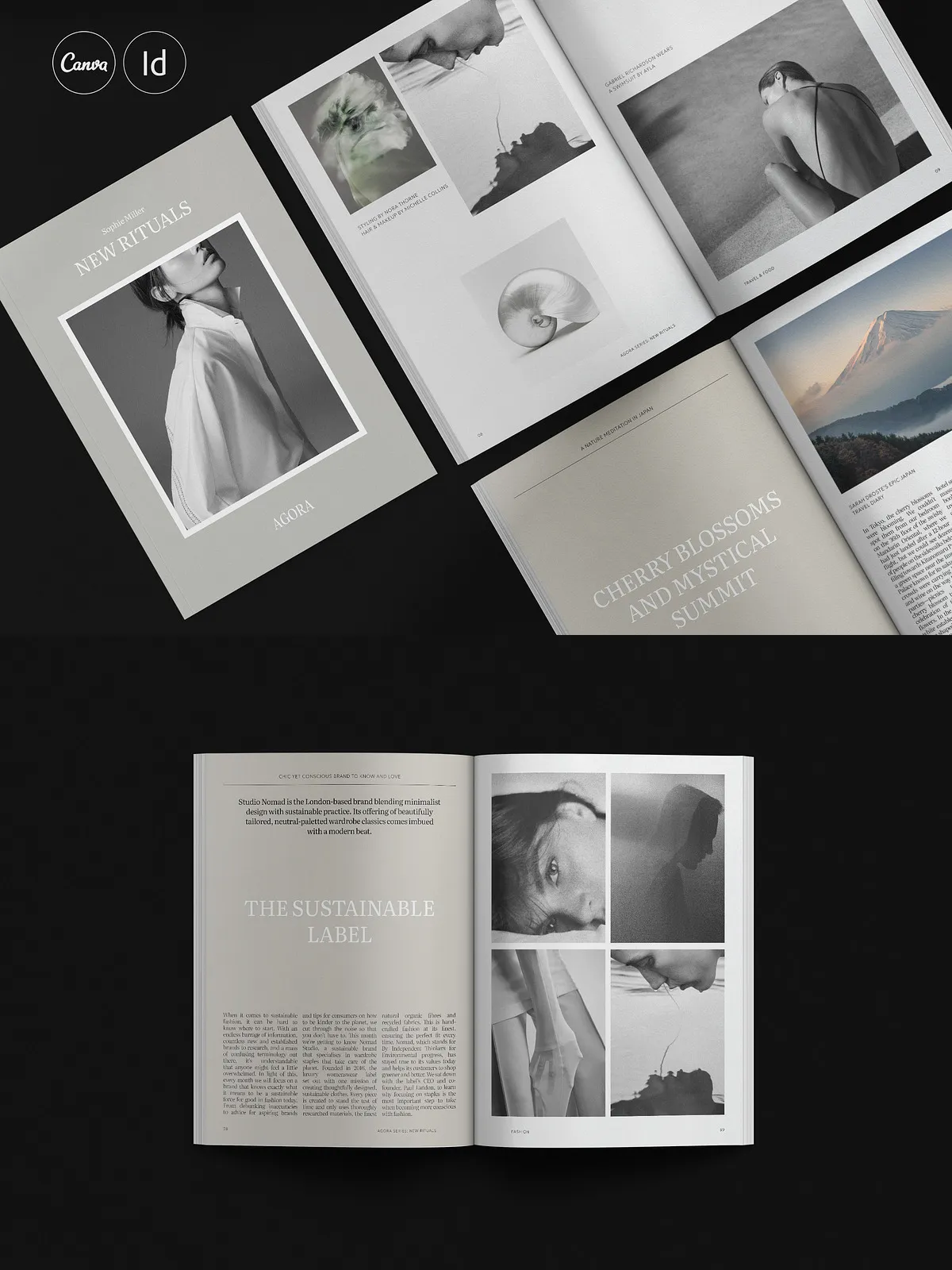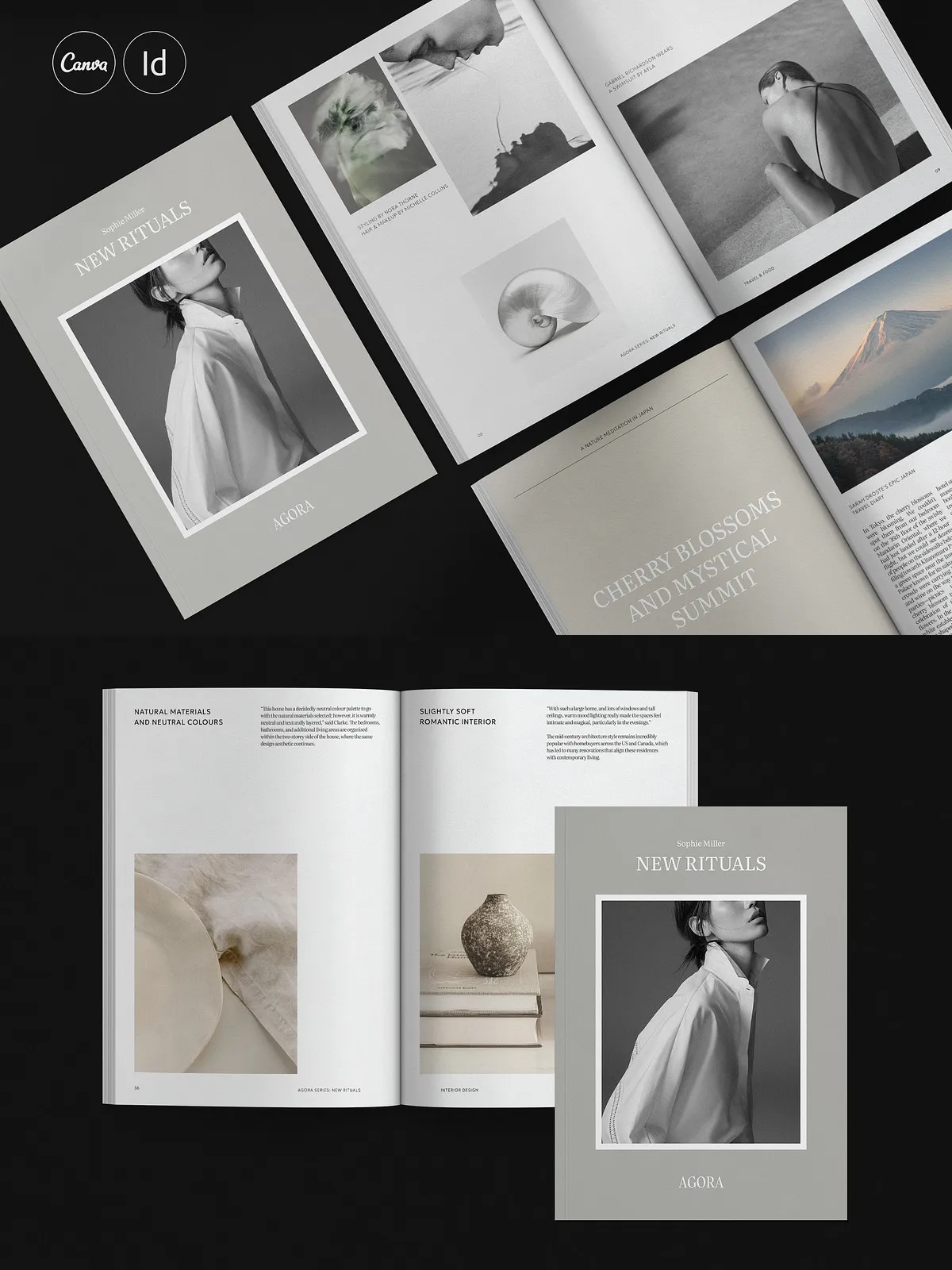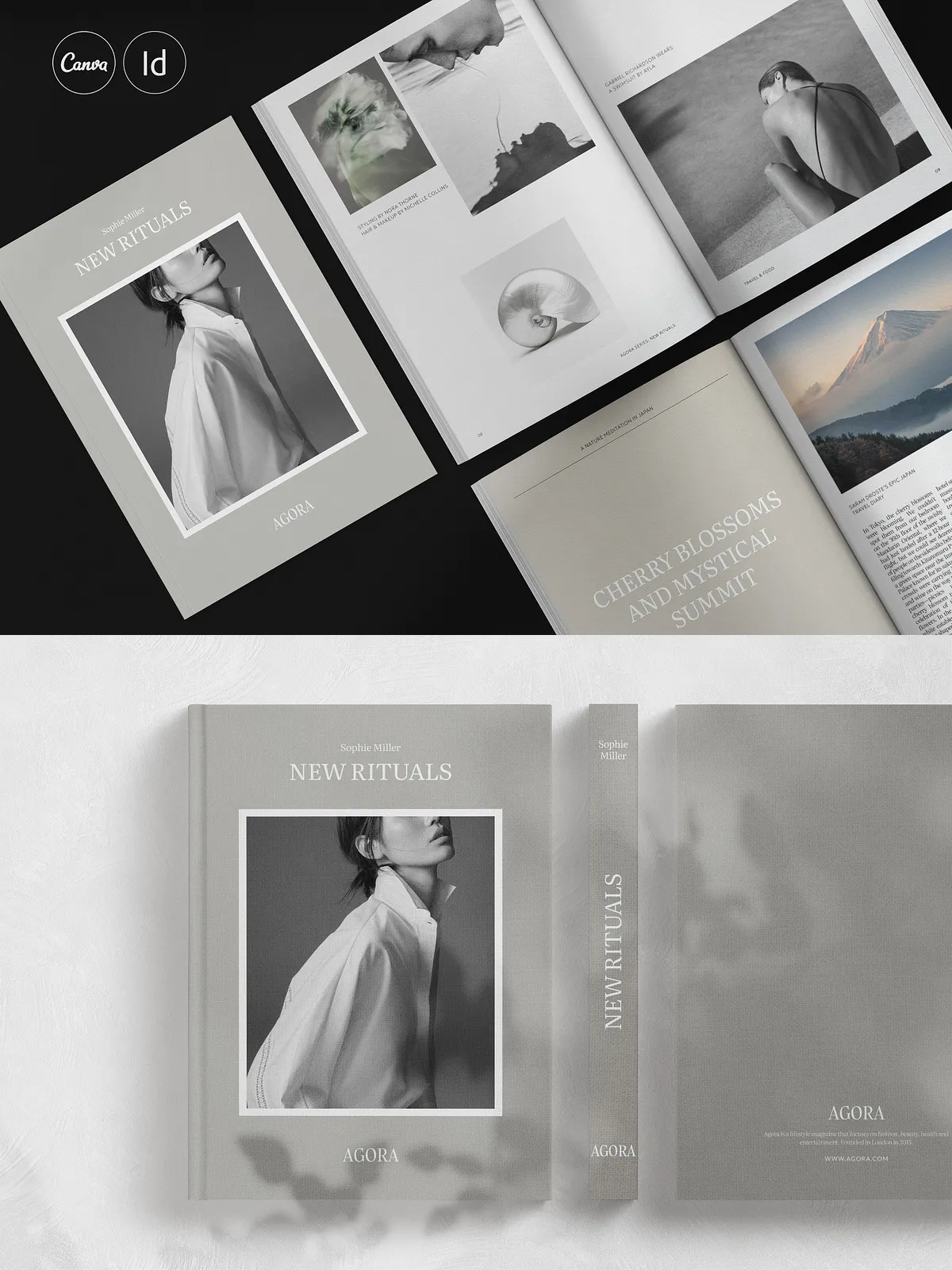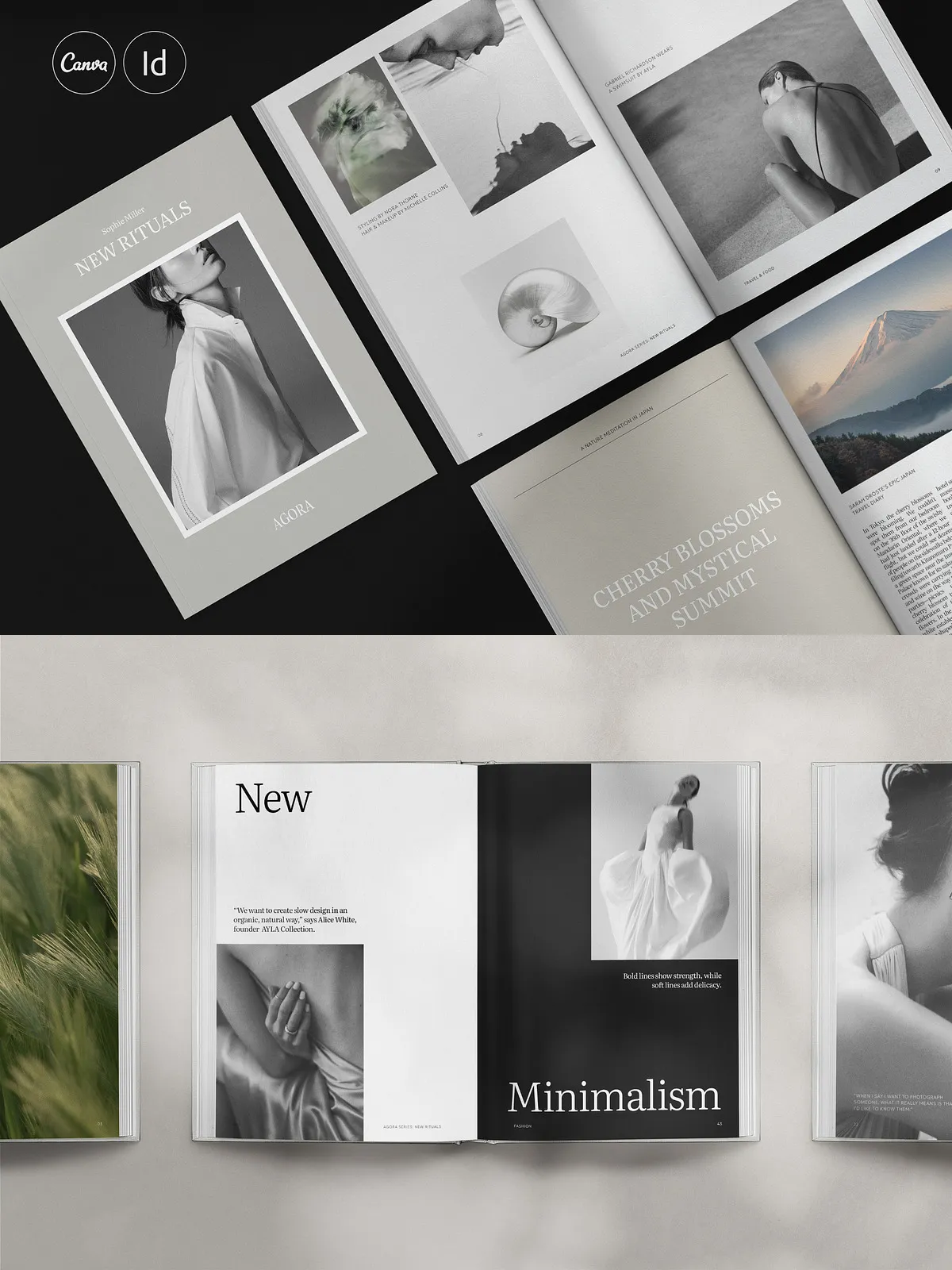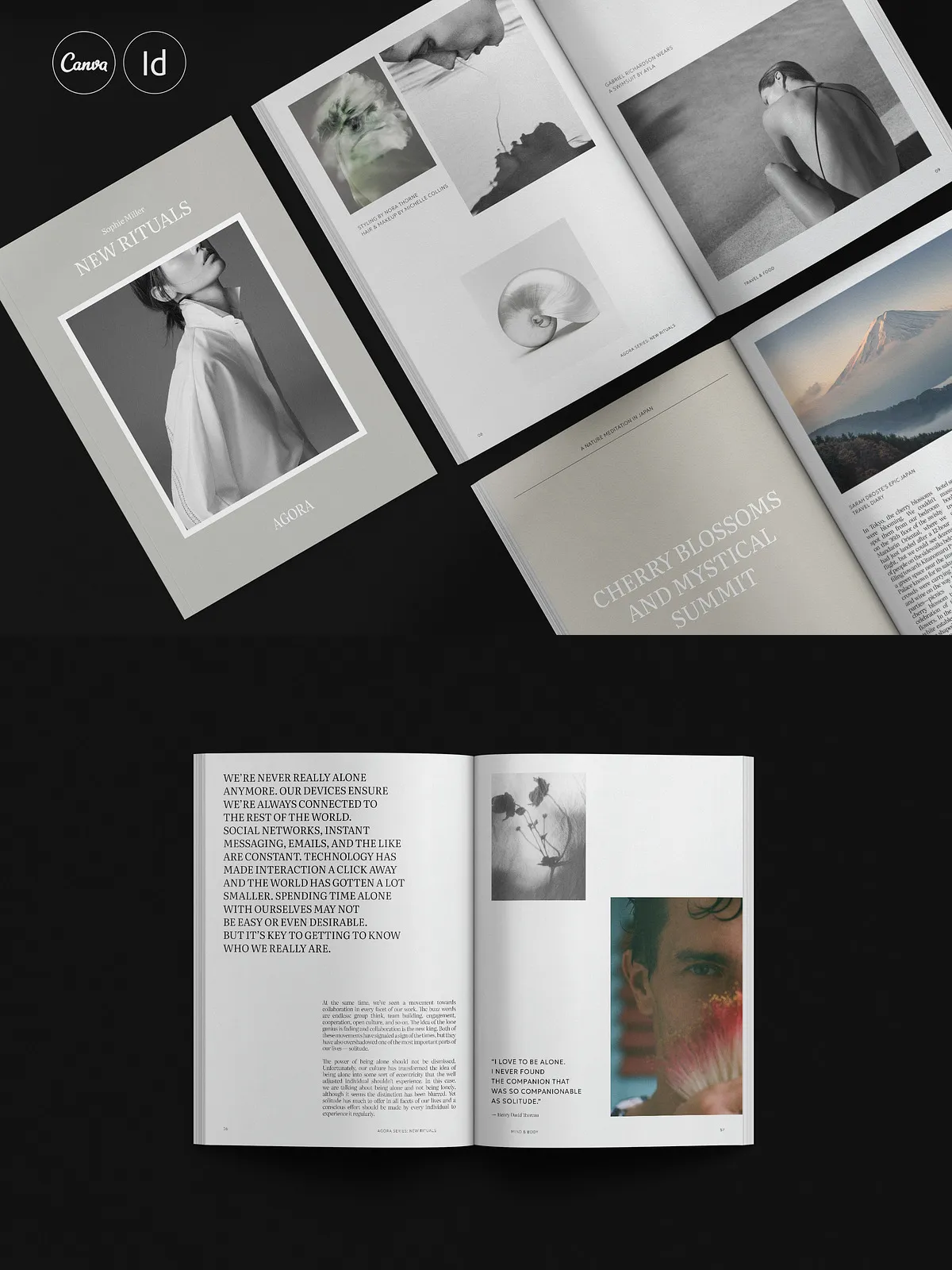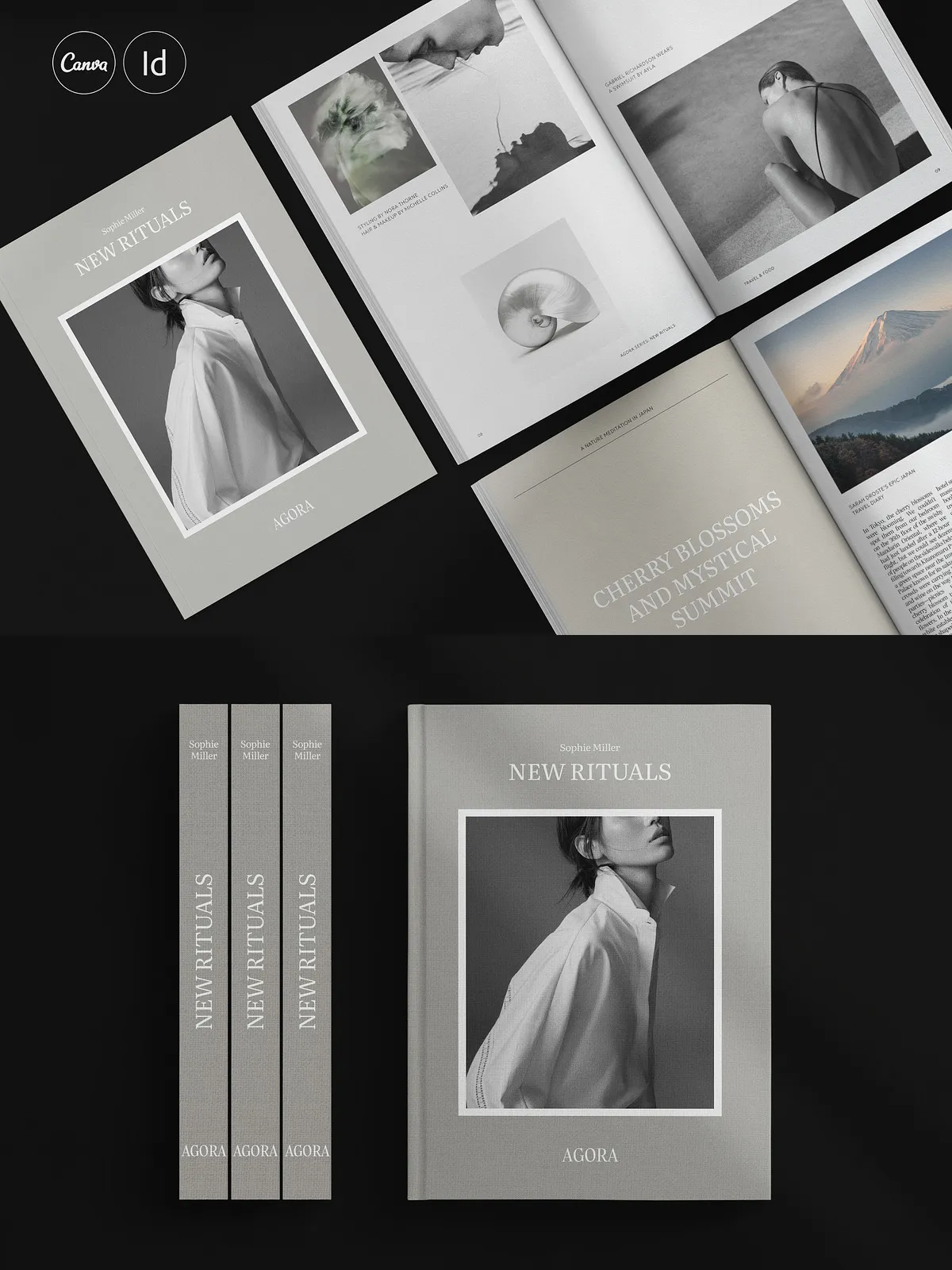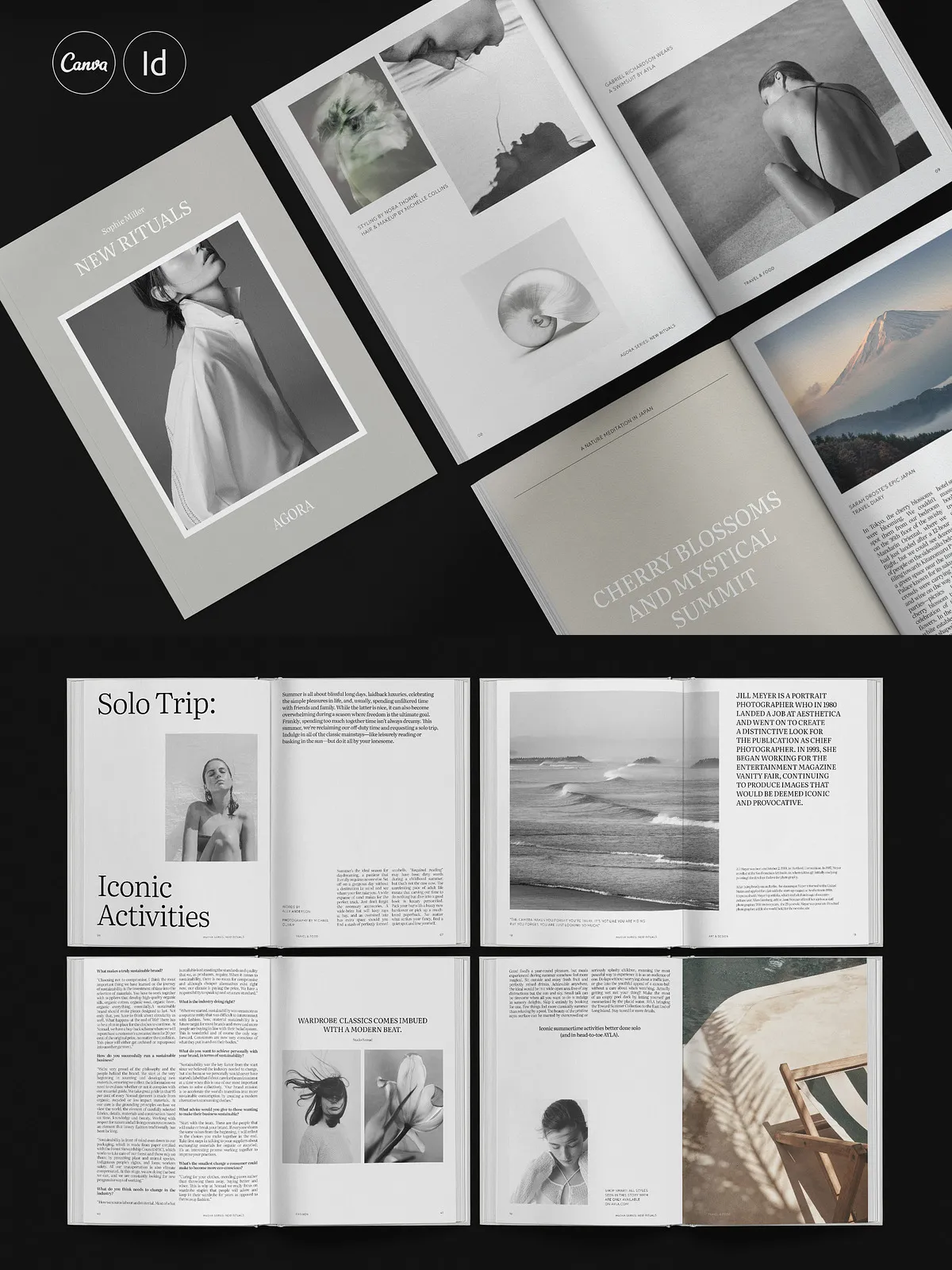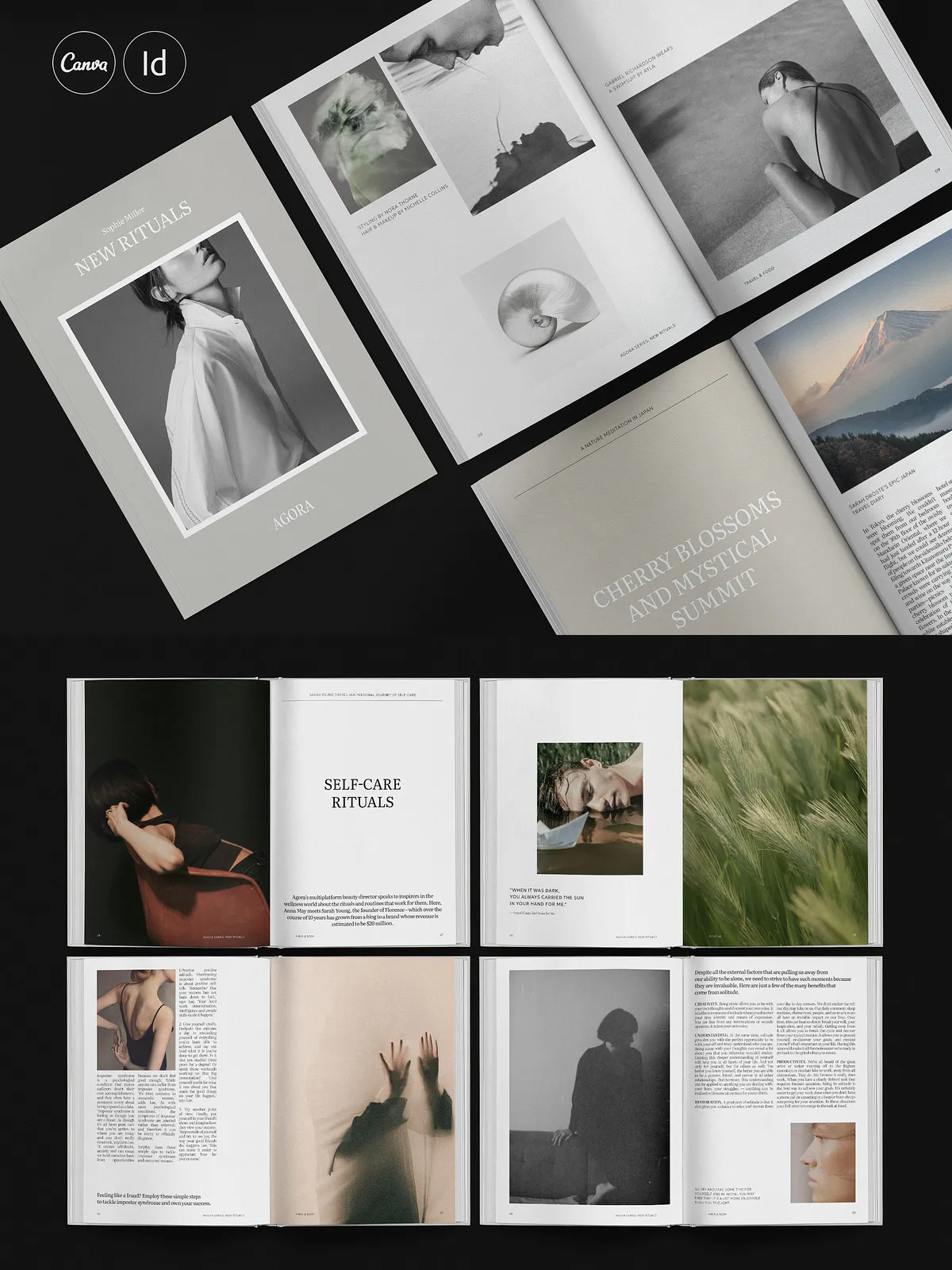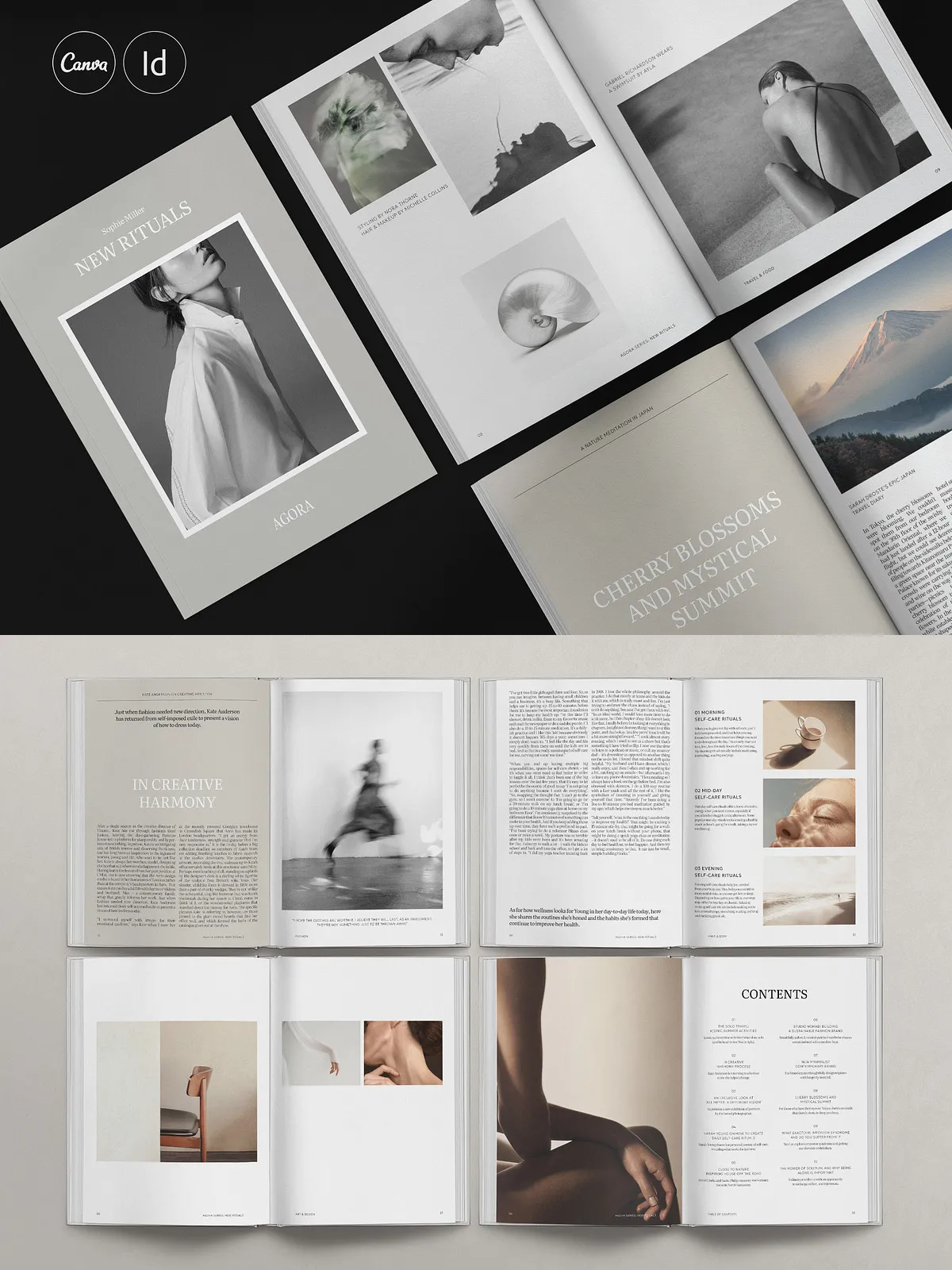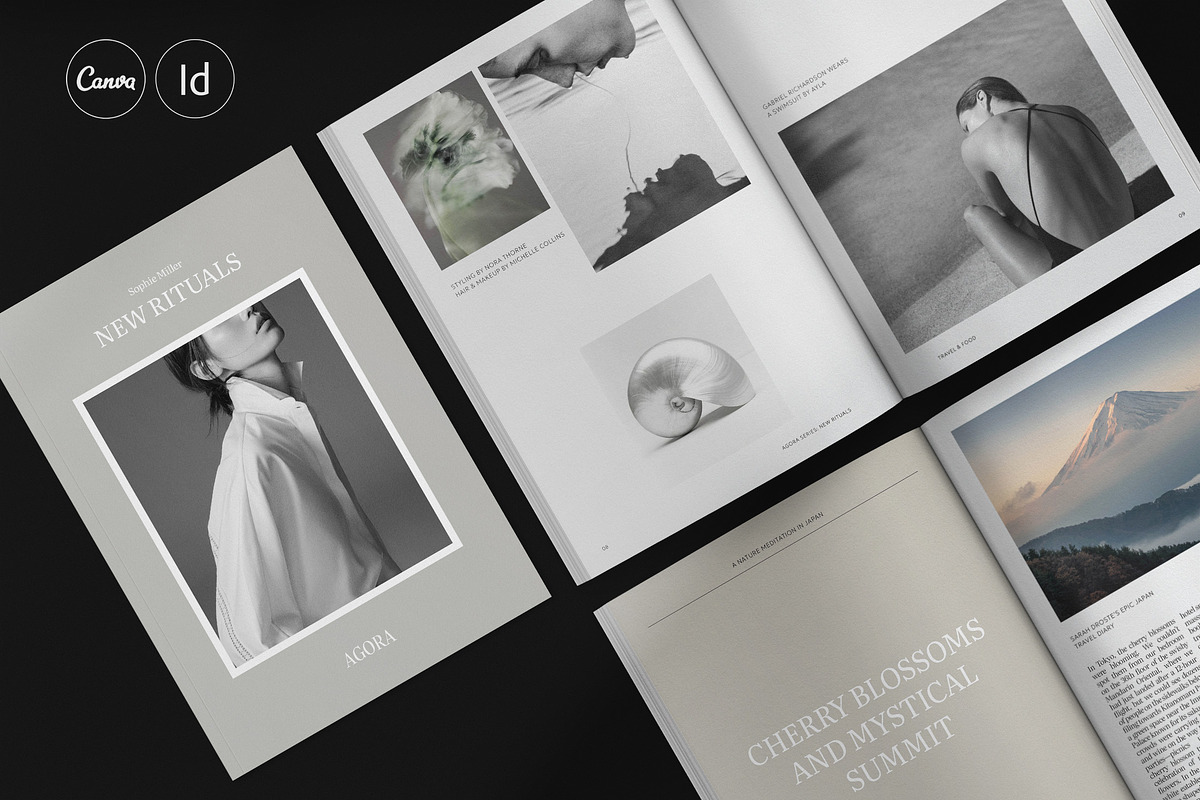
Activate your brand’s visual storytelling with the AGORA Brochure Template. Crafted by Studio Dara for designers, creative agencies, fashion houses, architecture firms, and interior studios, this robust template accelerates production and boosts presentation quality. The package delivers 60 thoughtfully designed pages in both A4 and US Letter portrait sizes and ships as editable Adobe InDesign and Canva files so you can edit, export, and deliver finished collateral quickly.
Why Choose AGORA
Use AGORA to create polished magazines, brochures, lookbooks, portfolios, and brand books that convert attention into engagement. The template emphasizes active visual hierarchy and clear layout systems so you can showcase projects, products, services, editorial spreads, trend features, and quotes with precision. Replace placeholder copy and images with your content to produce professional results without rebuilding grids and typographic systems from scratch. AGORA helps you save time, reduce production costs, and maintain consistent brand presentation across print and digital channels.
Who It’s For
AGORA fits creative professionals who need attractive, ready-to-edit layouts: fashion designers and boutiques presenting seasonal collections, architecture bureaus highlighting case studies, design and branding studios pitching services, and interior design teams compiling project portfolios. The template adapts to editorial and commercial contexts, letting you present work with clarity and design-forward polish.
Key Features
- 60 fully editable pages ready for InDesign and Canva
- Delivered in A4 (297 x 210 mm) and US Letter (11 x 8.5″) portrait formats
- Organized paragraph and character styles to maintain consistent typography
- Aligned to a 12-column layout and baseline grid for reliable composition
- Master pages included for quick layout variations across the document
- Color swatches allow instant palette changes across all elements
- Automatic page numbering and built-in table of contents structure
- Well-ordered layers and vector elements for precise, non-destructive edits
- Preconfigured bleeds and margins for print-ready export
- Real, usable placeholder copy to guide editorial flow and content placement
Product Details
The AGORA package includes native InDesign (.INDD) files with backward-compatible IDML files, plus Canva templates for fast browser-based edits. Files are compatible with Adobe InDesign CS4, CS5, CS5.5, CS6 and Creative Cloud through included IDML versions. The templates use free fonts and include a concise help file that explains how to install fonts, swap images, and export final PDFs. Images and mockups shown in previews are not included and must be replaced with licensed assets prior to commercial printing or distribution.
Technical Specifications
- Files included: .INDD and .IDML for InDesign; Canva template links
- Sizes: A4 (297 x 210 mm) and US Letter (11 x 8.5″) portrait
- 60 total pages with modular layouts and flexible spread designs
- Aligned to a 12-column system and baseline grid for typographic consistency
- Organized paragraph, character, and object styles for efficient updates
How to Use the Template
Step 1 — Open and Prepare
Open the .INDD or IDML file in Adobe InDesign or import the Canva template to your Canva workspace. Install the free fonts linked in the help file and verify all linked assets appear correctly in the Links panel. Work with master pages to apply global layout changes quickly.
Step 2 — Replace and Customize
Replace placeholder copy with your editorial content and swap images with high-resolution photographs or renderings. Apply your brand colors via the Swatches panel, and update paragraph and character styles to reflect your typographic identity. Adjust grids, margins, and modules to tailor the design for long or short narratives.
Step 3 — Export and Deliver
For print, export to press-ready PDF with bleeds and crop marks enabled. For digital distribution, export optimized PDFs or export individual spreads, compressed images, or web-optimized files from Canva. Double-check licensing for any photography and confirm color settings for CMYK print workflows.
Support, Licensing, and Notes
The product includes a help file with step-by-step instructions and font download links to get you started. Licensing terms and usage notes appear in the download so you can confidently replace preview images with licensed photography. Please note that preview images, photos, and mockups are not included in the purchase and must be sourced separately.