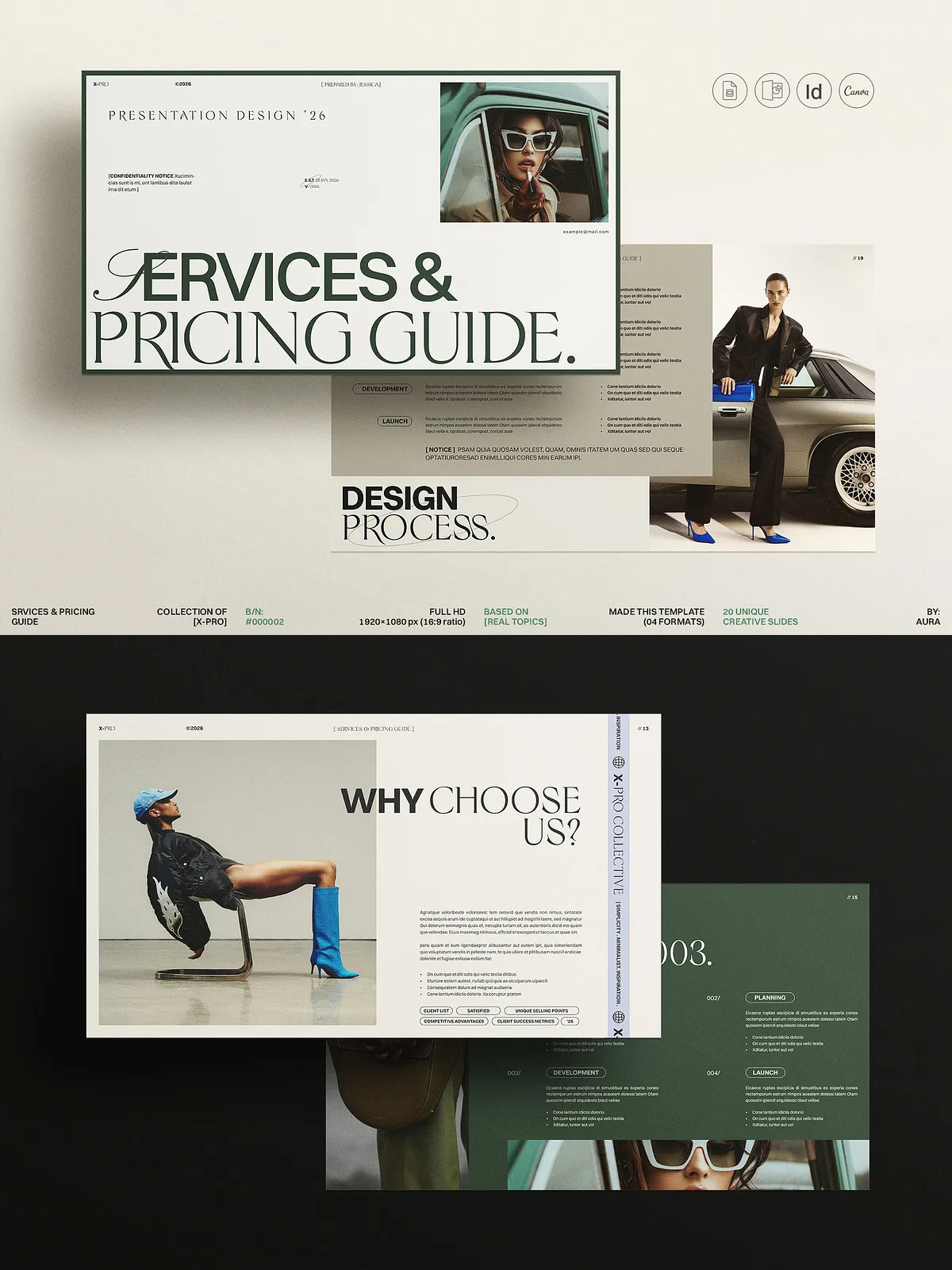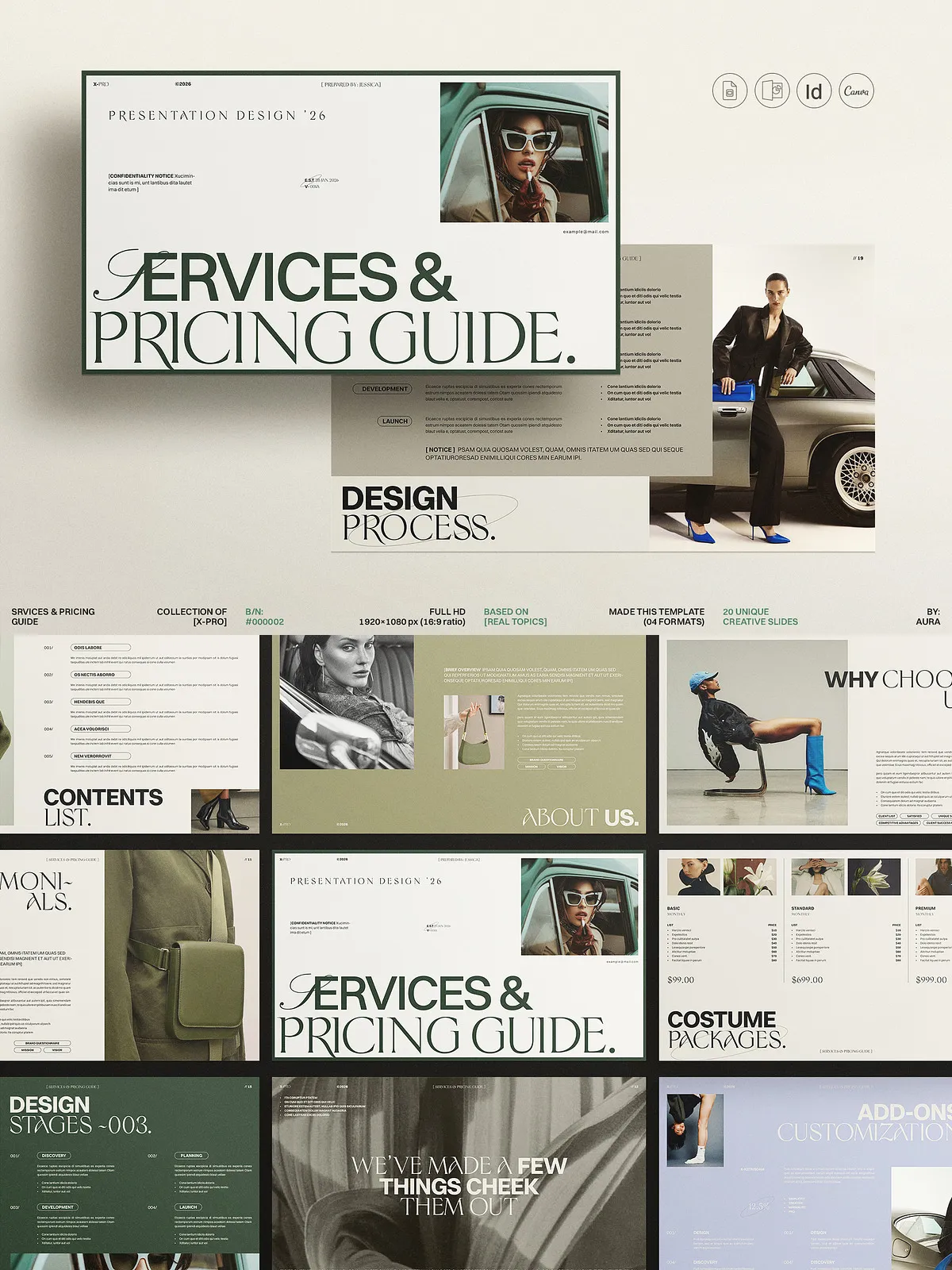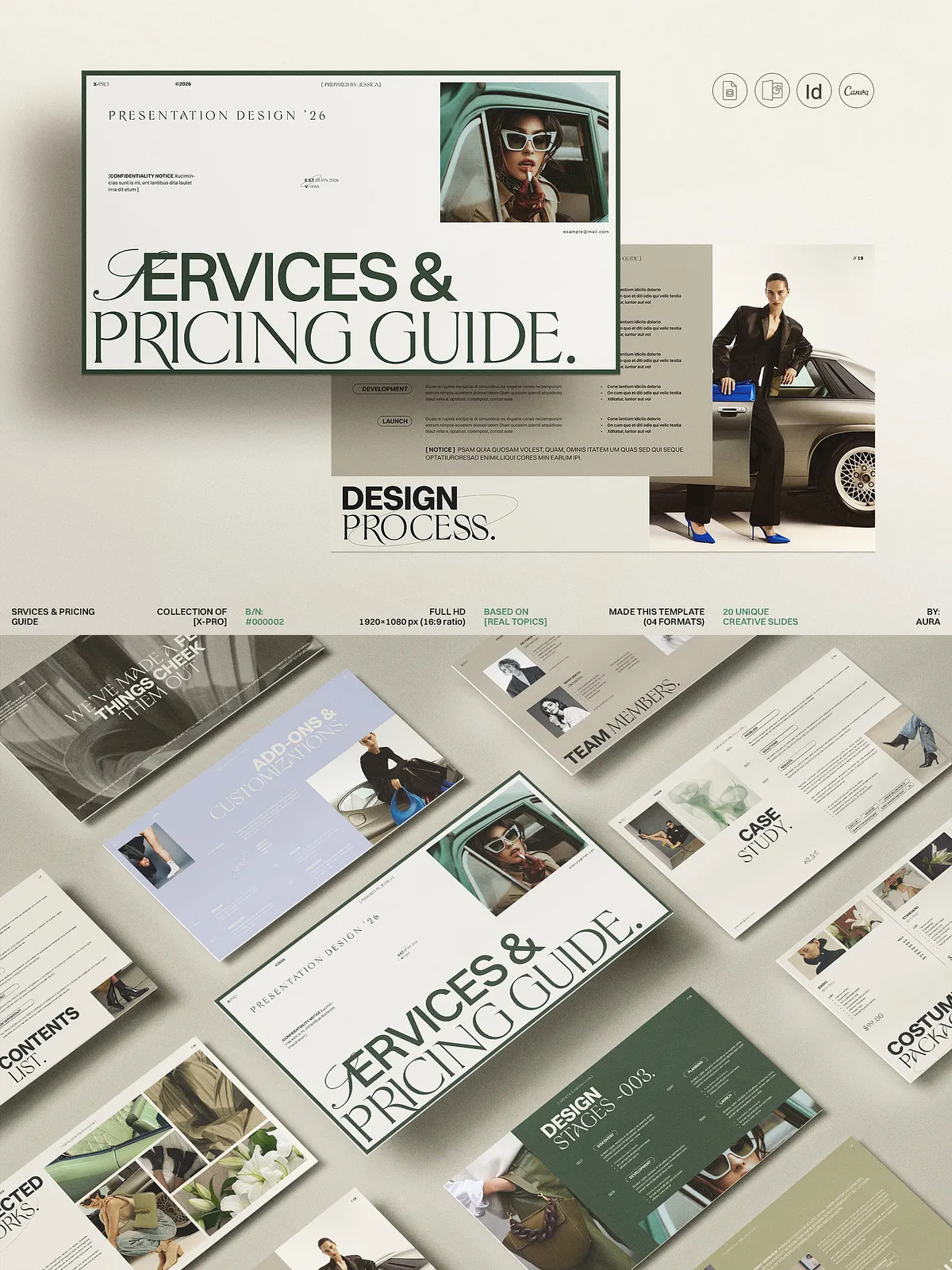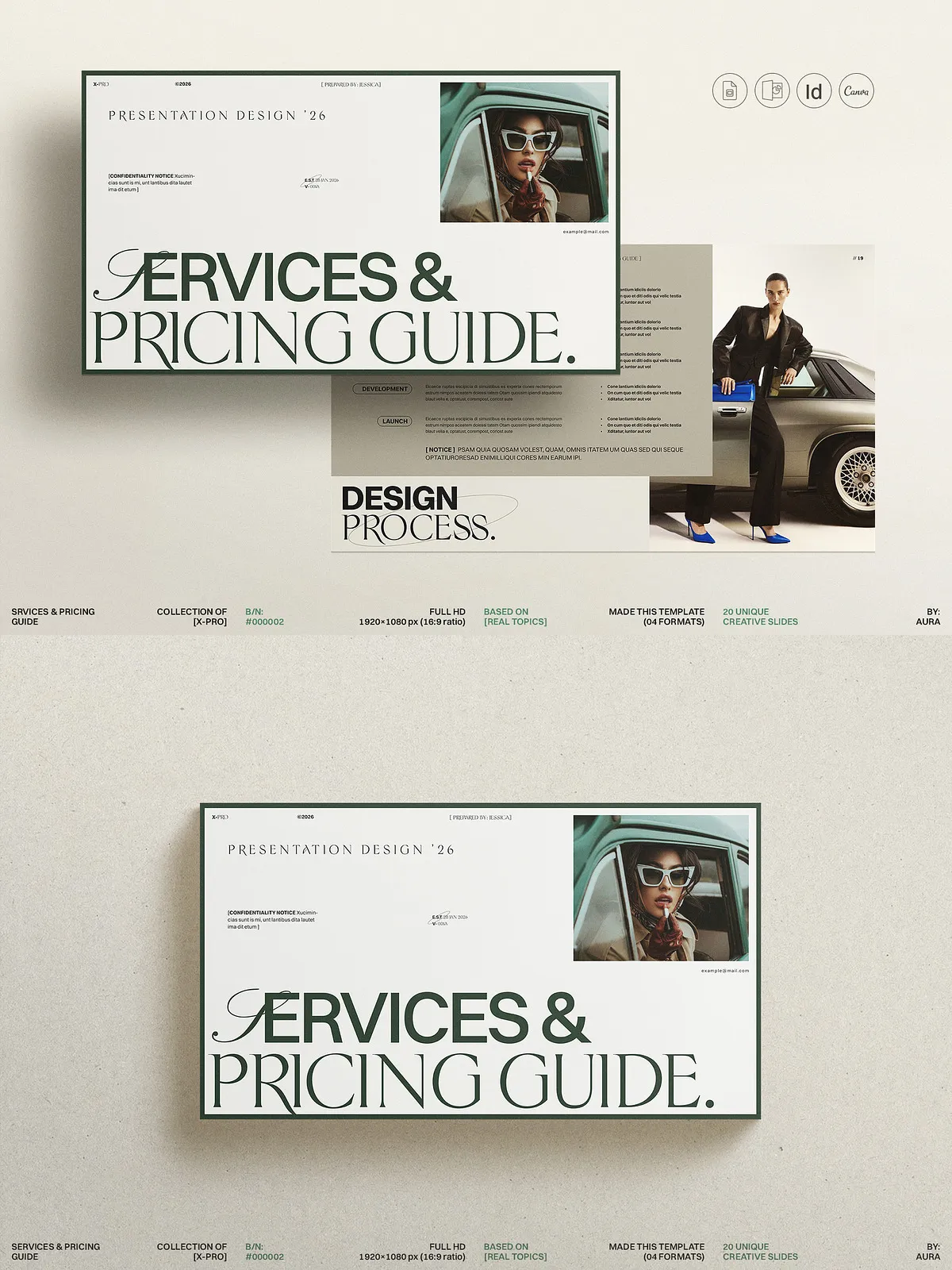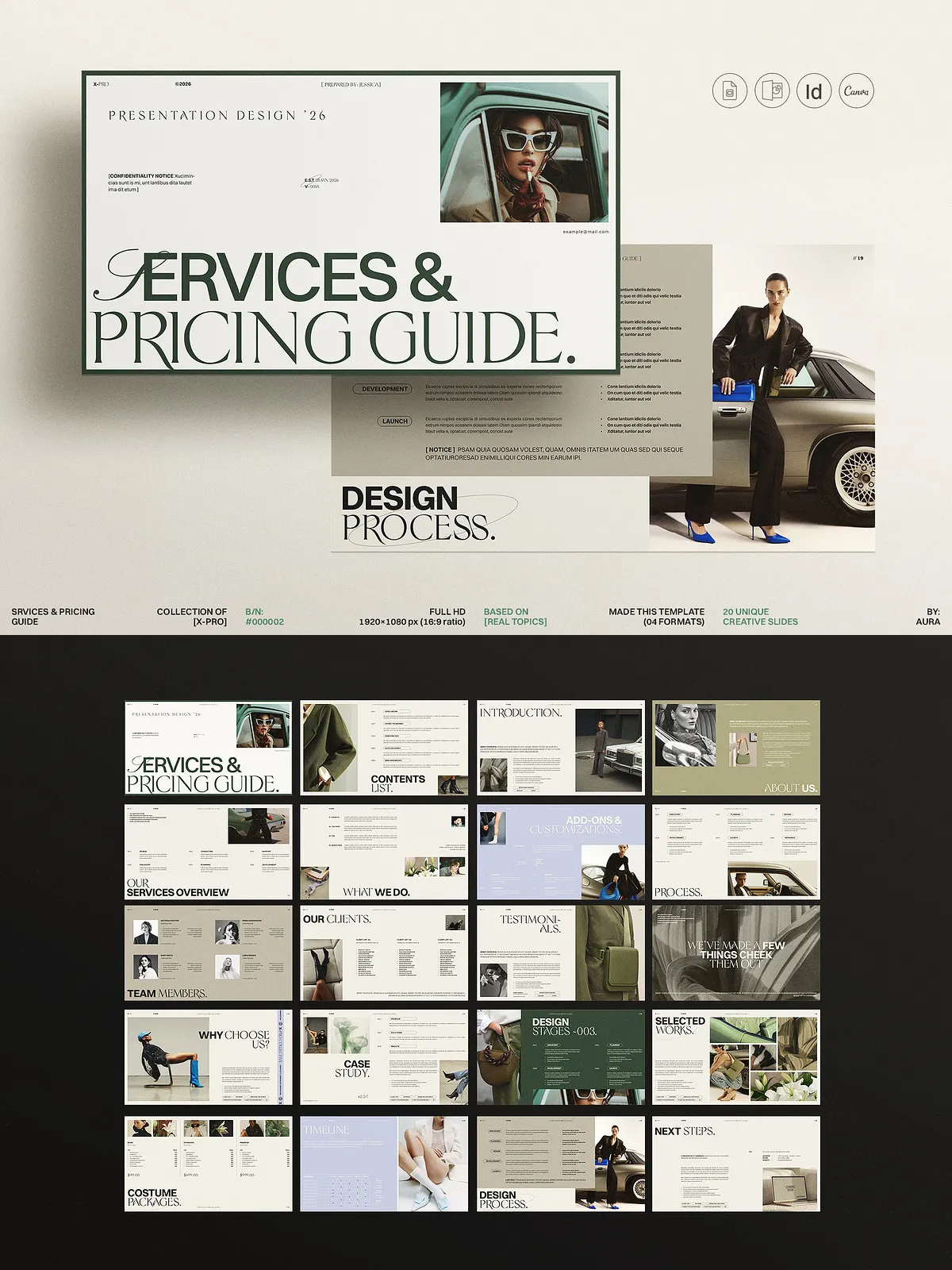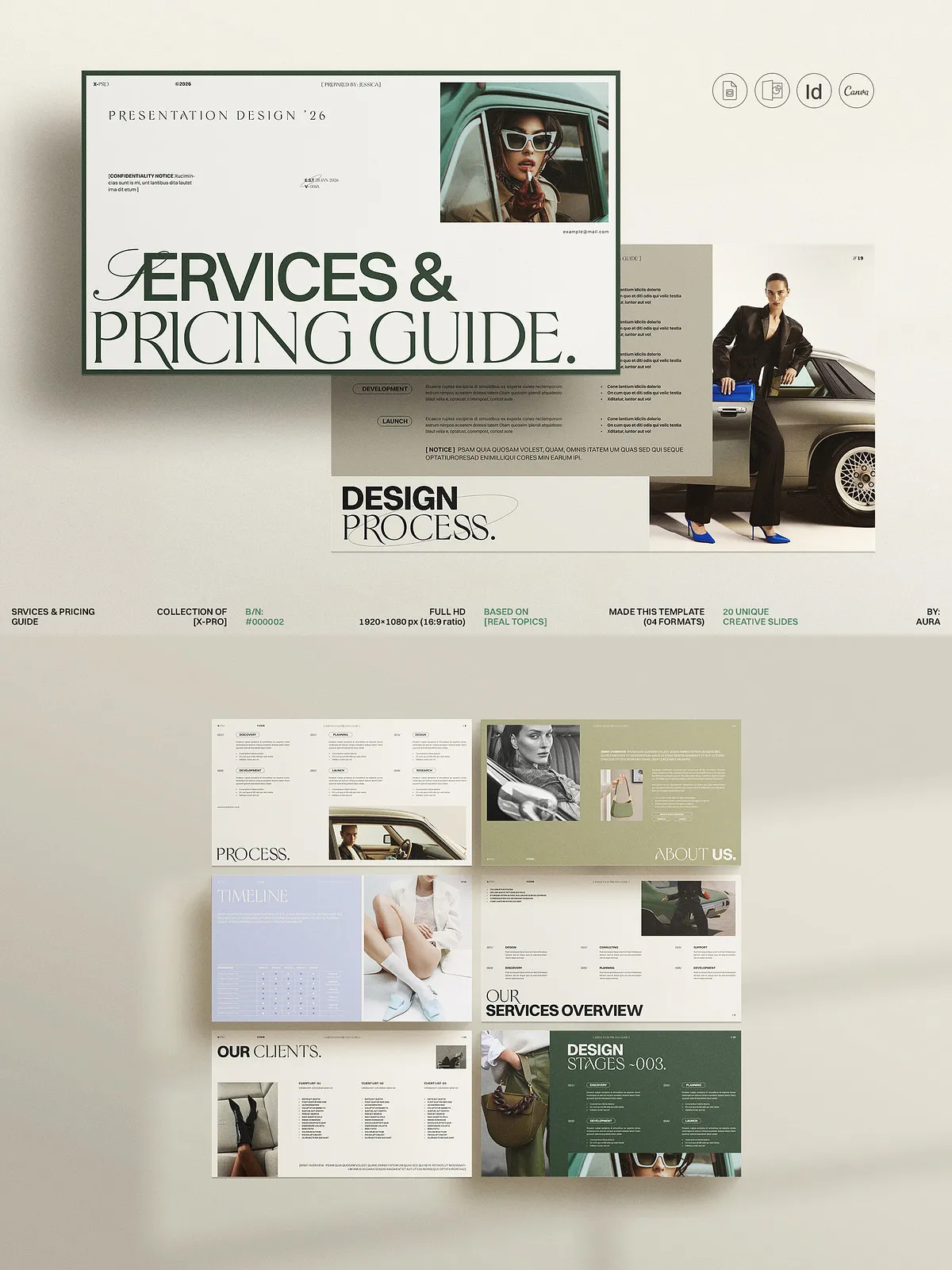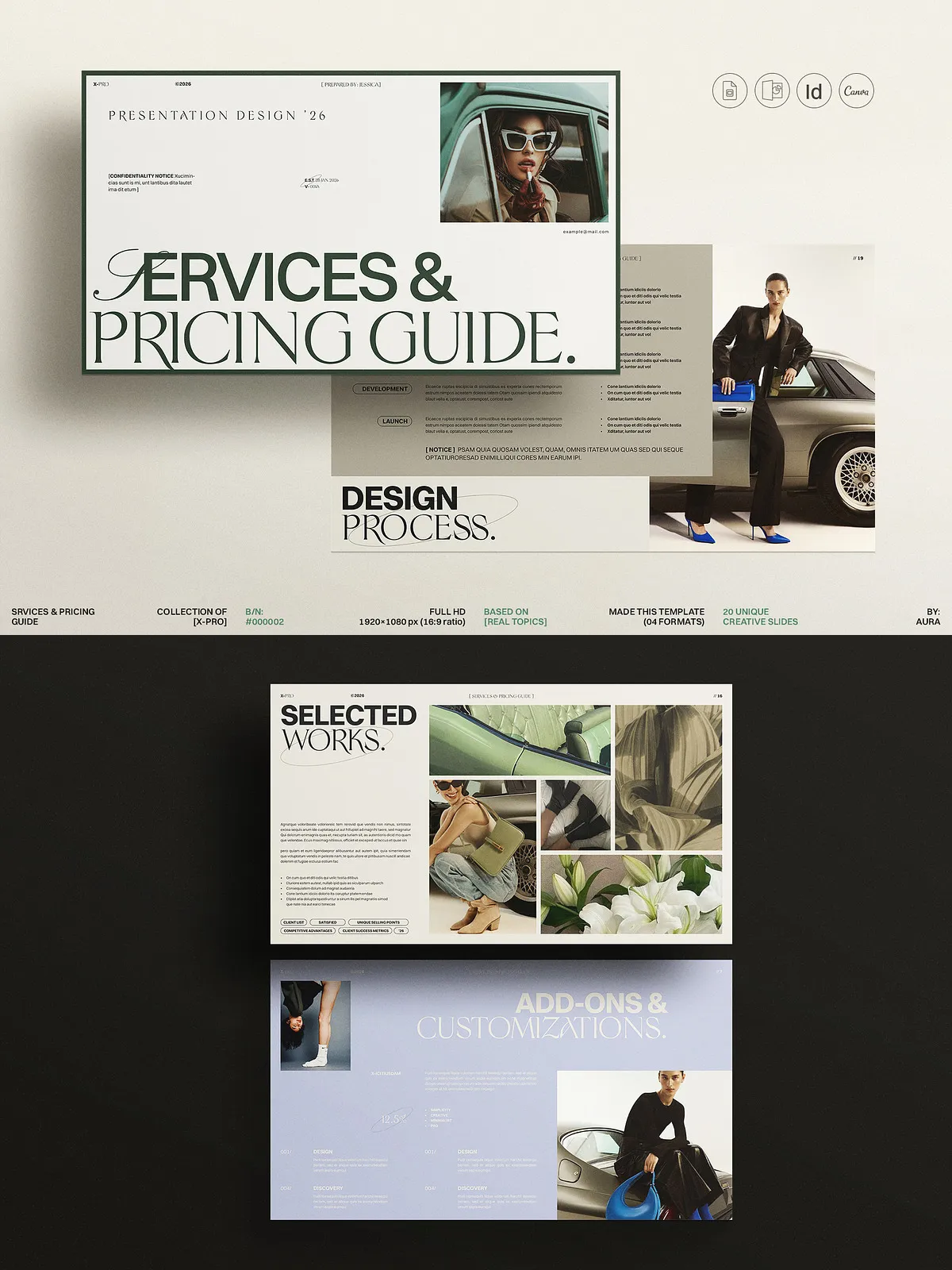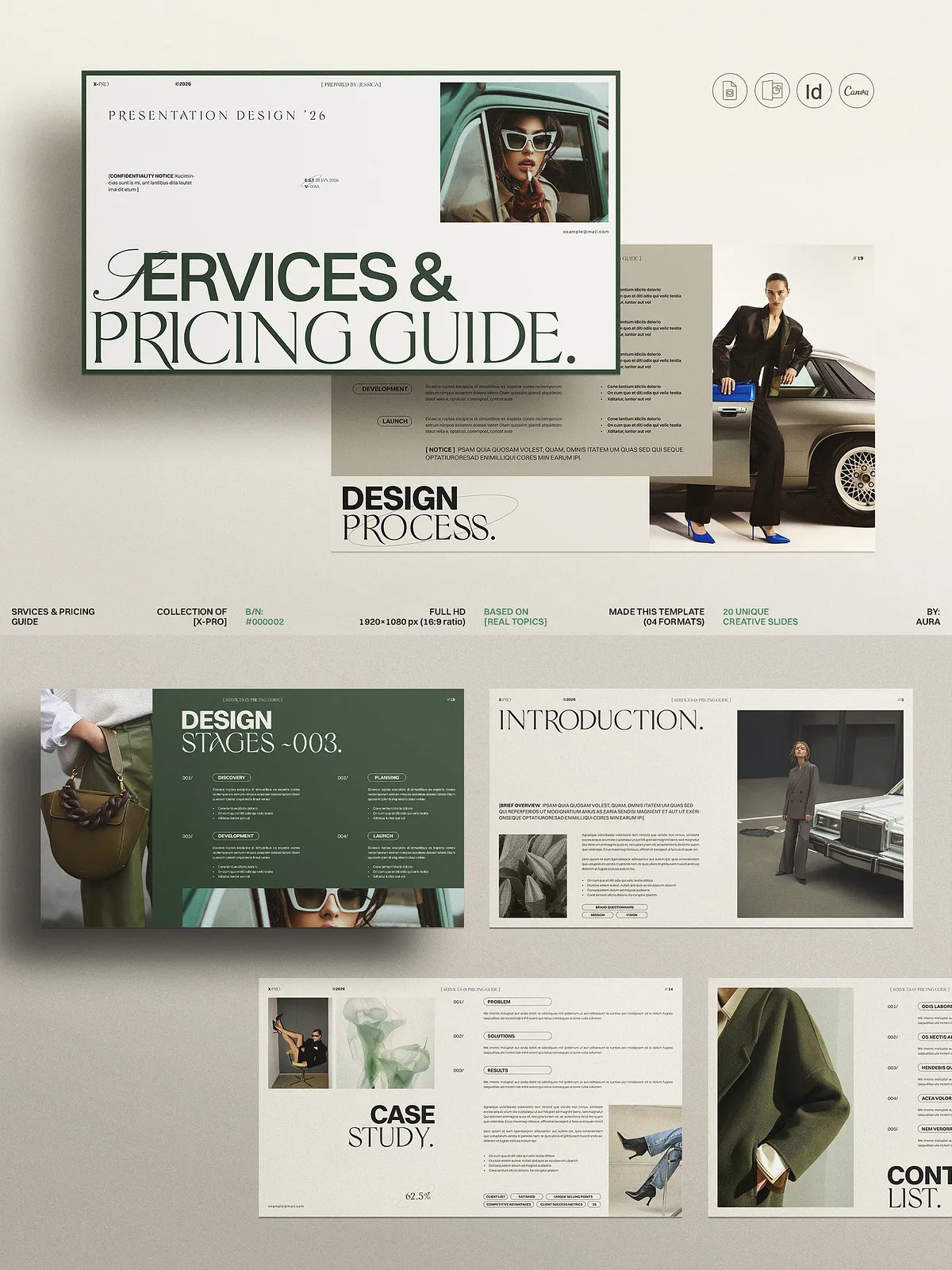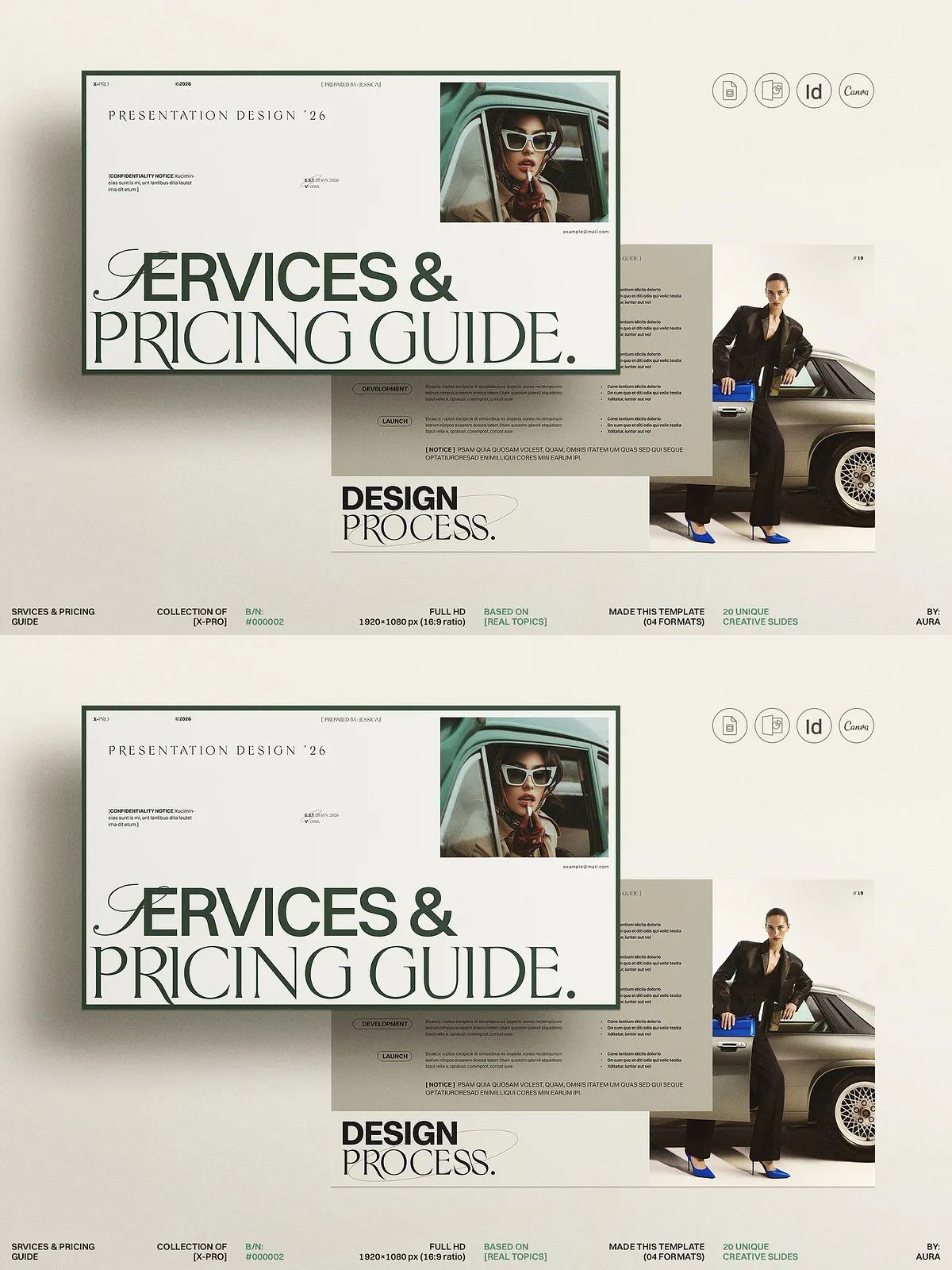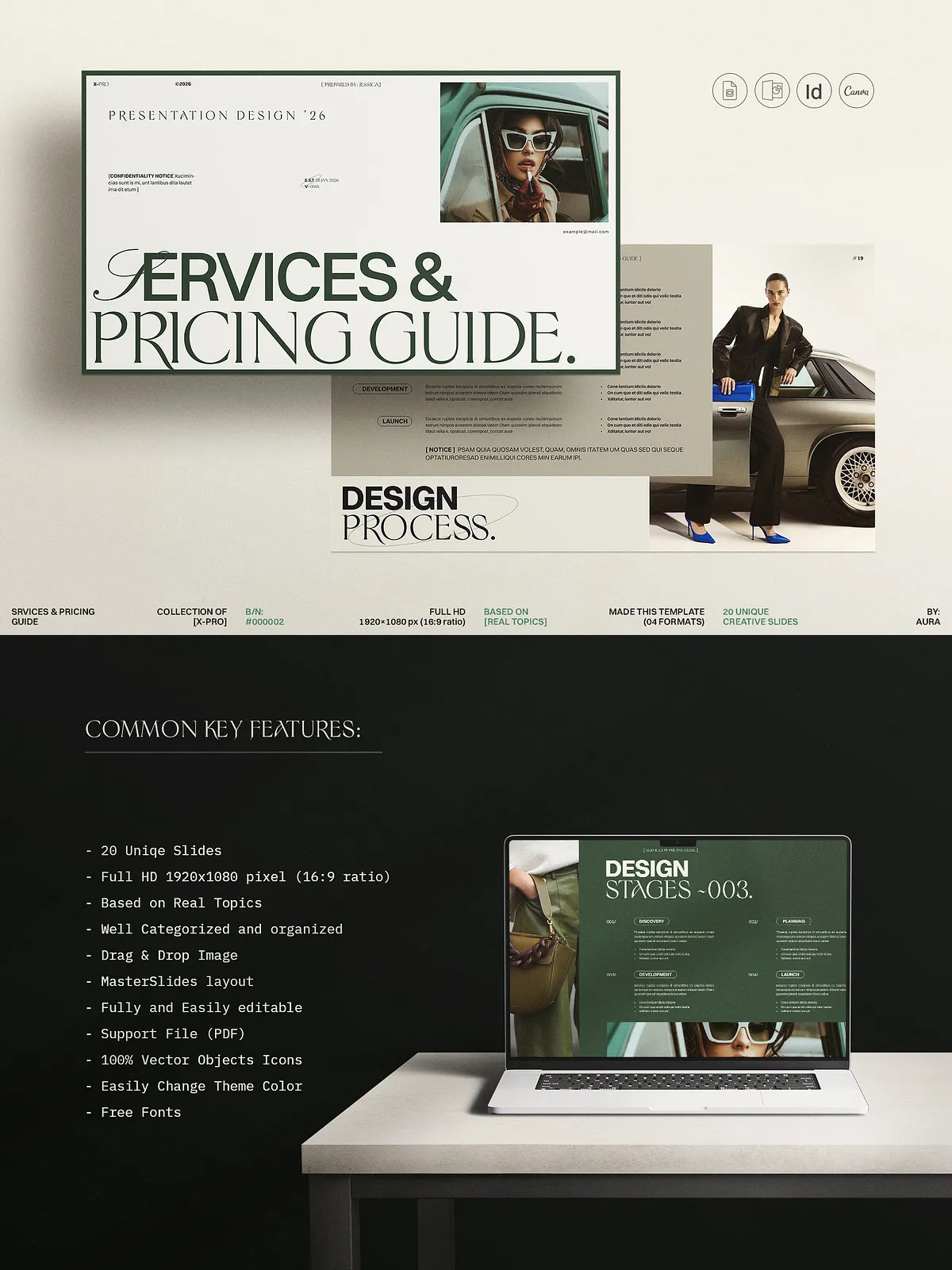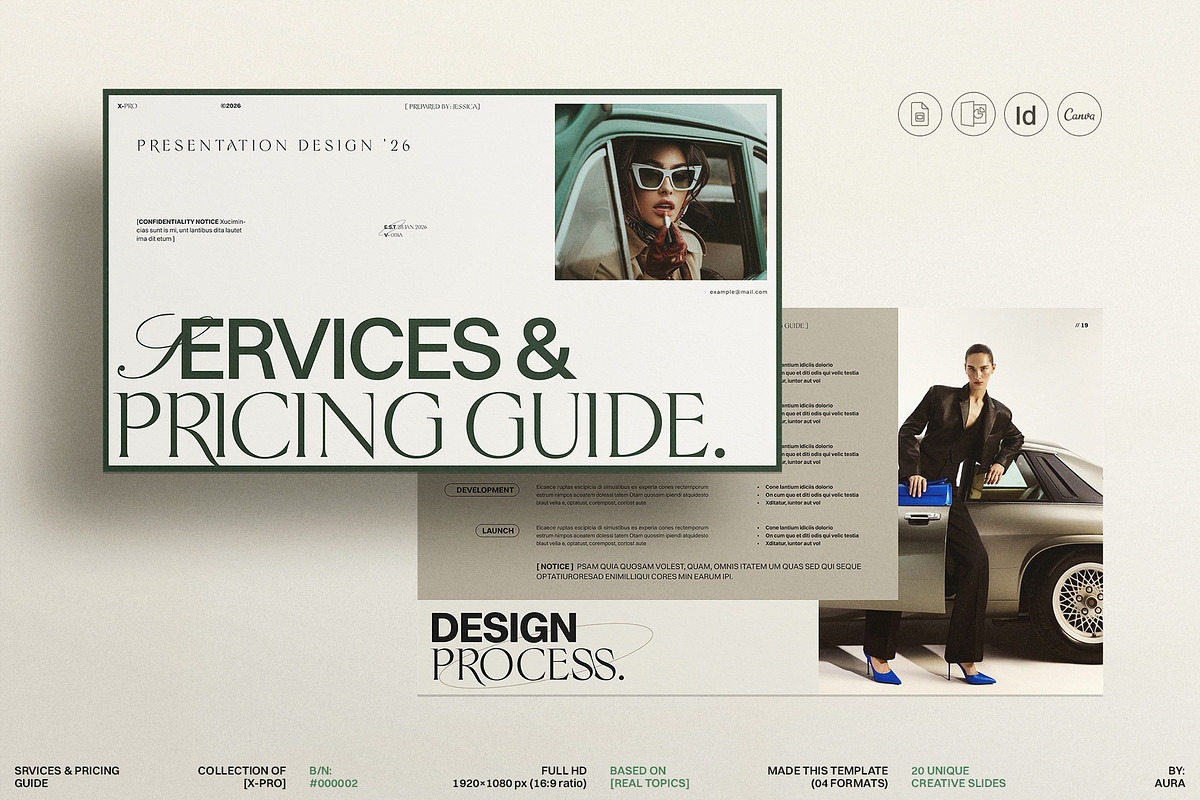
The X-PRO Services & Pricing Guide Template empowers you to present your services with clarity, confidence, and professional polish. Built for designers, photographers, consultants, and small agencies, this template organizes offerings and pricing into a persuasive flow that educates prospects and accelerates buying decisions. Each slide prioritizes strong visual hierarchy and easy customization so you can edit content quickly, maintain brand consistency, and deliver a compelling, on-brand guide that converts.
Why X-PRO Works
X-PRO compels clients to act by presenting services in a clear, value-focused structure. The template uses strategic sections to explain benefits, outline deliverables, and justify pricing. You’ll save hours of design work because the layout systems, character and paragraph styles, and master slides already exist. Replace placeholders, apply your brand colors, and export a client-ready PDF or slide deck in minutes. Whether you use Canva, Adobe InDesign, PowerPoint, or Google Slides, X-PRO adapts to your workflow so you can focus on selling rather than formatting.
Who Should Use This Template
Freelance graphic designers, branding studios, photographers, creative consultants, lifestyle and beauty bloggers, and small service businesses will find X-PRO especially useful. It suits technical and non-technical users because no prior software expertise is required. Use it as a lead magnet, an onboarding packet, a proposal attachment, or a pricing PDF you send to prospects. Every service-based business benefits from a clear and beautiful guide that positions the company as professional and trustworthy.
Key Features
- Multi-format compatibility: Canva, Adobe InDesign (.INDD/.IDML/INDT), PowerPoint (.PPTX), and Google Slides
- 20 unique, professionally designed slides optimized for presentation and PDF export
- Full HD 1920×1080 px (16:9 ratio) for crisp screen display and projection
- Character and paragraph styles included for InDesign to maintain typography consistency
- Master slides and theme color options for fast global edits
- Images, text, and backgrounds placed on separate layers for nondestructive editing
- All graphics are resizable and fully editable; drag-and-drop image replacement
- Uses free fonts (font links included in documentation)
- Help file and font installation instructions included
- Photographs and mockups shown in previews are not included
Technical Specifications
- Files included: .INDD, .IDML, .INDT, .PPTX, plus Google Slides and Canva template links
- Compatibility: InDesign CS4–CC (via IDML and INDD), PowerPoint, Google Slides, Canva web editor
- Slides: 20 unique layout templates with modular sections for services, packages, add-ons, testimonials, and FAQs
- Platform support: Works on both Windows and macOS
How to Use the Template
Step 1 — Choose Your Format
Select the platform that fits your workflow. If you edit in a browser, open the Canva or Google Slides version. If you prefer desktop publishing, open the InDesign file or the PowerPoint deck. Use IDML if you require backward compatibility with older InDesign versions.
Step 2 — Apply Brand Elements
Install the free fonts referenced in the help file, then update the Swatches or Theme Colors to reflect your brand palette. Update paragraph and character styles to match your typographic hierarchy. Because all colors and styles are centralized, one update propagates across every slide.
Step 3 — Replace Content and Images
Swap placeholder images with high-resolution photos using drag-and-drop or the Links panel in InDesign. Replace copy with concise descriptions of services, deliverables, timelines, and pricing. Use the modular layouts to add or remove packages without breaking the design.
Step 4 — Export and Share
Export a print-ready PDF for proposals and contracts, or export a compressed PDF for emailing. For live presentations, deliver PowerPoint or Google Slides files. In Canva, download the finished design as PDF or share the editable Canva link directly with clients.
Canva: How It Works
Create a free Canva account at https://www.canva.com if you don’t already have one. Use the provided PDF file named “Canva_Link” to open the template link and add it to your Canva workspace. Edit text, swap images, and adjust colors in the browser—no software installation required. Save the completed guide in Canva for repeat use or export as a downloadable PDF to deliver to clients. Canva keeps the template accessible so you can reuse and duplicate the guide for different clients or service tiers.
Support and Licensing
We include a concise help file that explains font installation, file compatibility, and export settings. If you require additional assistance, real human support from our designer is available to help with questions or troubleshooting. Note that preview images and mockups are not included; you must use licensed photography for commercial distribution. The template uses free fonts—font links appear in the documentation—and you must confirm licensing for any third-party assets you add.