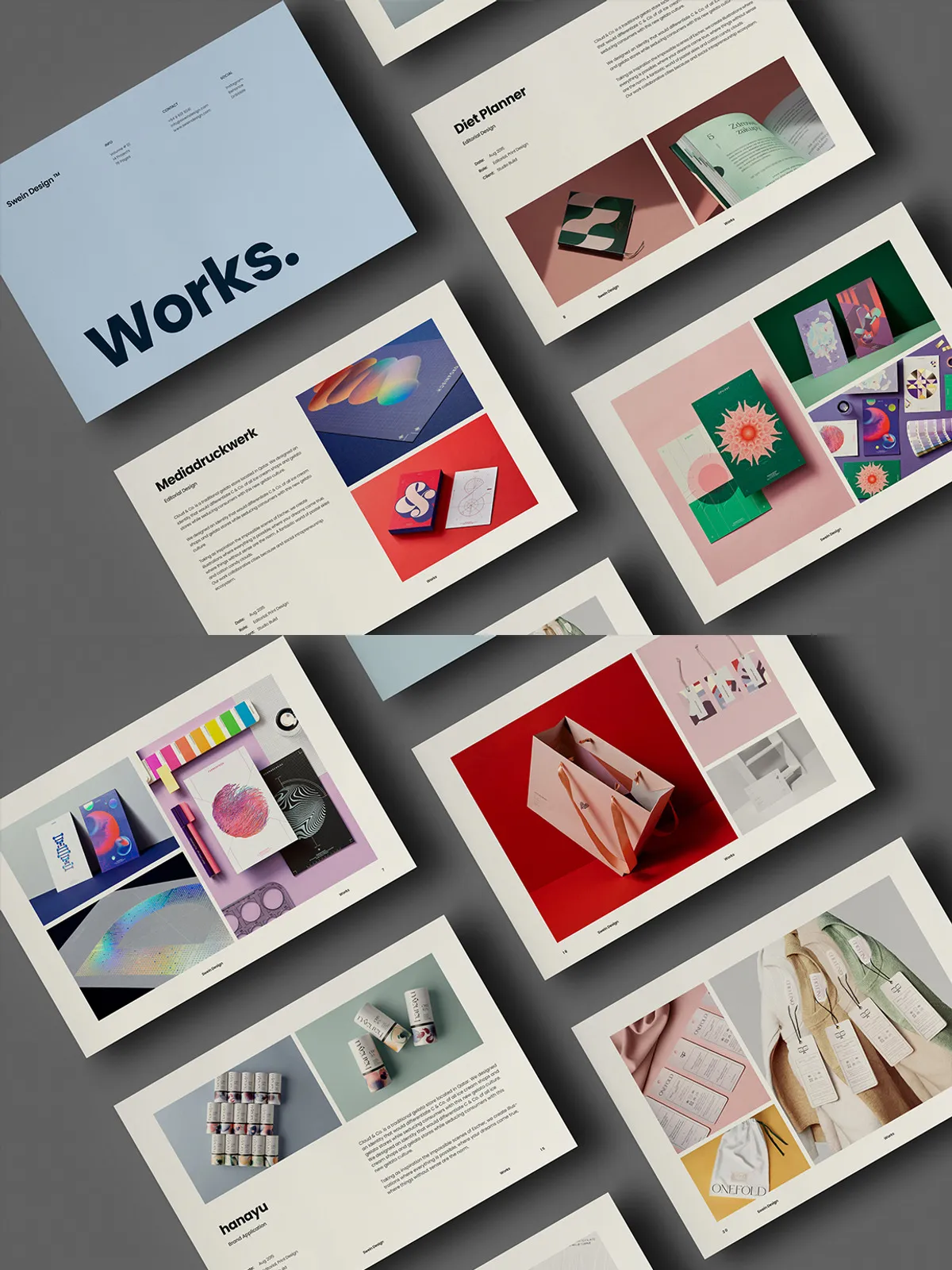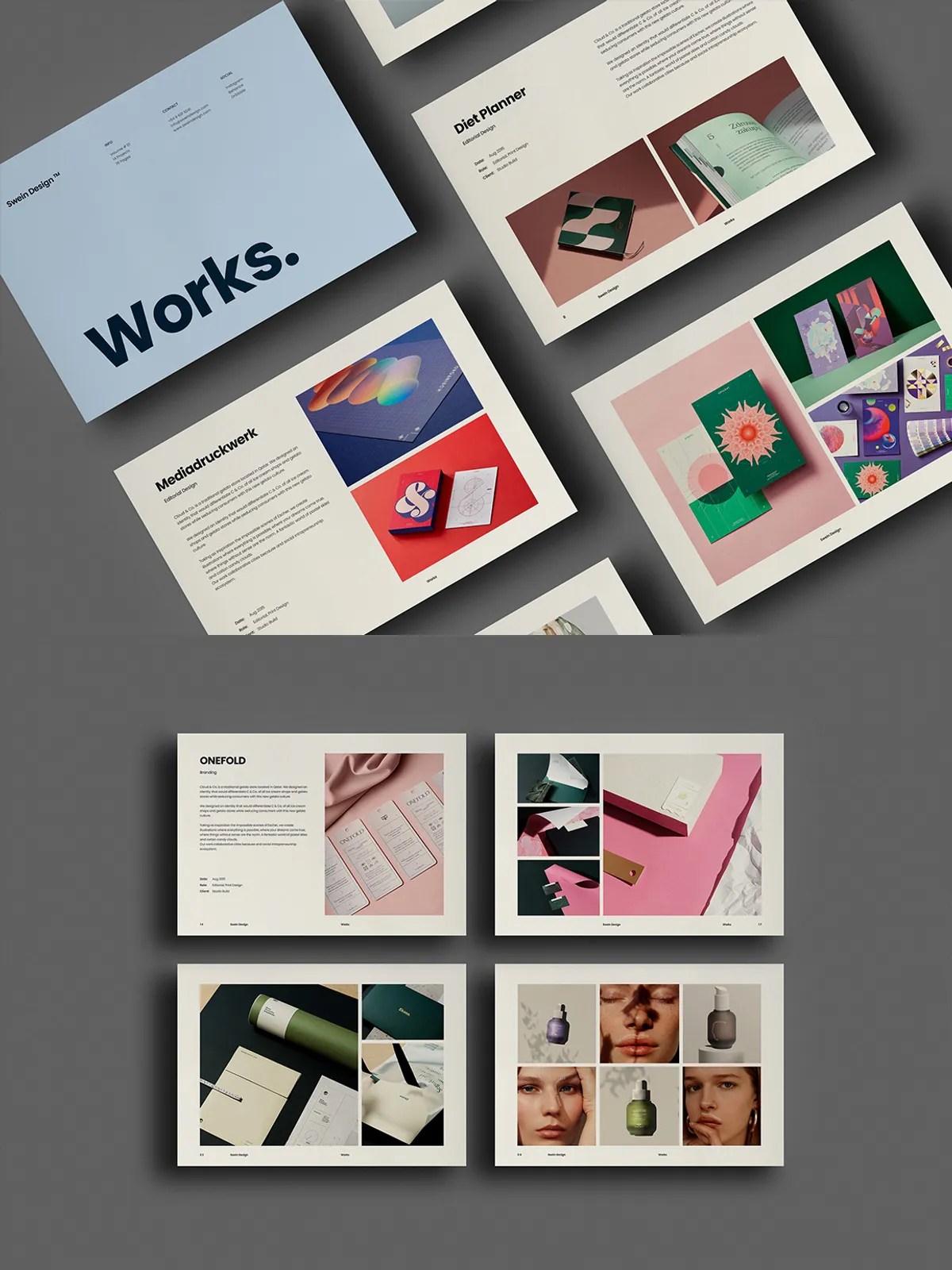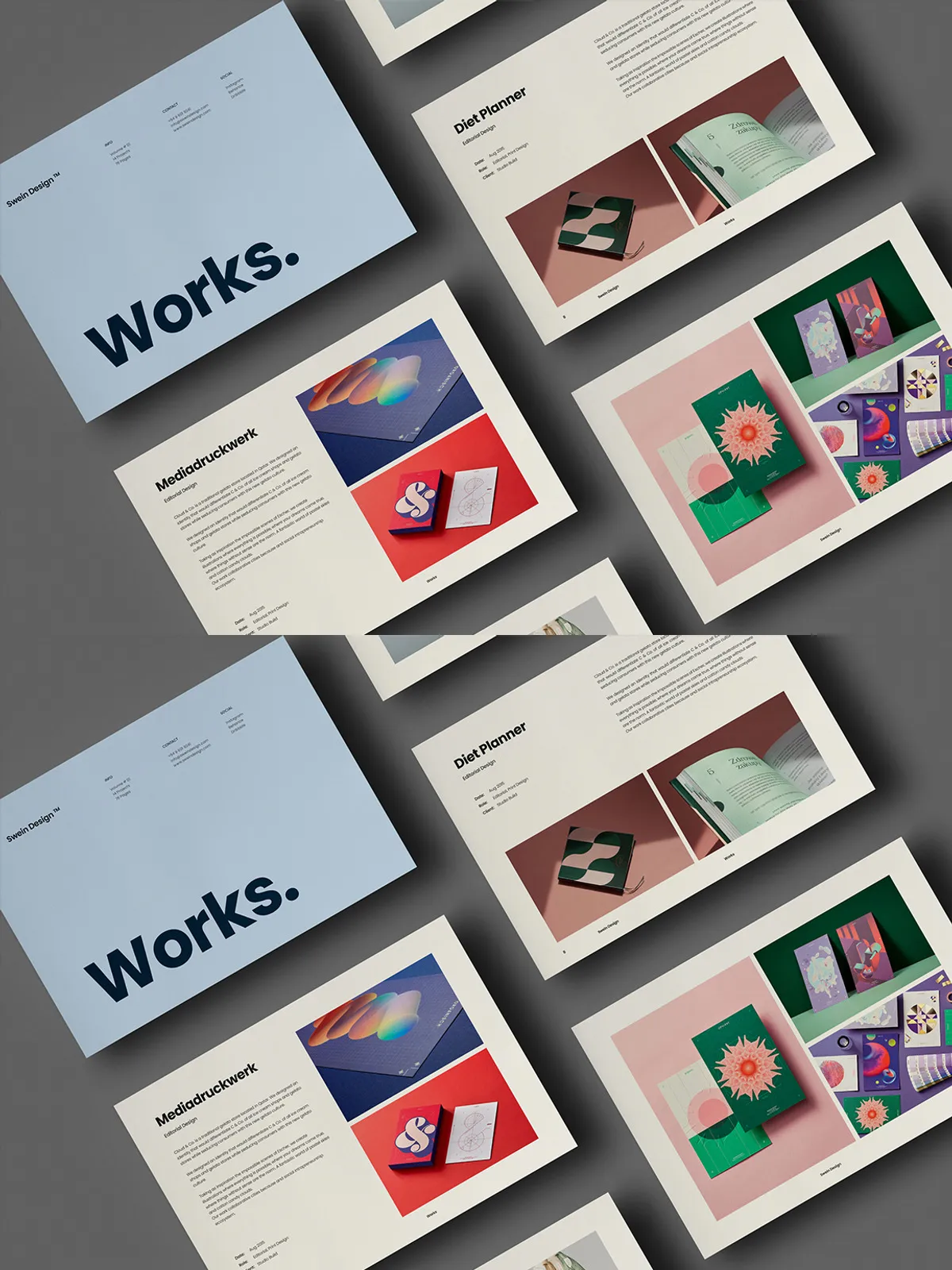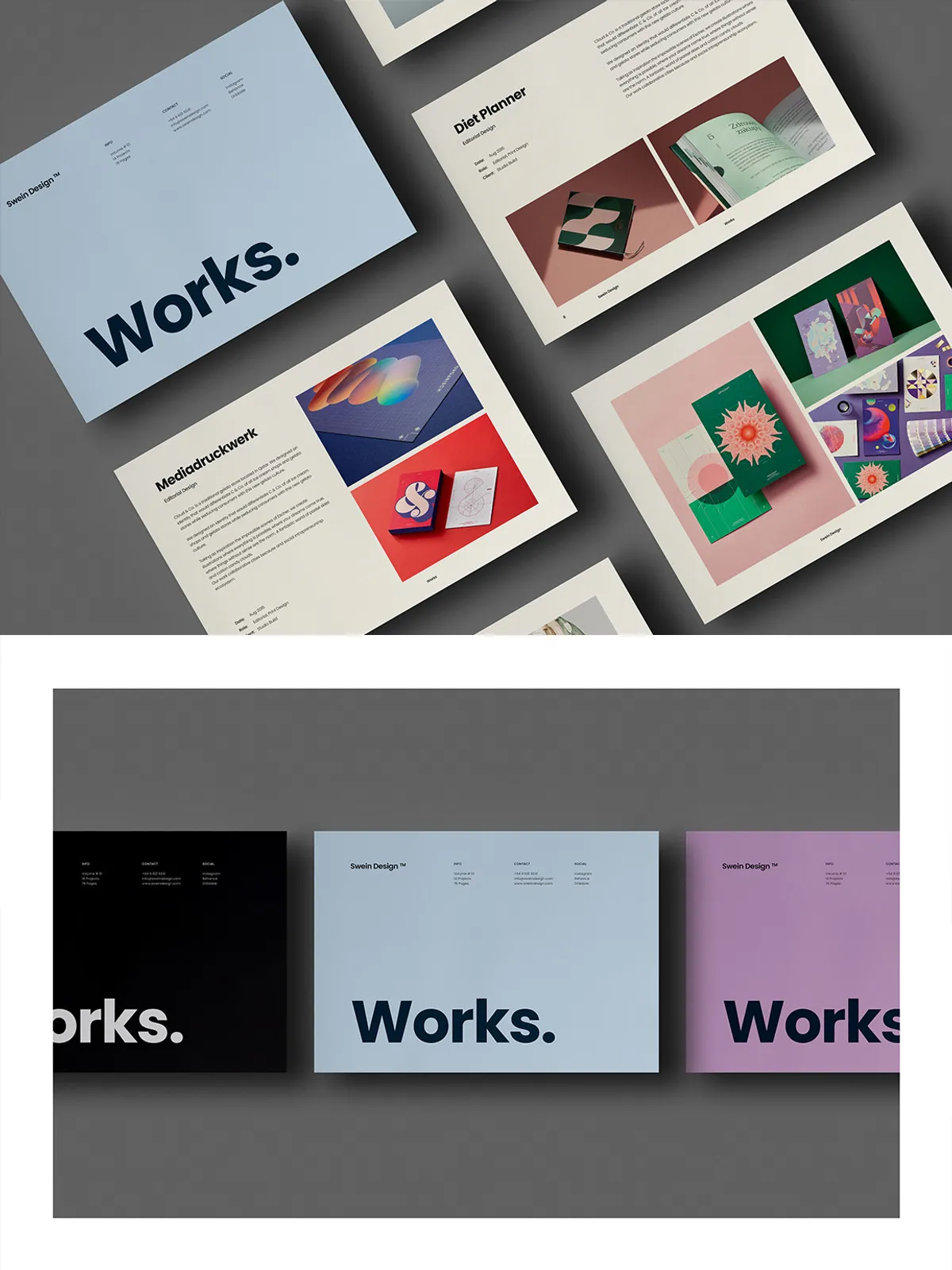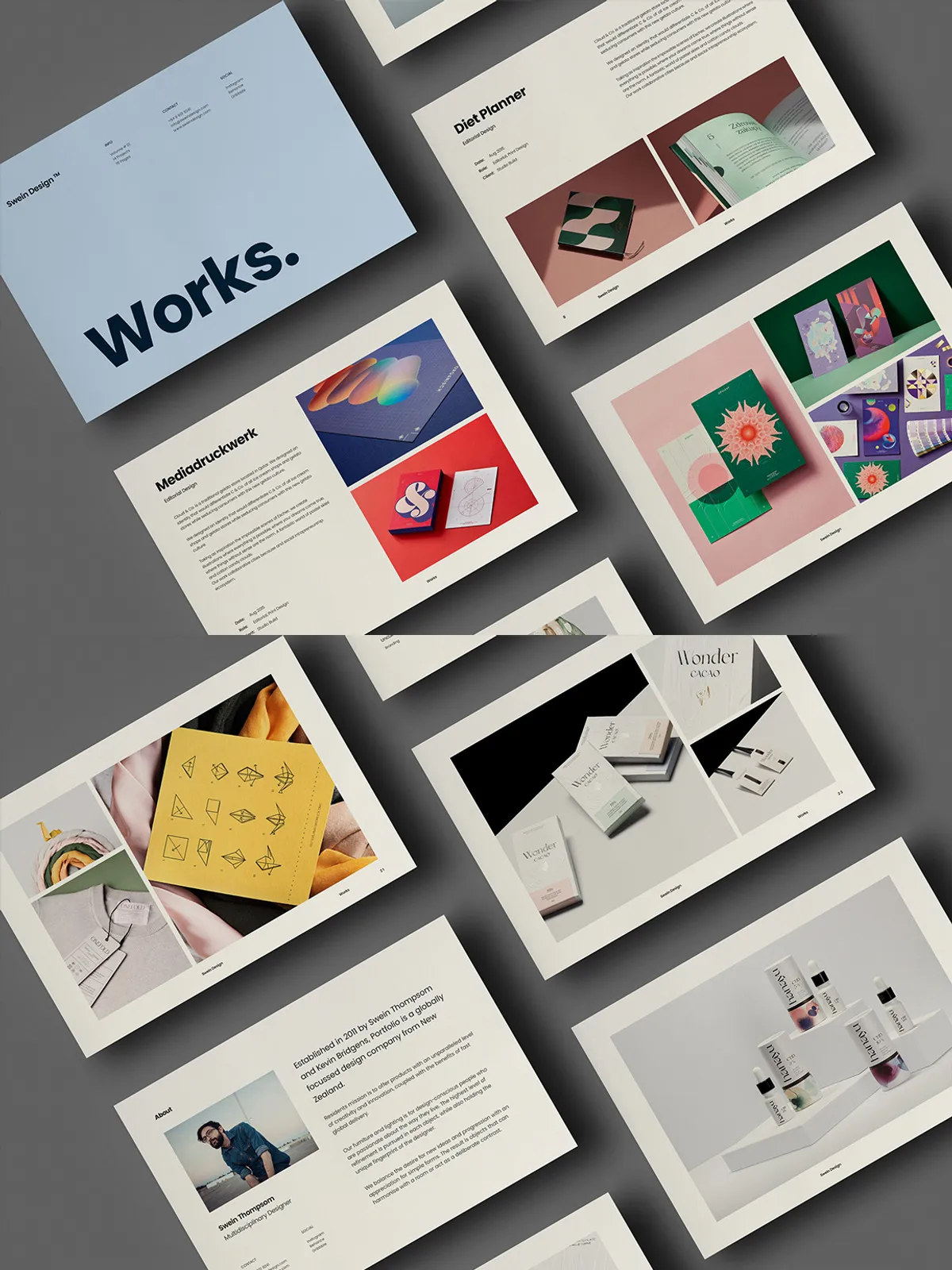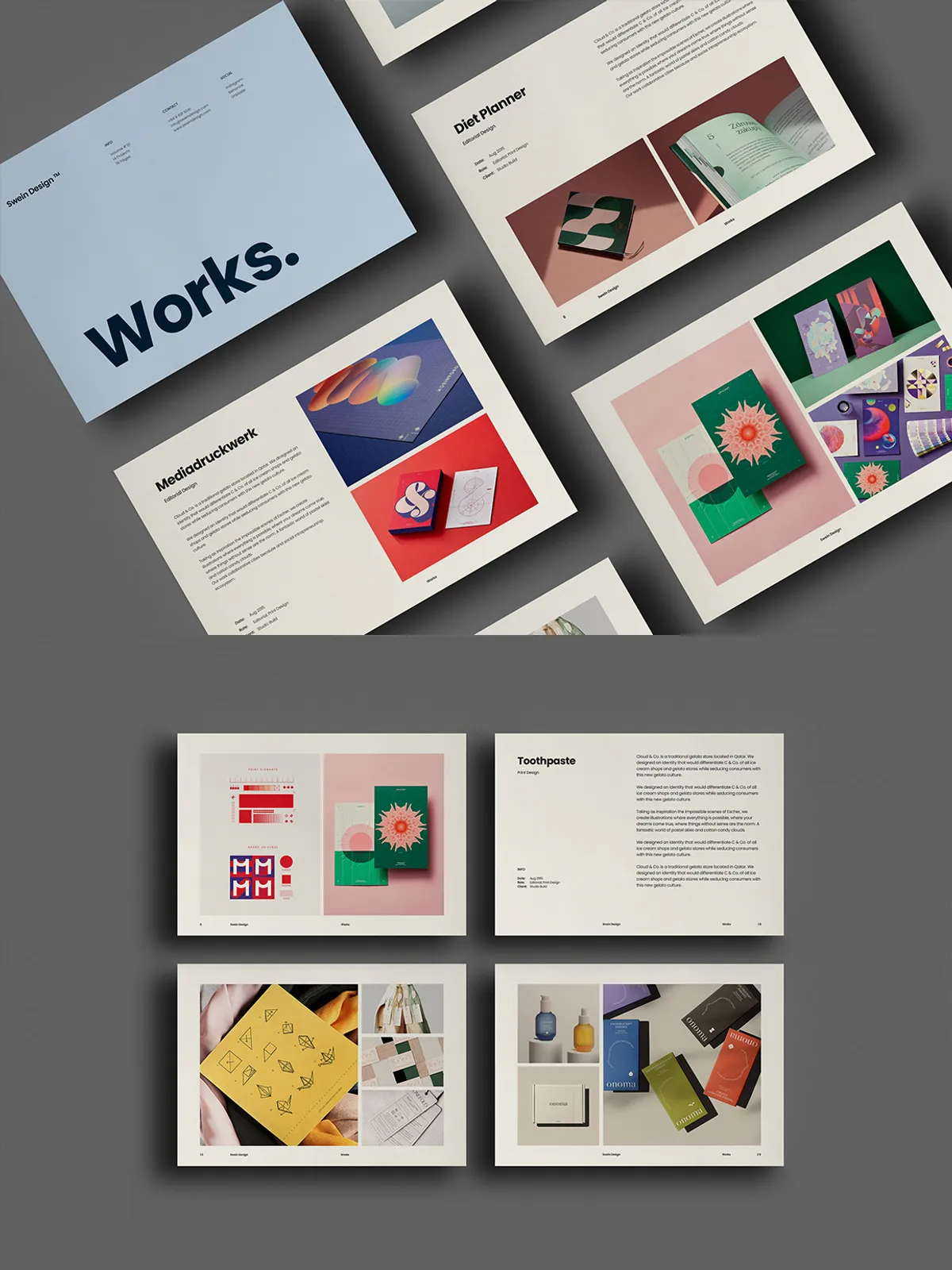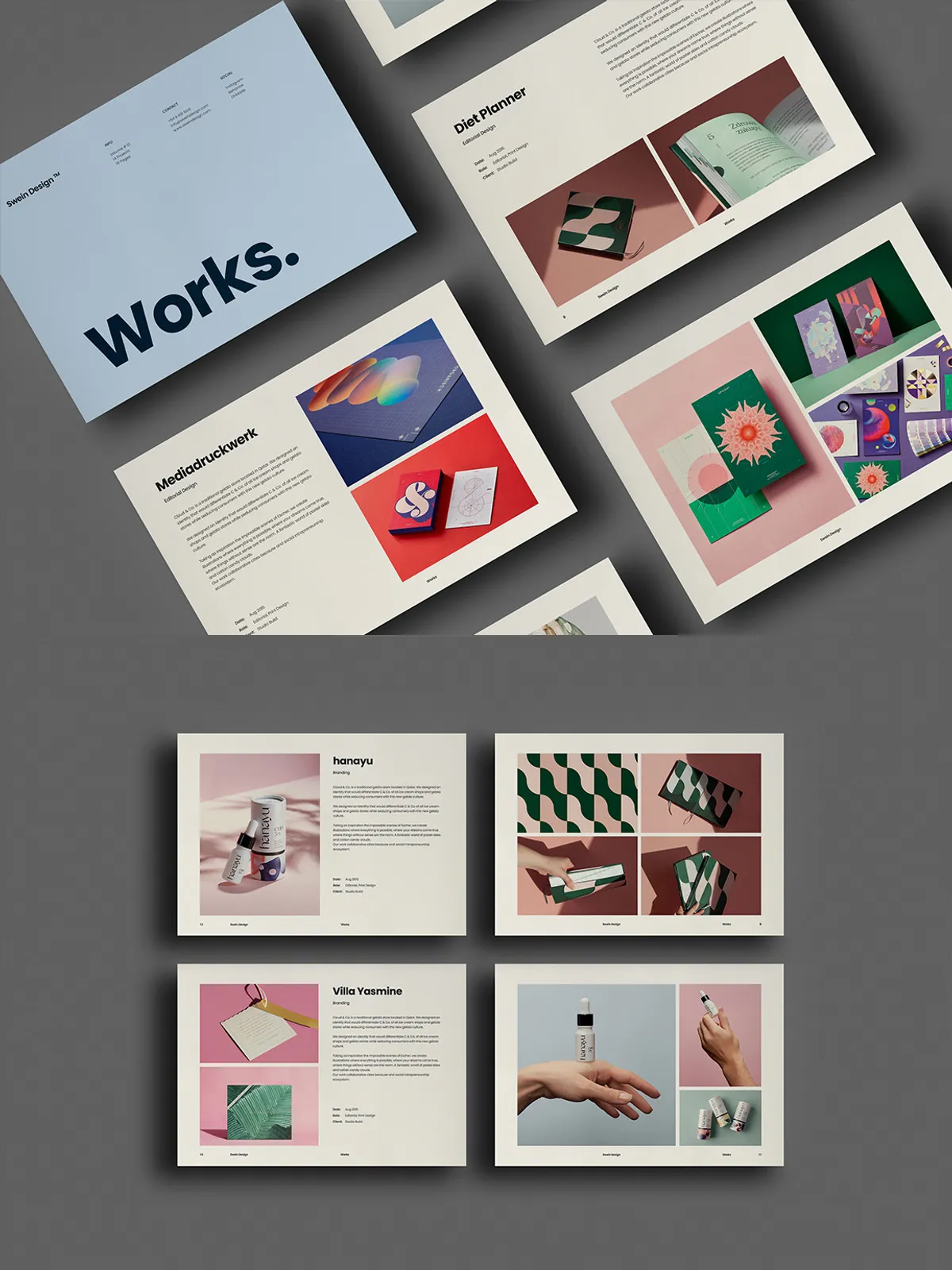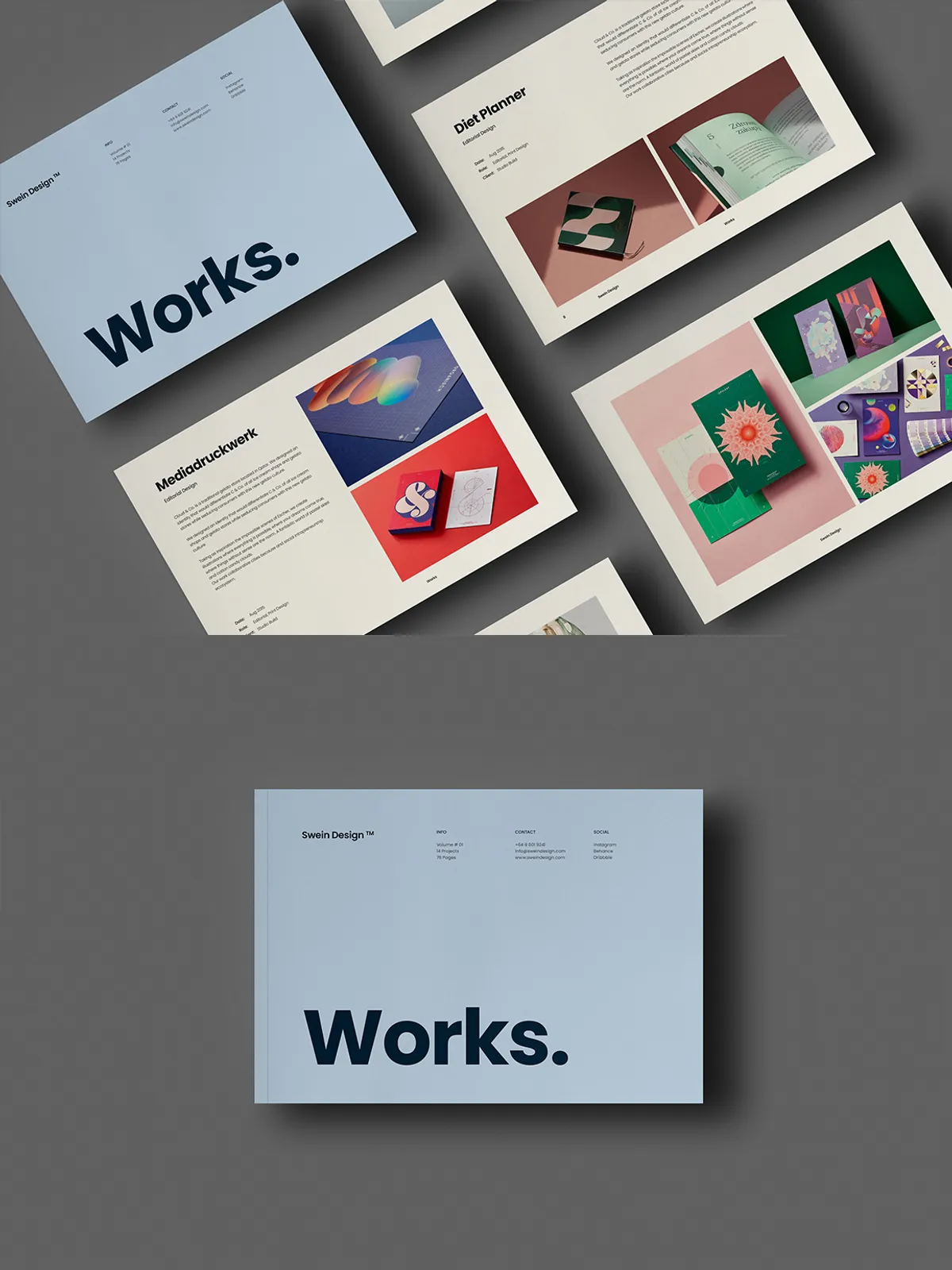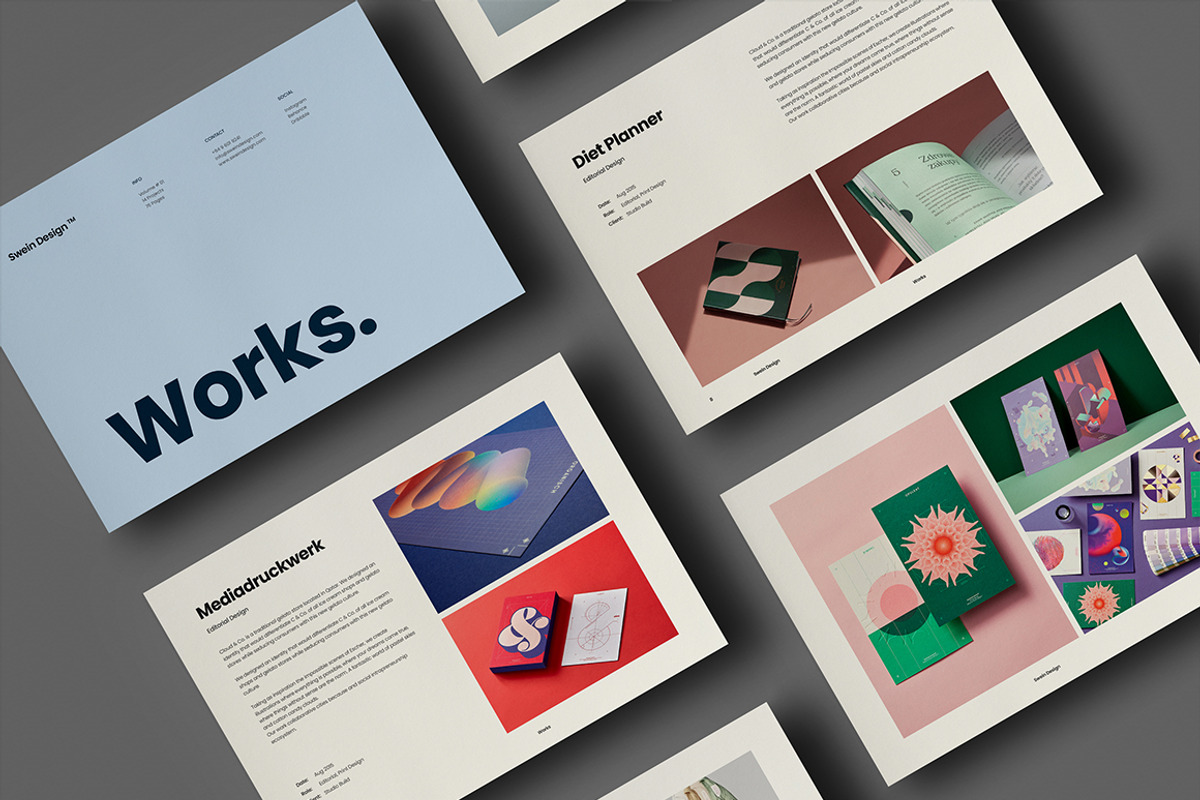
Works is a minimal, simple, and elegant portfolio template designed to showcase creative projects with clarity and style. Built in Adobe InDesign and supplied with IDML files for cross-version compatibility, this template gives designers, photographers, illustrators, and creative professionals a fast, reliable foundation to present their work. With 28 ready-made pages available in both A4 and US Letter formats, Works enables you to assemble a polished portfolio, company profile, or client presentation without rebuilding layouts from scratch.
Why Choose Works
Clean, Purposeful Design
Works emphasizes whitespace, strong typographic hierarchy, and clean grid systems so your work remains the focal point. The minimal aesthetic supports varied content types — from full-bleed imagery to concise case-study pages — and ensures your portfolio looks professional both on screen and in print.
Flexible and Fast to Customize
The template comes organized with separate layers for texts, images, and backgrounds, allowing you to personalize each page quickly. You can add, duplicate, or delete pages to match your project scope. Master pages and predefined paragraph and character styles speed up global changes so you can tailor the portfolio to any client or brand in minutes.
File Formats and Compatibility
The package targets broad compatibility while remaining production-ready:
- Native Adobe InDesign document with .INDD structure
- IDML (.idml) included for backward compatibility with CS4, CS5, CS5.5, CS6, and CC
- Files arranged with separate layers and linked asset references for reliable packaging and printing
Technical Specifications
Page Sizes
- A4 size: 210 × 297 mm with 3 mm bleed
- US Letter size: 8.5 × 11 in with 3 mm bleed
Production Settings
- Color mode: CMYK — print-ready
- Resolution: 300 DPI — high-quality output
- Automatic page numbering and Master Pages for consistent layout across spreads
Features
- 28 fully editable pages constructed for portfolio storytelling
- Well-organized layers separating text, images, and backgrounds
- Master pages to maintain consistent headers, footers, and grid alignment
- Automatic page numbering for seamless export and print setup
- Includes IDML for older InDesign versions (CS4–CS6) and full functionality in CC
- Free fonts used — links included in the main download for quick installation
- CMYK color profile and 300 DPI resolution suitable for professional printing
What’s Included
- Editable InDesign document (.INDD) or equivalent IDML package
- IDML file for cross-version opening and editing
- Organized layers and linked assets for easy packaging
- Guidelines and README identifying font sources, color profiles, and export suggestions
How to Use
Prepare Your Assets
Collect your logo files, high-resolution images, color codes, and any typography you plan to use. Install the recommended free fonts before editing to preserve the layout and spacing the designer intended.
Edit Efficiently
Open the IDML file if you use an older InDesign version, or open the INDD in CC for full feature access. Replace placeholder images by relinking assets, update text with paragraph styles, and apply brand colors using the color swatches provided. Use Master Pages to propagate global elements like page numbers and headers.
Export and Print
When ready, package the InDesign file to collect links and fonts for the printer. Export print-ready PDFs with crop marks and bleed included. For digital delivery, export optimized PDFs at 300 DPI or export JPEGs/PNGs for single-page previews.
Tips for Maximum Impact
- Prioritize high-quality images at 300 DPI to avoid pixelation in print.
- Use consistent image treatments (margins, overlays, captions) so the portfolio reads cohesively.
- Trim unnecessary copy; let visuals lead and use short captions to convey context.