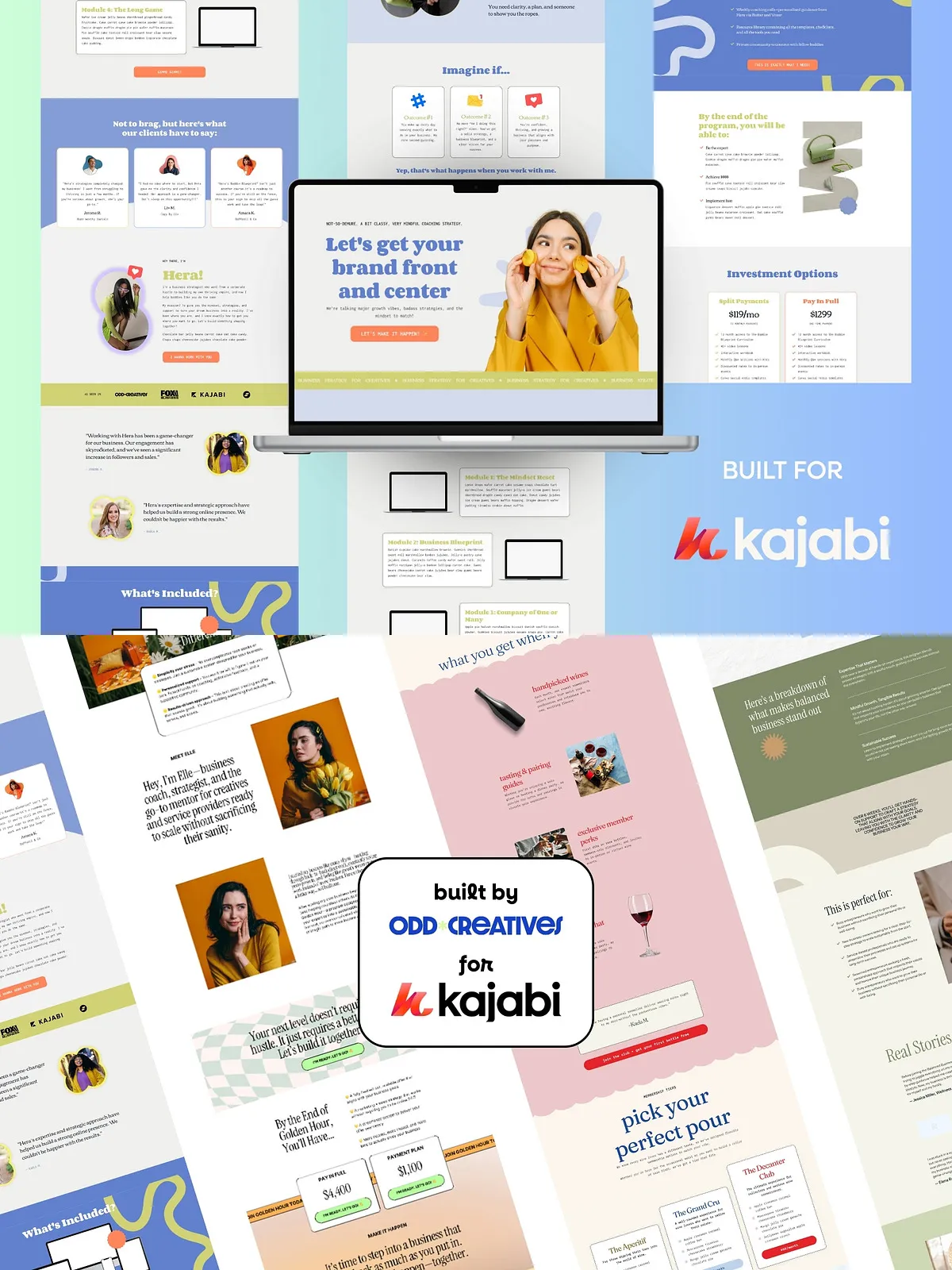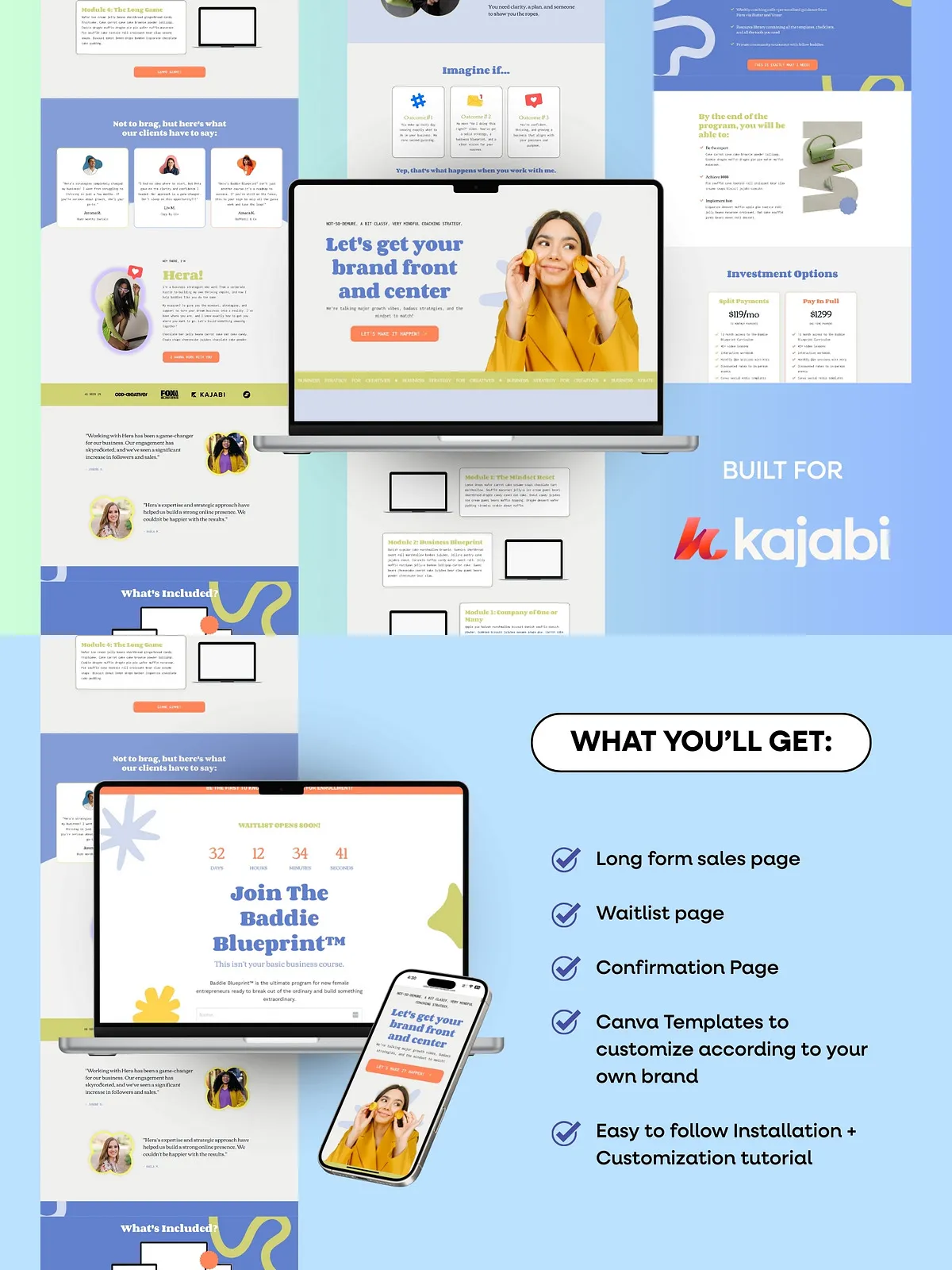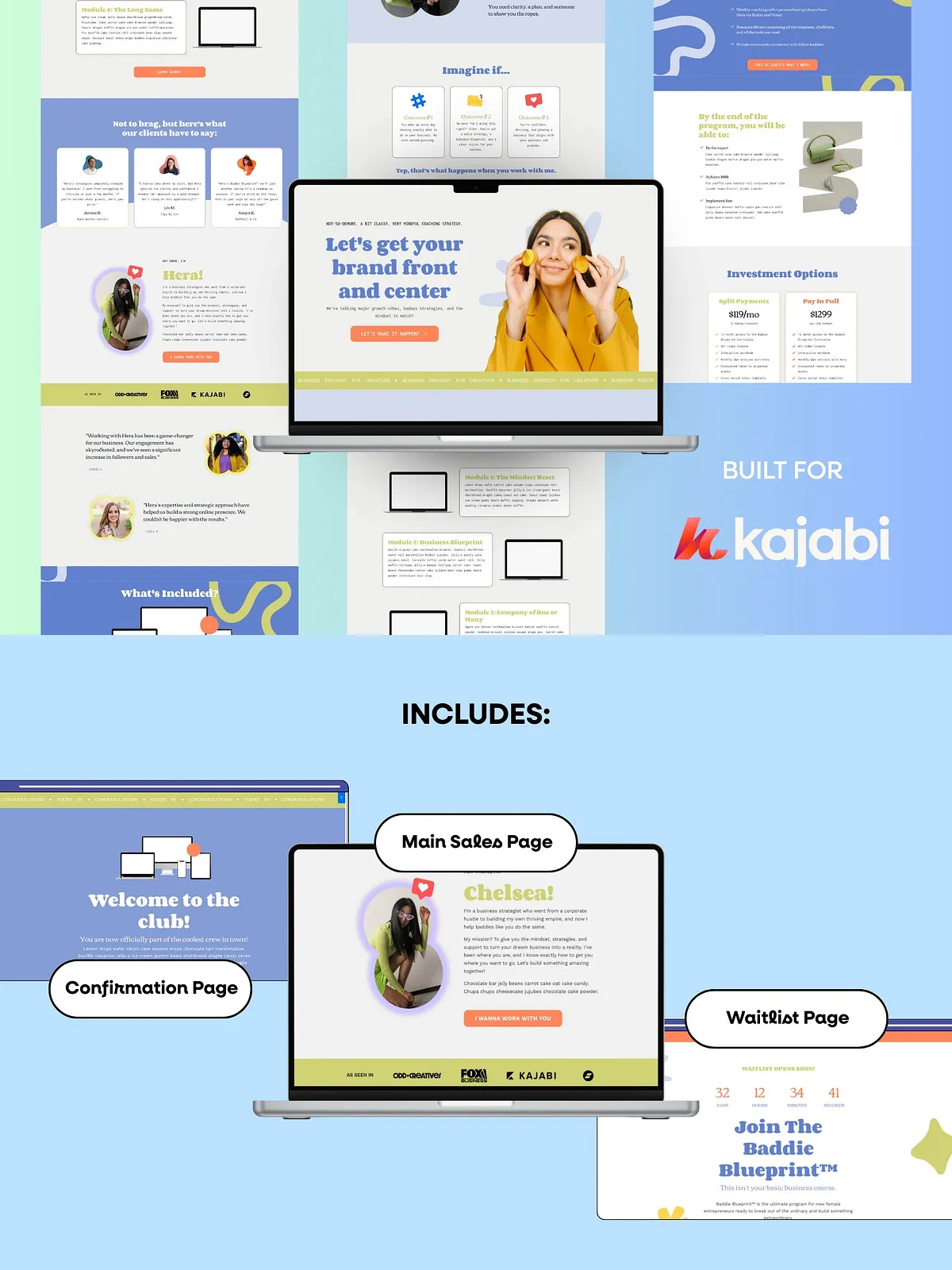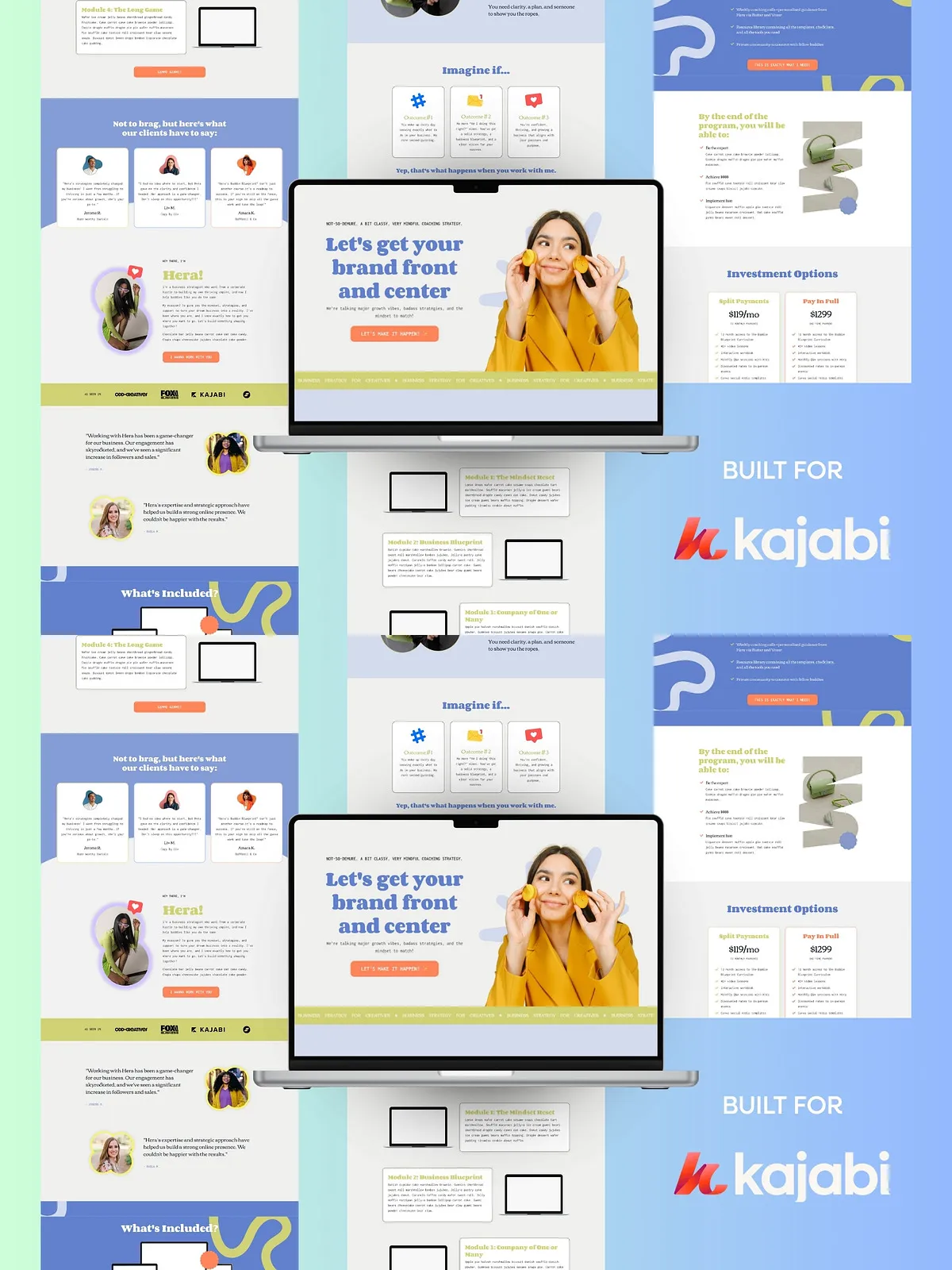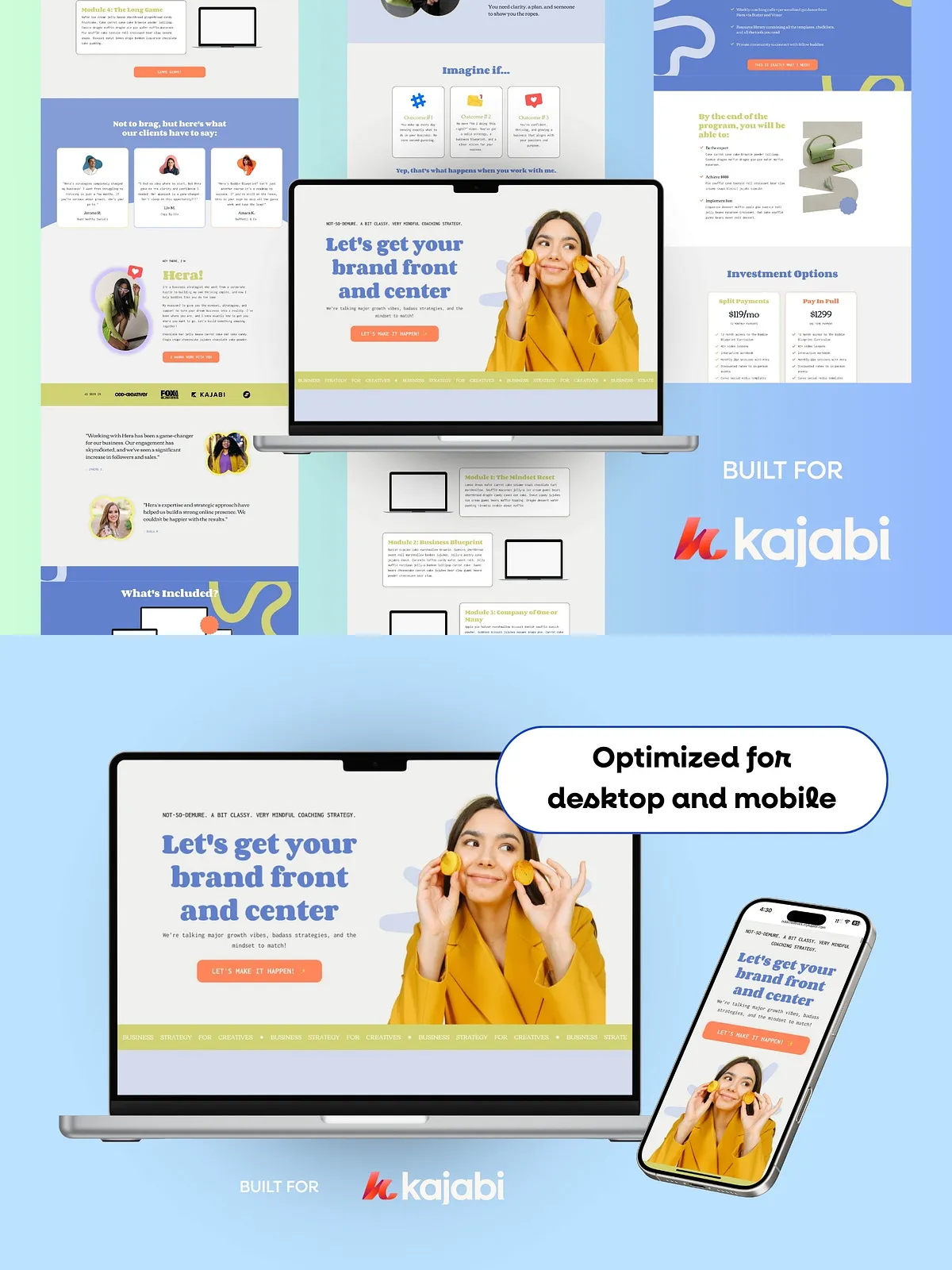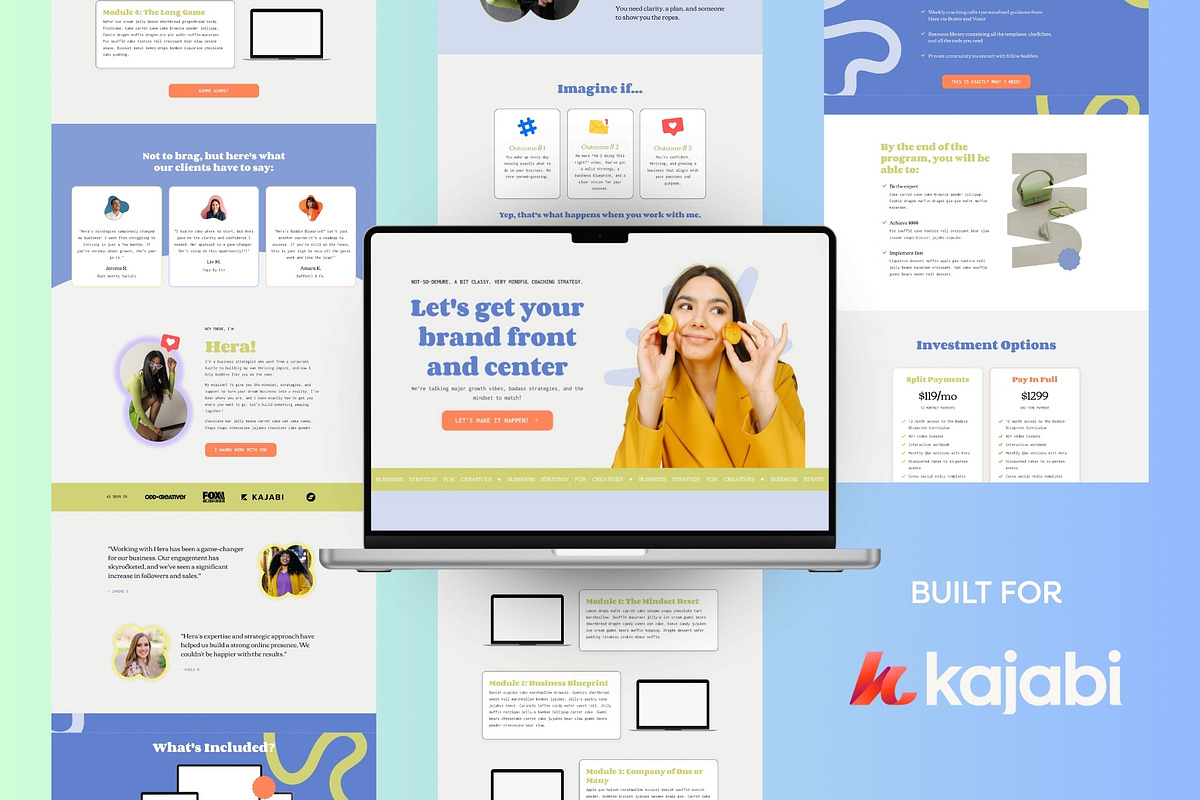
CHELSEA is a sleek, powerful Kajabi sales page template engineered to help industry leaders launch offers that convert. Built with a clear information hierarchy and tested visual patterns, CHELSEA streamlines the page creation process so you can move from concept to live page faster. The package includes a three-page set (main sales page, waitlist page, and confirmation page), an installation and customization guide, Canva templates for visual edits, and practical copy prompts that speed up writing high-impact sales copy.
Why Choose CHELSEA
Designed for Conversion
CHELSEA emphasizes persuasive structure, engaging micro-interactions, and clean layouts that focus attention on your offer. Use the included elements—scrolling text animation and a countdown timer—to create urgency and emphasize social proof without distracting from the core message.
Fast to Deploy, Easy to Customize
The template comes with clear installation steps and guided walkthroughs that let you plug in Google Fonts, configure animations, and set up the countdown timer in minutes. Canva templates let non-designers customize visuals to match brand colors, while the Kajabi-ready files let you place sections and blocks exactly where you need them.
What’s Included
- Main sales page template optimized for conversions
- Waitlist page template for pre-launch list building
- Confirmation page template for post-purchase clarity and upsell placement
- Detailed installation and customization guide with screenshots and step-by-step directions
- Canva source templates to customize images, backgrounds, and hero sections
- Copy prompts and section-ready headlines to accelerate your writing
- Pre-configured Google Fonts and instructions for swapping fonts
- Animation and countdown timer walkthroughs with troubleshooting tips
Key Features
Three Strategic Pages
Each page serves a specific conversion purpose. The main sales page presents benefits, social proof, and calls to action. The waitlist page captures leads before launch. The confirmation page confirms the purchase and opens opportunities for next-step engagement.
Interactive Elements
Scrolling text animation and a countdown timer help create momentum and urgency. The package includes clear instructions and demo settings so you can replicate the exact effect or adapt it to your brand voice.
Canva Customization
We include Canva files so you can update hero images, color palettes, and section visuals without opening code. Export assets directly from Canva and replace placeholder images in Kajabi to maintain visual consistency across your funnel.
How to Install and Customize
Installation Steps
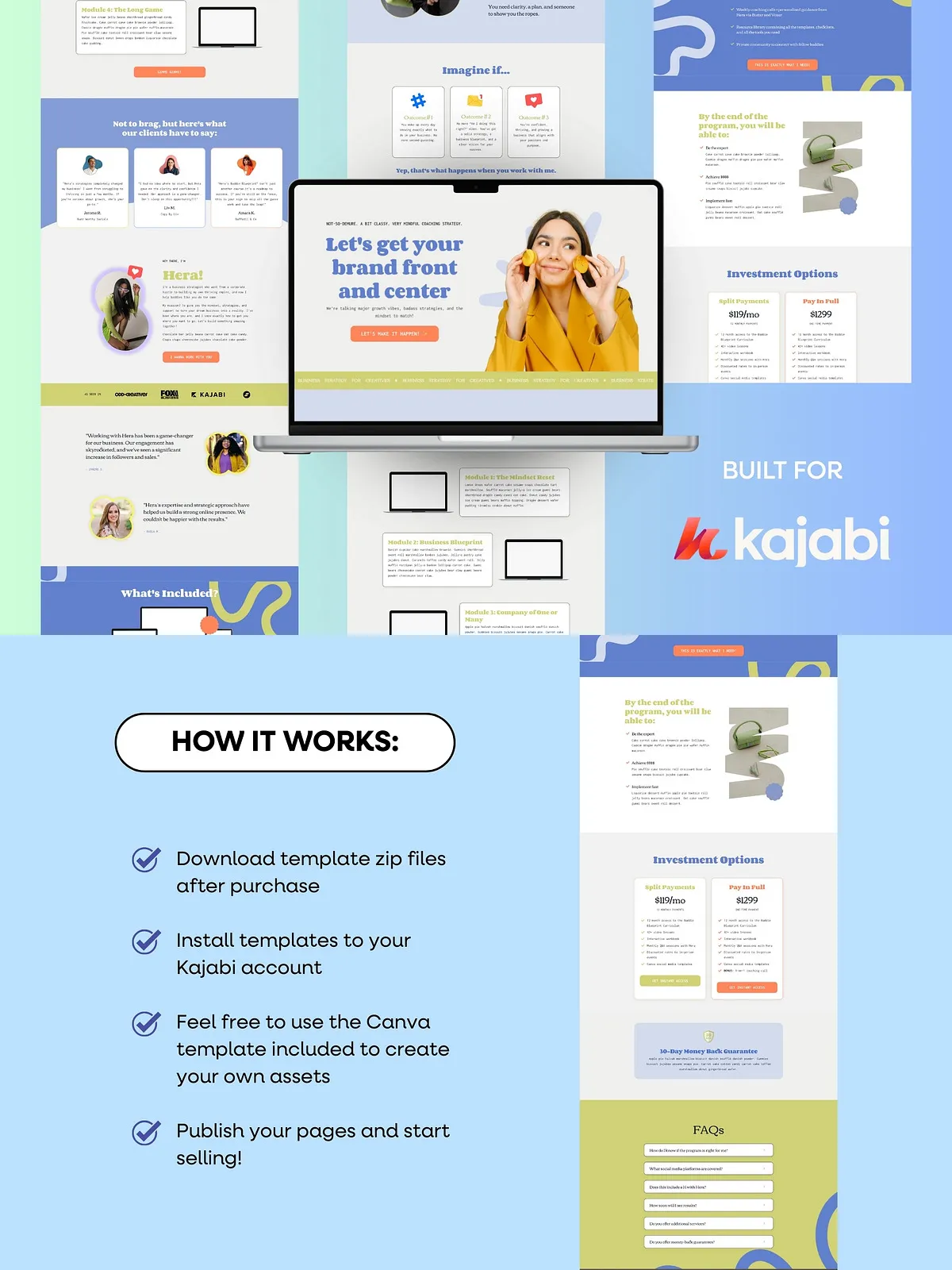
- Download the template package and open the included installation guide.
- Follow the step-by-step walkthrough to import the page sections into Kajabi.
- Link your Google Fonts using the provided font names and setup instructions.
- Enable the scrolling text animation and configure the countdown timer with the supplied settings.
Customization Tips
- Replace placeholder copy with your core value proposition and a single, clear call to action.
- Use the Canva templates to generate on-brand hero images and testimonial graphics.
- Adjust color swatches in Kajabi to match brand guidelines and maintain contrast for CTAs.
- Test the countdown timer and animation on staging before going live to ensure performance.
Copy and Conversion Guidance
The package includes copy prompts that guide you through headline writing, subhead selection, and benefit-driven bullet points. Use active verbs and clear outcome-focused language to increase clicks. Place social proof and guarantee elements near the CTA to reduce friction and boost conversion rates.
Technical Notes and Compatibility
- Optimized for Kajabi’s page builder and standard block structures.
- Google Fonts integration requires a Google account or font linking in Kajabi site settings.
- Animations use lightweight configurations to preserve page speed—follow the guide to tune performance.