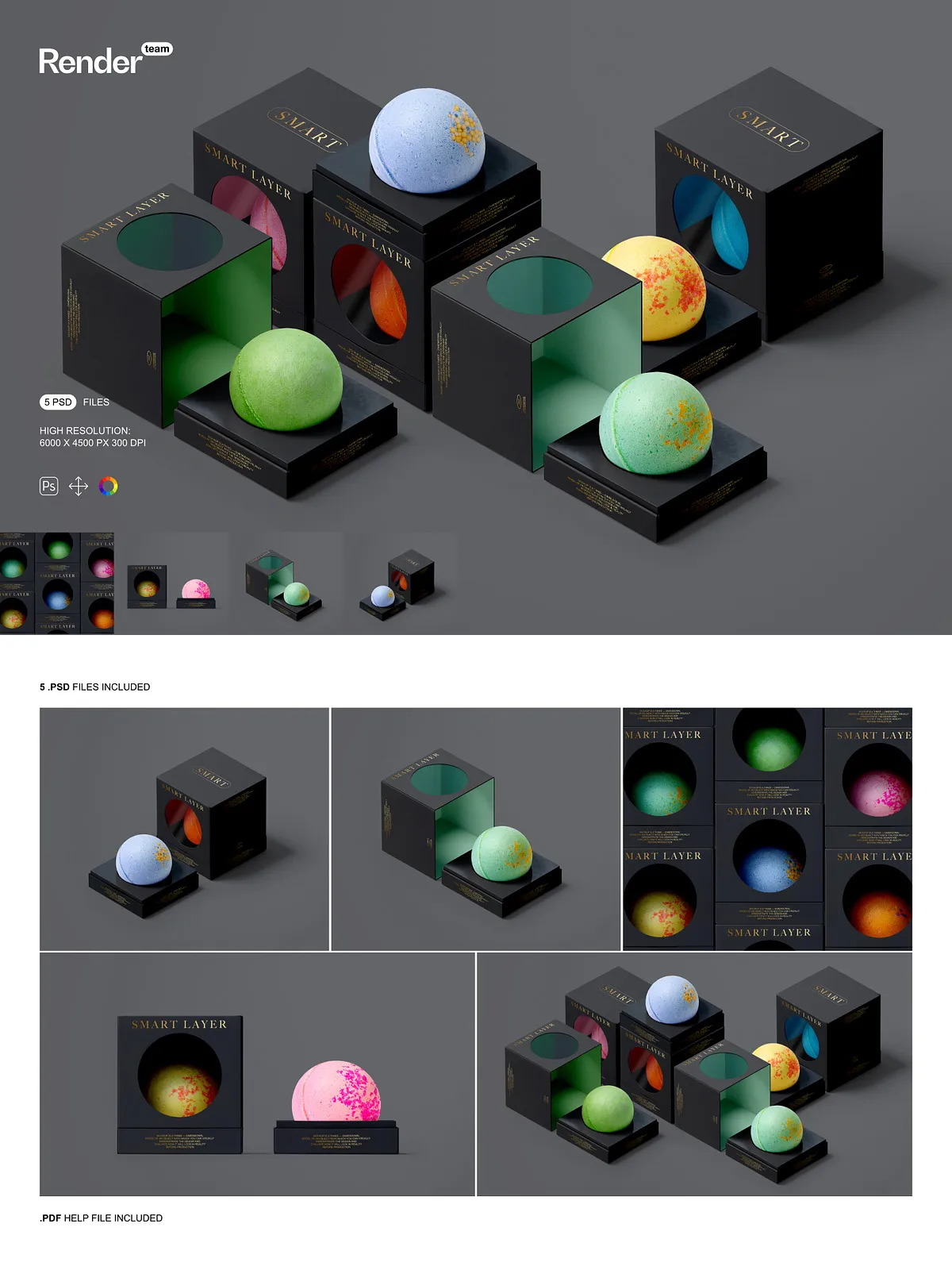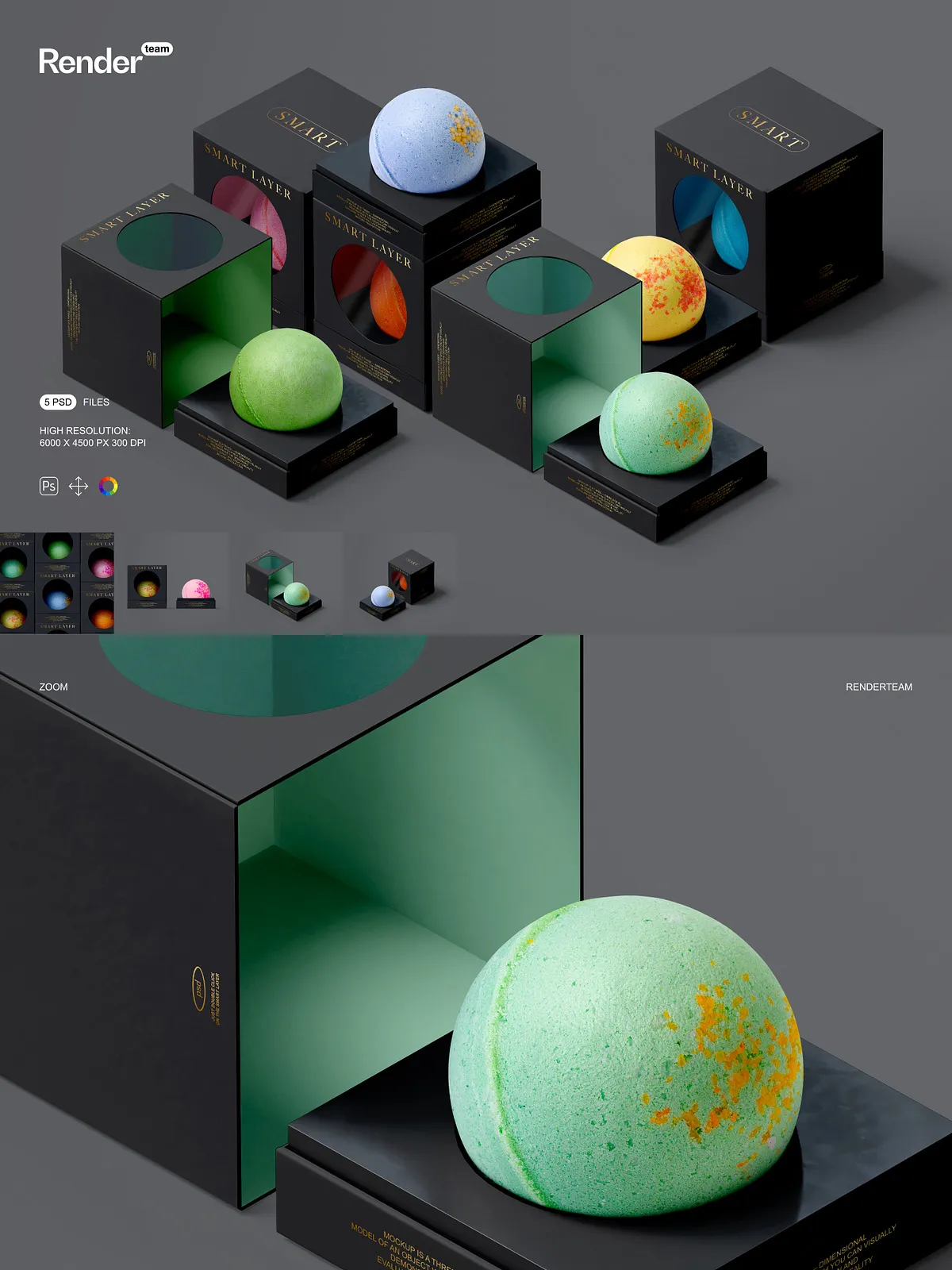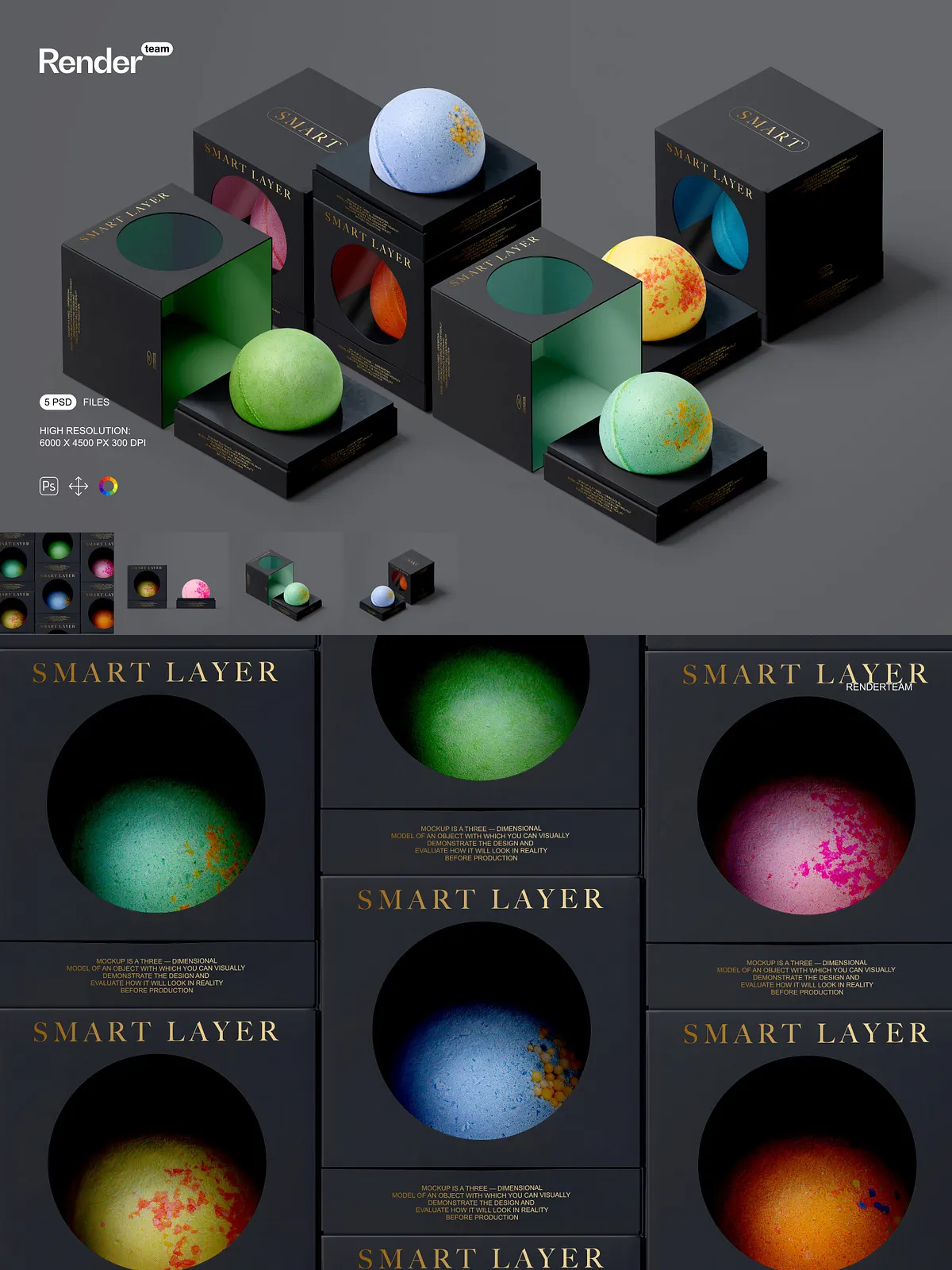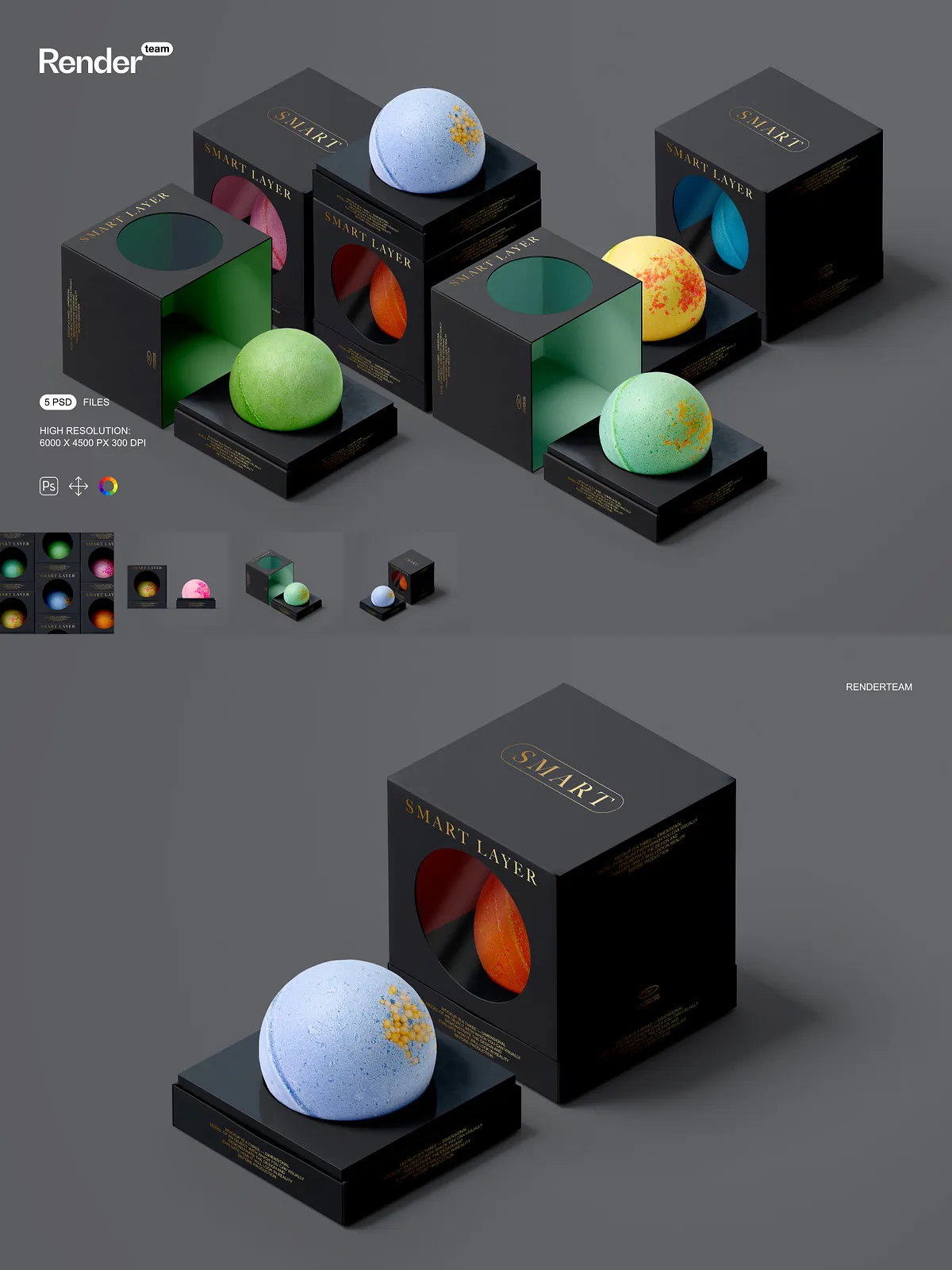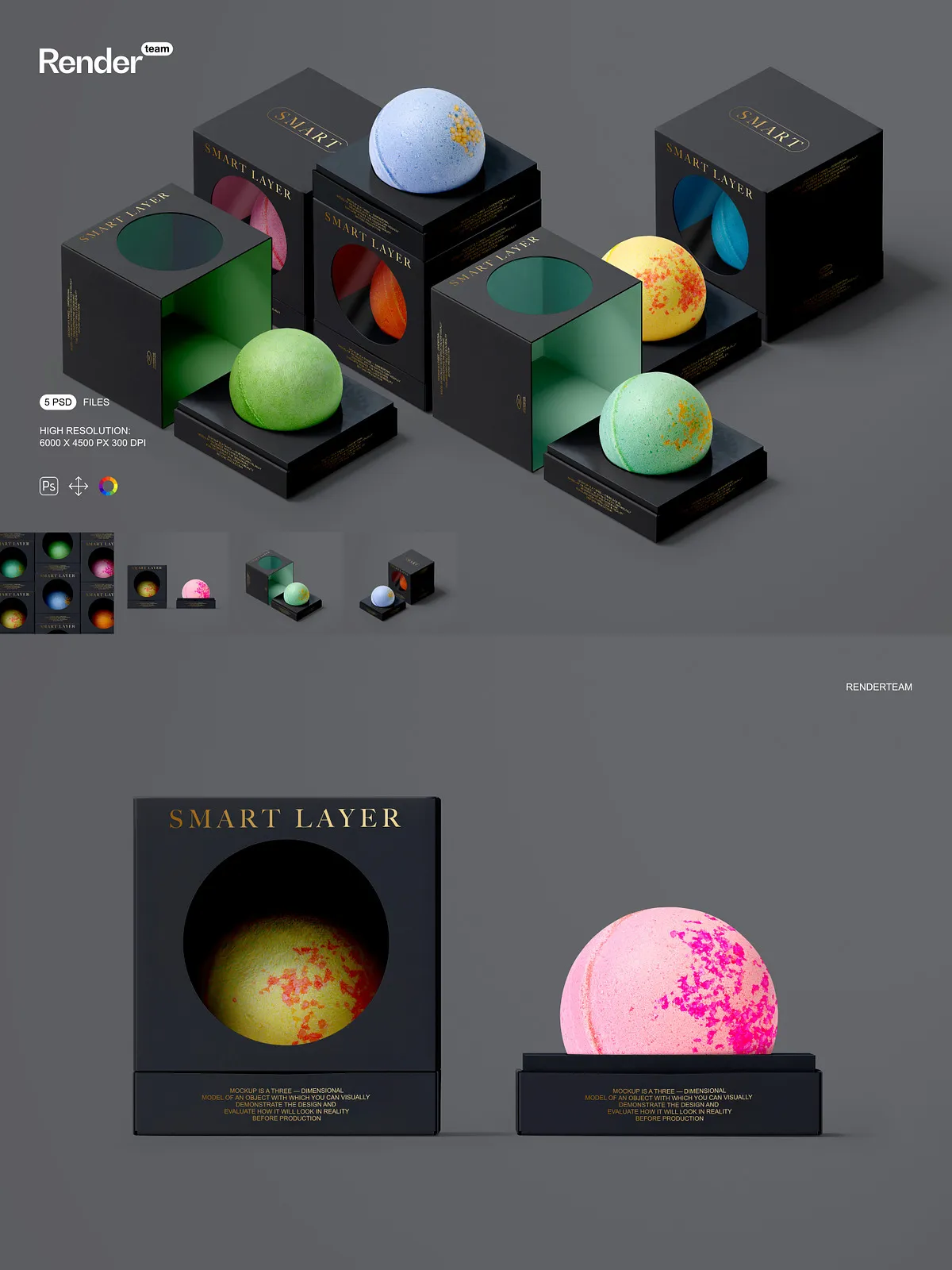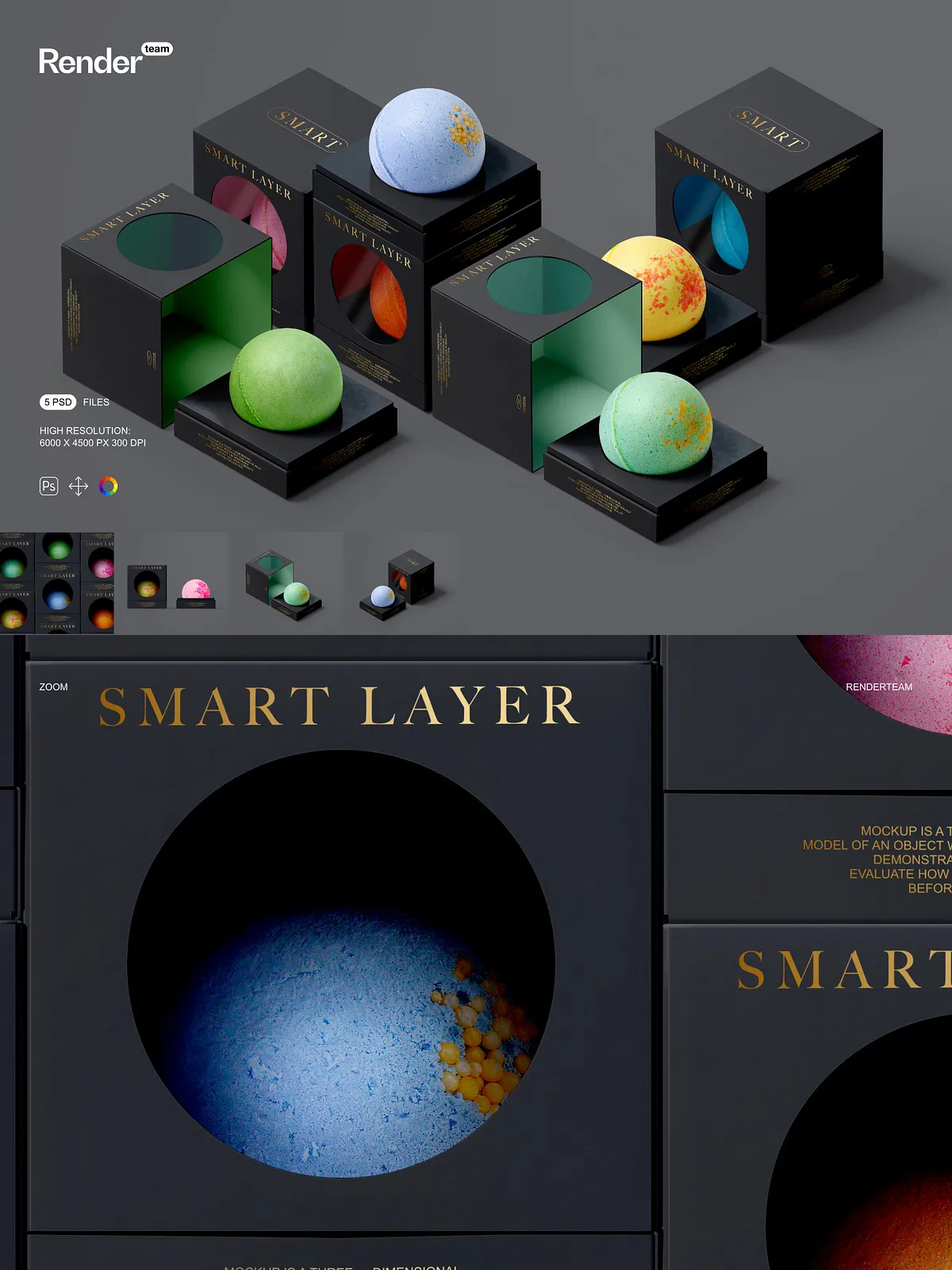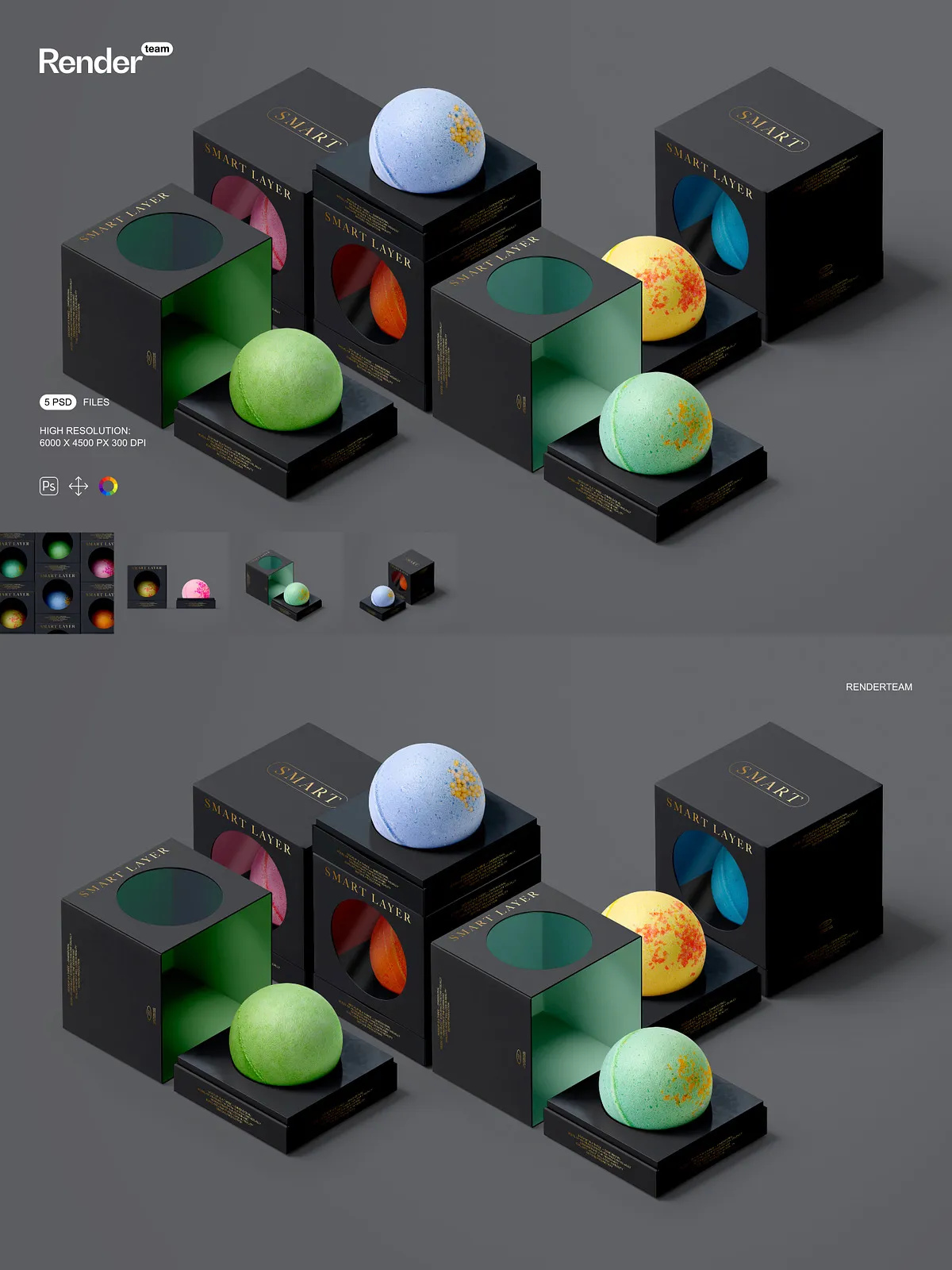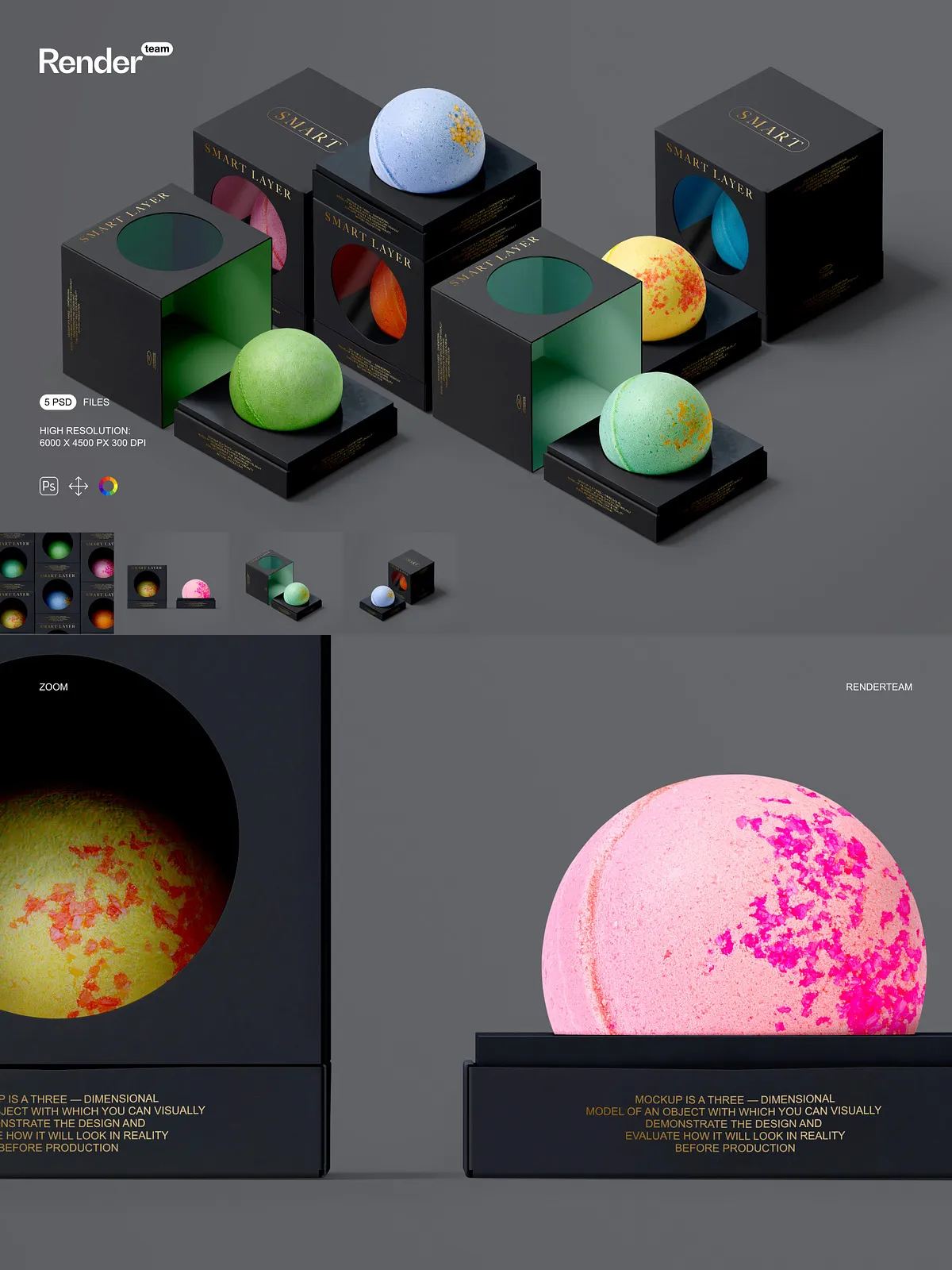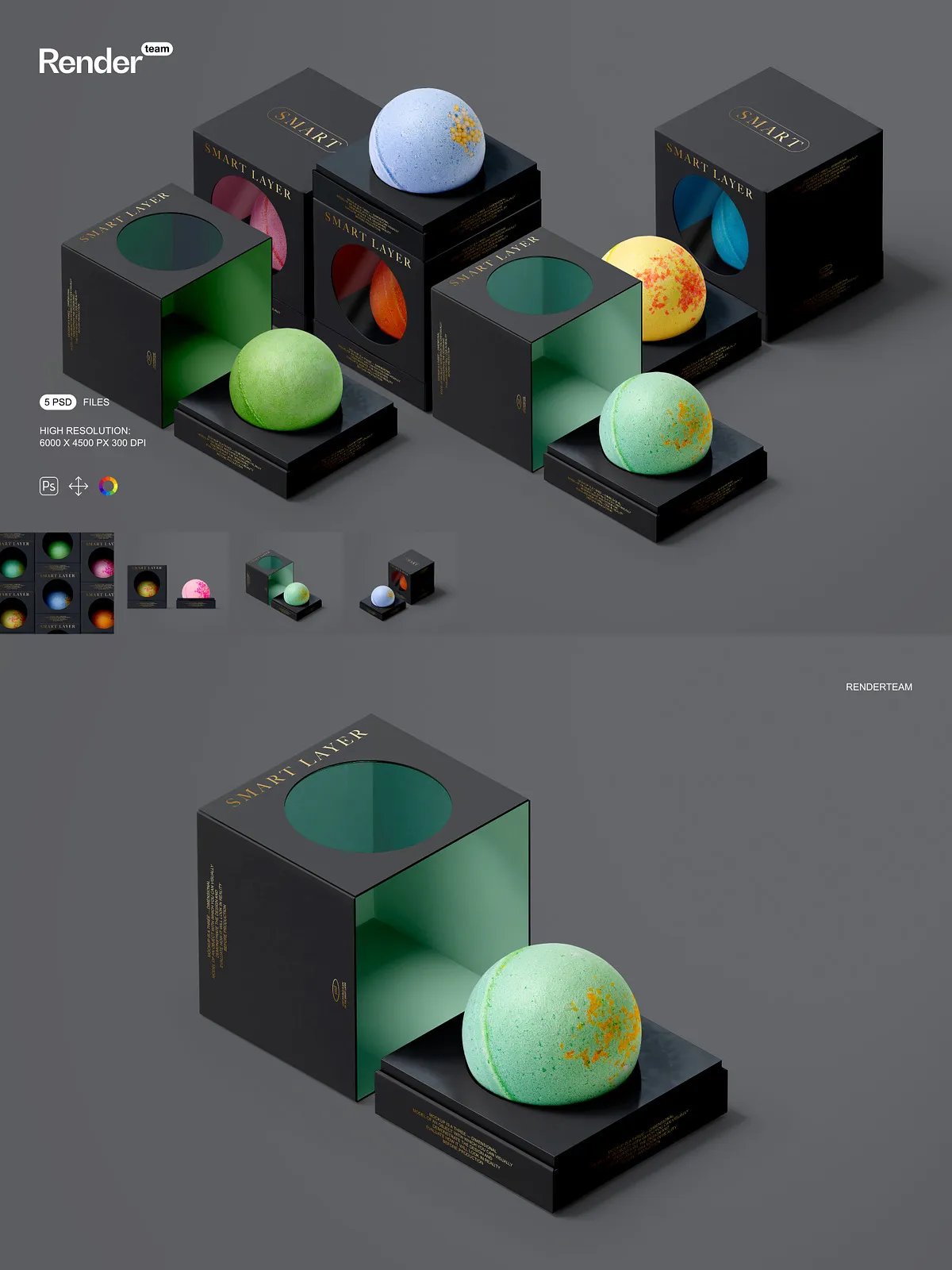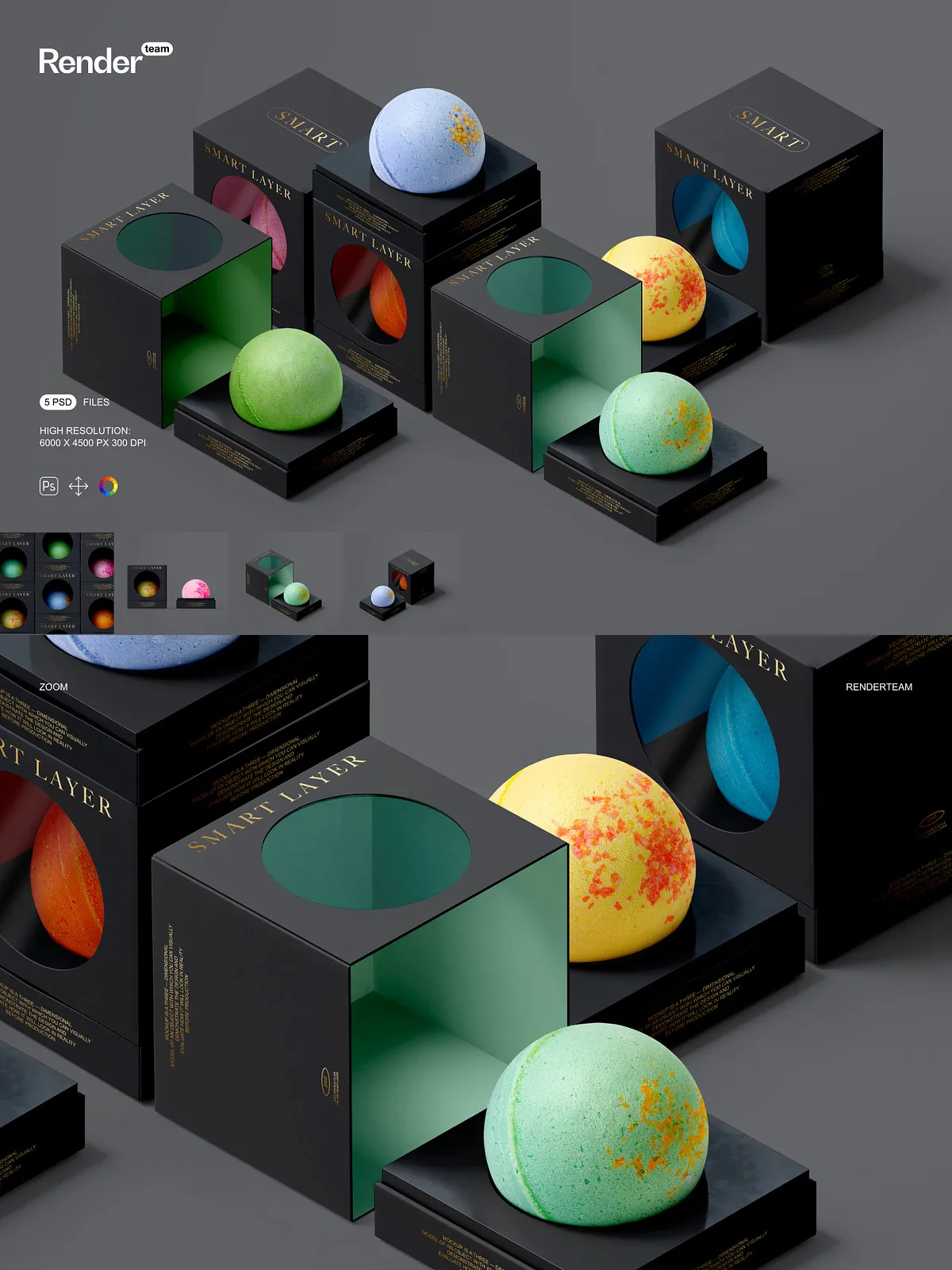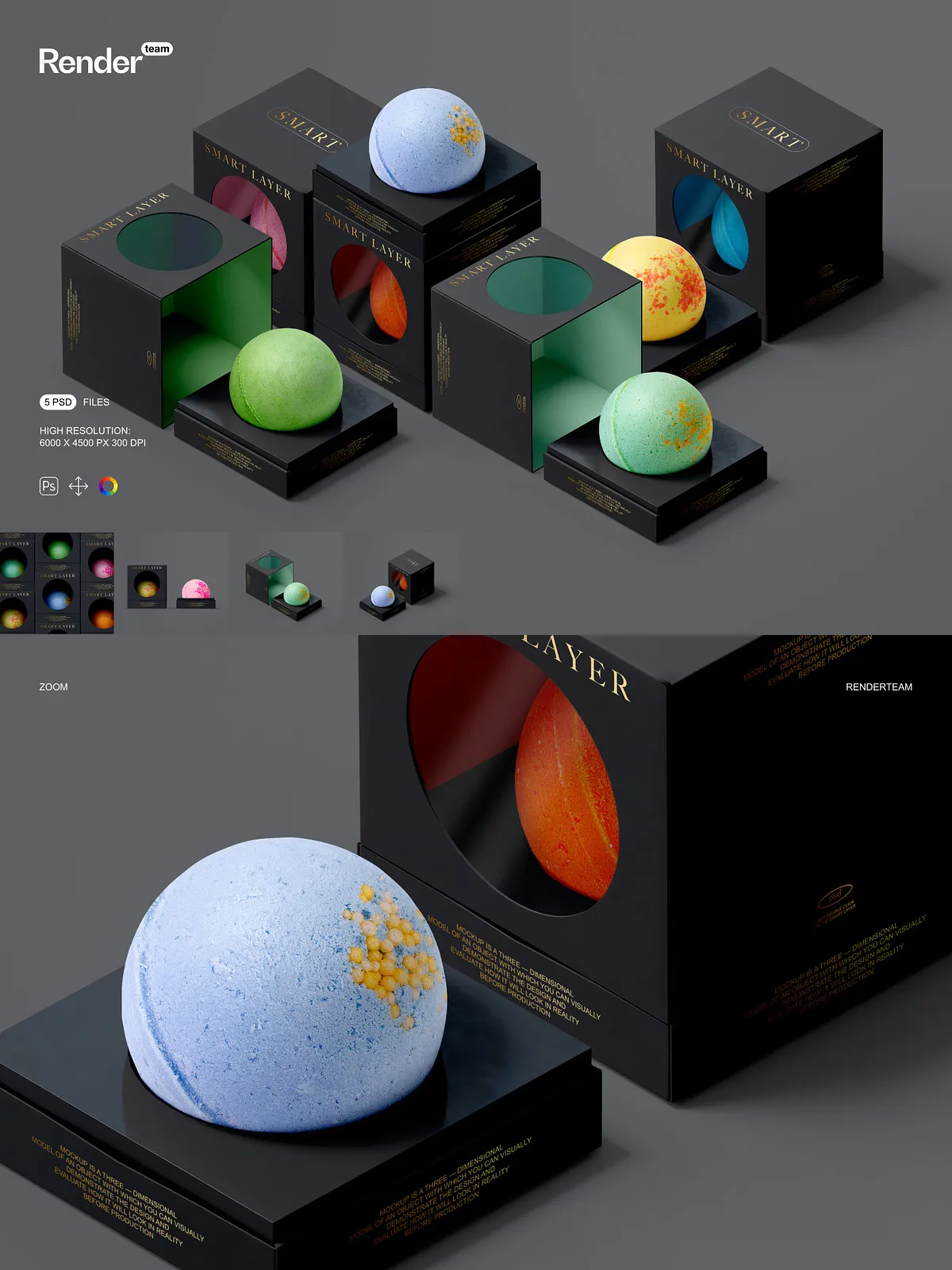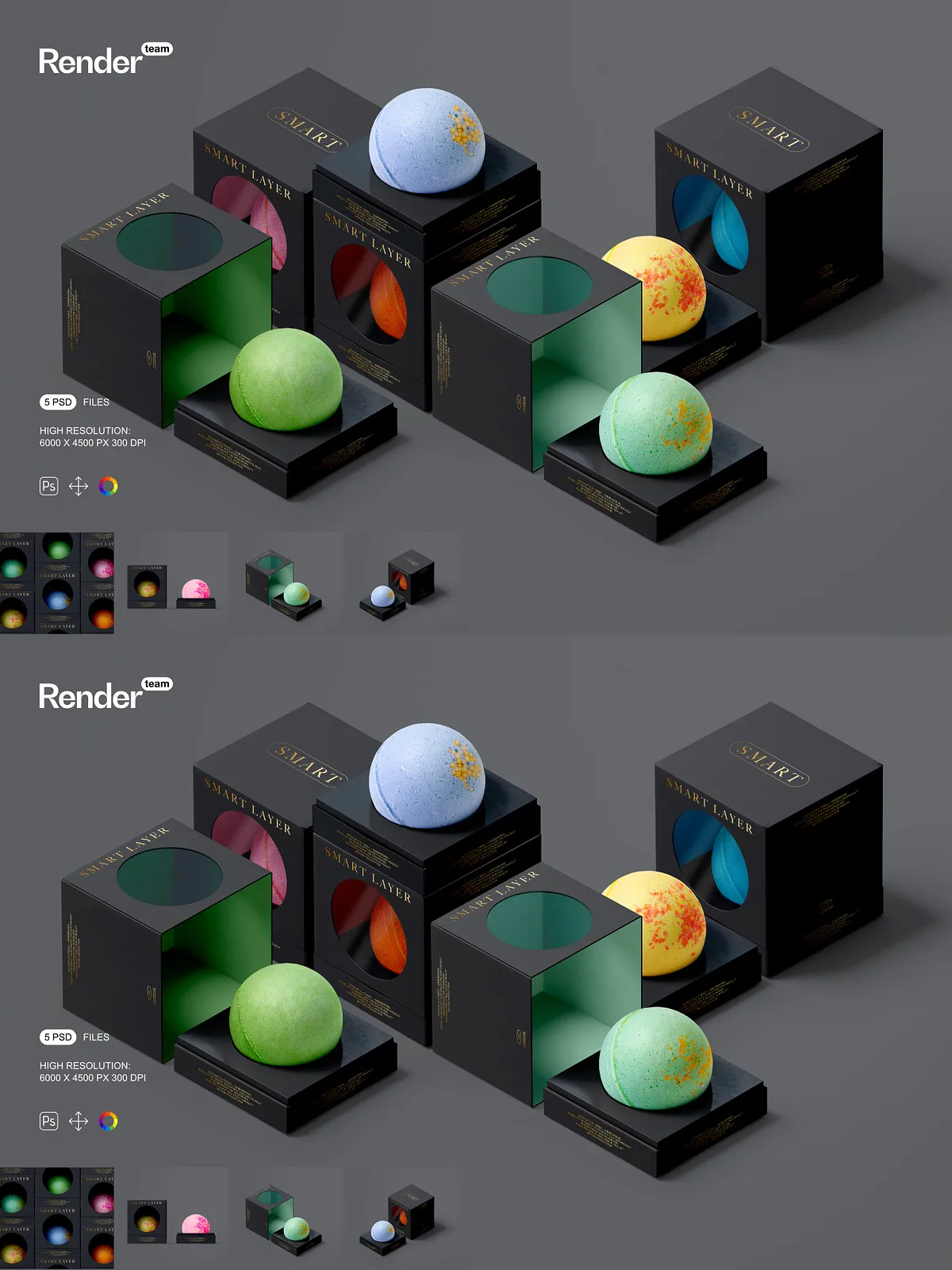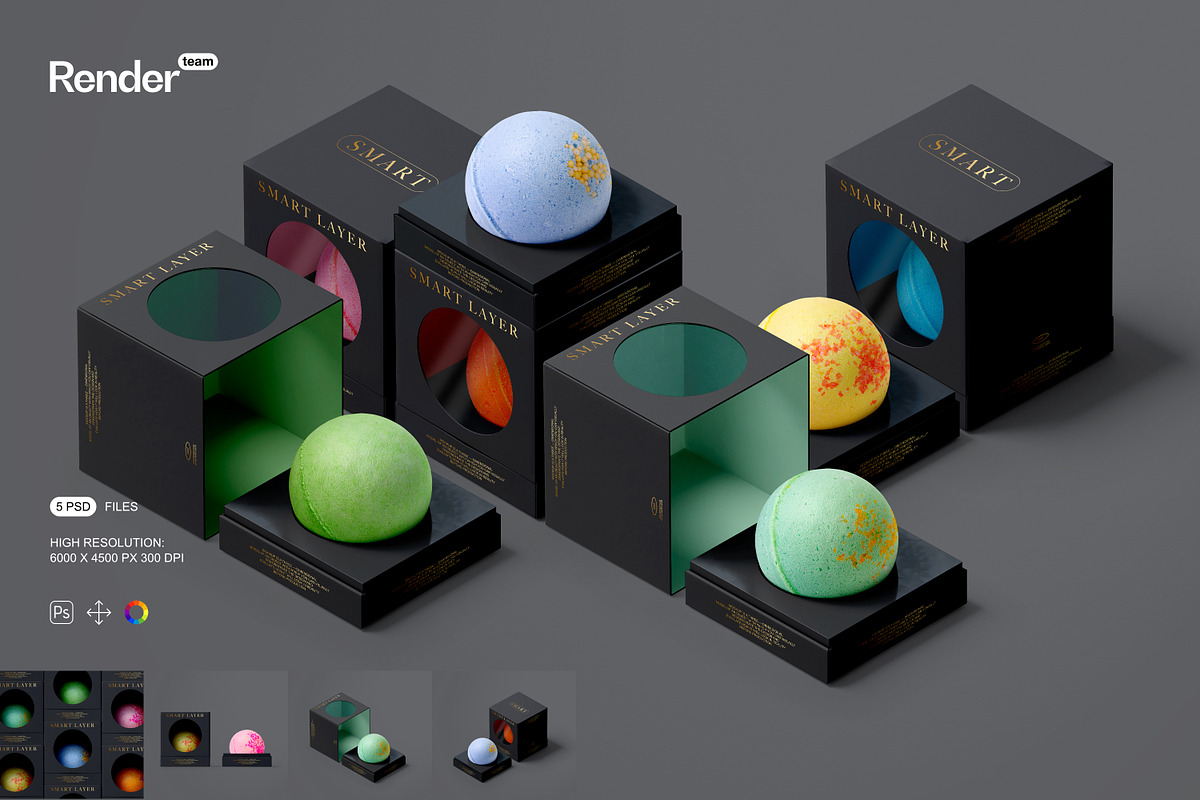
The Bath Bomb Mockup Set gives designers, brand owners, and marketing teams everything needed to convert flat artwork into polished, market-ready visuals. Each file is layered and built around smart objects so you can quickly replace artwork, adjust color layers, and export high-resolution images tailored to e-commerce listings, social posts, or print collateral. The set includes five unique PSD mockups and a PDF help file that guides you through the entire editing process.
Key Benefits
- Fast customization: Edit smart objects to insert your label or pattern and watch the scene update instantly. Save time by avoiding manual masking and complex layer manipulation.
- High-fidelity presentation: Photorealistic lighting, isolated shadows, and layered textures produce lifelike results that accurately represent materials and finishes.
- Flexible composition: Isolated objects and grouped layers let you move, hide, or replace elements to create multiple product angles and staging options without rebuilding the scene.
- Editable bath bomb photo: Swap the product photograph itself to show different bath bomb shapes, sizes, or textures, giving you full creative control over the final look.
- Consistent output: Export at 6000 x 4500 px at 300 dpi for print-ready clarity, or resize and optimize for web and social platforms while retaining sharp detail.
What’s Included
This bundle contains five layered PSD mockup files and one detailed PDF help file. Each PSD showcases a different angle or environment so you can highlight label details, texture, and brand placement across multiple presentation styles. The PDF guide covers step-by-step editing, recommended export settings, and tips to achieve consistent color across different outputs.
Included Files
- 5 x layered PSD mockup files with smart-object layers
- Editable background and lighting layers
- Isolated shadow and highlight layers for custom retouching
- Layered textures and color overlays
- Option to change the bath bomb photograph within the scene
- PDF help file with detailed instructions and export recommendations
Technical Specifications
- Resolution: 6000 x 4500 pixels
- Print quality: 300 dpi
- Format: Adobe Photoshop PSD (fully layered)
- Editing method: Smart objects and grouped color layers
- Compatibility: Adobe Photoshop CC and later (smart object support required)
How to Use the Mockups — Quick Workflow
Open a mockup PSD in Adobe Photoshop and locate the smart object layer named for the bath bomb label or artwork. Double-click the smart-object thumbnail to open its document, paste or place your design, save and close the smart-object window. The mockup updates automatically. Use the organized folders to adjust background color, tweak lighting layers, or replace the bath bomb photograph to match the product variant you want to present. Export using the recommended JPEG or PNG settings provided in the PDF help file for the best balance of quality and file size.
Who Should Use This Set
This mockup collection benefits packaging designers, small-batch bath and body brands, product photographers, and marketing teams who need to present prototypes, catalog imagery, or online product listings quickly and professionally. Designers can use the files to propose multiple label iterations, and brands can accelerate approval cycles by showing realistic previews before production runs.
Marketing and Sales Applications
- Create high-impact product pages for Shopify, Etsy, or WooCommerce.
- Generate consistent product imagery for social media campaigns and paid ads.
- Prepare press-ready visuals for email marketing and influencer outreach.
- Assemble presentation decks and sell sheets that convey product texture and finish accurately.
Support and Best Practices
The included PDF help file explains compatibility considerations, how to replace the product photo, and recommended export settings for web and print. For best color fidelity, preview your exports on calibrated displays and test print at production size when preparing press-ready files. If you encounter common issues, the help file lists troubleshooting steps to resolve smart object or layer visibility problems.