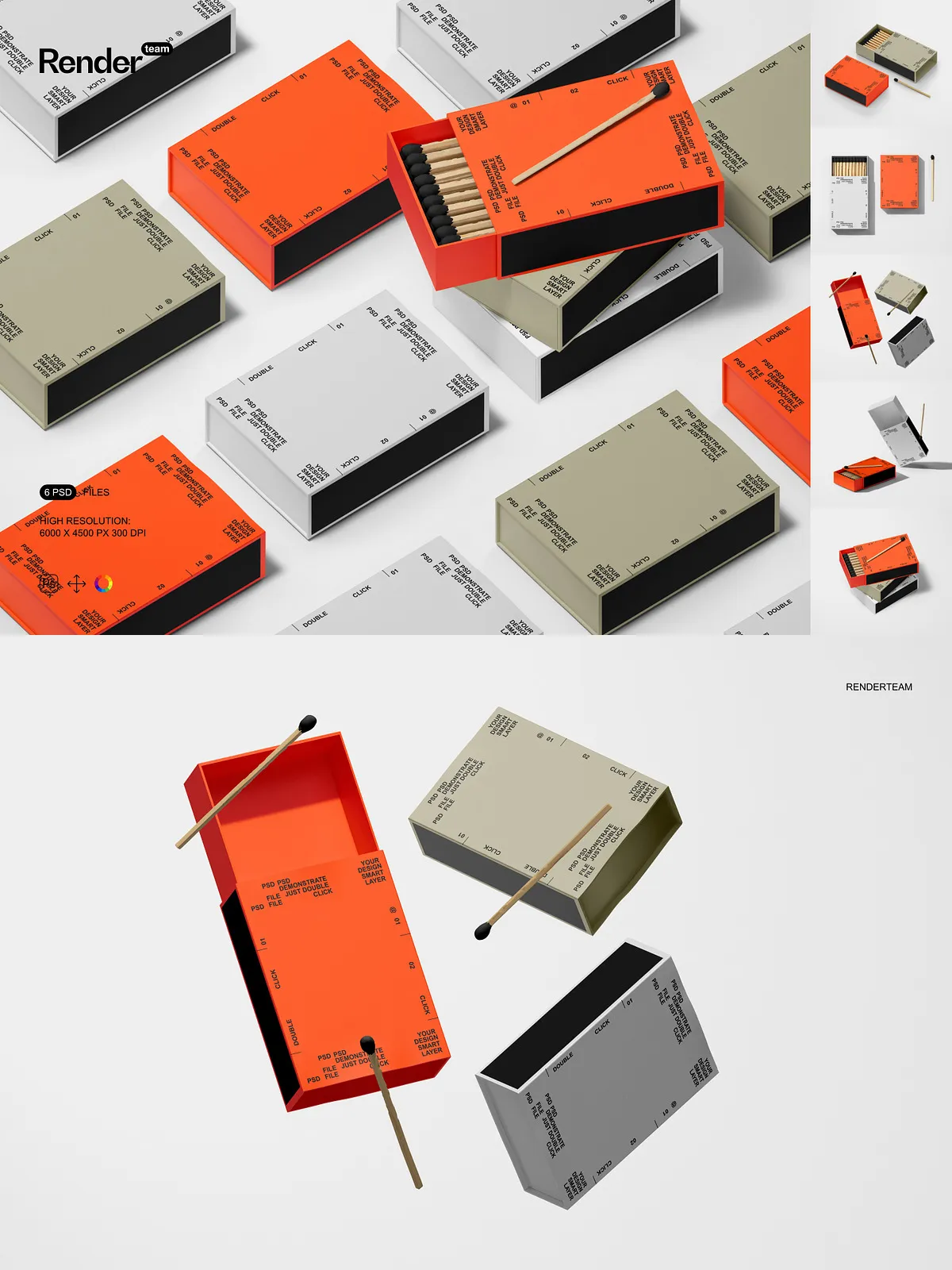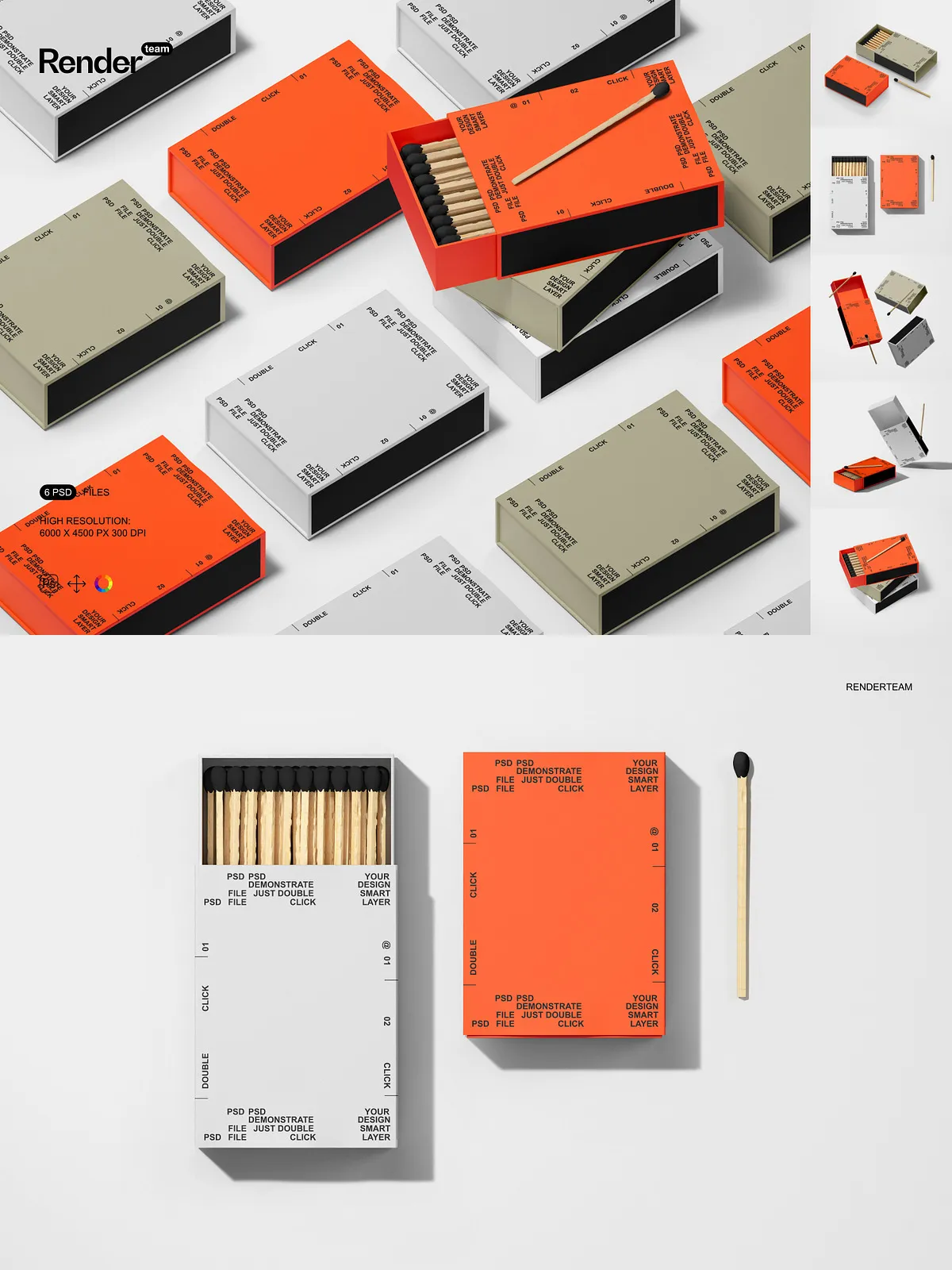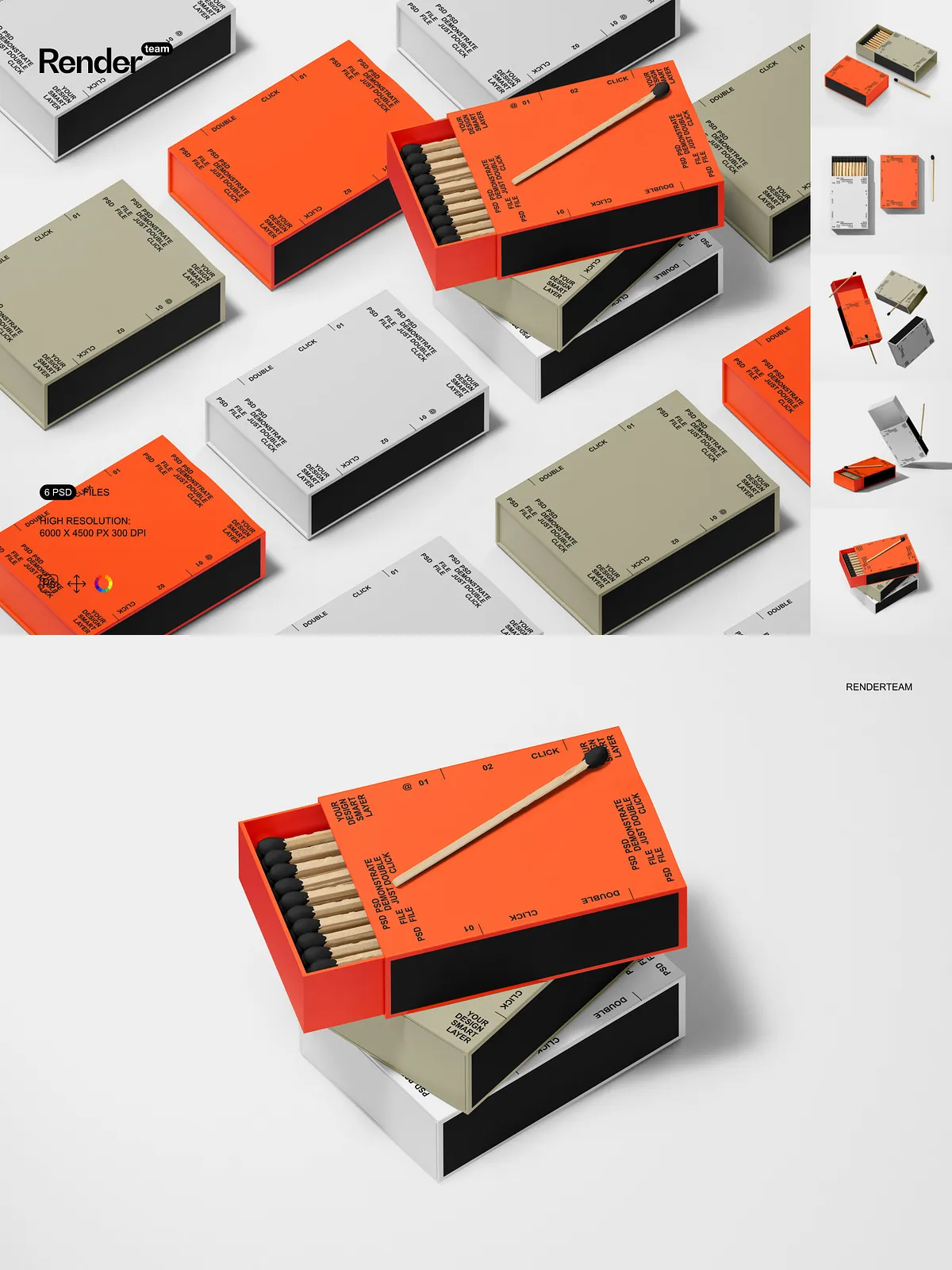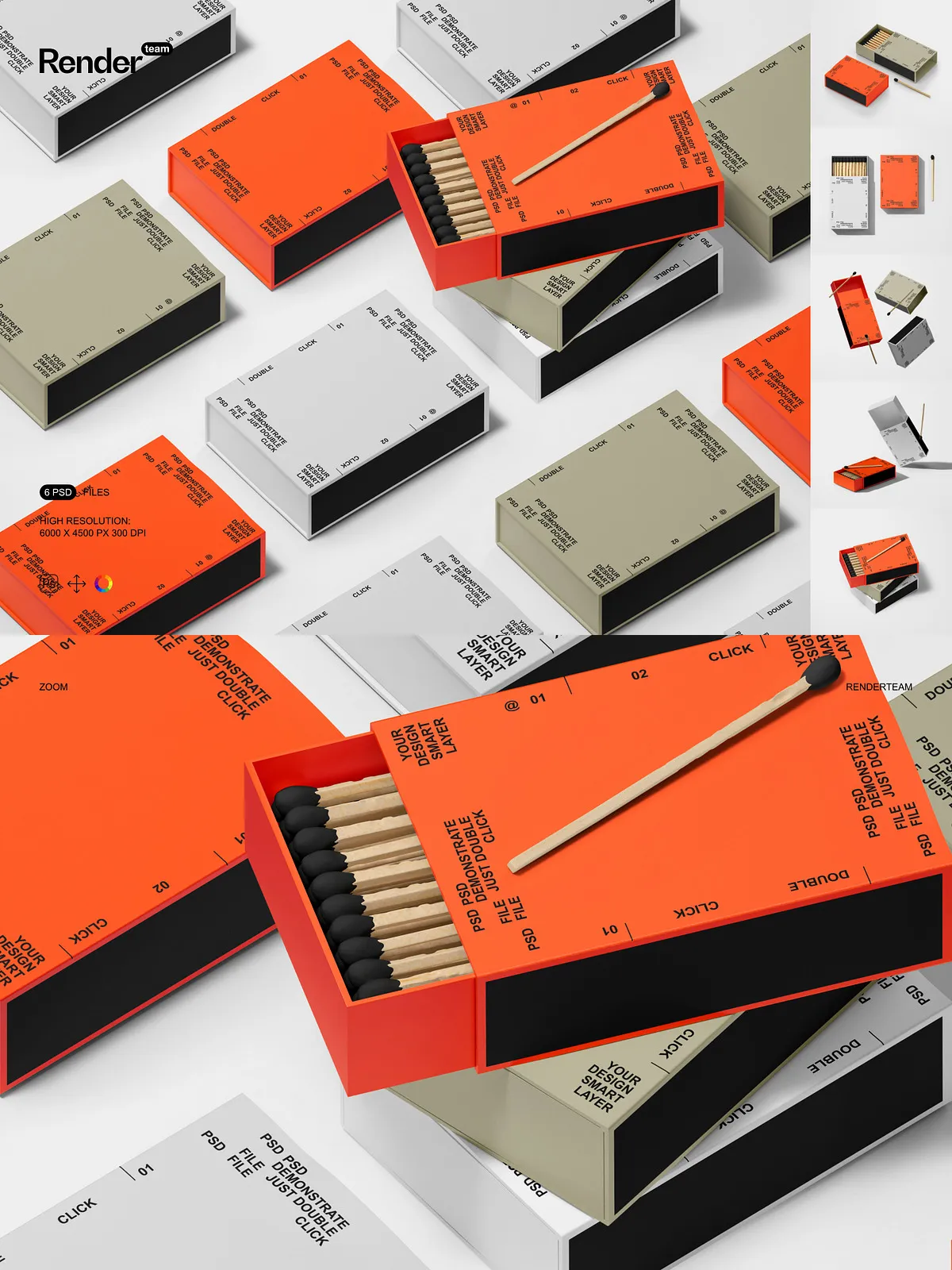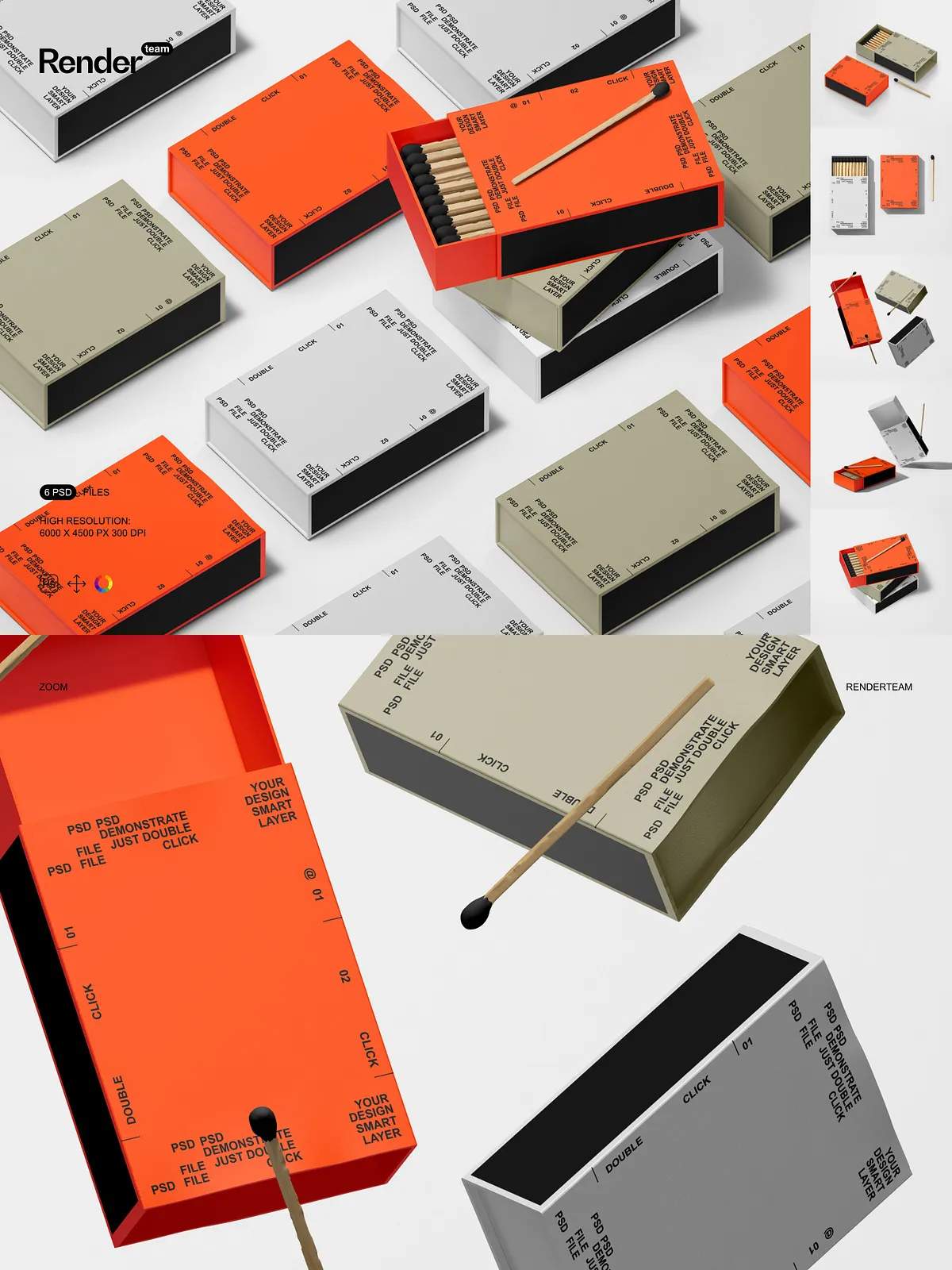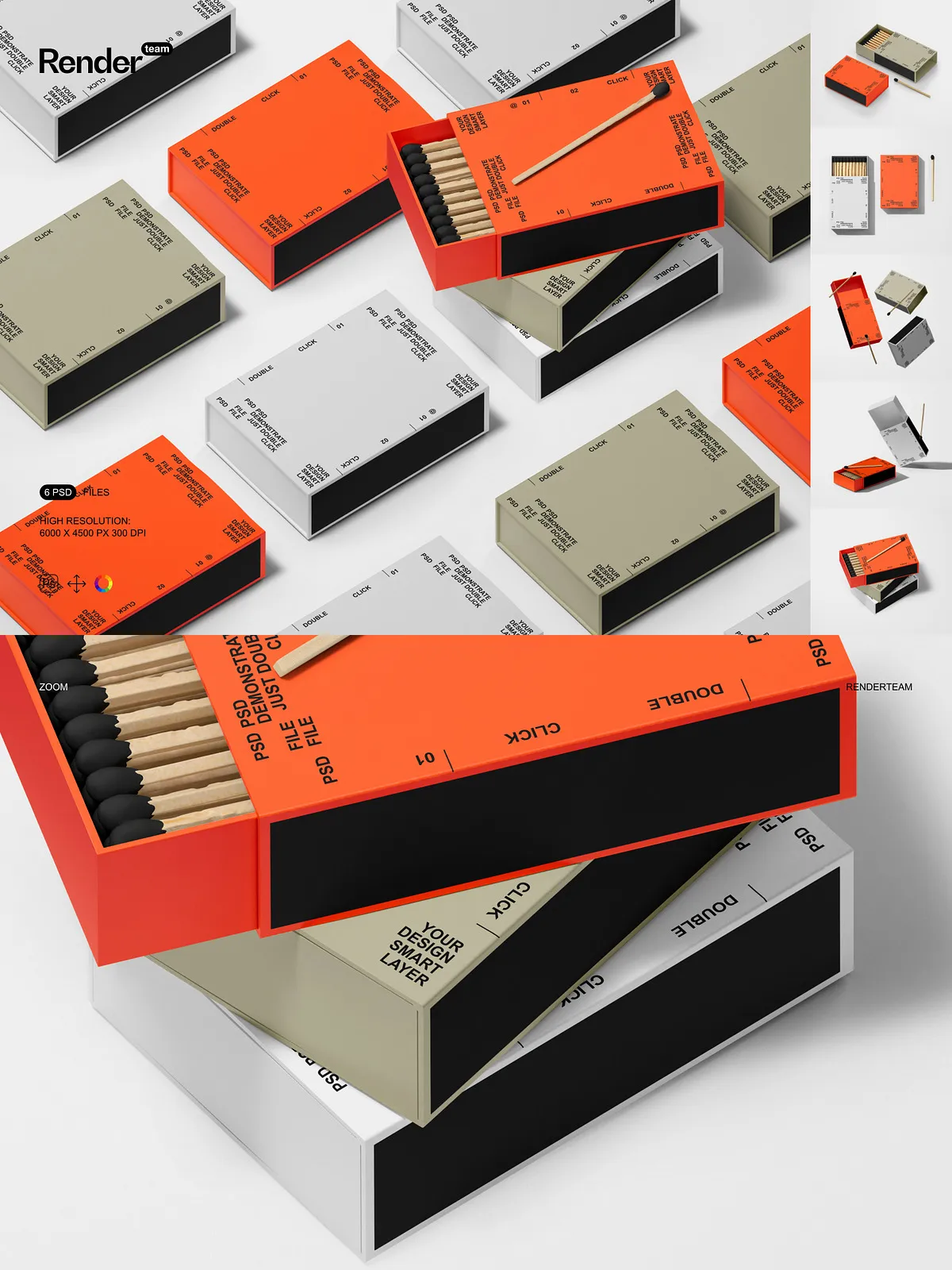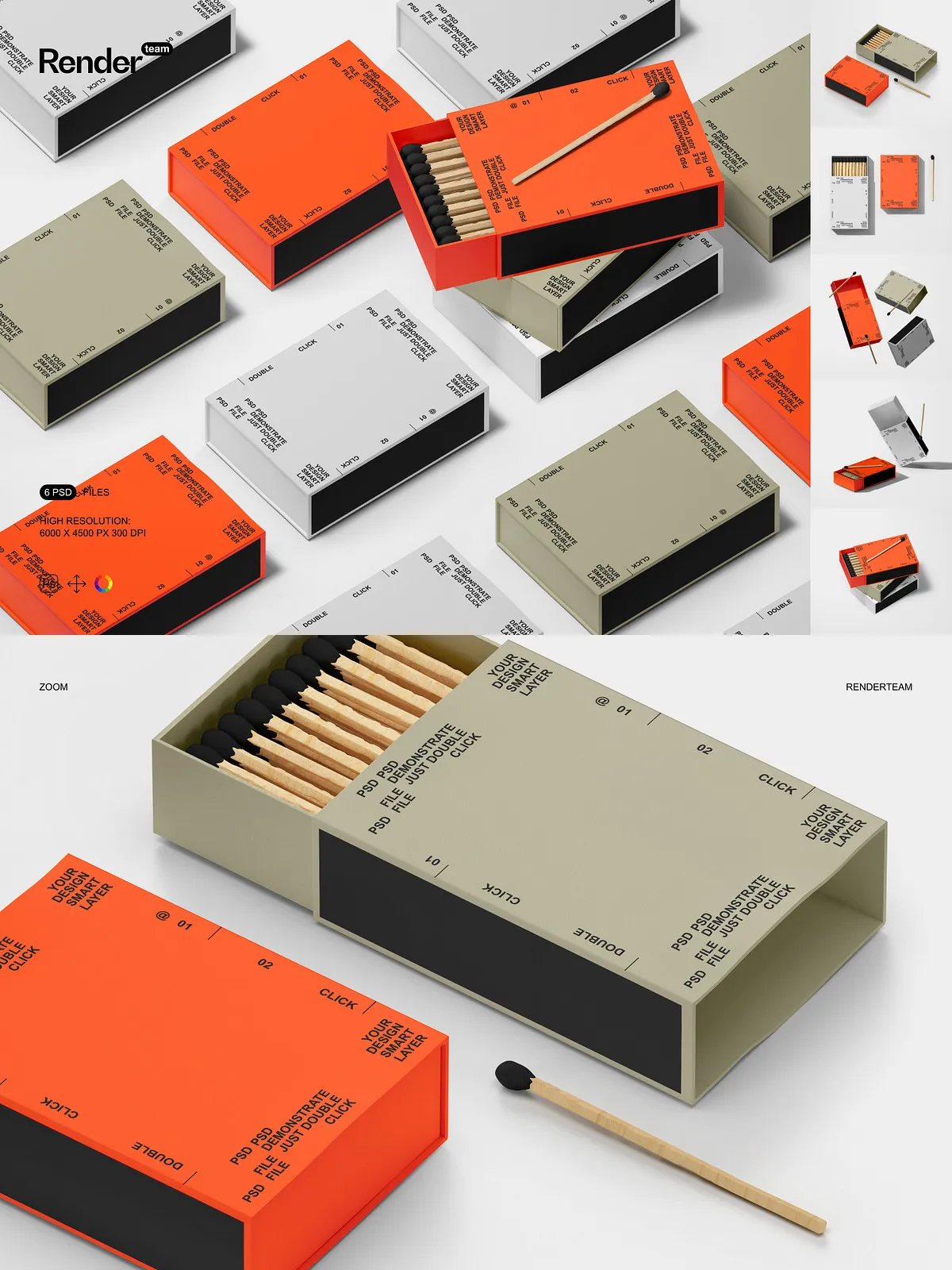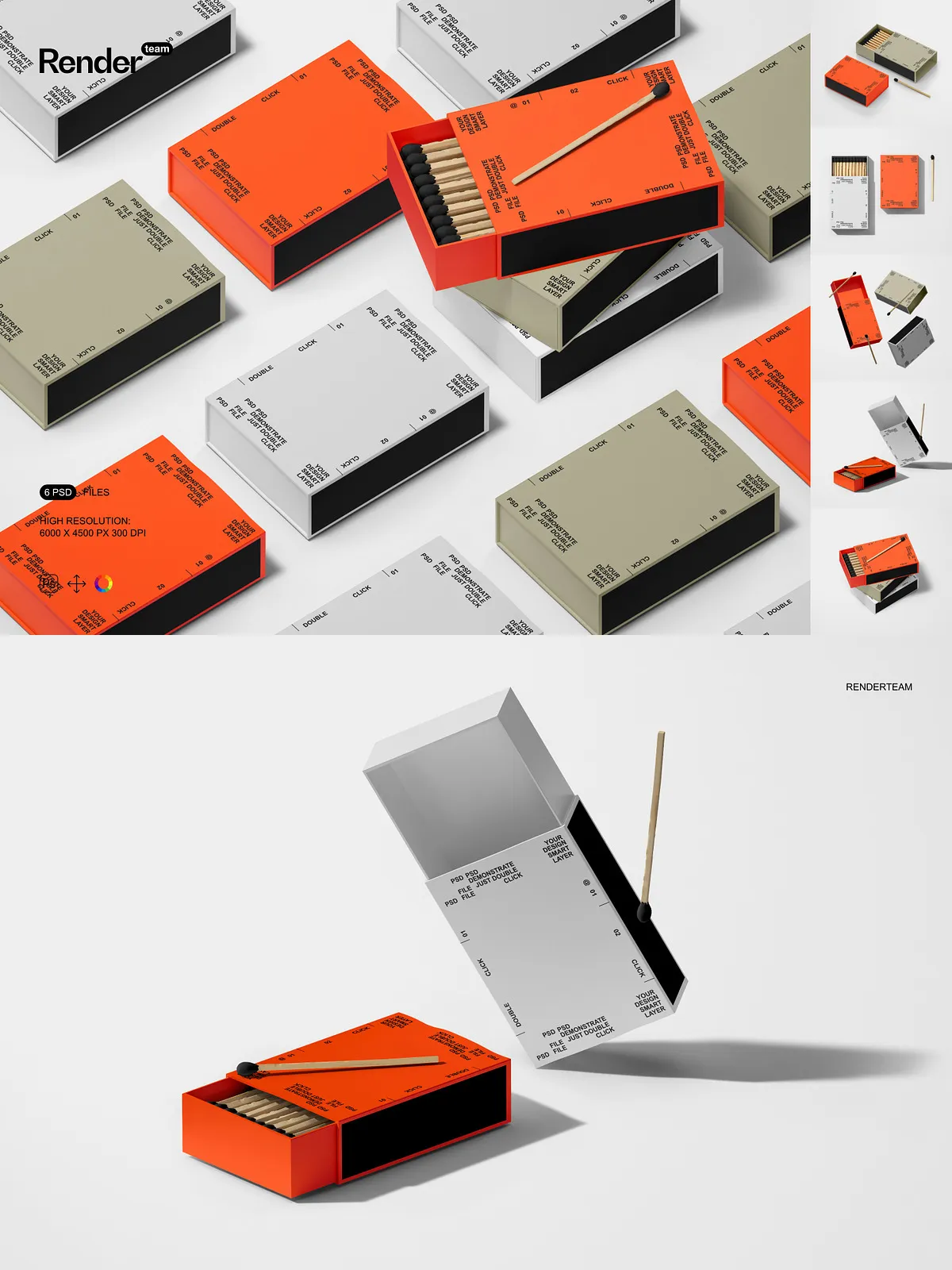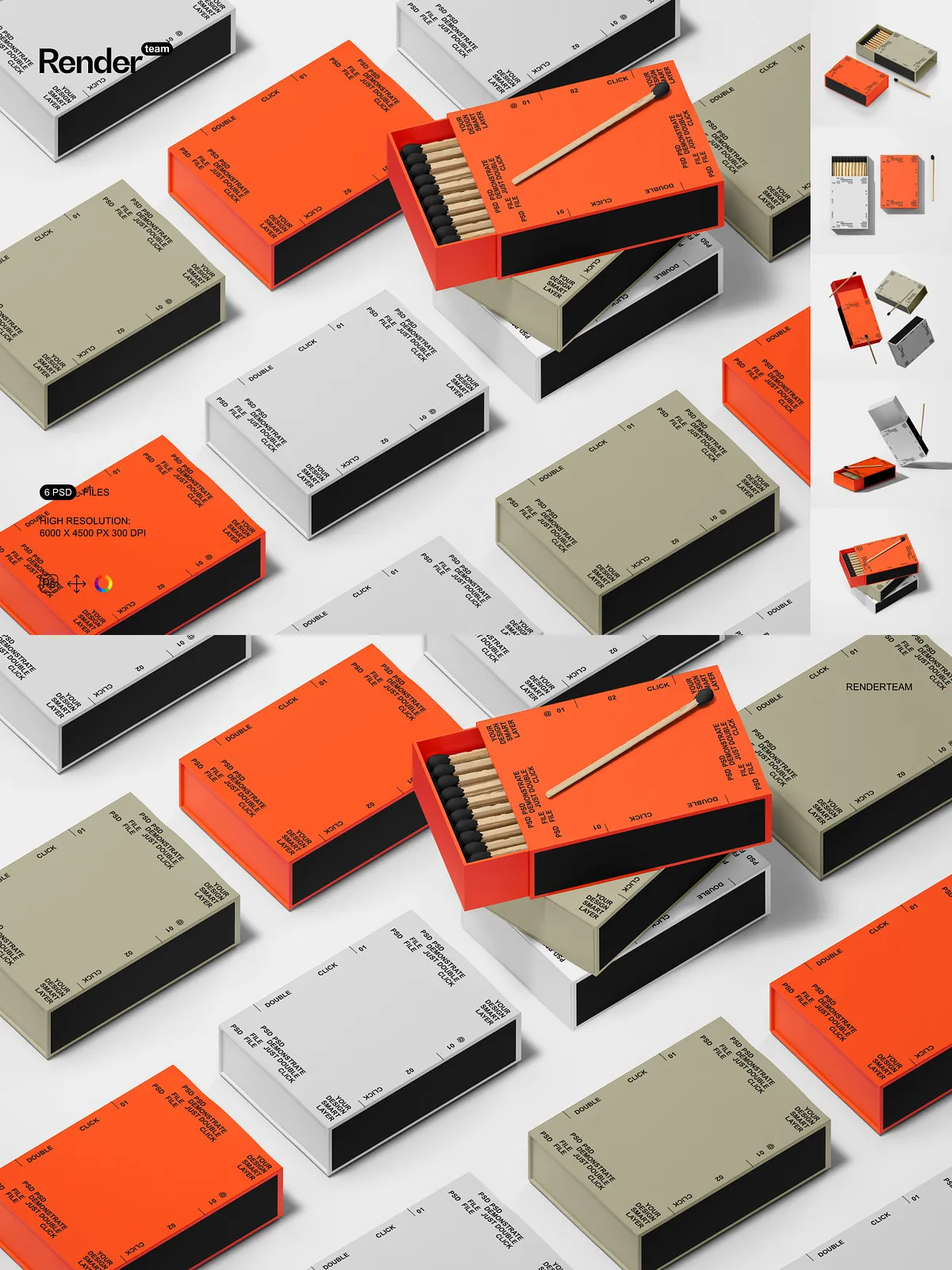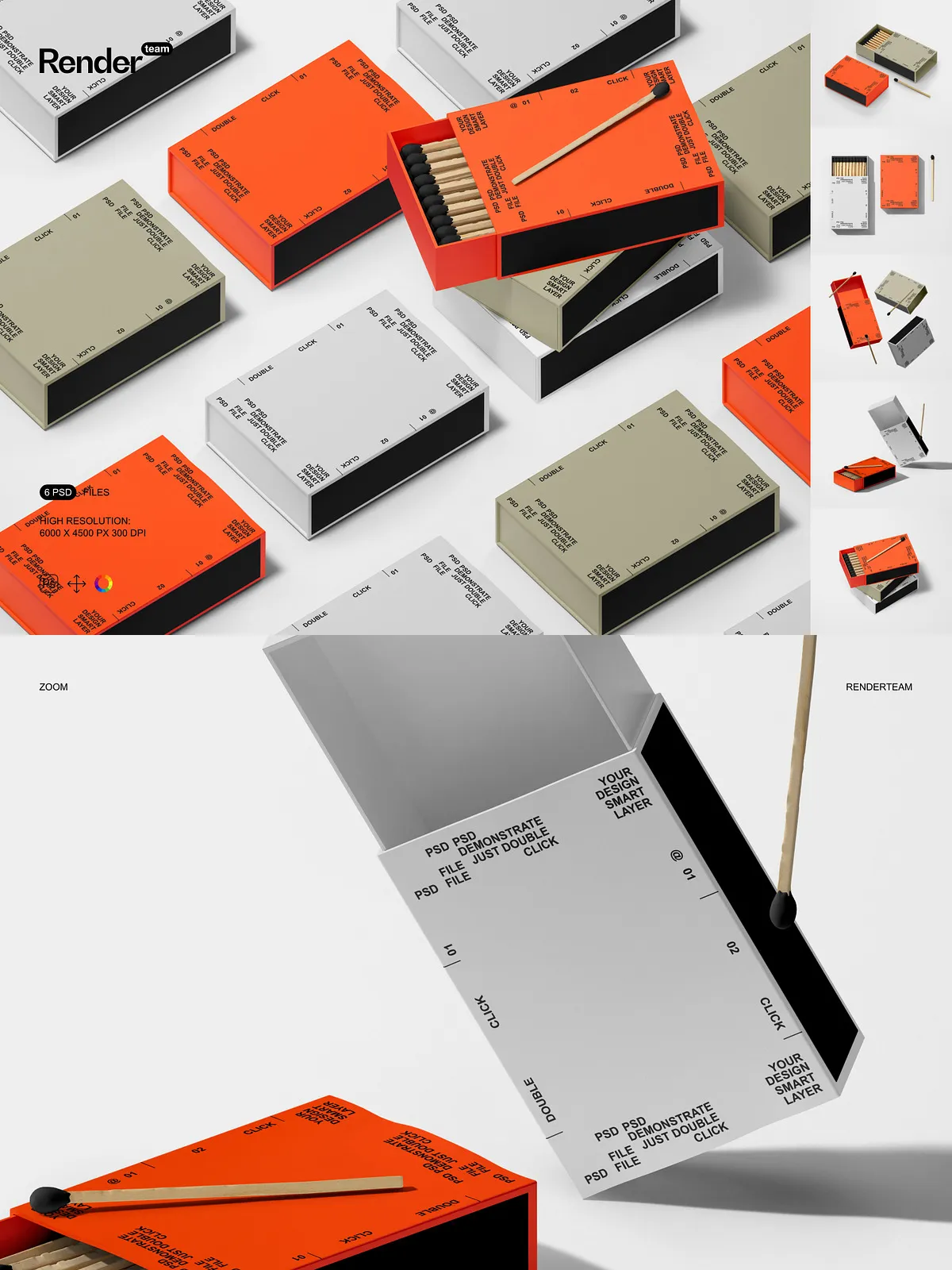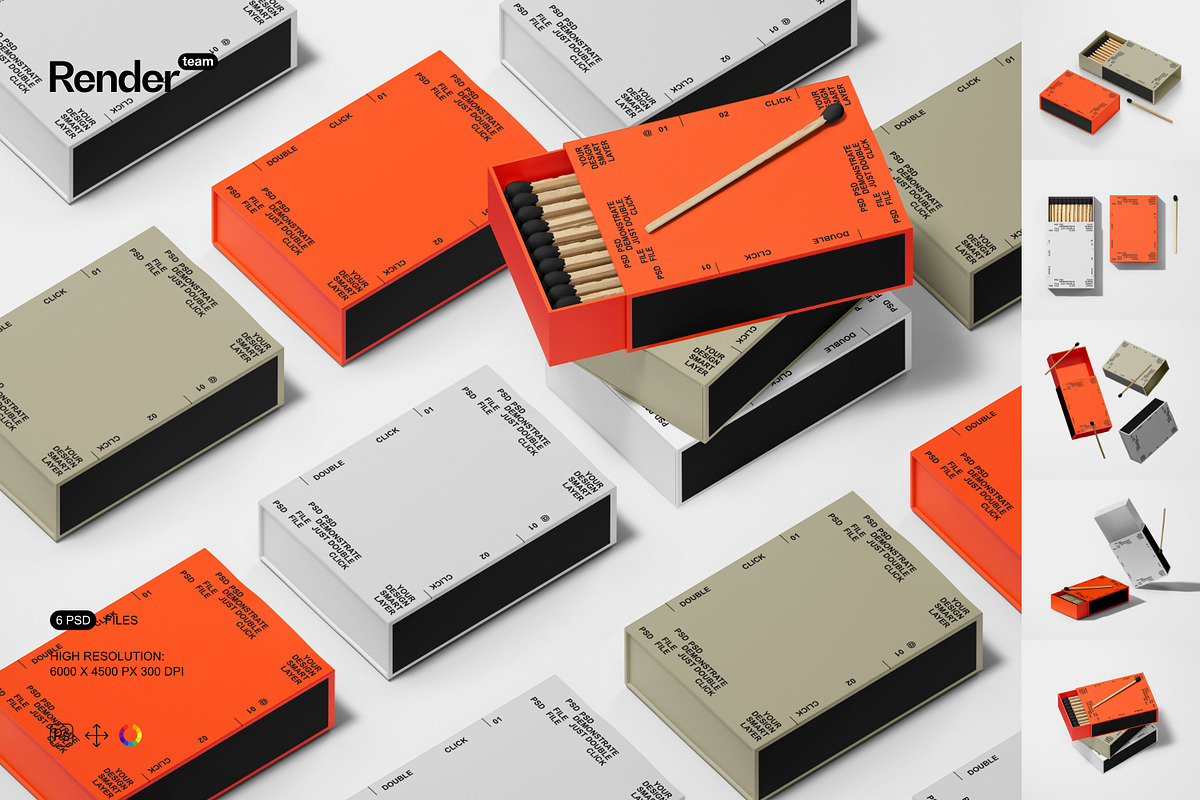
Present your matches box artwork with confidence using the Matches Box Mockup Set. This collection of professionally crafted, layered PSD files lets you quickly transform flat designs into lifelike product visuals. Built for speed and precision, each mockup uses smart objects and organized color layers so you can drop in your artwork, refine colors, and export high-resolution images for web, print, and promotional uses.
Why This Mockup Set Accelerates Your Workflow
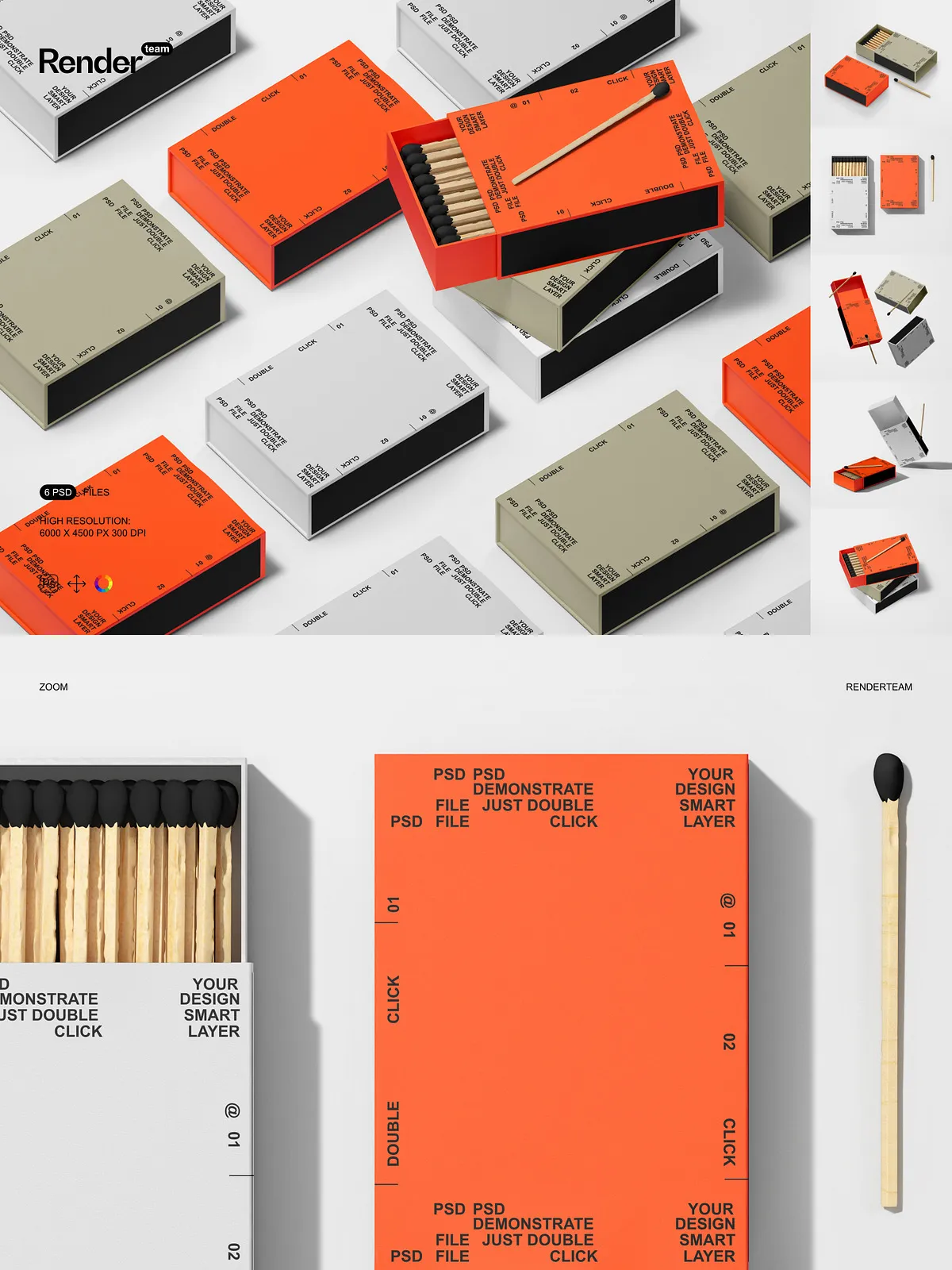
- Instant Customization: Replace artwork in seconds with smart objects — simply double-click the smart layer, paste your design, save, and the scene updates automatically.
- Clean, Organized Files: Layers and folders are clearly labeled and grouped so you can locate and edit elements without hunting through complex PSDs.
- Full Control Over Appearance: Isolated objects and shadows allow you to move or swap elements independently, adjust lighting, and fine-tune the final composition for a polished, consistent look.
- High-Resolution Output: Every mockup exports at 6000×4500 px at 300 dpi, providing print-ready clarity and flexible cropping options for marketing channels.
What’s Included
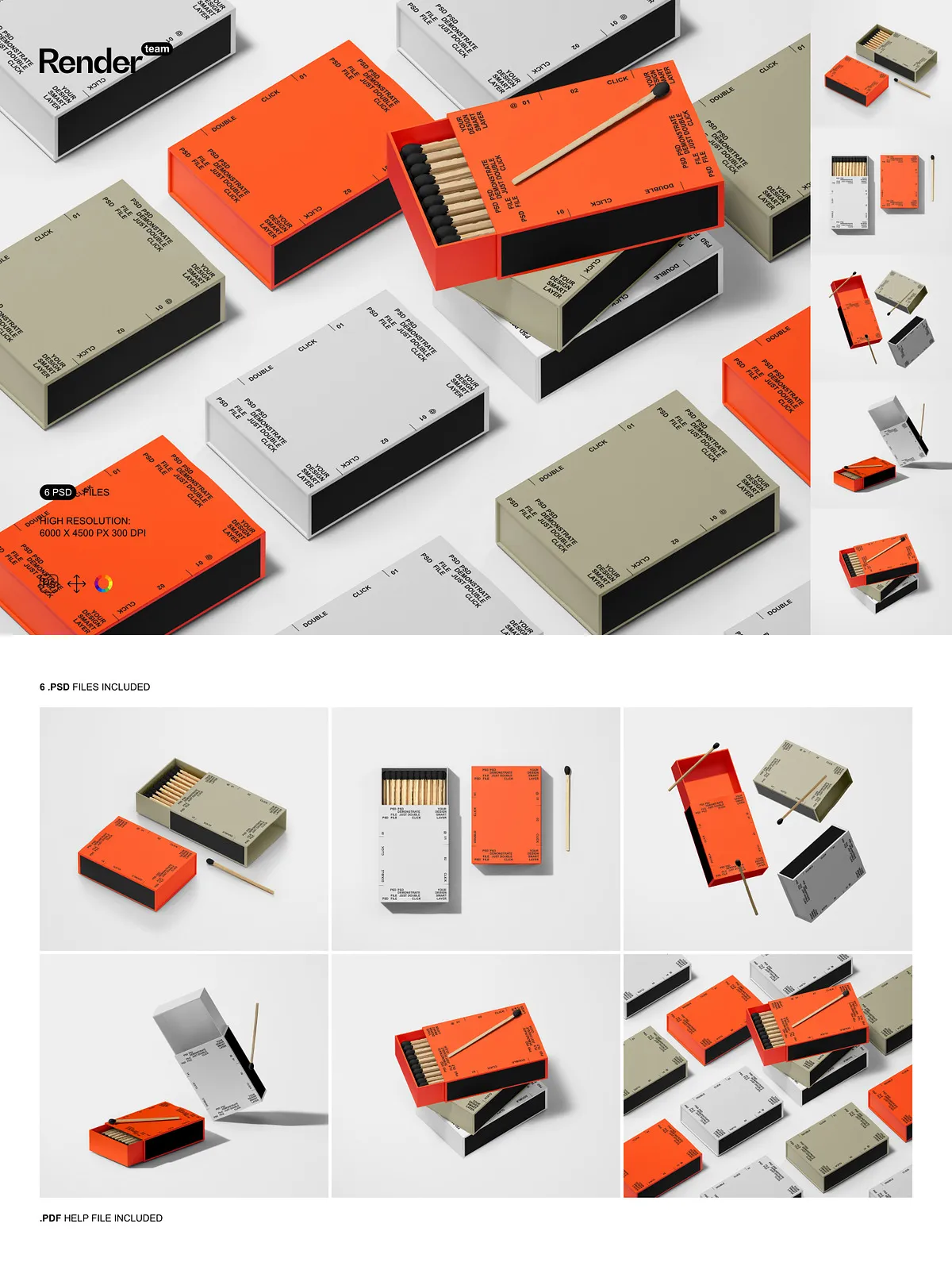
This bundle contains six distinct PSD mockup files plus a detailed PDF help file. Each PSD presents a unique scene and product orientation so you can showcase different aspects of your design — from a close-up of the striking matchbox label to a lifestyle presentation that places the box in context. The PDF guide walks you through every step, from opening the file and locating the smart object to exporting optimized files for online stores and print catalogs.
Technical Specifications
- 6 layered PSD mockup files
- Resolution: 6000 x 4500 pixels
- 300 dpi — suitable for high-quality print and large-format displays
- All objects, shadows, and highlights isolated on separate layers
- Fully editable color layers and textures
- PDF help file with step-by-step instructions
How to Use the Mockups — Fast, Reliable Results
Open a PSD file in Adobe Photoshop, locate the smart object layer labeled for the label or box face, double-click to open it, paste or place your artwork, save the smart object, and the mockup updates instantly. Adjust color layers, tweak shadows, or replace backgrounds using the organized folders. Export the final image in JPEG or PNG format for your e-commerce listings, social media, press kit, or print proofs. The workflow minimizes manual masking and preserves design fidelity so your visuals remain true to the original artwork.
Who Benefits Most
This mockup set is ideal for packaging designers, branding agencies, product photographers, and small businesses that produce artisanal matches, home fragrance brands, or promotional gift items. Use these mockups to prototype labels, present multiple design options to clients, and prepare high-fidelity visuals for online stores and marketing campaigns.
Marketing and Presentation Uses
Leverage this mockup set to drive engagement and conversions across multiple channels: create compelling product pages for Shopify or Etsy, craft high-impact social posts and stories, assemble polished presentation decks for retailers and investors, and produce press-ready images for email campaigns and ad creatives. With consistent, realistic imagery you will strengthen brand perception and accelerate approval cycles.
Support and Compatibility
The mockups are optimized for Adobe Photoshop and rely on non-destructive editing techniques. The included PDF help file covers compatibility tips, recommended export settings, and common troubleshooting steps. If you need additional assistance, consult the help file to resolve typical workflow questions quickly.