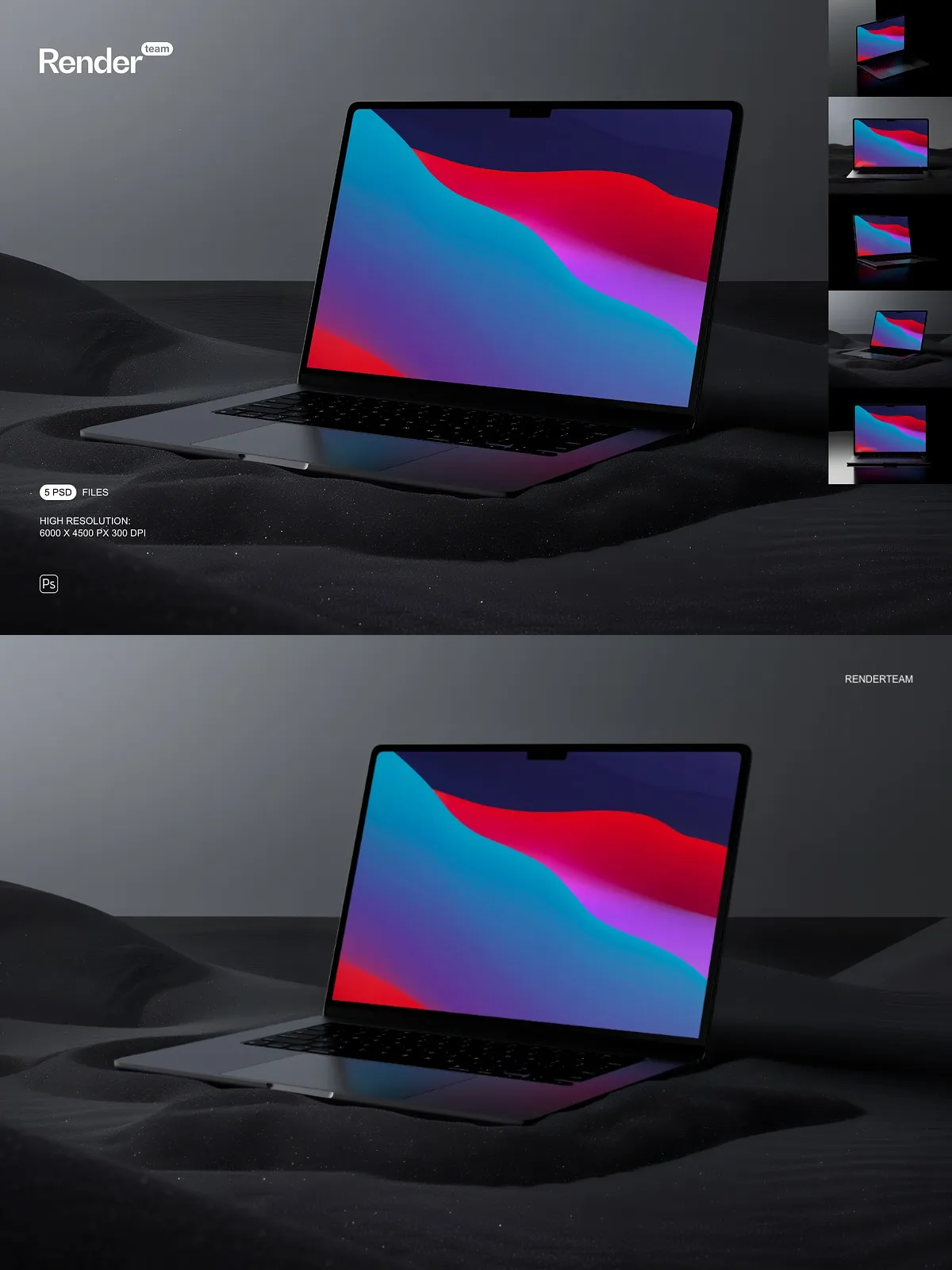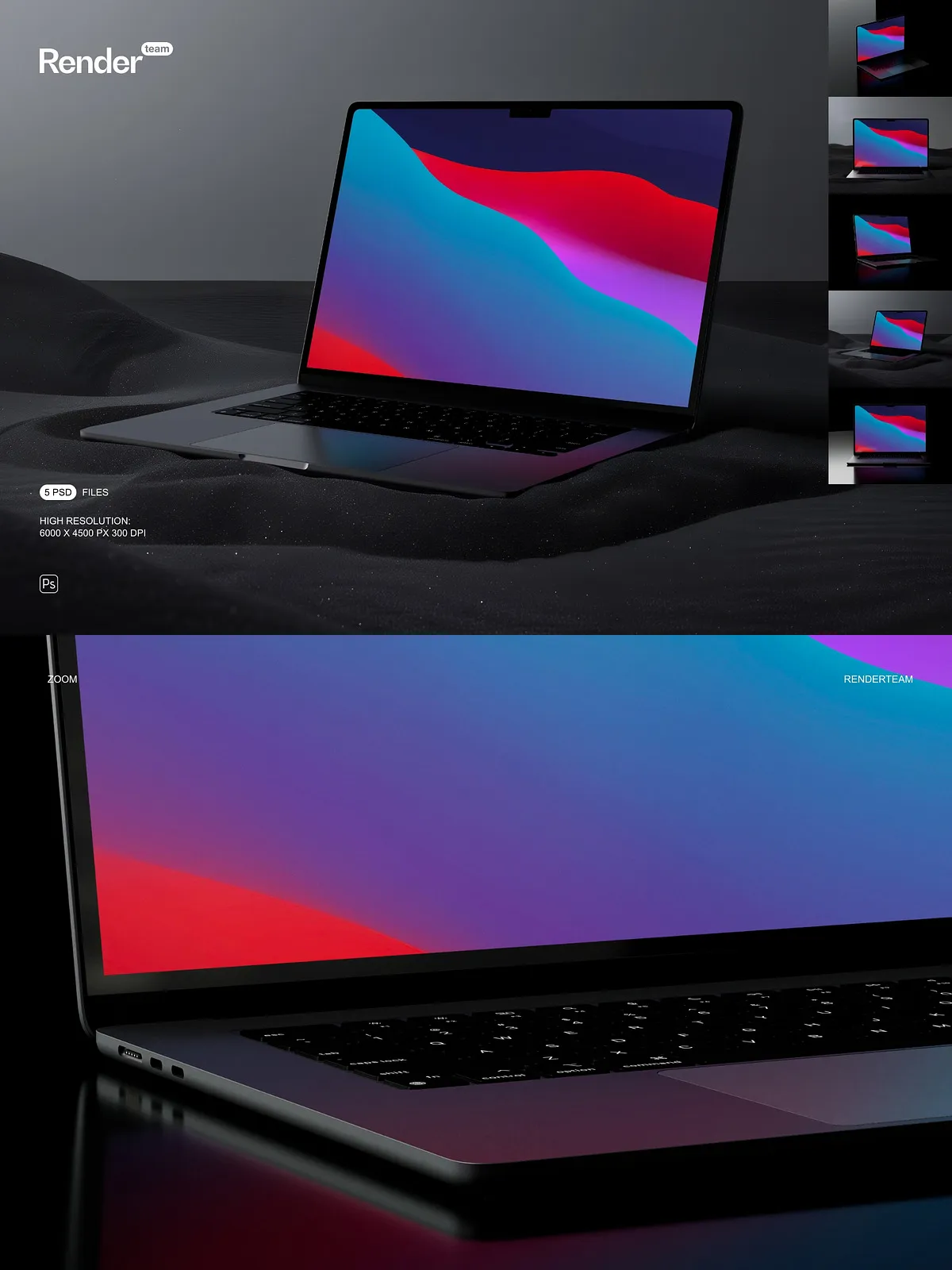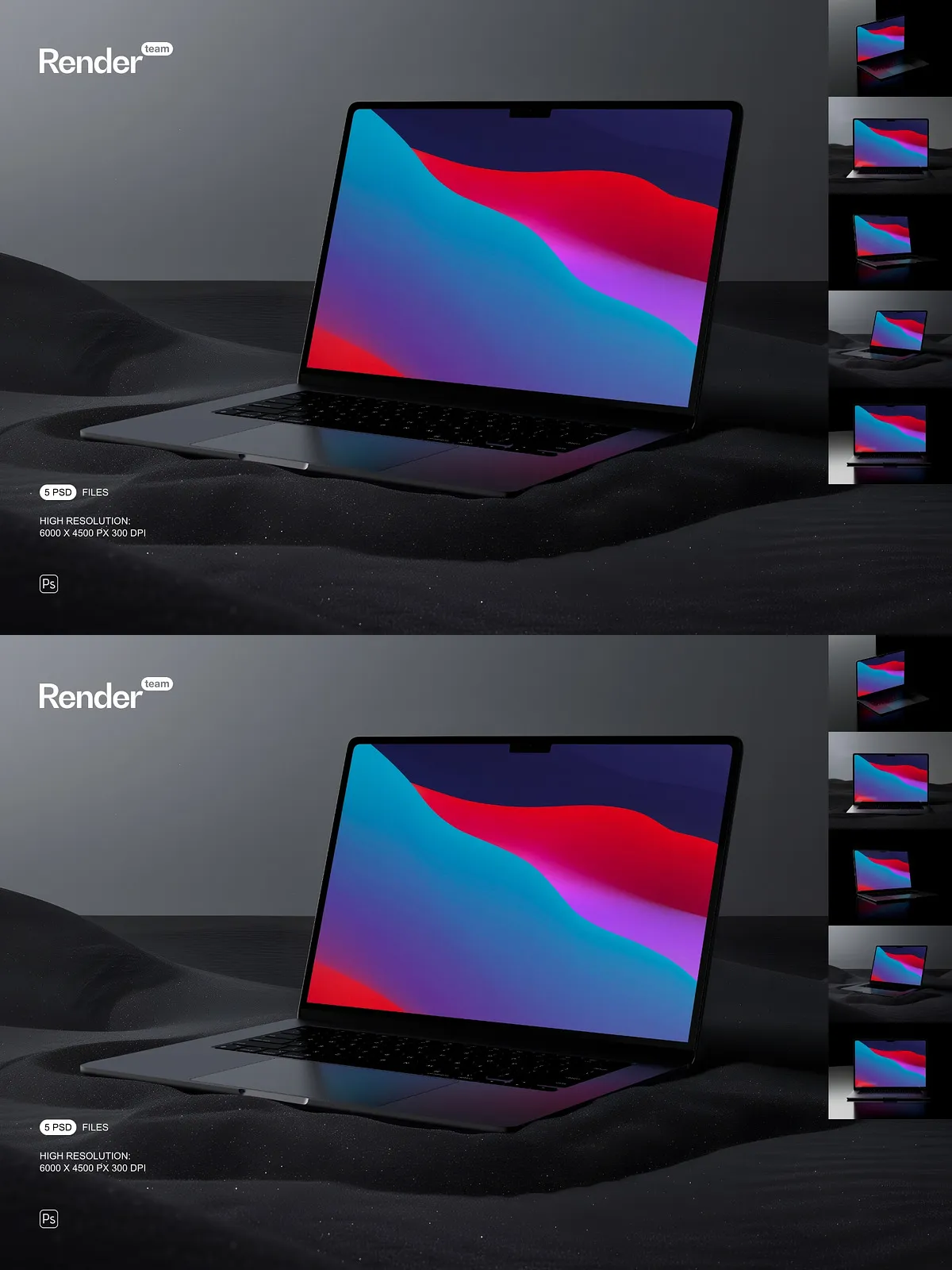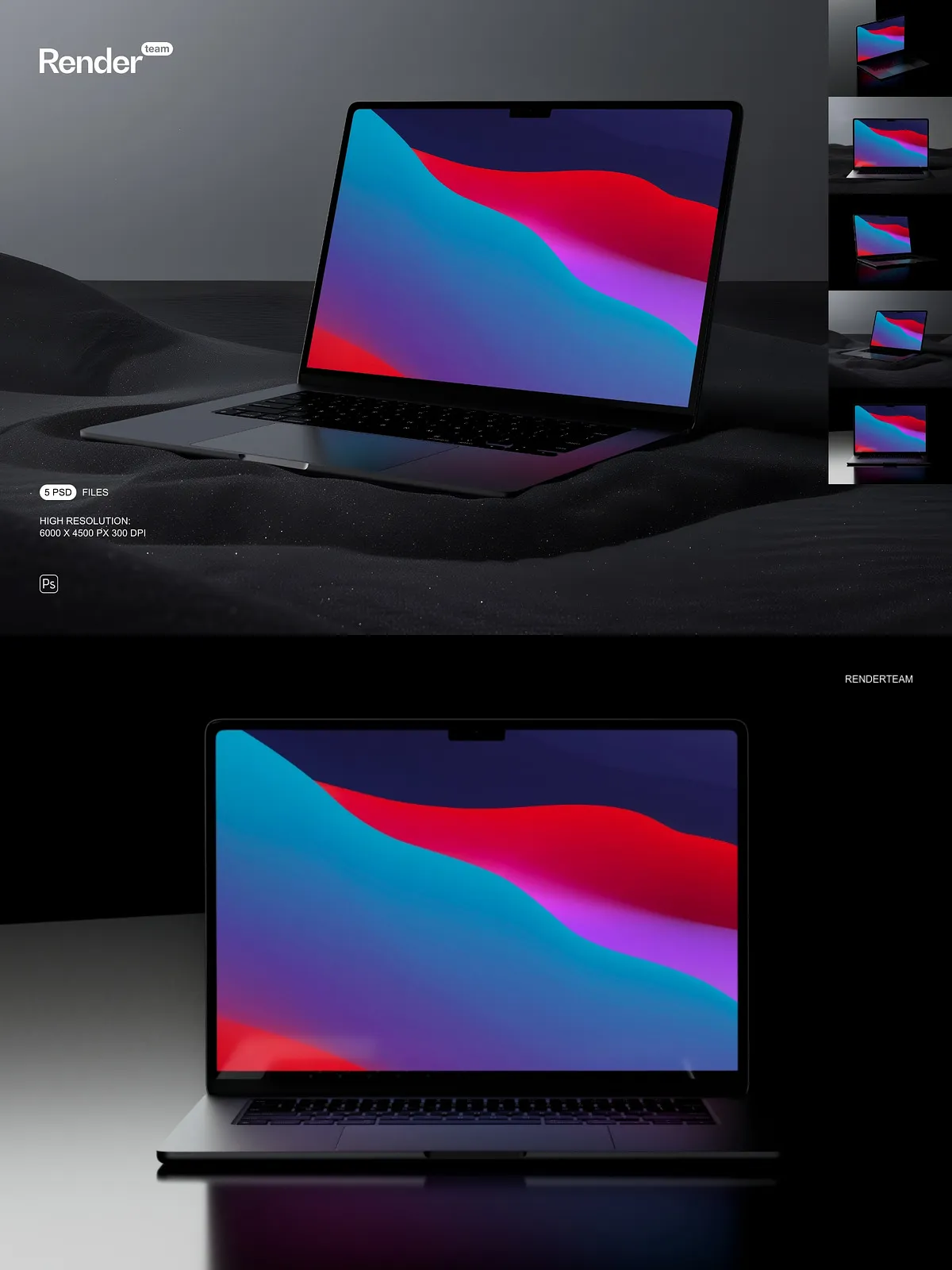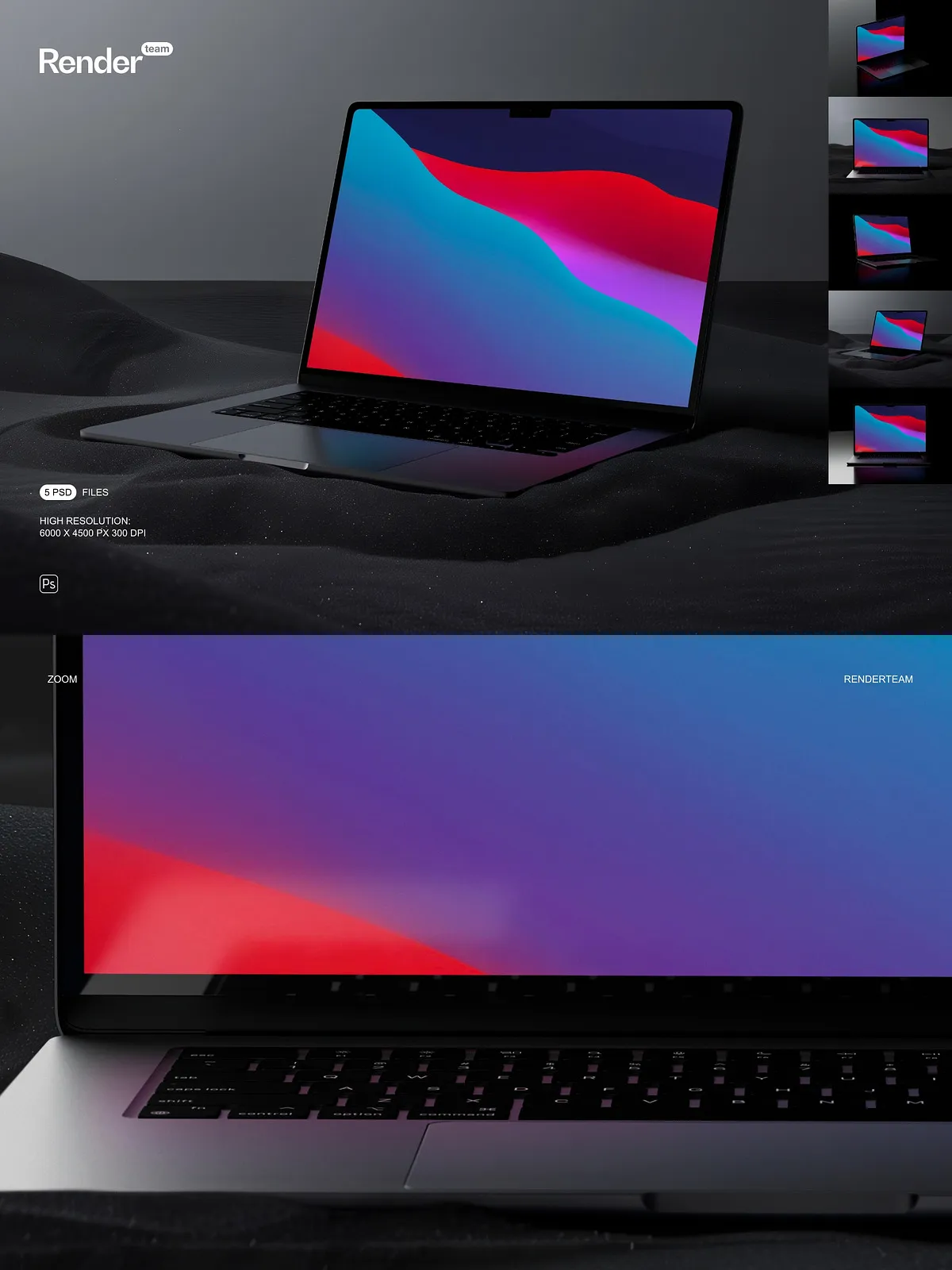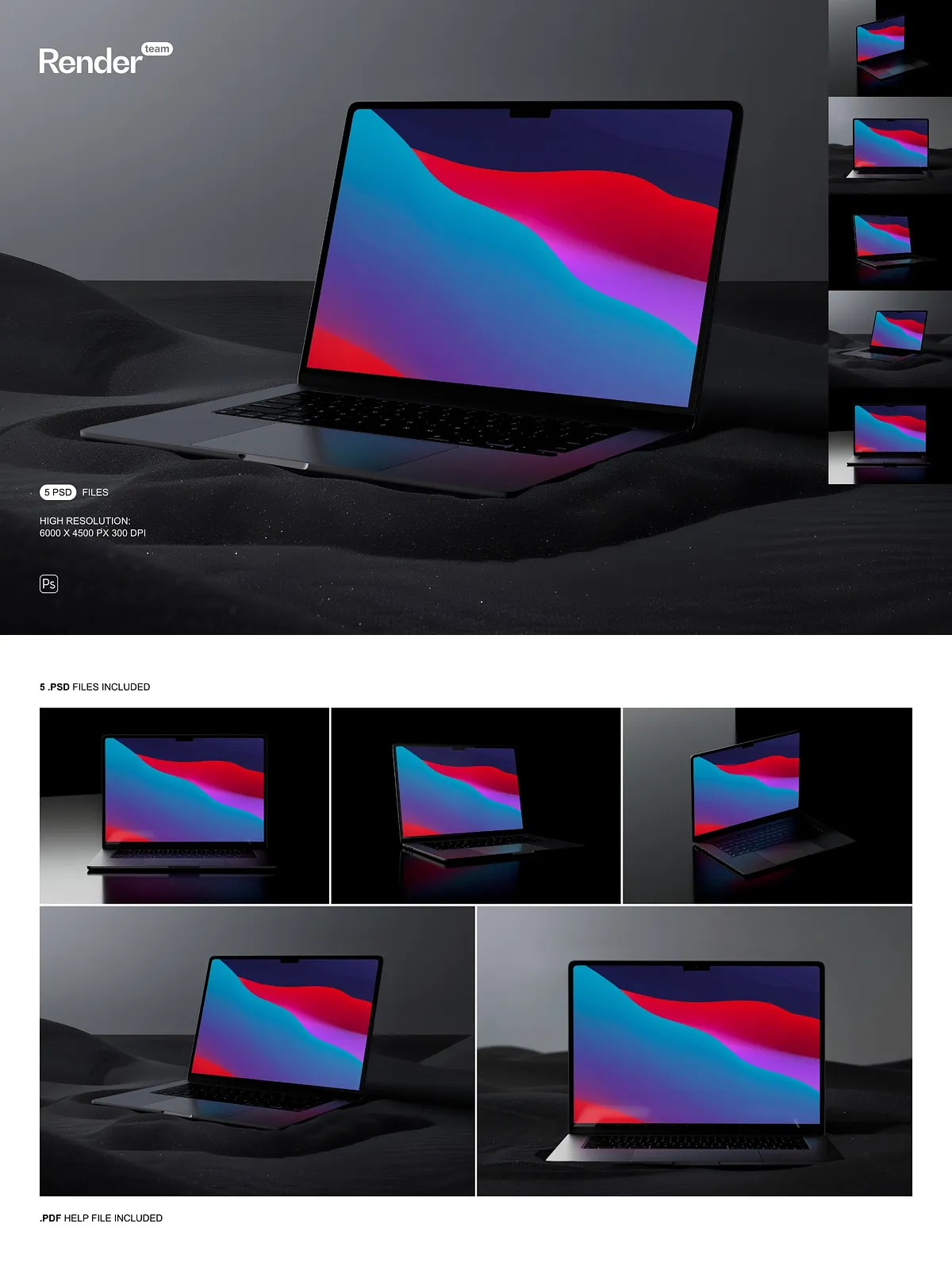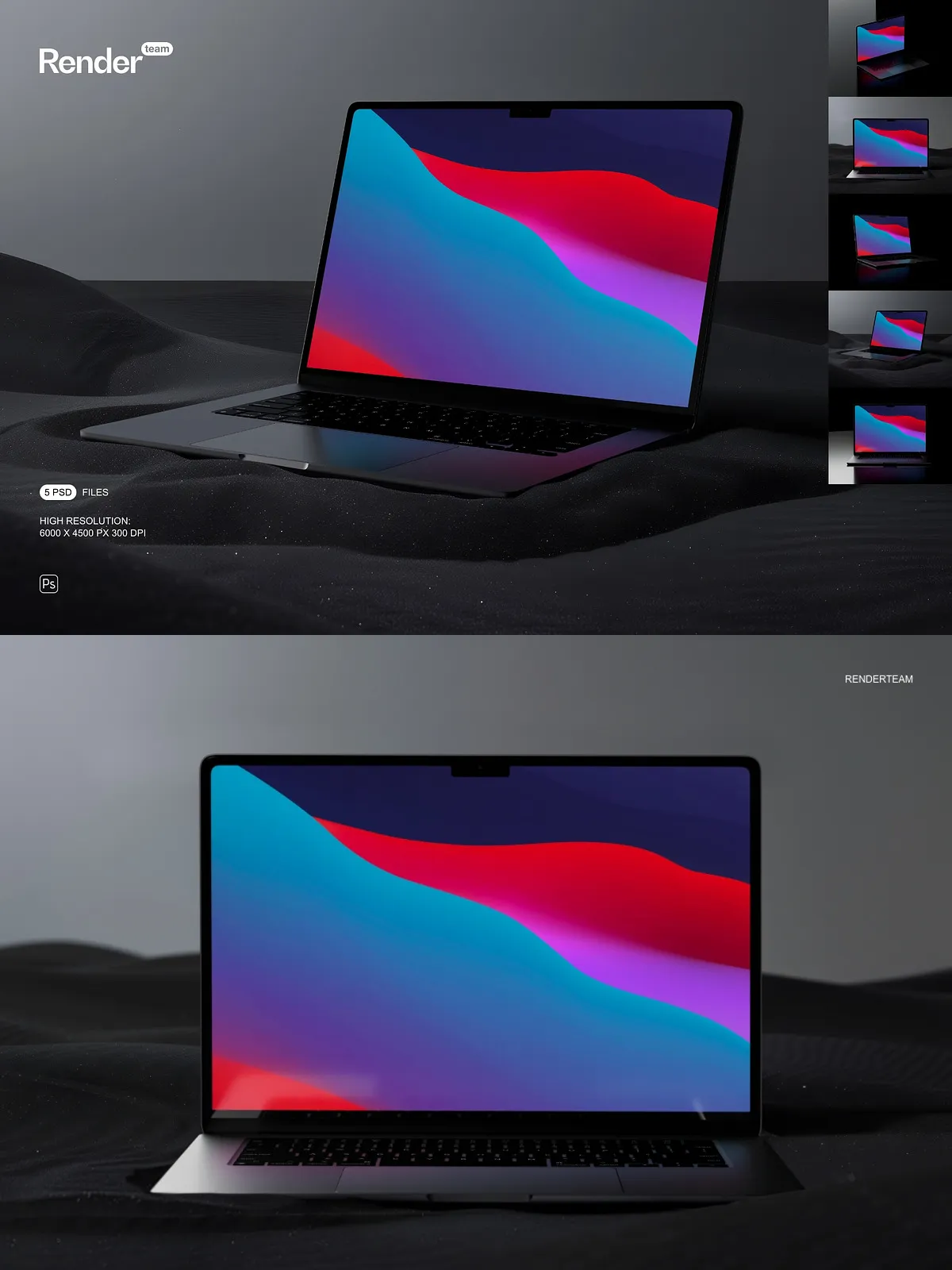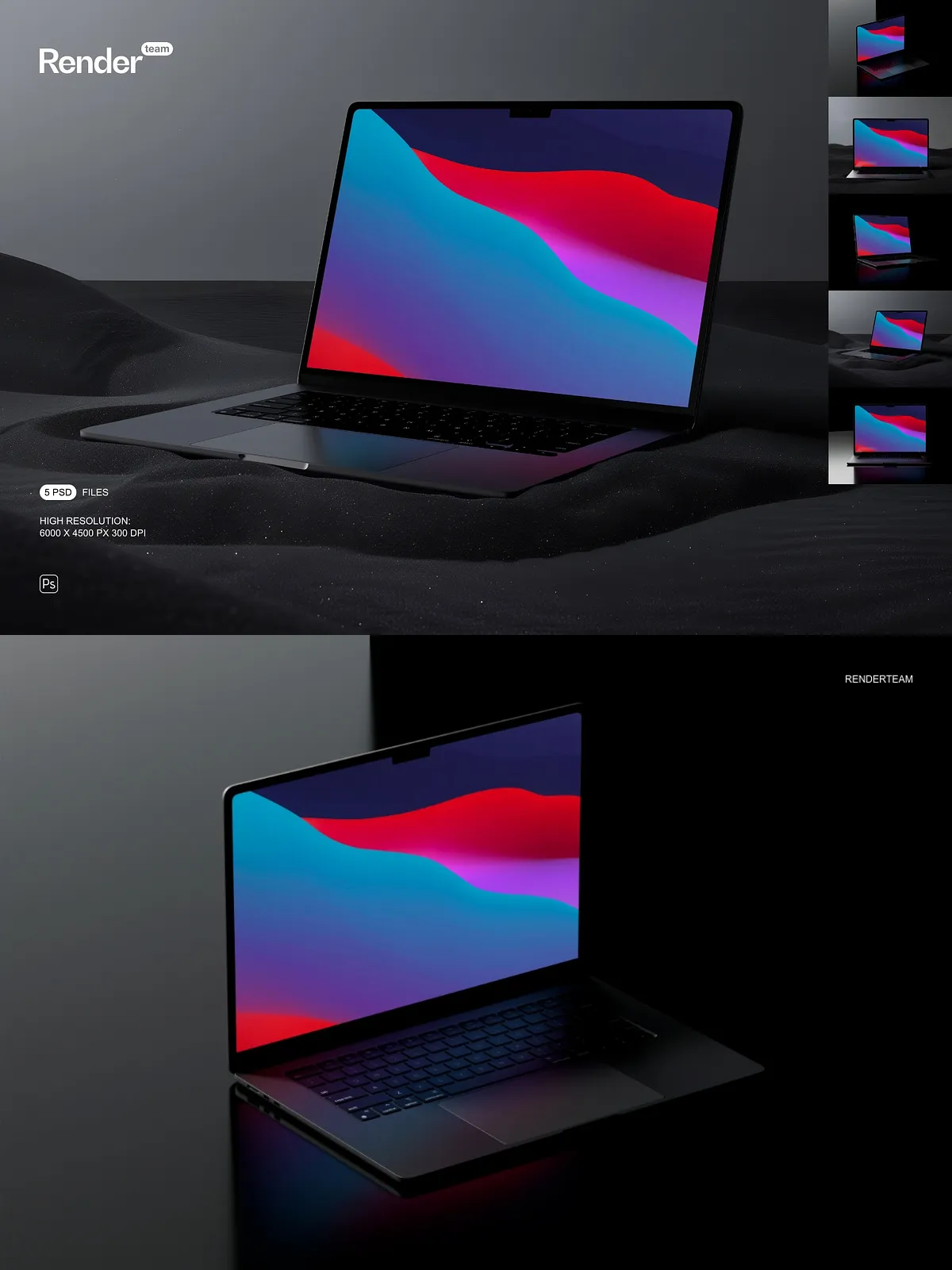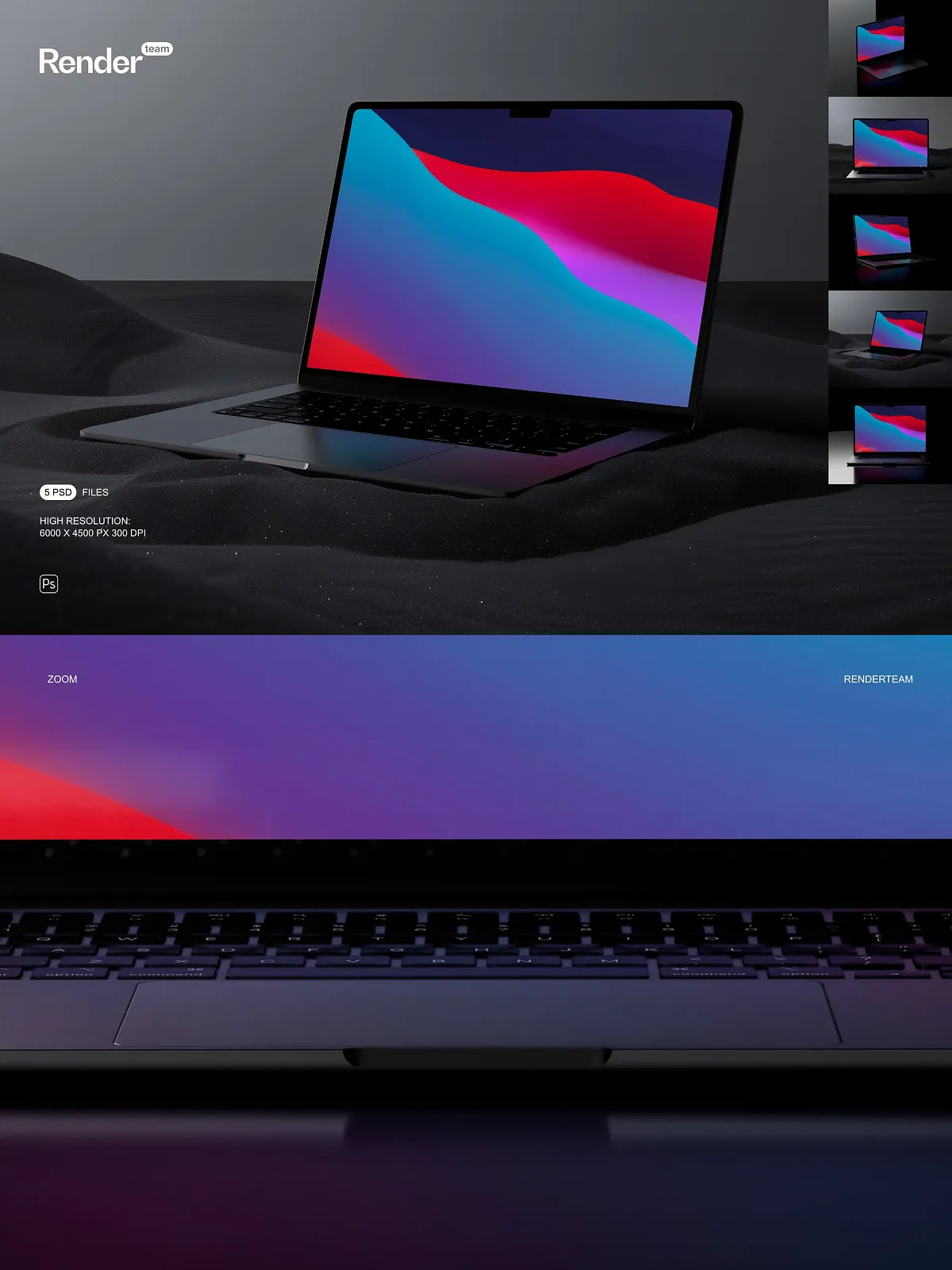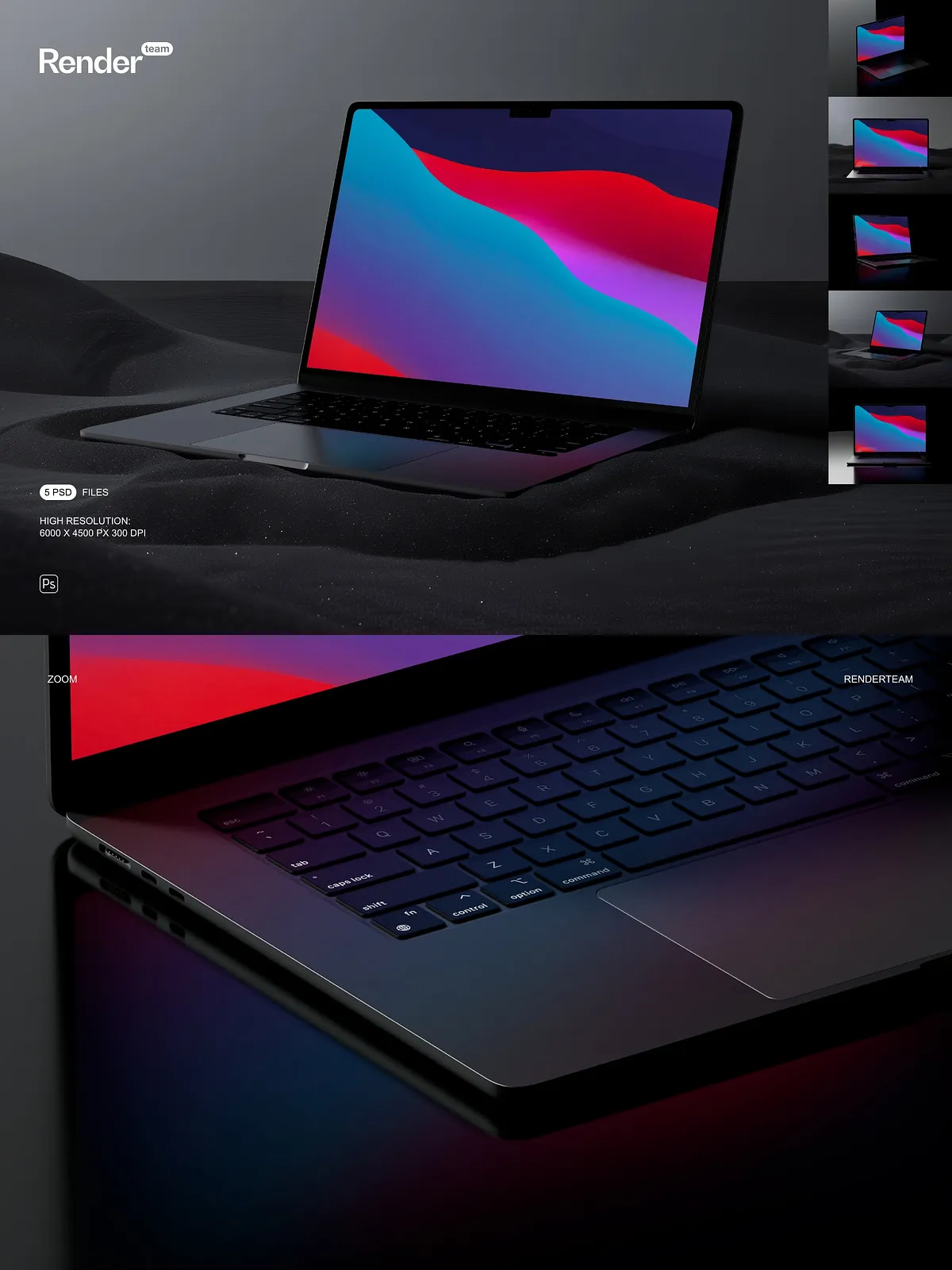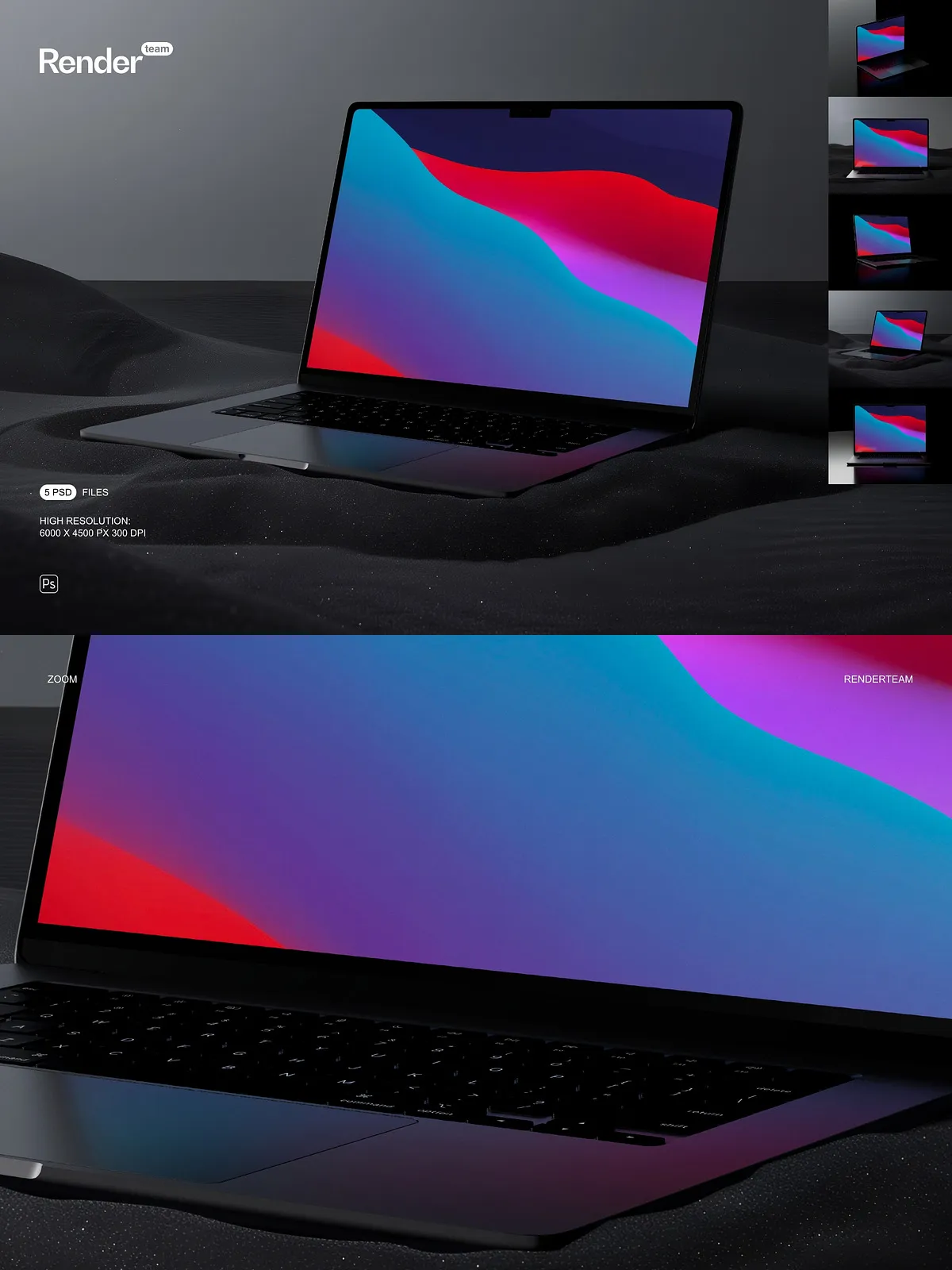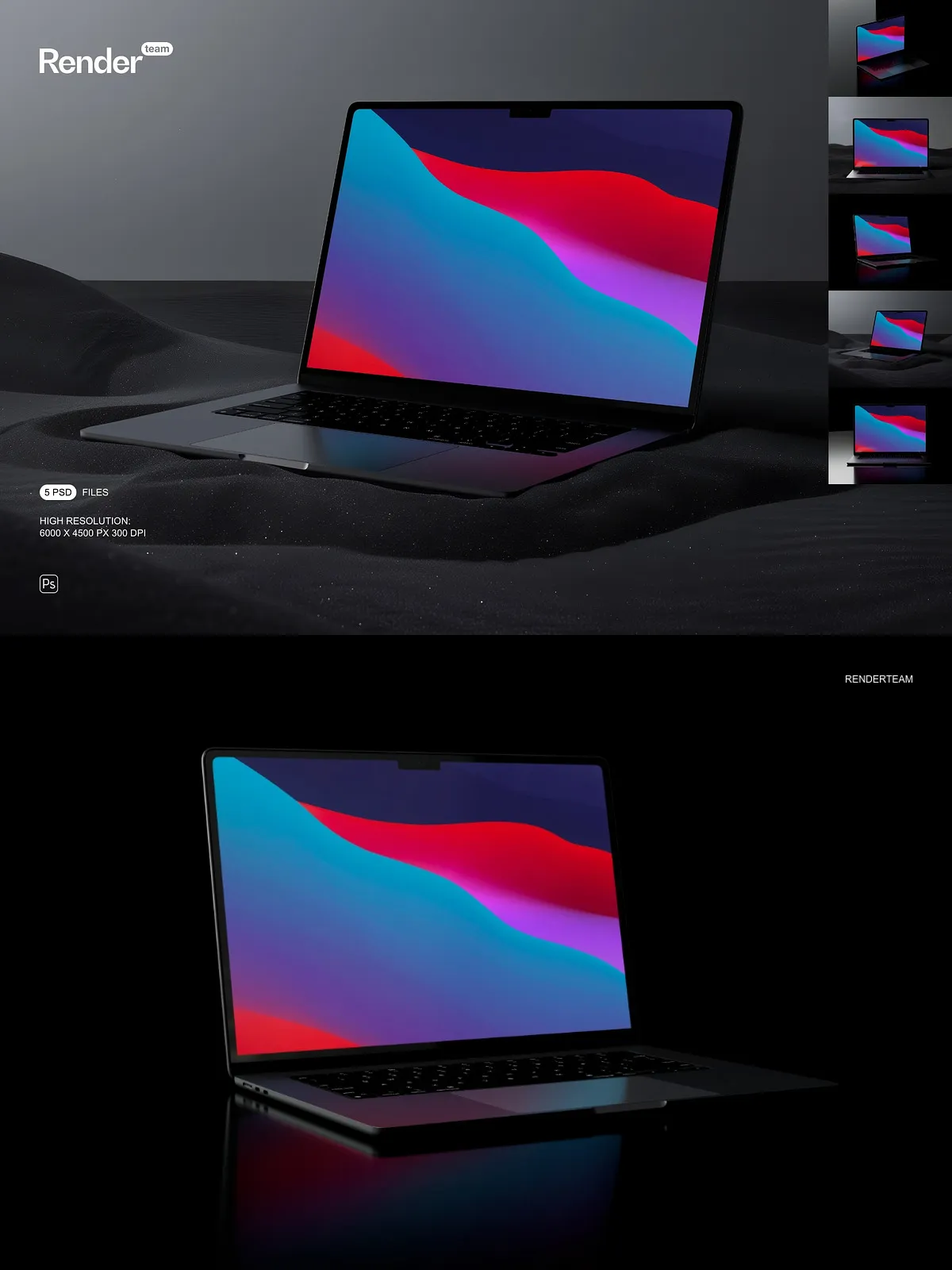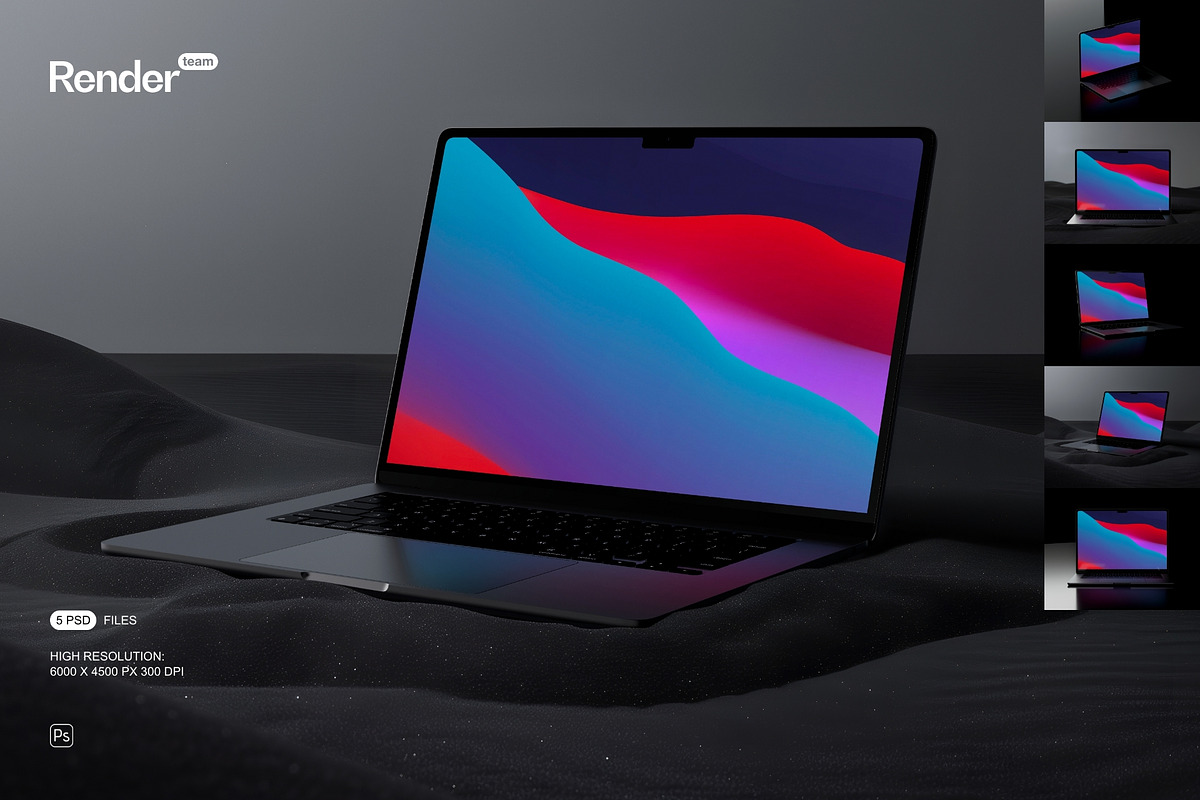
Accelerate your design workflow with the MacBook Air Mockup Set, a collection of five layered and fully editable PSD files crafted to display your work with clarity and impact. Each mockup uses Smart Objects so you can place screens, website layouts, or branding assets directly into the composition. The pack delivers high-resolution canvases, organized layer structure, and isolated elements so you can compose marketing images, portfolio shots, and presentation visuals quickly and confidently.
What’s Included
Files and Deliverables
- 5 fully layered PSD mockup files ready for Smart Object replacement
- High-resolution canvases at 6000 × 4500 px, 300 dpi for crisp exports
- Organized layers and folders to speed editing and avoid confusion
- All objects and shadows isolated to allow independent adjustments
- Editable color layers and background controls for fast scene variation
- PDF help file with clear, step-by-step instructions
Editing and Workflow
Fast Smart Object Editing
Replace your designs in seconds by double-clicking the Smart Object layer, pasting or placing your artwork, saving the Smart Object, and returning to the main PSD where the mockup updates automatically. This non-destructive approach preserves the original assets and lets you test multiple options without losing previous versions.
Organized Layers for Precise Control
We structure layers with consistent naming and grouping so you can toggle backgrounds, adjust shadow opacity, swap colors, or hide props without hunting through the file. That organization reduces friction and helps you deliver polished visuals to clients or stakeholders faster.
Image Quality and Customization
High-Resolution Output
Each template uses a large canvas with 300 dpi resolution so your exports retain sharpness for web, print, and presentation purposes. Maintain typography legibility, UI detail, and subtle texture fidelity when showcasing designs in online stores, feature pages, or printed portfolios.
Isolated Elements and Scene Control
Every major element—including device body, screen, props, and shadow layers—is isolated. Move the MacBook, change the background, layer multiple mockups into a single composition, or customize reflections and shadow strength to match your brand aesthetic. The result: flexible scenes you can adapt for product pages, case studies, and promotional banners.
How to Use
Step-by-Step Instructions
- Open a PSD mockup in Adobe Photoshop (Creative Cloud recommended for full compatibility).
- Locate the Smart Object layer labeled for the MacBook screen and double-click to open it in a new window.
- Paste or place your artwork inside the Smart Object canvas and align it to the device frame.
- Save the Smart Object file and return to the main PSD to see your design applied with correct perspective and effects.
- Adjust background colors, color overlays, and shadow opacity to refine the scene or create variations.
- Export the final composition at the required format and resolution for web, social, or print.
Compatibility and Requirements
This mockup set requires Adobe Photoshop with Smart Object support. It is specifically created for the Photoshop environment and is not compatible with editors that do not support PSD Smart Objects such as Canva or Procreate. For best results, use the latest version of Adobe Creative Cloud Photoshop to ensure full compatibility with all features and layer effects.
Licensing and Included Assets
Important: the product package DOES NOT include fonts, stock photos, or example artwork shown in preview images. Mockups provide templates only. You are responsible for securing any required licenses for third-party assets you incorporate into your designs and confirming usage rights for commercial projects.
Use Cases and Recommendations
Use these mockups to present responsive website designs, app dashboards, digital product pages, and branding concepts on a MacBook Air canvas. Combine several mockups to create cohesive product galleries, produce hero images for shop listings, or generate high-resolution visuals for client presentations. Leverage the editable structure to create multiple color variants and scene compositions quickly.
Support and Best Practices
If you are new to Smart Objects, follow the included PDF guide for clear, practical instructions. Work with high-resolution source files to preserve detail when exporting. When preparing images for the web, optimize formats and file sizes while maintaining visual fidelity for fast load times and clean presentation.