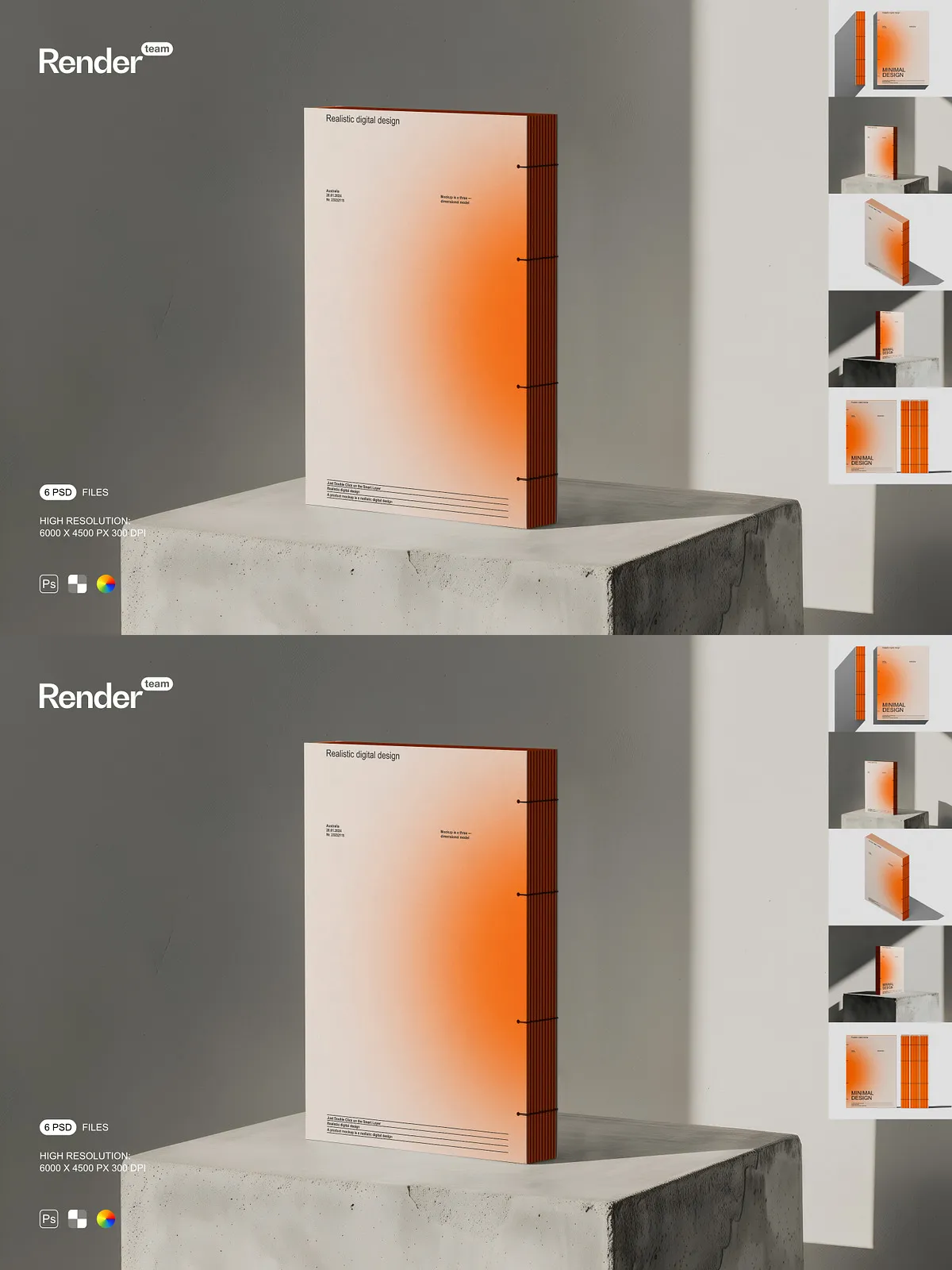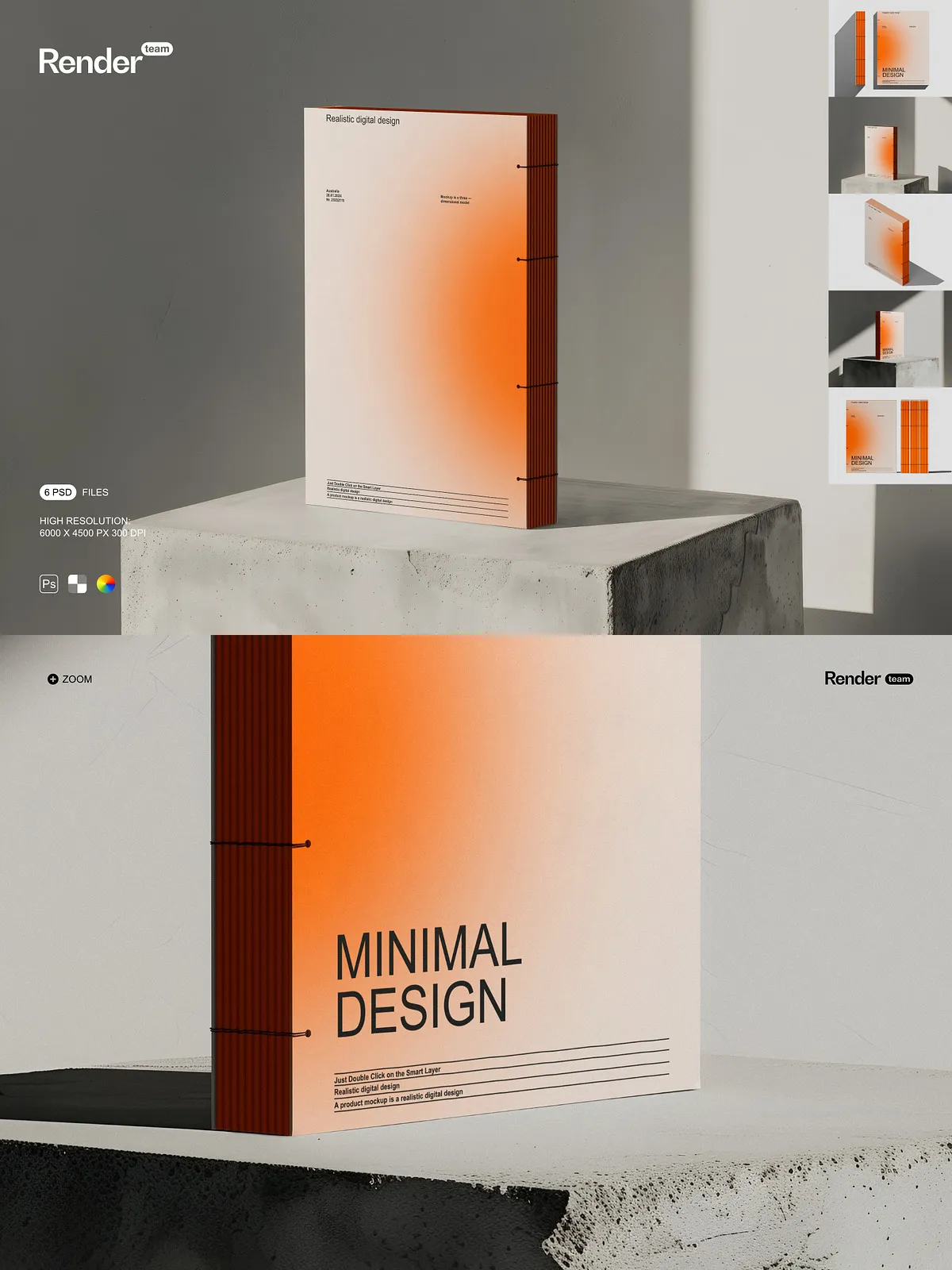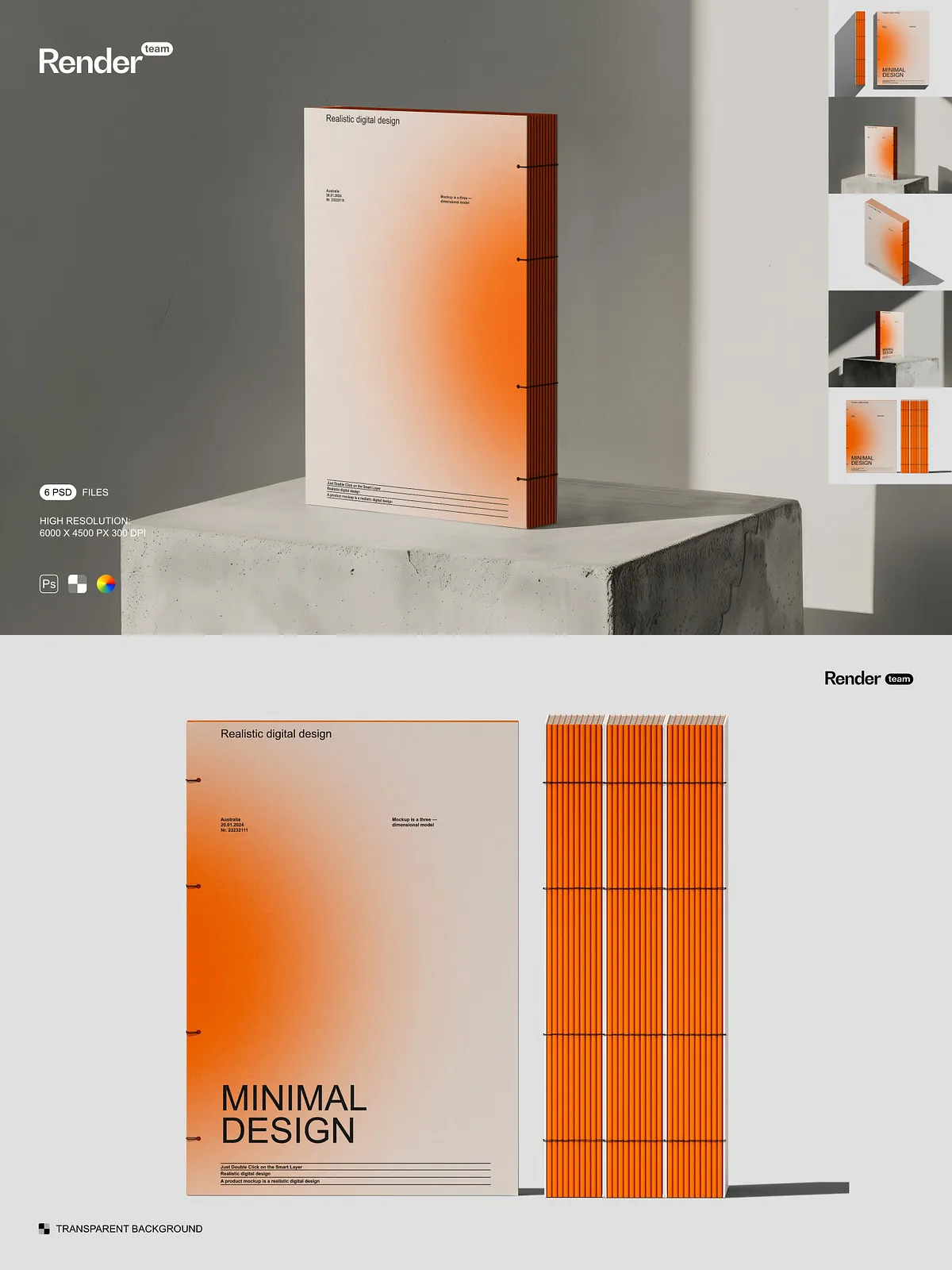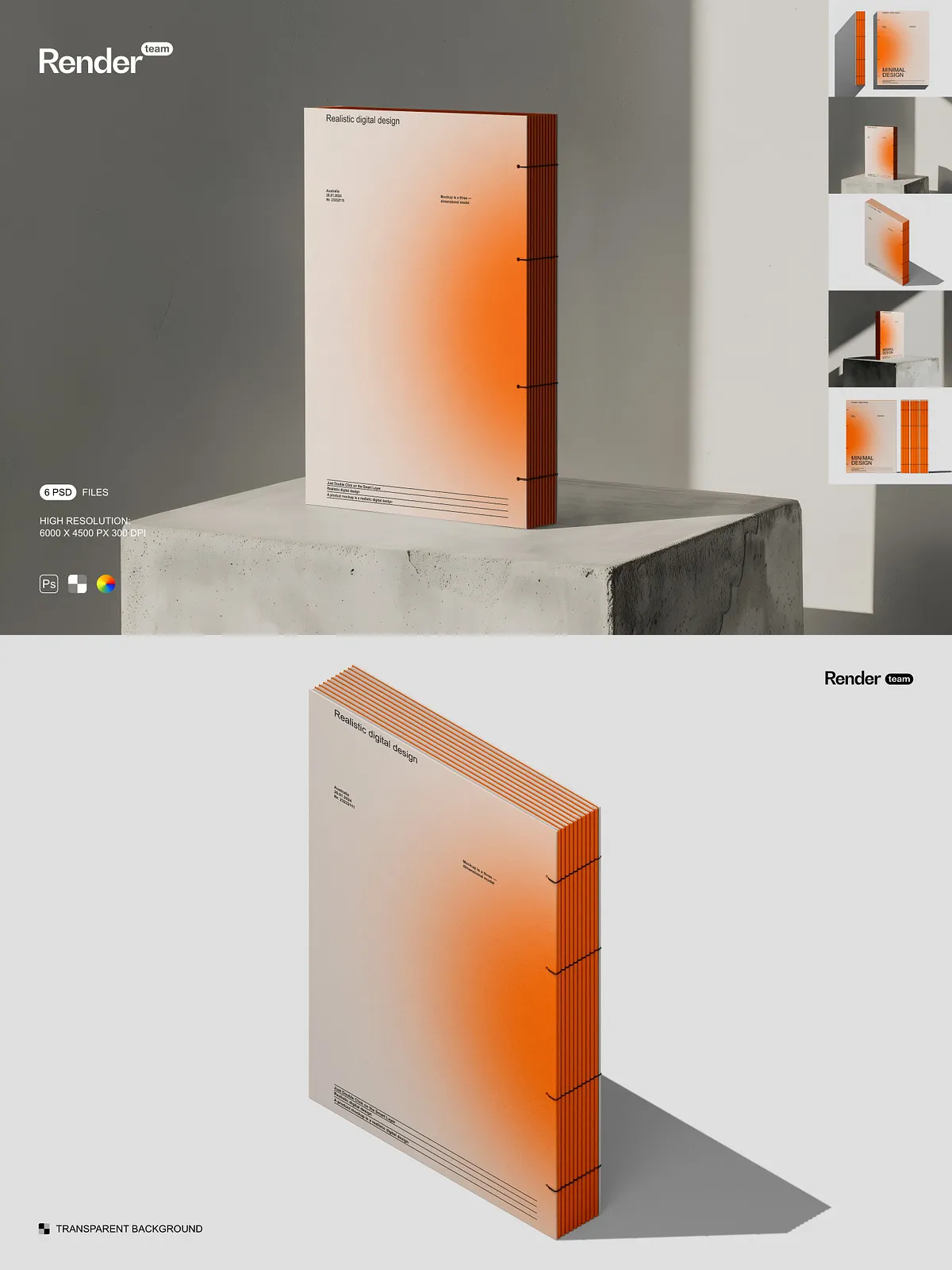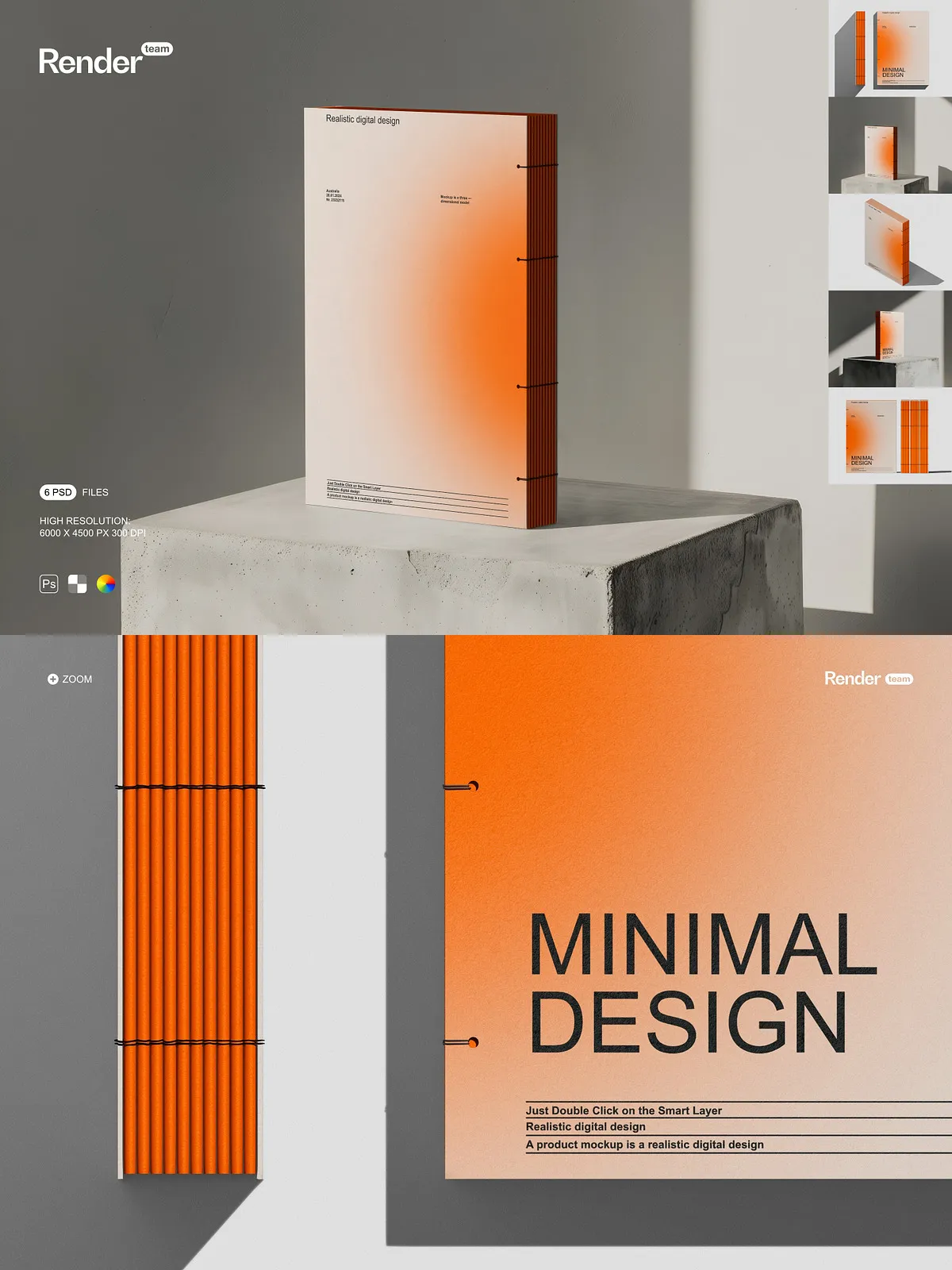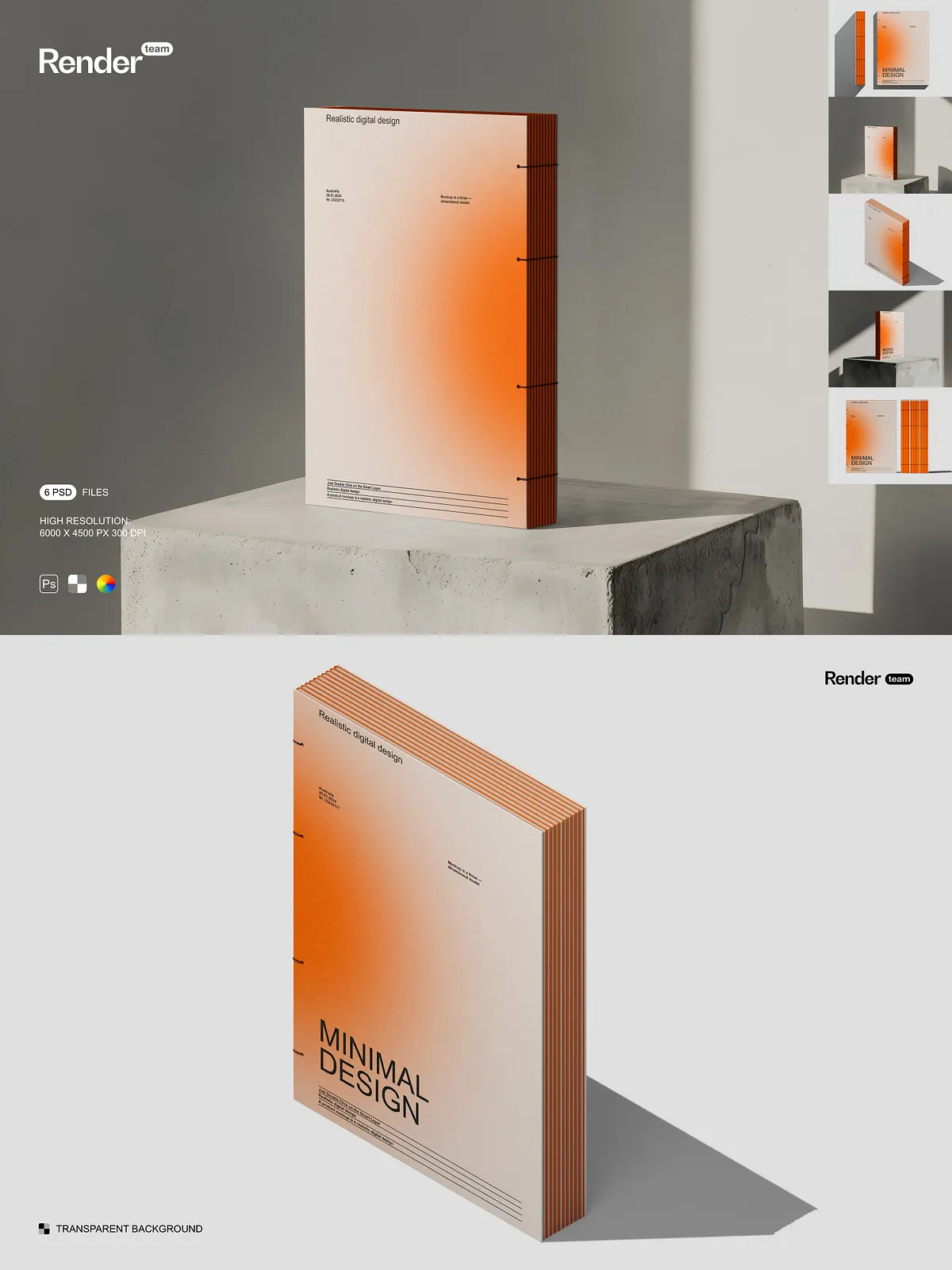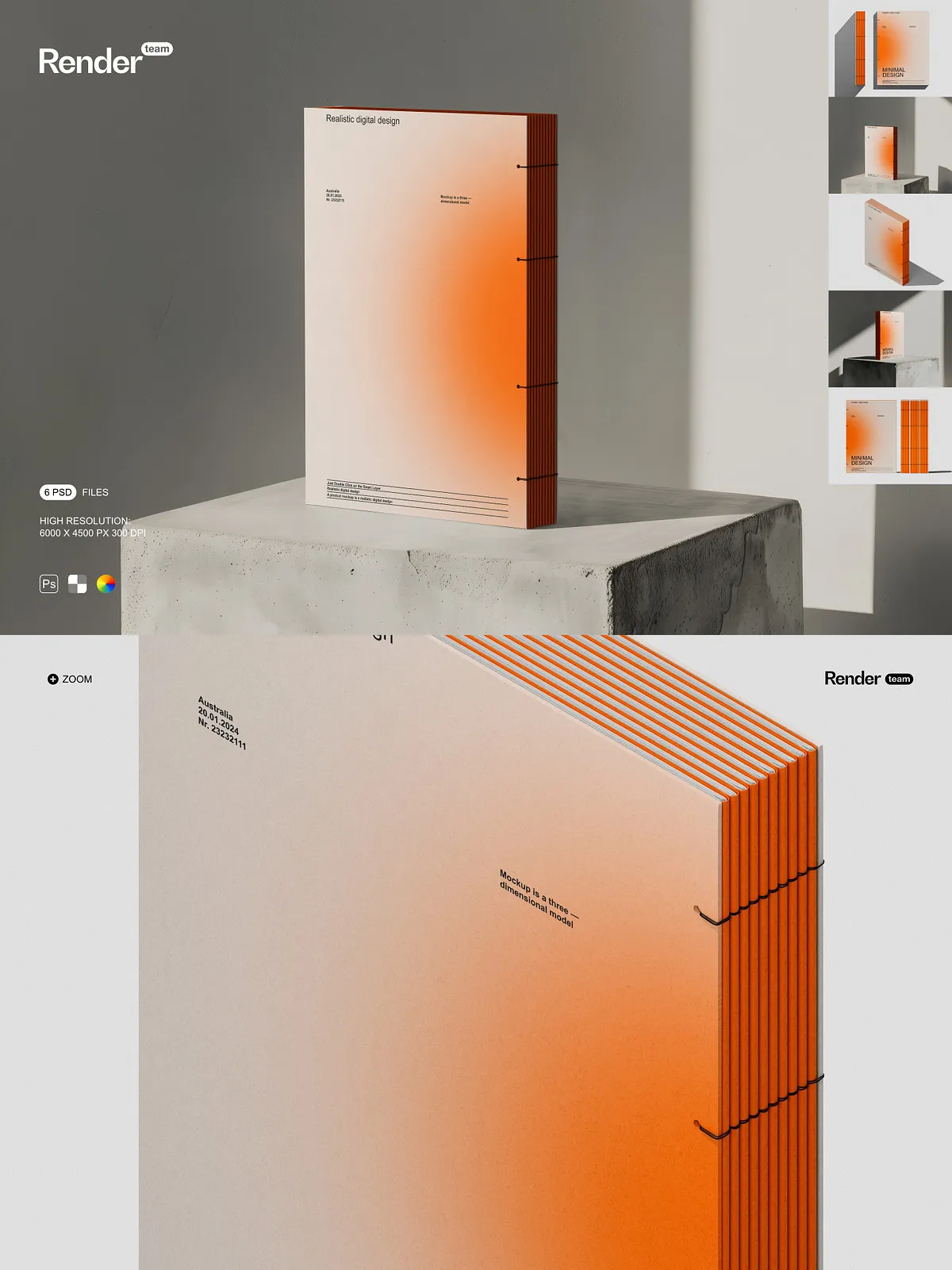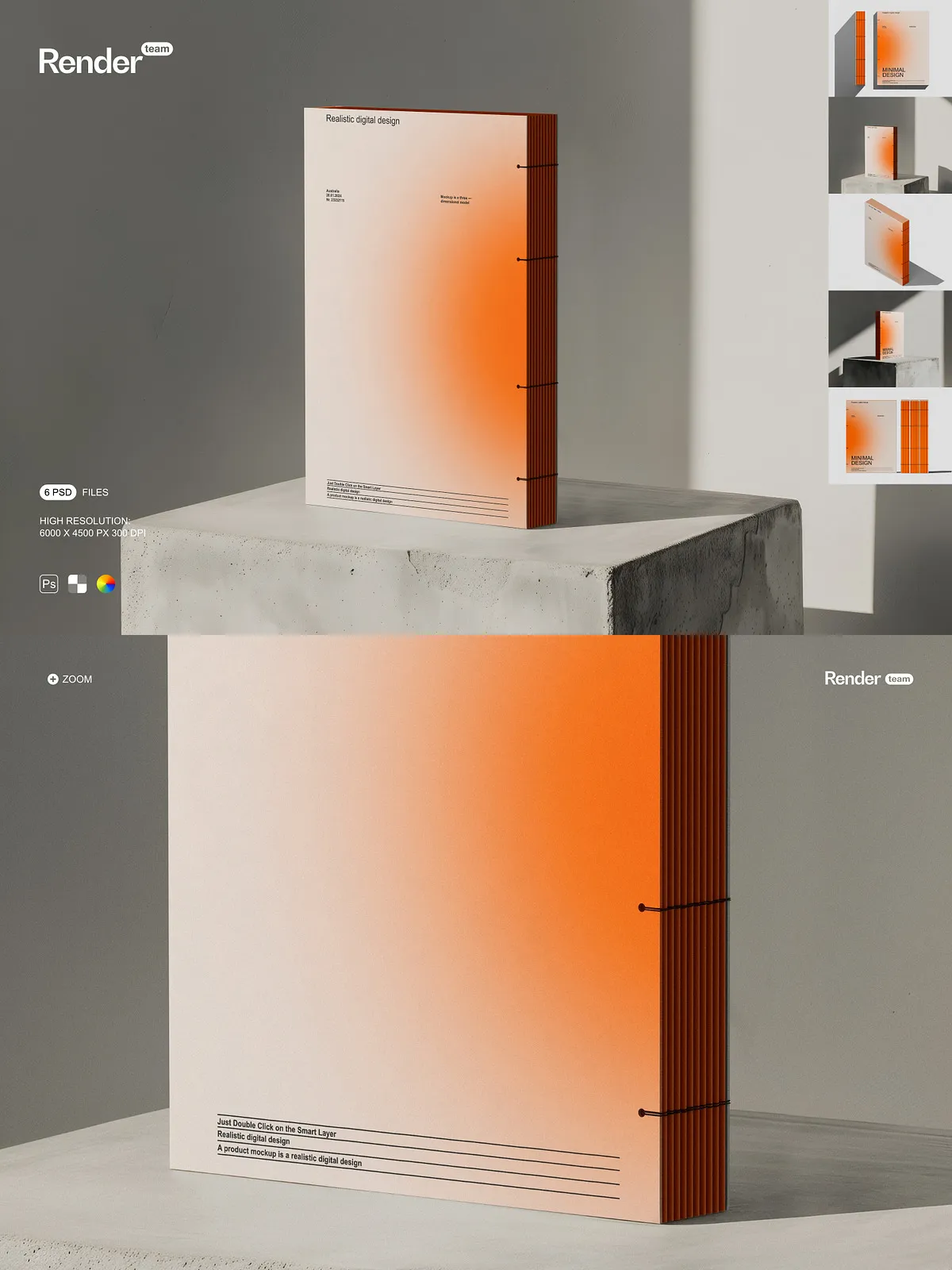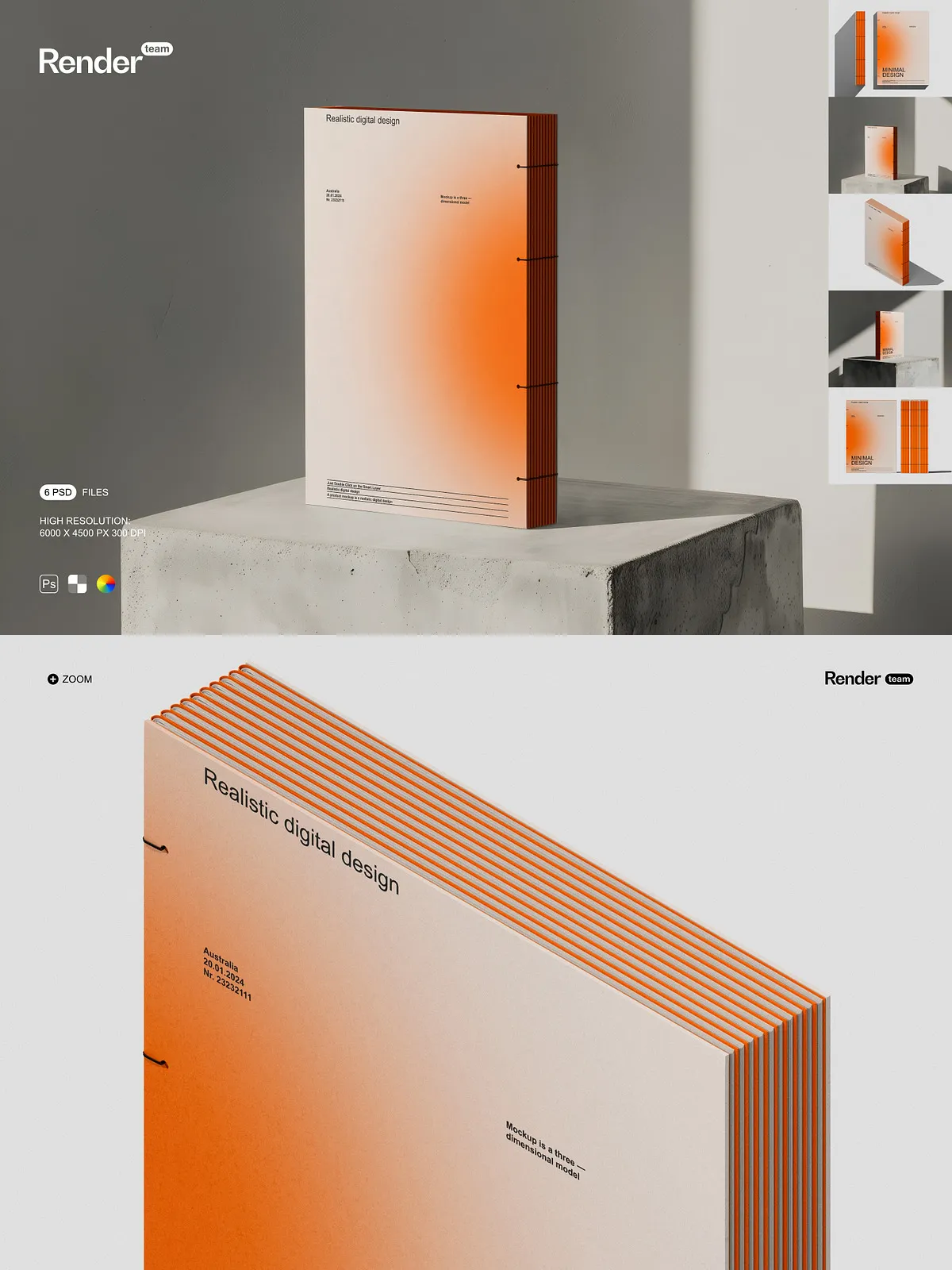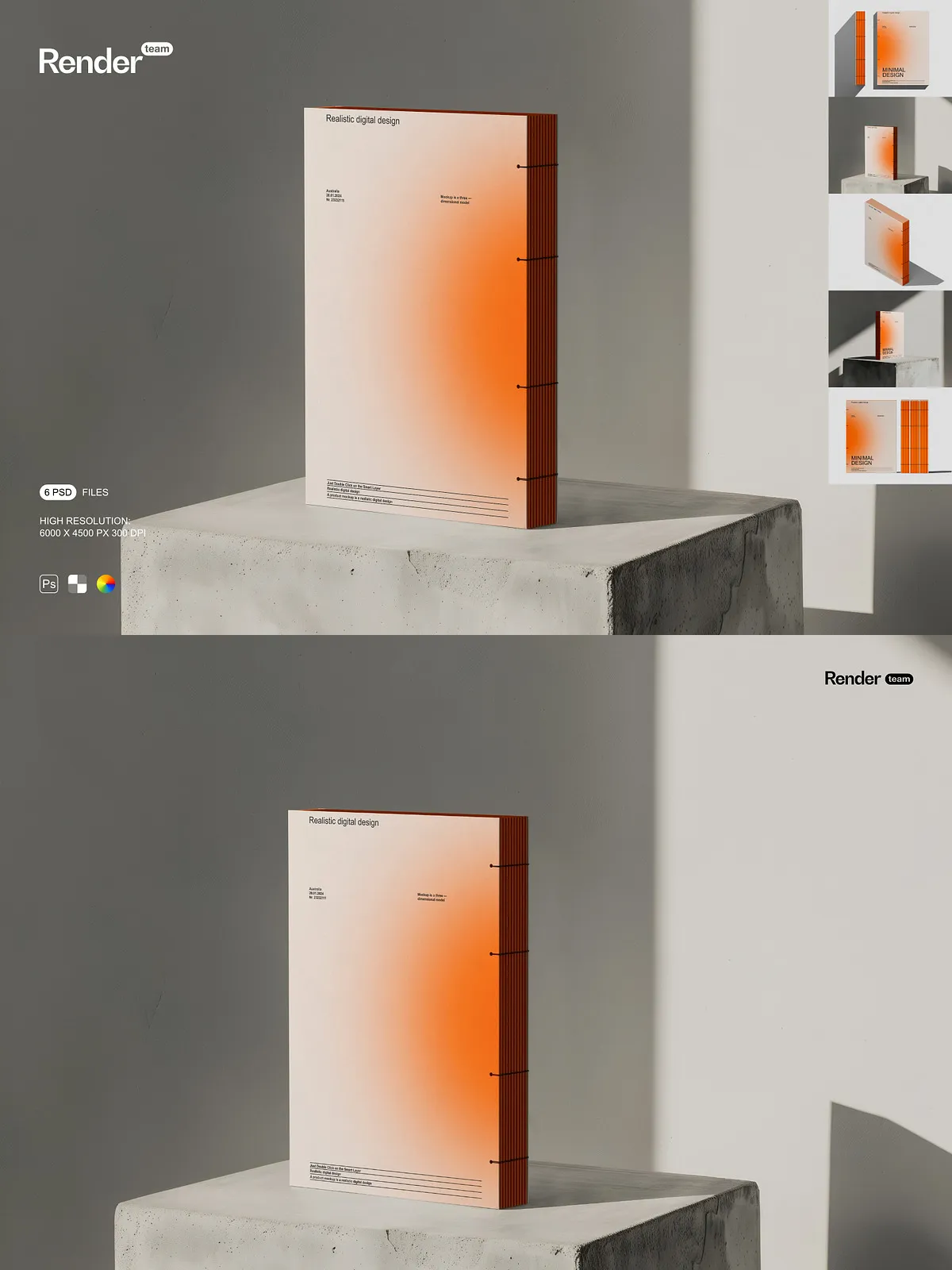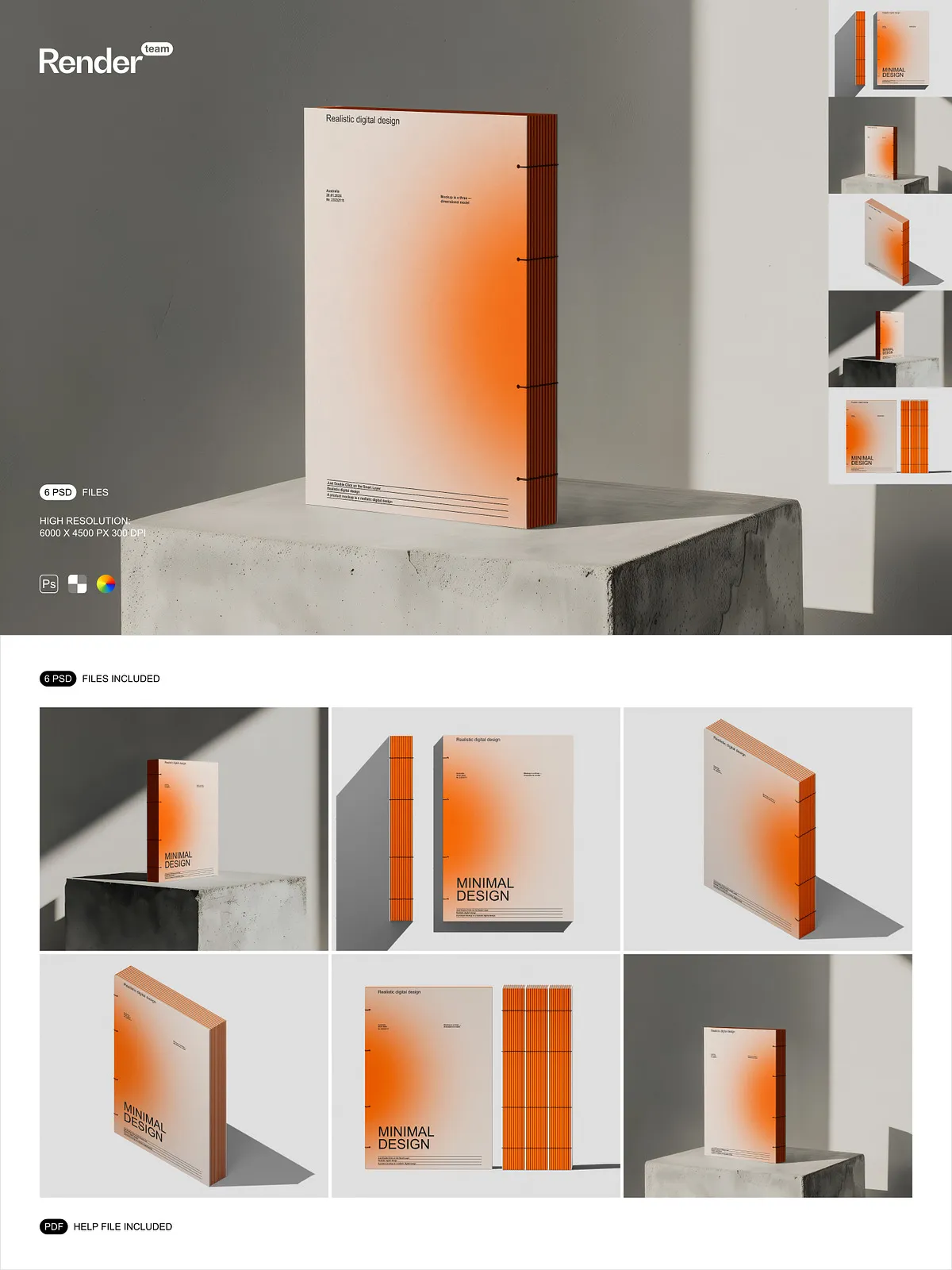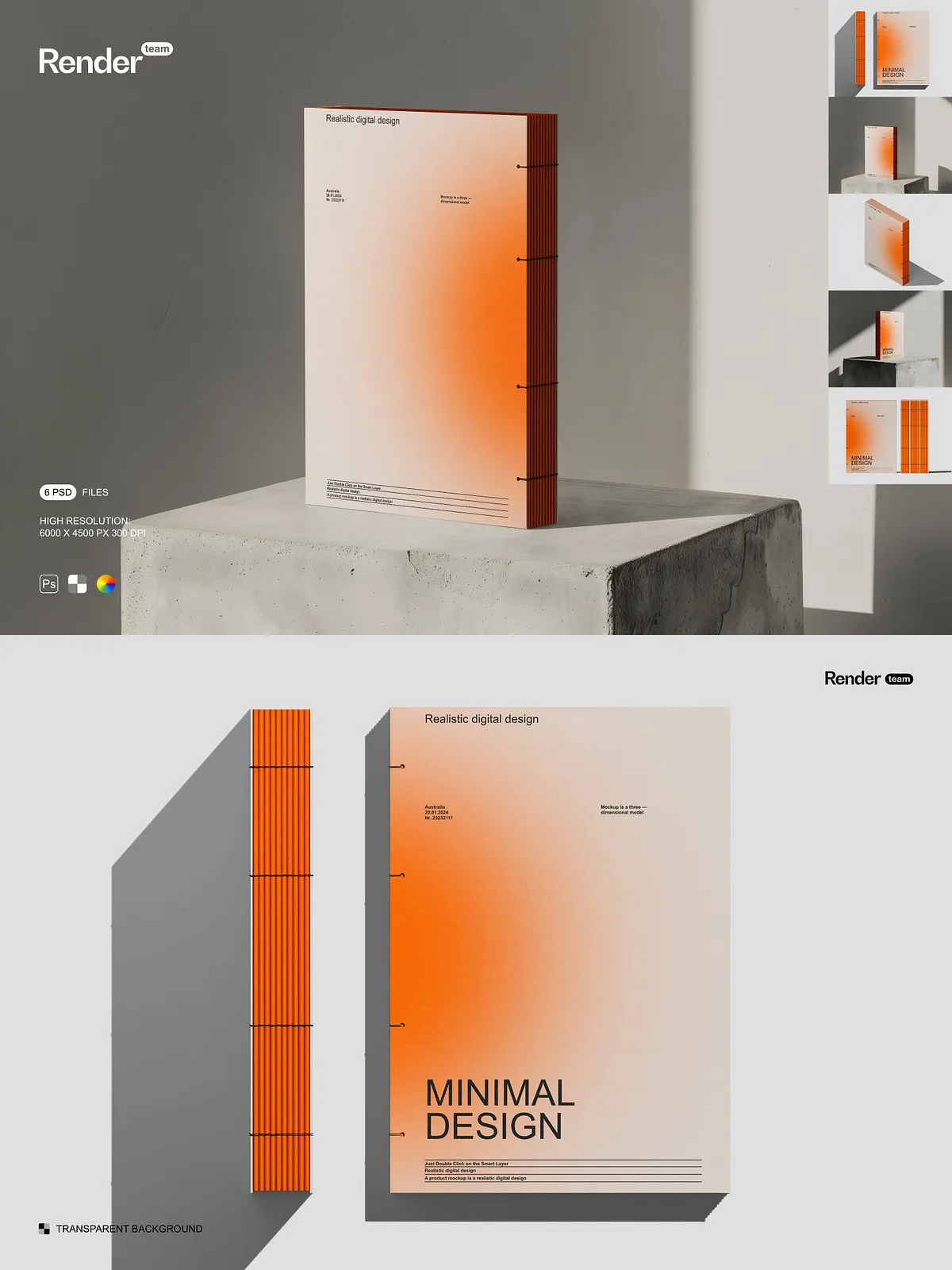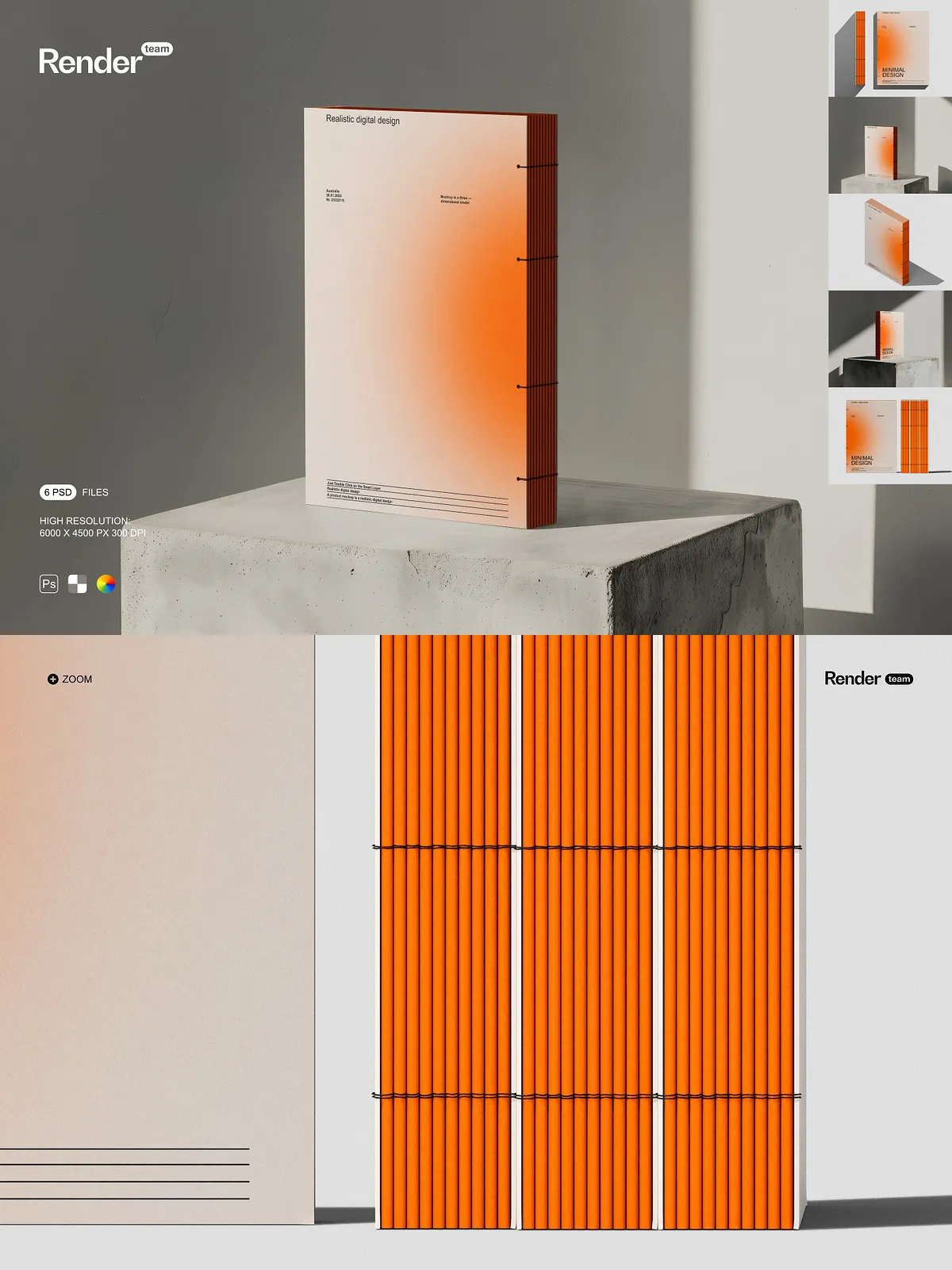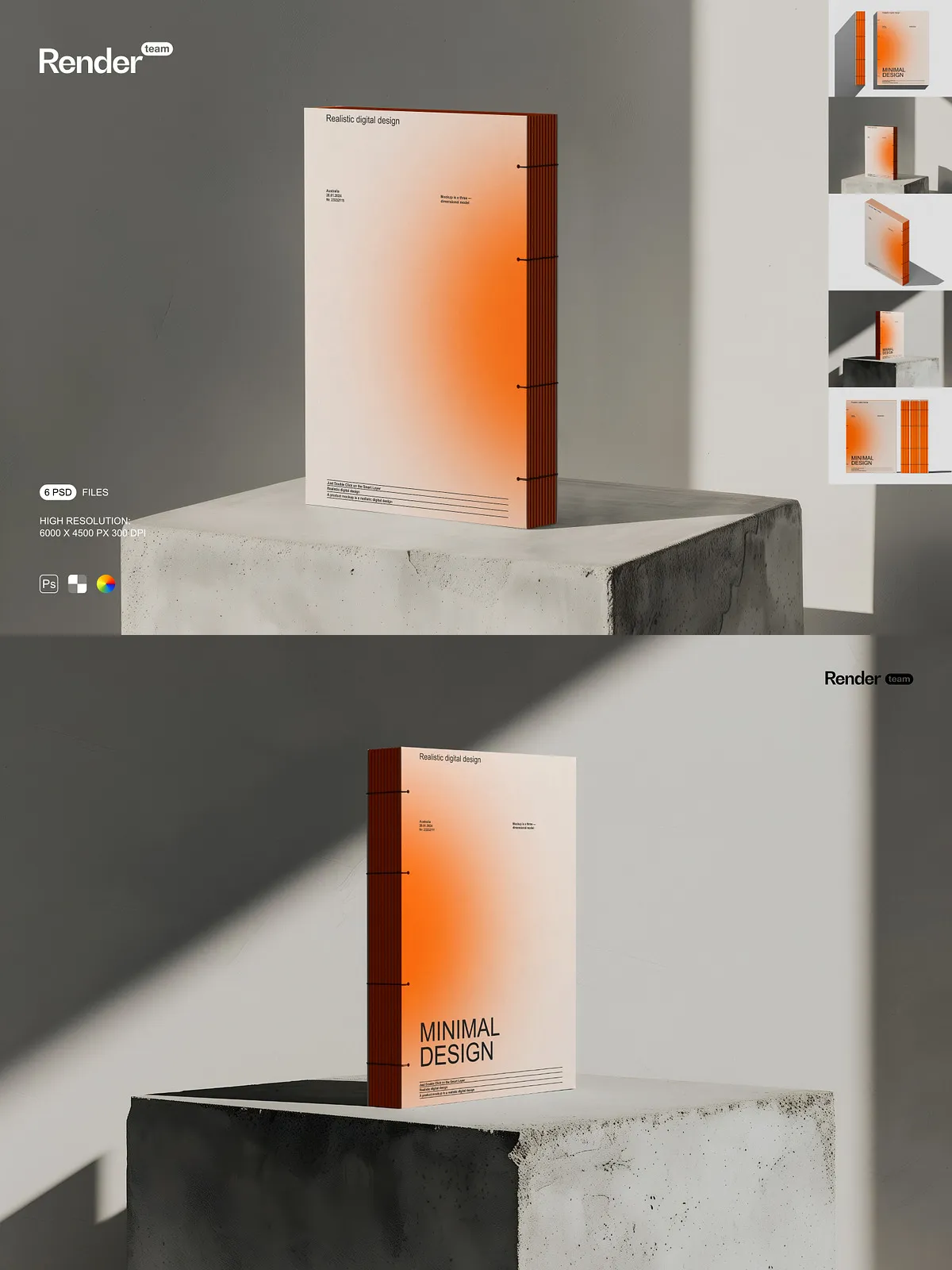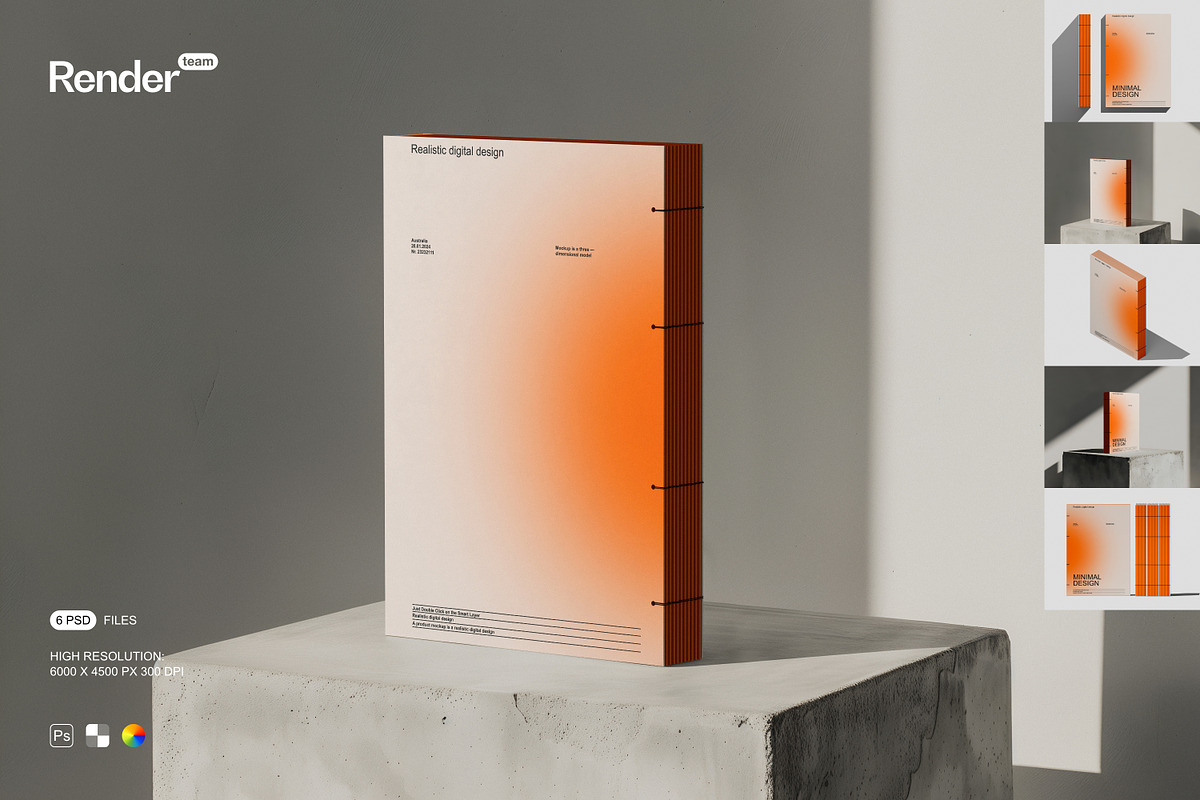
Accelerate your presentation workflow with this Book Mockup Set. Designed for active editing and rapid iteration, the package contains six layered PSD files that let you place your artwork directly into Smart Objects and adjust color layers independently. Each mockup delivers high-resolution output suitable for web, print, and portfolio presentations, and all files are organized to keep your workflow focused and efficient.
What’s Included
Files and Deliverables
- 6 fully layered, editable PSD mockup files
- High resolution: 6000 × 4500 px at 300 dpi for sharp, detailed exports
- Isolated objects and shadows to control composition and lighting
- Color layers you can modify to match branding or mood
- Smart Object placeholders for fast, non-destructive design insertion
- PDF help file with clear, step-by-step instructions
Editing and Workflow
Fast Smart Object Editing
Open any PSD and double-click the named Smart Object layer to replace the artwork. Paste, place, or design your layout inside the Smart Object canvas, then save to return to the main file. This non-destructive method preserves your originals while applying accurate perspective, scale, and effects automatically.
Organized Layers for Precise Control
Layers and groups use clear naming conventions so you can toggle backgrounds, adjust shadow intensity, or swap props without hunting for elements. Color layers allow you to rapidly test variations and match client brand guidelines. The organized structure minimizes friction and keeps focus on creative decisions.
Image Quality and Customization
High-Resolution Outputs
Each mockup uses a 6000 × 4500 px canvas at 300 dpi so you can export crisp visuals for product pages, large-format prints, and detailed close-ups. Large file sizes preserve typography, texture, and subtle design details that matter in client reviews and presentation decks.
Isolated Elements and Shadows
Isolated objects and shadow layers let you craft custom scenes. Move or remove shadows, place the book on any background, and composite multiple mockups together to create consistent gallery pages and promotional layouts.
How to Use
Step-by-Step Guide
- Open a PSD mockup in Adobe Photoshop (Creative Cloud recommended).
- Locate the Smart Object layer labeled for the book cover or interior spread and double-click it.
- Paste or place your design in the Smart Object canvas and adjust composition to fit the template.
- Save the Smart Object and return to the main PSD to see your design applied.
- Adjust background, color layers, shadows, and additional props to refine the scene.
- Export the final image at the desired size and file format for web or print.
Compatibility and Requirements
This mockup set requires Adobe Photoshop with Smart Object support. The files are created for Photoshop and are not compatible with Canva, Procreate, or other editors that do not support PSD Smart Objects. For best results, use the latest version of Adobe Creative Cloud; see Adobe Creative Cloud for system requirements and compatibility: https://www.adobe.com/creativecloud.html.
Licensing and Assets
Important: the product package does NOT include fonts, stock photos, or sample designs shown in preview images. The mockup files provide templates only. You must secure licenses for any third-party assets you add to your compositions and confirm usage rights for commercial or client work.
Use Cases and Creative Suggestions
Apply these mockups to showcase book covers, dust jacket designs, interior spreads, or series layouts. Use color layers to match different editions, compose multiple mockups into a single gallery image for e-commerce, or export high-resolution images for print portfolios and client presentations. The editable structure encourages experimentation and rapid iteration so you can test multiple concepts quickly.