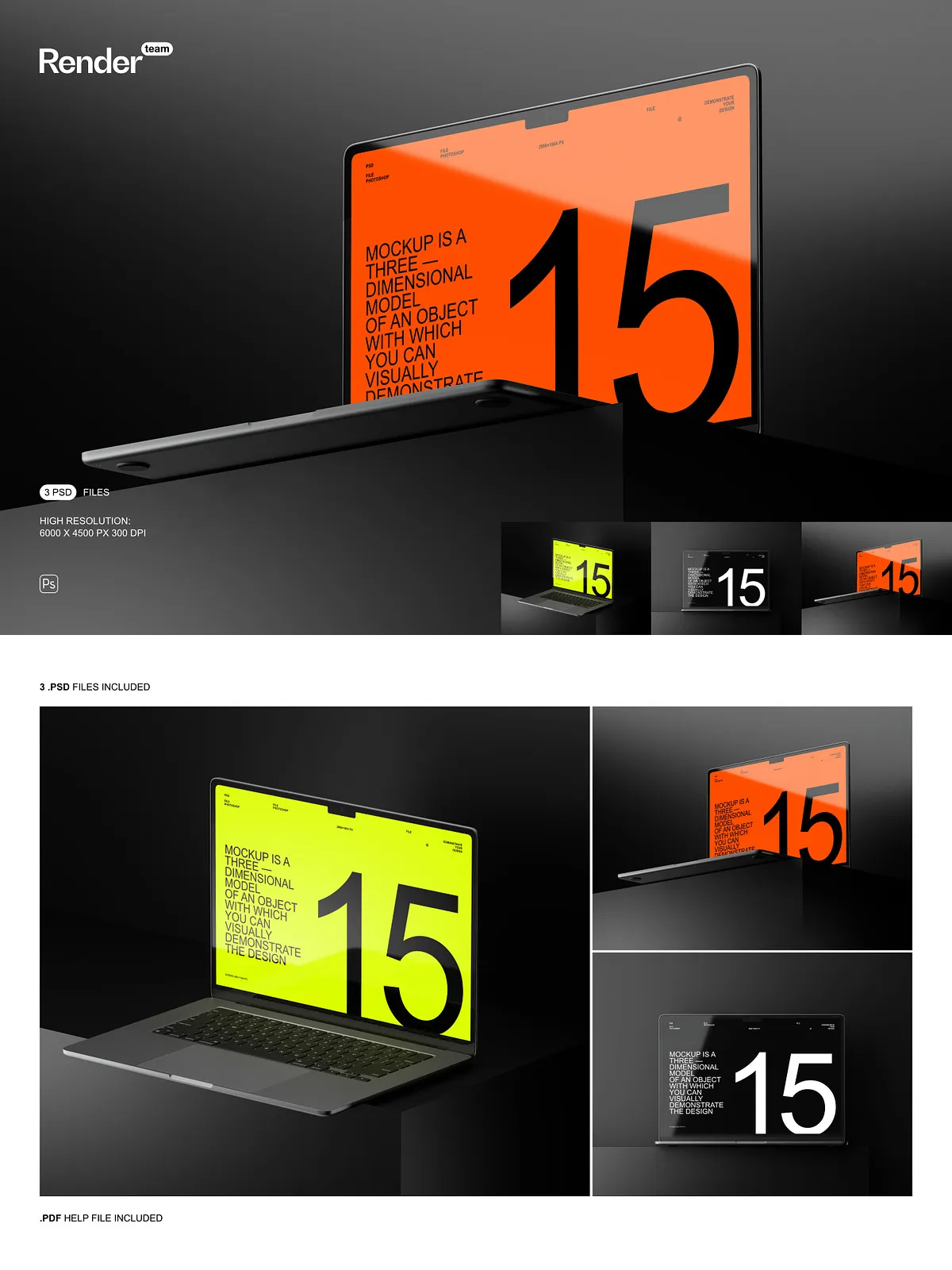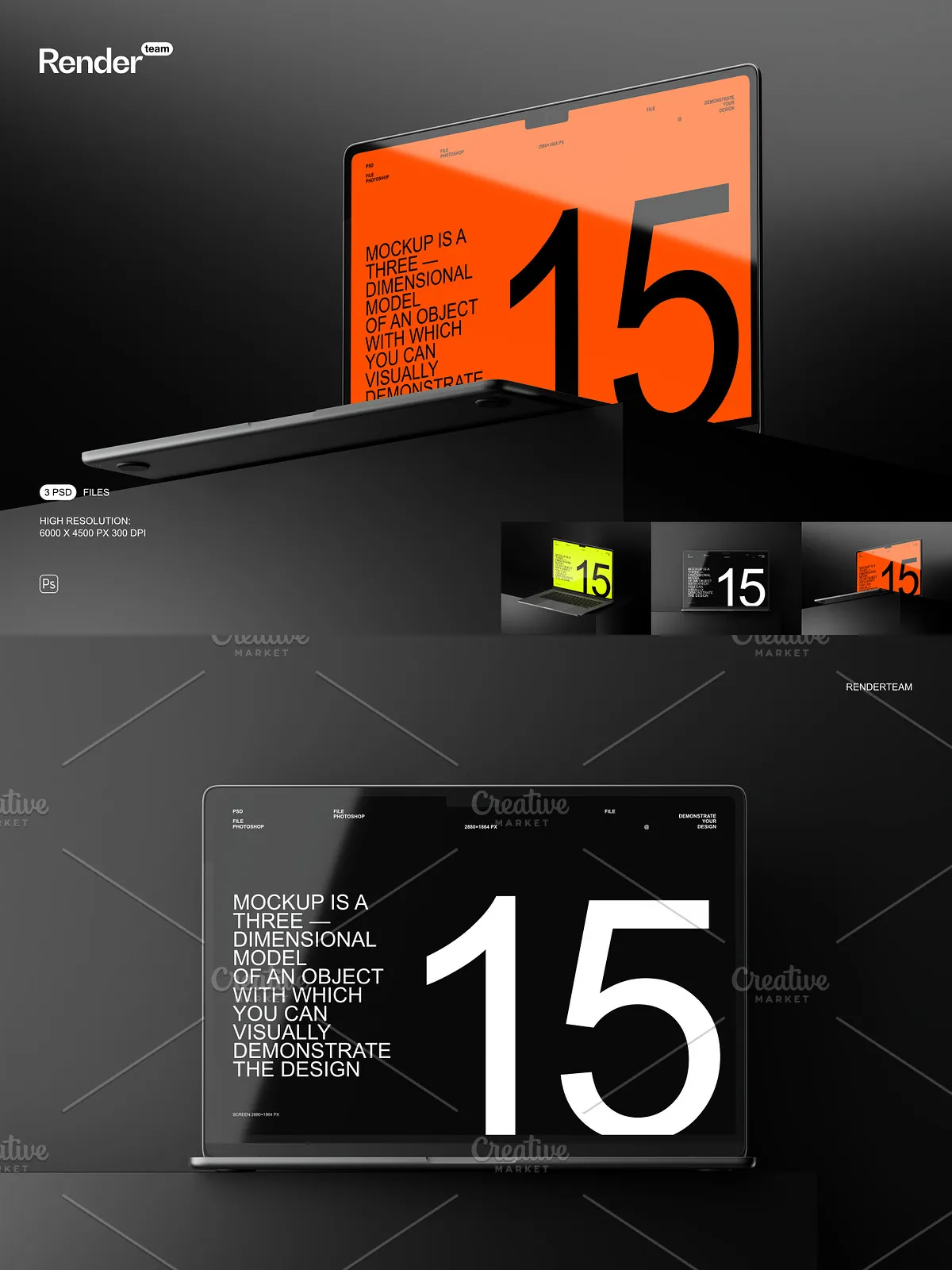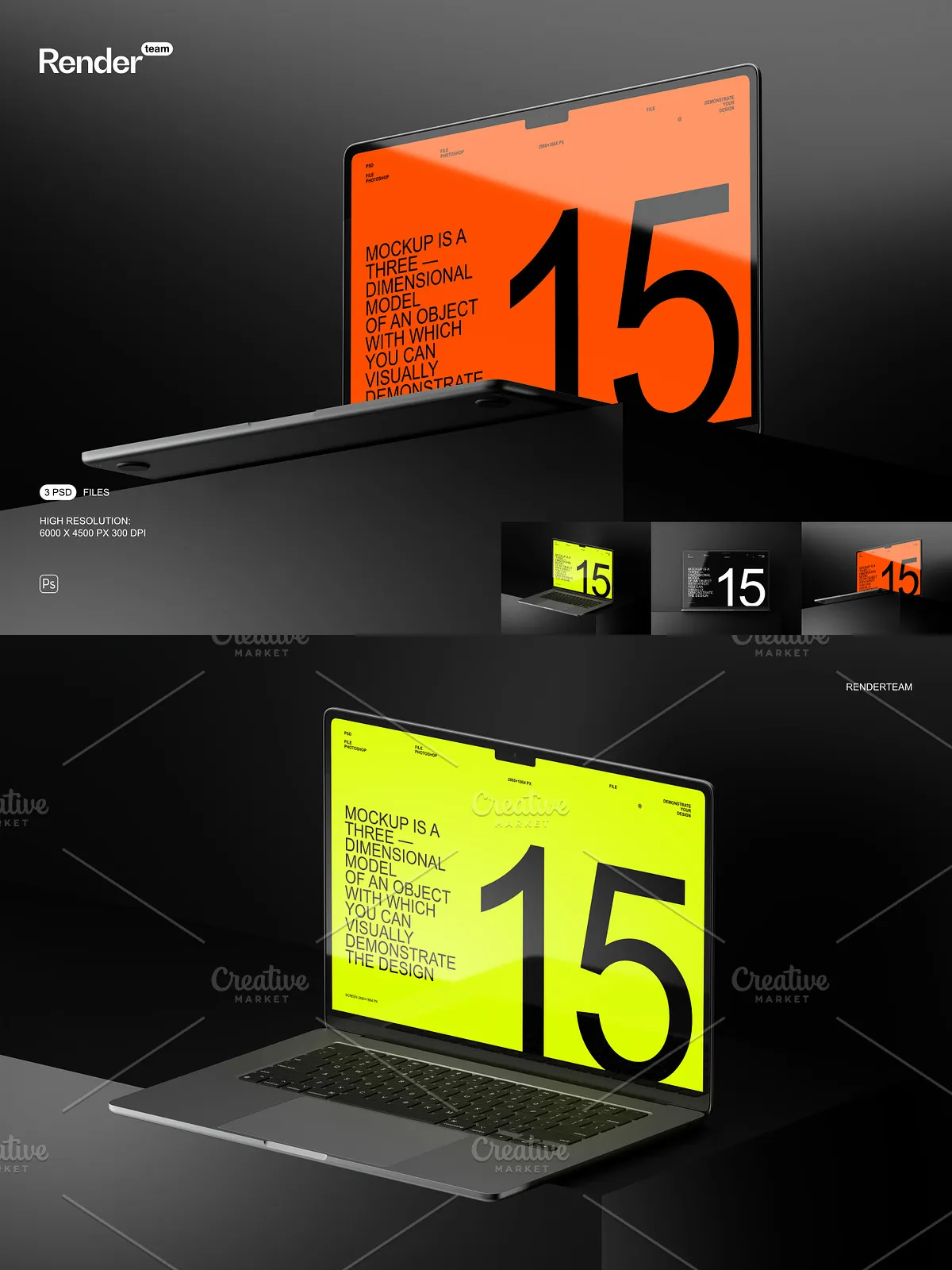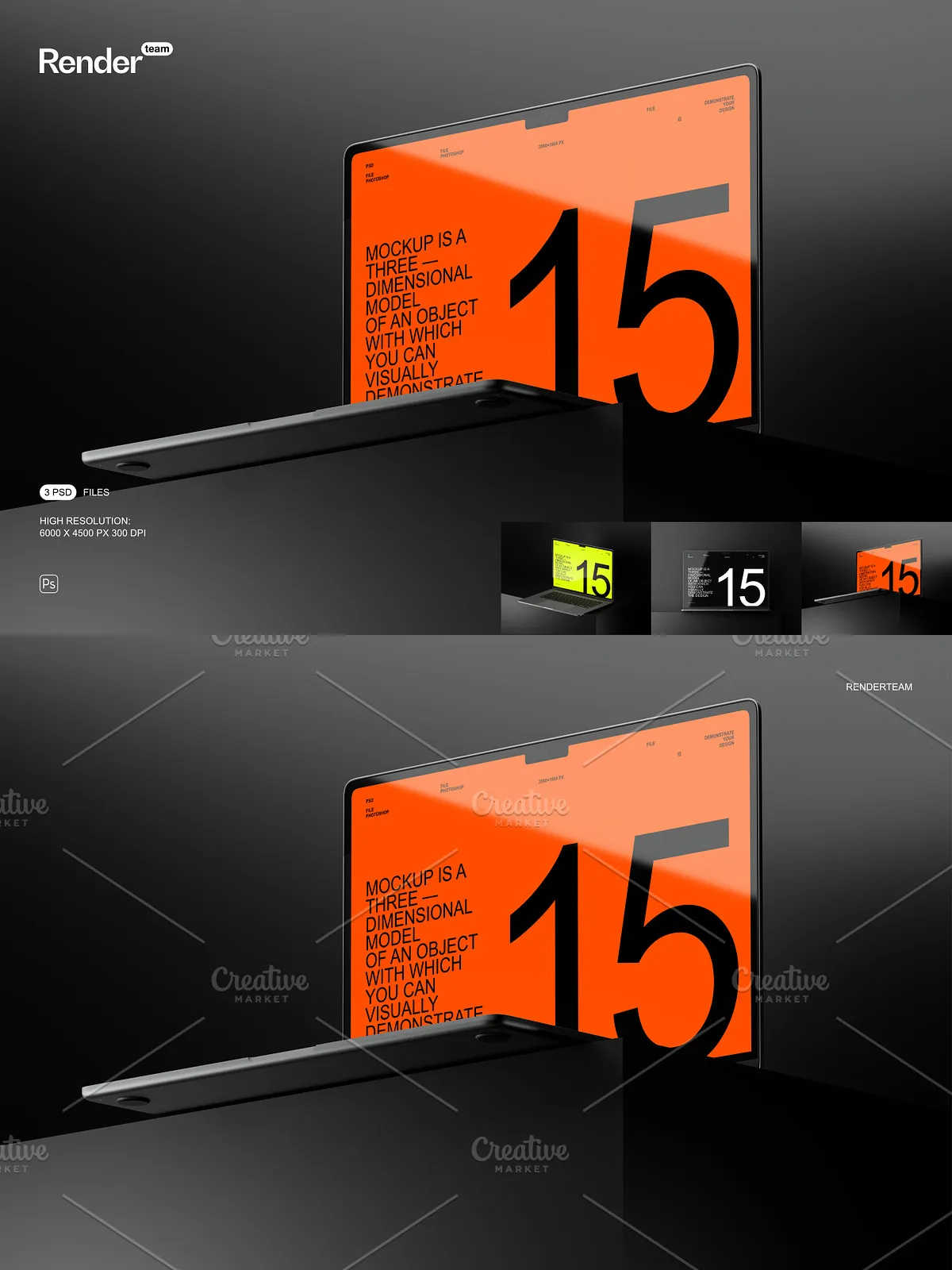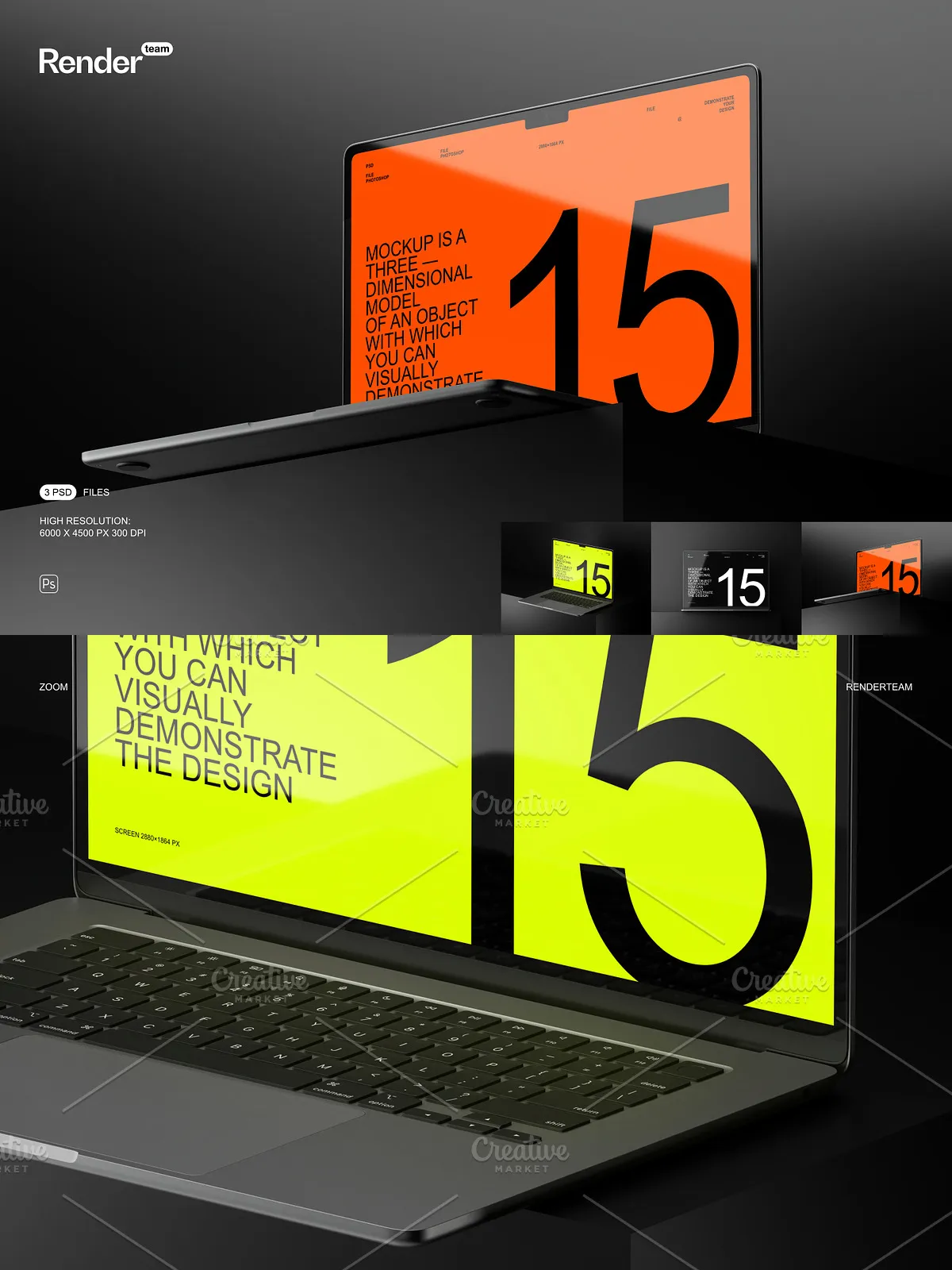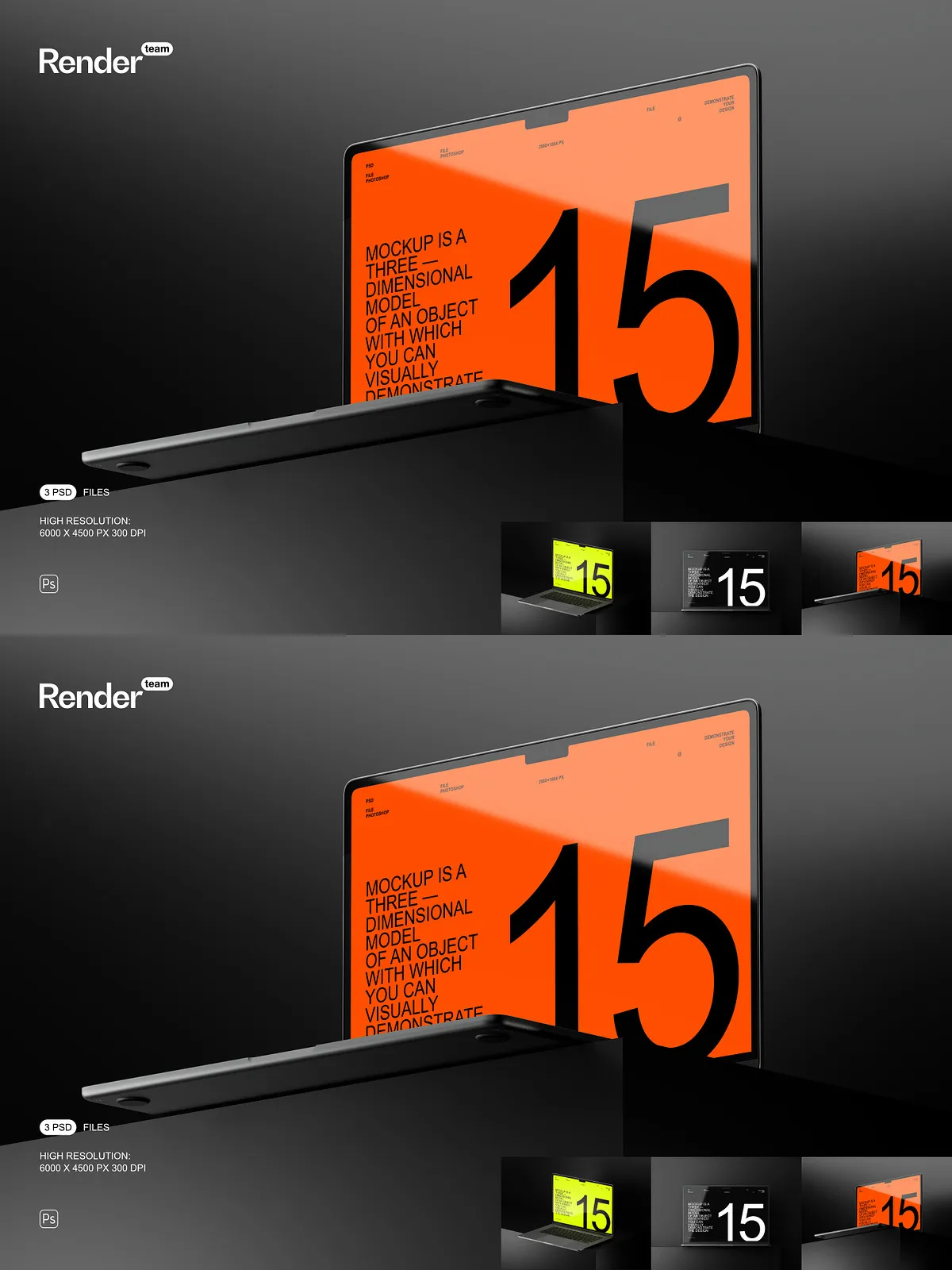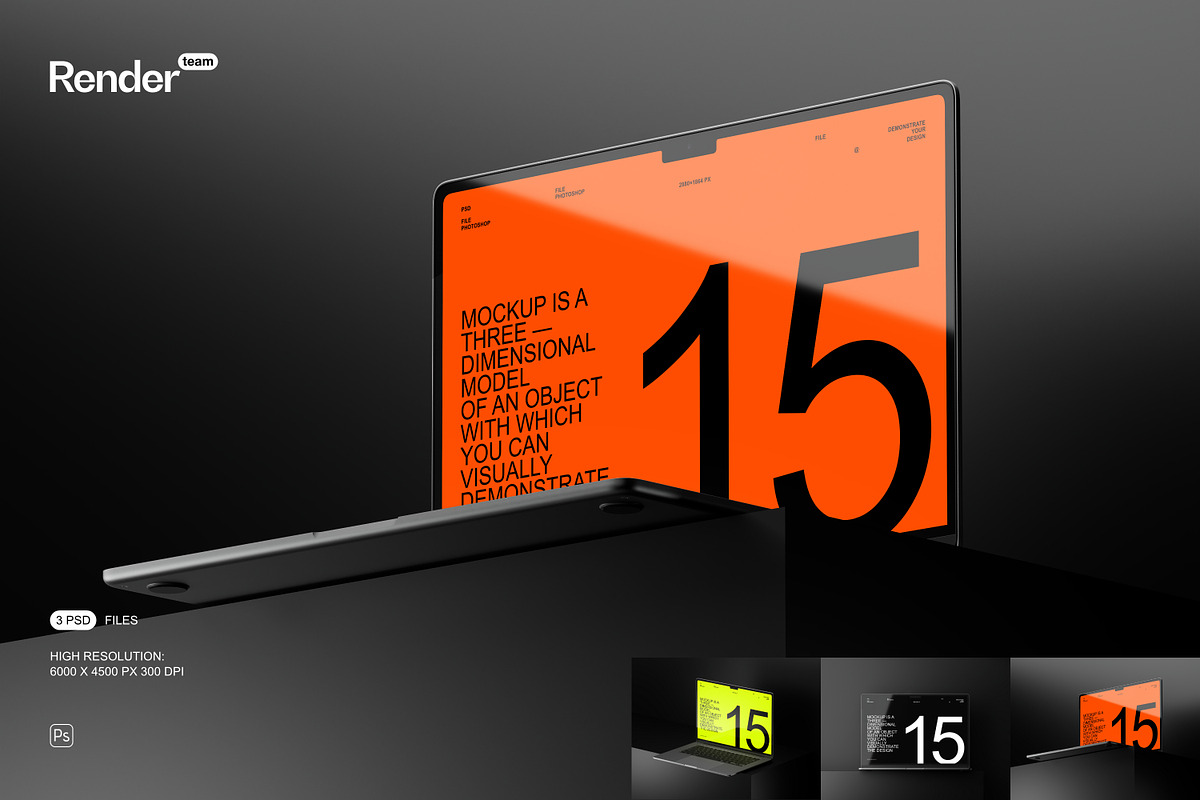
Elevate your MacBook Air design presentations with this MacBook Air Mockup Set. The package includes three layered, editable PSD files built around Smart Object workflows, enabling you to apply and preview your artwork in realistic device scenes instantly. Each mockup is crafted for clarity and flexibility so designers, studios, and e-commerce teams can produce polished visuals quickly and consistently.
What’s Included
Files and Assets
- 3 layered, fully editable PSD mockups
- High-resolution PSD files at 6000×4500 px, 300 dpi
- Screen size preset: 2880×1864 px for accurate display previews
- Organized layers and folders for efficient editing
- PDF help file with step-by-step instructions
Fast, Non-Destructive Editing
Smart Object Workflow
The set uses Smart Objects so you can edit your design non-destructively: double-click the Smart Object layer, paste or place your artwork, save, and return to the main PSD to see your design applied with correct perspective, scale, and effects. This approach accelerates iteration and keeps original files intact while you test multiple variations.
Organized Layers for Control
Every mockup uses a logical layer structure with clear naming conventions and grouped folders. Toggle backgrounds, adjust shadows, swap props, or change lighting independently to craft a specific mood or product context. The organized layout minimizes time spent searching for the right layer and maximizes time spent refining the presentation.
Image Quality and Screen Accuracy
High-Resolution Output
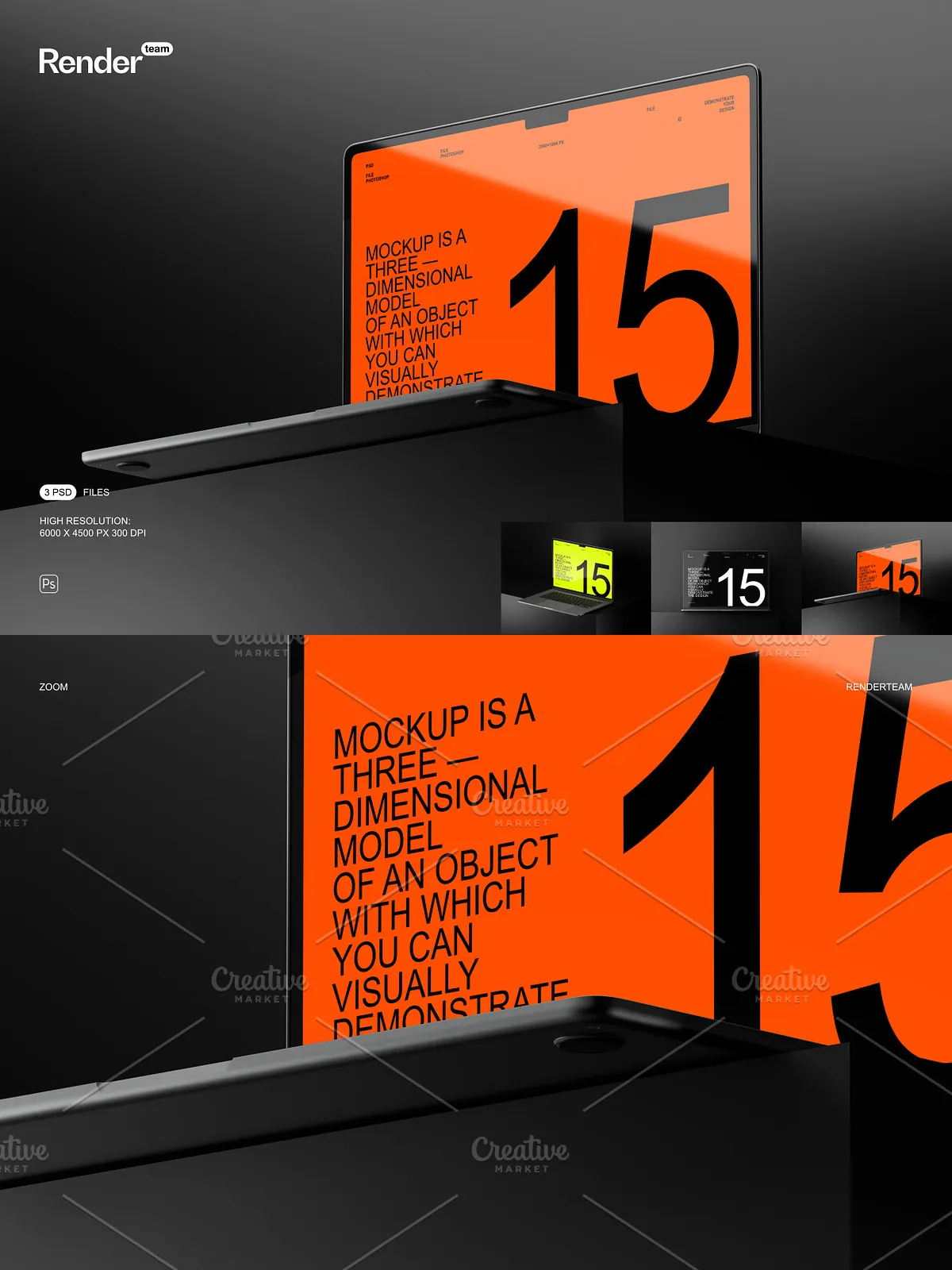
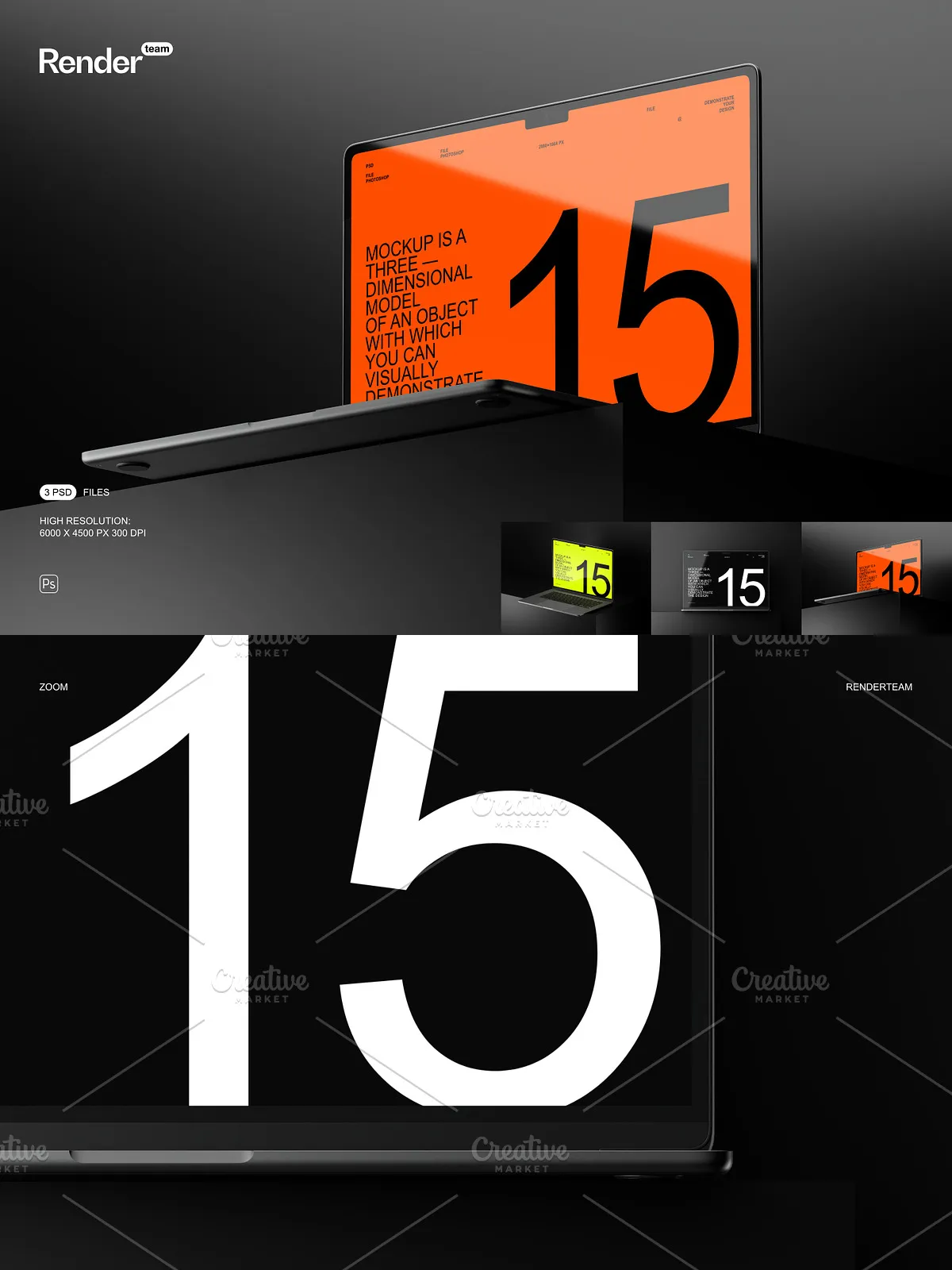
Deliver sharp, print-ready visuals thanks to 6000×4500 px files at 300 dpi. These large canvases preserve detail for product pages, large-format displays, and close-up shots, ensuring typography and textures remain crisp in client reviews and promotional materials.
Screen Mockup Size
The included screen area is set to 2880×1864 px, matching modern MacBook display proportions to give a realistic preview of how your UI, website, or graphic will read on an actual device screen.
Creative Possibilities
Use the mockups to present UI designs, landing pages, app screens, or promotional artwork. Customize background color, add reflections, or reposition the MacBook to build hero images and product galleries. The editable elements let you construct multiple-scene sets for social media, case studies, and online stores.
Usage Notes and Compatibility
These mockups are created for Adobe Photoshop and require an application that supports Smart Objects and layered PSD files. They do not include the sample designs, fonts, or photographs shown in the preview images. The files are not compatible with Canva, Procreate, or other non-Photoshop editors. For best results use the latest Creative Cloud release — see [Adobe Creative Cloud](https://www.adobe.com/creativecloud.html) for details and system requirements.
How to Use — Quick Guide
Step-by-Step
- Open a PSD mockup in Adobe Photoshop.
- Locate the named Smart Object layer for the screen area and double-click it.
- Paste, place, or design your artwork inside the Smart Object canvas (2880×1864 px recommended).
- Save the Smart Object file and return to the main PSD to view the applied changes.
- Adjust background layers, shadow opacity, and scene elements to finalize the image.
- Export your final image at the preferred size and resolution for web or print.
Important — Licensing and Inclusions
Please note: the mockup package does NOT include fonts, stock photos, or the sample designs used for preview. The product provides PSD templates only. Confirm license terms for any third-party assets you add to your compositions.