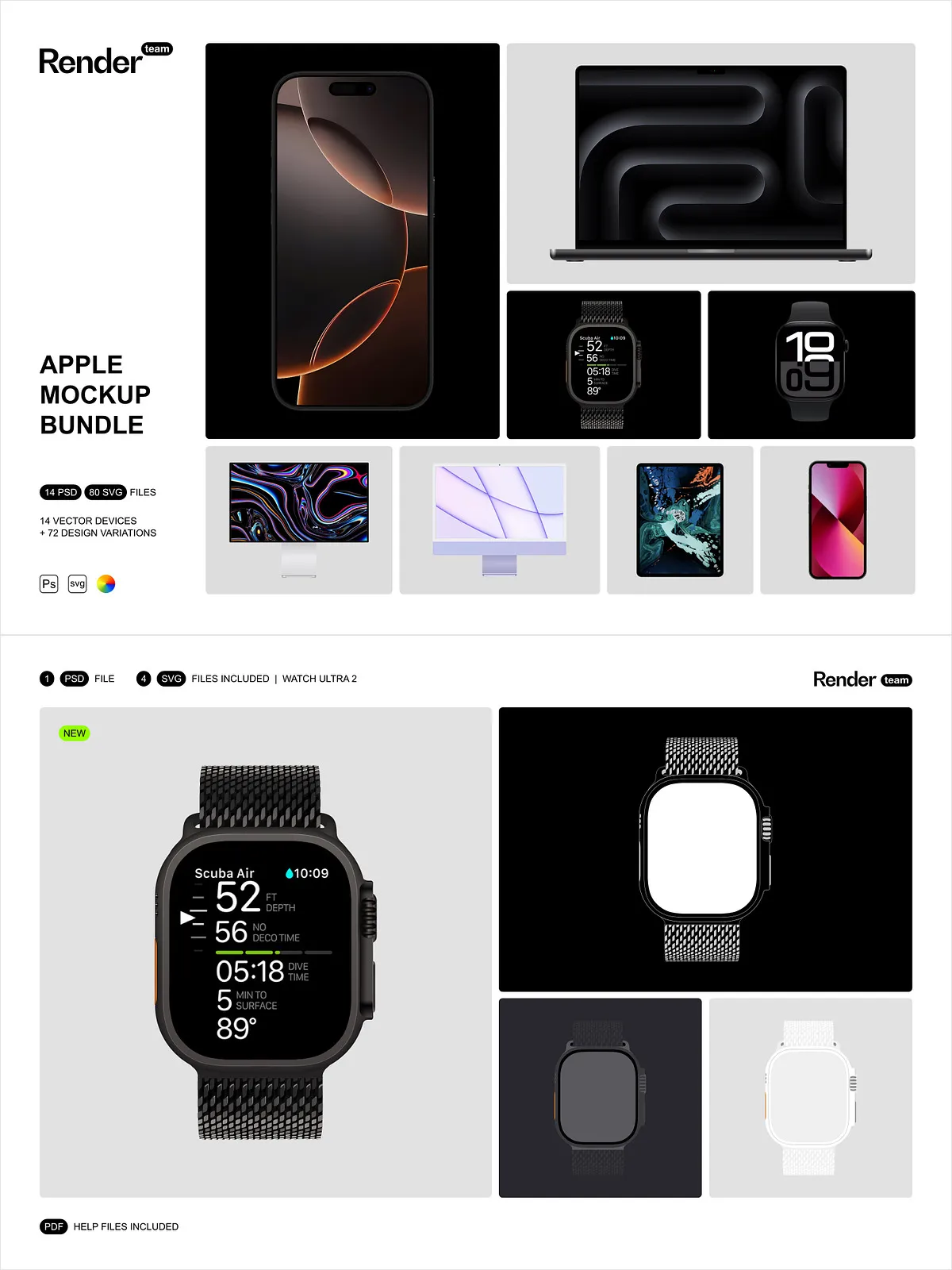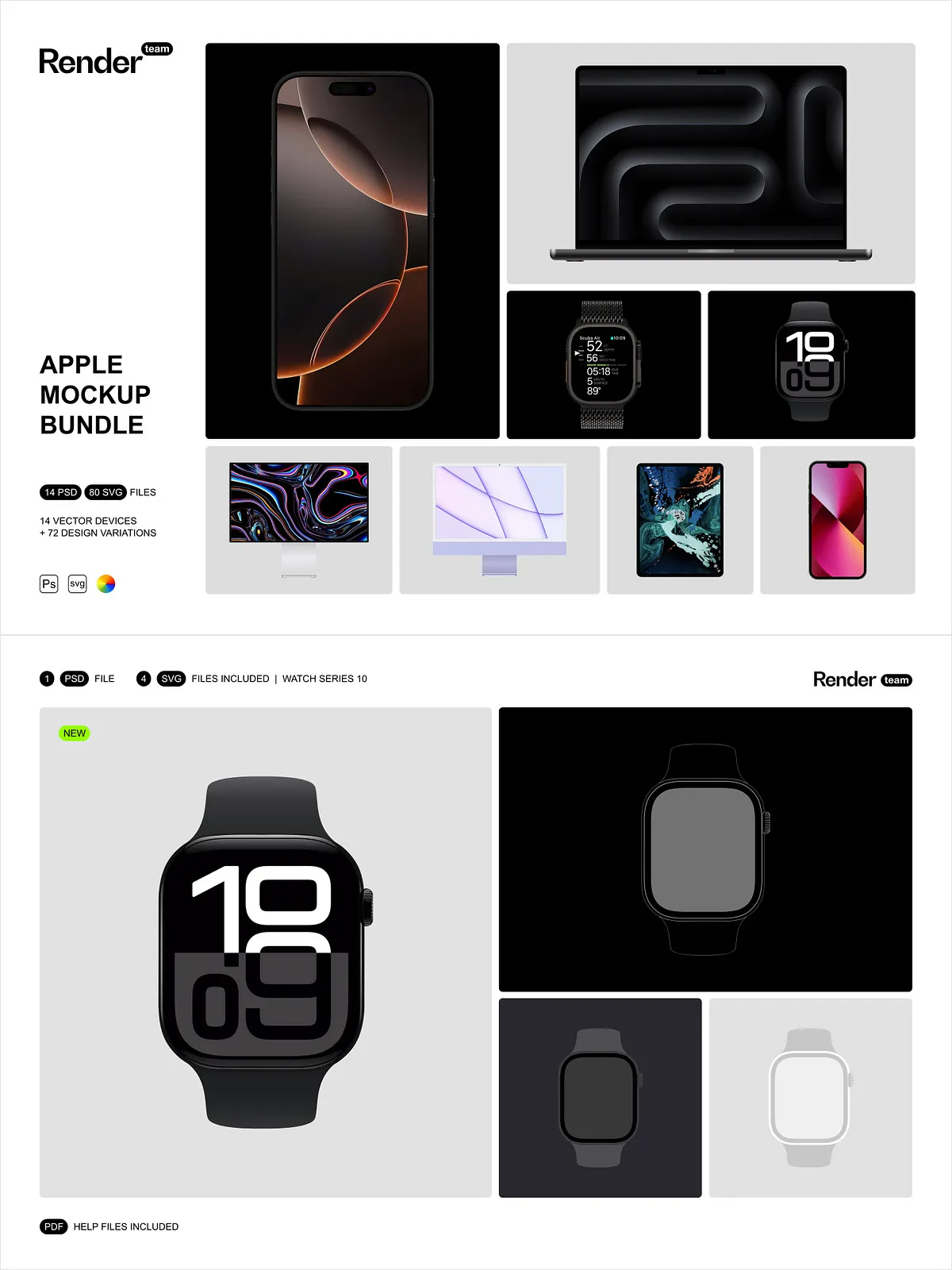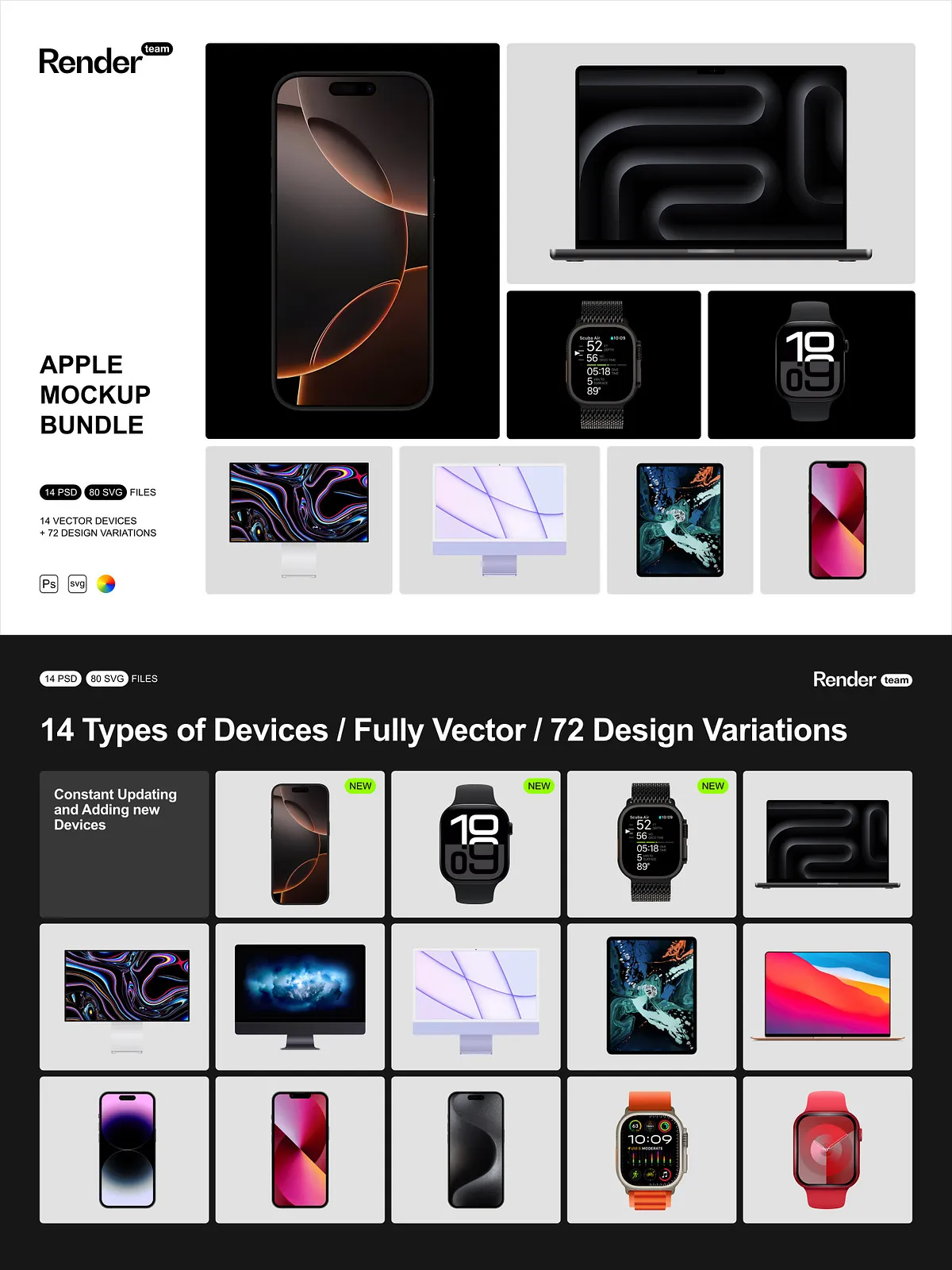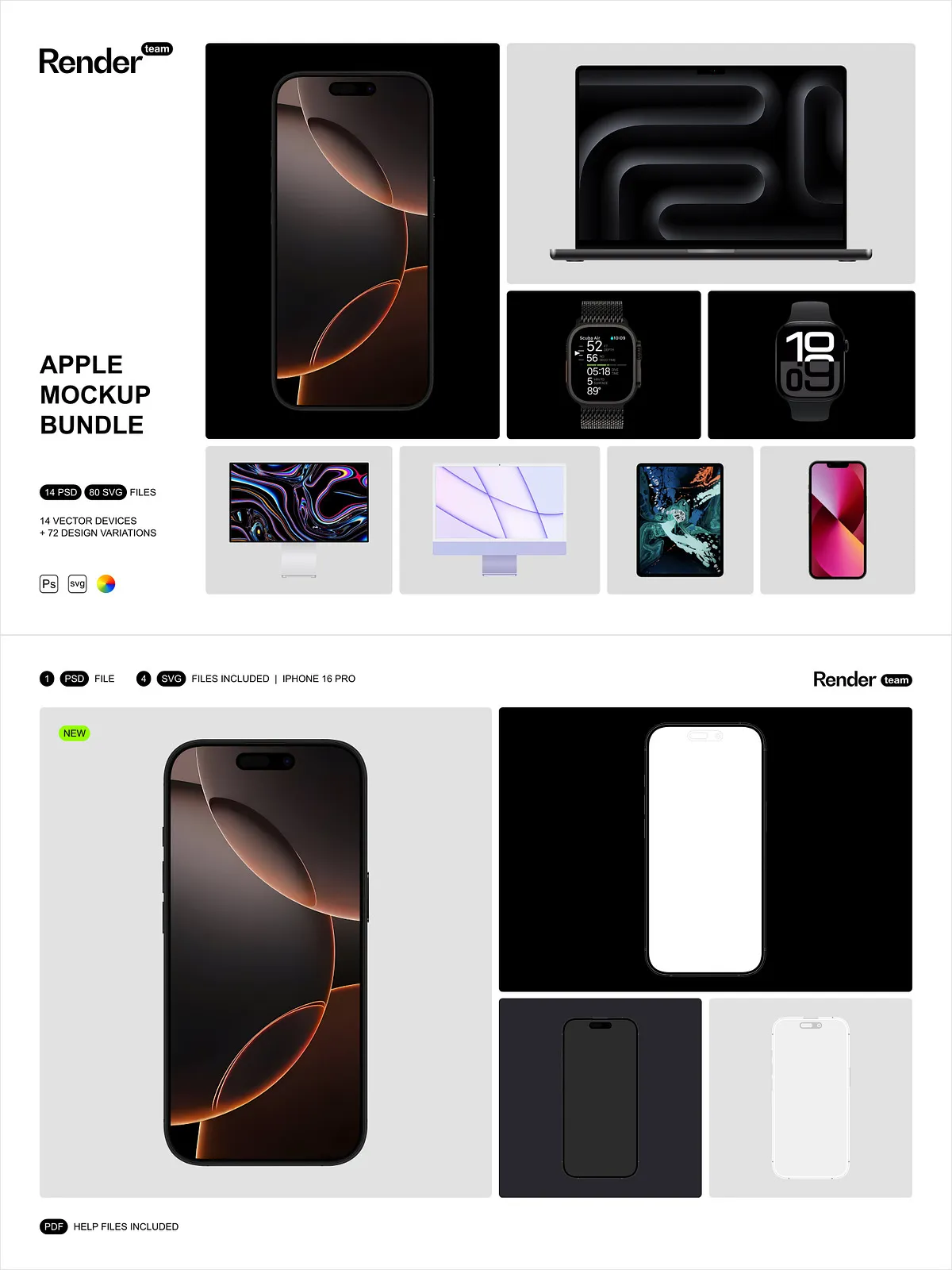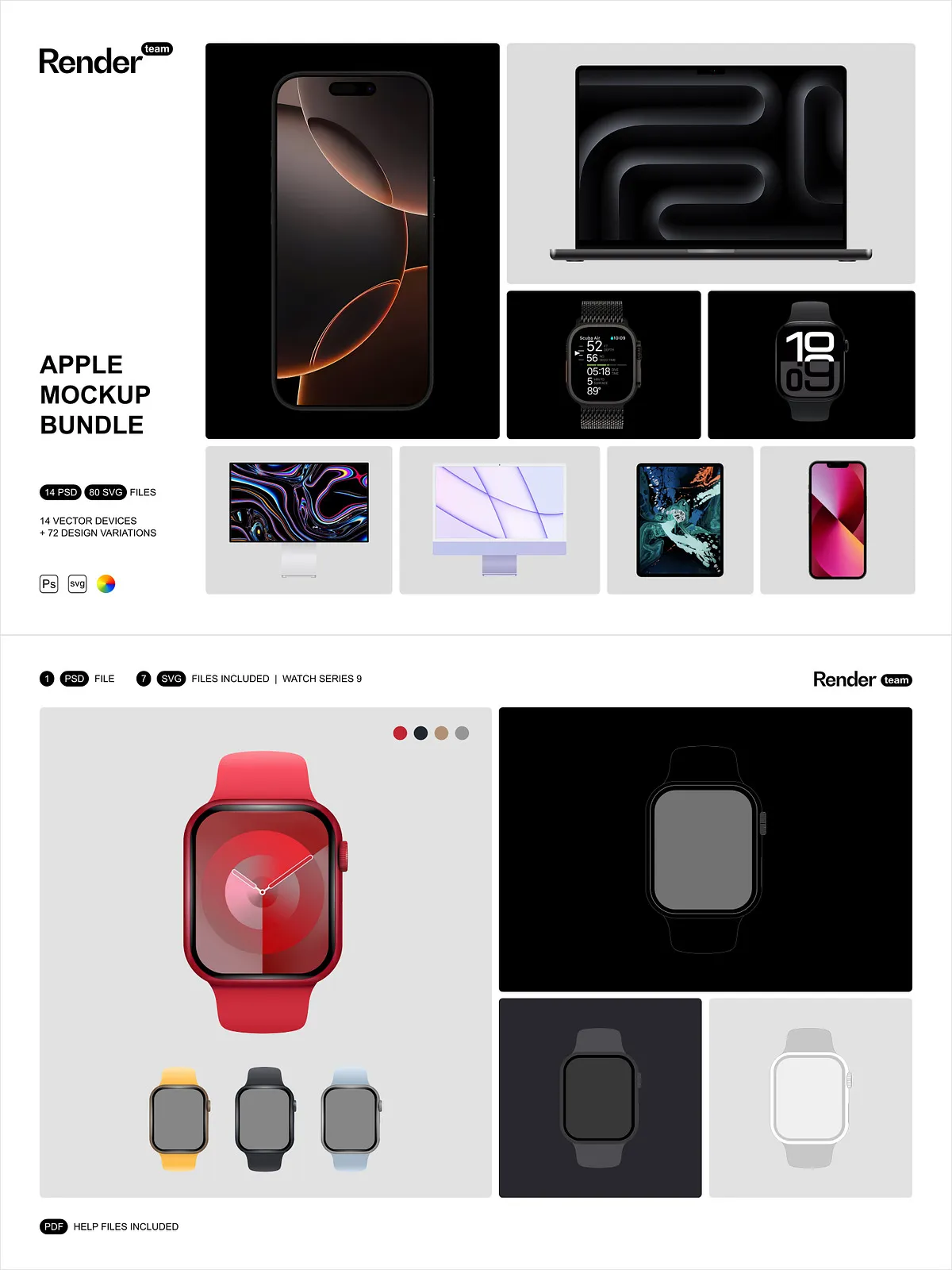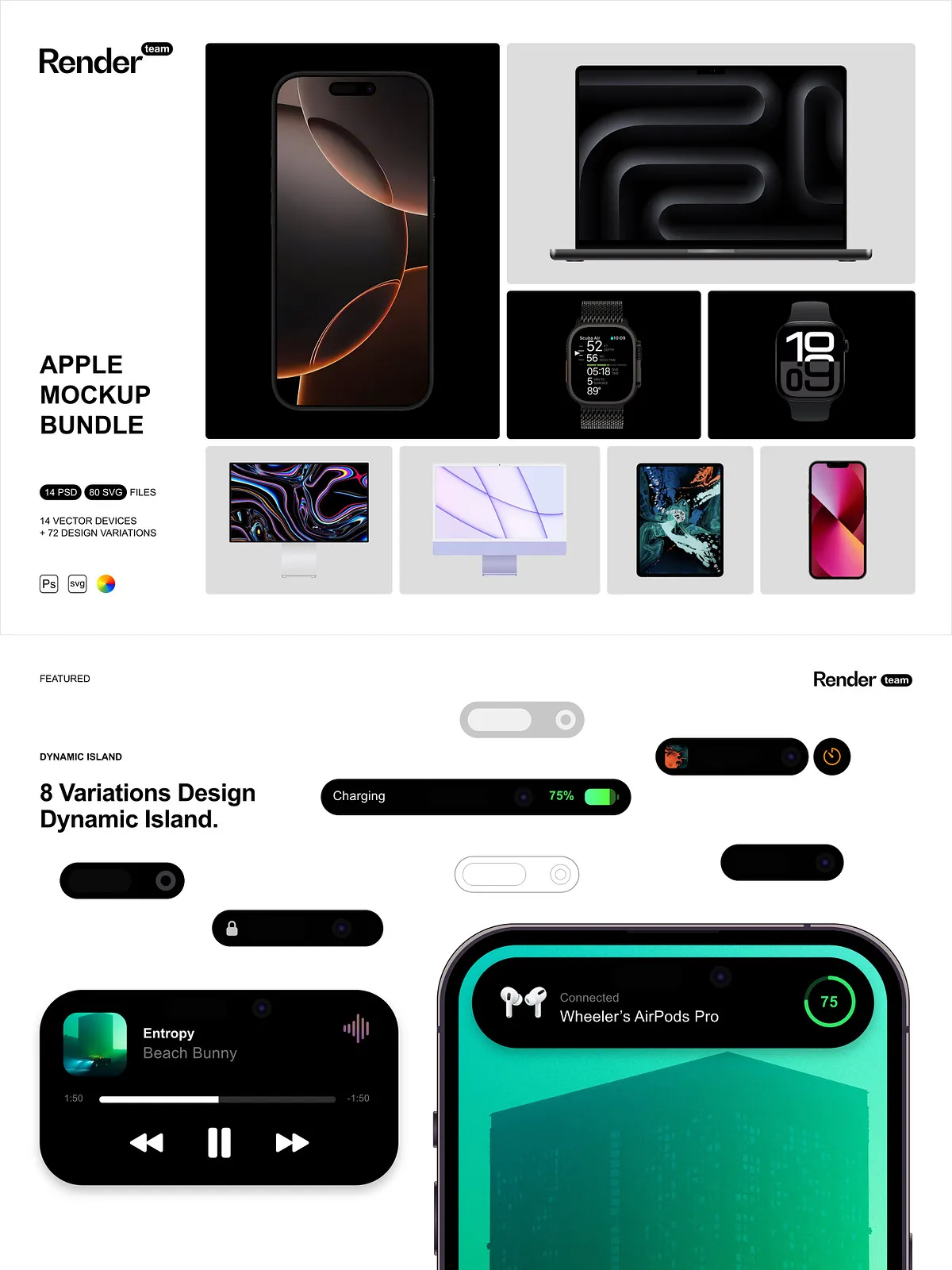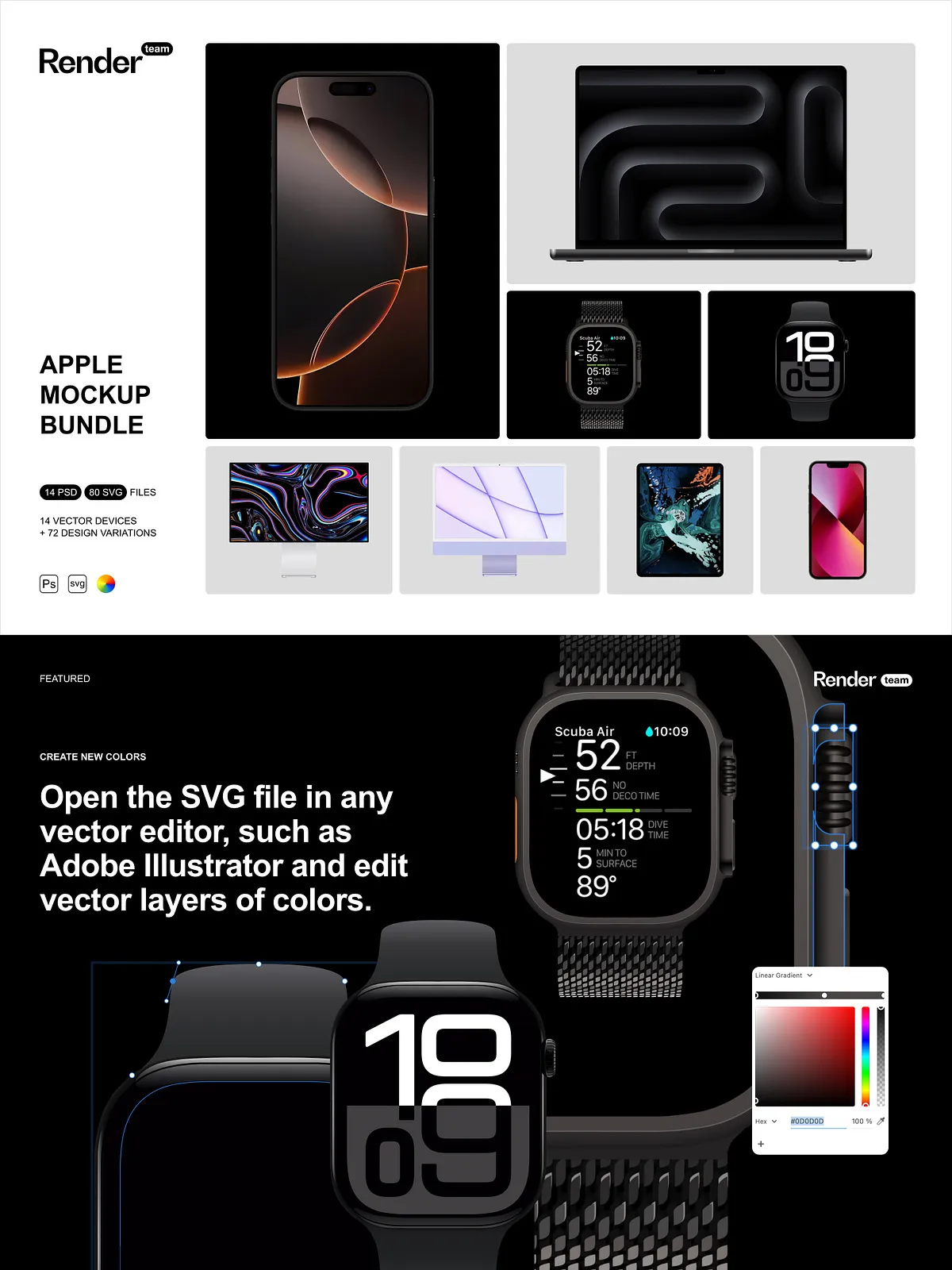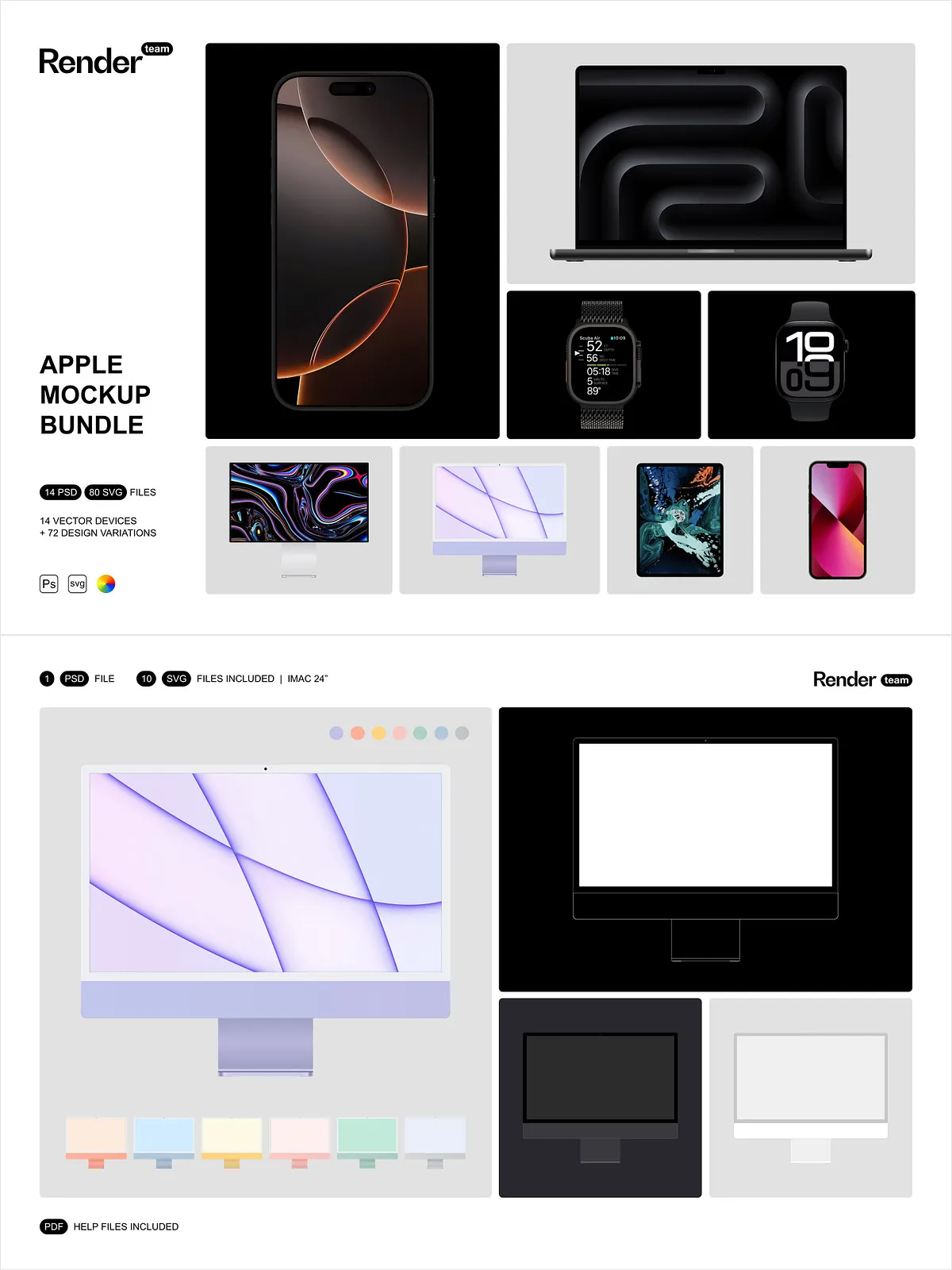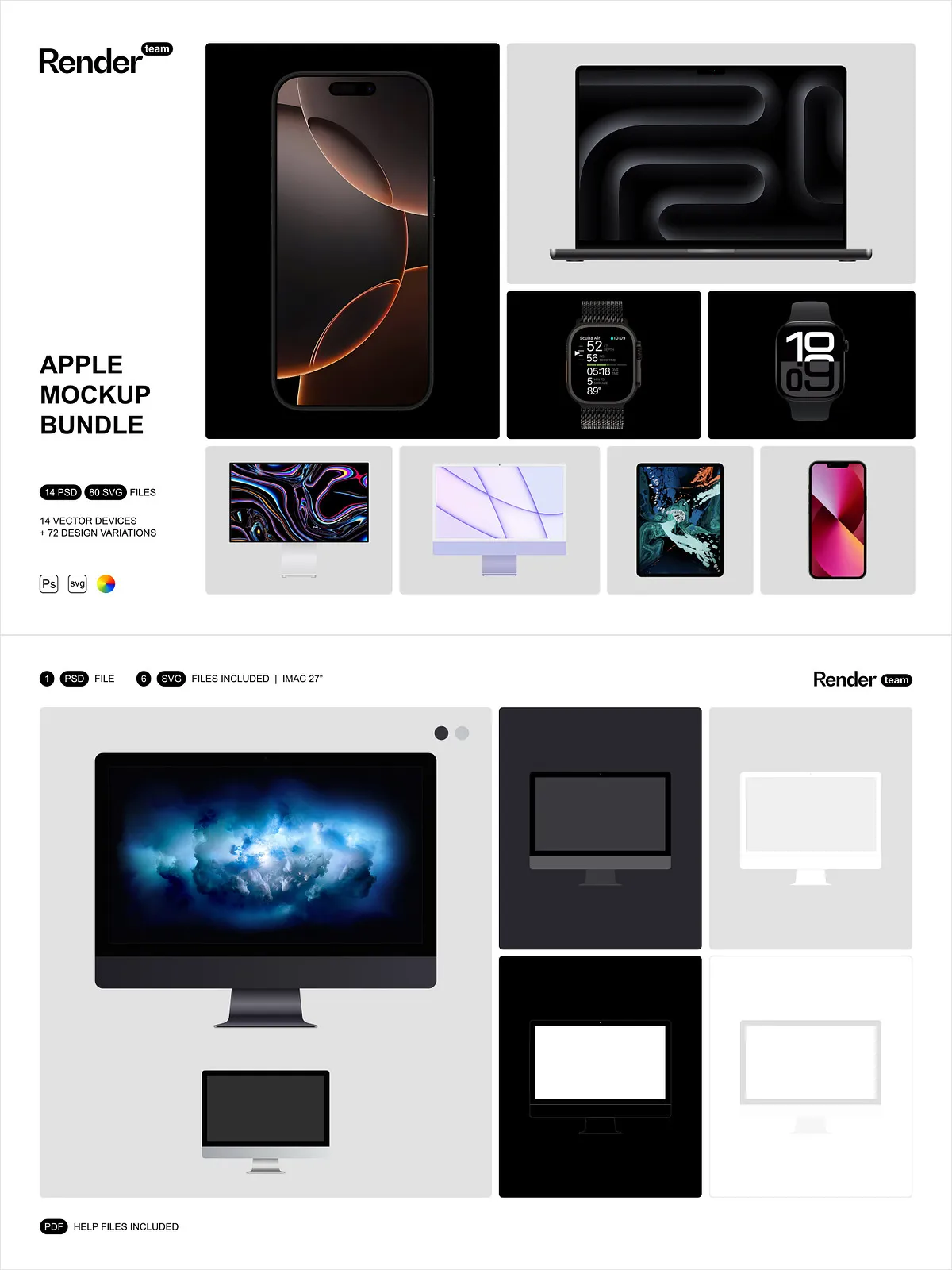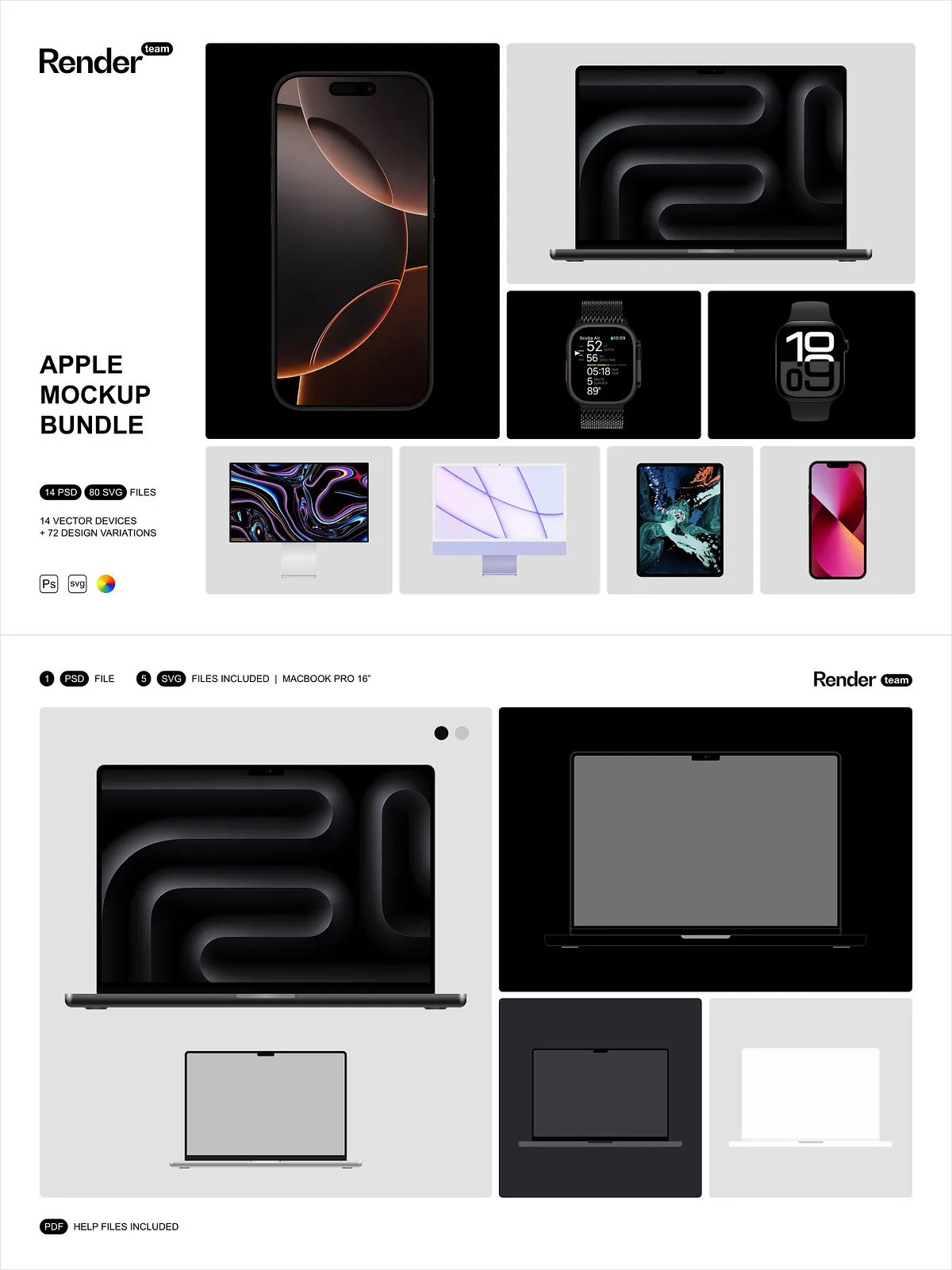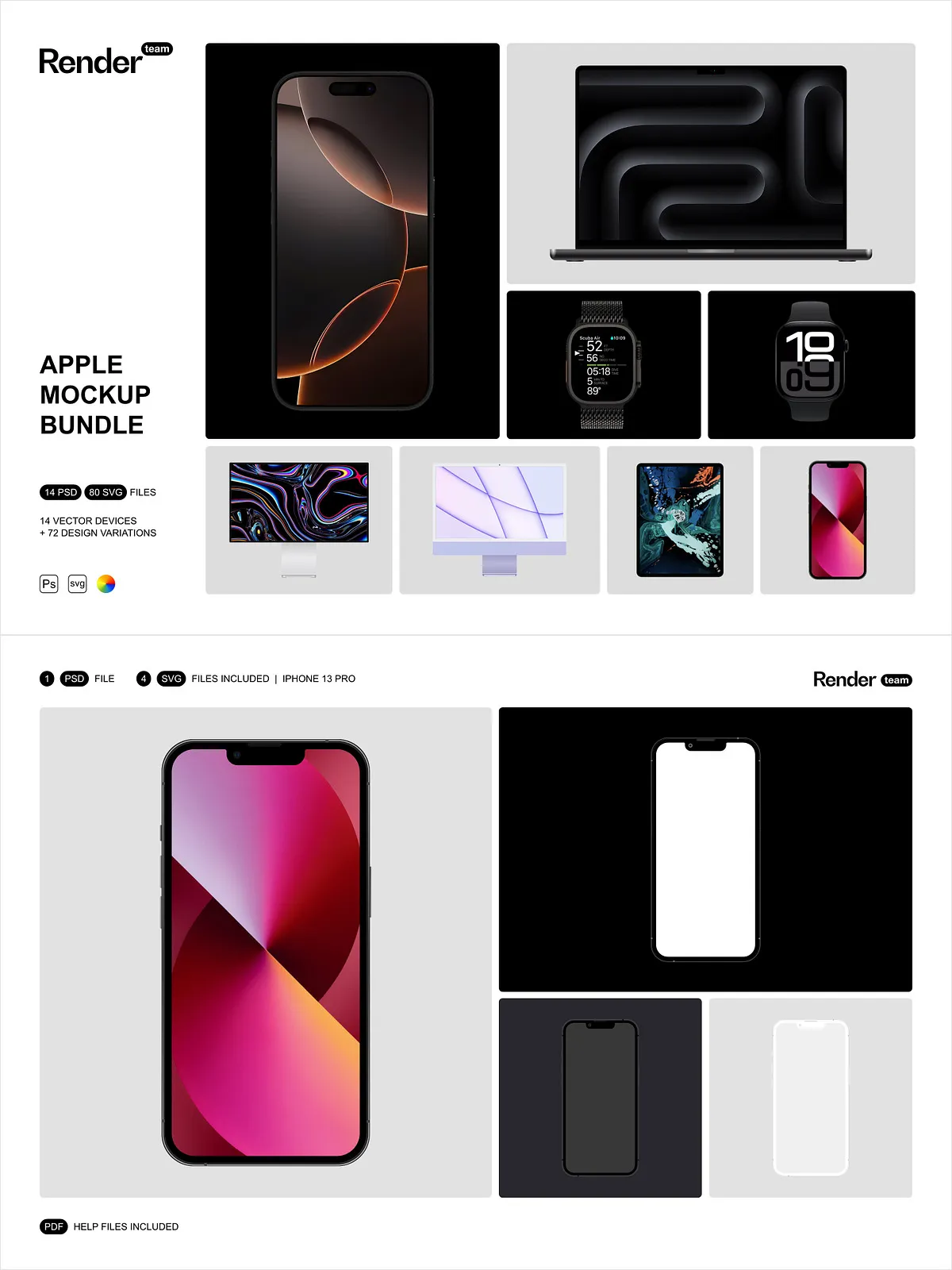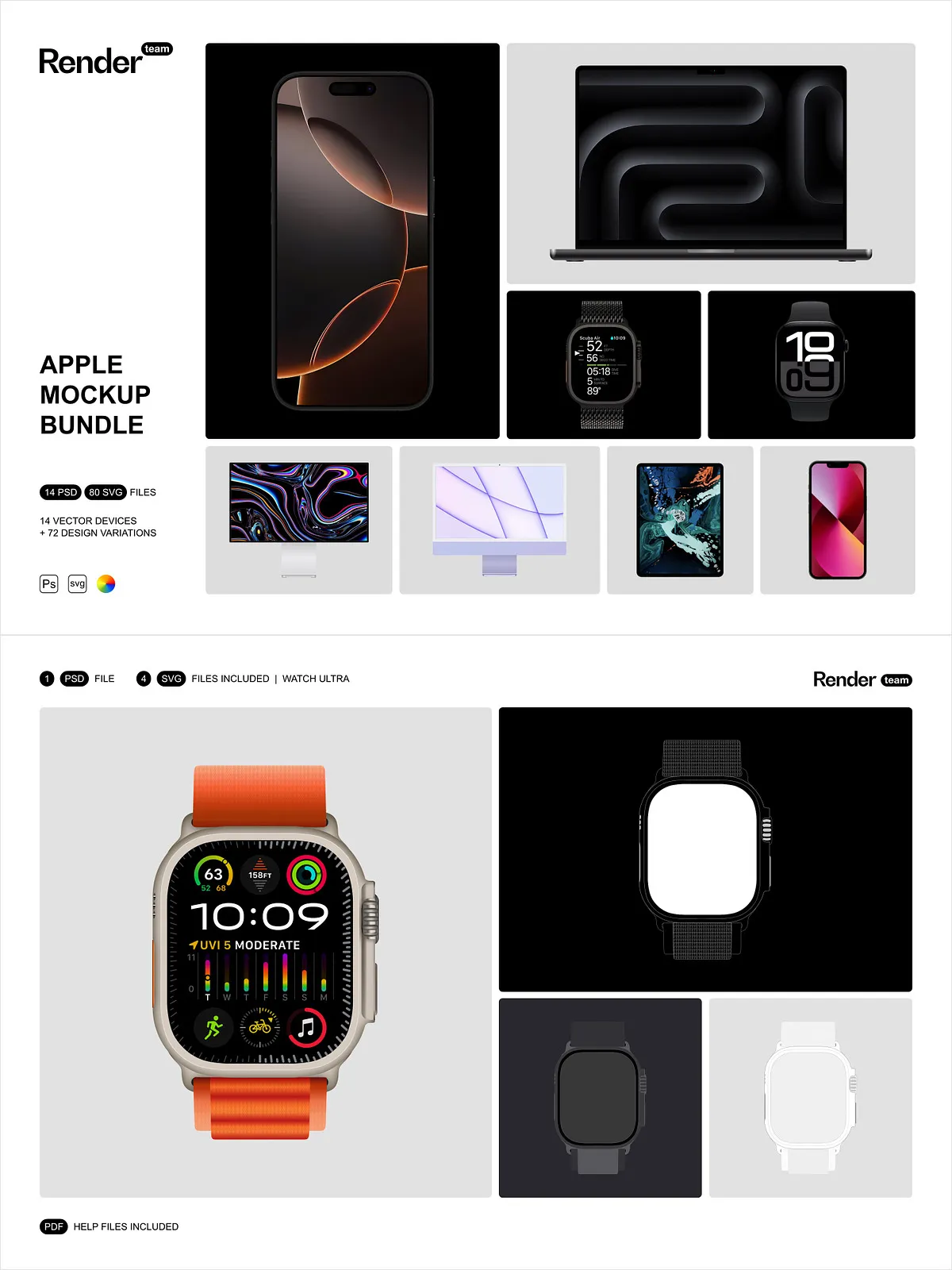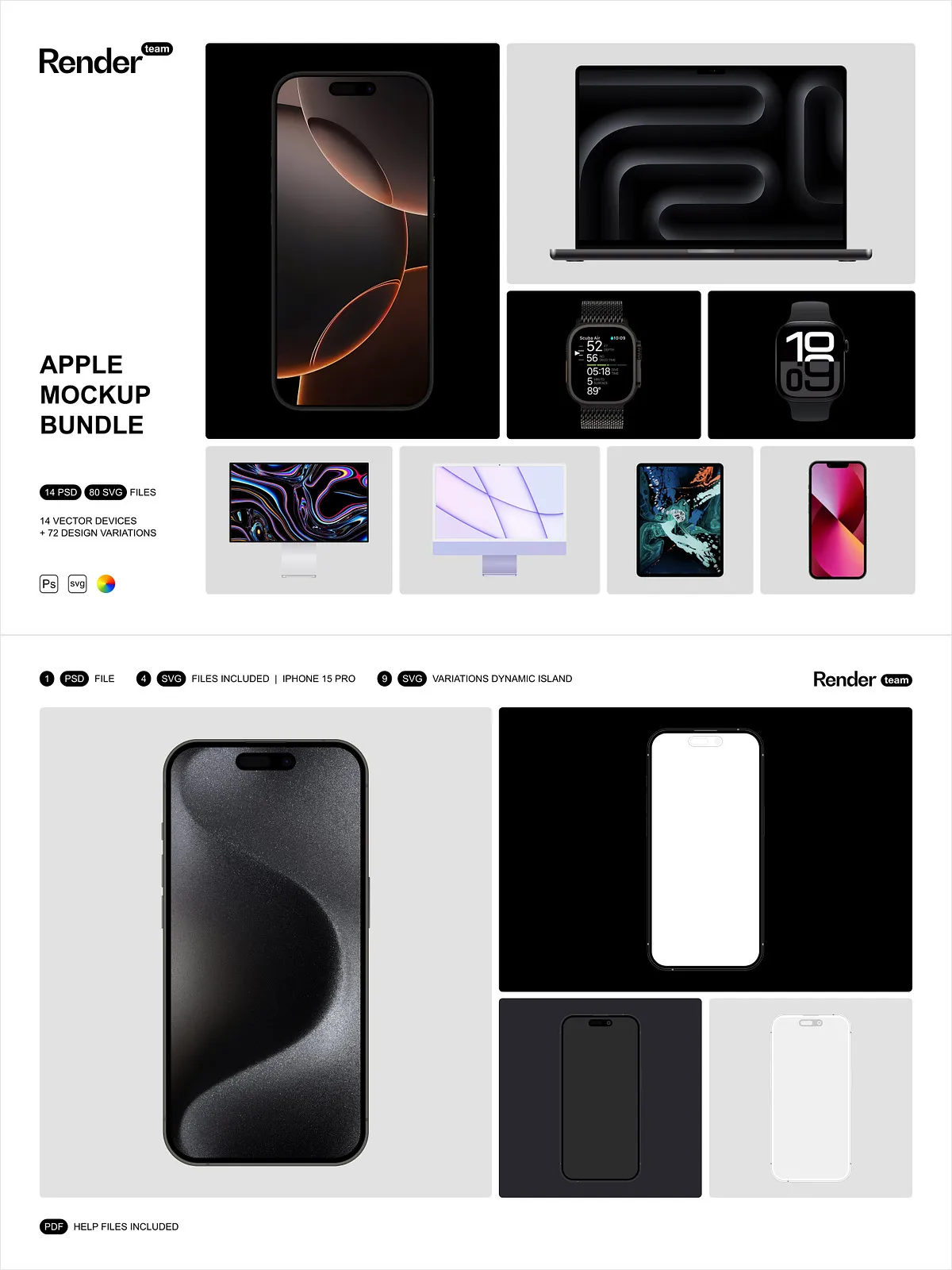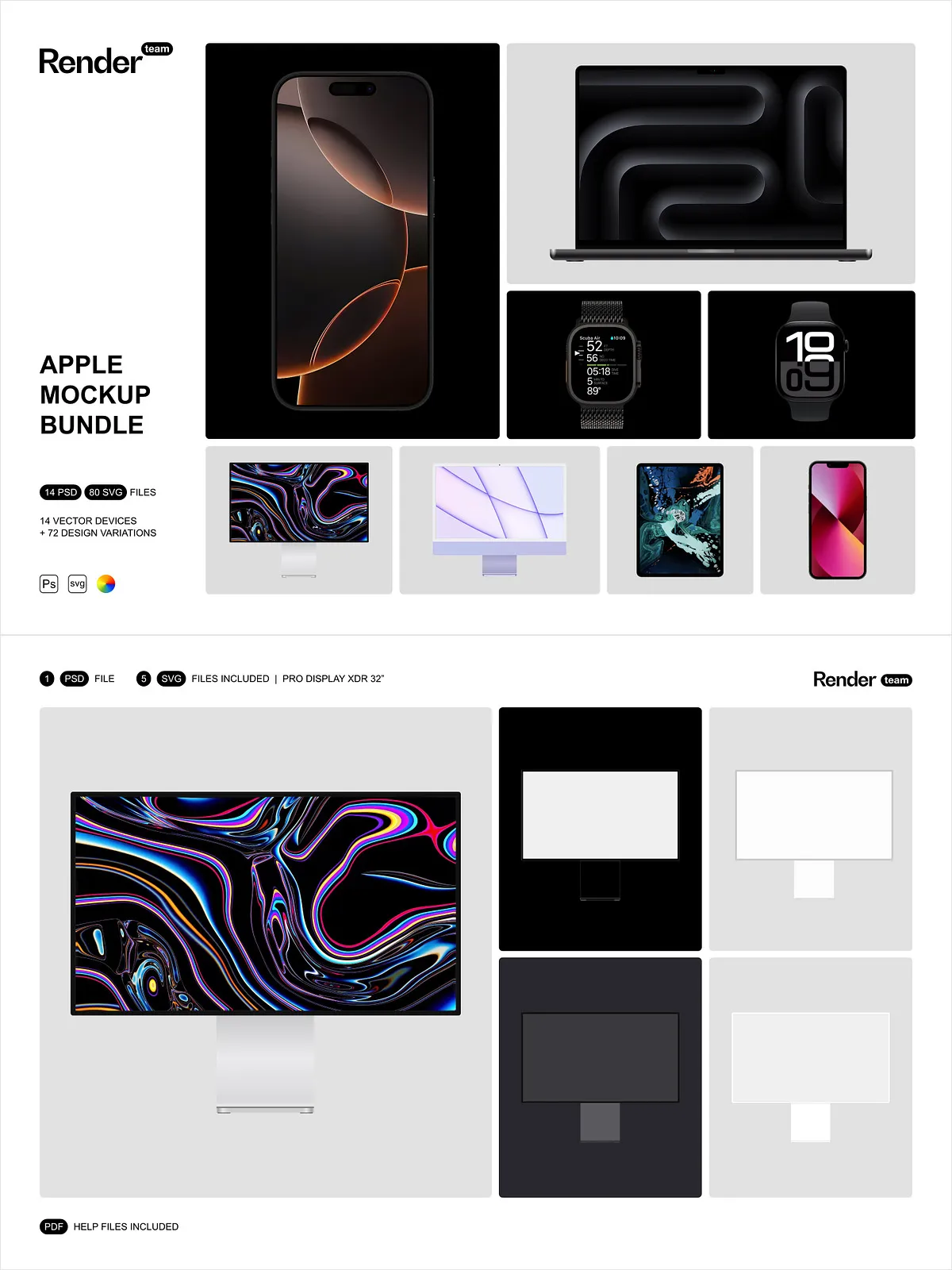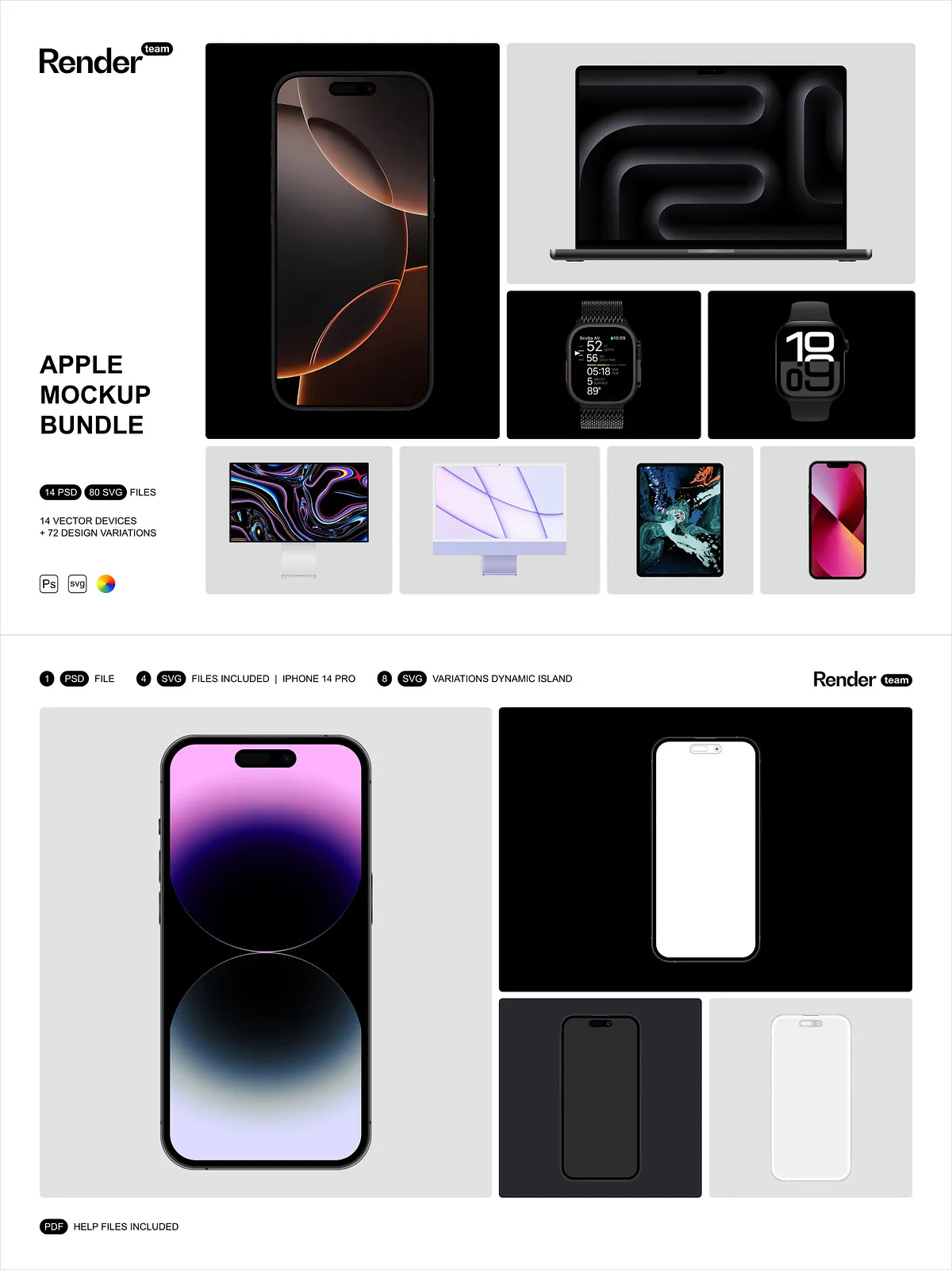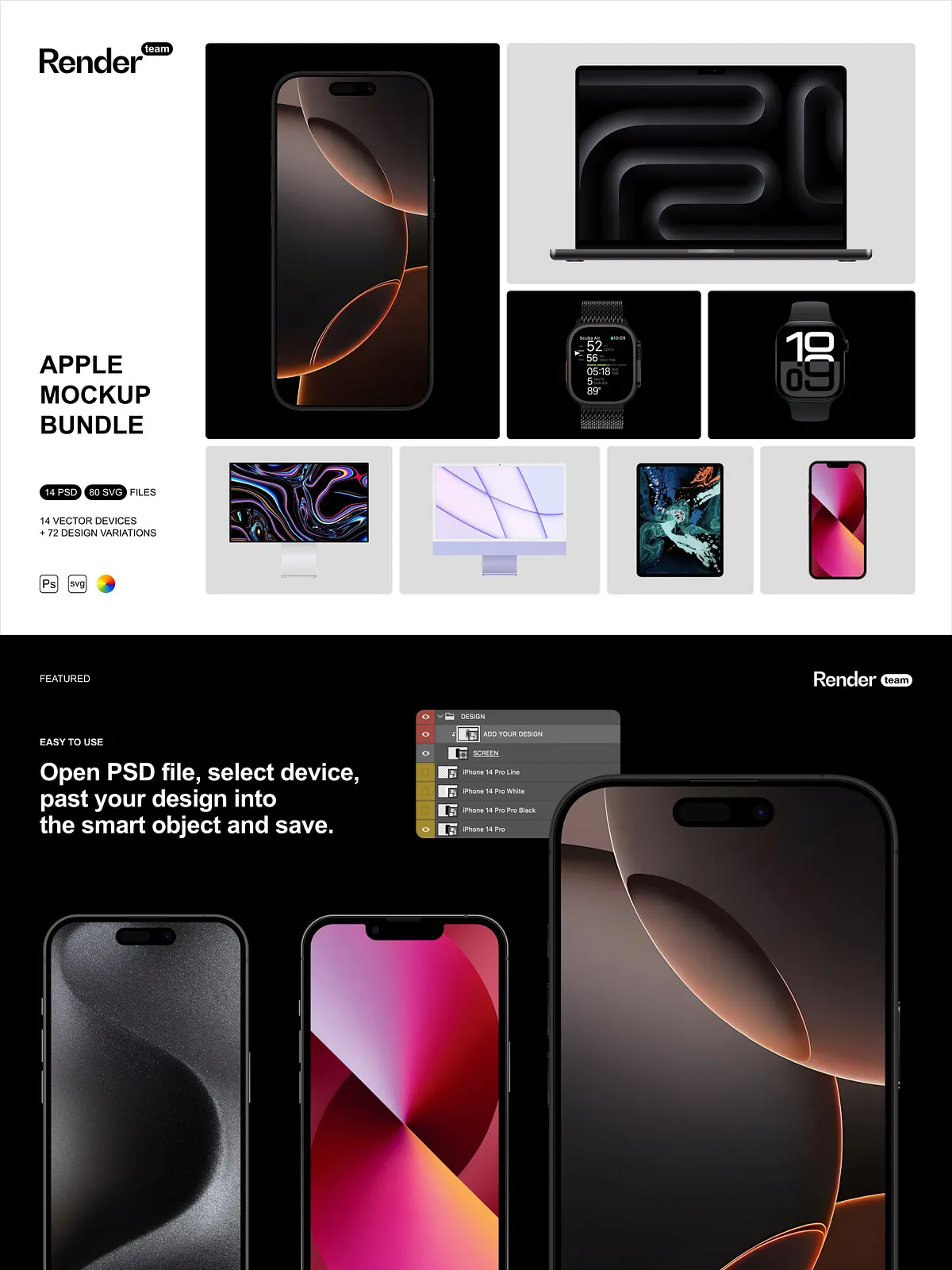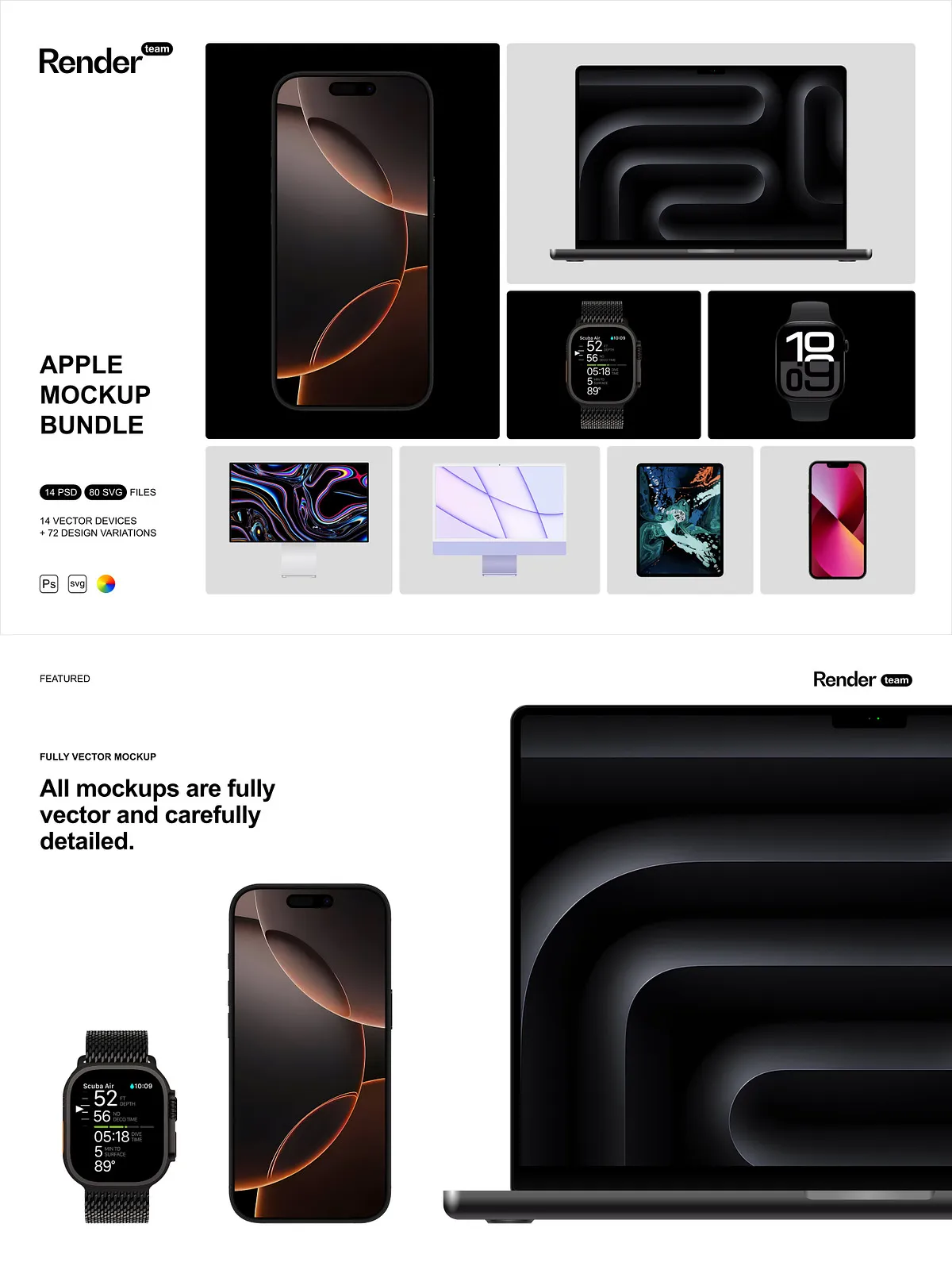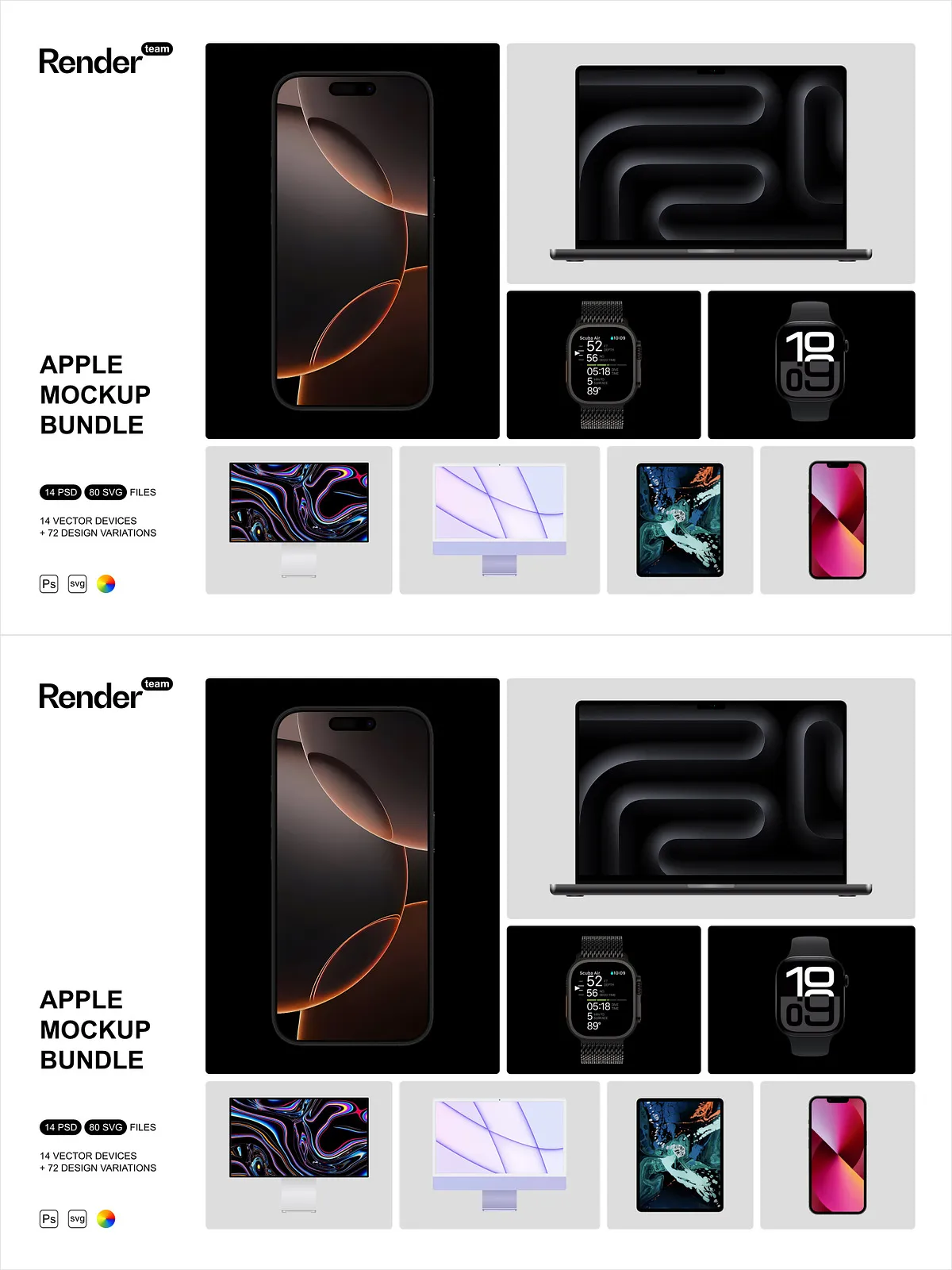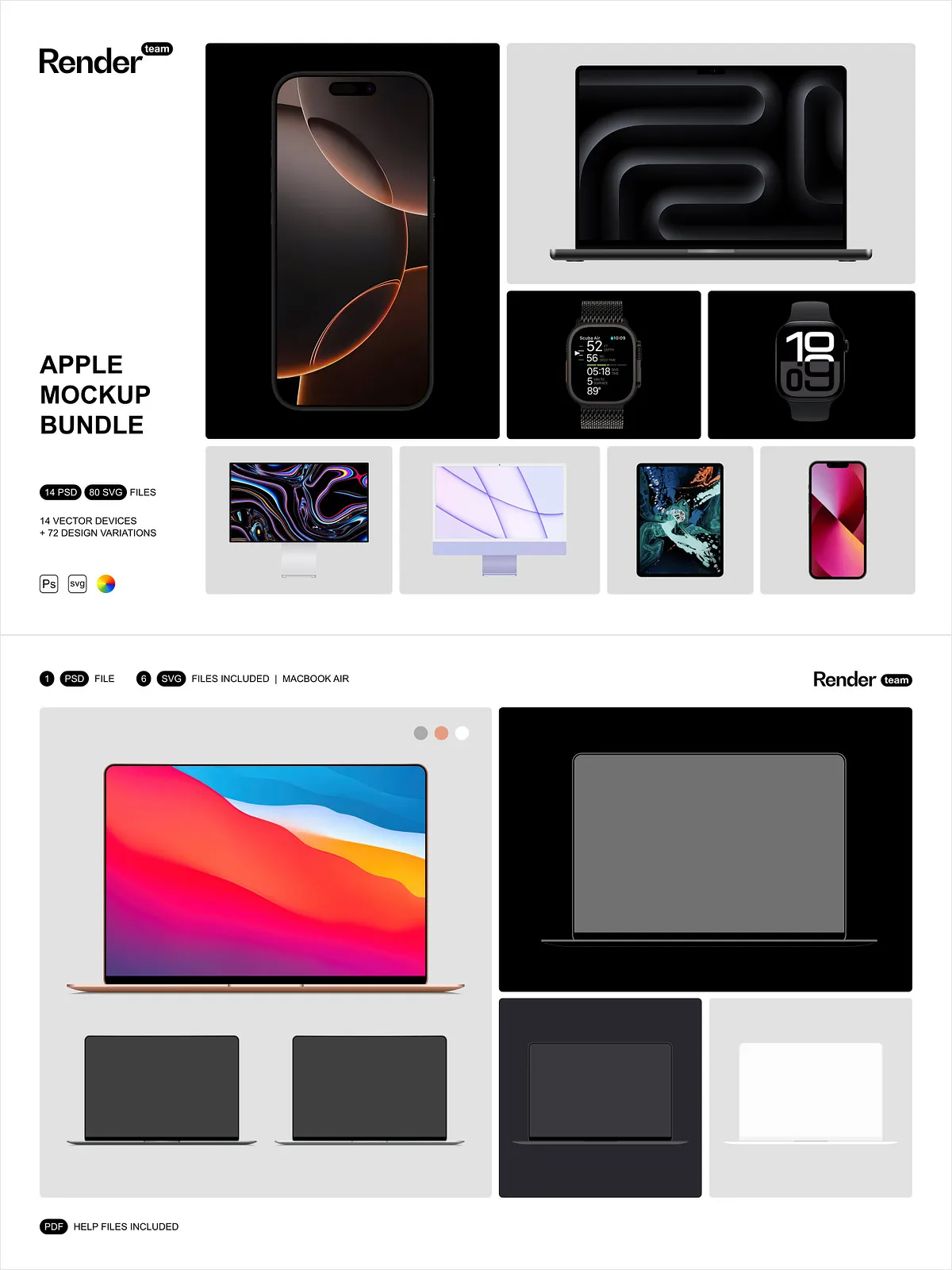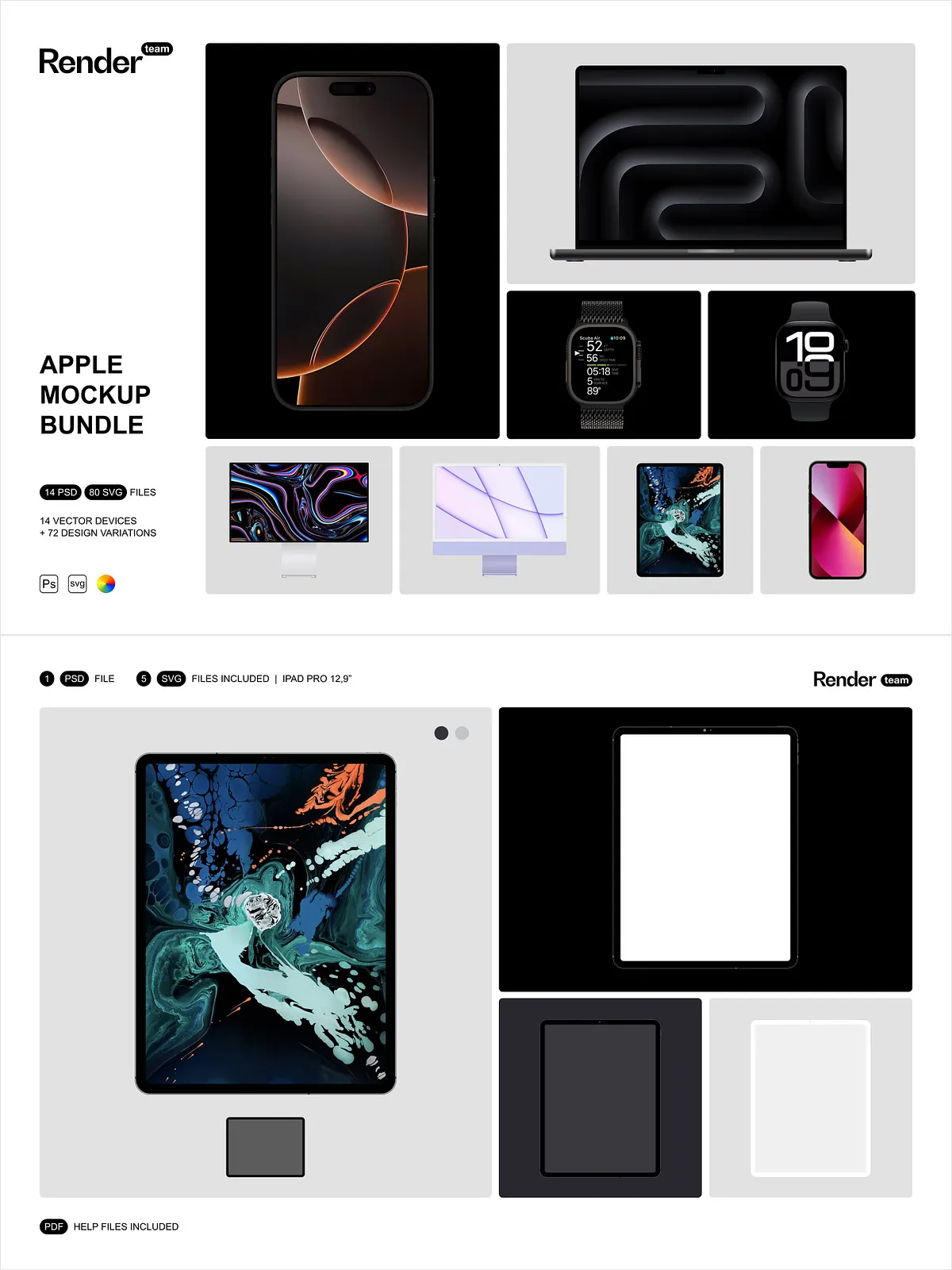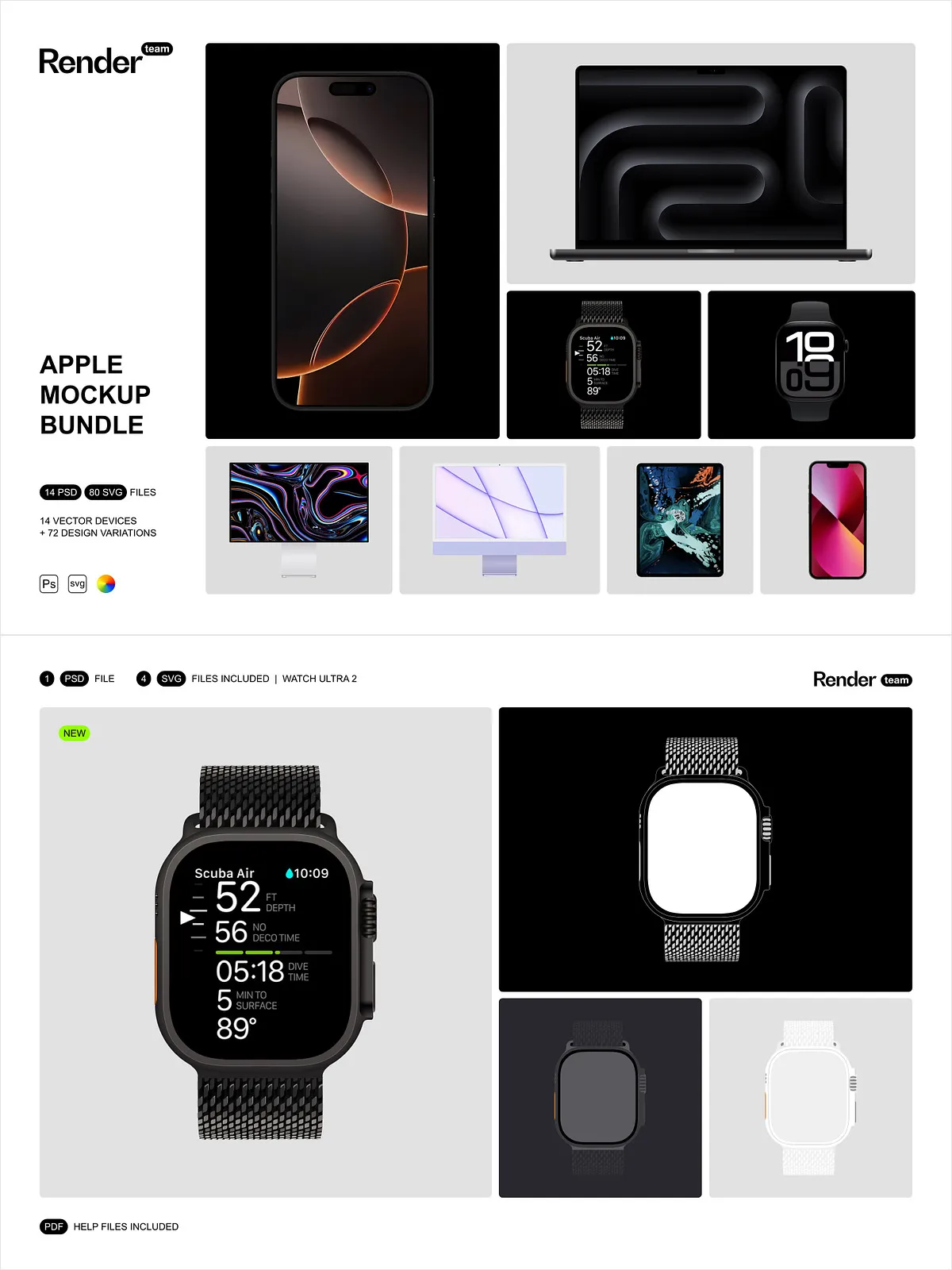
The Apple Devices Mockup Bundle delivers a comprehensive, professional toolkit that empowers designers to present app screens, UI concepts, and product visuals with precision and speed. This collection combines fully vector mockups with layered PSD files to provide maximum flexibility: edit in Adobe Photoshop for pixel-perfect compositions and in any vector editor for scalable SVG workflows. The assets enable you to craft realistic, high-quality device presentations suitable for portfolios, client pitches, marketing materials, and product pages.
What the Bundle Includes
Files and Quantities
- 113 files in total, organized for immediate use
- 14 PSD device types, carefully prepared with layered structure
- 72 device variations to cover multiple screen sizes and orientations
- 80 SVG files for full-vector editing in Illustrator or alternative vector editors
- 9 Dynamic Island variations for modern iPhone display treatments
- 11 PSD files featuring distinct device design variations
- PDF help file that walks through editing, exporting, and recommended workflows
Key Features
Fully Vector Mockups
All SVG files are vector-based, so you can scale, recolor, and refine device elements without losing fidelity. Use vectors to produce crisp exports for retina displays and print, or to extract components for icon sets, presentation frames, and responsive mockups.
Layered and Editable PSDs
The PSD files include organized, named layers and groups to speed editing. Place your designs into designated smart object layers, adjust shadows and highlights, toggle overlays, and export finished images at the resolution you require. The PSDs enable non-destructive editing so you can iterate rapidly while preserving original assets.
Careful Detail and Realism
Each mockup focuses on accurate proportions, realistic reflections, and consistent lighting so your interface visuals appear natural and convincing. The bundle includes device frames, bezels, screens, and subtle environmental effects that enhance perceived quality without distracting from your design.
How to Use
Editing PSD Files
- Open a PSD in Adobe Photoshop (Creative Cloud recommended).
- Locate the Smart Object layer labeled for screen artwork.
- Double-click the Smart Object, paste or place your design, save the Smart Object, and return to the main PSD.
- Adjust scale, shadows, and color layers to match your presentation context, then export as PNG or JPG.
Editing SVG Files
- Open the SVG in Adobe Illustrator or your preferred vector editor.
- Customize device colors, stroke widths, and component groups.
- Export at any size or convert elements into other formats as required.
Technical and Usage Notes
IMPORTANT: These files require Adobe Photoshop and Adobe Illustrator (or another capable vector editor) to edit PSD and SVG files. The preview images shown in demonstration materials are not included in the download. These mockups will not function with non-PSD editors such as Canva or ProCreate. For best results and full feature support, use the latest Creative Cloud version of the applications.
Why Choose This Bundle
This Apple Devices Mockup Bundle speeds presentation workflows, improves visual fidelity, and gives you the flexibility to produce both pixel-based and vector-based deliverables. It supports rapid iteration with Smart Objects, broad compatibility through SVG exports, and a wide range of device variations — including Dynamic Island options — so you can tailor presentations to diverse platforms and client requirements. The neatly organized PSDs and vector files make team collaboration and templating straightforward.
Get Started
Download the bundle, open the included PDF help file for a quick walkthrough, and select the PSD or SVG assets that match your project needs. Insert your artwork, refine lighting and shadows, and export optimized assets for web, mobile, or print. Use these mockups to present cleaner pitches, generate on-brand marketing visuals, and accelerate client approvals.