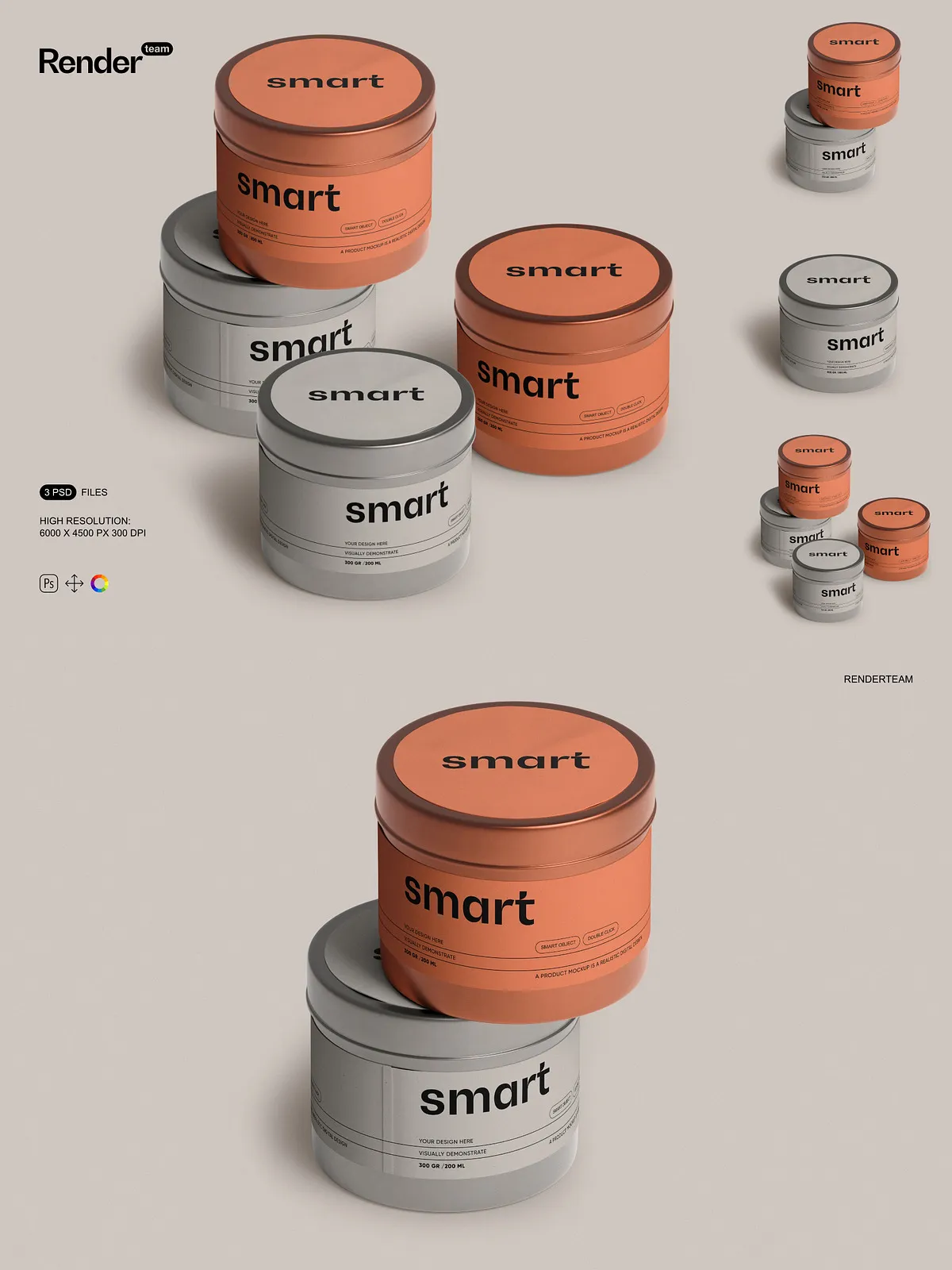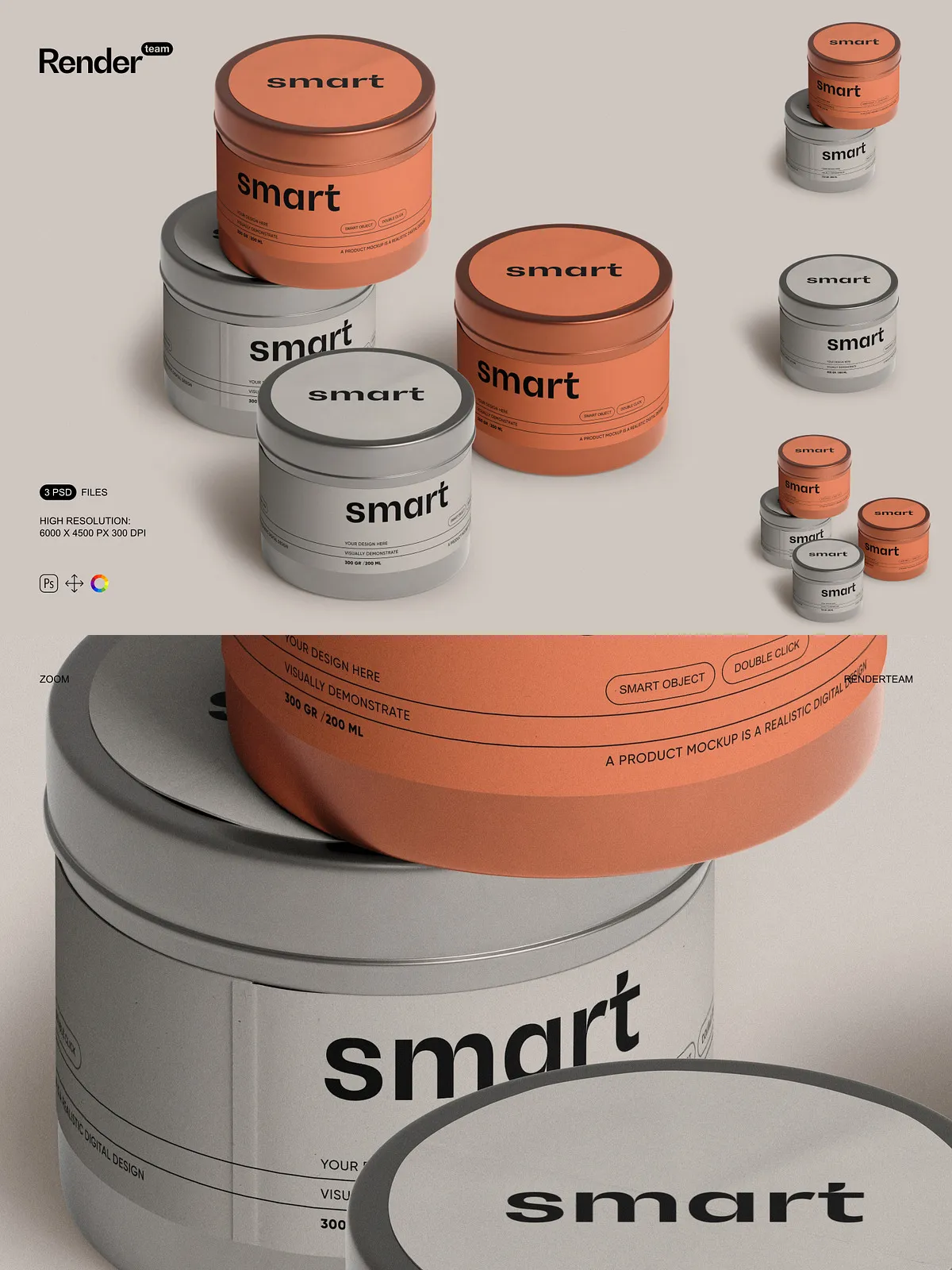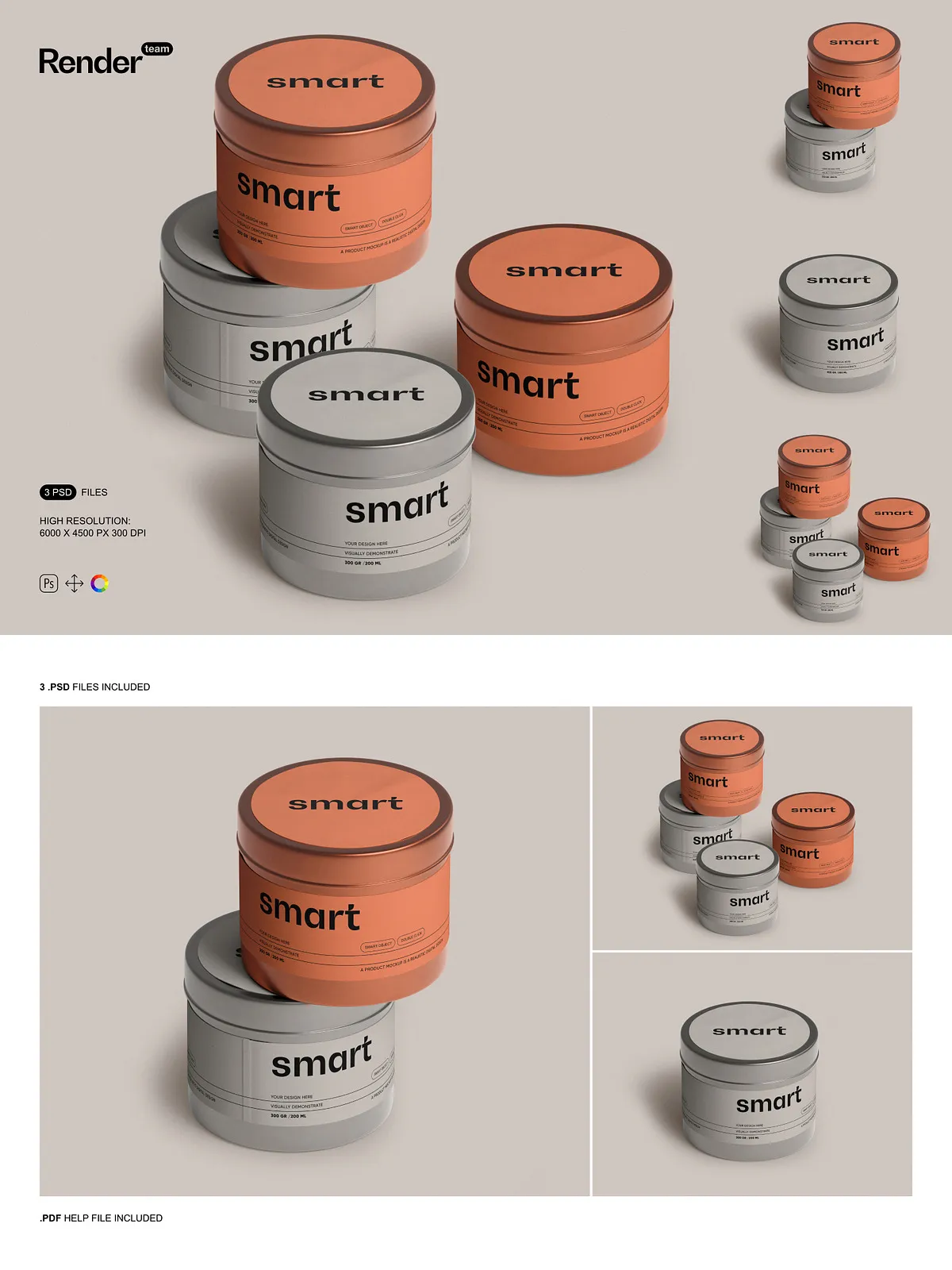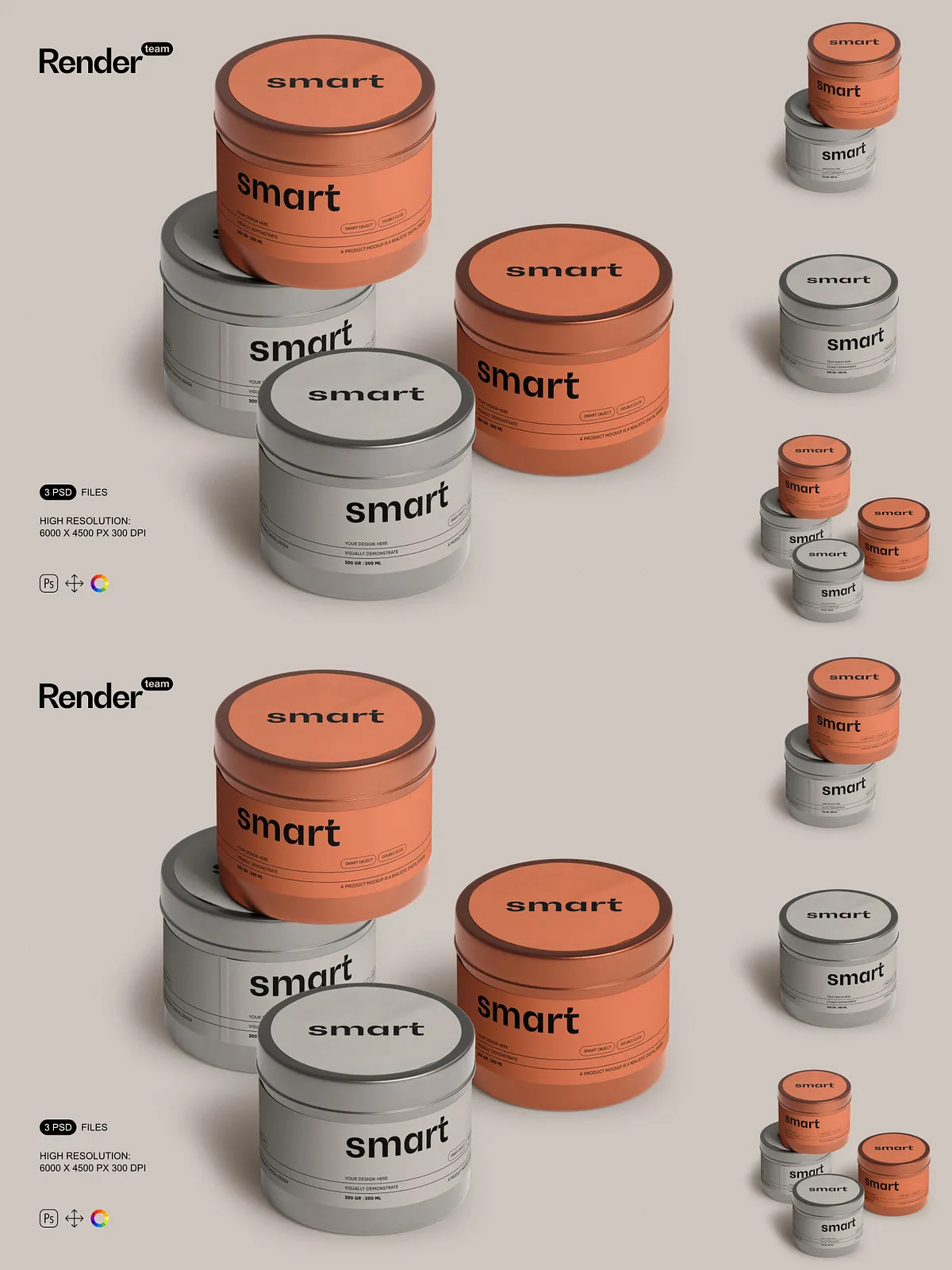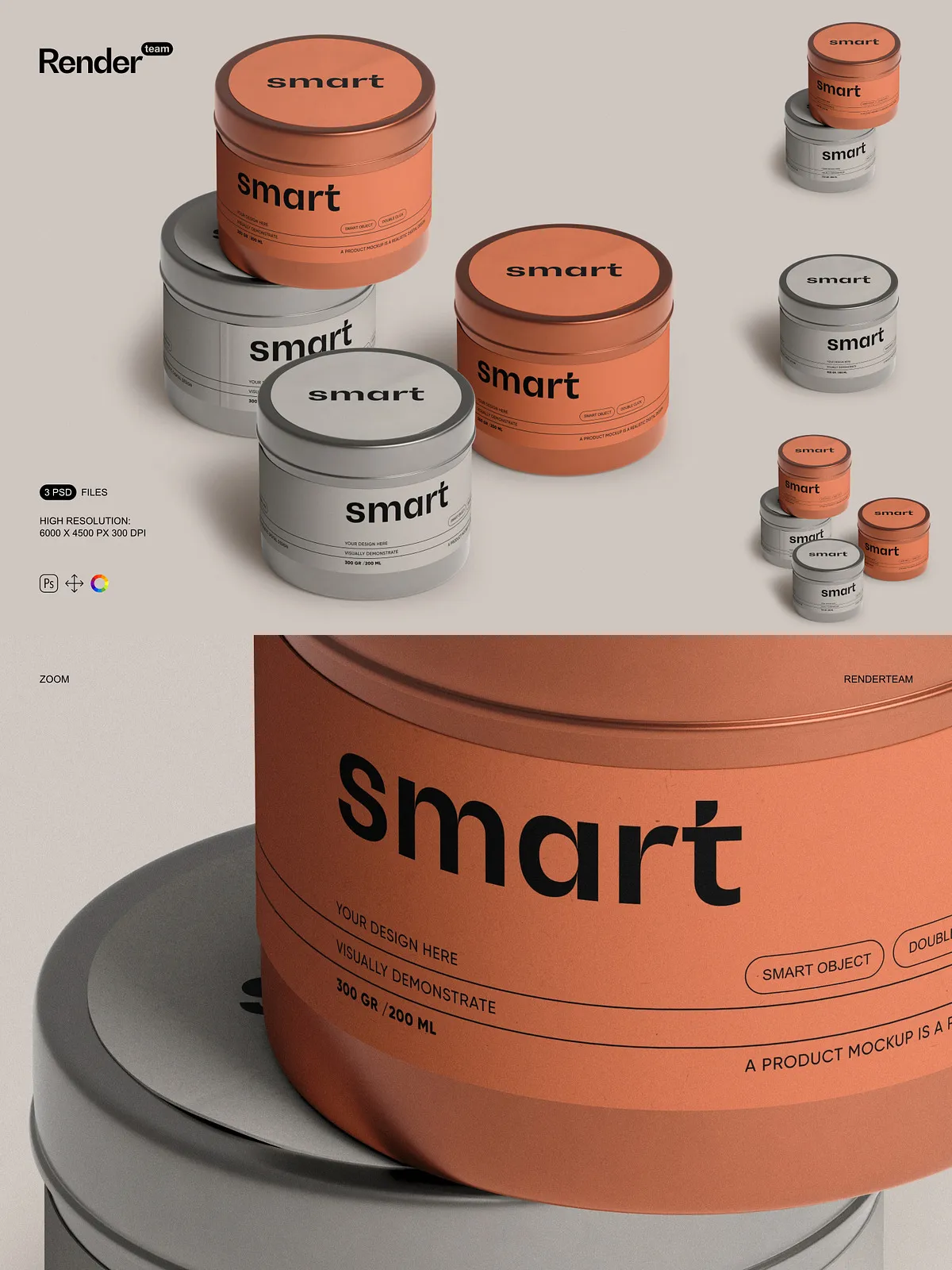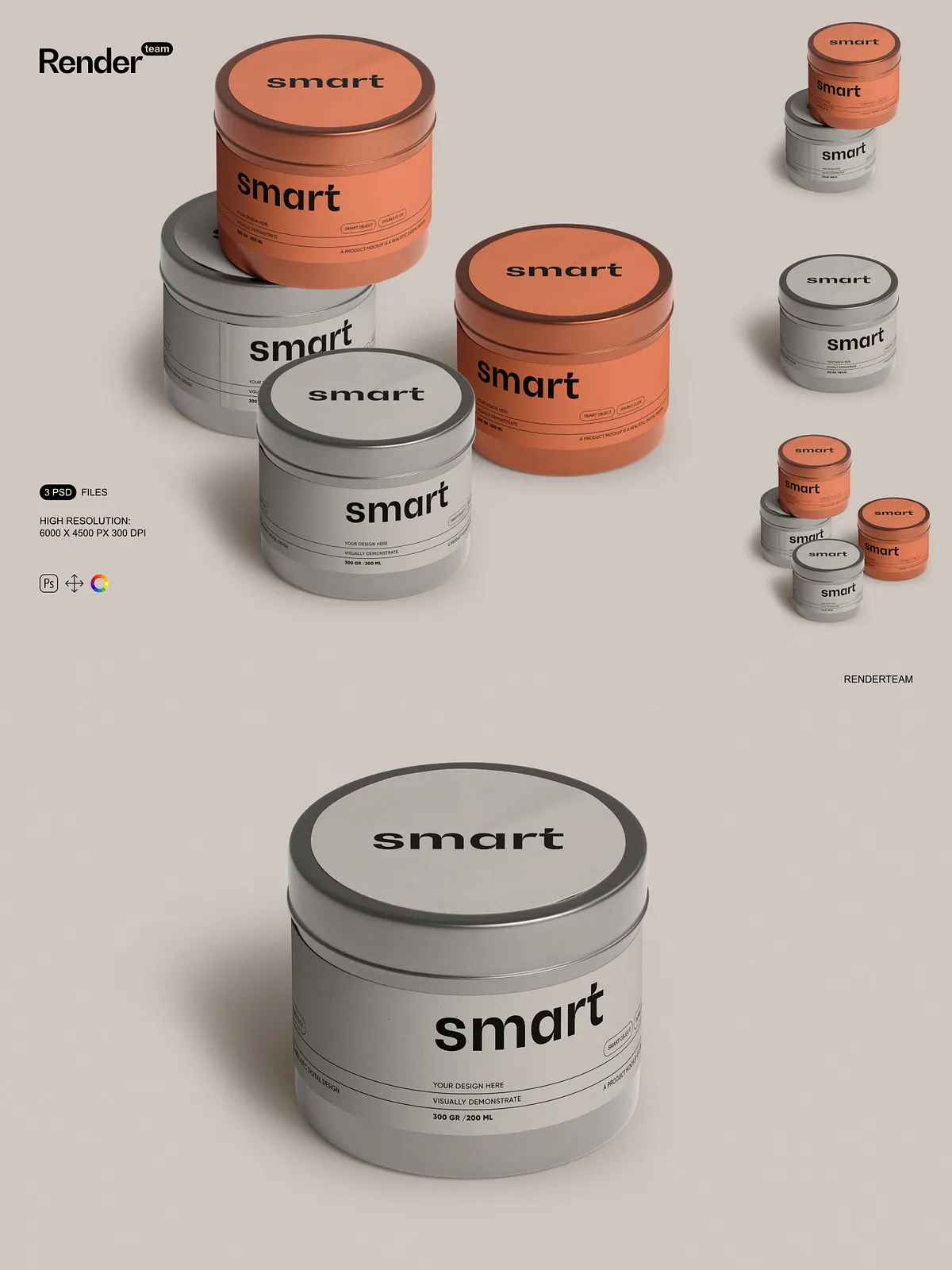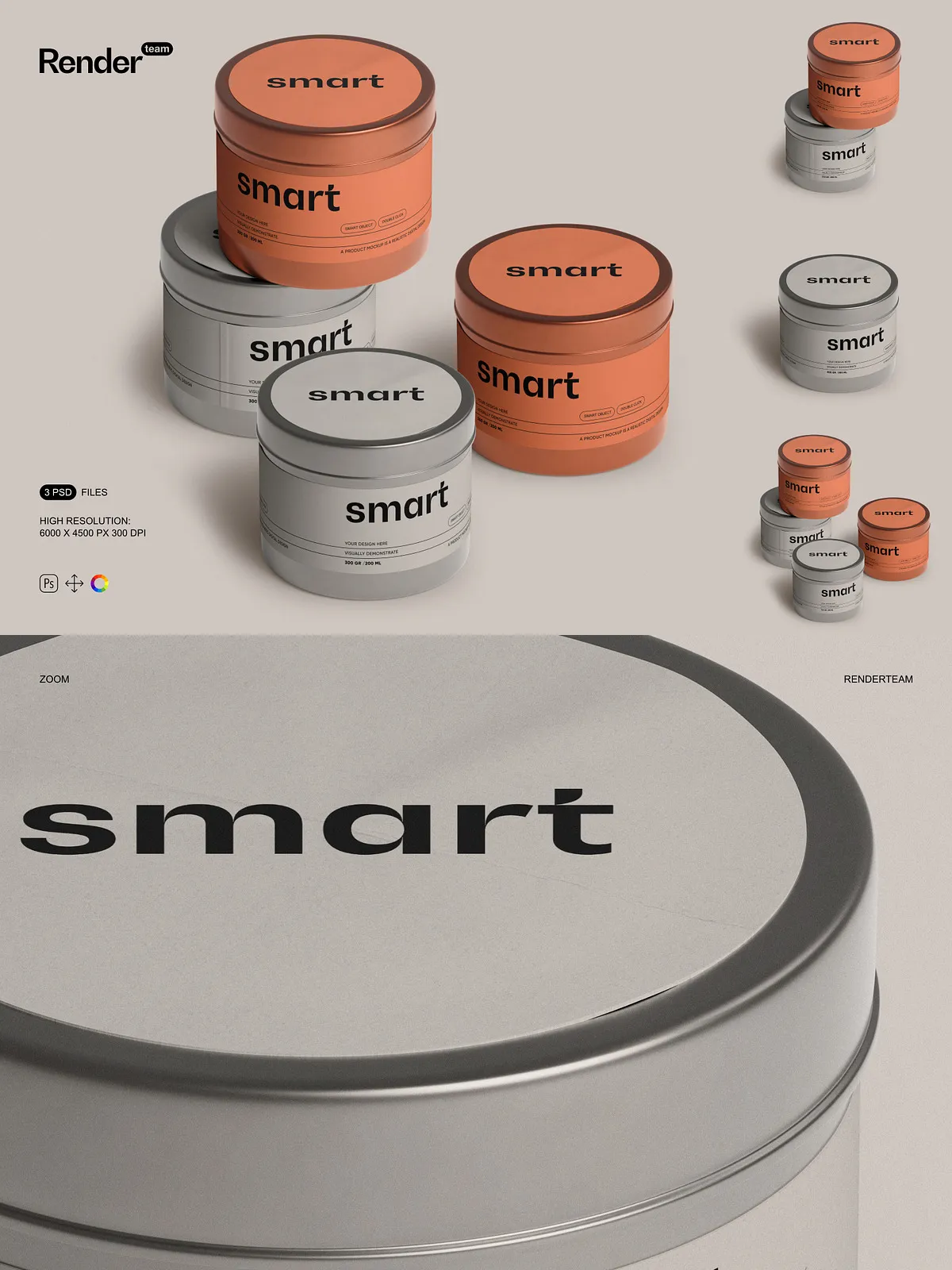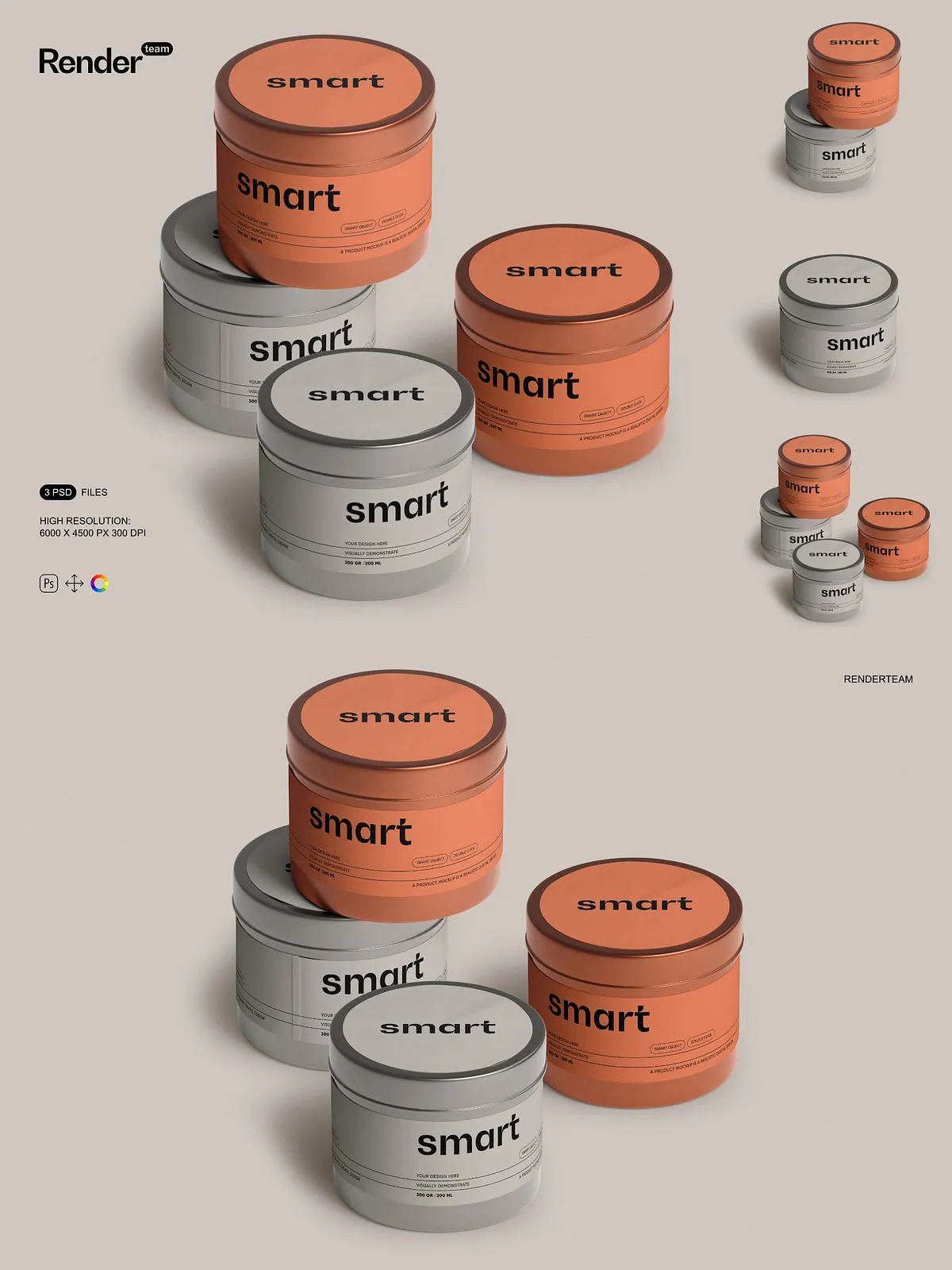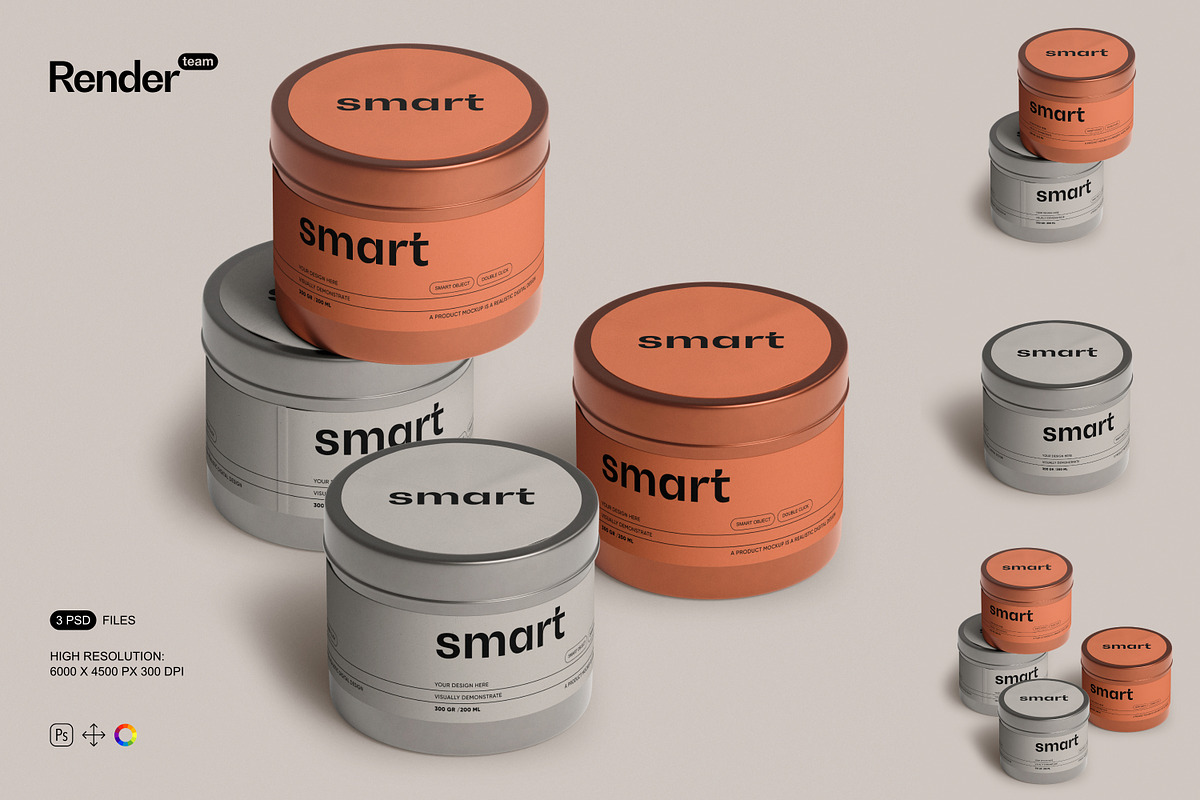
Maximize your visual storytelling with the Metal Tin Jar Mockup Set — a powerful collection of three fully layered and instantly customizable PSD files engineered for precision and speed. Designed for branding professionals, product designers, and e-commerce sellers, these mockups let you showcase your custom labels, packaging art, or logo concepts with hyper-realistic detail. Each design leverages Smart Object technology for seamless editing, ensuring your creative vision translates flawlessly into polished commercial visuals.
What’s Included in the Set
Complete Package with Premium Features
- 3 high-resolution PSD mockup files at 6000 × 4500 pixels, 300 dpi for print and web-ready clarity
- Smart Object layers for instant design replacement—double-click, paste your artwork, save, and watch it update automatically
- Strictly organized layers and nested folders to maintain file integrity and accelerate workflow
- All objects, shadows, reflections, and background elements isolated for maximum control over composition
- Editable color layers allowing you to adjust metal tone, finish, and lighting to match your brand identity
- PDF help file with illustrated, step-by-step instructions for beginners and advanced users alike
Effortless Editing with Smart Object Technology
Replace Designs in Seconds, Not Minutes
Stop wasting time recreating product visuals from scratch. Use the Smart Object feature to swap in your custom designs in under 30 seconds. Simply double-click the Smart Object layer, insert your artwork (logo, label, or design), center and scale as needed, and save. The mockup automatically updates the main file with perfect perspective, shadows, and reflections—no extra effort required. This non-destructive editing method ensures all original assets remain intact for future revisions.
Control Every Visual Element with Precision
Leverage the isolation of key components: separate layers for the jar body, lid, shadow, background, and ambient lighting make it simple to adjust depth, contrast, and scene context. Change the metallic finish to brushed, polished, or matte. Modify the background to match a rustic shelf, sleek retail display, or minimalist studio setup. This modular design gives you full creative freedom to craft the exact look and feel your brand demands.
Exceptional Image Quality & Output Flexibility
High-Resolution Design for Every Platform
Each mockup is rendered in 6000×4500 px at 300 dpi—ideal for premium print, high-end product catalogs, or large-format presentations. Typography stays sharp, textures remain crisp, and color gradients appear smooth. Whether you’re building a Shopify product page, designing a social media ad, or preparing a pitch deck, you can export flawless images without pixelation or loss of detail.
Customize Scenes to Match Real-World Use Cases
Use the isolated layer structure to build dynamic compositions. Arrange multiple jars for a product lineup, add props like herbs or ribbons, or overlay light leaks and texture overlays for a lifestyle feel. The mockup adapts to your creative needs—from elegant packaging design showcases to bold digital banners and retail display concepts.
How to Get Started: Simple 1-2-3 Workflow
Step-by-Step Guide for Instant Results
- Open one of the PSD files in Adobe Photoshop (Creative Cloud recommended).
- Locate the Smart Object layer labeled for the jar’s label or front panel and double-click to open the editable content.
- Paste your design, align it to the frame, and use the crop or transform tools to fit perfectly.
- Save the Smart Object file and return to the main canvas—your design appears with realistic depth and reflection.
- Adjust background, shadow intensity, and color overlays to match your desired aesthetic.
- Export the final image in PNG, JPG, or PDF format for web, social media, or print.
Compatibility and Technical Requirements
This mockup set is built exclusively for Adobe Photoshop and requires full Smart Object support. It is incompatible with design tools such as Canva, Procreate, Figma, or Adobe Illustrator—these platforms do not support layered PSDs with editable Smart Objects. For optimal performance and access to all features, always use the latest version of Adobe Creative Cloud Photoshop.
Licensing & What’s Not Included
Important: The product package contains only the mockup templates. It does **not** include any example designs, fonts, stock photos, or third-party graphics used in preview images. You must source and license all external assets used in your final compositions. Ensure proper commercial rights for any design elements incorporated into your projects, especially for resale or client deliverables.
Perfect for: Branding, E-Commerce, and Creative Agencies
Use these mockups to create compelling visual content for: product launches, website hero images, Instagram ads, Amazon listings, packaging design proofs, and client presentation decks. The ability to generate multiple variations quickly makes this set ideal for agencies managing multiple clients or designers testing branding concepts under tight deadlines.
Support and Pro Tips
Beginners: Consult the included PDF guide for visual walkthroughs. Avoid scaling final exports too large to prevent performance issues. Always work with a backup copy. Professionals: Use layer groups and naming conventions to streamline batch processing. Combine mockups with lighting effects from third-party PSDs for cinematic results.
Own Your Visual Identity
The Metal Tin Jar Mockup Set empowers you to present your product designs with unmatched authenticity and professionalism. With Smart Object editing, clean layer organization, and real-world rendering, you no longer need photography or 3D modeling to build stunning visuals. Take full creative control, accelerate your workflow, and create unique scenes that reflect your brand’s personality. Get ready to impress clients, capture attention, and elevate your design game.