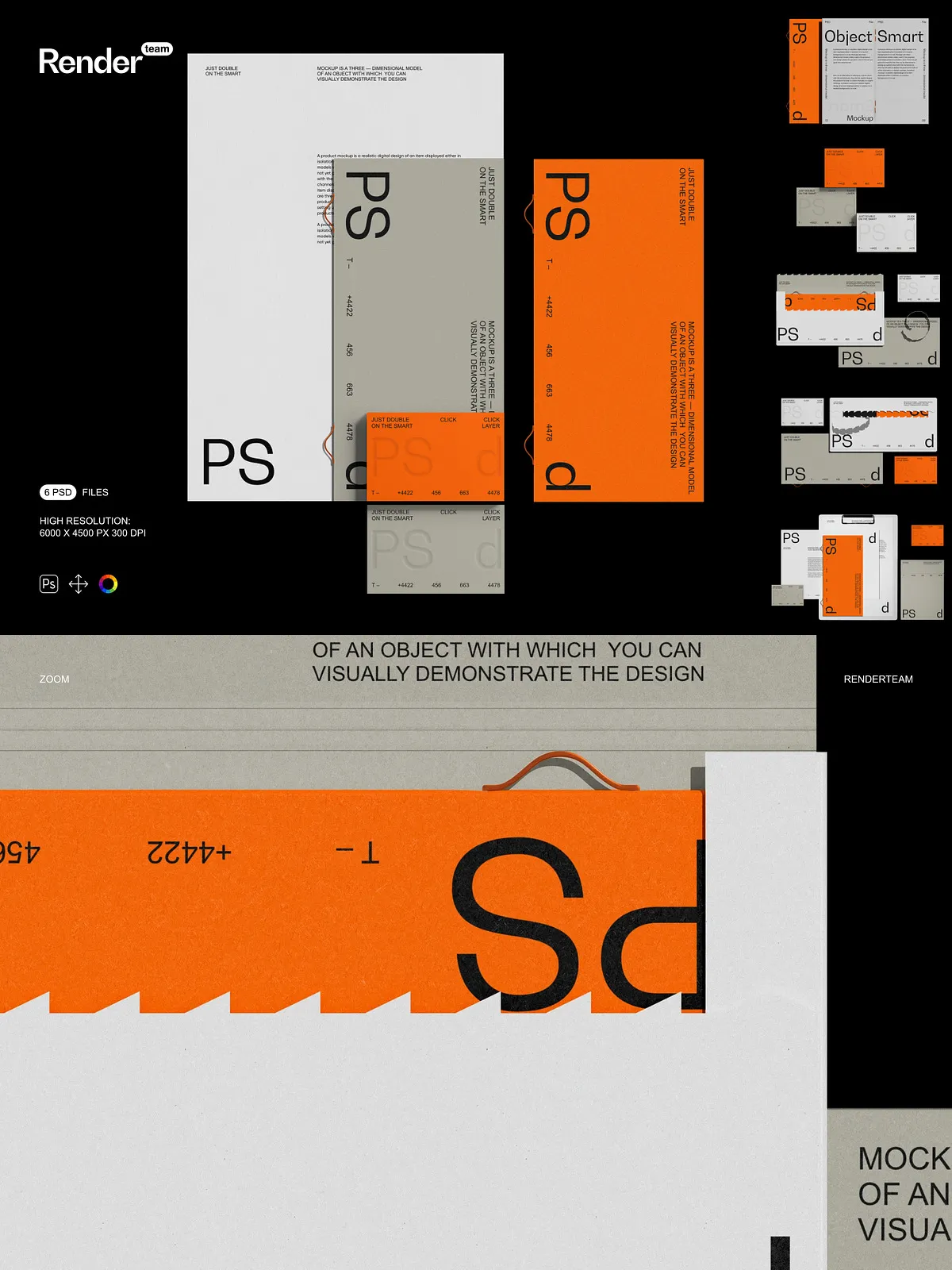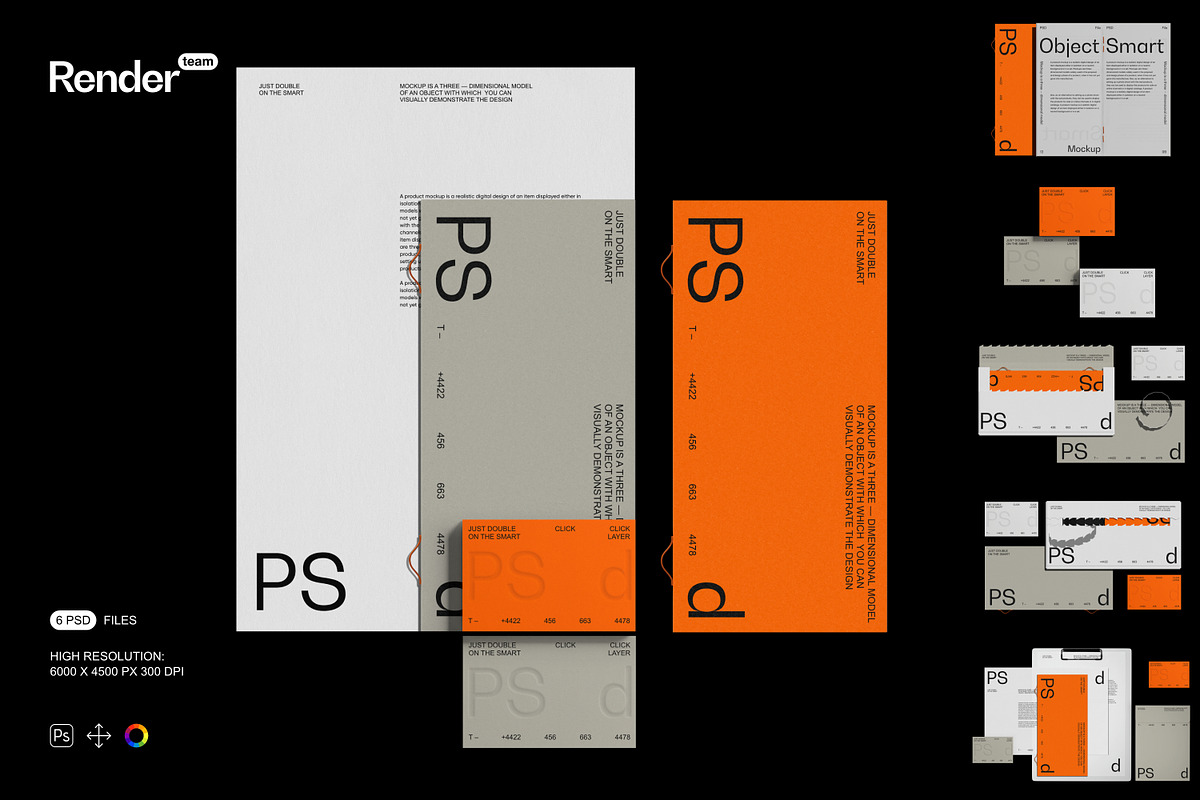
Unleash your creative potential with the Brand Identity Mockup Set — a powerful collection of six fully layered, high-resolution PSD files engineered for maximum customization and immediate use. Whether you’re crafting compelling client proposals, enhancing e-commerce product pages, or building striking social media content, this set empowers you to present your brand identity with polished professionalism and dynamic realism. Every element has been meticulously designed to deliver lifelike depth, perfect perspective, and seamless integration — allowing your designs to shine without the need for photography or complex 3D modeling.
Why You’ll Love This Mockup Set
Lightning-Fast Editing with Smart Object Technology
Replace your designs in seconds, not hours. Simply double-click any Smart Object layer to open the editable content window, insert your artwork or logo, scale and align it precisely, and save — the main canvas updates instantly with accurate shadows, reflections, and depth. This non-destructive workflow preserves your original files while enabling endless variations and revisions. No more manual retouching. No more time wasted adjusting perspectives. Just pure creative efficiency.
Organized, Intelligent Layer Architecture for Seamless Workflows
Each mockup features a clean, intuitive layer structure designed for both beginners and experts. Every component — from the base surface and borders to shadows, textures, and gloss effects — is isolated into its own named layer or folder group. This structure ensures you can edit any part of the design without affecting surrounding elements. Want to adjust the brand color scheme? Modifying a single color layer instantly updates the entire piece. Need to tweak the background? Swap it in one click. This modularity keeps your project organized and your workflow unstoppable.
Ultra-High Resolution for Print-Ready, Web-Optimized Outputs
Rendered at a stunning 6000 × 4500 pixels at 300 dpi, each mockup delivers crystal-clear detail perfect for professional printing, large-format displays, product catalogs, and high-definition digital campaigns. Textures remain crisp, gradients appear smooth, and lighting effects retain their natural depth — even when scaled to fit a billboard or an Instagram post. Export your final image in PNG, JPG, or PDF format with confidence, knowing every pixel is optimized for maximum impact.
Full Creative Control to Build Your Unique Visual Scenes
Break free from static templates. Use the isolated layers to construct custom environments: place your brand identity on a modern desk, insert it into a minimalist storefront, or position it against a bustling city skyline. Add props like business cards, notebooks, or digital screens. Modify the lighting to reflect morning sun, evening ambiance, or dramatic cinematic tones. Use the built-in layers to simulate weathering, wear, or metallic sheen — transforming your mockup into an immersive narrative device that tells the story of your brand.
Simple 1-2-3 Setup for Instant Visual Success
Beginner-Friendly Steps, Professional Results
- Open any PSD file in Adobe Photoshop (Creative Cloud recommended).
- Locate the Smart Object layer labeled “Front Panel,” “Logo Area,” or “Design Zone.” Double-click it to access the editable content.
- Paste your design, drag and drop, or use the transform tools to align and scale it perfectly within the frame.
- Save the Smart Object file, return to the main canvas — the updated design appears instantly with realistic depth and perspective.
- Adjust background, color grading, shadow intensity, and layer opacity to match your desired aesthetic.
- Export the final output in PNG, JPG, or PDF format for websites, emails, social media, or print.
Compatibility & System Requirements
This mockup set is built exclusively for Adobe Photoshop and requires full support for Smart Objects, layered PSD files, and raster layer editing. It is not compatible with Canva, Procreate, Figma, Illustrator, or any software that does not natively support Photoshop’s file format. To experience full functionality, use the latest version of Adobe Creative Cloud Photoshop. Regular updates ensure optimal performance and prevent layer glitches, rendering errors, or compatibility issues.
Licensing & What’s Not Included
Important: The mockup set contains only the template files — it does not include example designs, logos, fonts, stock photos, or third-party graphics used in preview images. All external assets must be sourced and properly licensed by you for commercial use. When delivering final work to clients or publishing online, ensure your design elements comply with license agreements to avoid legal risks.
Ideal for: Branding Agencies, E-Commerce Sellers, Designers, and Marketing Teams
Use these mockups to create standout visuals for: client pitch decks, Shopify or Amazon product listings, promotional banners, LinkedIn and Instagram ads, packaging proofs, trade show displays, and digital portfolios. The ability to generate multiple variants quickly makes this set indispensable for fast-turnaround projects, high-volume content creation, and consistent brand storytelling across platforms.
Pro Tips for Maximum Impact
Beginners: Always start from a duplicate of the original file to preserve the original. Consult the embedded PDF guide for clear visual instructions and layer navigation. Professionals: Use descriptive layer prefixes like “Shadow_Ambient,” “Color_Steel,” or “Ref_Metal” to streamline collaboration. Combine with third-party texture overlays, lighting effects, or blend modes to achieve cinematic realism in your presentations.
Claim Your Creative Edge Today
The Brand Identity Mockup Set delivers unmatched versatility, precision, and speed. With Smart Object editing, intelligent layer management, and print-quality resolution, you can now produce professional-grade visuals without photography, photo editing, or 3D rendering. Take full control of every visual story you tell, accelerate your workflow, and impress your clients with confidence. Build your brand. Style your message. Own your vision — one mockup at a time.