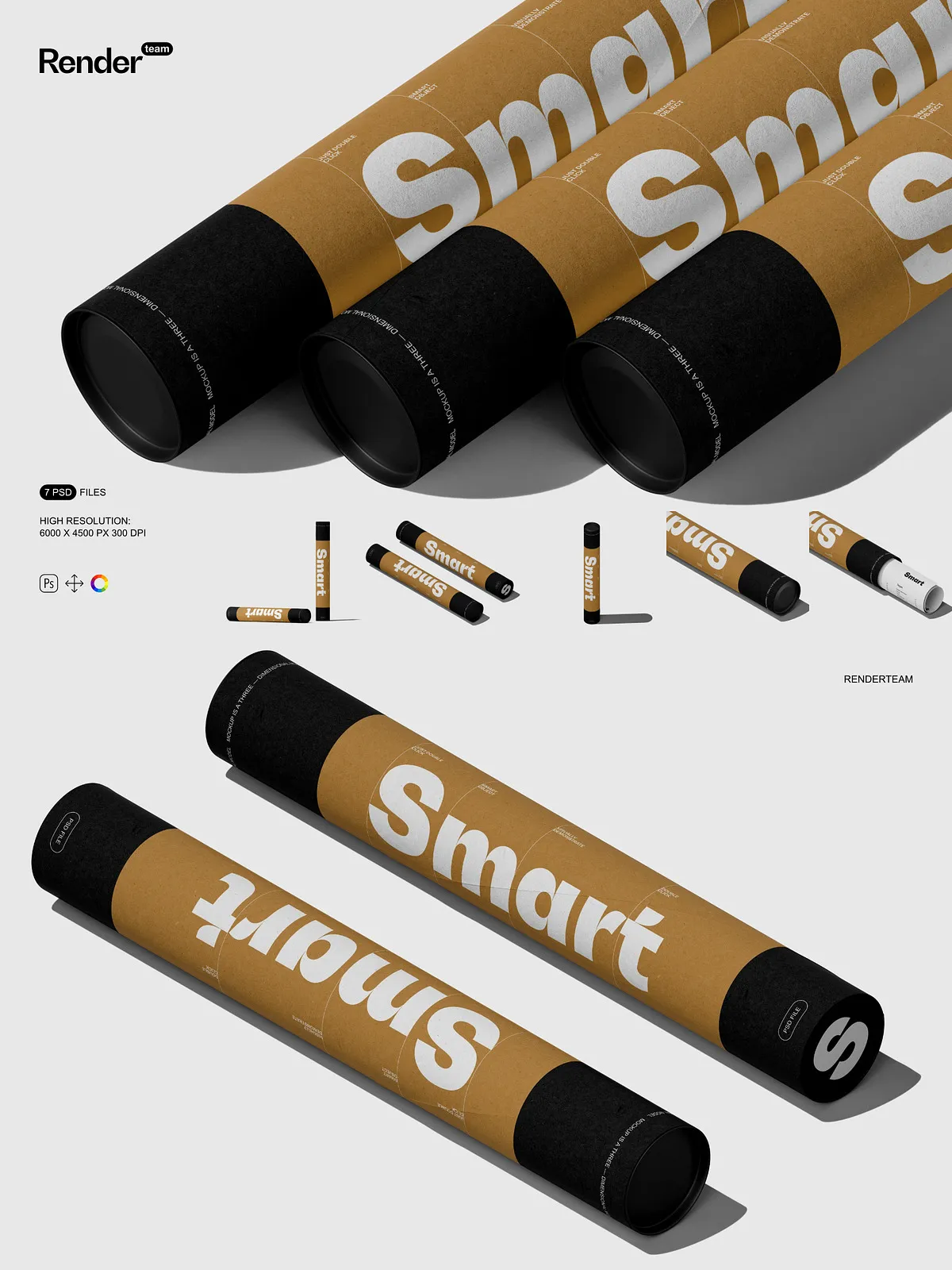
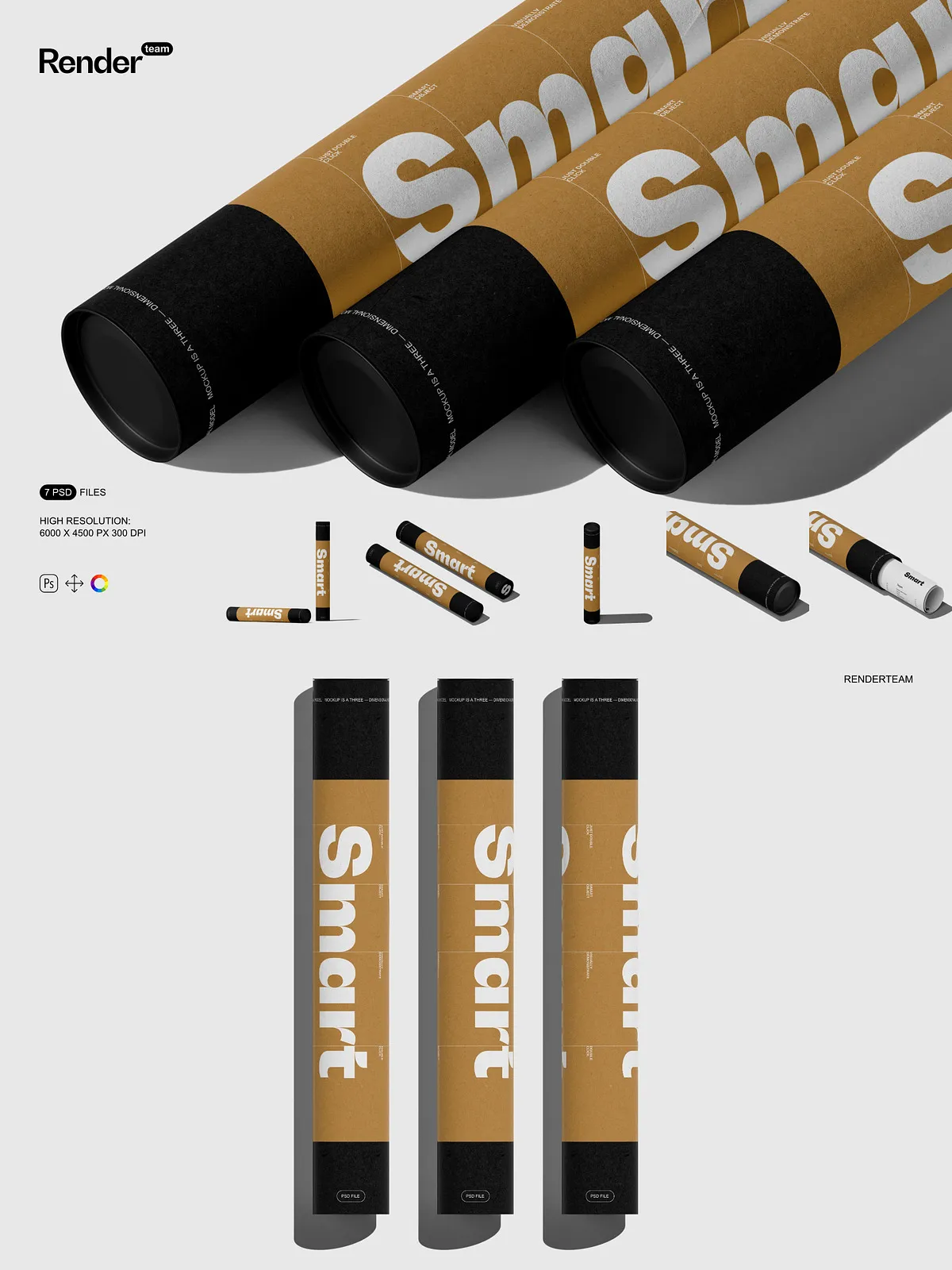
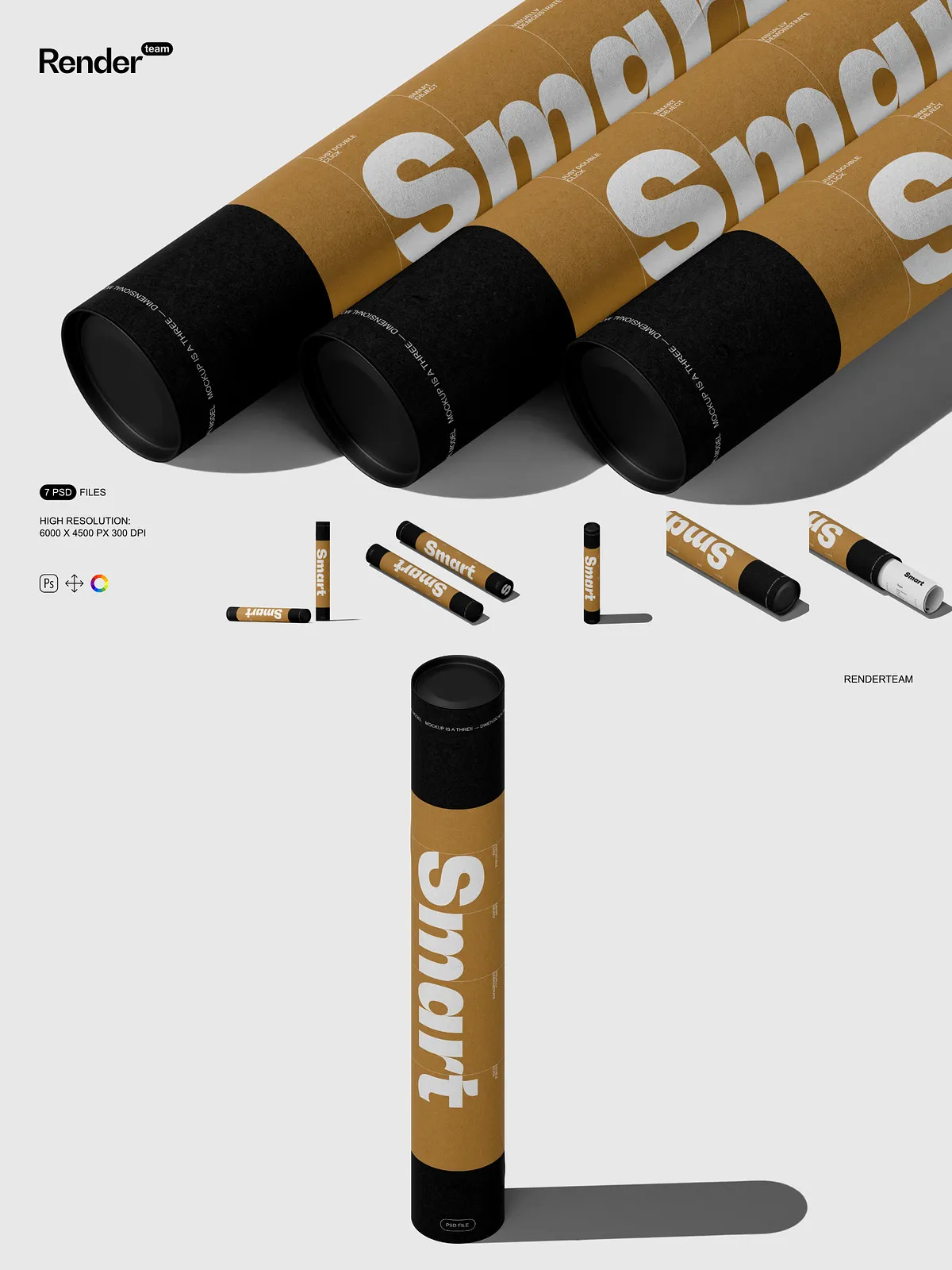
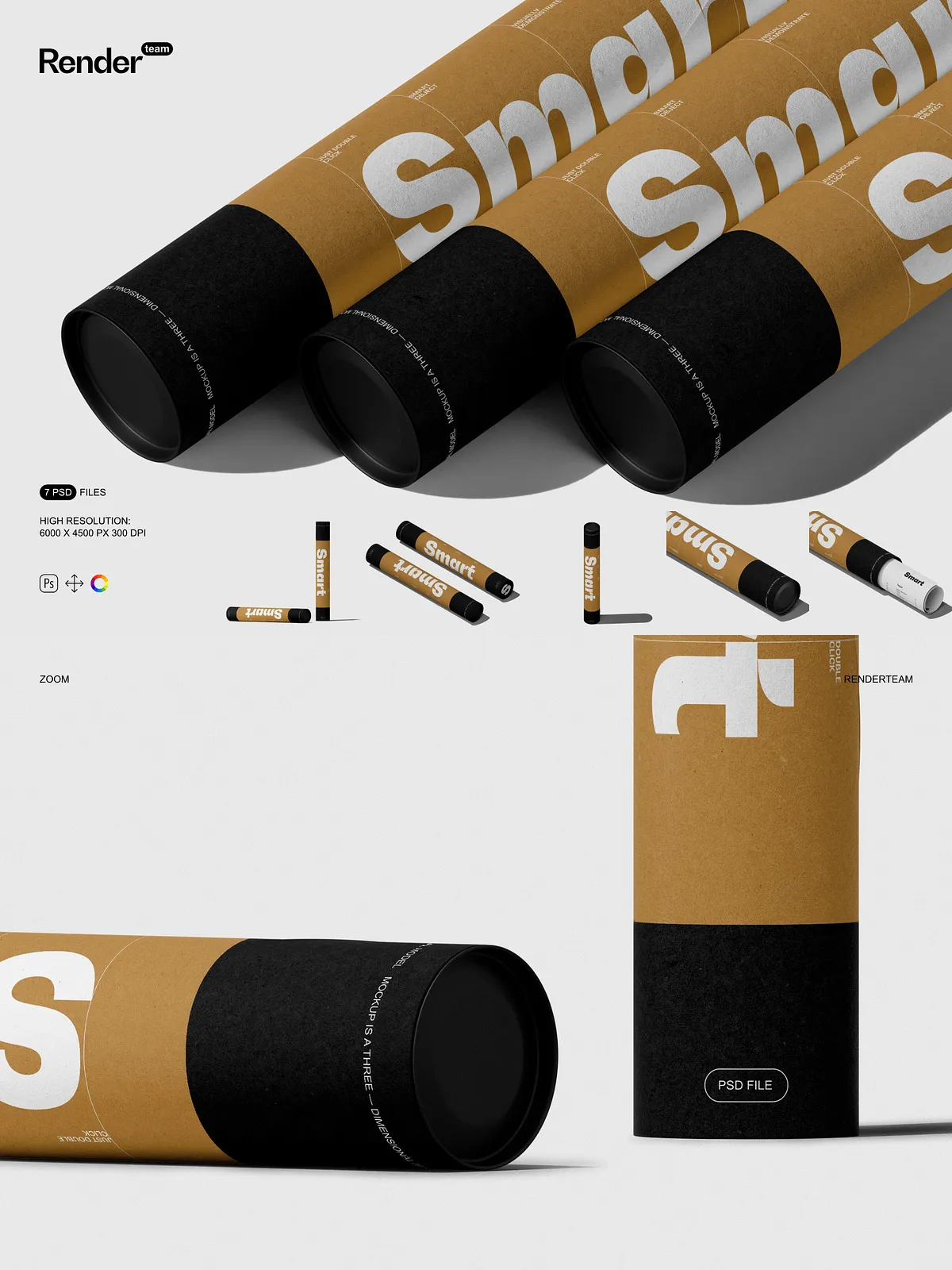
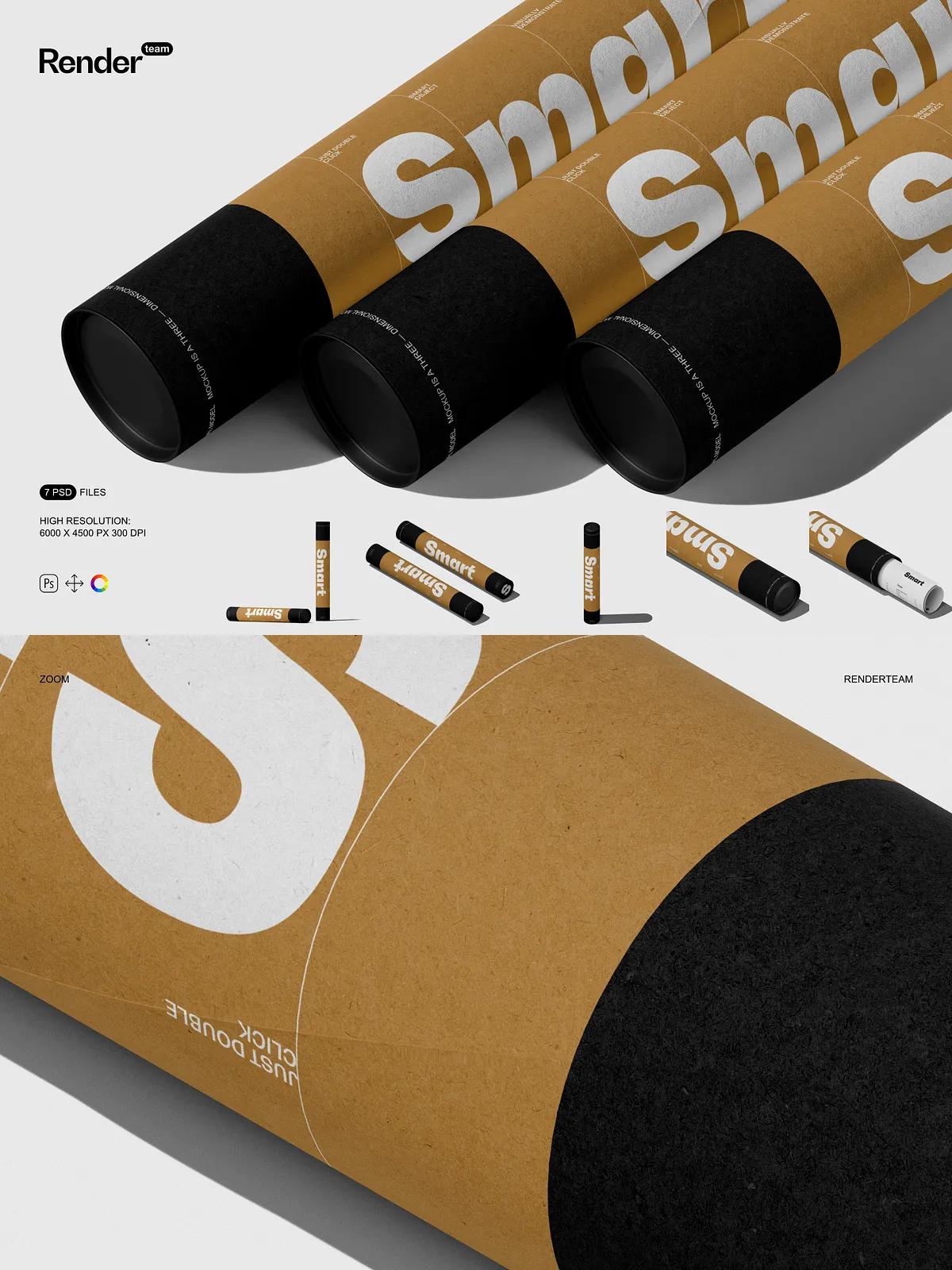
Transform your creative ideas into visually compelling presentations with the Paper Tube Mockup Set — a powerful collection of seven fully layered, high-resolution PSD mockups designed for maximum flexibility, realism, and ease of use. Whether you’re showcasing a custom packaging design, launching a new product line, or building marketing assets for Shopify, Instagram, or trade shows, this set gives you the tools to impress clients and convert audiences instantly. Every mockup is engineered to deliver lifelike depth, accurate perspective, and seamless integration — without requiring photography, photo editing, or 3D modeling skills.
Seamless Editing with Smart Object Technology — Edit in Seconds, Not Hours
Double-Click. Insert. Save. Done.
Unlock instant customization using Adobe Photoshop’s Smart Object system. Simply double-click any Smart Object layer — such as “Front Panel,” “Logo Zone,” or “Design Area” — to open a dedicated editing window. Paste your design, resize it with precision, and save. The main canvas automatically updates with real-time shadows, reflections, and depth, ensuring your artwork appears perfectly placed and professionally rendered. This non-destructive workflow lets you experiment endlessly, make revisions instantly, and generate multiple variations without compromising file integrity.
Instant Visual Updates Without Manual Adjustments
No more manually adjusting shadows, warping perspective, or repositioning layers. The entire scene updates dynamically when you edit a Smart Object. Whether you’re switching from a minimalist brand to a vibrant packaging design, or rotating a tube for different viewing angles, the realism remains intact. This streamlined process saves hours of work and allows you to focus on creativity — not technical fixes.
Intelligent Layer Architecture for Precision and Professional Workflow
Organized, Color-Coded, and Fully Isolated Layers
Each mockup features a meticulously structured layer hierarchy where every element — from the main tube surface and borders to shadows, textures, gloss effects, and lighting — is **isolated into individual named layers or grouped folders**. This advanced organization enables precise control over every visual component. Want to change the paper texture? Modify a single layer. Adjust the shadow intensity? Tweak the opacity of one group. Change the background environment? Swap it with a click. This modular structure keeps projects clean, scalable, and collaboration-ready.
Design with Confidence, Work with Freedom
Use color layers to instantly update your mockup’s tone — from crisp white paper to matte cardboard or metallic finishes. Use layer masks to refine edges, add soft vignettes, or blend multiple design styles. Combine with third-party textures, adjustment layers, or blending modes to create cinematic depth, weathered effects, or high-gloss finishes. Your design isn’t confined to a template — it becomes a dynamic visual story you can shape at will.
Ultra-High Resolution — Print-Ready, Web-Optimized, and Camera-Perfect
6000 × 4500 Pixels at 300 DPI for Maximum Clarity
Rendered at a professional-grade 6000 × 4500 pixels @ 300 dpi, each mockup delivers pixel-perfect sharpness suitable for high-end printing, large-format displays, product catalogs, and premium digital campaigns. Textures remain crisp, gradients appear smooth, and lighting effects retain natural depth — even when scaled for a billboard or a social media ad. Whether for web, email, or print, export your final image in PNG, JPG, or PDF format with full confidence in quality and visual impact.
Ready for Every Platform, Every Use Case
Generate assets that perform beautifully across all platforms. Use these mockups for Amazon or Shopify product listings, LinkedIn and Instagram campaigns, client pitch decks, digital portfolios, trade show booths, or packaging proofs. The high resolution ensures your design looks flawless on any screen or print medium — no blurry edges, no pixelation, no compromises.
Build Custom Scenes with Infinite Creative Freedom
Go Beyond Static Templates
Break free from rigid layouts. Position your paper tube on a modern desk, insert it into a retail display, place it in a forest background, or showcase it among other packaging products. Use isolated layers to add props like labels, ribbons, or business cards. Simulate different lighting conditions — morning sunlight, dramatic spotlight, or soft ambient glow. Apply wear and tear effects, dust overlays, or metallic sheen for a real-world touch. Customize with confidence and turn a simple mockup into a visual narrative that captures attention.
1-2-3 Setup — No Experience Needed, Professional Results Guaranteed
Beginner-Friendly Path to Pro-Level Output
- Open any PSD file in Adobe Photoshop (Creative Cloud recommended).
- Locate the Smart Object layer labeled “Front Panel,” “Design Zone,” or similar. Double-click it to access the editable content area.
- Paste your artwork, drag and drop a design file, or import your logo. Scale and align it precisely within the frame using the transform tools.
- Save the Smart Object file and return to the main canvas — your updated design appears instantly with accurate shadows, reflections, and perspective.
- Adjust background color, layer opacity, shadow hardness, and lighting to match your vision.
- Export the final image in PNG, JPG, or PDF format — ready for websites, social media, print, or client delivery.
Compatibility & System Requirements
This mockup set is built exclusively for Adobe Photoshop and requires full support for layered PSD files and Smart Object editing. It is not compatible with Canva, Procreate, Figma, Illustrator, or any other design software that does not natively support Photoshop’s file format. To experience full functionality and avoid rendering errors, use the latest version of Adobe Creative Cloud Photoshop. Regular updates ensure compatibility, performance, and long-term usability.
Licensing & What’s Not Included
Important: The mockup set includes only the template files — it does not include example designs, fonts, stock photos, or third-party graphics used in preview images. All visual elements used in the mockup visuals must be sourced and properly licensed by you for commercial use. When delivering final work to clients or publishing online, ensure all included assets comply with licensing agreements to avoid legal complications.
Ideal for: Designers, Branding Agencies, E-Commerce Sellers, and Marketing Teams
Use these mockups to create standout content for: product listings, digital advertising, client presentations, packaging prototypes, social media graphics, email newsletters, and digital portfolios. The ability to generate multiple variants quickly and reliably makes this set essential for high-volume campaigns, fast turnaround projects, and consistent visual branding across platforms.
Pro Tips for Maximum Creative Impact
Beginners: Always start from a duplicate of the original file to preserve the base template. Follow the included PDF instruction guide for step-by-step visuals and layer navigation. Professionals: Use descriptive layer naming conventions like “Shadow_Directional,” “Color_Paper_1,” or “Ref_Gloss_2” to enhance workflow efficiency. Combine with custom texture overlays, gradient maps, or lighting effects to achieve cinematic realism and professional polish in every presentation.
Take Your Design Game to the Next Level — Start Creating Today
The Paper Tube Mockup Set delivers unmatched versatility, precision, and speed. With Smart Object editing, intelligent layer organization, and print-quality resolution, you can now produce professional-grade visuals without photography, photo editing, or 3D rendering. Take full control of every visual story you tell, accelerate your workflow, and impress clients with confidence. Design with purpose. Present with power. Own your creative vision — one mockup at a time.