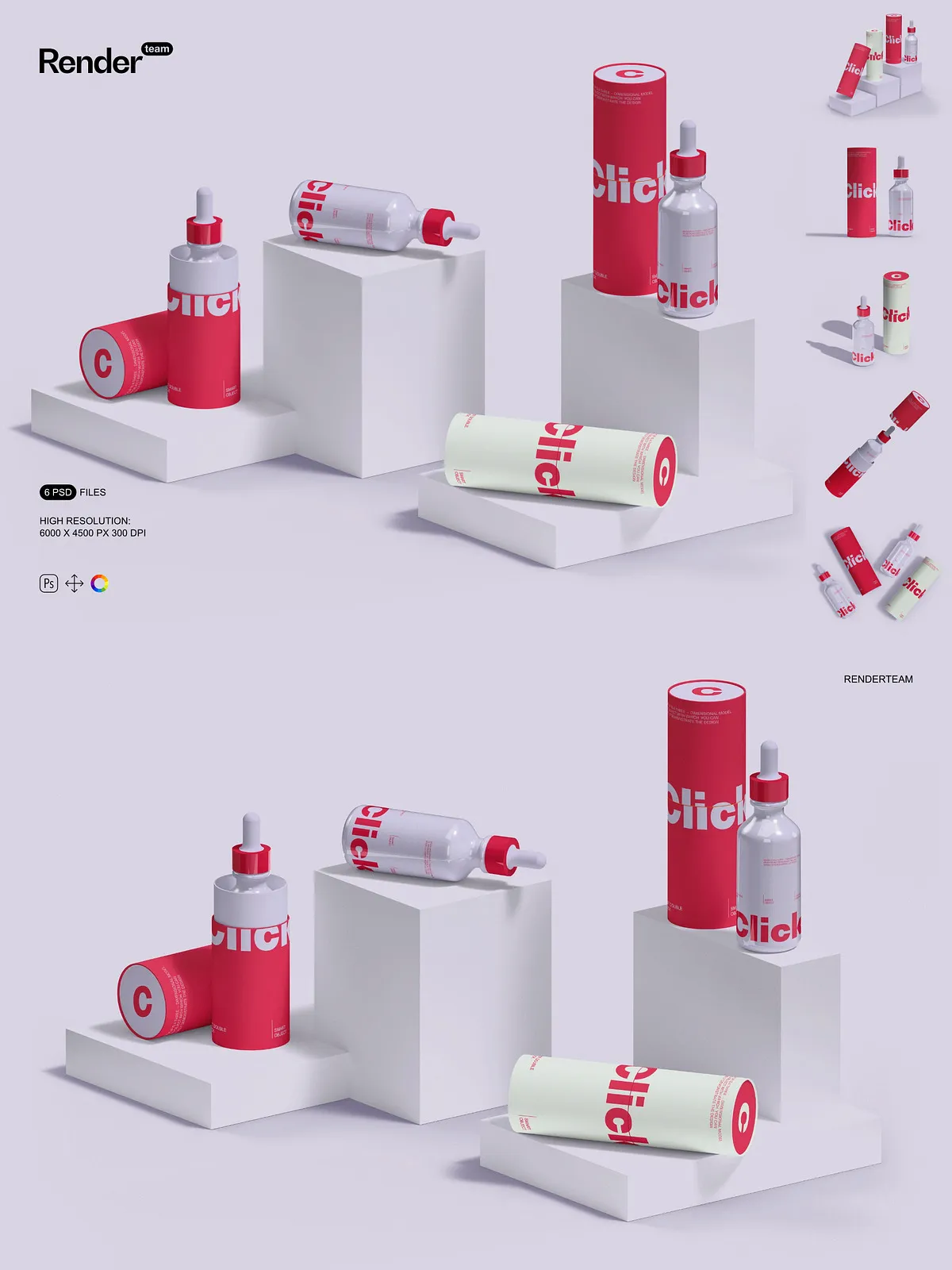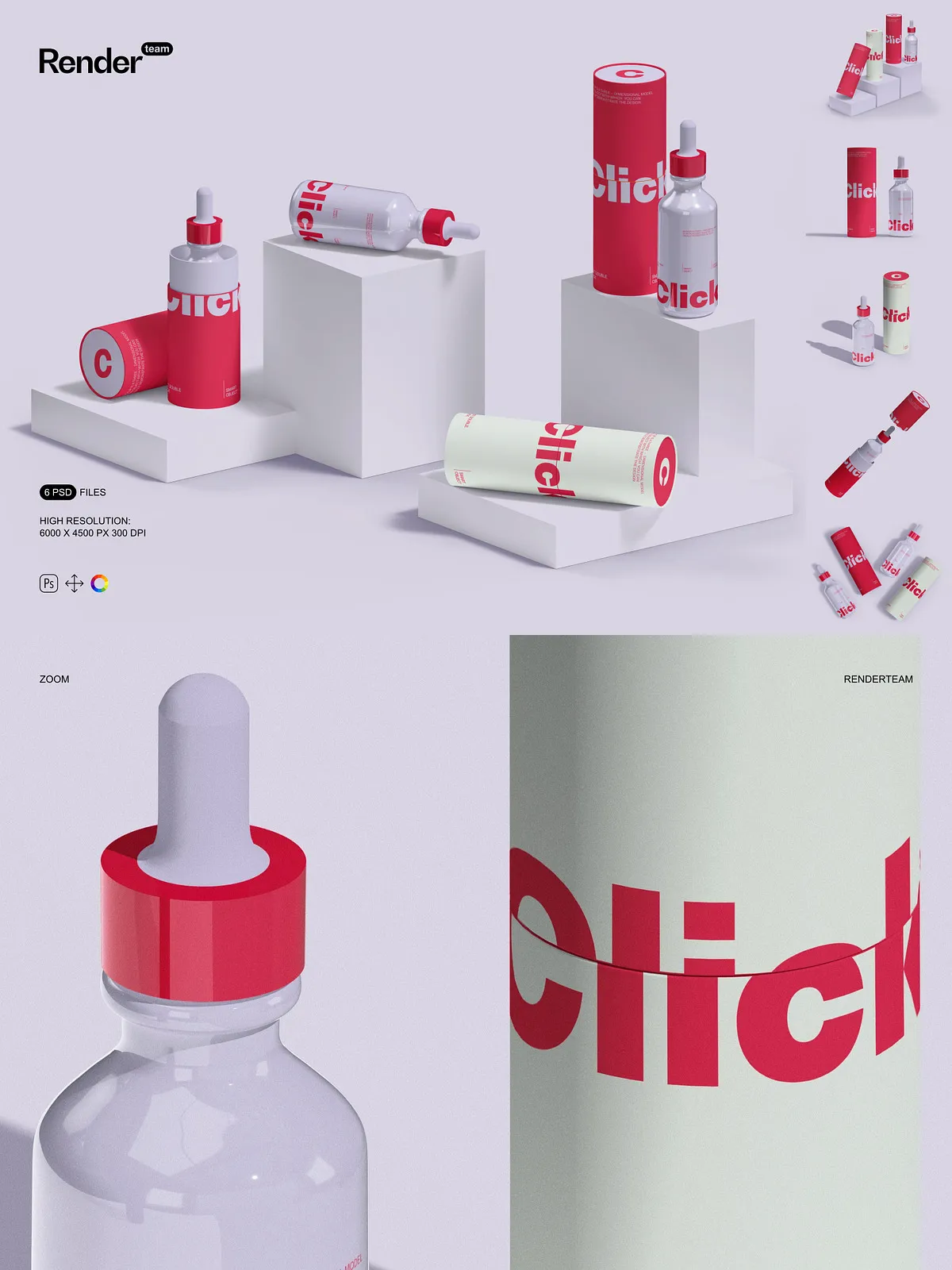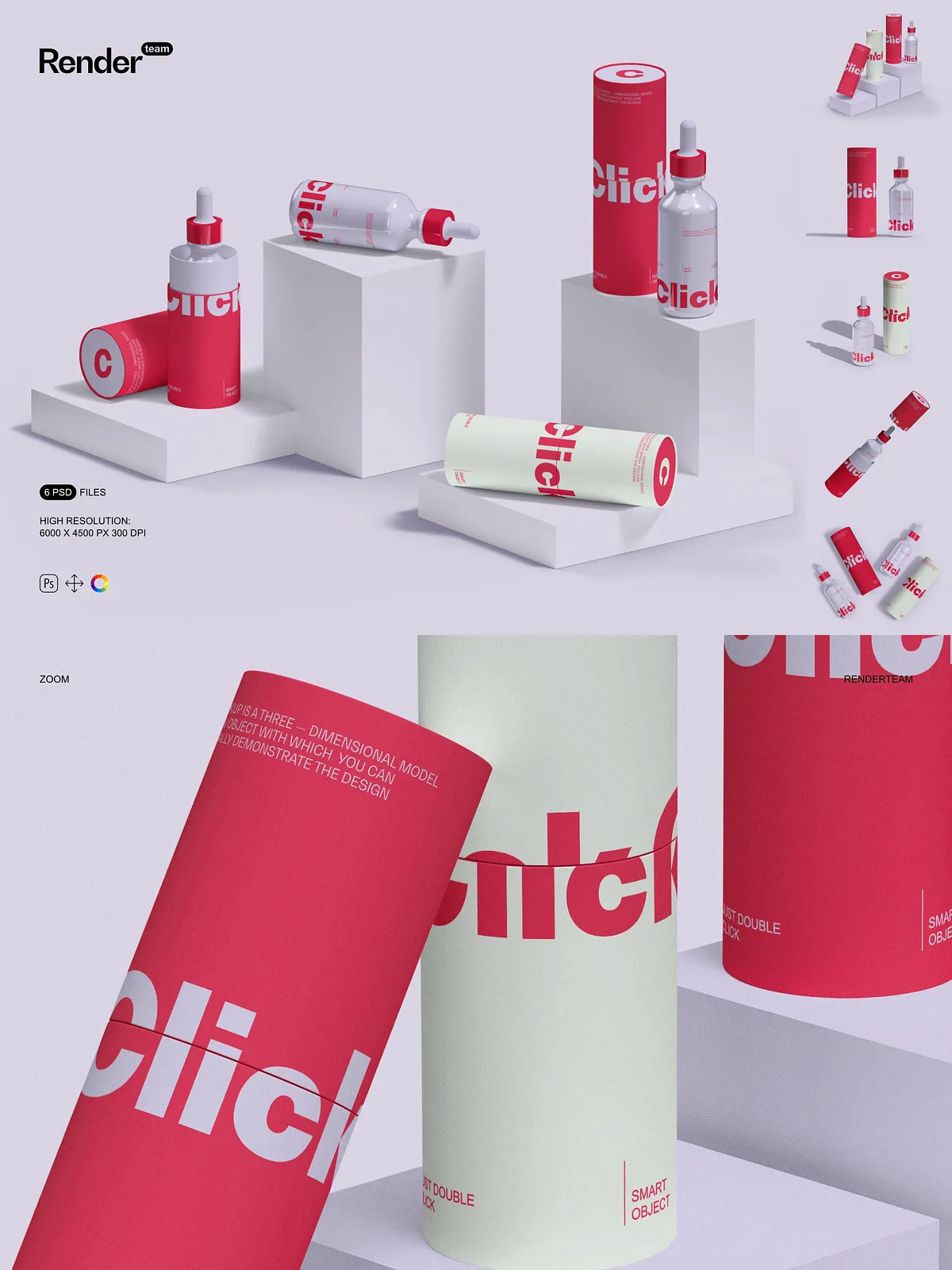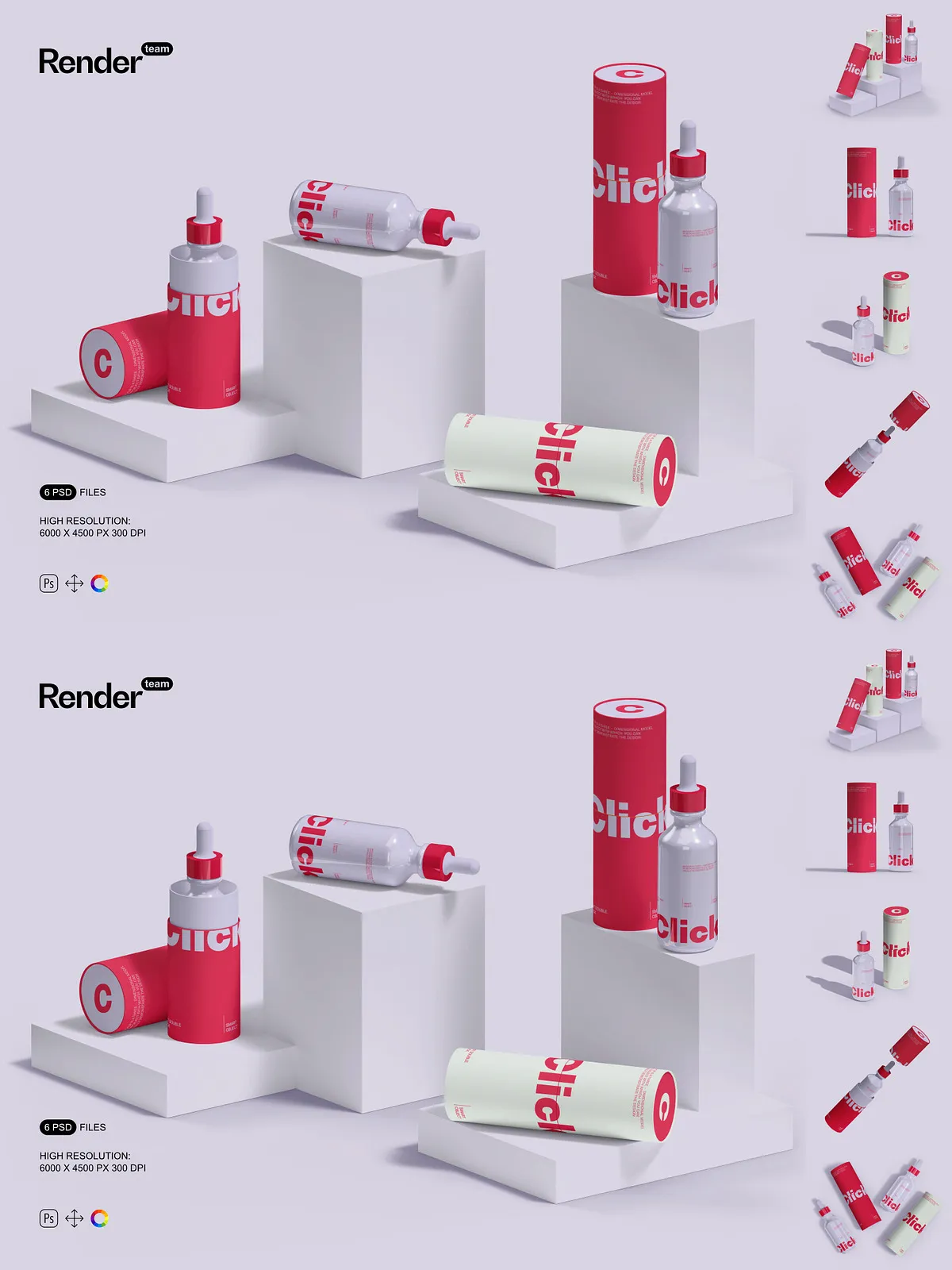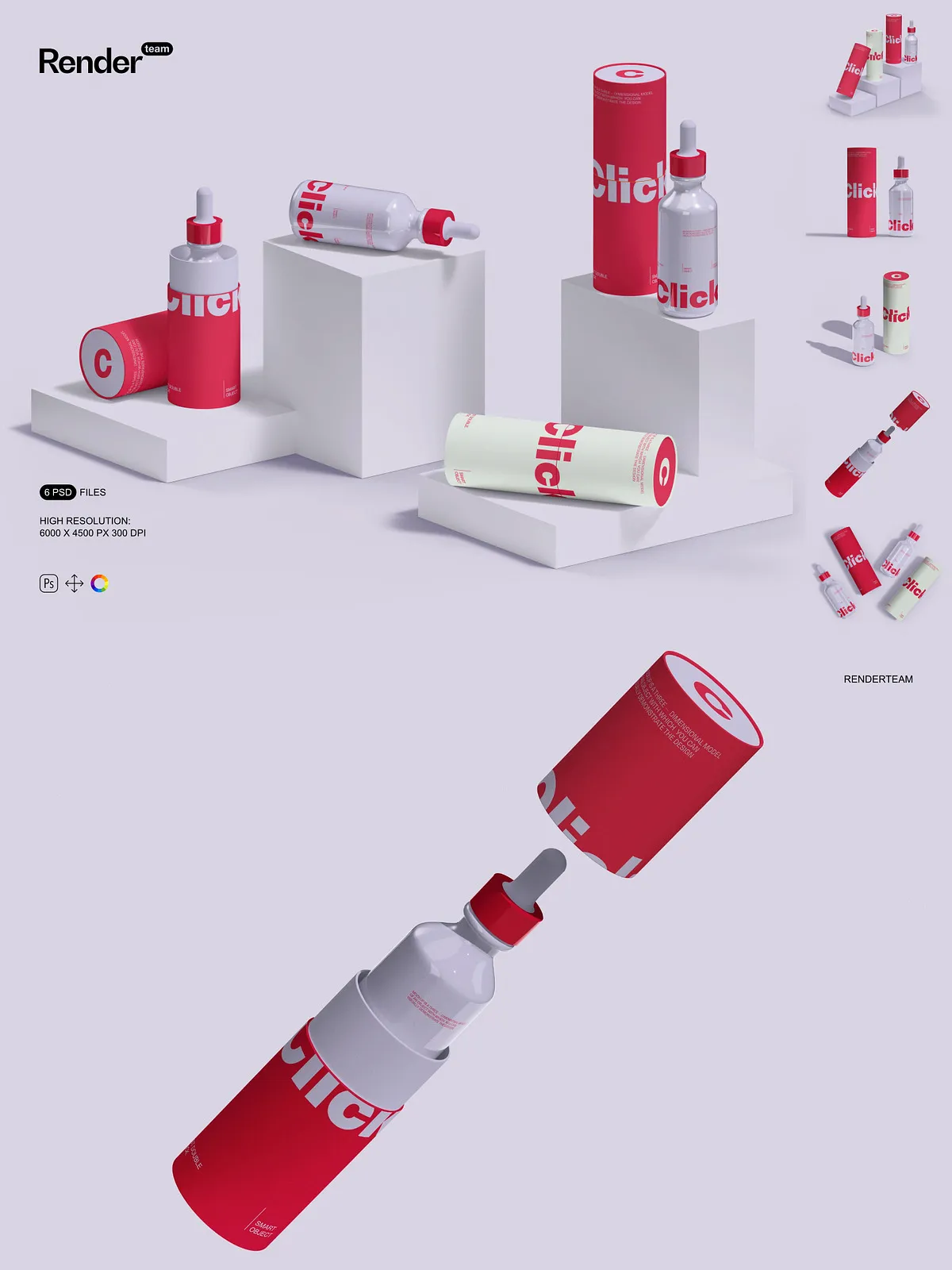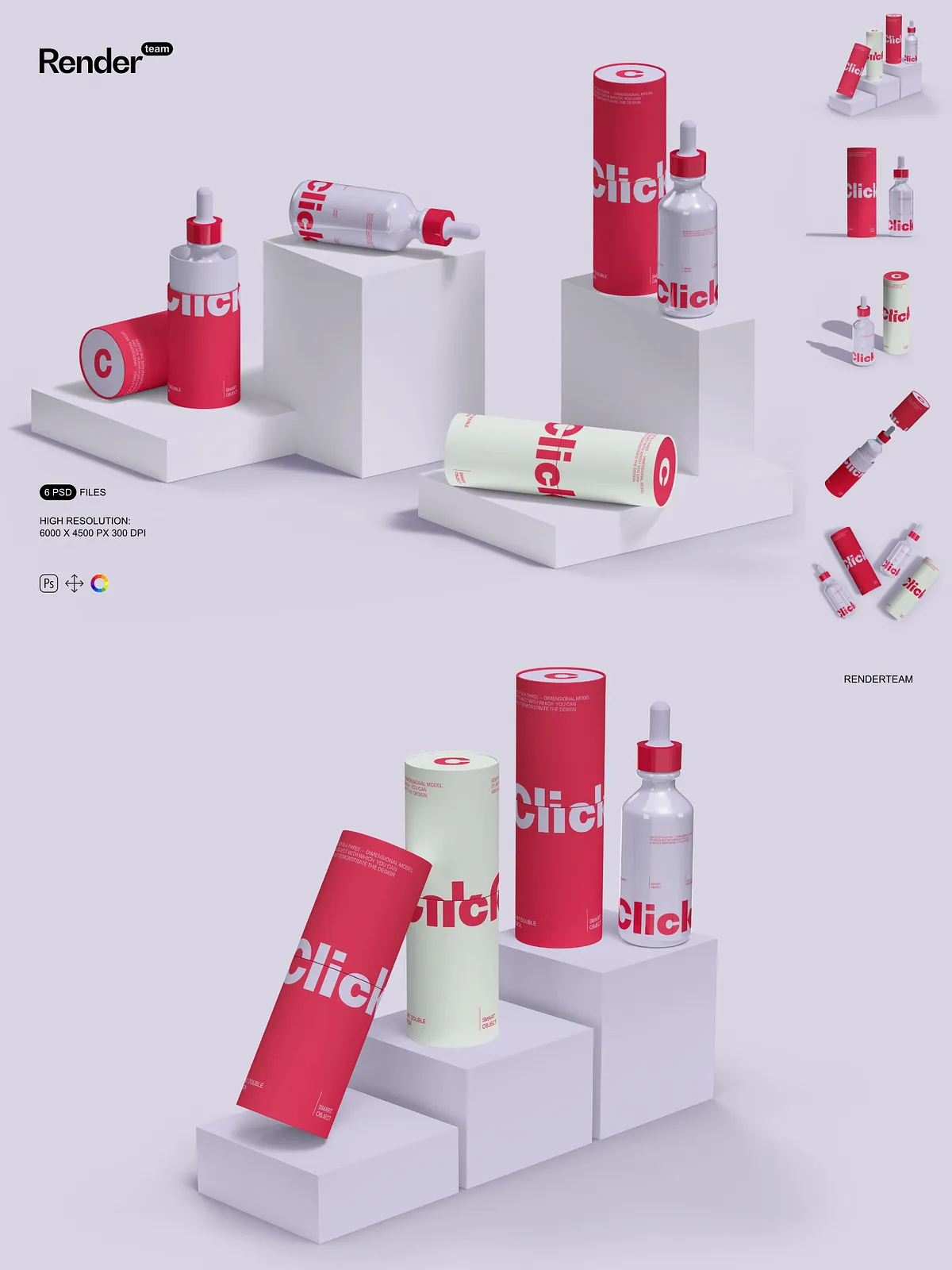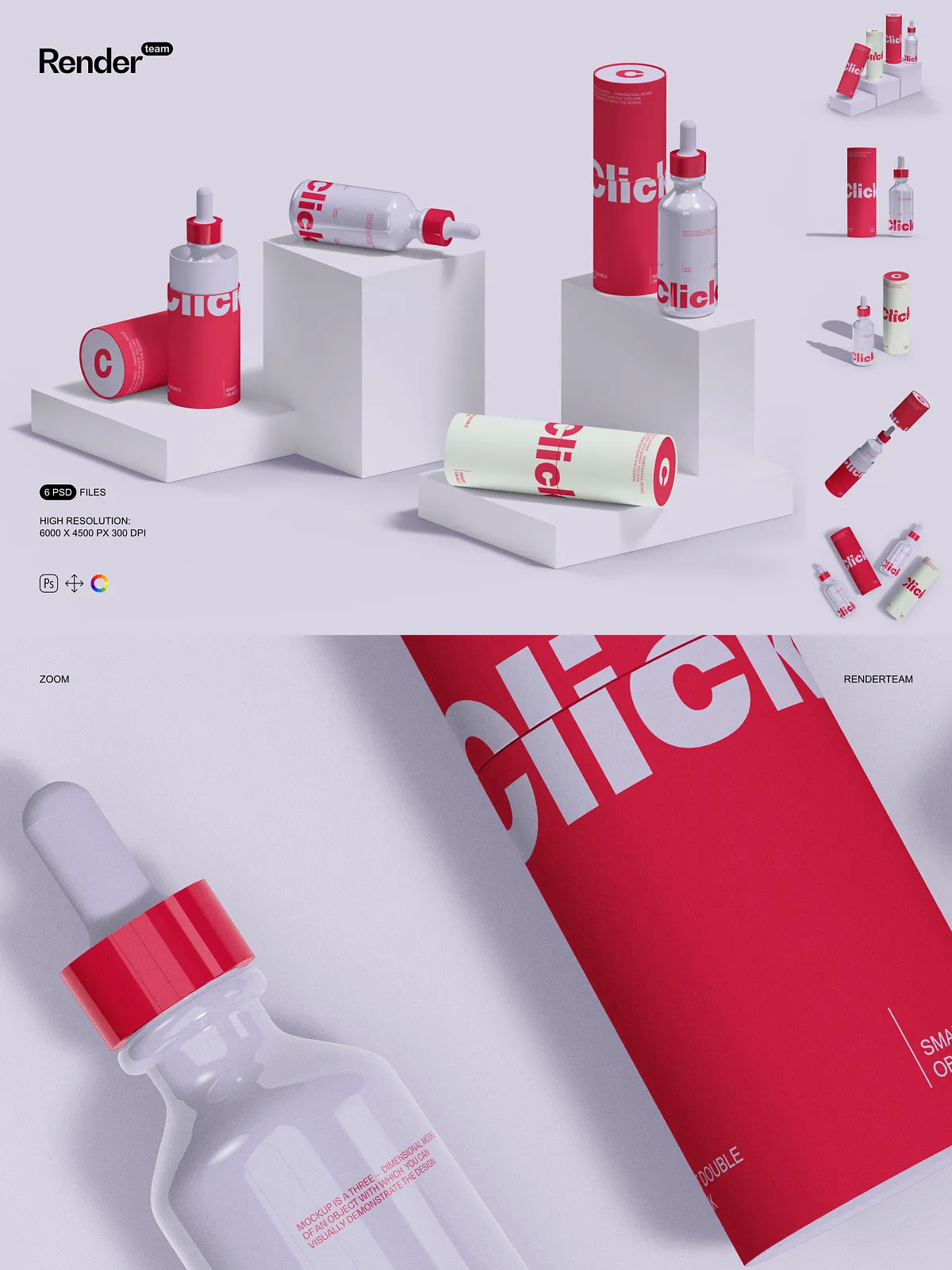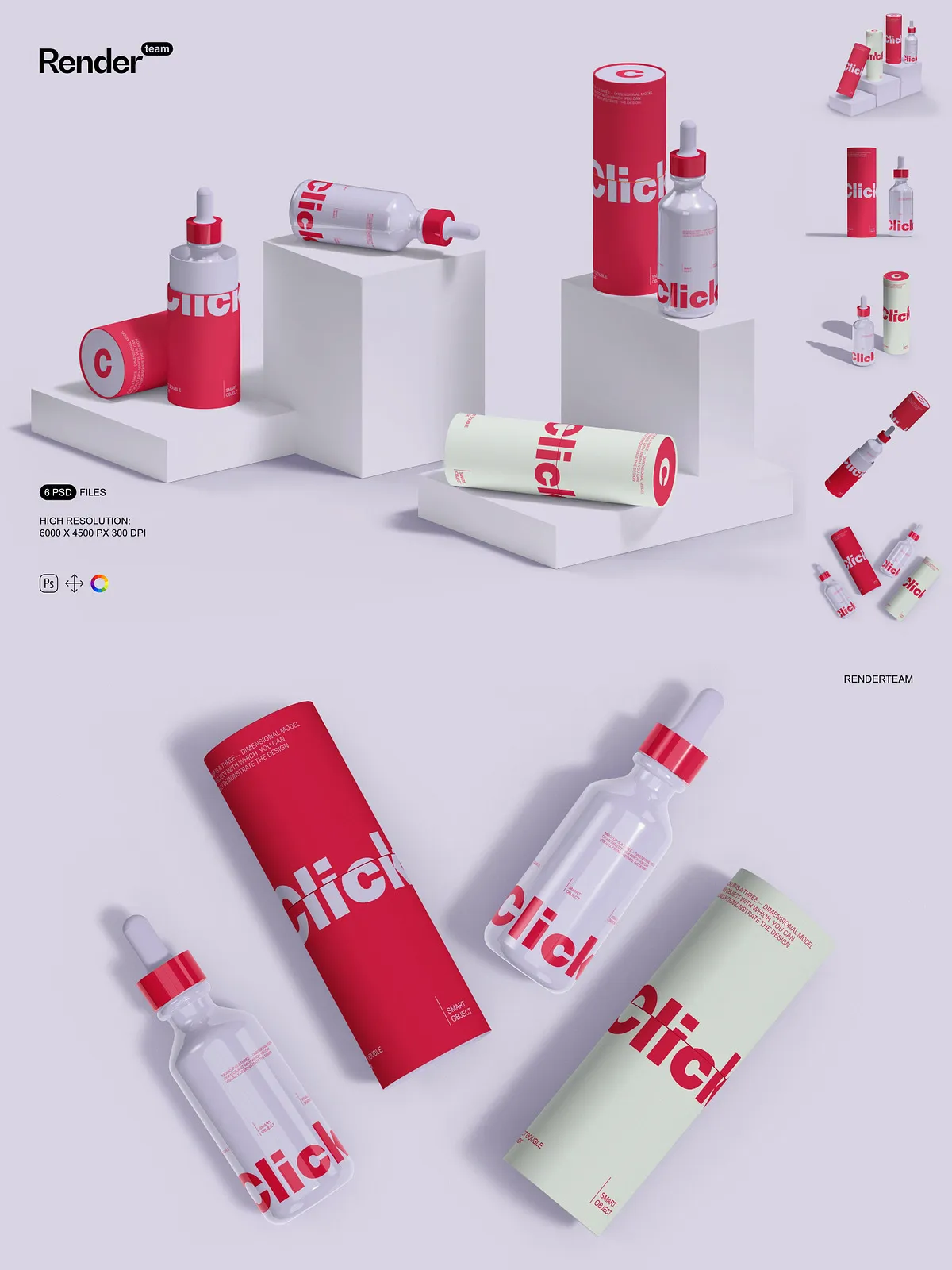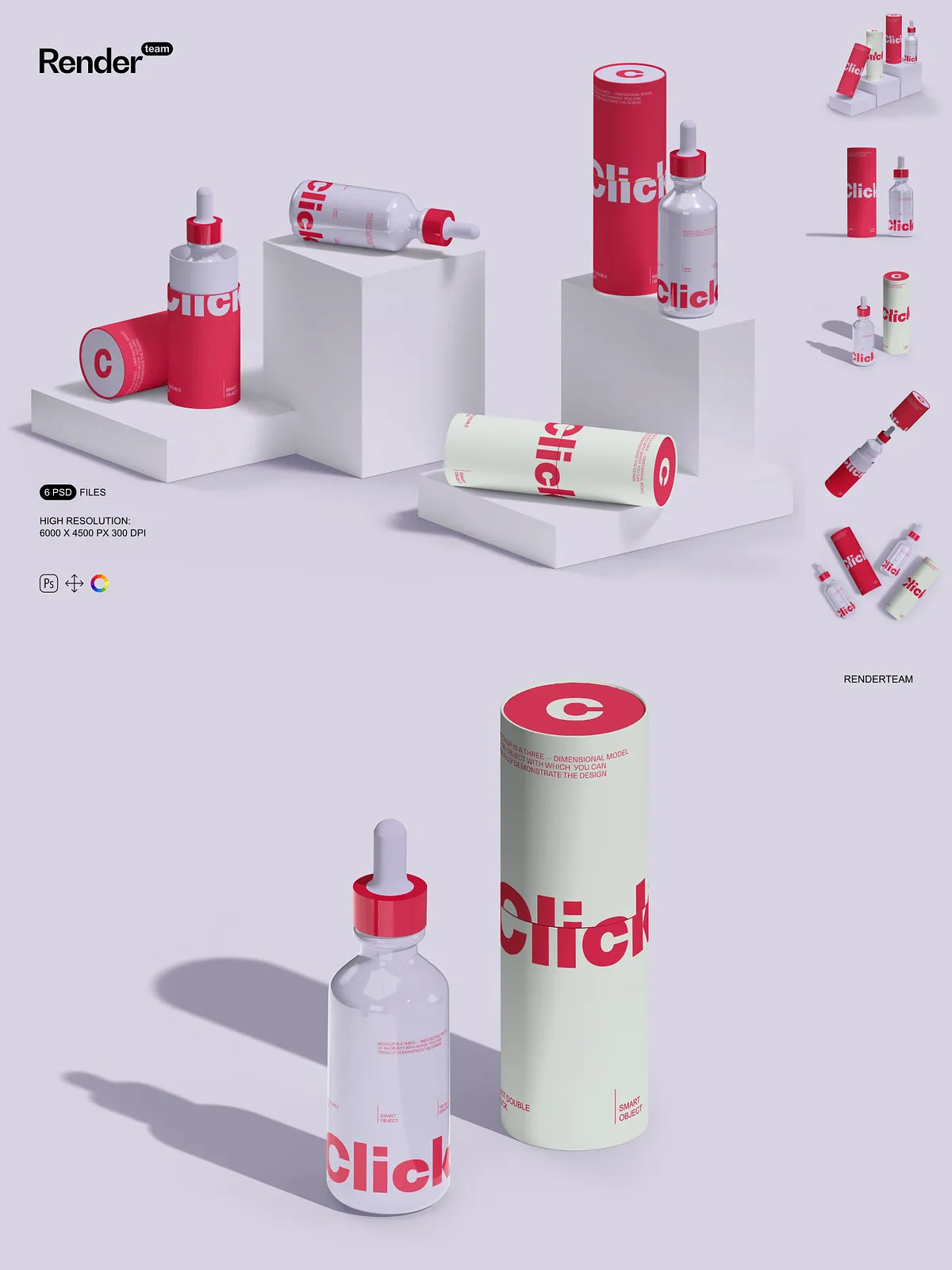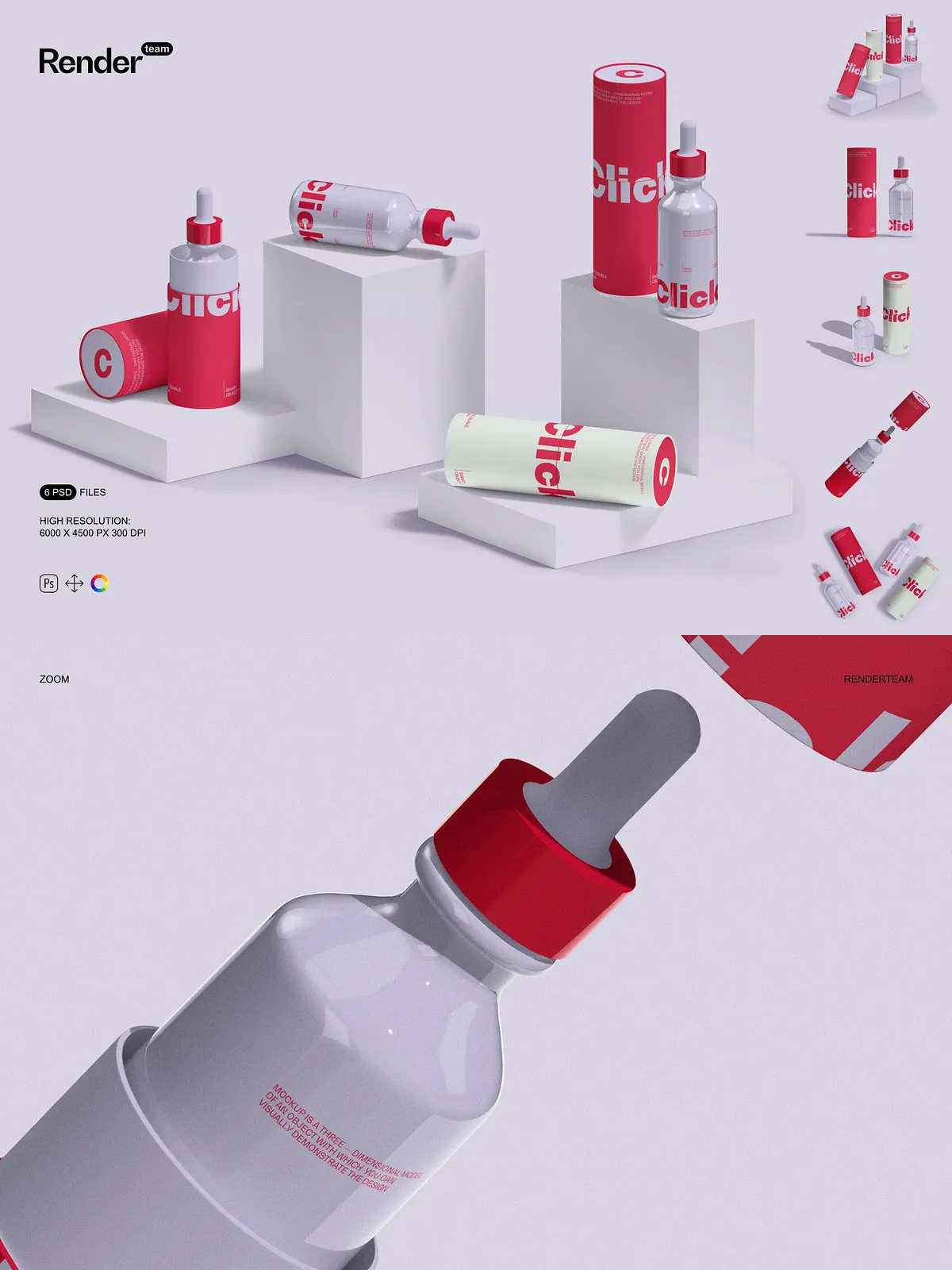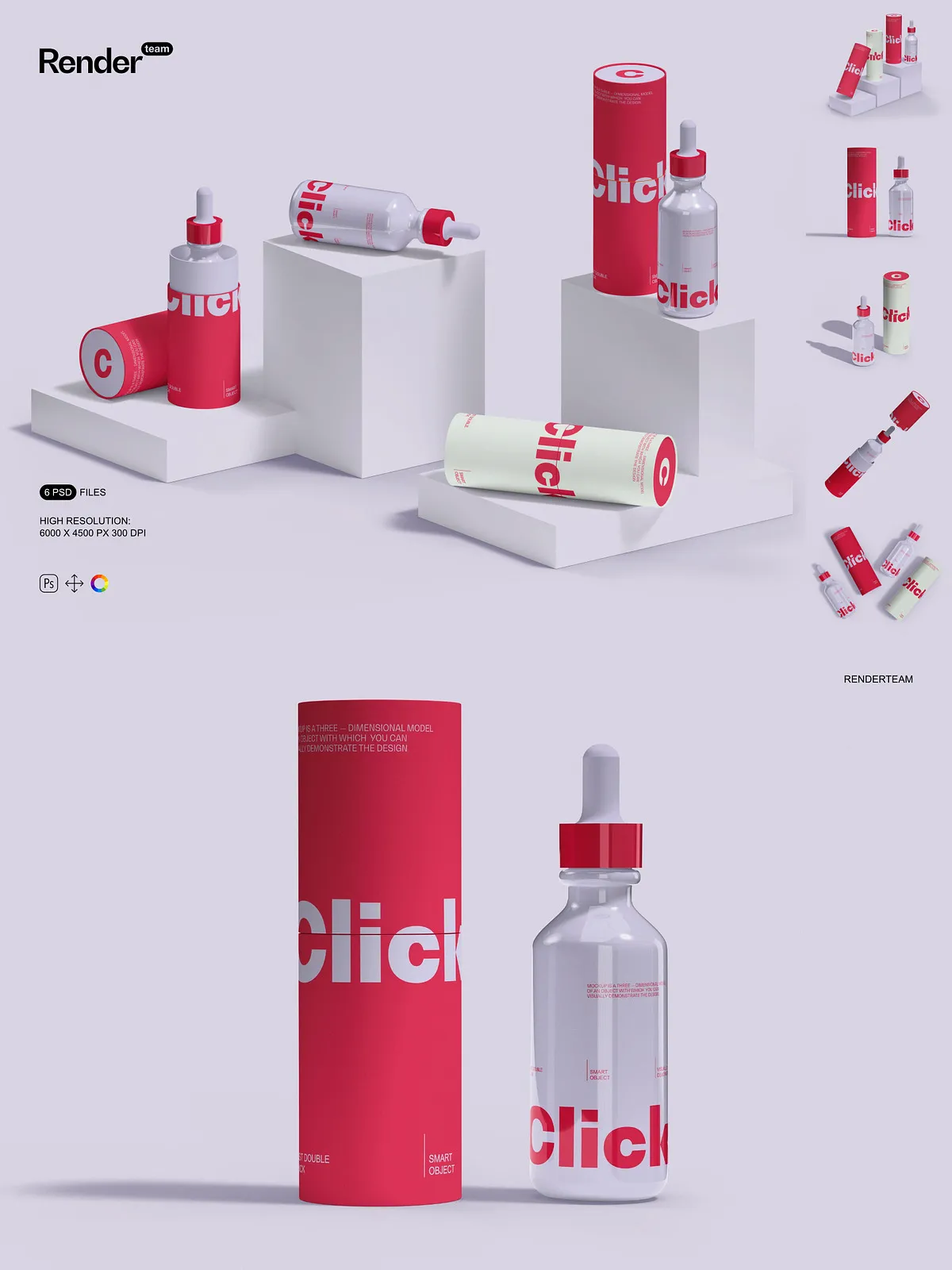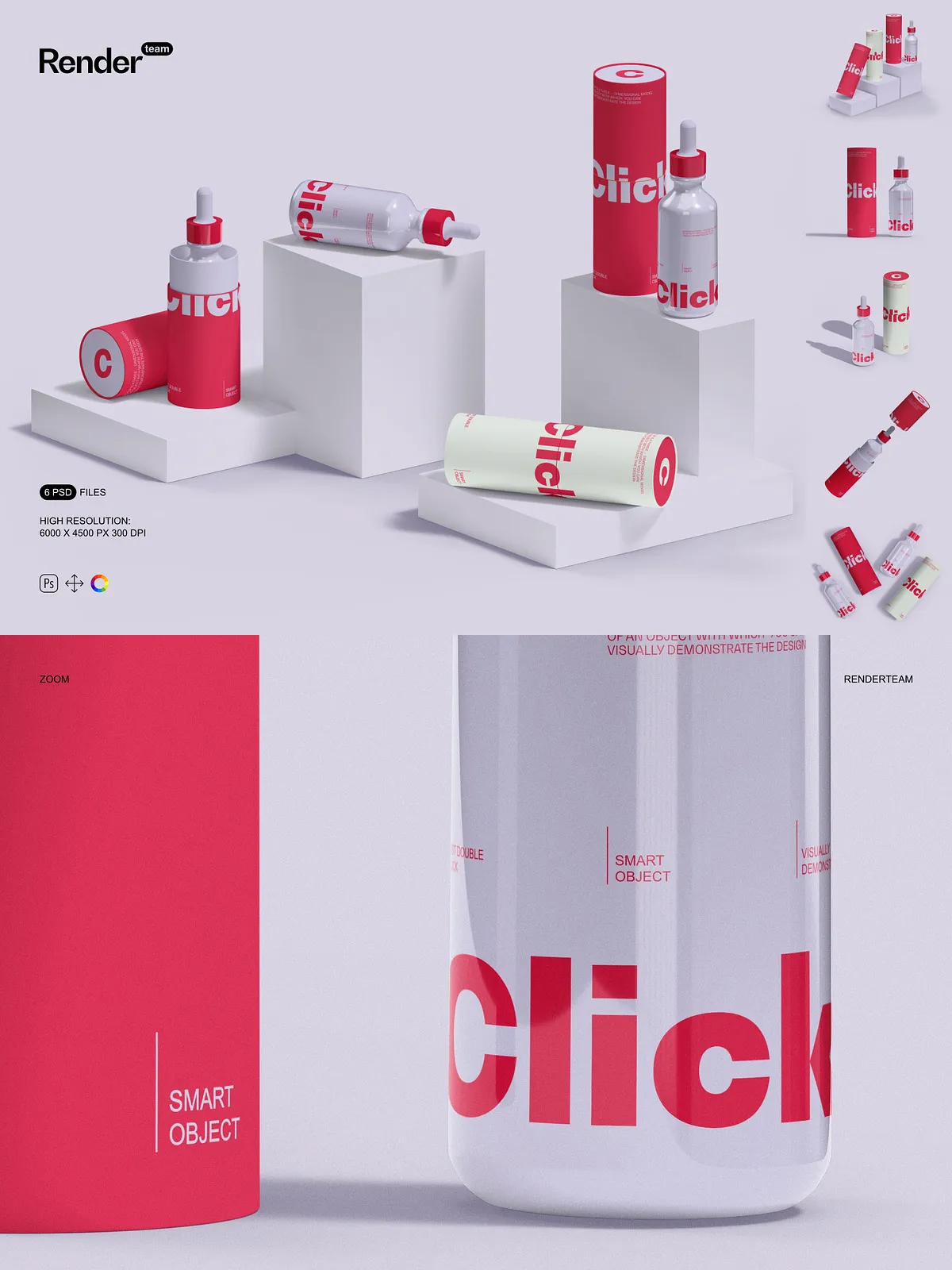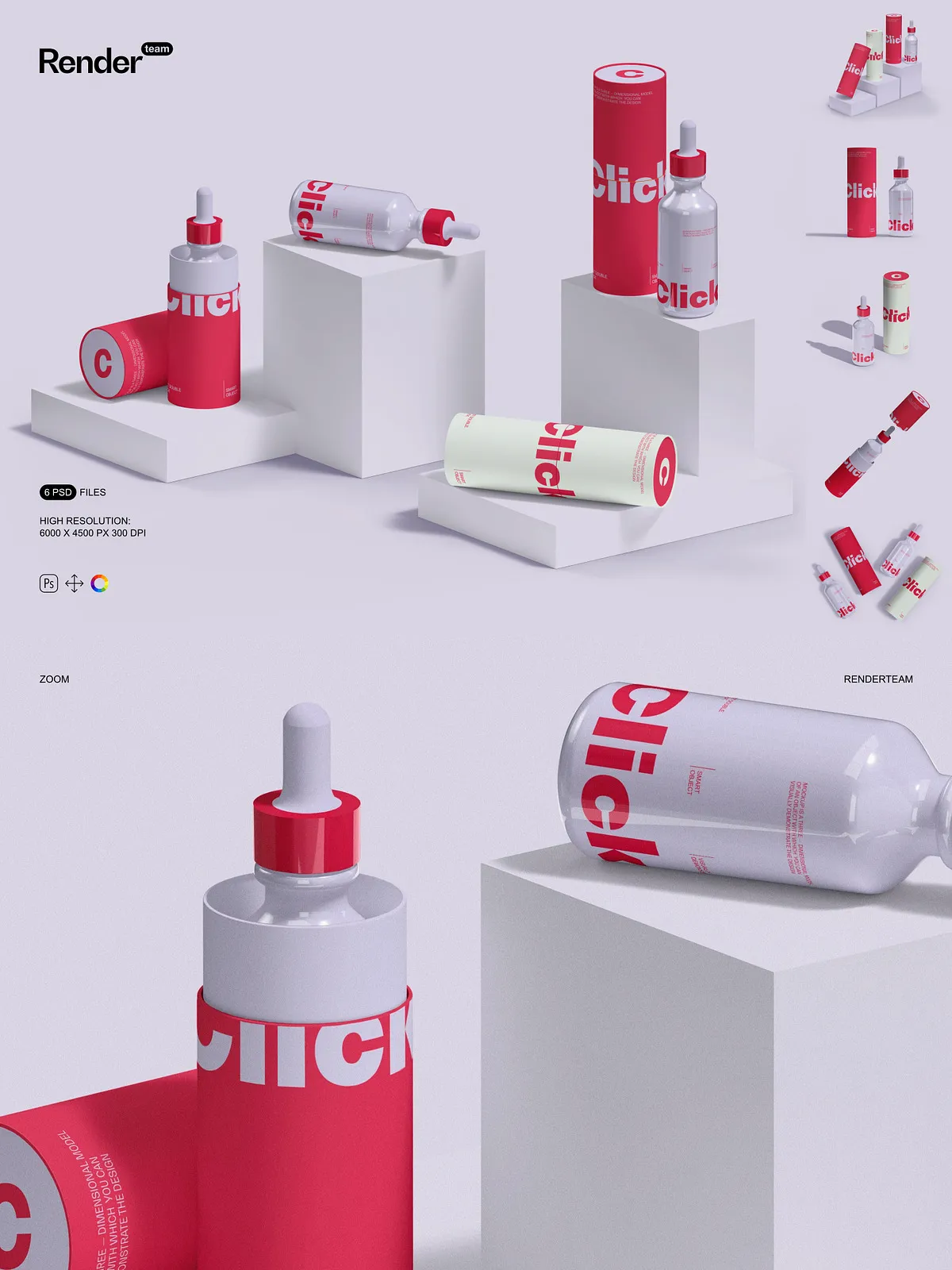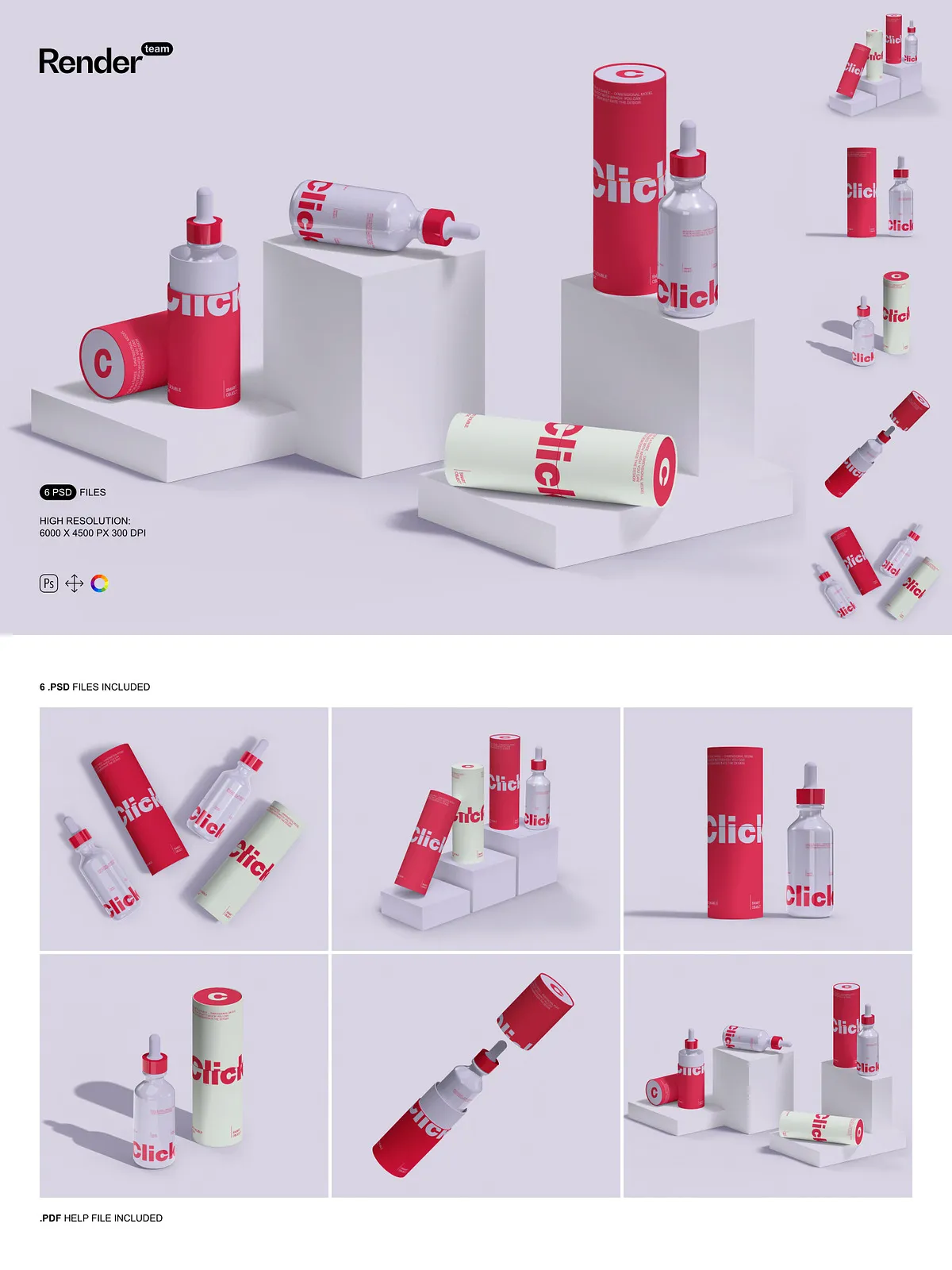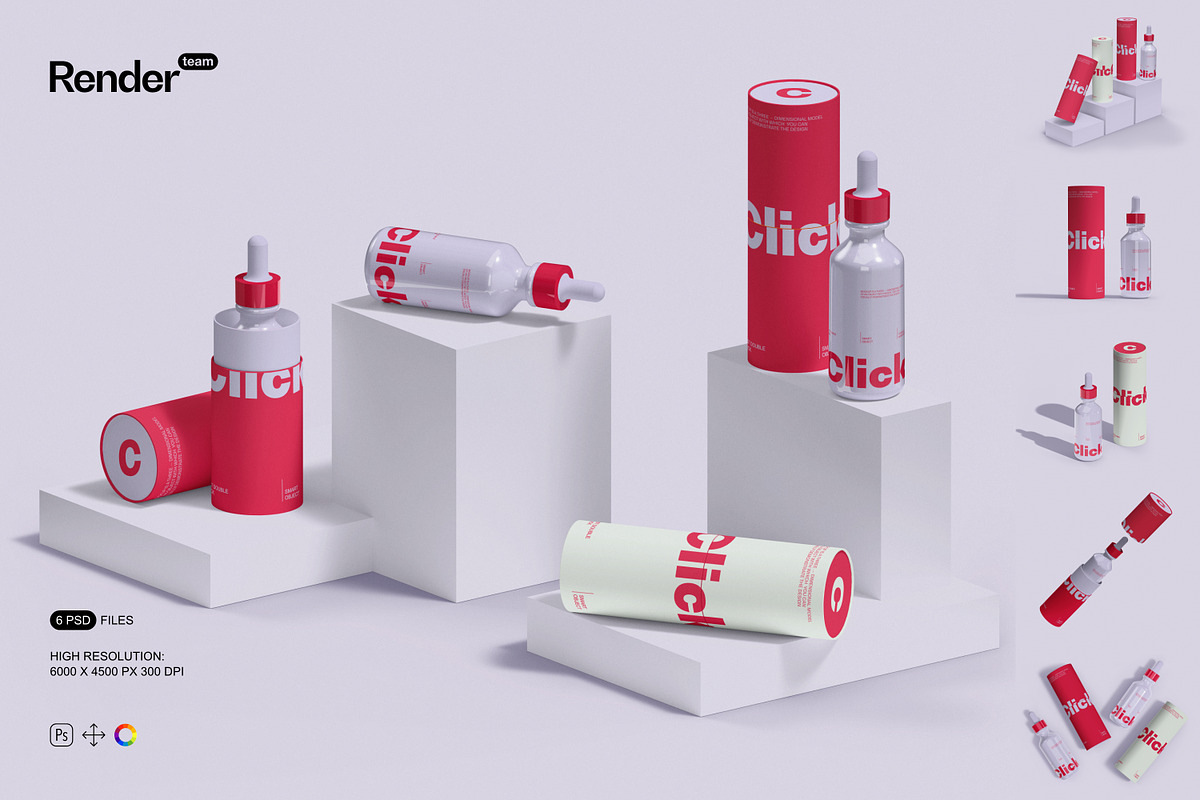
With the Glass Bottle and Paper Tube Mockups collection, you gain access to a powerful set of layered, editable PSD files engineered for maximum creative control. These high-fidelity mockups let you instantly present your custom labels, branding, or product art in authentic, visually compelling scenarios. Whether you’re launching a new beverage line, a premium skincare product, or a lifestyle brand, these mockups deliver the realism needed to impress clients, partners, and consumers alike.
Effortless Editing with Smart Objects
One-Click Design Replacement
Replace the content on any bottle or tube surface in seconds. Simply double-click the Smart Object layer, insert your design, save, and exit. No complex masking, no tedious alignment — just fast, precise, and consistent integration. This streamlined workflow allows you to produce professional-quality visuals in minutes, even under tight deadlines.
Dynamic Control Over Visual Details
Go beyond the screen. Each mockup offers full access to layer groups for reflections, highlights, shadows, and environmental lighting. Modify the glass transparency, adjust the surface sheen, or recolor the tube to test alternate brand palettes. Whether you’re creating a minimalist look or a bold, eye-catching package, the layered structure gives you the freedom to refine every detail with surgical precision.
Well-Structured, Logically Organized Files
Each PSD file features a clean, intuitive file hierarchy with clearly labeled folders and group layers. Device frames, content layers, shadows, and background elements are separated for seamless navigation and editing. This organization ensures that even complex compositions remain manageable, minimizing errors and maximizing collaboration across design teams.
Professional-Grade Resolution for Any Use
Every mockup is rendered at 6000×4500 pixels with a 300 DPI resolution, delivering crystal-clear output that performs flawlessly across web, social media, print, and digital presentations. High-resolution assets ensure your designs look flawless when zoomed in, cropped, resized, or used in large-format displays — no pixelation, no blurring, only sharp, polished results.
What’s Included in This Pack
- 6 fully layered PSD mockup files
- All elements (bottles, tubes, shadows, reflections) isolated for independent editing
- Smart Object layers for instant design replacement
- Adjustment layers for quick color and lighting modifications
- Comprehensive PDF help file with setup guides, troubleshooting tips, and usage best practices
Create Unique, Brand-Consistent Scenes
Use the mockups to craft engaging visual narratives: place a glass bottle beside a wooden table with soft lighting, stack paper tubes in a studio setup, or display them in a natural environment to match eco-friendly branding. Thanks to the isolated components and flexible backgrounds, you can build custom scenes that reflect your brand’s story — whether modern, rustic, luxurious, or minimalist.
Designed Exclusively for Adobe Photoshop
This product is built for and fully compatible with Adobe Photoshop (Creative Cloud). It leverages advanced features like Smart Objects, layer effects, and adjustment layers that are not supported in alternative tools like Canva, ProCreate, or Figma. To experience the full potential of these mockups, ensure you’re using the latest version of Photoshop for optimal performance and compatibility.
Important Usage Notes
⚠️ The preview images displayed in product listings may include stock photos, fonts, or design assets that are not included in your download. You are responsible for sourcing your own artwork, typography, or imagery. The mockup set contains only PSD files and a PDF tutorial — no third-party assets are provided.
Why This Mockup Set Is a Game-Changer
Choose this Glass Bottle and Paper Tube Mockup pack when you need to:
- Present packaging designs with realism and high production value
- Accelerate client presentations with repeatable, editable templates
- Customize multiple variants without rebuilding assets from scratch
- Deliver consistent branding across marketing materials and e-commerce listings
Quick Setup Guide
1. Open your chosen PSD file in Photoshop.
2. Locate the Smart Object layer labeled “Label,” “Design,” or “Content.”
3. Double-click the layer to open the Smart Object.
4. Paste your design, resize if needed, and save the file.
5. Return to the main document — your artwork is now live on the mockup.
6. Use the PDF guide for advanced tips on layer management, export settings, and lighting adjustments.