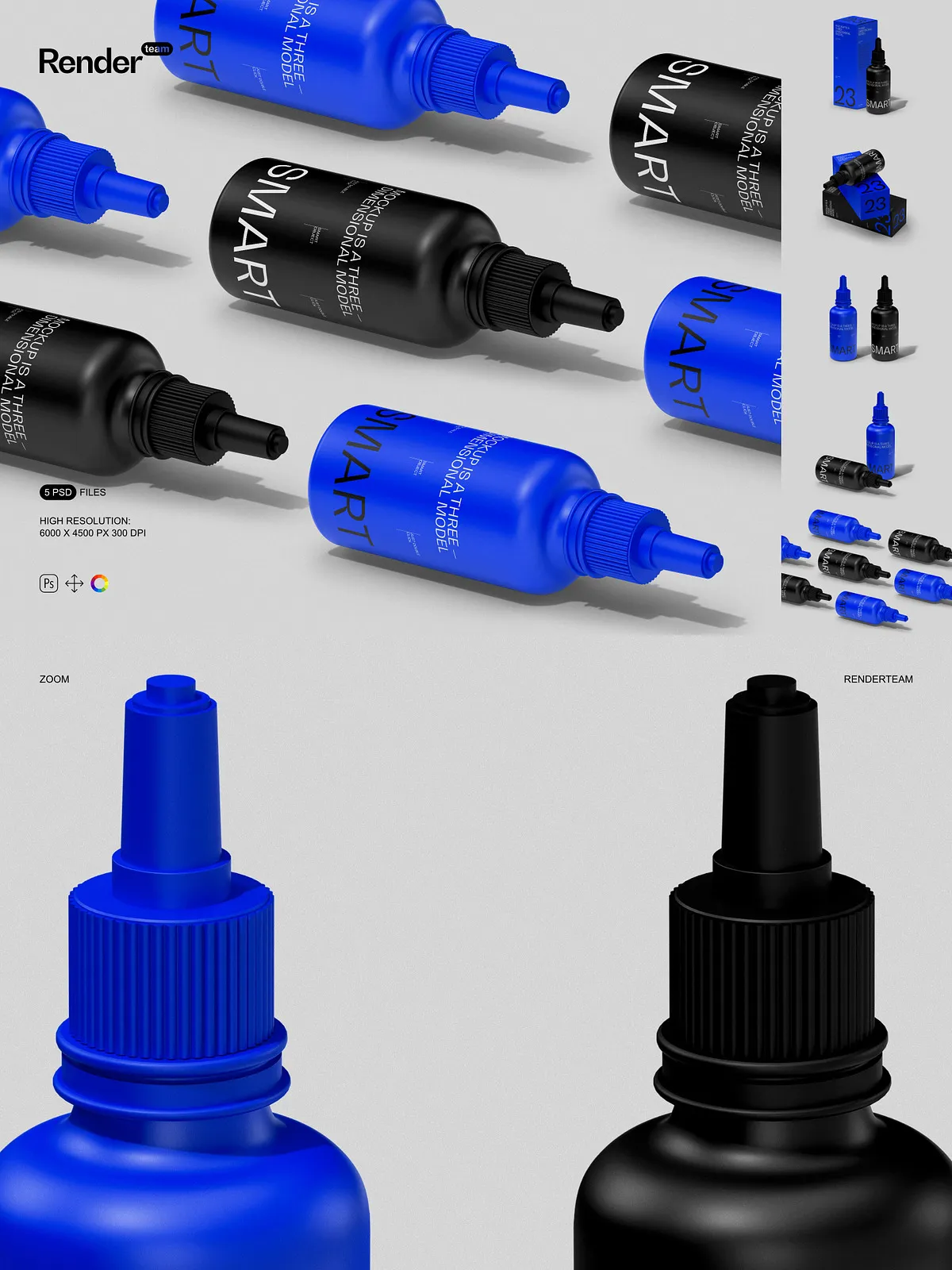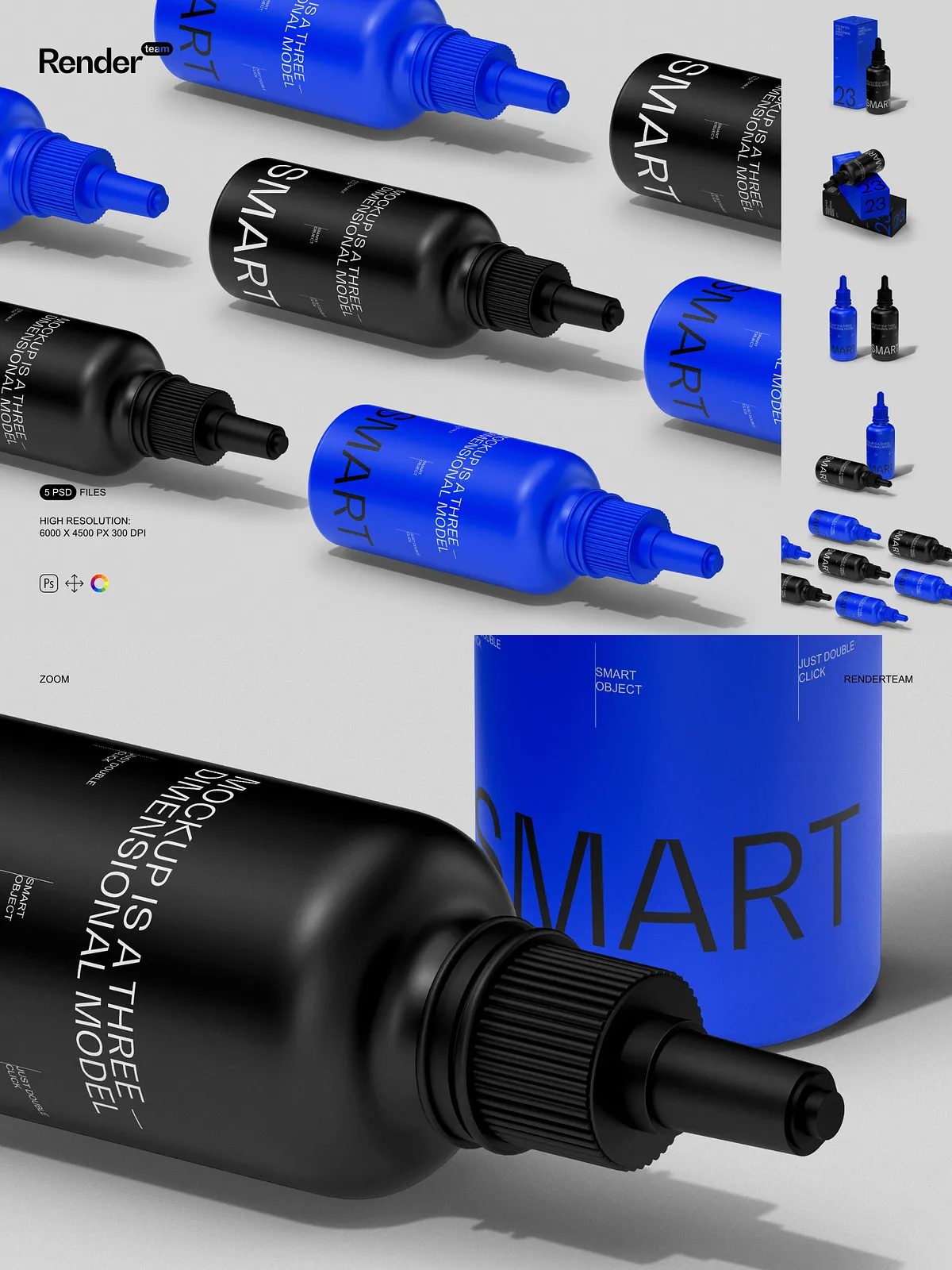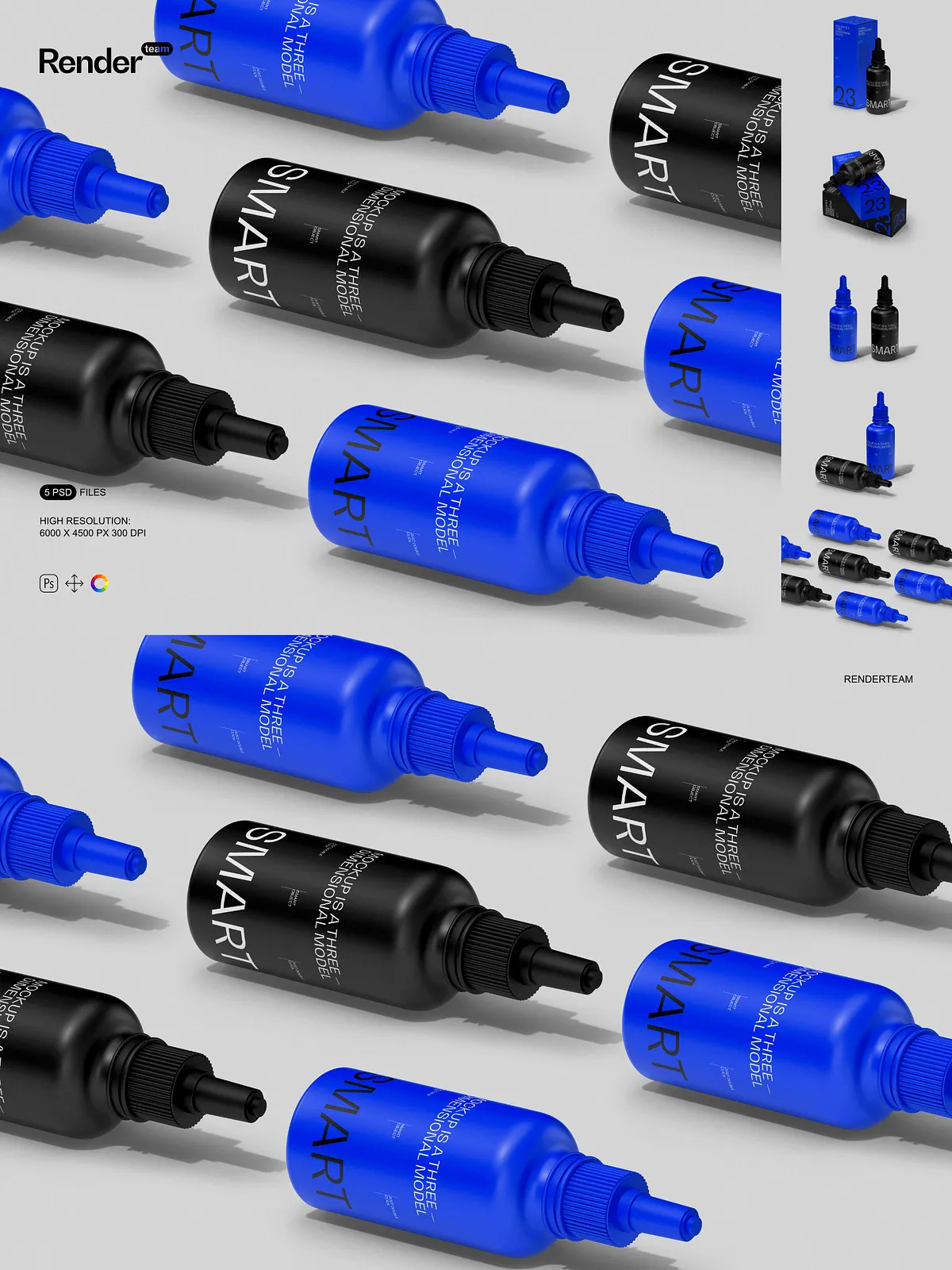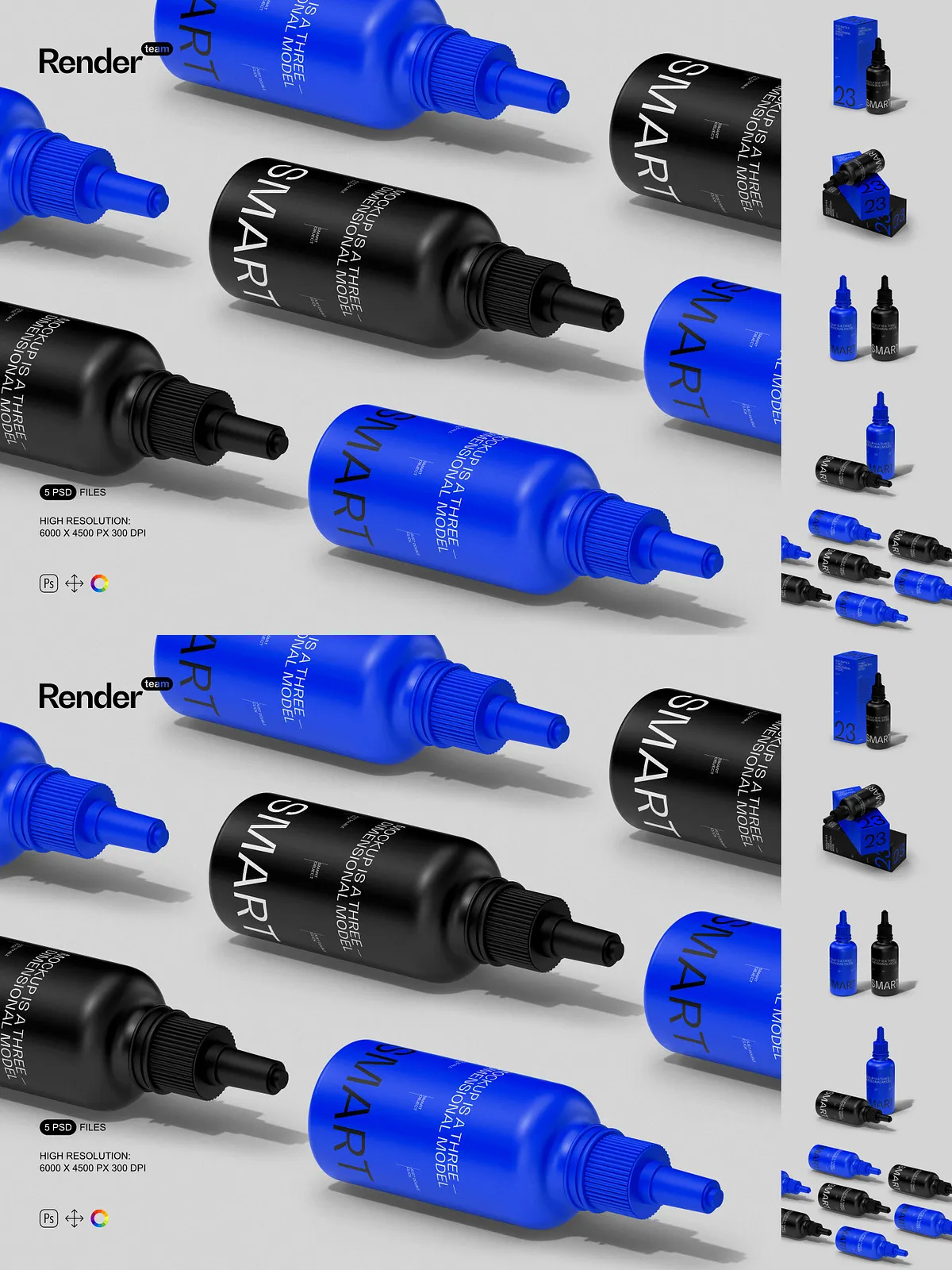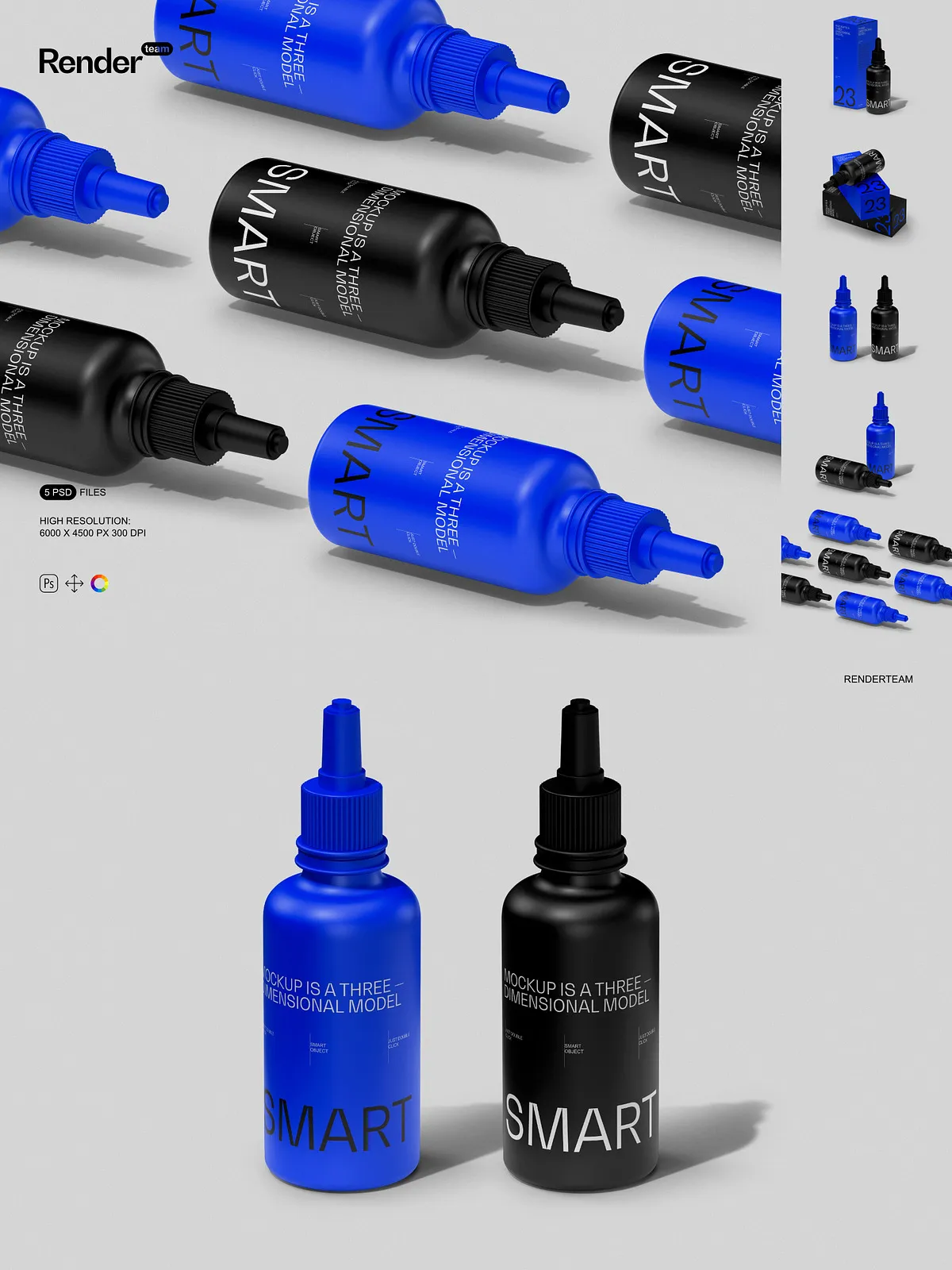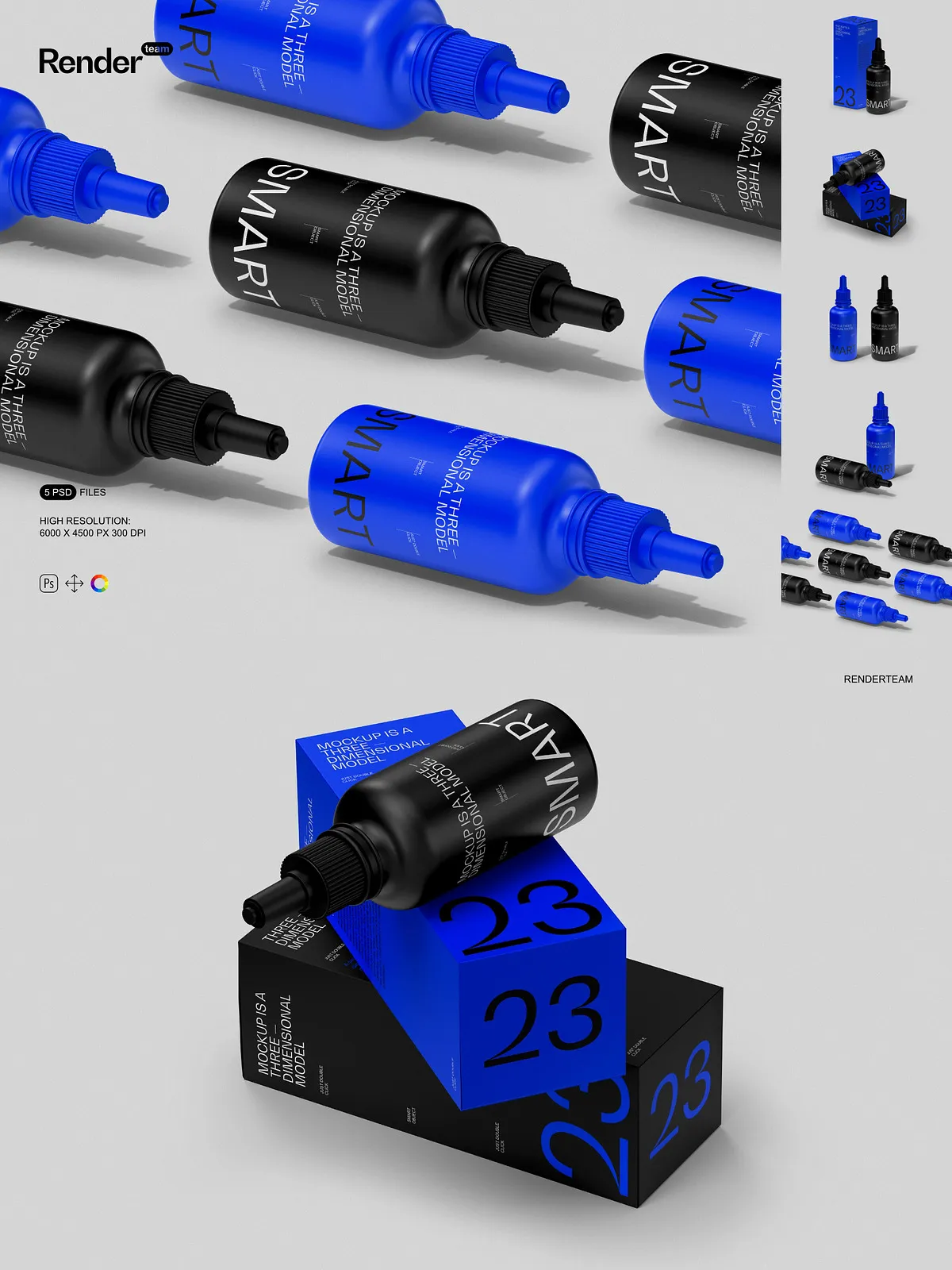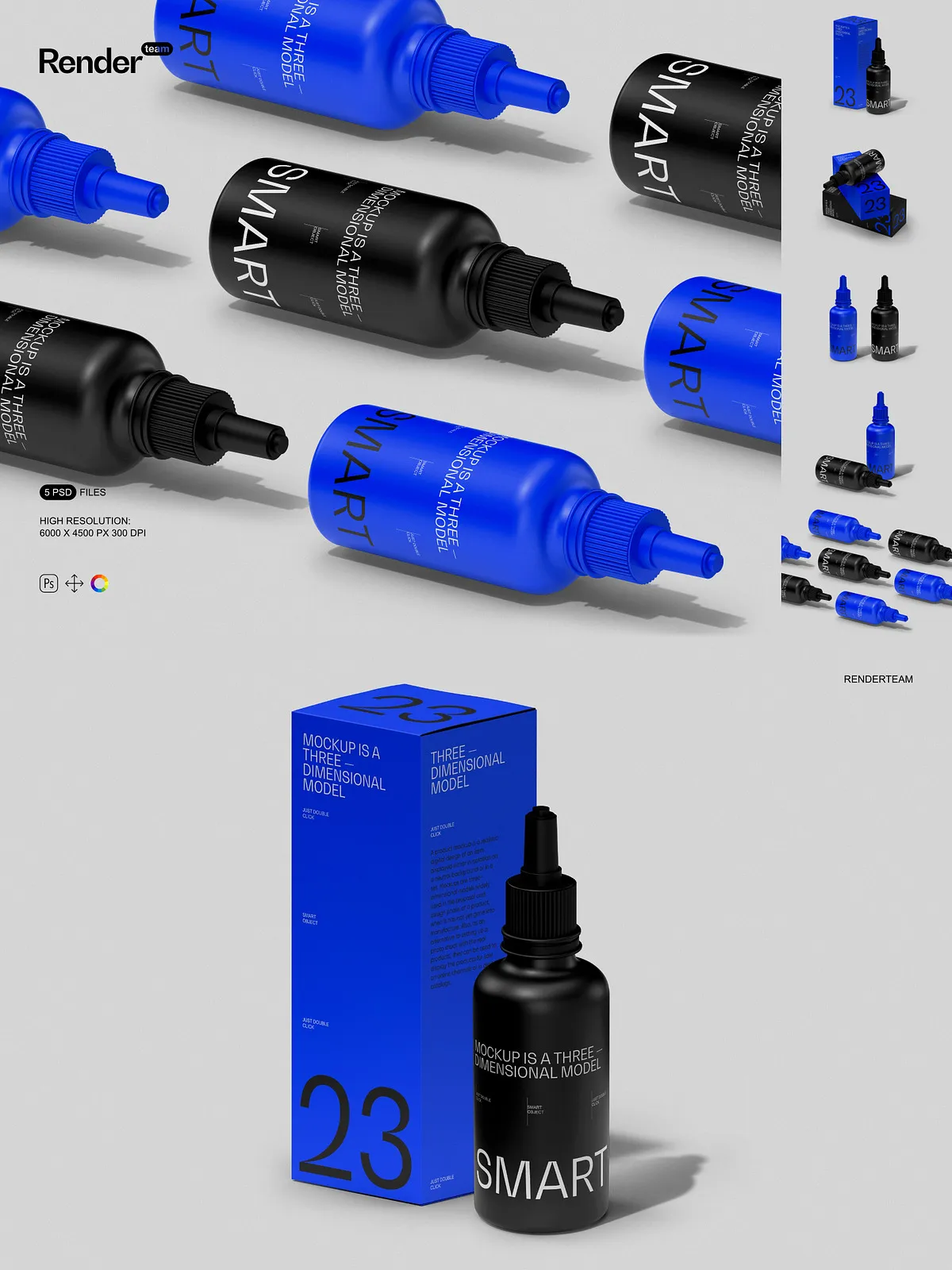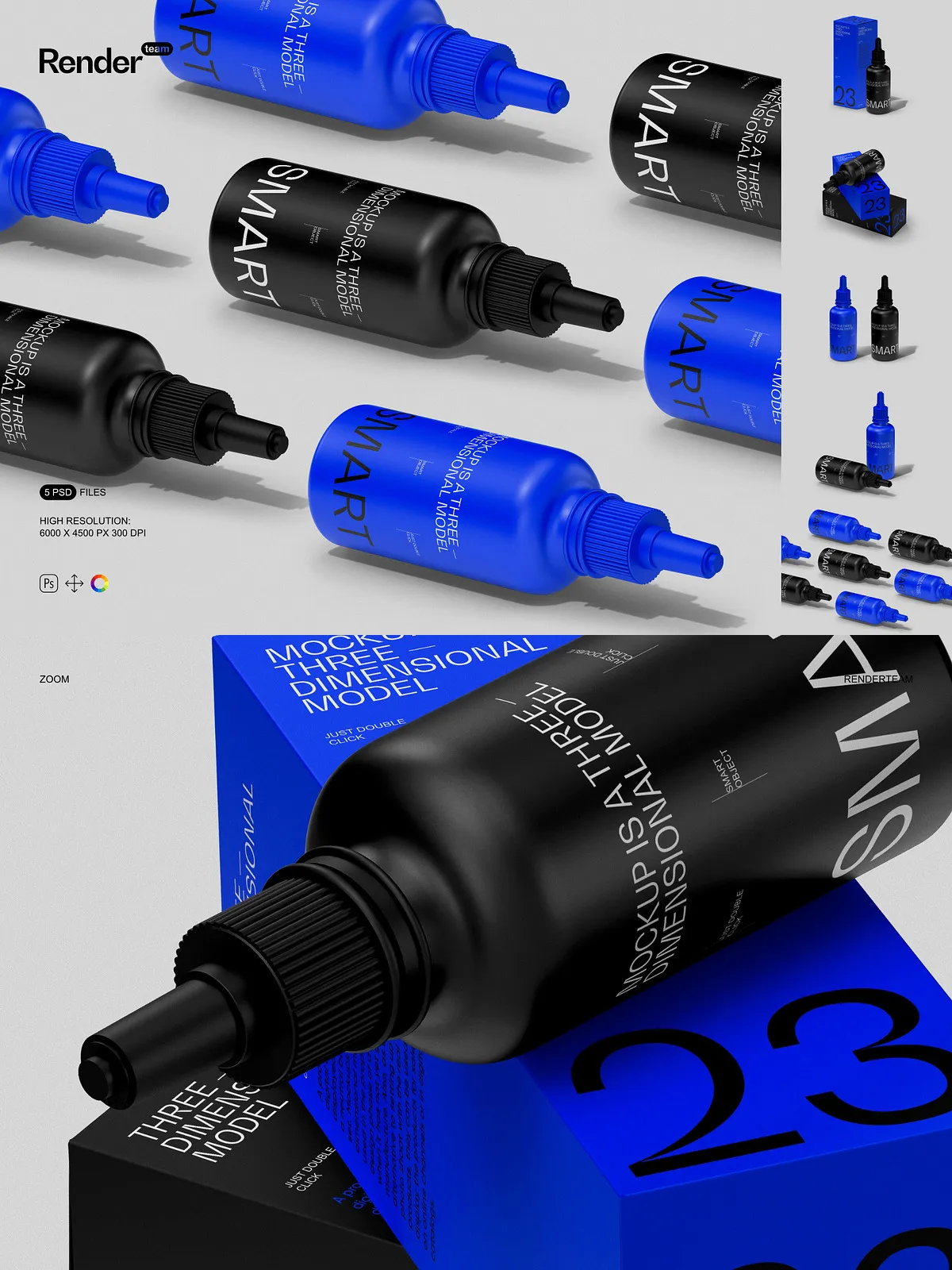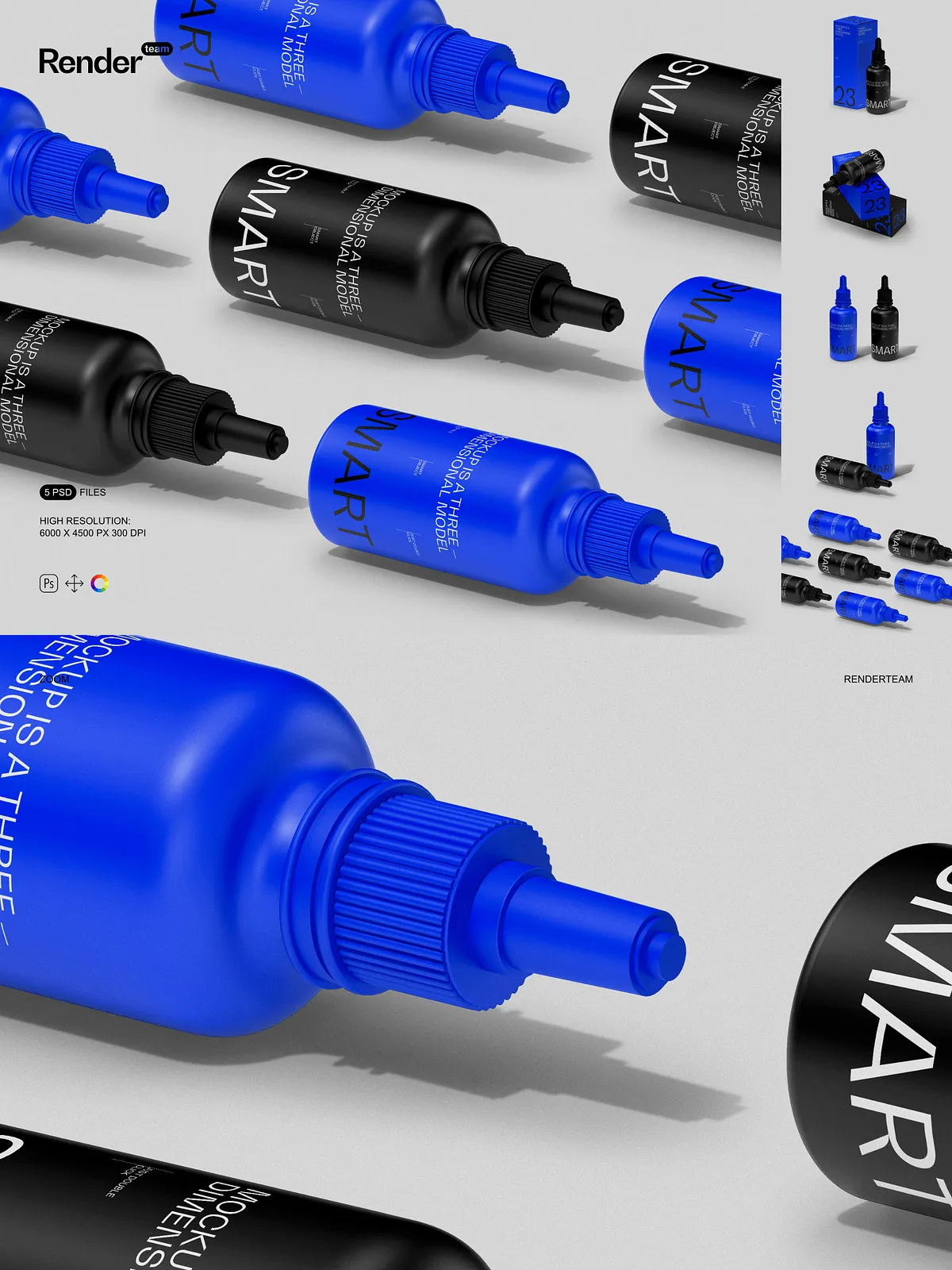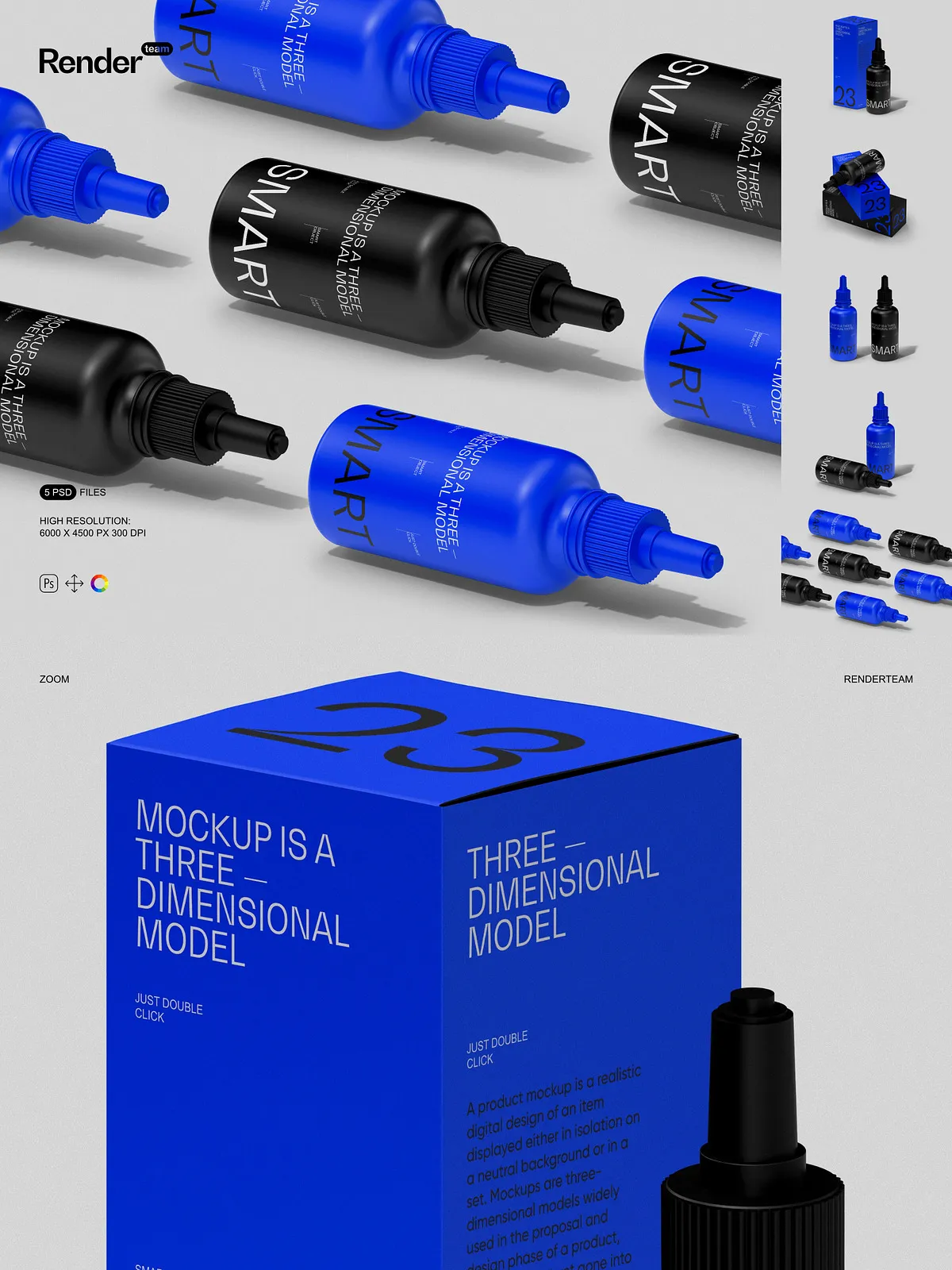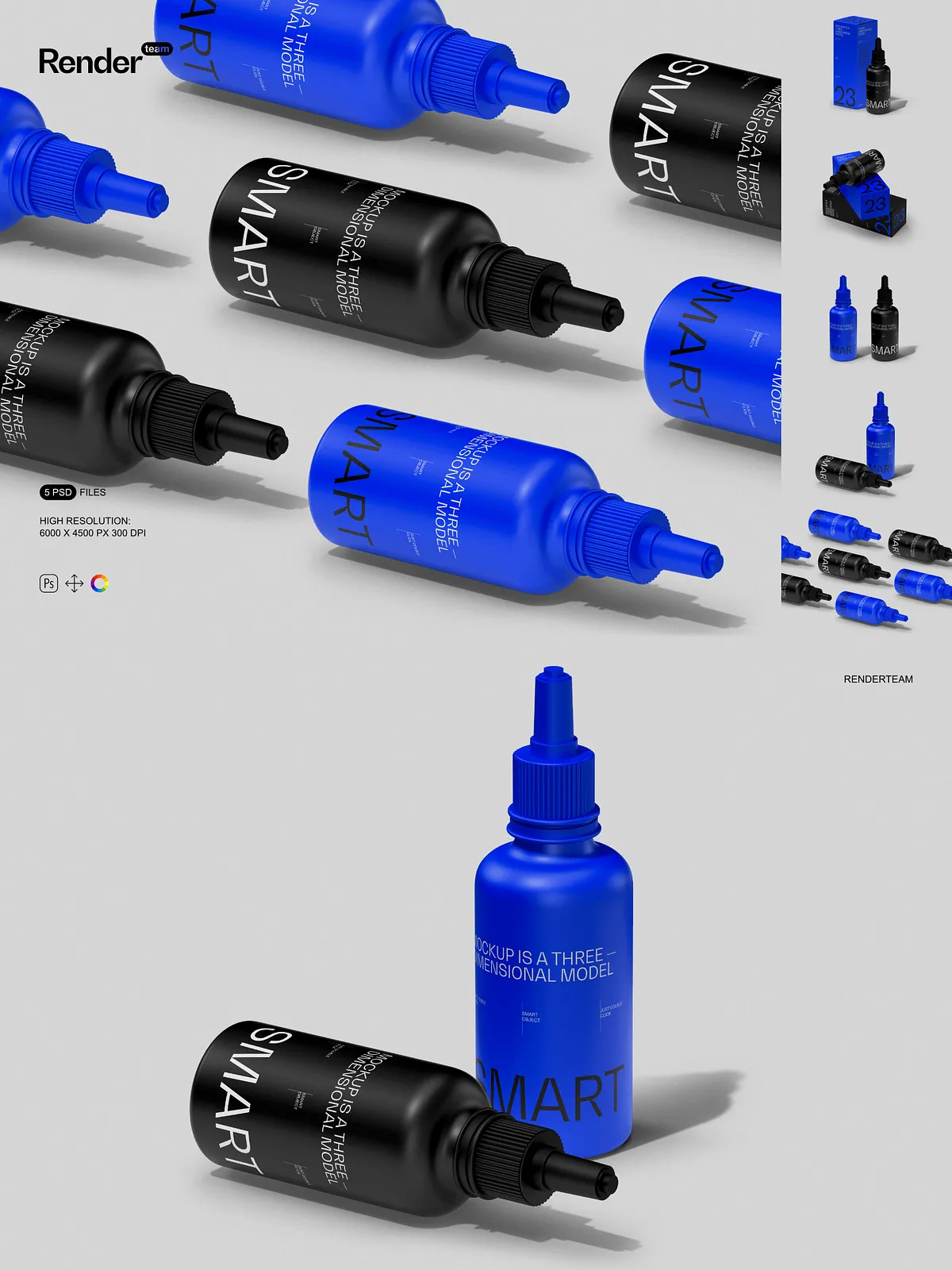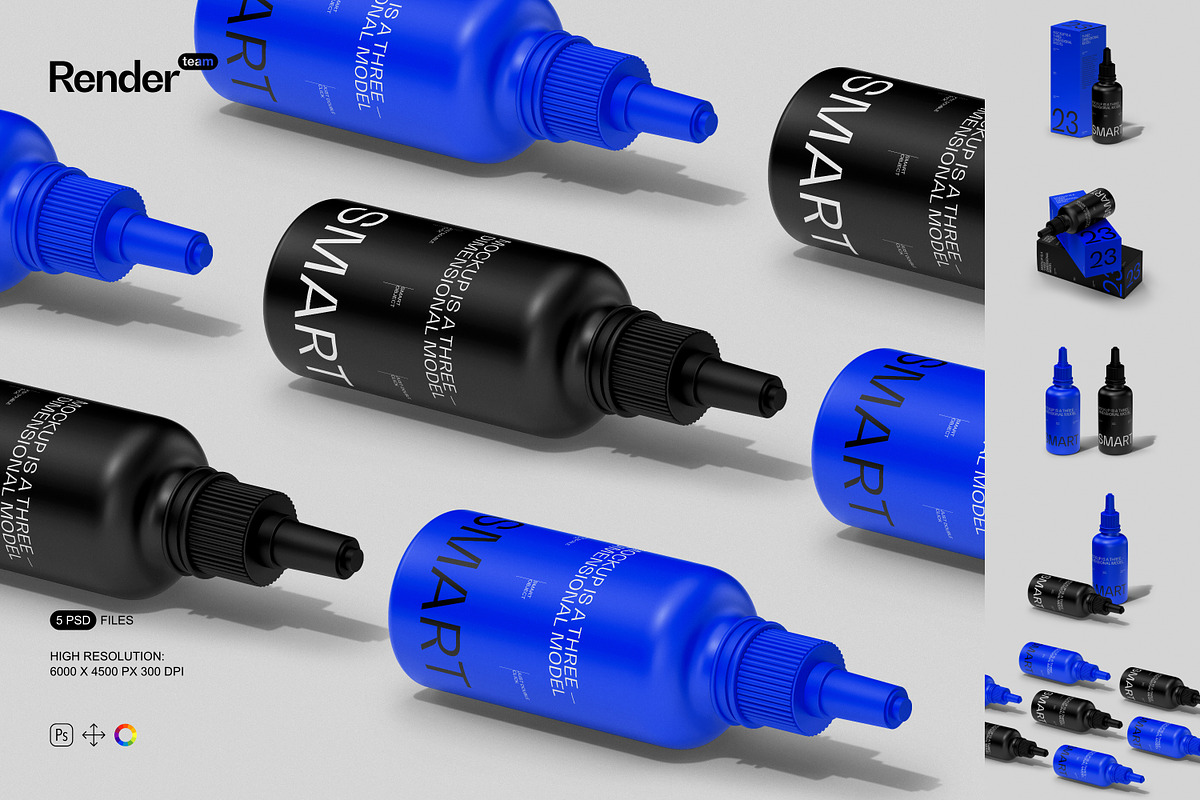
The Dropper Bottle Mockup Set delivers a professional collection of layered, editable PSD files built to showcase your label and packaging designs with realistic depth and precise control. These mockups accelerate presentation workflows by letting you apply artwork, swap colorways, and fine-tune lighting with non-destructive editing. Whether you prepare product pages, marketing visuals, or client presentations, this set helps you produce consistent, production-ready imagery quickly and reliably.
Fast, Non-Destructive Editing
Smart Object Workflow for Instant Design Replacement
Edit designs rapidly using Smart Object layers. Double-click the specified Smart Object, paste or place your label artwork, save, and the mockup updates automatically. This method preserves original assets and allows you to iterate multiple concepts in minutes.
Isolated Objects and Shadows for Precise Control
All bottle components, caps, drops, and shadows are isolated on separate layers so you can toggle, reposition, or adjust opacity without affecting the entire composition. This separation provides exact control over reflections, cast shadows, and ambient lighting to match real-world product photography or brand style guides.
High-Resolution Output Suitable for Digital and Print
Each PSD exports at 6000 x 4500 pixels with 300 DPI, ensuring crisp results for web product images, catalogs, and large-format prints. The high resolution preserves label texture, glass sheen, and dropper details so final visuals read clearly across platforms and deliver professional-quality assets for commerce and marketing.
Organized Layers and Efficient Workflow
Clear Folder Structure and Naming
Every mockup features a logical folder hierarchy and descriptive layer names so team members of varying skill levels can find and edit elements quickly. Organized groups reduce editing time and minimize errors when applying multiple colorways or producing variants for A/B tests and seasonal campaigns.
Color Layers and Finish Options
Use dedicated color layers to change base glass tones, cap finishes, or label backgrounds. Toggle matte or glossy effects and experiment with tinted glass, amber or clear variants, and metallic cap options without duplicating files. This flexibility helps you deliver multiple visual directions from a single master file.
What’s Included
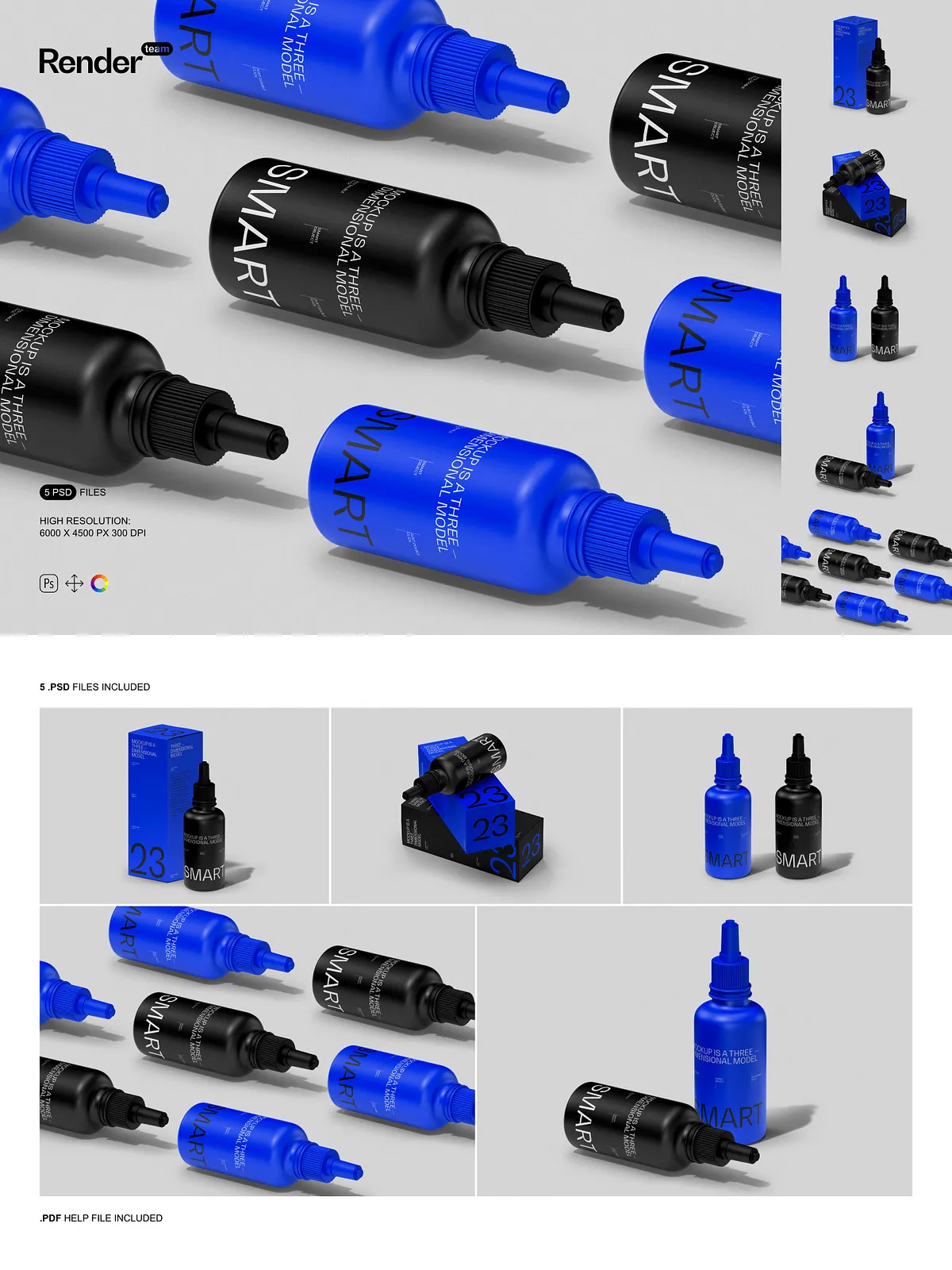
- 5 fully editable PSD mockups showing a variety of dropper bottle presentations (standing front, angled, top-down, open dropper, grouped set)
- Smart Object layers for one-click artwork replacement
- Isolated object and shadow layers for independent control
- Dedicated color and tone adjustment layers for quick finish changes
- High-resolution files at 6000 x 4500 px, 300 DPI
- Comprehensive PDF help file with step-by-step instructions and export recommendations
How to Use
- Open a PSD file in Adobe Photoshop (Creative Cloud recommended).
- Locate the Smart Object layer labeled for the bottle label or cap artwork and double-click it.
- Place your artwork inside the Smart Object canvas, align, scale, and save the Smart Object to update the mockup.
- Adjust color layers, shadow opacity, and reflection layers to refine the look.
- Export the final image using the appropriate color profile and resolution for web or print output.
Compatibility and Requirements
This mockup set requires Adobe Photoshop with Smart Object support. For best results, use an up-to-date Photoshop release to ensure full compatibility with blending modes, adjustment layers, and linked assets. The download contains PSD files and a PDF guide; you must supply licensed fonts, artwork, and any proprietary images used in final compositions.
Use Cases and Benefits
Use these mockups to preview product labels before production, create high-fidelity product images for e-commerce listings, prepare launch assets for marketing campaigns, or share polished concepts with clients and stakeholders. The set reduces turnaround time, improves presentation quality, and helps teams iterate designs and approve packaging faster.
Licensing and Notes
Preview visuals include placeholder artwork and stock elements that are not included in the download. This purchase grants access to the PSD mockup files and PDF help file only. Verify licensing for any external assets you include and ensure client artwork meets production specifications before sending to print.