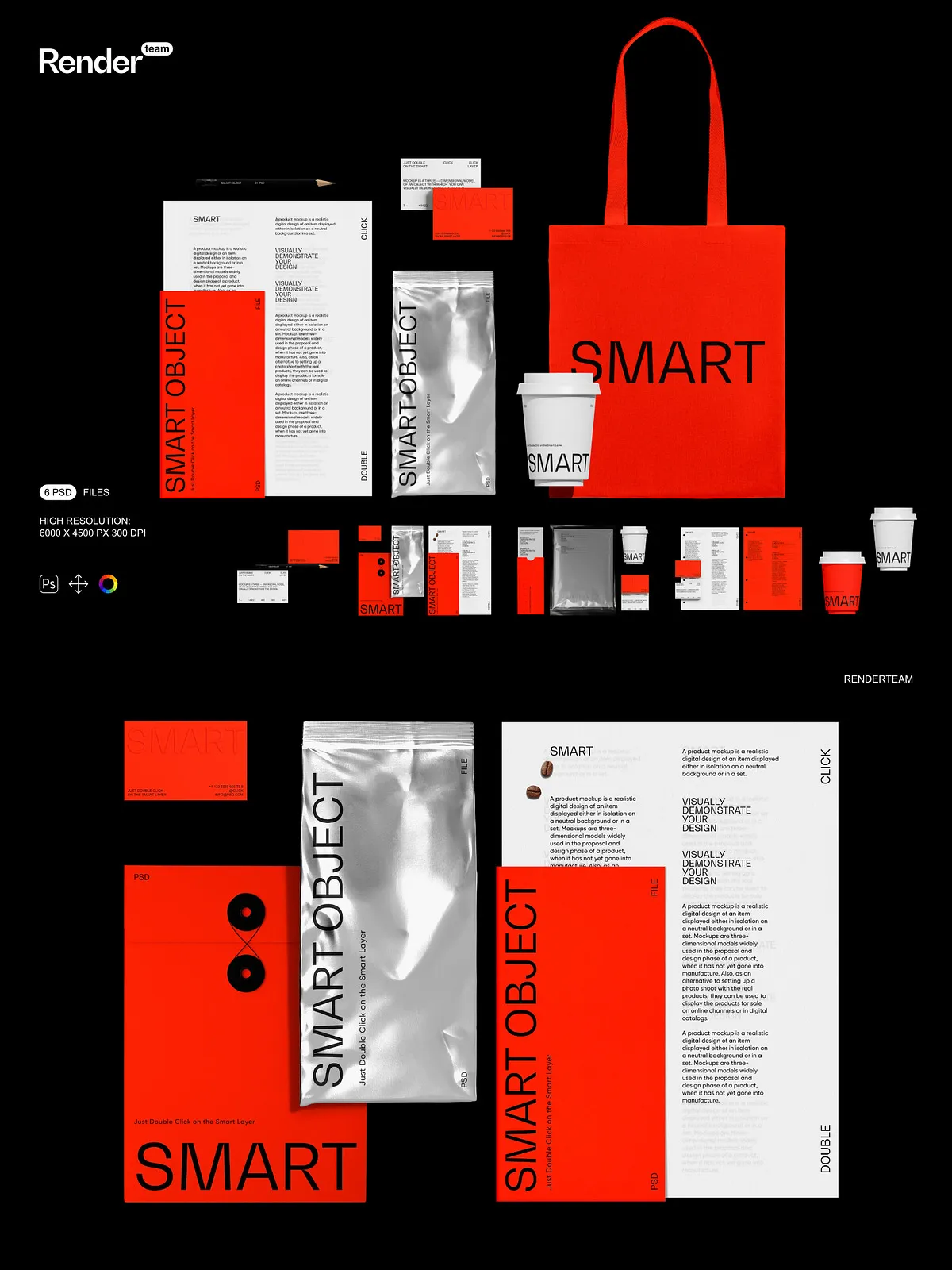
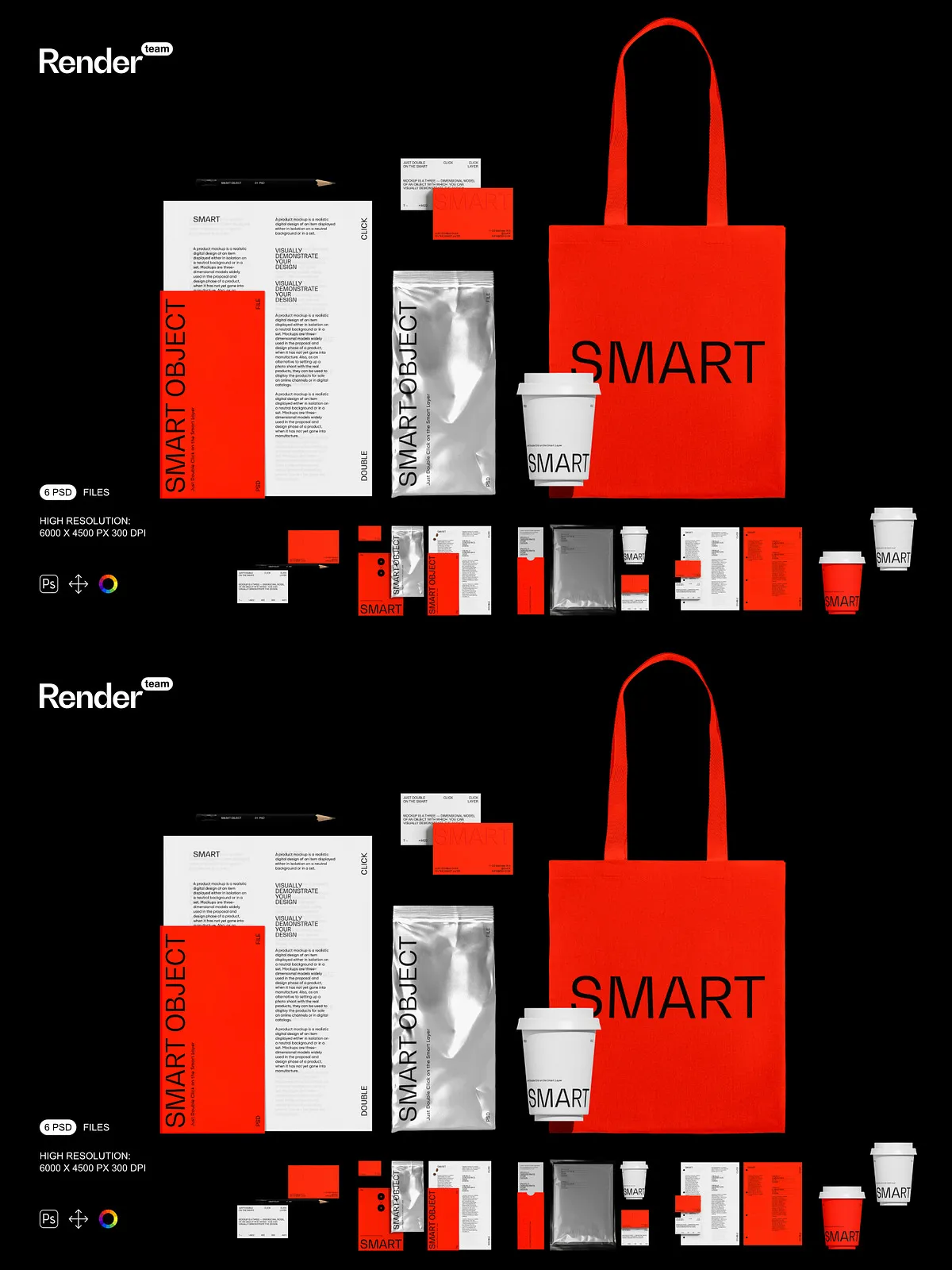
The Brand Identity Mockup Set delivers a polished, versatile collection of layered PSD files designed to showcase logos, stationery, packaging, and brand collateral with realistic lighting and accurate materials. Built for speed and control, these mockups let designers, creative directors, and marketing teams present cohesive visual systems without time-consuming photoshoots. Each file prioritizes non-destructive edits so you can iterate confidently, test multiple concepts, and export production-ready images for web or print.
Key Features
High-Resolution Output
Every mockup exports at 6000 x 4500 px with 300 DPI, ensuring crisp detail suitable for ecommerce imagery, print collateral, and large-format marketing materials. The high-resolution canvas preserves texture, paper grain, and subtle shadow detail so final visuals appear professional across channels.
Smart Object Workflow — Fast, Non-Destructive Editing
Smart Object layers enable immediate artwork replacement. Double-click the Smart Object, place your design, save the Smart Object, and watch the scene update automatically. This workflow accelerates reviews and lets you produce multiple label or stationery variations from a single master file. For more on Smart Object best practices, see the Adobe documentation: [Smart Objects – overview and benefits](https://helpx.adobe.com/photoshop/desktop/create-manage-layers/smart-objects/smart-objects-overview-and-benefits.html).
Organized Layers and Isolated Elements
Files include a clear folder structure with descriptive layer names so team members of all skill levels can locate and modify elements quickly. Key scene components such as paper, envelopes, business cards, stamps, reflections, and cast shadows sit on separate layers for precise control over composition and blending.
Color and Finish Controls
Dedicated color adjustment layers let you change paper tones, ink colors, foil finishes, and background hues without altering core artwork. Toggle gloss or matte effects and refine reflection intensity to match your brand guidelines or photography style.
What’s Included
- 6 fully editable PSD mockup files: multiple compositions covering logo-only views, stationery sets, packaging scenes, folded collateral, and staged brand photos
- Smart Object layers for one-click artwork replacement
- Isolated object and shadow layers for independent editing
- Color and adjustment layers for quick finish and tone changes
- High-resolution output: 6000 x 4500 px at 300 DPI
- Comprehensive PDF help file with step-by-step instructions and export recommendations
How to Use
- Open a PSD file in Adobe Photoshop (Creative Cloud recommended for full compatibility).
- Locate the Smart Object layer labeled for the artwork (logo, label, or stationery element) and double-click it to open the Smart Object canvas.
- Paste or place your design into the Smart Object, align and scale as needed, then save the Smart Object to update the mockup automatically.
- Adjust color layers, shadow opacity, and reflection groups to fine-tune the final look and match your brand identity.
- Export the final image using the appropriate color profile — sRGB for web, CMYK or an approved print profile for production.
Compatibility and Requirements
The mockup set requires Adobe Photoshop with Smart Object support. For best results and full compatibility with advanced blending modes, linked assets, and adjustment layers, use a recent Photoshop release. The download includes PSD files and a PDF guide. You will need to supply any licensed fonts or proprietary artwork used in final compositions.
Use Cases and Benefits
Designers, brand managers, and agencies can use this mockup set to validate logo placement, test visual hierarchy across touchpoints, and create high-quality presentation images for client reviews. The set reduces time spent on photography, ensures consistent brand presentation, and supports rapid iteration across colorways and finishes so teams can meet tight deadlines without sacrificing quality.
Licensing and Notes
Preview images may show placeholder artwork or stock items that are not included in the download. Purchasing grants access to the PSD mockups and PDF help file only. Verify licensing for any external assets you add and confirm that final artwork meets production requirements before sending files to print.