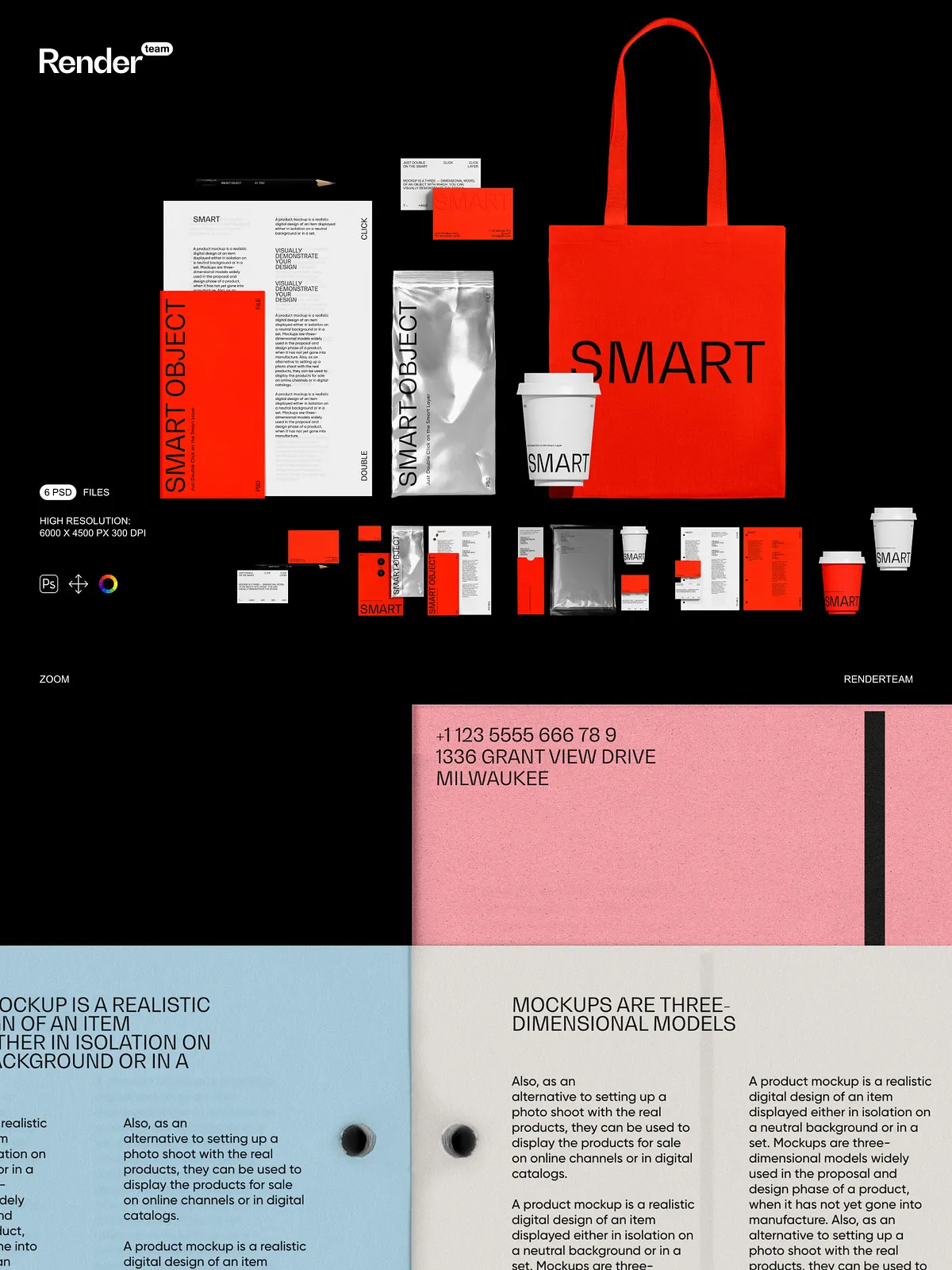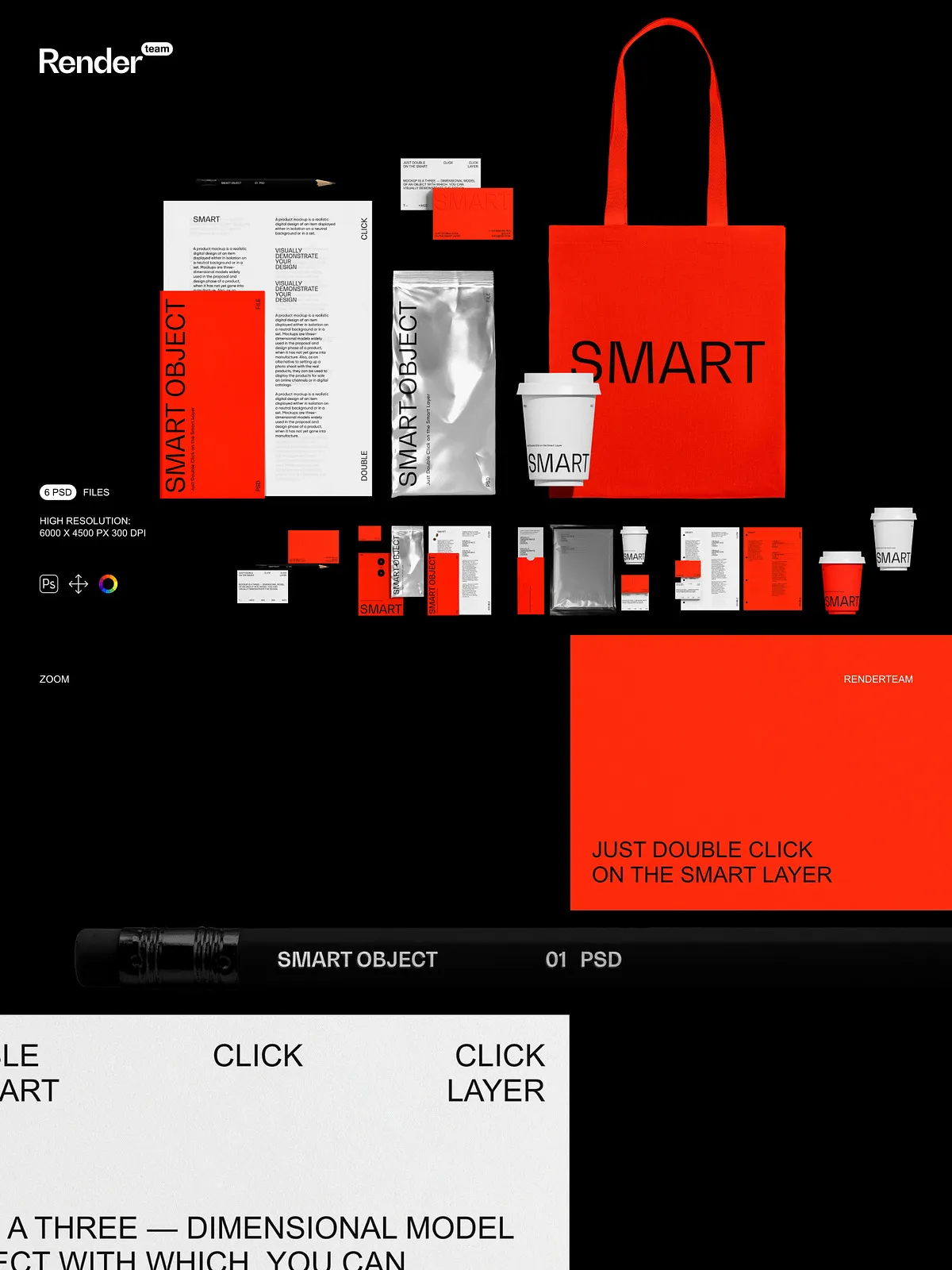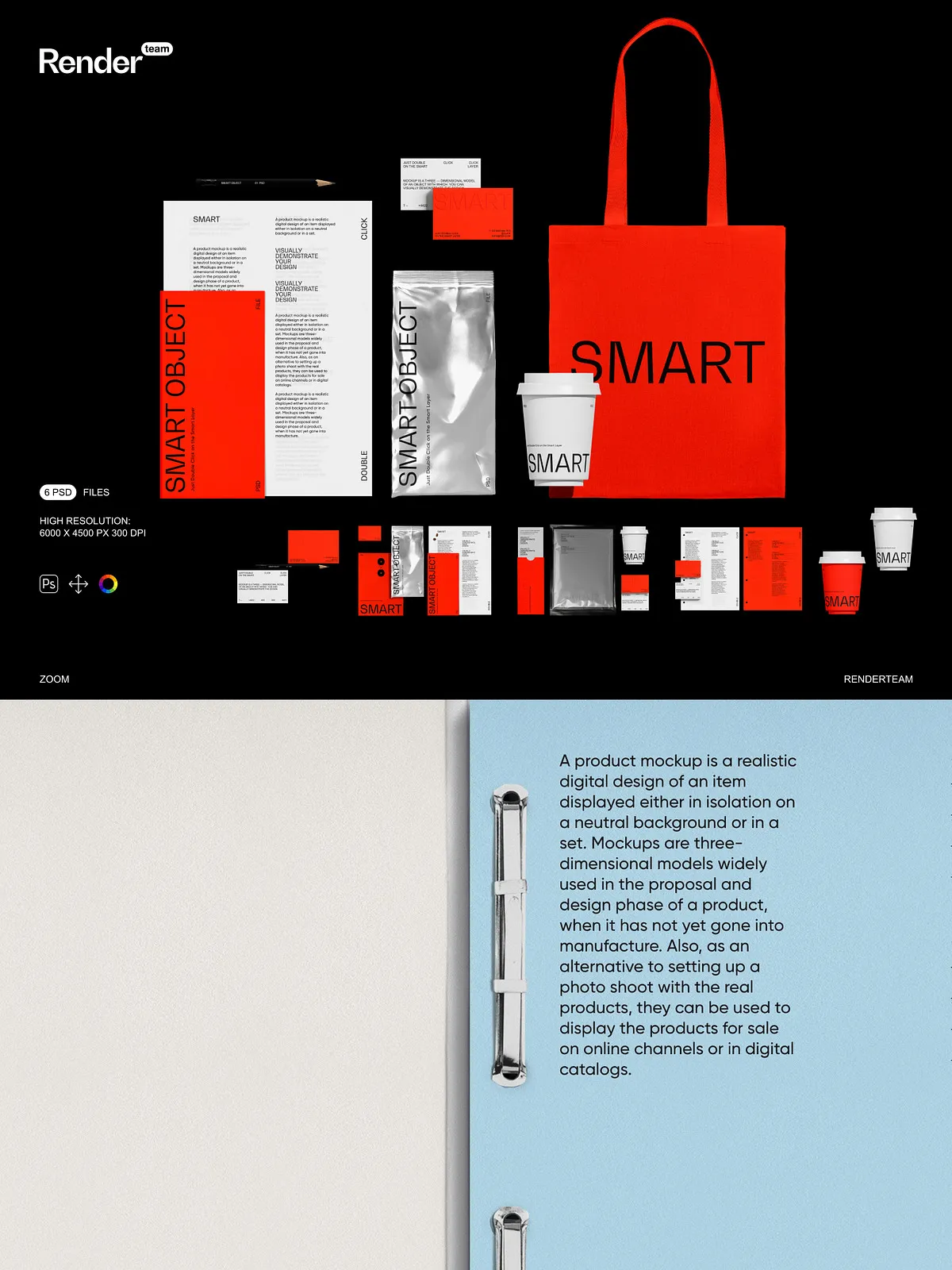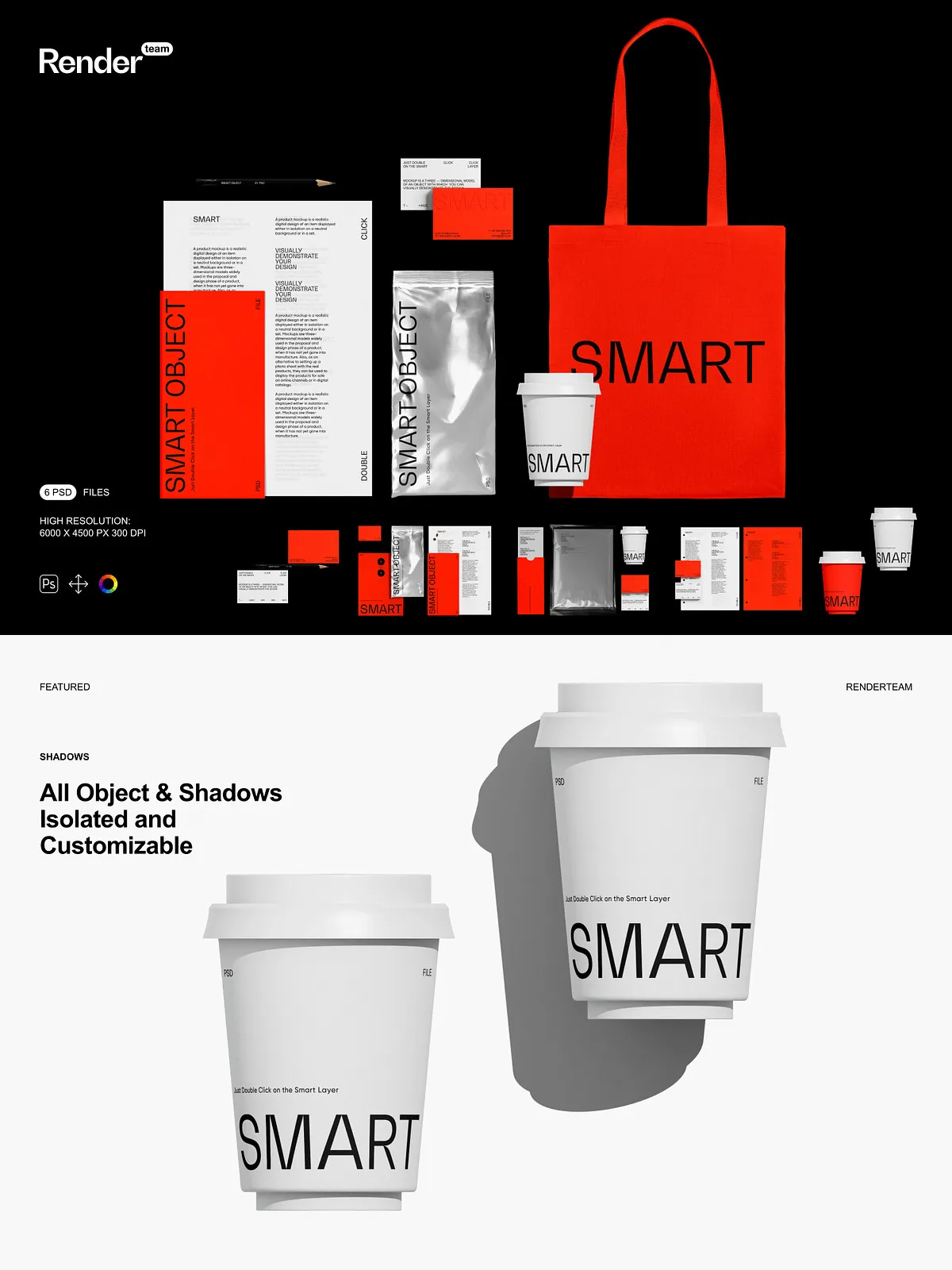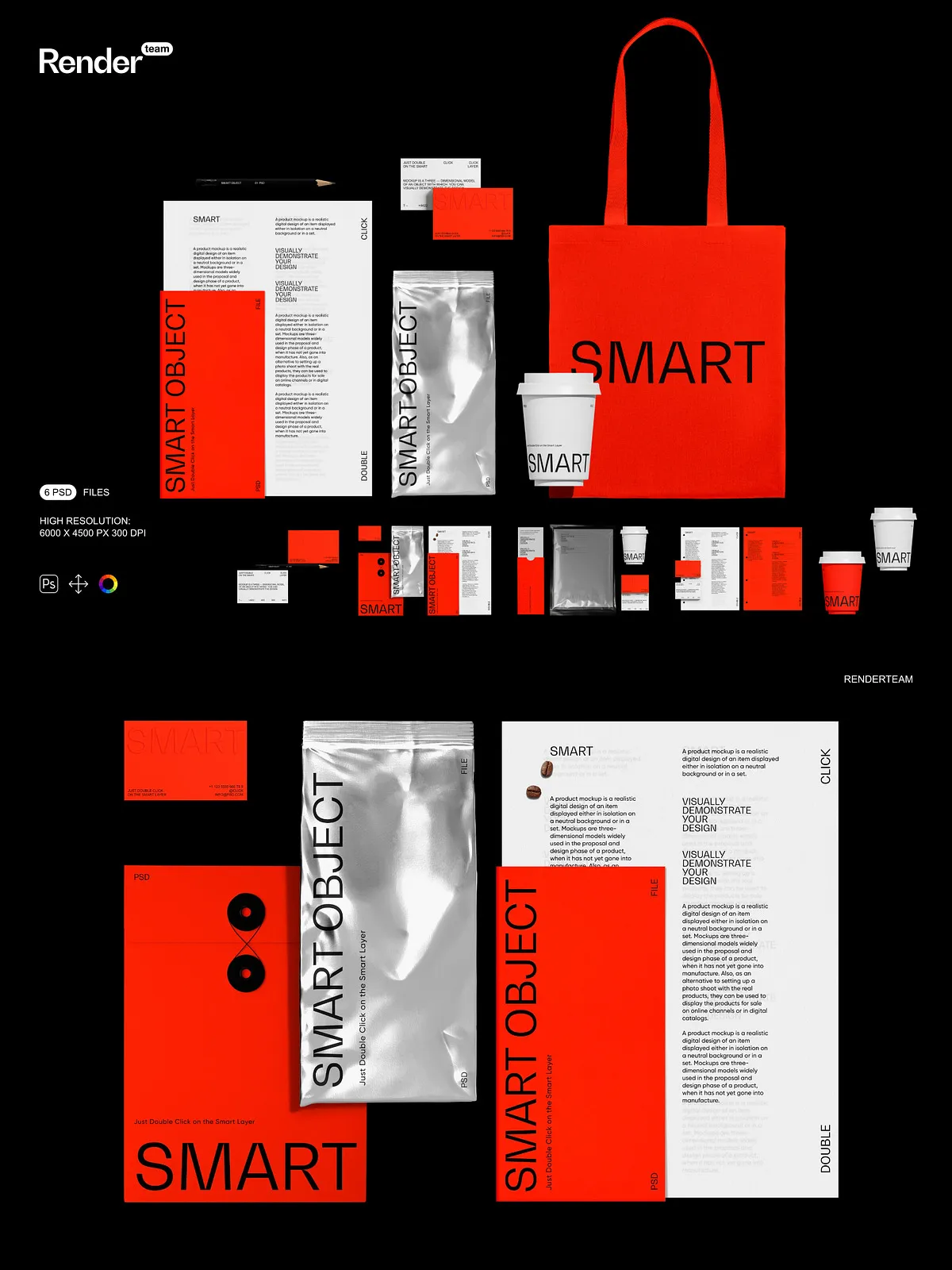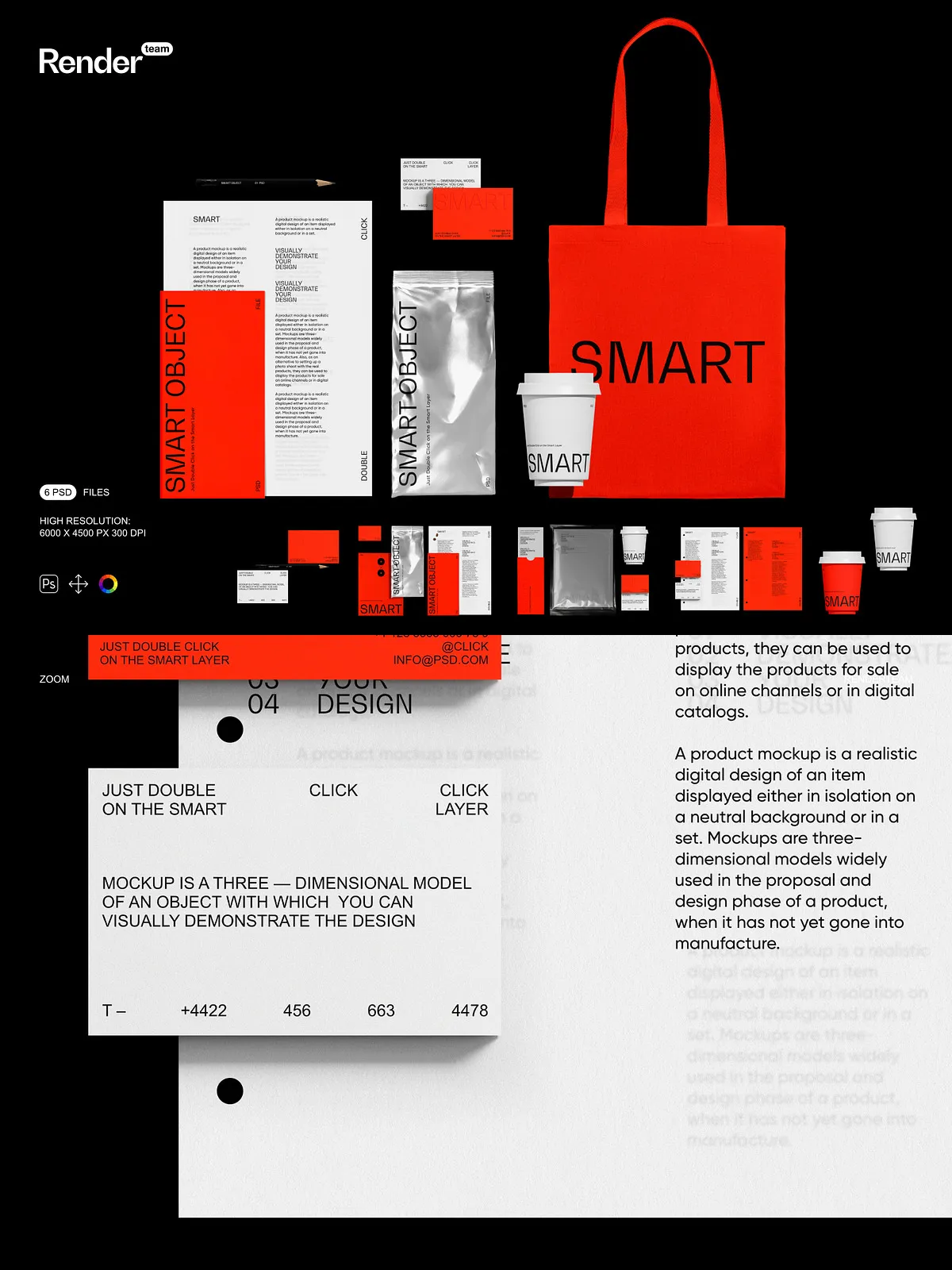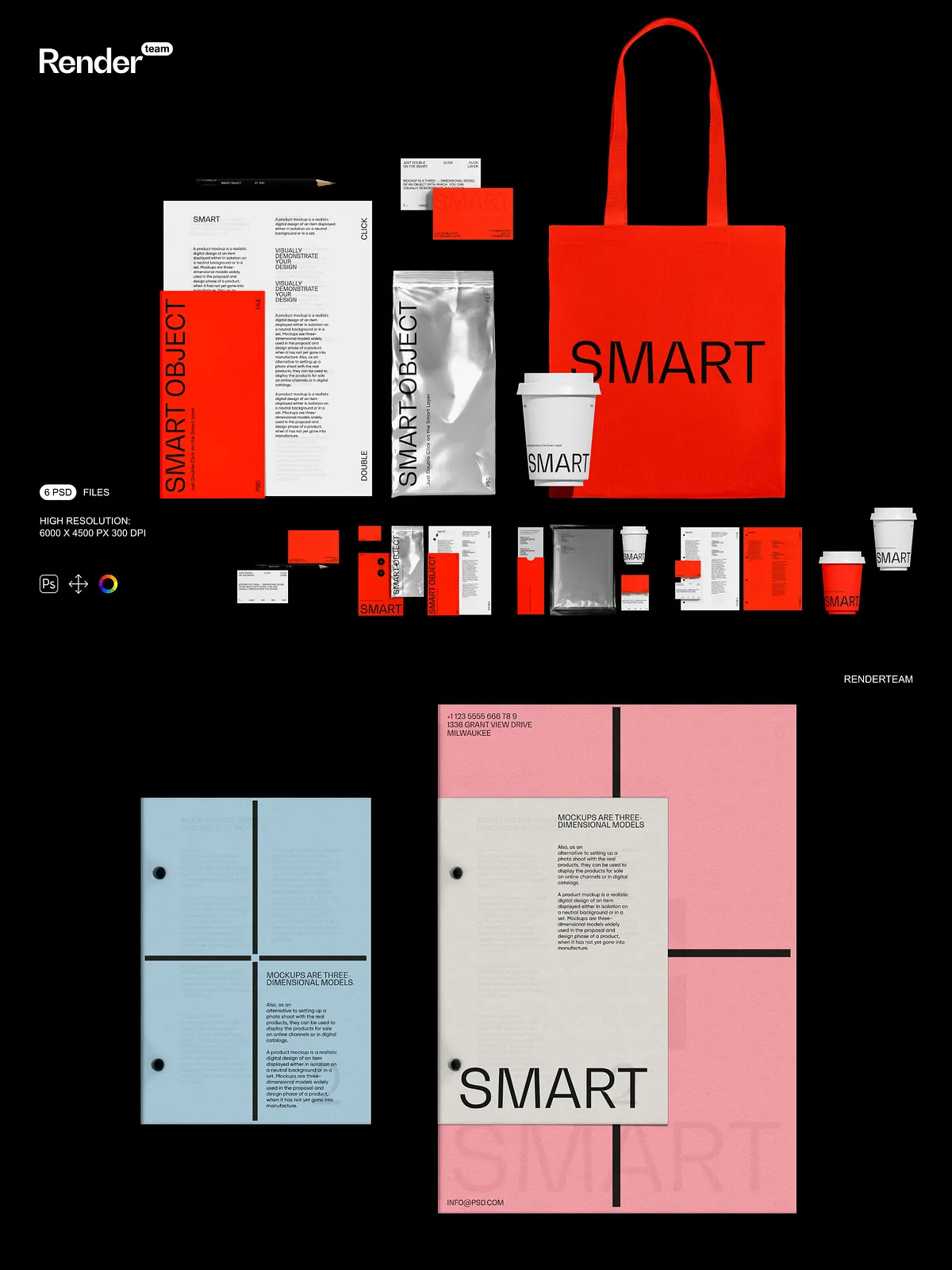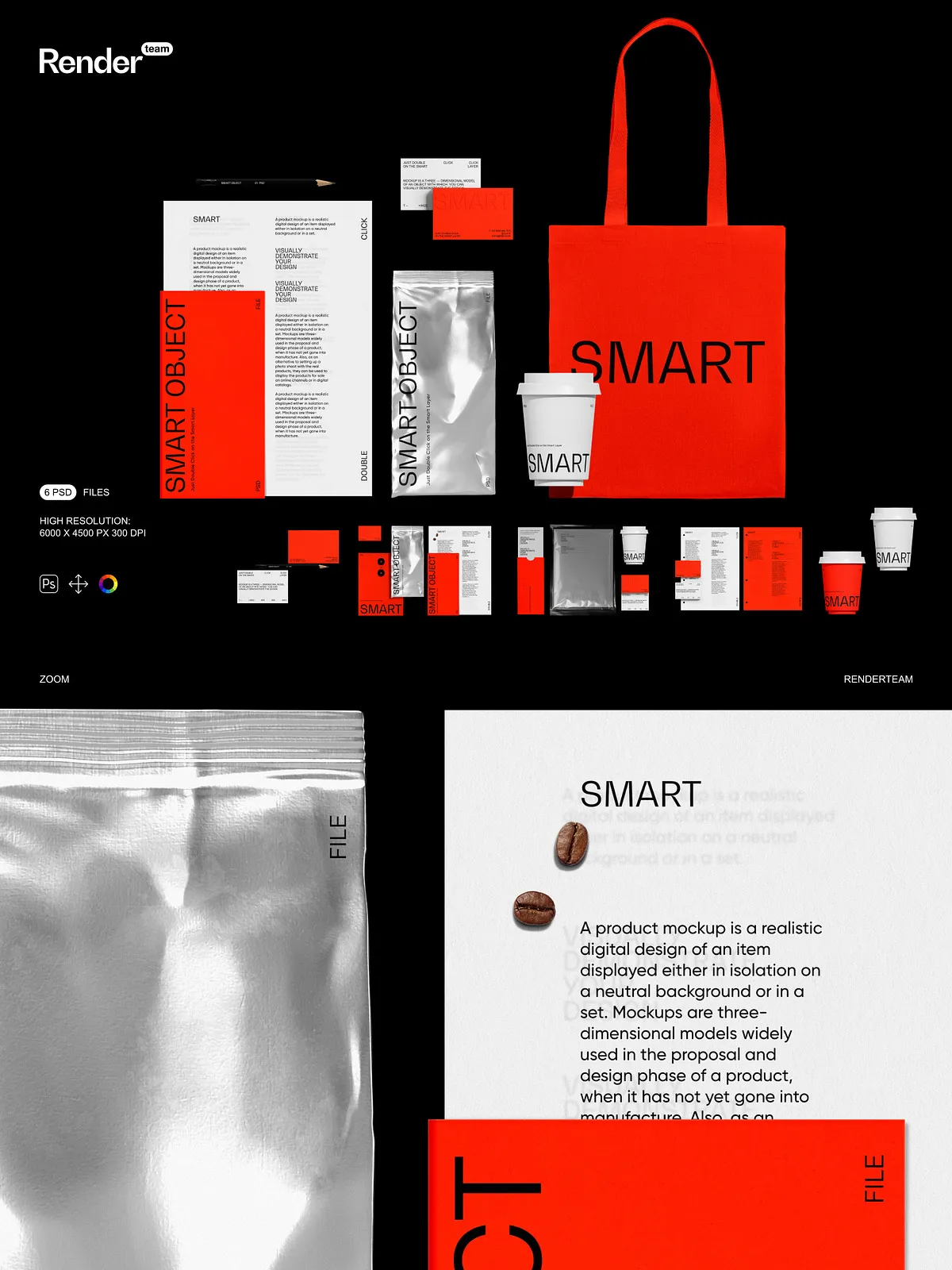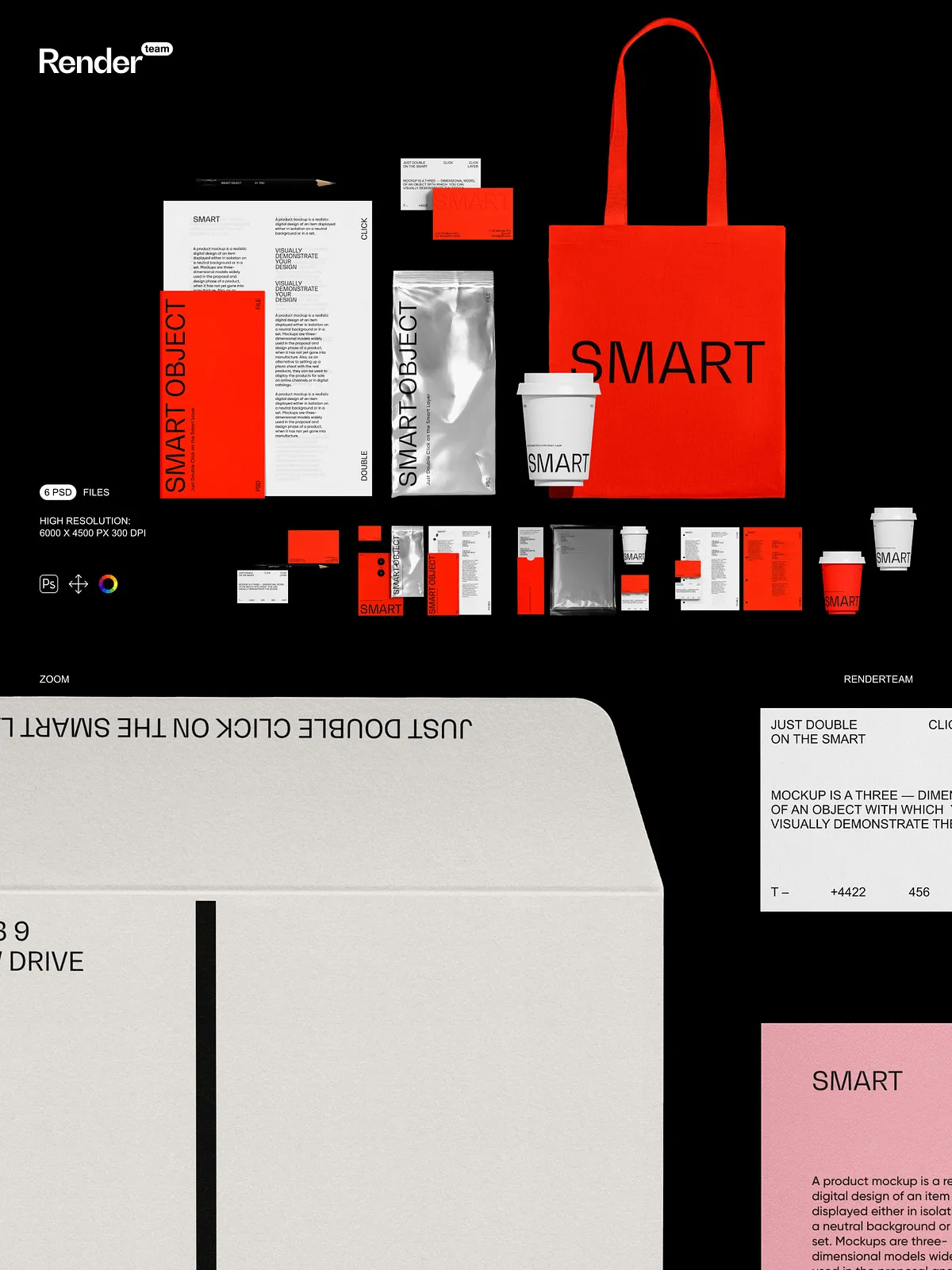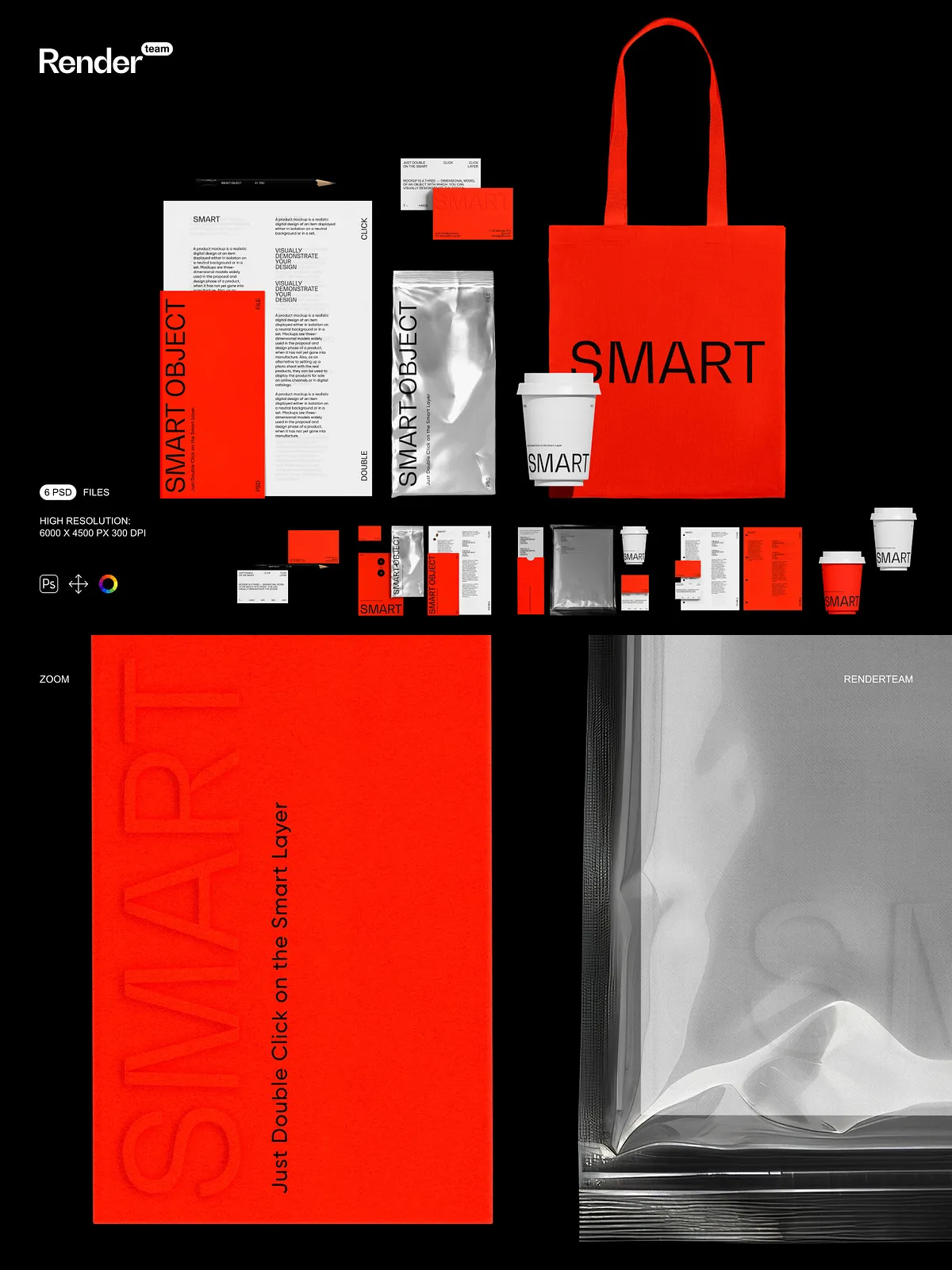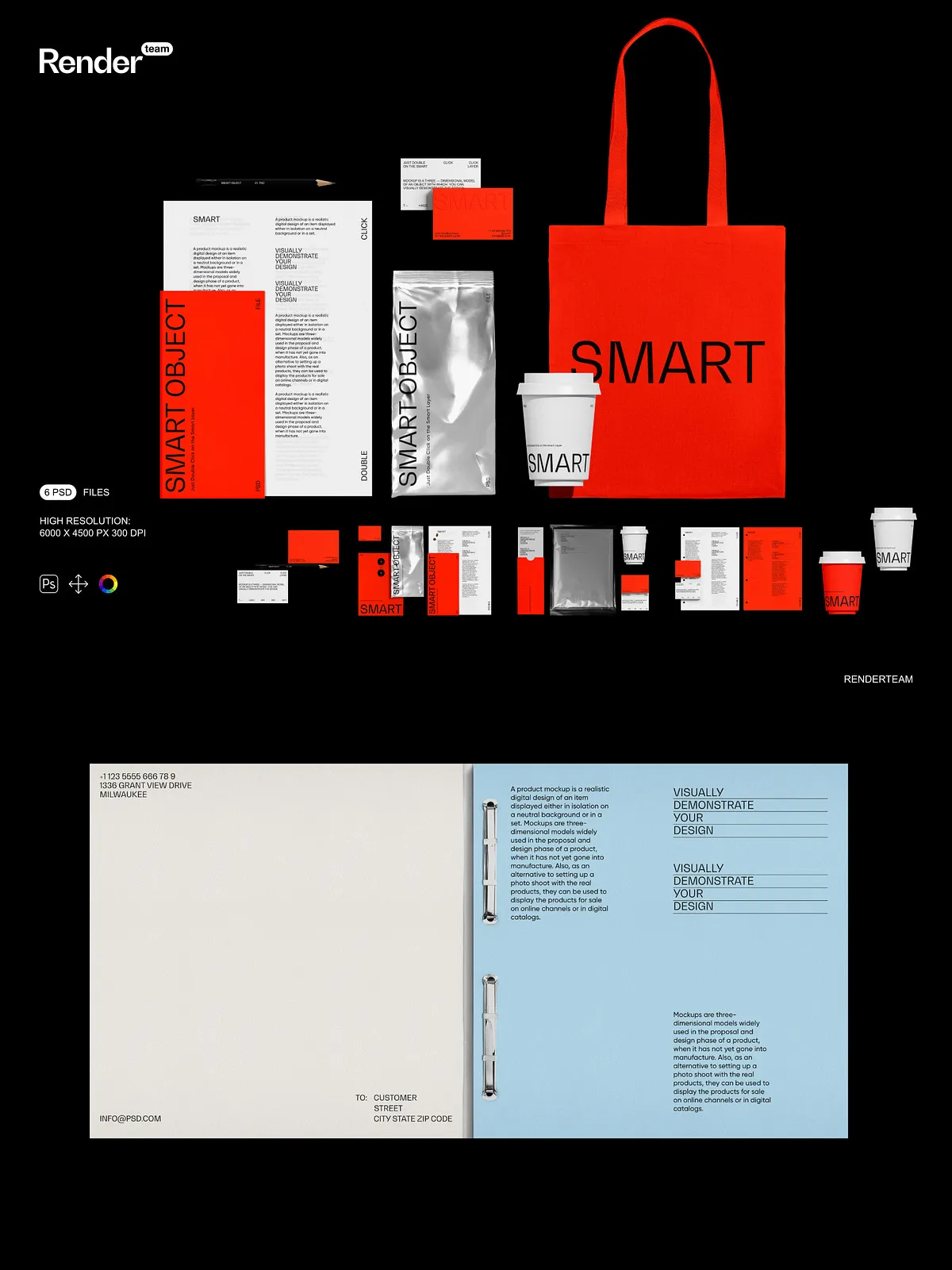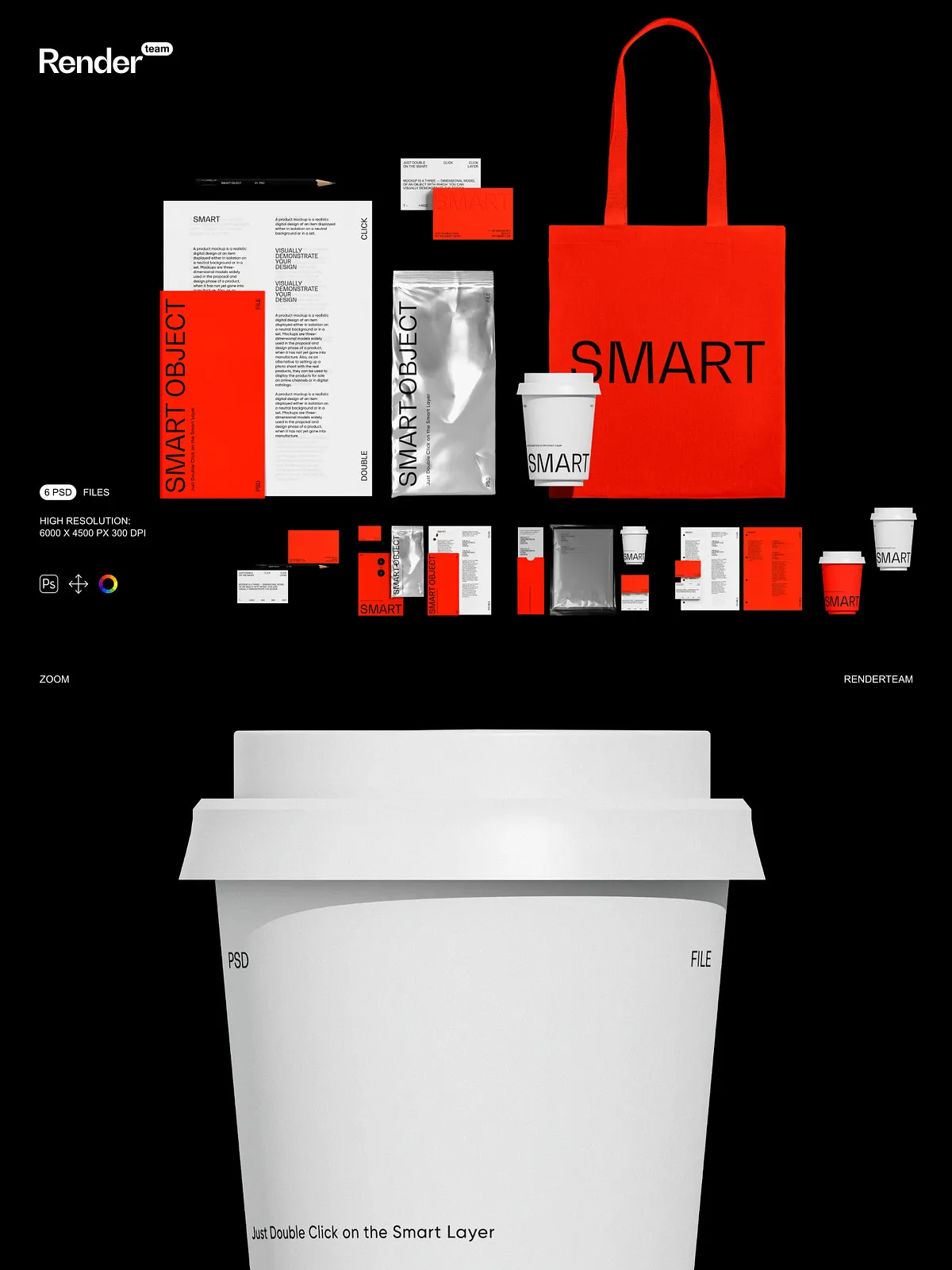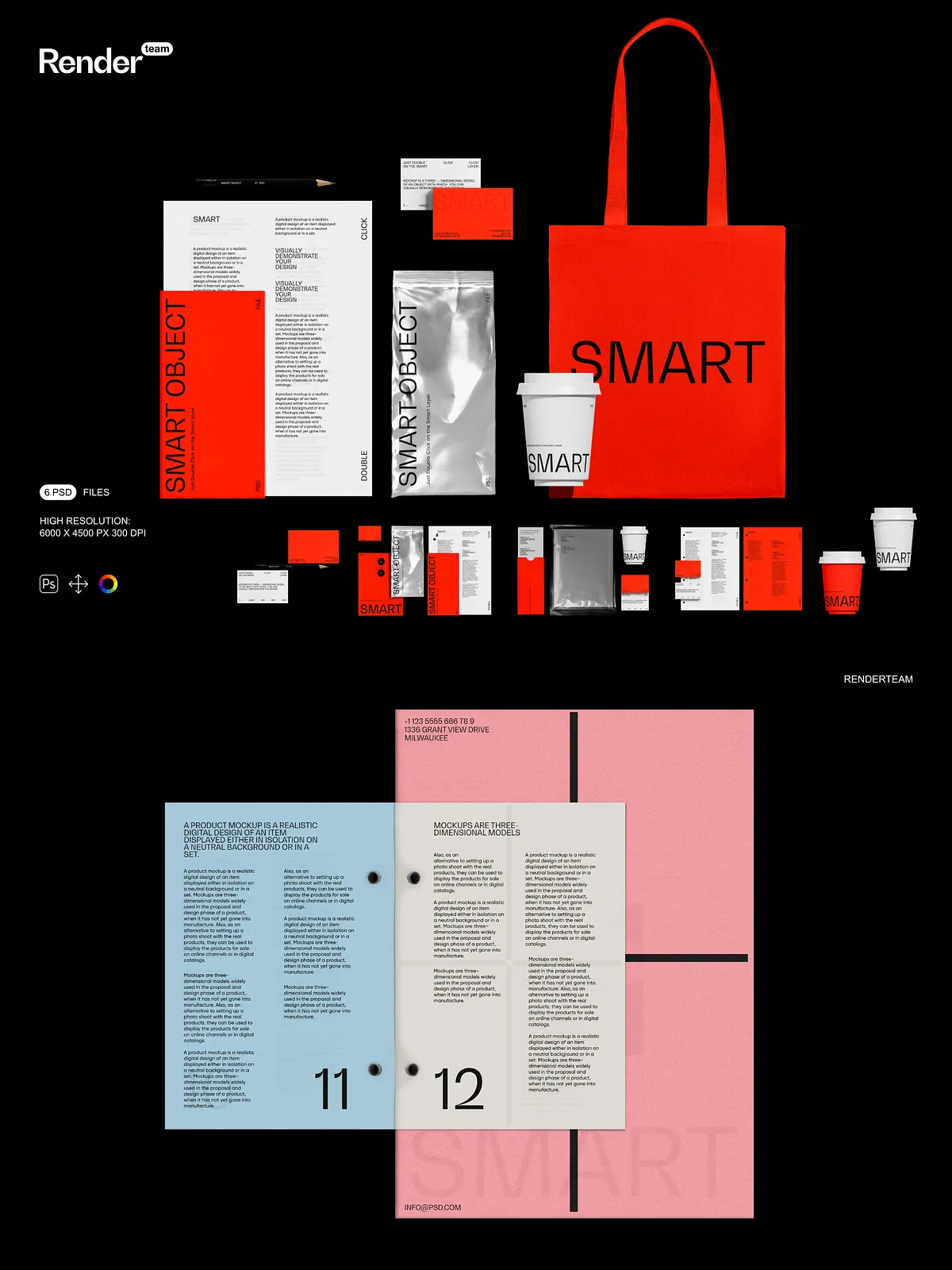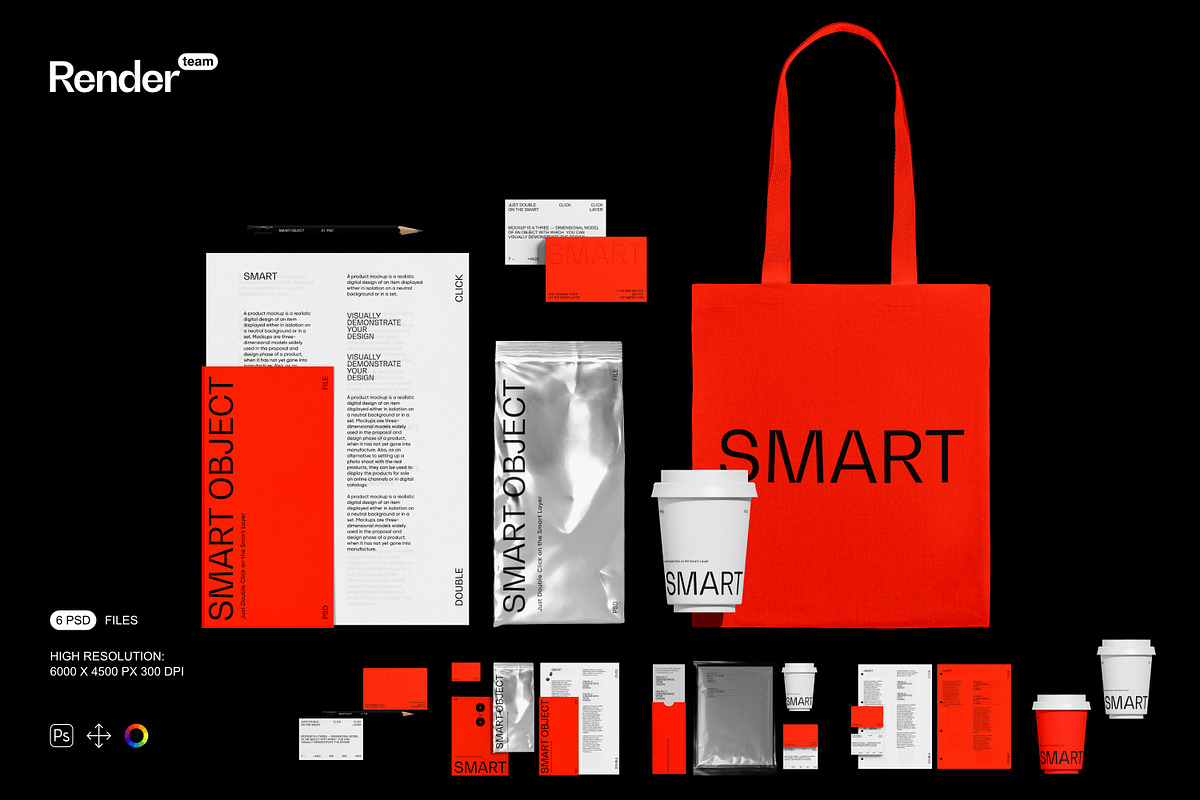
The Brand Identity Mockup Set contains six layered, fully editable PSD files created to help designers, agencies, and brand teams present polished visual systems rapidly. Each mockup uses Smart Objects and organized color layers so you can replace artwork, adjust finishes, and export production-ready images without destructive edits. The set emphasizes versatility: swap logos, adjust paper tones, control shadows independently, and create multiple scene variations from a single source file.
Key Features
High Resolution and Print-Ready Output
All files deliver 6000 x 4500 px at 300 DPI, providing crisp detail for ecommerce images, pitch decks, and print proofs. The high resolution preserves texture, grain, and subtle lighting so final exports look professional across both digital and physical formats.
Smart Object Workflow for Fast Editing
Smart Object layers enable immediate artwork replacement. Double-click the Smart Object, paste or place your design, save the Smart Object, and the mockup updates automatically. This non-destructive workflow accelerates iterations and supports rapid A/B comparisons. For guidance on Smart Object usage, see the Adobe Photoshop Smart Objects documentation: Smart Objects — overview and benefits.
Organized Layers and Isolated Elements
Files include a clear folder structure with descriptive layer names so collaborators can locate and modify elements quickly. Objects, reflections, and cast shadows sit on separate layers, allowing precise control when you change composition, crop for different aspect ratios, or prepare assets for varied presentations.
Color and Finish Controls
Dedicated adjustment layers let you alter background hues, paper color, ink tones, and surface finishes without touching artwork. Toggle gloss or matte effects and refine reflection intensity to match brand specifications or production references. These controls let you validate color relationships and surface behavior before final export.
What You Receive
- 6 fully editable PSD mockup files with multiple scene variations
- Smart Object layers for one-click artwork replacement
- Isolated object and shadow layers for independent editing
- Color and adjustment layers for quick finish and tone changes
- High-resolution files: 6000 x 4500 px at 300 DPI
- PDF help file with step-by-step instructions and export tips
How to Use
Open and Prepare
Open a PSD in Adobe Photoshop (Creative Cloud recommended). Locate the Smart Object layer labeled for the artwork (logo, label, or stationery element) and double-click it to open the contained canvas.
Insert Artwork
Place your design into the Smart Object canvas, align and scale as needed, then save the Smart Object. The mockup updates automatically to reflect your artwork. Use the included guides to maintain consistent margins and safe zones for printing and digital use.
Refine and Export
Adjust color layers, shadow opacity, and reflection groups to refine the scene. Export final images using sRGB for web or an appropriate print profile for production. The included PDF outlines recommended export settings and common troubleshooting tips.
Compatibility and Requirements
This mockup set requires Adobe Photoshop with Smart Object support. For best results and compatibility with advanced blending modes and linked assets, use a recent Creative Cloud release. The product includes PSD files and a PDF help file only; you must supply any licensed fonts, proprietary artwork, or stock images used in final compositions.
Important Notes
Preview images in product listings may show placeholder artwork, fonts, or photographs that are not included in the download. The mockups do NOT include designs, fonts, or photos used in previews. These resources cannot be used with other programs such as Canva or Procreate; they require Photoshop. Verify licensing for any external assets you add and confirm final artwork meets production requirements before sending files to print.
Why Choose This Set
The Brand Identity Mockup Set speeds your workflow by replacing costly photoshoots with editable, high-fidelity scenes you can tailor instantly. Use these mockups to validate logo placement, test hierarchy across collateral, and produce client-ready visuals for proposals and presentations. The combination of Smart Objects, isolated shadows, and color controls lets you iterate faster and present consistently at every review stage.