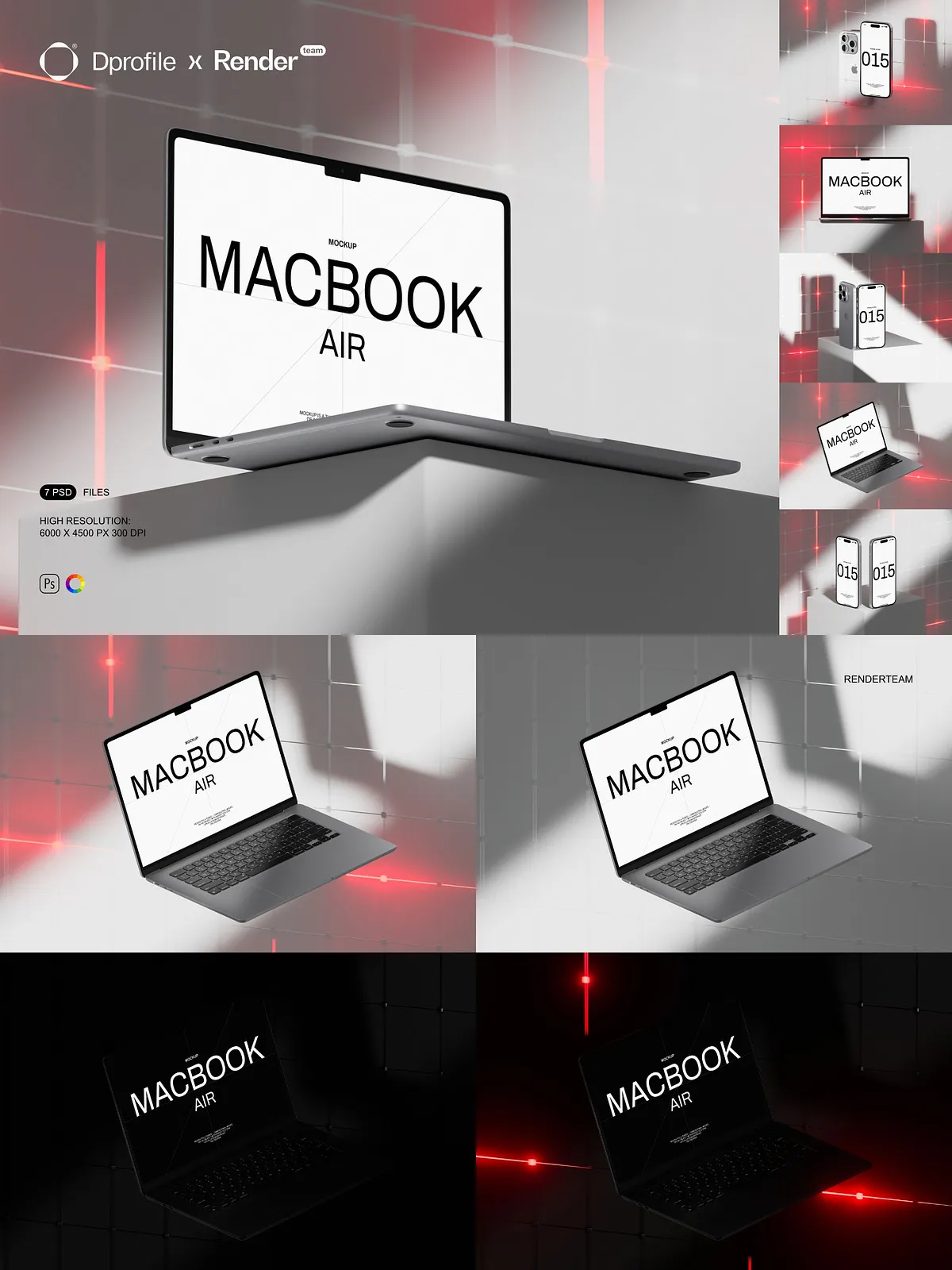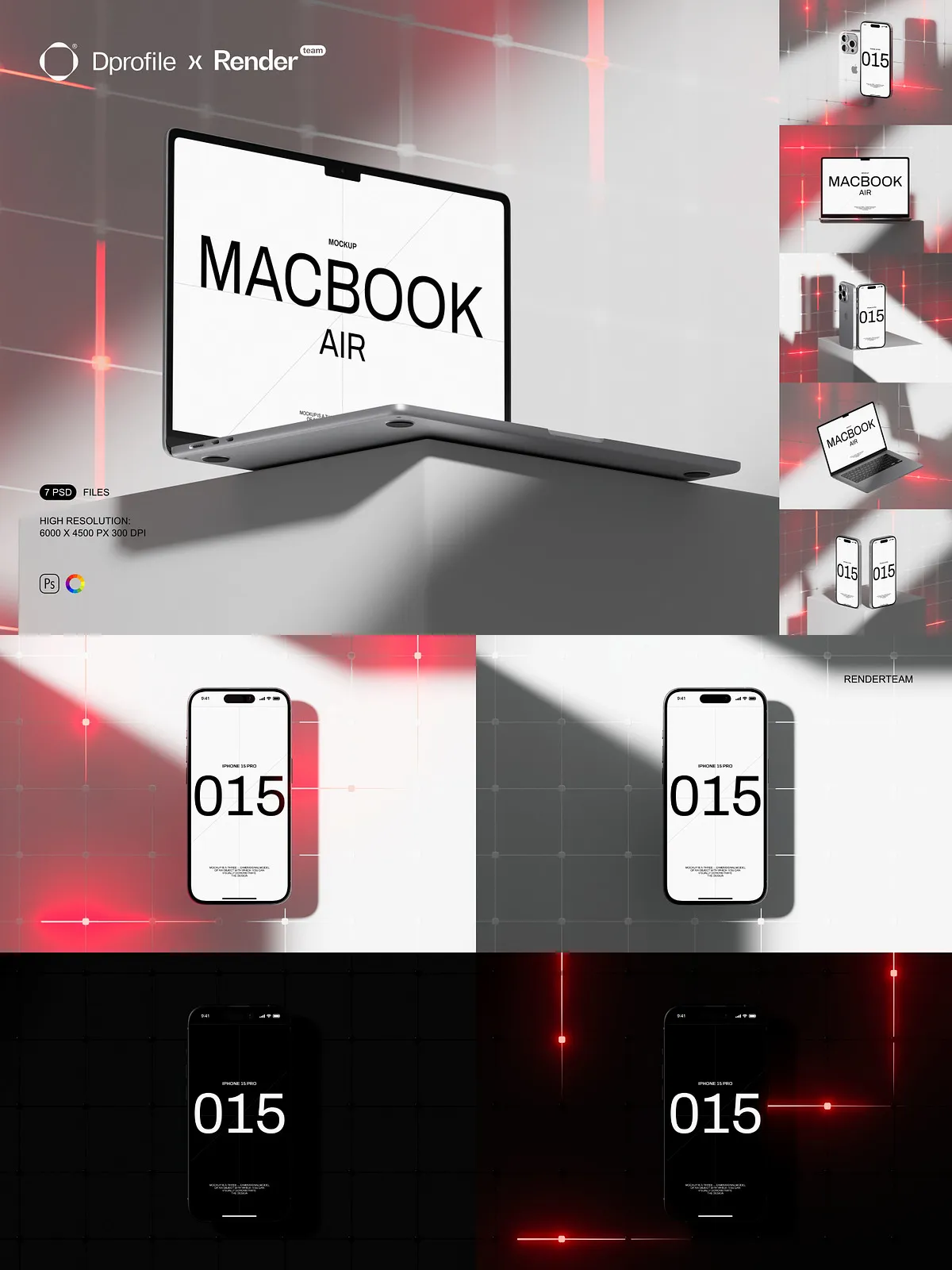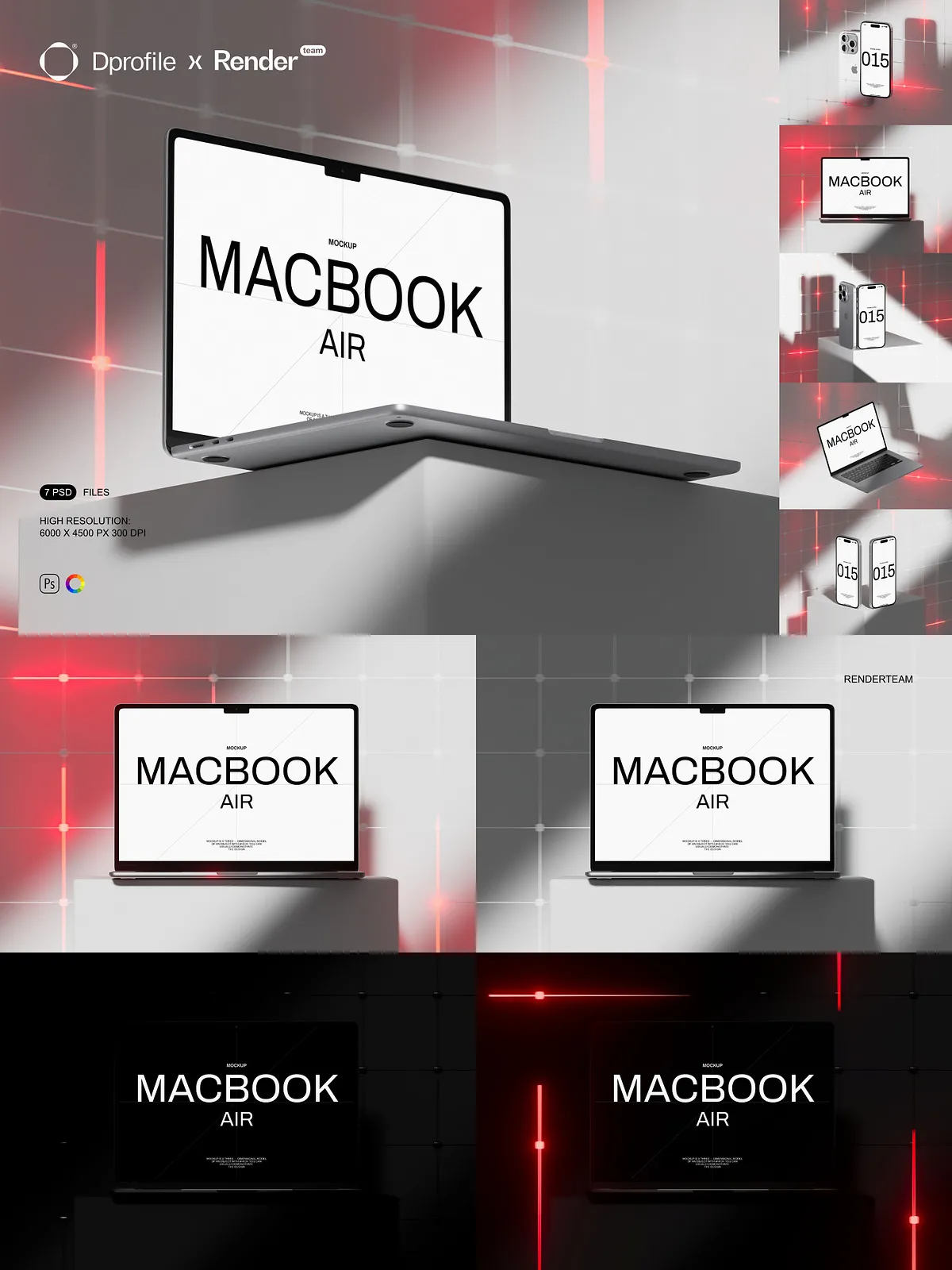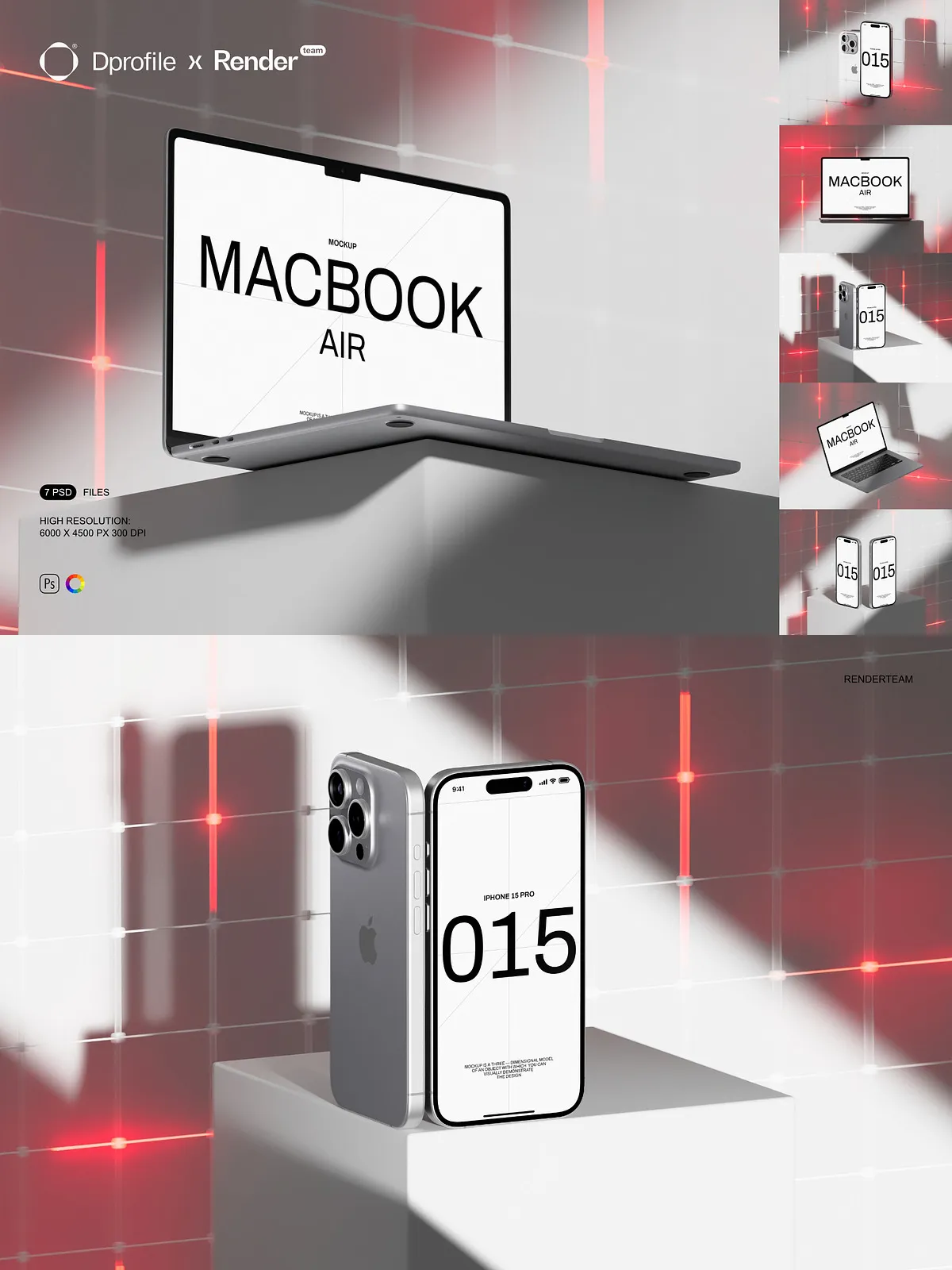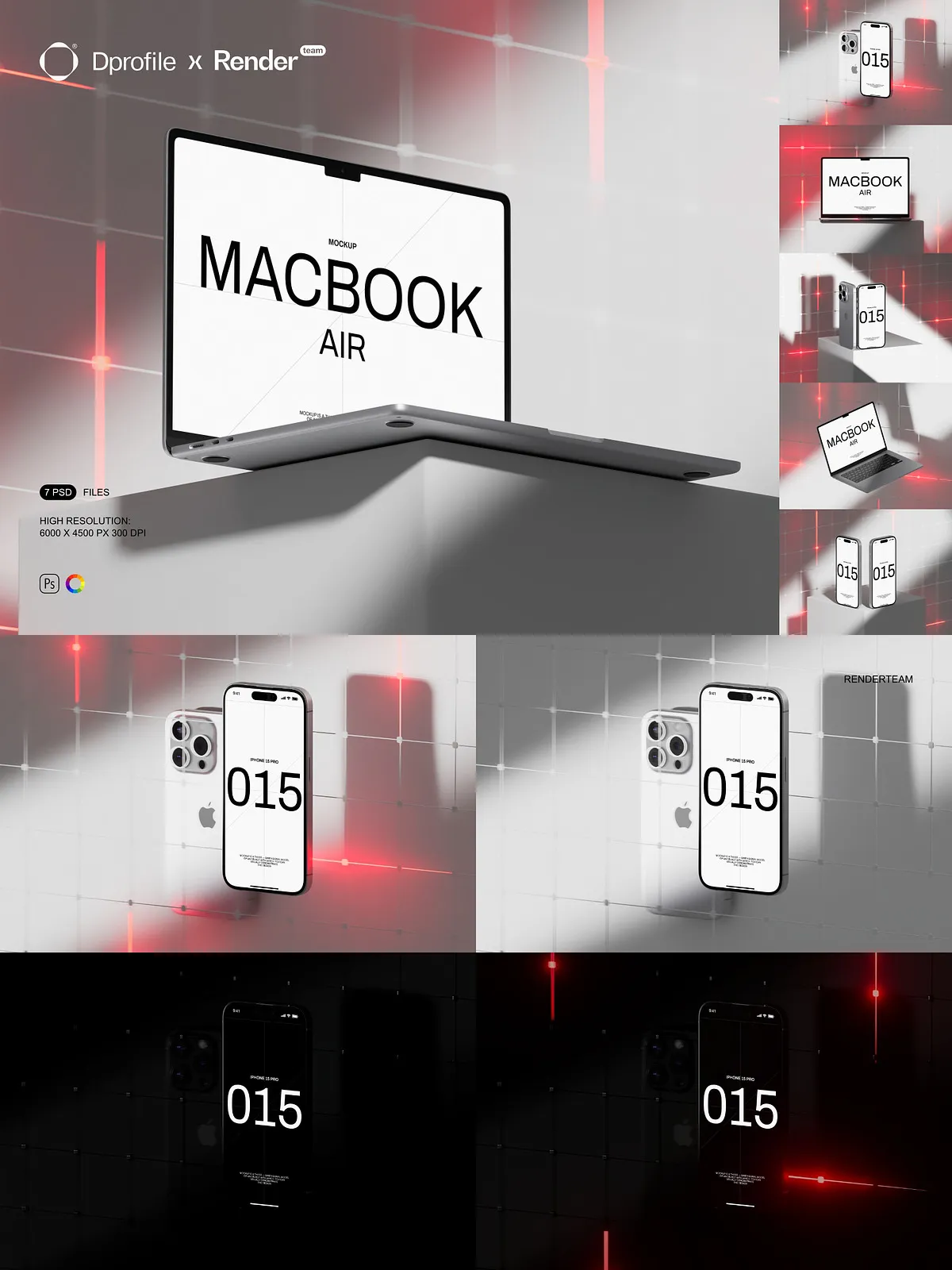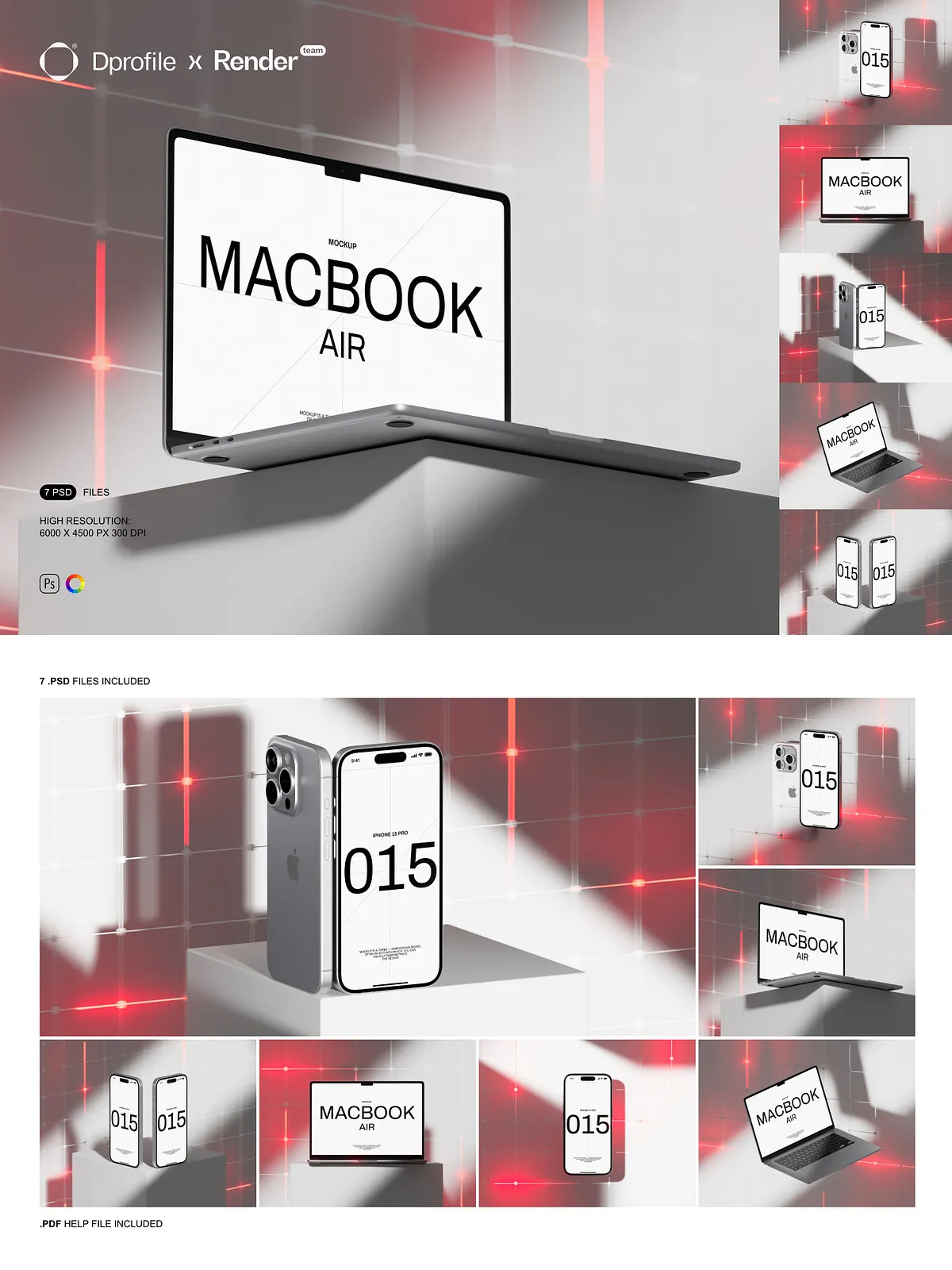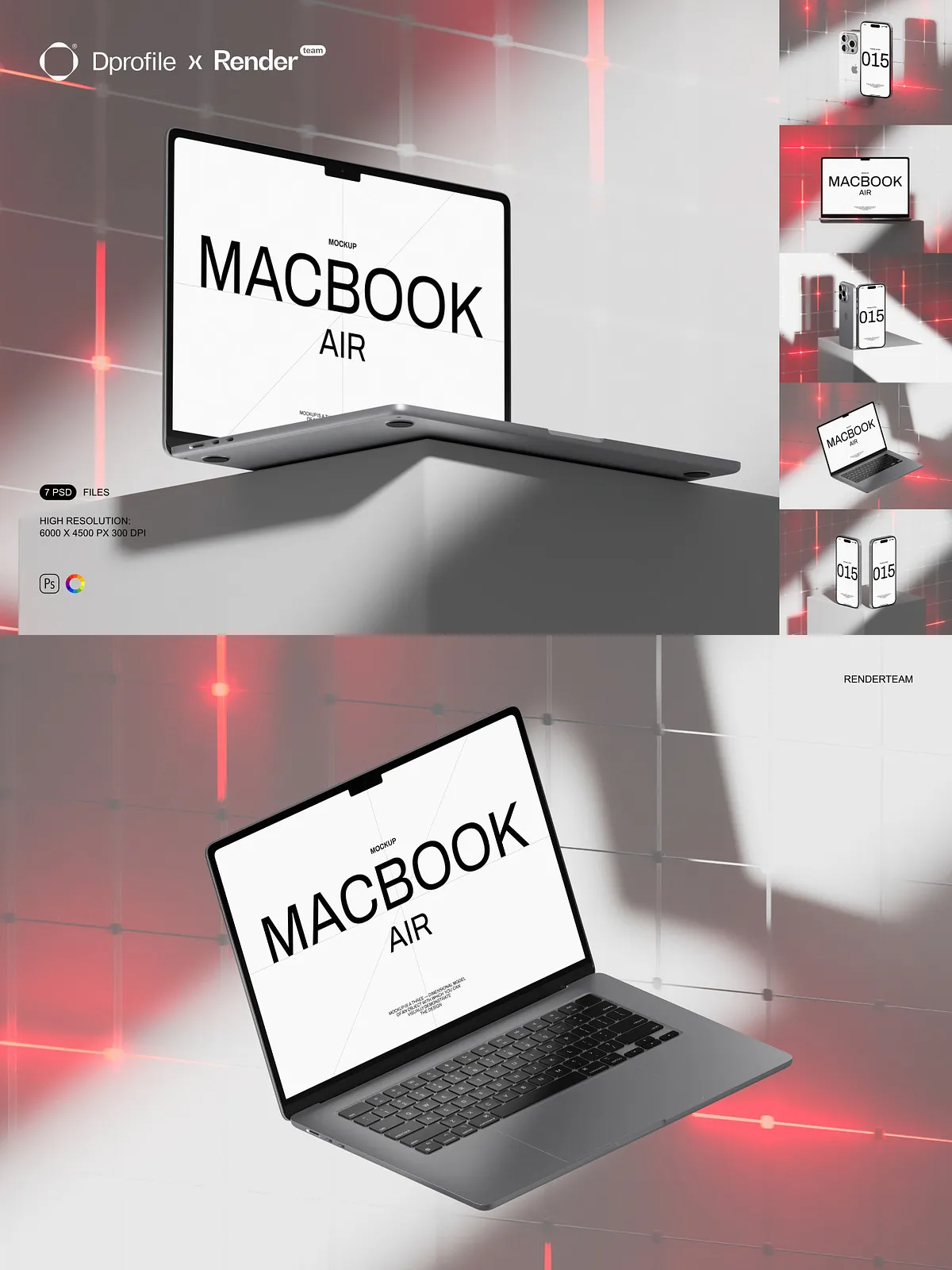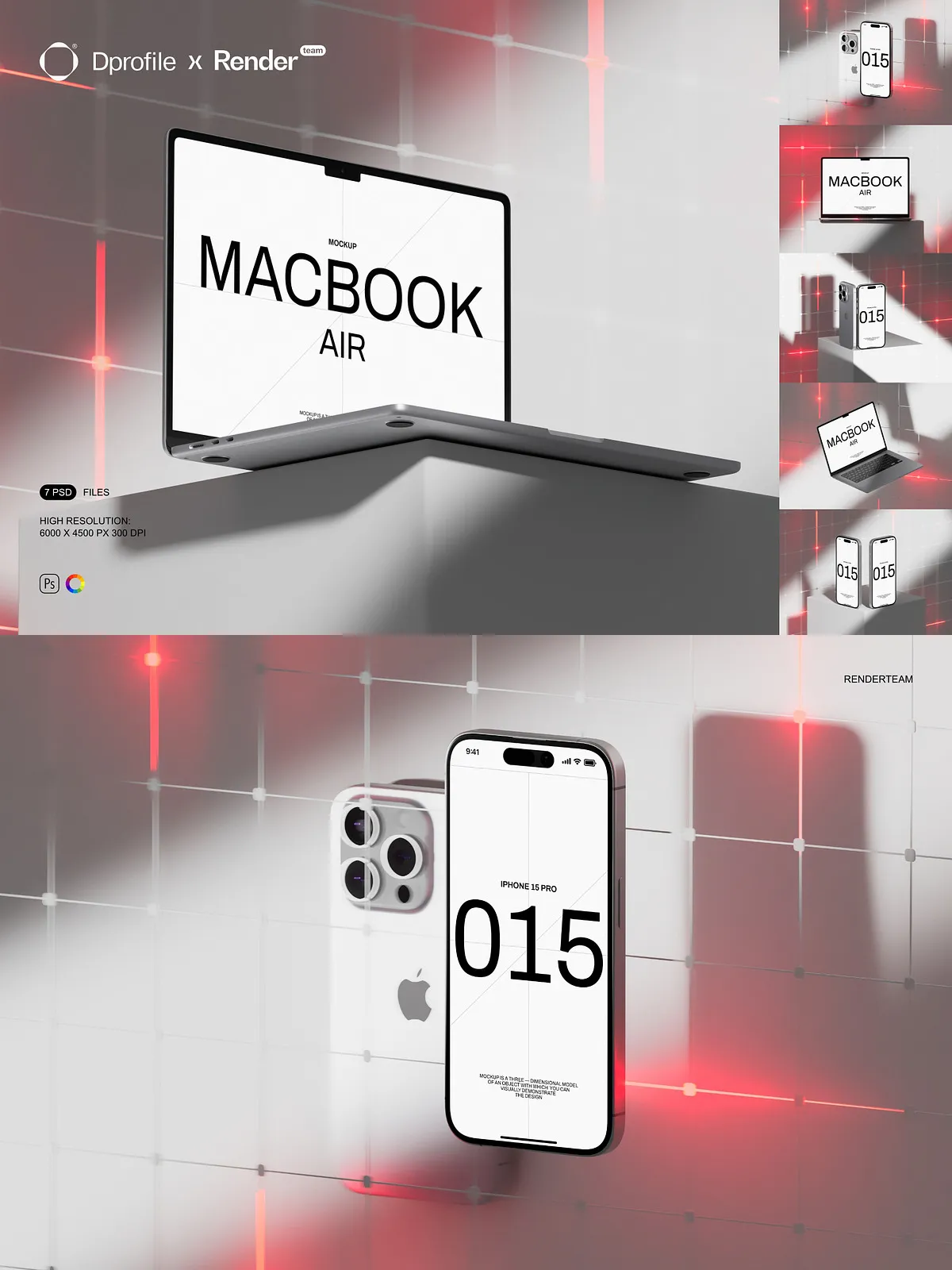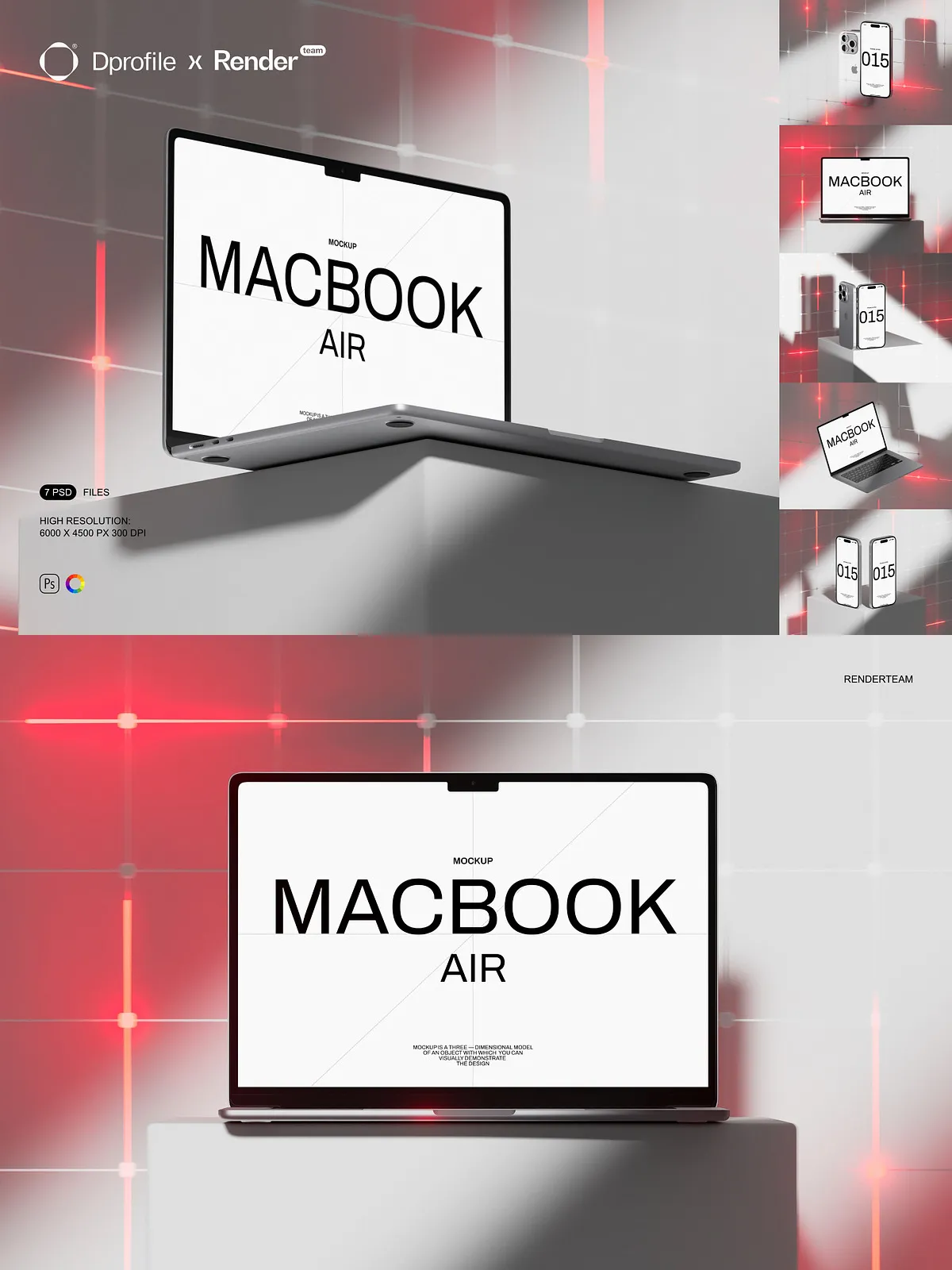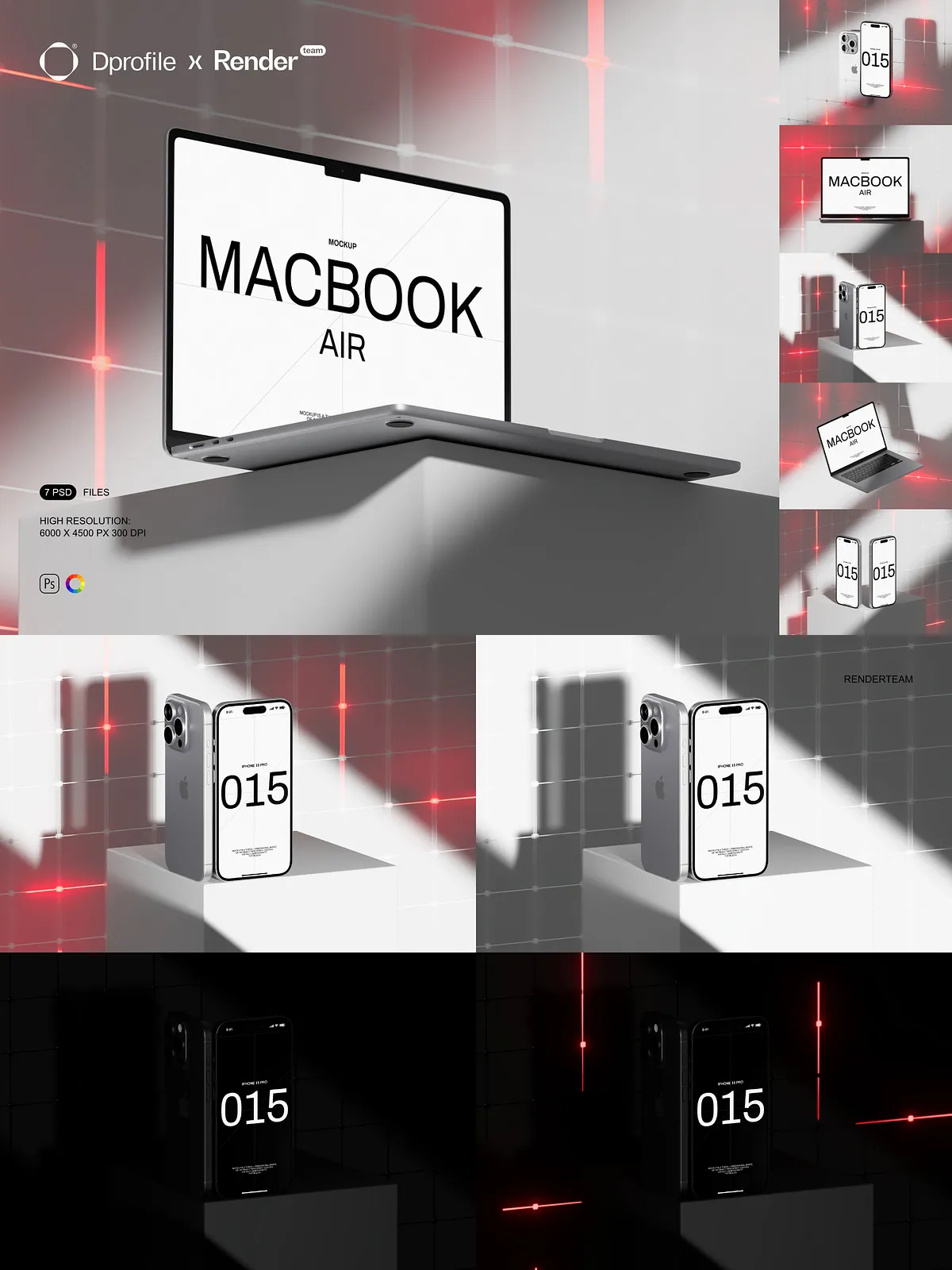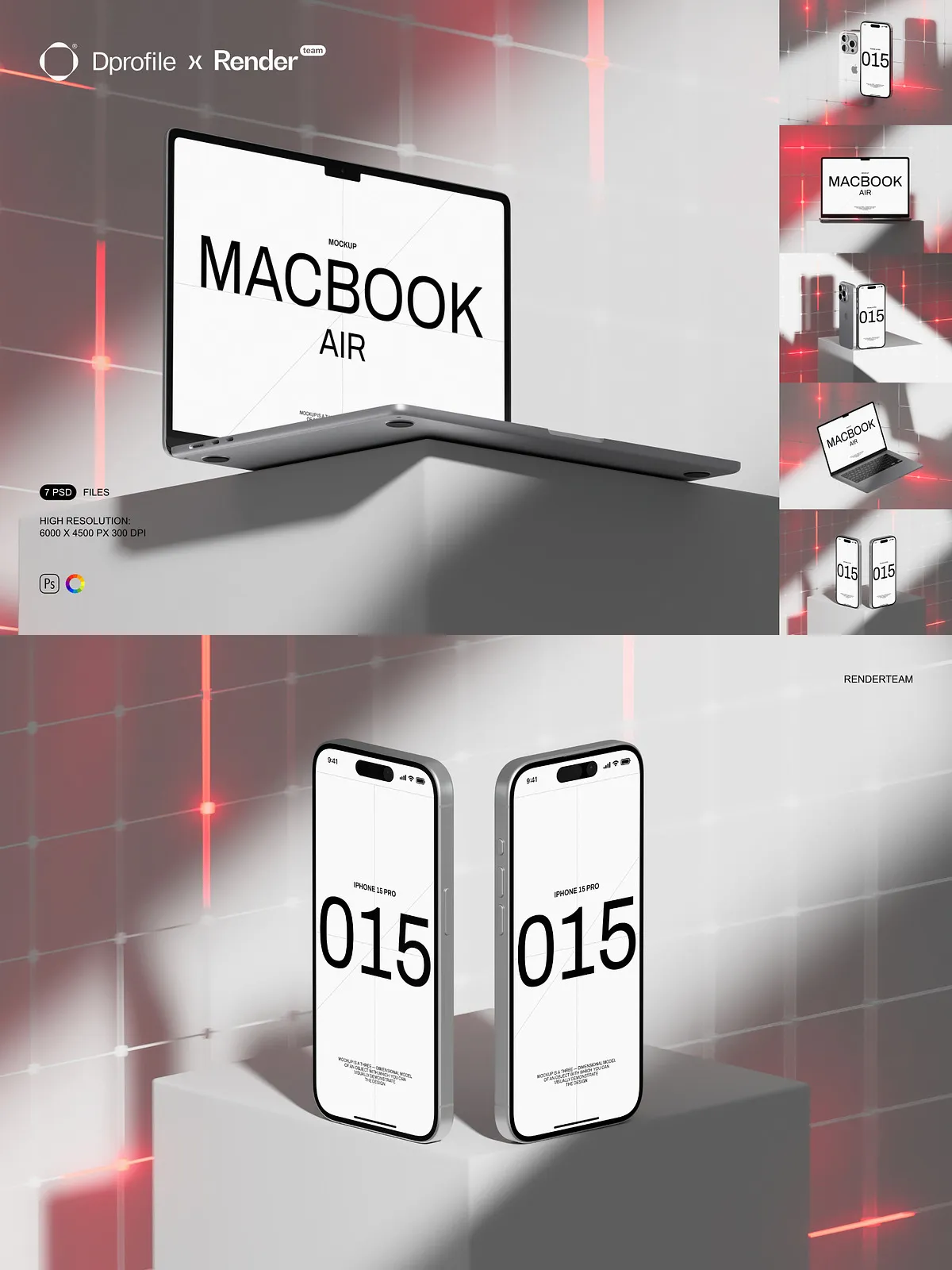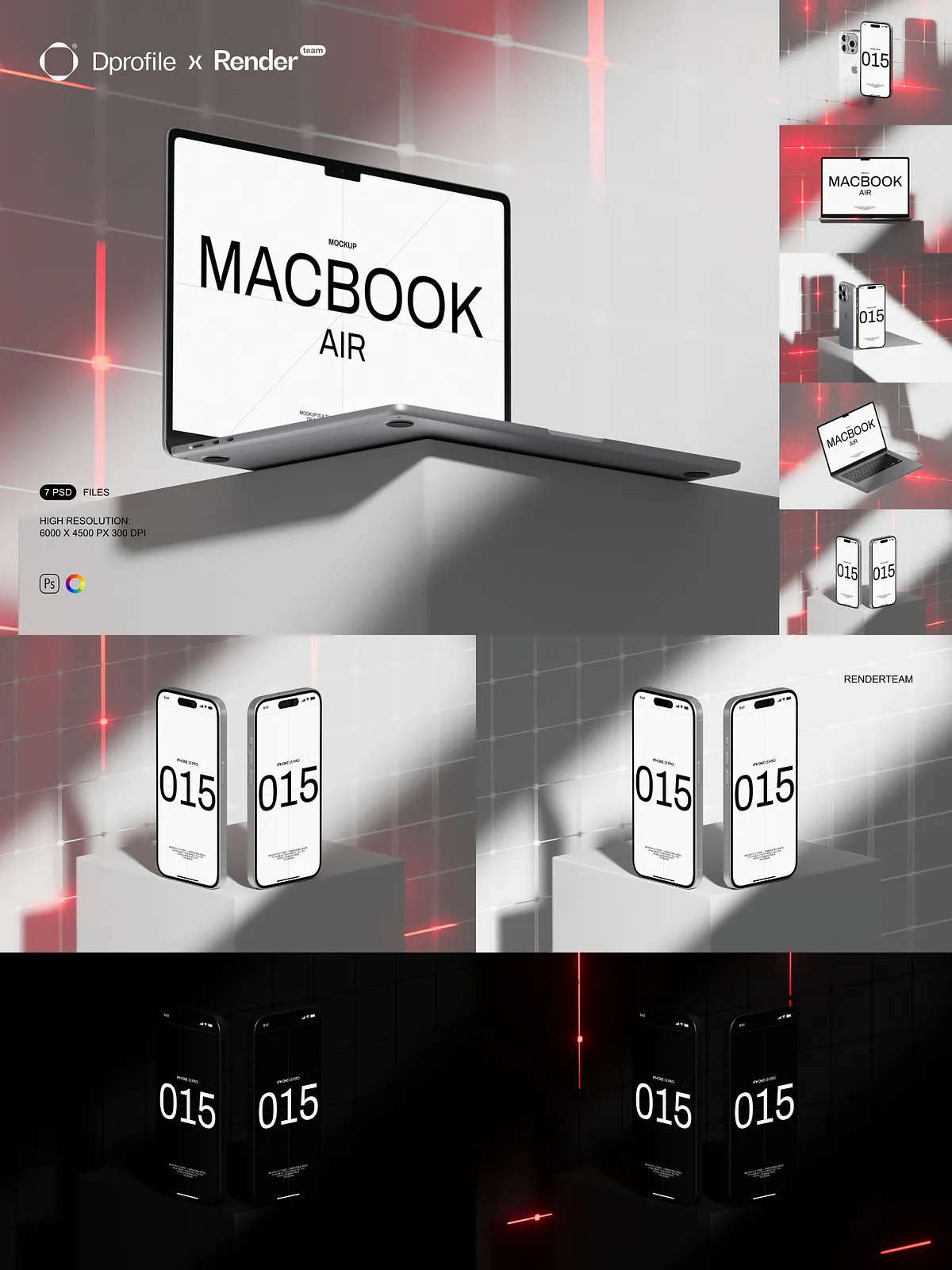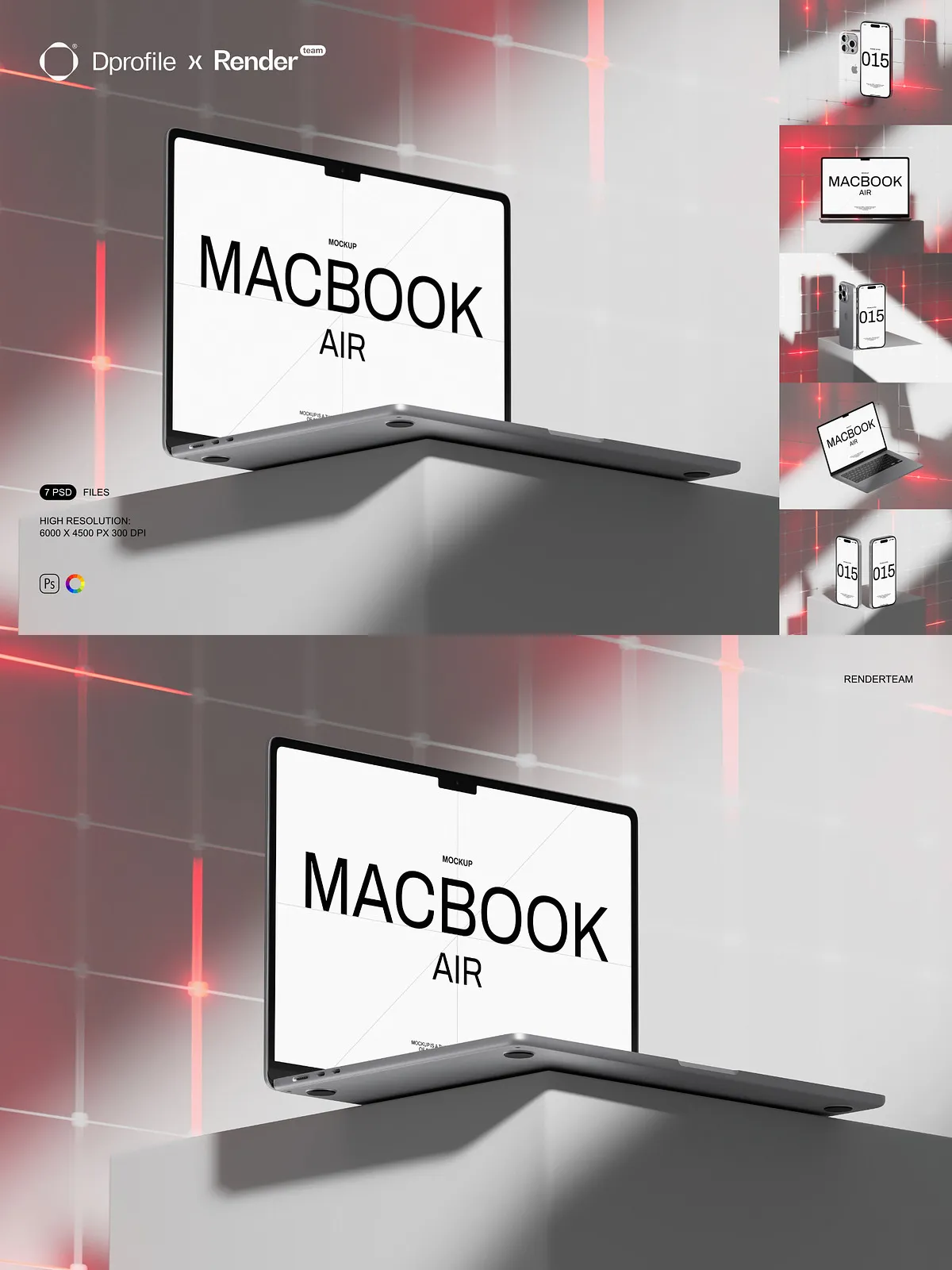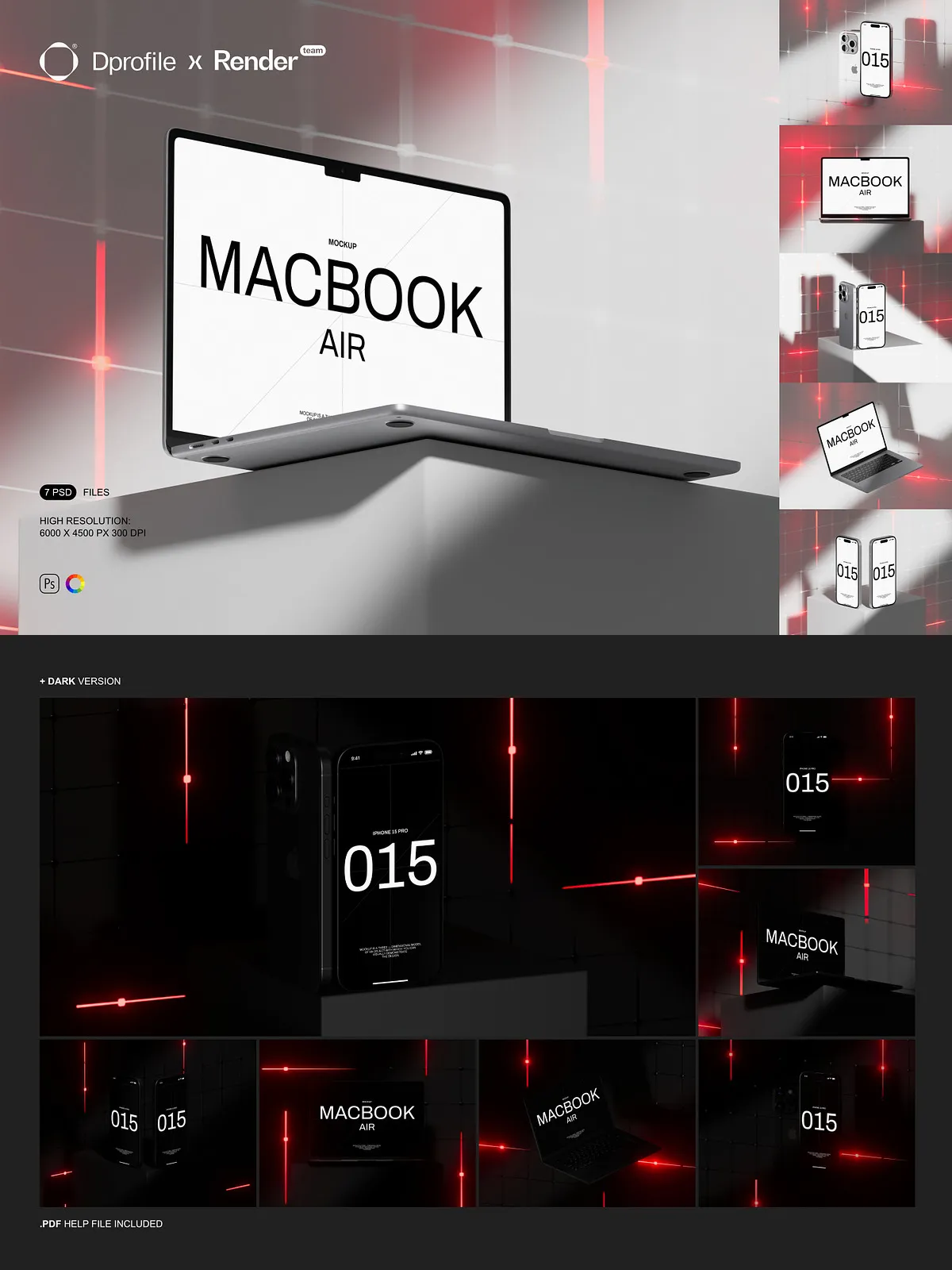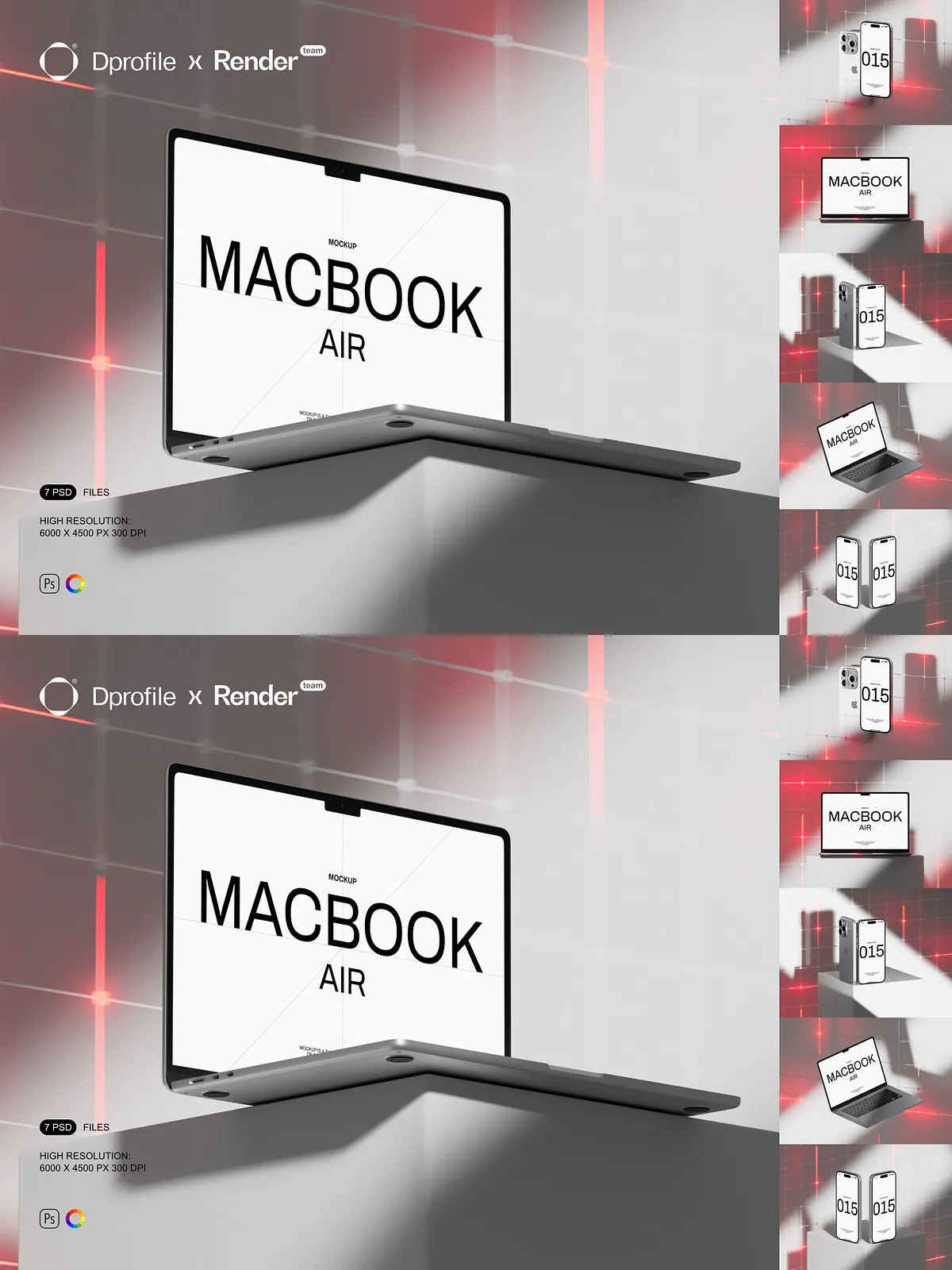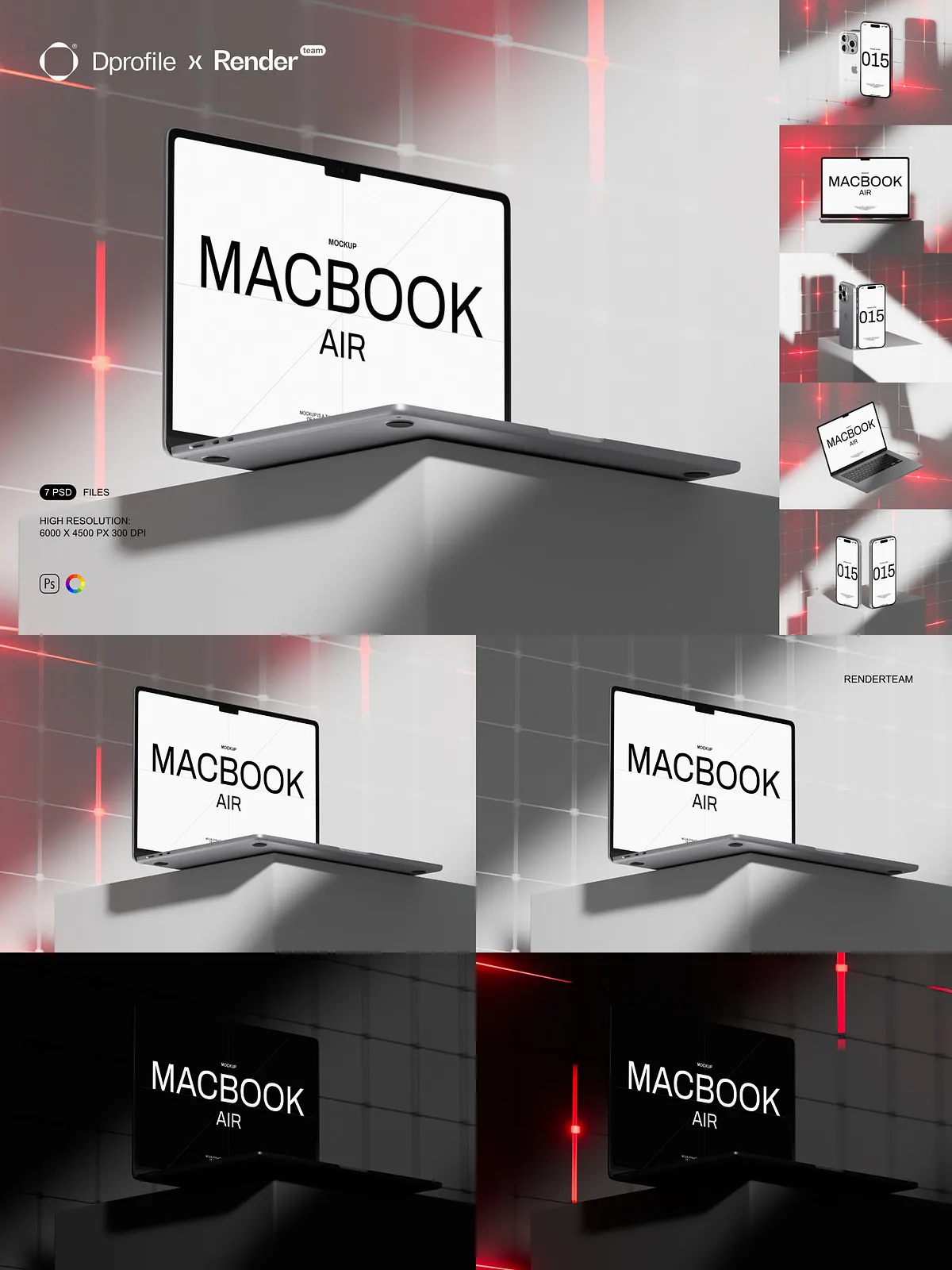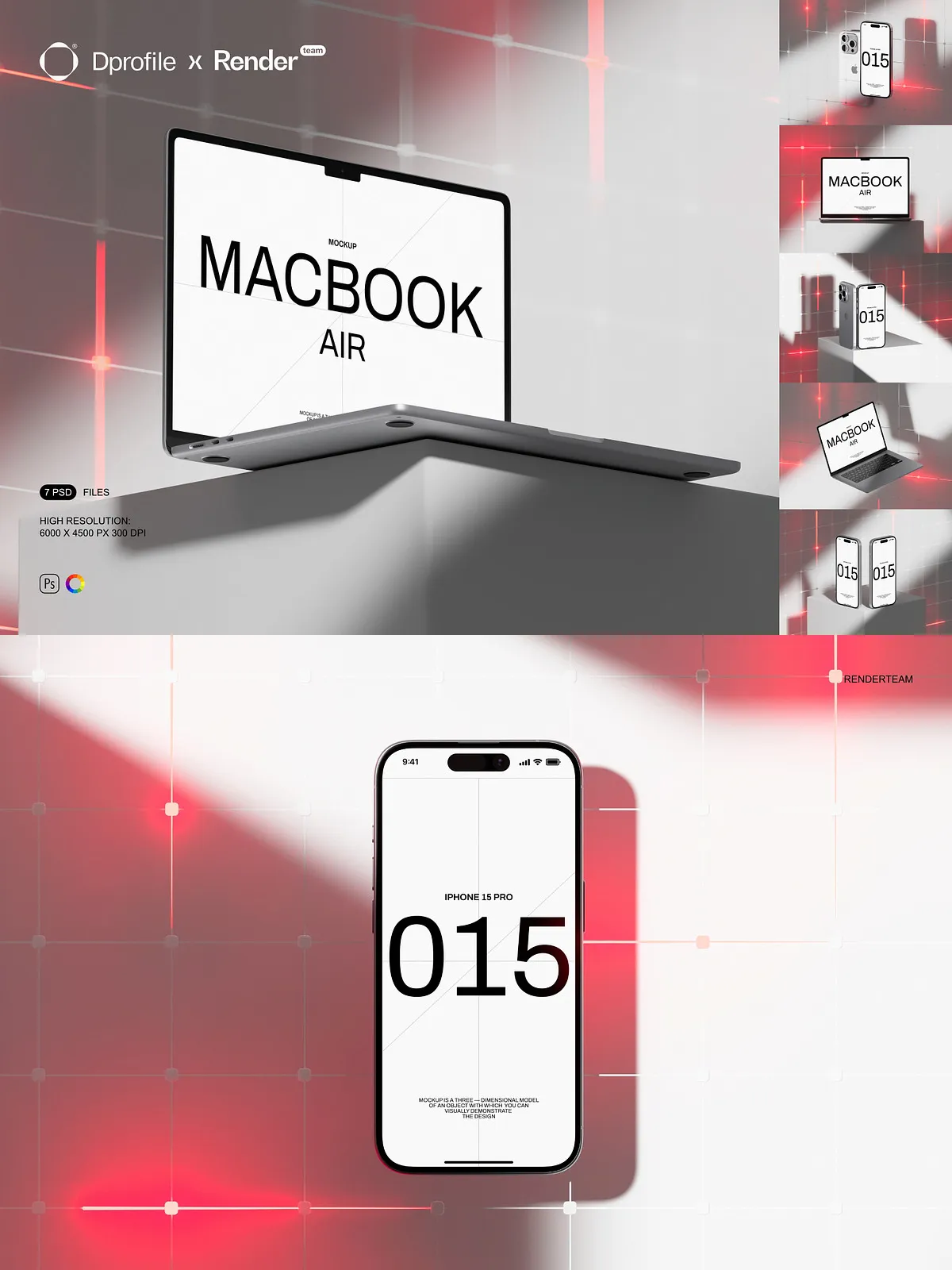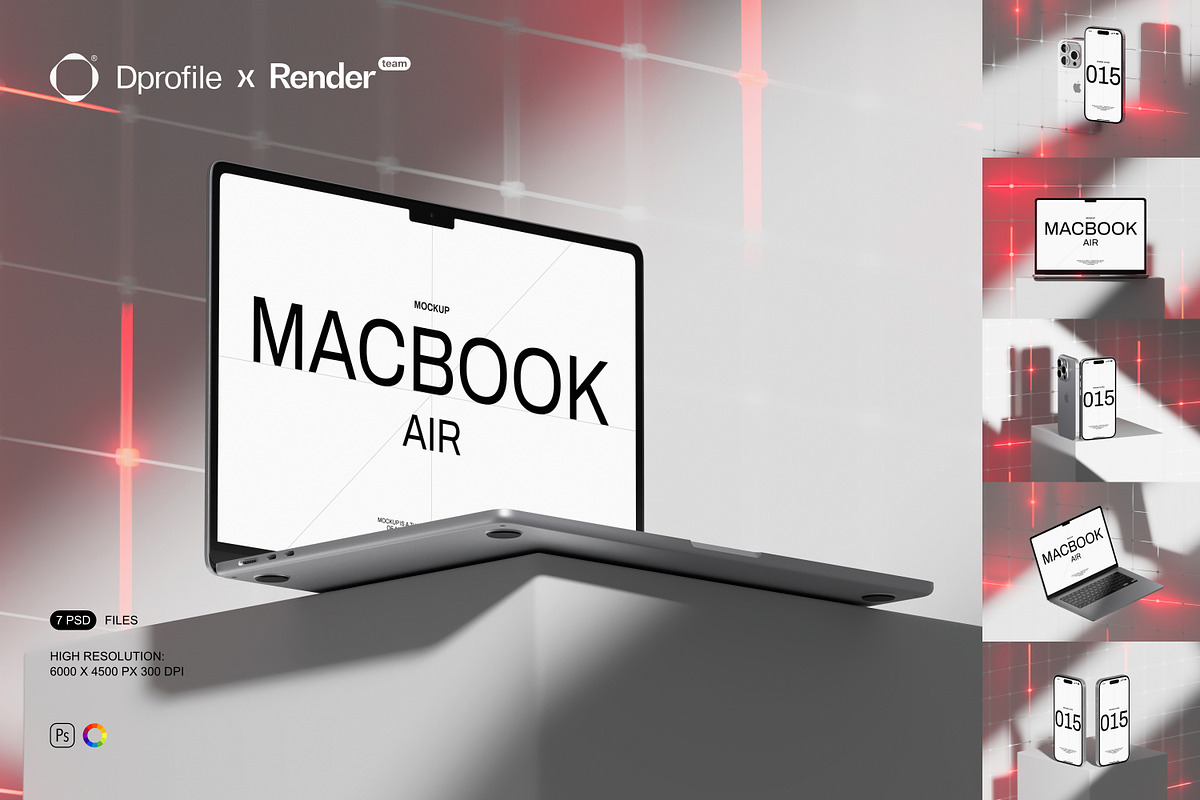
In exclusive collaboration with Dprofile.ru, this MacBook and iPhone Mockup Set delivers a polished, professional toolkit that helps you present app interfaces, website designs, and branding with speed and precision. The pack contains seven fully layered PSD mockups that let you showcase your work in realistic device contexts. Each file relies on Smart Objects and organized layer groups so you can place your artwork and export final images within minutes.
What You Get
Complete Mockup Package
This set contains 7 layered PSD mockups that cover a variety of common presentation angles and compositions. The included scenes allow you to display single devices, device pairings, and contextual placements appropriate for portfolio displays, client presentations, and e-commerce previews. Each mockup uses clearly labeled folders and groups to speed up your workflow and reduce layout time.
Fast Smart Object Workflow
Apply your designs instantly using Smart Objects. Double-click the Smart Object layer, paste or place your artwork, align to the provided guides, and save. The mockup updates automatically with accurate perspective, shadows, and reflections, so you can iterate multiple variations without modifying the original file. This non-destructive approach keeps your source art intact while producing consistent, realistic renders.
High Resolution and Print-Ready
All mockups export at a high resolution of 6000 × 4500 px at 300 dpi, delivering crisp results for both web presentation and print collateral. The large canvas preserves detail in typography and UI elements, ensuring your designs remain sharp when shown at close range or printed for physical mockups.
Advanced Controls and Customization
Edit Lights Color
Fine-tune the scene mood by editing light color and intensity. The mockups include color adjustment layers and grouped light controls that let you shift ambient tones, alter warmth or coolness, and emphasize different areas of the composition. Use these controls to match brand style, create dramatic contrasts, or prepare variants for daytime and nighttime presentations.
Dark Version Included
The pack includes a dedicated dark version designed for presenting dark-mode apps, high-contrast UI designs, or premium branding concepts. The dark mockup preserves realistic highlights and shadow behavior while providing a refined backdrop that enhances contrast and color saturation.
Isolated Elements and Organized Layers
Every object, shadow, and reflection sits on separate layers so you can toggle, refine, or completely replace elements without rebuilding compositions. Labeled folders separate device screens, bezels, shadows, environment overlays, and background assets. This organization speeds up adjustments and helps maintain consistent output across multiple files.
Included Files and Support
- 7 layered PSD mockup files with different device arrangements and perspectives
- Smart Object layers for all screen and artwork placements
- Controls for light color, intensity, and environment overlays
- Dedicated dark version for high-contrast presentations
- All objects and shadows isolated for precise compositing
- High-resolution output: 6000 × 4500 px at 300 dpi
- PDF help file with step-by-step instructions and export recommendations
How to Use
Open the PSD and Locate Smart Objects
Open your chosen mockup in Adobe Photoshop. Inspect the Layers panel to find Smart Object thumbnails, light controls, and grouped elements. Identify the screen Smart Object for each device before inserting your artwork.
Insert and Adjust Your Design
Double-click the Smart Object to open its canvas, paste your UI or art, align with the guides, and save. Return to the main PSD to view the design applied with correct perspective and realistic lighting. Use the light color controls and isolated shadow layers to refine the final look.
Export Final Assets
Export in sRGB for online use or convert to a print profile for physical proofs. Use the included PDF help file for recommended export sizes, sharpening settings, and color profile guidance to ensure consistent results across different platforms.
Compatibility and Notes
The MacBook and iPhone Mockup Set requires Adobe Photoshop with Smart Object support and layer styles. For full compatibility and best performance, use a recent Creative Cloud release. Preview images, stock photos, and fonts used in sample previews are not included and may require separate licensing.
Why Choose This Set
Choose this mockup set to accelerate your design presentations and deliver professional-ready visuals. The Smart Object workflow, high-resolution output, editable light colors, and a dedicated dark version make it simple to create compelling, context-rich images that sell concepts to clients and stakeholders quickly.