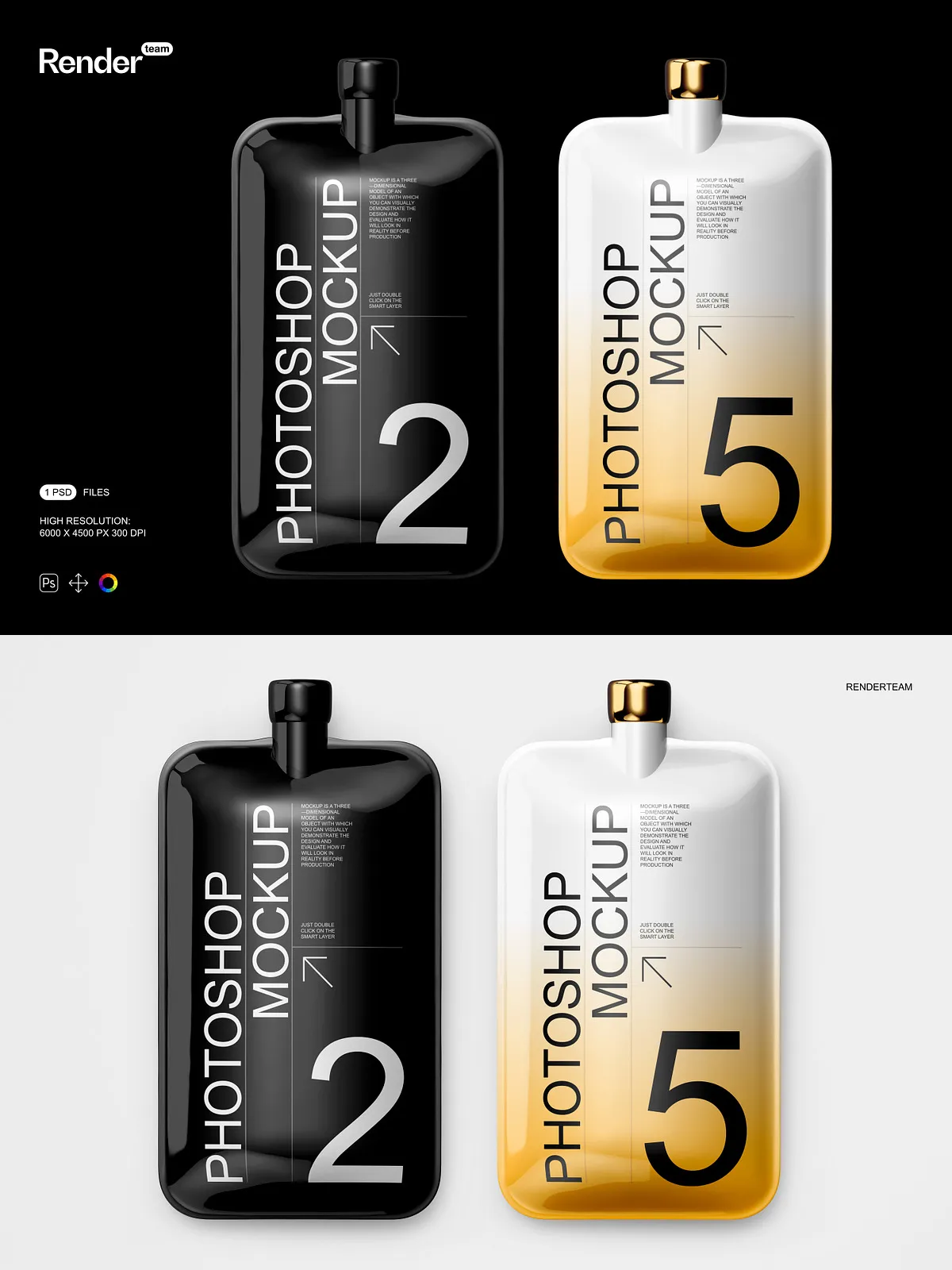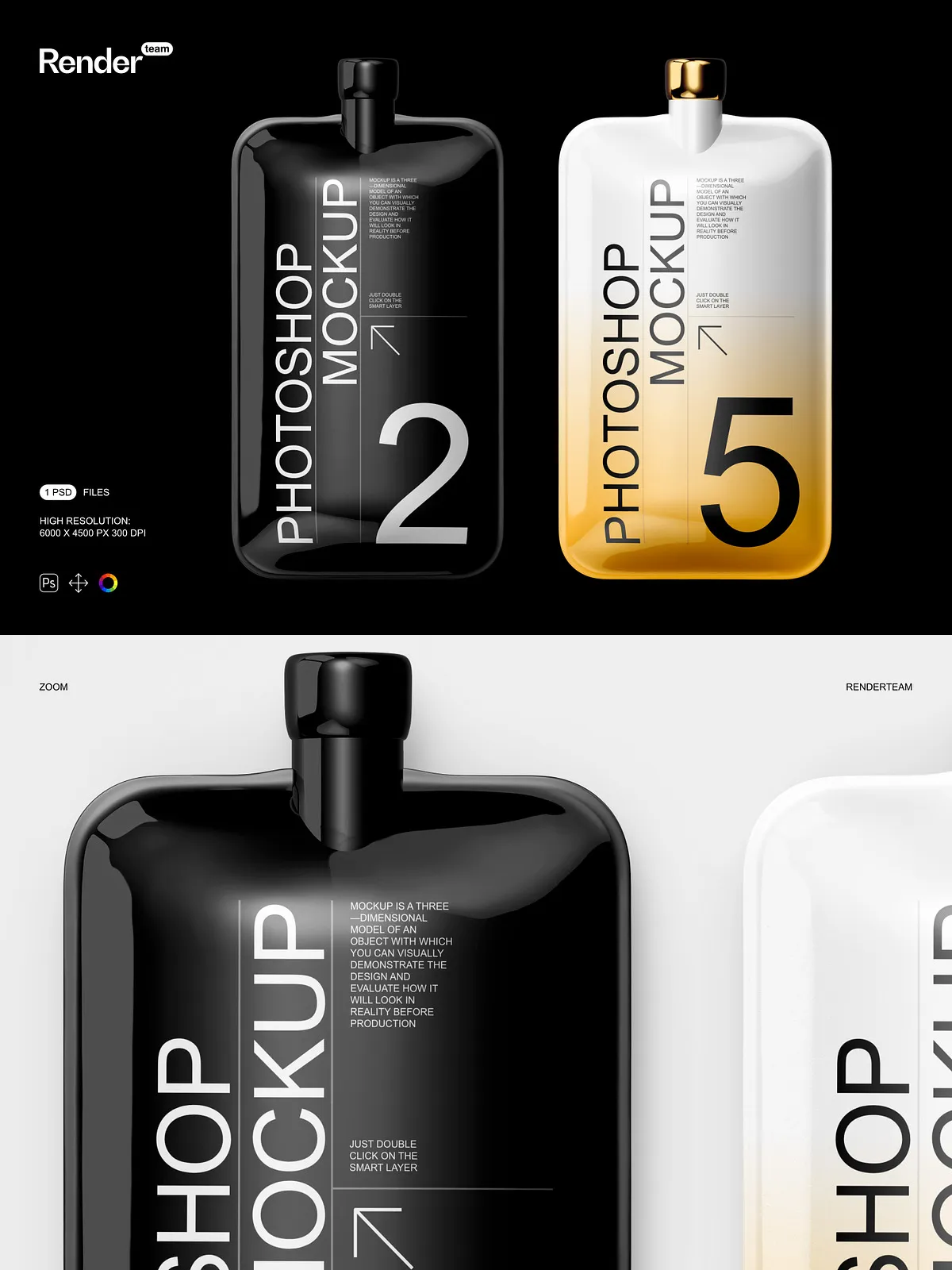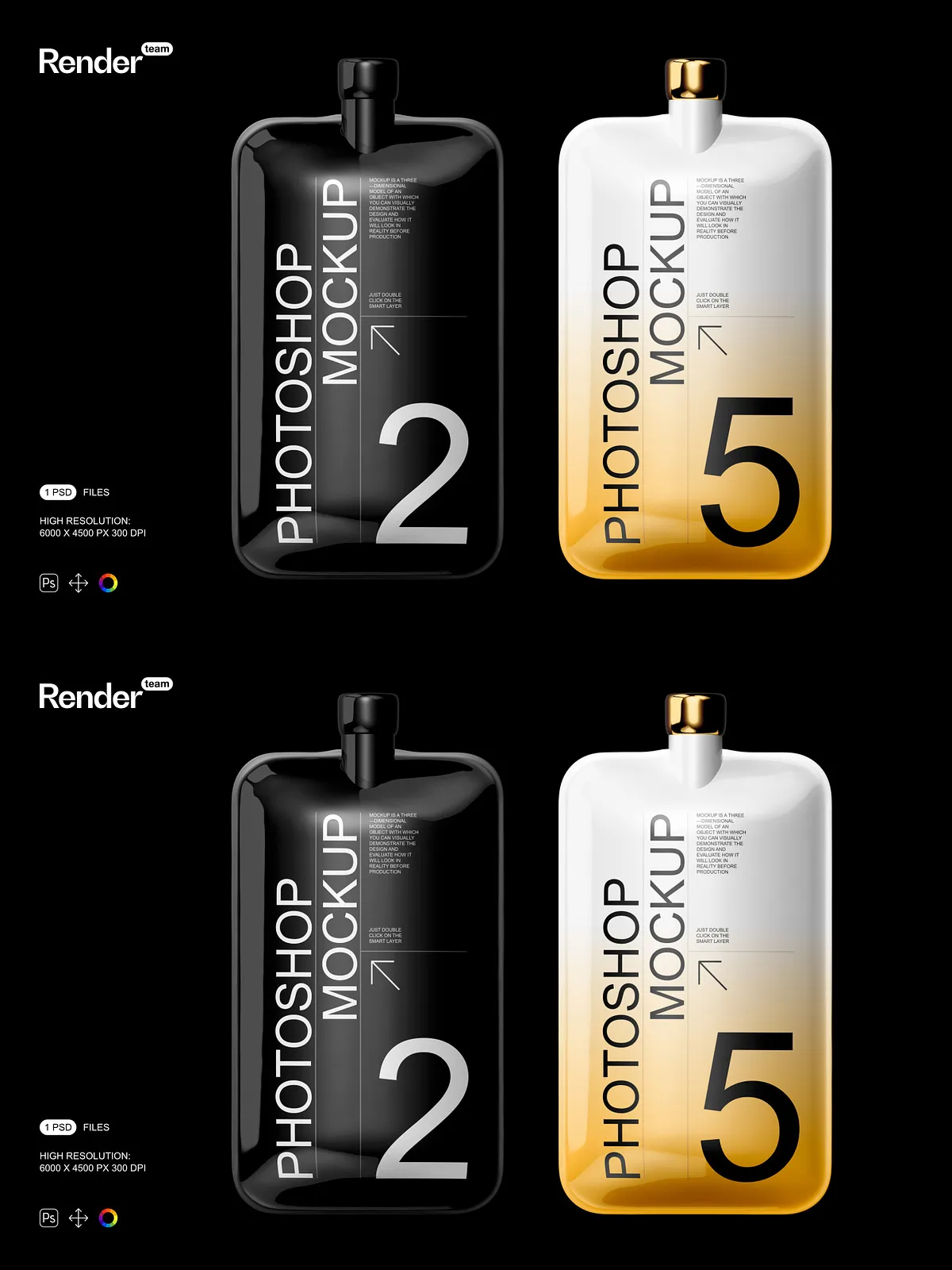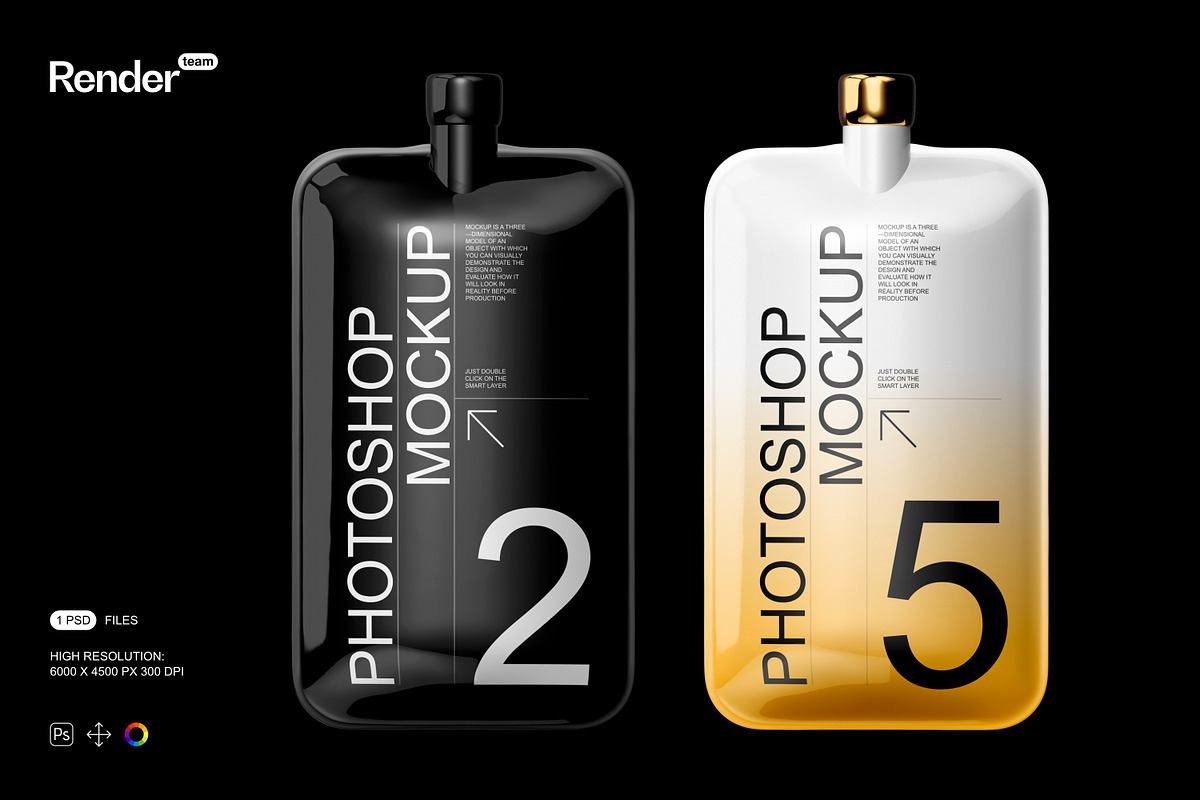
The Tube Mockup provides designers, brand owners, and marketers with a single, powerful PSD file that transforms flat artwork into polished, photorealistic product imagery. Built with smart objects, organized layers, and isolated shadows, this mockup lets you insert your designs quickly, adjust colors, and export print-ready or web-optimized images without complex compositing. The included PDF help file guides you through each step so you can produce professional visuals with confidence.
Why Choose This Mockup
This mockup streamlines the presentation process. Use it to create packaging previews for product pages, proposals, social media, and marketing materials. The file focuses on speed and fidelity: open the PSD, place your design inside smart objects, tweak color and lighting layers, and export. The result looks like a professional photoshoot without requiring studio time.
Active Benefits
- Save time: replace artwork via smart objects and see instant updates.
- Control visuals: adjust background, lighting, and color layers to match brand guidelines.
- Maintain realism: isolated shadows and layered highlights preserve natural depth and material feel.
- Produce consistent assets: export at high resolution for print or resize for web without losing detail.
What’s Included
The package contains one fully layered PSD mockup and a PDF help file that walks through the editing workflow and export recommendations. Designers will find labeled groups, named layers, and clear smart-object targets to streamline editing and reduce trial-and-error.
Included Files
- 1 x layered Adobe Photoshop PSD mockup (smart-object enabled)
- Editable background, color, and lighting layers
- Isolated shadows and highlights for custom retouching
- Layered texture and gloss overlays for realistic finishes
- PDF help file with step-by-step instructions and export tips
Technical Specifications
- Resolution: 6000 x 4000+ pixels
- Print quality: 300 dpi
- Format: Adobe Photoshop PSD (fully layered)
- Editing method: Smart objects and grouped color layers
- Compatibility: Adobe Photoshop CC and later (smart object support required)
How to Use — Quick Workflow
Open the PSD in Adobe Photoshop and locate the smart-object layer labeled for the tube artwork. Double-click the smart-object thumbnail to open its isolated document, paste or place your tube label or pattern, then save and close the smart-object window. The mockup will update automatically. Use the organized folders to toggle backgrounds, switch color overlays, or refine lighting. Export final images using the recommended JPEG or PNG settings in the PDF help file for optimal balance between quality and file size.
Tips for Best Results
- Design at 300 dpi to match mockup resolution and avoid scaling artifacts.
- Use layer blending modes on overlays to preserve material texture and glossy highlights.
- Preview exports on calibrated displays for accurate color reproduction.
- When preparing print samples, test a small-run proof before mass production.
Who Should Use This Mockup
This Tube Mockup suits packaging designers, cosmetic and personal-care brands, freelancers, and e‑commerce sellers who need high-quality product visuals fast. Use the mockup to iterate label designs, create product page imagery for Shopify or WooCommerce, assemble marketing assets for social campaigns, or present concepts to clients with realistic previews that accelerate feedback and approvals.
Support and Next Steps
Refer to the included PDF help file for troubleshooting, recommended export sizes, and layer explanations. If you follow the smart-object workflow and apply the suggested export settings, you will produce crisp, professional images ready for both digital and print use. Download the Tube Mockup, place your artwork, and create striking product visuals in minutes.