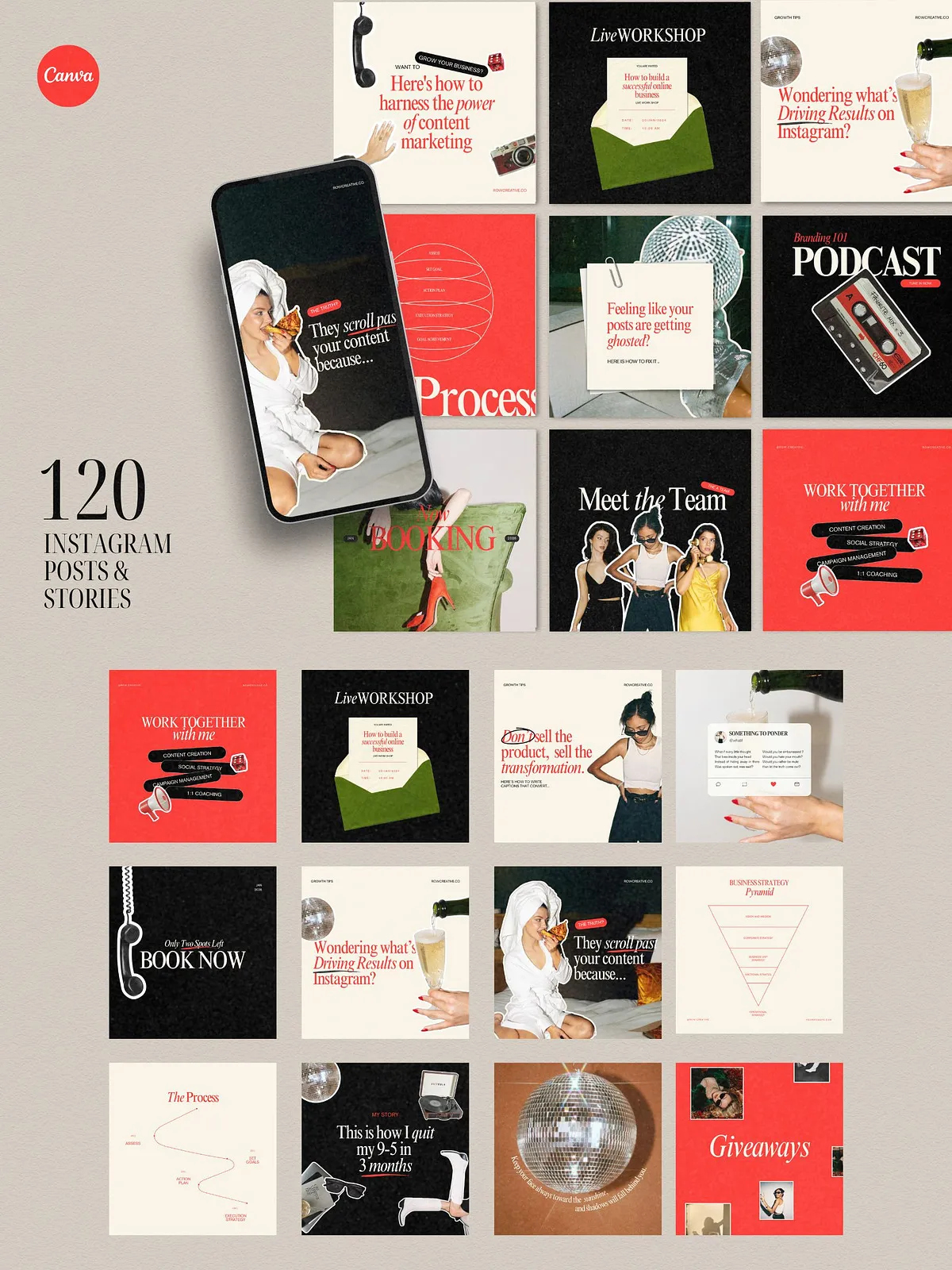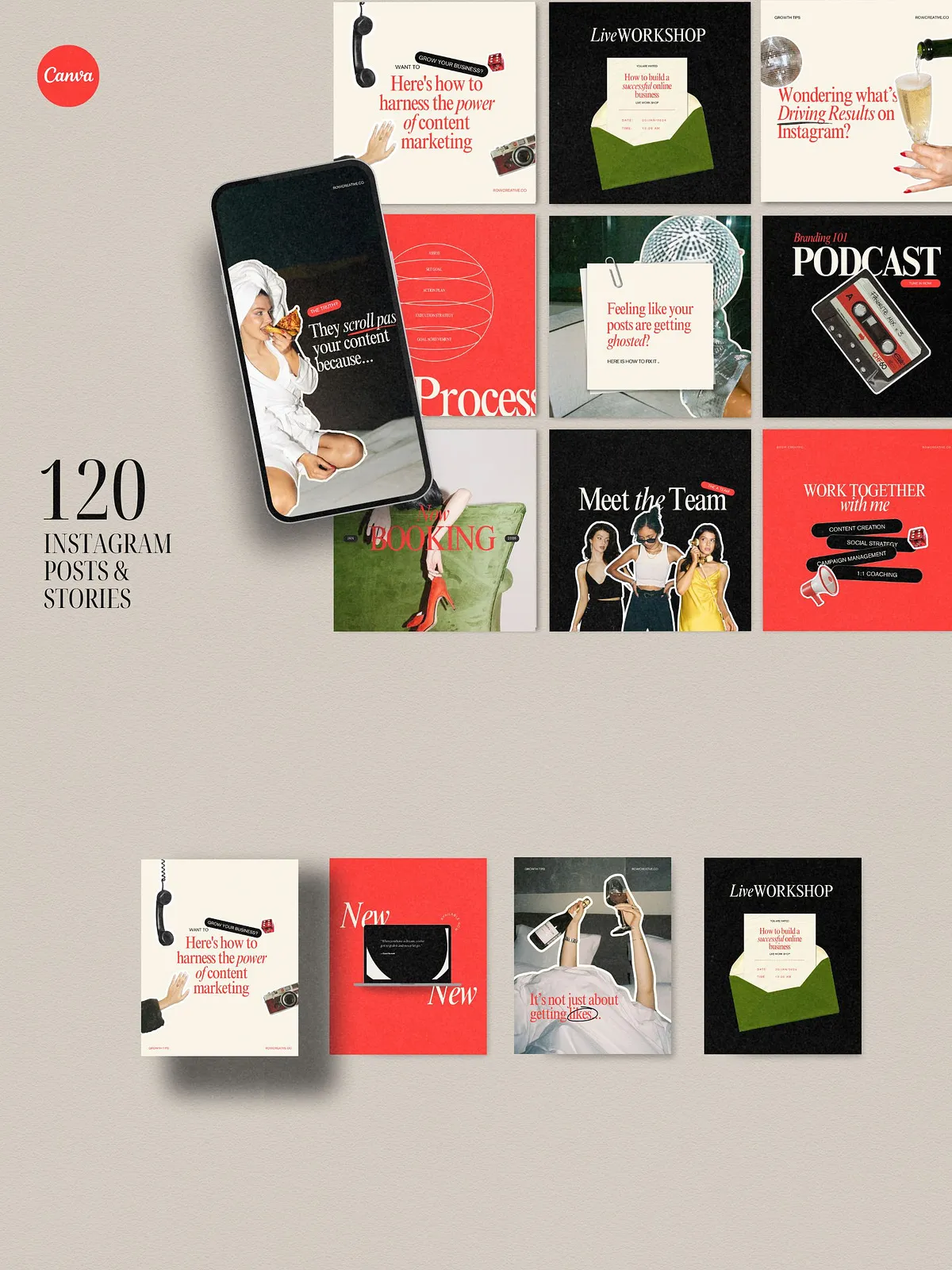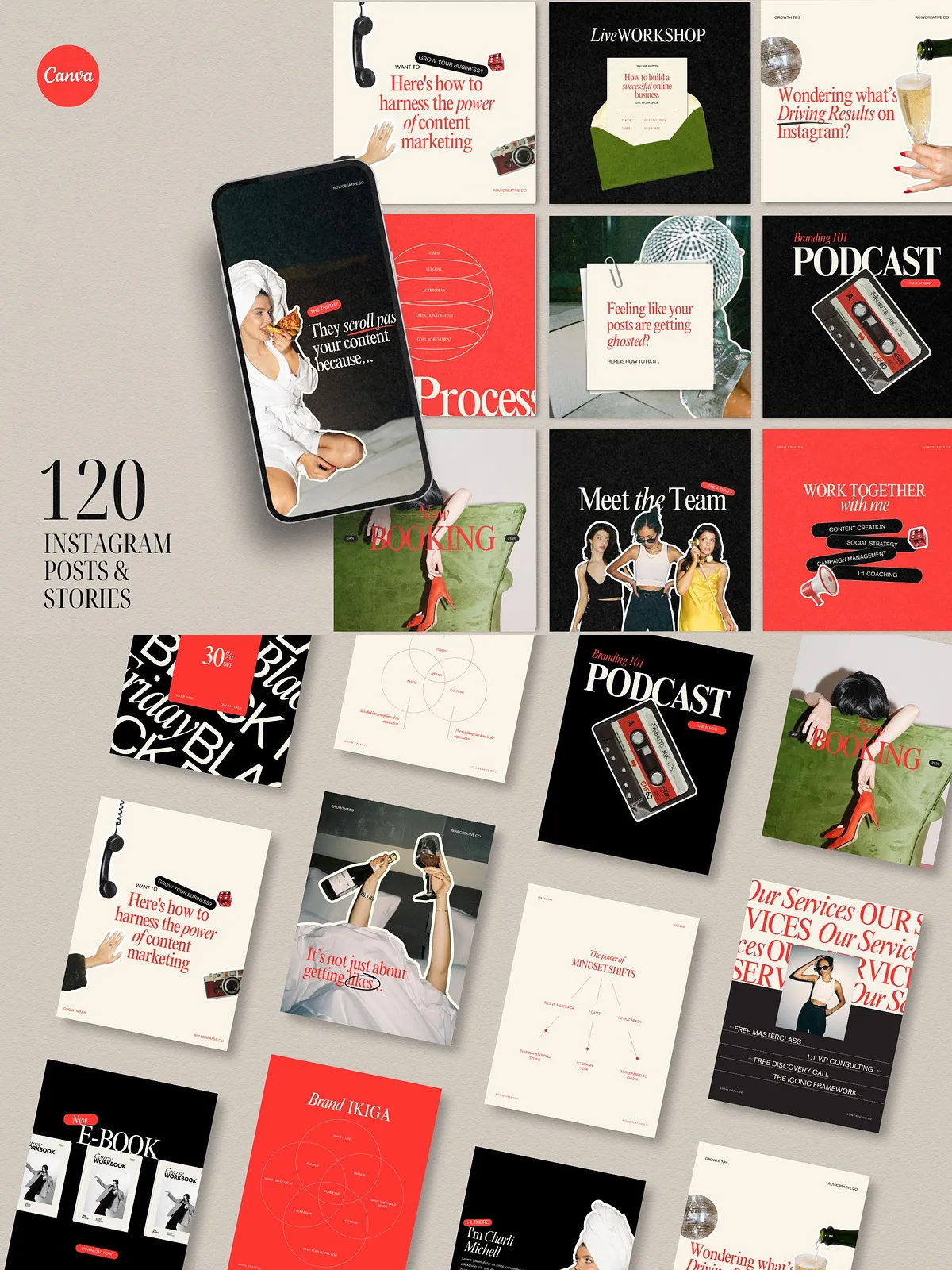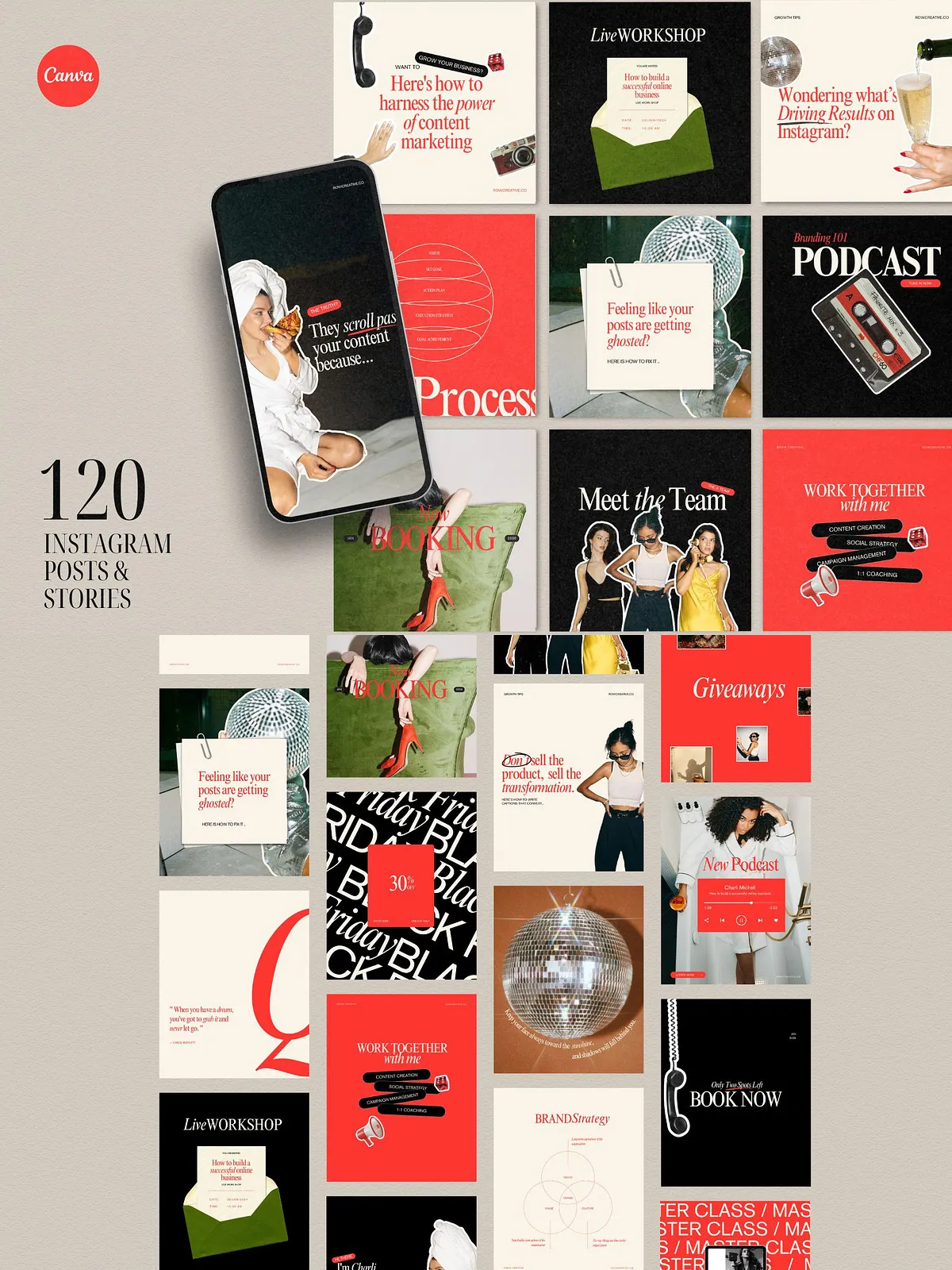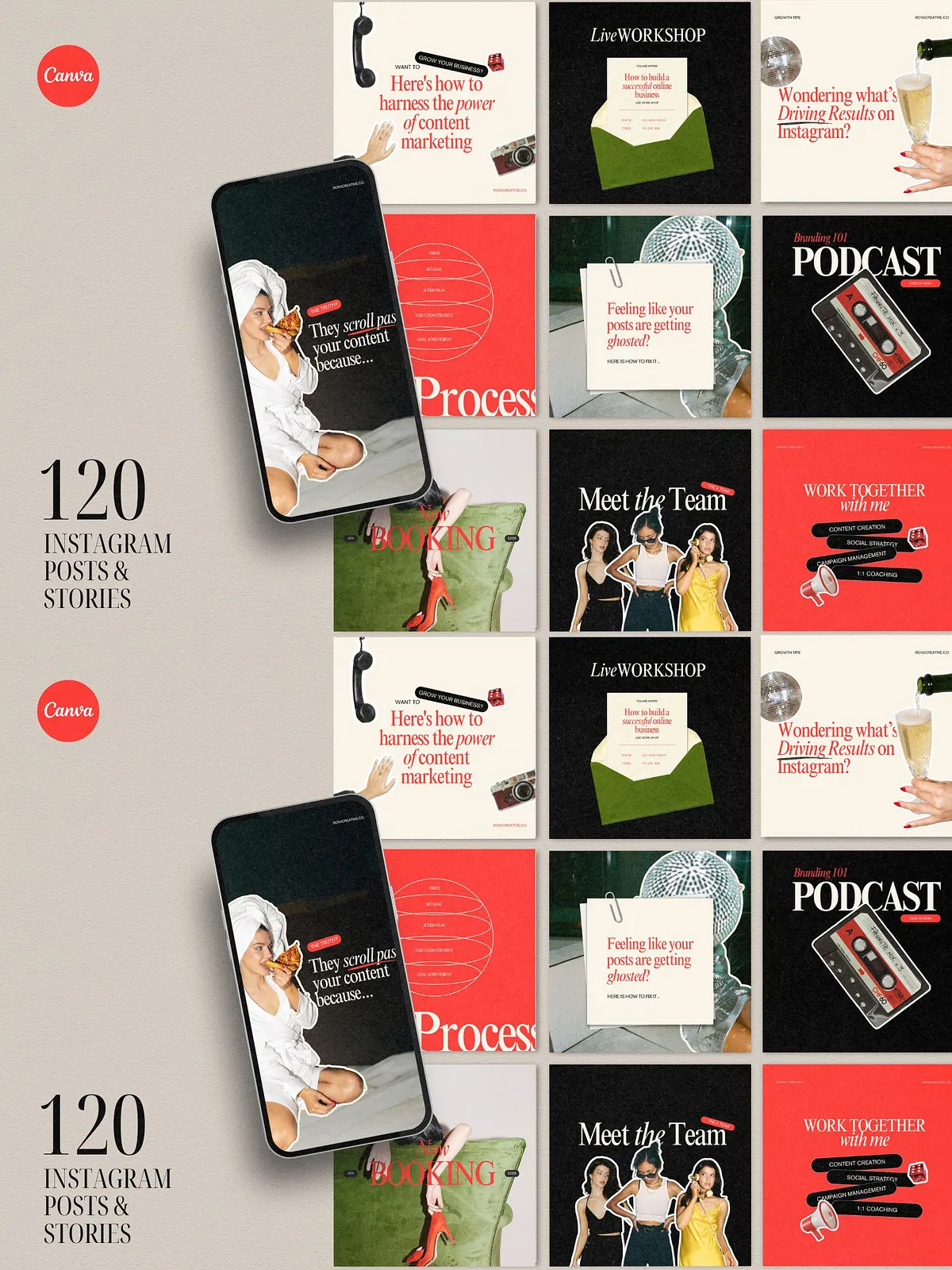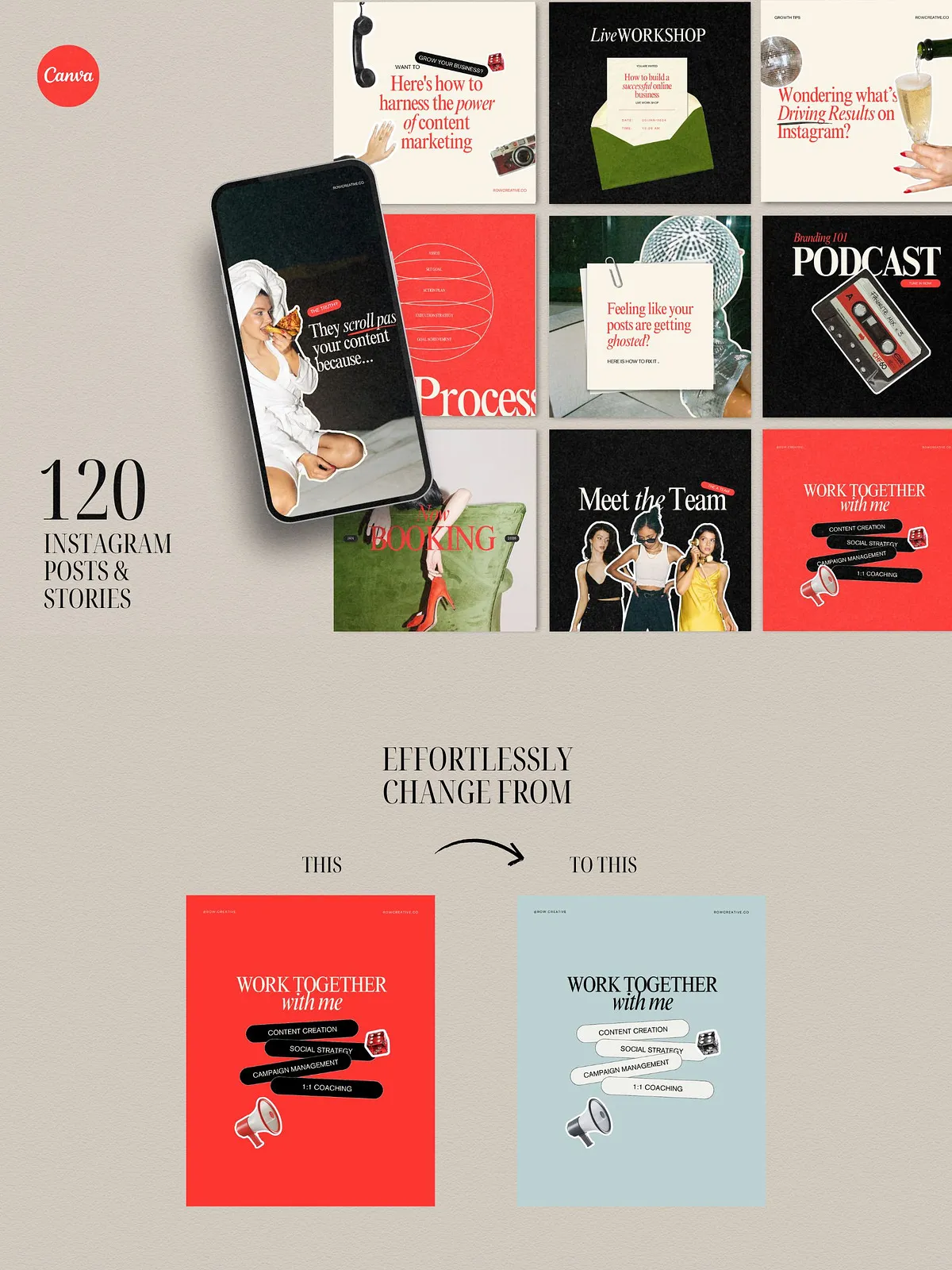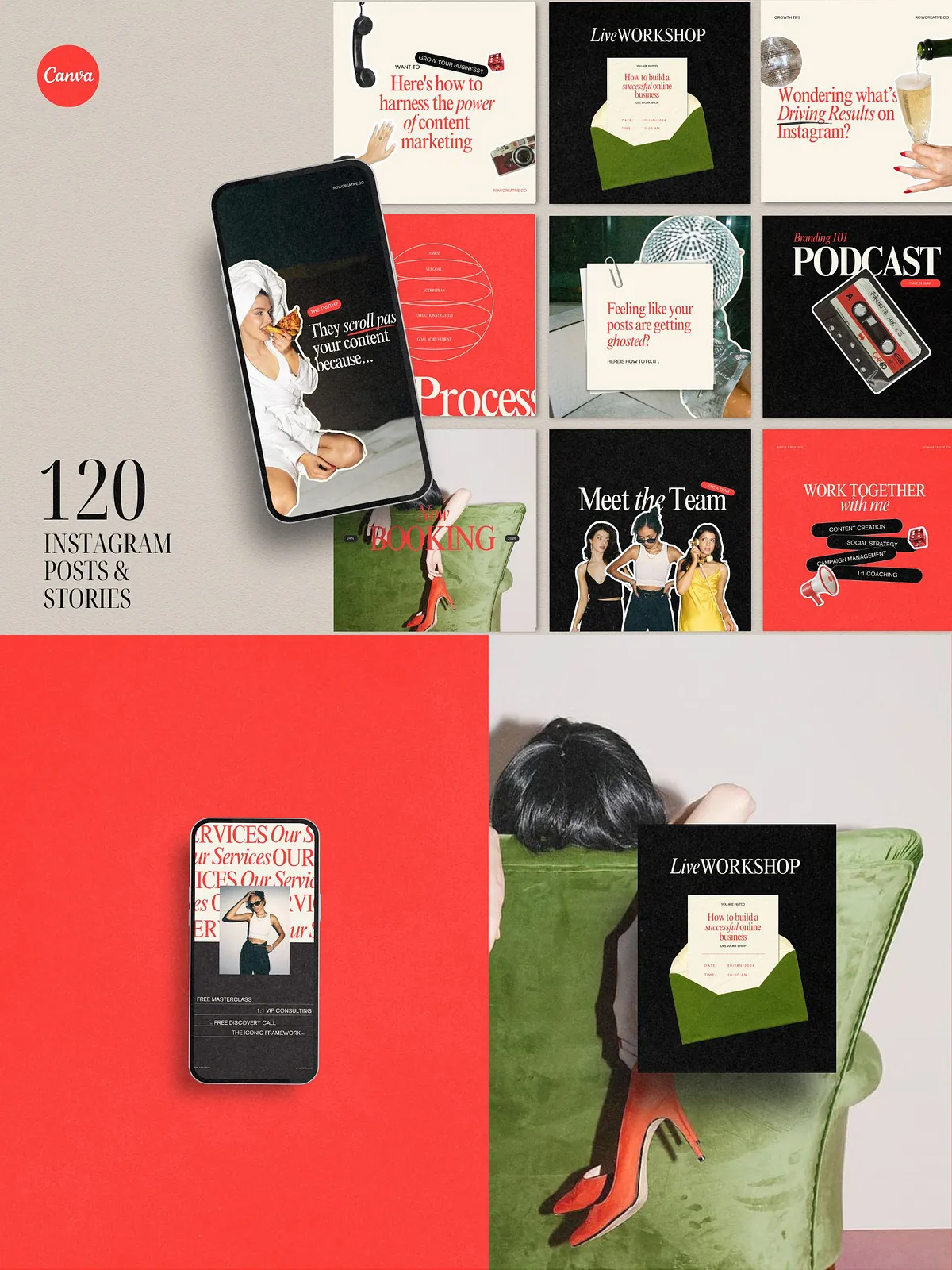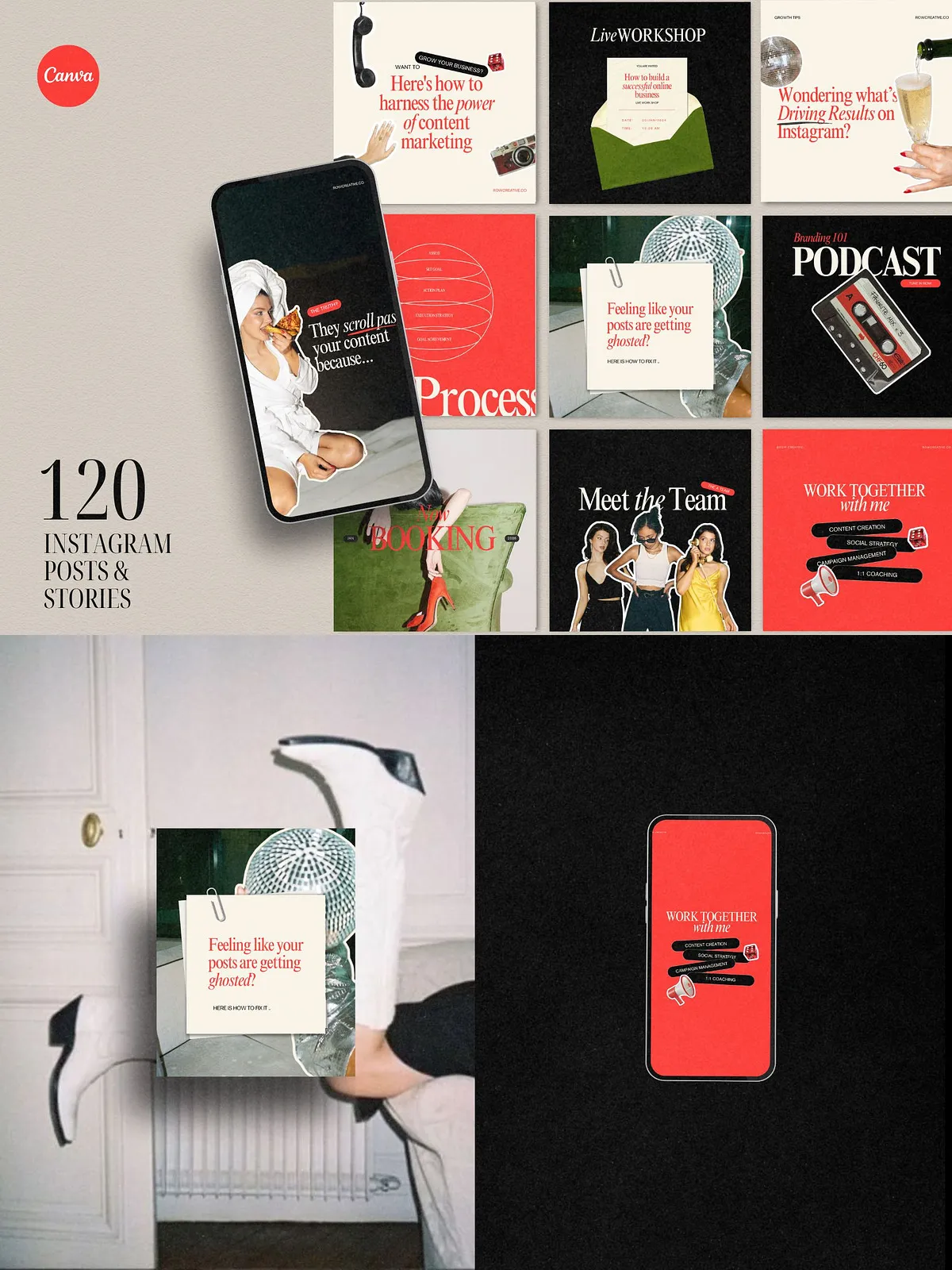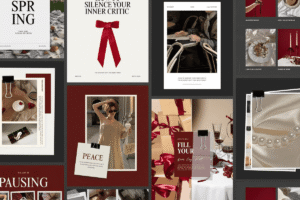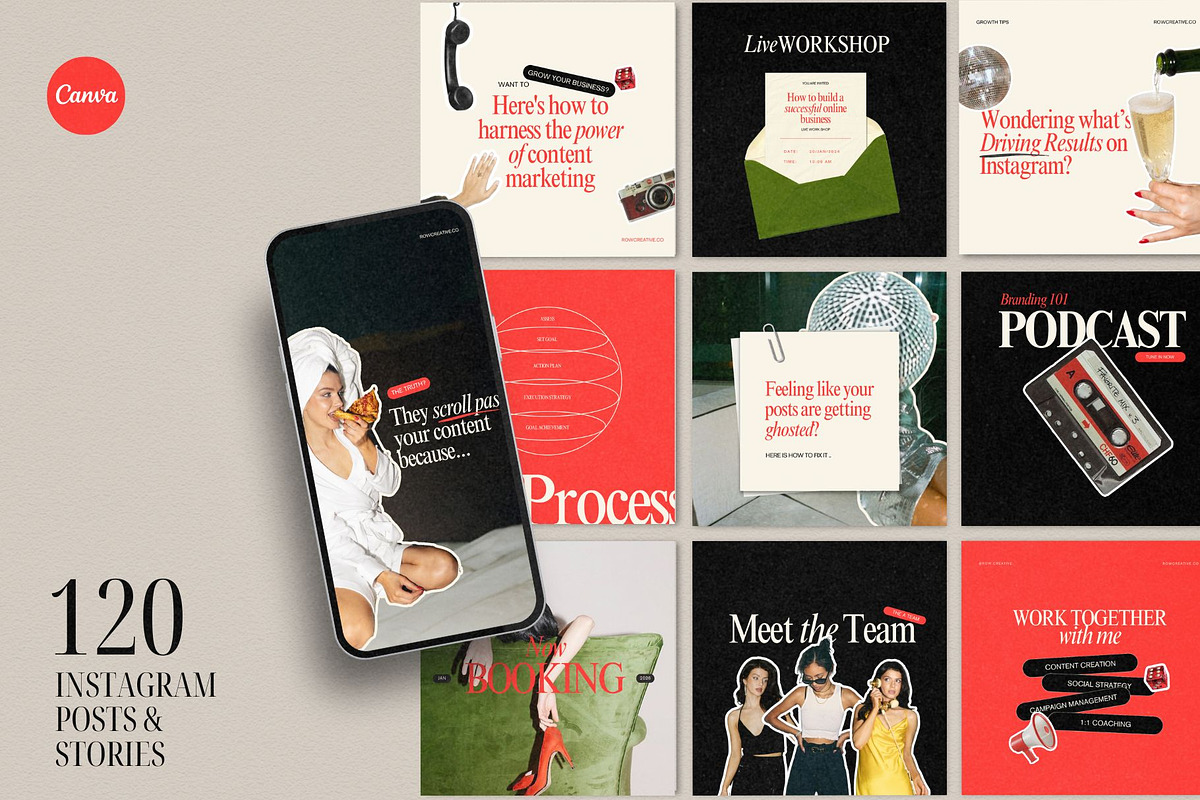
The Bold Red Instagram Posts Template delivers a comprehensive set of 120 ready-to-edit Instagram designs that help you create consistent, high-impact social content quickly. Built for Canva, this bundle empowers social media managers, marketing agencies, virtual assistants, coaches, course creators, service providers, and small business owners to design professional posts and animated stories without starting from scratch. The templates rely on clean layouts, bold color accents, and editable typography so you can establish a strong visual identity and maintain posting cadence with minimal effort.
Key Features
Complete Template Collection
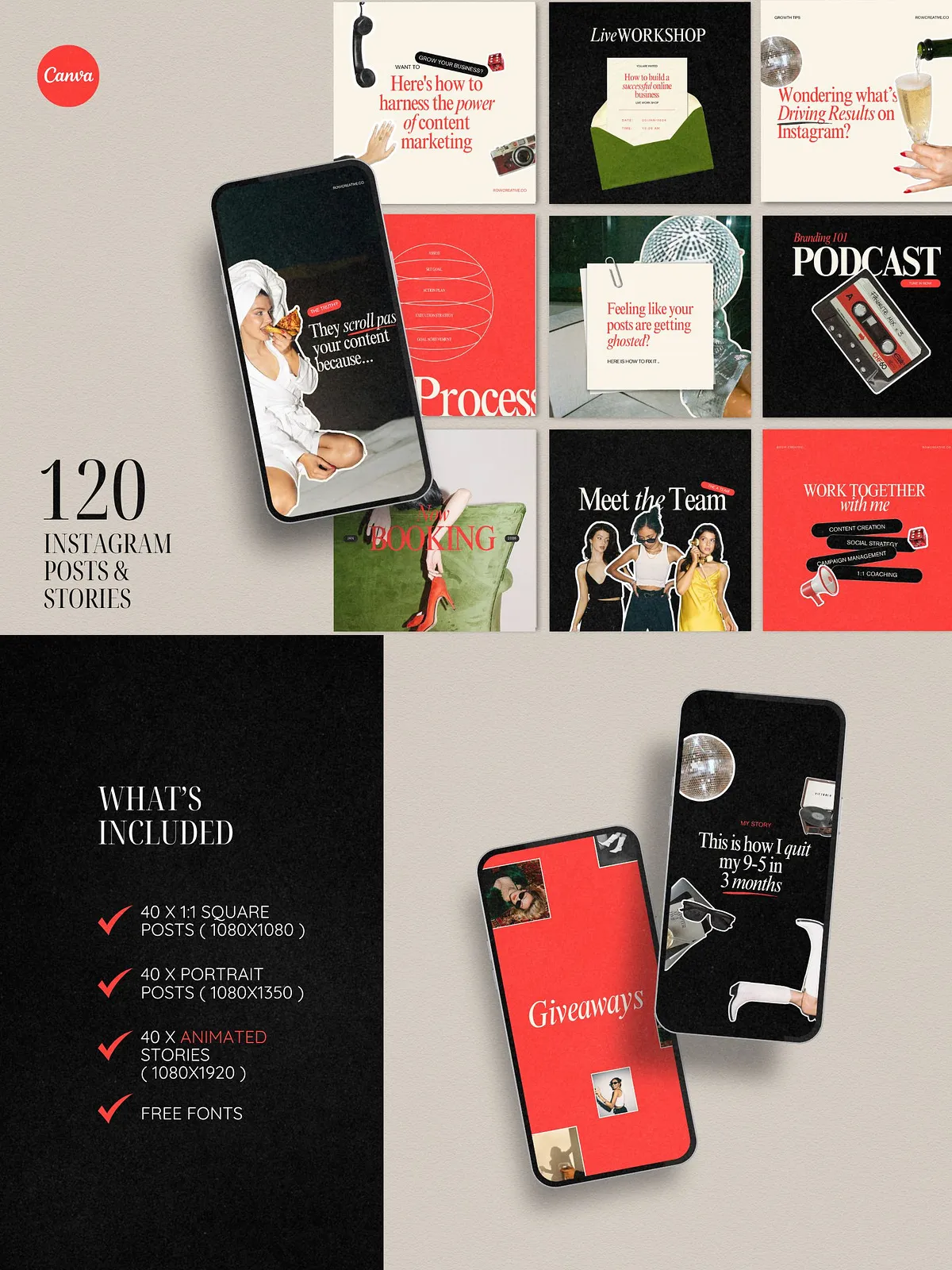
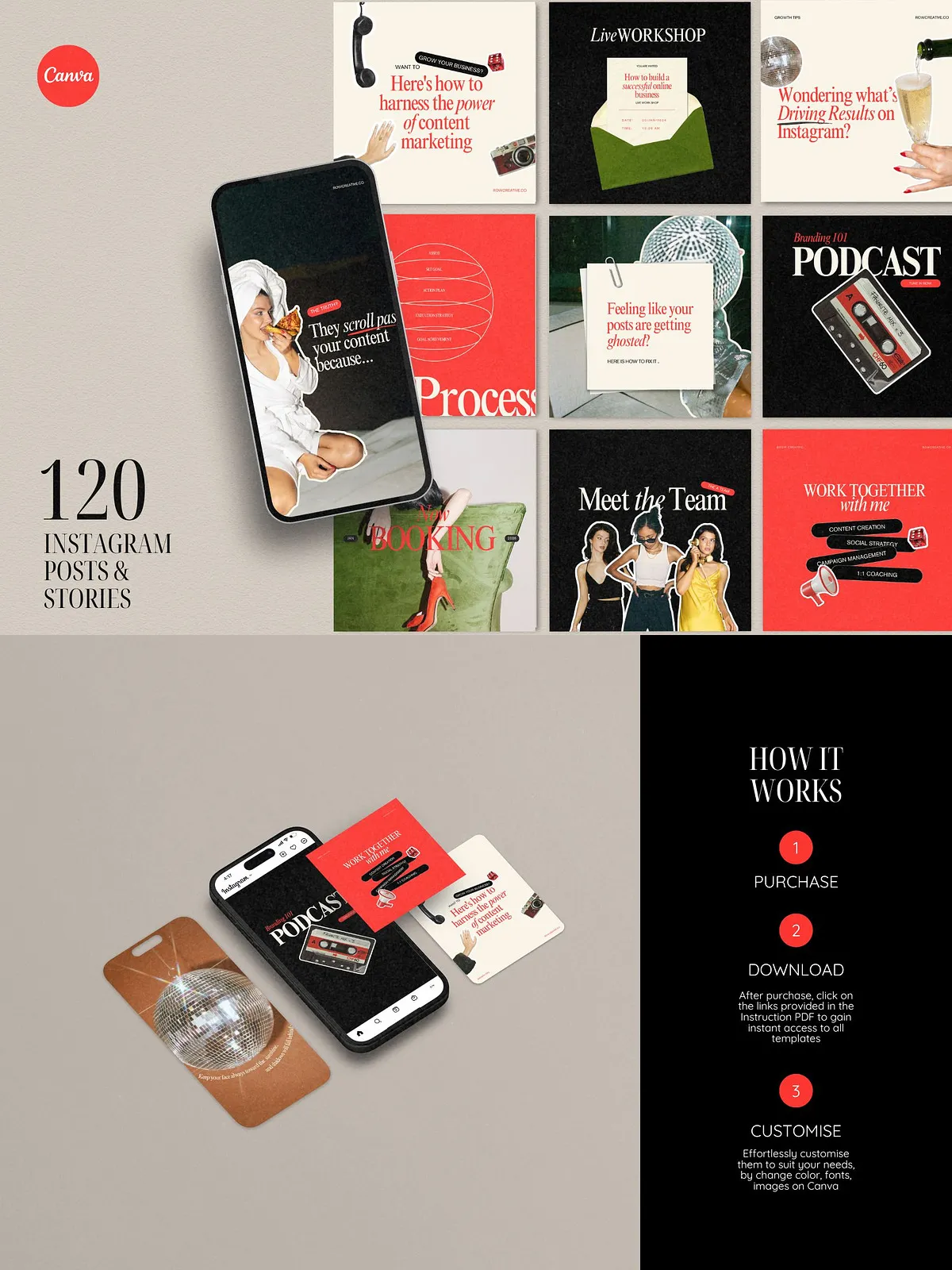
This product includes a total of 120 Canva templates organized into three formats: 40 square posts (1080×1080), 40 portrait posts (1080×1350), and 40 animated Instagram stories (1080×1920). Each layout uses modular sections and replaceable image placeholders so you can swap visuals and text instantly.
Canva Compatibility and Ease of Use
All templates are fully customizable in Canva and were created to work with free Canva accounts as well as Canva Pro. You can drag and drop your images, edit copy, and adjust colors and fonts without advanced design skills. For access to additional assets and animations, open and edit the templates directly in Canva (see Canva template library: [Free, beautiful, and customizable Instagram post templates – Canva](https://www.canva.com/instagram-posts/templates/)).
Animation and Visual Impact
Forty animated story templates include subtle motion and transitions that increase viewer engagement. The animations remain editable in Canva; change timing, text animation styles, or asset movement to match your campaign pacing and tone.
Included Content and Layout Types
Post Categories
The templates cover a broad range of content needs and formats, including educational posts, sales and giveaways, testimonials, podcast promos, daily reminders, new arrivals, inspirational quotes, digital product and course mockups, new booking notifications, team introductions, milestones, service highlights, step-by-step processes, diagrams, and About Me pages. Each category offers multiple variations so you can maintain variety while keeping a coherent brand look.
Design Assets
The bundle uses free Canva photos and fonts by default, enabling immediate customization. Replace any demo photo with your own visuals or upload branded assets to maintain a consistent identity across posts and stories.
How to Use the Templates
Quick Start
Open the template link in Canva, duplicate the templates you plan to use, and replace placeholder images and text. Use the portrait (1080×1350) versions for feed posts that require more vertical space, square (1080×1080) for grid consistency, and animated stories (1080×1920) for ephemeral announcements and promotions.
Batch Editing and Scheduling
Customize a week or month of posts in a single editing session. Export finished posts as PNG/JPG or MP4 for animated stories, then schedule them with your posting tool of choice. By editing similar templates in batch, you can maintain consistent color, typography, and messaging while reducing time spent per post.
Technical Details and Requirements
File Specifications
Dimensions: Square 1080×1080, Portrait 1080×1350, Stories 1080×1920. Templates are optimized for on-screen delivery and social performance. Animated elements export as MP4 from Canva when required.
Account Requirements
Editable with either a free Canva account or Canva Pro. Some optional stock photos or premium elements used in demo images may require Canva Pro; however, the core templates and layouts remain fully editable with free assets.
Audience and Use Cases
Who Benefits Most
Social media managers and marketing agencies can scale content production and deliver cohesive campaigns to clients. Small business owners, course creators, and coaches can use the templates to communicate offers, share authority-building content, and announce launches. Virtual assistants and content teams will find the set ideal for rapid batch creation and client reporting.
Notes and Licensing
Mockups and Demo Assets
Images and mockups featured in the product preview are not included with the download. Replace demo assets with your own images or freely available Canva photos prior to publishing.
Support and Customization
If you need further customization, you can edit colors, fonts, and layout elements directly in Canva or hire a designer to adapt templates to a full brand system. The templates are intentionally modular to let you scale visual complexity as needed.