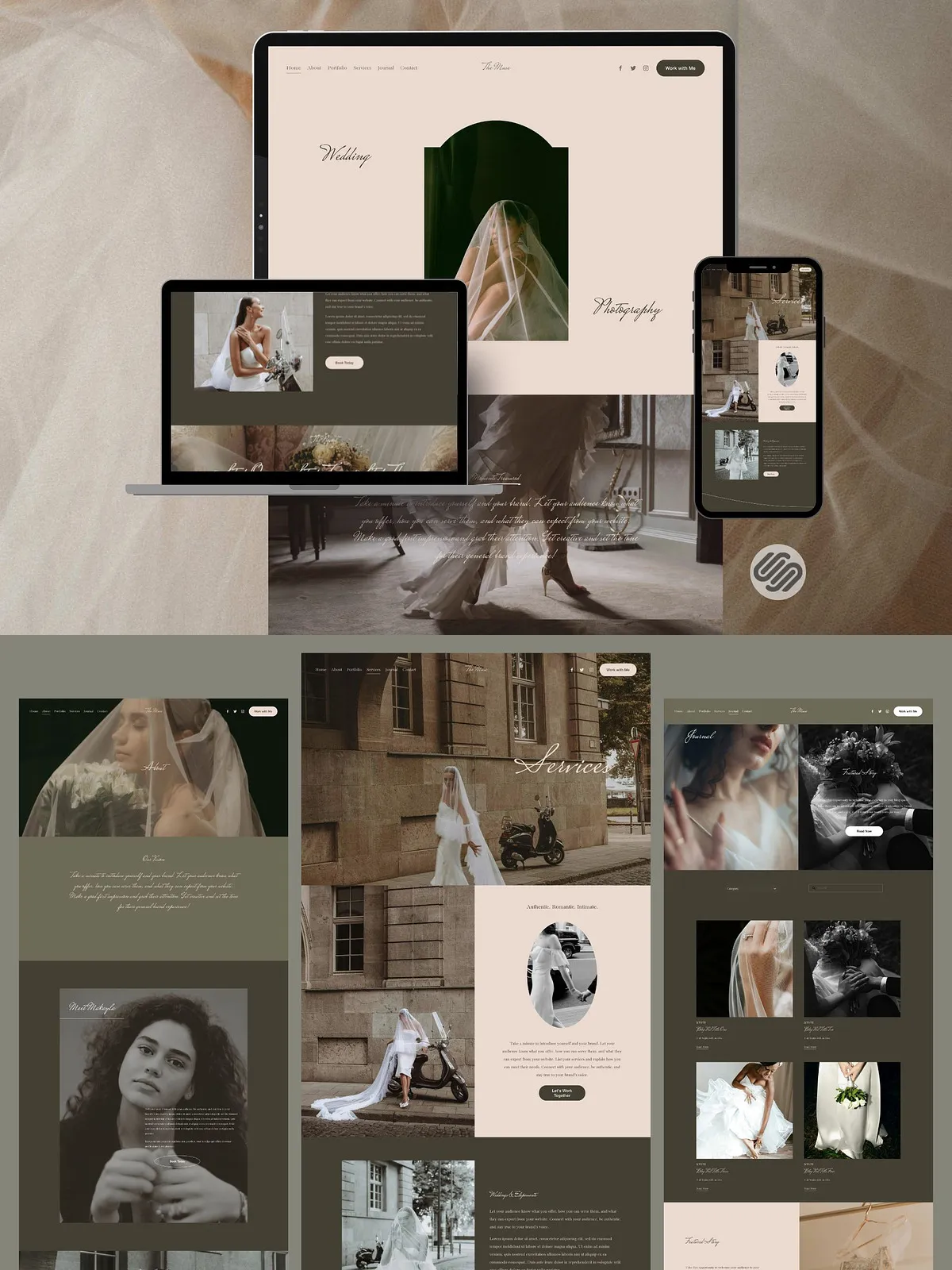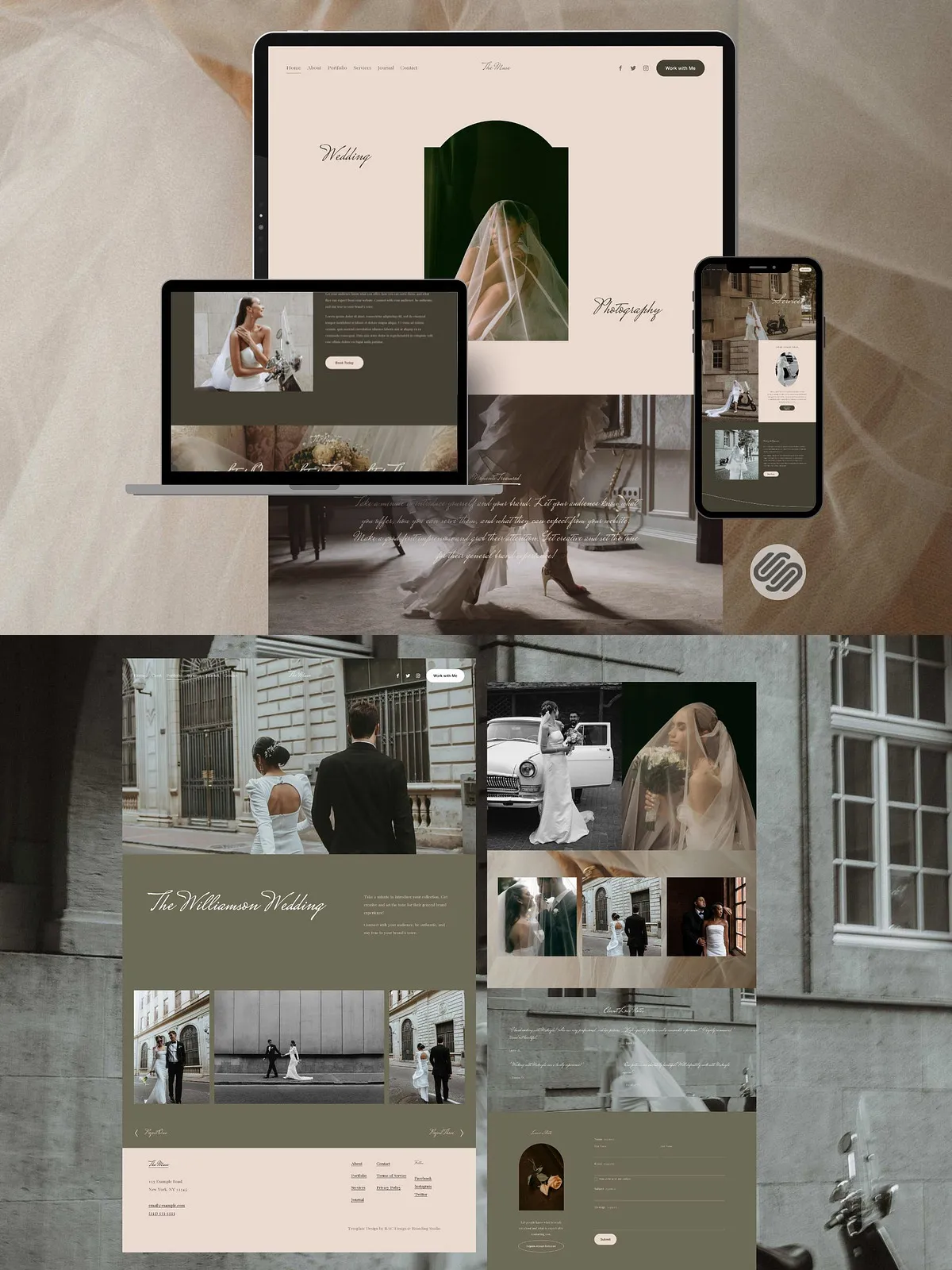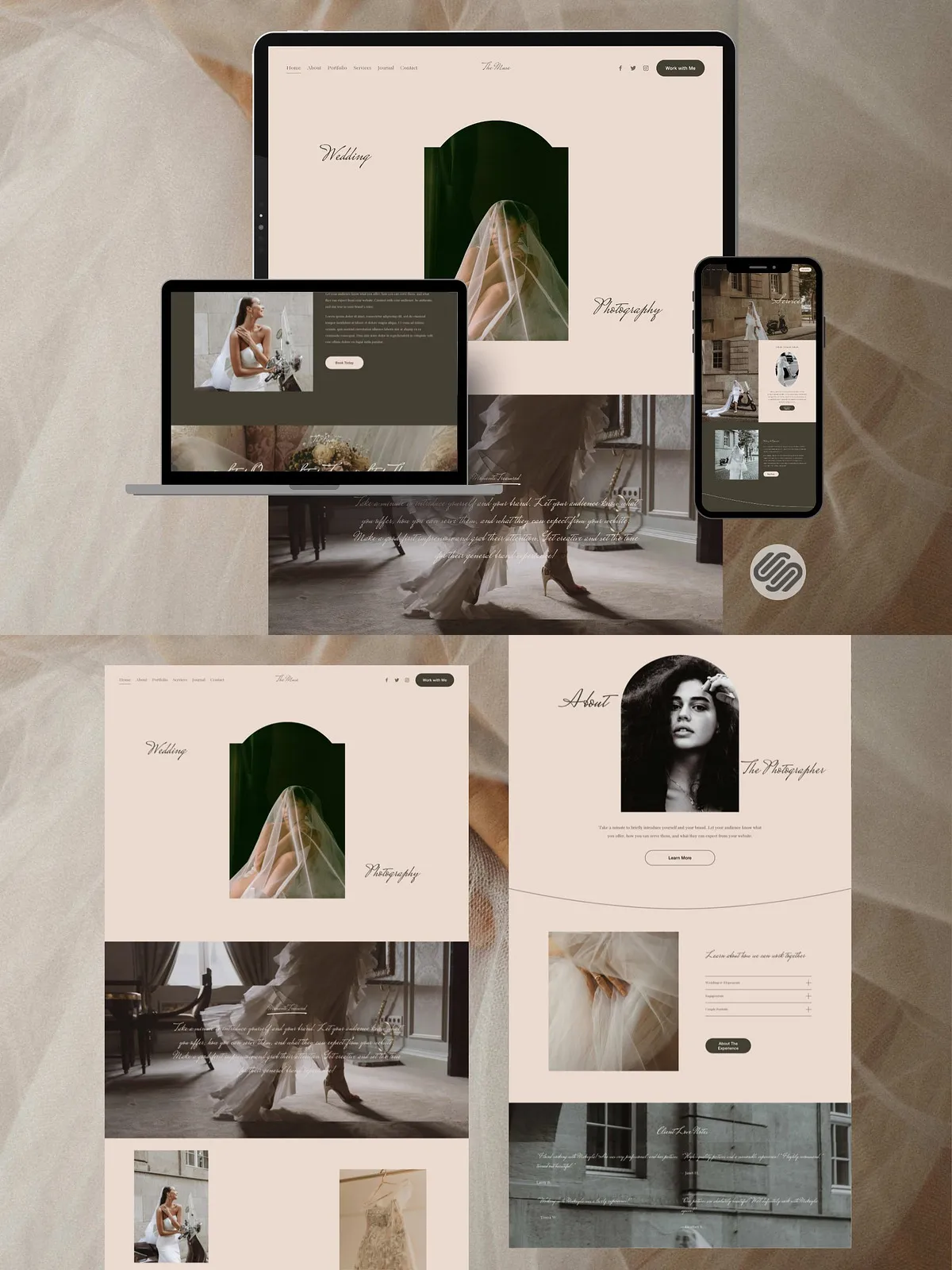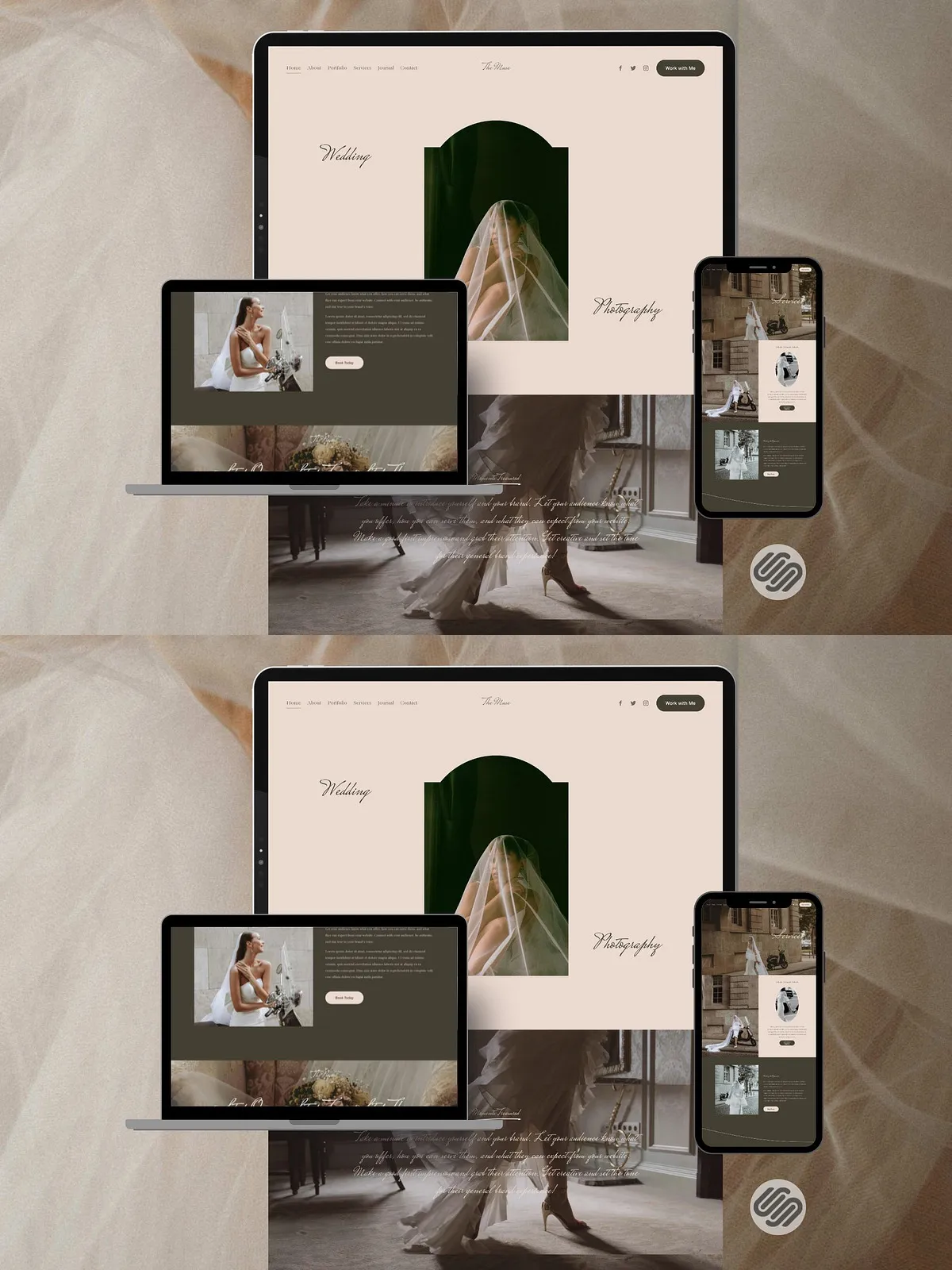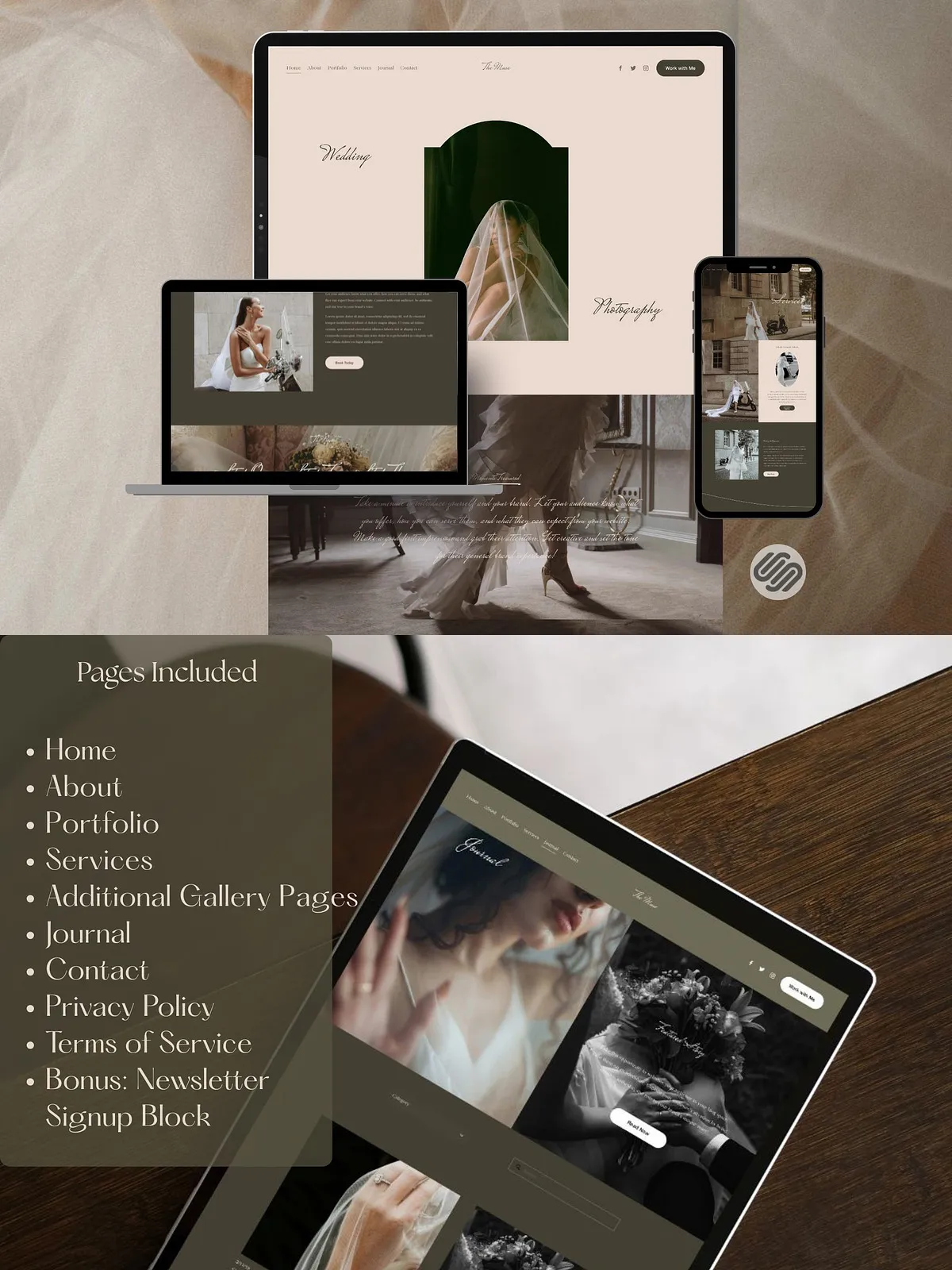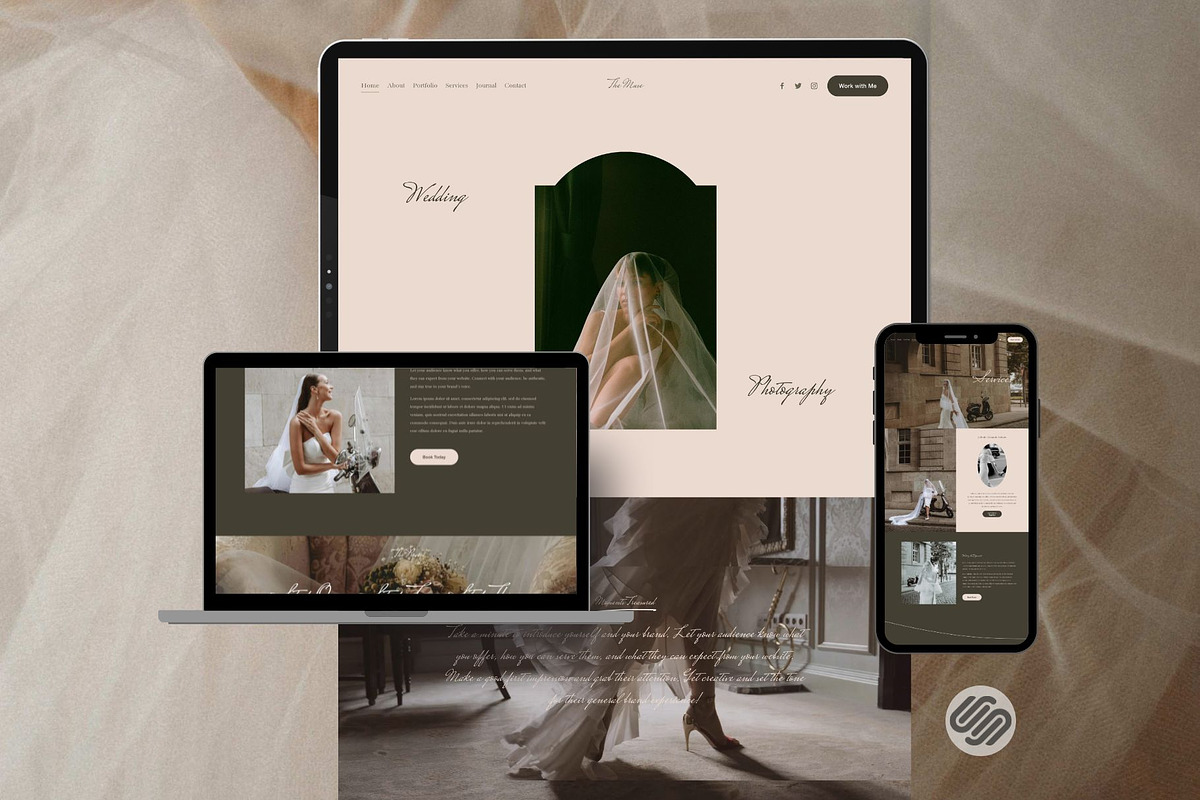
The Muse template delivers a soft, elegant website experience built specifically for Squarespace 7.1. Designed to highlight photography, events, portfolios, and creative services, Muse combines refined typography, balanced whitespace, and nurturing layout patterns that guide visitors through your story. The template emphasizes visual clarity and customizable sections so you can present work, packages, pricing, and client testimonials with confidence.
Key Features
Design & Layout
- Purposeful, minimal design that emphasizes imagery and messaging to strengthen your brand voice.
- Pre-built sections for portfolio galleries, service pages, booking prompts, blog entries, and client testimonials.
- Flexible page templates that let you mix full-bleed imagery with clean editorial layouts for case studies and event recaps.
Editing & Customization
- Fully editable in the Squarespace editor — change fonts, colors, spacing, and page order without code.
- Responsive behavior for mobile and tablet so your content displays consistently across devices.
- Structured block layout that speeds up content updates and makes ongoing edits predictable and fast.
Transfer & Setup
- Template transfer via Squarespace — the template will appear as a new site in your Squarespace account after transfer.
- Extended 3-month free trial included to give you ample time to edit and prepare your site before upgrading to a paid plan.
- Clear instructions provided in the downloadable PDF for a smooth transfer and setup process.
Compatibility
Squarespace Version
This template is compatible only with Squarespace 7.1. Please confirm your account uses Squarespace 7.1 before purchasing to avoid compatibility issues.
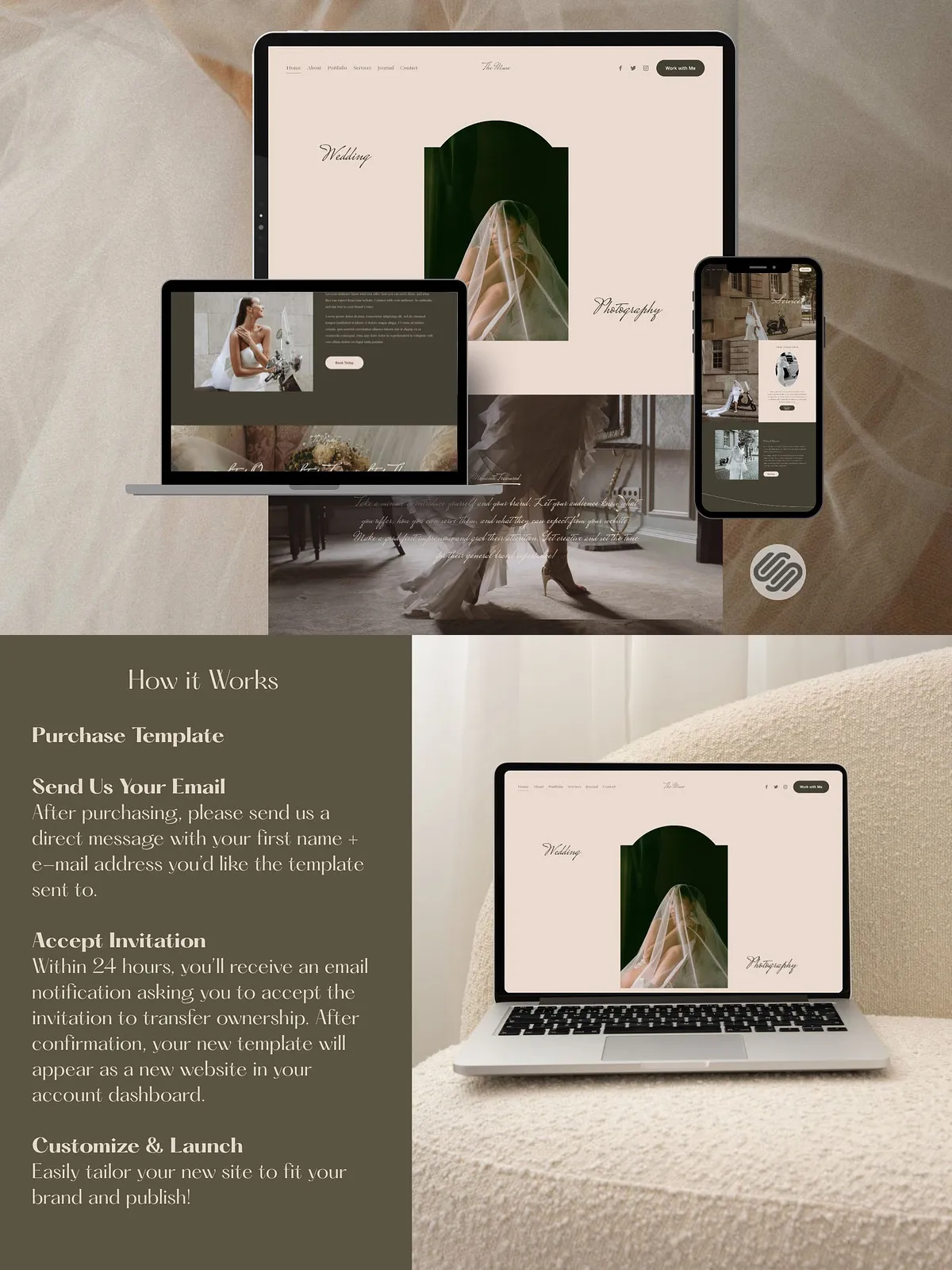
How It Works — Step-by-Step
Purchase & Request
- Purchase the template and download the PDF that includes transfer instructions and the contact email address.
- Send a message to the provided email including your first name and the preferred email address associated with your Squarespace account (the address that will receive the template transfer invitation).
Accept the Transfer
- Within 24 hours you will receive an email notification from Squarespace asking you to accept the invitation to transfer ownership of the template.
- Open the invitation and accept it — after confirmation, the template appears as a new website in your Squarespace dashboard.
Customize & Publish
- Open the transferred site in your Squarespace account and begin editing: replace demo images, swap text, update colors, and configure navigation.
- Use the extended 3-month trial period to refine content, connect domains, and test integrations before committing to a paid Squarespace plan.
- When you are ready, upgrade to a paid plan in Squarespace and publish your site to make it live.
Requirements & Notes
- You must have or create a Squarespace account that supports version 7.1.
- Template transfer requires accepting an invitation via the email you provide — check spam folders if you do not see the notification.
- Each purchase grants the template to a single buyer and is intended for use by the purchaser only; resale or redistribution of the template files is prohibited.
- Because this is a digital product delivered through Squarespace, all sales are final. The extended trial allows sufficient testing time prior to upgrading.
Support & Best Practices
Setup Tips
- Prepare your images (high-resolution, consistent crop ratios) before importing so galleries render cleanly.
- Create a content plan that lists pages, headings, and primary calls-to-action to speed editing.
- Install any brand fonts and test legibility on mobile before publishing.
Support
Following purchase, the PDF contains the correct email address for transfer requests and basic setup guidance. If you require deeper customization or encounter transfer issues, consider hiring a Squarespace professional or contact the seller using the email provided in the download for assistance.
Why Choose Muse
Muse streamlines the process of launching an elegant, client-facing website on Squarespace 7.1. It reduces setup time, maintains visual consistency, and empowers photographers, event planners, and creative professionals to present their work in a nurturing, professional environment. With a clear transfer process and an extended trial period, Muse lets you build confidently and publish when you are ready.