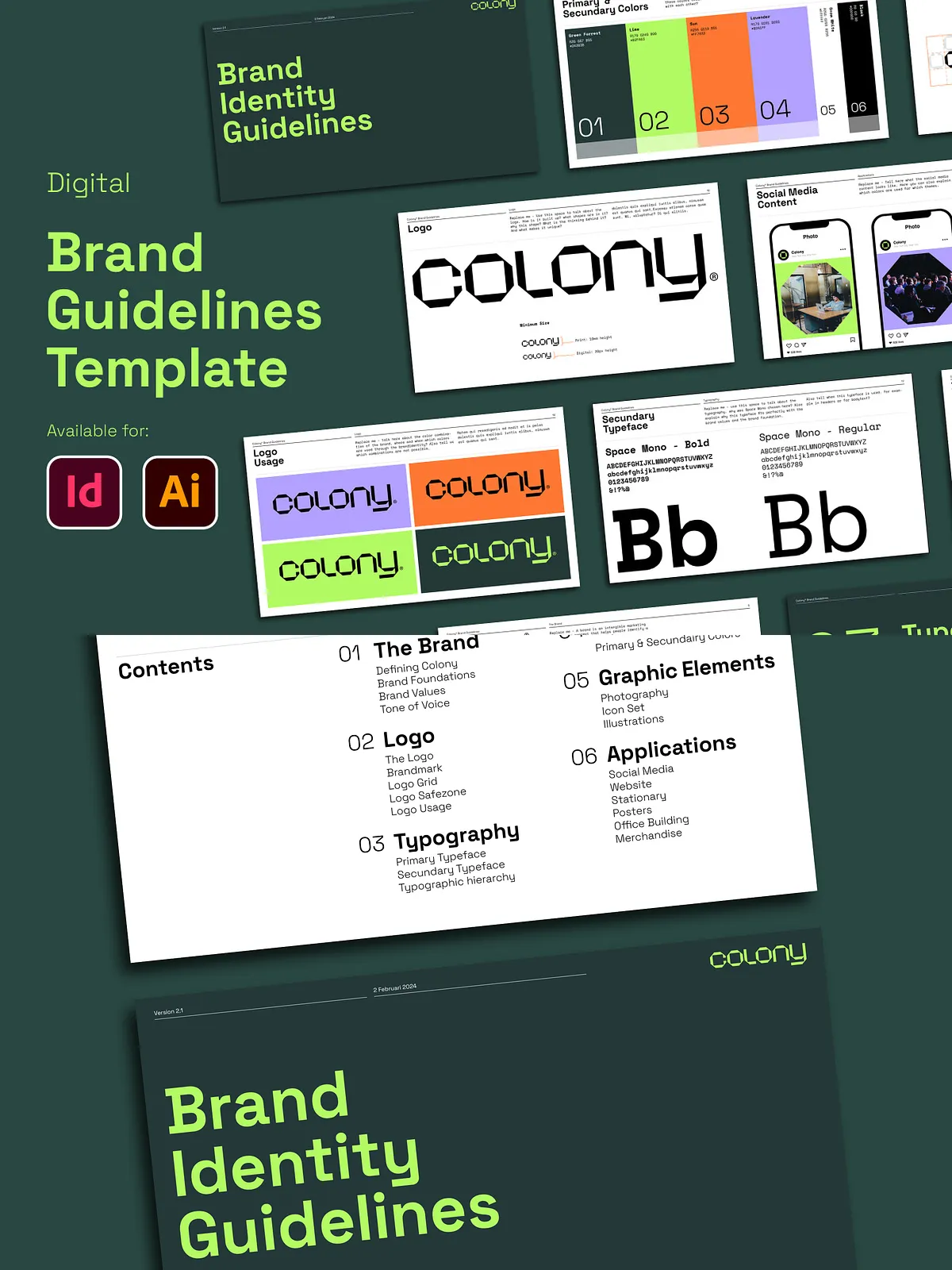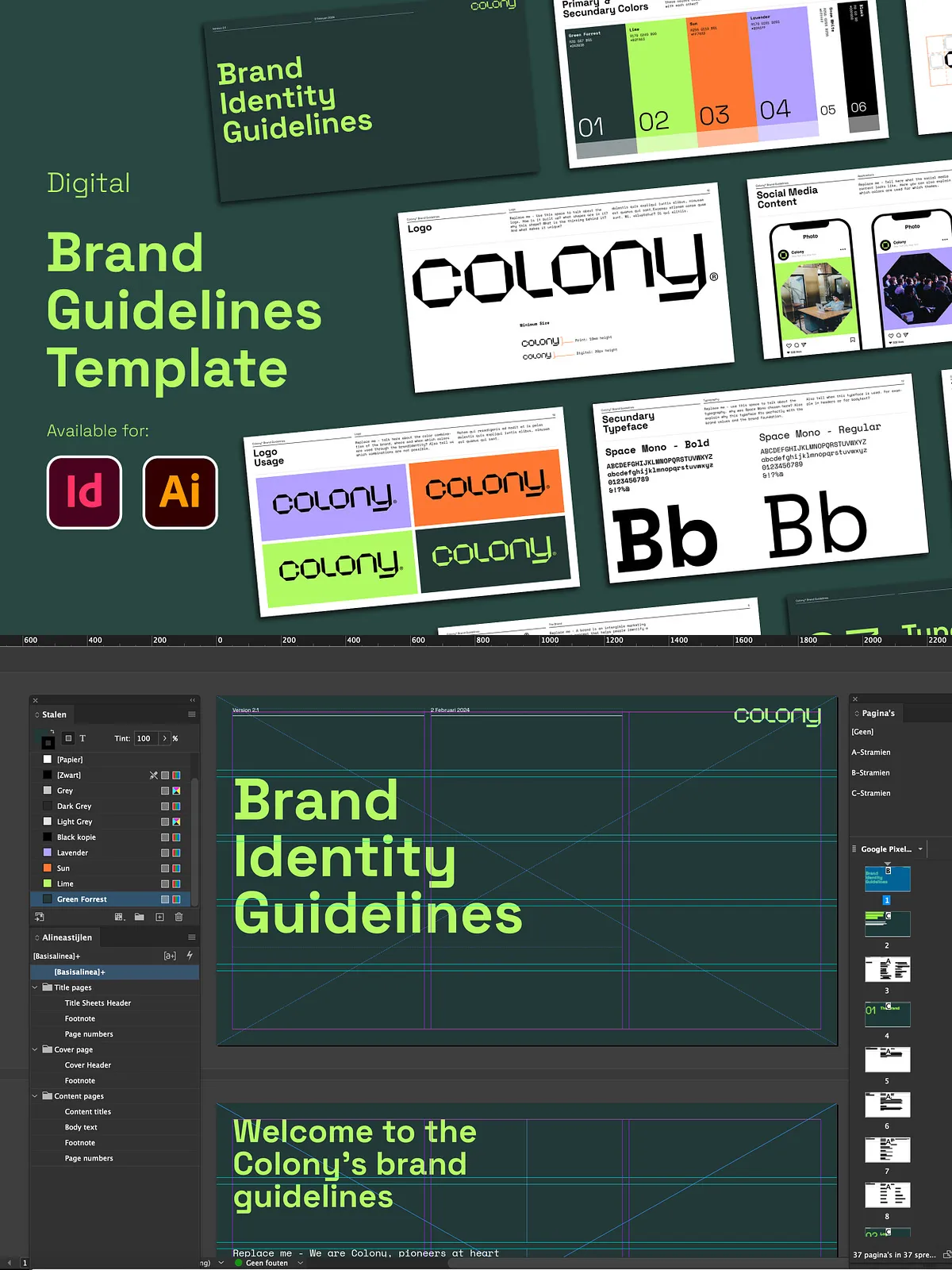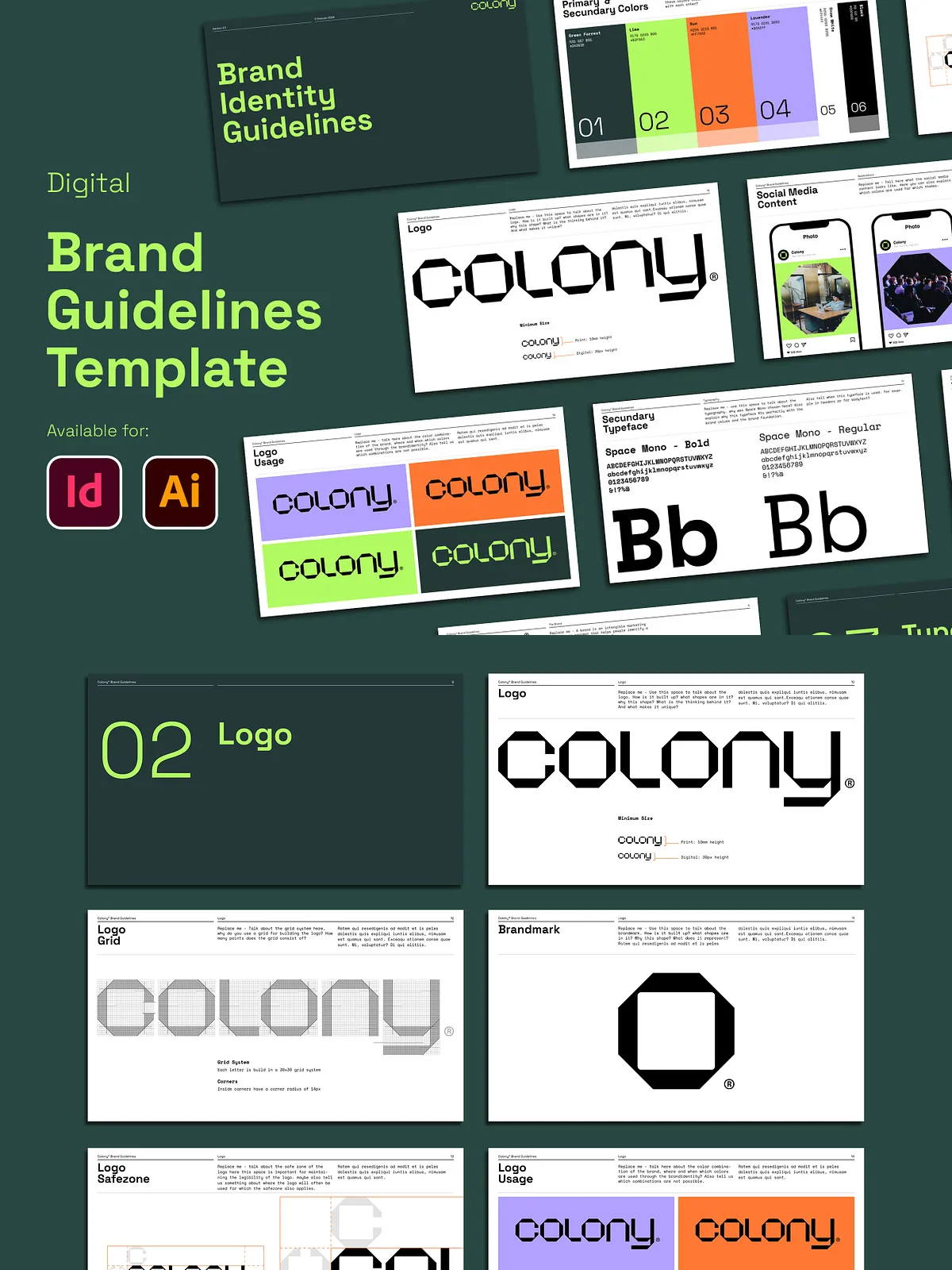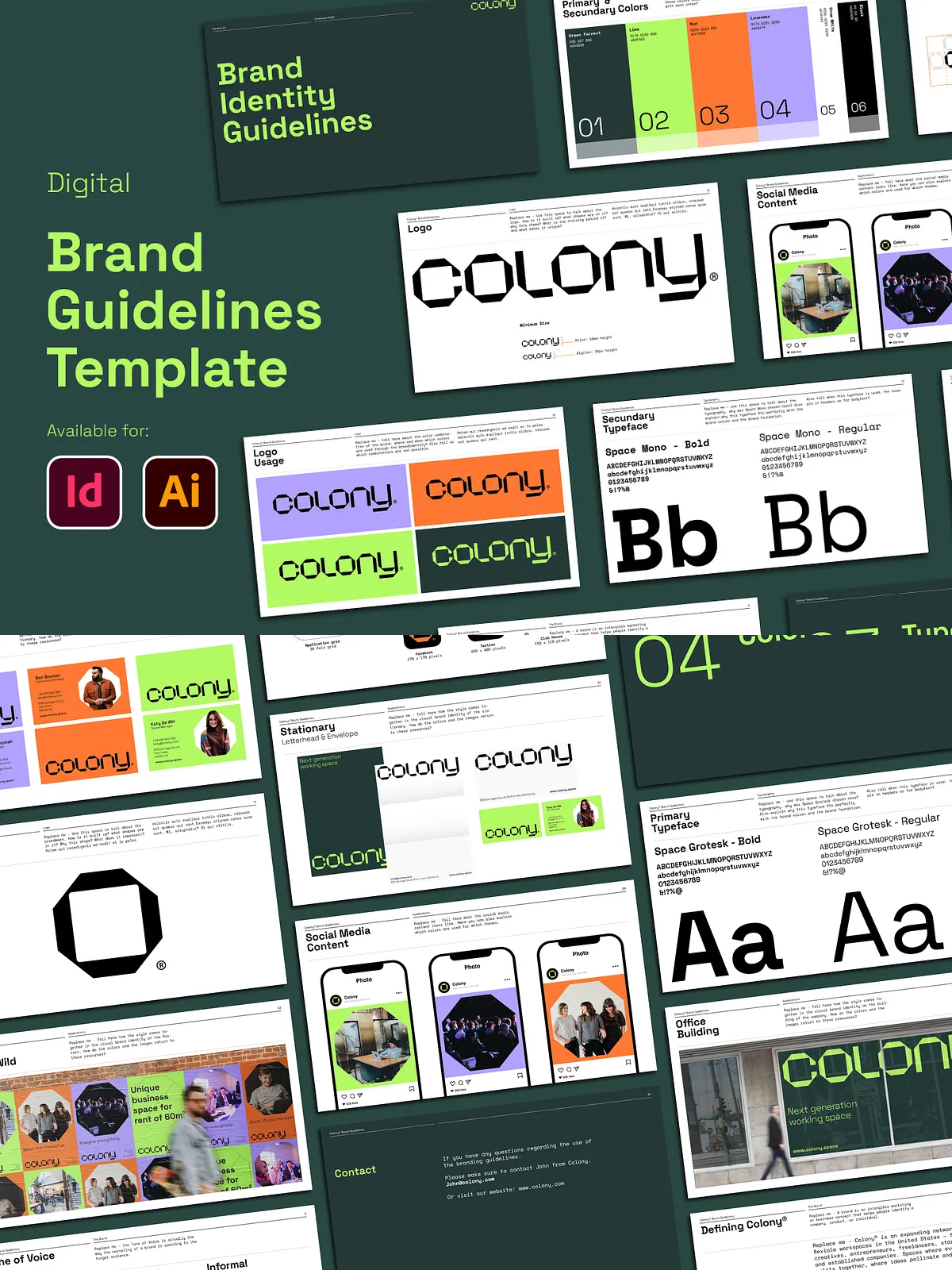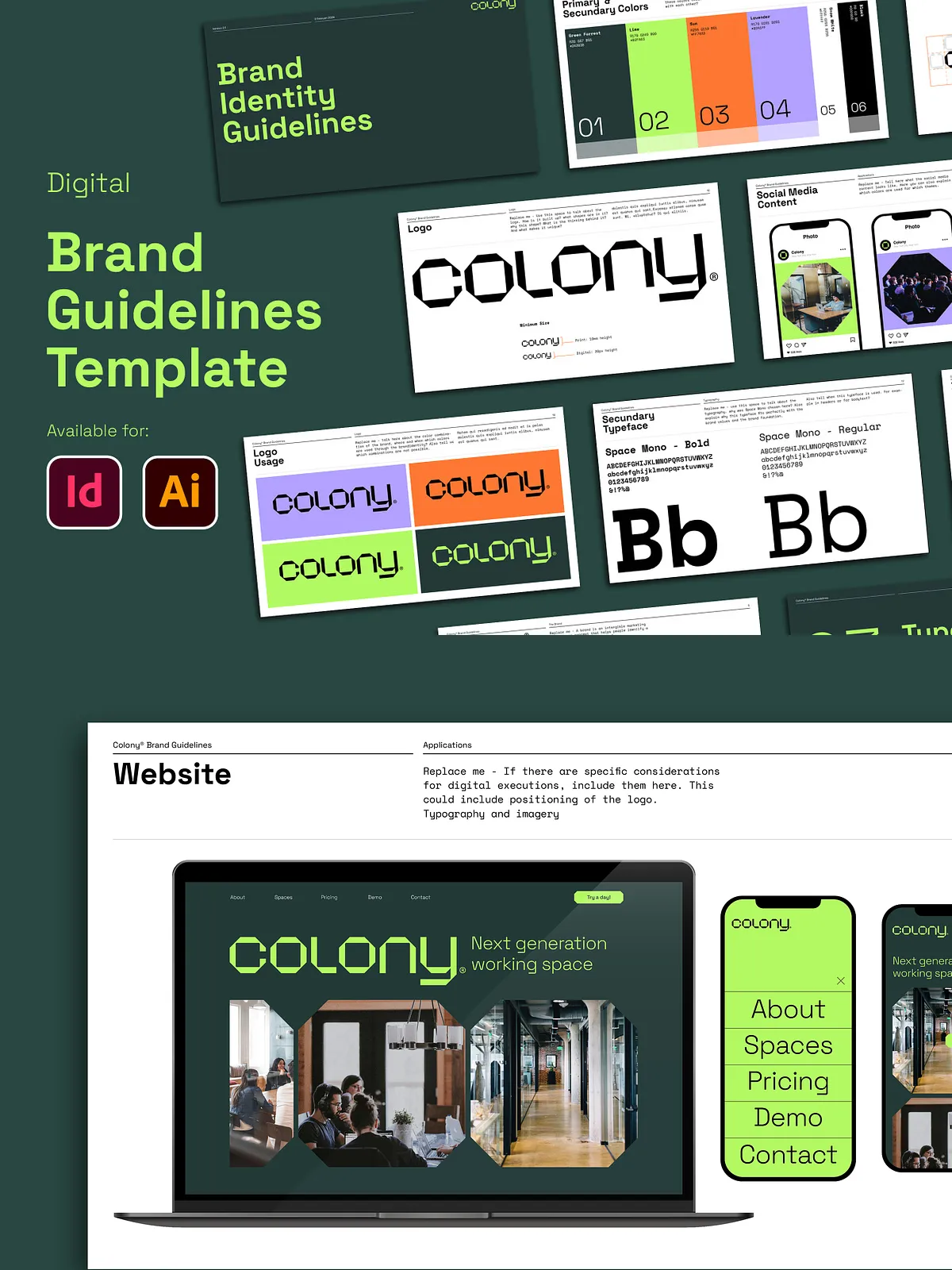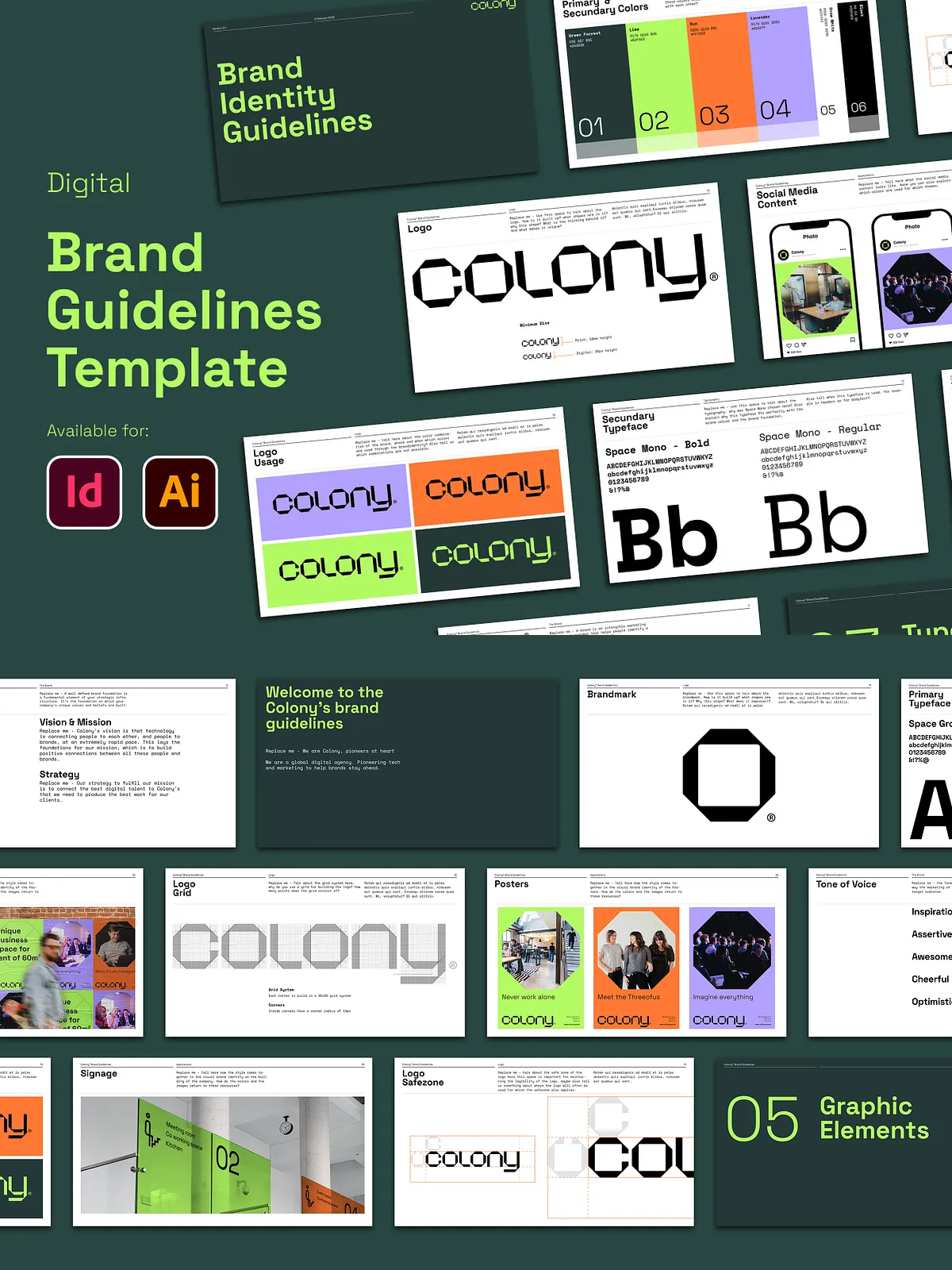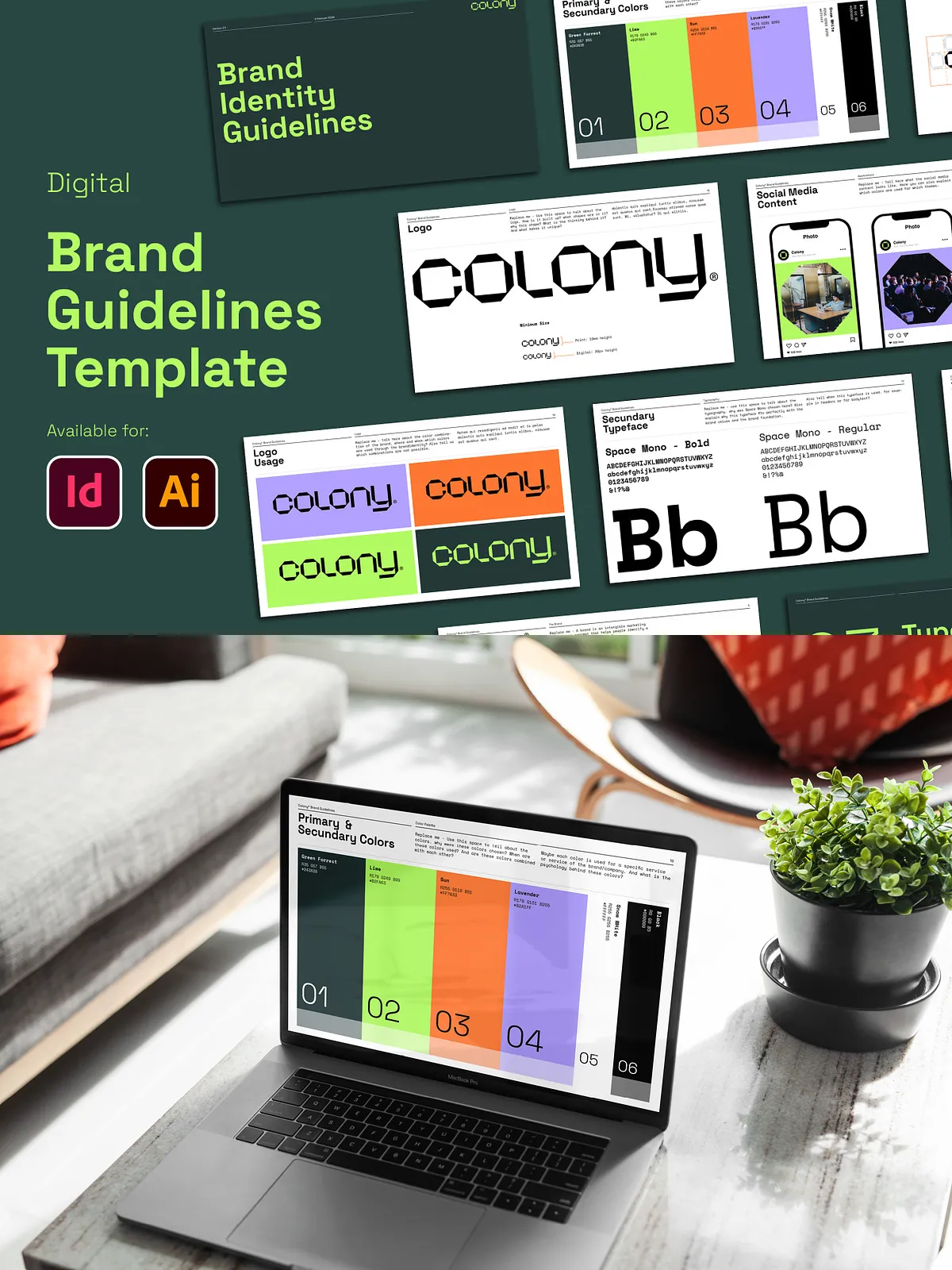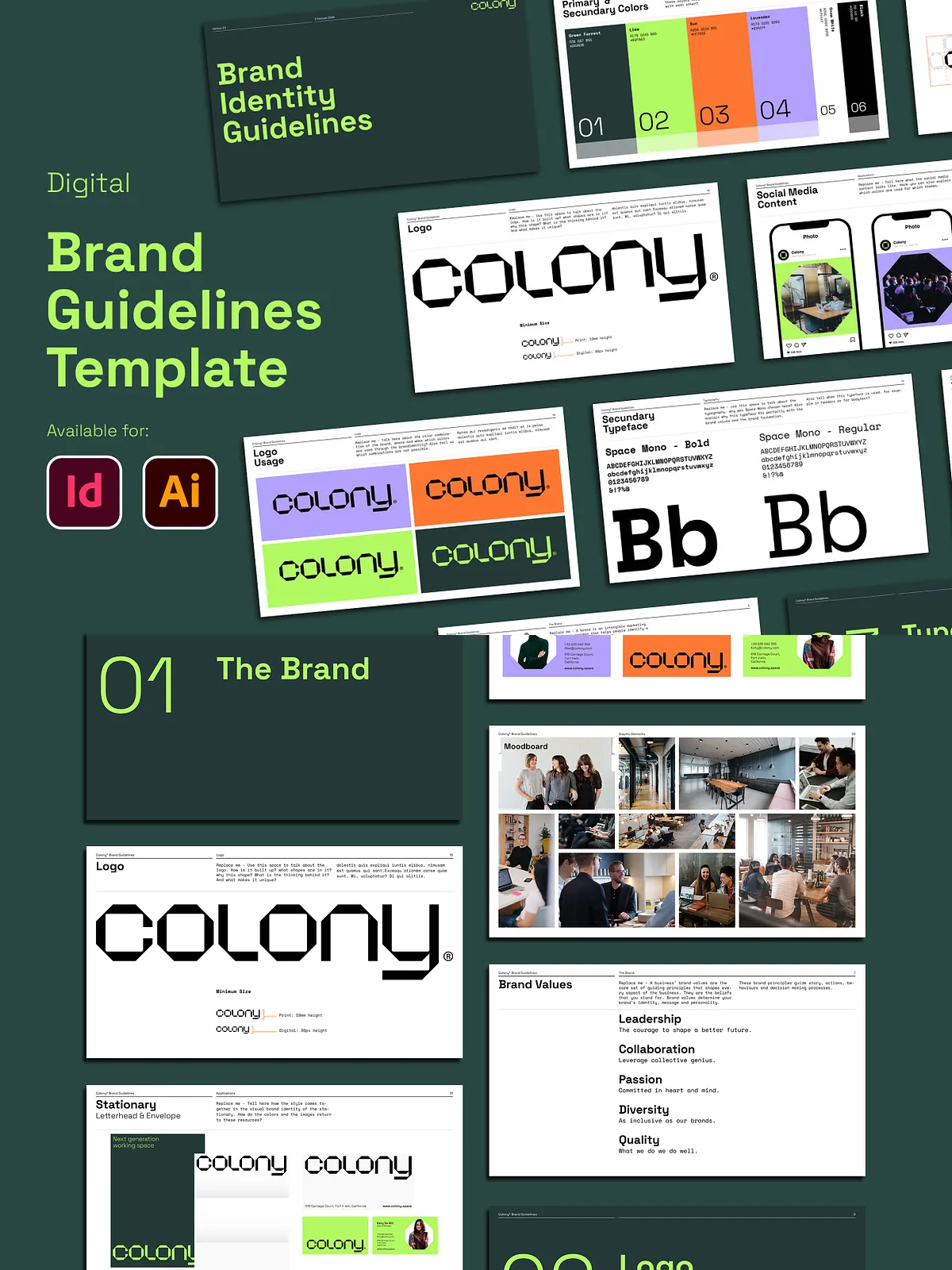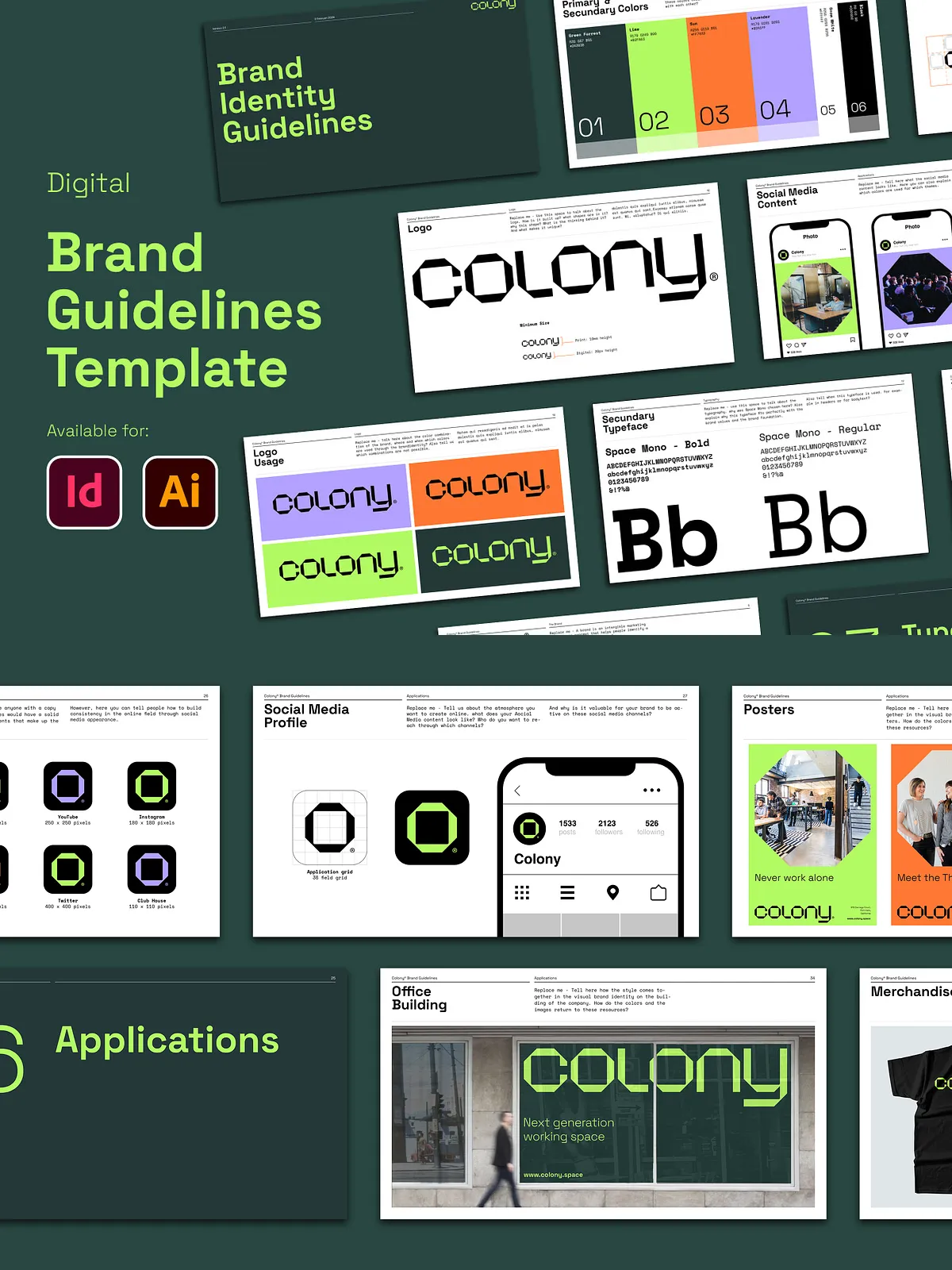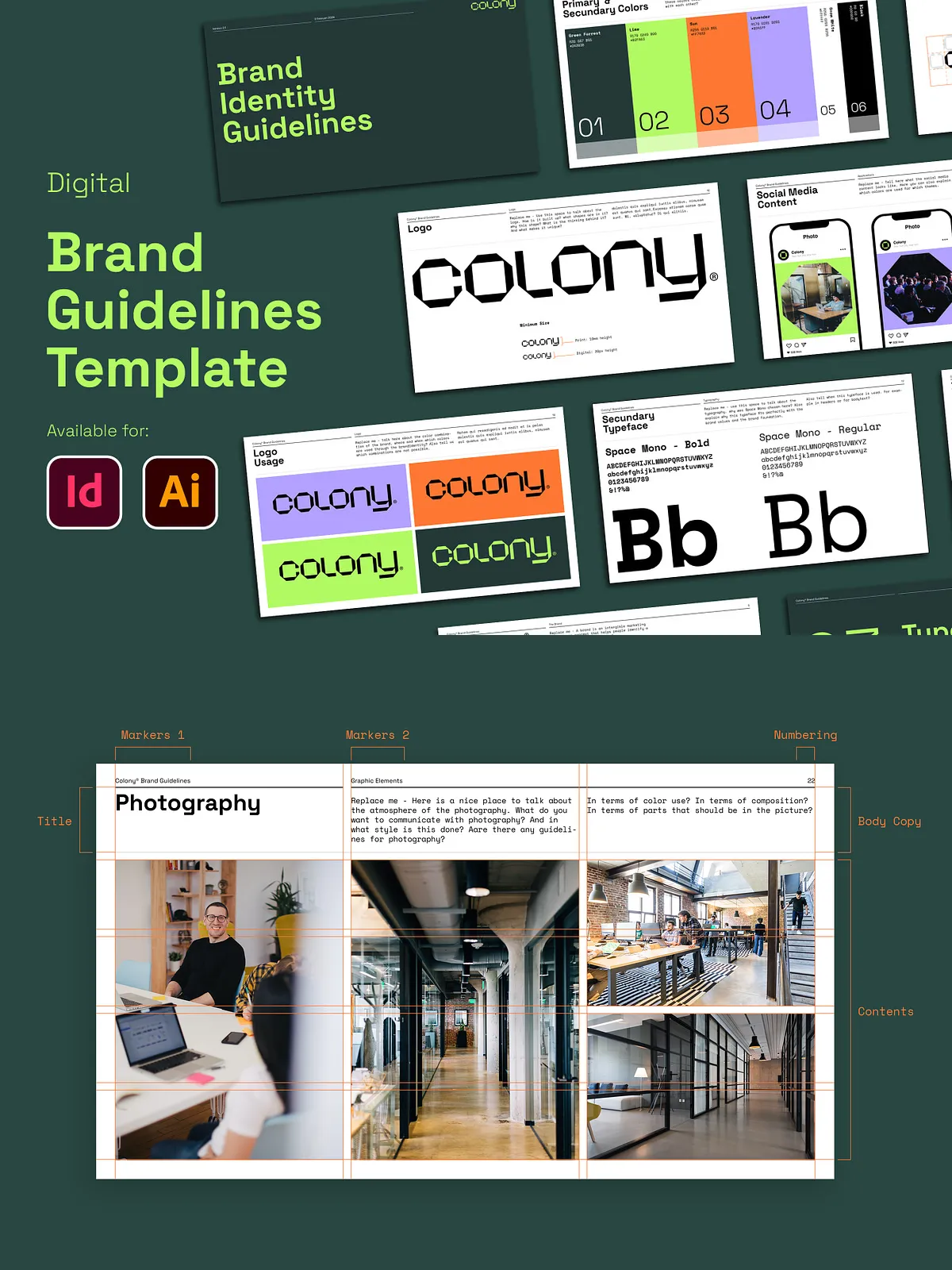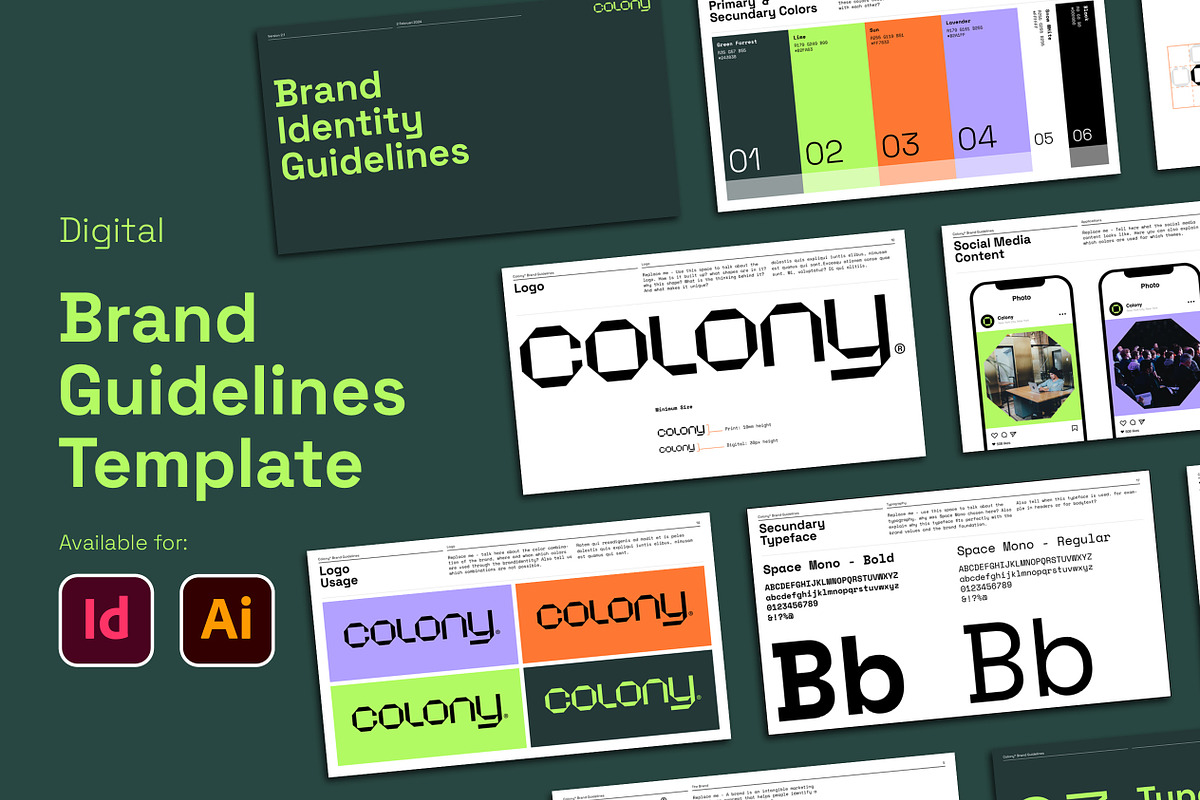
This Brand Guidelines Template delivers a professional, ready-to-use framework that speeds up the creation of consistent brand documentation. Designed for designers, creative directors, agencies, and in-house teams, this package includes 37 customizable layouts that you can quickly adapt to represent any brand. The template ships in both Adobe InDesign and Illustrator formats, and it provides a modern landscape layout with flexible grid systems, typographic styles, and color palette controls so you can present authoritative guidelines to clients or internal stakeholders without rebuilding from scratch.
For more details and original product information, see the Typefool listing: [The Brand Guidelines Template – Typefool](https://store.typefool.com/b/the-brand-guidelines-template).
What This Template Does
Create Consistent Brand Documents Fast
Use this template to define logos, typography, color systems, and applications across every touchpoint. The layouts guide you through logo usage, spacing, incorrect usages, color specifications, type hierarchies, and real-world applications — enabling fast decision-making and eliminating guesswork. By relying on prebuilt pages and defined paragraph and title styles, your documents remain consistent from cover to appendix.
Adapt for Print and Digital Delivery
The template’s 1920 x 1080px landscape canvas also works for digital presentations and client previews, while print-ready InDesign files support CMYK export and bleed settings for professional printing. You can export polished PDFs for client delivery or upload presentation-ready pages to online proofing tools.
Key Features
- 37 fully editable layout templates for brand manuals and presentations
- Compatible with Adobe InDesign and Adobe Illustrator CC (and likely CS6/CS5/CS4 with .IDML support)
- Includes .INDD, .IDML, and native Illustrator files where applicable
- Modern landscape layout sized at 1920 x 1080px for client presentations and online sharing
- 15-field grid system (3 columns) enabling precise and consistent composition
- Predefined Title & Paragraph styles for rapid content entry and typographic consistency
- Layered, well-structured documents that simplify asset swaps and revisions
- Editable fonts, color palettes, and vector logo placeholders for instant branding updates
- Helpful guide scripts and an included original PDF to speed onboarding
Files Included
Main Package
The download contains the core editable files needed for production and collaboration:
- Adobe InDesign files (.INDD) and IDML for cross-version compatibility
- Adobe Illustrator layout files for scalable vector-based pages
- Original PDF preview for quick client reference
- Guide document explaining layout structure, font usage, and export settings
- Links to any included assets or license information bundled with the package
How to Use
Prepare Assets
Gather the brand’s logos, color codes, typography files, and sample imagery before you open the template. Organize content into sections such as Brand Overview, Logo System, Typography, Color Palette, Applications, and Contact so you can populate pages efficiently.
Edit and Customize
Open the appropriate file for your workflow: use InDesign for final print production and precise layout control, or Illustrator for vector-centric logo and application pages. Apply your brand colors and fonts using the provided styles, replace placeholder artwork with real images, and adjust grid-based layouts to suit the content hierarchy. The layered structure and title/paragraph styles let you change global settings quickly and propagate updates throughout the document.
Export and Deliver
Export high-resolution PDFs for print or client review. For printers, package the InDesign file with linked assets and fonts; for digital sharing, optimize exported PDFs for screen viewing at 1920 x 1080px or standard A4/US letter sizes depending on client needs. Use the landscape presentation pages to deliver a visually compelling walkthrough during client meetings.
Support and Notes
The package includes clear guide scripts and an original PDF preview to help you navigate the templates. If you use older versions of Adobe software, open the IDML file to ensure compatibility. Keep in mind that any preview or mockup images displayed on promotional pages may not be included and could require separate licensing.