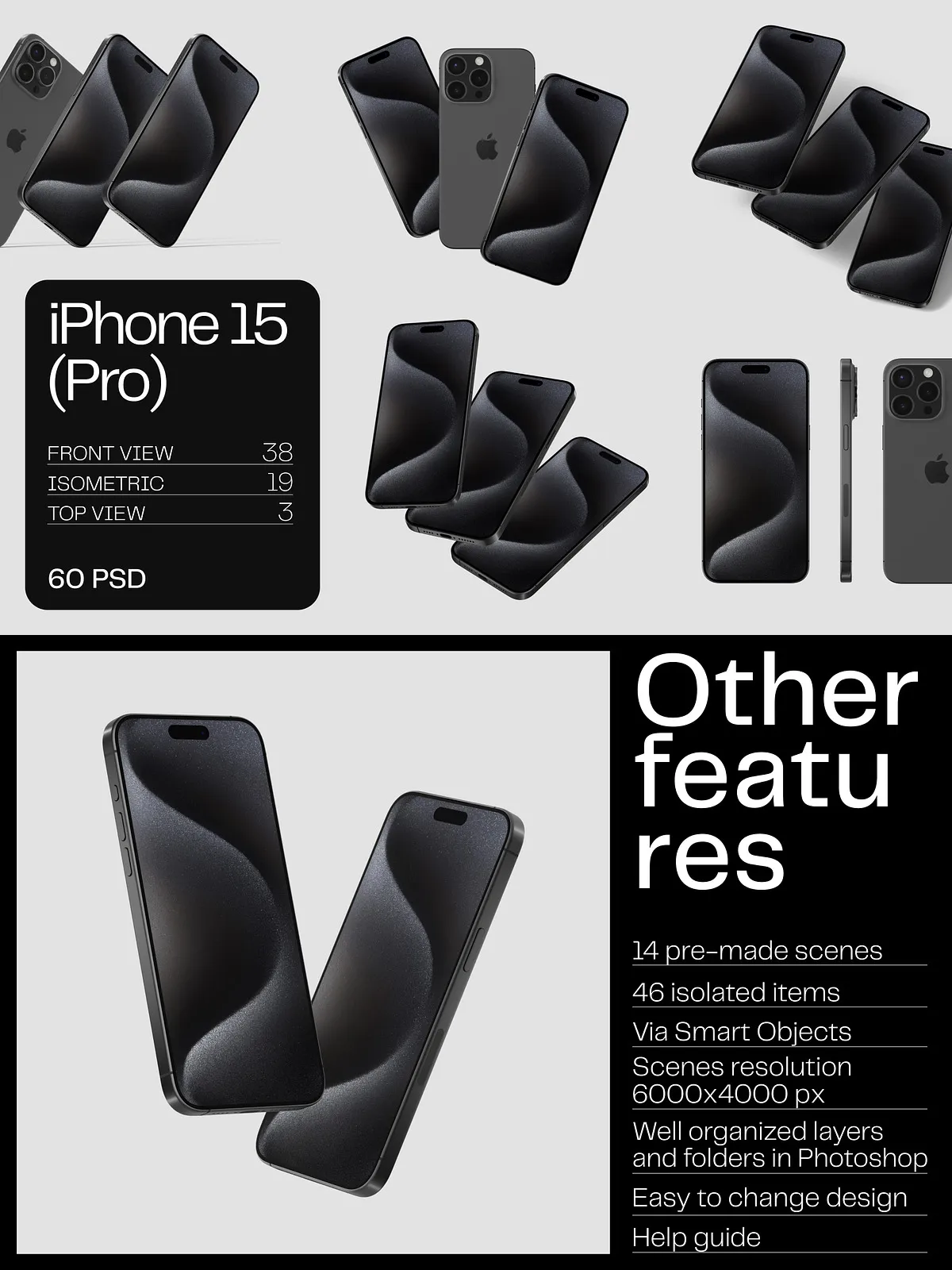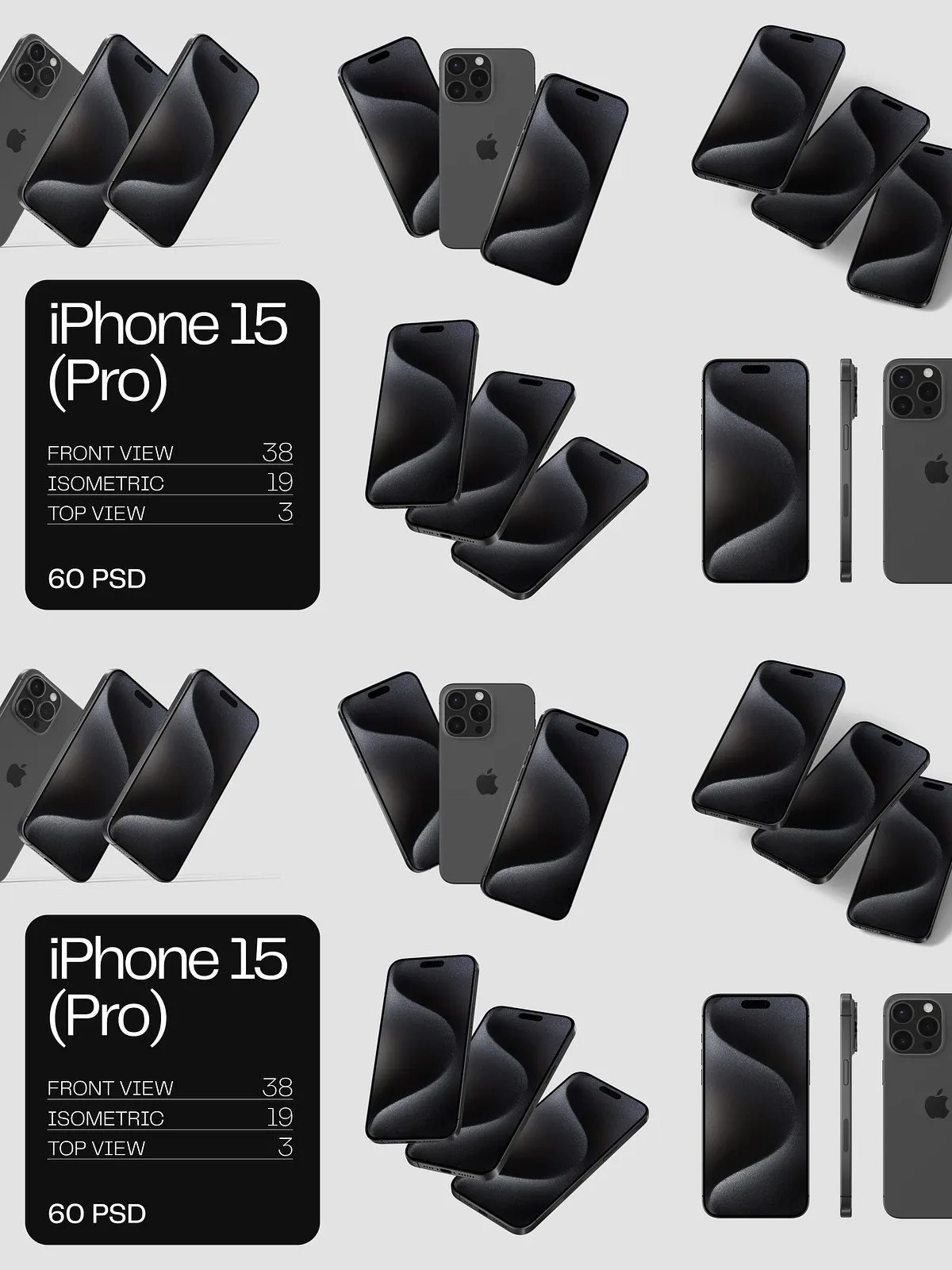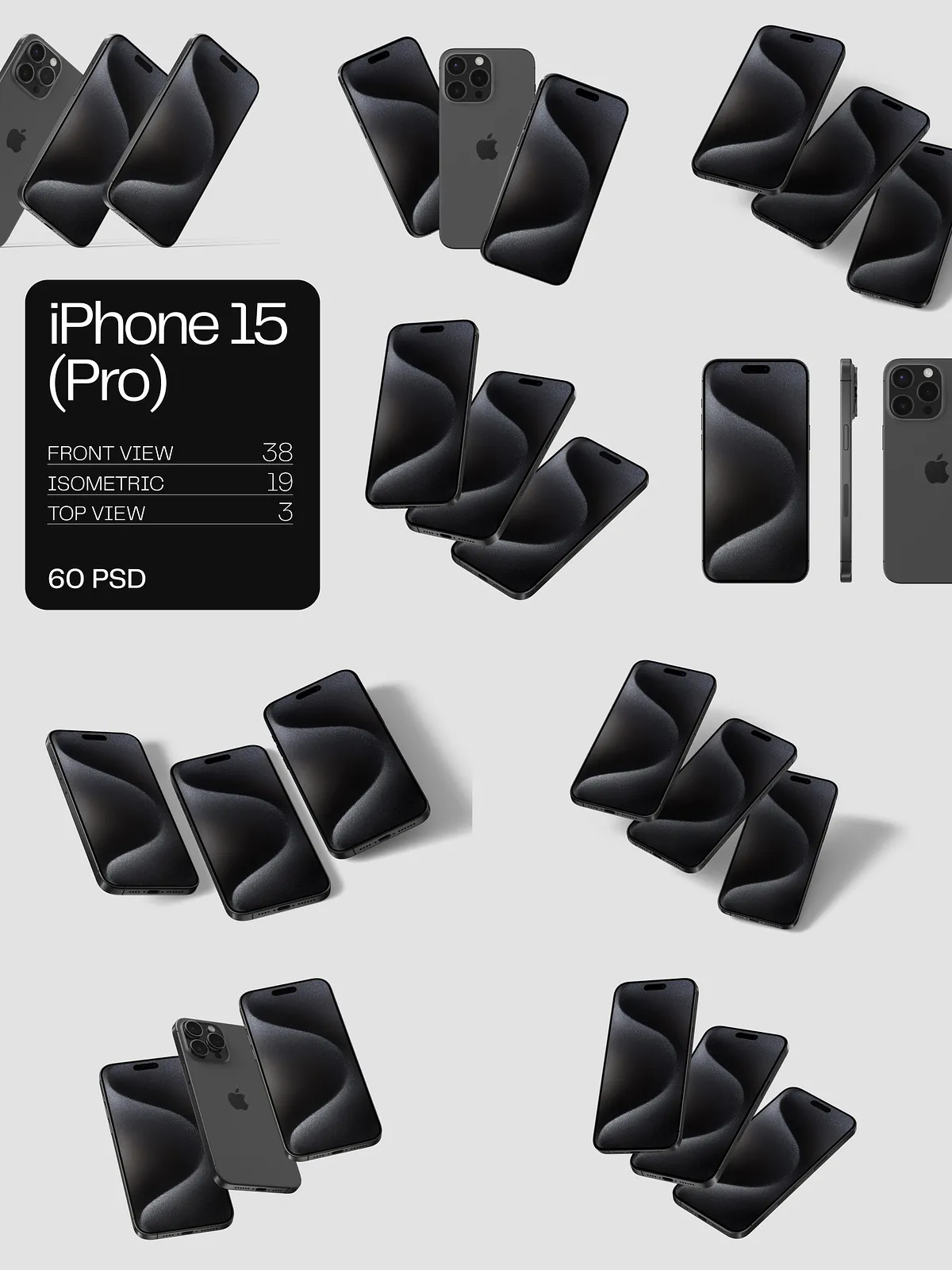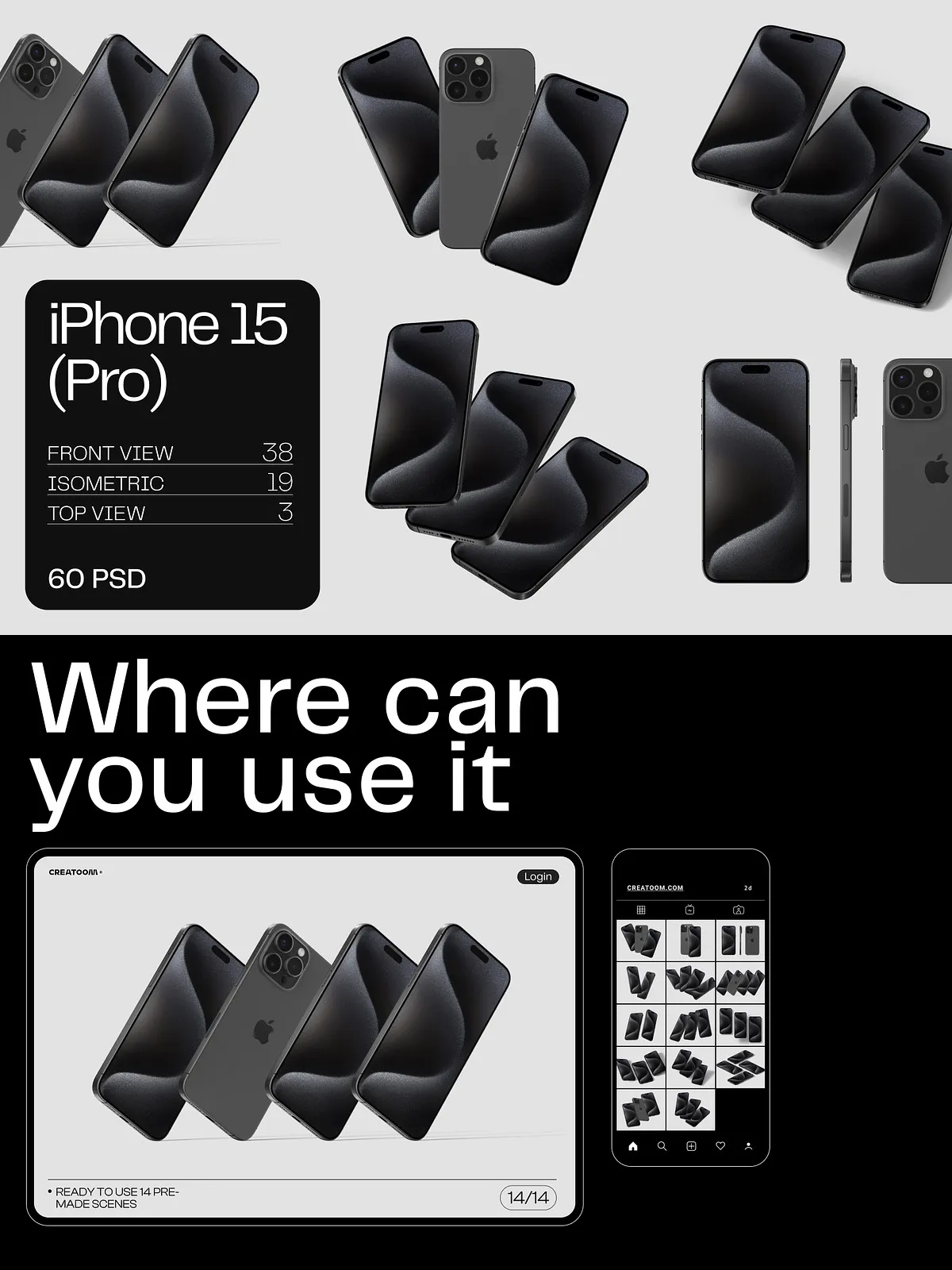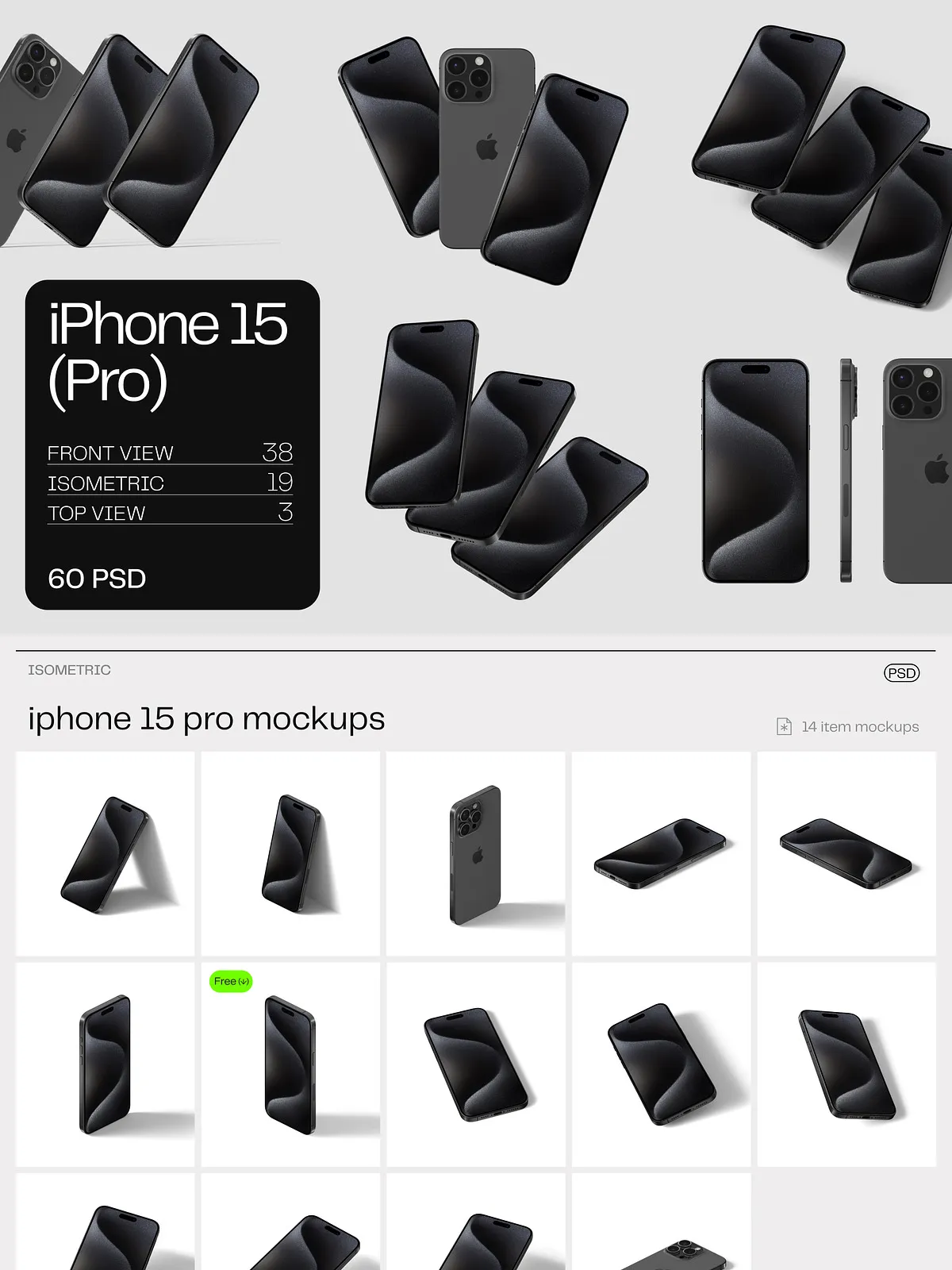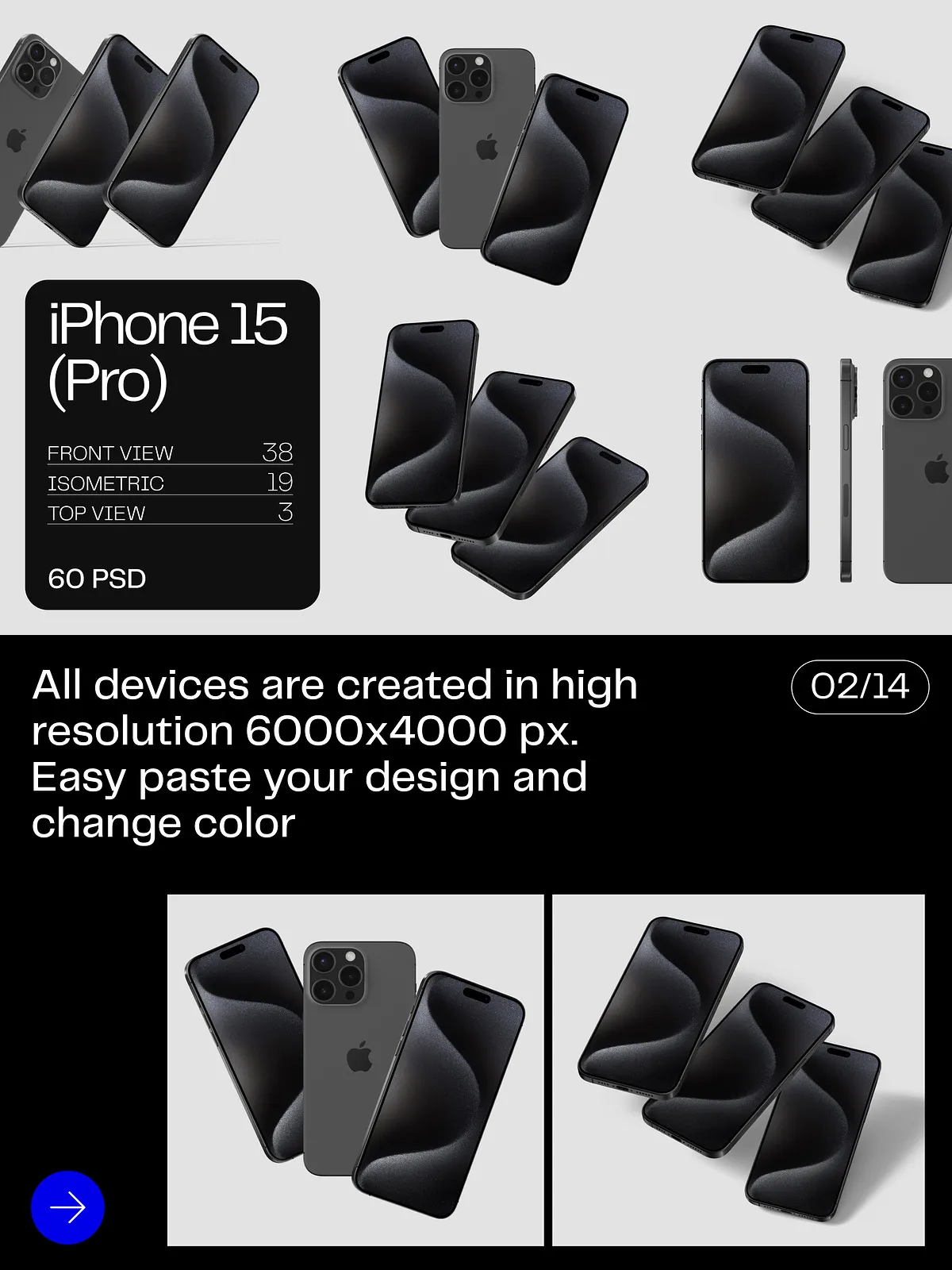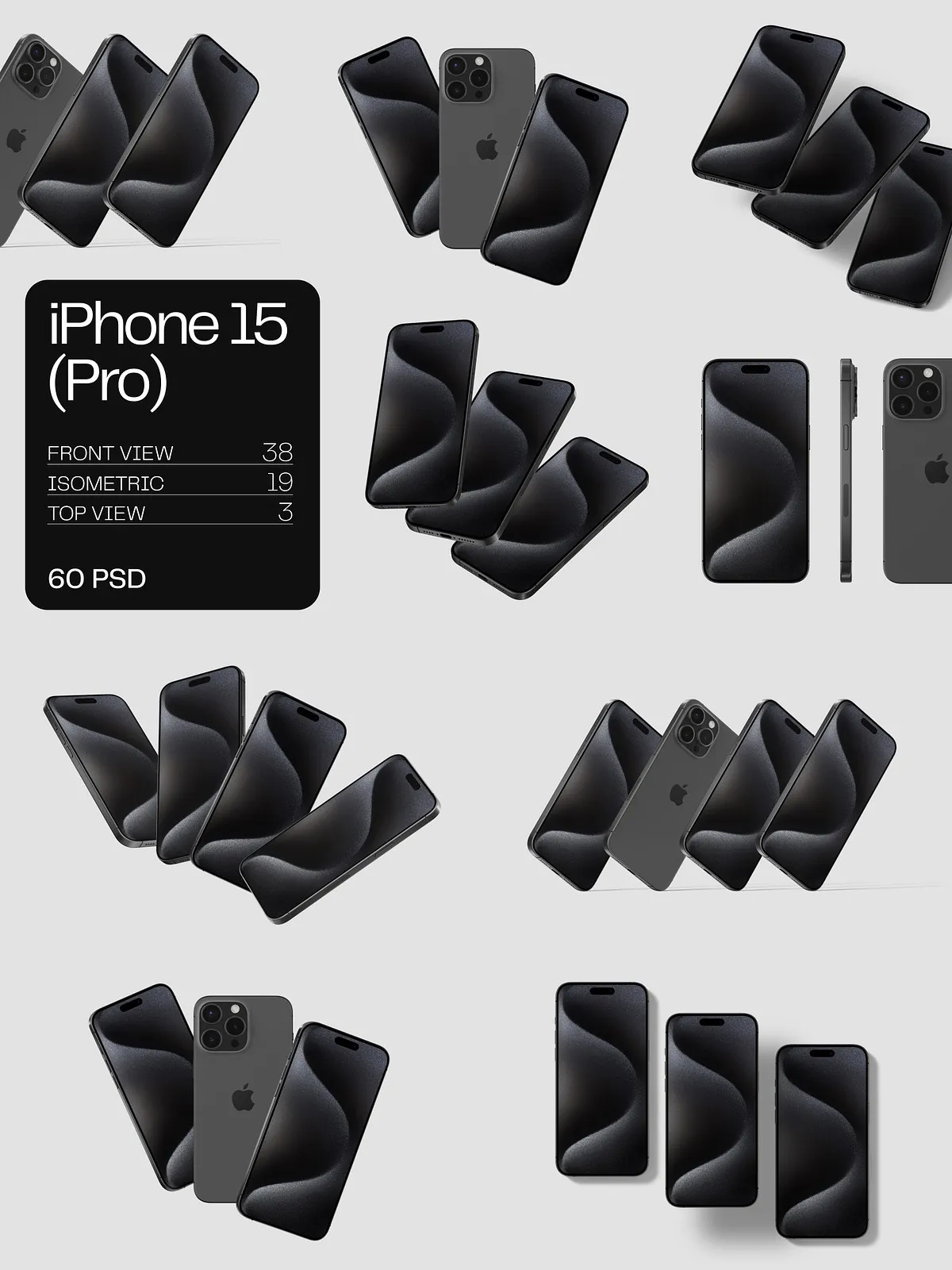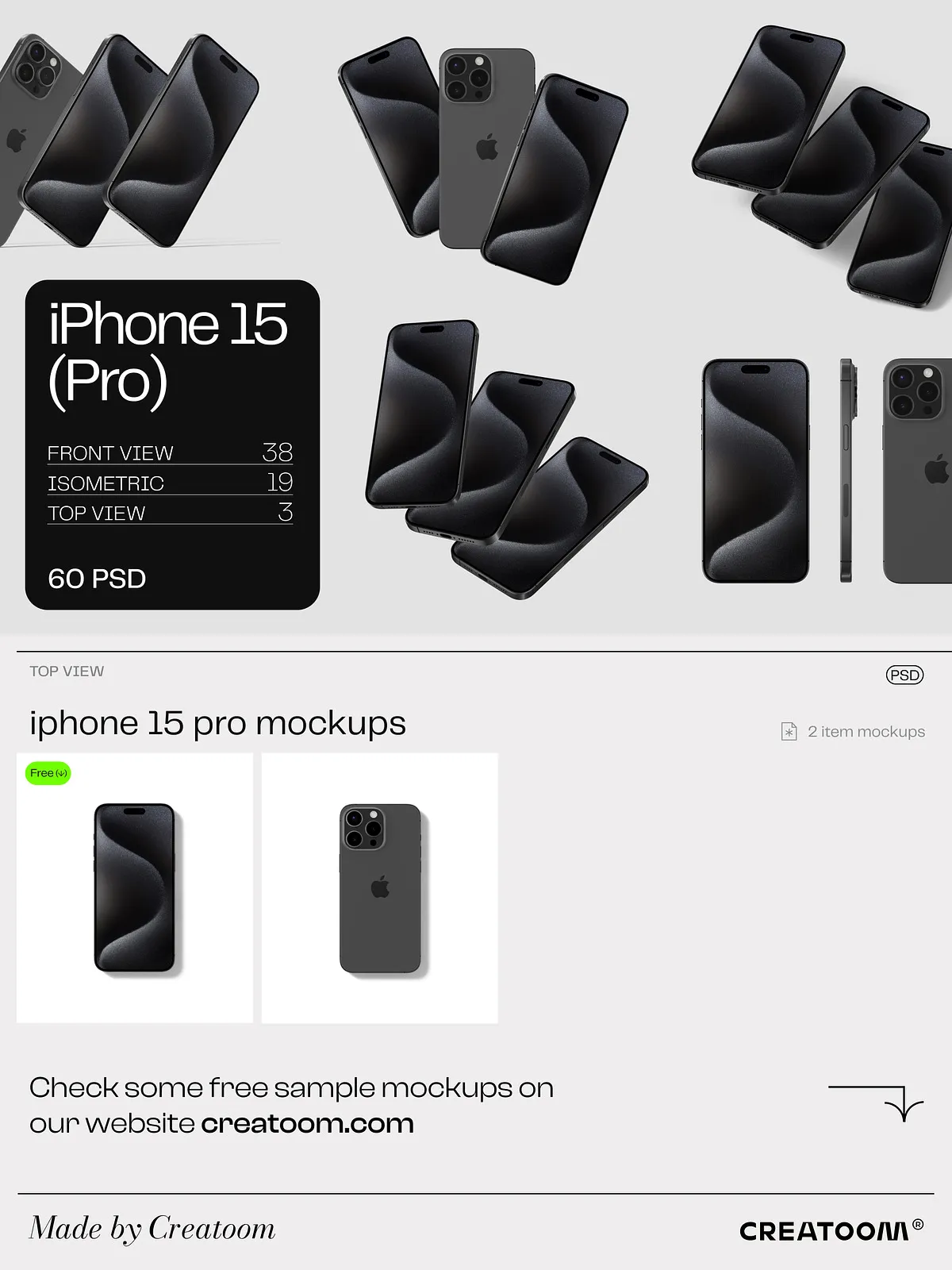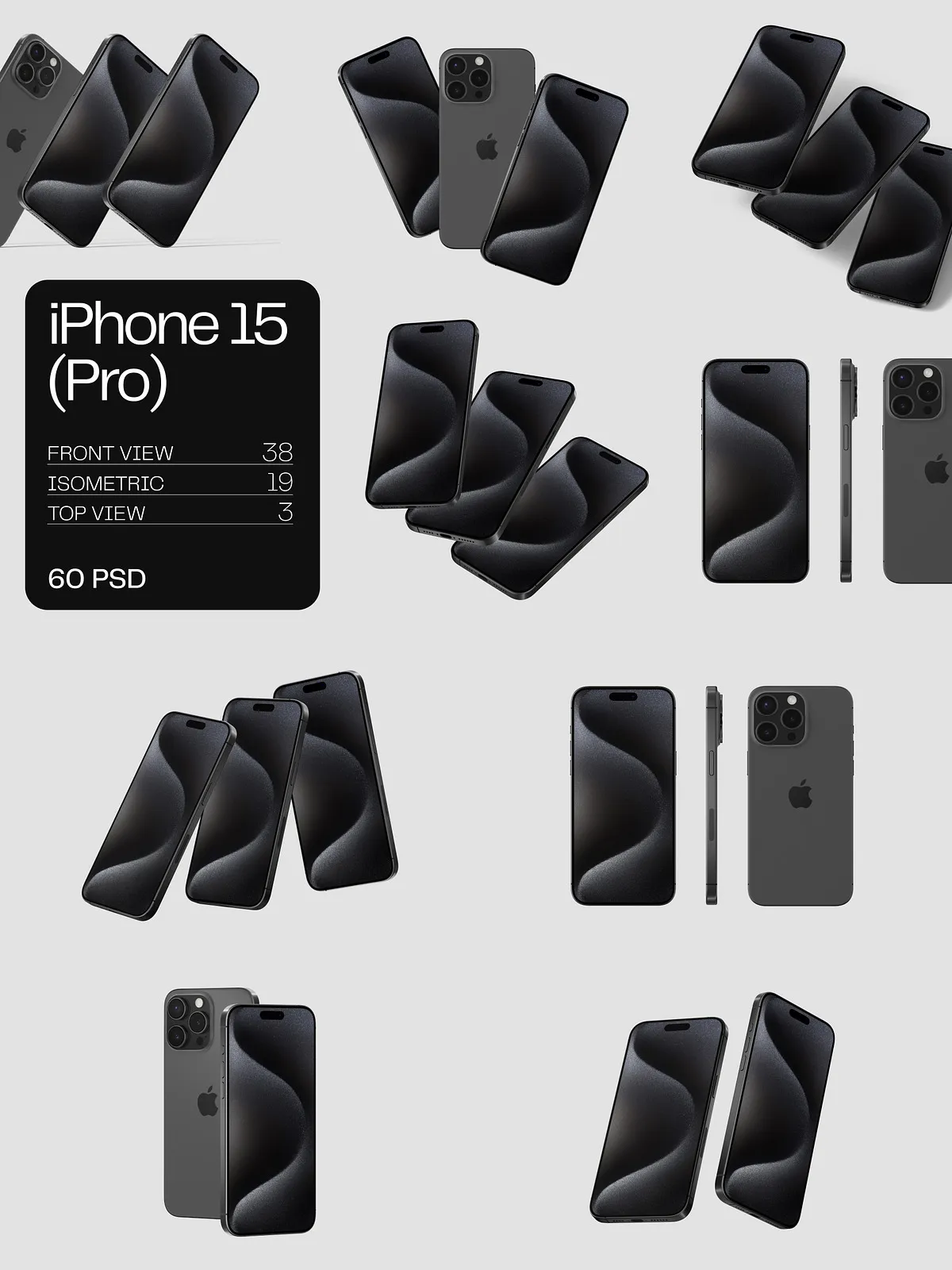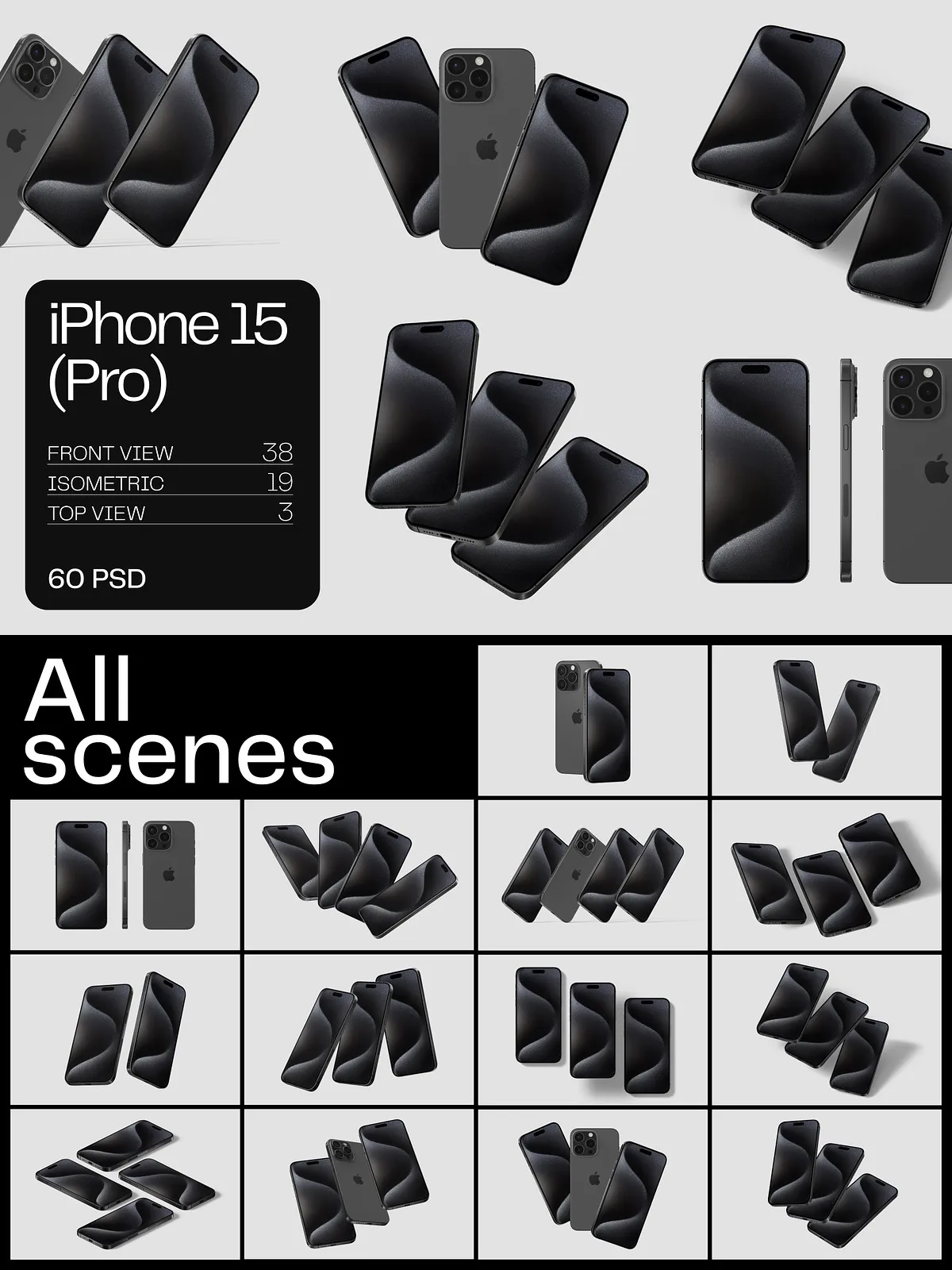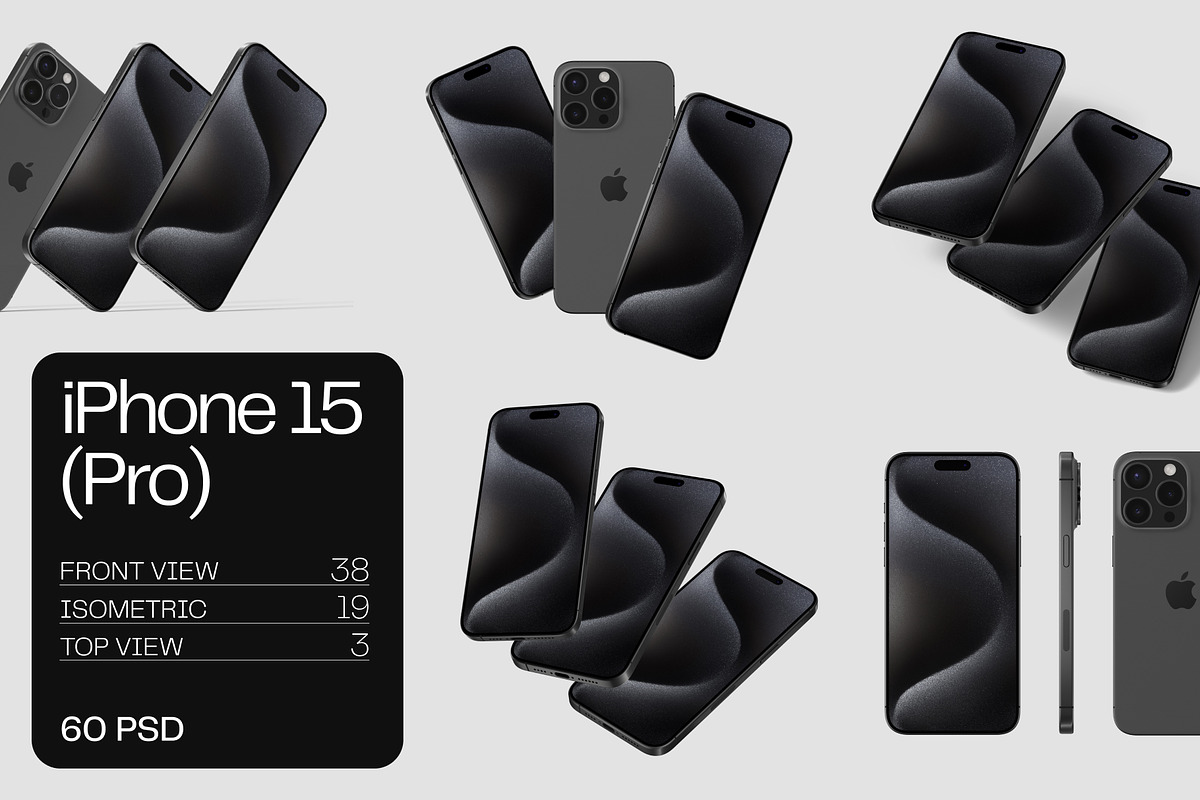
Stop blending into the background—make your app and web designs impossible to ignore. The iPhone 15 Pro Mockups v1 delivers a powerful arsenal of 14 premium scene mockups and 46 isolated item templates, perfectly tailored for designers, developers, and digital marketers. Engineered with the latest titanium finish aesthetic and rendered at 6000×4000 px / 300 dpi, these mockups offer pixel-perfect clarity—ideal for close-ups, large-format displays, and high-fidelity prints.
With each scene shot from multiple angles and lighting setups, you gain the freedom to present your designs in real-world contexts: on a desk, in hand, or against urban backdrops. Whether you’re showcasing a sleek interface, launching a new app, or building a client pitch, these visuals project professionalism, innovation, and precision.
Supercharge Your Workflow with One-Click Customization
Every design file is built for speed, control, and seamless integration. Thanks to smart object layers, simply drag and drop your design into the designated area, and watch it transform instantly—aligned, scaled, and seamlessly blended. No more time wasted on manual adjustments or complex masking. Just pure, rapid prototyping.
Unlock total creative freedom with instant modifications:
- Change device colors: Match your brand palette with real-time color shifts across the titanium frame and back glass.
- Adjust shadows and reflections: Fine-tune depth and realism with separate layer toggles for ambient lighting and surface glint.
- Swap backgrounds: Transition from minimalist studios to vibrant cityscapes, coffee shops, or home offices—effortlessly.
- Replace textures: Apply matte, glossy, or brushed metal finishes to enhance your design’s tactile appeal.
This level of control ensures your mockups always reflect your desired brand tone—whether bold and modern, subtle and elegant, or high-tech and futuristic.
Master the Technical Edge: A Structured, Editable Foundation
Every file is meticulously organized with a professional-grade layer structure, ensuring smooth collaboration and zero confusion:
- Clear layer naming conventions: Background, Frame, Content (Smart Object), Shadow, Reflection, Texture Overlay, Branding Zone.
- Folder-based project management: Categories include Scenes, Isolated Items, Color Variants, Backgrounds, Sample Designs, Export Templates, and Help Guide.
- Guides and safe zones: Ensure optimal placement and readability across all screen formats and layouts.
- Non-destructive editing: Preserve original quality while applying real-time edits—ideal for iterative design sprints.
This isn’t just clean—it’s intentional. Designed for teams, agencies, and freelancers who demand efficiency, consistency, and precision in every project.
Scale Your Impact Across Platforms and Projects
From Instagram posts to Behance portfolios, from LinkedIn campaigns to print brochures—this mockup kit powers every stage of your creative journey:
- For designers: Build standout digital portfolios that win clients and attract opportunities.
- For developers: Showcase app interfaces with authenticity—prove your UI/UX thinking in context.
- For marketers: Create high-engagement social media content that drives clicks, shares, and conversions.
- For agencies: Deliver polished, photorealistic pitch decks that seal deals in under 30 seconds.
- For freelancers: Command premium rates with visuals that scream “professional” at first glance.
One kit. Endless applications. One download. Unlimited potential.
What’s Included in Your Premium Mockup Bundle?
After purchase, gain instant access to a complete, ready-to-use suite:
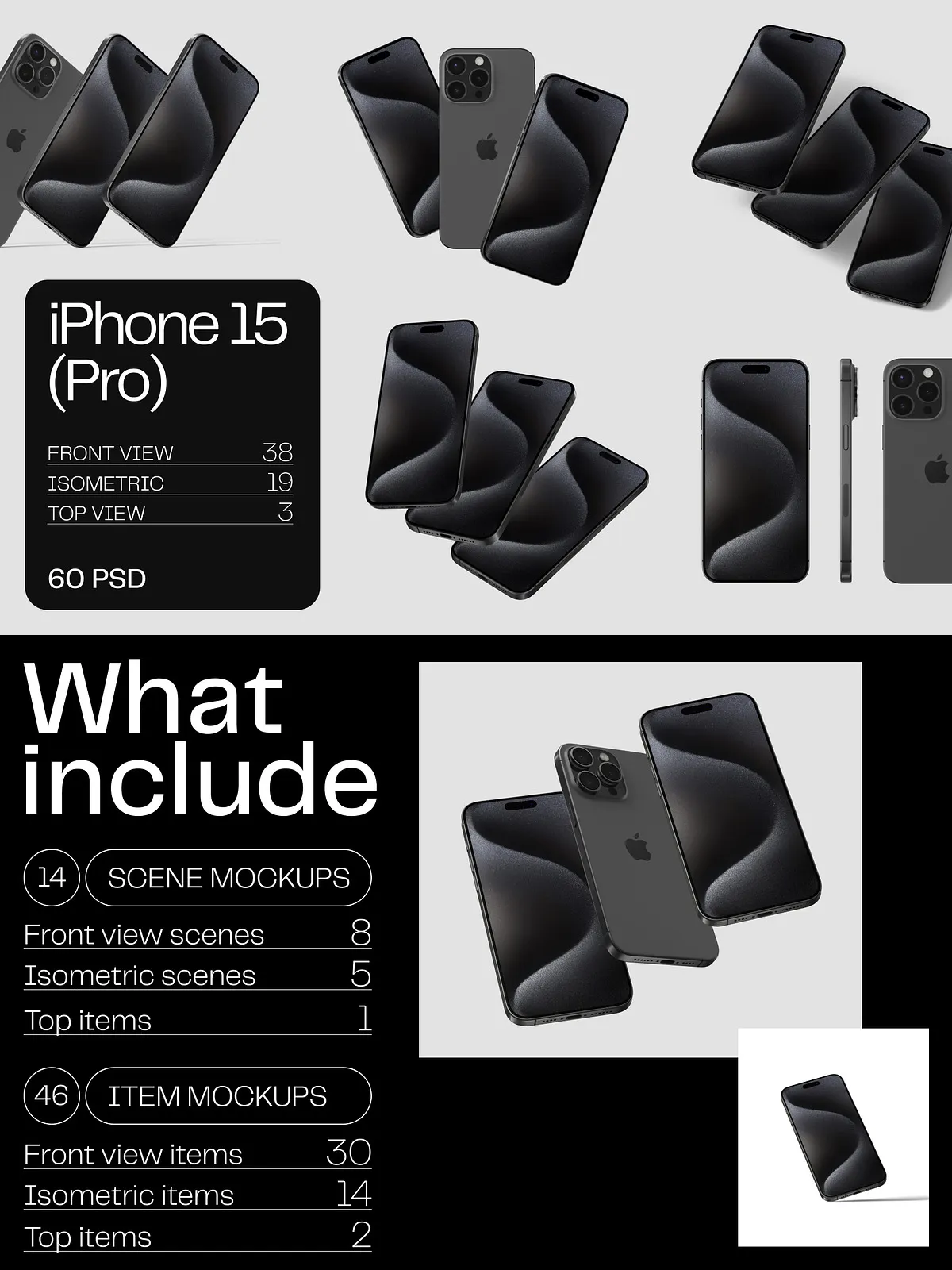
- 14 Fully Customizable Scene Mockups (14 PSD files)—shot from dynamic perspectives: hand-held, desk-mounted, portrait, landscape, and cinematic views.
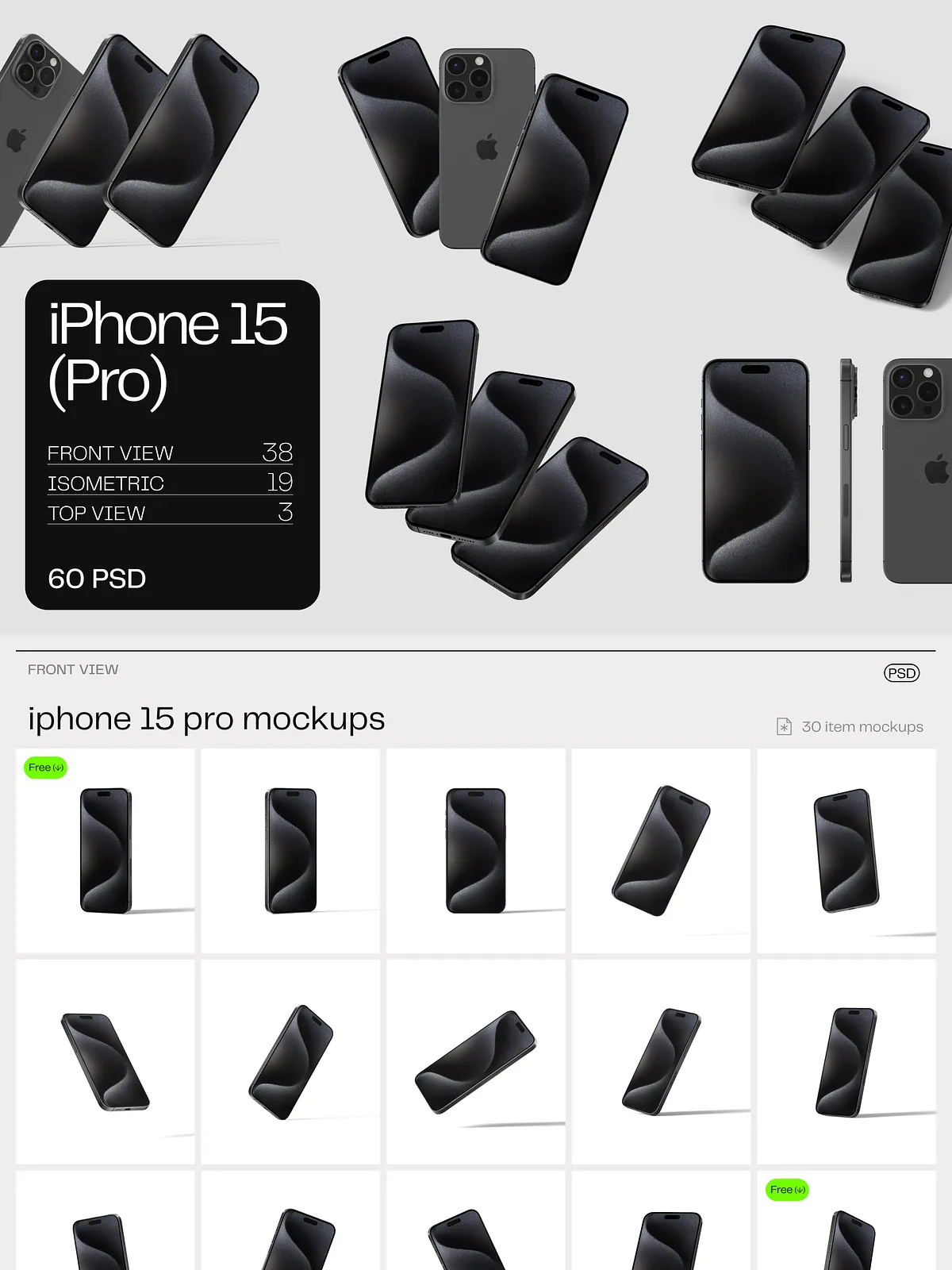
- 46 Isolated Item Mockups (46 PSD files)—perfect for highlighting logos, app icons, splash screens, and digital interfaces.
- Ultra-High Resolution: 6000×4000 px / 300 dpi for print-ready clarity and web-scale sharpness.
- Comprehensive User Guide—step-by-step instructions for editing, exporting, and maximizing every template.
Important note: Fonts used in the sample previews are for demonstration only and are not included. Always use licensed fonts to maintain brand consistency and legal compliance.
Why the iPhone 15 Pro Mockups v1 Are a Must-Have
Because your design deserves more than a static screenshot. This kit allows you to:
- Dramatically increase engagement with photorealistic visuals that stop scrolls and spark interest.
- Accelerate client approval by showing your work in authentic, real-life scenarios.
- Stand out on platforms like Dribbble, Behance, Instagram, and LinkedIn with jaw-dropping, context-rich content.
- Reduce revision cycles—because your mockups already communicate context, intent, and quality.
- Future-proof your workflow with modular, scalable assets that adapt to any project, any platform, any format.
This isn’t just a mockup set. It’s your visual edge—a tool that turns your ideas into undeniable, immersive experiences.