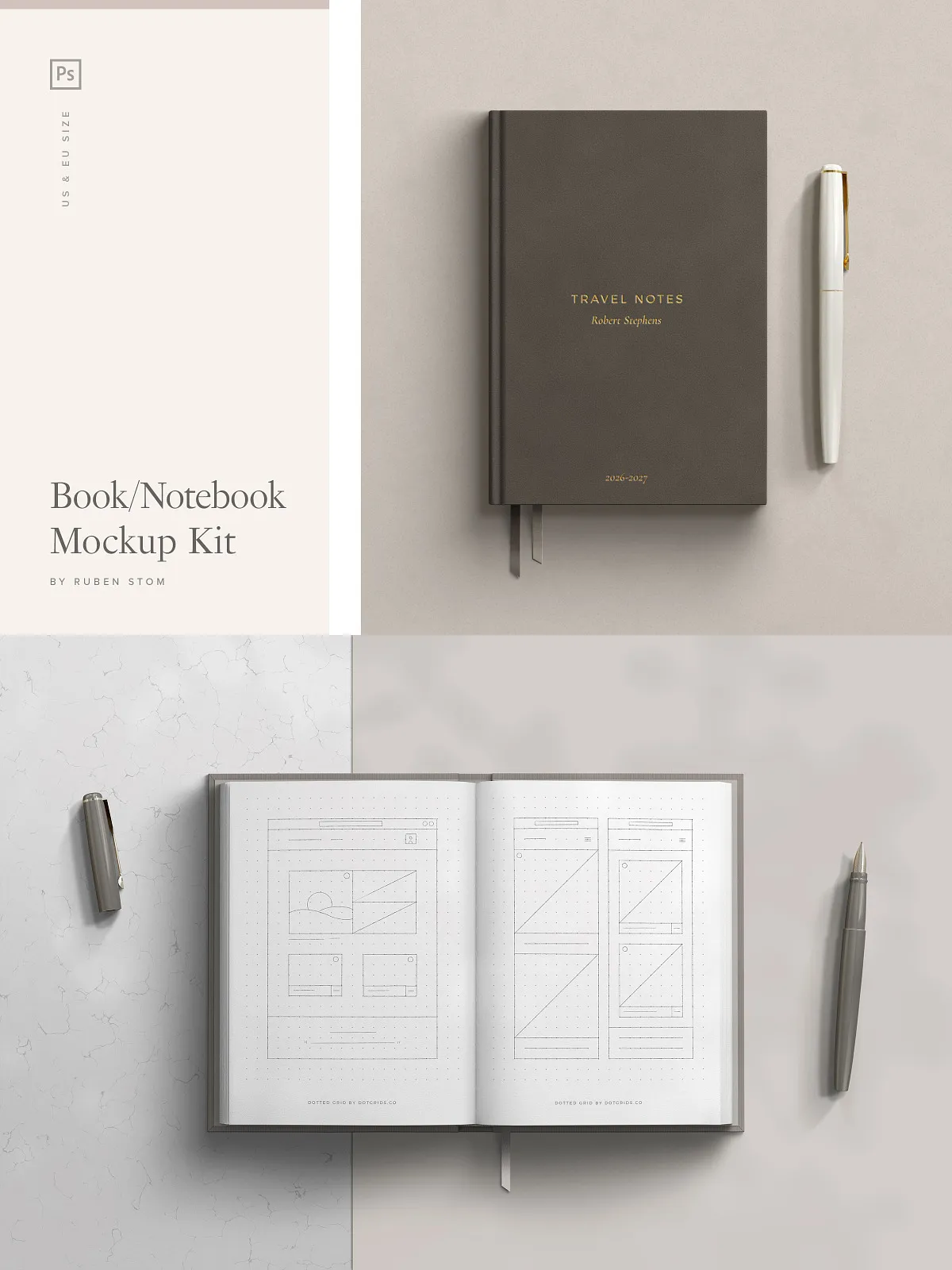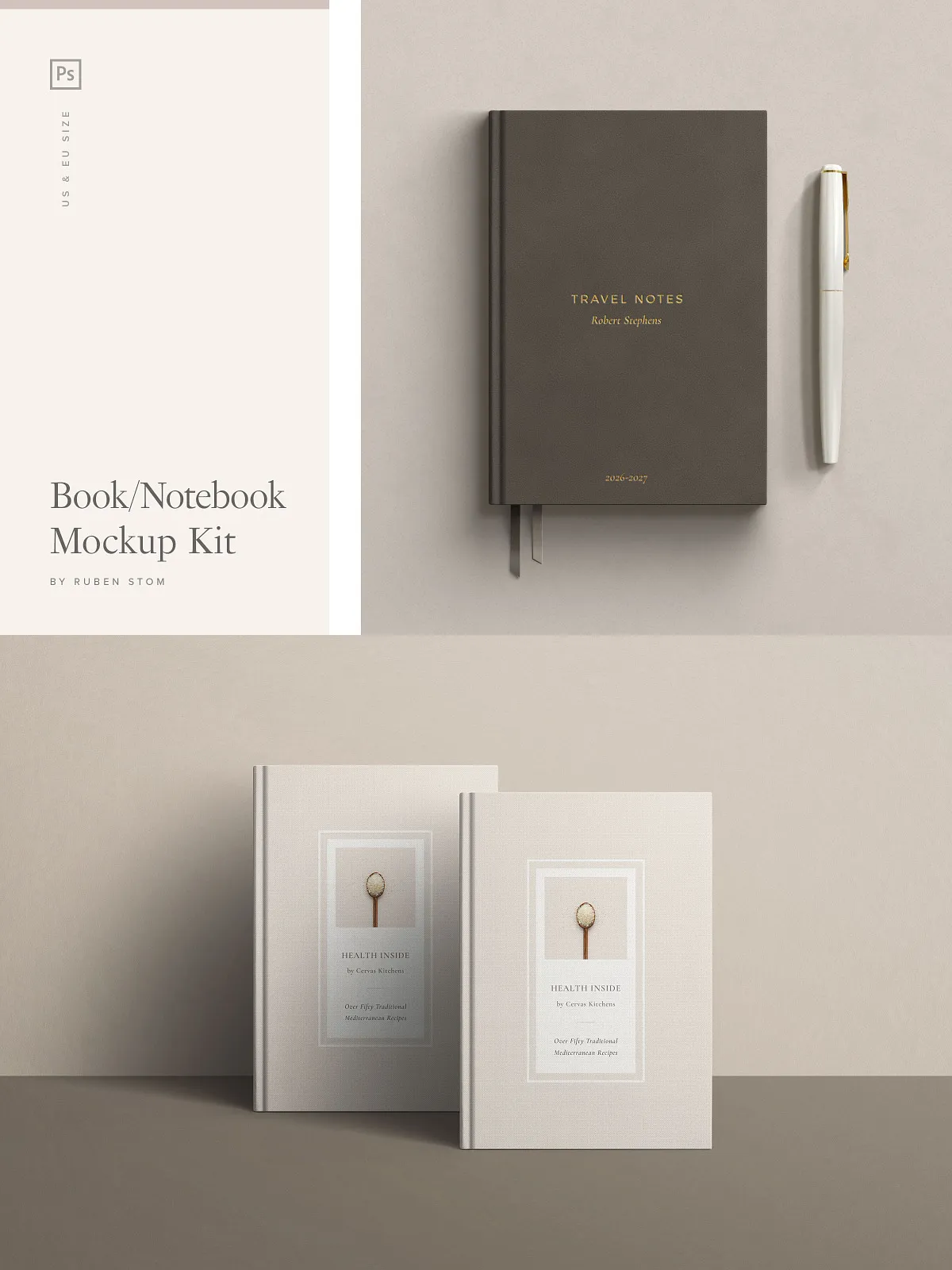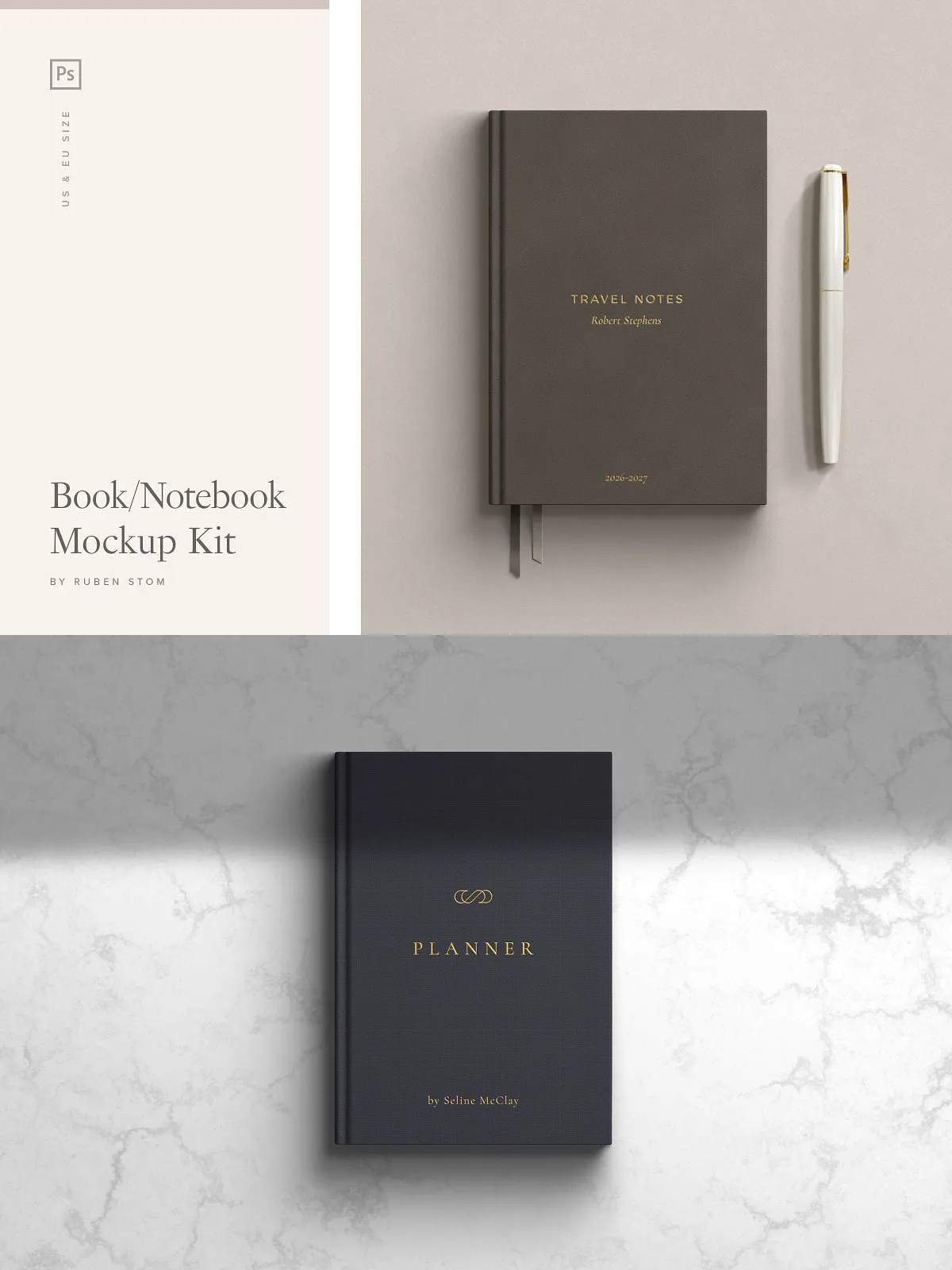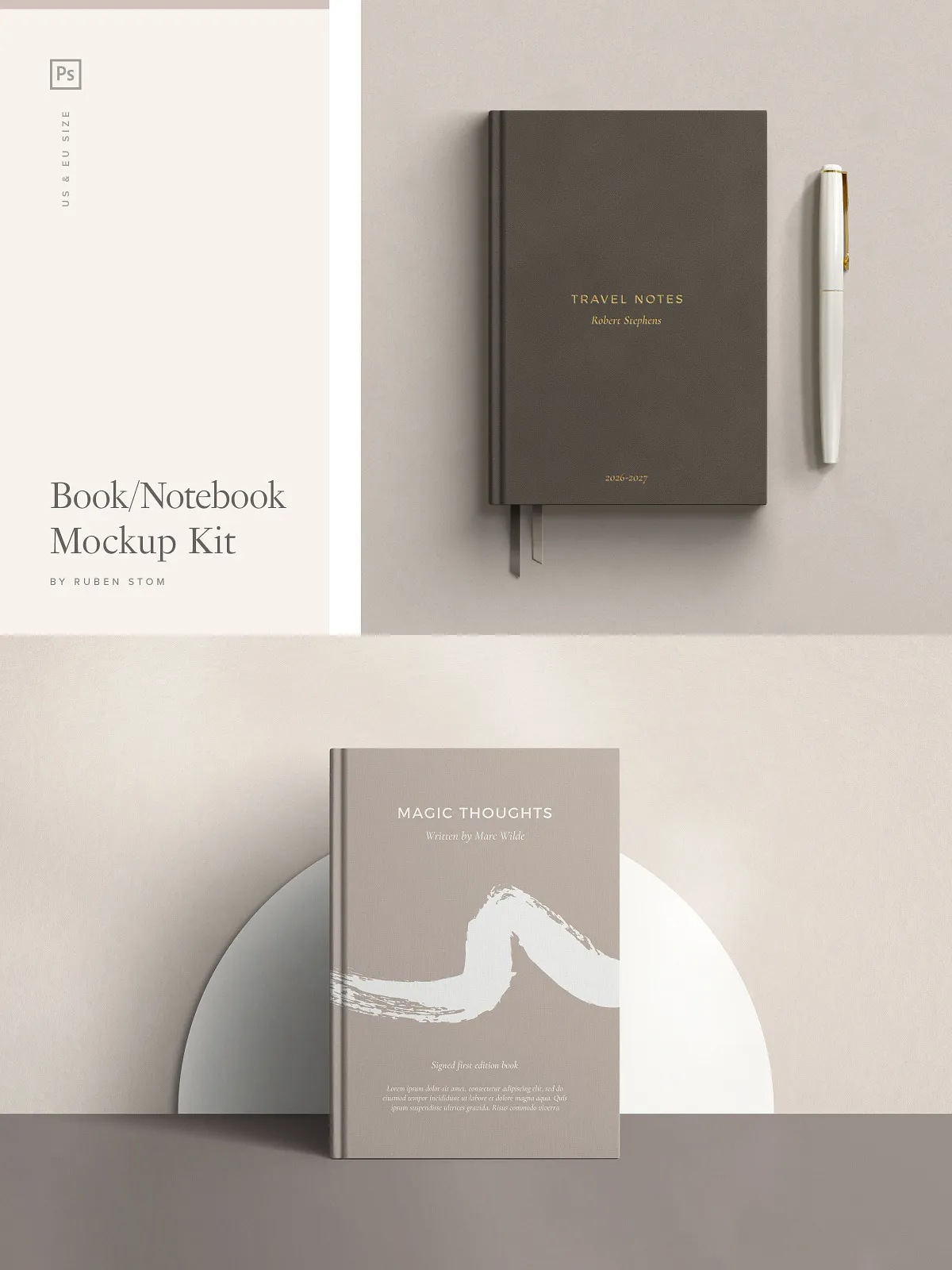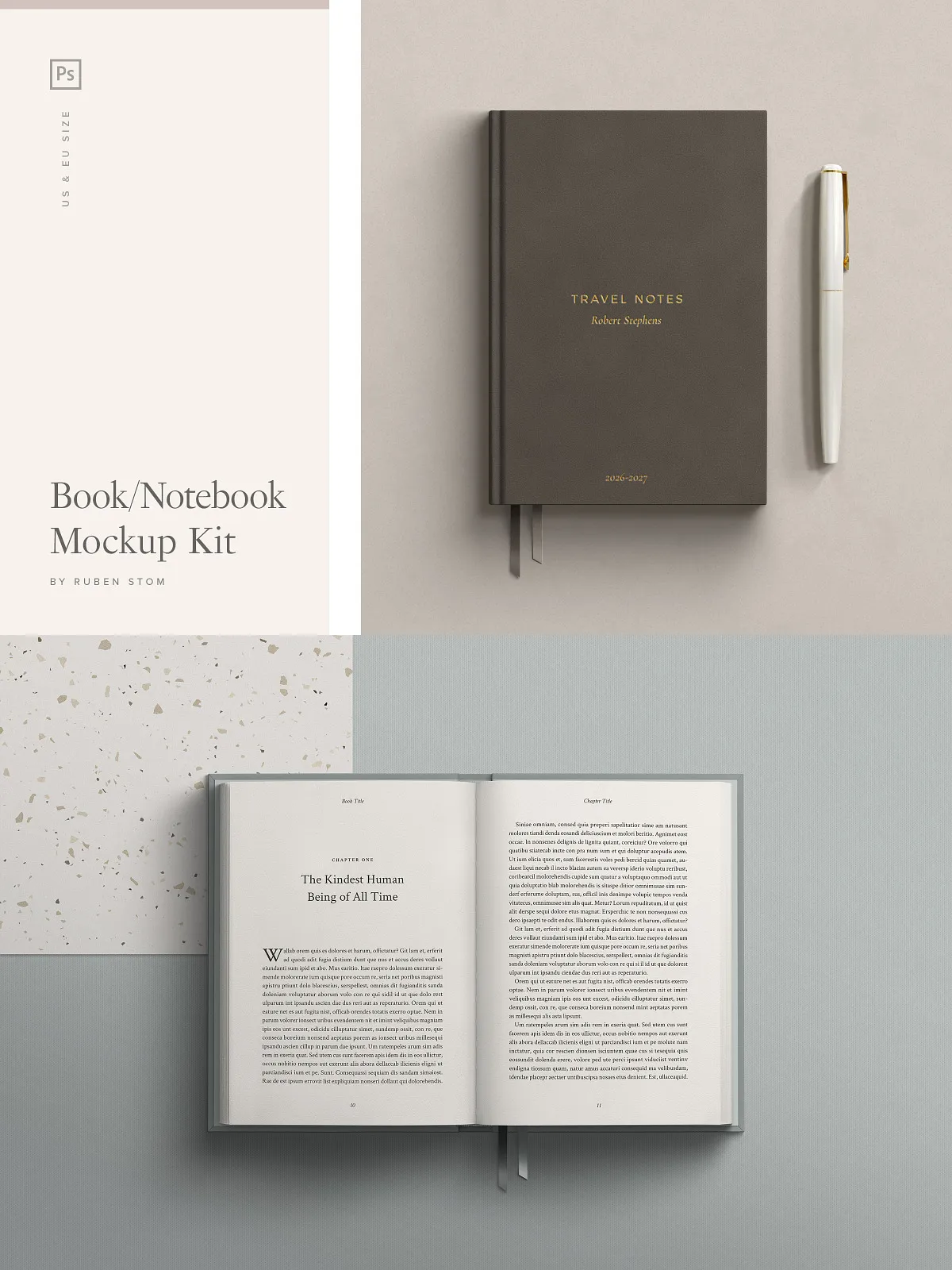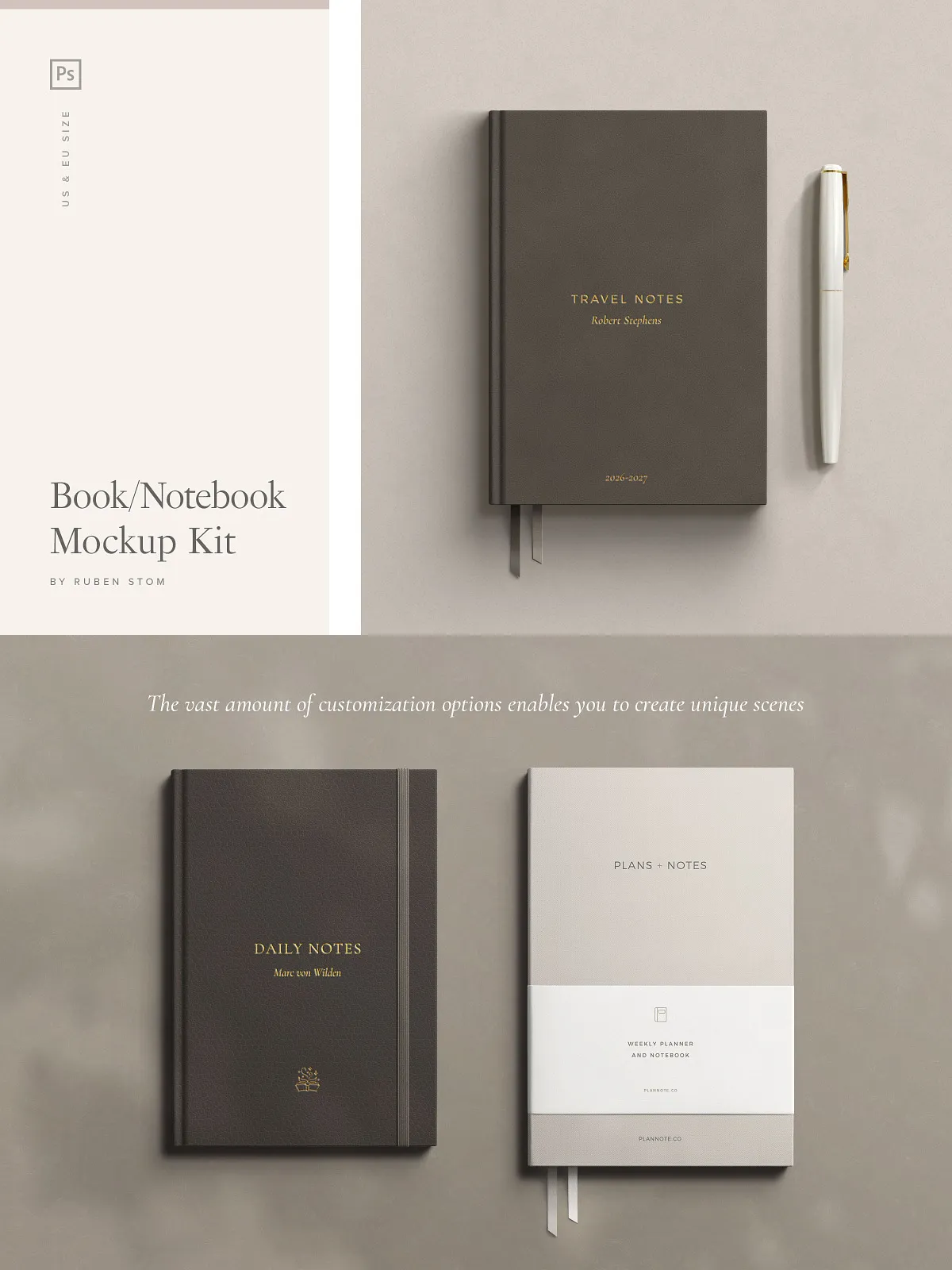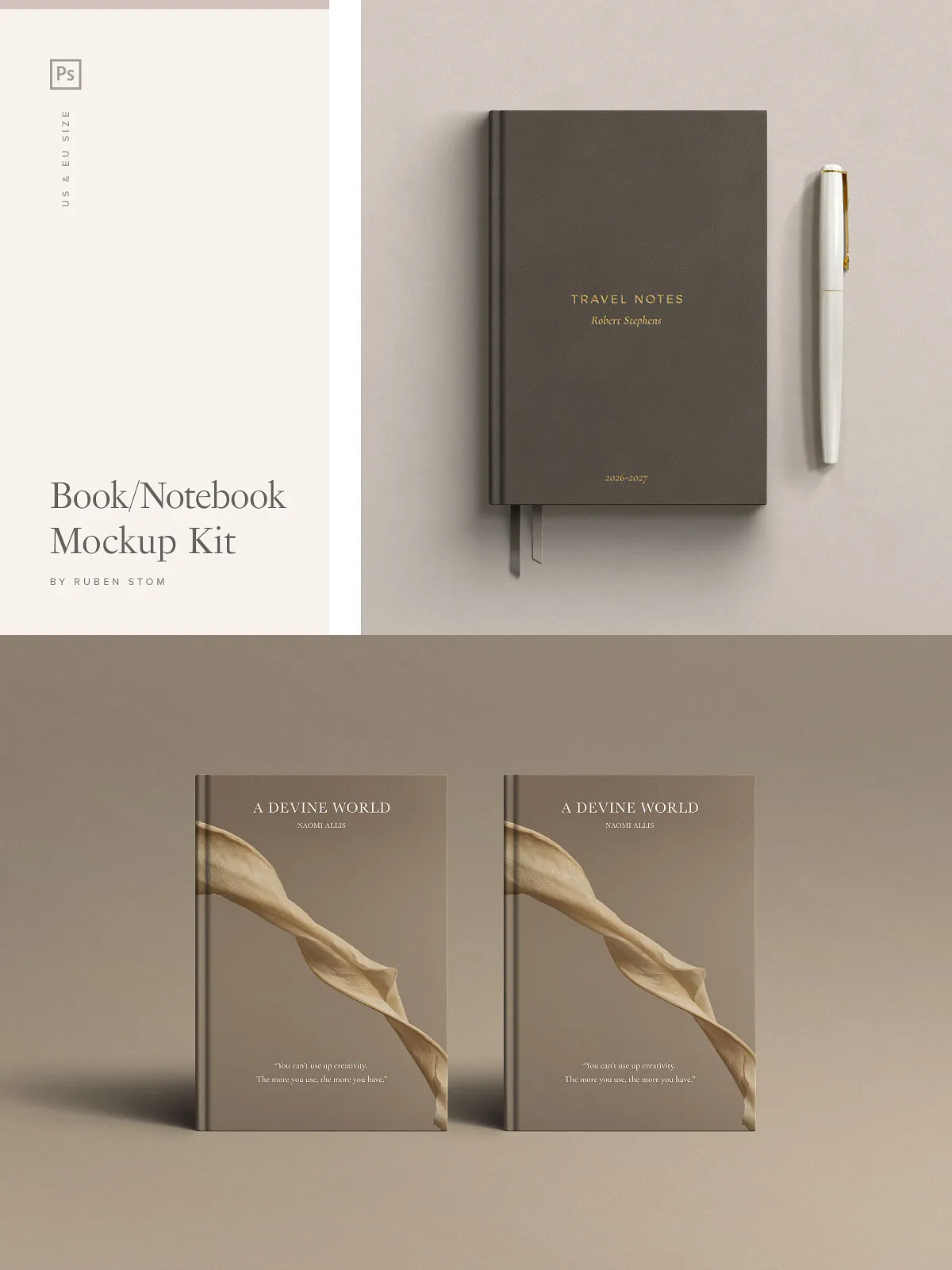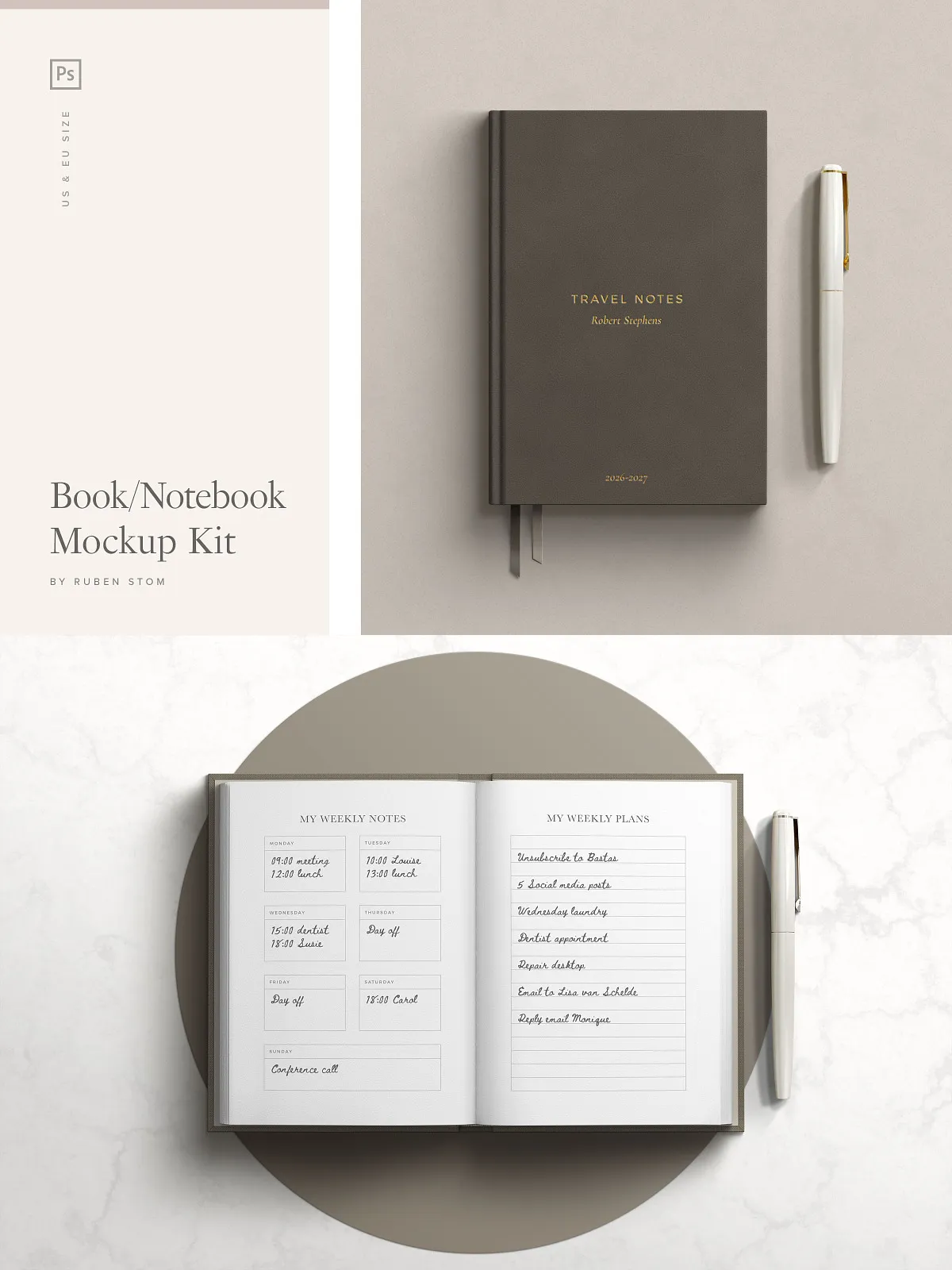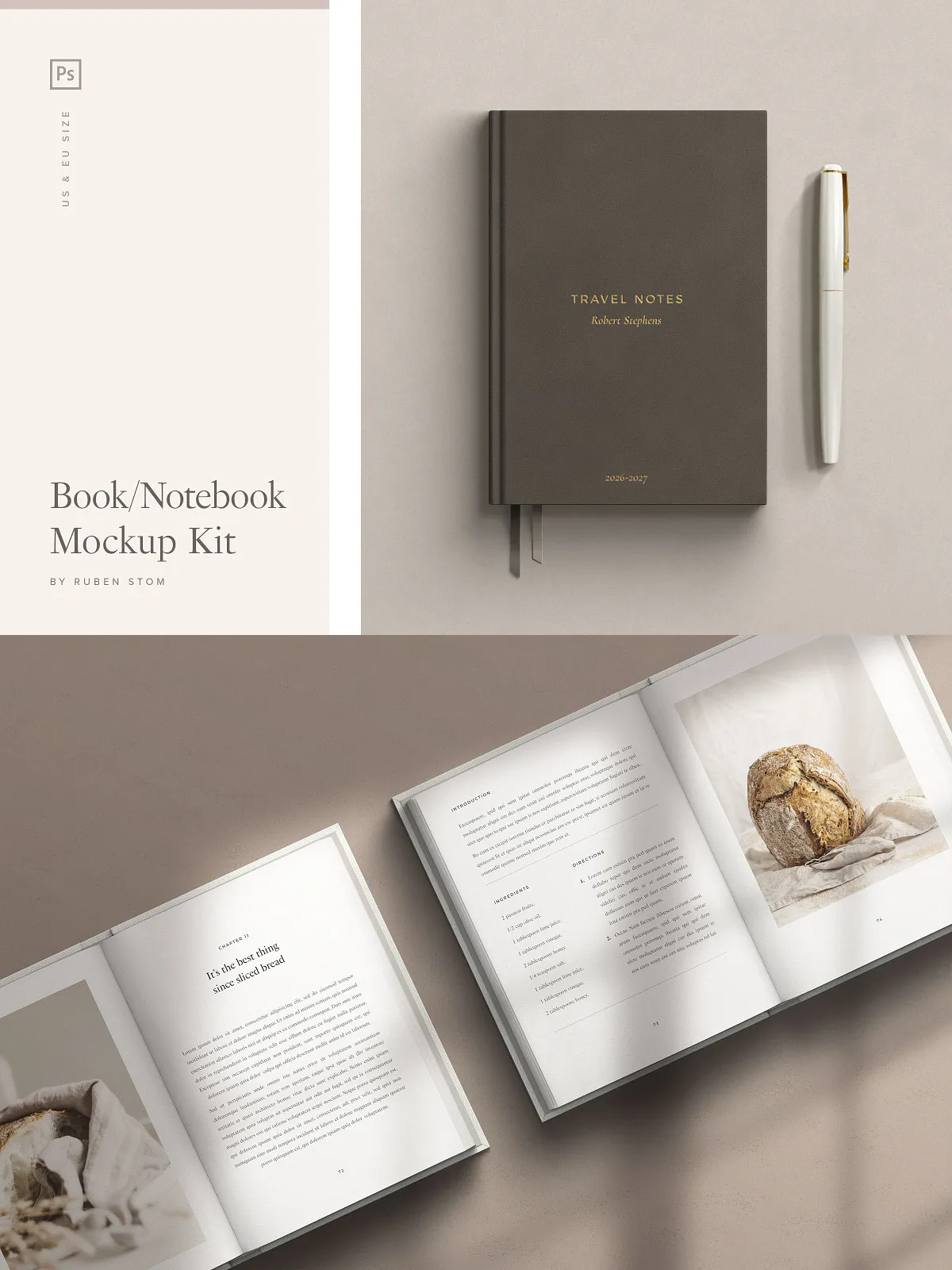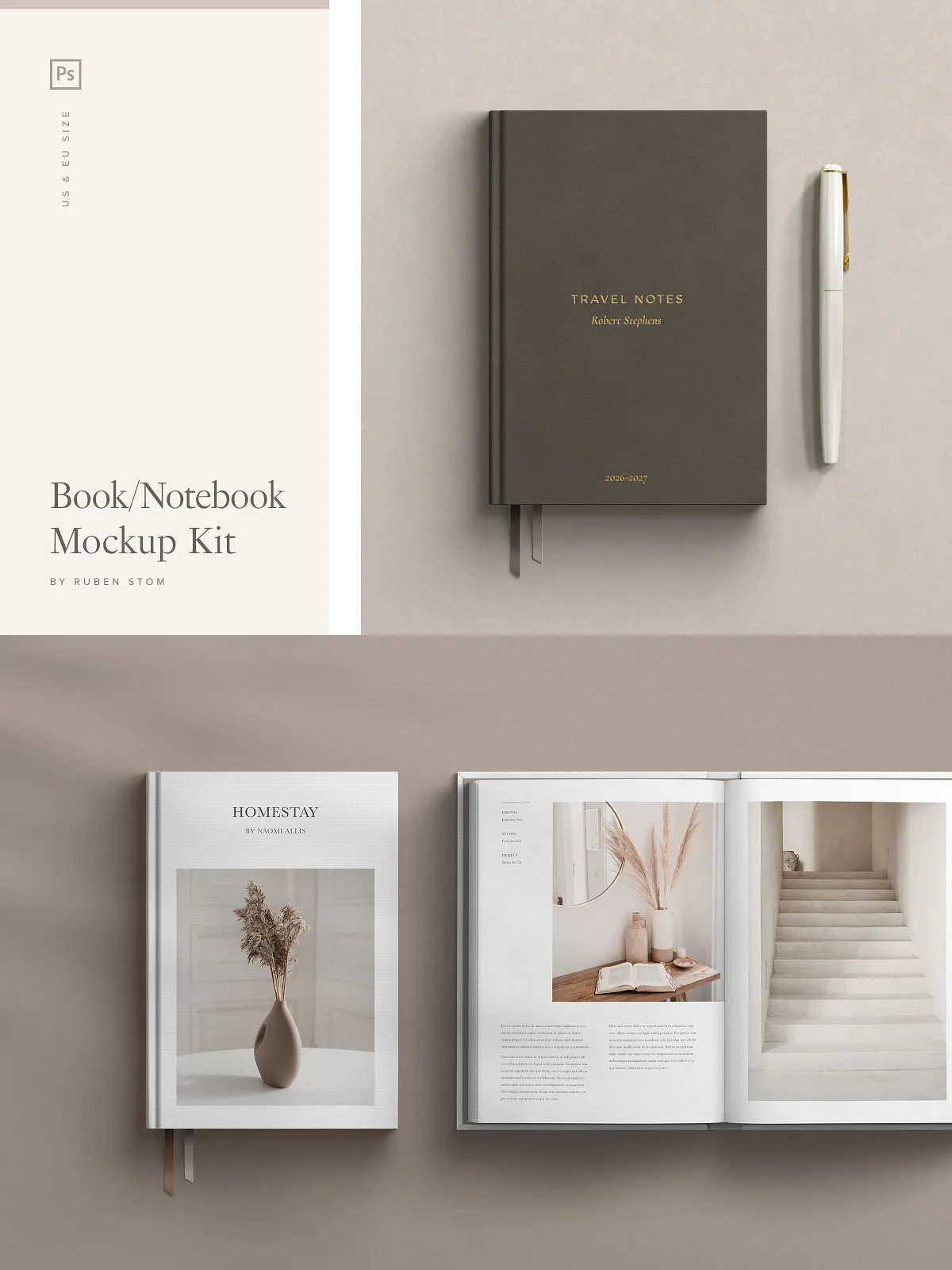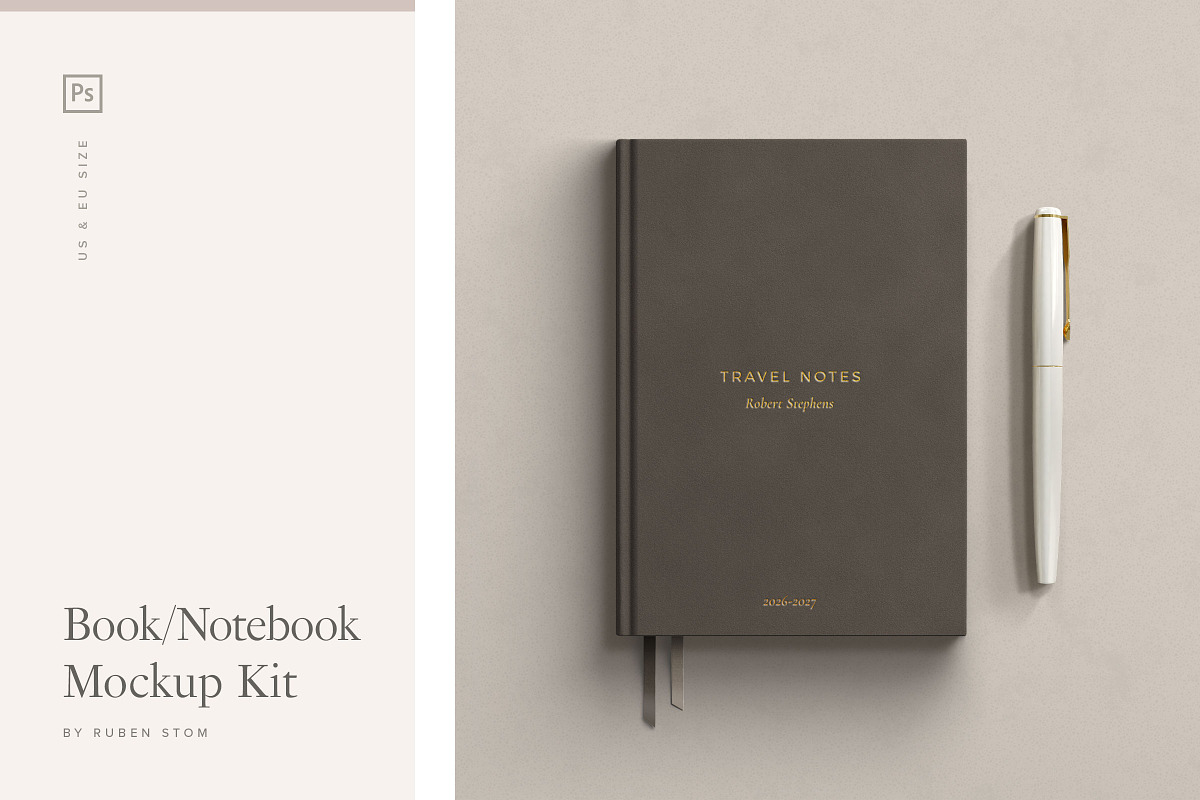
Unleash the full potential of your creative work with this premium high-resolution notebook and book scene mockup kit, expertly designed for Adobe Photoshop. Whether you’re launching a new novel, showcasing a journal series, or presenting a branded publication, this kit delivers photorealistic results with unmatched flexibility. Engineered with precision and realism, it empowers designers, authors, publishers, and marketers to transform static artwork into compelling, lifelike scenes in seconds.
Master Realism with a Complete Suite of Customization Tools
Stop settling for generic, stiff mockups. This collection is built for professionals who demand authenticity, control, and speed. With powerful smart object integration, layered editing, and extensive customization options, you’re not just editing a template—you’re crafting a story. Every scene feels natural, inviting, and visually immersive.
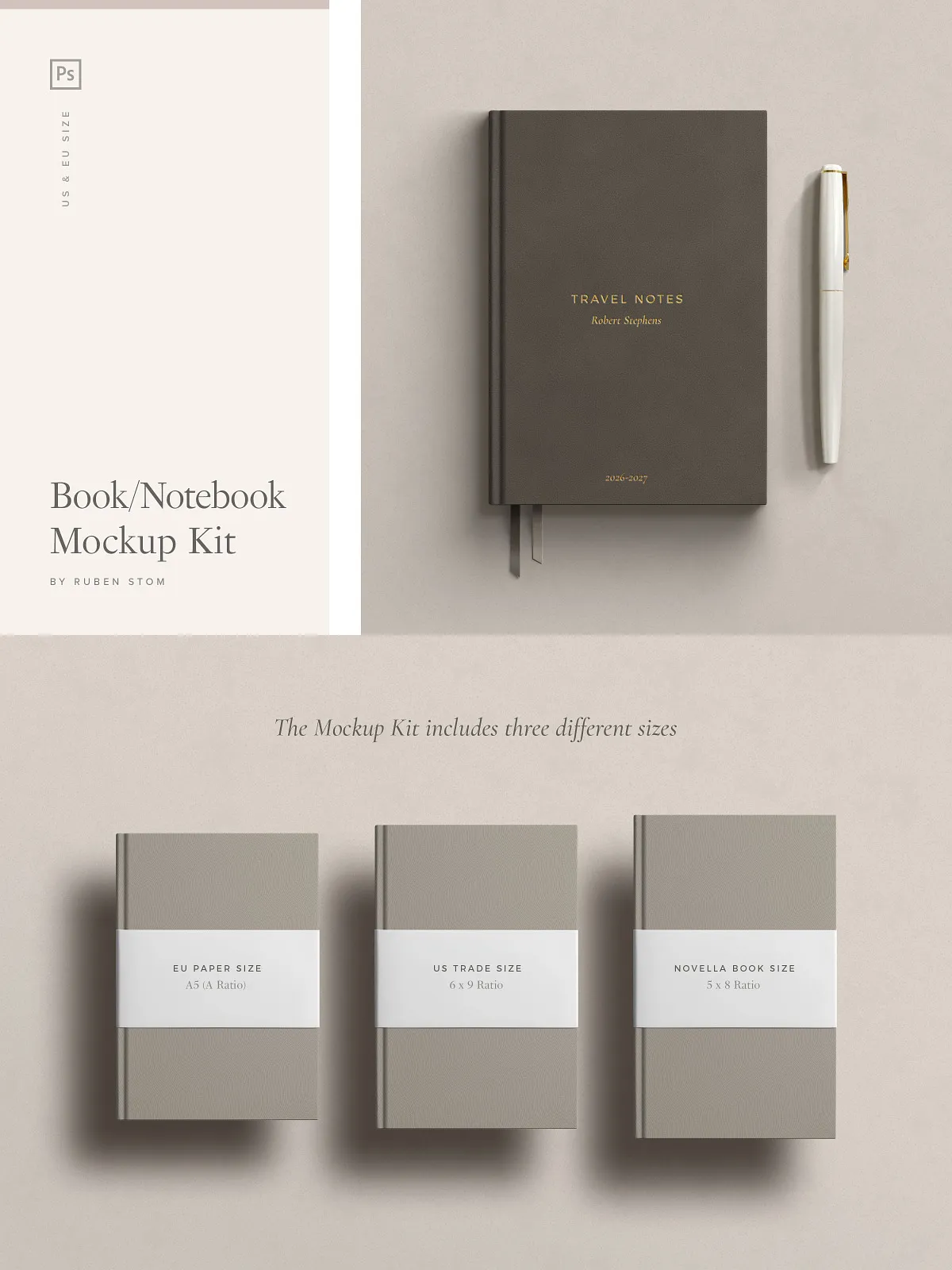
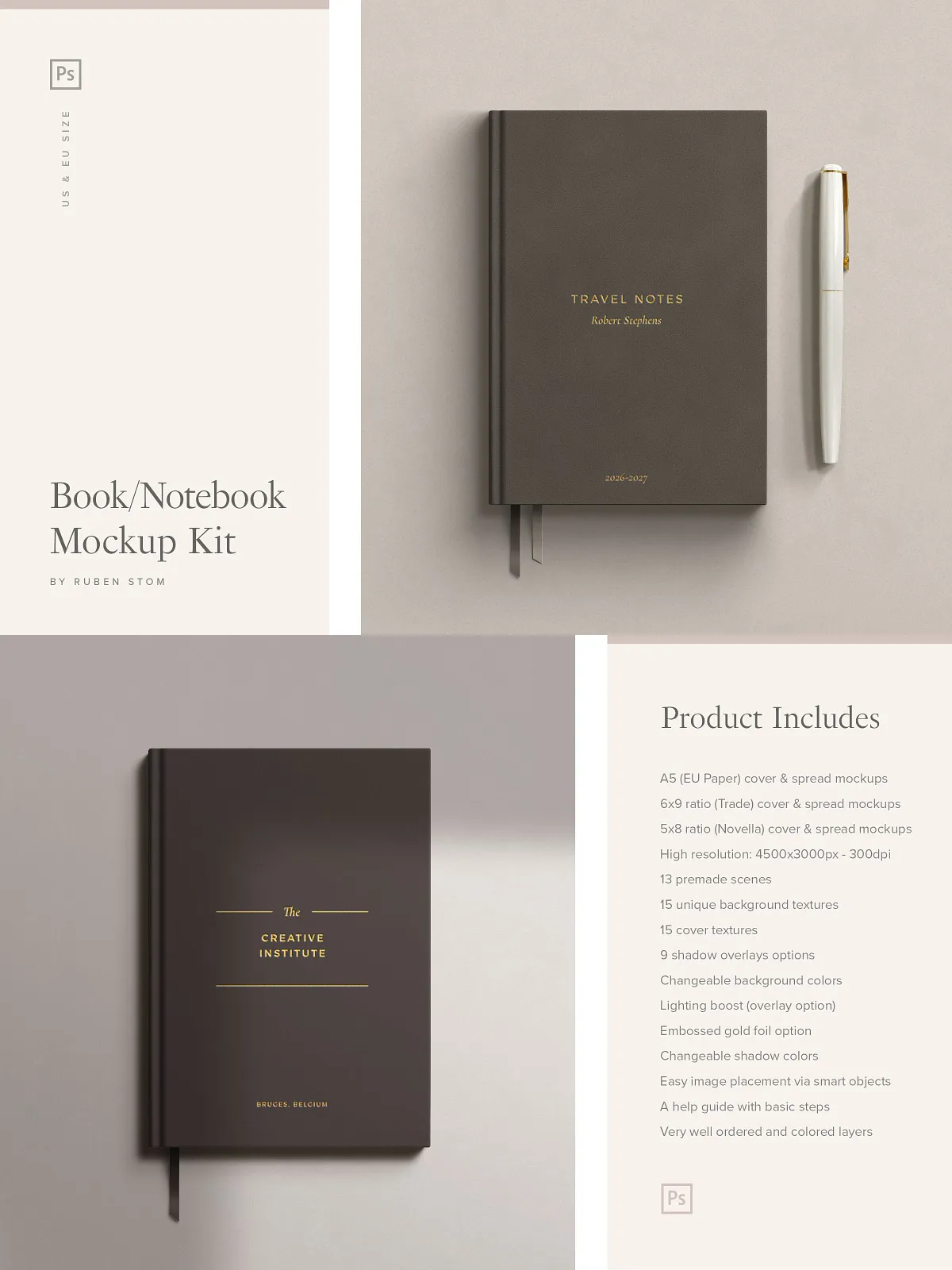
- Three Professional Page Sizes – Includes A5 (EU paper), 6×9 ratio (Trade), and 5×8 ratio (Novella) for full compatibility with global publishing standards.
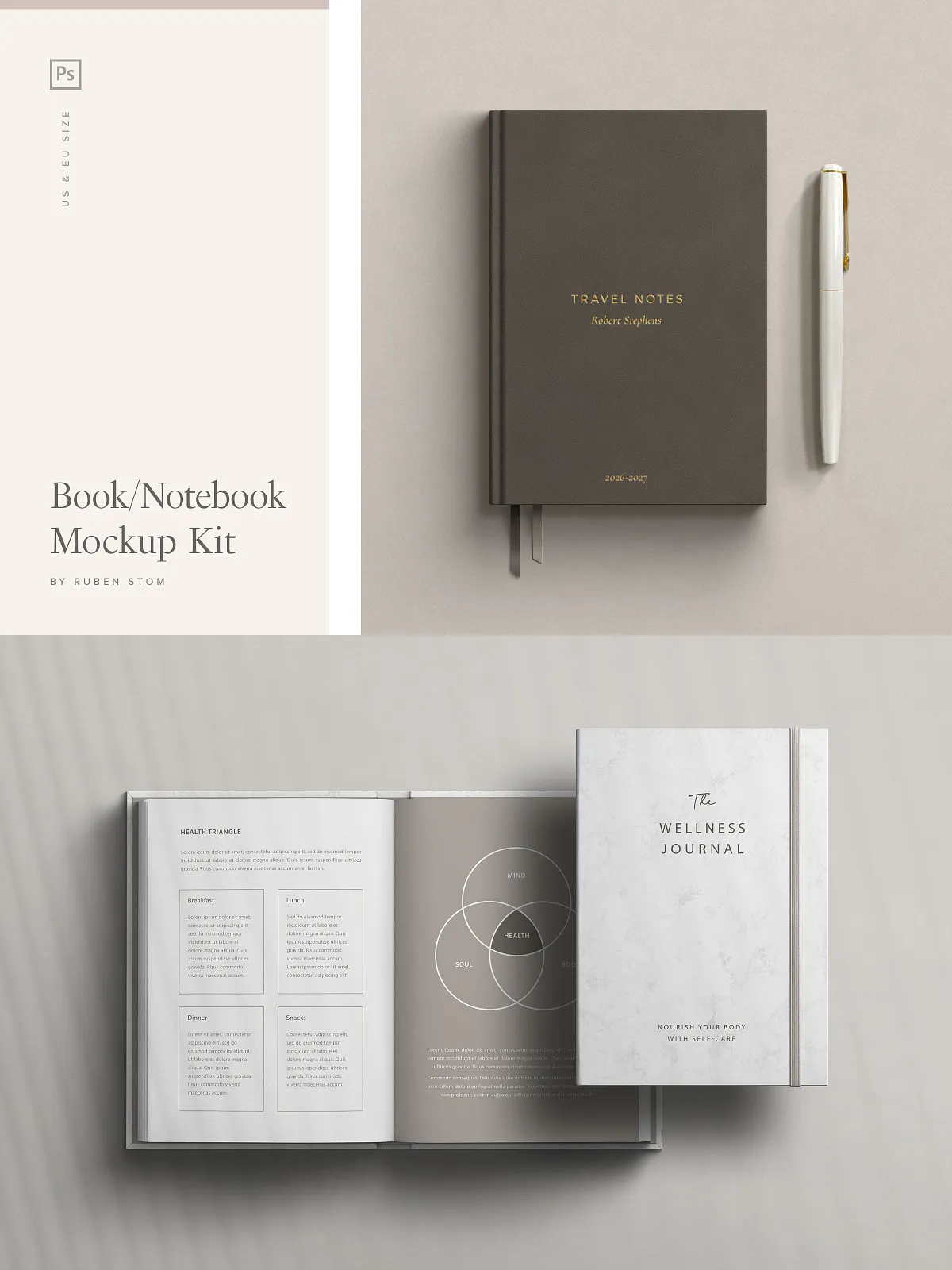
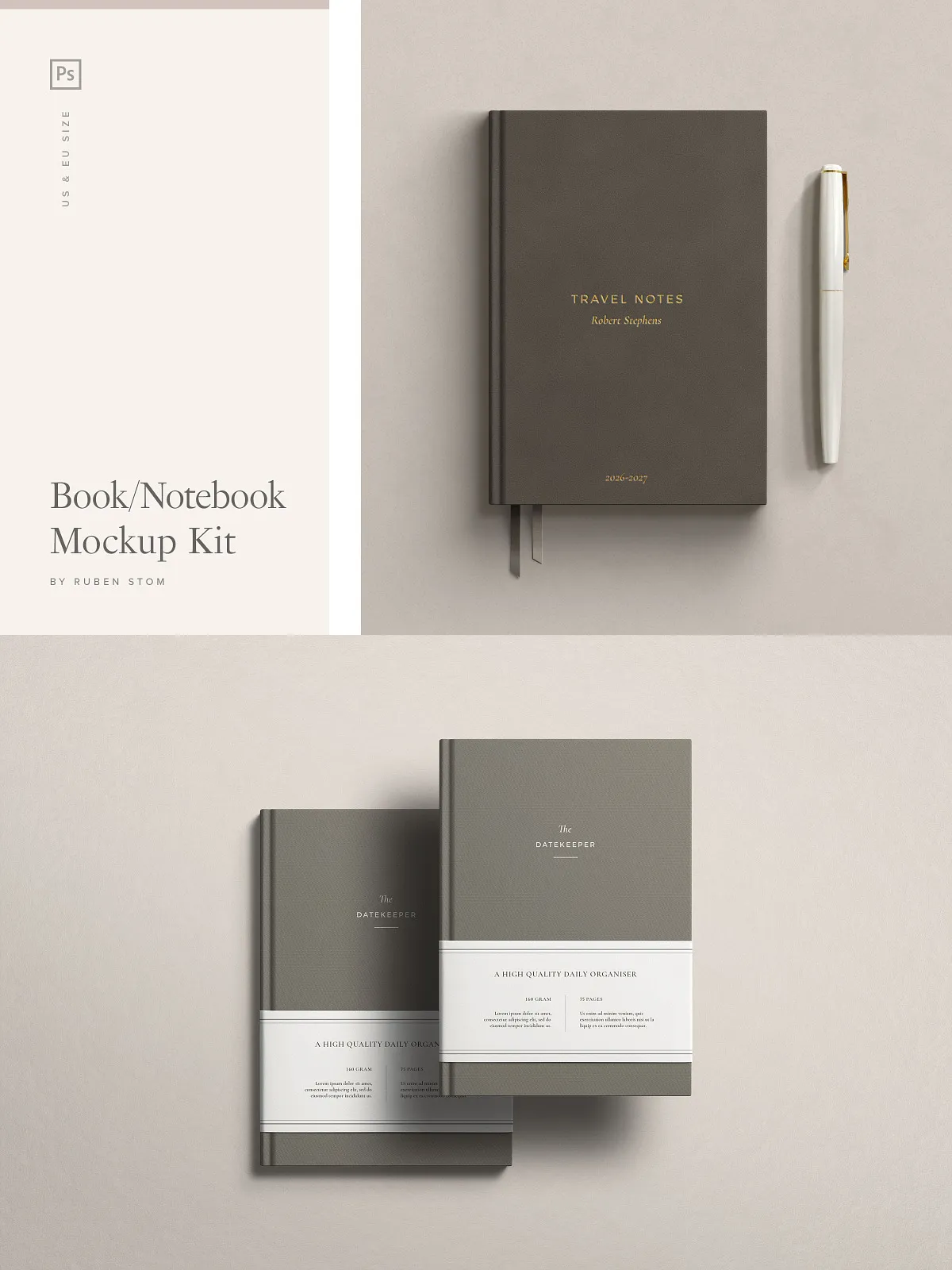
- Comprehensive Scene Library – 13 fully designed mockup scenes showing books in natural environments: desk setups, kitchen tables, cozy reading nooks, studio lighting, and more—each with depth, context, and atmosphere.
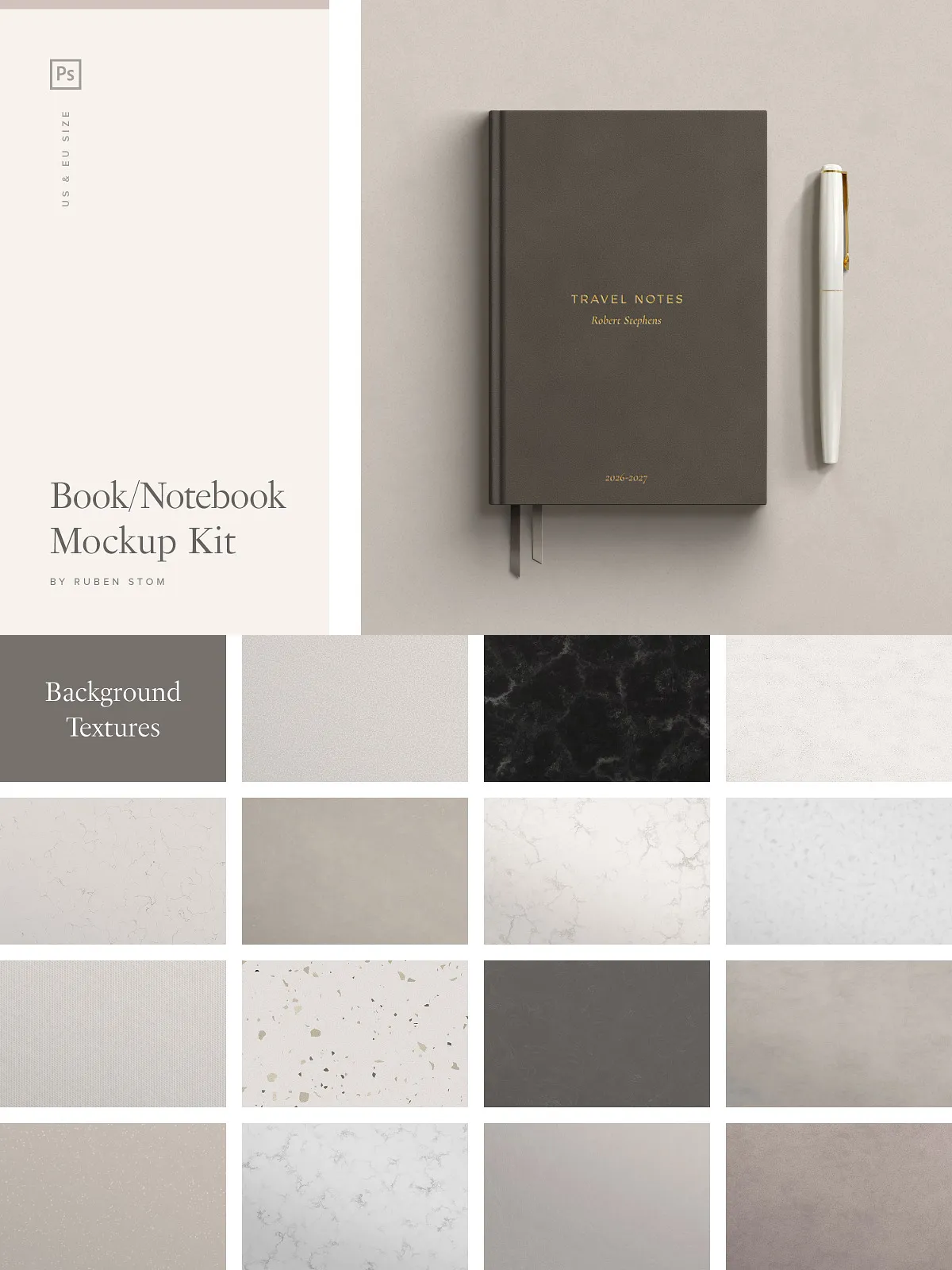
- 15 Unique Background Textures – Choose from rich materials like wood grain, marble, linen, concrete, fabric, and worn paper—each texture meticulously captured for realism.
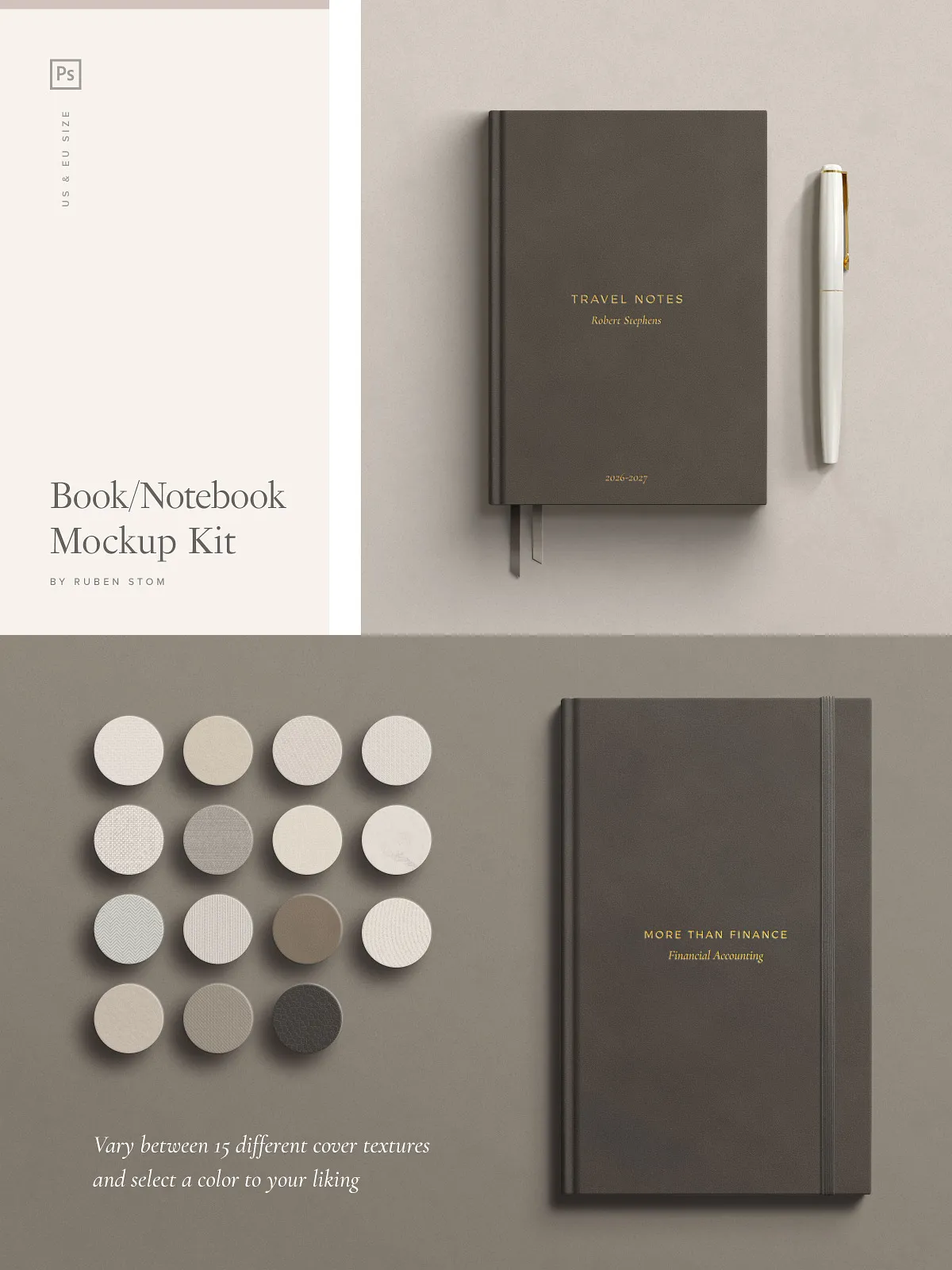
- 15 High-Quality Cover Textures – From matte cardboard and glossy laminates to fabric-wrapped boards and textured leather, every cover type feels authentic and tactile.
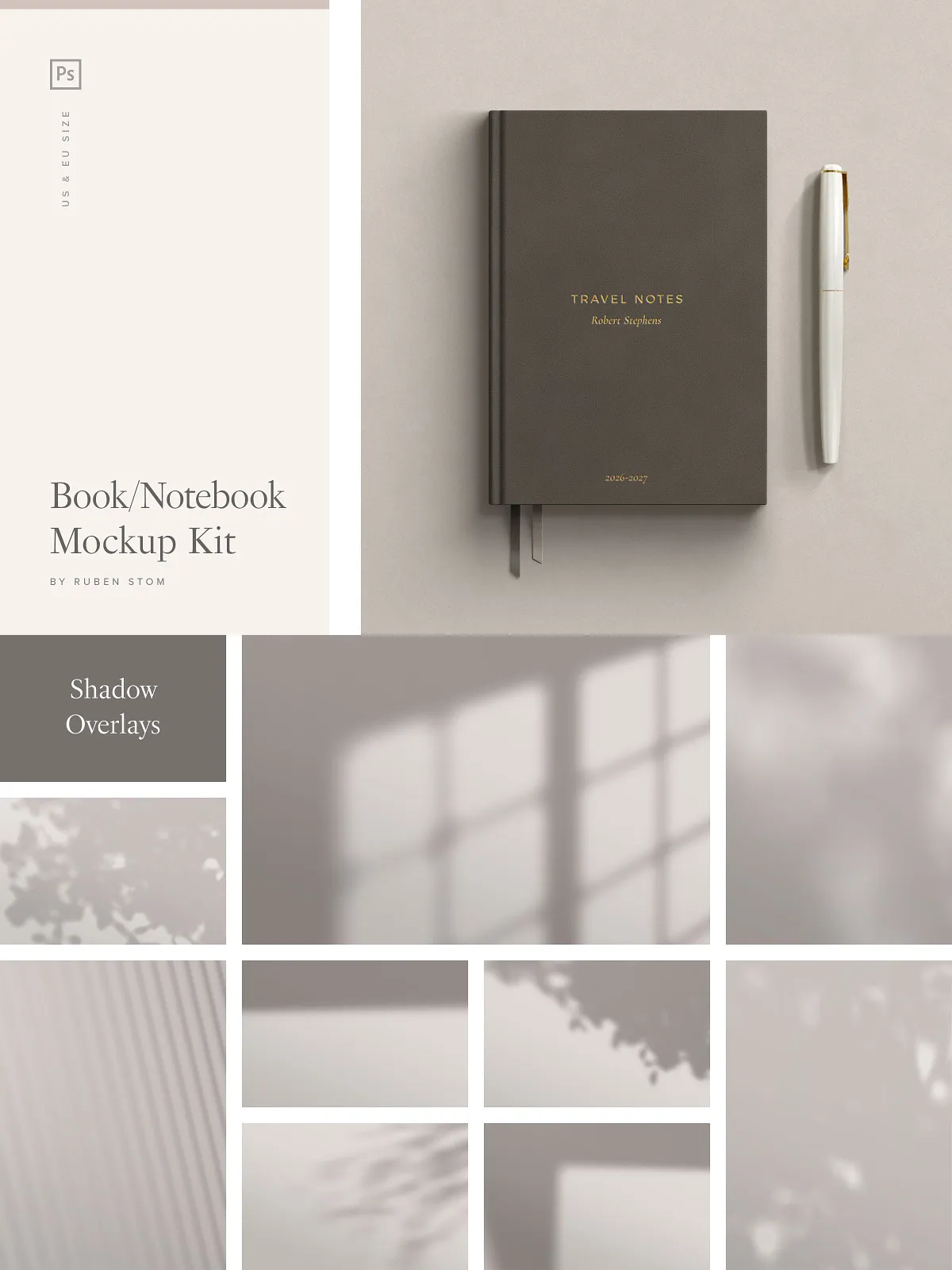
- 9 Shadow Overlay Options – Control depth and realism with adjustable shadows that mimic different light sources: soft ambient, directional, hard-edged, and volumetric casts.
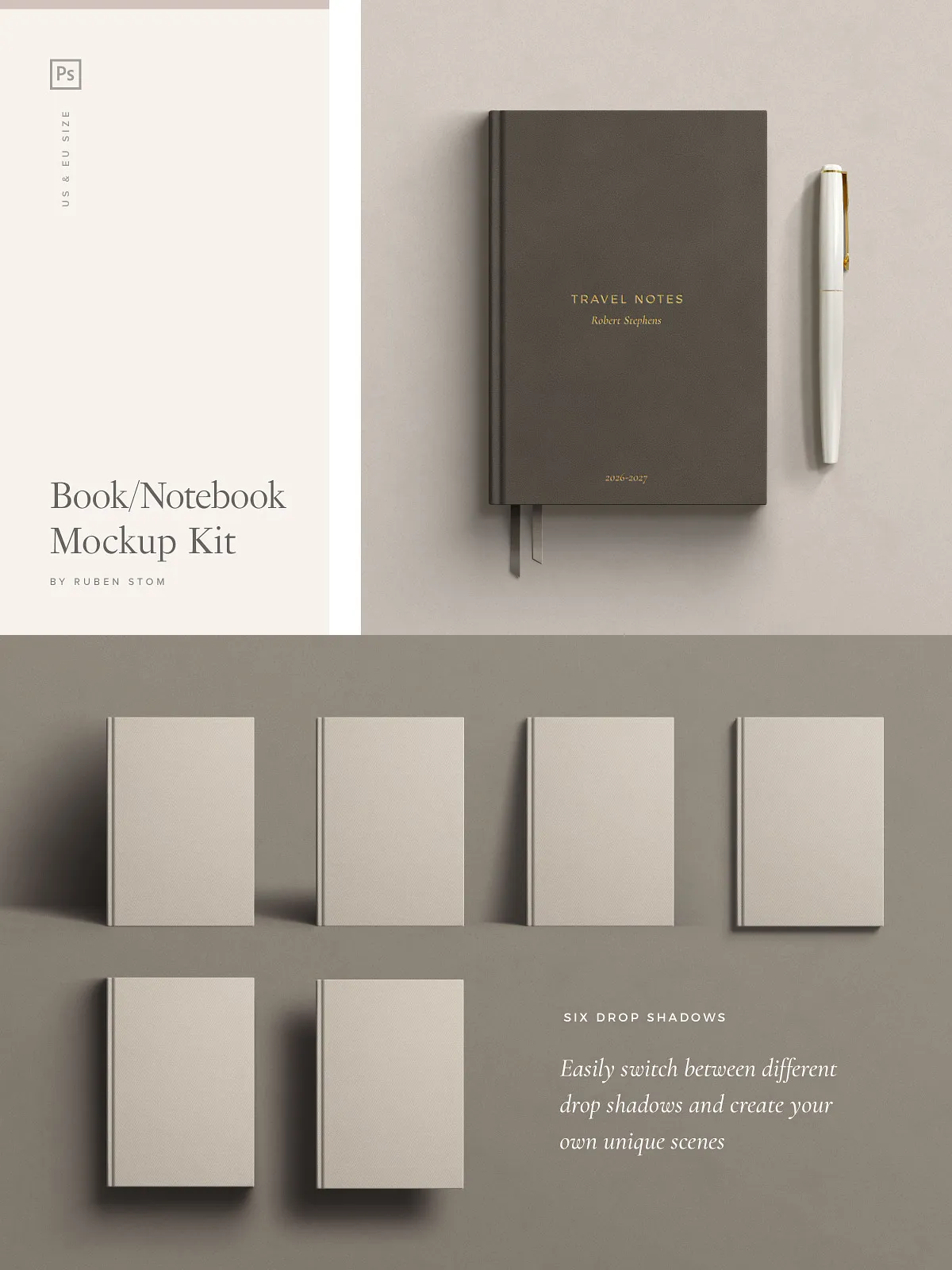
- 6 Advanced Shadow Dropdown Options (Cover) – Fine-tune shadow behavior specifically on the book cover for accurate depth simulation in complex scenes.
- Lighting Boost Overlay – Enhance visual impact with dynamic lighting layers that simulate natural illumination, adding glow, highlights, and soft reflections.
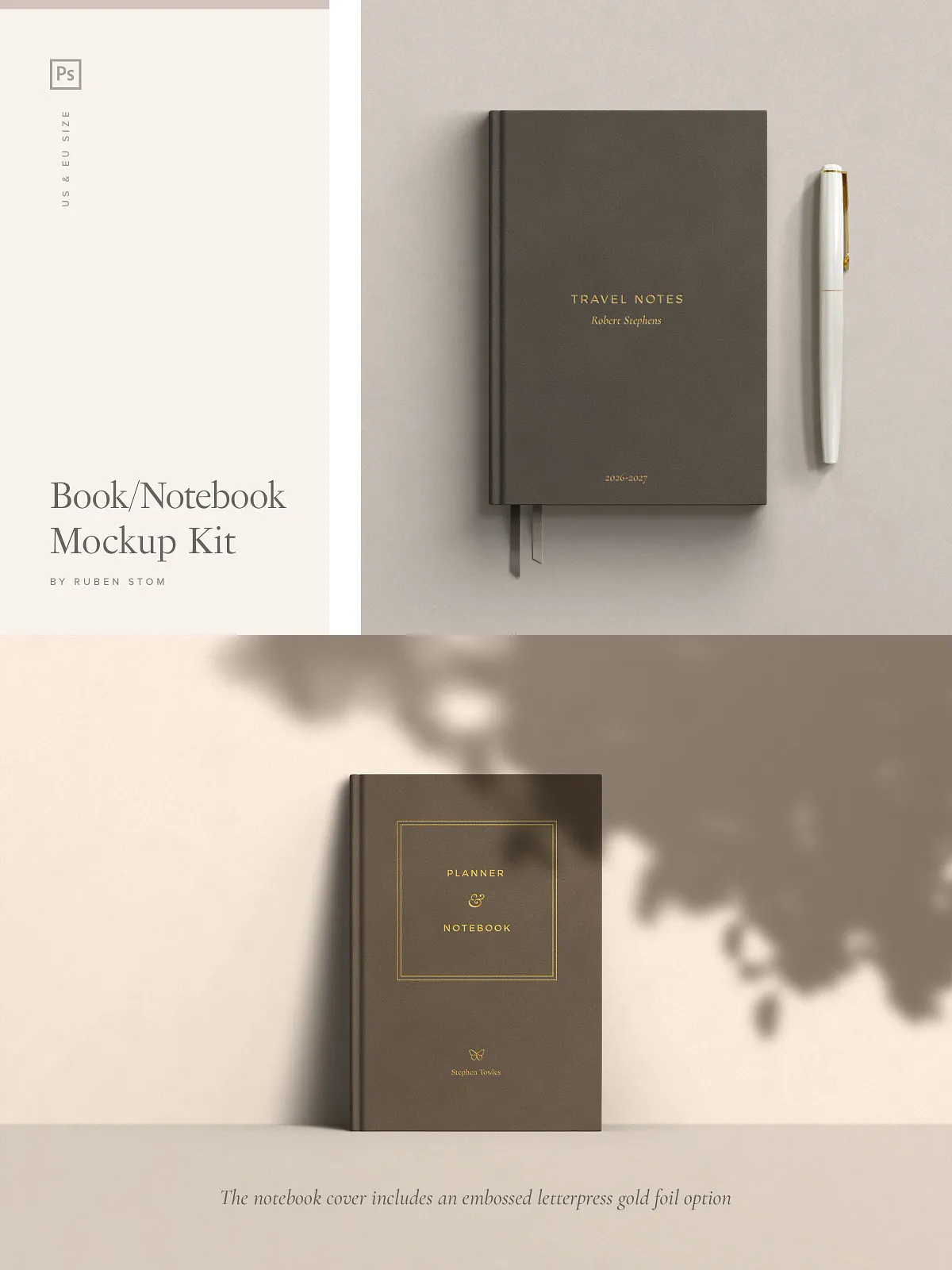
- Stamped Gold Foil Effects – Apply elegant embellishments such as embossed titles, decorative borders, or monograms with customizable foil color and style.
- Adjustable Paper Stack Colors – Change the color of the book’s page stack to match your brand, theme, or design concept—perfect for mockups of branded journals or planners.
- Customizable Shadow Colors – Tint shadows to match lighting environments—warm amber for sunset scenes, cool gray for daylight, or deep black for dramatic contrast.
- Smart Object Integration – Instantly swap in your own cover artwork, text, or images with zero quality loss. Just double-click the smart object layer and go.
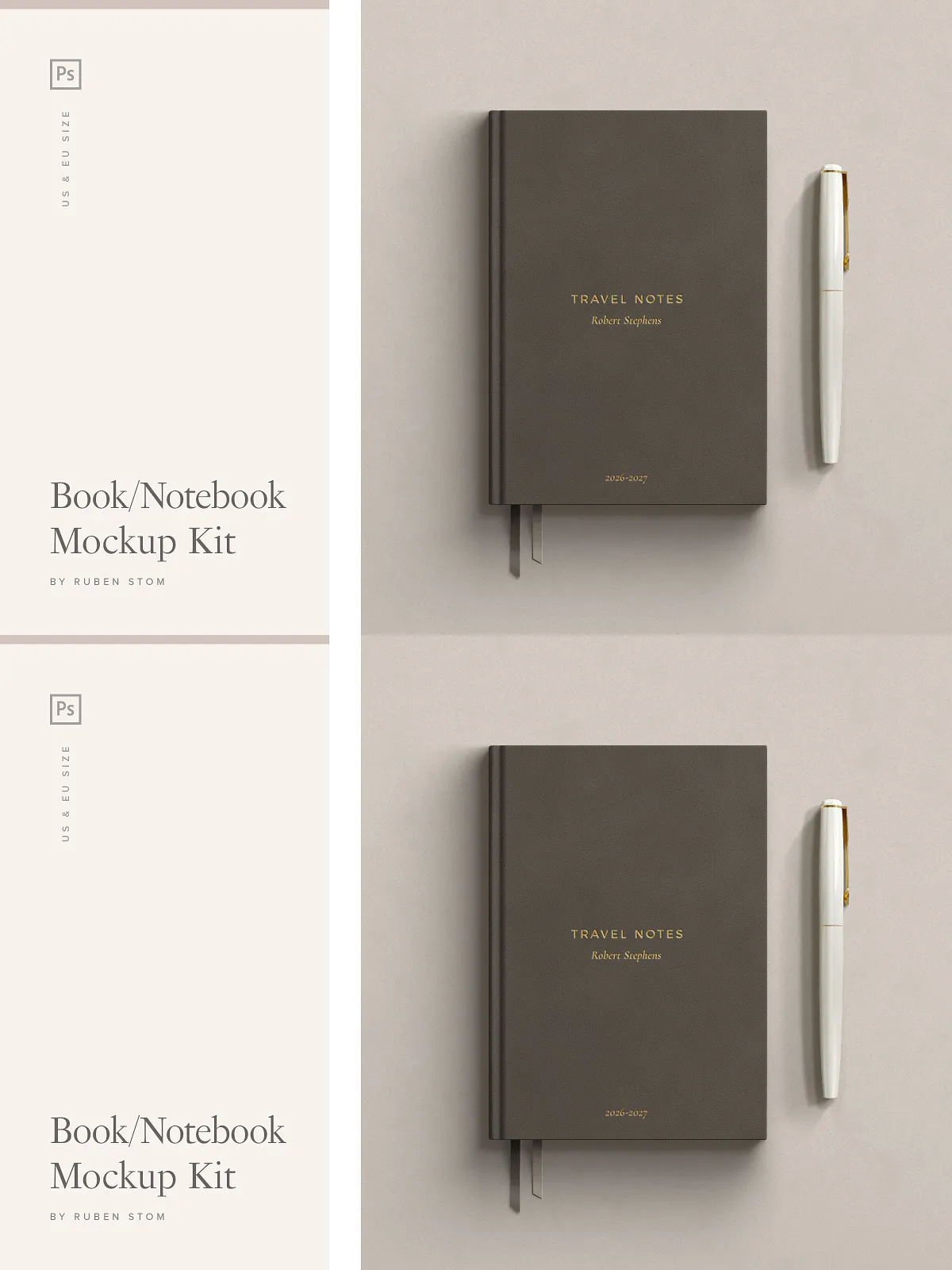
- Optional Accessories Included – Add realism with removable details: pen (with and without cap), book markers, jacket flaps, folded covers, and strap accessories—each layered independently for full control.
- Vector-Based Shapes – All design elements use clean vector paths for sharp, scalable rendering and smooth editing across all zoom levels.
- Well-Organized, Color-Coded Layers – Every element is grouped, labeled, and color-coded for rapid navigation and effortless workflow—no confusion, just precision.
- Comprehensive Help Guide PDF – Step-by-step instructions walk you through loading the files, placing your content, customizing scenes, adjusting lighting, and exporting high-quality images.
Why This Kit Is a Game-Changer for 2026 Designers
In today’s visual-first marketplace, your presentation determines your credibility. This mockup kit isn’t just about looking good—it’s about projecting professionalism, attention to detail, and creative authority. With 13 ready-to-use scenes, over 30 customizable layers, and a complete ecosystem of textures, shadows, and lighting, you can produce magazine-ready visuals, social media posts, e-commerce product pages, or client pitch decks—all from a single, powerful kit.
Designed for:
- Authors and self-publishers promoting new books
- Designers creating branded journals, planners, or notebooks
- Marketing teams crafting product launches for publishing houses
- E-commerce specialists building realistic product images
- Art directors preparing editorial mockups and print layouts
- Brand creators building visual identity consistency across book-based products
Work Smarter: Customize Your Scene in 5 Effortless Steps
- Open the PSD File – Launch the mockup in Adobe Photoshop (CS6 or later).
- Double-Click the Smart Object Layer – A new window appears where you can insert your cover artwork, text, or branding.
- Replace with Your Design – Drag and drop your image, resize as needed, and save to close the layer.
- Customize the Scene – Toggle on/off background textures, shadow overlays, lighting layers, and accessory elements like pens or markers.
- Export for Print or Digital – Render your final image in JPEG, PNG, or PSD format at 4500x3000px, 300 DPI—ideal for web, social media, or print.
Full Product Inclusions
- 13 ready-made mockup scenes (desk, table, studio, lifestyle)
- Three book formats: A5 (EU), 6×9 (Trade), 5×8 (Novella)
- 15 unique background textures
- 15 cover texture variations
- 9 professional shadow overlay options
- 6 dropdown shadow variants for cover depth
- Lighting boost overlay for enhanced realism
- Stamped gold foil effect options
- Changeable paper stack and shadow colors
- Smart object layers for instant image replacement
- Optional accessories: pen, markers, jacket, strap, fold
- Vector-based design elements for sharp scaling
- Well-organized, layered PSD files with intuitive naming
- High-resolution output: 4500x3000px, 300 DPI
- PDF help guide with detailed usage instructions