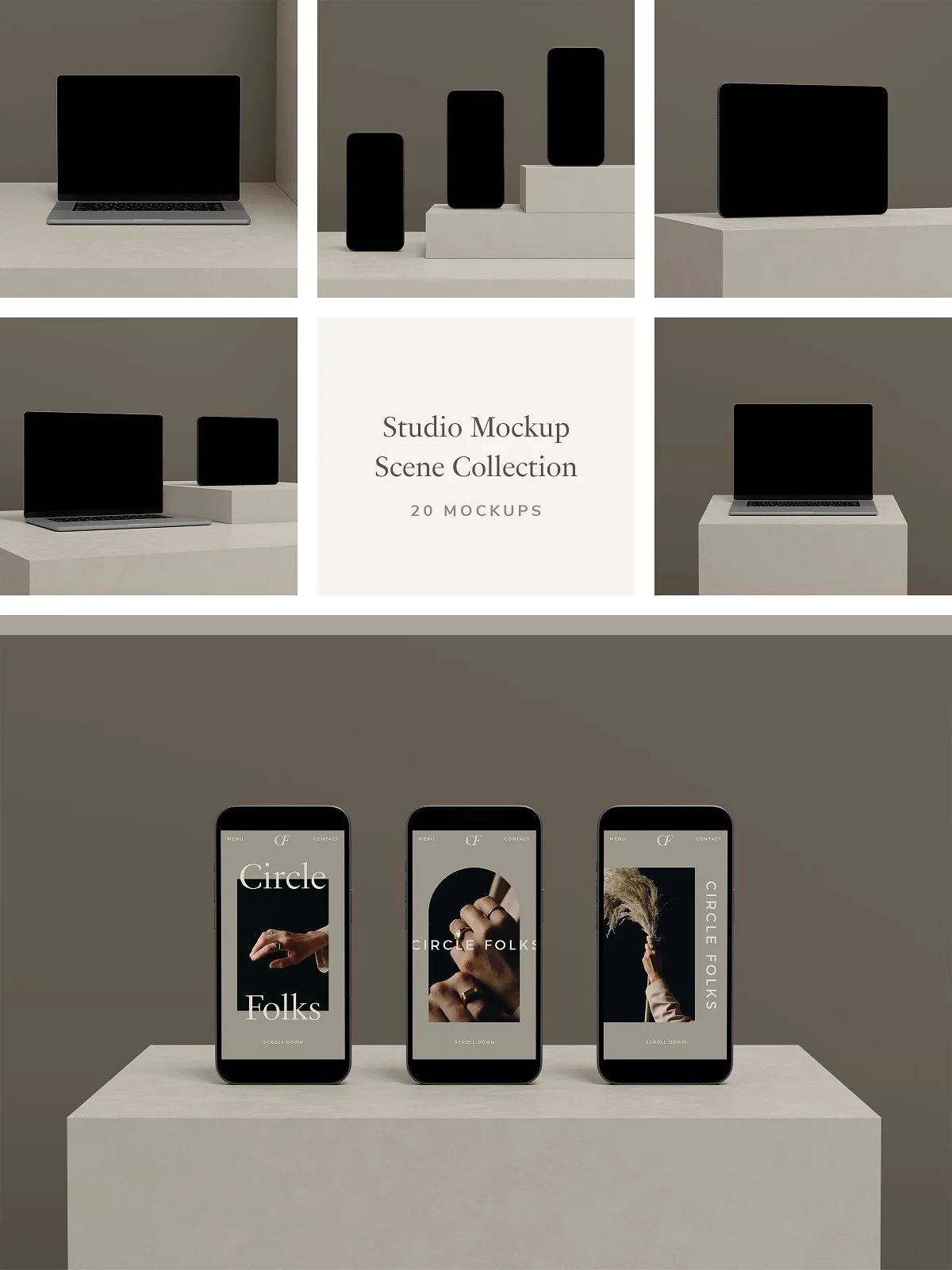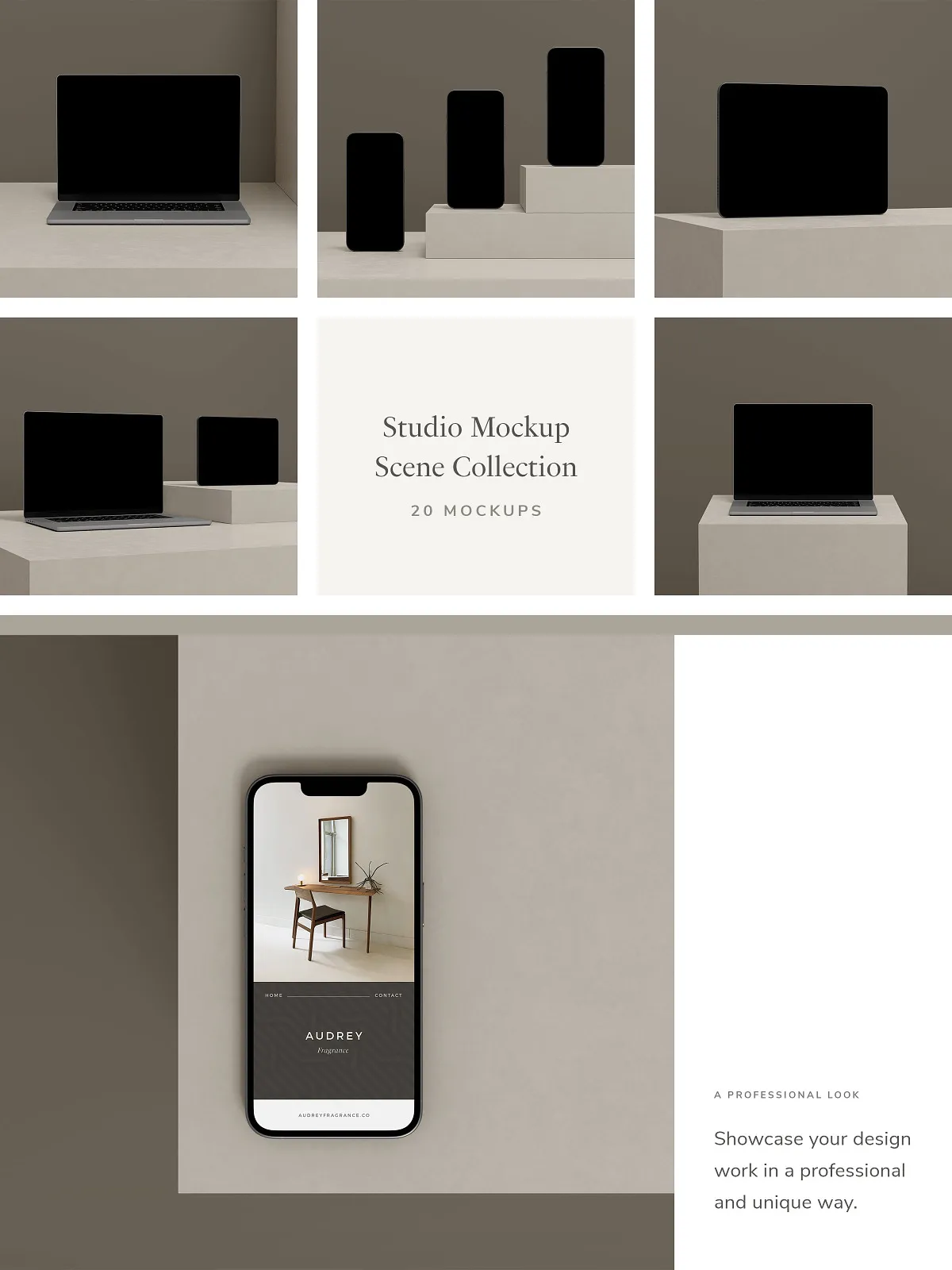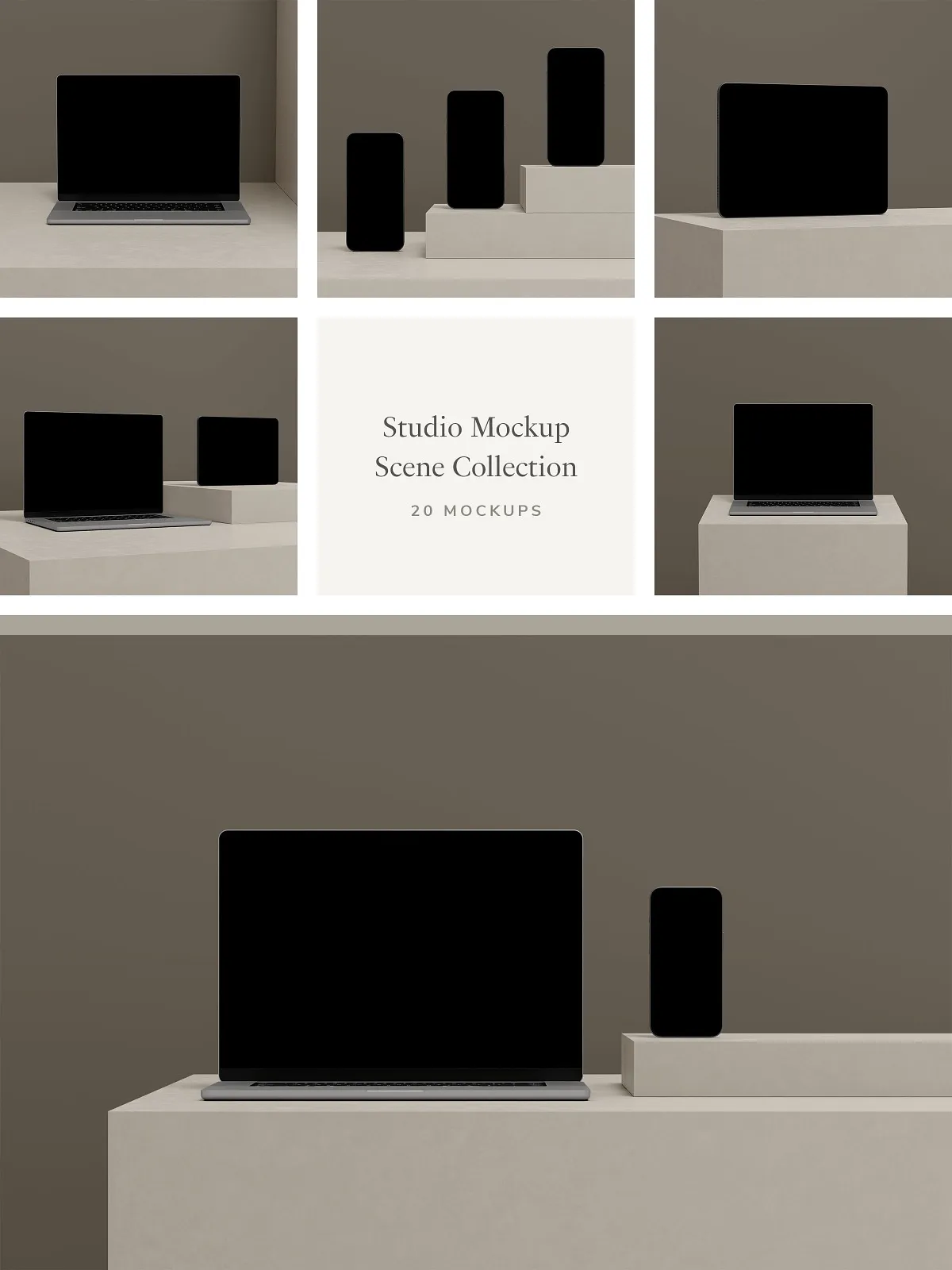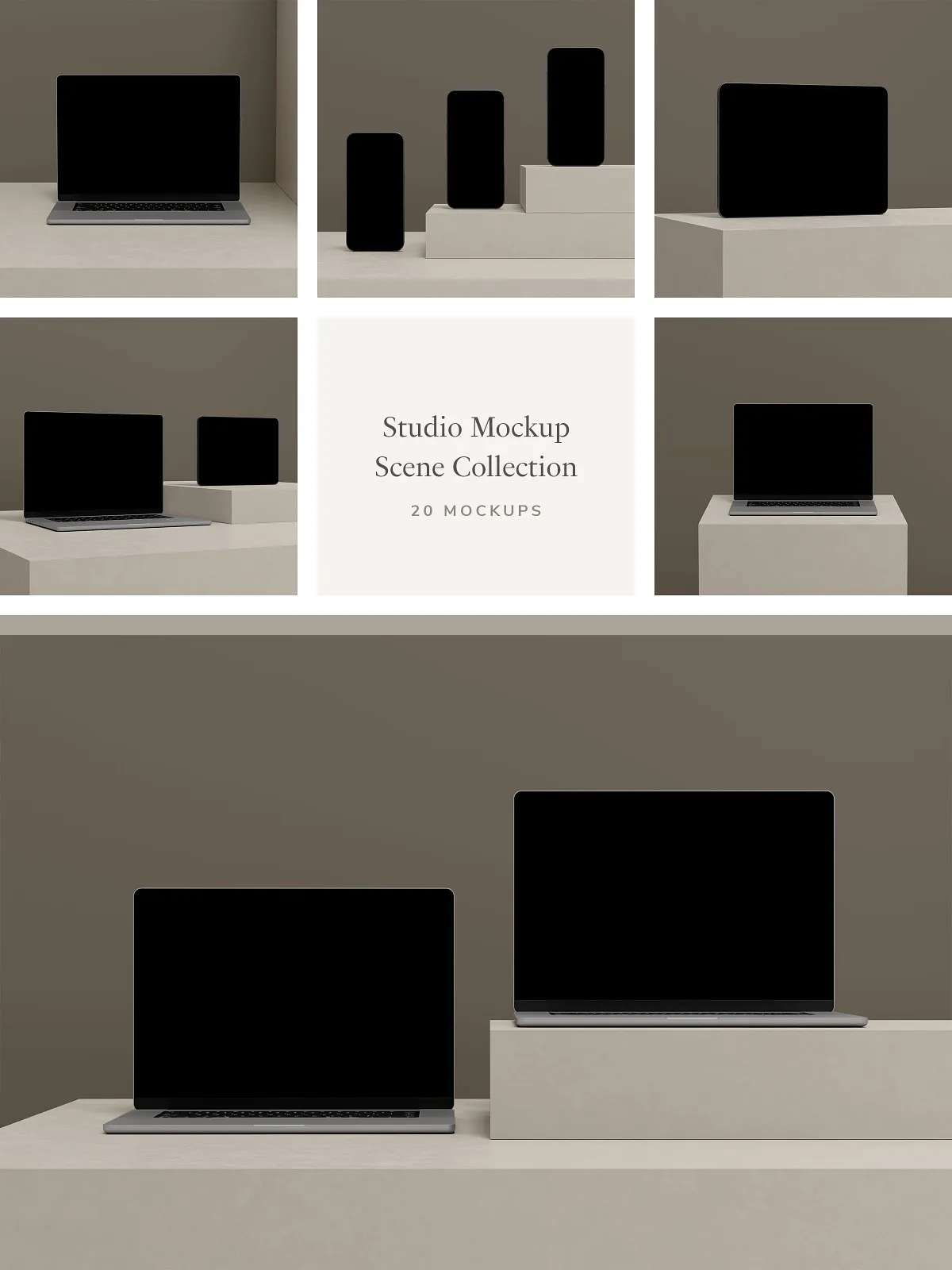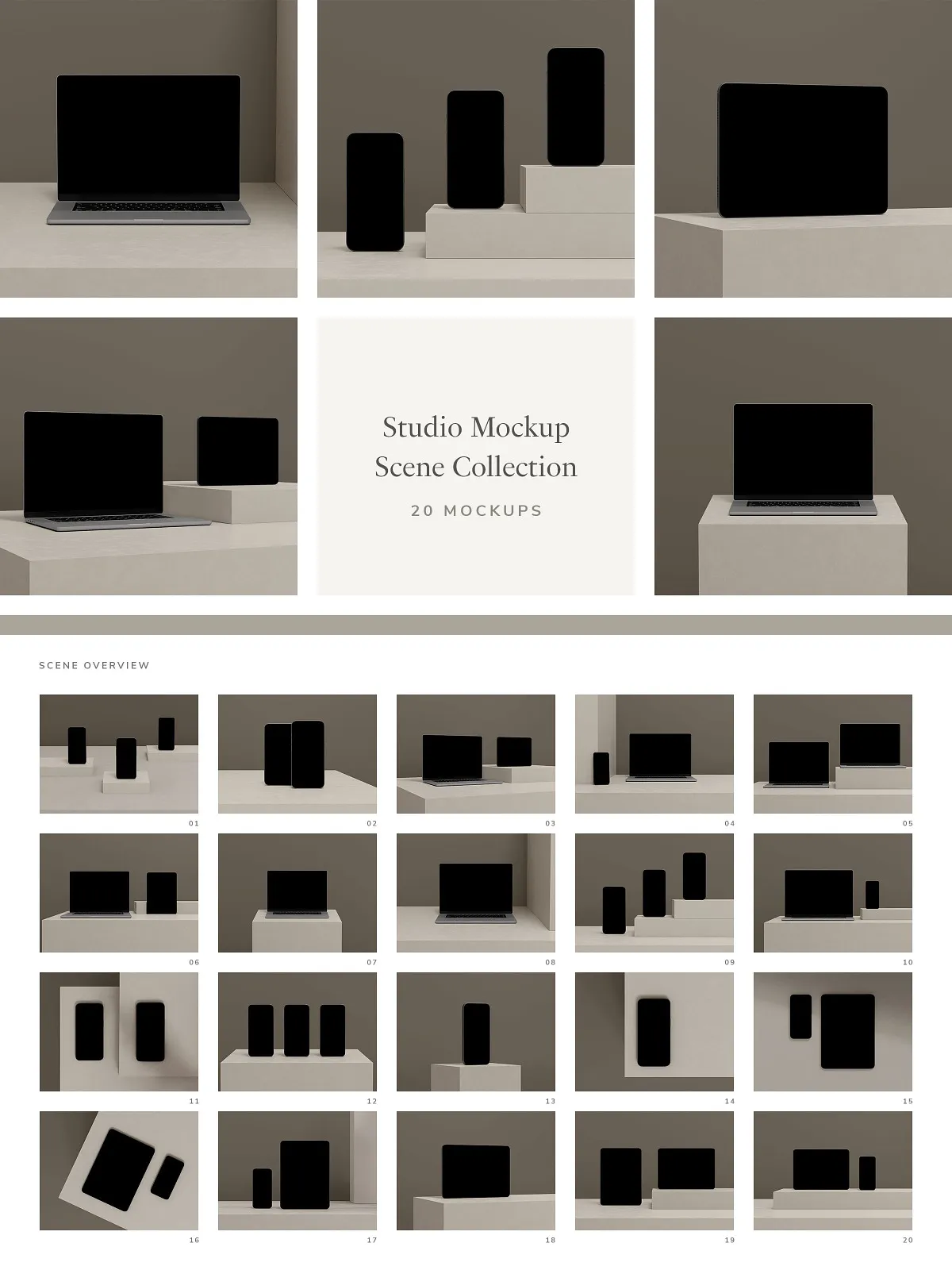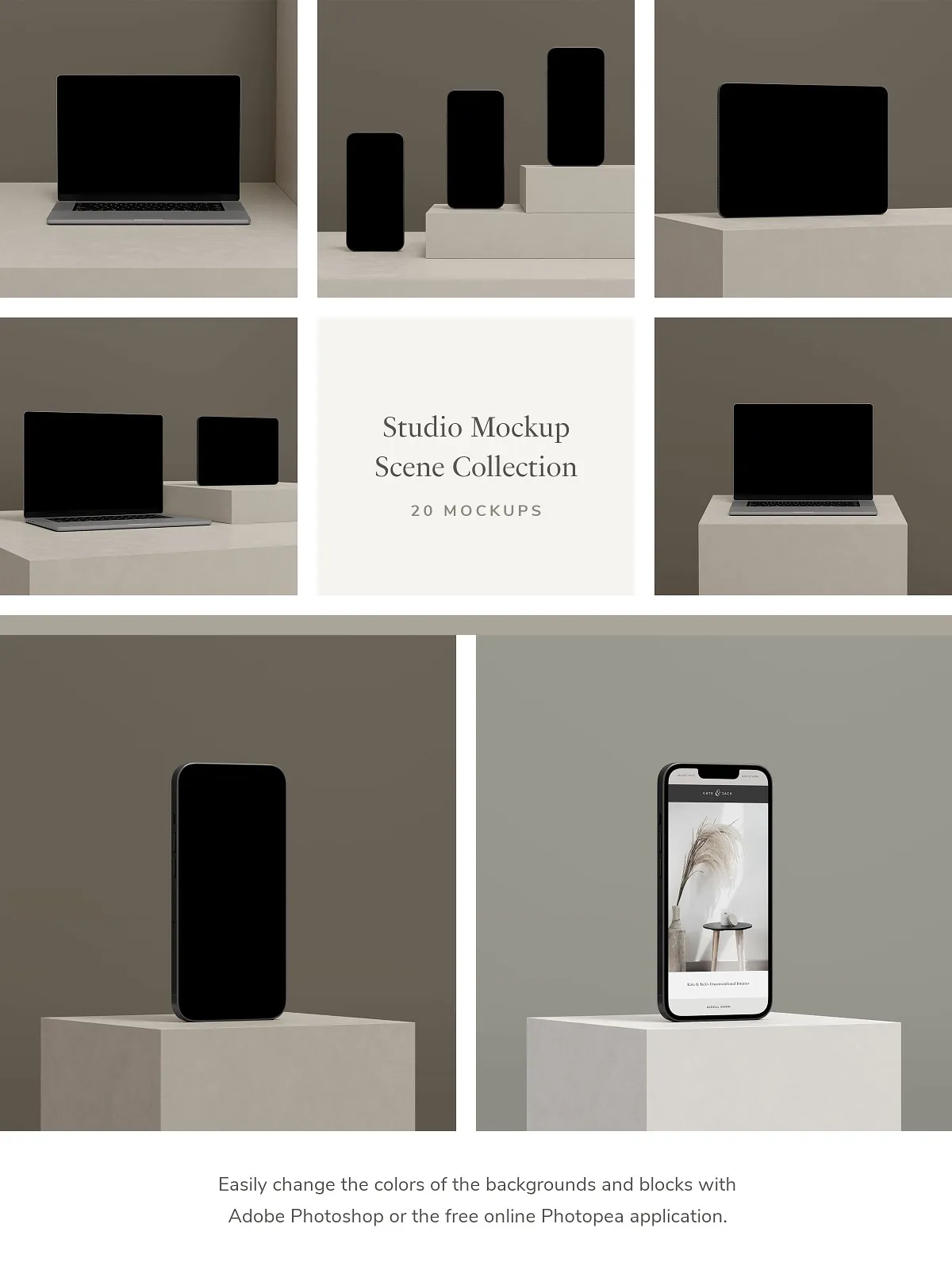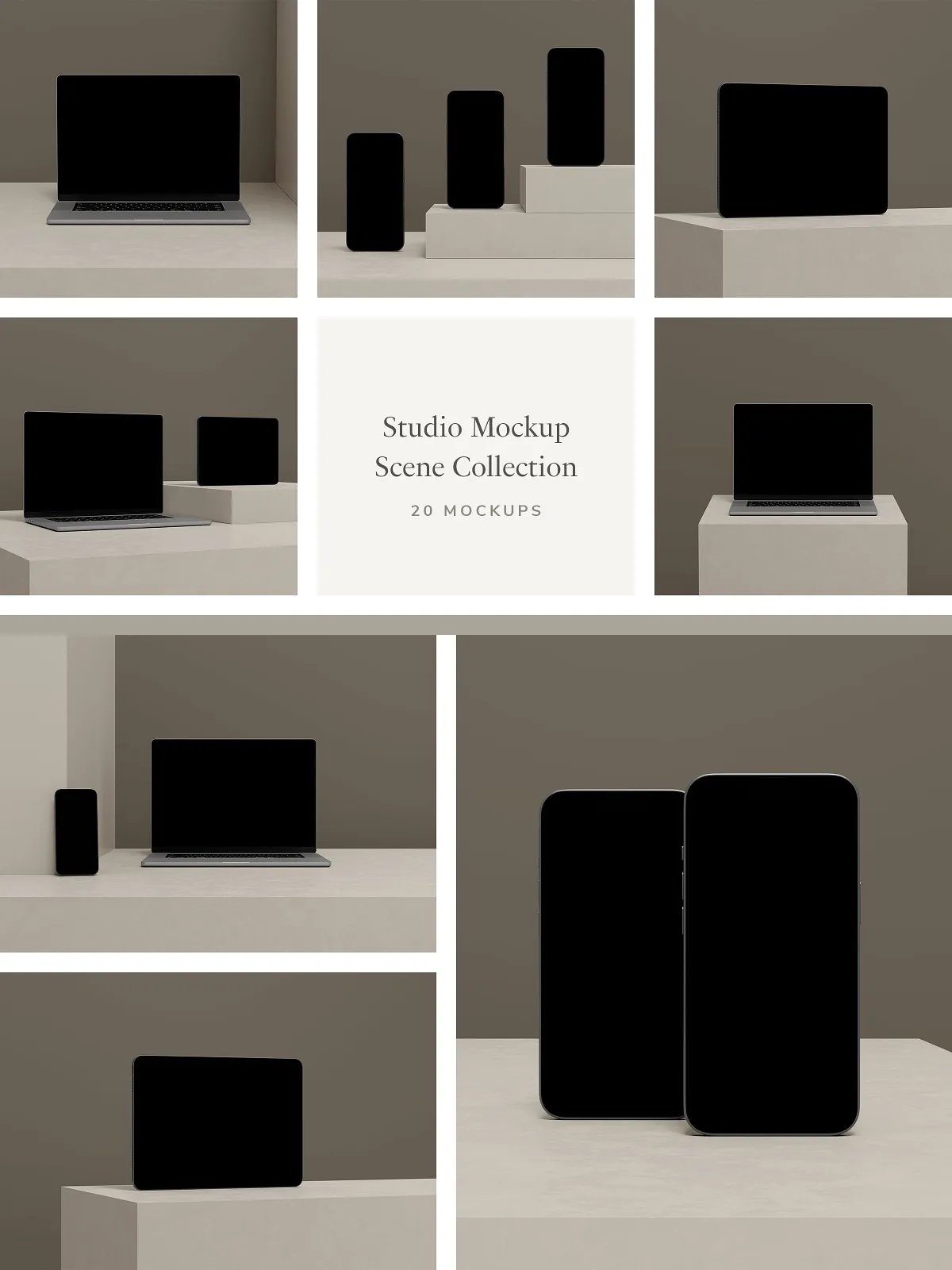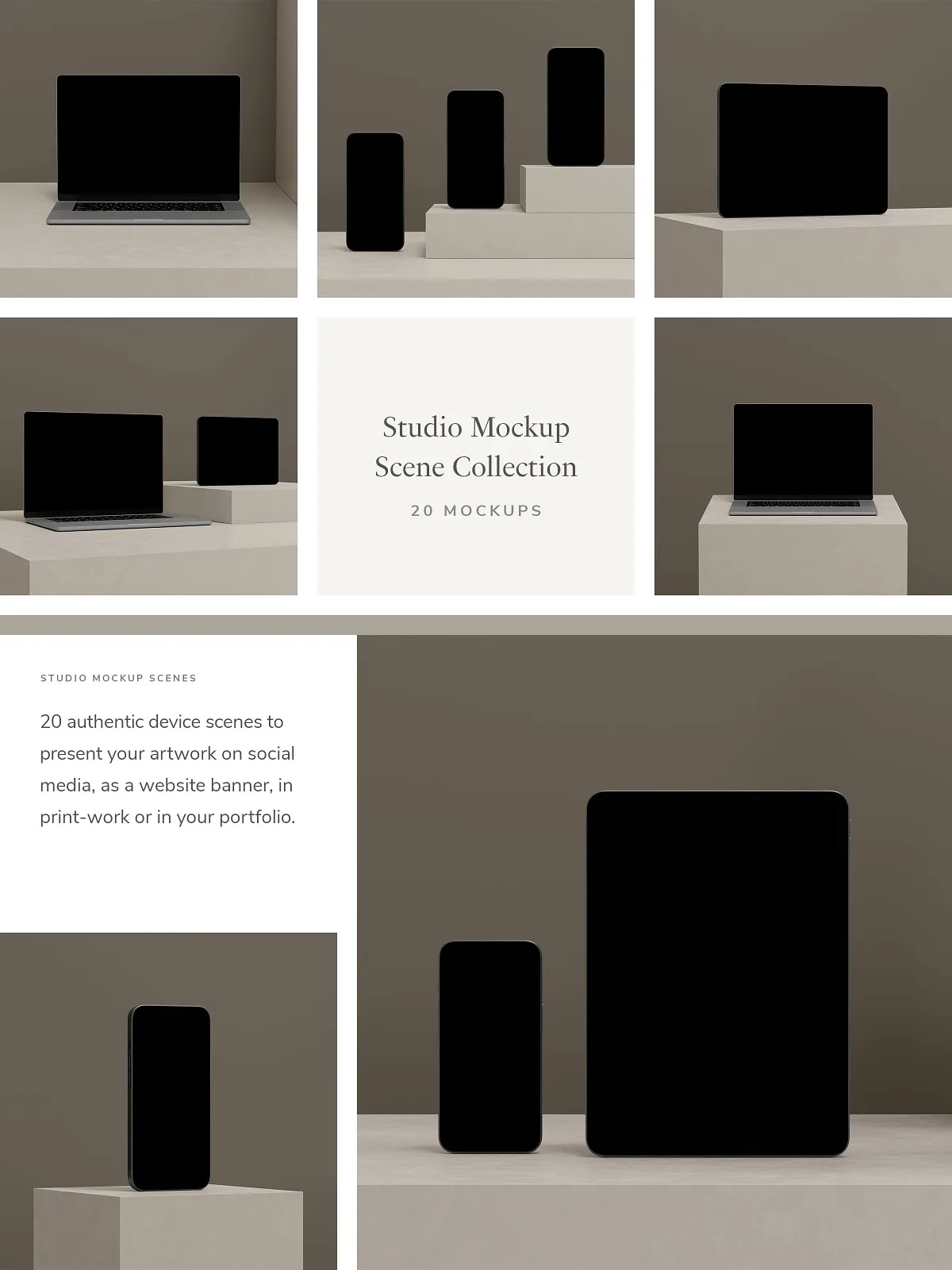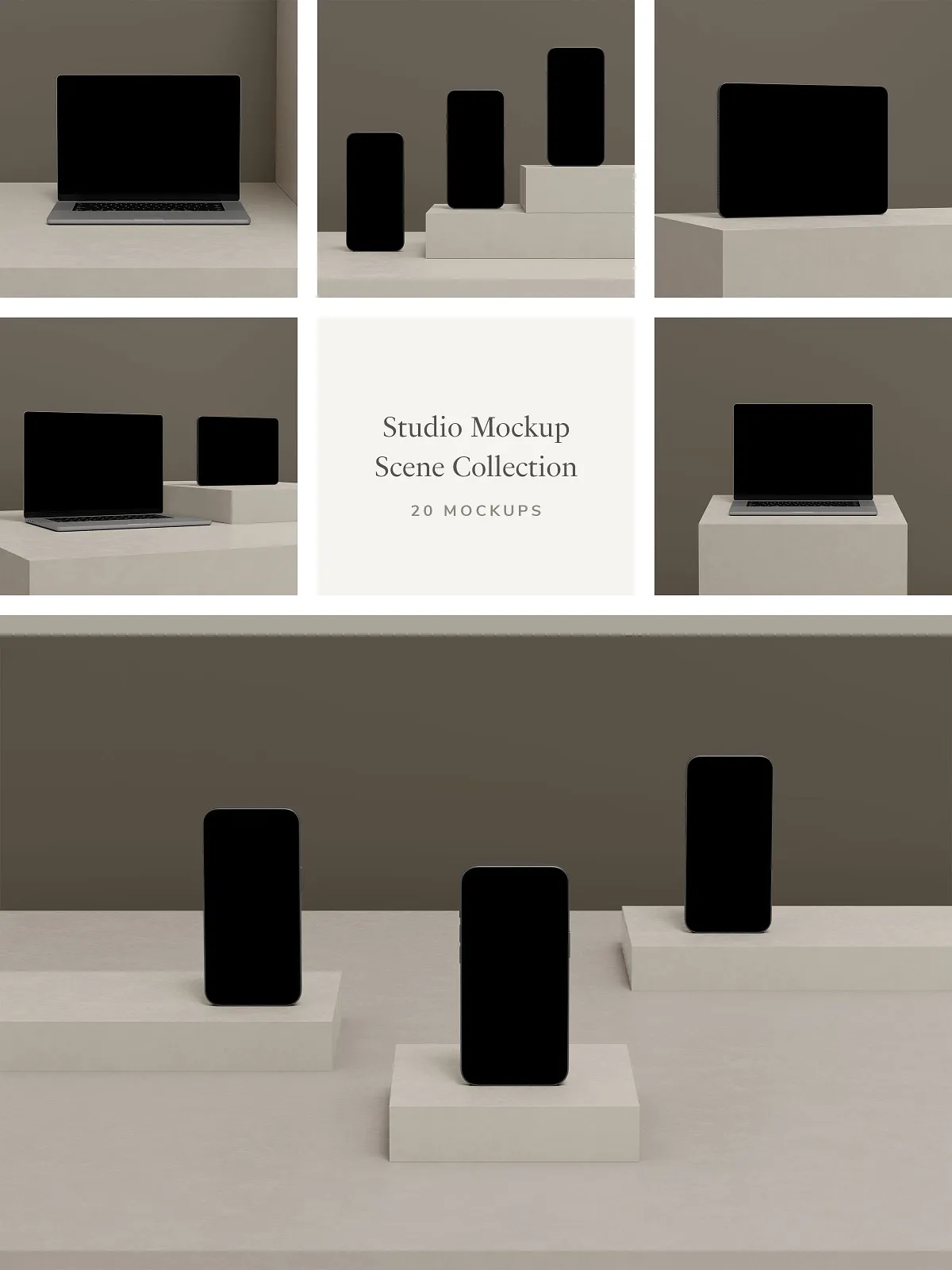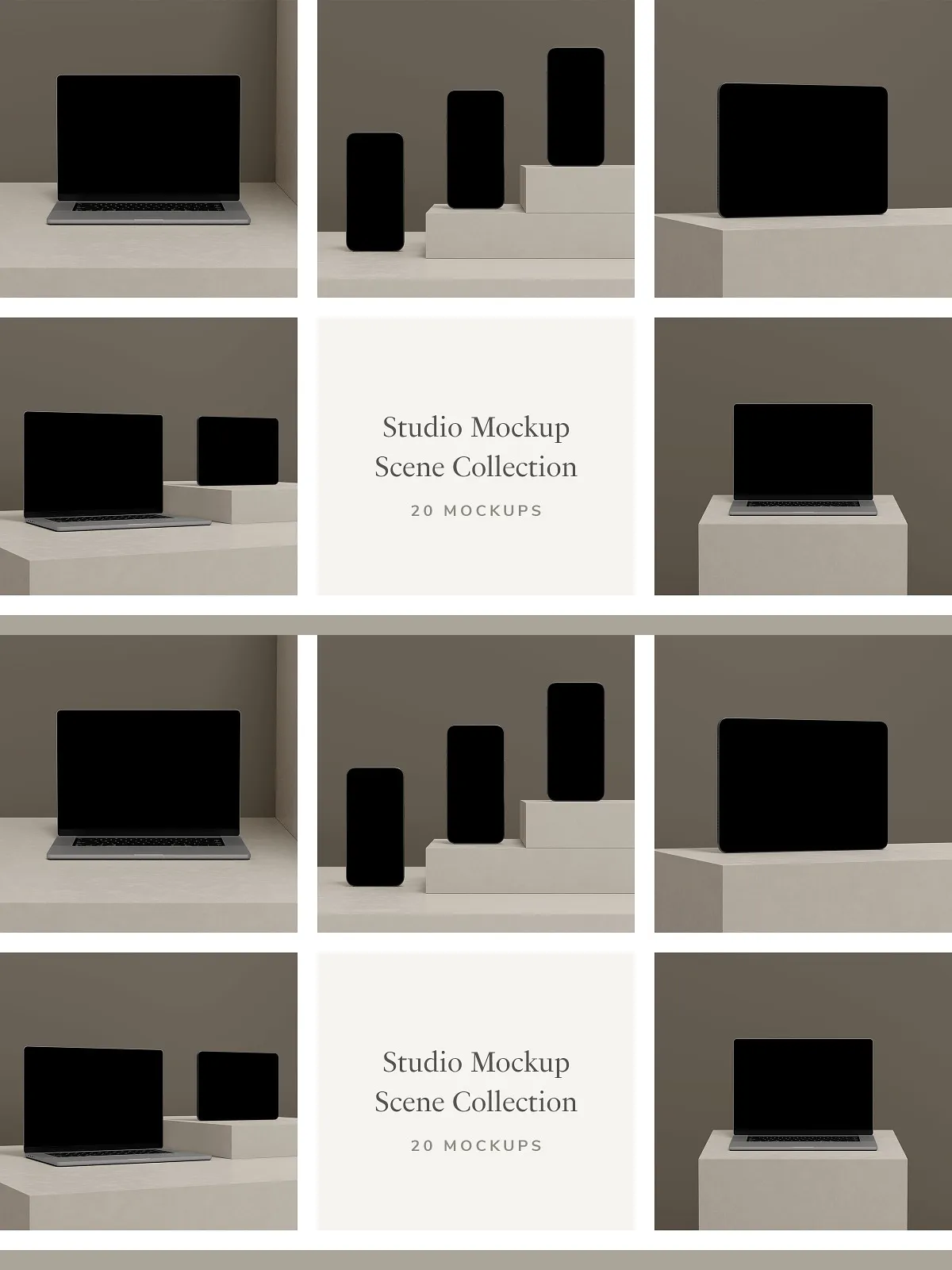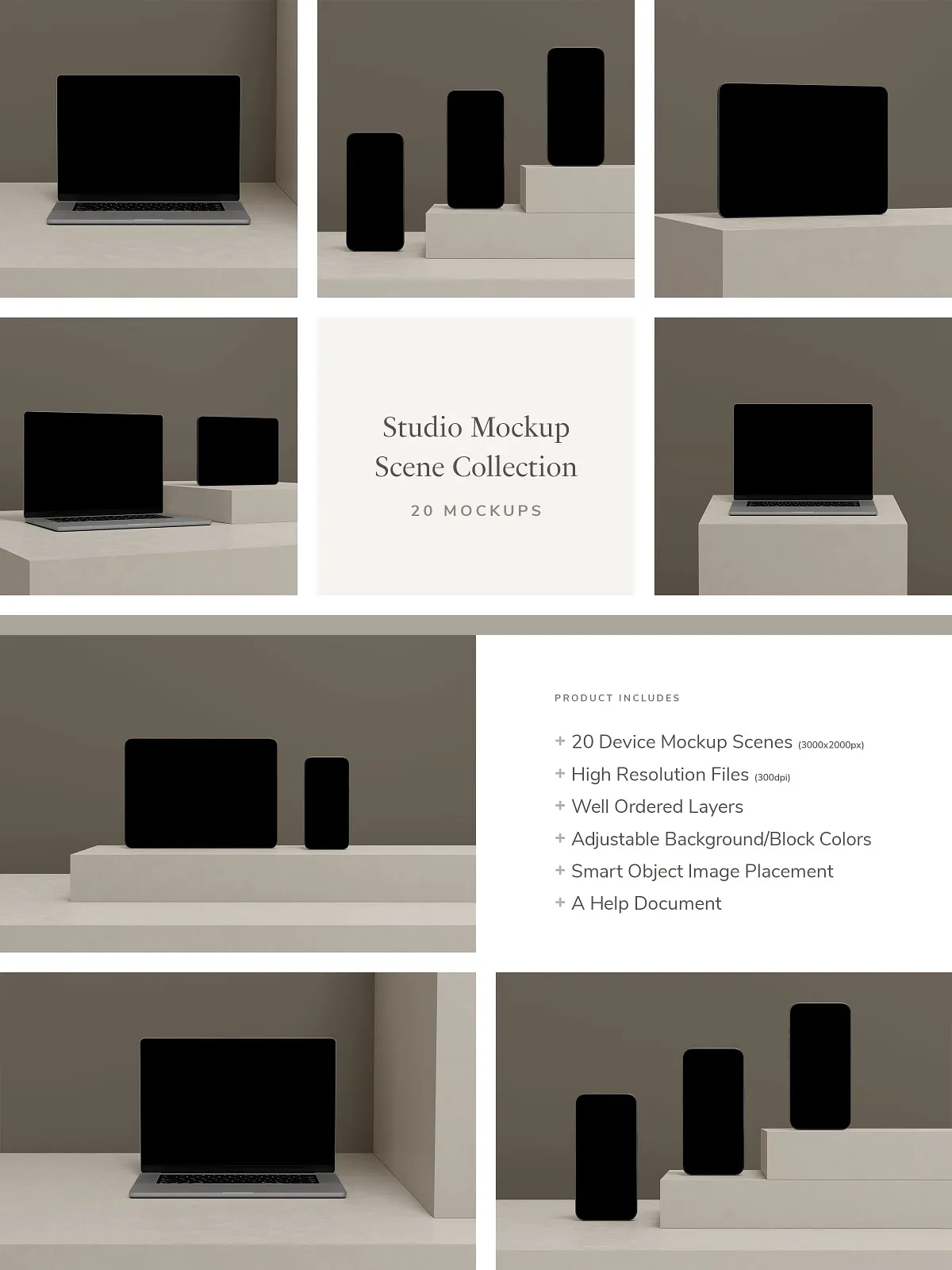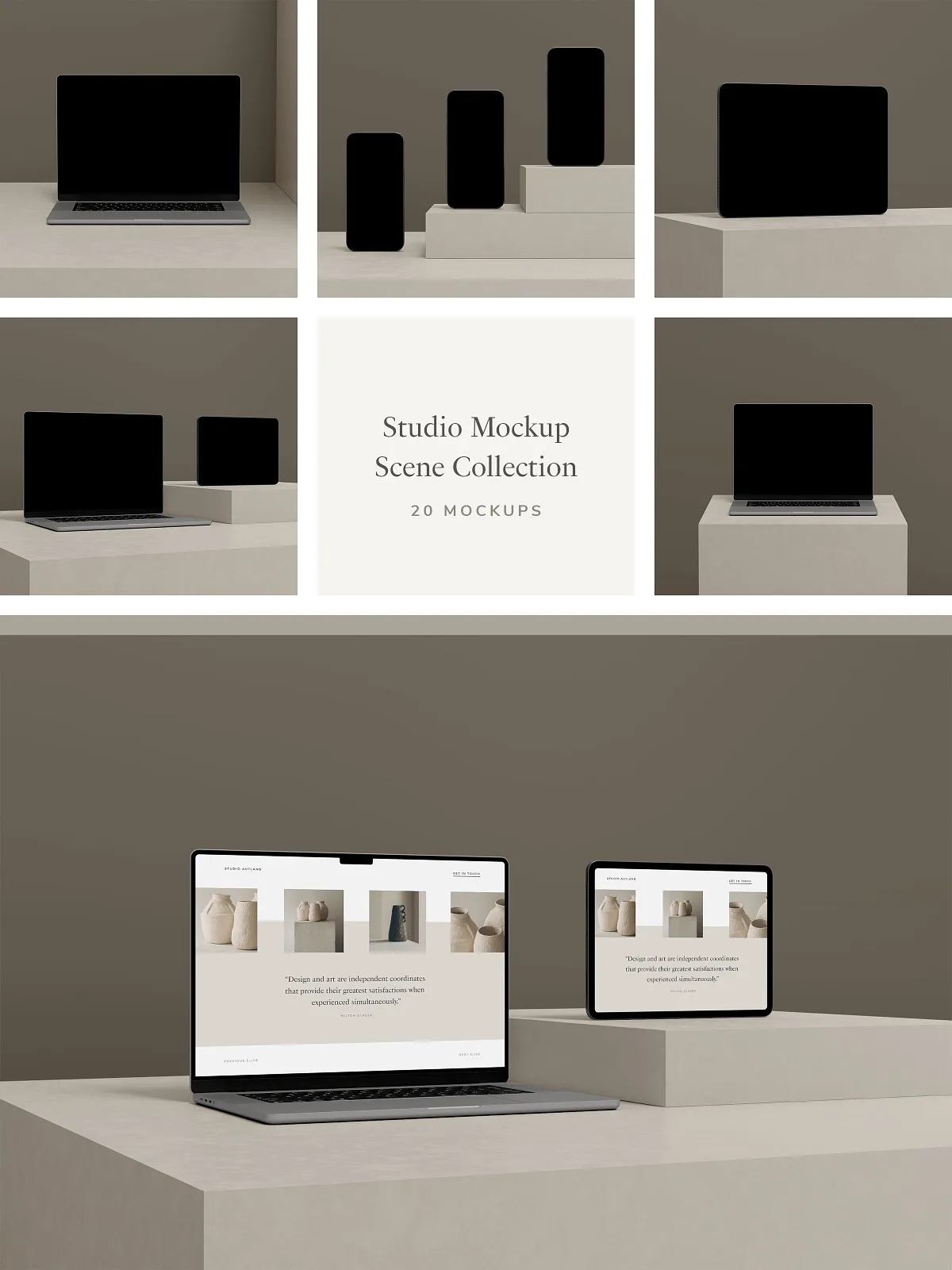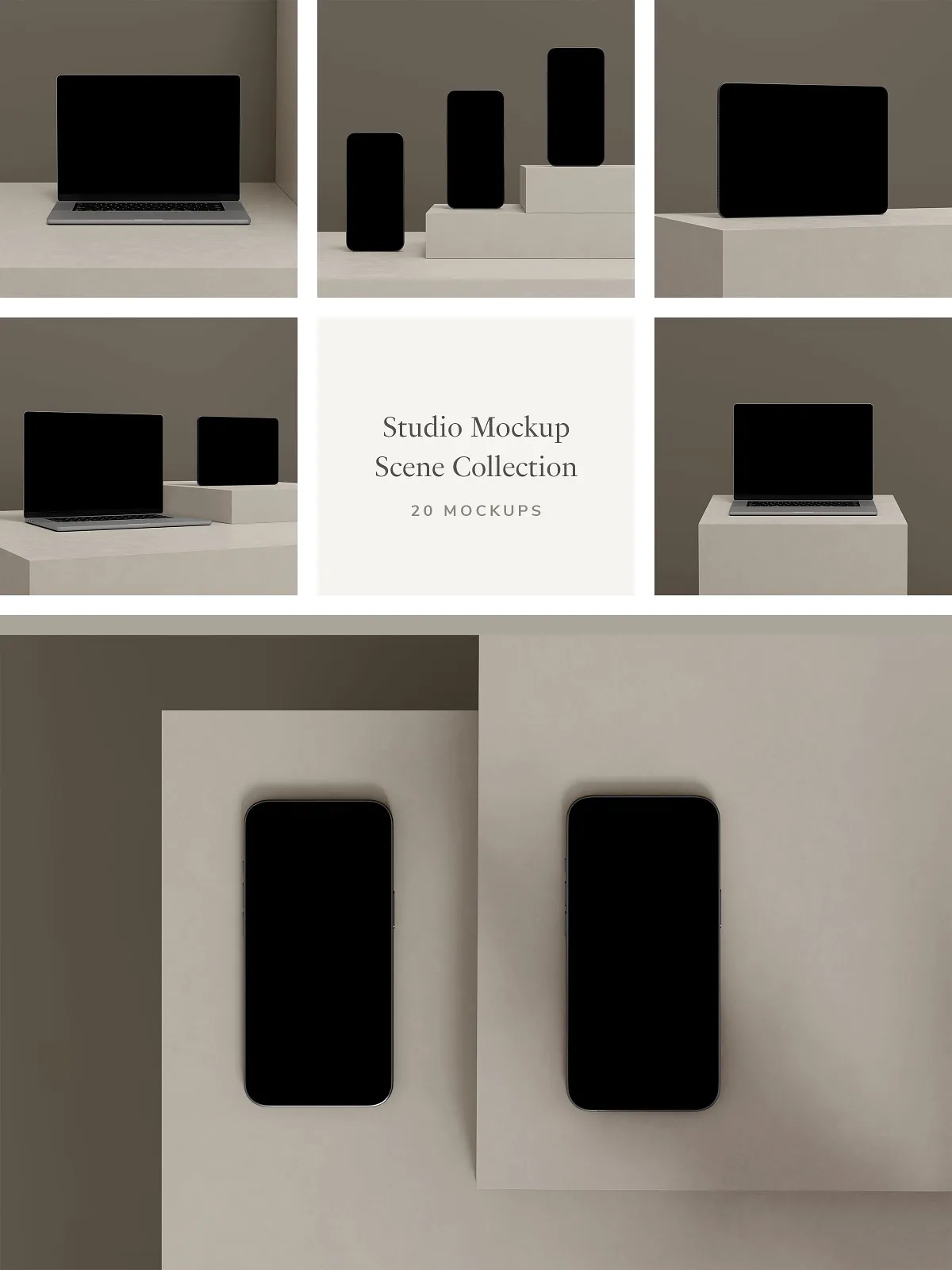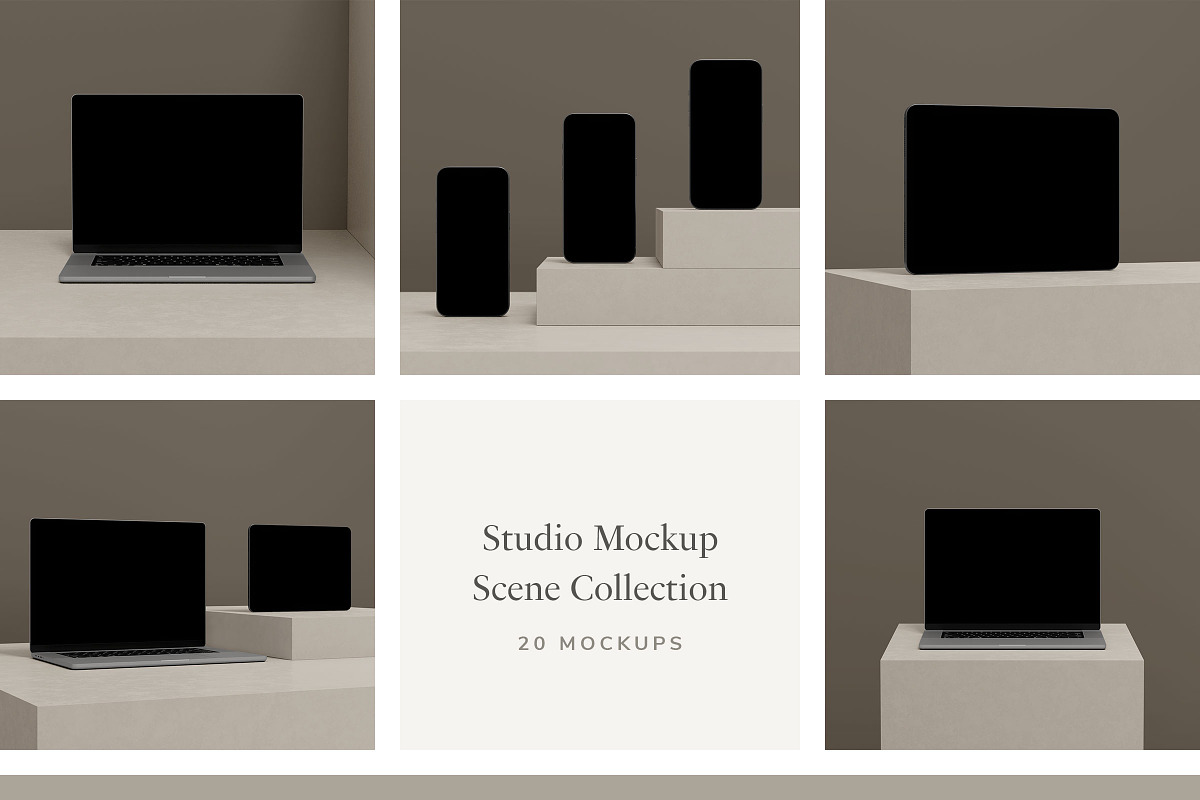
Unlock the power of visual storytelling with the 20 High-Resolution Studio Mockup Scene Collection—a meticulously crafted set of photograph-based, minimalistic mockups designed to amplify your digital artwork, photography, and design concepts. Engineered for flawless integration in Adobe Photoshop and Photopea, this collection delivers cinematic realism with minimal effort. Every scene is built from real-world studio setups, featuring crisp lighting, clean backdrops, and subtle depth cues that bring your images to life with unmatched authenticity. Whether you’re launching a brand, showcasing a portfolio, or crafting digital marketing content, these mockups give your work the professional polish it deserves—without the complexity.
Immerse Your Work in Realistic, Minimalistic Studio Environments
Step beyond generic templates and embrace environments that reflect modern elegance and design intentionality. Each of the 20 studio mockups is captured in carefully styled, neutral-toned spaces—sleek white backdrops, soft gray walls, and ambient studio lighting—that allow your content to remain the undeniable focal point. The minimalistic aesthetic ensures your artwork isn’t competing for attention—it’s being celebrated. Every frame is engineered to highlight precision, clarity, and emotional neutrality, making it ideal for brands, artists, and creatives who value sophistication over clutter. These scenes are not just backgrounds—they are curated stages that elevate your visuals from mere images to compelling narratives.
Optimize for Every Use Case with Adaptive Image Dimensions and Quality
- 3000 x 2000px Image Resolution – Delivers ultra-sharp, high-definition results perfect for web, print, and social media platforms.
- 3:2 Ratio (16:9 Optimized) – Maintains consistent proportions across desktop, mobile, and presentation formats, preventing unwanted cropping.
- 300 DPI Print-Ready Quality – Meets professional print standards for brochures, exhibition materials, flyers, and marketing collateral.
- Customizable Background & Block Colors – Easily change wall or floor tones to match your brand palette or creative mood.
- Smart Object Integration – Replace your artwork in seconds by double-clicking the Smart Object layer—no resizing, no distortion, no complex masking.
Accelerate Your Workflow with Smart, Seamless Editing
Stop wasting time on manual layering and edge blending. The Smart Object system enables instant image replacement with flawless scaling and alignment. Your artwork adjusts proportionally while maintaining perfect focus, clarity, and positioning. This non-destructive workflow means your original file remains untouched, allowing unlimited experimentation. Whether you’re testing multiple versions of a design, creating consistent branding assets, or generating content for fast-turnaround campaigns, this feature cuts production time dramatically. Focus on creativity—not technical hurdles.
Stay Organized with a Professionally Structured PSD File
- Well-Ordered, Color-Coded, and Clearly Labeled Layers – Navigate your file effortlessly with intuitive naming (e.g., “Background”, “Frame”, “Artwork”, “Shadow”) and visual layer grouping.
- Vector-Based Frame Outlines – Ensure crisp edges at any scale, critical for clean print outputs and large-format displays.
- Dynamic Shadow and Depth Layers – Realistic lighting effects that enhance depth and dimensional realism without manual tweaking.
- Modular Design Components – Easily toggle visibility of passe-partout, frame borders, or background layers to suit different presentation needs.
Master the Kit in Minutes with a Comprehensive Step-by-Step Guide
No design experience required. The included PDF help guide walks you through every critical step with clear, illustrated instructions:
- Opening the PSD file in Photoshop or Photopea.
- Replacing your image via the Smart Object layer.
- Adjusting layout, alignment, and scaling.
- Customizing background and mat color settings.
- Exporting final images in PNG, JPEG, or PDF formats.
- Troubleshooting common issues with visual examples.
The guide uses plain language and visual cues—no jargon, no confusion—so you can go from download to first presentation in under 10 minutes. Perfect for freelancers, students, small businesses, and agency teams.
Dominate Every Platform with Strategic Visual Deployment
Deploy these mockups across your entire creative ecosystem:
- Engage Social Media Audiences – Create scroll-stopping content for Instagram, Pinterest, LinkedIn, and TikTok with clean, high-impact visuals.
- Elevate Website Presentations – Use as banner banners, product demos, or project showcases that reinforce credibility and professionalism.
- Deliver Print-Ready Branding – Produce business cards, flyers, brochures, and exhibition panels with premium print quality and consistent visual identity.
- Win Client Approvals with Confidence – Present designs in realistic contexts that demonstrate foresight, planning, and attention to detail.
- Build a Cohesive Design Portfolio – Ensure all your projects have a unified, polished look that stands out in competitive spaces.
Why This Collection Stands Above the Rest: Authenticity Through Simplicity
While many mockup kits rely on heavy textures or dramatic lighting, this collection thrives on restraint. Its minimalistic approach isn’t empty—it’s intentional. By stripping away visual noise, it forces your content to speak for itself. The warmth comes from precision, not clutter. The realism comes from natural shadows, subtle gradients, and authentic surface quality. These are not digital artifice—they are reflections of real studio production. This is design that doesn’t shout. It speaks with confidence, clarity, and quiet authority.
Elevate Your Work—Start Presenting Like a Pro Today
This isn’t just another mockup pack. It’s a strategic asset for creatives who demand excellence. Leave behind flat, generic placeholders and embrace a tool that transforms your digital assets into credible, compelling, and shareable visuals. Whether you’re a photographer, illustrator, designer, or brand manager, the Studio Mockup Scene Collection ensures your work isn’t just seen—it’s believed, respected, and remembered.
Download the 20 High-Resolution Studio Mockup Scene Collection Now—and start turning every image into a story that resonates.